
As you all know, an unofficial PC version of Super Mario 64 was released in May 2020. Three of the best mods for it are the Ray Tracing Mod, the Co-Op Mod, and the Render96 HD Texture Pack. And finally, all these mods are compatible with each other, letting you have the best SM64 experience you’ll ever get.
So what do these three mods do exactly? Well, the Ray Tracing mod is self-explanatory. This mod adds real-time Ray Tracing to the game. As such, we get a remastered version that looks incredible on PC.
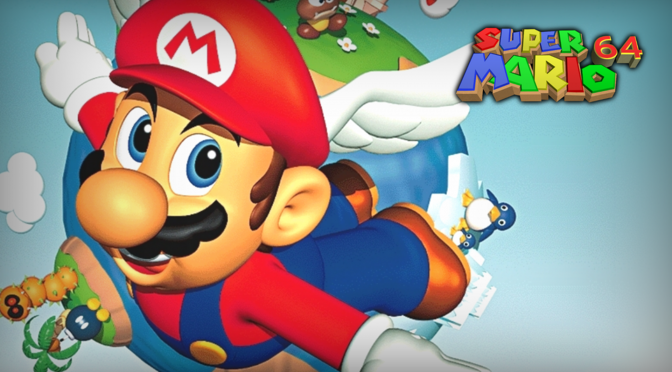
The Render96HD Texture Pack attempts to match the game’s promotional artwork from the late 1990s. Its modding team has recreated every model and asset using images found online from the Nintendo 64 era.
Finally, Super Mario 64 Co-Op Deluxe lets you play Super Mario 64 with your friends. Super Mario 64 Co-Op Deluxe syncs every level and every object so multiple people can play together smoothly. The mod supports up to 16 players at once and includes a growing Lua modding system. This lets modders and players enjoy Super Mario 64 in new, easier, and more creative ways.
At the end of the article, you can find a video that showcases all three mods. But how can you make Super Mario 64 look like this?
Well, firstly, you’ll have to download the Ray Tracing version of Super Mario 64 Co-Op Deluxe from here. Do note that you need to be logged in to GitHub to download it. Then, you’ll need the Ray Tracing version of Render 96. Finally, you’ll need the latest version of the Render96 Texture Pack.
To enable Ray Tracing, you’ll have to go to Options/Display, choose RT64 as the “Graphics Backend”, and restart the game. Then, you can press F2 to configure Ray Tracing and DLSS. You can do so from the options in the “View Params Inspector”.
Have fun!


John is the founder and Editor in Chief at DSOGaming. He is a PC gaming fan and highly supports the modding and indie communities. Before creating DSOGaming, John worked on numerous gaming websites. While he is a die-hard PC gamer, his gaming roots can be found on consoles. John loved – and still does – the 16-bit consoles, and considers SNES to be one of the best consoles. Still, the PC platform won him over consoles. That was mainly due to 3DFX and its iconic dedicated 3D accelerator graphics card, Voodoo 2. John has also written a higher degree thesis on the “The Evolution of PC graphics cards.”
Contact: Email