

Last week, Electronic Arts released Mirror’s Edge Catalyst. As with most of EA’s games, Mirror’s Edge Catalyst is powered by the Frostbite 3 Engine. And as we’ve already said, Frostbite 3 is perhaps one of the most optimized engines to date. As a result of that – and despite its open-world nature – Mirror’s Edge Catalyst is one of the most optimized PC games of 2016.
For this PC performance analysis we used an Intel i7 4930K (turbo boosted at 4.0Ghz) with 8GB RAM, NVIDIA’s GTX980Ti and GTX690, Windows 10 64-bit and the latest NVIDIA WHQL driver. NVIDIA has already included an SLI profile for this game, meaning that you won’t have to mess around with third-party tools in order to enable it.
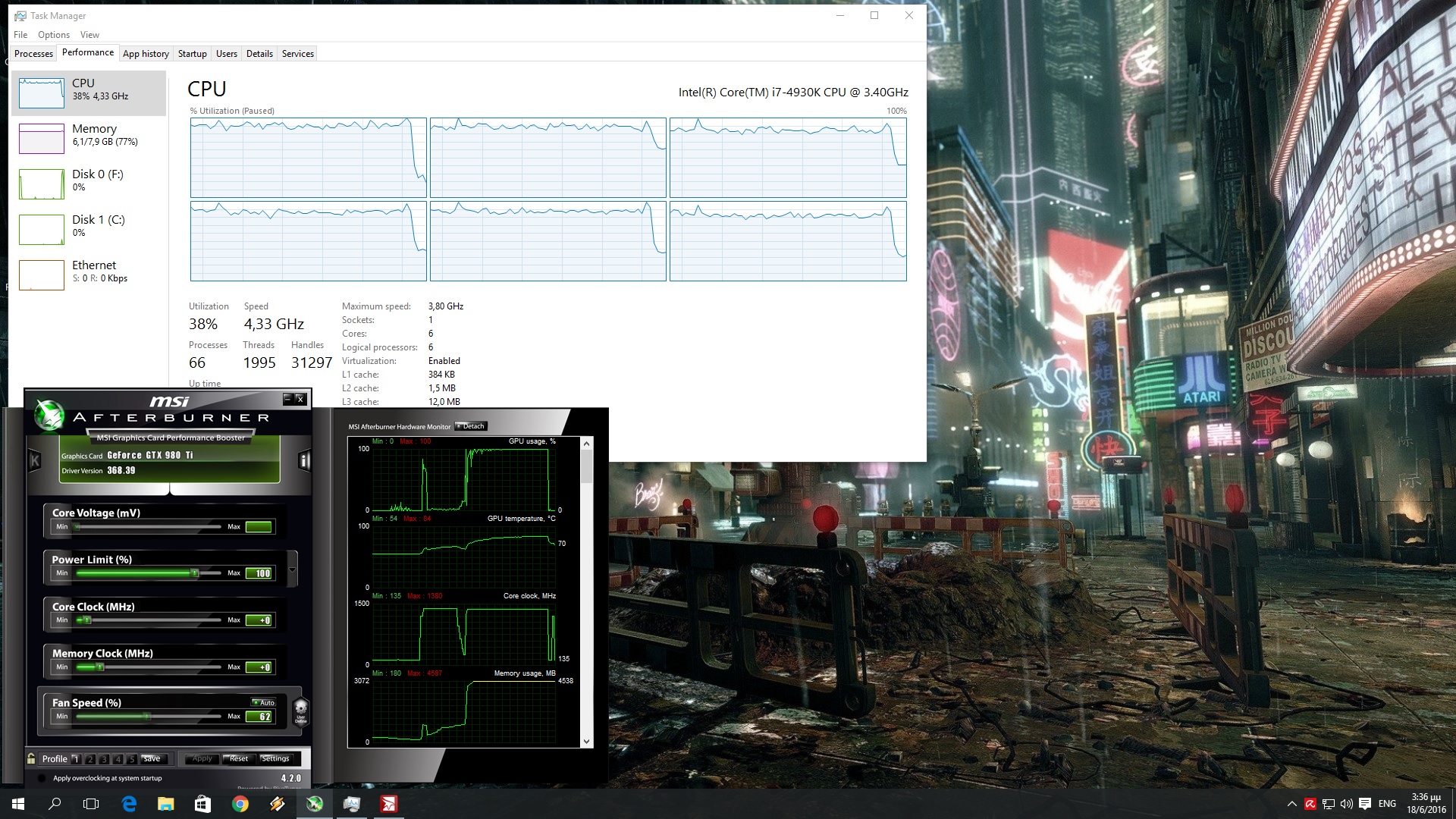
Mirror’s Edge Catalyst ran with constant 60fps on our GTX690 at 1080p on Ultra settings. In order to avoid any possible VRAM limitation, we had “GPU Memory Restriction” enabled. As a result of that, and despite some really low-resolution textures that are caused by this setting, the game was running perfectly fine on the GTX690 (SLI scaling was great).
Given the fact that Mirror’s Edge Catalyst was running fine on our GTX690, we were wondering whether our GTX980Ti was able to offer a constant 60fps experience on the game’s max “Hyper” settings. And we are happy to report that everything was running ideally. NVIDIA’s GTX980Ti is able to handle Mirror’s Edge Catalyst with more than 60fps at all times at 1080p on “Hyper” settings.
In order to find out how the game scales on various CPUs, we simulated a dual-core and a quad-core CPU. Frostbite 3 scales incredible well on multiple threads, and Mirror’s Edge Catalyst benefits from the presence of multiple threads.
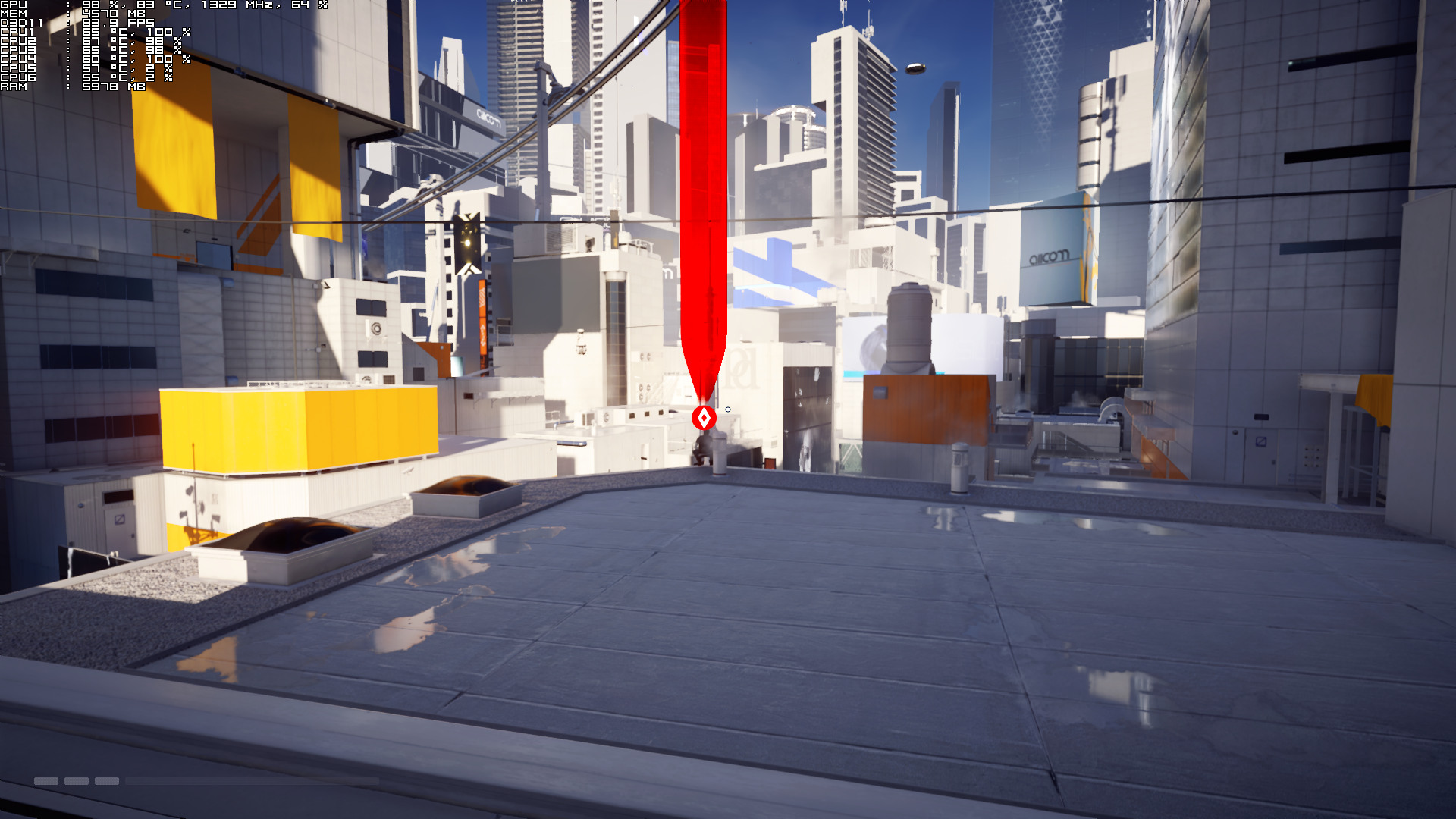
In this particular scene, Mirror’s Edge Catalyst ran with only 20fps on our simulated dual-core CPU (on Ultra settings). And while the game ran with 85fps on our simulated quad-core CPU, we were experiencing a lot of stutters (our simulated quad-core was used to its fullest so we are pretty sure that those stutters were caused by the extreme CPU usage). As soon as we enabled Hyper Threading, we saw a massive performance increase on our simulated dual-core system (the game was running with 60fps when we enabled HT). Not only that, but our simulated quad-core system was able to offer a stutter-free experience when HT was enabled. Therefore, we strongly suggest enabling Hyper Threading for this particular title, especially if you are using a dual-core or a quad-core CPU.
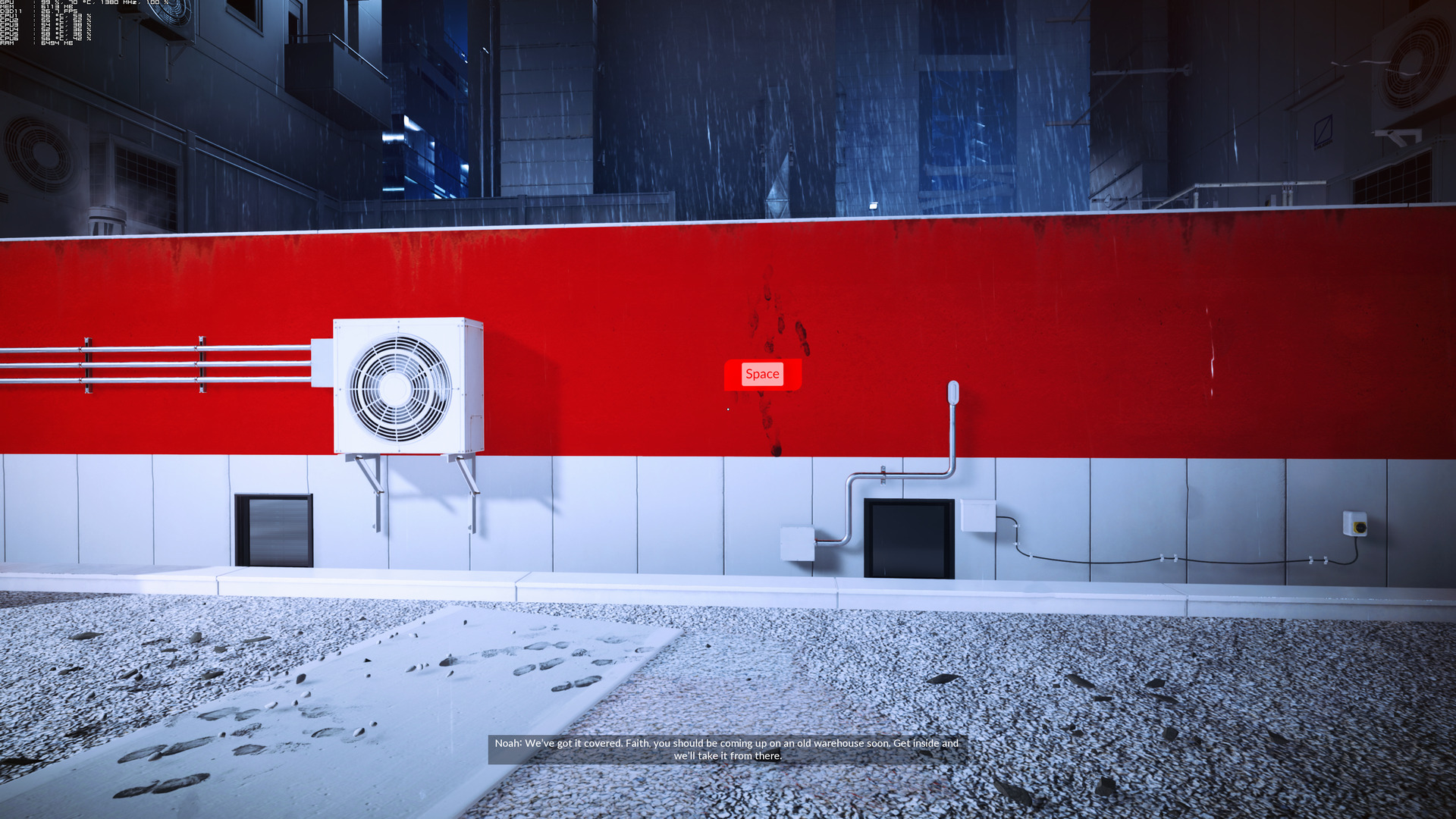
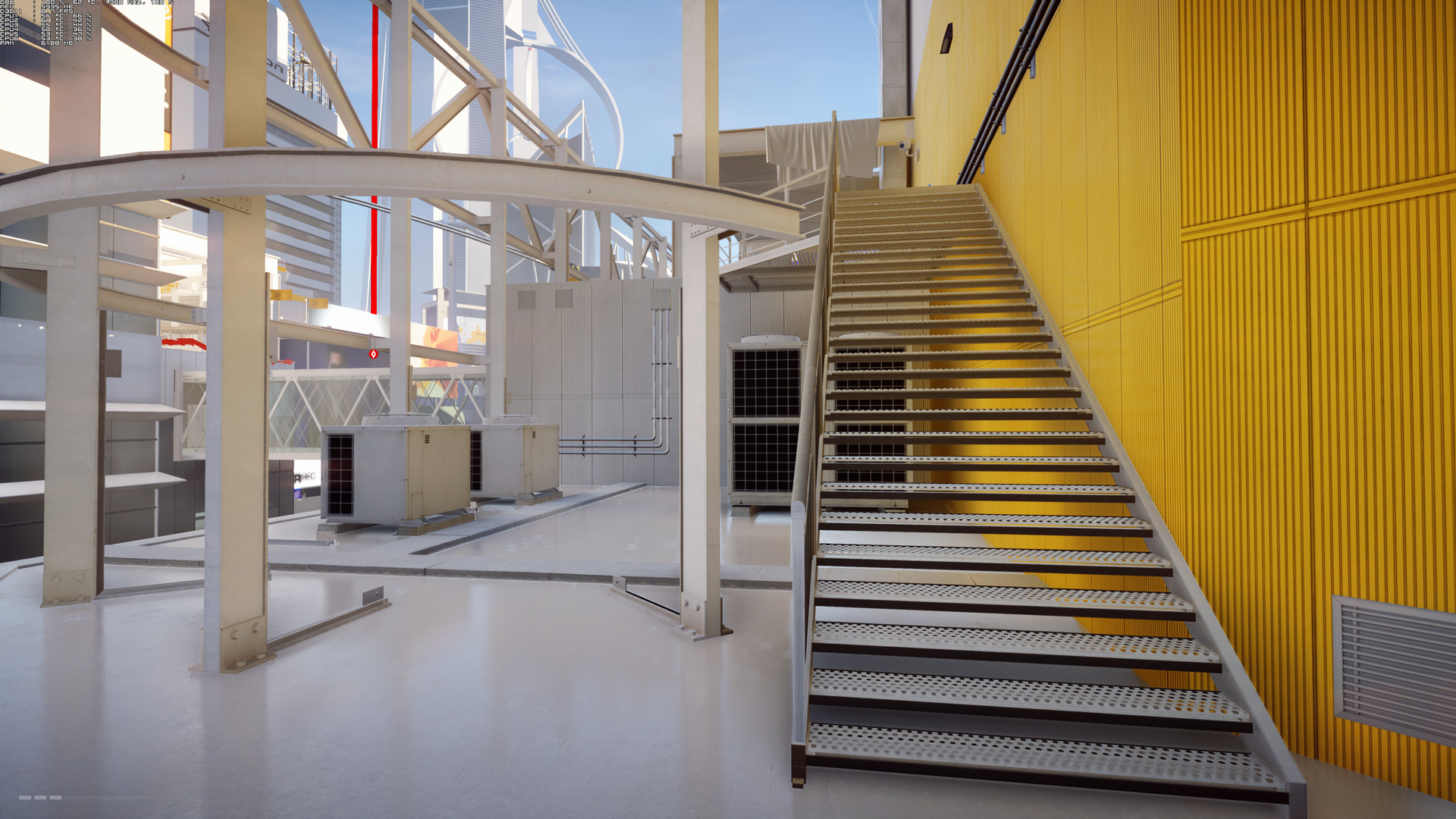
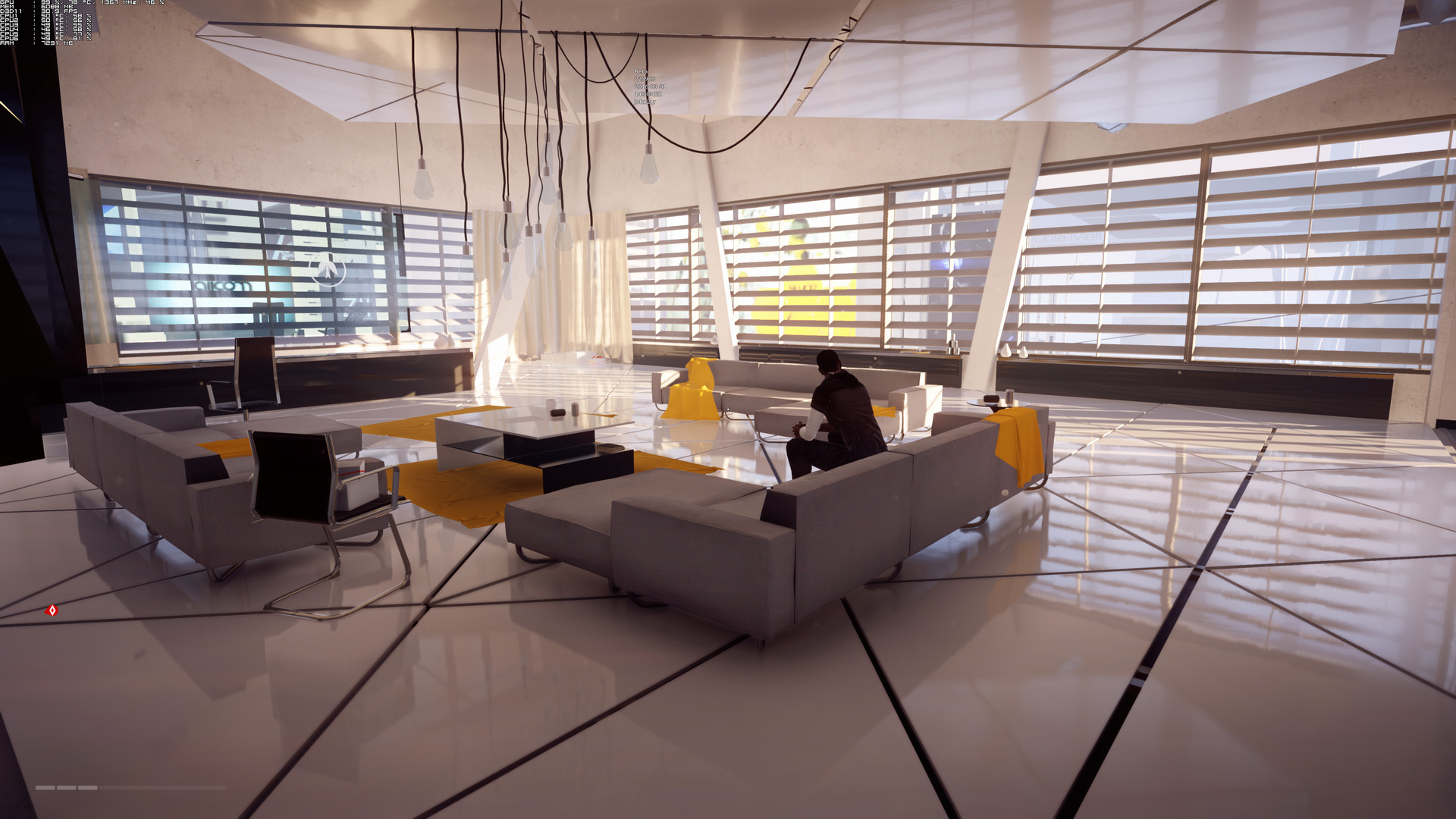
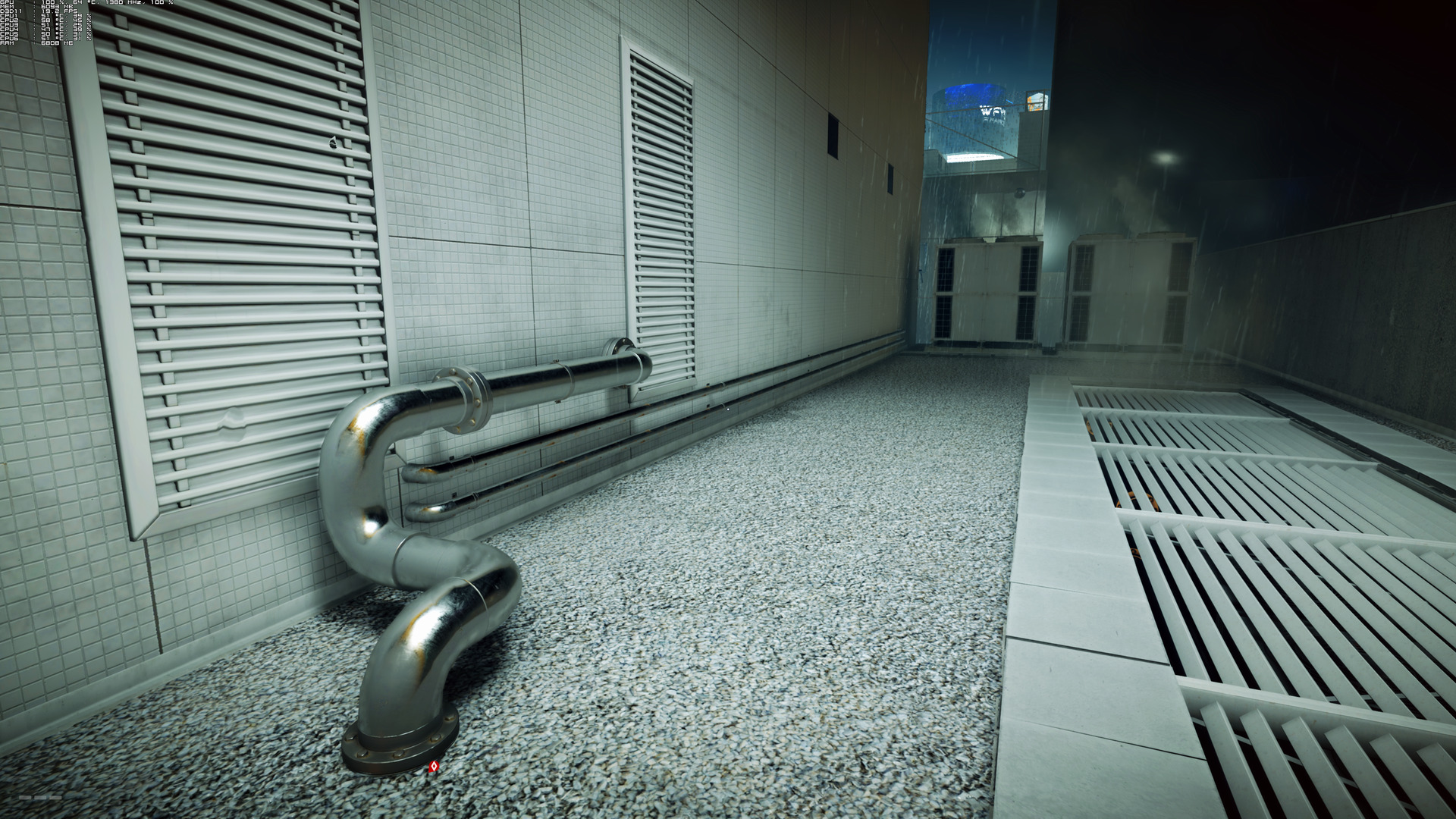
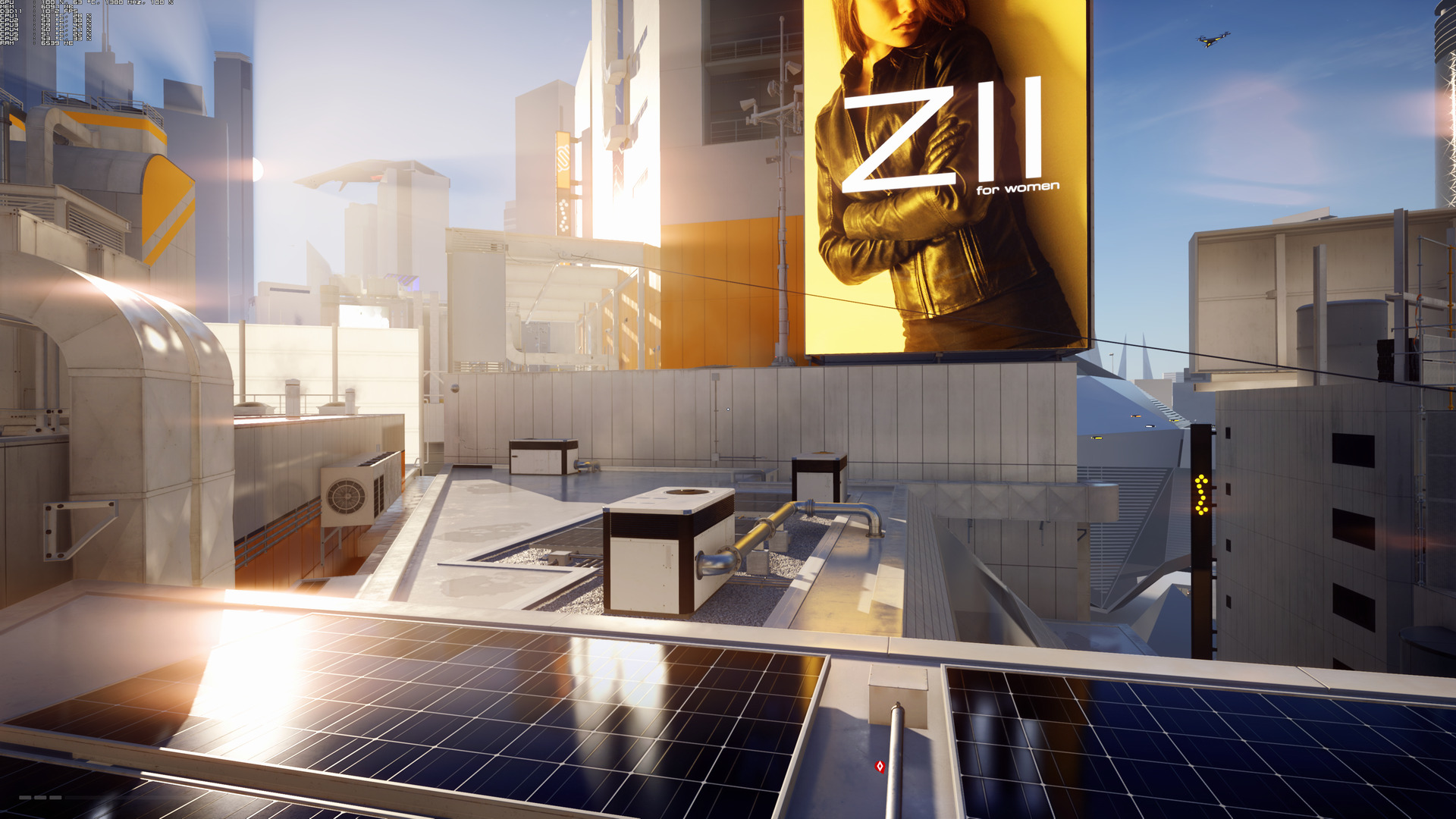
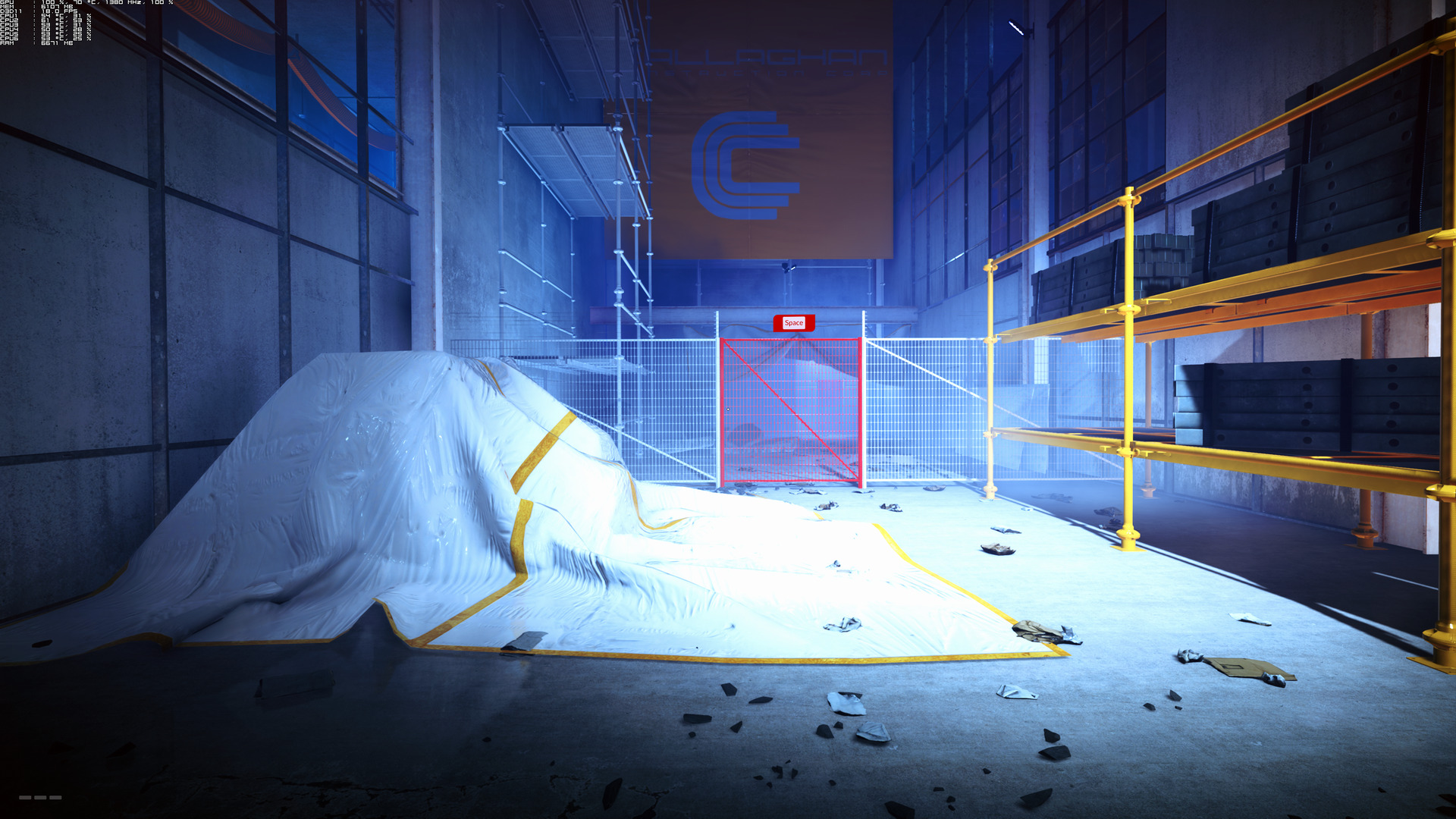
Graphics wise, Mirror’s Edge Catalyst looks amazing. The game packs some really impressive reflections, has an incredible art and level design, features highly detailed characters, is colourful, sports an amazing lighting system and most of its textures are of high quality. We’ve already shared some 4K screenshots so that you can admire for yourselves the beauty of Mirror’s Edge Catalyst. After all, it’s well known that Frostbite 3 offers great visuals and phenomenal performance, and Mirror’s Edge Catalyst is no exception to that. DICE has also included a number of flashing/ad walls in the background that cleverly hide the environmental pop-ins while running, though you’ll still be able to notice a few.


Overall, Mirror’s Edge Catalyst looks and performs amazingly well on the PC platform. DICE has gone the extra mile and implemented the “Hyper” settings, has included a FOV slider, there are proper on-screen keyboard indicators and we did not encounter any mouse acceleration issues. We would love to see some more extended graphics settings to tweak though as the ones that are available are nowhere close to those found in the Battlefield games, but that’s our only minor complain about Mirror’s Edge Catalyst.
Enjoy!

John is the founder and Editor in Chief at DSOGaming. He is a PC gaming fan and highly supports the modding and indie communities. Before creating DSOGaming, John worked on numerous gaming websites. While he is a die-hard PC gamer, his gaming roots can be found on consoles. John loved – and still does – the 16-bit consoles, and considers SNES to be one of the best consoles. Still, the PC platform won him over consoles. That was mainly due to 3DFX and its iconic dedicated 3D accelerator graphics card, Voodoo 2. John has also written a higher degree thesis on the “The Evolution of PC graphics cards.”
Contact: Email