
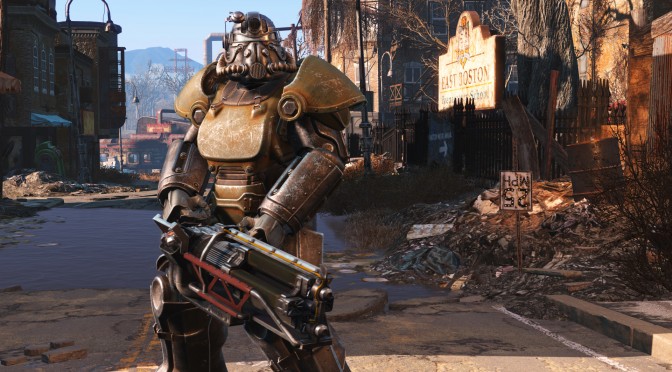
Now before we begin I feel like I should say that I have been a fan of Bethesda games for a long time, but I would be doing a major disservice to our readers if I wasn’t completely objective about this review. Be prepared for some pretty brutal honesty. Continue reading DSOGaming – Fallout 4 Review
Tag Archives: Bethesda
Fallout 4 – First Texture Mod Overhauls Terrain Surfaces & Uses Less VRAM + Realistic Lights Mod
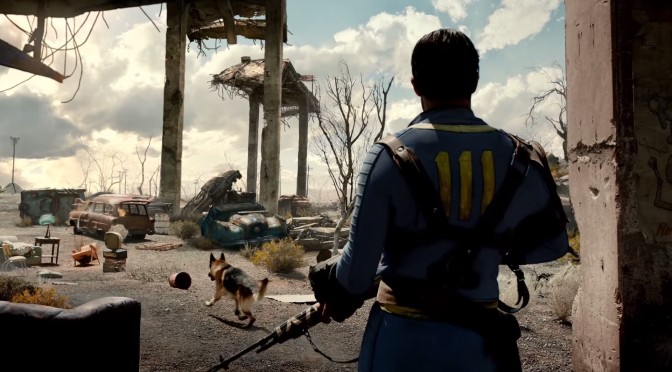
Fallout 4 fans, here is something for you today. Modder ‘Hein84’ released the first Texture mod for Fallout 4 that overhauls the game’s terrain surfaces. What is also amazing is that while these overhauled textures look better than the original ones, they are also about 1/4 less V-Ram heavy. Continue reading Fallout 4 – First Texture Mod Overhauls Terrain Surfaces & Uses Less VRAM + Realistic Lights Mod
Fallout 4 – First Beta Patch Now Available, Packs General Memory & Stability Improvements
As promised, Bethesda has released the first beta patch for Fallout 4. According to its release notes, this patch comes with general memory and stability improvements, and fixes a couple of bugs that were reported by the fans. You can read the complete changelog below. Continue reading Fallout 4 – First Beta Patch Now Available, Packs General Memory & Stability Improvements
Fallout 4 Surpasses 2 Million Sold Copies On Steam
Fallout 4 has been out for around ten days and according to Steamspy’s stats, the game has sold two million copies on Steam. These are great numbers, no doubt about that, and it will be interesting to see how long will it take to top GTA V, GTA IV or Fallout: New Vegas (as those are the most successful open-world games on Steam IIRC). Continue reading Fallout 4 Surpasses 2 Million Sold Copies On Steam
Fallout 4 Mod Fixes Dialogues With Proper Text Messages, Replaces Conversation User Interface
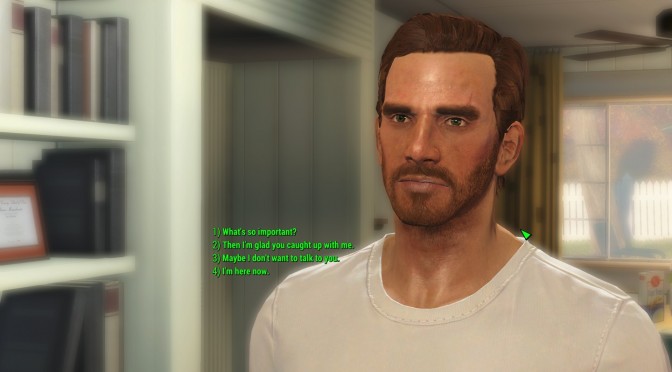
God bless modders. We are pretty sure that a lot of gamers were put off by the new dialogue system of Fallout 4. Instead of showing what the character would exactly say, Bethesda’s latest entry in the Fallout series featured a system similar to the one used in Mass Effect. In other words, players could choose a specific type of answers and were unable to see what their characters would say. Continue reading Fallout 4 Mod Fixes Dialogues With Proper Text Messages, Replaces Conversation User Interface
Fallout 4 – PC Performance Analysis
Fallout 4 is a highly anticipated game that will, undoubtedly, be a huge commercial success. Powered by an enhanced version of the Creation Engine, Fallout 4 supports new graphical features and looks better than Skyrim or Fallout 3/New Vegas (vanilla versions). The game has just been released on the PC and it’s time to see how this title performs on the PC platform. Continue reading Fallout 4 – PC Performance Analysis
Fallout 4 – First ENBSeries Mod Surfaces, Available For Download
Boris Vorontsov has released the first version of his ENBSeries mod for Fallout 4. As Boris noted, this version includes only few generic features of the mod (like the AntiFreeze patches Boris did for Skyrim in the past). Continue reading Fallout 4 – First ENBSeries Mod Surfaces, Available For Download
Fallout 4 Has Sold 1.2 Million Copies On Steam In 24 Hours
There is no question about it; Fallout 4 will be the most commercially successful game of 2015. Bethesda’s open-world title was released yesterday and in just 24 hours, Fallout 4 has sold more than 1.2 million copies on Steam. Continue reading Fallout 4 Has Sold 1.2 Million Copies On Steam In 24 Hours
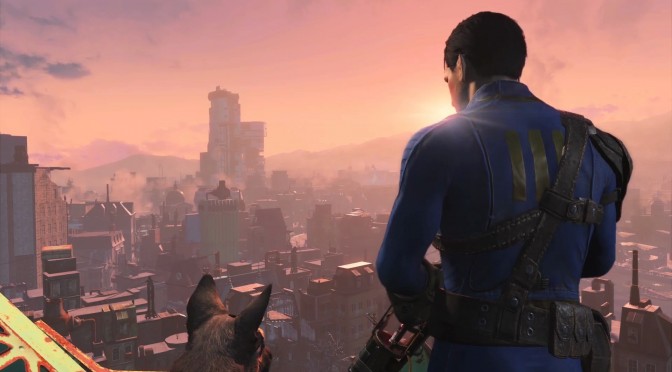
Fallout 4 – Low versus Ultra Comparison Screenshots
Fallout 4 has just been released, and below you can find some comparison screenshots between the game’s Low and Ultra settings. Fallout 4 is powered by the Creation Engine and as we can see below, there are some noticeable differences between the game’s Low and Ultra presets. Continue reading Fallout 4 – Low versus Ultra Comparison Screenshots
Fallout 4 – Increase FOV, Disable Mouse Acceleration & Improve Mouse Aiming
Fallout 4 is now available and apart from that really awful game engine speed issue, the game appears to be suffering from mouse acceleration side effects. And while there is no in-game option to completely disable it – or change its default FOV – PC gamers can use the following tweaks in order to improve their PC gaming experience. Continue reading Fallout 4 – Increase FOV, Disable Mouse Acceleration & Improve Mouse Aiming