
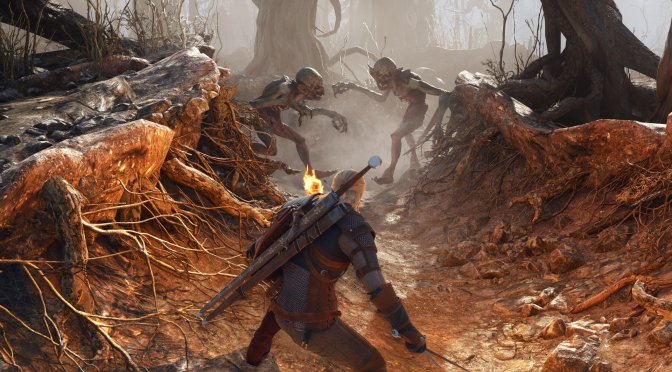
CD Projekt RED has just released The Witcher 3: Wild Hunt Remastered. This is a free update for everyone who owns the Complete Edition, and it adds support for Path Tracing on PC. So, I’ve decided to benchmark both its Path Tracing and Ray Tracing effects.
For these benchmarks, I used an AMD Ryzen 9 7950X3D, 32GB of DDR5 at 6000Mhz, NVIDIA’s RTX 5080, and RTX 5090. I also used Windows 10 64-bit and the NVIDIA Game Ready 617.14 driver.
The Witcher 3 does not have a built-in benchmark tool. For our benchmarks, I used the Kaer Morhen tutorial area. This area is more demanding than the first open-world area (and the first village you encounter).
Before continuing, I should note that Hairworks is broken in this current version. Geralt’s hair looks awful and plastic, and there is a huge performance hit. What’s funny here is that once you enable Path Traced Hair, the game runs BETTER. Not only that, but Path Traced Hair fixes the visual issues of Hairworks. So, with Path Tracing, you can use Hairworks. With Ray Tracing, though, you can’t. At least until CDPR fixes this issue. Here is a comparison between Ray Tracing (left), Path Tracing with Hairworks but without Path Traced Hair (middle), and Path Tracing with Hairworks and Path Traced Hair (right). The only image that looks correct is the last one.



At 1440p/Ultra+/Ray Tracing, the NVIDIA RTX 5090 has no trouble running the game at over 70FPS, even at native resolution. On the other hand, the NVIDIA RTX 5080 hits 50FPS, and needs DLSS Quality to offer a 60FPS experience. With Path Tracing, the NVIDIA RTX 5080 has drops to the mid-50s. Still, with that base frame rate, you can use Frame Gen to get a really smooth gaming experience.
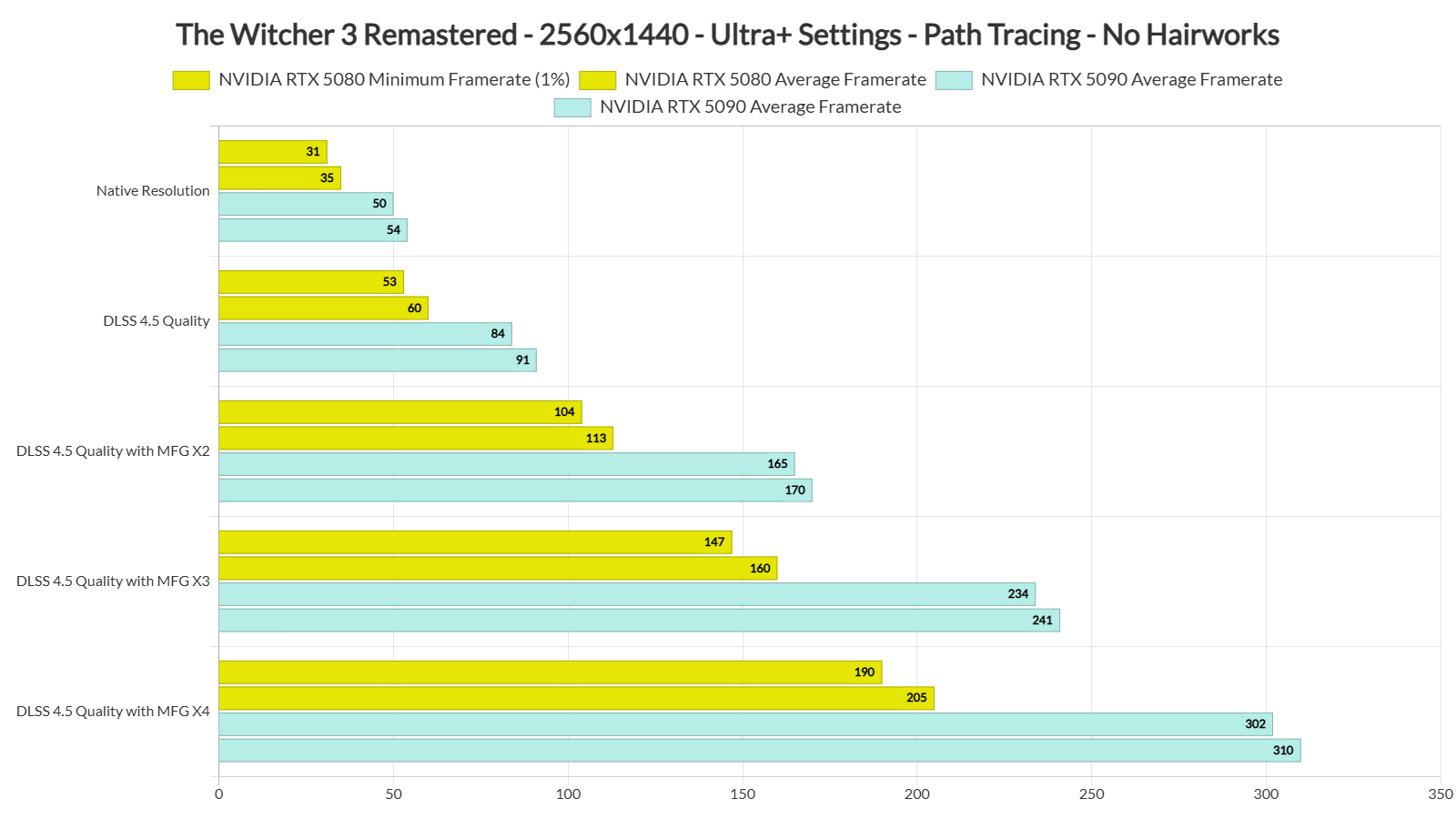
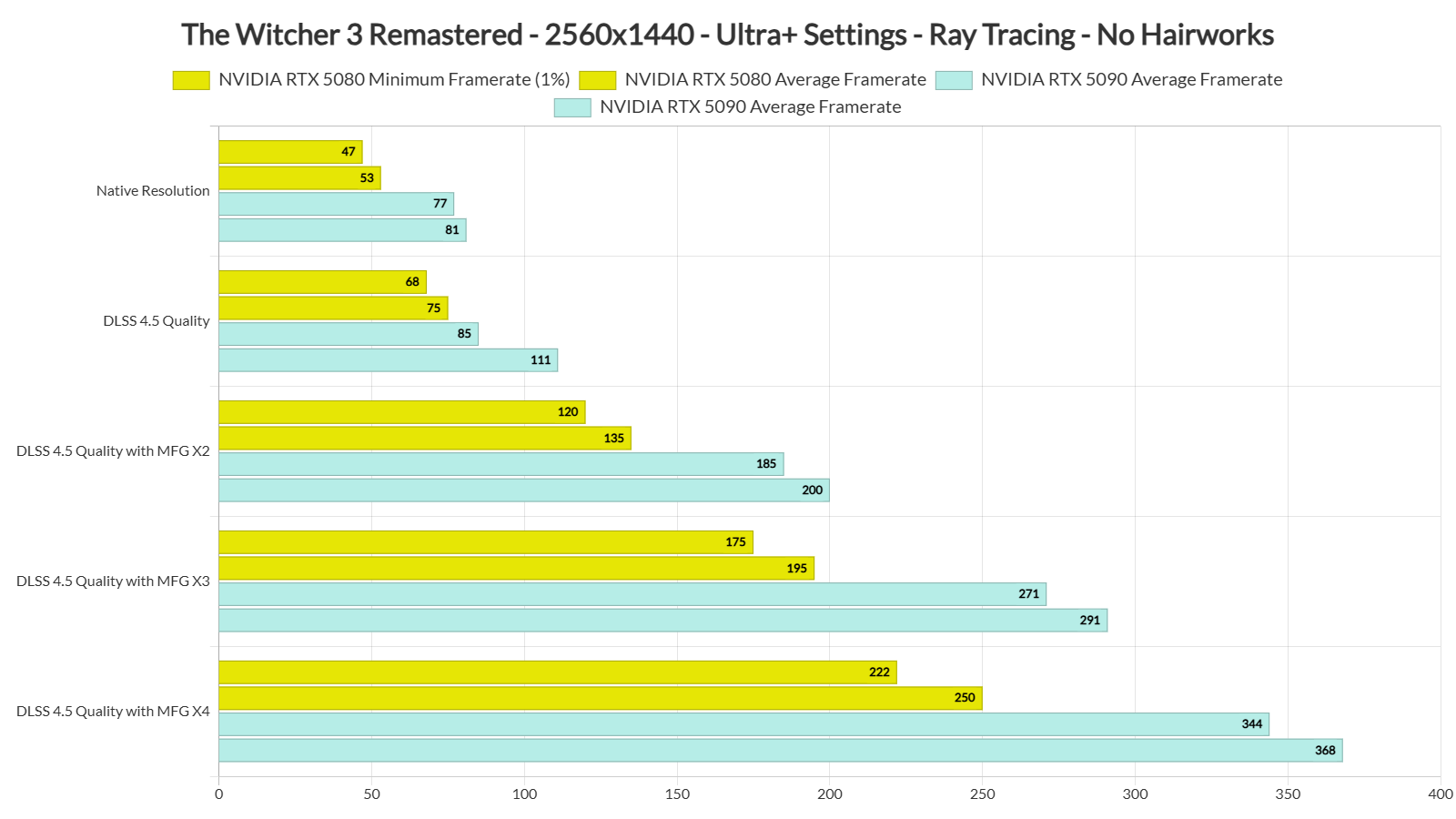
So, at 1440p, it’s really possible to use Path Tracing on the NVIDIA RTX 5080. But what about 4K? At 4K/Ultra+/Path Tracing, we got a minimum of 42FPS and an average of 46FPS with DLSS 4.5 Performance Mode. Since the base frame rate is above 40FPS, you can use Frame Gen to improve performance. With Frame Gen, we got to 77-84FPS.
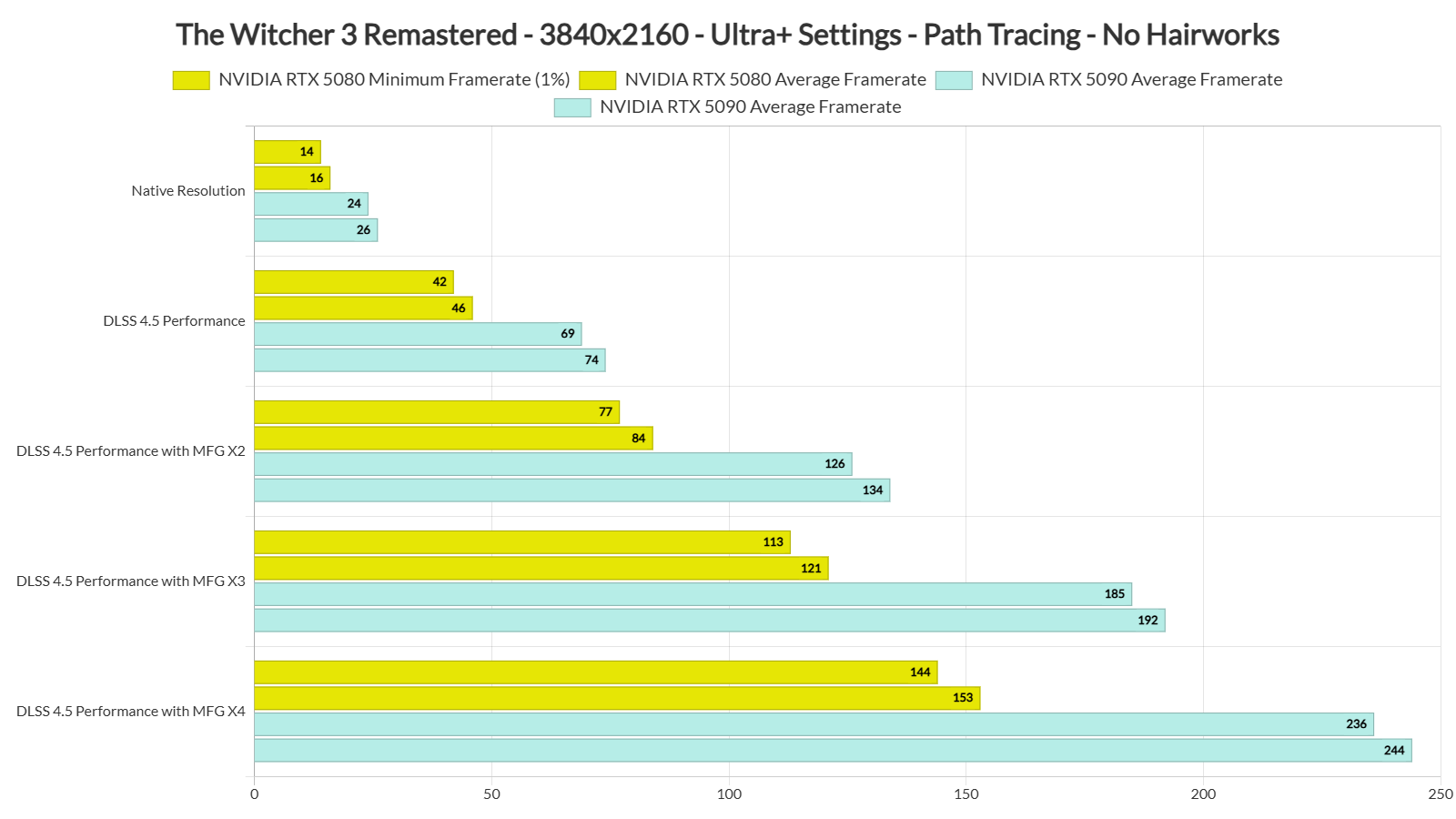
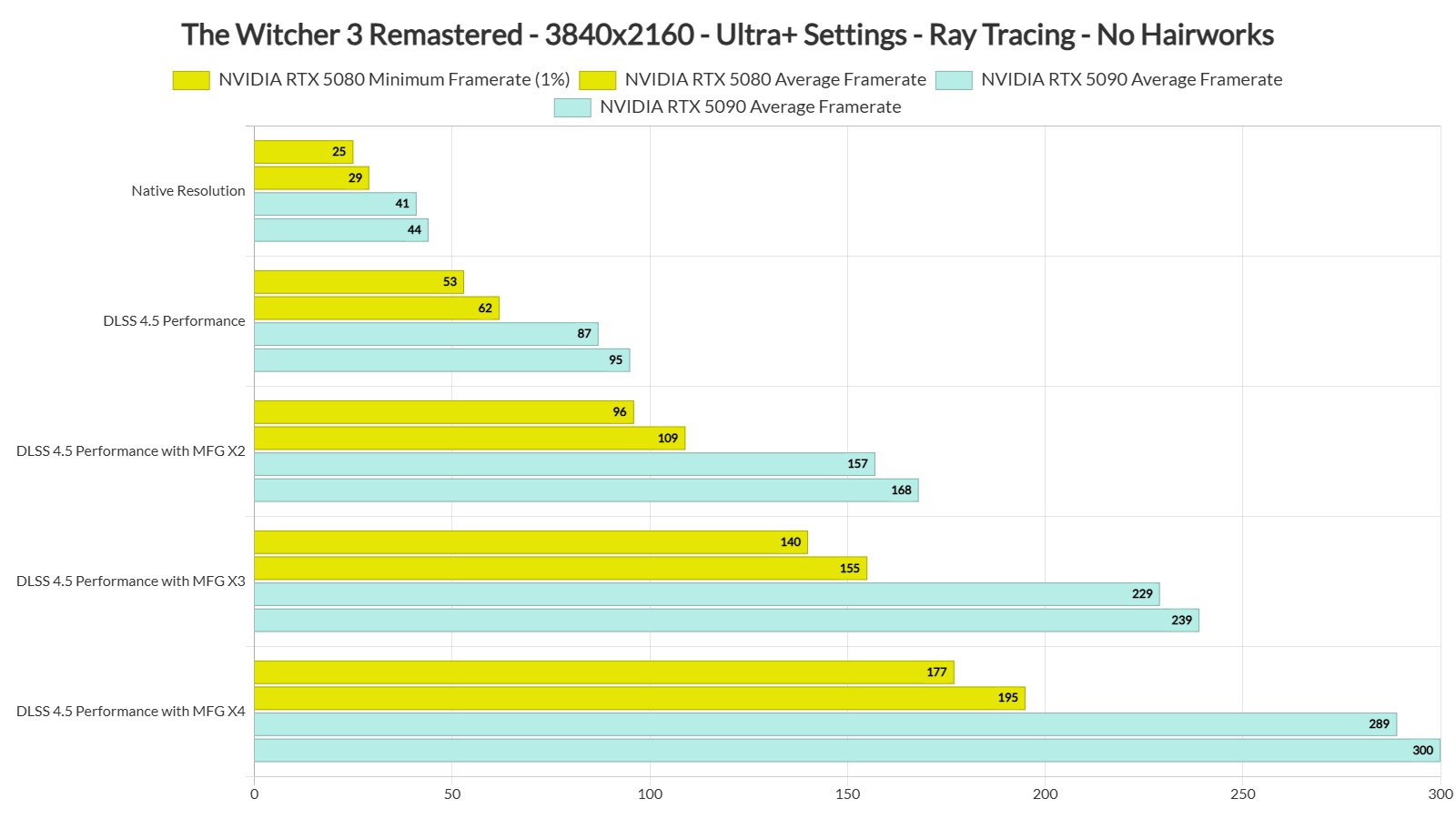
In short, CDPR was too strict with its official PC requirements. The NVIDIA RTX 5080 can push more than 60 FPS at 4K with Frame Generation. With a 40FPS base frame rate, most players will not notice much extra input lag. So, I am not sure why the devs set the 4K PC requirements so high in the specs they shared a few days ago.
Now, if you don’t use Path Tracing, you can get a smooth gaming experience with Ray Tracing and DLSS 4.5 Performance Mode if you own a G-Sync monitor. Still, Path Tracing is something you can enjoy at 4K with the settings I listed below, even with an NVIDIA RTX 5080.
Graphics-wise, Path Tracing is a mixed bag. At times, it can look way better than Ray Tracing. But at other times, Ray Tracing looks more appealing than Path Tracing. Here are some comparison screenshots. Path Tracing is on the left, whereas Ray Tracing is on the right.
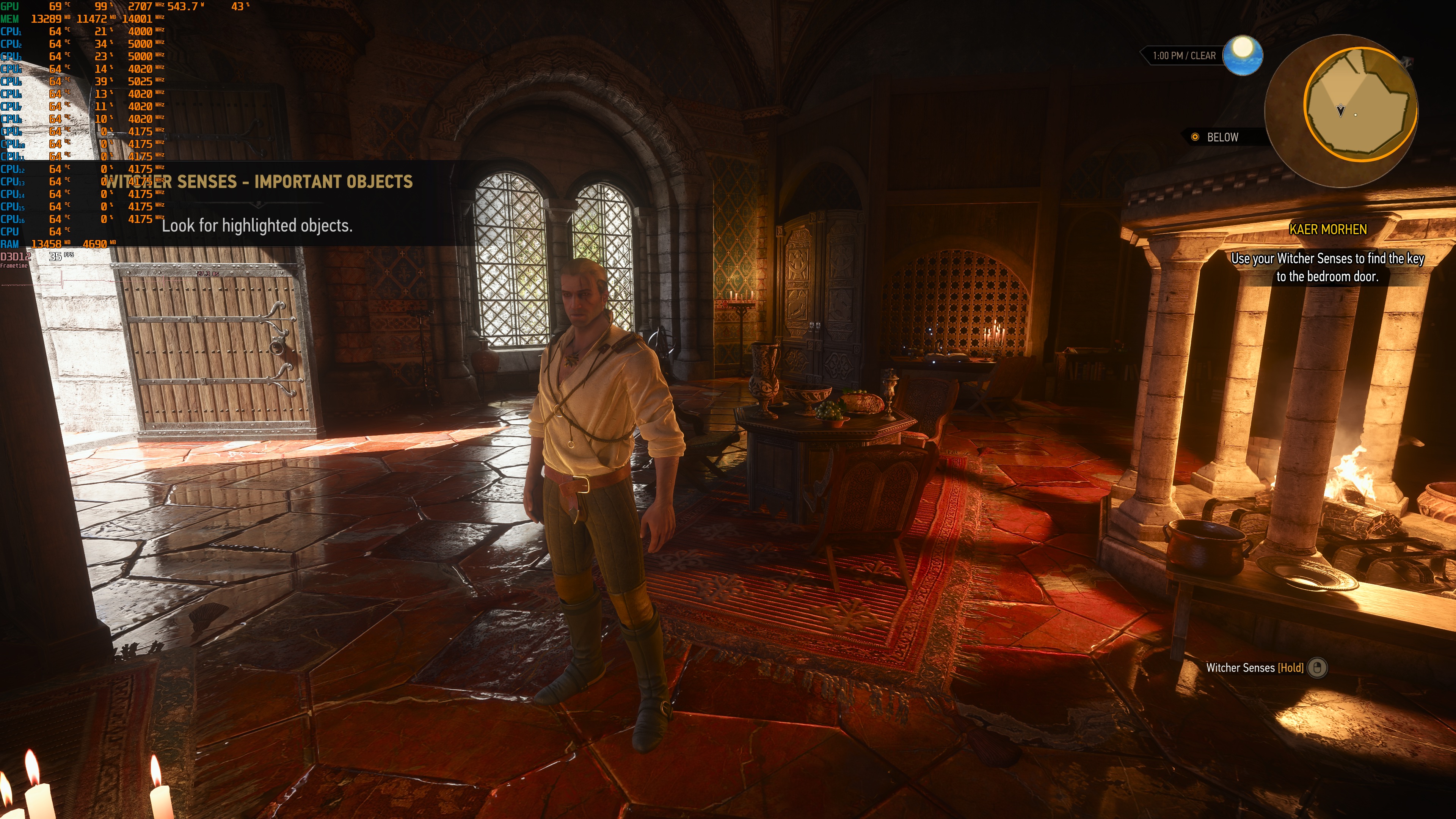
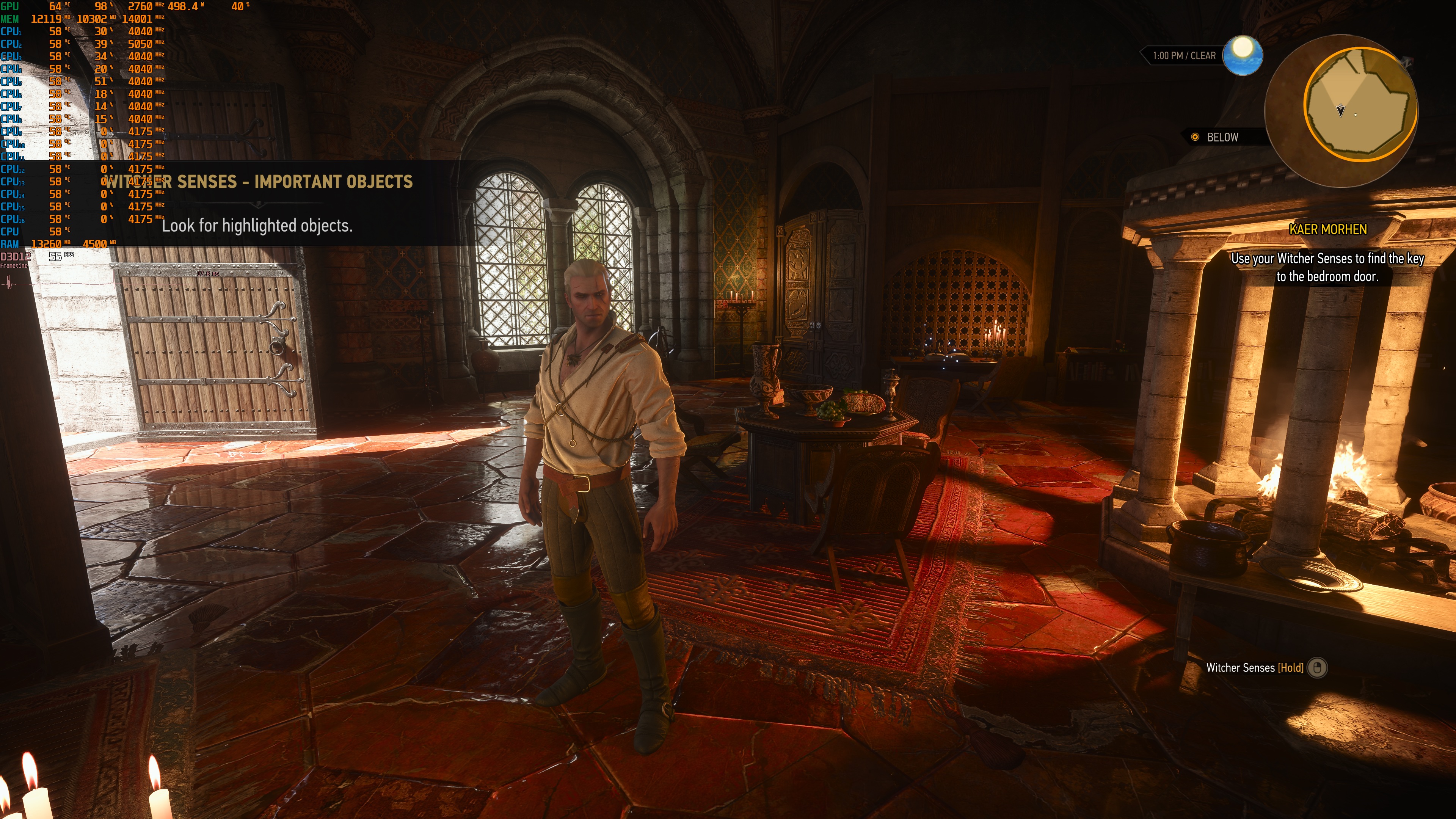
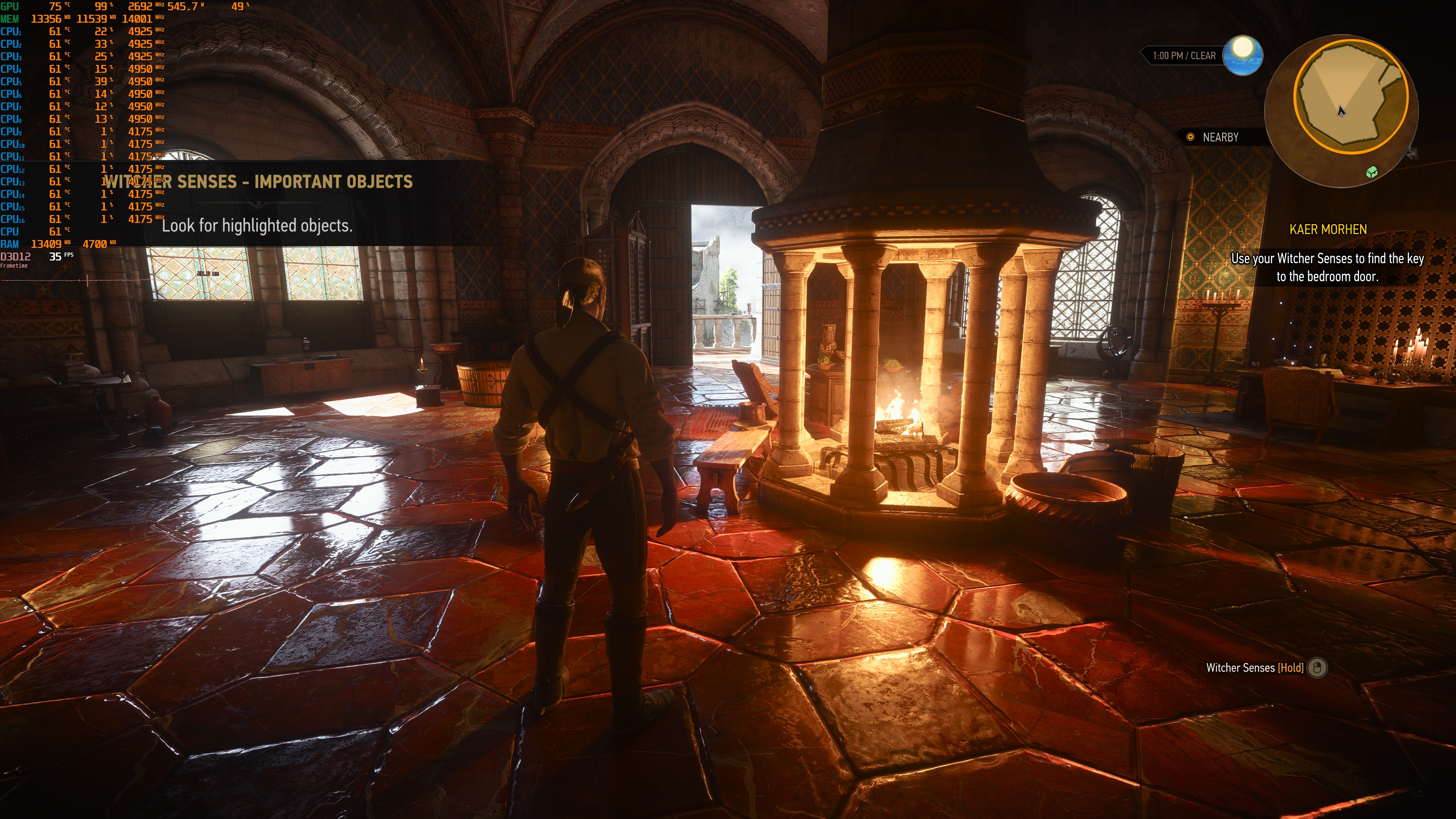
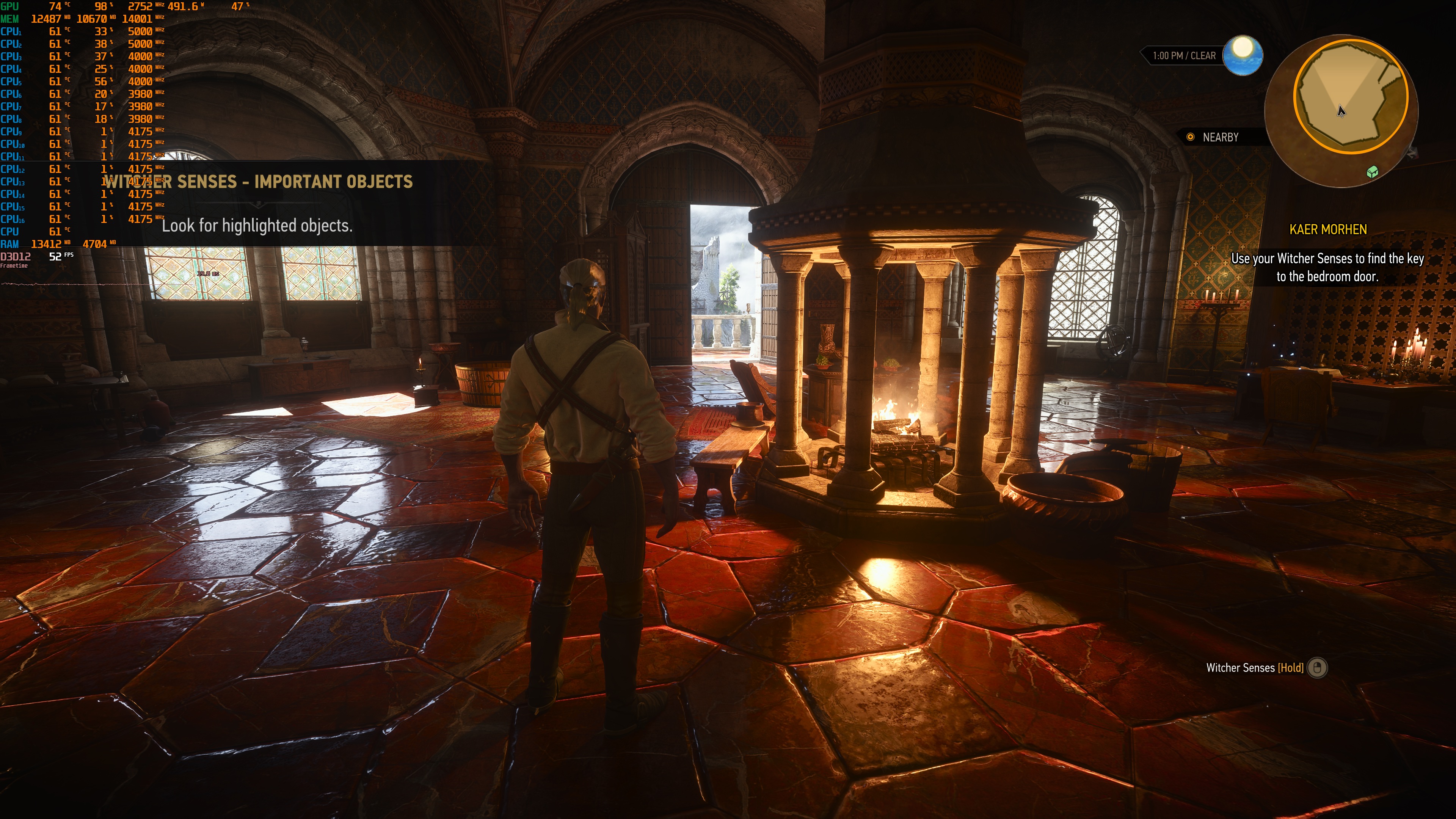
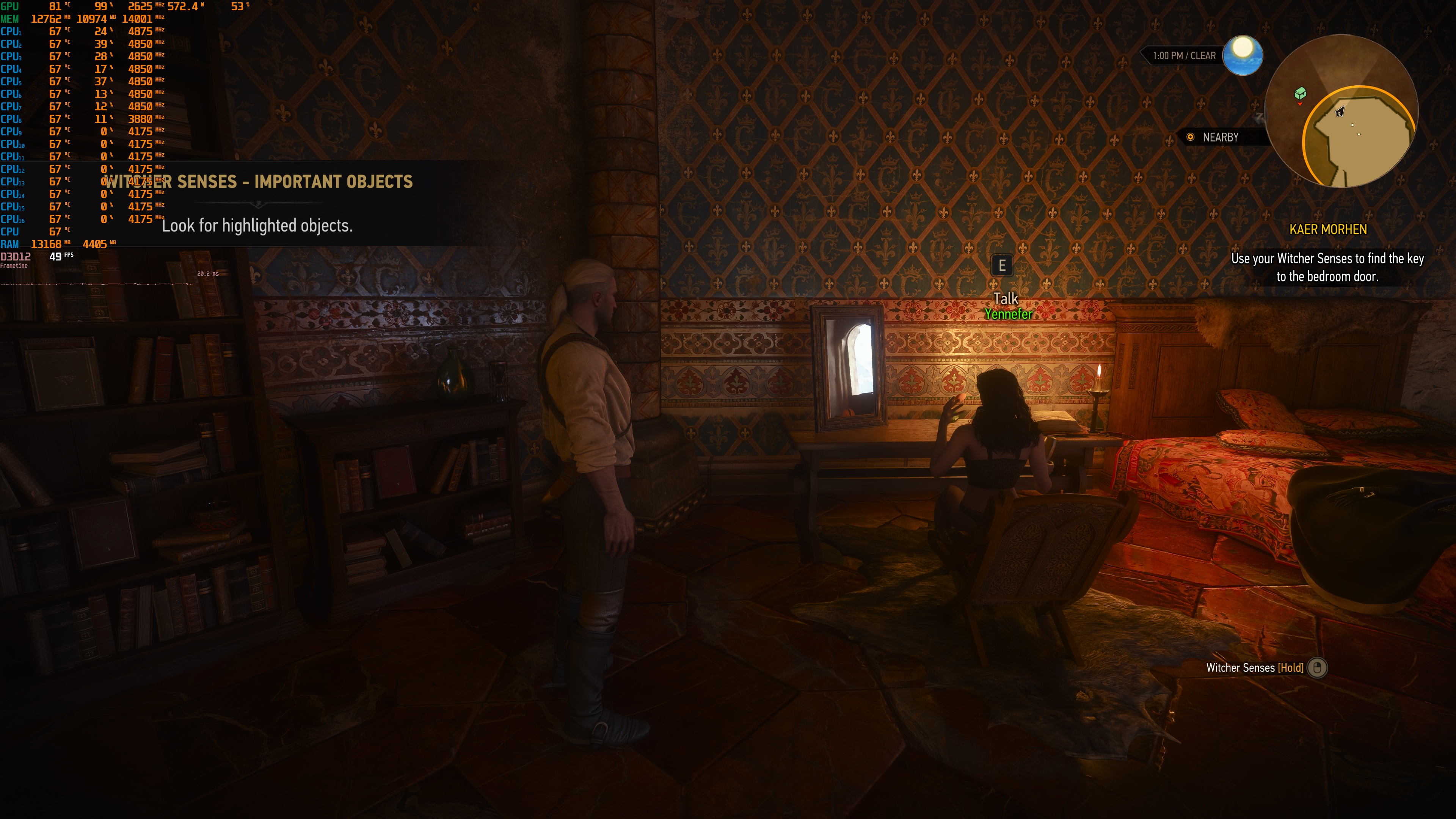
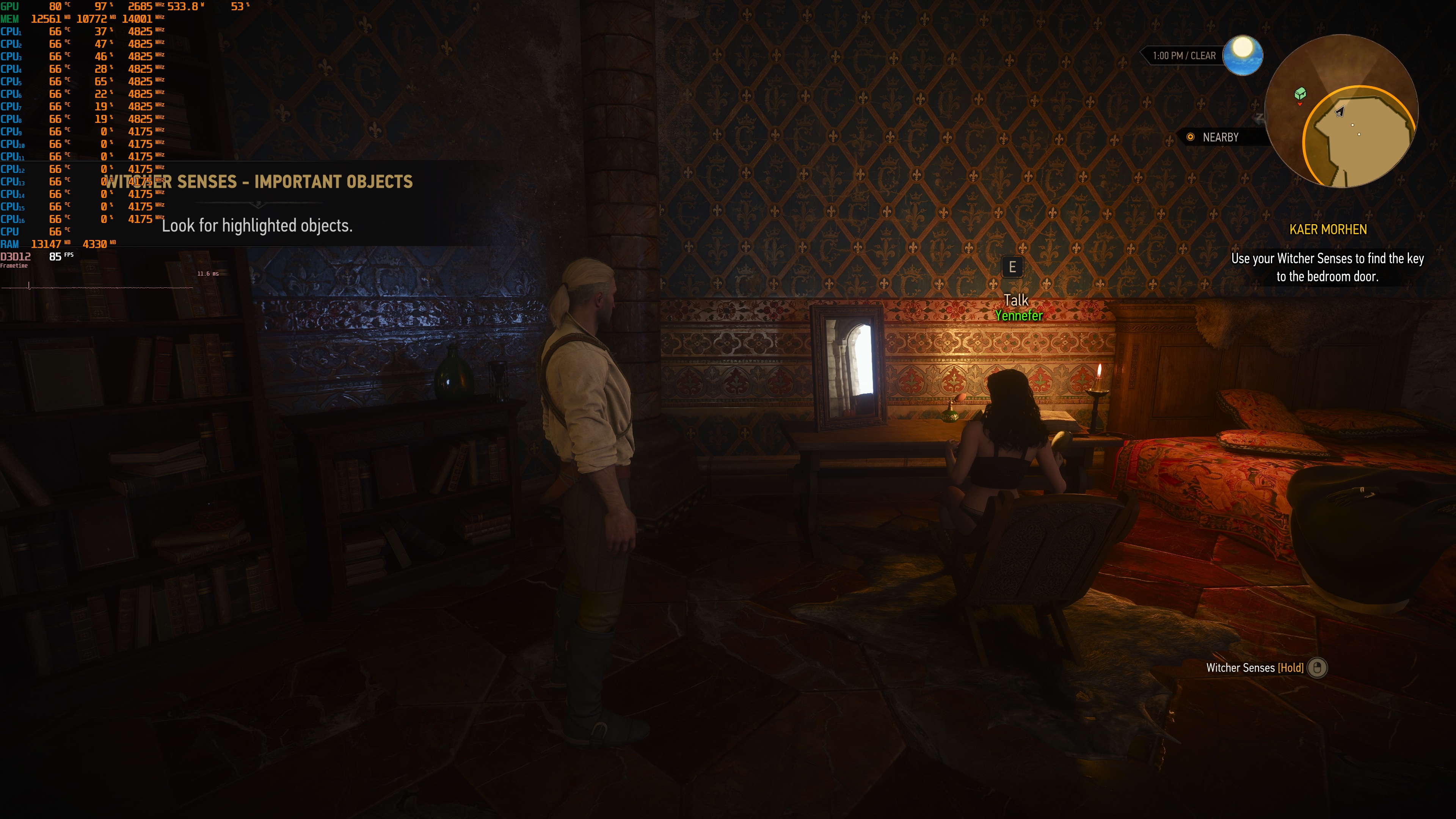


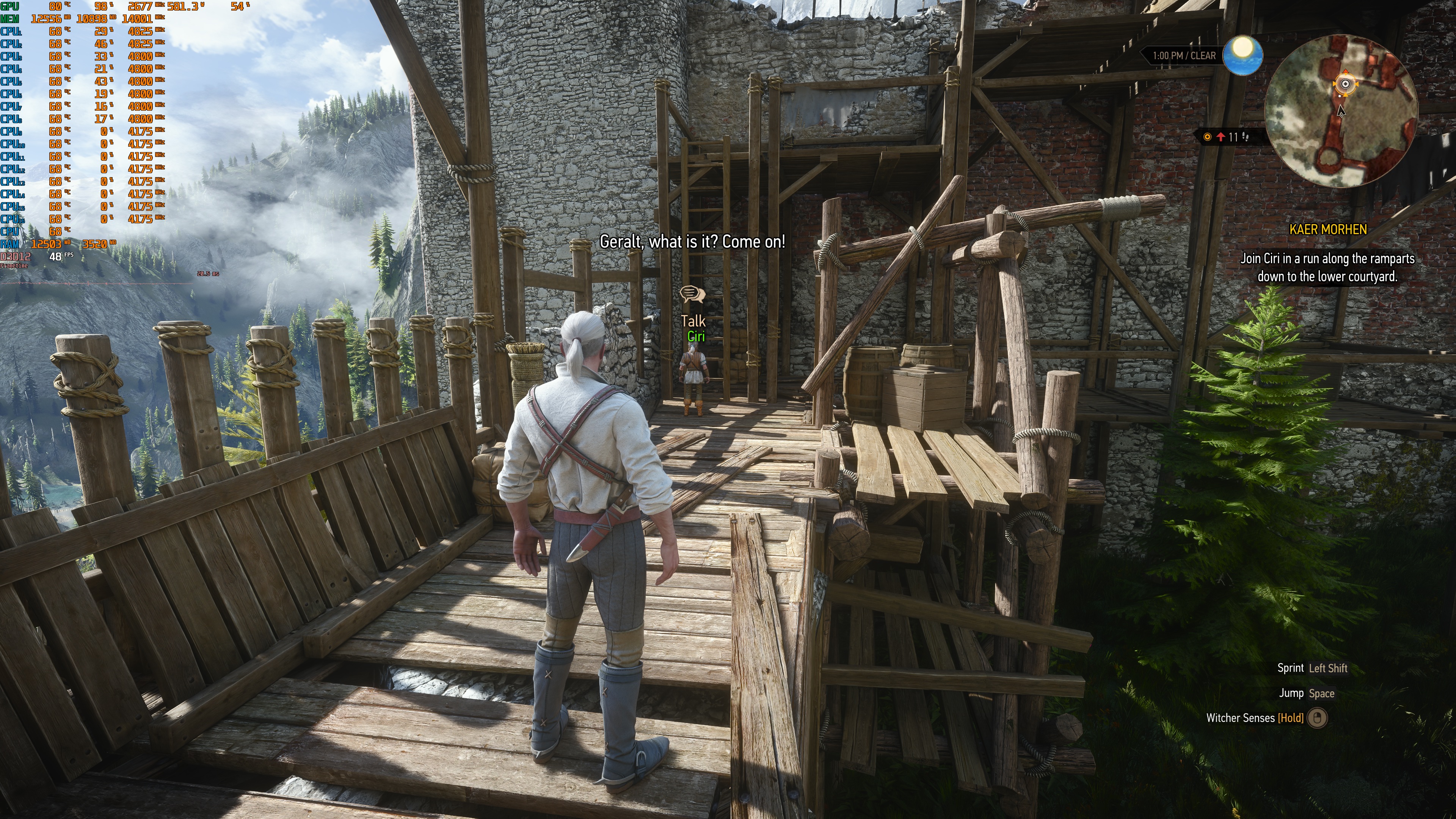
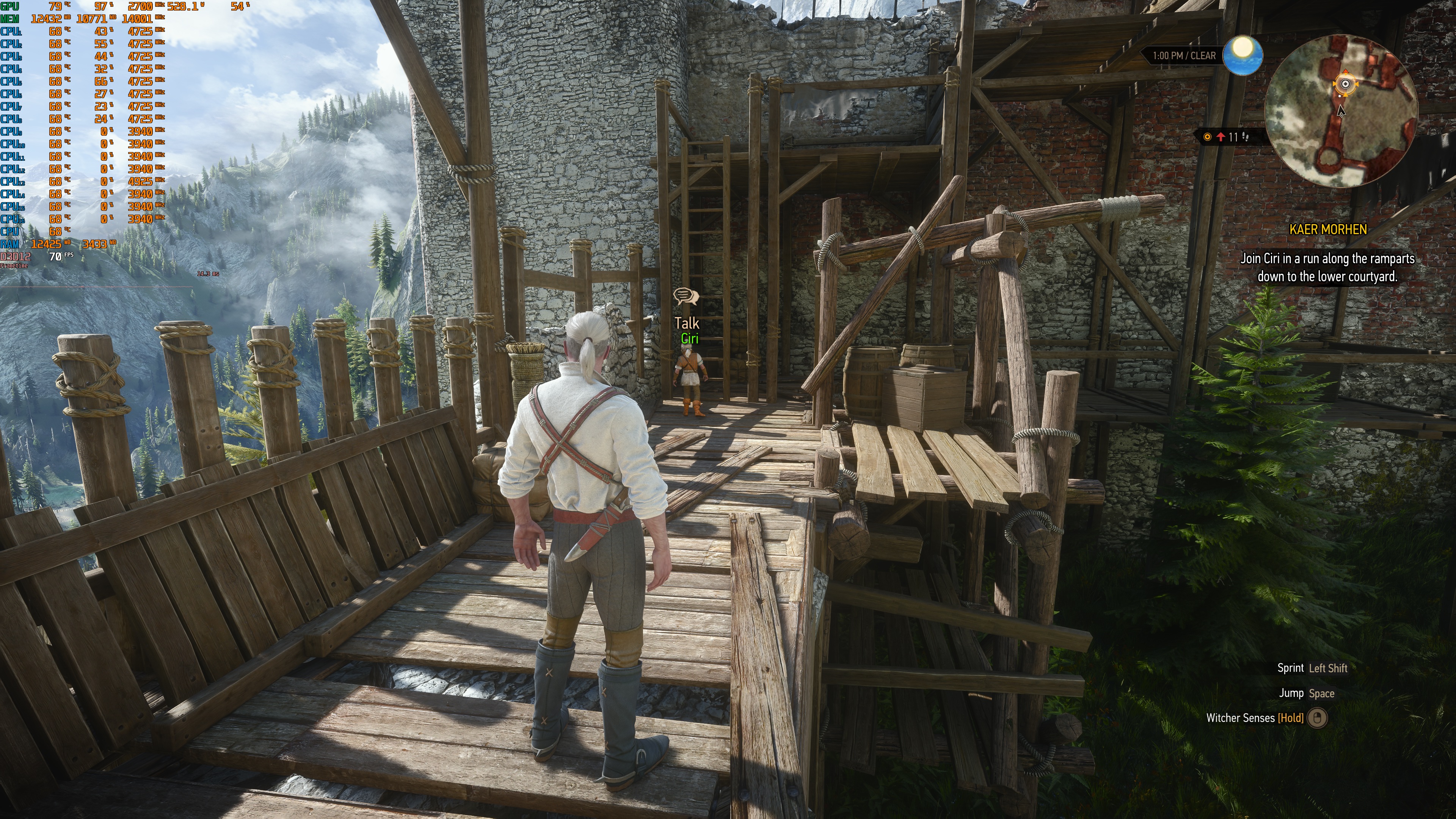
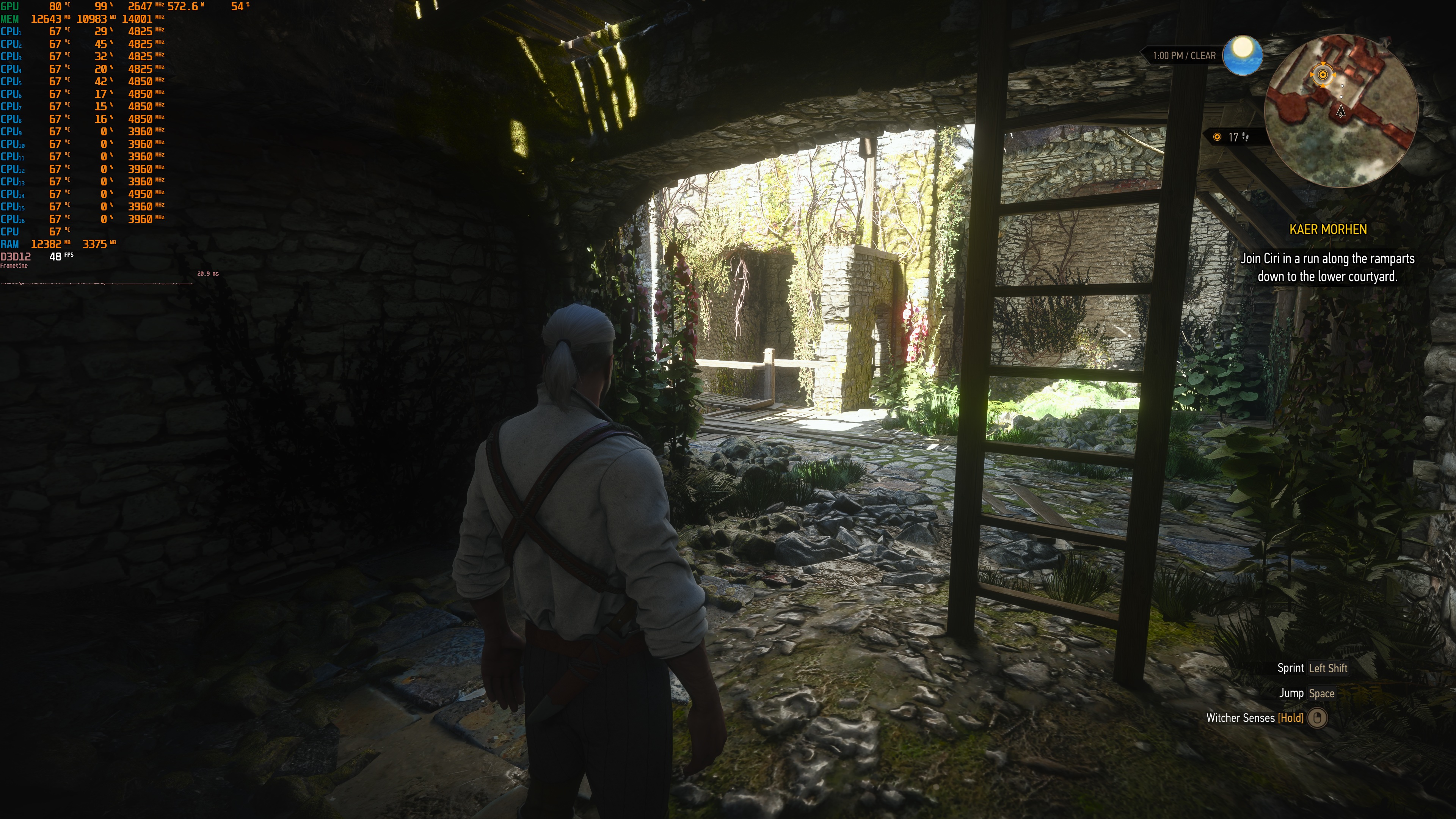
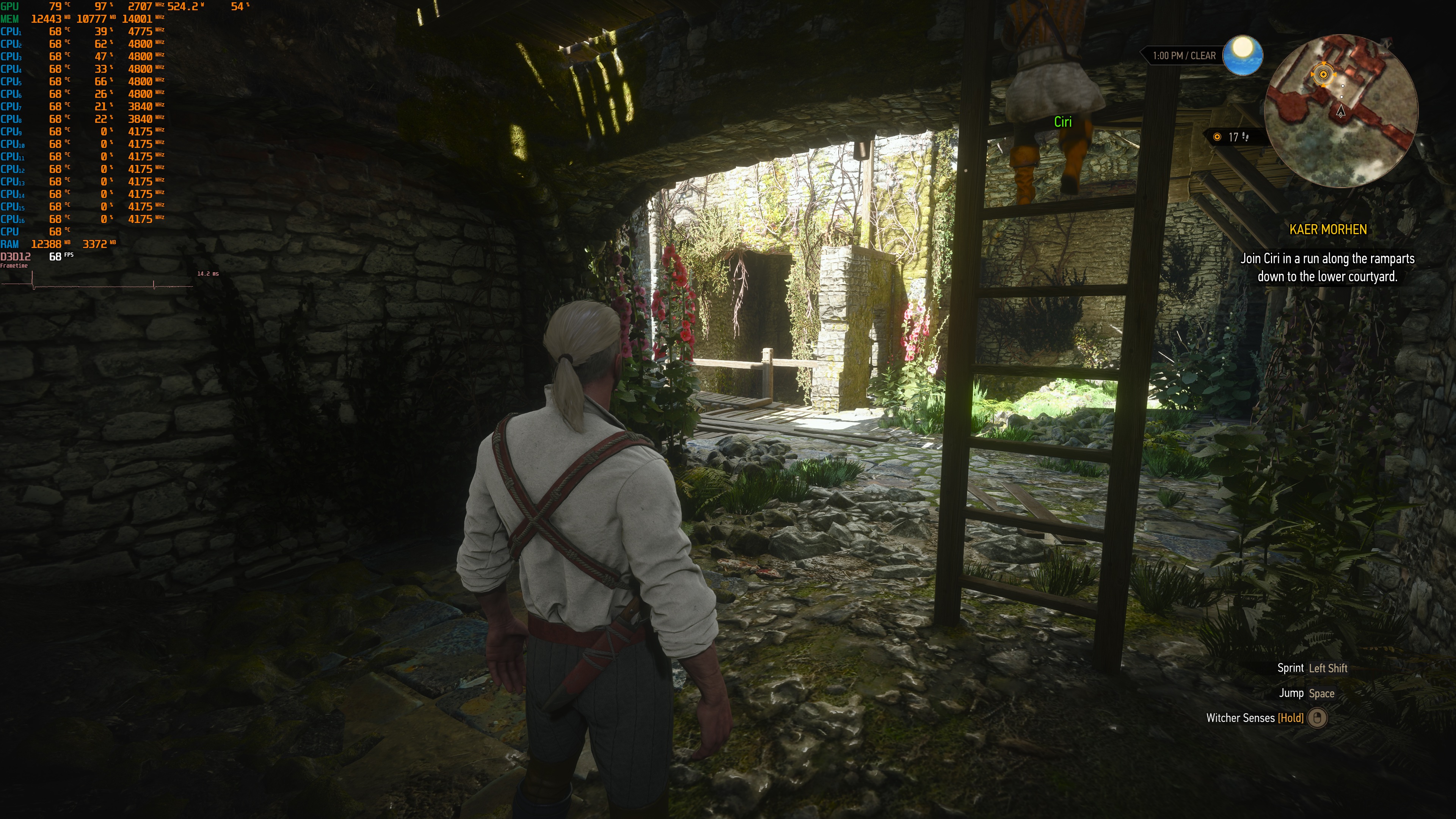
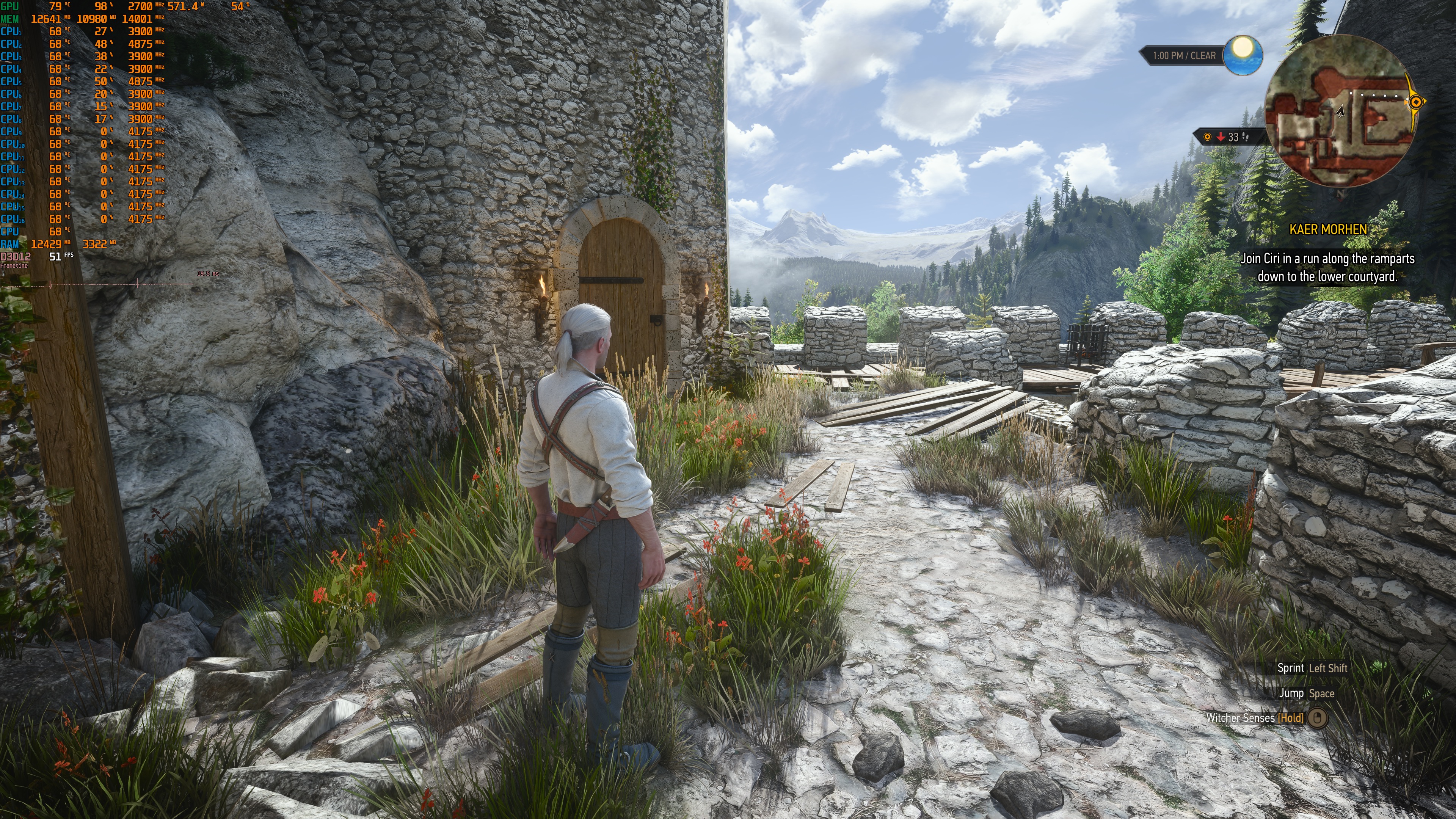
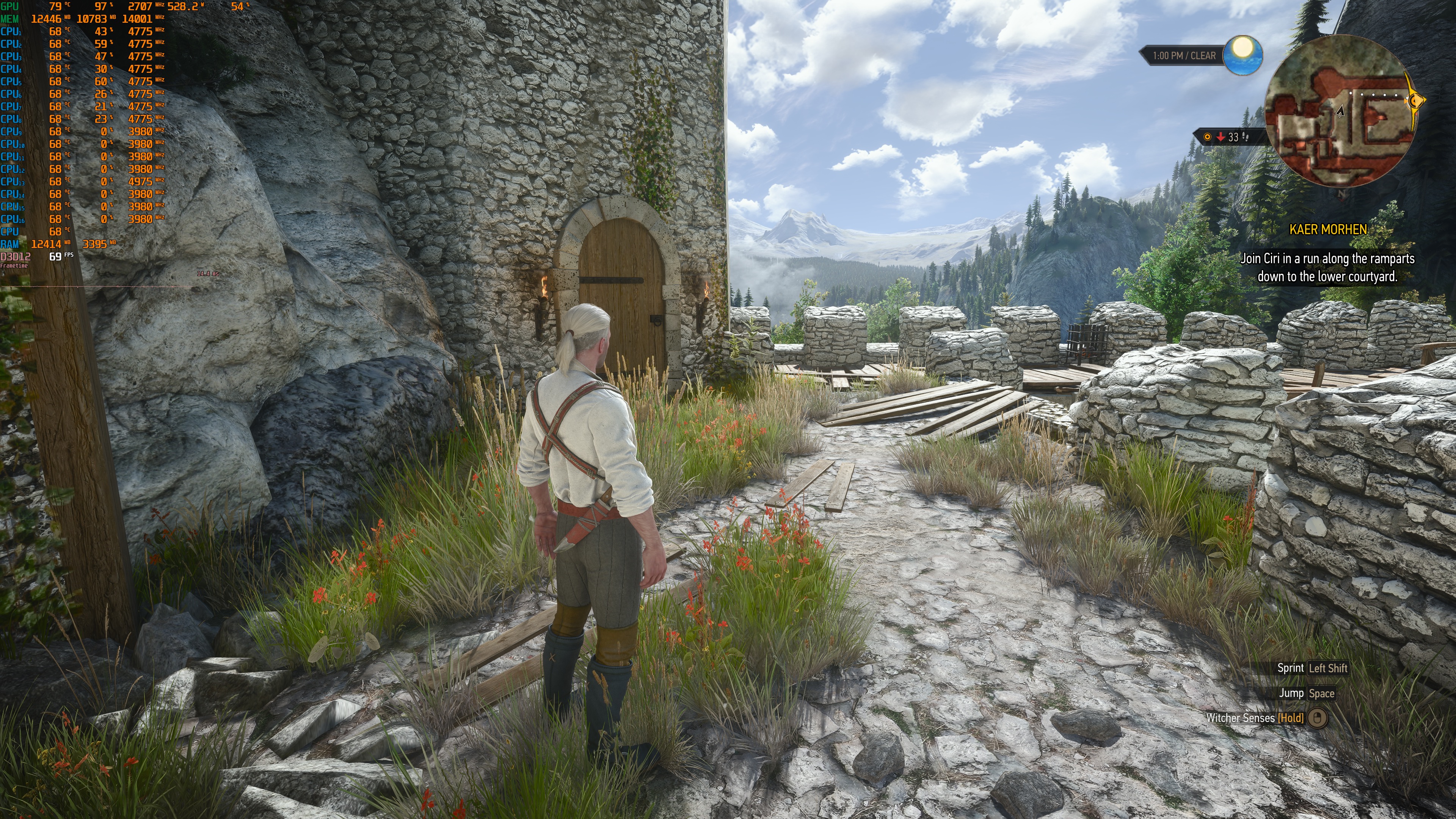
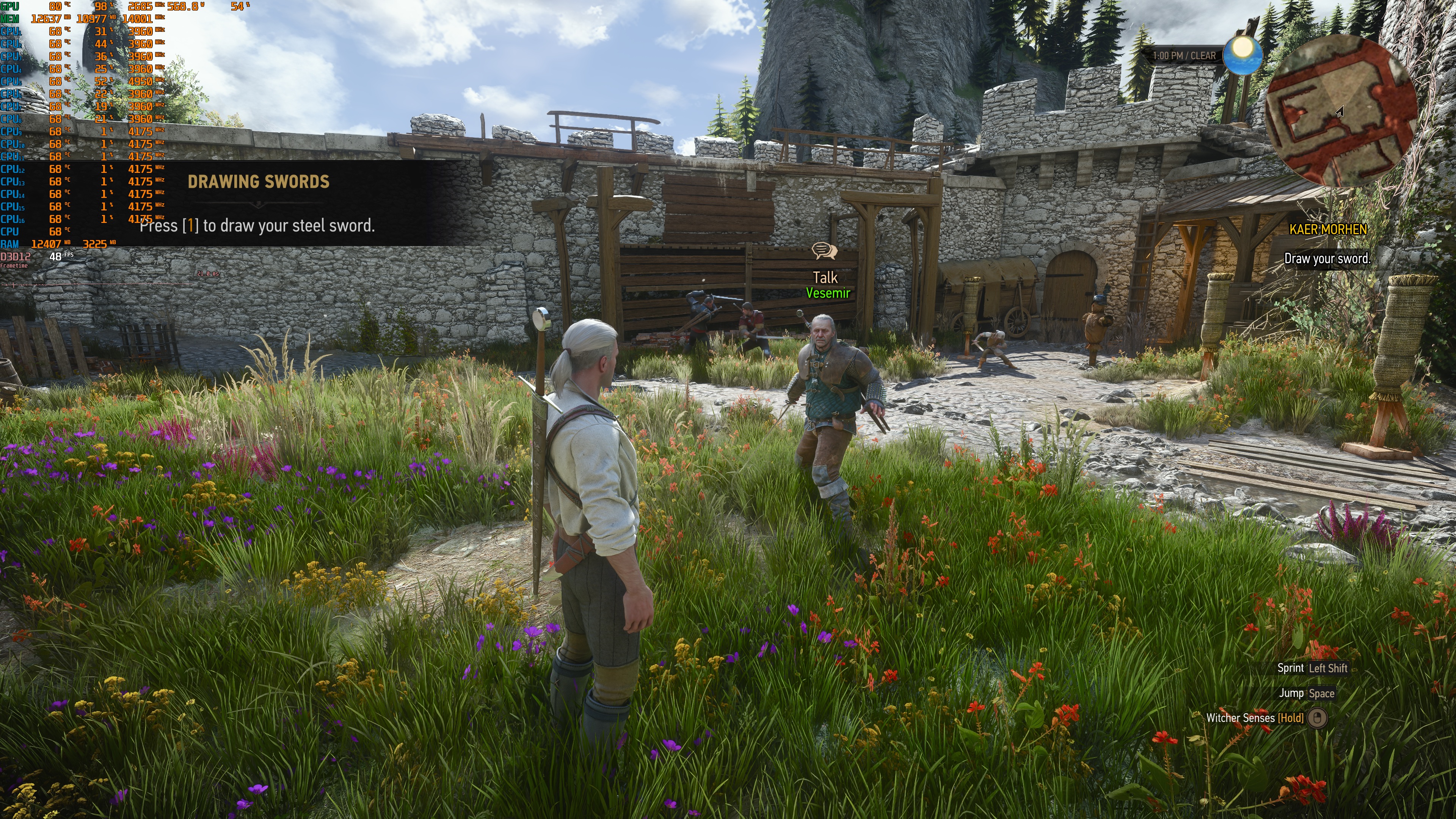
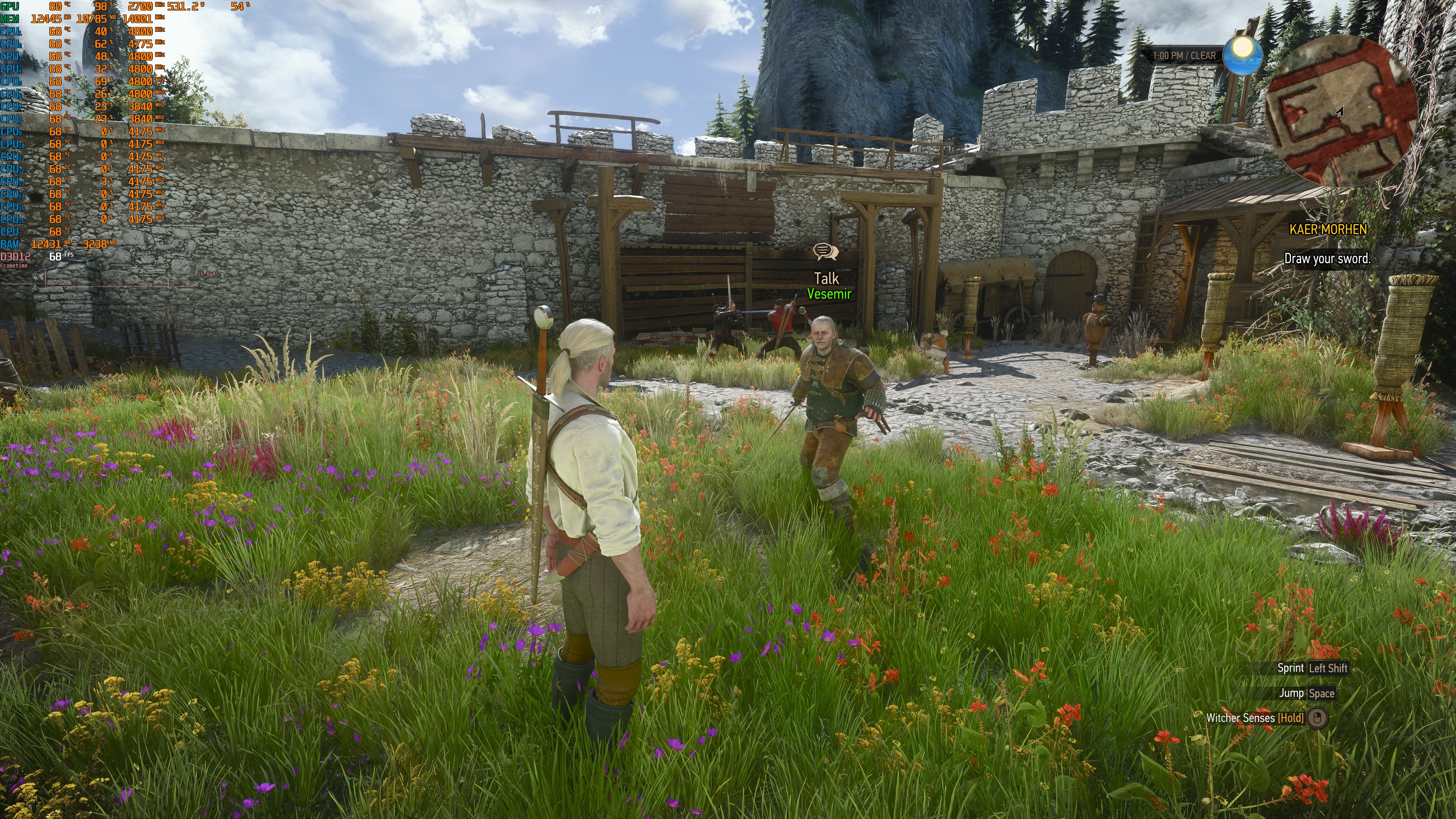
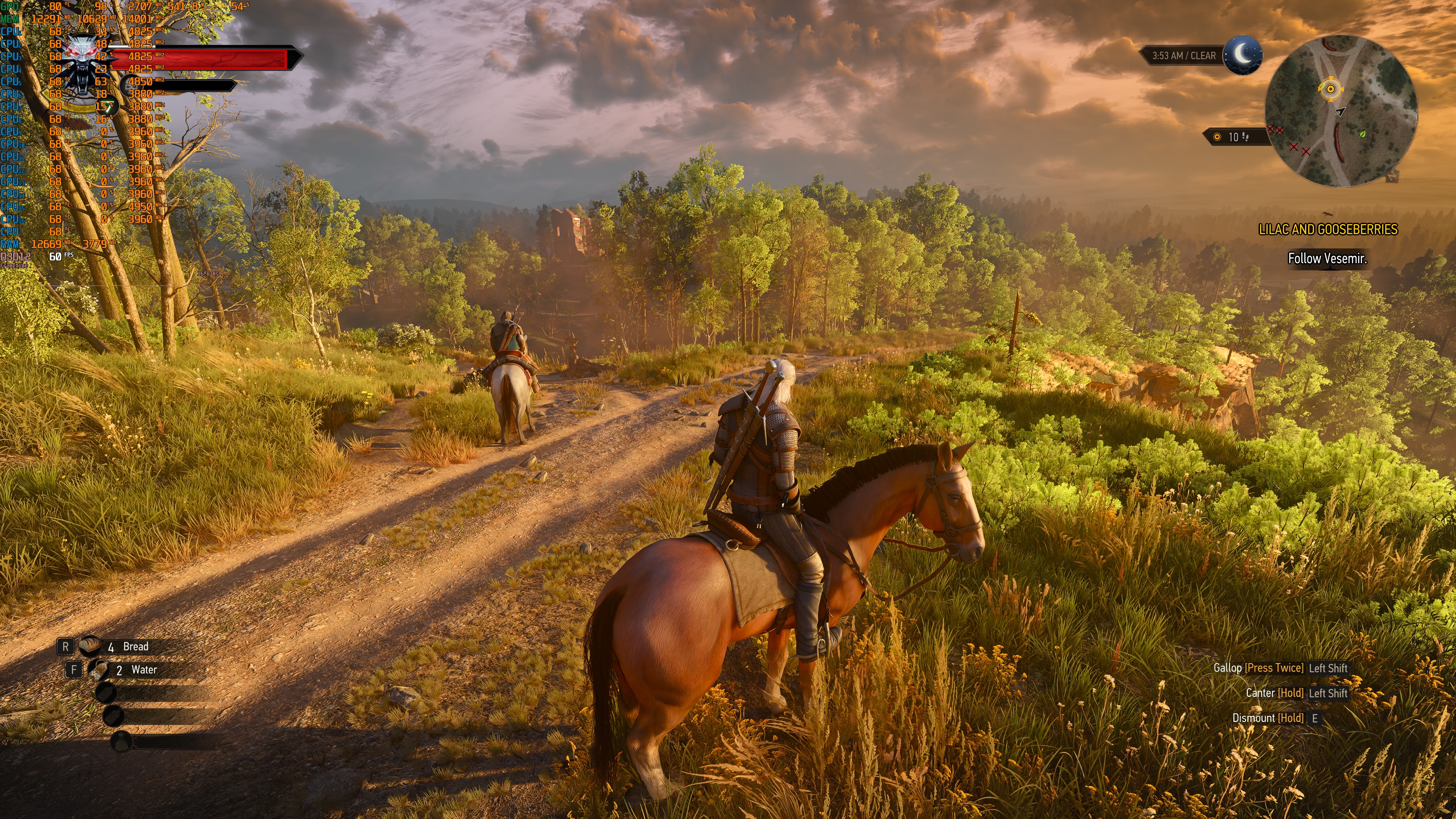
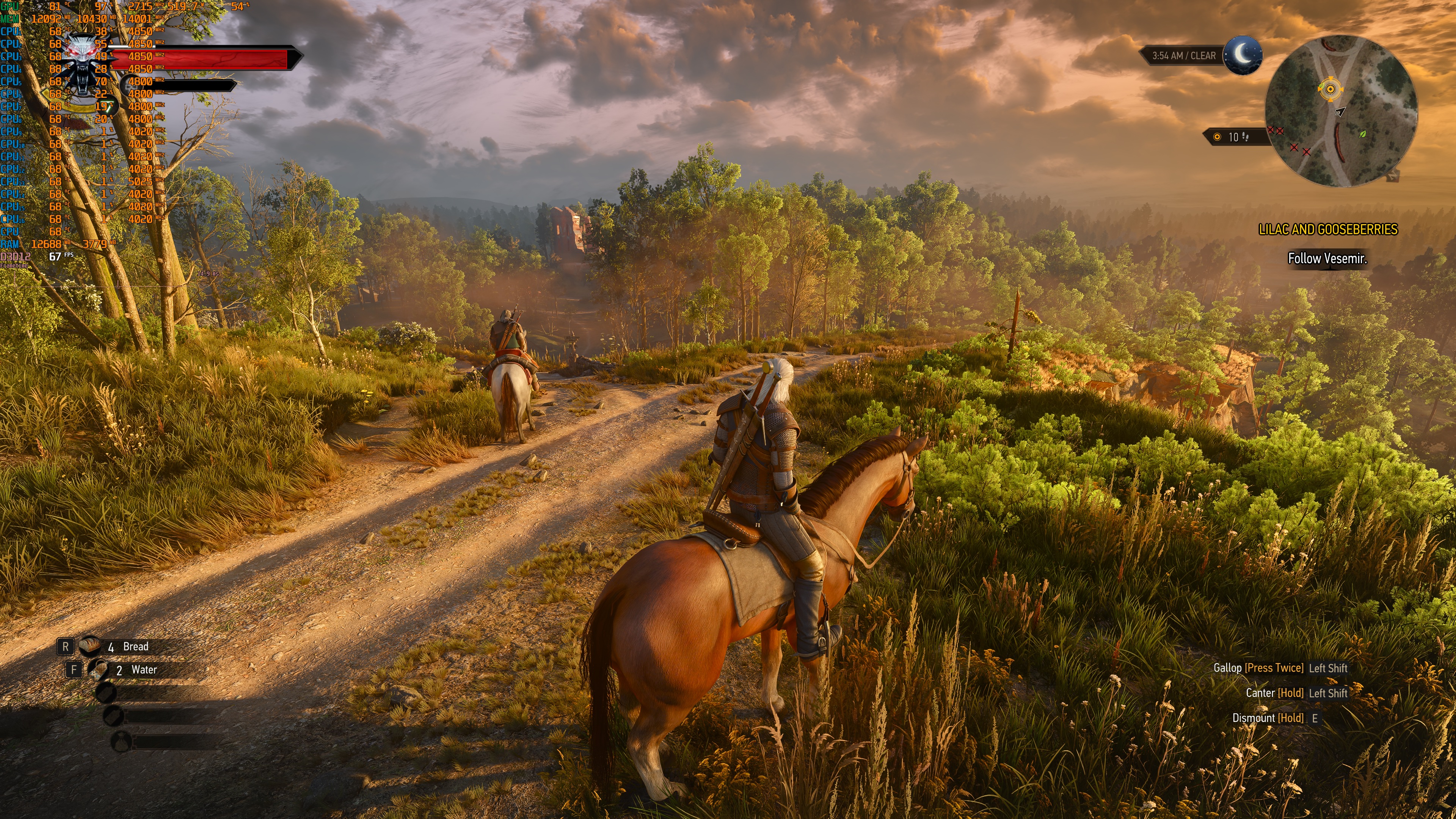
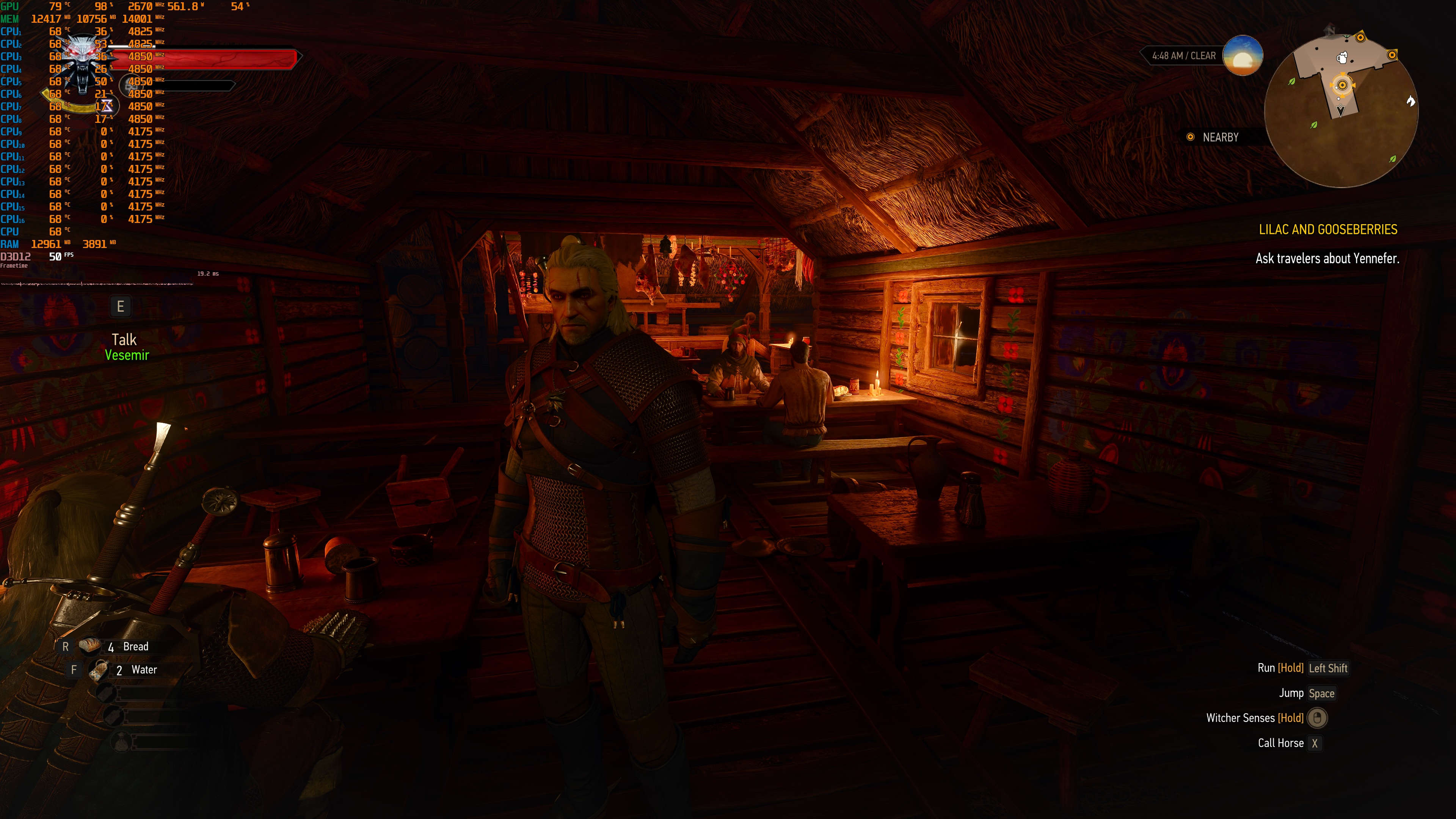
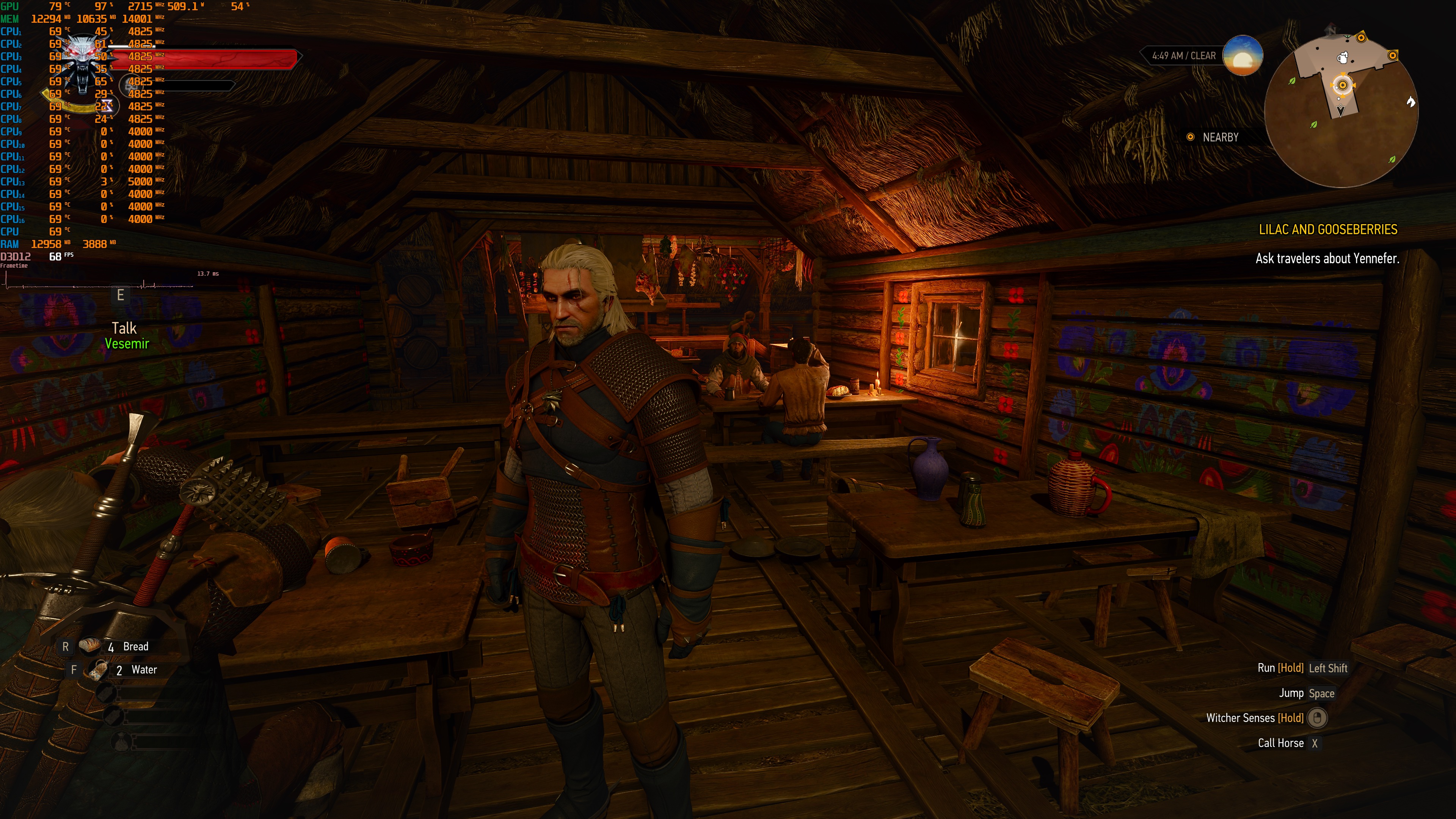
Take, for example, the first and the ninth comparisons. There aren’t any shadows on Geralt in the path-traced version. And what happened to the grass shadows? But then you look at the sixth, eighth, and tenth comparisons. Path Tracing has better lighting and shadows. Everything looks way better with Path Tracing. And the grass has better shadows in the eighth comparison.
All in all, Path Tracing feels like a mixed bag in The Witcher 3 Remastered. At times, it looks WAY better than Ray Tracing. But then you have some instances in which it can look worse. The good news is that you can enjoy Path Tracing at both 1440p and 4K on an NVIDIA RTX 5080, provided you use Frame Gen. As I said, most owners of an RTX 5080 won’t notice any input lag at 4K with Performance Mode and Frame Gen. So, this isn’t a feature that targets only those with an NVIDIA RTX 5090. CDPR did a disservice to itself with those misleading 4K Path Tracing Requirements!

John is the founder and Editor in Chief at DSOGaming. He is a PC gaming fan and highly supports the modding and indie communities. Before creating DSOGaming, John worked on numerous gaming websites. While he is a die-hard PC gamer, his gaming roots can be found on consoles. John loved – and still does – the 16-bit consoles, and considers SNES to be one of the best consoles. Still, the PC platform won him over consoles. That was mainly due to 3DFX and its iconic dedicated 3D accelerator graphics card, Voodoo 2. John has also written a higher degree thesis on the “The Evolution of PC graphics cards.”
Contact: Email