
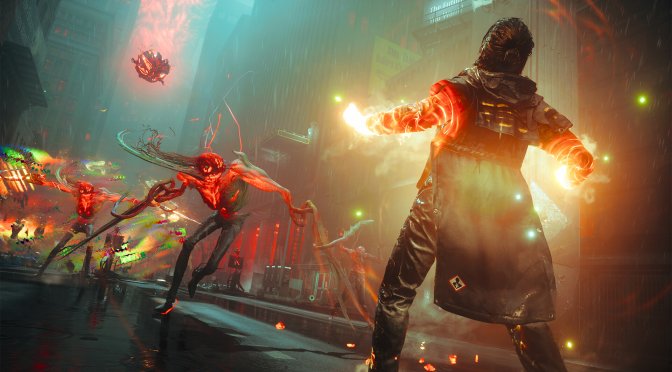
Remedy has just lifted the review embargo for Control Resonant. Powered by the Northlight Engine, it’s time to benchmark it and examine its performance on PC.
For our benchmarks, I used an AMD Ryzen 9 7950X3D, 32GB of DDR5 at 6000Mhz, AMD’s Radeon RX 6900XT, RX 7900XTX, RX 9070XT, as well as NVIDIA’s RTX 2080Ti, RTX 3080, RTX 4090, RTX 5080, and RTX 5090. I also used Windows 10 64-bit, as well as the GeForce 616.92 and the Radeon Adrenalin Edition 26.9.1 drivers.
Remedy has added a lot of graphics settings to tweak. PC gamers can adjust the quality of Shadows, Lighting, Textures, Shading, Foliage, and more. The game also supports NVIDIA DLSS 4.5 and AMD FSR 4. However, there is no support for Intel XeSS. Moreover, the PC version supports Ray Tracing and Path Tracing.
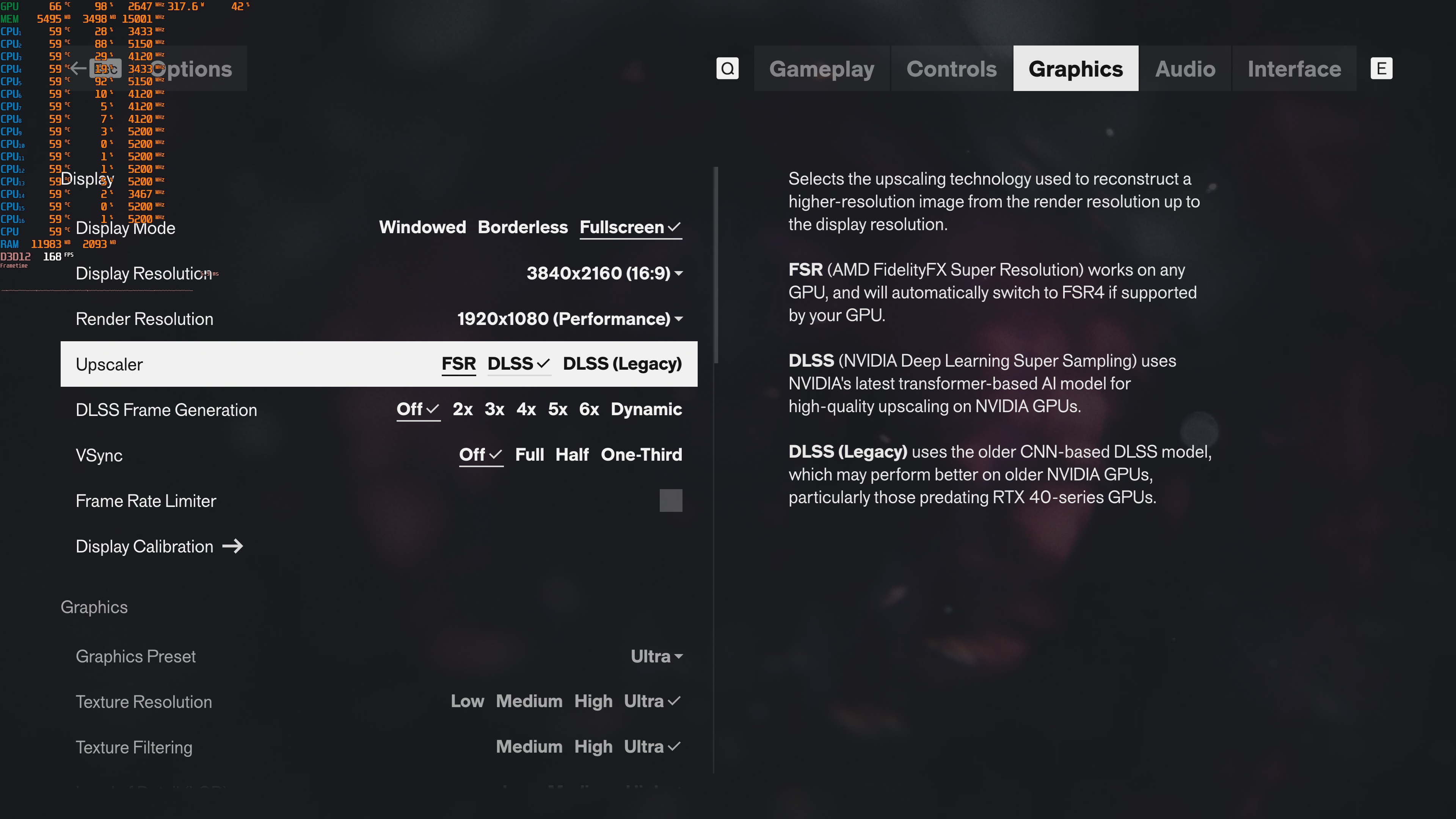
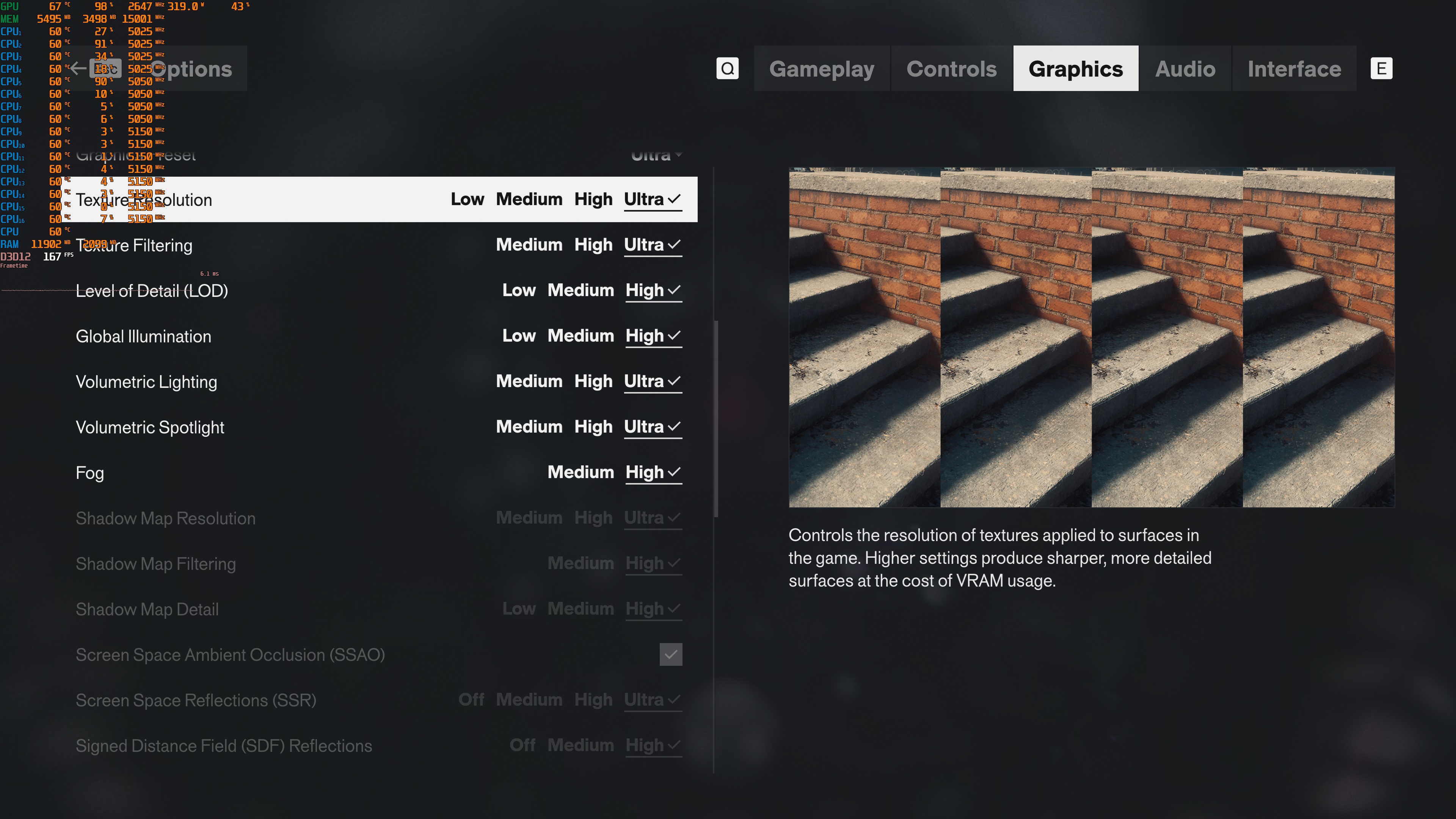
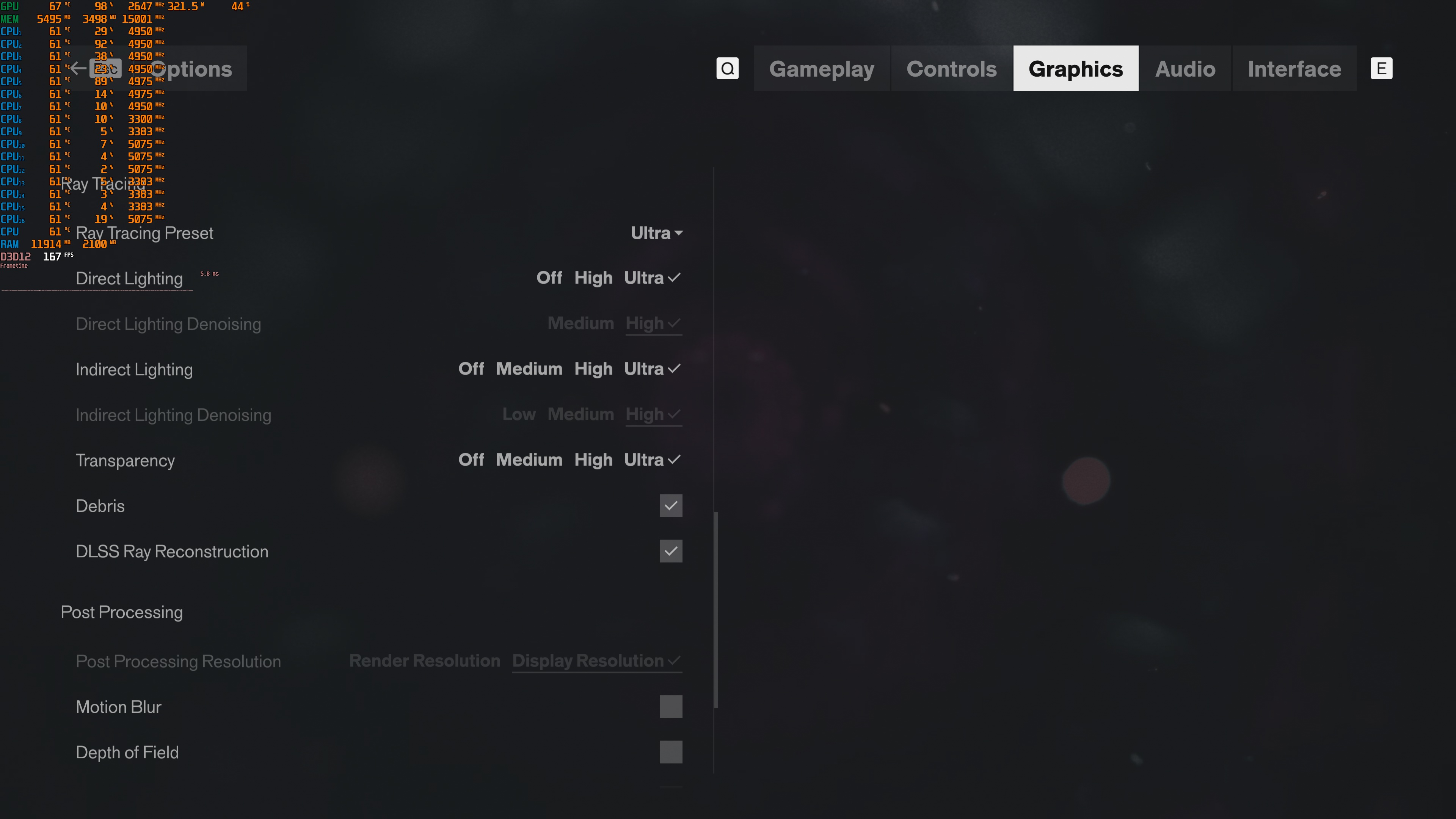
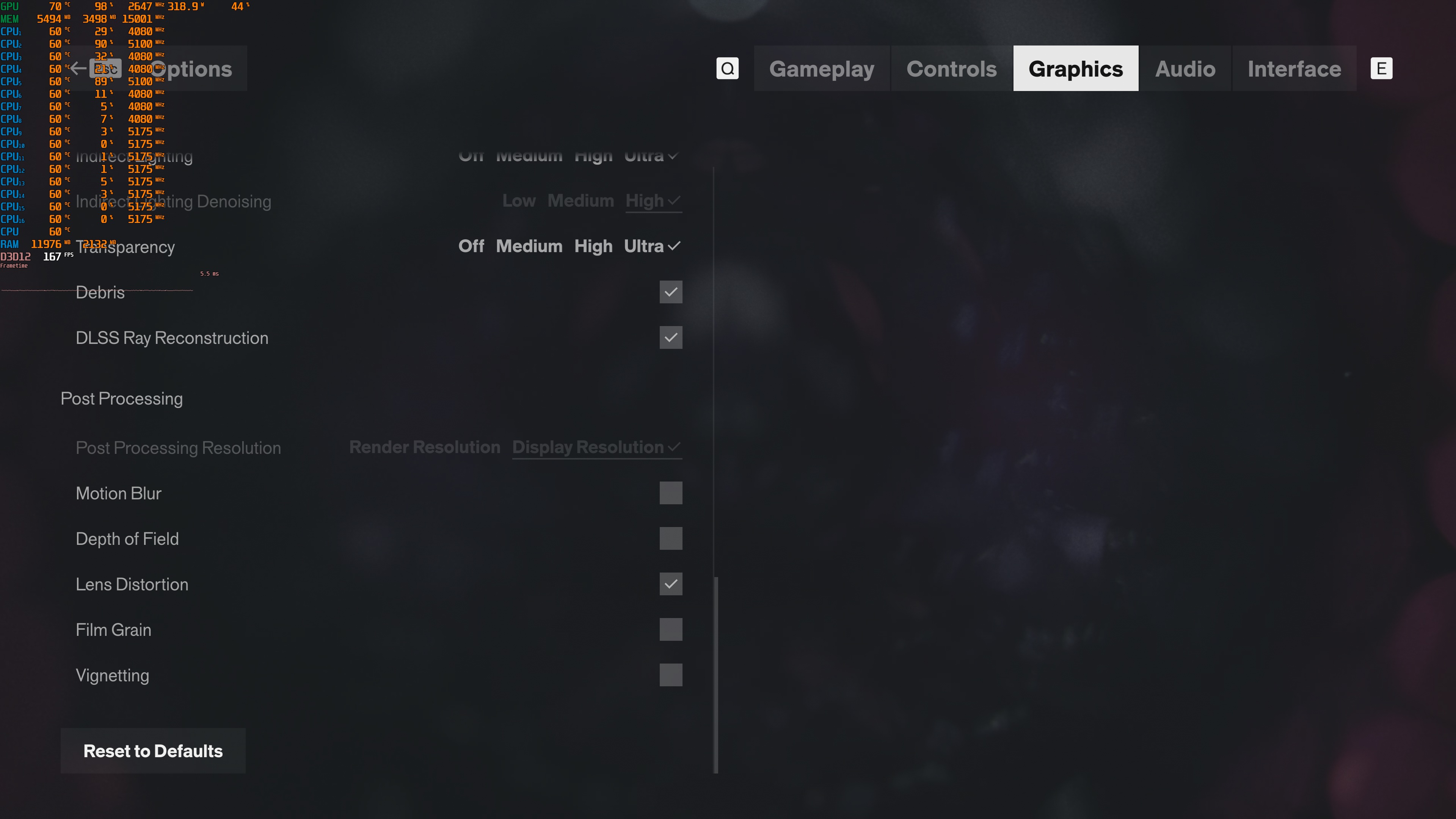
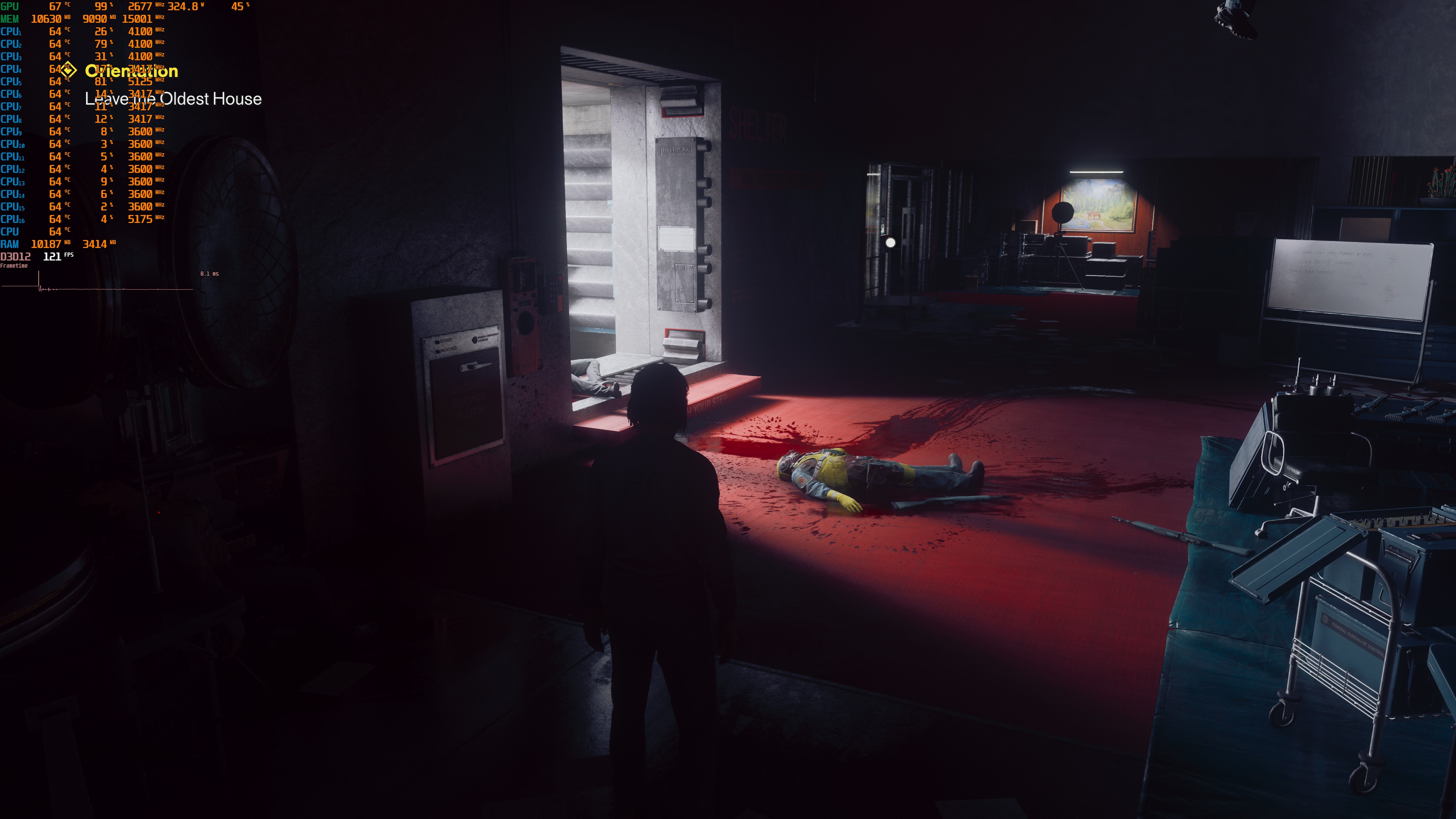
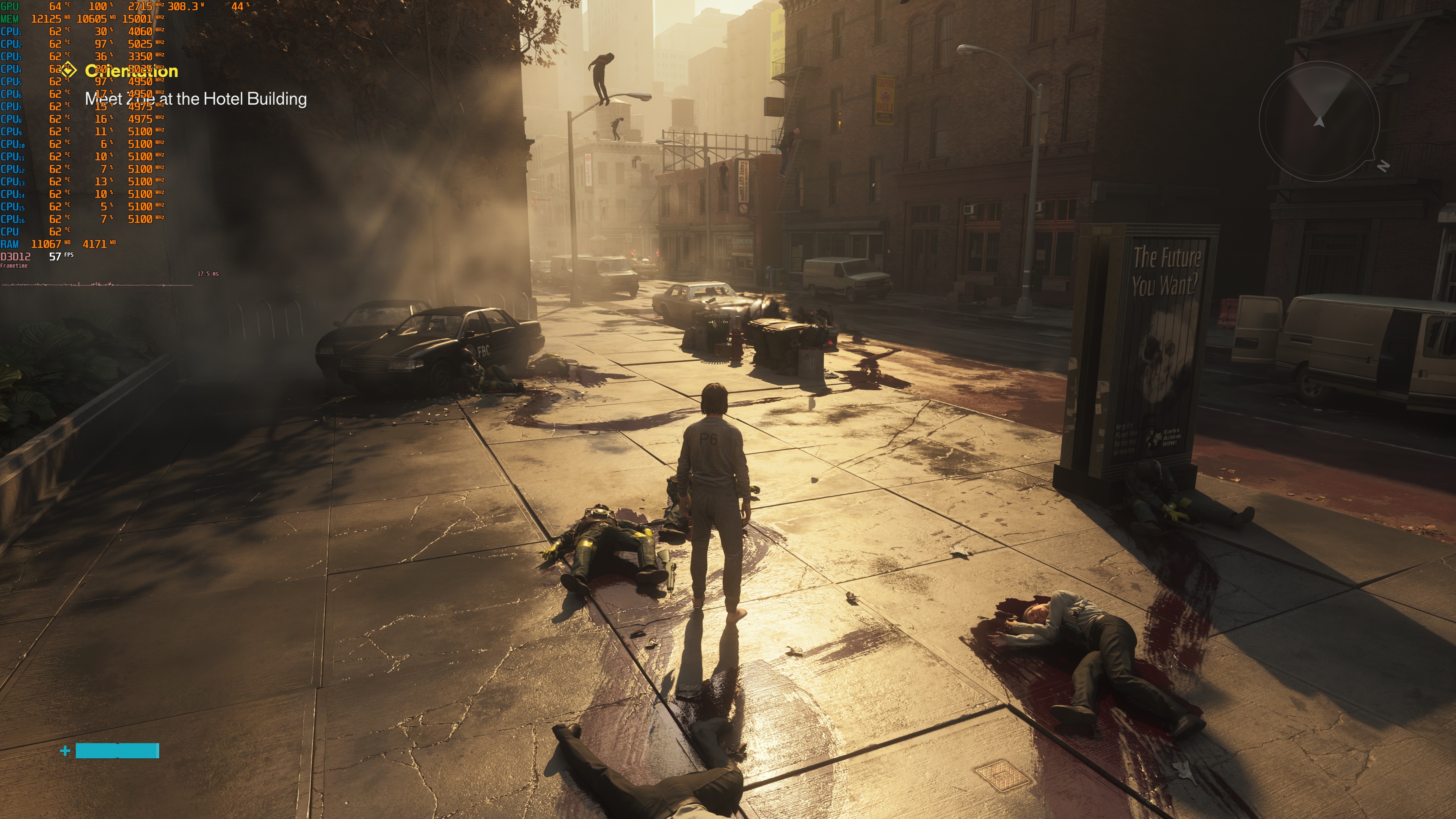
Control Resonant does not have a built-in benchmark tool. So, for our benchmarks, I used this open-world area. This area was more demanding than the prologue area inside the bureau. So, it should give us a pretty good idea of how the rest of it runs.
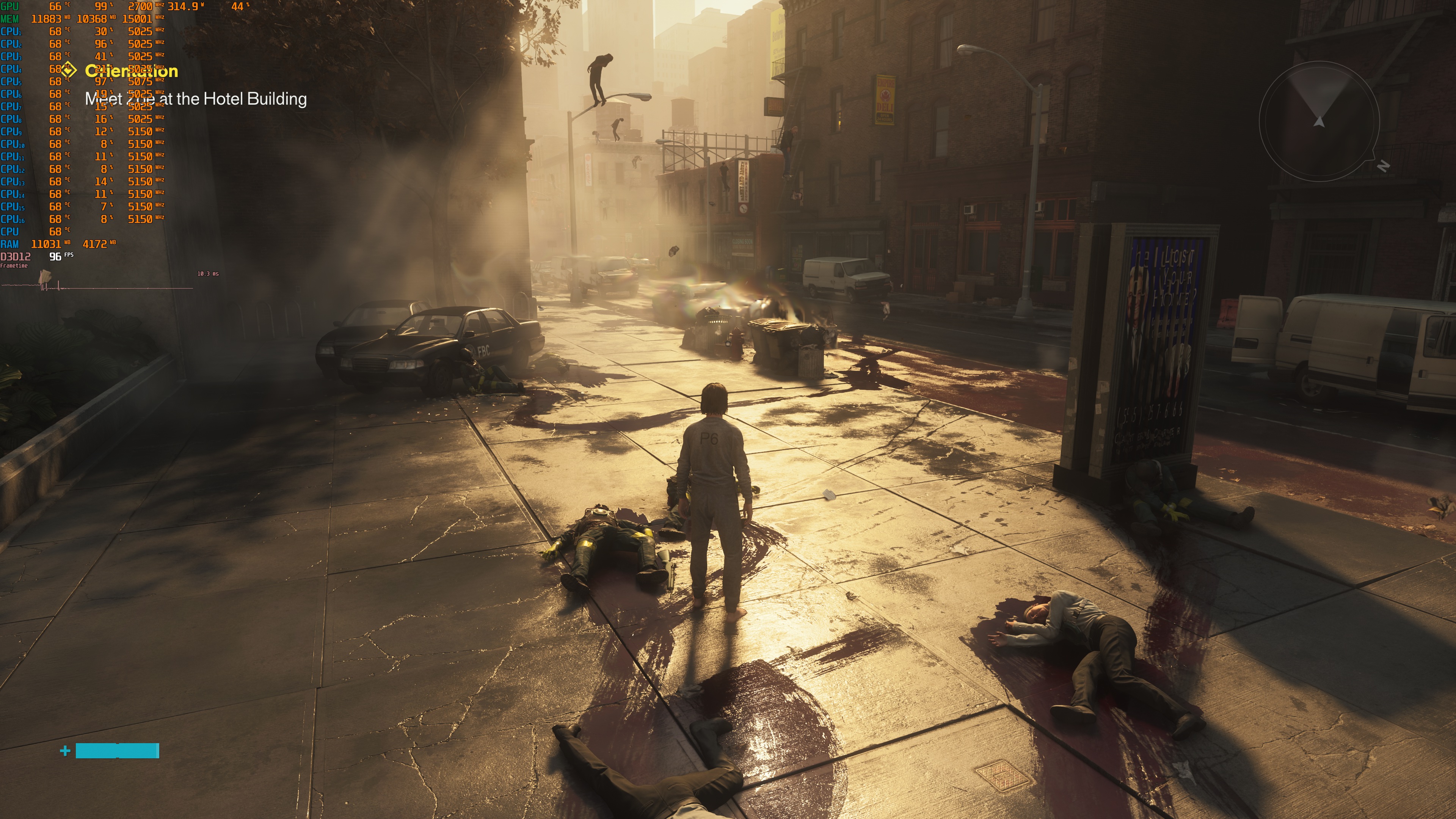
Control Resonant is a GPU-bound title. Even at 1080p without Ray Tracing or Path Tracing, our top GPU was used to its fullest. So, if you own a modern CPU, you will be bottlenecked by your GPU, and not by your CPU.
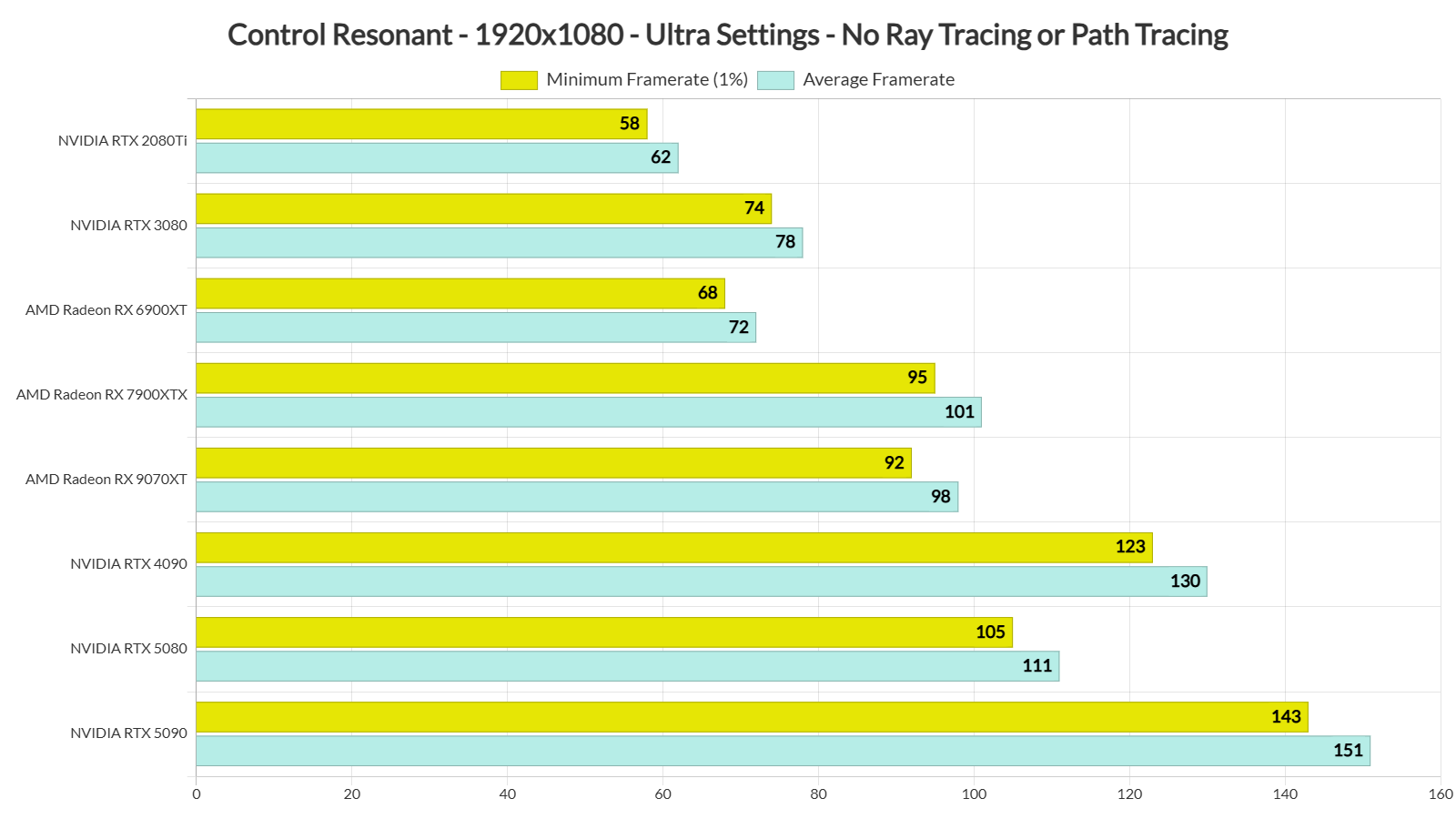
Most of our GPUs were able to run the game at over 60 FPS at 1080p/Ultra Settings without Path Tracing or Ray Tracing. Even our NVIDIA RTX 2080Ti was able to provide a smooth gaming experience, provided you use a G-Sync monitor.
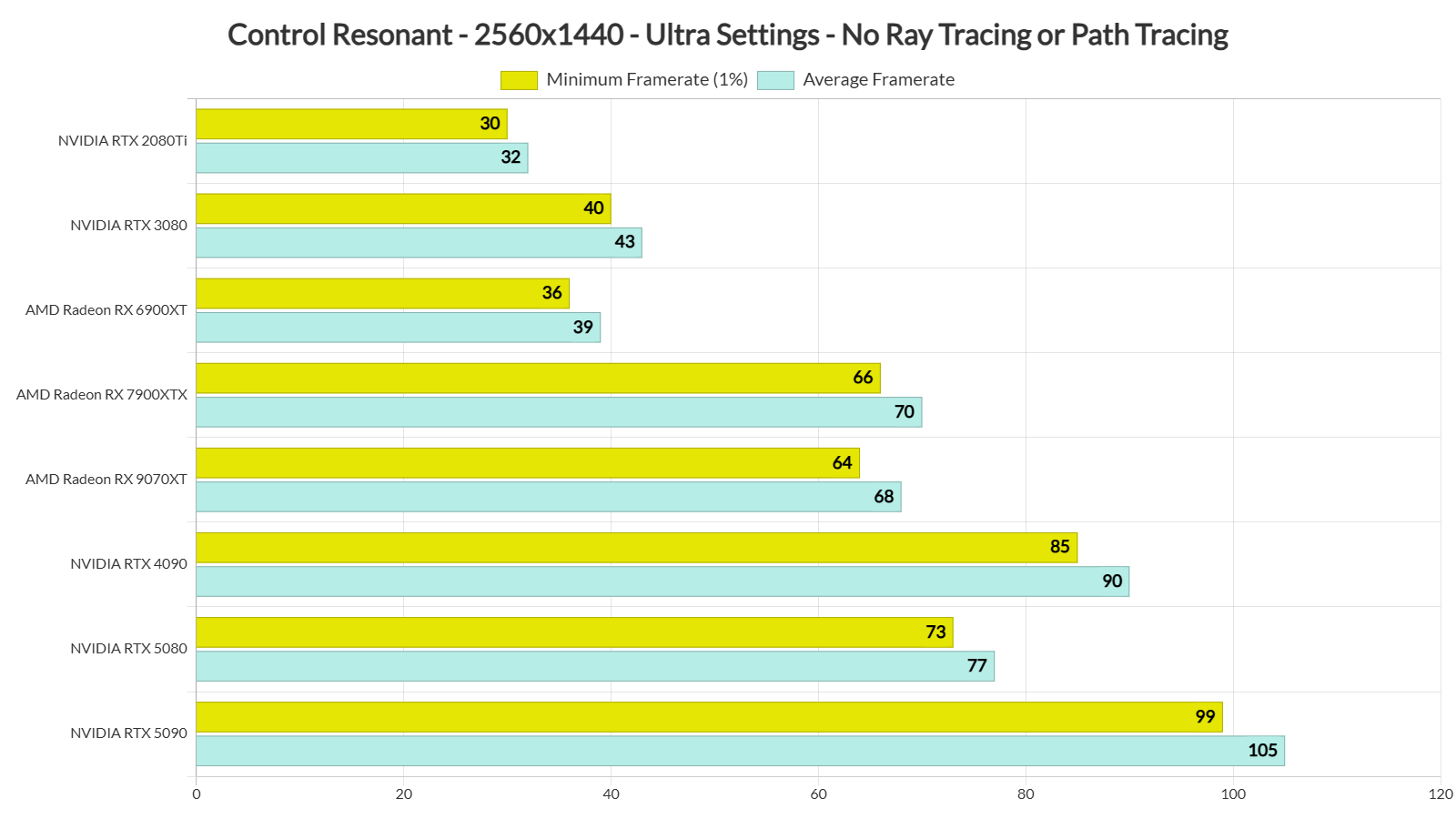
Things got more interesting at 1440p. At that resolution on Ultra Settings without RT or PT, the game could run at over 60 FPS on our top five GPUs. As for Native 4K/Ultra, the only GPU that could offer a smooth gaming experience was the NVIDIA RTX 5090.
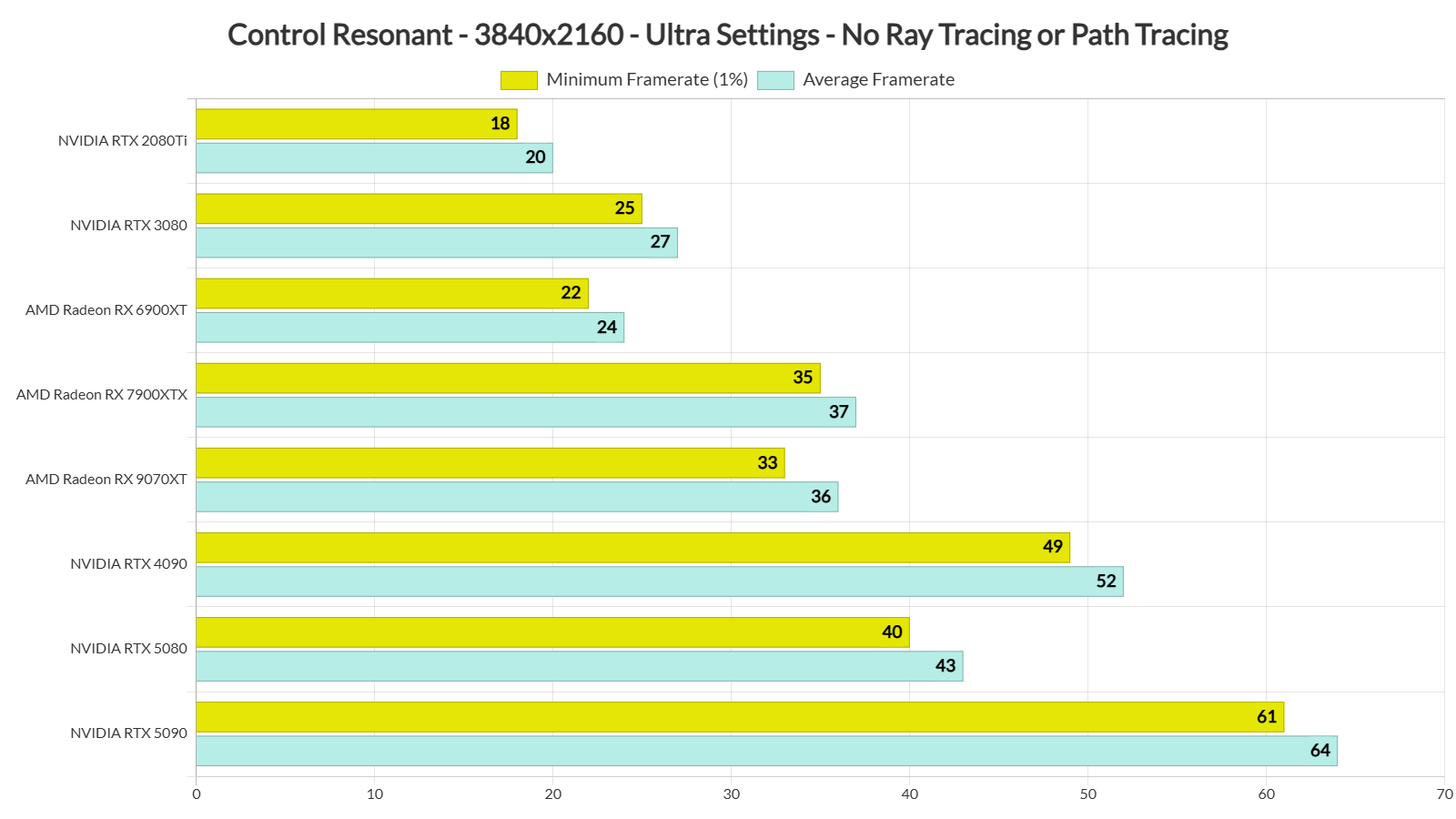
In summary, the rasterized version can run great at 1080p. However, things become really demanding once you move to 4K. The good news is that DLSS 4.5 SR can offer a major performance boost. With DLSS 4.5 Performance at 4K/Ultra, the NVIDIA RTX 5080 can provide a 100 FPS experience. So, there is no reason at all not to use it. But more on that later.
As I said, there is support for both Ray Tracing and Path Tracing. However, I’ve decided to focus solely on Path Tracing, as this is the most demanding setting (and it is the one that can greatly improve your image quality).
Here are some comparison shots between Path Tracing (left) and Rasterization (right). As we can see, Path Tracing brings better reflections, better shadows, and better lighting. Thanks to Path Tracing, the environments look more realistic. The objects also feel like they belong to the environment. Basically, if you’ve experienced Path Tracing in any other game, you already know what you’re getting here too.
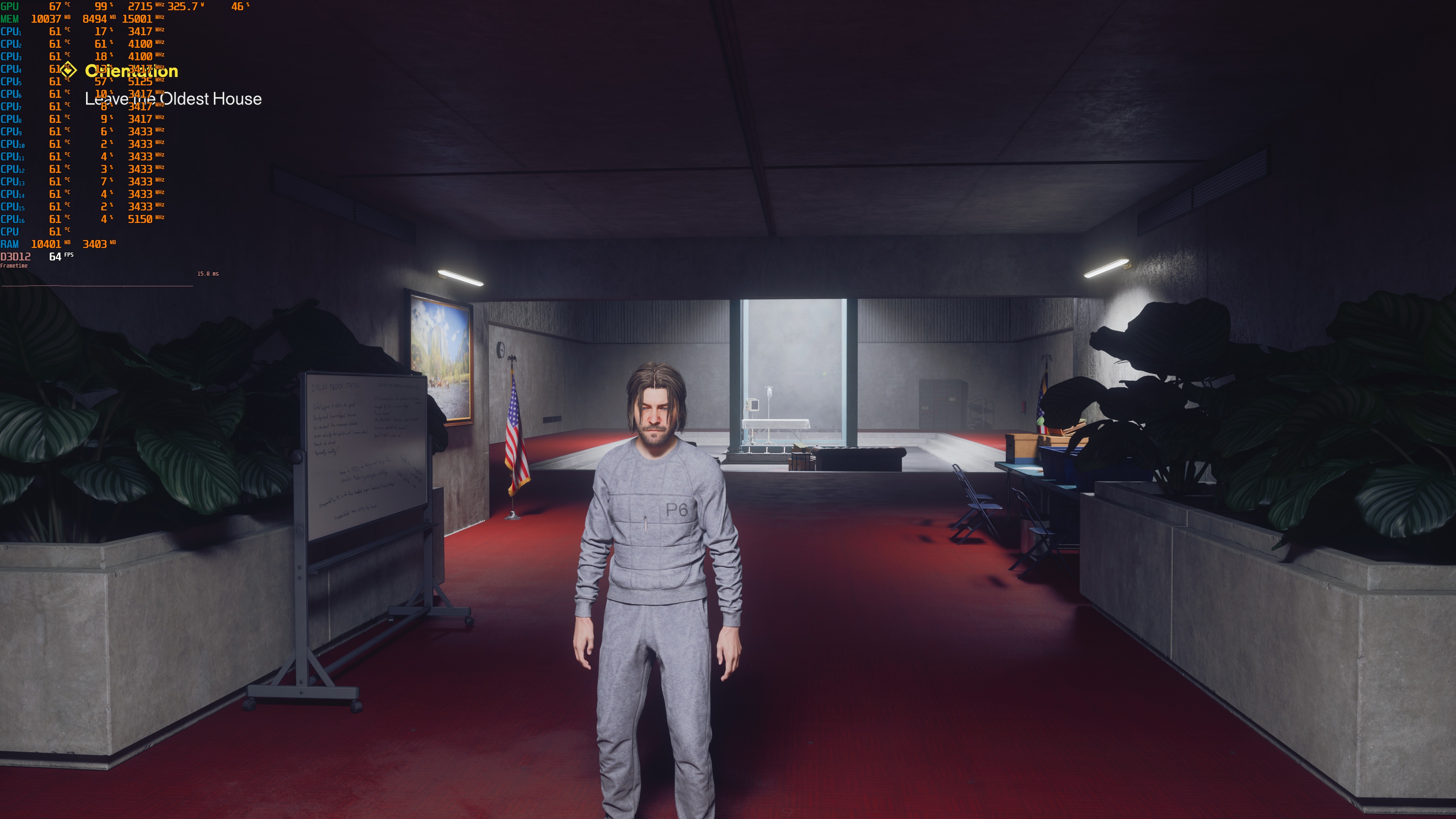
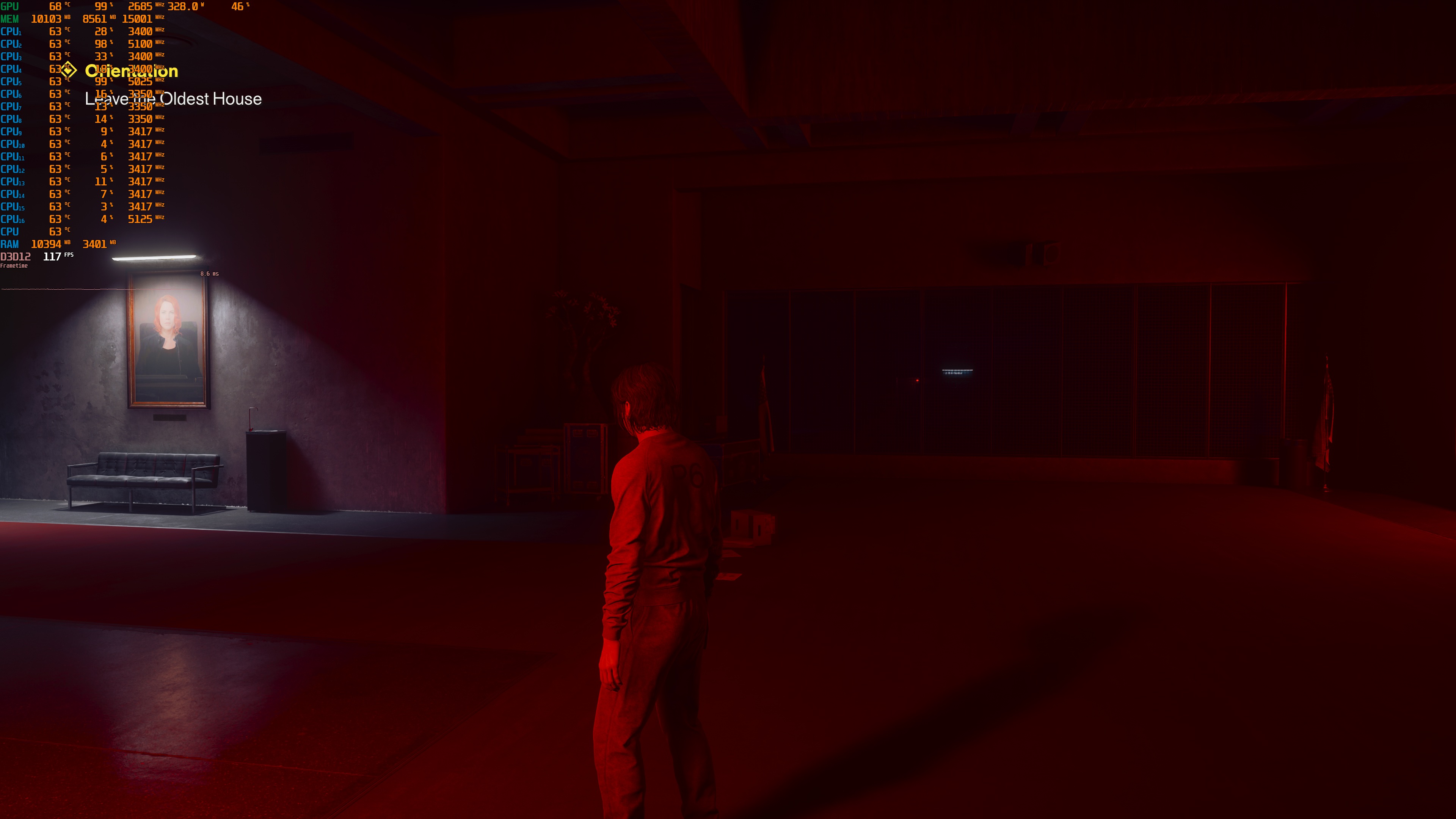
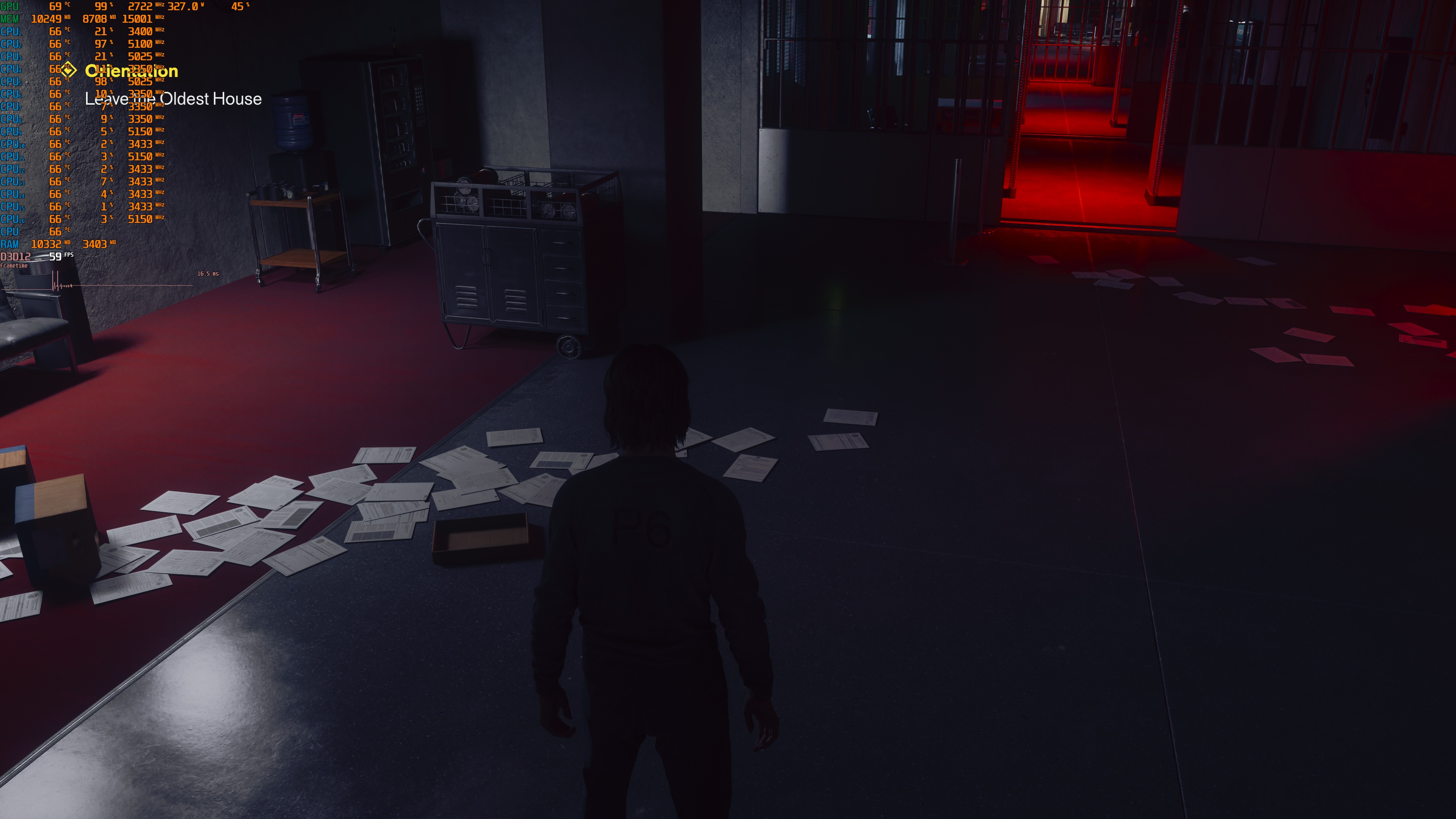
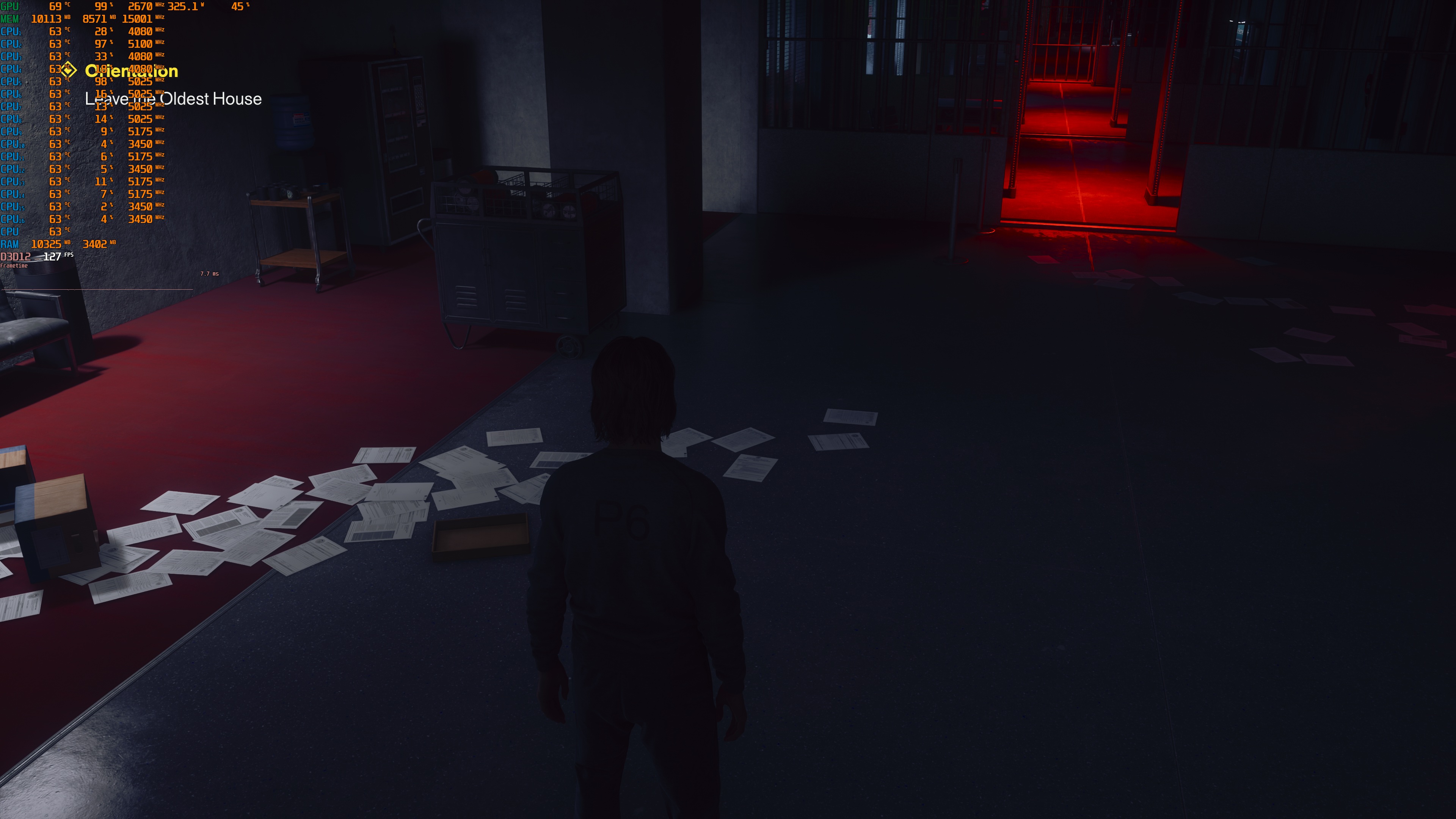
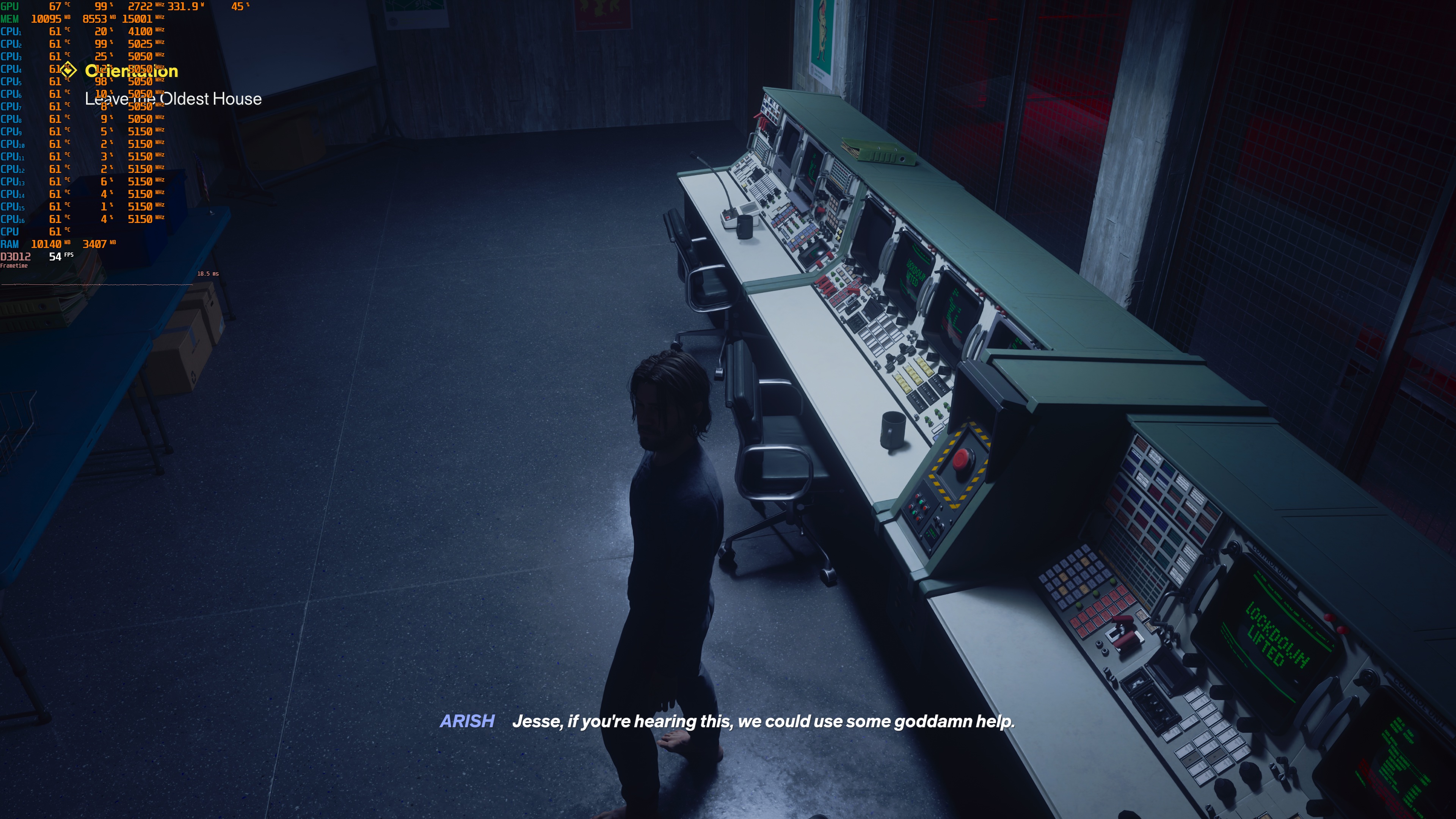
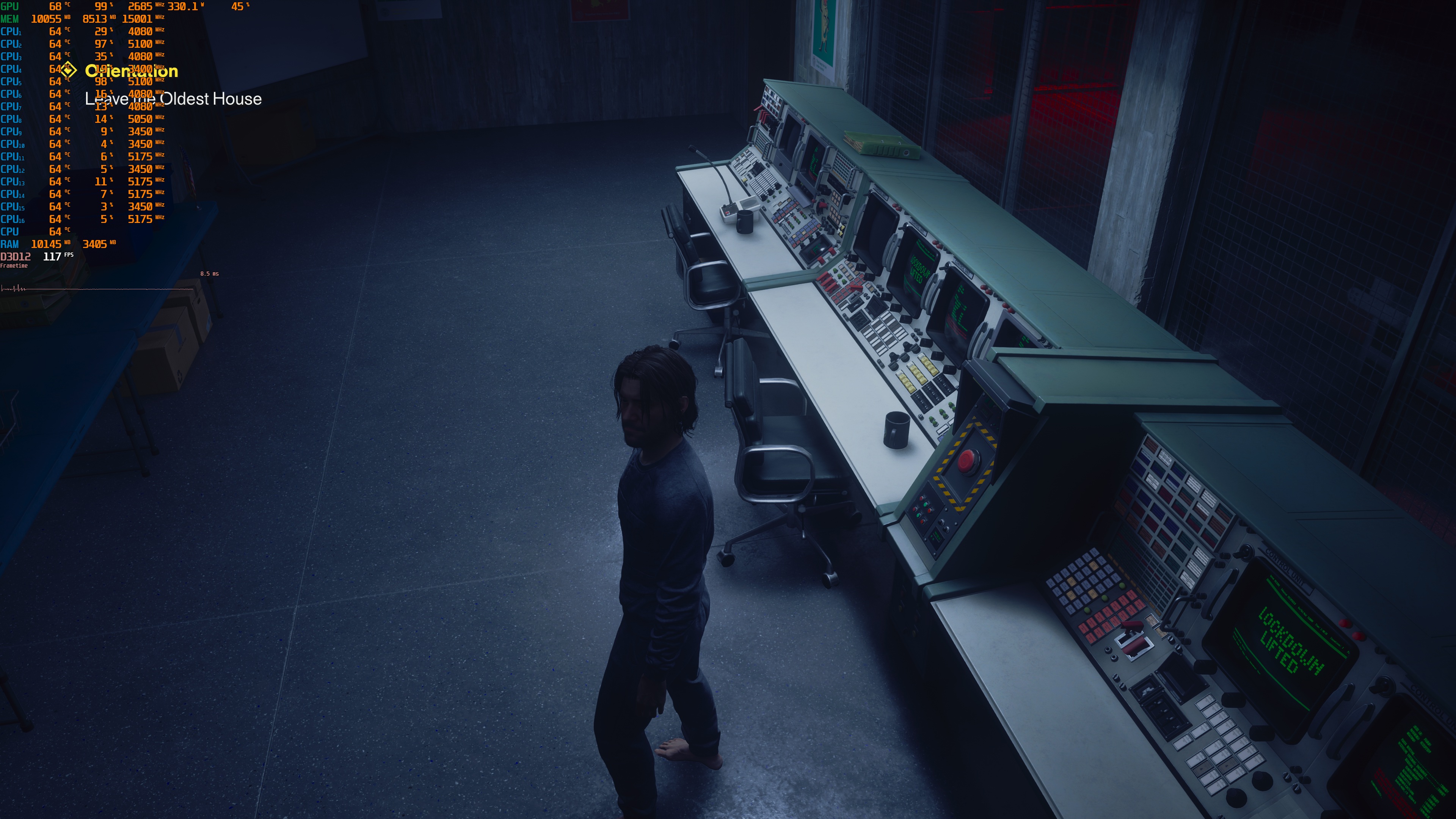
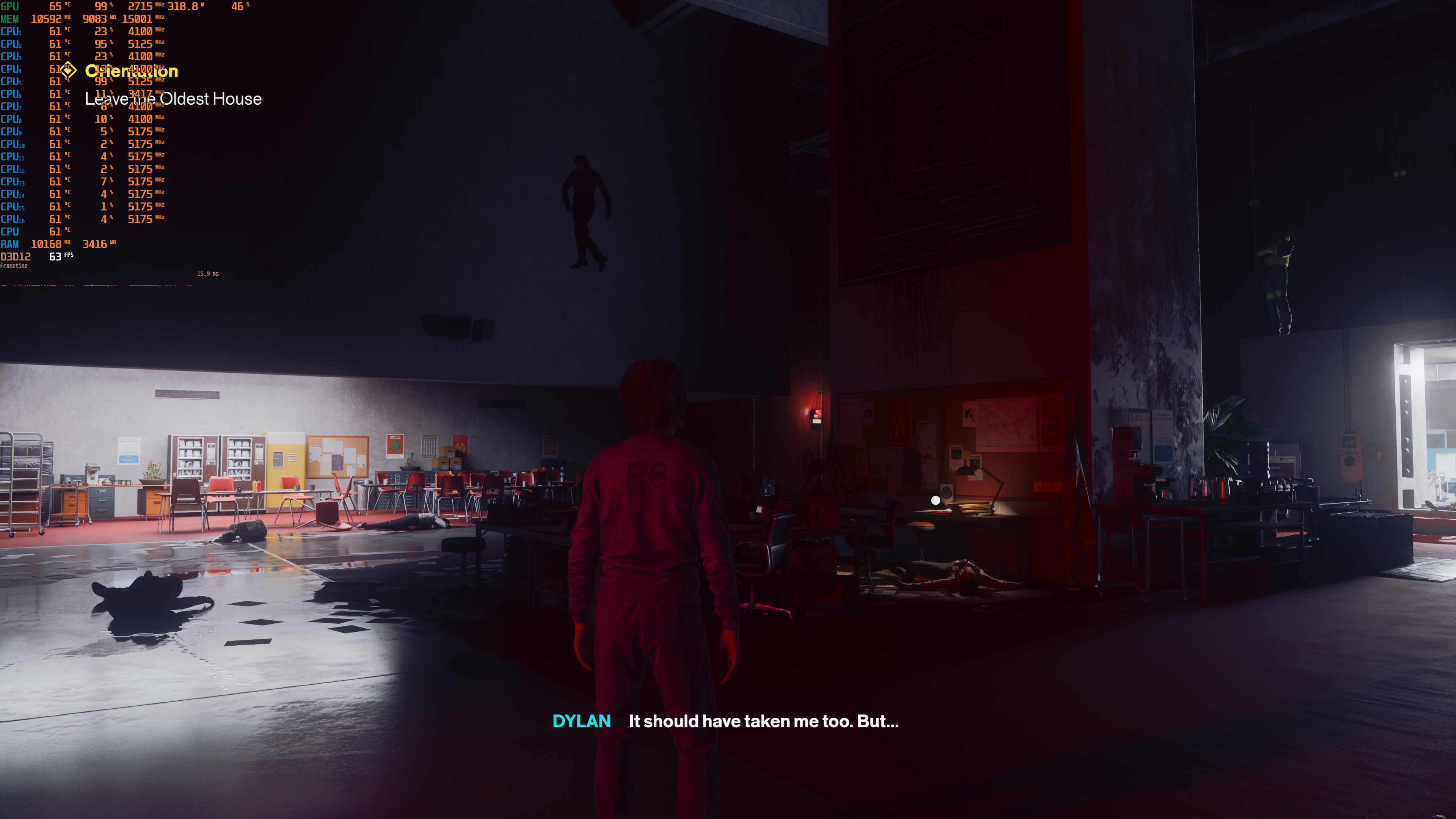
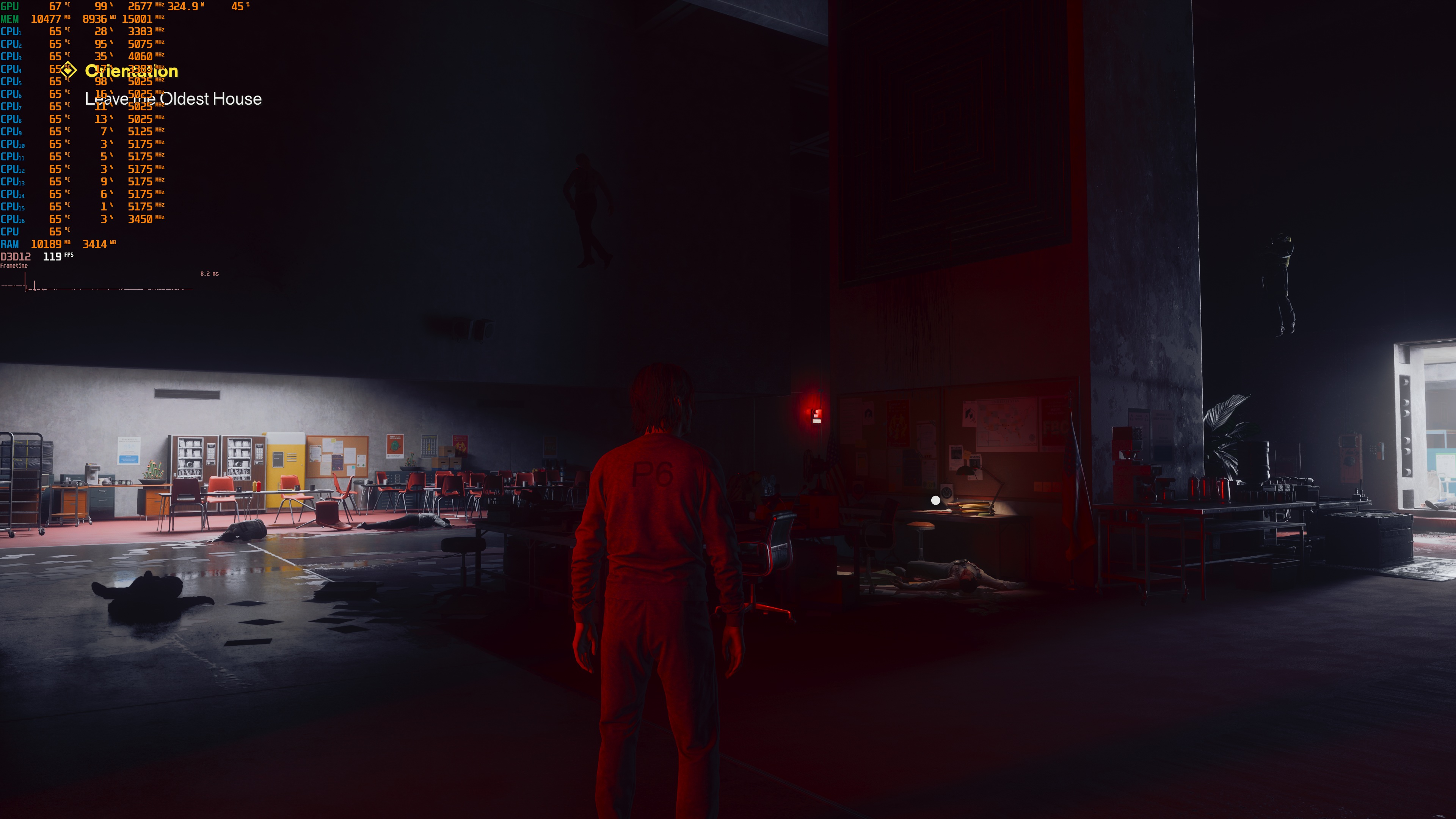
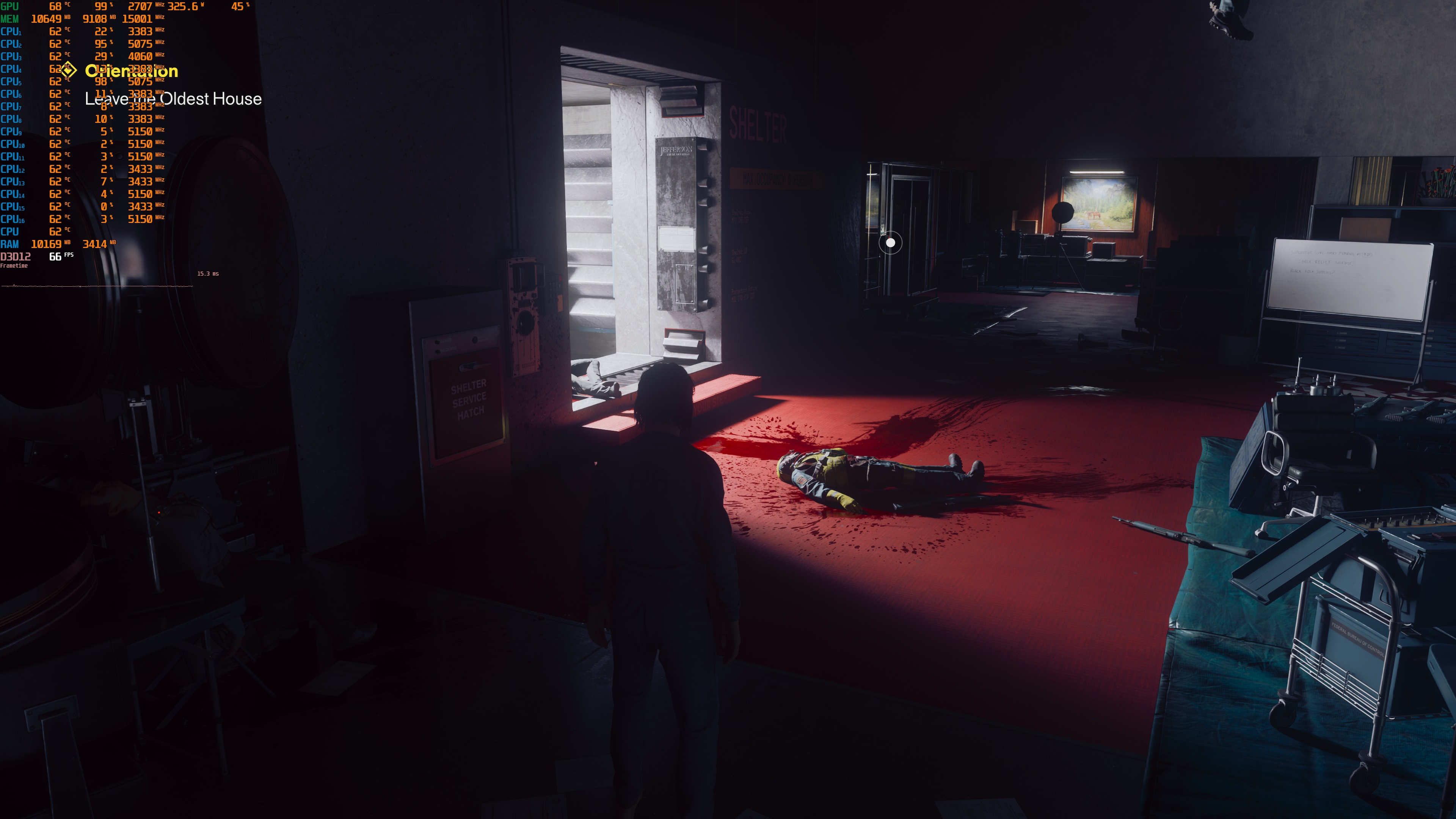
Path Tracing comes with a big performance hit. At Native 4K/Ultra, our NVIDIA RTX 5080 was pushing 20-22 FPS. So basically, it will cut your performance in half. And, for comparison purposes, 007 First Light ran at 14-15 FPS at Native 4K on the NVIDIA RTX 5080.
What’s really impressive here, though, is the performance boost from DLSS 4.5 Super Resolution. With DLSS 4.5 Performance, I was getting 52–57 FPS on the NVIDIA RTX 5080. I’ve never seen this kind of performance boost in any other game. I’ve double- and triple-checked these results. They are legit. And that’s not all. Thanks to DLSS 4.5 SR and RR, we also get a crisp image. This is perhaps one of the best examples of DLSS 4.5 I’ve seen.
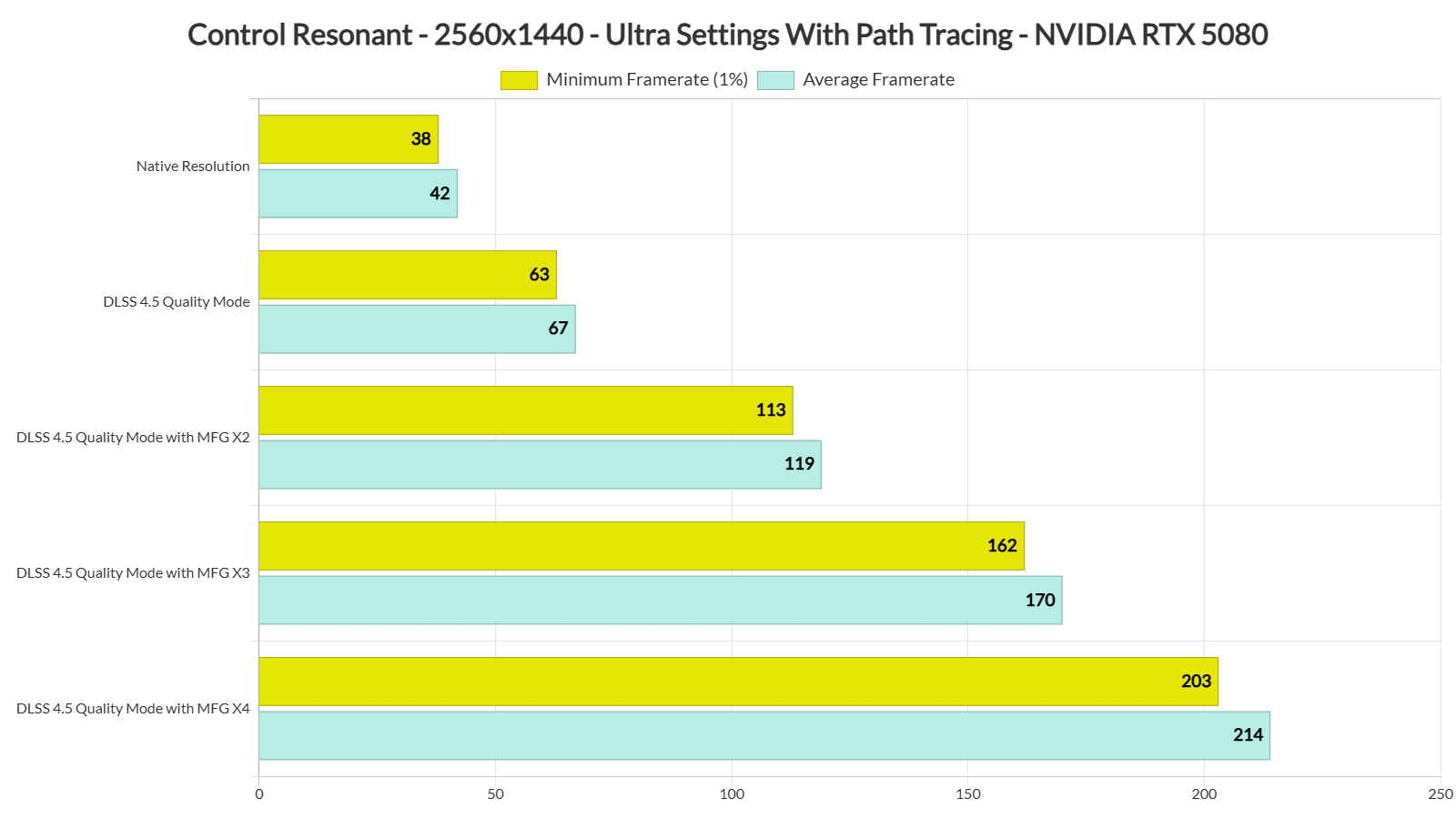
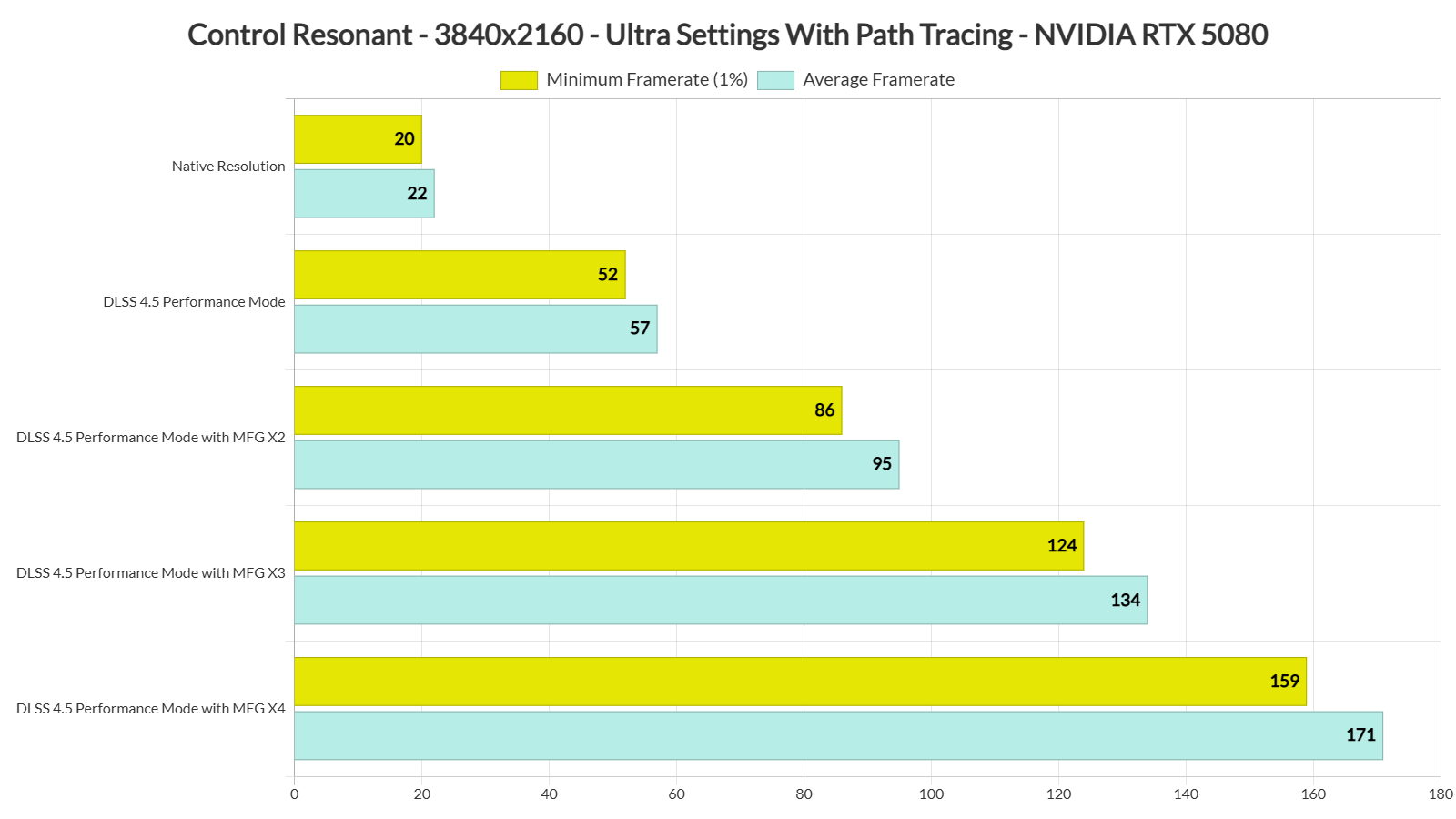
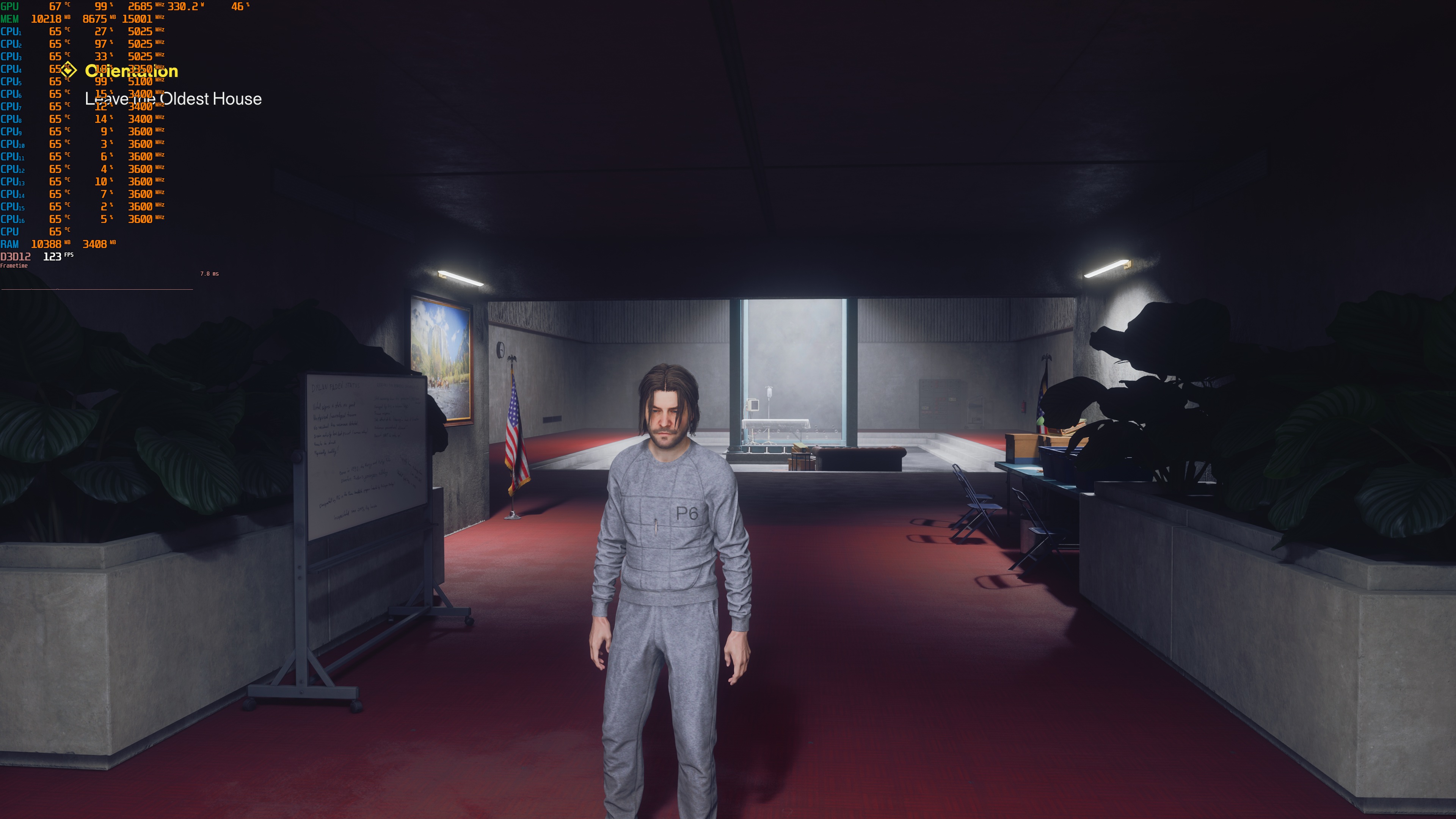
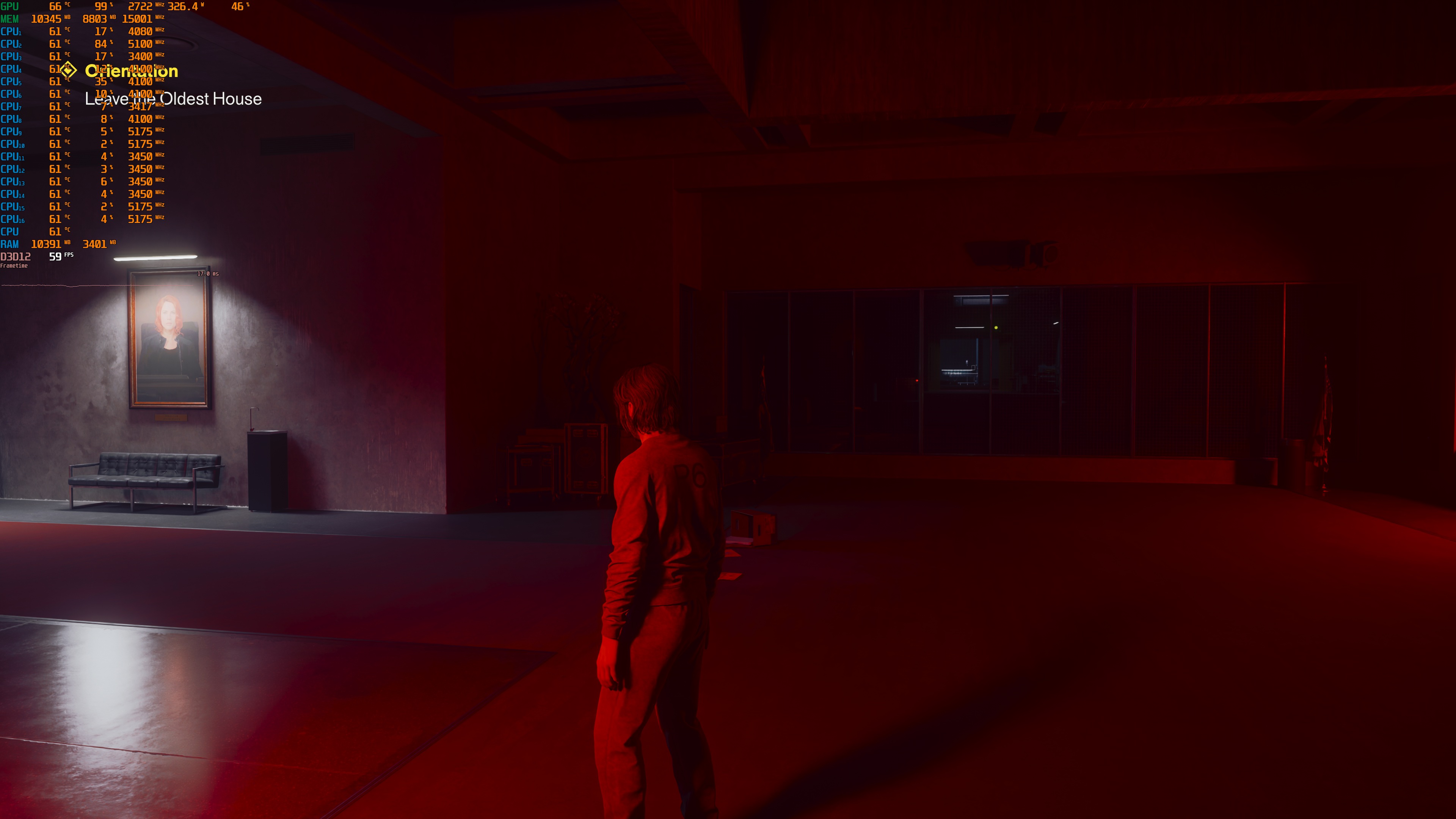
Since we have a base frame rate of over 45 FPS, we can use DLSS 4.5 Multi-Frame Generation without major input lag. The DLSS 4.5 MFG implementation is also great in this game. During fast camera movements, I did not see the visual artifacts I saw in Alan Wake 2. Here are some shots I took while moving the camera as fast as I could. In normal gameplay, you will not move the camera this fast. As you can see, there are only very minor artifacts, even during these extreme camera movements.
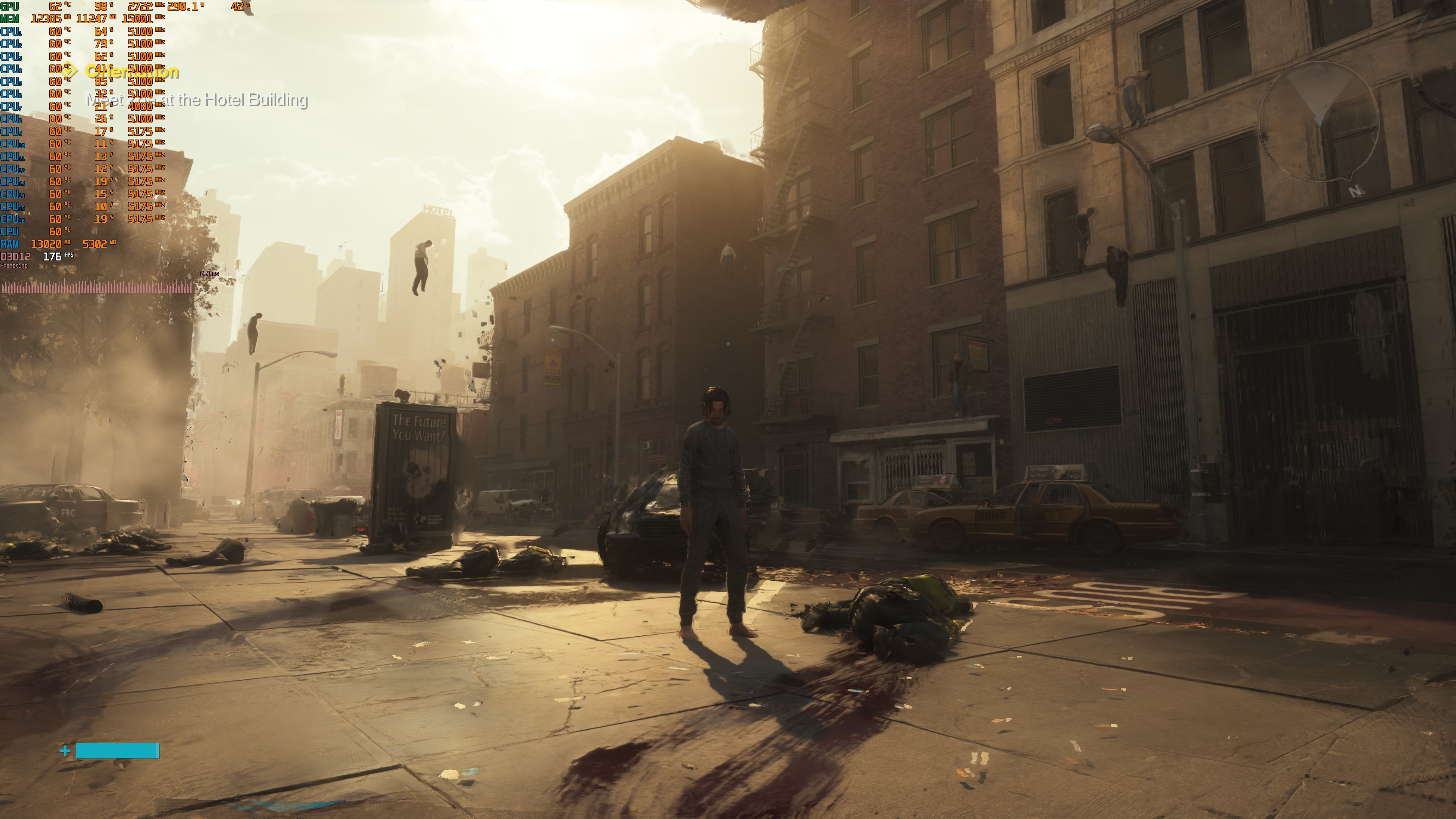
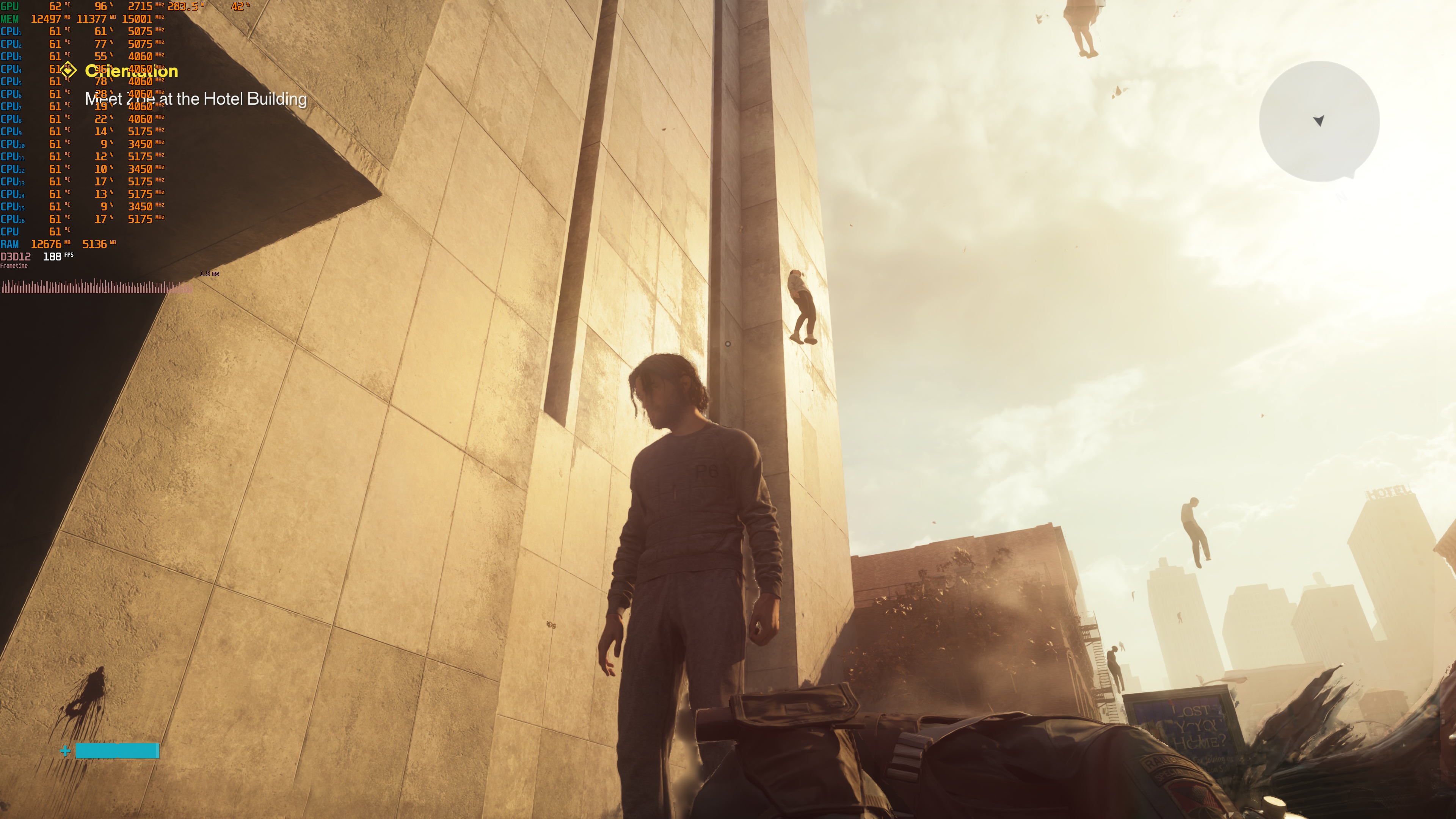
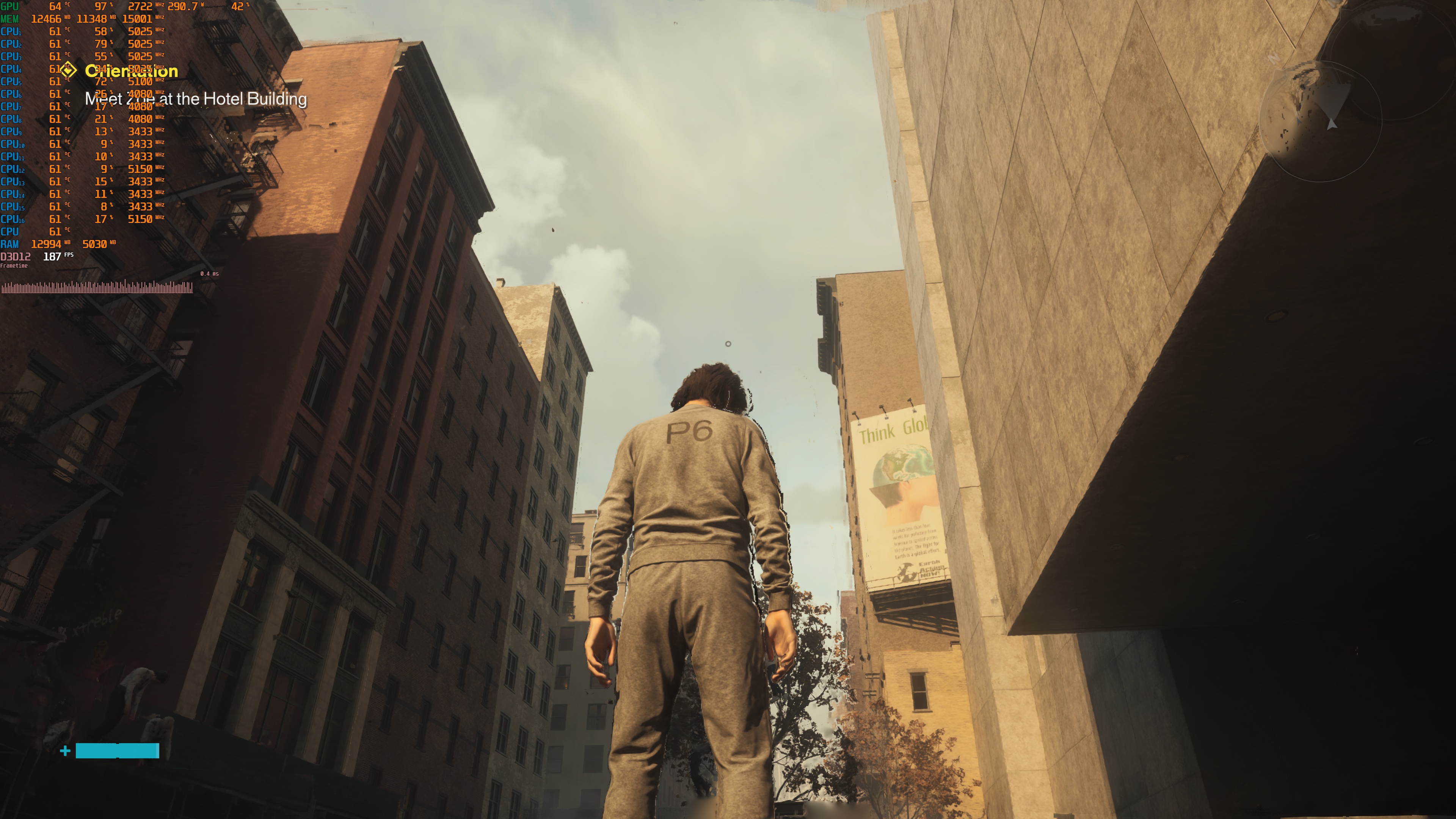
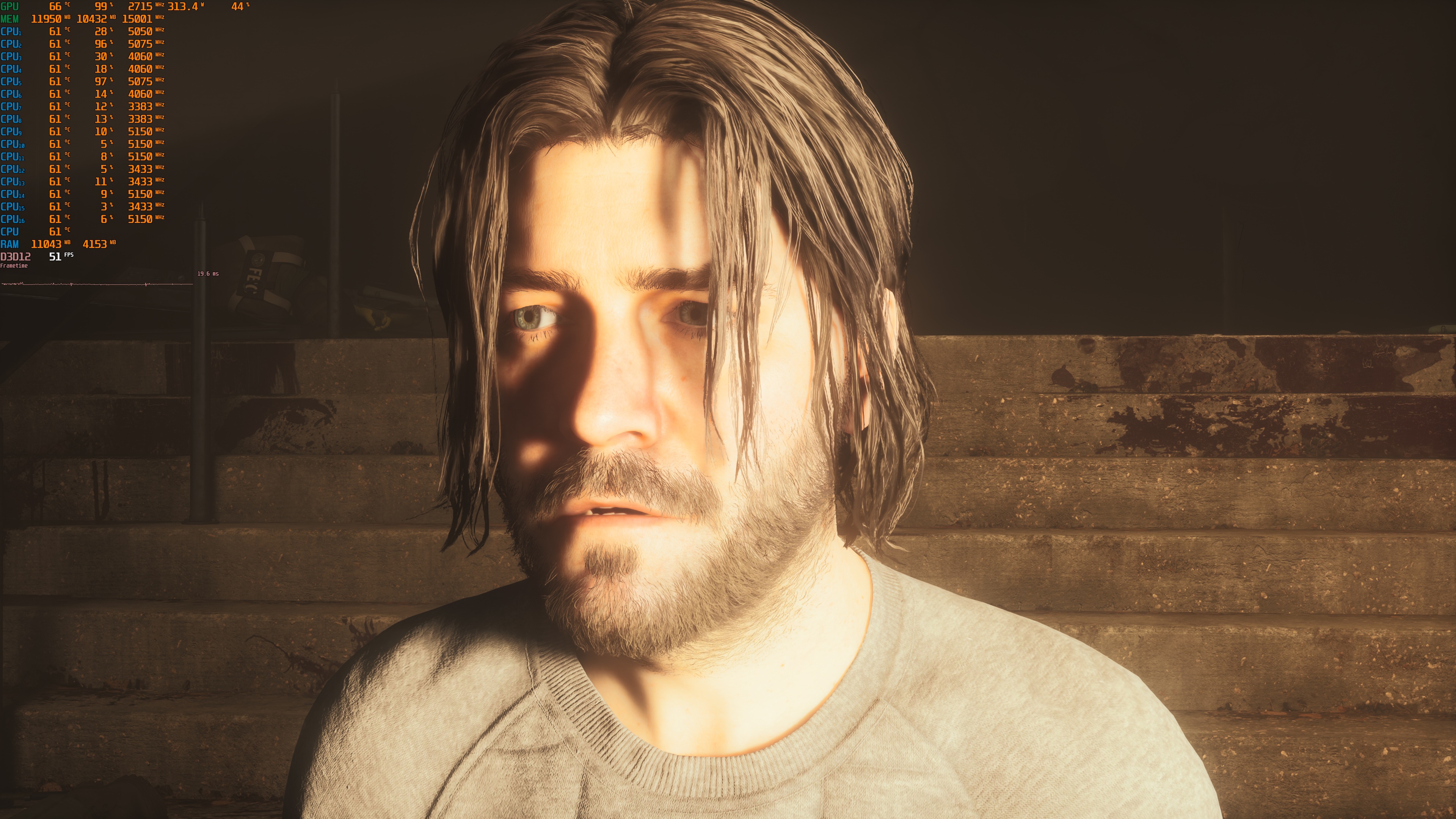
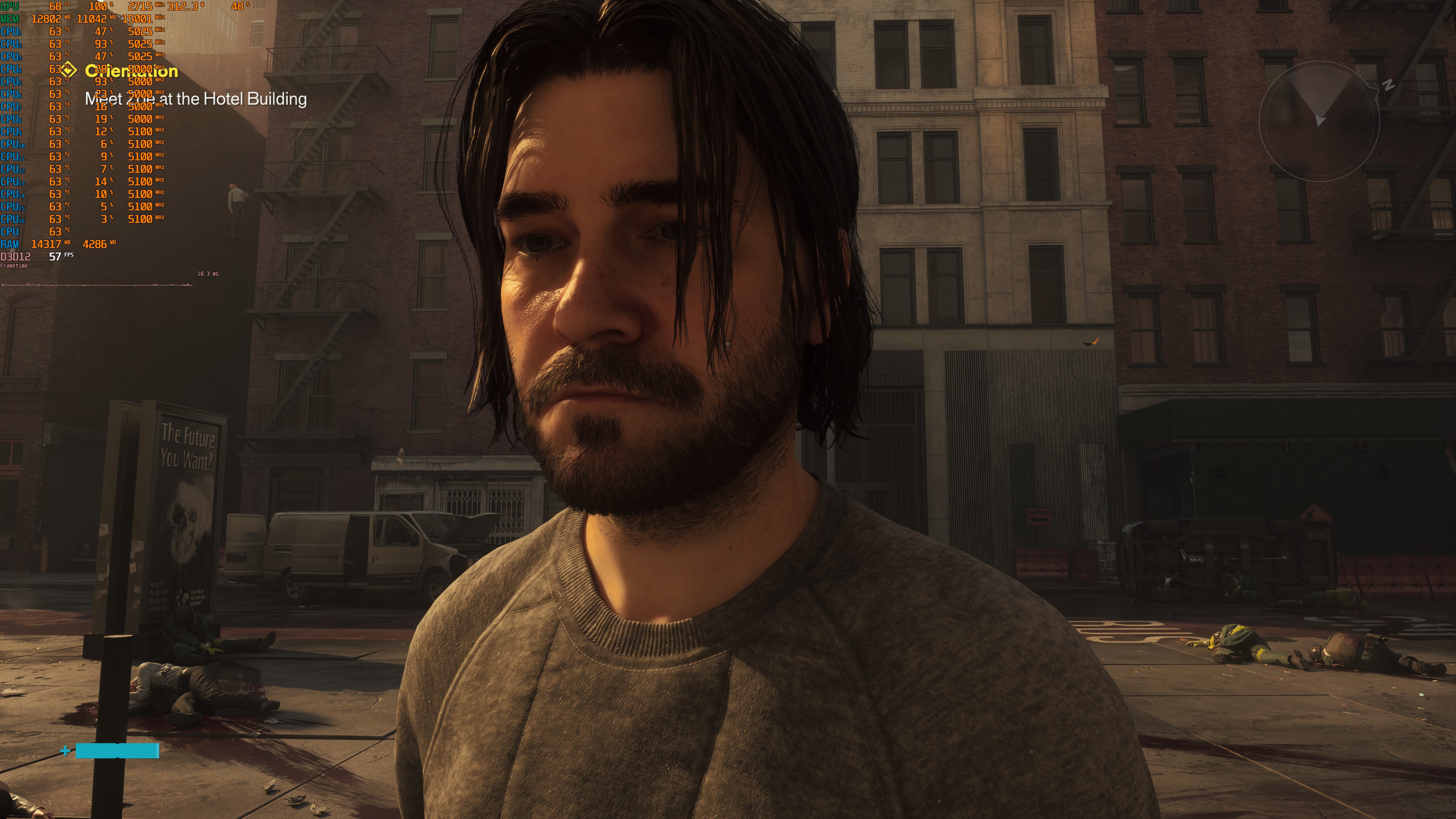
Graphics-wise, Control Resonant’s environments look amazing. They are full of detail, and they are up to what you’d expect from a new PC path-traced title. However, the main protagonist, Dylan, looks awful. I don’t know what Remedy was smoking, but look at these shots. These are on Ultra Settings with Path Tracing, and Dylan looks like a PS4 character. Look at his face, look at the hair. The first Control game had great-looking characters. So, I don’t know what happened here. Other than that, the game looks great.
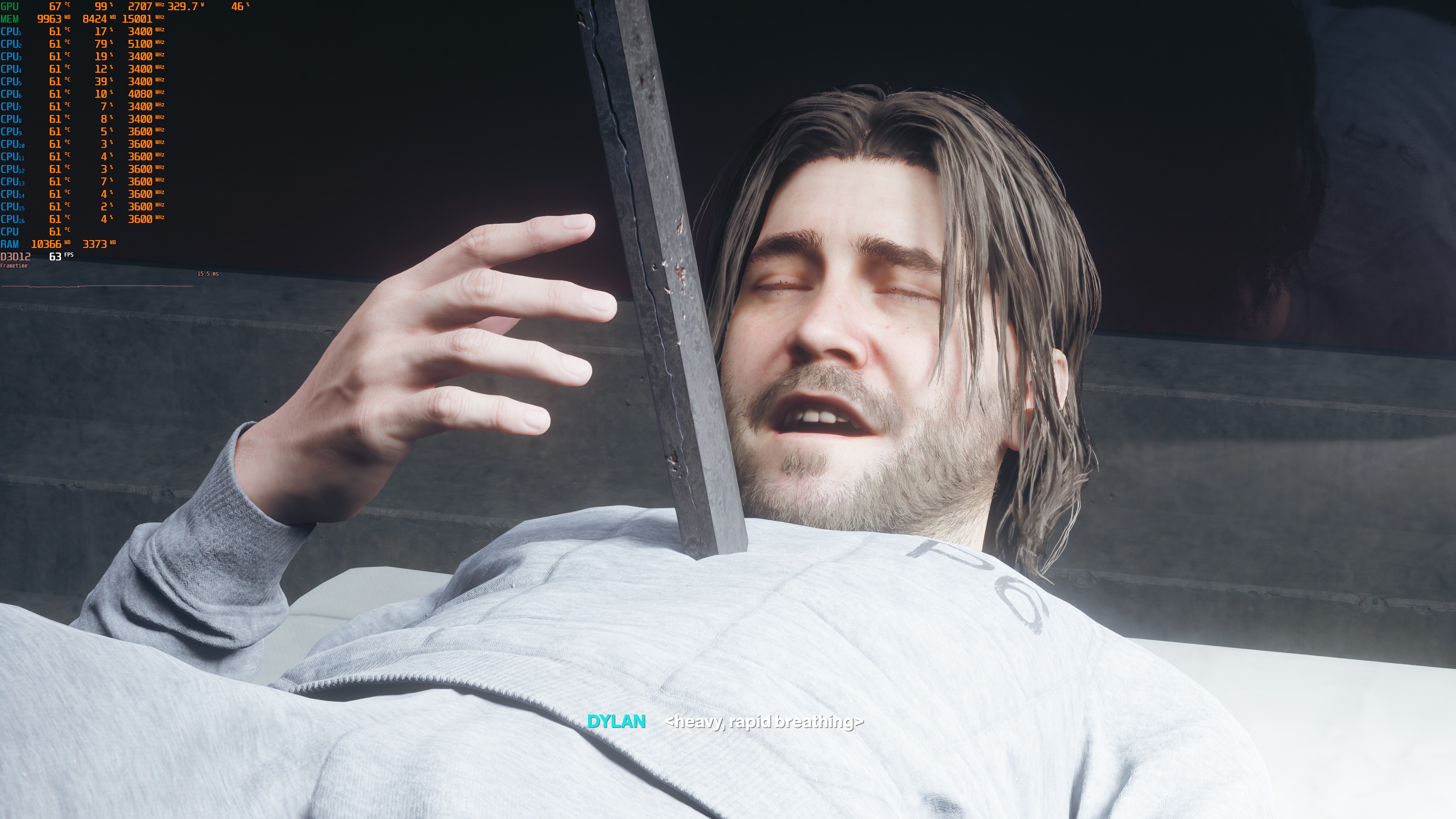
Before closing, I should note that I did not experience any major stuttering issues. Everything felt great and smooth during the prologue and the majority of the first open-world area.
Overall, Control Resonant runs great on PC, as long as you are willing to use an upscaler. Without Ray Tracing or Path Tracing, the game runs well on a wide range of GPUs. This is even more true at lower resolutions. The game gets more demanding at 1440p and 4K, but DLSS 4.5 is here to save the day. With Path Tracing, Control Resonant looks amazing. That is, if you don’t focus on the main protagonist, who looks awful. Other than that, though, Control Resonant is a great-looking game!

John is the founder and Editor in Chief at DSOGaming. He is a PC gaming fan and highly supports the modding and indie communities. Before creating DSOGaming, John worked on numerous gaming websites. While he is a die-hard PC gamer, his gaming roots can be found on consoles. John loved – and still does – the 16-bit consoles, and considers SNES to be one of the best consoles. Still, the PC platform won him over consoles. That was mainly due to 3DFX and its iconic dedicated 3D accelerator graphics card, Voodoo 2. John has also written a higher degree thesis on the “The Evolution of PC graphics cards.”
Contact: Email