cyberpunk 2077 new header

Cyberpunk 2077 – Update 2.0 & DLSS 3.5 Benchmarks & Impressions

CD Projekt has just lifted the embargo for the latest major update of Cyberpunk 2077. Cyberpunk 2077 Patch 2.0 introduces NVIDIA DLSS 3.5, so it’s time now to benchmark this latest version of the game and examine its path-traced performance on PC.

For our Cyberpunk 2077 Update 2.0 benchmarks, we used an AMD Ryzen 9 7950X3D, 32GB of DDR5 at 6000Mhz, NVIDIA’s RTX 2080Ti, RTX 3080 and RTX 4090. We also used Windows 10 64-bit and the GeForce 537.13 driver. Moreover, we’ve disabled the second CCD on our 7950X3D.

Let’s start with the NVIDIA RTX2080Ti. This GPU was the first high-end graphics card to support DLSS and hardware-accelerated Ray Tracing. Unfortunately, though, it cannot provide a playable experience in this path-traced game, even at 1080p with DLSS 3.5 Quality.
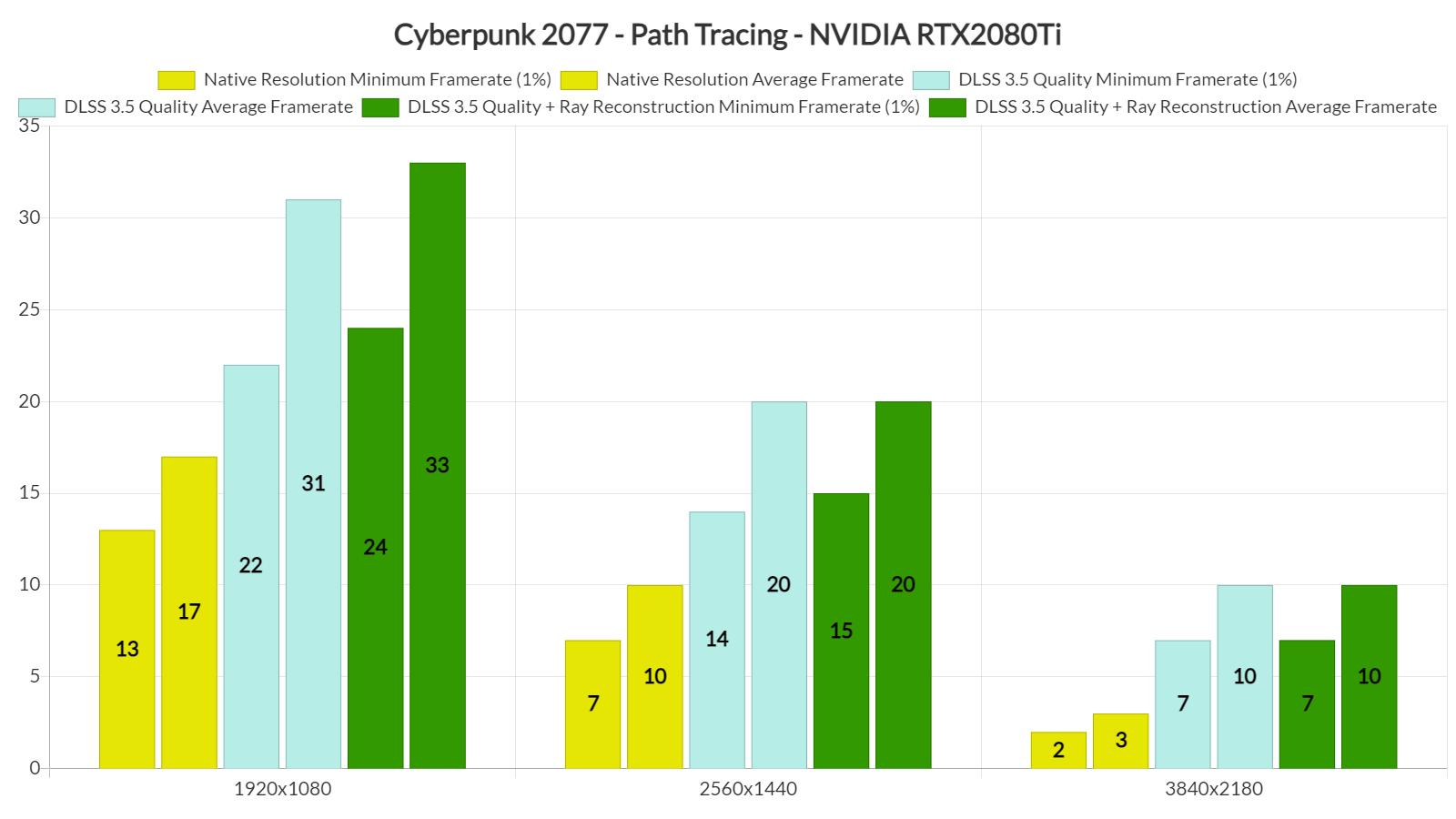
Cyberpunk 2077 Path Tracing Benchmarks & Performance-1

Similarly, the RTX3080 is unable to provide playable framerates at pretty much all resolutions. By enabling DLSS 3.5 and Ray Reconstruction, we were able to get an average of 59fps, though there were numerous drops to the 50s. This basically means that even if you have a G-Sync monitor, you will notice these framerate drops (or at least we can).
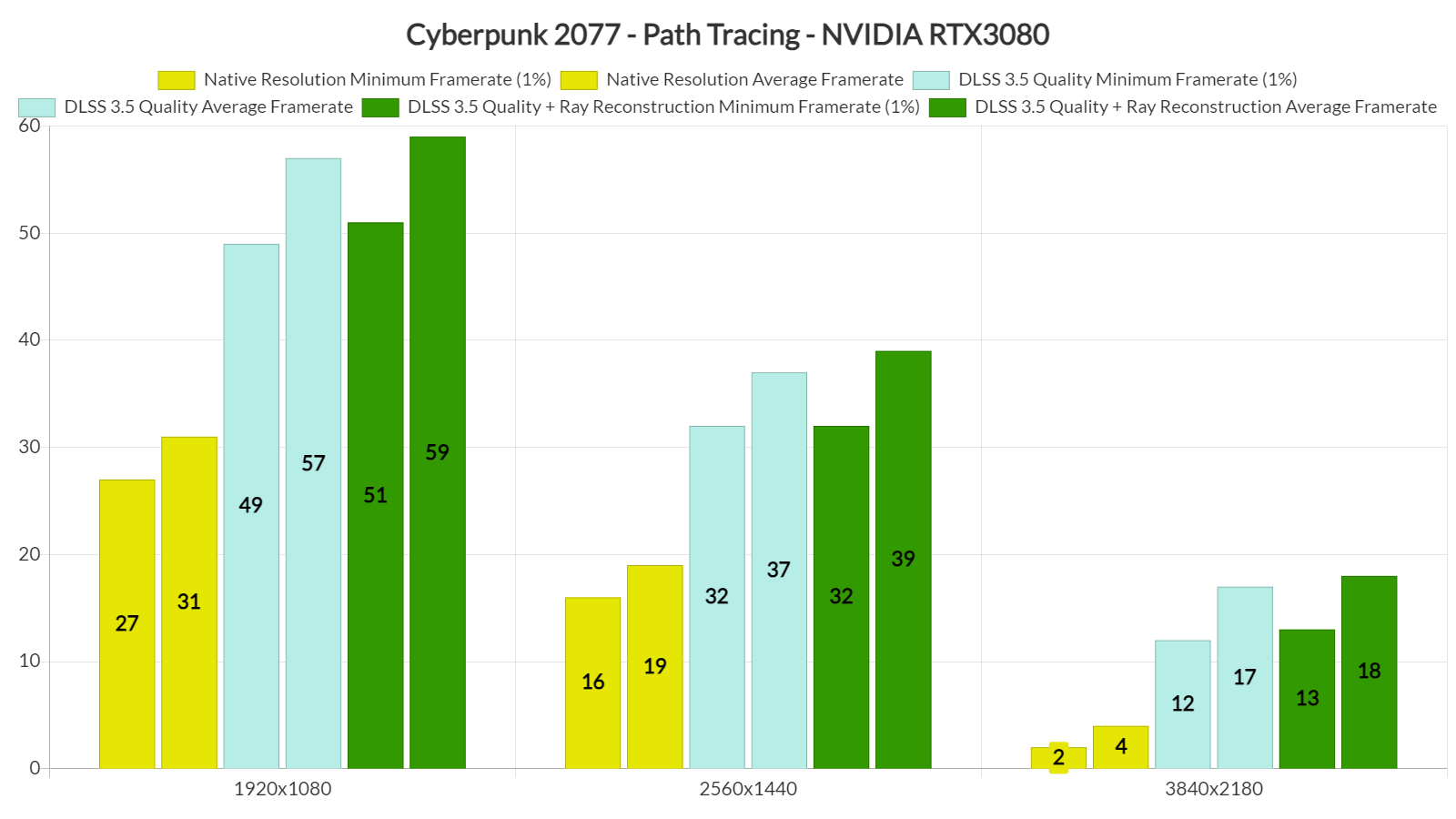
Cyberpunk 2077 Path Tracing Benchmarks & Performance-2

The only GPU that is able to provide a smooth gaming experience in Cyberpunk 2077 Update 2.0 with its Path Tracing effects is the RTX 4090. At Native 1080p/Max Settings, the RTX 4090 can push framerates over 60fps at all times. Then, by enabling DLSS 3.5 Super Resolution, Frame Generation and Ray Reconstruction, you can get over 60fps even at 4K.
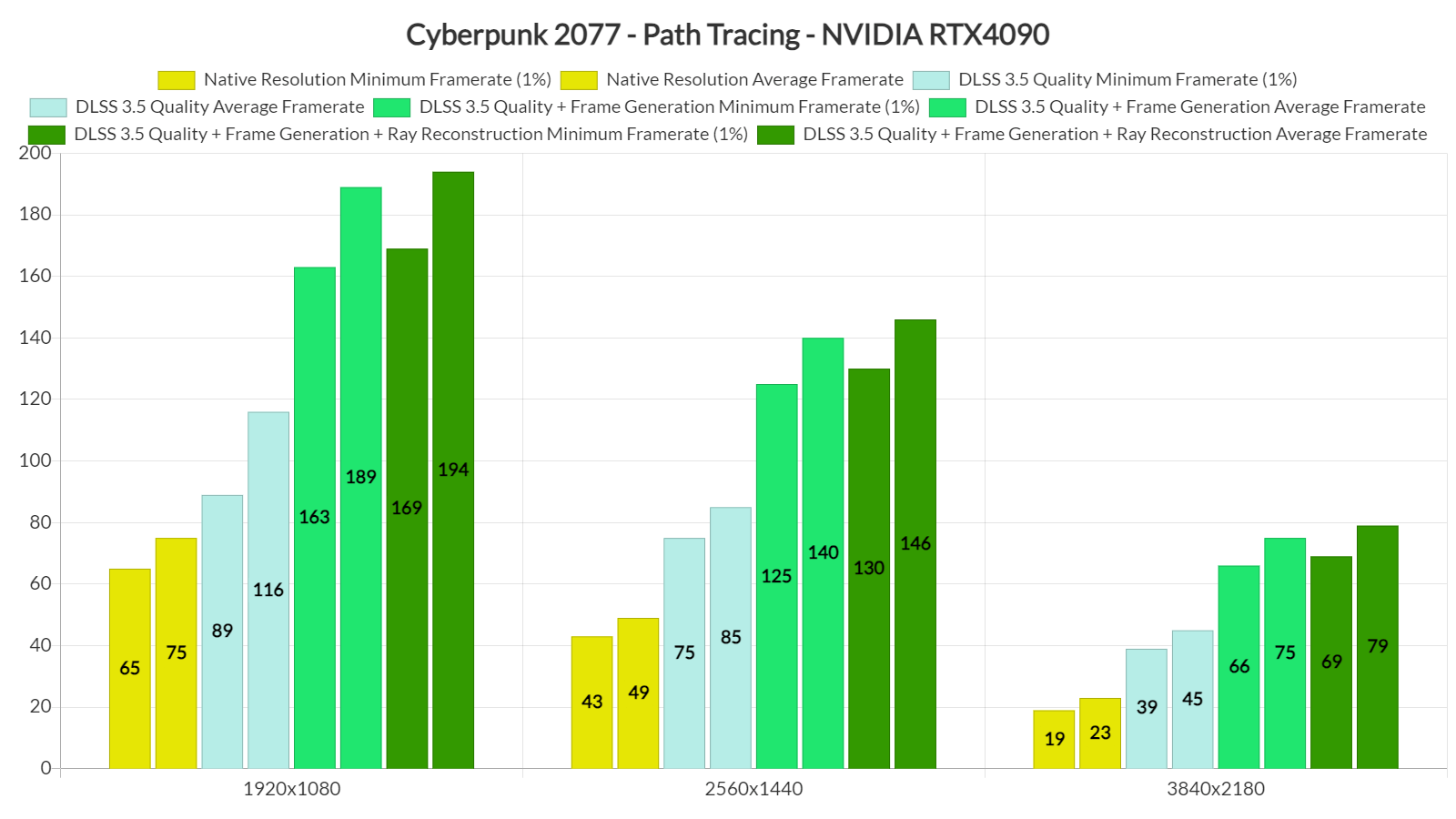
Cyberpunk 2077 Path Tracing Benchmarks & Performance-3

DLSS 3.5 introduces Ray Reconstruction. Ray Reconstruction is part of an enhanced AI-powered neural renderer that improves ray-traced image quality for all GeForce RTX GPUs by replacing hand-tuned denoisers with an NVIDIA supercomputer-trained AI network that generates higher-quality pixels in between sampled rays. Basically, Ray Reconstruction replaces the traditional denoisers that most games use for their RT effects, something that can result in better image quality (and slightly higher framerates).

And yes, as advertised, DLSS 3.5’s Ray Reconstruction works wonderfully. This can be easily noticeable when using DLSS 3.5 Performance Mode. Previously, all the RT effects looked blurry with the Performance Mode as they were rendered at a really low resolution. With Ray Reconstruction, however, you get a crisper image. This is a game changer and makes Performance Mode a viable option.

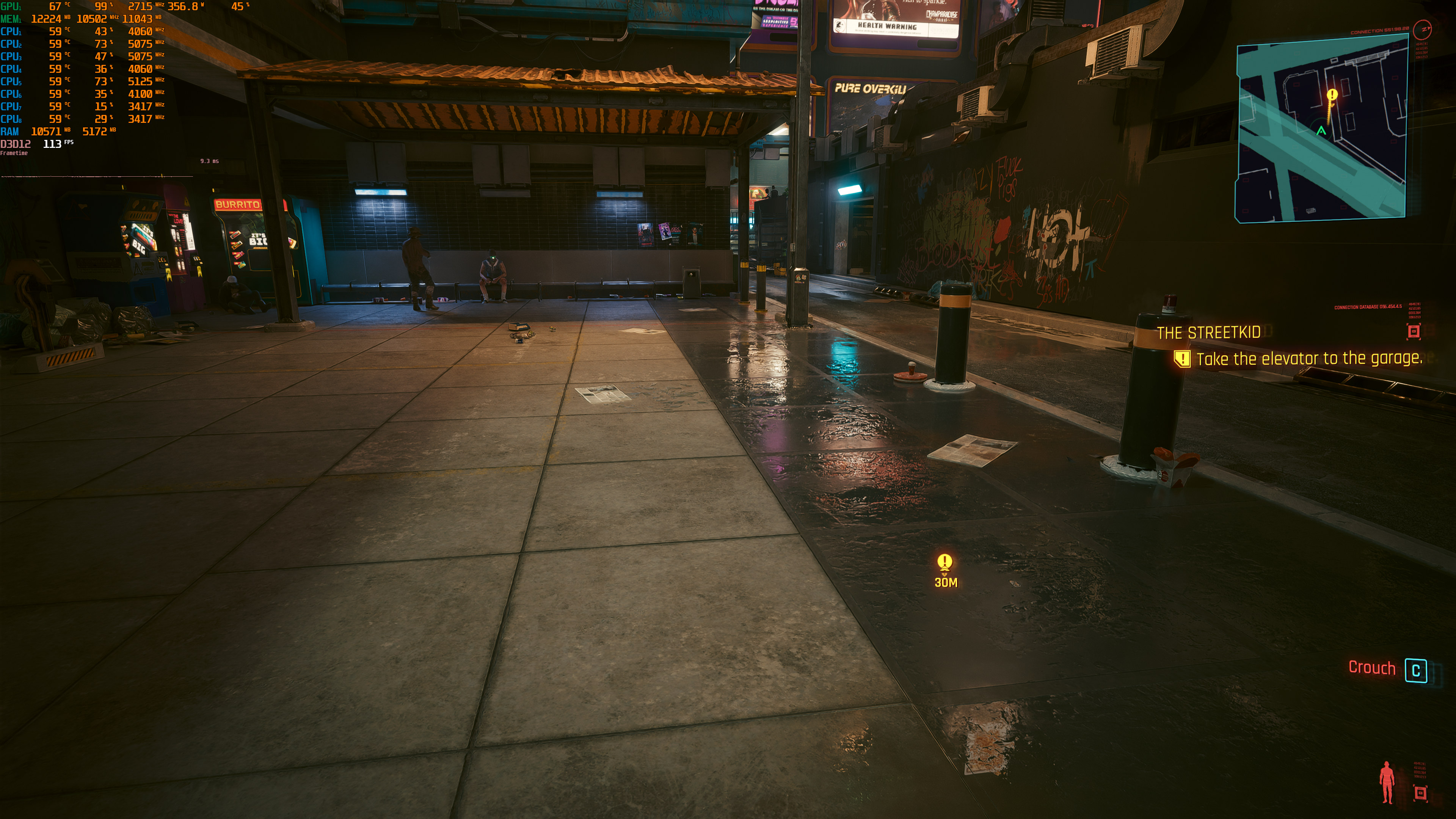
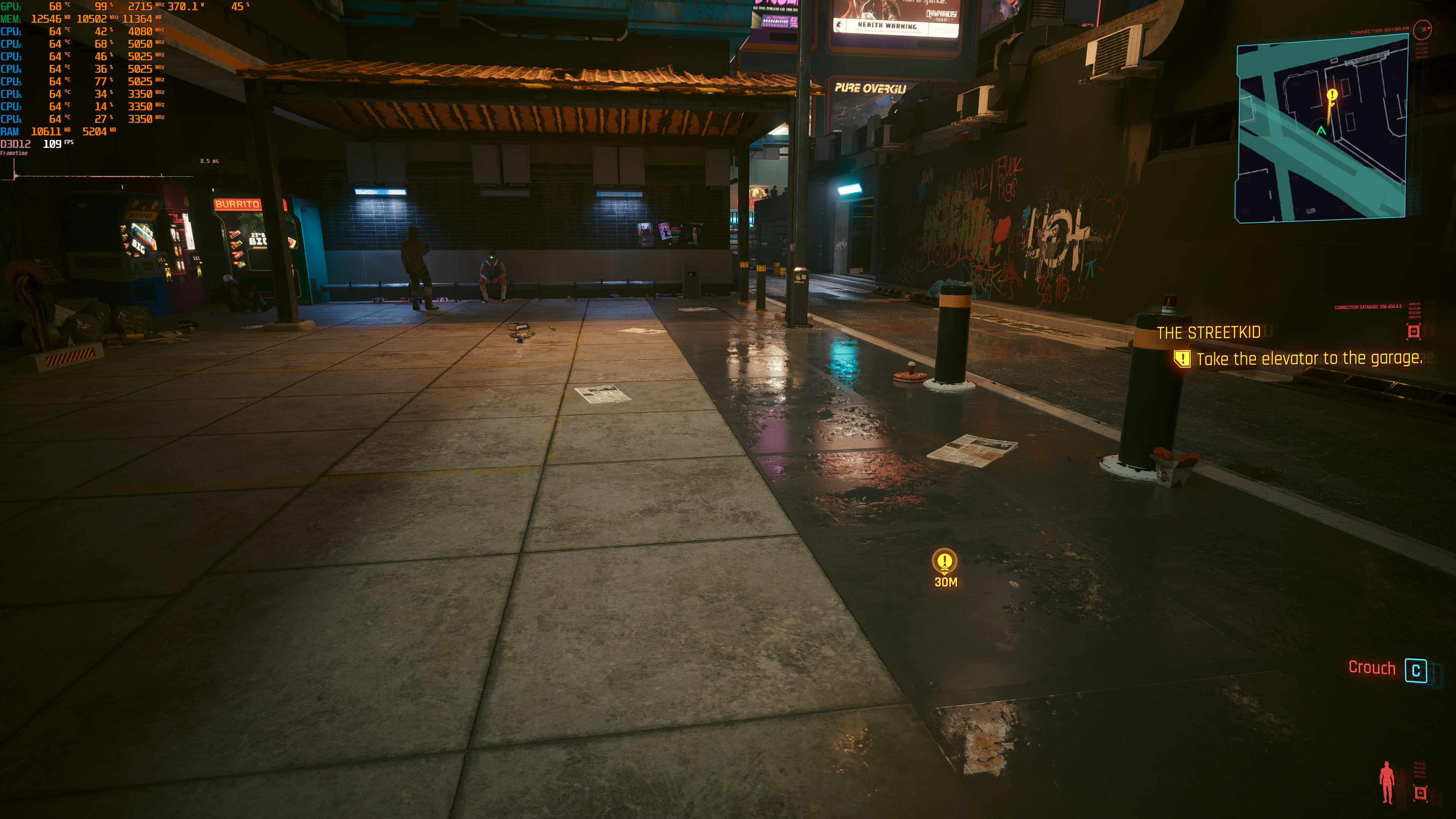
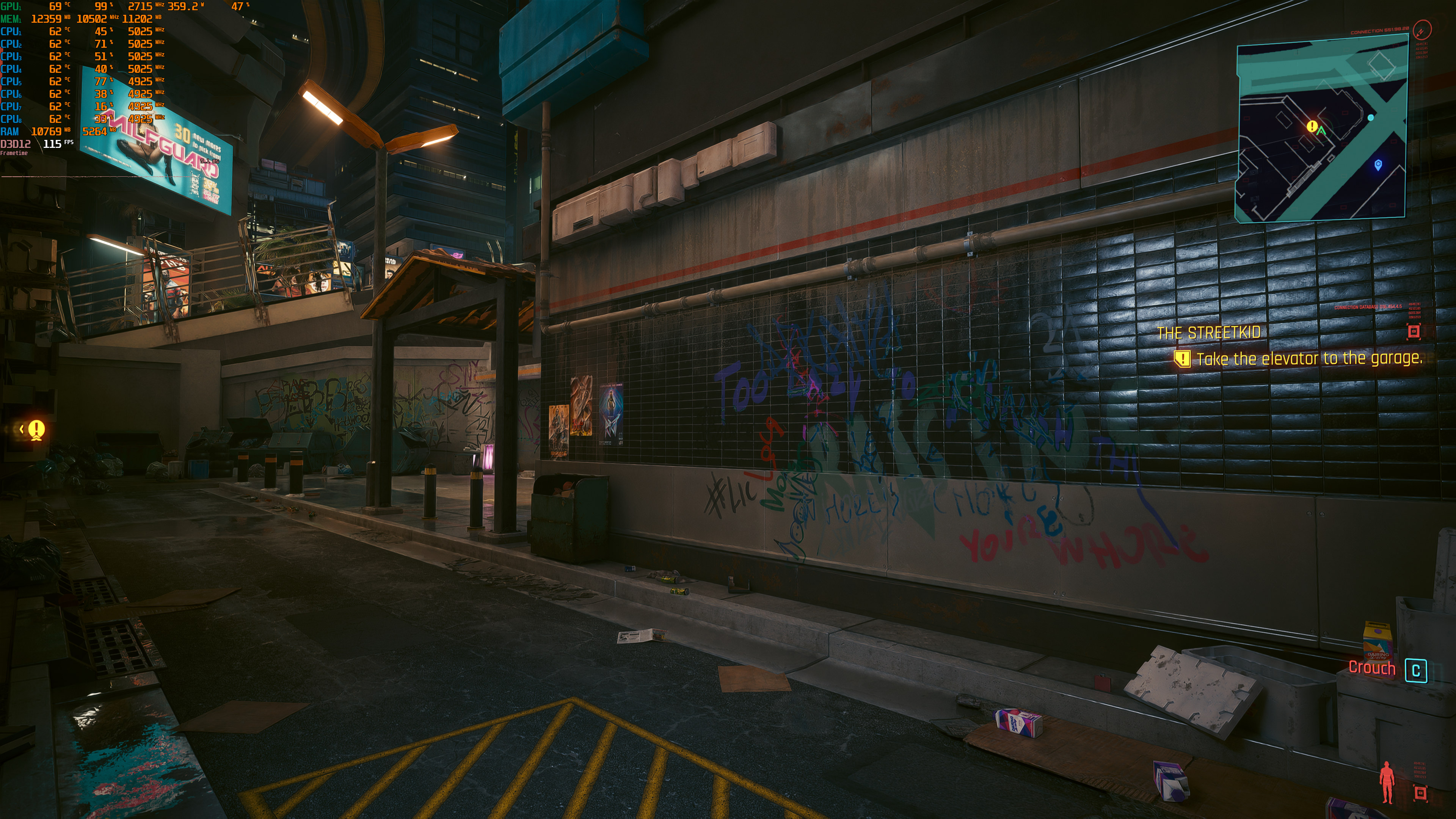
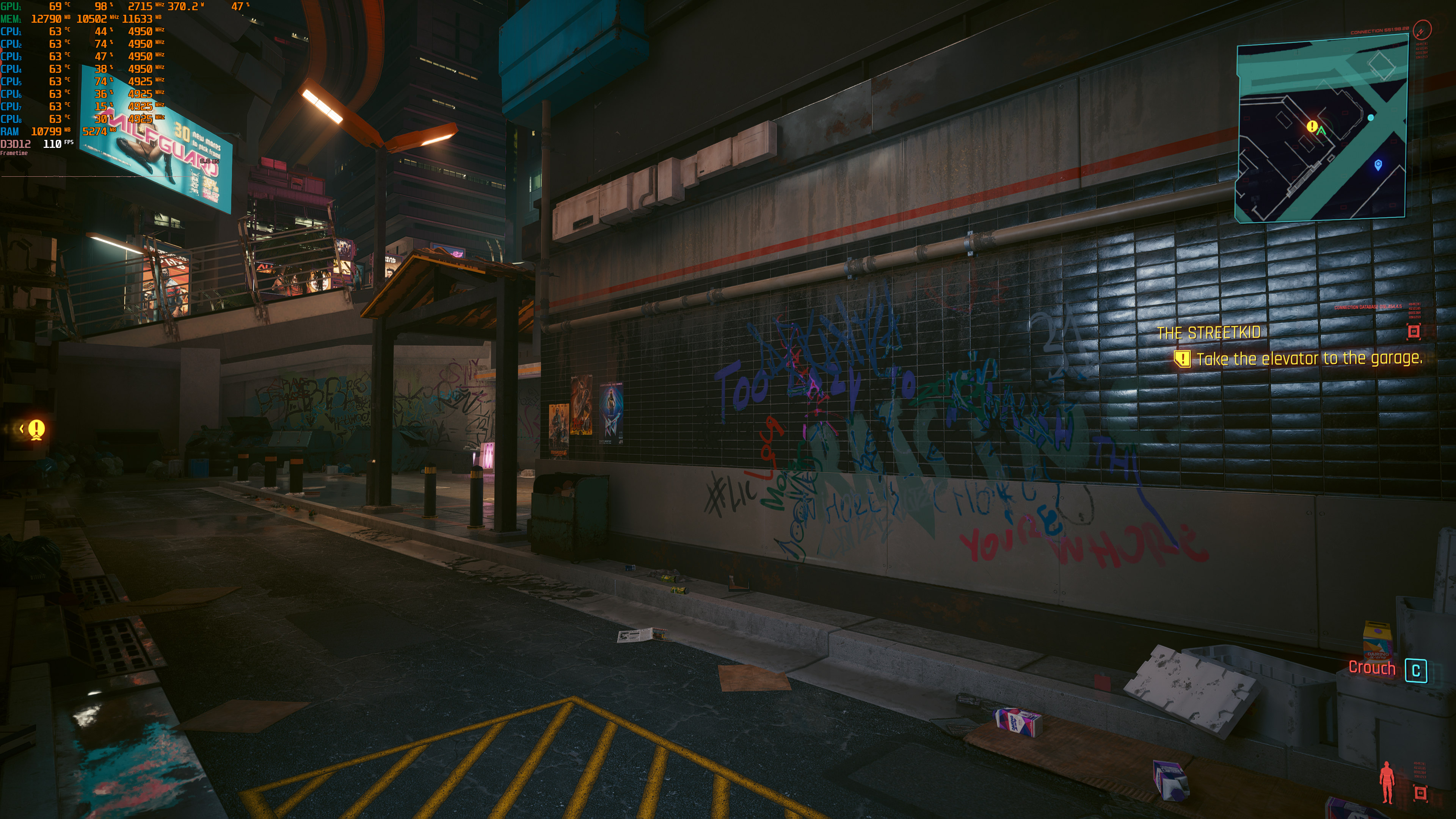
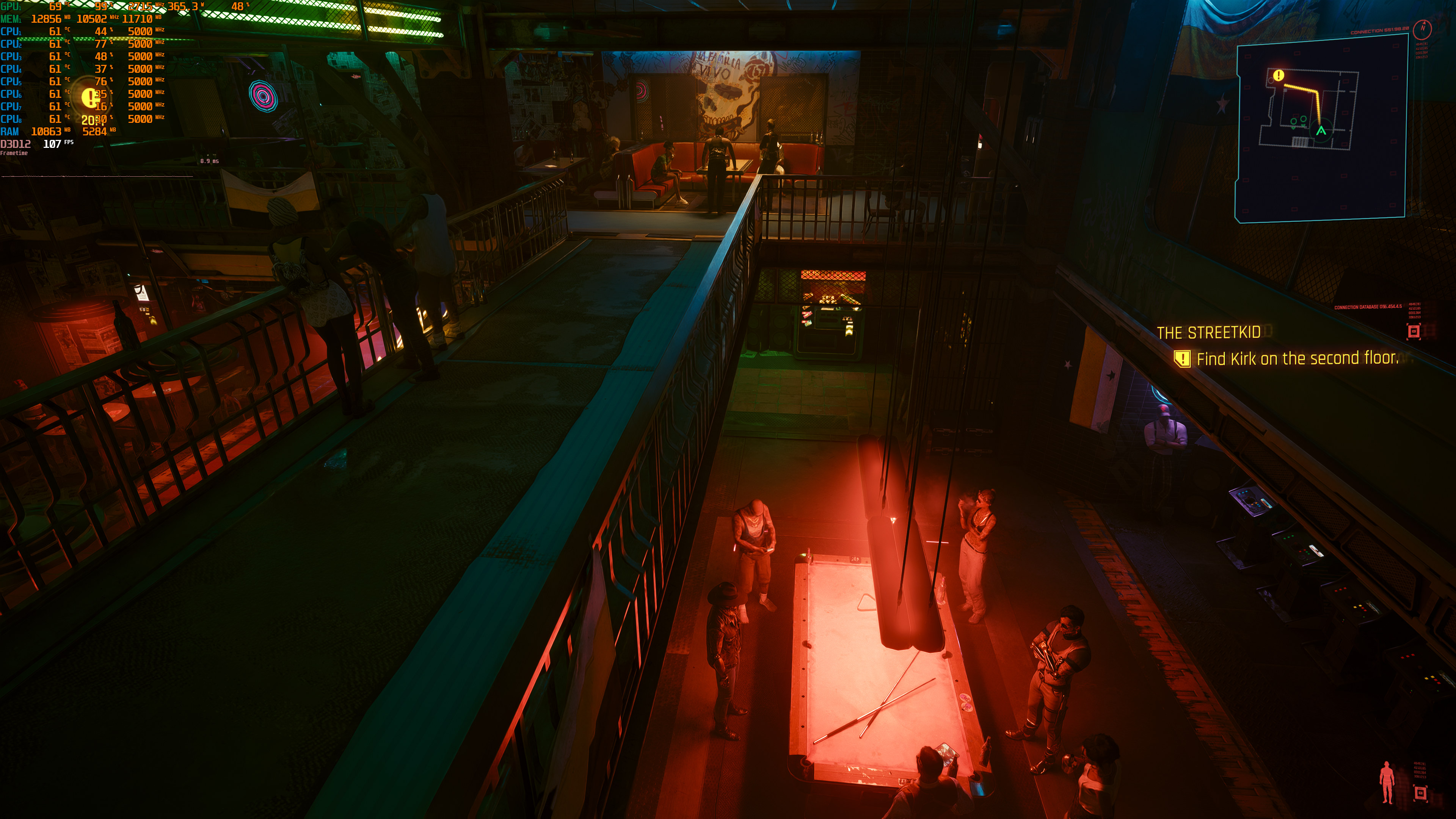
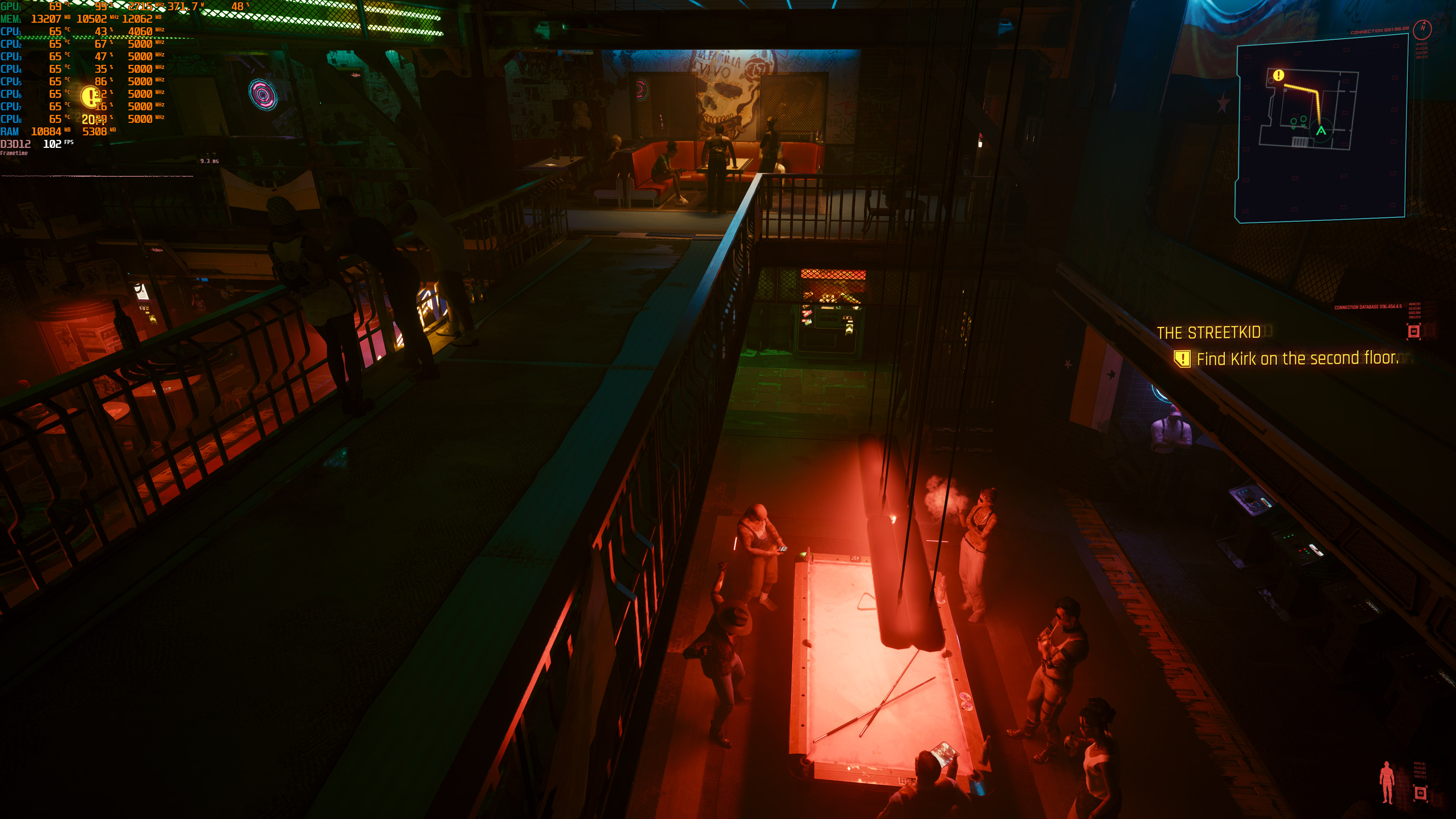
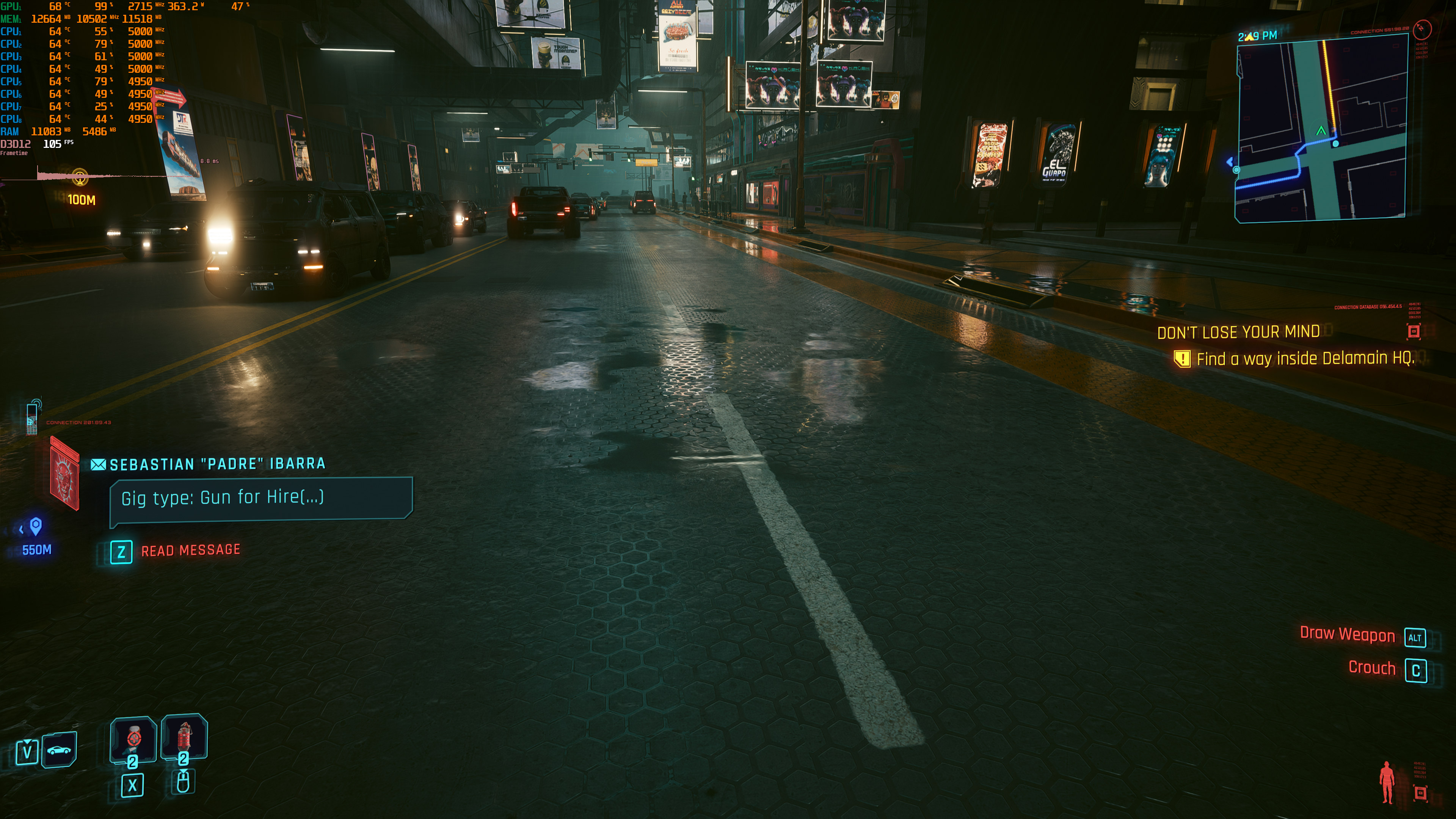
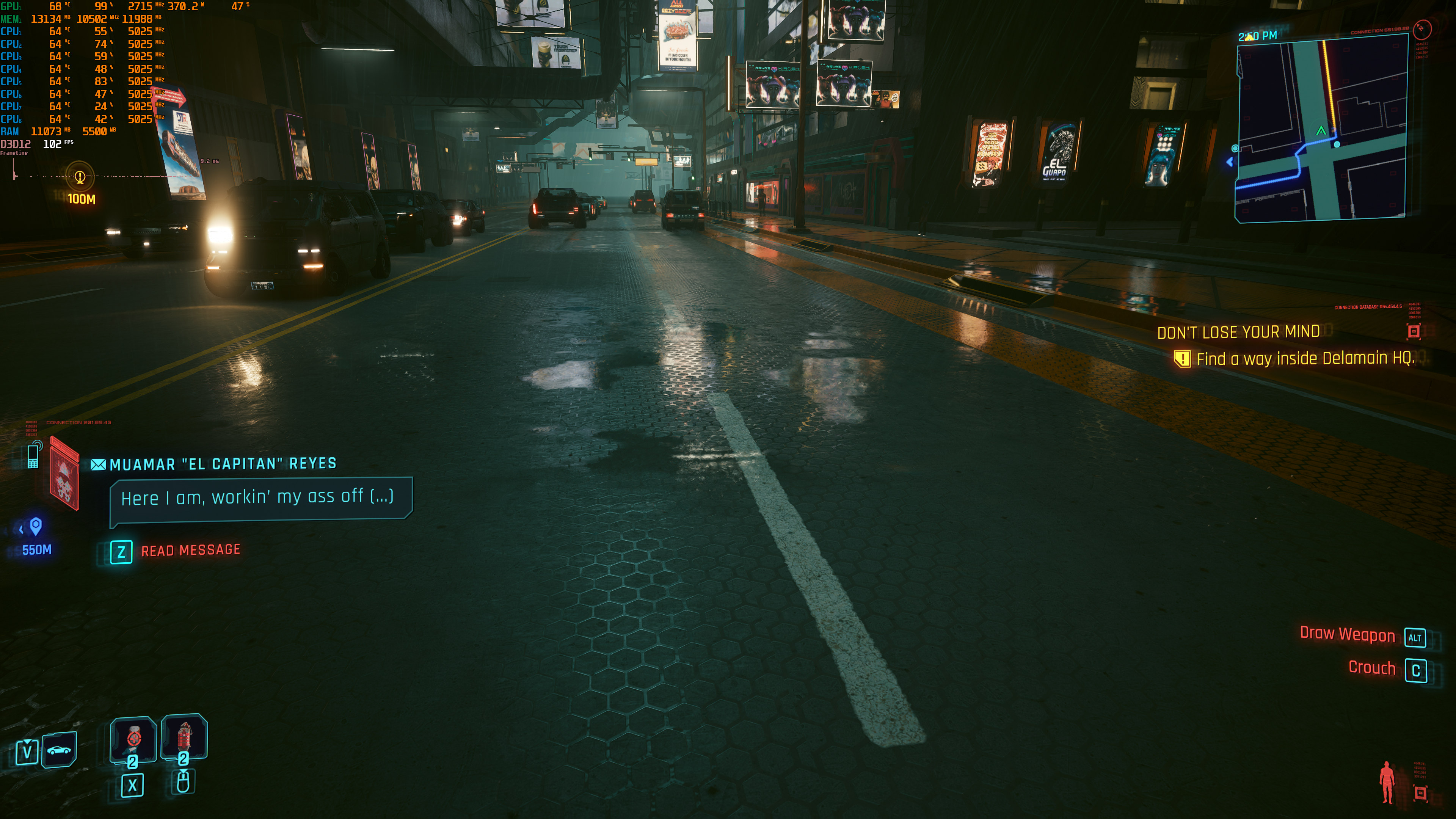
For instance, in Cyberpunk 2077 Update 2.0, we highly recommend using DLSS 3.5 Performance Mode in 4K with an RTX4090. In our opinion, this is currently the best way to play the game. By doing this, you’ll get framerates around 100fps. What this ultimately means is that you won’t feel the extra latency of Frame Generation. Not only that but the game will look sharper than before thanks to Ray Reconstruction. Below I’ve also included some screenshot comparisons with (left) and without (right) Ray Reconstruction.
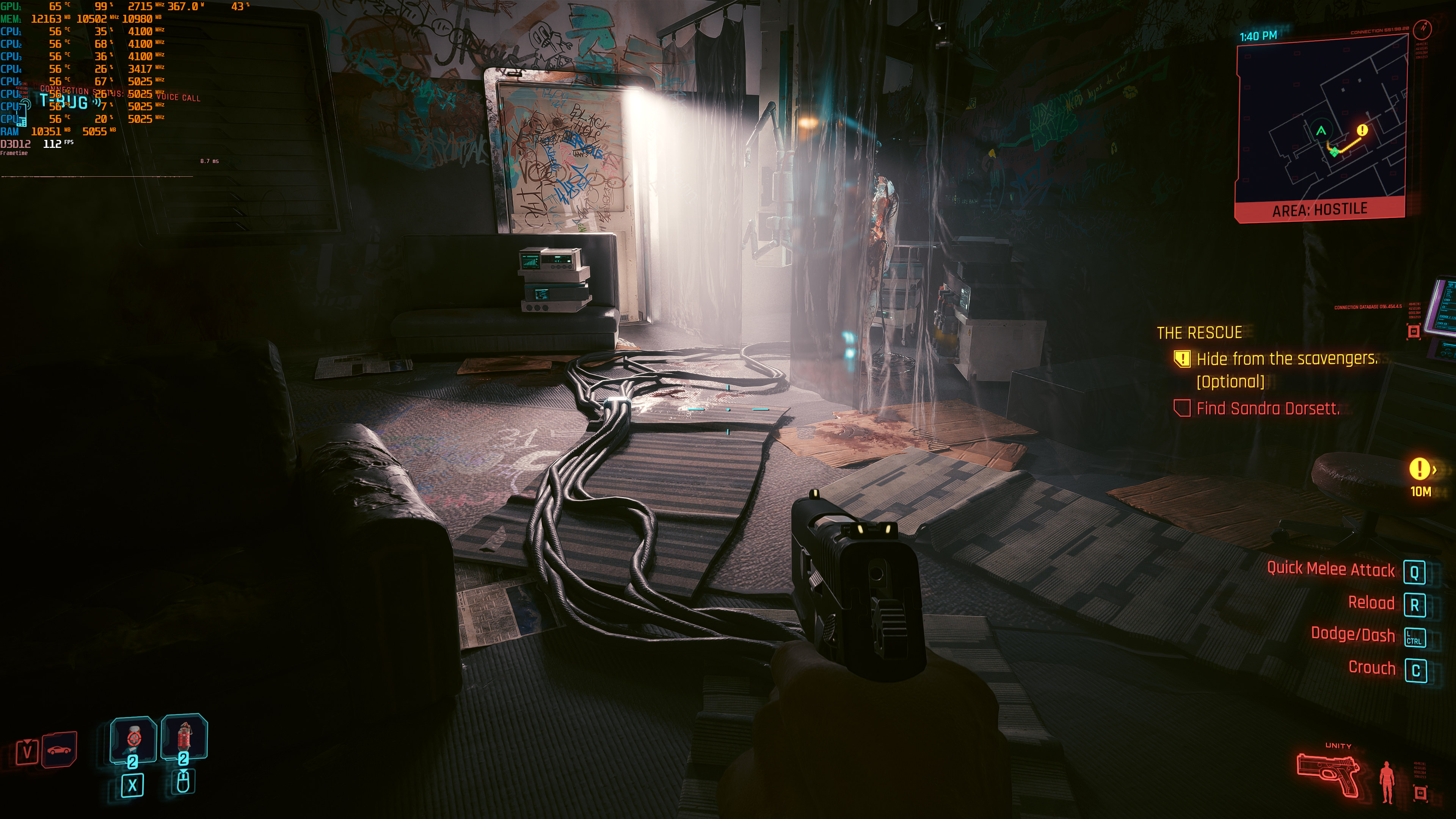
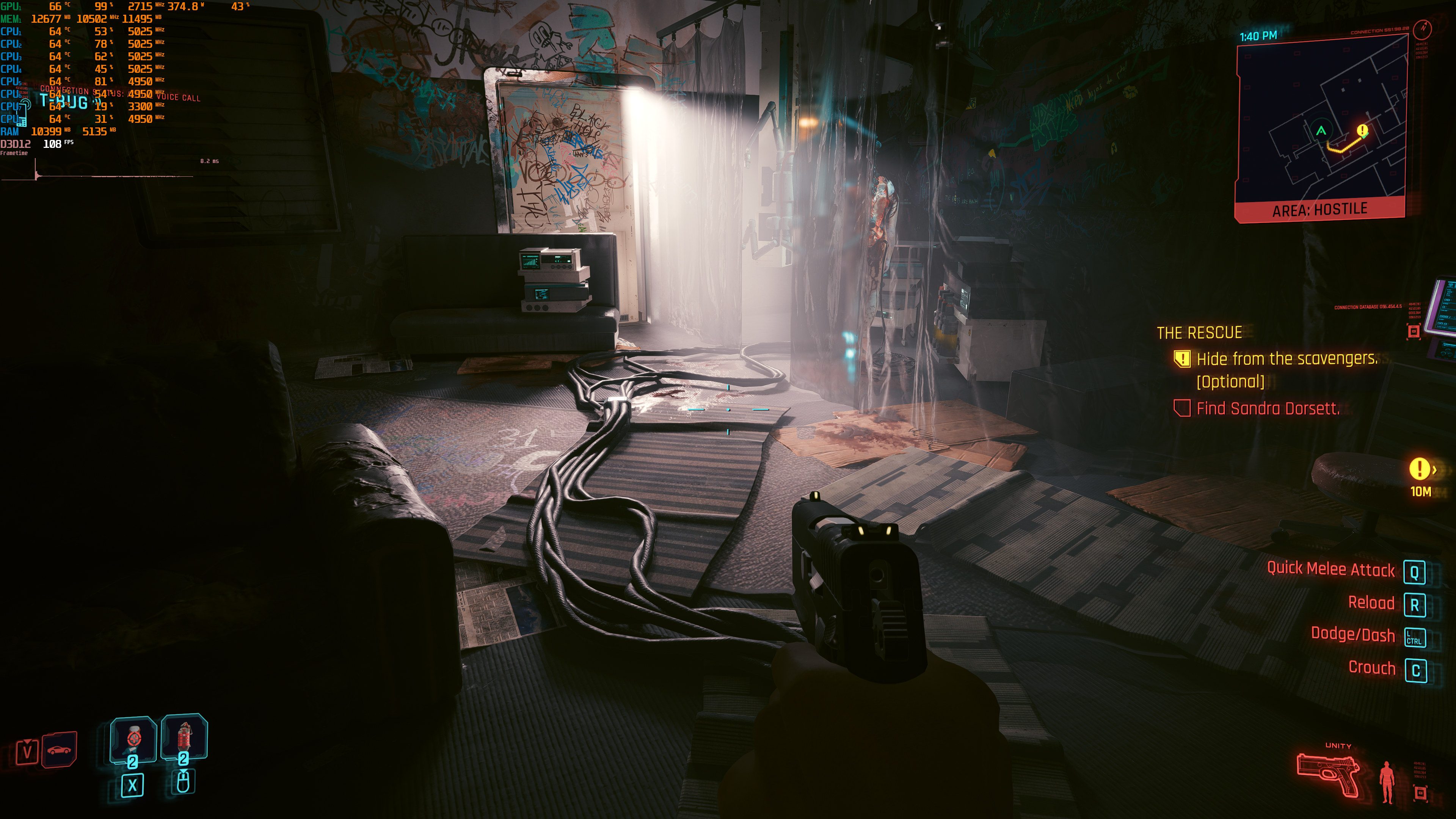
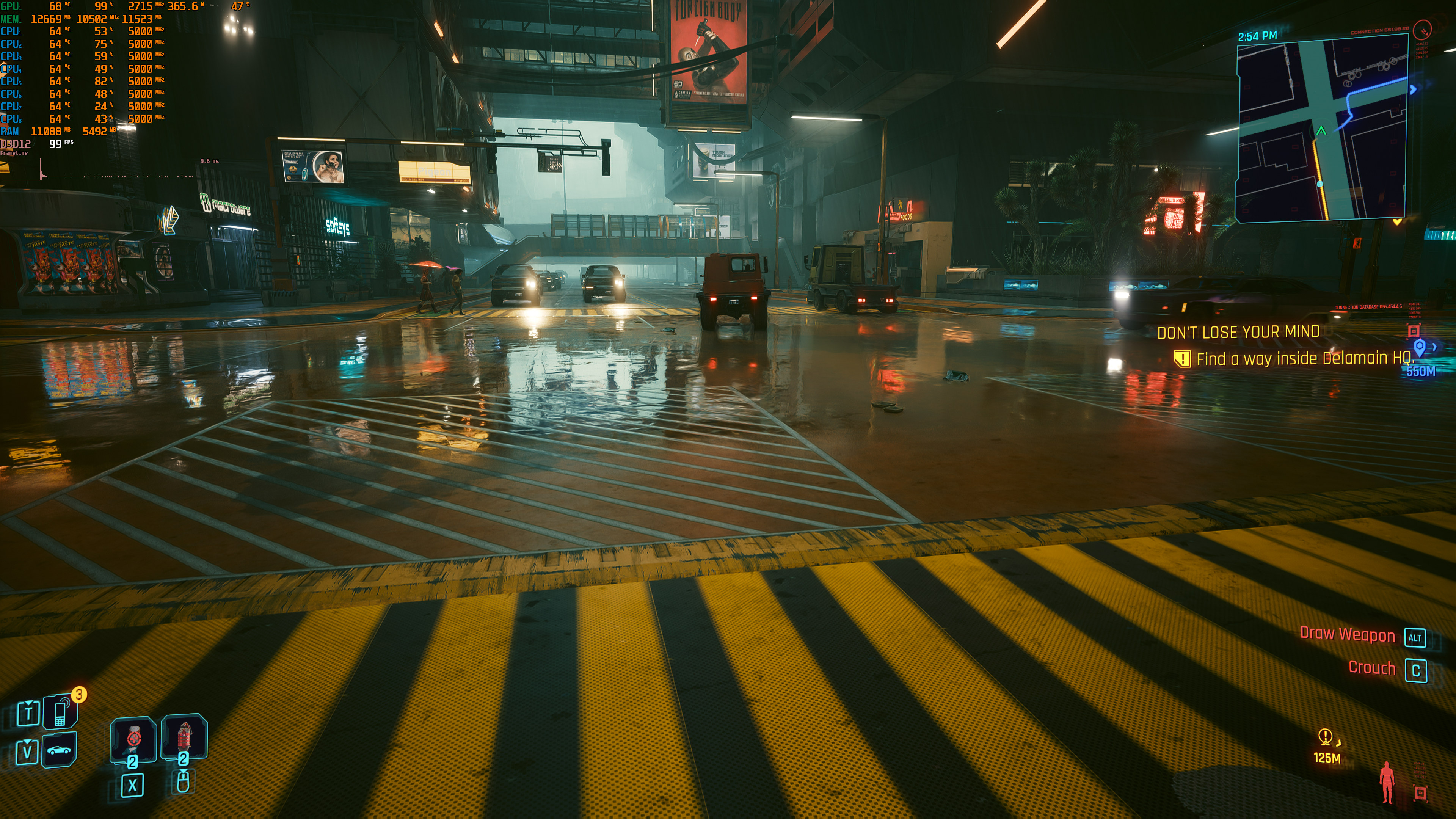
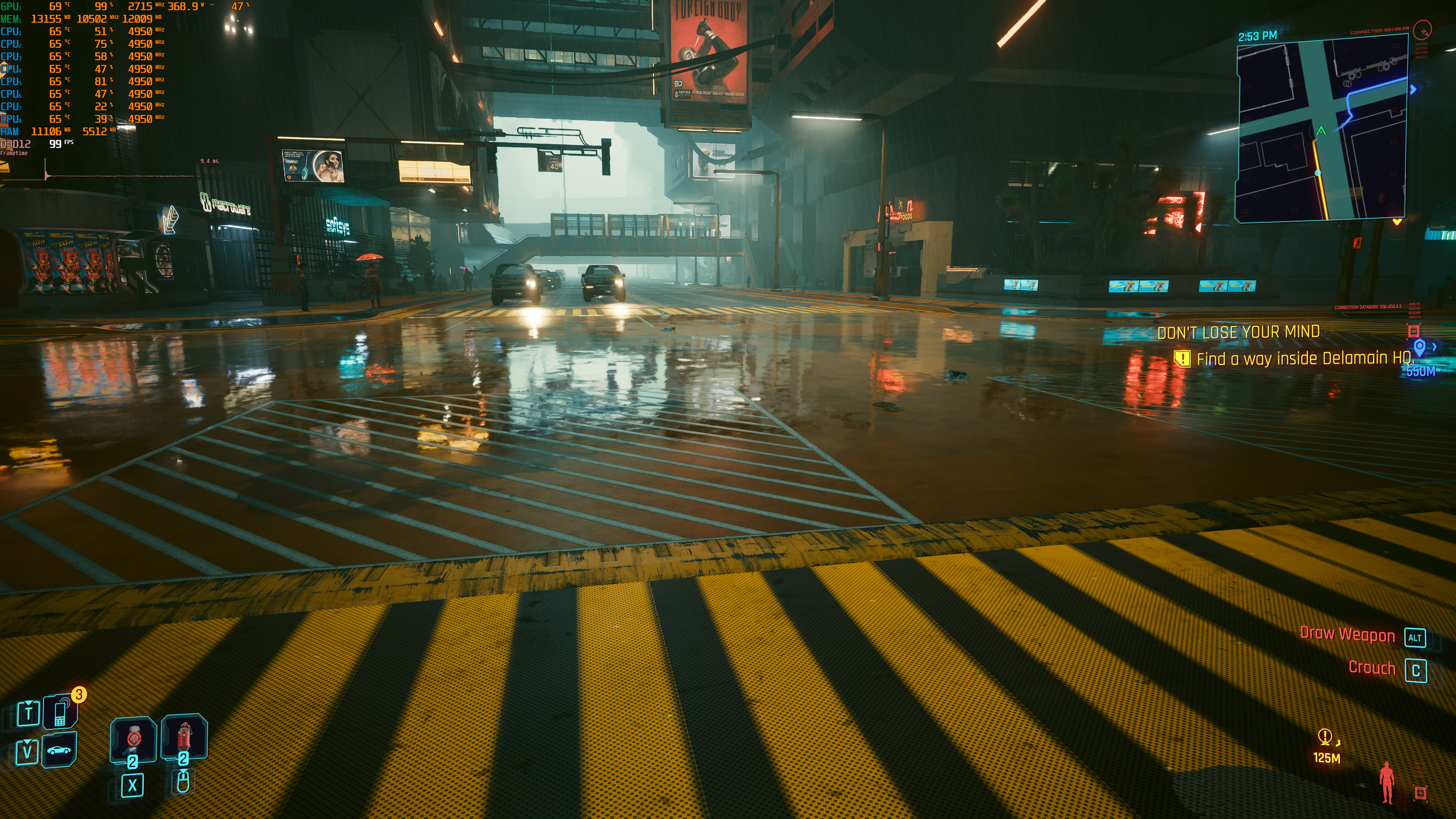
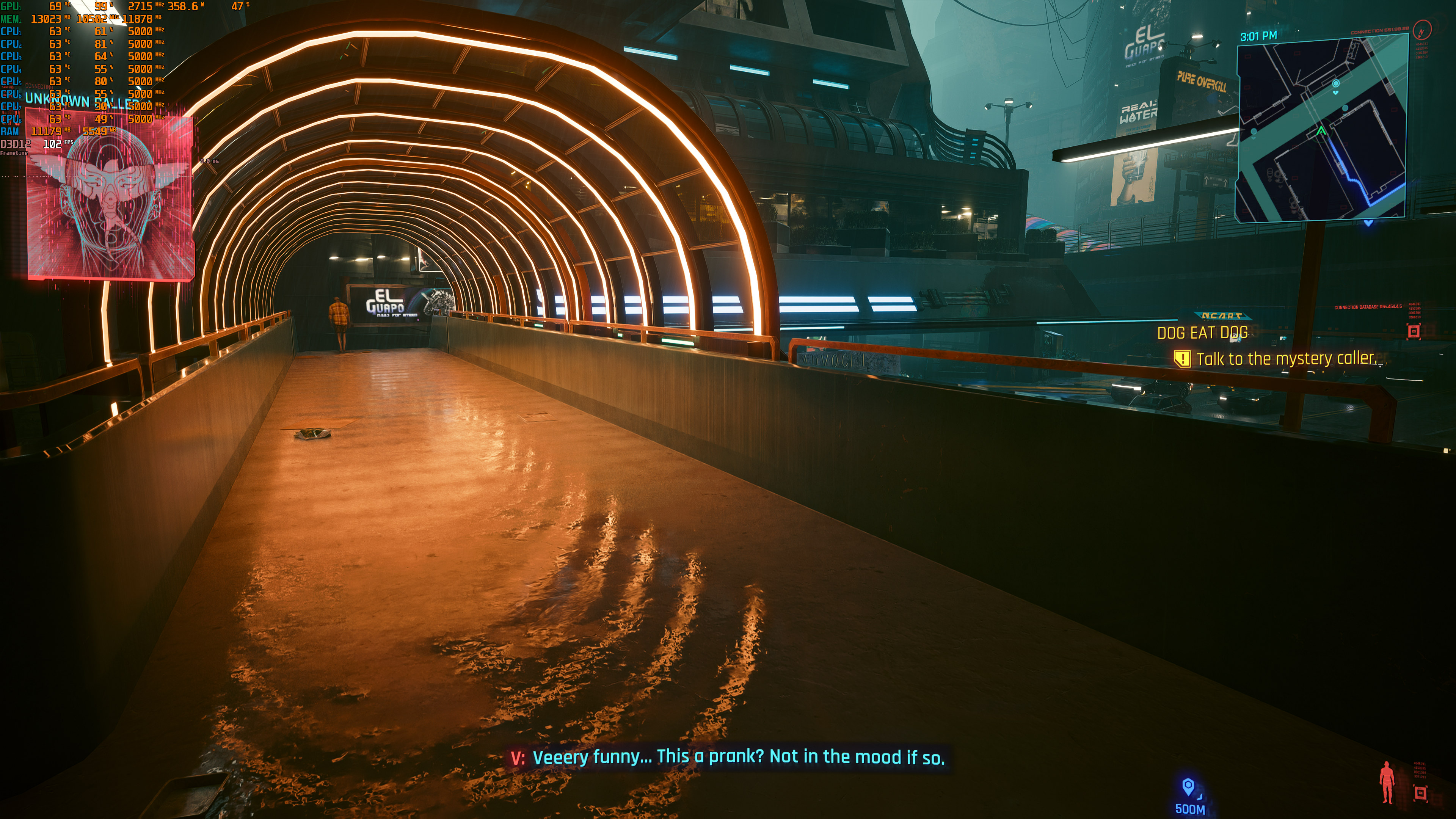
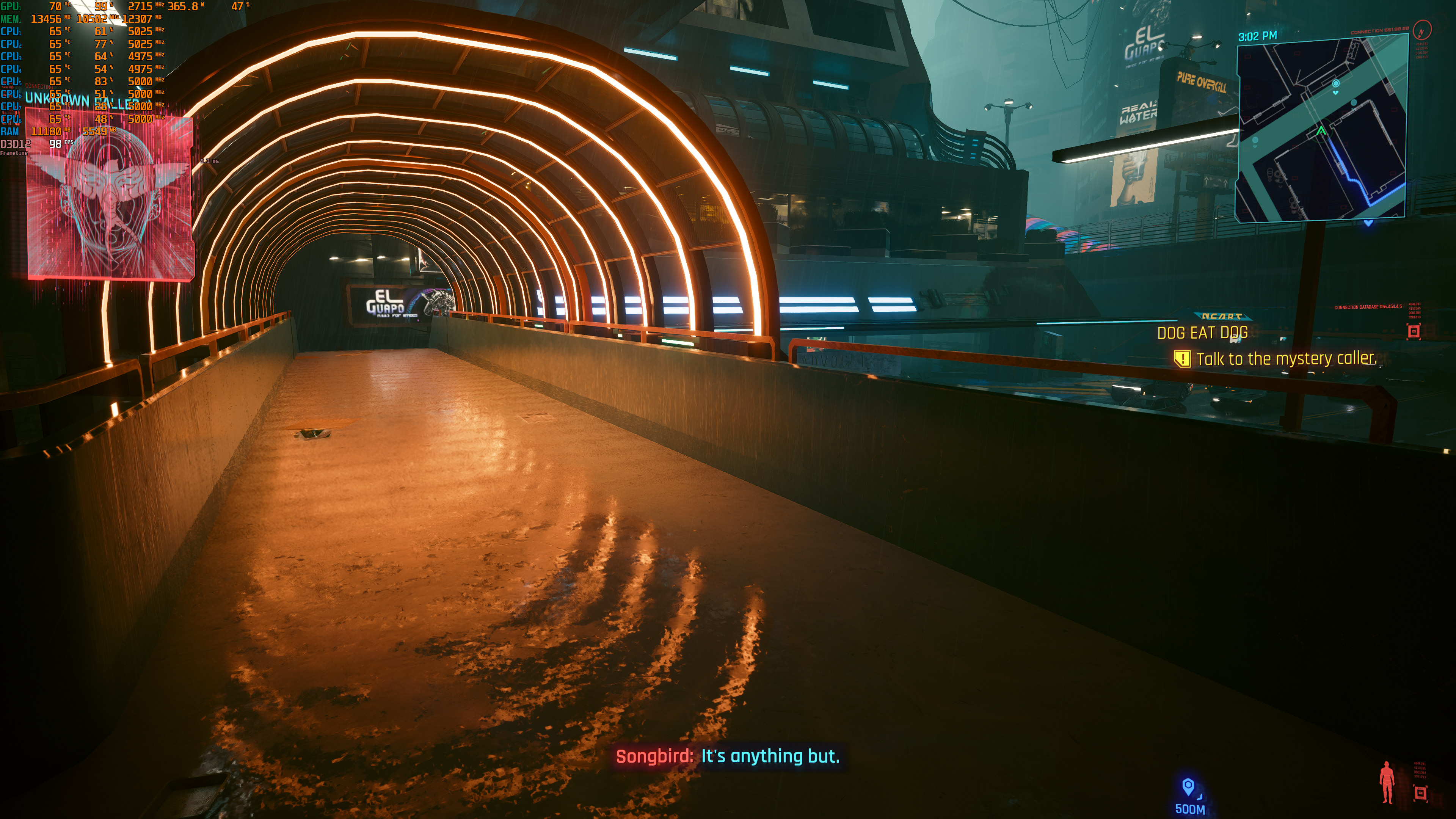
Cyberpunk 2077 with Ray Reconstruction-1Cyberpunk 2077 without Ray Reconstruction-1 Cyberpunk 2077 with Ray Reconstruction-2Cyberpunk 2077 without Ray Reconstruction-2 Cyberpunk 2077 with Ray Reconstruction-3Cyberpunk 2077 without Ray Reconstruction-3 Cyberpunk 2077 with Ray Reconstruction-4Cyberpunk 2077 without Ray Reconstruction-4 Cyberpunk 2077 with Ray Reconstruction-5Cyberpunk 2077 without Ray Reconstruction-5 Cyberpunk 2077 with Ray Reconstruction-6Cyberpunk 2077 without Ray Reconstruction-6 Cyberpunk 2077 with Ray Reconstruction-7Cyberpunk 2077 without Ray Reconstruction-7

Before closing, I should note some graphical issues that I’ve spotted. Cyberpunk 2077 path-traced currently suffers from major shadow and lighting pop-ups. Do note that these issues are also present in the previous path-traced version of the game. And it’s a shame that CDPR has not addressed them as these issues can be really distracting. And, in a way, these shadow issues reminded me of those that were also present in The Witcher 3 Next-Gen.

All in all, DLSS 3.5’s Ray Reconstruction is the real deal. As NVIDIA claimed, Ray Reconstruction does improve overall image quality. It also works on all RTX GPUs. Thus, even those who own an RTX 20 series GPU can benefit from it. Cyberpunk 2077 path-traced looks and runs better than ever, so kudos to NVIDIA and CDPR.

Enjoy!

Cyberpunk 2077 - Update 2.0 + DLSS 3.5 Benchmarks - NVIDIA GeForce RTX 4090

33 thoughts on “Cyberpunk 2077 – Update 2.0 & DLSS 3.5 Benchmarks & Impressions”

    1. Because the screenshots are mixed up. You can see lower FPS on the screenshots with blurrier reflections, that means ray-reconstruction is disabled. The ones with clearer reflections and slightly higher framerate are with ray-rec on.

      It’s also visible in the last scene of the benchmark run, when the camera pans through the alley, notice the high rise reflection in the puddle.

      Quick comparison, granted it’s from the video but you can see how it’s resolving the reflection in the puddle.

      https://cdn.knightlab.com/libs/juxtapose/latest/embed/index.html?uid=9deddec0-58a0-11ee-b5be-6595d9b17862

      1. Screenshots are not mixed up. Screenshots on the left are with Ray Reconstruction and screenshots on the right are without it. My guess is that he assumed that the screenshots on the right were with it (when that’s not the case).

          1. I noticed that the geometric detail on some things (like the white HVAC equipment in the third pair of screenshots) are lower when ray reconstruction is turned off. Must be some kind of settings bug.

      2. wouldn’t the reconstruction tech try make MORE fps, not less? so the higher fps would be WITH RR on as mentioned below. I get softer rather than an oveall blur to the NON-RR image though, eh. Left ones(w RR) are sharper, right are softer.

    2. The industry managed to introduce shïtty console stuff to PC gaming, cause they’d sensed a mass migration from consoles to PC, so to appease those peasants, upscalling was shoved down our throats. Now every dev is using this as an excuse to make their games run like shït, cause, you know “just activate some upscalling to make numbers appear higher and fück your image quality”.
      The tiktok generation that only cared for graphics is now salivating over high numbers, no matter the rest.

  1. Ok for the 4090 owners great, eh for the rest of us. Let’s see how the actual new gameplay is w this 2.0/DLC, far more important.

      1. I’ve seen some of the 2.0 features from their videos like car combat, new implants and updated police behavior not to mention the new district. More clutter indicators on the screen would suck, modded all that stuff out long ago. New implants meh what more does supertranshuman need but flying, eye lasers, run faster than cars no need for cars etc, police behavior we’ll see and car combat definitely a maybe but doesn’t seem like it wouldn’t be more than a gimmick for specific missions tbh bikes might be cool w it though.

        1. Yeah lol reminds me of Saints Row IV where you could run so fast you never needed to enter a car.

          But the cop system does sound really cool, I do want to try that out some day.

          1. Luke Stephens made a video where he tries out the car combat and new police system by intentionally taking his wanted level to 5 stars. Very much GTAish now

      2. If so, than imbec!les. And they also propose to start game anew to experience all those shinanigans. What a shame.

  2. “Thus, even those who own an RTX 20 series GPU can benefit from it.”
    “The only GPU that is able to provide a smooth gaming experience in Cyberpunk 2077 Update 2.0 with its Path Tracing effects is the RTX 4090.”

    Which one is it? RR requires path tracing. At least on my game, using 2.0 on a 2080ti.

    1. “The only GPU that is able to provide a smooth gaming experience in Cyberpunk 2077 Update 2.0 with its Path Tracing effects is the RTX 4090.” at native resolution and no dlss
      you can activate path tracing + rr without dlss i guess

      1. It’s all DLSS 3.5 ….. Super Resolution (Upscaling), Frame Generation and Ray Reconstruction are three separate parts of DLSS 3.5

        They all can act largely independent of each other

  3. I wonder how they’re f*cking up loading so much. Despite being poorly optimized, Elden Ring loaded extremely fast, proving that modern games can have fast loading on HDD.

    1. That’s because Elden Ring uses a lot of sh*tty low res textures so the game would work with 4GB graphics cards ….. there is a huge difference in load times between 512 x 512 textures and 4096 x 4096 textures

  4. I get an average of 100 fps at 1440p with a 4070 ti, DLSS balanced, ray reconstruction, frame generation. Previously, it was about 90 fps average. Not a huge leap, but one nonetheless. I was expecting performance to go down with this new update.

  5. Ray Reconstruction just like Super Resolution (Upscaling) should get better over time as they gather more data and further tweak the neural network model and it’s inputs.

    I believe they trained Ray Reconstruction with their DGX GH200 prototype AI Supercomputer which is a real beast. Much to the chagrin of Intel and AMD it combines an ARM CPU and a H100 GPU in the same chip and then stacks 256 of them into a DGX pod.(Current pods are only 8 H100s) It has massive amount of memory and memory bandwidth and programs like it’s a single GPU.

  6. feels like only yesterday i was salvating over wanting a 2080ti… and now seeing it only chug out 7fps in cyberpunk with path tracing lol

    1. our good ol Flagship has sunk to the bottom..
      The RTX 2080 Ti just died… Long live the RTX 2080Ti one of the best cards i ever had for full 4 years..

  7. I tried playing the game with PT, FG and RR at 4K DLSS Performance.
    With 4080, fps were around 80, but I didn’t like the experience much.

    The game looks like an oil painting when you move around. It gets pretty apparent when you play that the AI is struggling too much trying to produce an stable image with so little information.

  8. I was just watching the Gamers Nexus video on Ray Reconstruction in Cyberpunk 2077, and they have some pretty good comparisons showing places where Ray Reconstruction does a great job making things look better, and places where it actually makes things worse (such as adding bad ghosting where regular DLSS and TAA didn’t add noticeable ghosting).

    https://www.youtube.com/watch?v=zZVv6WoUl4Y

    Personally I tried Ray Reconstruction as well, and it looked absolutely horrible, but it’s only available with full Path Tracing turned on and my FPS was so low on my RTX 3070 Ti that I set DLSS for Ultra Performance without realizing that Ray Reconstruction hasn’t been optimized for that setting yet.

  9. right now, i can use DLSS v3.5 + RR without RT overdrive is in active, just use some trick for my old rtx 3080 10gb…. its very great for 3440×1440…. ^^

Leave a Reply

Your email address will not be published. Required fields are marked *