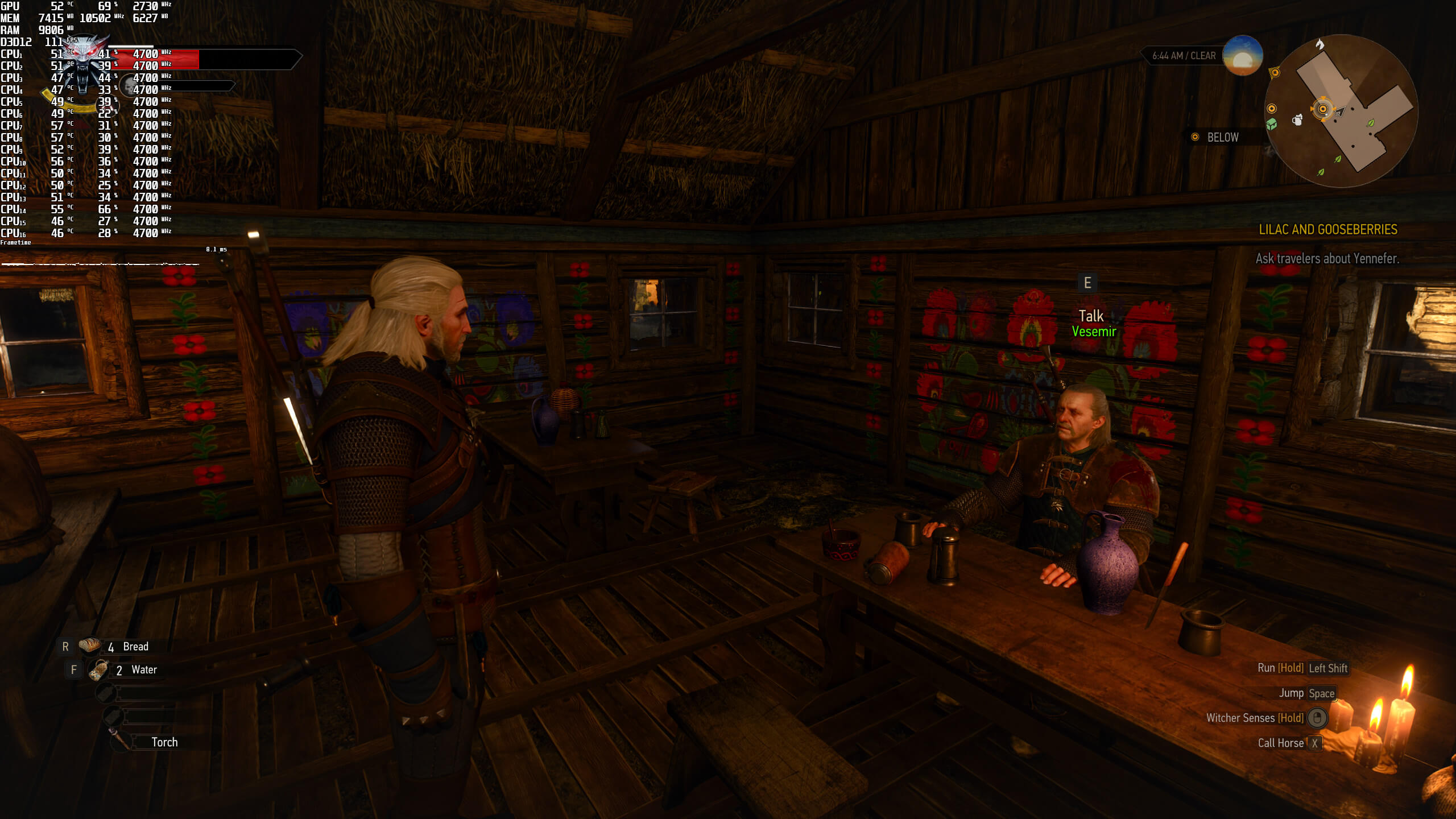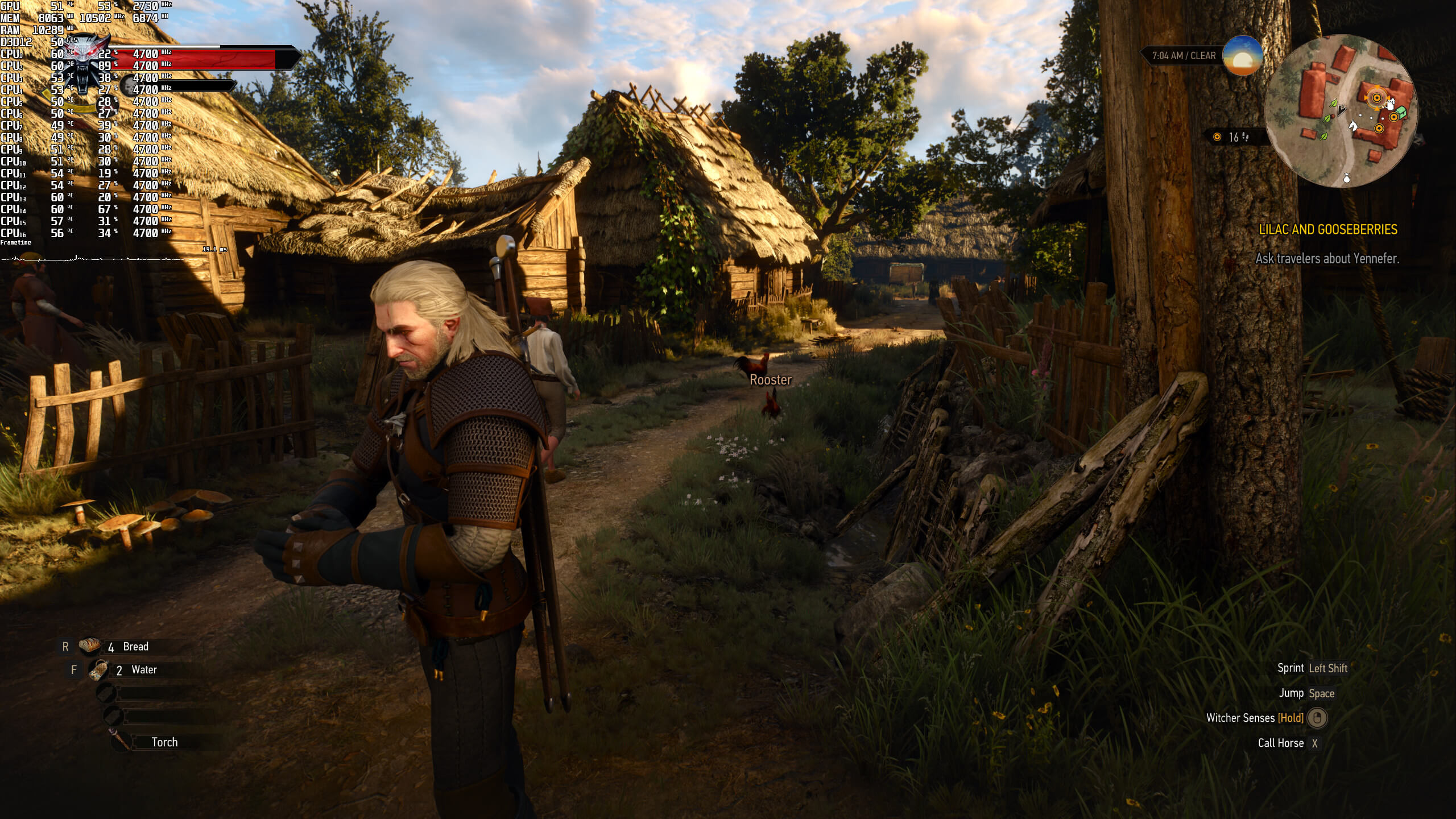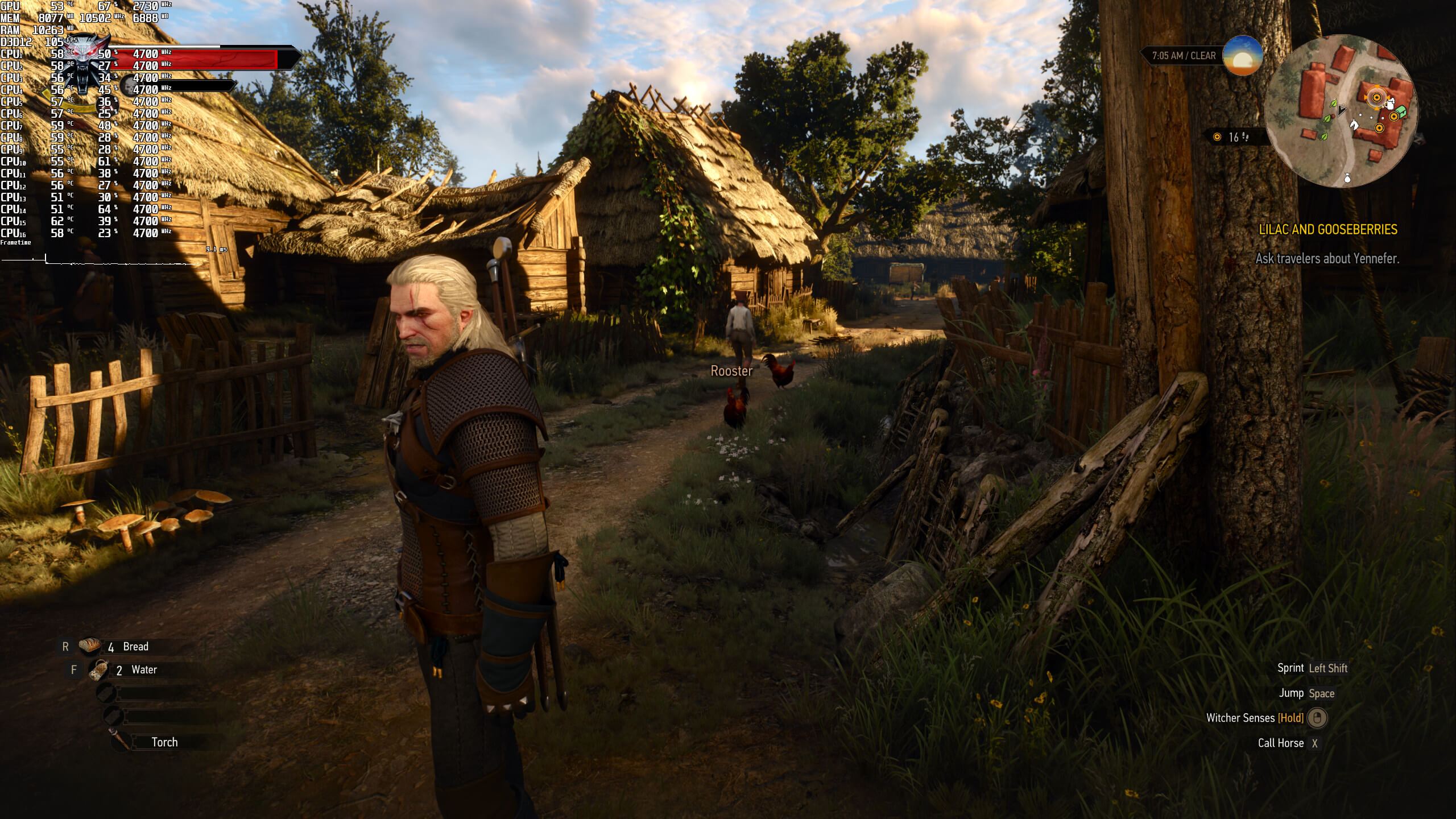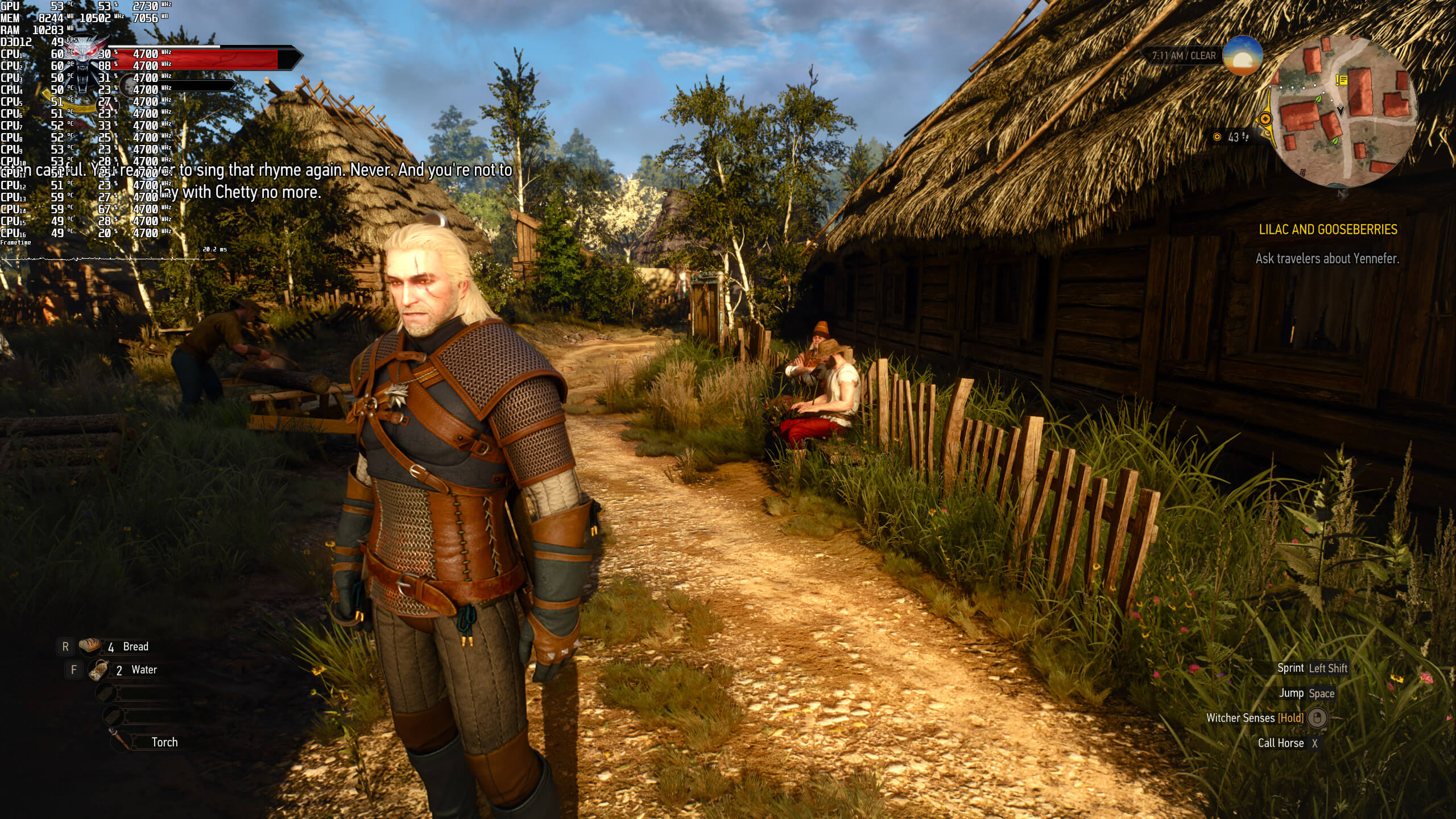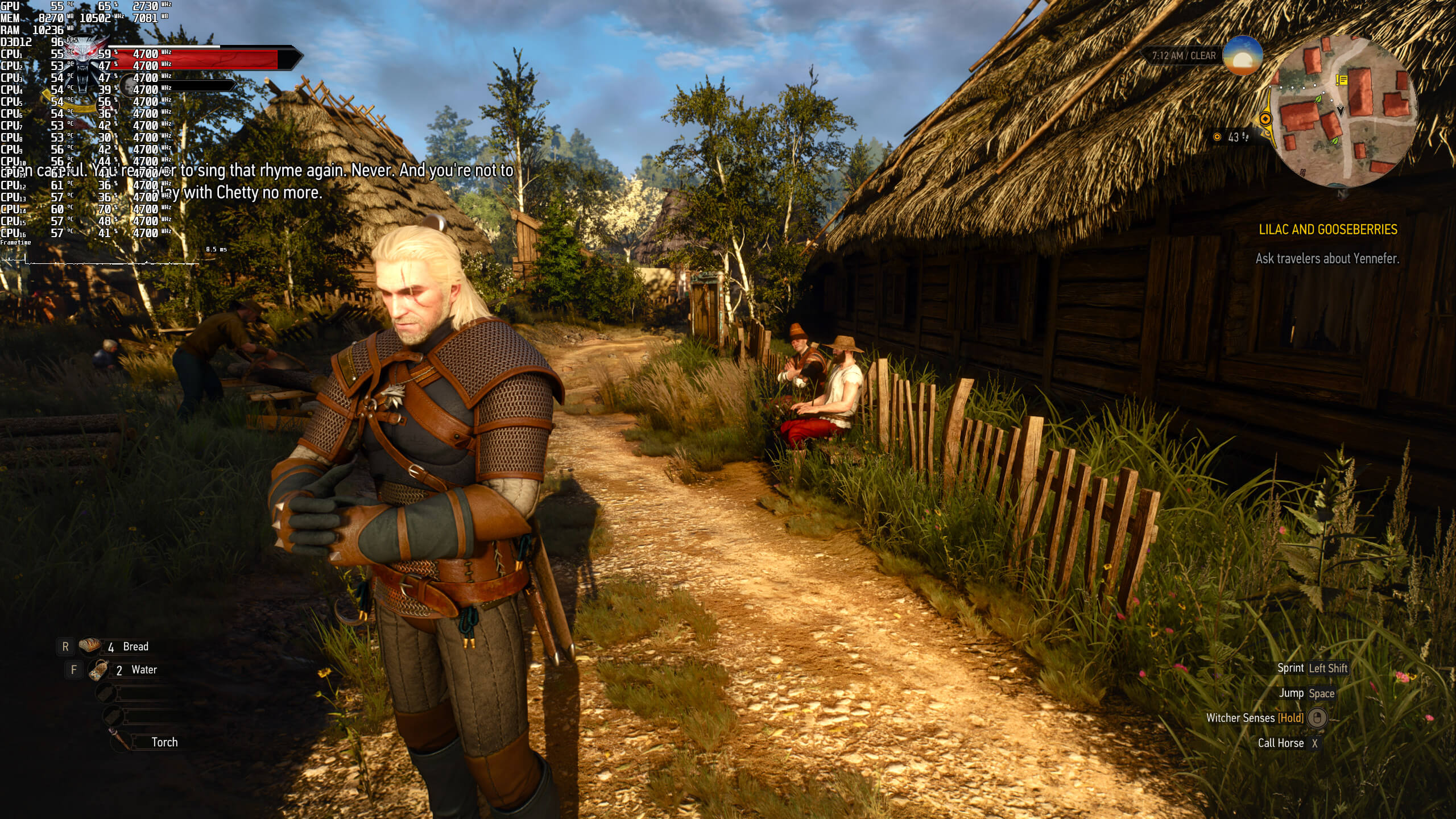
As we’ve already reported, The Witcher 3 Next-Gen currently suffers from some awful CPU optimization issues. These CPU optimization issues surface when players enable the game’s Ray Tracing effects. And, due to these issues, there is currently no CPU that can run The Witcher 3 Next-Gen RT with constant 60fps.
A new mod for the game surfaced earlier this month, promising to improve performance when using RTGI. At first glance, this mod looks interesting.
However, and after testing it, the mod does not bring any performance improvements in CPU-bound scenes. So yeah, no wonder the comparison video is in the open-world area and not in a city. Thus, and while you may get some performance improvements in the rare GPU-bound scenarios, you will be still dropping below 60fps in CPU-heavy scenes.
So, is there any way to get constant 60fps in The Witcher 3 Next-Gen with Ray Tracing? Well, actually there is. However, this “workaround” is only available to those owning an RTX40 series GPU.
By using DLSS 3 (which the game supports natively), you can double your in-game performance. As such, and even on an Intel i9 9900K, you can get constant 60fps. We’ve said it before and we’ll say it again; DLSS 3 is a godsend for games that are CPU-bound. Furthermore, most of you won’t be able to notice – in this particular game – the additional input latency introduced by it.
Below you can find some comparisons between native 1440p without DLSS 3 Frame Generation (left) and with DLSS 3 Frame Generation (right). In order to capture these screenshots, we used an Intel i9 9900K with an NVIDIA GeForce RTX4090 and 16GB of DDR4.
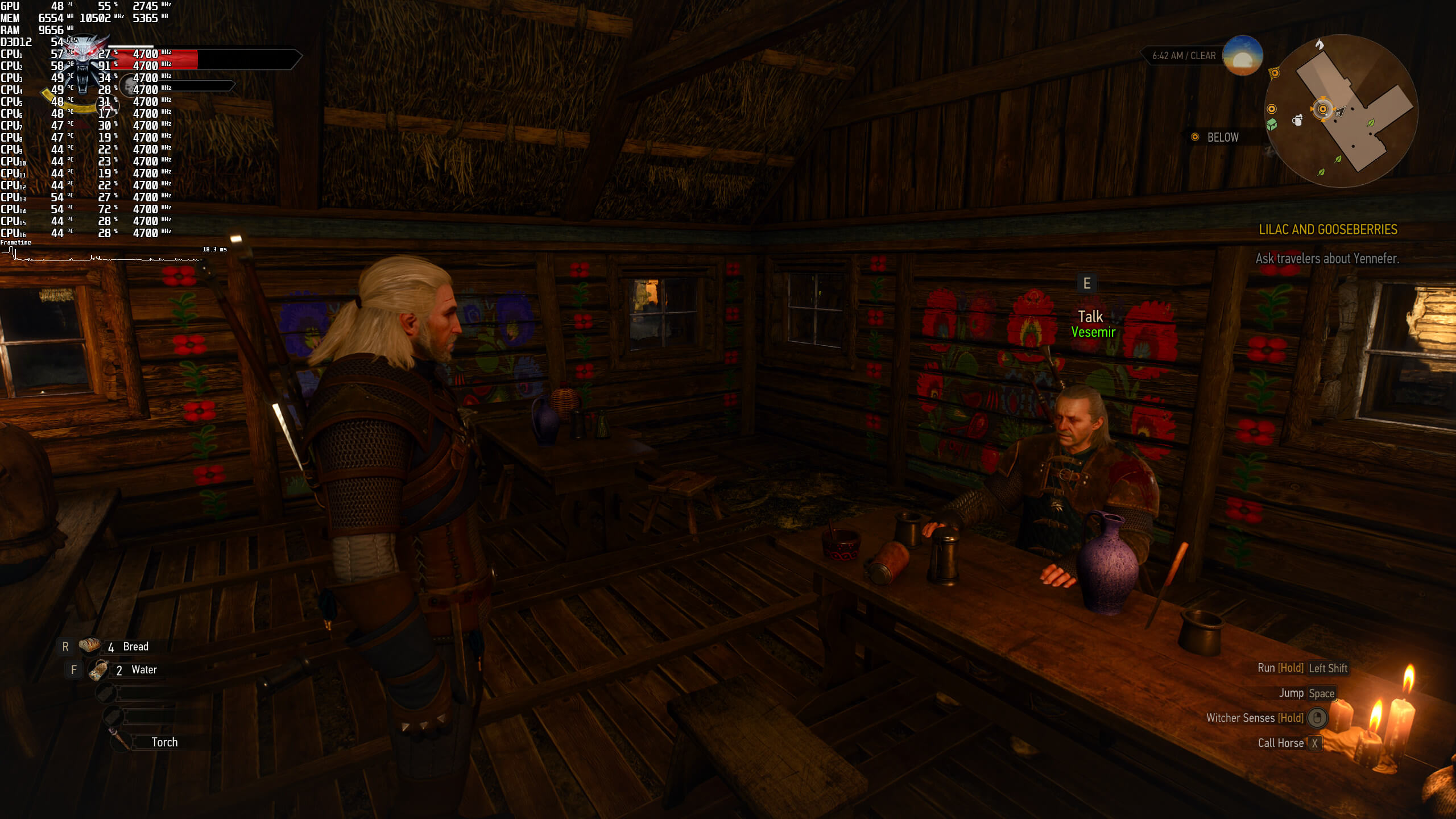
In conclusion, and while we appreciate modders, there is no mod that can improve the game’s RT performance in cities. The only way to overcome the game’s CPU optimization issues is to use DLSS 3. At least for now.

John is the founder and Editor in Chief at DSOGaming. He is a PC gaming fan and highly supports the modding and indie communities. Before creating DSOGaming, John worked on numerous gaming websites. While he is a die-hard PC gamer, his gaming roots can be found on consoles. John loved – and still does – the 16-bit consoles, and considers SNES to be one of the best consoles. Still, the PC platform won him over consoles. That was mainly due to 3DFX and its iconic dedicated 3D accelerator graphics card, Voodoo 2. John has also written a higher degree thesis on the “The Evolution of PC graphics cards.”
Contact: Email


60GB of bloated spaghetti code, just like Cyberpunk.
9900k with 4090? Really dude? Might aswell use the good old 2600k right?
It’s only like 1 % worse than the 11700k which is fine paired with a 4090
Are u fkn retarded??
Bottlenecking is not his strongsuit lol
A 9900k is going to MASSIVELY bottleneck a 4090 at 1440p and especially 1080p.
On YT I can find multiple videos showing older CPUs paired with RTX4090, and things arnt looking as bad as you guys are saying. At 4K this GPU is running at full load literally for 99% of time even on 9900K.
For example im looking now at dying light 2 benchmark. RTX4090 has around 95fps at 4K without RT, and with RT only 49fps average. You have run this game at 1440p to get into 80-90fps territory, while i9 9900 delivers 193fps.
This update hits even 12900k hard. 9900k in no way is suitable for it.
Bull ….. If you are playing a game at max graphical settings and are GPU bound it’s not going to make a difference. And in the case of a sloppily converted DX11 game to DX12 that’s not threading correctly like Witcher 3 it’s not going to make a difference. It will only make a difference in games with lowered graphical settings where the load switches from the GPU to the CPU
The biggest sites that specialize in hardware tests will always use the latest hardware, because for testing purposes it make sense to use the fastest CPUs available. This blog however is not really about testing the latest hardware. What John is really doing is just sharing his personal gaming experience from practical point of view and you dont really need the latest CPU if you only want to play games at around 60fps and write about your experience.
https://youtu.be/kVqnd00fBdk
This video comparision shows that even very old 4790K paired with RTX4090 can deliver playable results. The worst result was in cyberpunk, 49fps minimum and 93 average, and that’s still playable experience in my book.
Of course someone who is able to afford RTX4090 should already game on something better than 4790K, but this video shows huge difference between 4970K vs 8700K (80% difference in minimum fps), while 13700K with DDR5 is only marginaly faster compared to these 8700K results.
Now keep in mind 9900K is even faster CPU than 8700K because it has 8c16th. No sane gamer would replace 9900K for 13700K, and not even someone who can easily afford it. The only scenario, where 13700K paired with RTX4090 will offer better results compared to 9900K, is some unoptimized game with limited multithread support, because 13700K with DDR5 has better single thread performance, but even this CPU can dip below 60fps in such unoptimized games. There are YT videos showing sub 60fps dips in calisto protocol or the witcher 3 with RT, so the latest i7 cant solve issues in such unoptimized games. What can really fix CPU related dips in such unpotimized games is DLSSx3, and his 4090 support it, so I doubt John even thinks about changing his CPU given how little difference he would see.
That video is fake. Youtube is filled with fake benchmark videos because they’re easy to make and low effort. Also, your take about cpus is widly incorrect. Look bellow, i posted a screen where actual testing was done between a 9900k and a 13900. The differences are staggering, its more than double the speed in many casses
Yes, some YT post fake results, but that’s not the case here. What’s funny you are the one, who probably posted a fake results from some uknown Chinese chart because I cant believe 9900K would get 30fps average in any game.
Ok, you say the difference between 9900K and 13900K is staggering, but can you prove it with something better than chinese screenshot? Show me YT gameplay from ANY game that would run with 30fps average on 9900K due to CPU bottleneck.
I saw multiple 8700K + 4090K gameplays and even this 6c12th CPU wasnt diping to 30fps in any game, not to mention averaging at 30fps. In fact at 4K 8700K was enough to push RTX4090 into 99% GPU usage and around 100-120fps average at 4K, and 9900K is more capable because it has 8c16th,
No, that video is fake and MOST that you see are. Those 8700k nonsense you speak off, compeltely fake. Nobody benchmarks that. Here you go, the “fake chinese” video. This is what you want to see in a video, the actual person, proof of ownership of the parts and so on. Proper testing. If you want to know the cpu uplifts, you can look at older website results and keep going up. Look at a 10900 review, which will have comparisons with 9900k. Then look at 12900k reviews which will have comparison against 10900. Then look at 13900 reviews. And you keep adding the uplifts. You keep trying to prop up the old 9900K, but its not anymore. The difference between 12900k and 13900k alone gets to massive levels especially in a single core bound game like Far Cry 6. I think i saw around a 40% uplift in that game just between these 2 chips. Forget the nonsense that a 9900k is enough, nevermind older chips
https://www.youtube.com/watch?v=TPhu2HNuCKc&t=644s
Our plan is to upgrade our system if AMD reveals the new 7950X3D at CES 2023 (provided this CPU is significantly faster than Intel’s high-end i9 CPU. If not, we’ll upgrade to an i9 CPU). We also focus on more things than performance in our analyses, but most people just want graphs with numbers and nothing more. It’s a bummer but oh well…
Good upgrade plan, that’s exactly how I’d do it as well.
Cant be more agree, It will ensure longer upgrade path compared to being stuck like you CPU now
This is old news. Still dsog is perhaps the best site on the web for pc gaming news. Thanks for all your hard work this year. Looking forward to more great content in the new year!
How is a game considered “next gen” when it’s so blurry you can’t make out any detail?
DLSS 3.0 is just frame interpolation, TVs can do this too.
DLSS 3.0 is lame, since it hurts game response time, you’re always half a frame behind because the latest frame is delayed to do the interpolation trick.
How stupid are you? Frame Generation is not simple frame interpolation, what TVs do is not even remotely comparable.
And the latency with Frame Gen is perfectly good for anything aside from online competitive shooters.
Yes and no. TVs motion upscalers dont work with motion vectors, so they add much more visible artifacts and also input lag is much higher. The best TVs have around 21ms input lag with motion upscaling, but average tv will add around 100ms making any game unplayable with motion upscaling.
DLSSx3 has almost imperceptible input lag compared to TVs motion upscalers, but of course gaming at real frame is still better, because real 120fps will cut 60fps input lag in half, while DLSSx3 game running at generated 120fps will still feel like 60fps game, just with picture quality comparable to 120fps.
IMO DLSSx3 offers very good trade off, because even at 60fps I can still easily aim even in the most demanding first person shooter games like quake 3, or UT99. Personally I can feel some small difference in input lag if game is running at over 100fps, so if my PC can deliver 170fps (that’s my monitor max refreshrate) I prefer to play like that, but I’m still happy playing at 60fps.
The biggest improvement comes from motion quality, because on modern (sample and hold) displays motion quality looks much better at higher framerate. In the old days people were happy with 60fps, because on CRT’s motion quality was literally perfect regardless of your framerate (at worst you could see motion judder), but now we need much more fps in order to good sharpness quality during motion, and guess what, DLSSx3 helps exactly with that. DLSSx3 is revolutionary technology in my book, because on LCD you absolutely need more frames in order to get somewhat sharp picture during motion, and DLSSx3 helps with that even in CPU limited scenarios.
https://files.catbox.moe/dsxyfj.png
you should REALLY change that cpu already, i have no idea how you can stay with an outdated chip thats nearly half a decade old when multiple generations keep coming out and out and out
Can you read chinese? I wonder what game can dip to around 30fps on 9900K. There are YT videos comparing 4090 results on multiple i7 generations and not even single game on 4790K averaged 30fps, and 9900K is literally twice as fast compared to 4790K. The worst 4790K result was from cyberpunk with RT, where it had 49fps minimum and 93fps average, but that’s nowhere near 30fps average like your chart shows, and cyberpunk is one of the most demanding PC games currently available (and the worst optimized for sure).
I ordered a new PC. Any way to get, say a locked 45 fps on a 3080 ti and a 5600x?
with VRR i find it alright
I have found YT gameplay on something comparable (ryzen 5600X and RTX 3080), and in Novigrad performance is around 37-50fps in DX12 and RT. Most of the time (outside Novigrad) you should have your 45fps locked, but rememeber we are talking here about max settings, and by simple crowd reduction density I bet you will get your 45fps even in Novigrad (this is the most CPU intensive location in whole game).
You can also try DX11 mode if you want more than 45fps and are willing to sacrifice RT effects. This new DX11 mode runs much better compared to the DX12 renderer while still looking better compared to the original 2015 DX11 version. For example new water rendering is stunning, grass no longer looks flat and also draw distance and textures are clearly improved. This new DX11 mode has still performance penalty compared to the original DX11 2015 version, but considering game is running at clearly much higher settings I think this performance hit is justified. If I would however had 3080ti (I’m plannig to buy 4070ti, that should offer similar performance) I would probably go with DX12 mode, becasue RT does make a difference (especially indoors), and like you say 45fps already looks and feels great on VRR display.
VRR is awesome technology. Before I was using 1080p 60fps IPS monitor, and I had to run all my games at 60fps because otherwise judder during motion was ruining the whole experience. Now on my 1440p 170Hz monitor with VRR and LFC support gaming feels like a different experience. Not only 1440p makes a difference (I can no longer see so much shimmering even without AA, and something like MSAAx2 looks amazing) but this VRR is where real magic starts. Now I’m already happy with 40fps lock, and something like 45fps look pretty much the same to my eyes as 60fps before on 60Hz display.
you are correct, VRR is truly sometimes better than a gpu upgrade, The low input lag makes perceived FPS seem always higher than they are, and the native frametimes for any framerates makes it all the smoother
Turn off RT. 3080 + 13600kf can barely reach 40fps 4k with dlss. Without its 120 where my TV is capped at. Then again no point in playing this without the RT ?
John, don’t forget the performance degrades over time no matter what hardware you’re on while playing and then can be fixed by going back to main menu
Not if you turn off Ray Tracing …. I play for 2 – 3 hours at a time with no Ray Tracing locked to 60 FPS @ 1440p. I’m also using a Mod that cranks up the settings even more so most of my settings are Ultra ++++ except for Background characters because Ultra + already makes Novigrad too overcrowded. I also tweaked the SSAO settings to get a more HBAO+ effect. I have yet to experience a single crash and the closest I got to a crash was T-posing one time when I jumped in some water doing the Devil by the Well quest and I wasn’t able to get it to repeat
You don’t really gain much going over 60 FPS in this game anyway it’s an open world exploration game not a competitive twitch shooter. As long as the CPU threading is broken I’m not even going to waste my time with Ray Tracing. If they do fix it, and I doubt they will because it will take a core rewrite of the game engine I might give Ray Tracing a try but as it stands right now it’s just a waste of time and the game can be made to look damn good without it.
Good for you and all but do you really think I haven’t tried both with and without ray tracing?
What a waste to leave RT off. Makes this game and every other one that’s properly implemented look fantastic. RT on is when the old CPU’s will really start to bottleneck the 4090. Currently my 13900K+4090 sits between 70-80fps with DLSS off at 4K with Ultra+ with all RT on and then the few settings left turned up all the way. Also running 7800mhz DDR5 with tightened timings. Turning DLSS 3 on at Quality settings puts the game in the 110-120fps range.
A year later.
DSOG: “Witcher Next Gen runs great now, highly recommended! “
No. The problem is that you only look at framerate, but forget to look at frametime. Yes, you will get 60 fps, but with the frametime of whatever the original fps was. It will “look” 60 fps, but it won’t “feel” 60 fps. If you’re slowly walking around taking screenshots for you’re article you won’t notice it, but as soon as you get into a hectic combat scene, you’ll realize the ugly truth behind Frame Generation (and yes, it’s called Frame Generation, not DLSS 3, stop calling it DLSS).
Another marketing gimmick by nvidia as usual.
I have the game on STEAM. I am so glad I blocked its update on time!
Exactly! By dangling their ESG score to them, the Global Oligarchy dispenses money in order for big companies, especially media companies, to fall in line and toot their tune of “Diversity/Degeneracy/AntiChristianity”.
CDPR fell for this and fired most of their old stuff that brought the company all its successes of the past, and replaced them with purple-haired specimens with little talent – besides their SJW activism.
Their two latest releases (CP2077 and The Witcher 3 “Upgrade”) were not disastrous by chance, but a direct consequence of this.
https://media2.giphy.com/media/nzZUoOgXGm4yA/giphy.gif
Runs at 4k maxed out settings and RT Quality at.a locked 60 with a 4090 and 5800x and 79000x.
Might be my insane memory timings, the DDR4 is 4000mhz CL16-16-16-34
Also it helps to force resizeable bar on if your hardware is compatible
Thats what we called as unoptimised. im only install it for a bit and couldnt notice Major difference with the version before when continuing play