
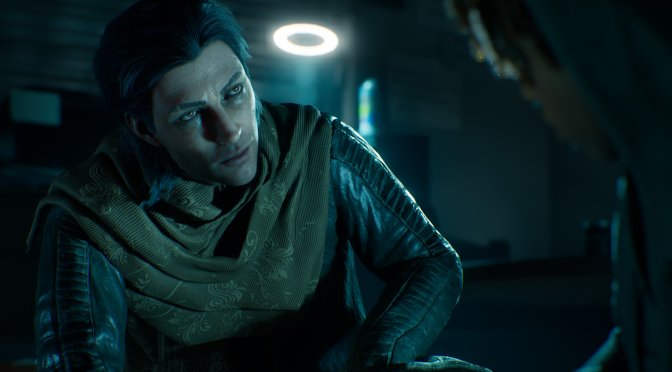
Paradox Interactive has just released Vampire: The Masquerade – Bloodlines 2 on PC. The game is powered by Unreal Engine 5, and from the looks of it, it runs pretty well on PC. As usual, before publishing our PC Performance Analysis, I decided to test the game on the NVIDIA RTX 5090. So, let’s see how it runs at both 4K and 8K.
For these early benchmarks, I used an AMD Ryzen 9 7950X3D, 32GB of DDR5 at 6000Mhz, and the NVIDIA GeForce RTX 5090. I also used Windows 10 64-bit and the GeForce 581.57 driver.
Vampire: The Masquerade – Bloodlines 2 does not have a built-in benchmark tool. So, for our benchmarks, I used your home area. This appeared to be more demanding than the entire prologue. As such, it should give us a pretty good idea of how the rest of it runs.
At Native 4K with DLAA and Ultra Settings, the NVIDIA RTX 5090 is able to push a minimum of 65FPS and an average of 74FPS. By enabling DLSS 4 Quality Mode, we get to 97/116FPS.
But what about 8K? Is it possible to enjoy this new UE5 game at that resolution? Well, the answer is yes, provided you use Frame Gen.
At 8K/Ultra with DLSS 4 Performance Mode, we get framerates between 54-58FPS. This is an ideal scenario for using Frame Gen. By enabling MFG X2, we get to 100FPS without any major input latency issues. And then, with MFG X4, we can get a minimum of 160FPS, and an average of 170FPS.
Since this is a single-player game, I’d pick the 8K experience over 4K any day. That’s how I plan to play it (after finishing our PC Performance Analysis). The game runs smoothly, has very few visual bugs, and the 8K sharpness is amazing. The only reason to stick with 4K is if a mod comes out that adds Hardware Lumen. Right now, Bloodlines 2 only uses Software Lumen, which has a lot of lighting artifacts. Hardware Lumen should fix most of those issues.
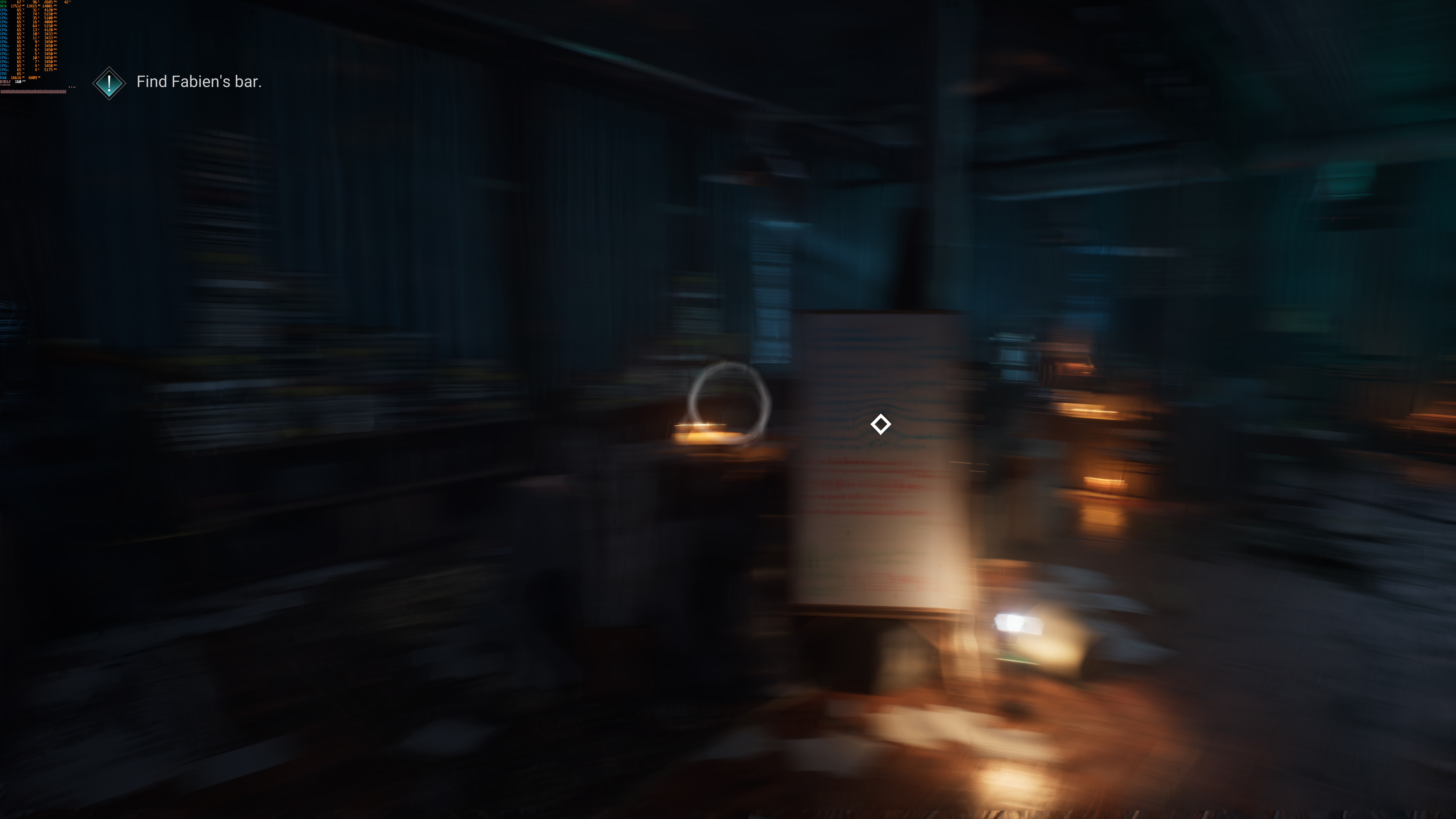
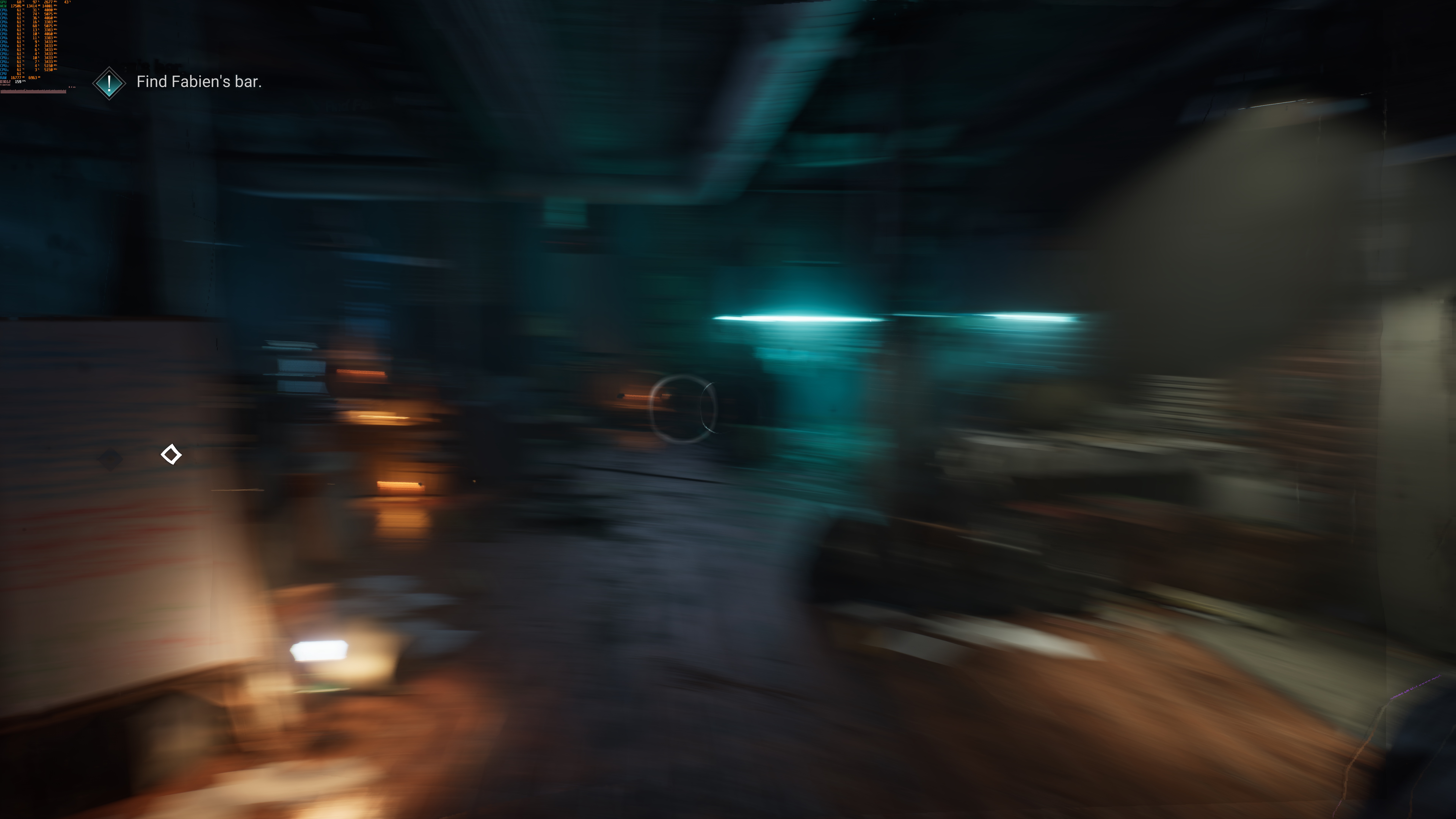
But what about the DLSS 4 MFG implementation? Well, good news, everyone. This seems to be among the best we’ve seen. Below are two screenshots during very quick mouse movements. As we can see, there are minimal artifacts. Things get even better at 4K, in which we have a higher amount of “real” frames. At 4K, you’ll get even fewer artifacts. Well, that is if you own an RTX 5090.
Before closing, I should note that the game does not suffer from any shader compilation stutters. However, there are some traversal stutters in indoor areas.
Once you go to the open world, though, things get ugly. The stutters are frequent and really annoying. By using Frame Gen, you can somehow mitigate the issue, but you will still spot the stutters. This is something that the devs need to fix. To be honest, though, I don’t think they will. We’ve seen numerous UE5 games that suffer from stuttering. So, add this one to that long list of stuttery games.
All in all, I was initially pleasantly surprised by the game’s performance. Sadly, though, the stutters in the open world are bad. And when I say bad, I mean bad. So, if you are sensitive to them, you should avoid it.
Stay tuned for our PC Performance Analysis, in which we’ll test numerous GPUs from both NVIDIA and AMD!


John is the founder and Editor in Chief at DSOGaming. He is a PC gaming fan and highly supports the modding and indie communities. Before creating DSOGaming, John worked on numerous gaming websites. While he is a die-hard PC gamer, his gaming roots can be found on consoles. John loved – and still does – the 16-bit consoles, and considers SNES to be one of the best consoles. Still, the PC platform won him over consoles. That was mainly due to 3DFX and its iconic dedicated 3D accelerator graphics card, Voodoo 2. John has also written a higher degree thesis on the “The Evolution of PC graphics cards.”
Contact: Email