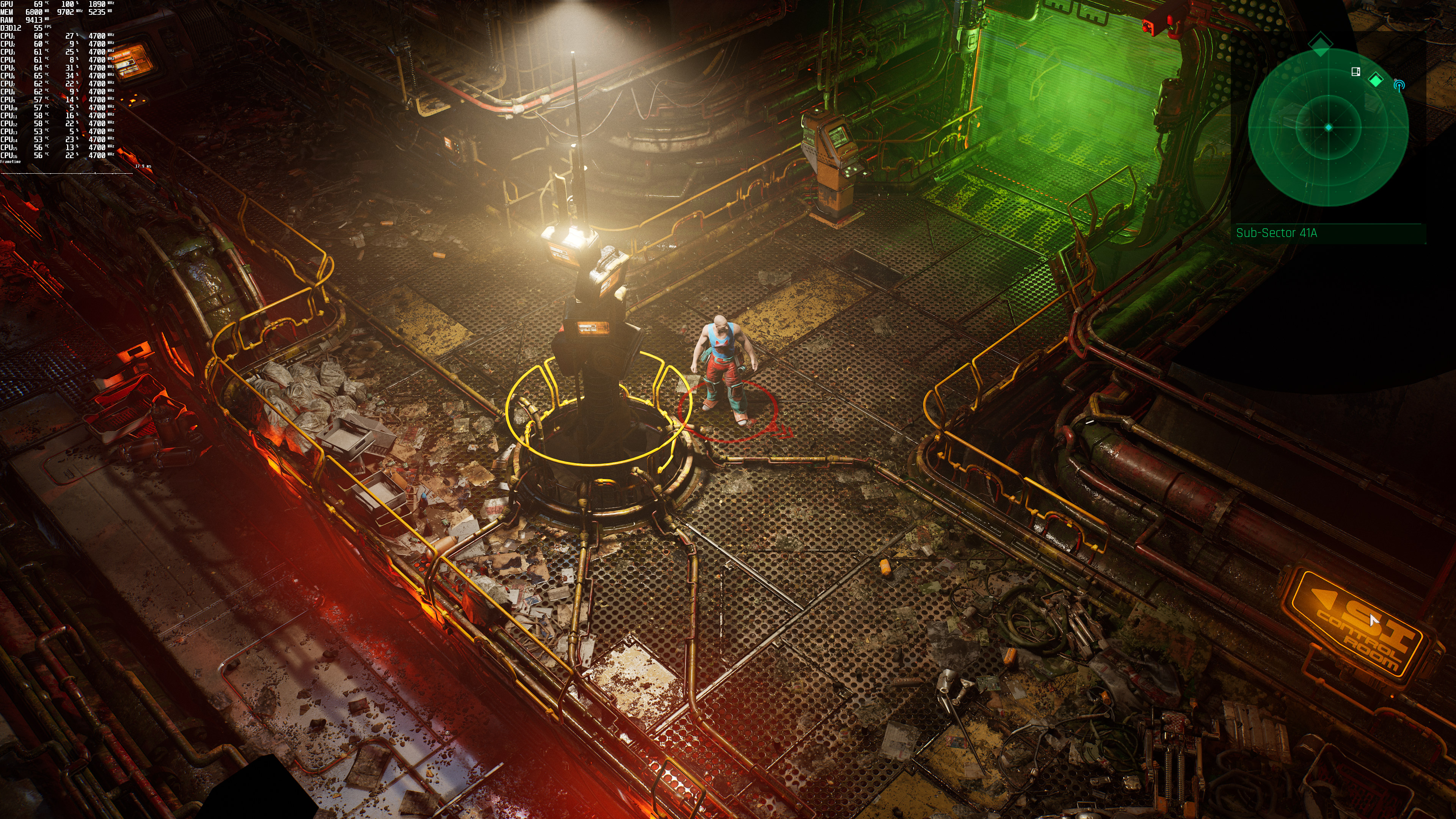
The Ascent feature 3

The Ascent – Ray Tracing & DLSS Benchmarks & Comparisons

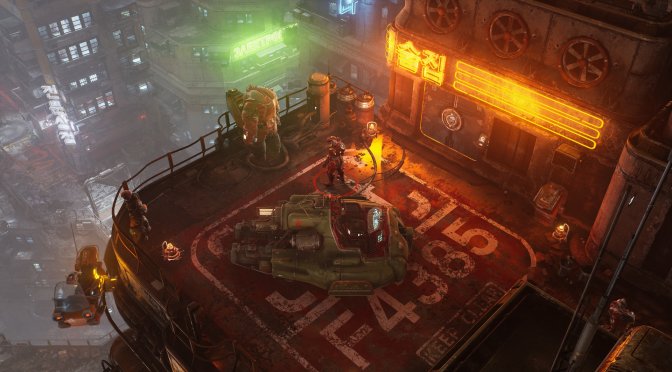
Curve Digital has just released the isometric action shooter RPG, The Ascent. Powered by Unreal Engine 4, The Ascent supports both Ray Tracing and NVIDIA’s DLSS. As such, we’ve decided to benchmark them.

For these benchmarks, we used an Intel i9 9900K with 16GB of DDR4 at 3600Mhz, NVIDIA’s RTX 3080, Windows 10 64-bit, and the GeForce driver 471.41.

The Ascent does not come with a built-in benchmark tool. Therefore, we’ve benchmarked the game’s first map which uses all of the Ray Tracing effects.

Without any of the Ray Tracing effects, the NVIDIA GeForce RTX3080 can run the game with 60fps, even at 4K/Ultra. Thankfully though, and similarly to Escape from Naraka, DLSS Quality brings major performance improvements. In The Ascent at 4K/Ultra, we are looking at a 40-51% performance boost.

The Ascent DLSS benchmarks

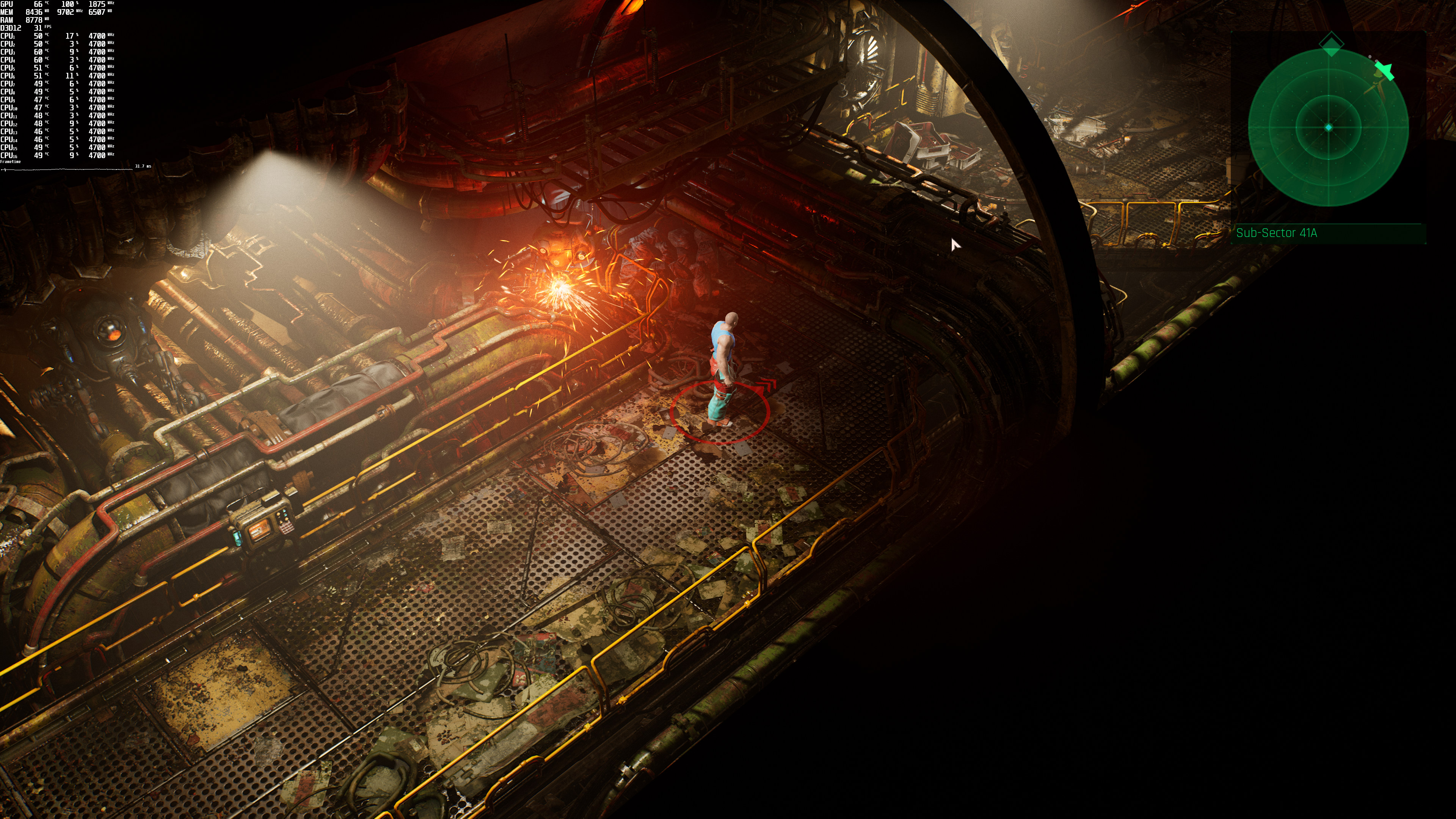
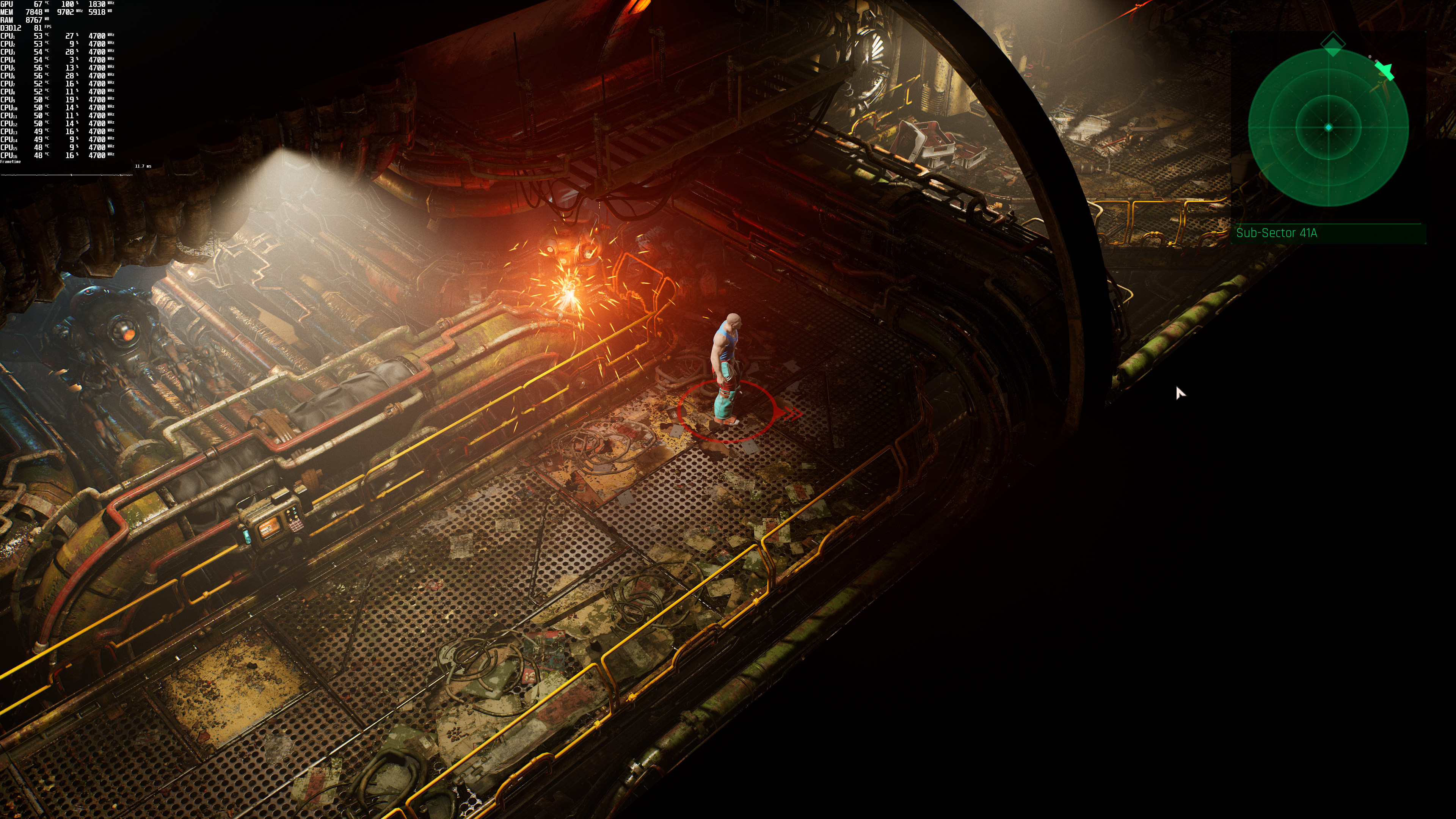
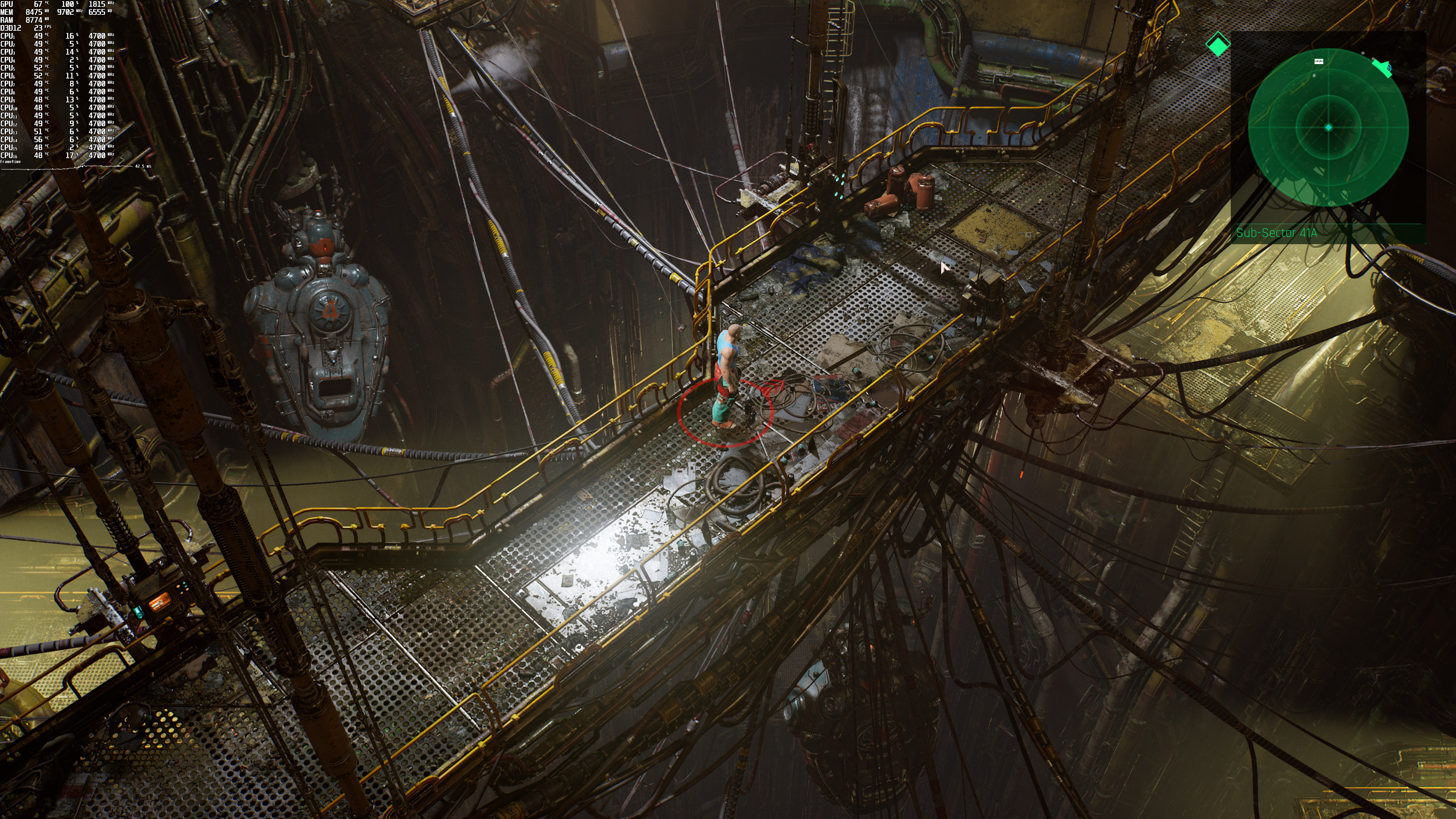
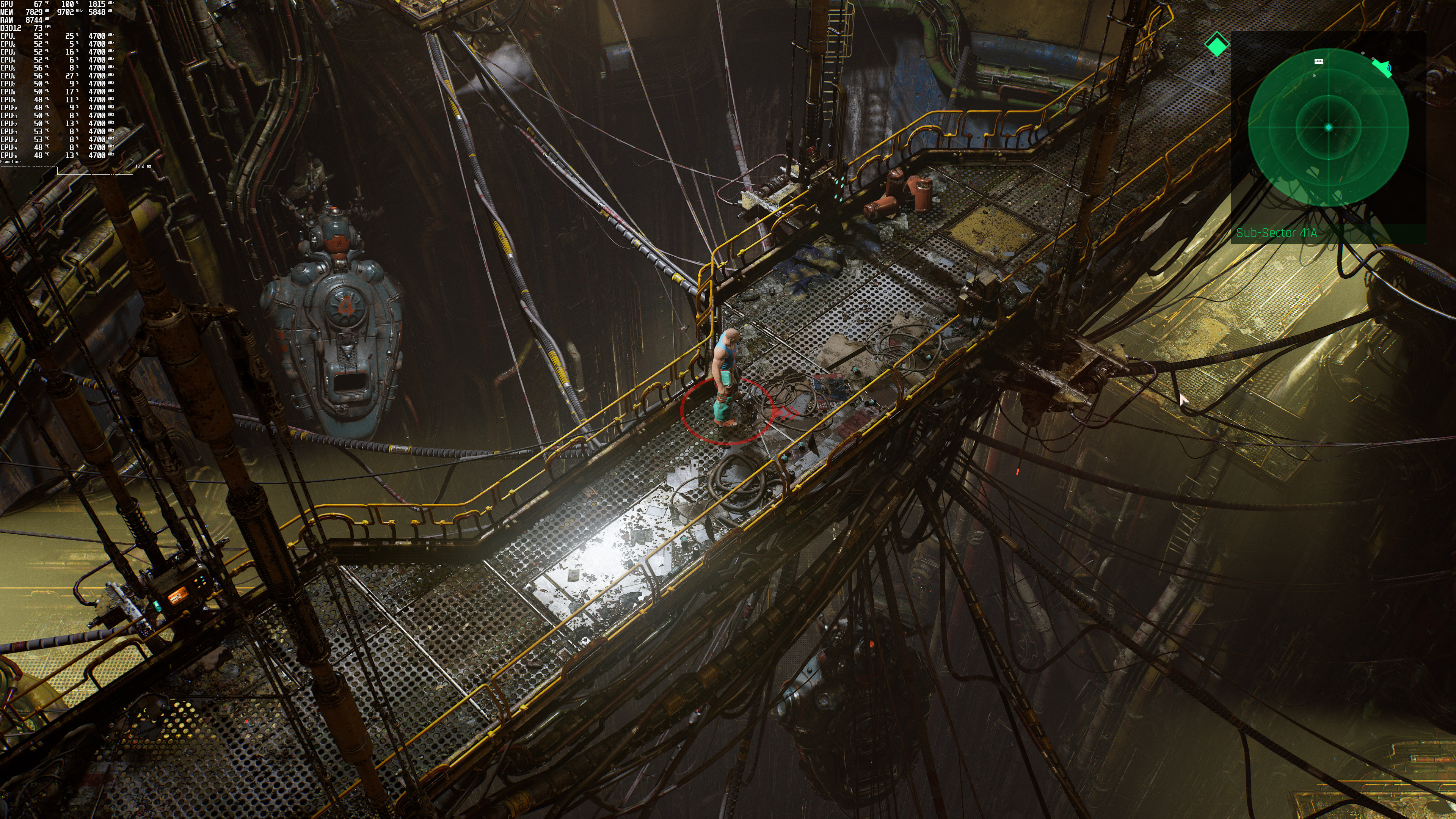
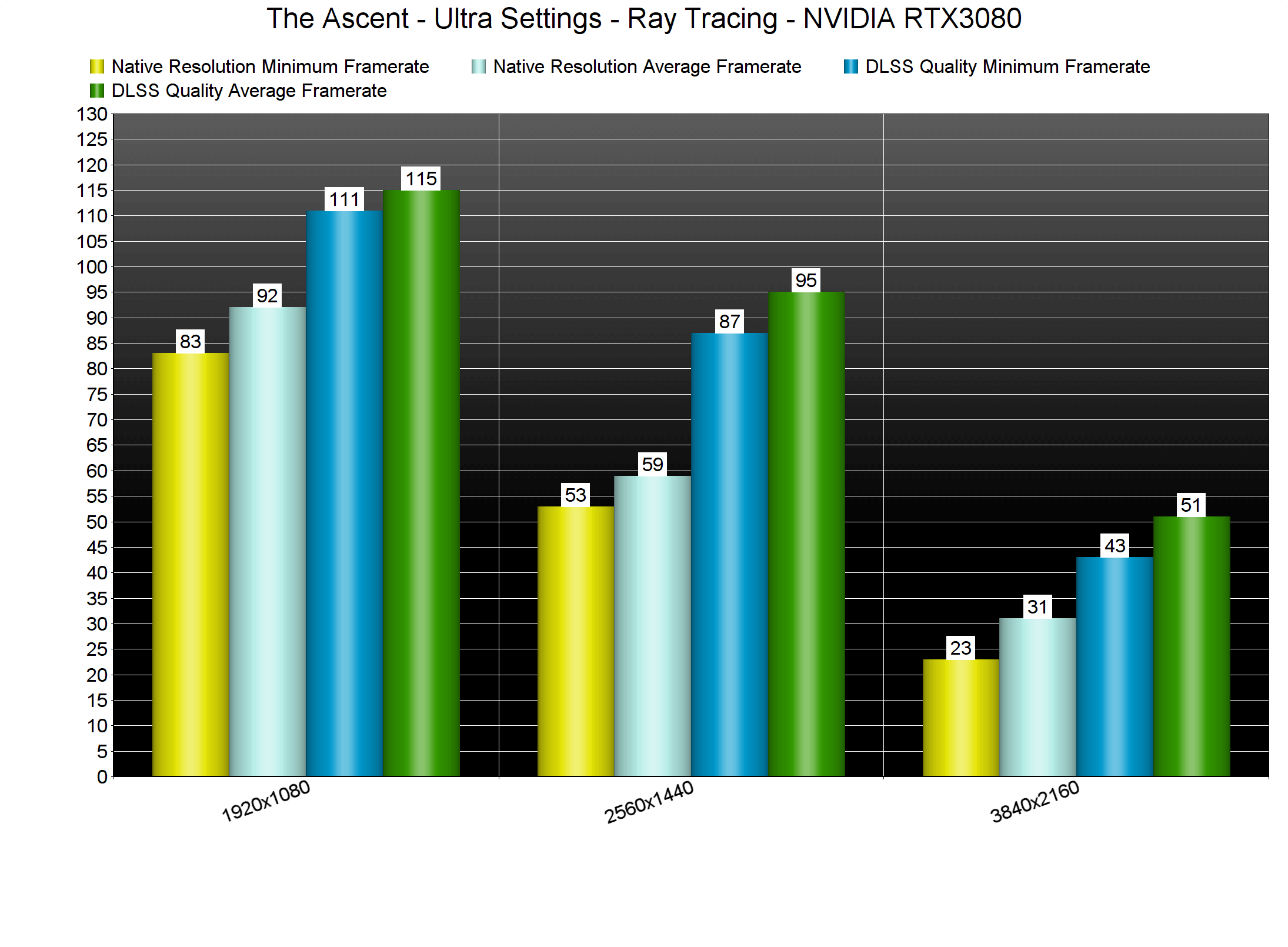
The Ascent uses Ray Tracing in order to enhance its Shadows, Reflections and Ambient Occlusion. And, as we can see, these Ray Tracing effects are really demanding. By enabling them, our performance was reduced by 66%. Due to this enormous performance hit, our RTX3080 was unable to run the game with 60fps at anything higher than 1080p. In fact, the RTX3080 was unable to even offer a constant 30fps experience at 4K/Ultra. PC gamers can enable/disable individual RT effects, so that’s at least a good thing. The biggest performance culprit appears to be the ray-traced reflections.
The Ascent Ray Tracing benchmarks

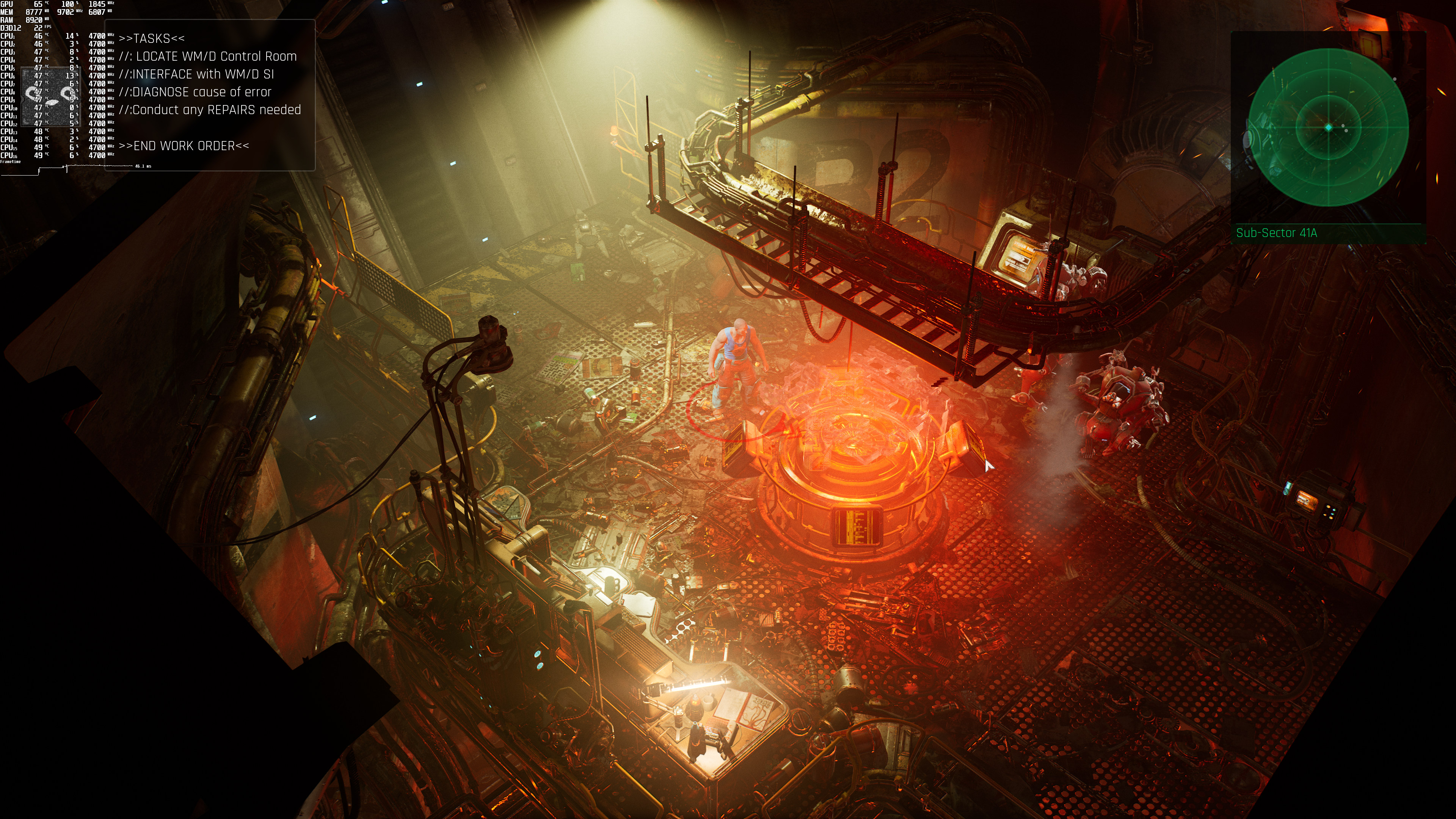
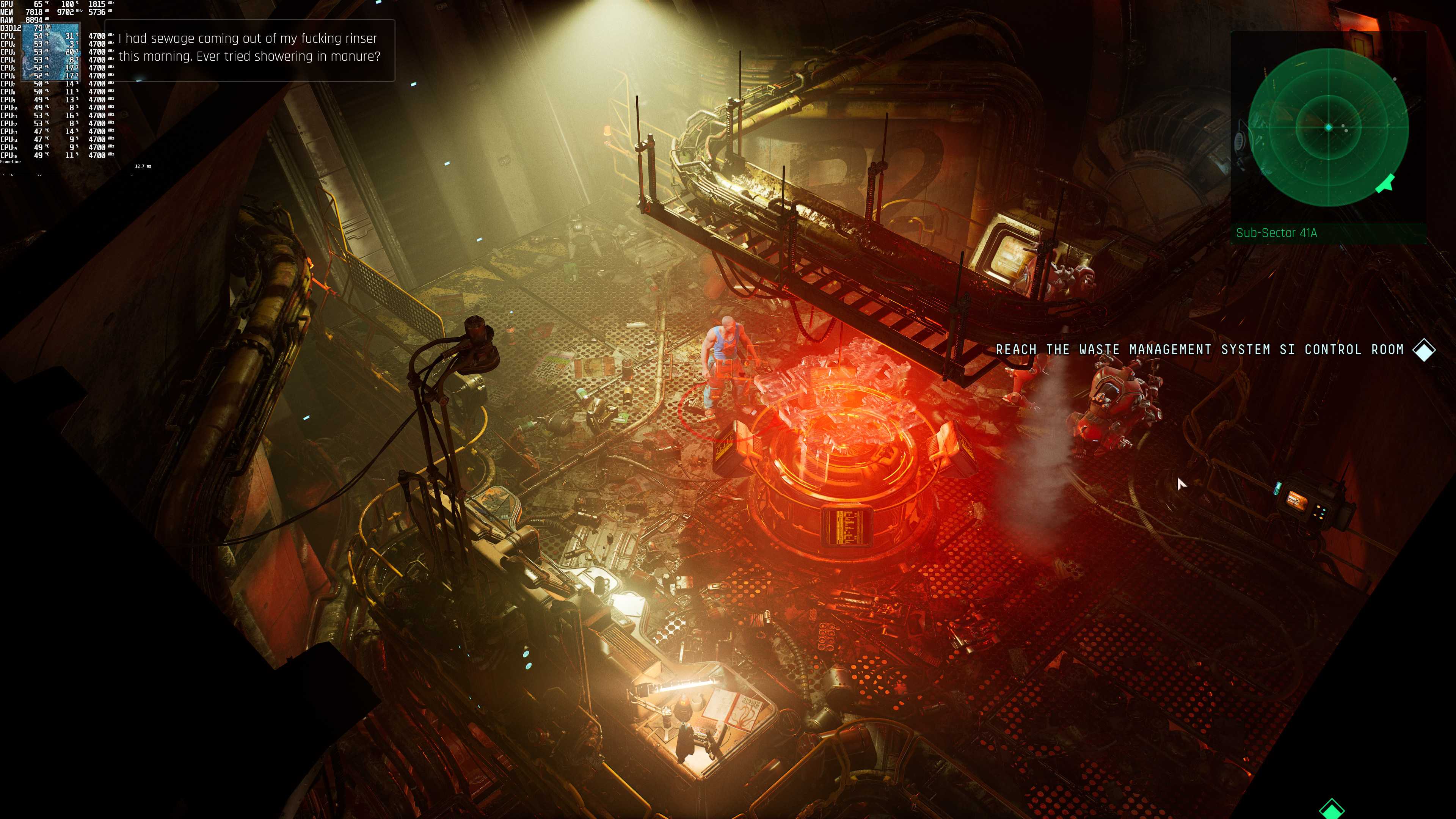
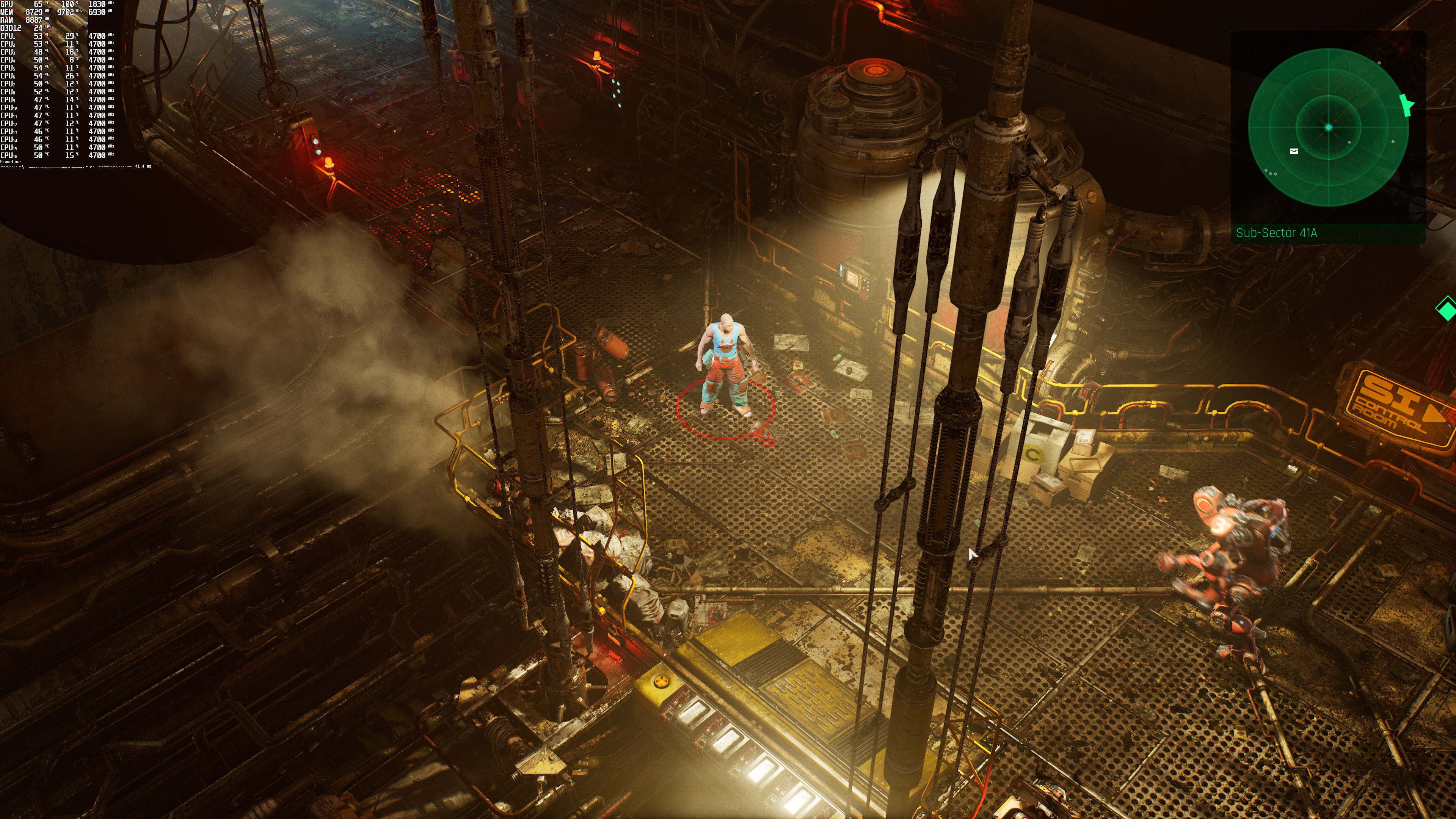
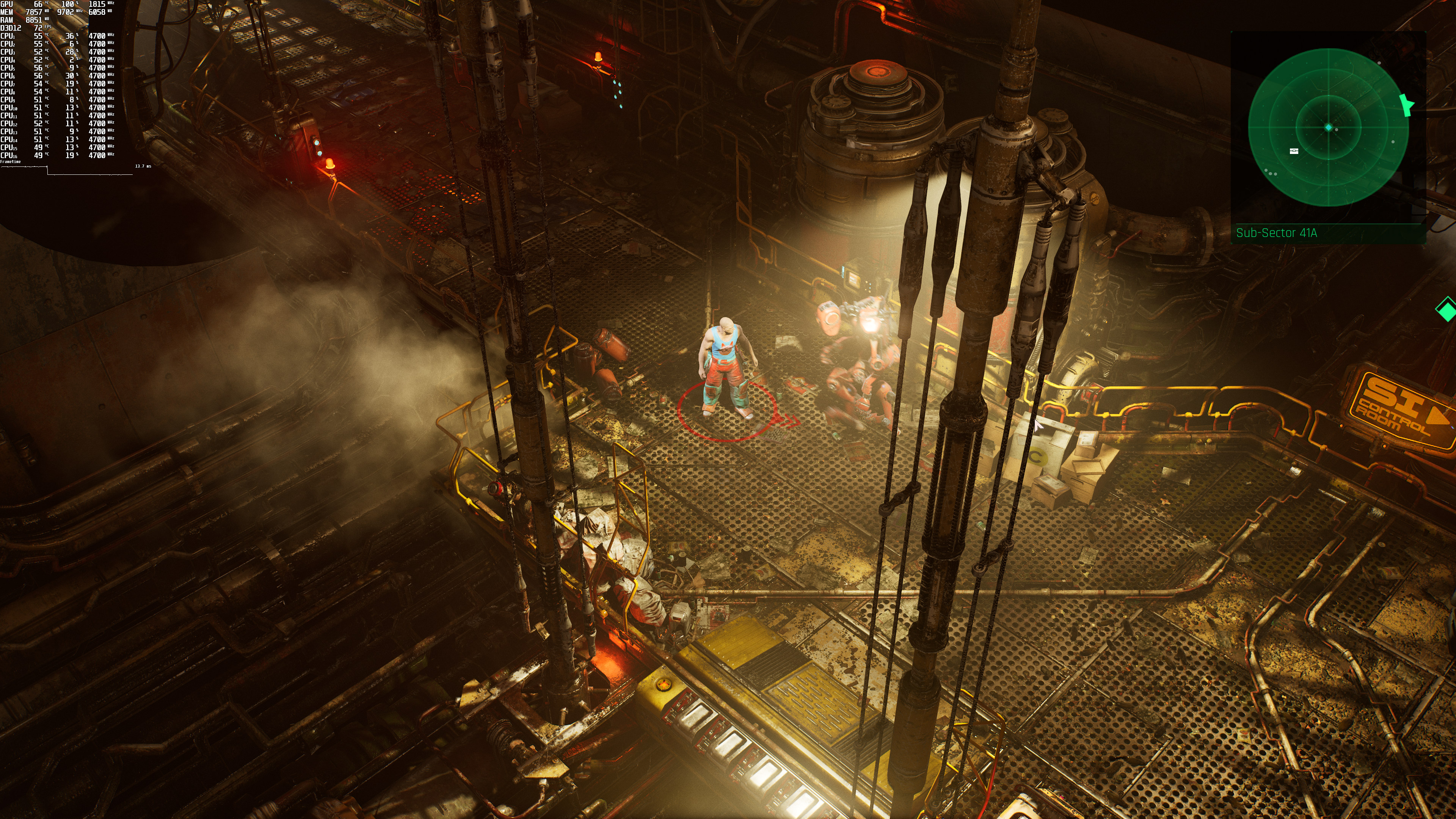
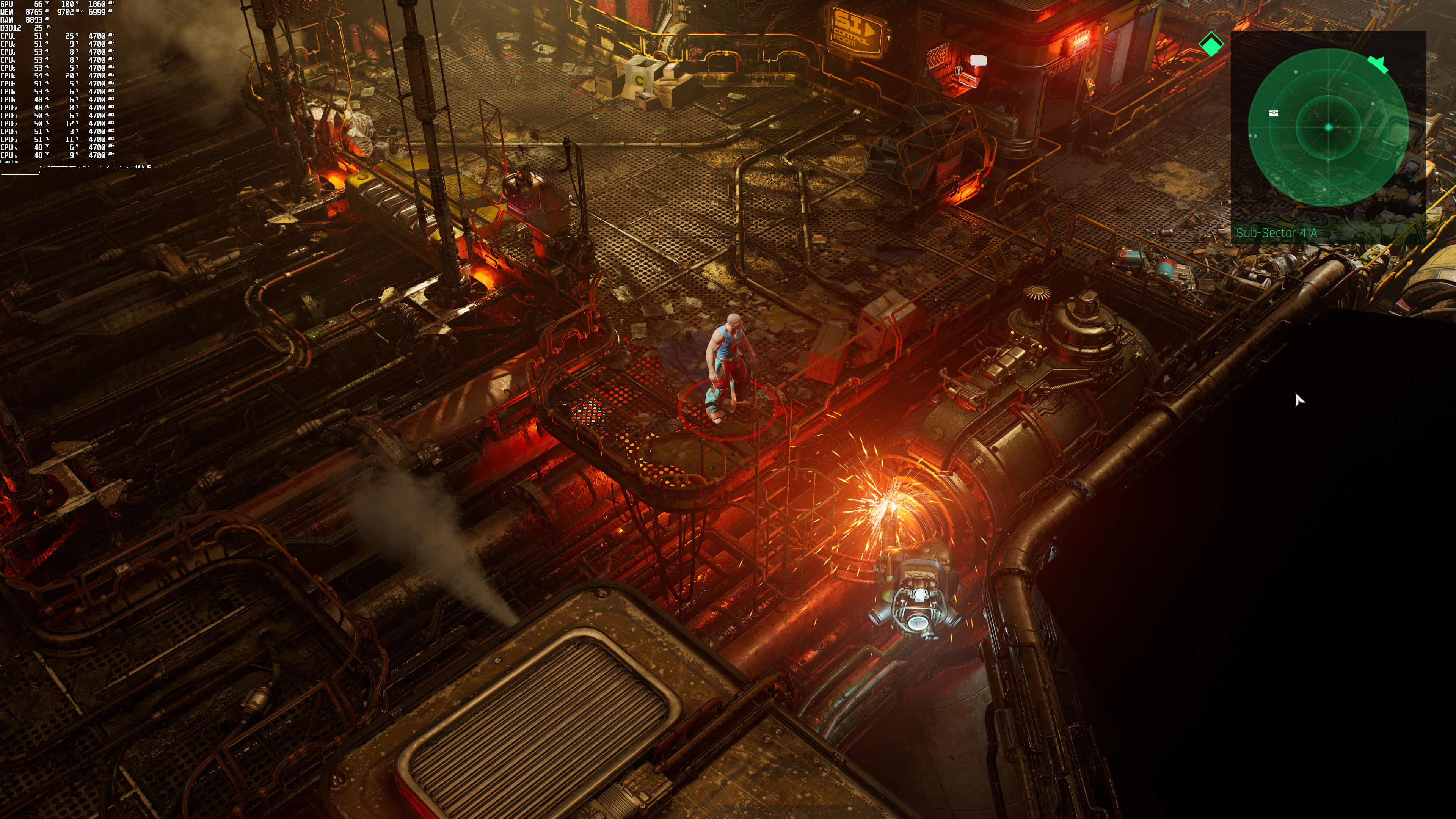
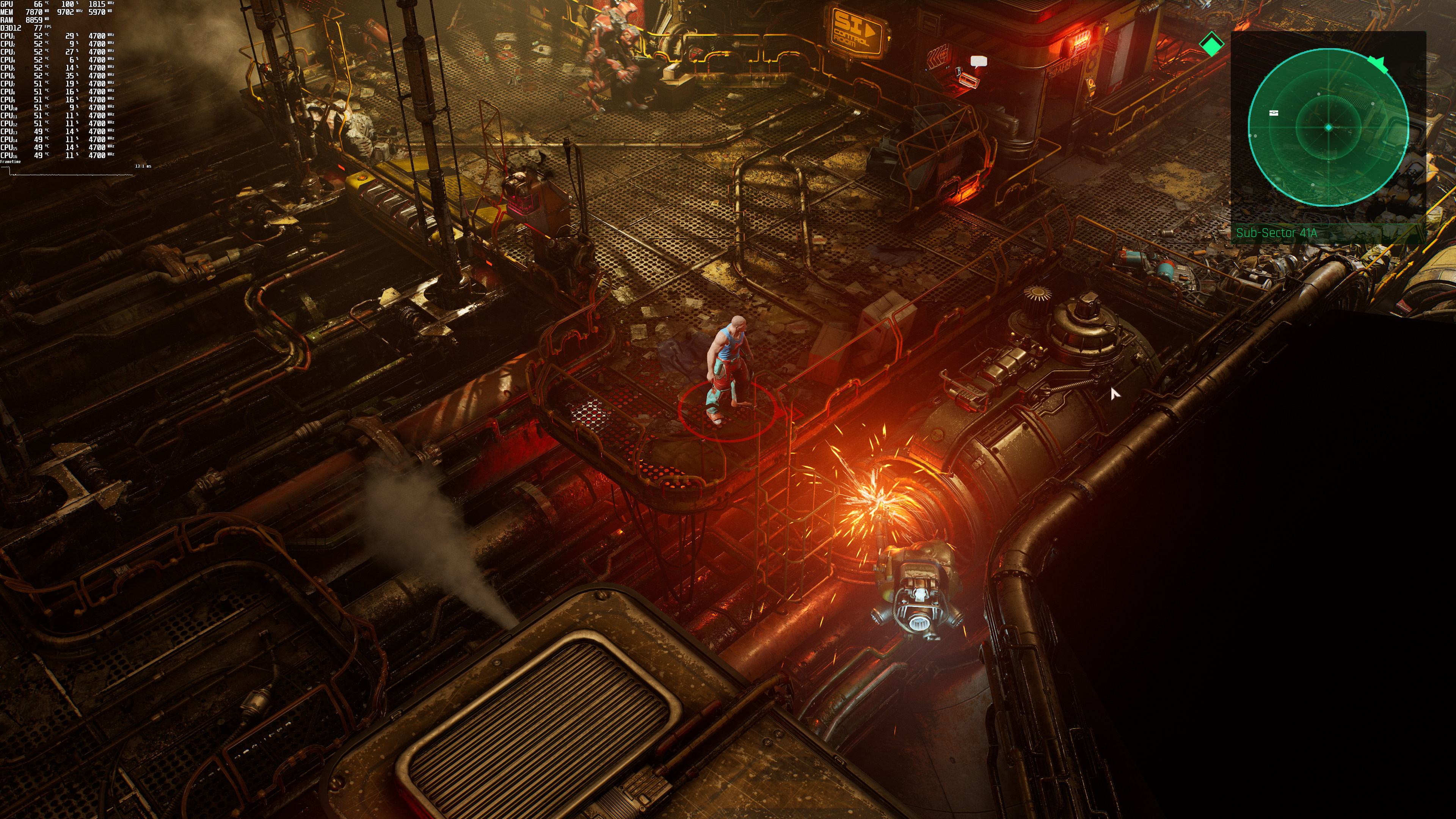
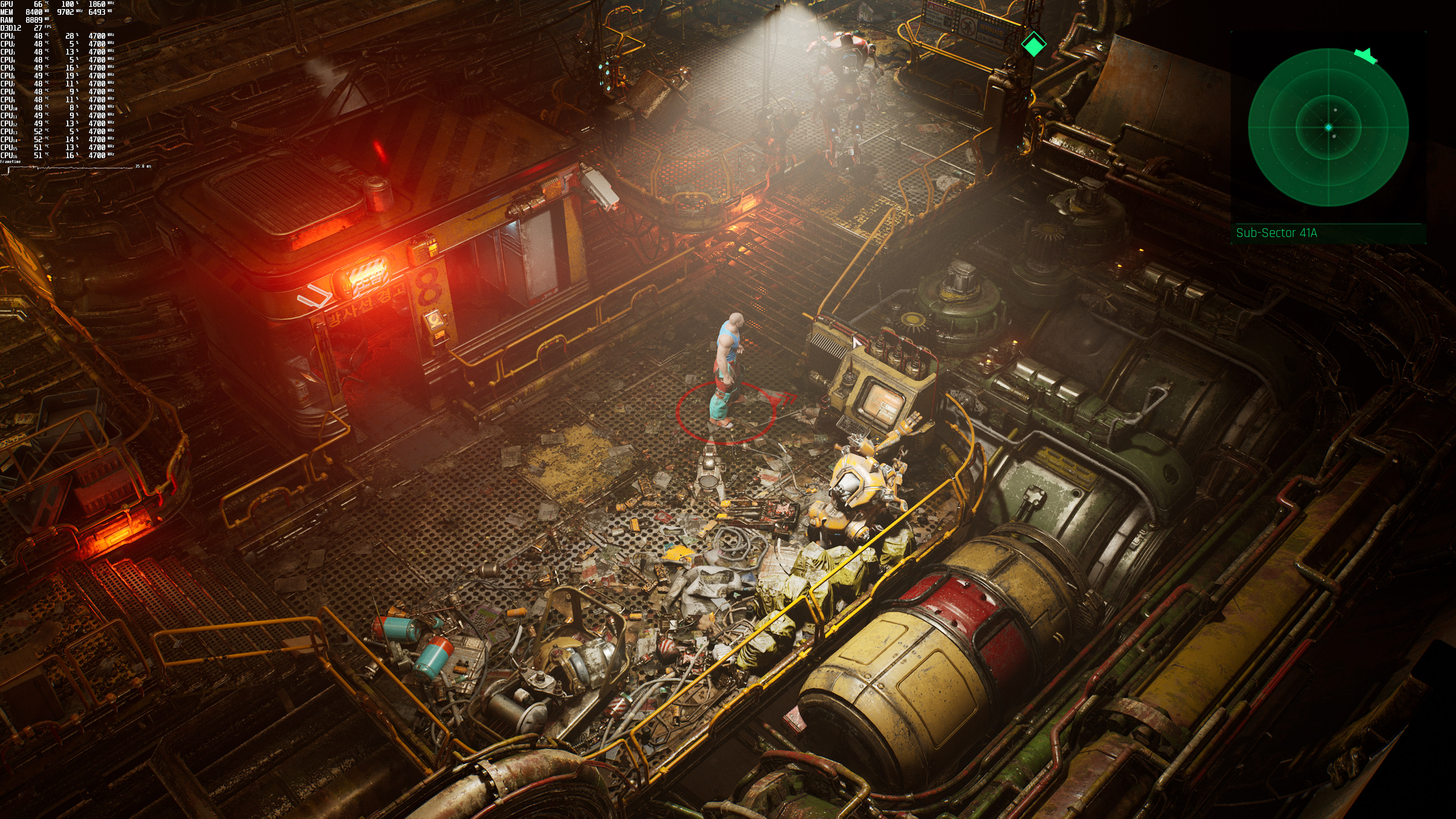
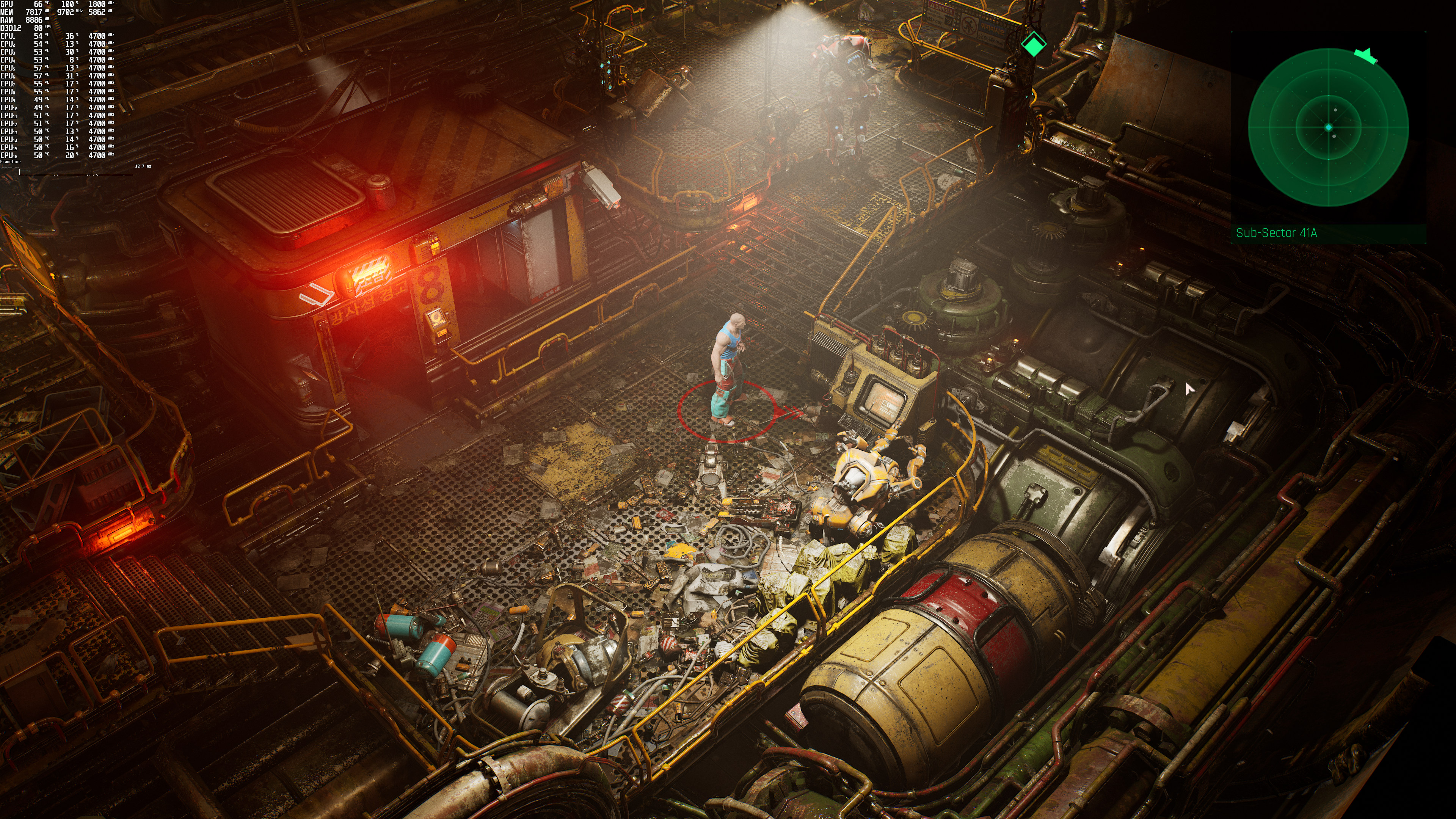
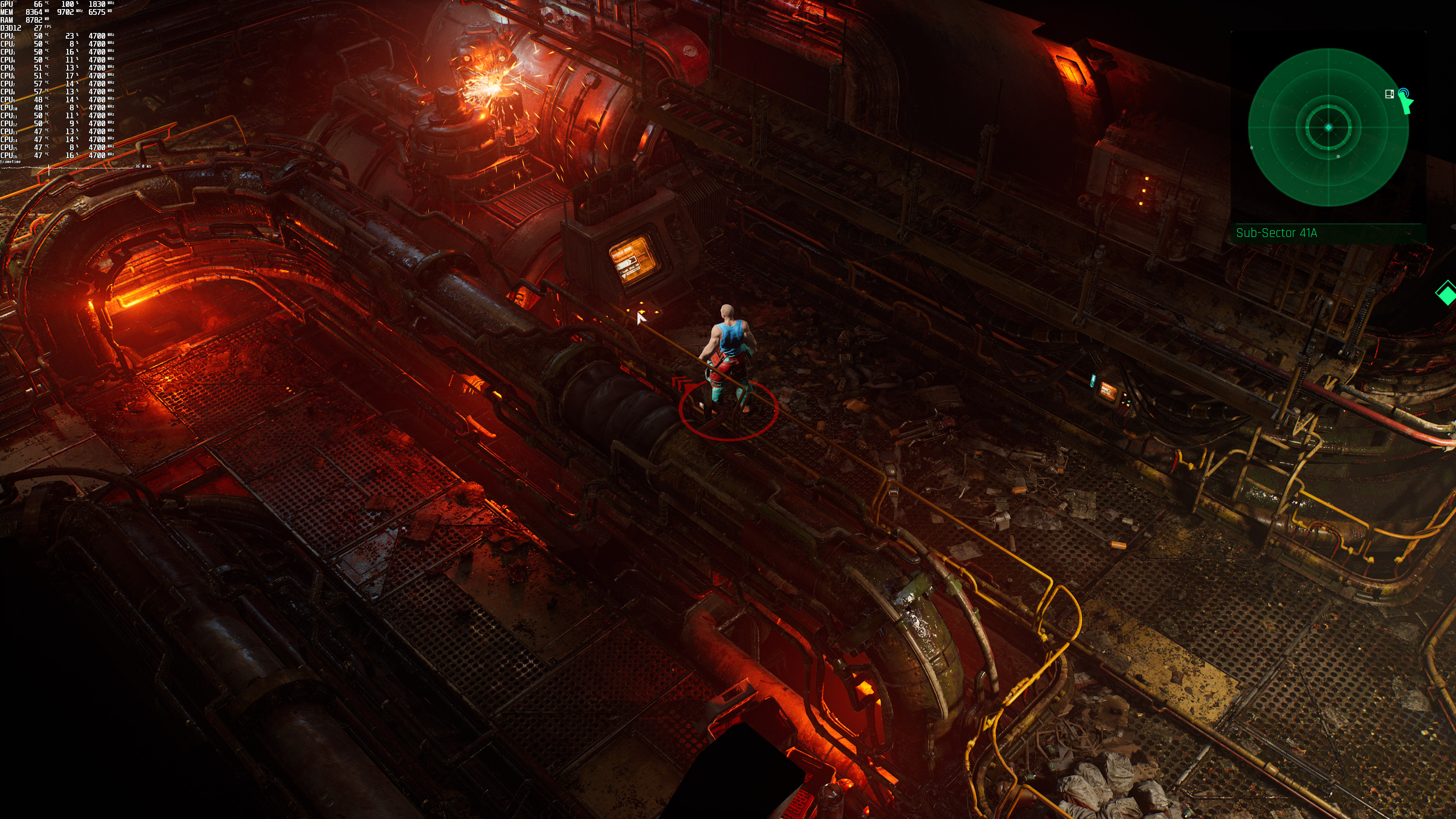
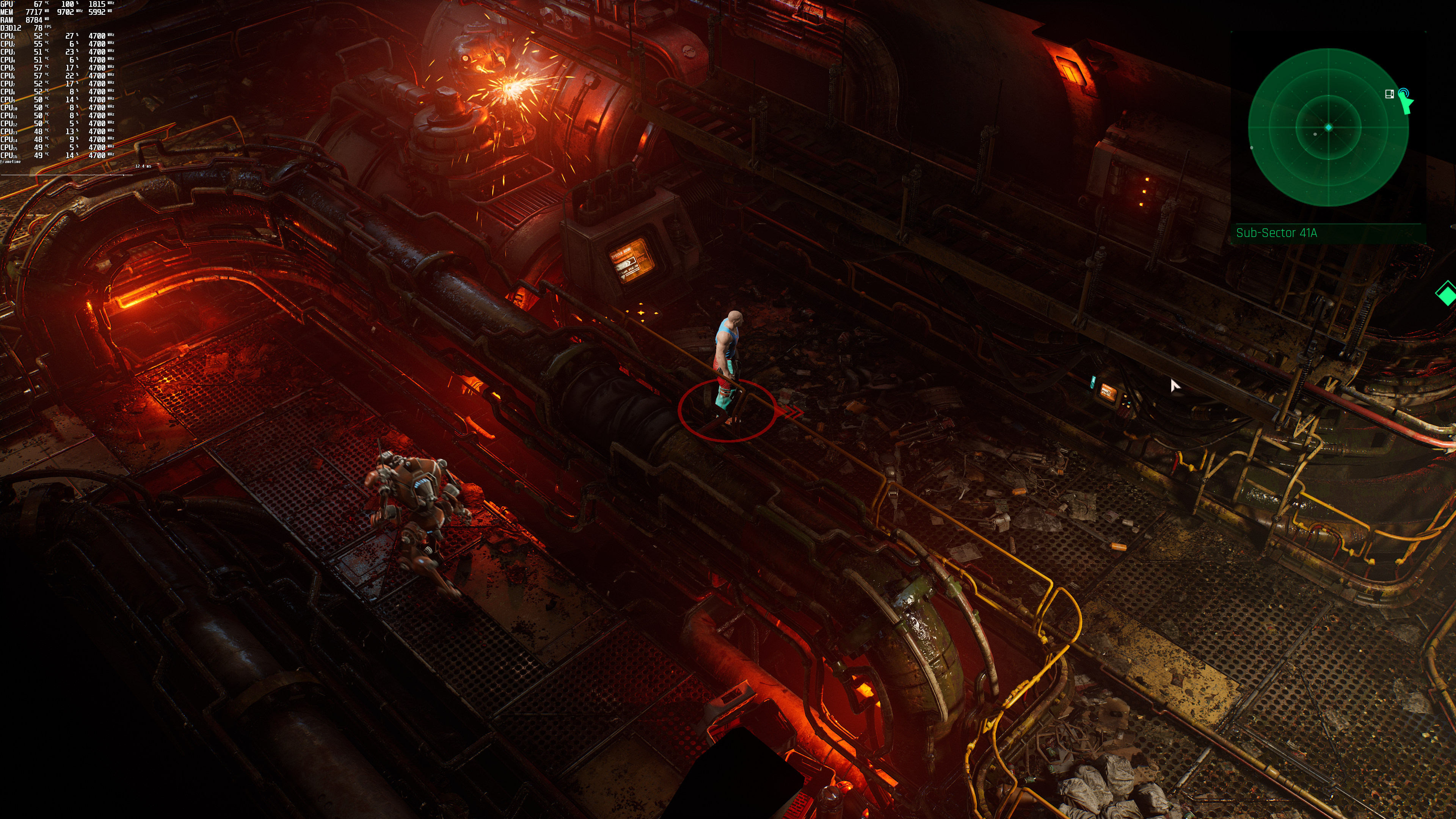
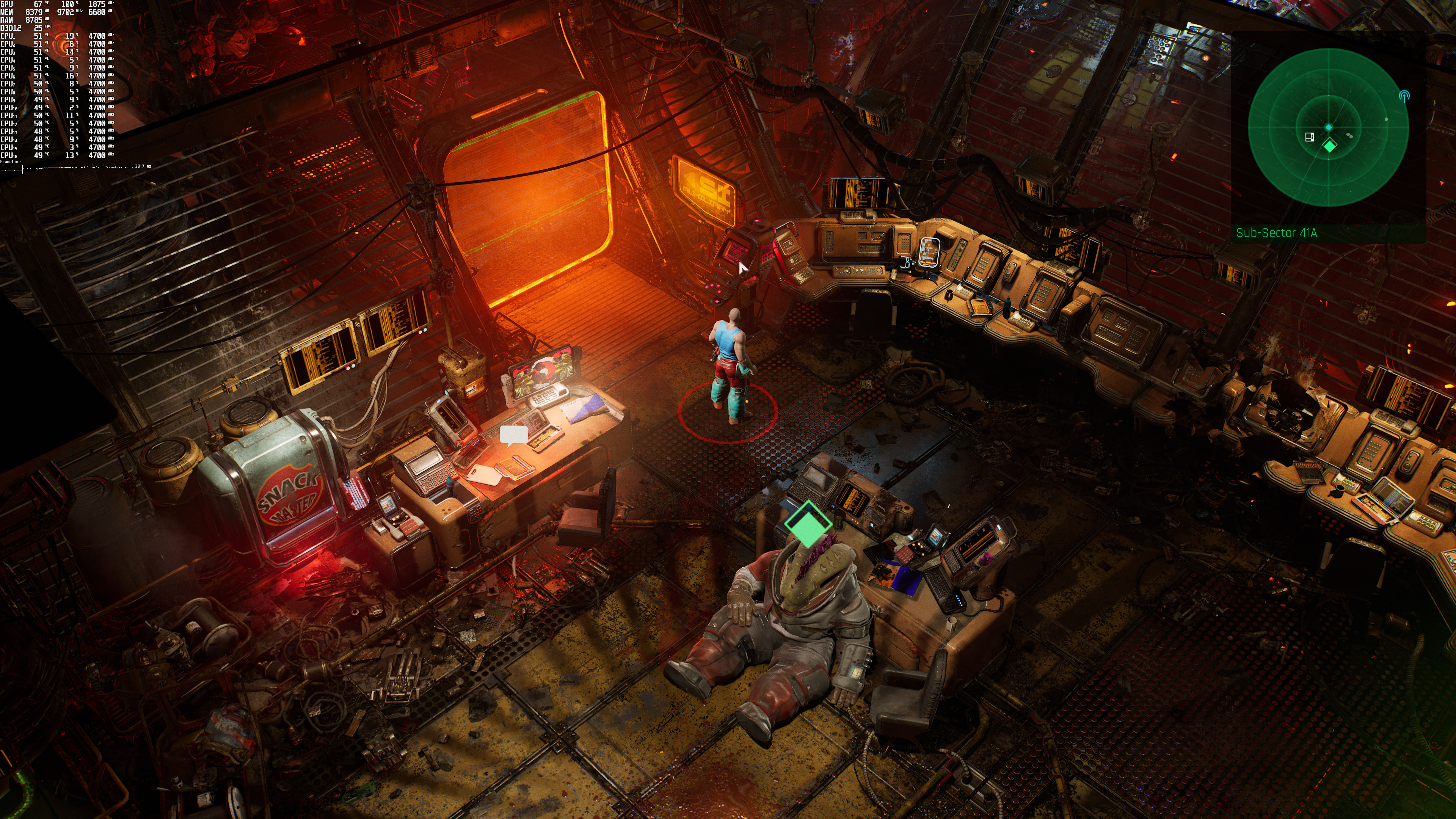
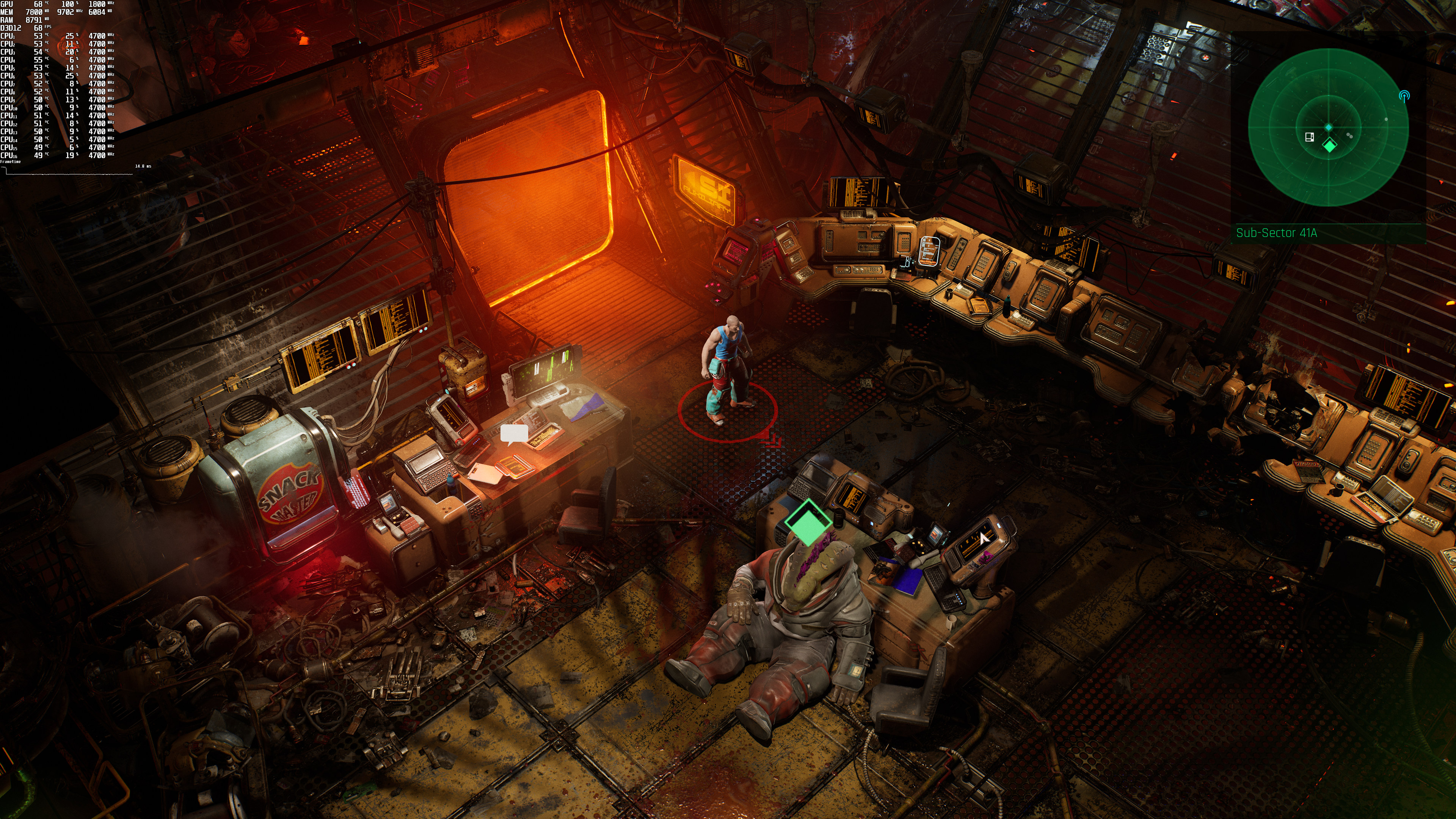
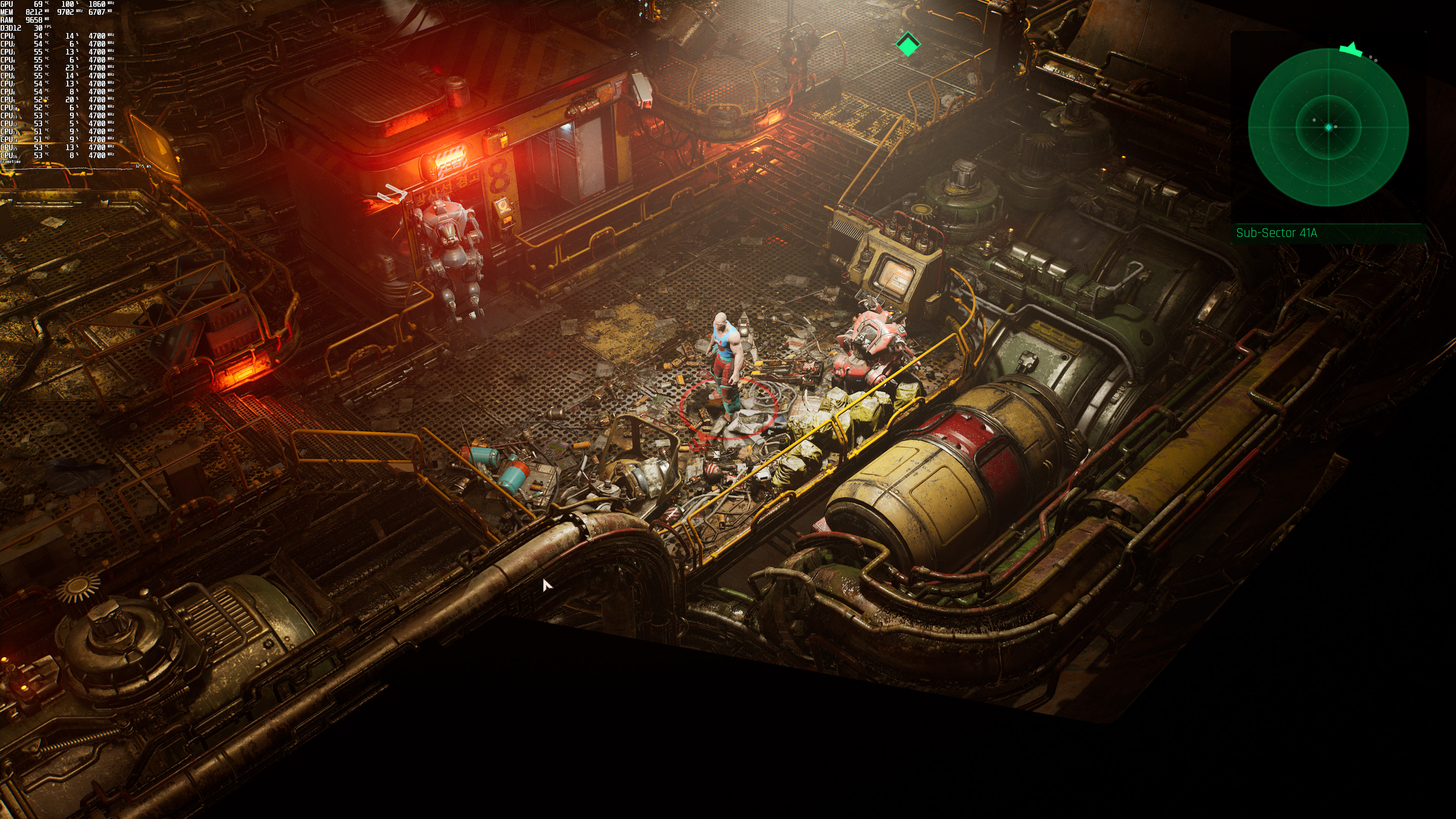
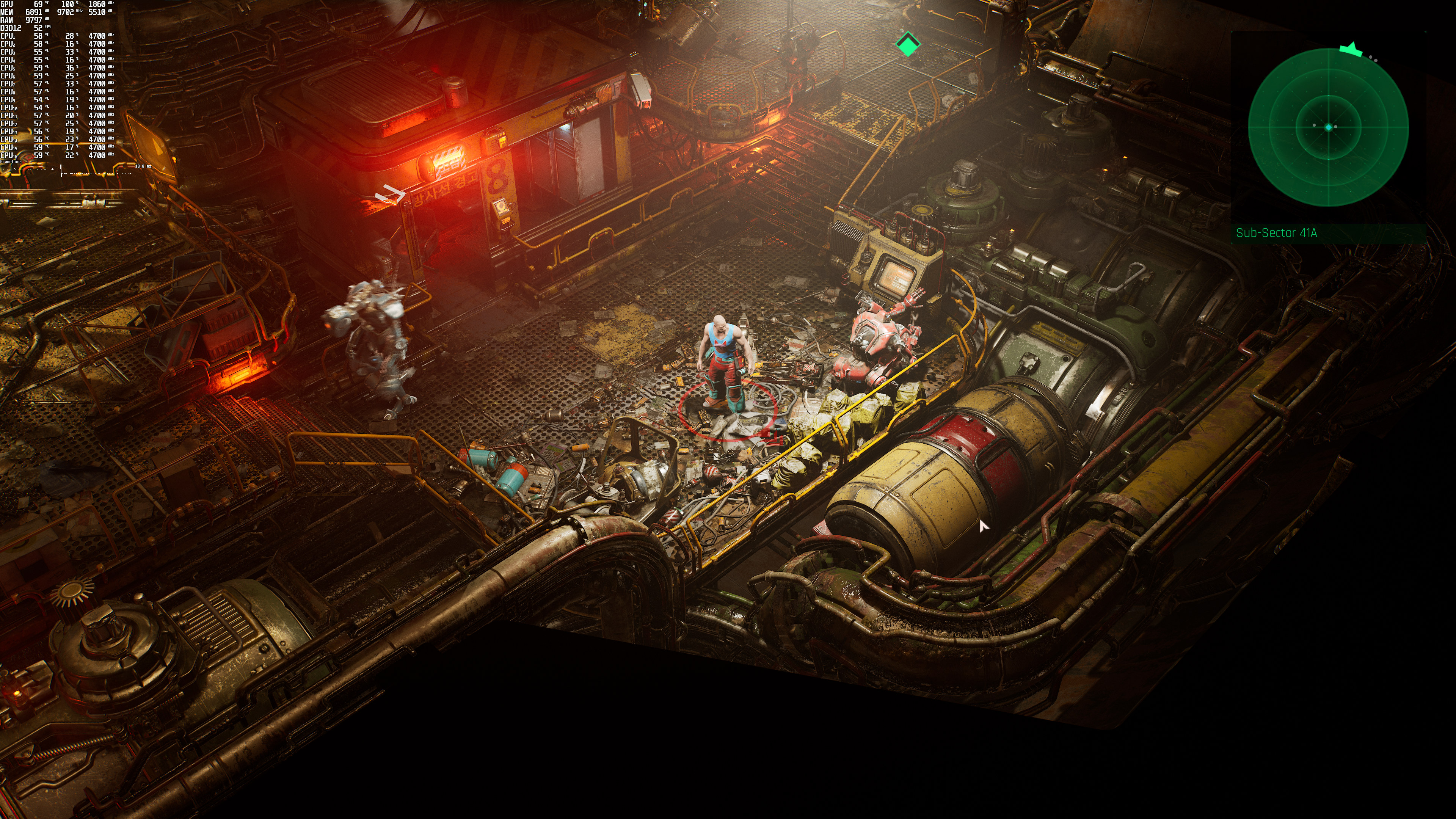
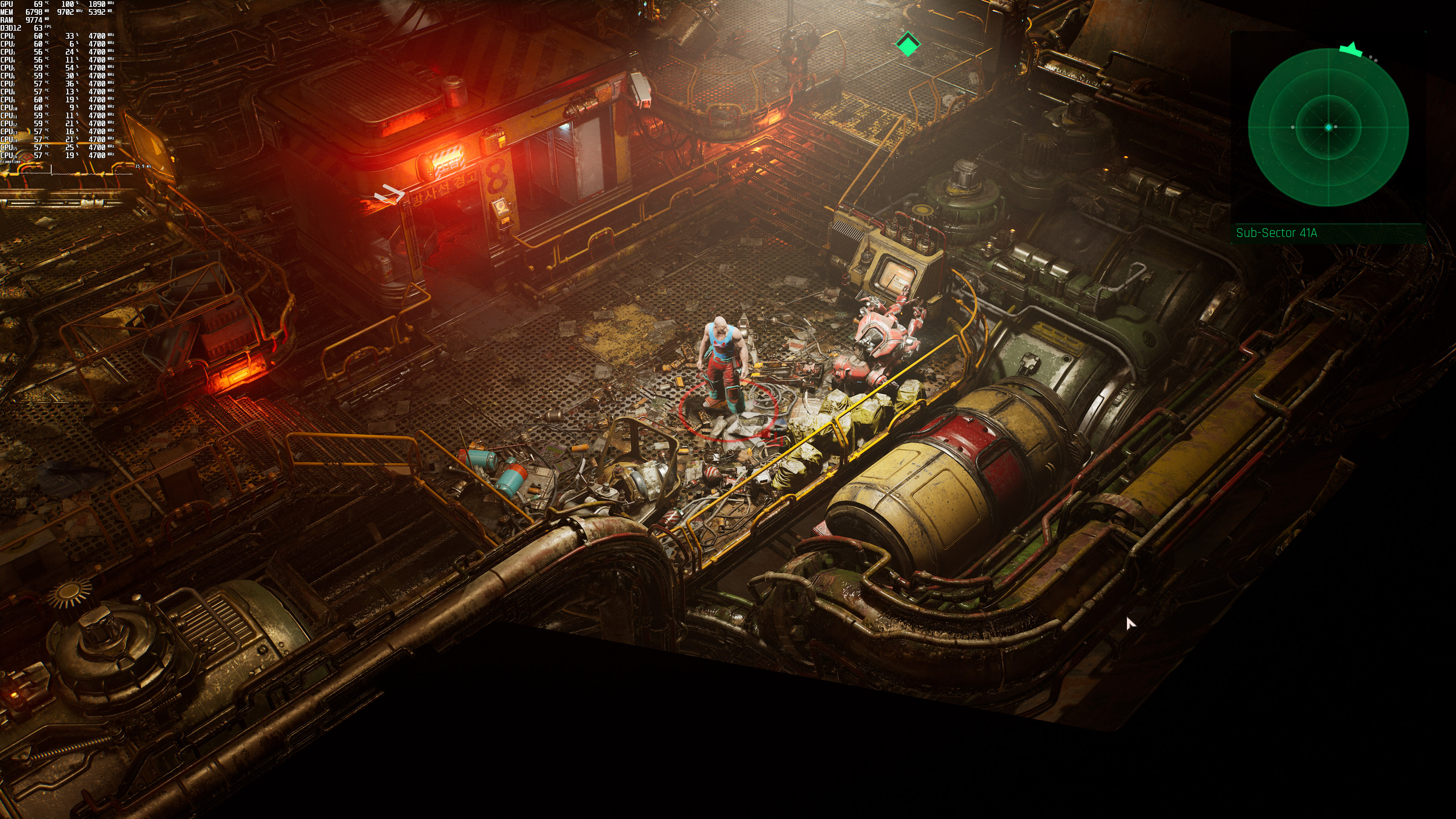
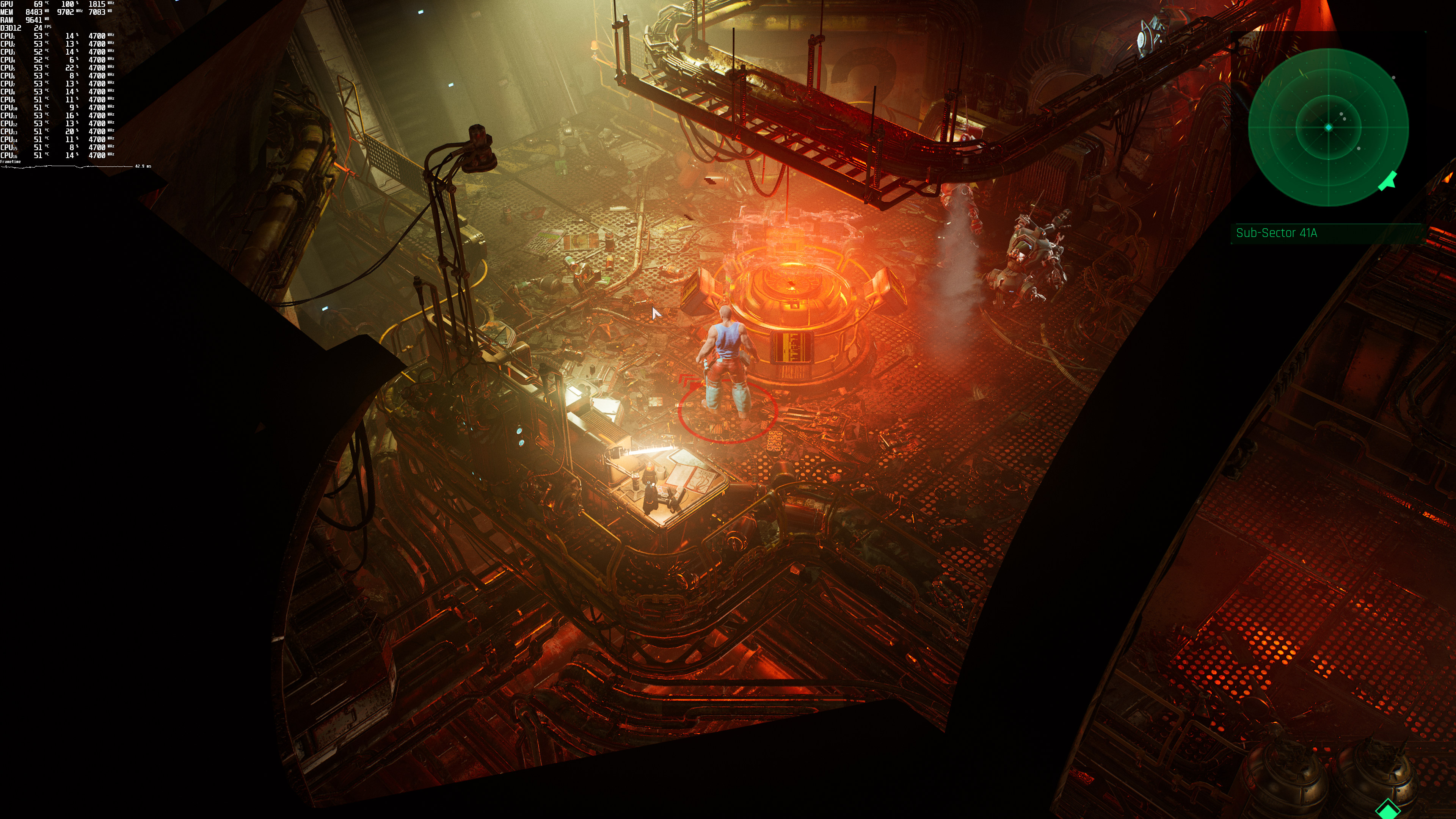
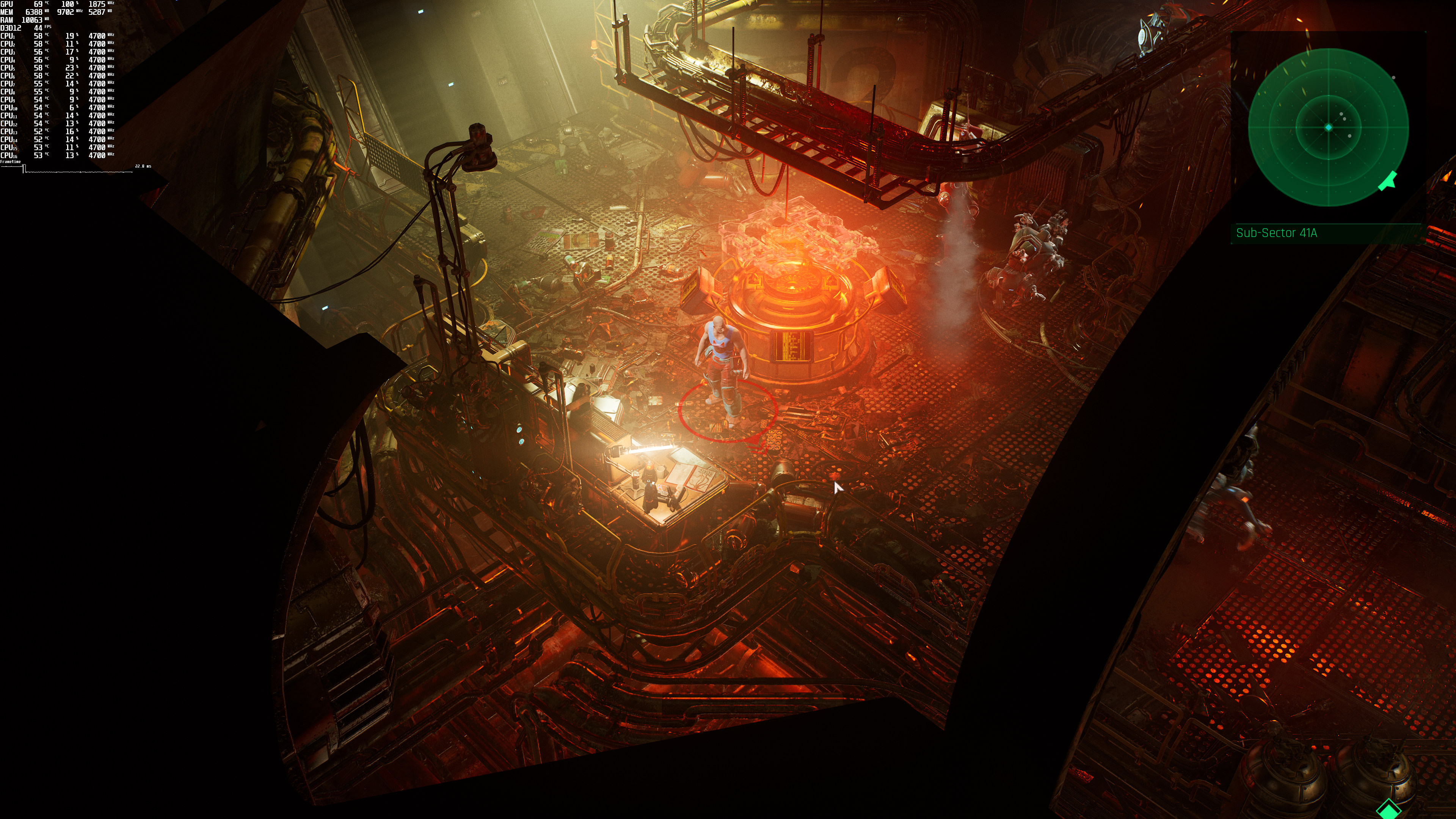
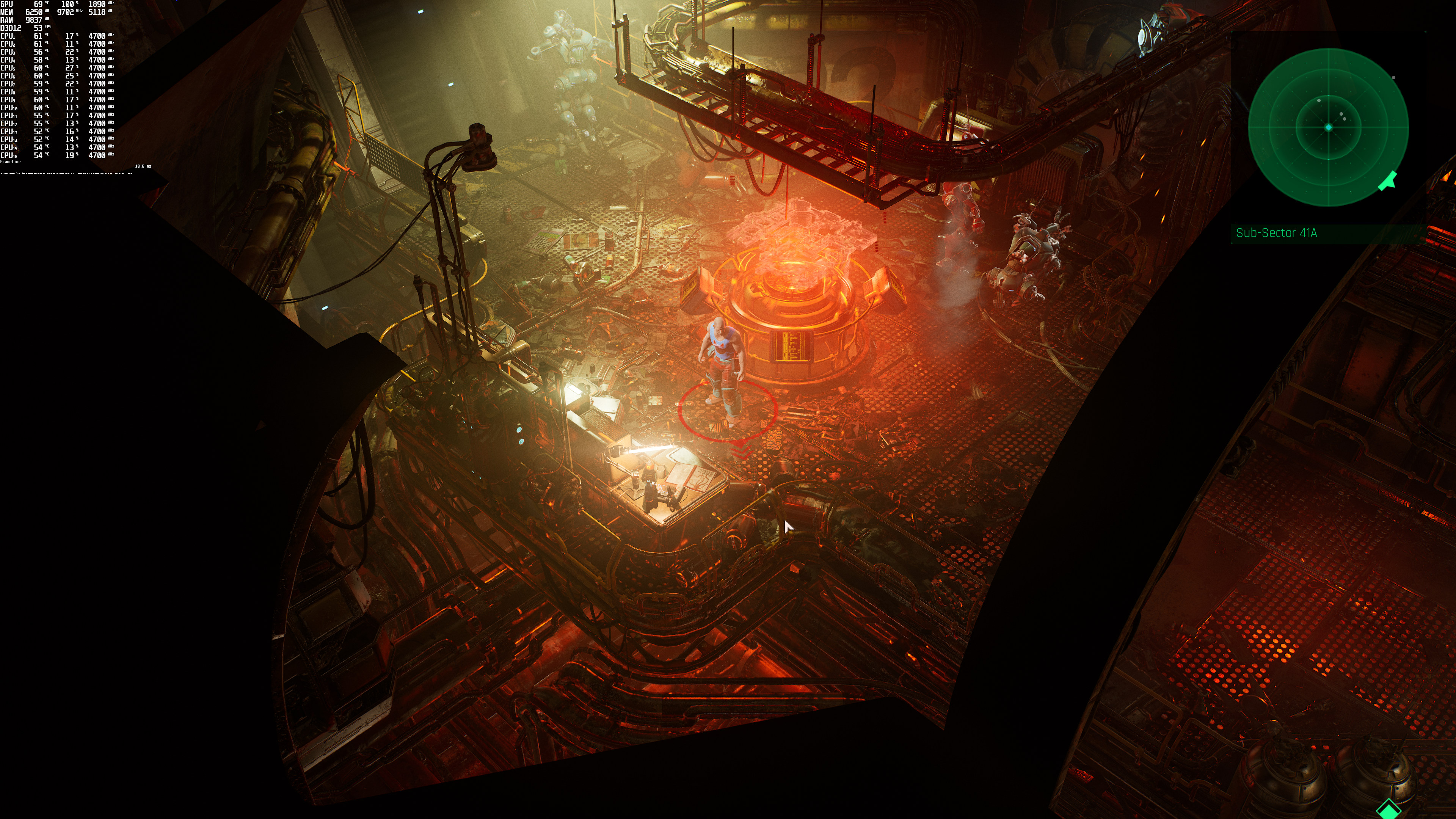
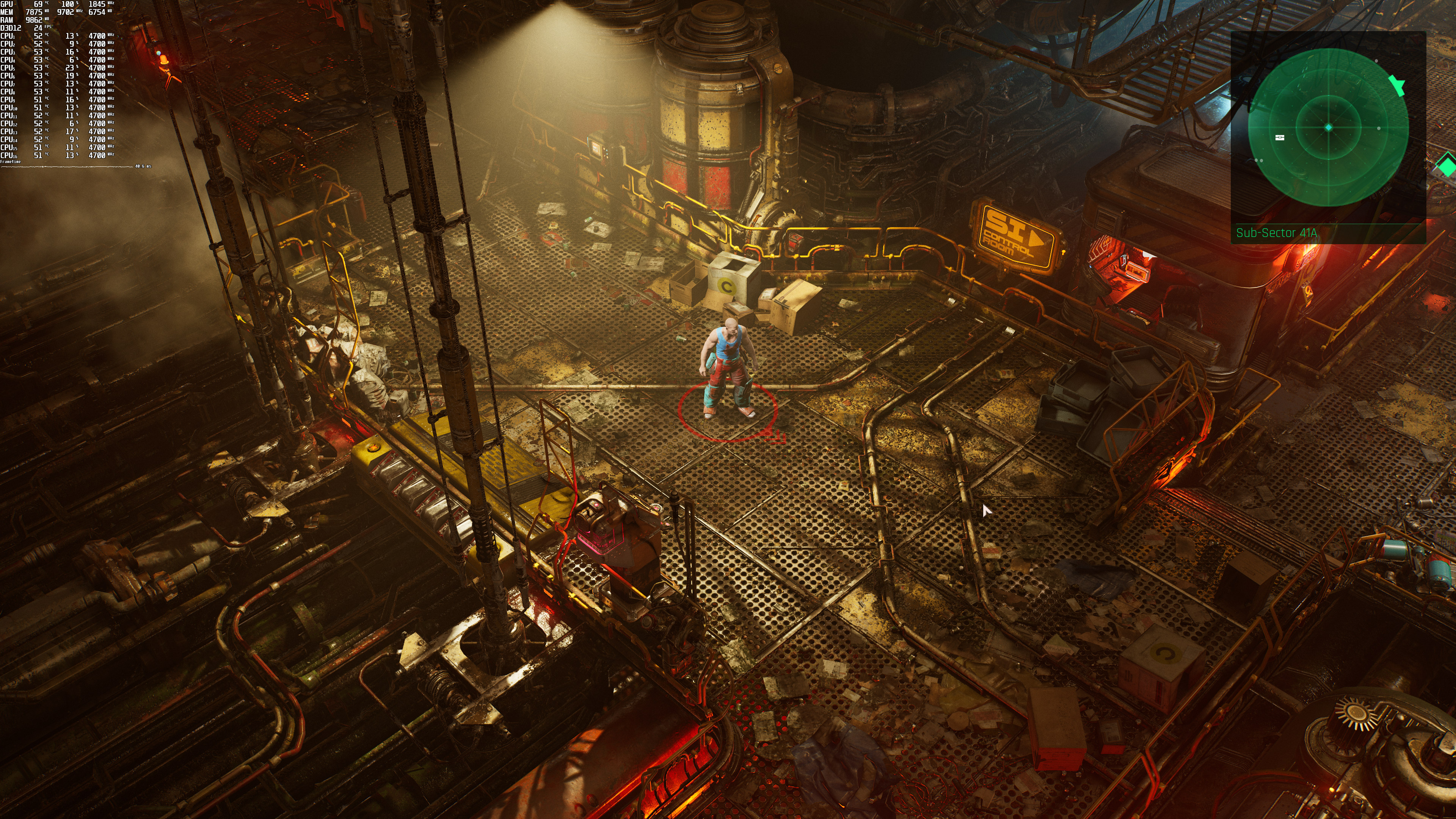
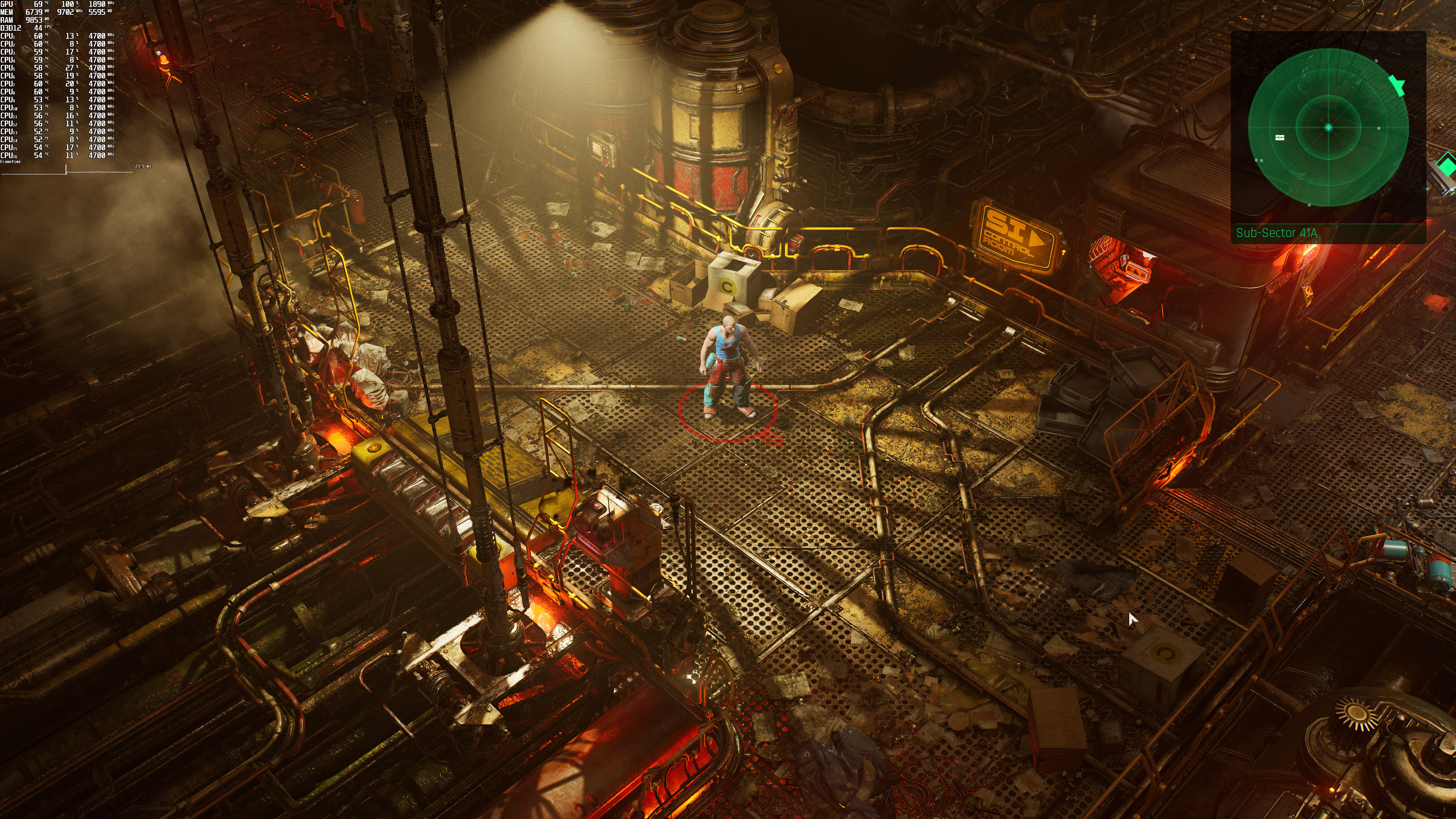
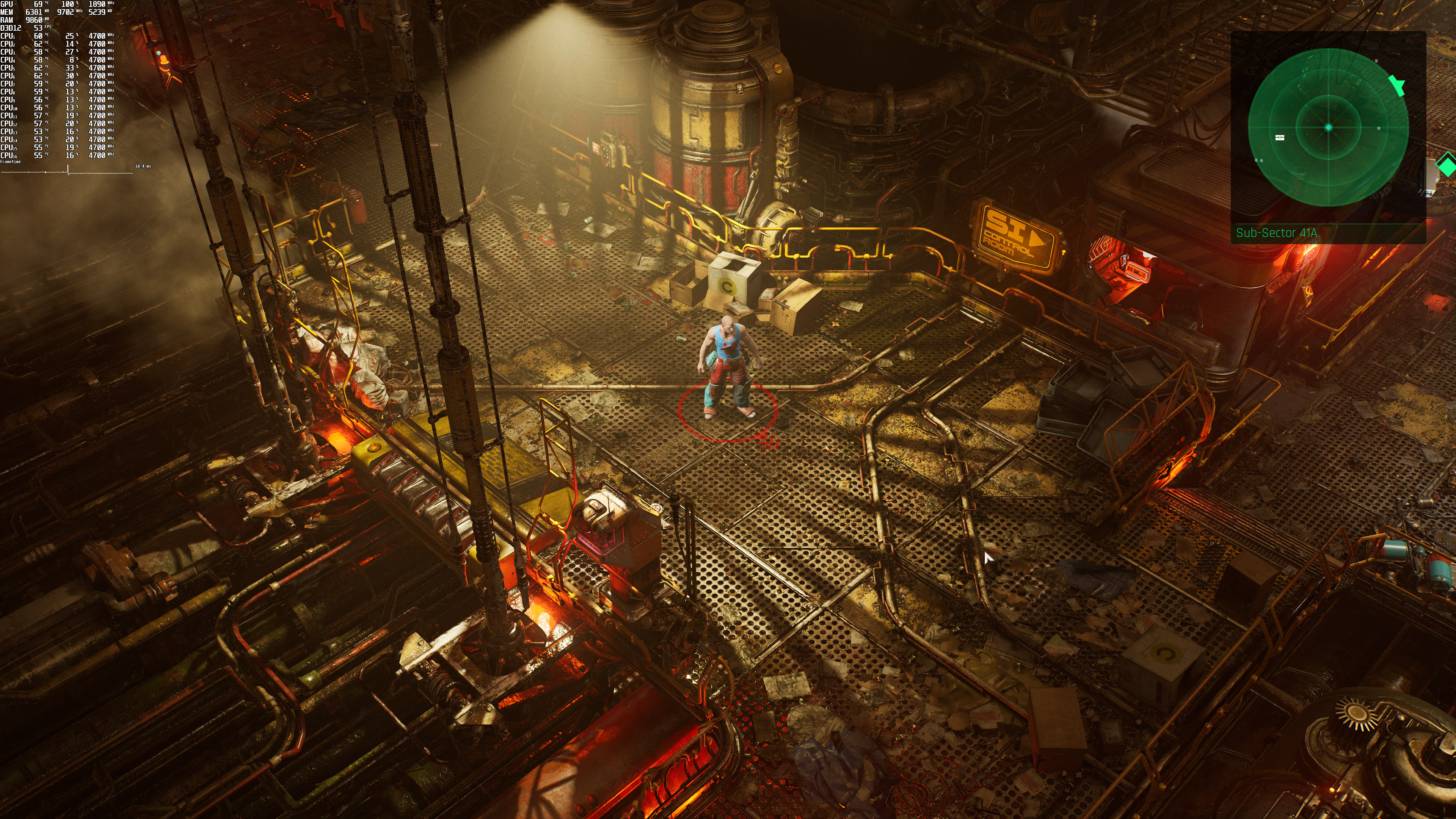
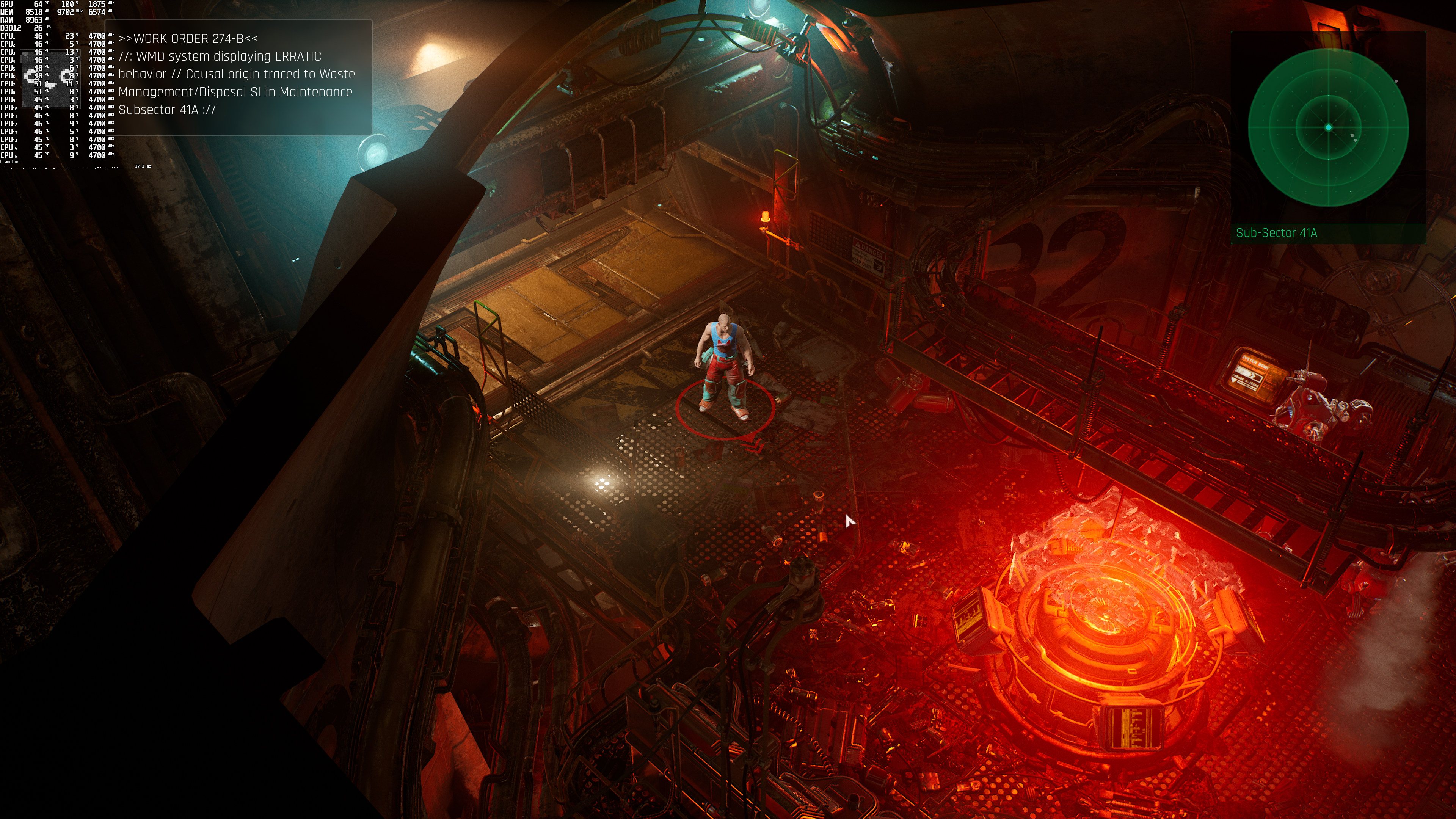
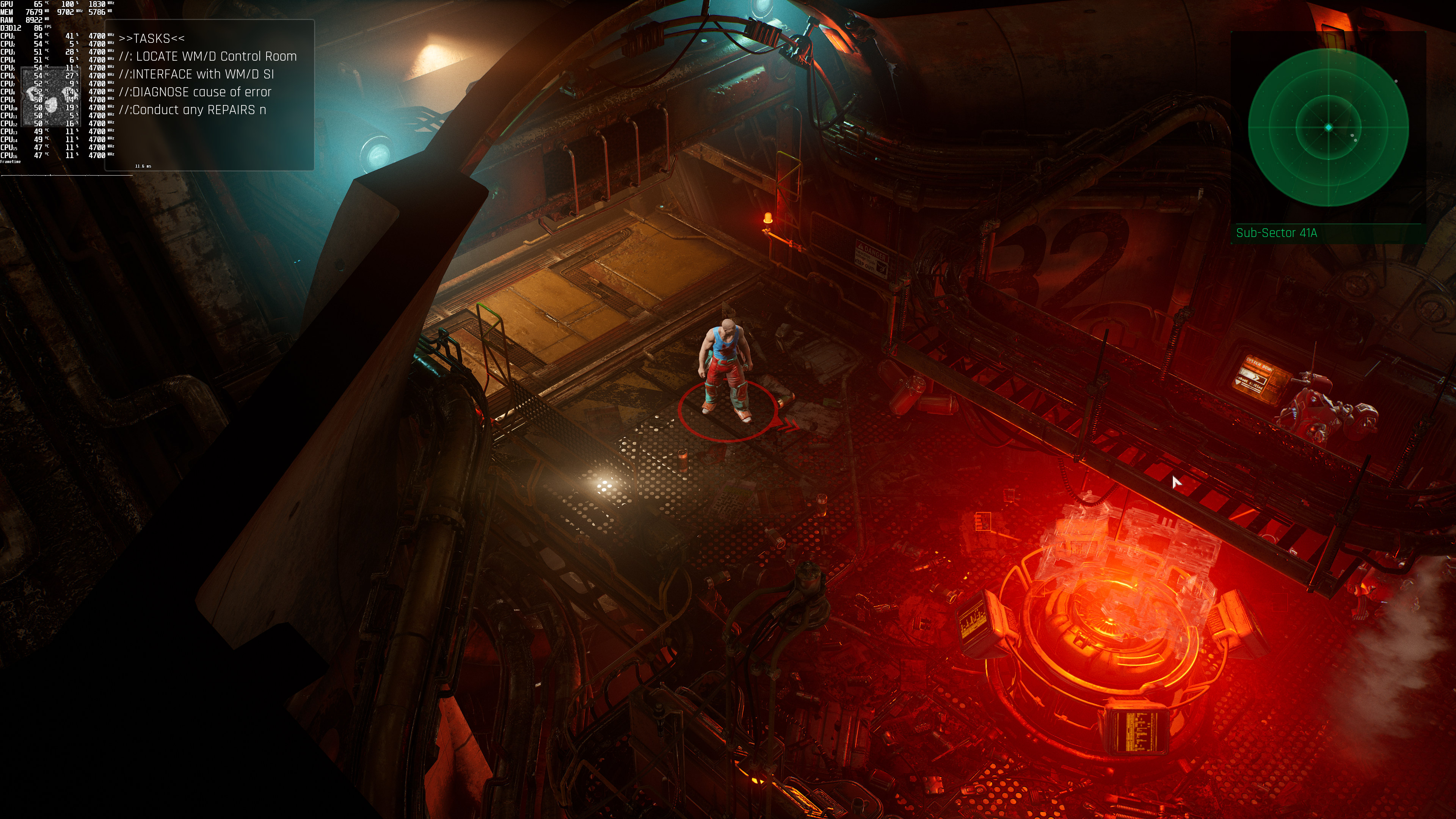
Below you can find some comparison screenshots between the ray-traced (left) and the non-ray-traced (right) versions. There are some noticeable visual differences between them. However, and if you don’t own an RTX GPU, we strongly suggest disabling them as their performance hit do not justify these small visual improvements.
The Ascent Ray Tracing-1The Ascent No Ray Tracing-1 The Ascent Ray Tracing-2The Ascent No Ray Tracing-2 The Ascent Ray Tracing-3The Ascent No Ray Tracing-3 The Ascent Ray Tracing-4The Ascent No Ray Tracing-4 The Ascent Ray Tracing-5The Ascent No Ray Tracing-5 The Ascent Ray Tracing-6The Ascent No Ray Tracing-6 The Ascent Ray Tracing-7The Ascent No Ray Tracing-7 The Ascent Ray Tracing-8The Ascent No Ray Tracing-8 The Ascent Ray Tracing-9The Ascent No Ray Tracing-9

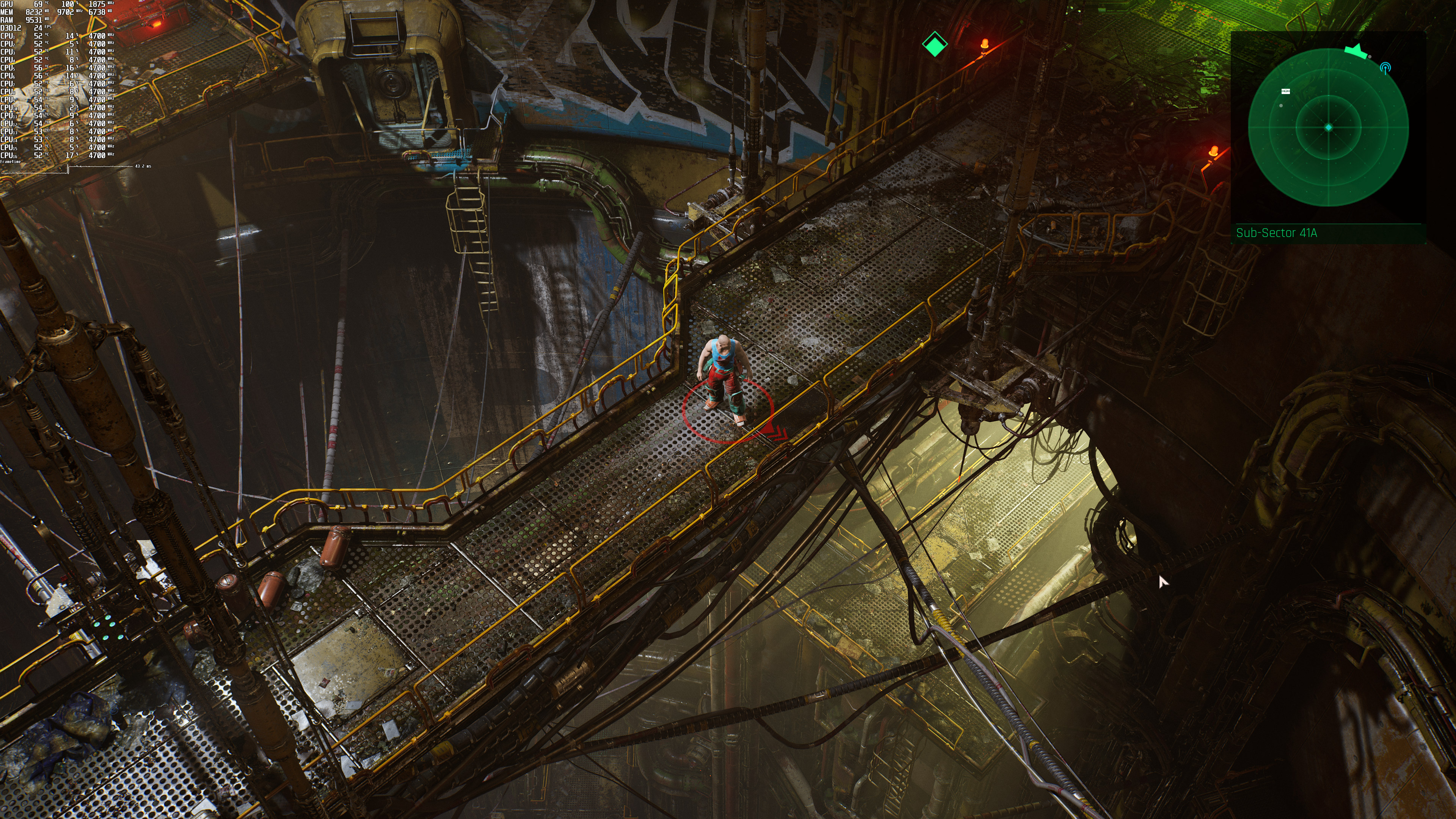
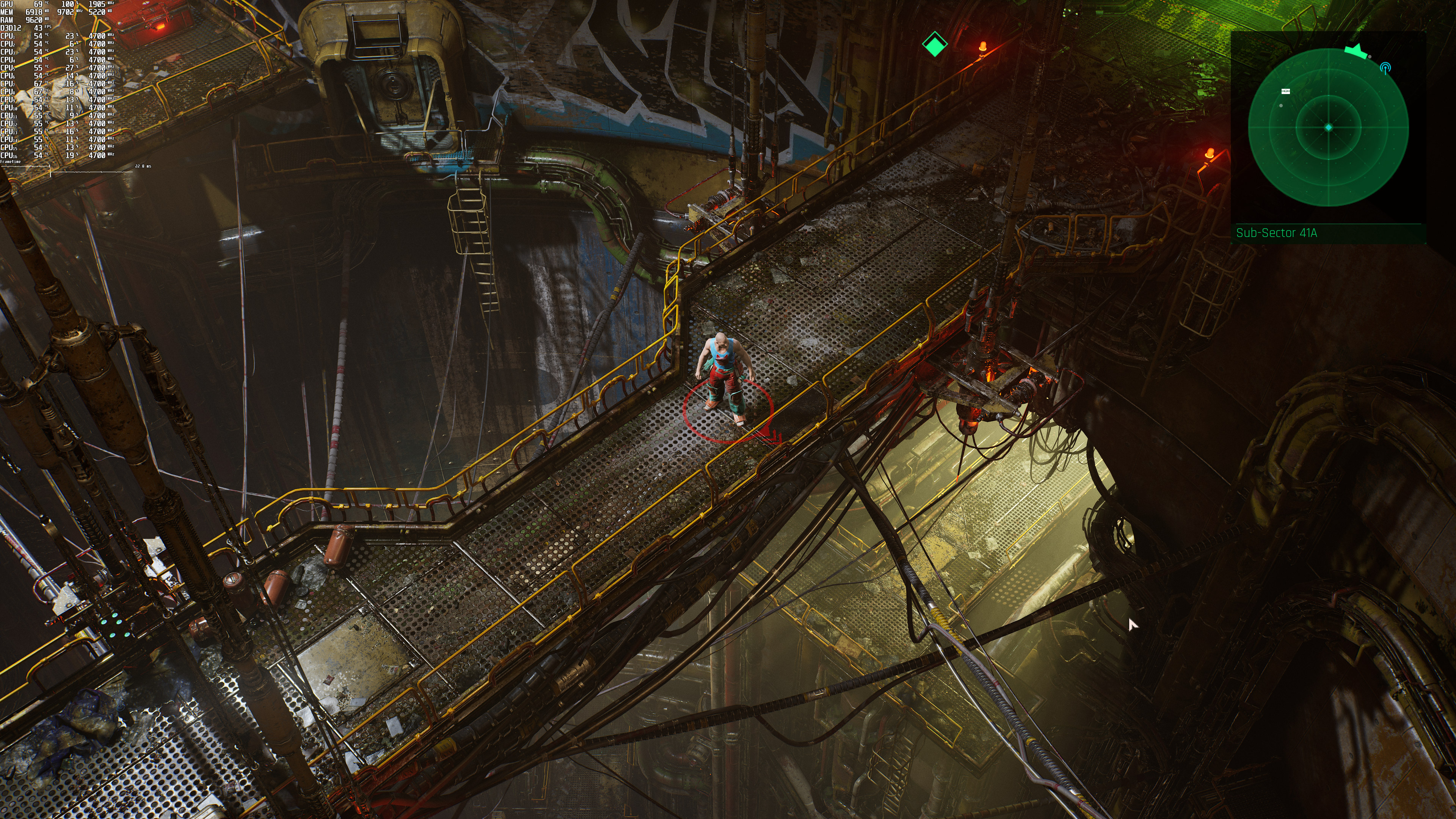
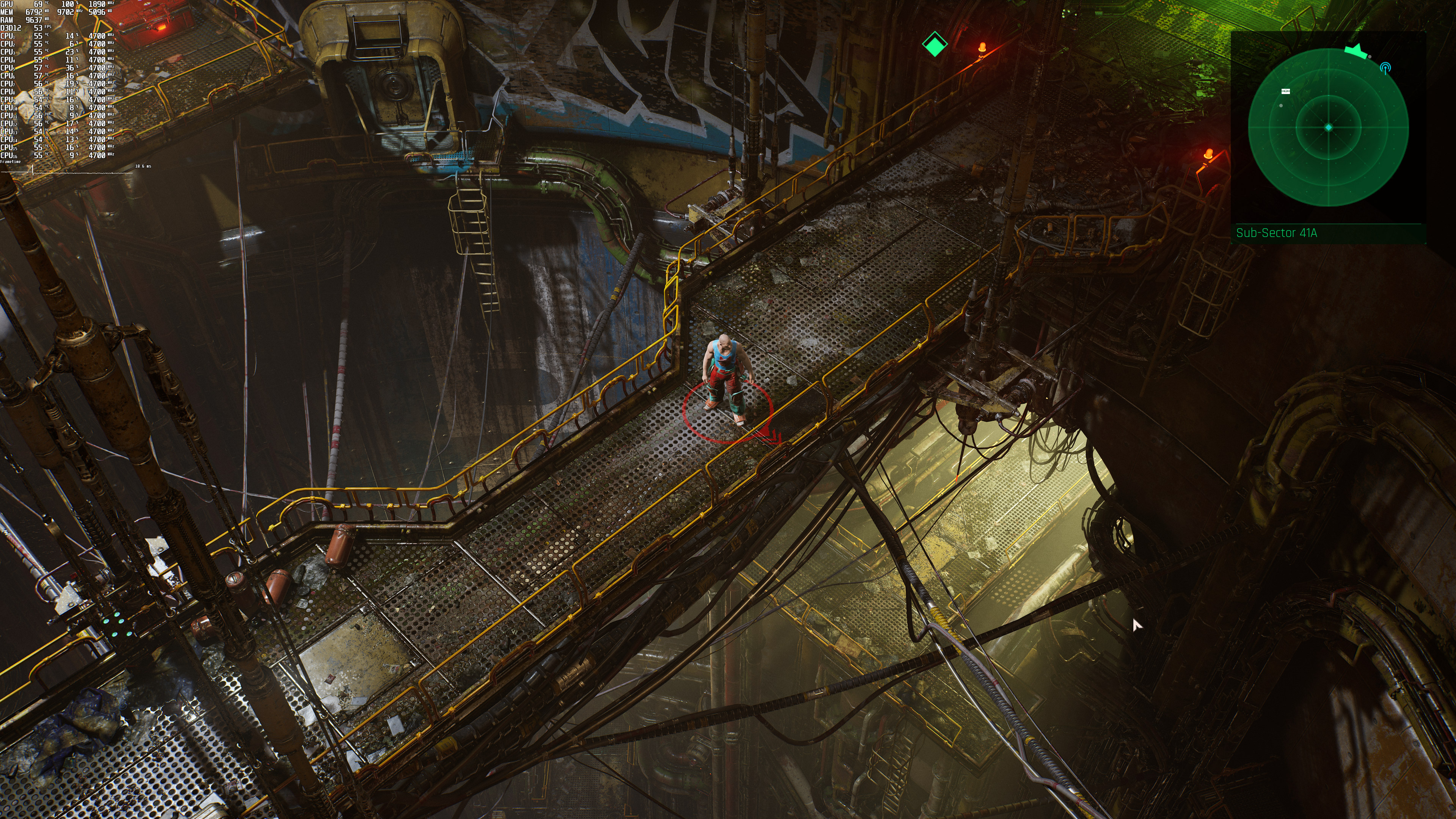
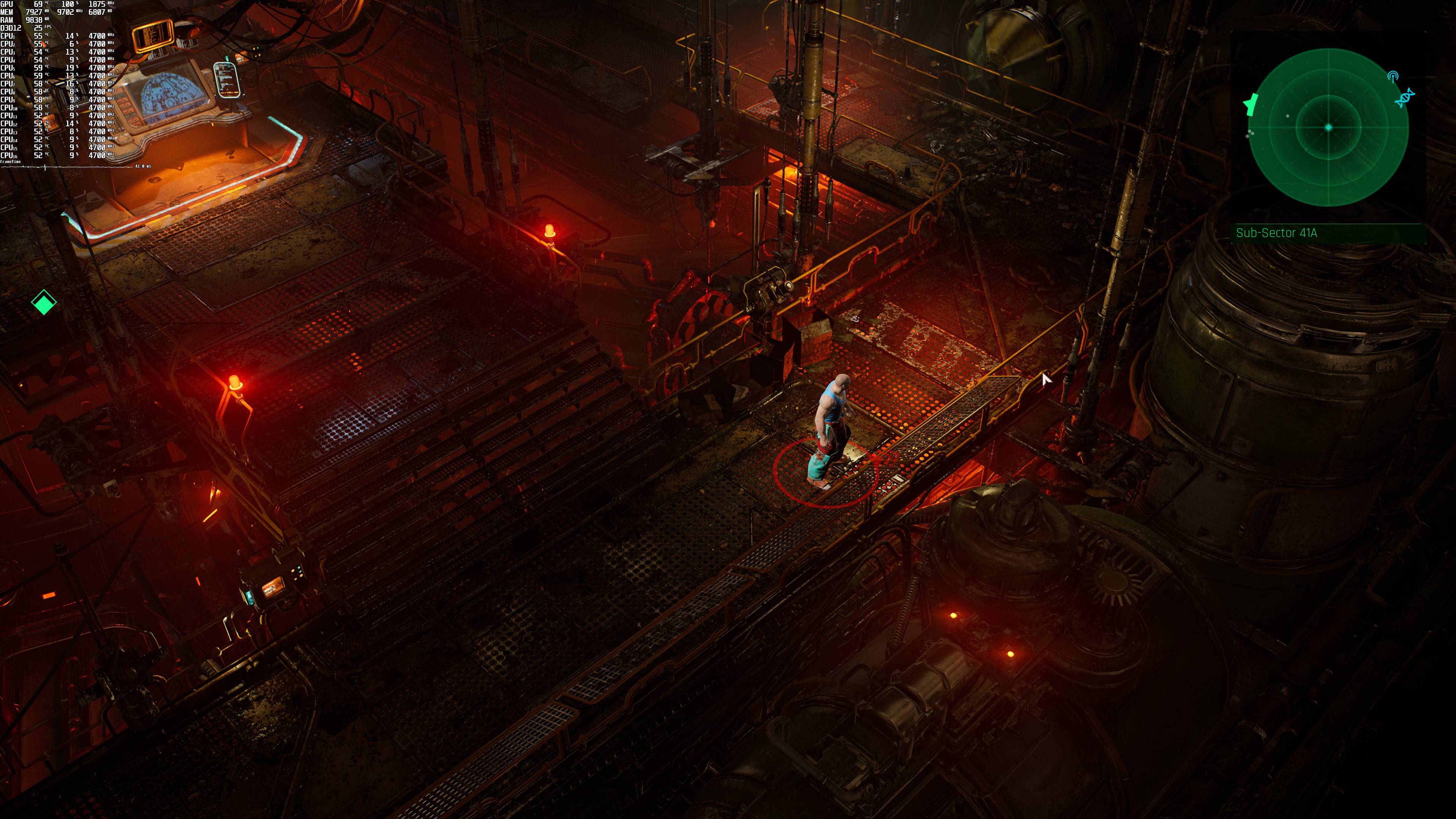
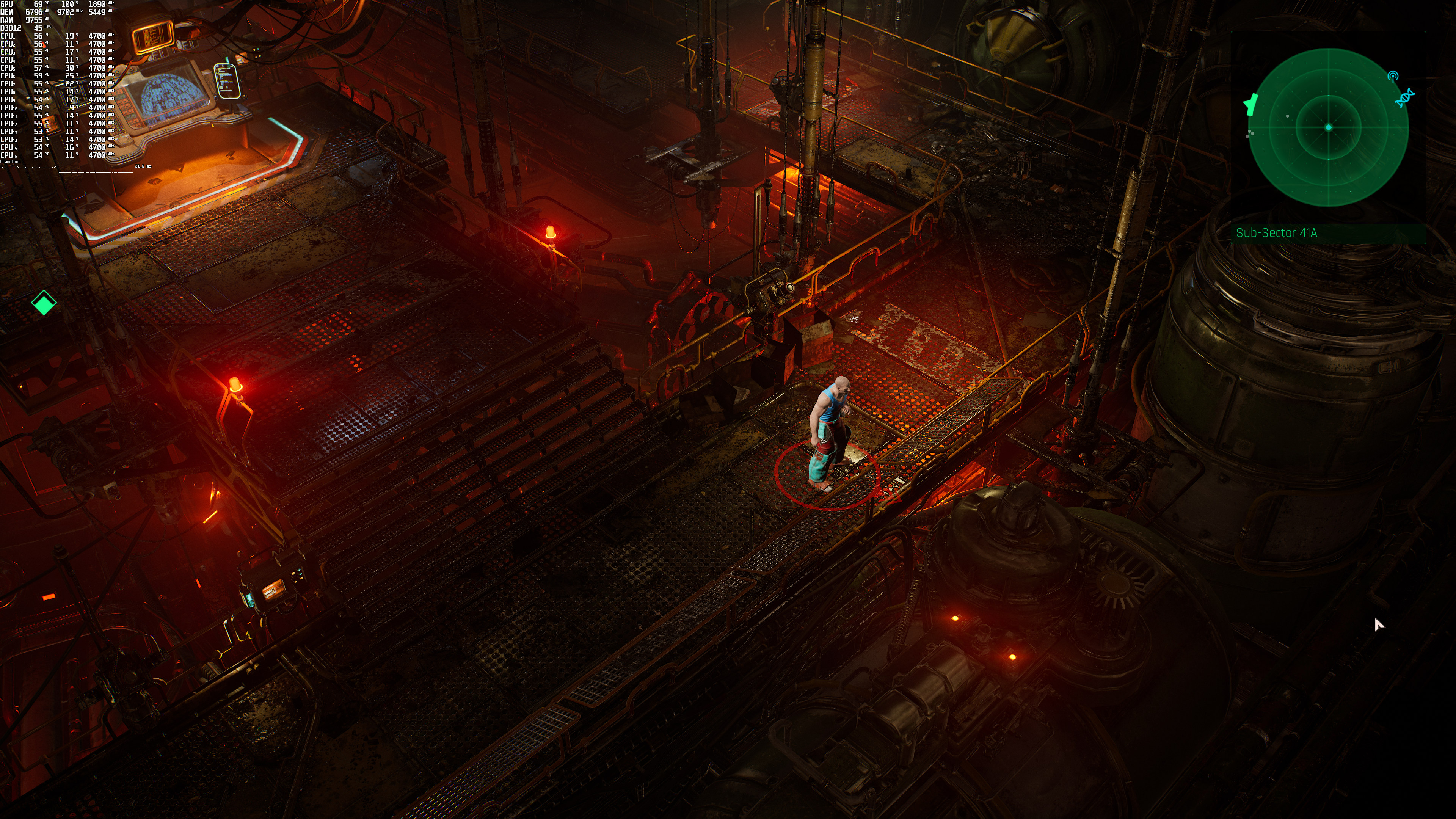
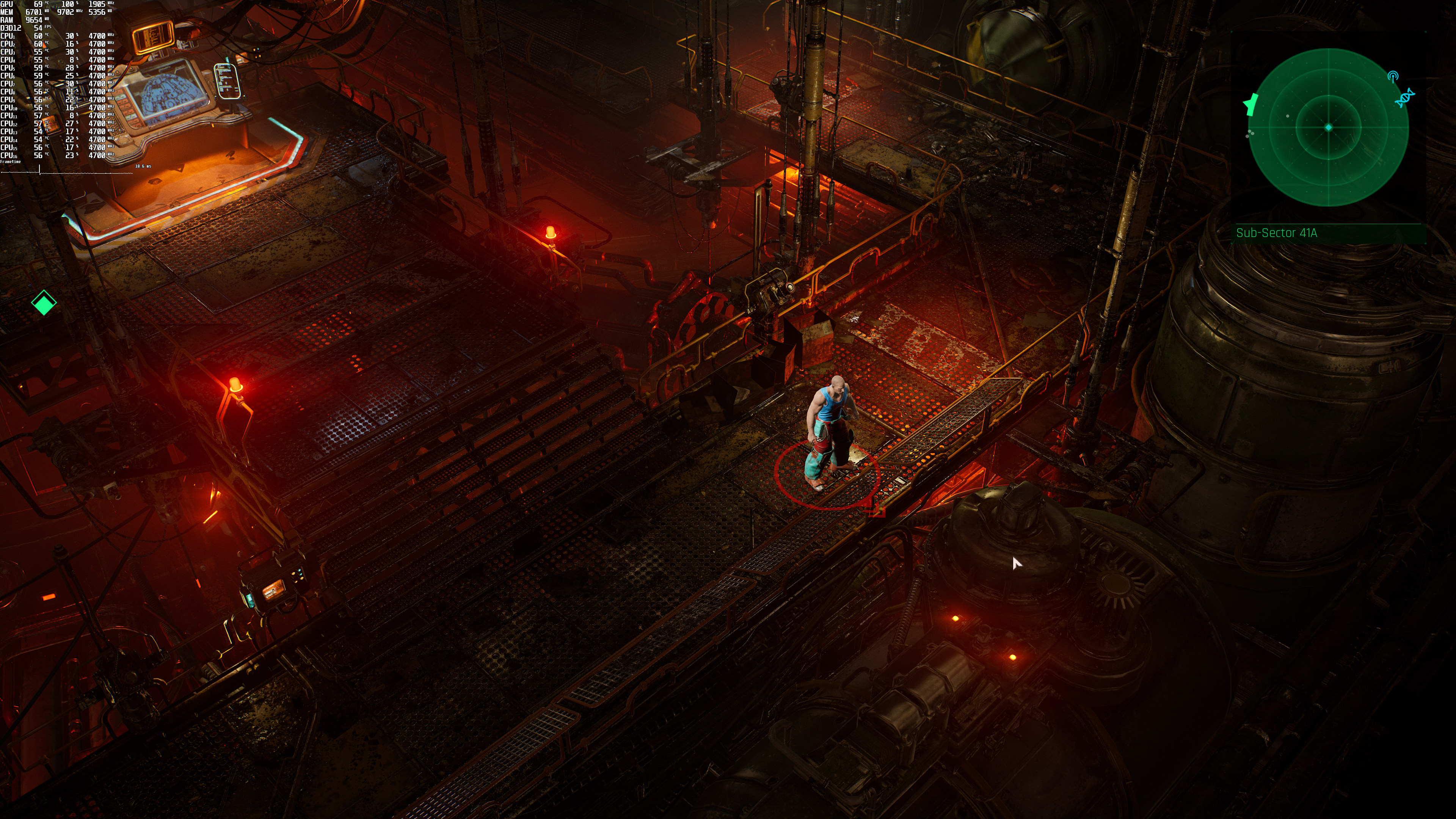
By enabling DLSS Quality, we were able to improve overall performance. Thus, we were able to get a constant 60fps experience at both 1080p and 1440p. At 4K/Ultra with DLSS Quality, we were getting a minimum of 43fps and an average of 51fps. Even with DLSS Balanced Mode we were unable to come close to a 60fps experience (as there were frequent drops to 53fps).

Now the good news is that DLSS does a great job in The Ascent. The only downside we saw was some additional specular aliasing (you can notice this in all the metallic surfaces/objects). Other than that, DLSS Quality looks almost identical to native resolution. DLSS Balanced is also good, though there is even more specular aliasing. Below you can find some comparison screenshots between native 4K (left), DLSS Quality (middle) and DLSS Balanced (right).
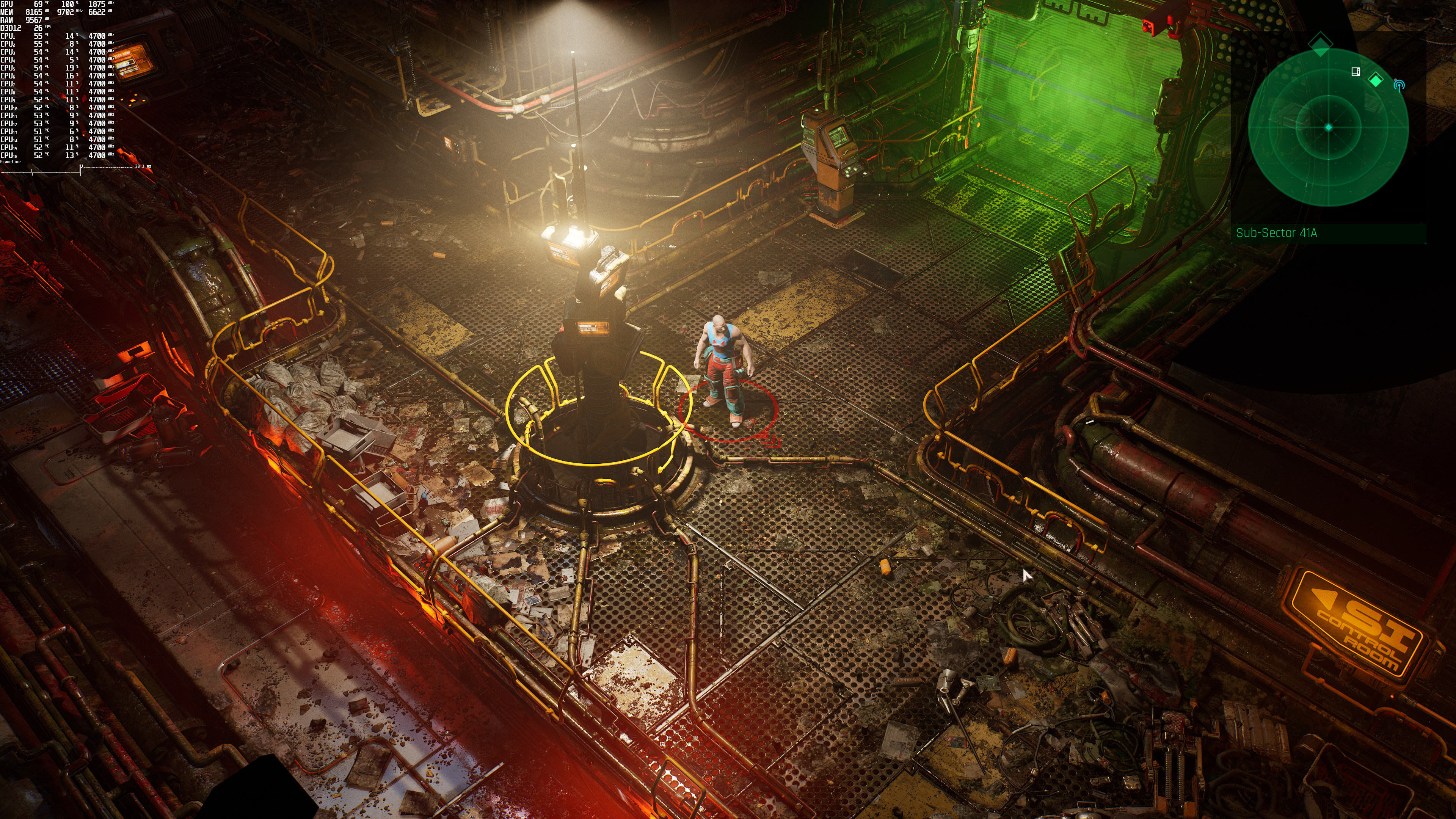
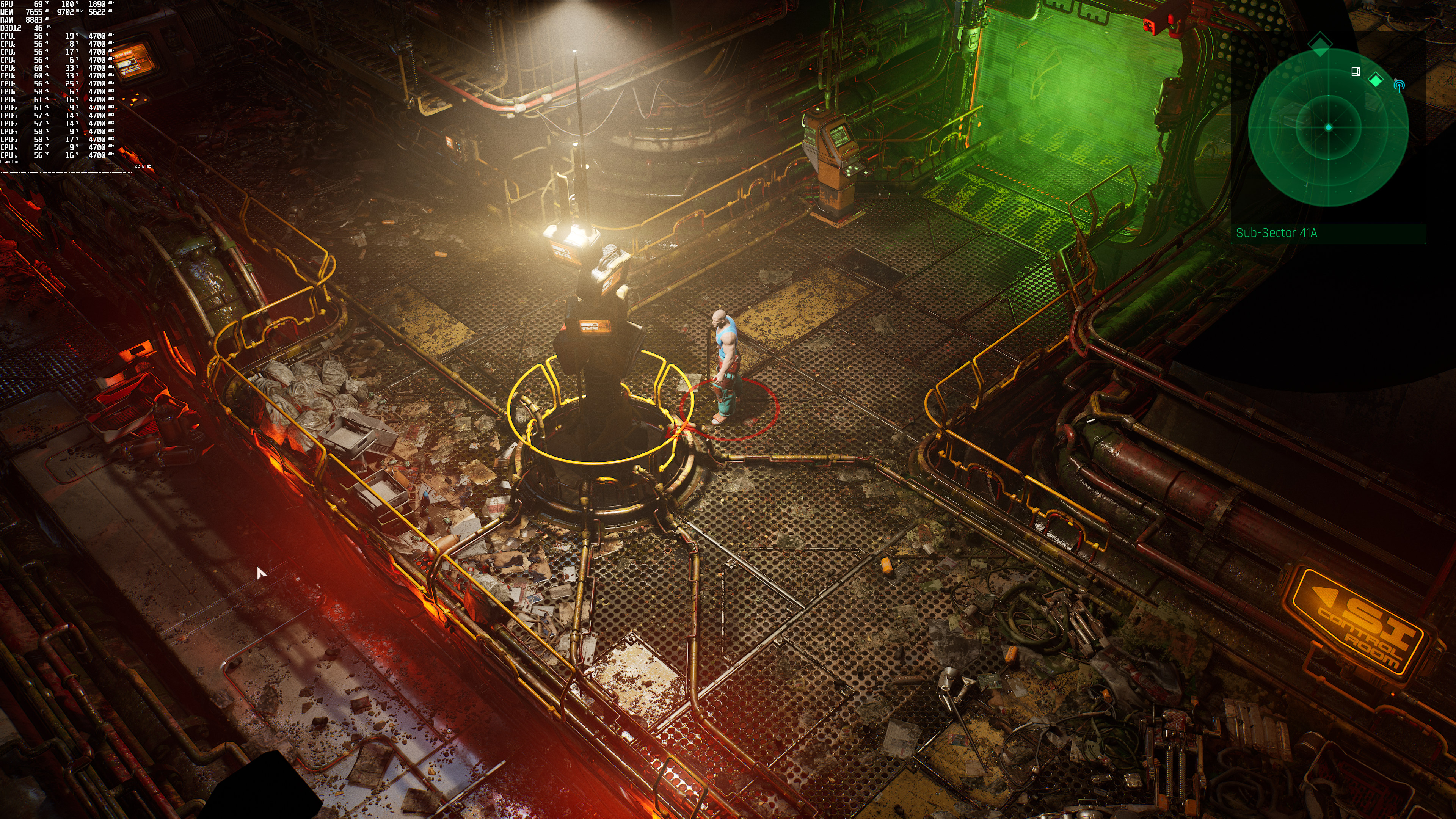
The Ascent Native 4K-1The Ascent DLSS Quality-1The Ascent DLSS Balanced-1 The Ascent Native 4K-2The Ascent DLSS Quality-2The Ascent DLSS Balanced-2 The Ascent Native 4K-3The Ascent DLSS Quality-3The Ascent DLSS Balanced-3 The Ascent Native 4K-4The Ascent DLSS Quality-4The Ascent DLSS Balanced-4 The Ascent Native 4K-5The Ascent DLSS Quality-5The Ascent DLSS Balanced-5 The Ascent Native 4K-6The Ascent DLSS Quality-6The Ascent DLSS Balanced-6

For owners of RTX3080 GPUs, we suggest using a custom 4K resolution (3328×1872) and using both Ray Tracing and DLSS Quality. With these settings, you will get a minimum of 56fps and an average of 64fps. That, or running the game in 4K/DLSS Quality with Ray Tracing Shadows and Ambient Occlusion. By doing this, you can get a minimum of 88fps. So yeah, disable those performance-hungry RT reflections if your GPUs are not powerful enough.

All in all, the DLSS implementation in The Ascent is great. DLSS Quality is the mode we suggest using as it brings major performance improvements (while also offering the best image quality). On the other hand, the game’s Ray Tracing effects are a mixed bag. While the RT Shadows and Ambient Occlusion are not that demanding, the RT Reflections require A LOT of GPU power. The game still uses screen space reflections so I don’t really think these more accurate reflections justify their massive performance hit.

29 thoughts on “The Ascent – Ray Tracing & DLSS Benchmarks & Comparisons”

  1. Game have great gameplay and graphics. I don’t know how 12 developers created game better than most current big AAA games created by 300-400 developers. Everyone should support that small team.

    It will cost you only 1 usd to play this game from Game Pass but this will give a lot of cash to this small team. For each download MS will pay those 12 developers some money. If game will be downloaded by 1-2 millions of players developers will earn a lot of money

    1. If you really wanted to support the devs/game then you would buy it, which would give them the most money.

      1. No, if you REALLY supported them you would track them down and anonymously donate your life savings to them. And a kidney.

      1. Yep, the Game Pass/Windows Store version reportedly lacks features included in the Steam version. LOL

  2. Shame that DLSS isn’t available on the microsoft / game pass version then!
    That, along with the stuttering issue makes it almost unplayable (on a 3090 OC…) at the moment. The devs apparently have a fix for the stuttering in the next few days though.

    1. Microsoft’s ambition is for the same shared code base between PC and console, hence you get the console version via game pass. You also suffer restricted modding and lack of game and support forums as can be seen within the Steam forum. I imagine this is why games are cheaper via playing through game pass.

        1. This… UWP sux for many reasons when it comes to games – Just a shame MS places security over things like mods etc.

          1. Its not even for ‘our’ security, but actually for their own paywall security, sad…

    2. Running 3090 oc as well and only have a tiny stutter when entering a new area for the first time beside that it run’s quite darn smooth with fps locked around 120hz on an G9 that’s locked to 120hz (240hz max with uneven frame pacing or 120 fps stable… i personally pick the later) dx12, no rtx/dlss, motion blur disabled, beside that all ultra + vsync on).

      Try with the 471.11 drivers

    1. The game looks incredible. It’s art style doesn’t look impressive in screenshots but the game is amazingingly detailed to an insane degree.

          1. Ok I’m an idiot, I though I was commenting on escape from naraka not the ascent. This game looks awesome, i messed parts up. You guys are right about the graphics here, sorry for being a d*ck. I should smoke less for a while

  3. Nice. Quick suggestion, the graphs would be easier to read if you just overlayed the minimum (1% low?) On top of the average frame rate for each metric and perhaps turn it 90 degrees so it’s horizontal.

  4. This game is f*king bad a*s. I didn’t expect anything but man the game is amazing. Turn on ray traced reflections for sure if you can. The game is f*king bananas detailed. It’s a real cyberpunk game. It has huge areas with rediculous detail and the gameplay is sick. It’s pretty much what I wanted out of cyberpunk and it plays better. Just turn dlss to performance. It’s not really that big a difference in motion and you get to have the awesome raytraced reflections on that are EVERYWHERE.

  5. I pre-ordered the game and yesterday got it for a friend so we can play coop together. Beautiful game visually and quite fun to play. A few minor performance issues here and there (some weird stutters once you reach a new area, tied with a couple of crashes. Yet today played for like 5 hours straight and the game ran pretty well.

    I’m playing at 4K with DLSS and no Ray Tracing at stable 60FPS (VSync ON) on my 3900X, 32GB RAM and GTX2080 Super. The game also ran great at 1440p with Ray Tracing enabled at stable 60FPS, yet I play in a massive 55″ LG OLED CX 4K TV (this is my “monitor” yes), so 4K it is for me. I could play with Ray Tracing in 4K at not so stable 30FPS with DLSS, but it did not feel as good of course.

    So yeah, an actual good game for a change.

    1. Have had zero crashes and noticed one stutter each new area the first time (my bet – likely happens when the shader cache gets built). About 15hrs playtime thus far (been doing basically all side quests)

  6. I’m sure someone out there can figure out a config file to make the RT effect more performant by changing sample count etc.

  7. Quite neat game, shame the hard handed camera angles sometimes ruin part of the gameplay. That said… a 7 out of 10 in my books

Leave a Reply

Your email address will not be published. Required fields are marked *