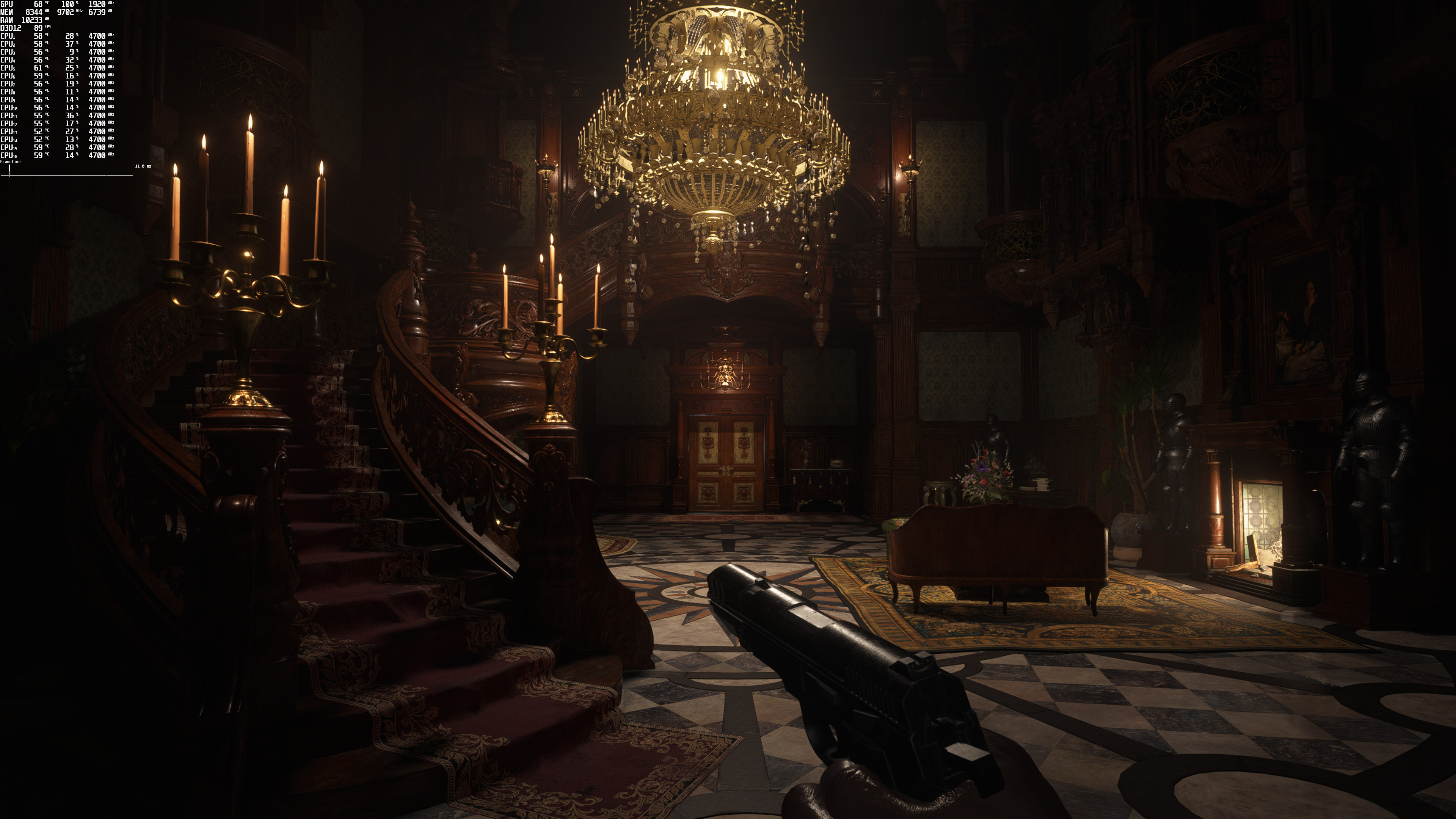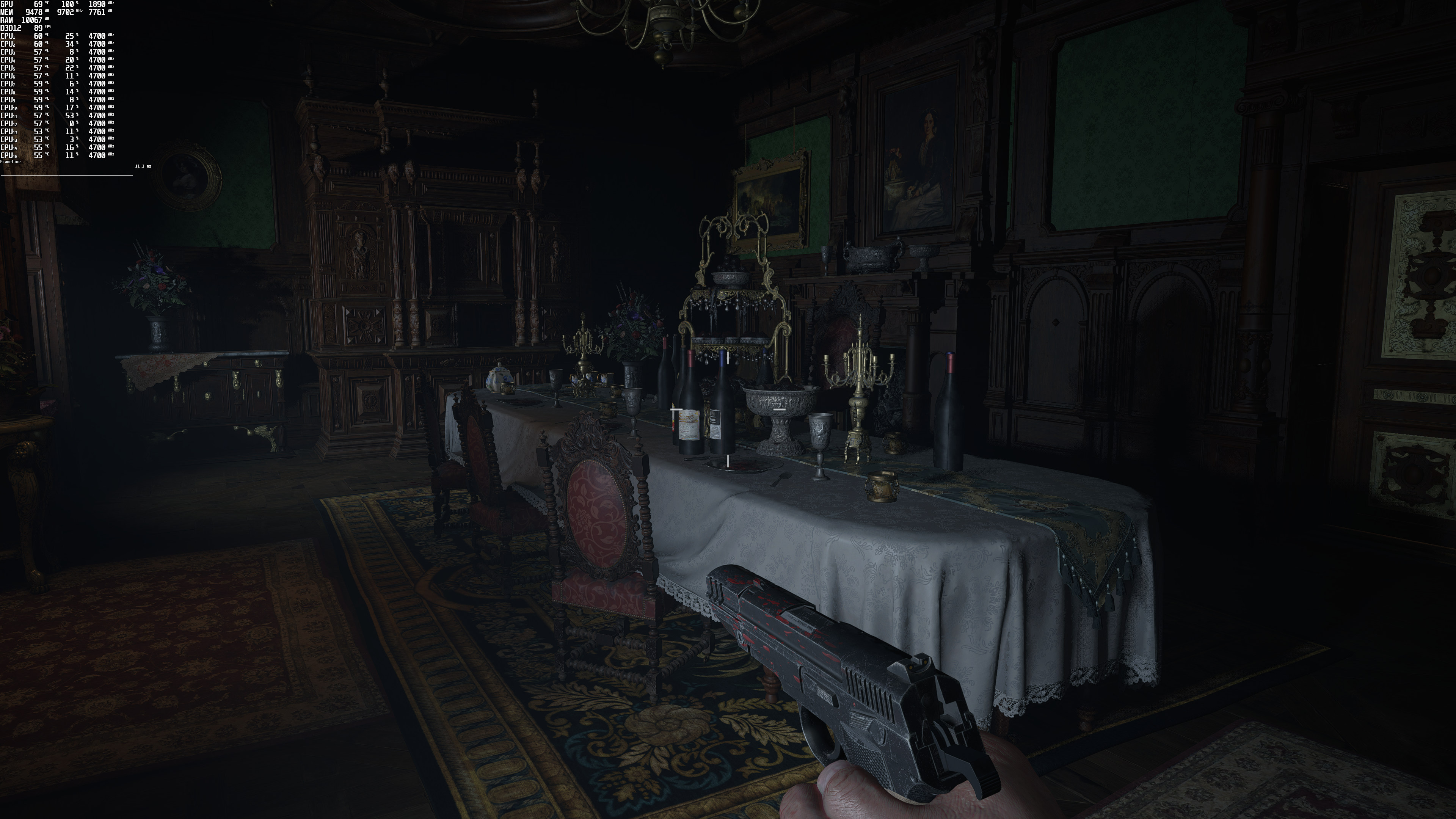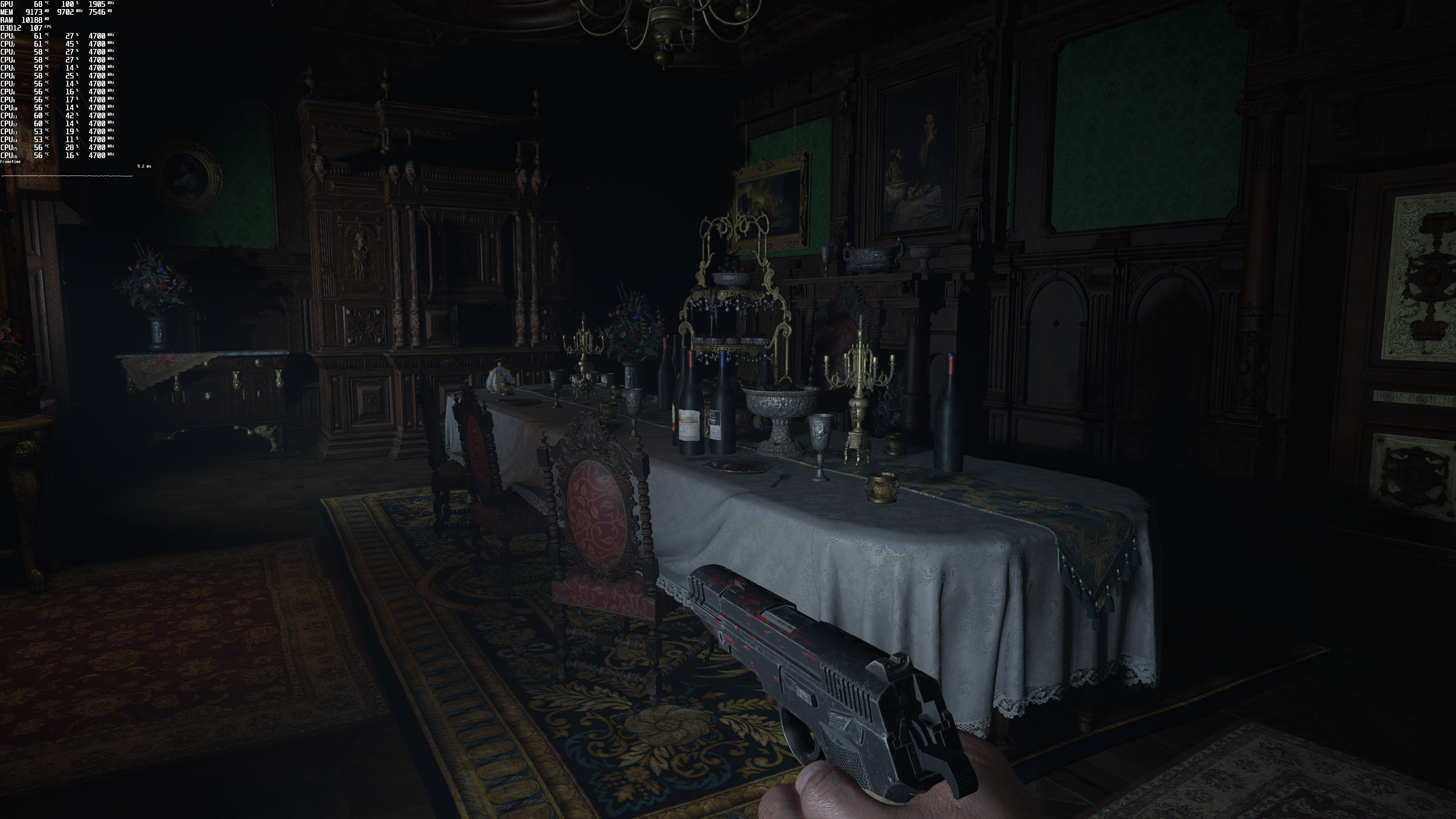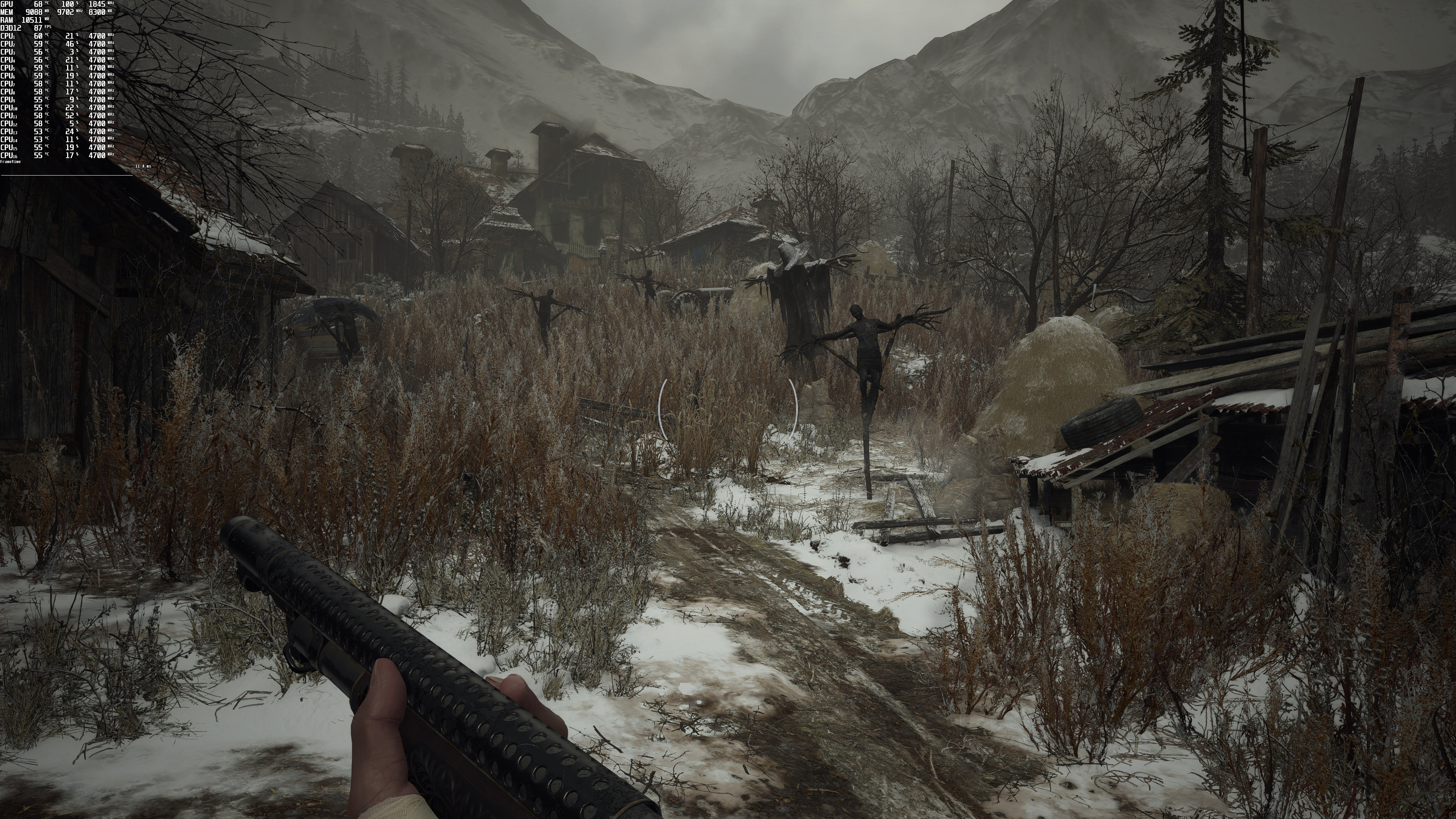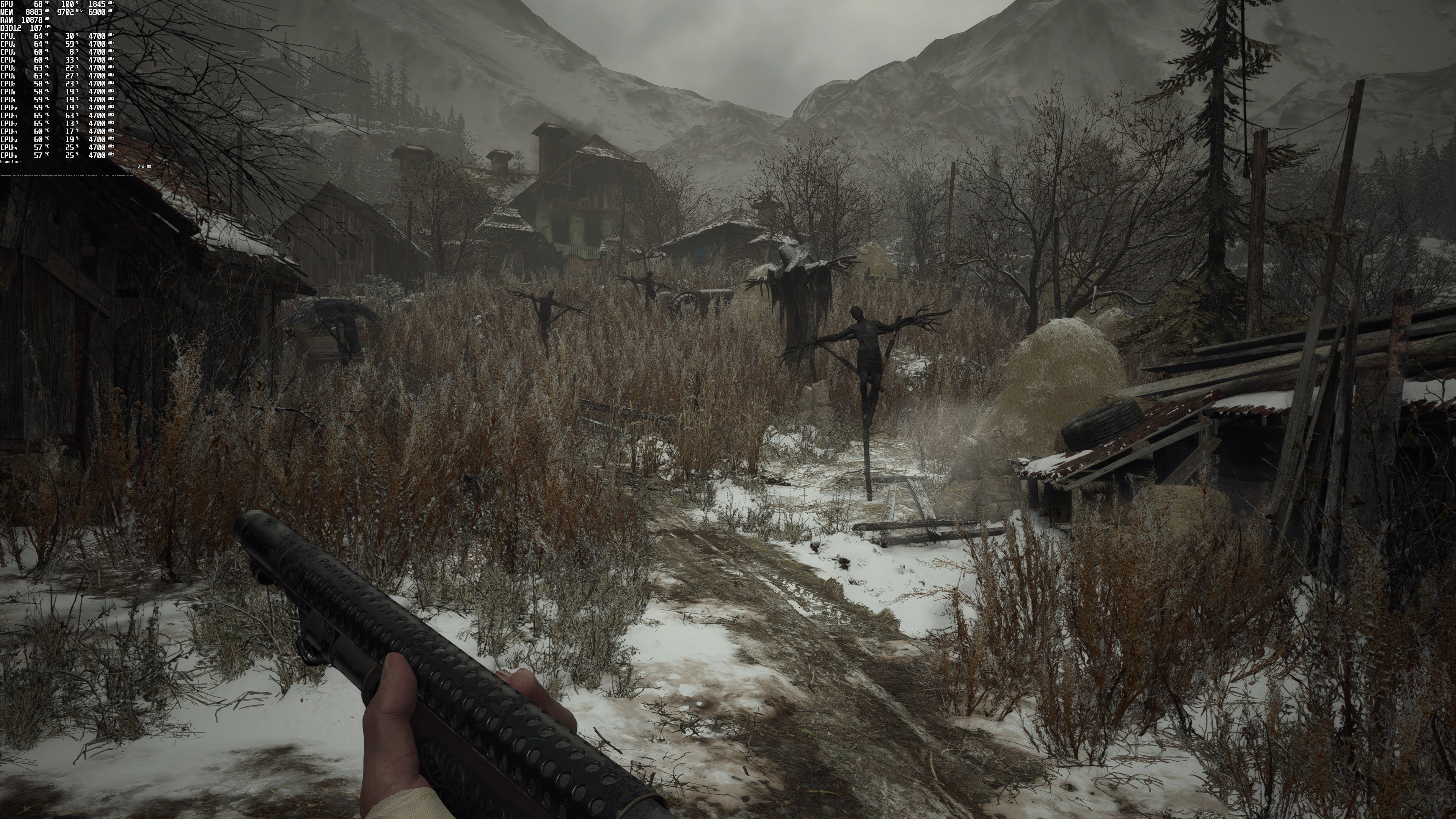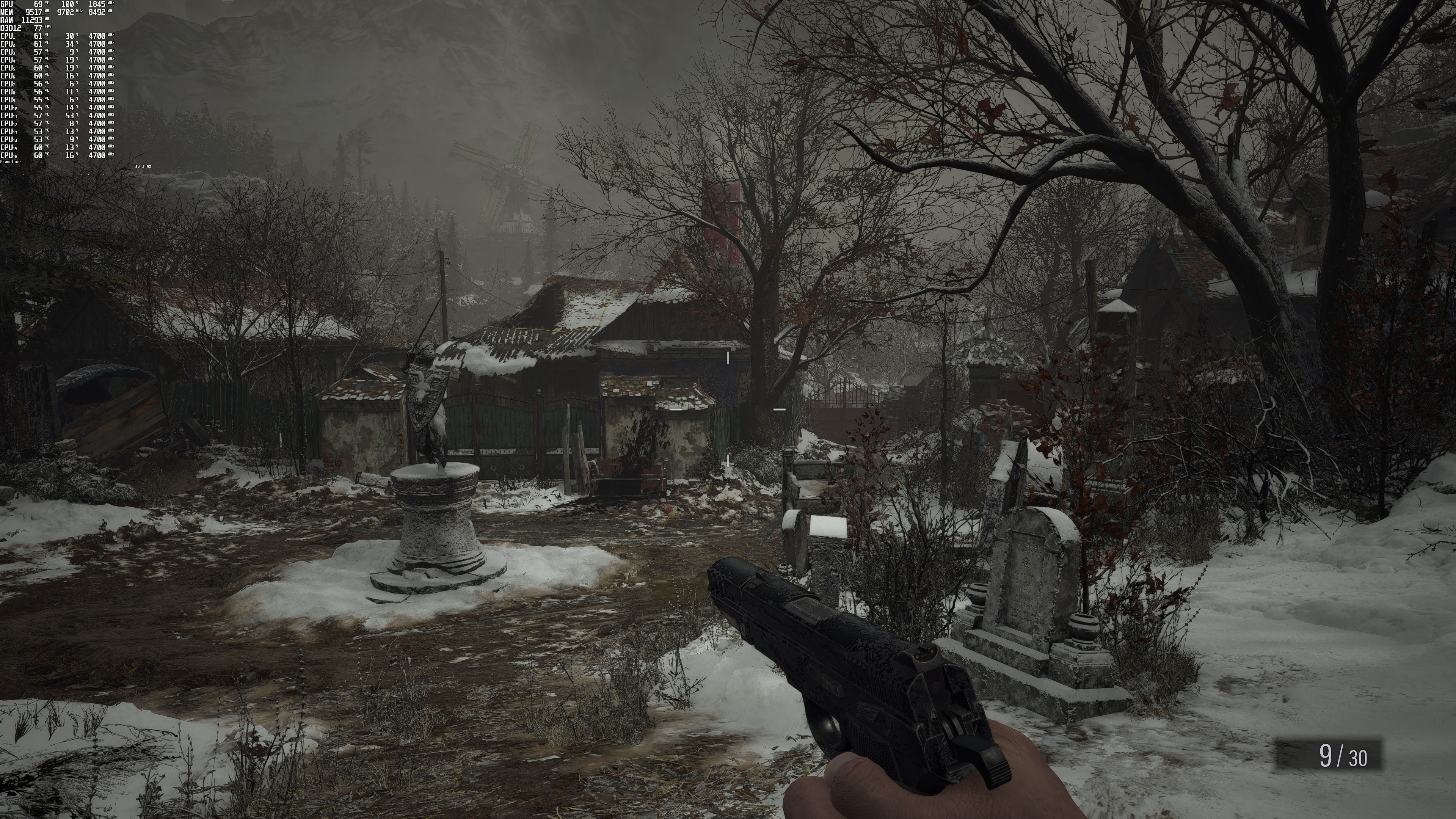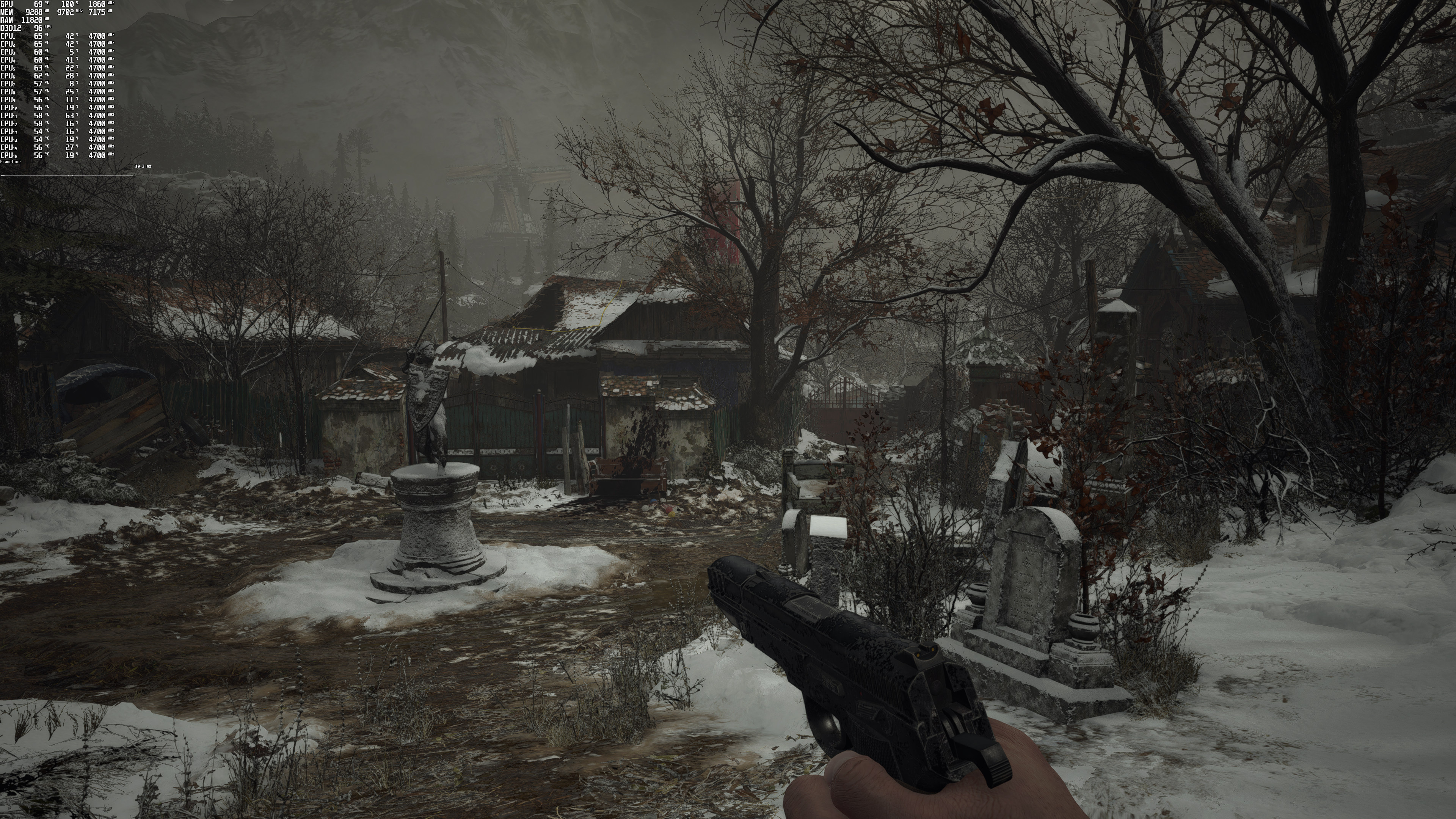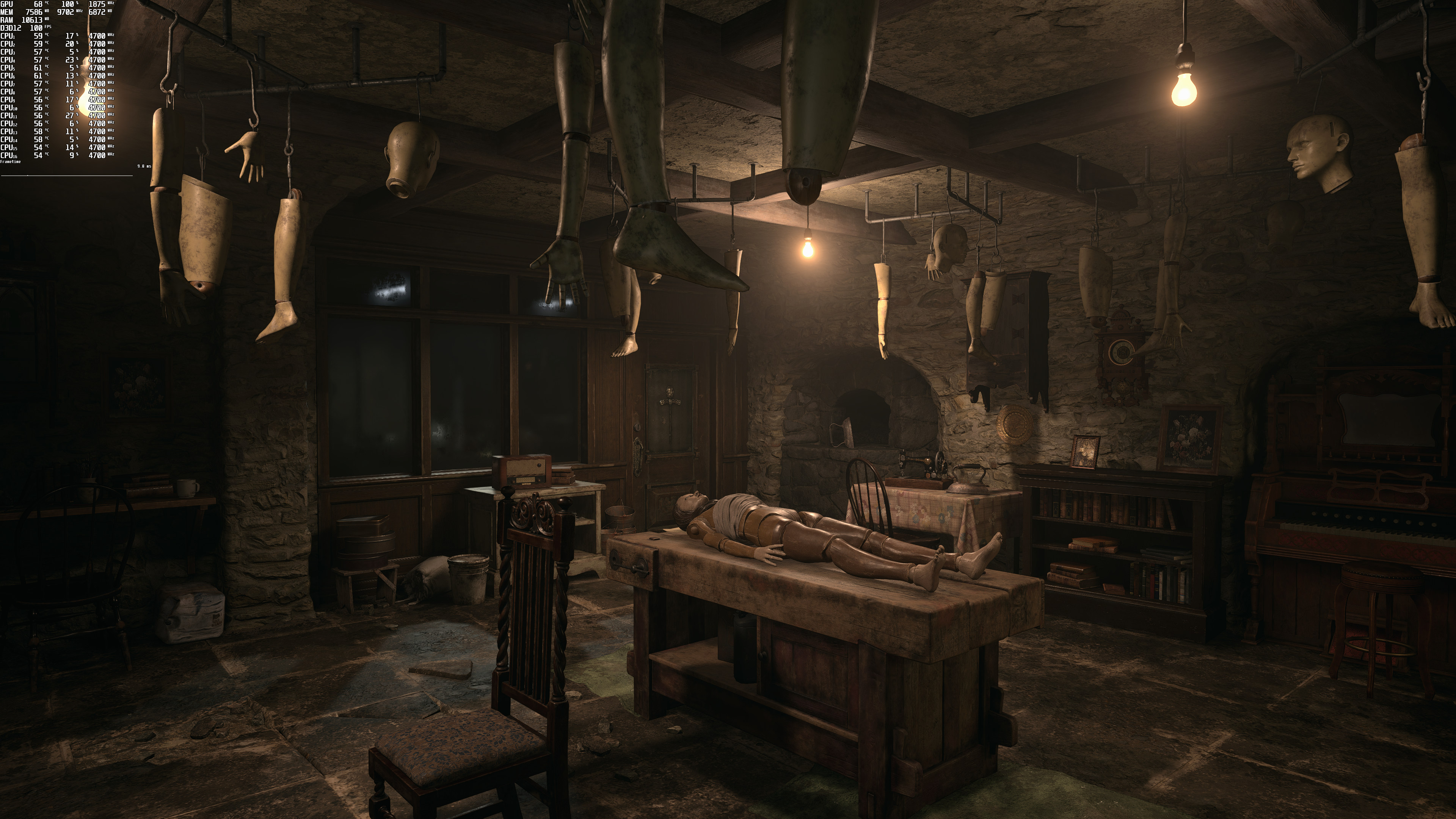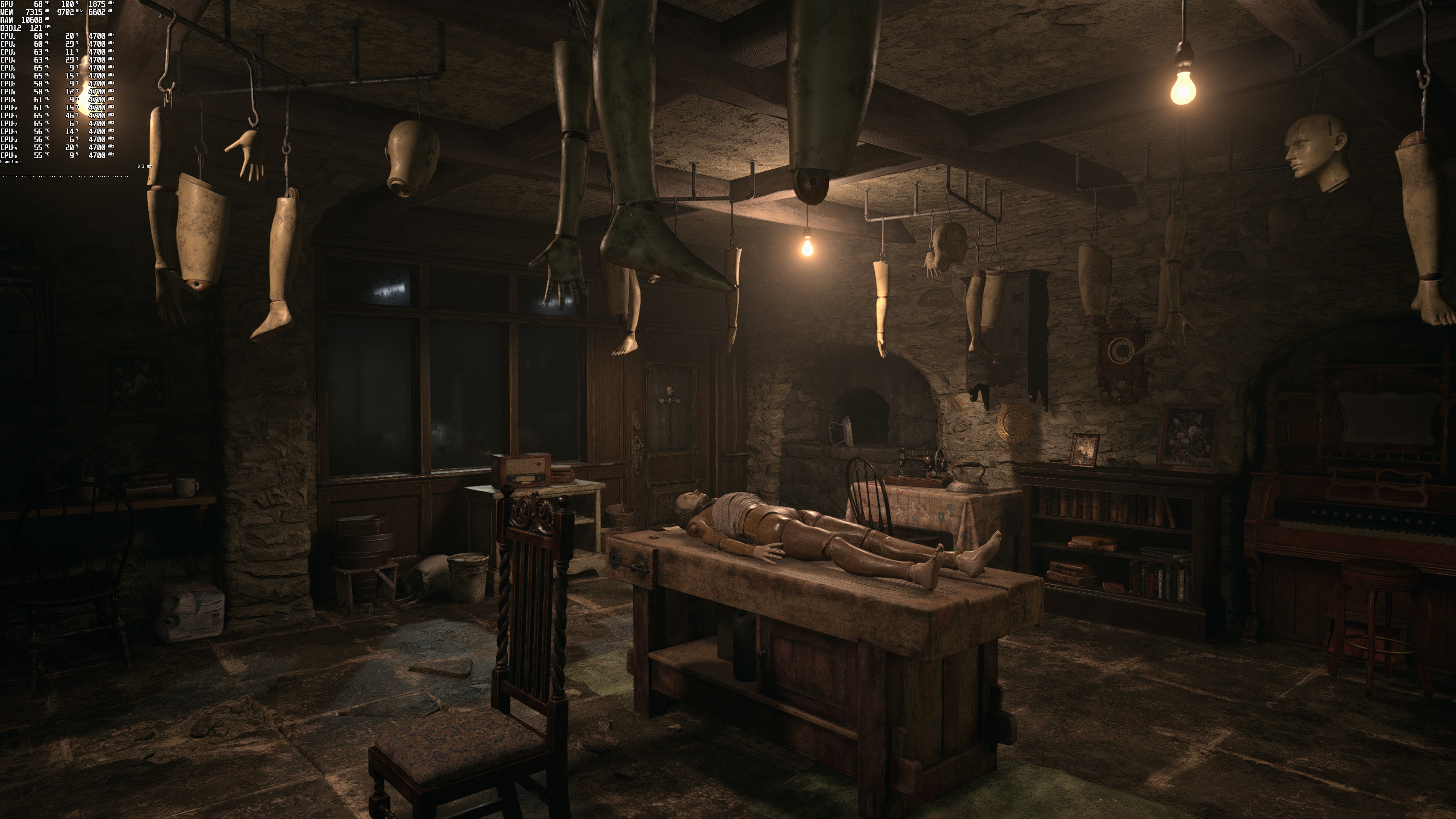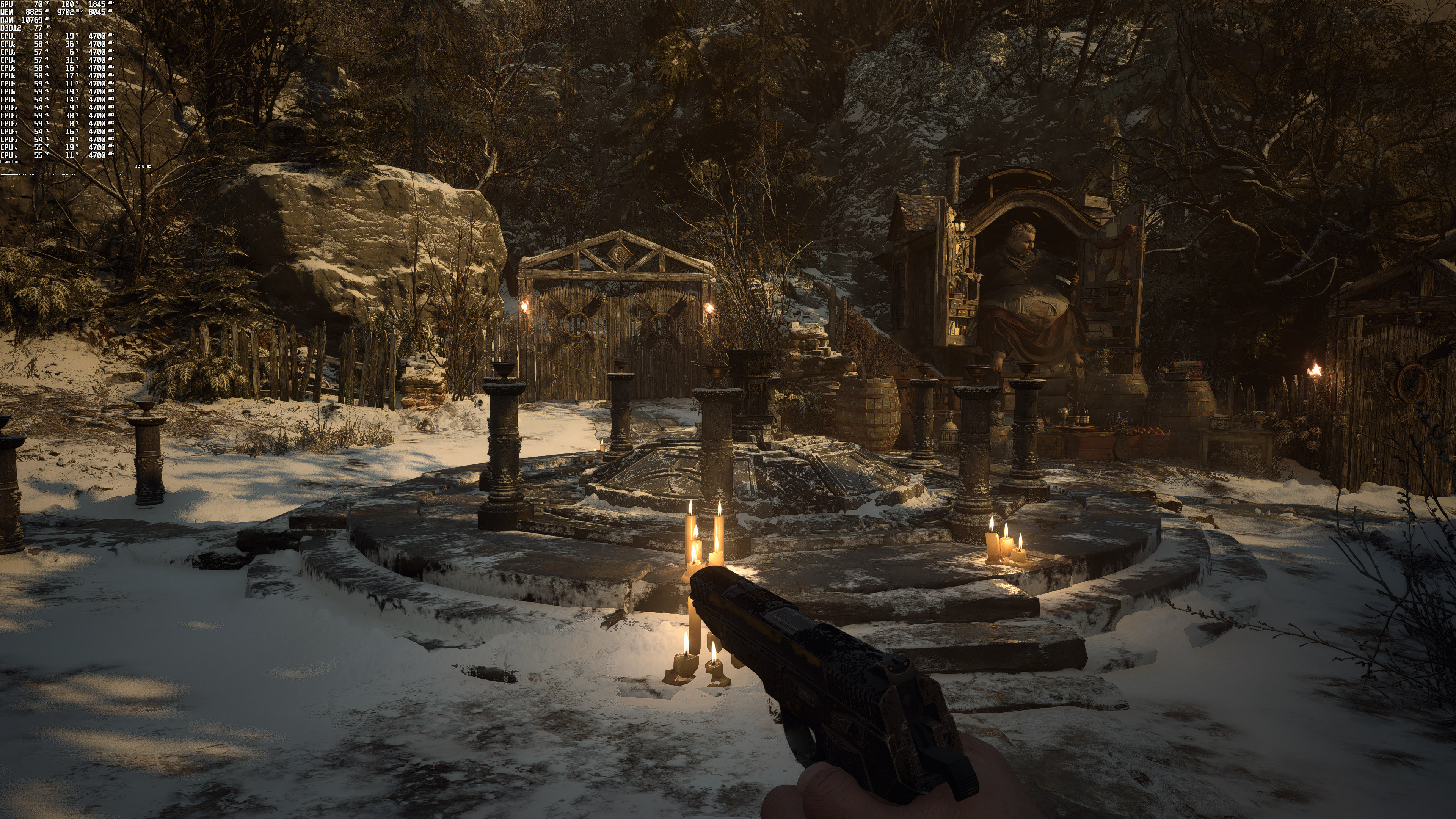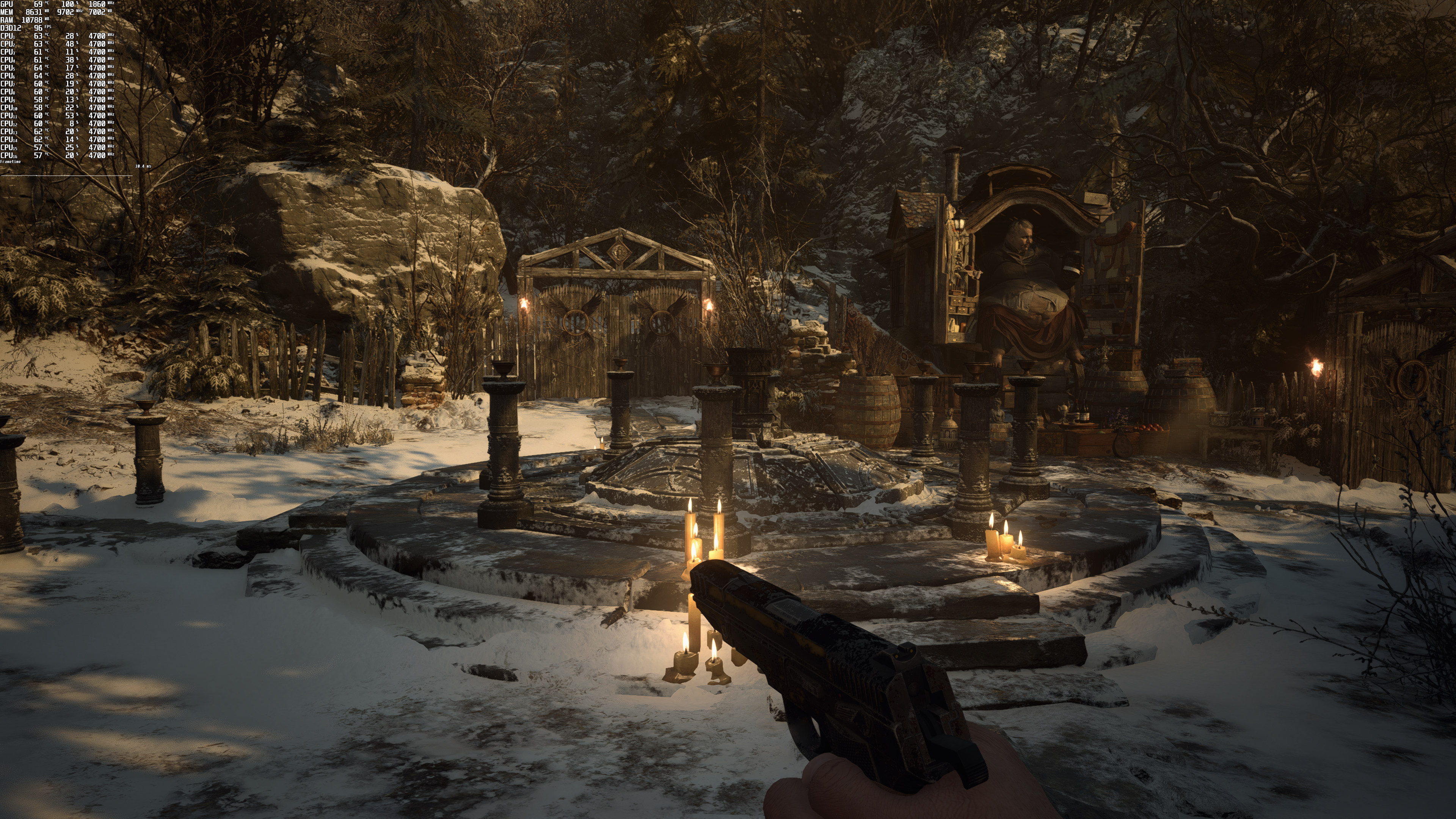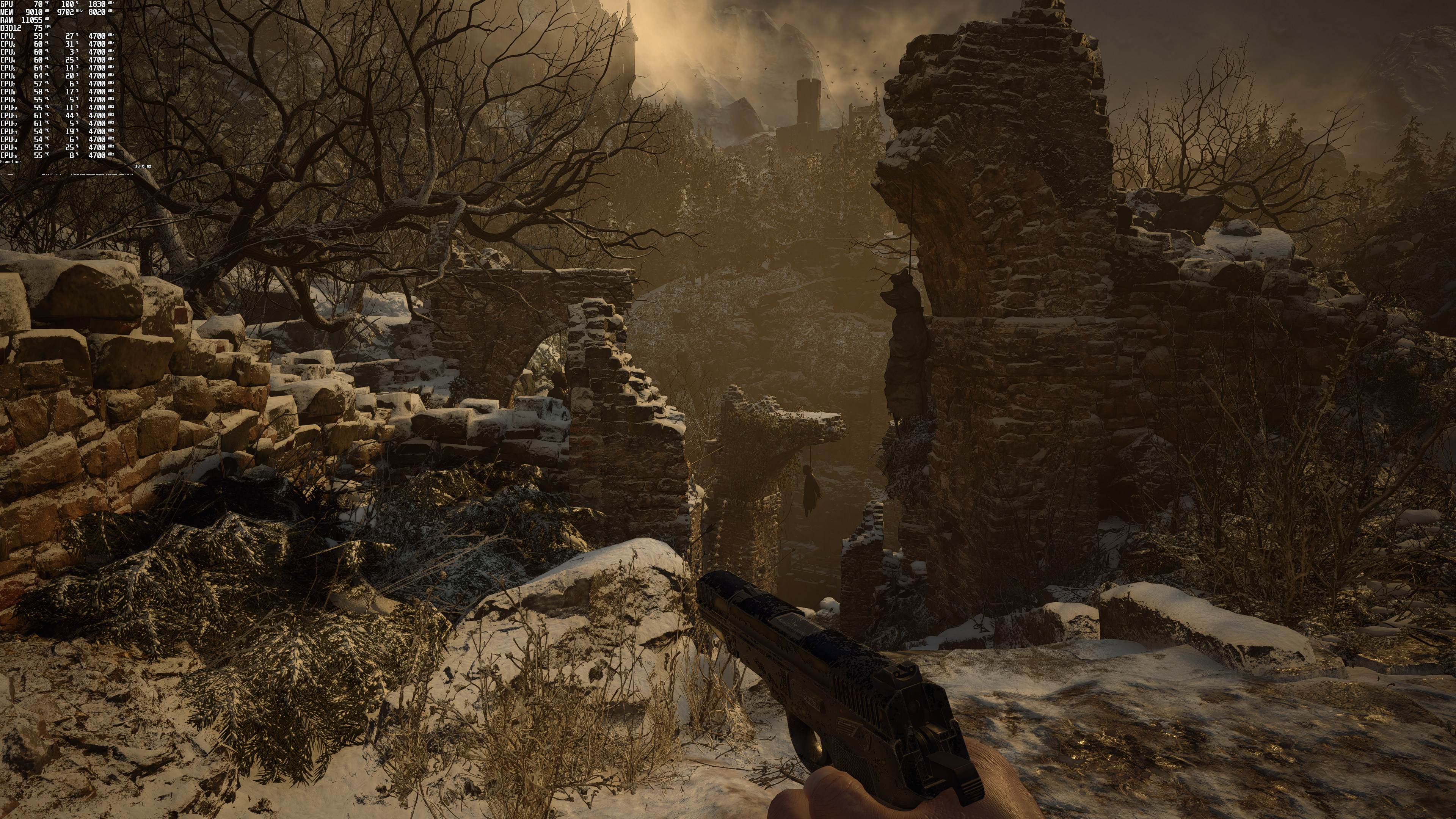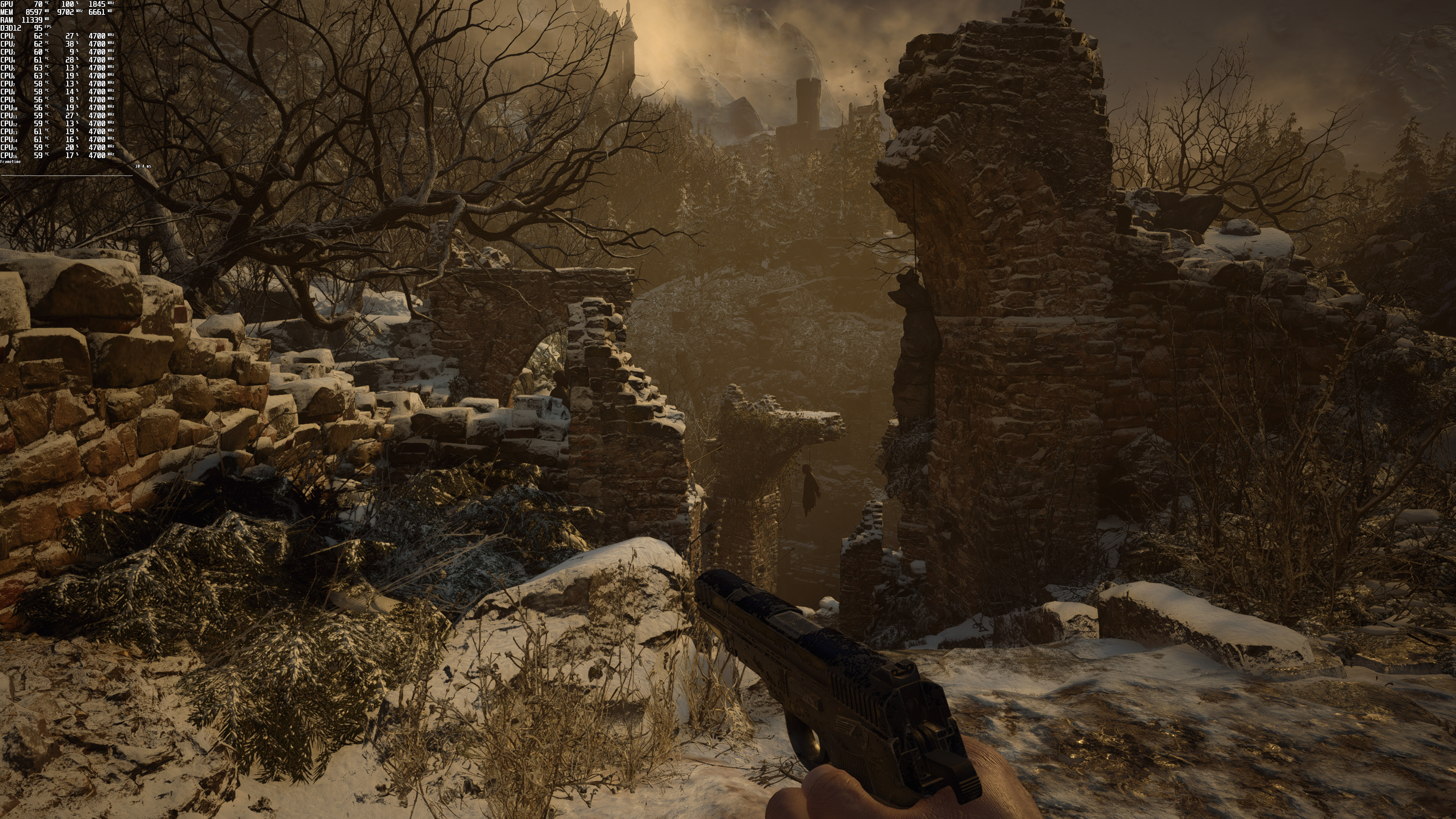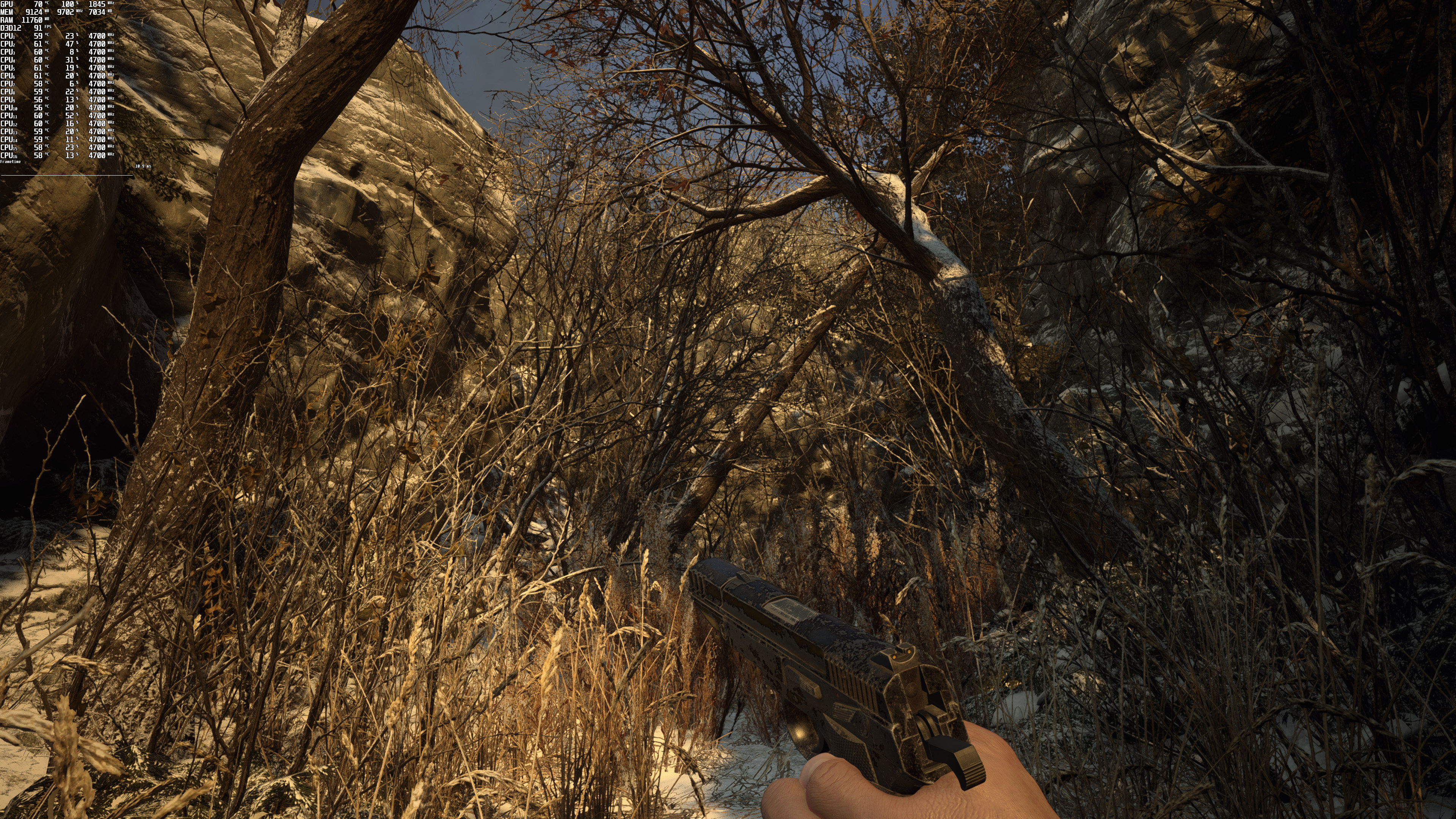
As we’ve already reported, Capcom released the first PC patch for Resident Evil Village that adds support for AMD’s FidelityFX Super Resolution. As such, we’ve decided to benchmark it and compare it with native 4K.
In order to test AMD FSR, we used an Intel i9 9900K with 16GB of DDR4 at 3600Mhz, NVIDIA RTX 3080, Windows 10 64-bit, and the GeForce 471.11 driver.
For our tests, we used the Ultra Quality Mode for AMD FSR. This mode offers the best image quality, so that’s the one you should choose, even when playing at 4K. And, unfortunately, AMD FSR cannot come close to native 4K, even at its Ultra Quality Mode.
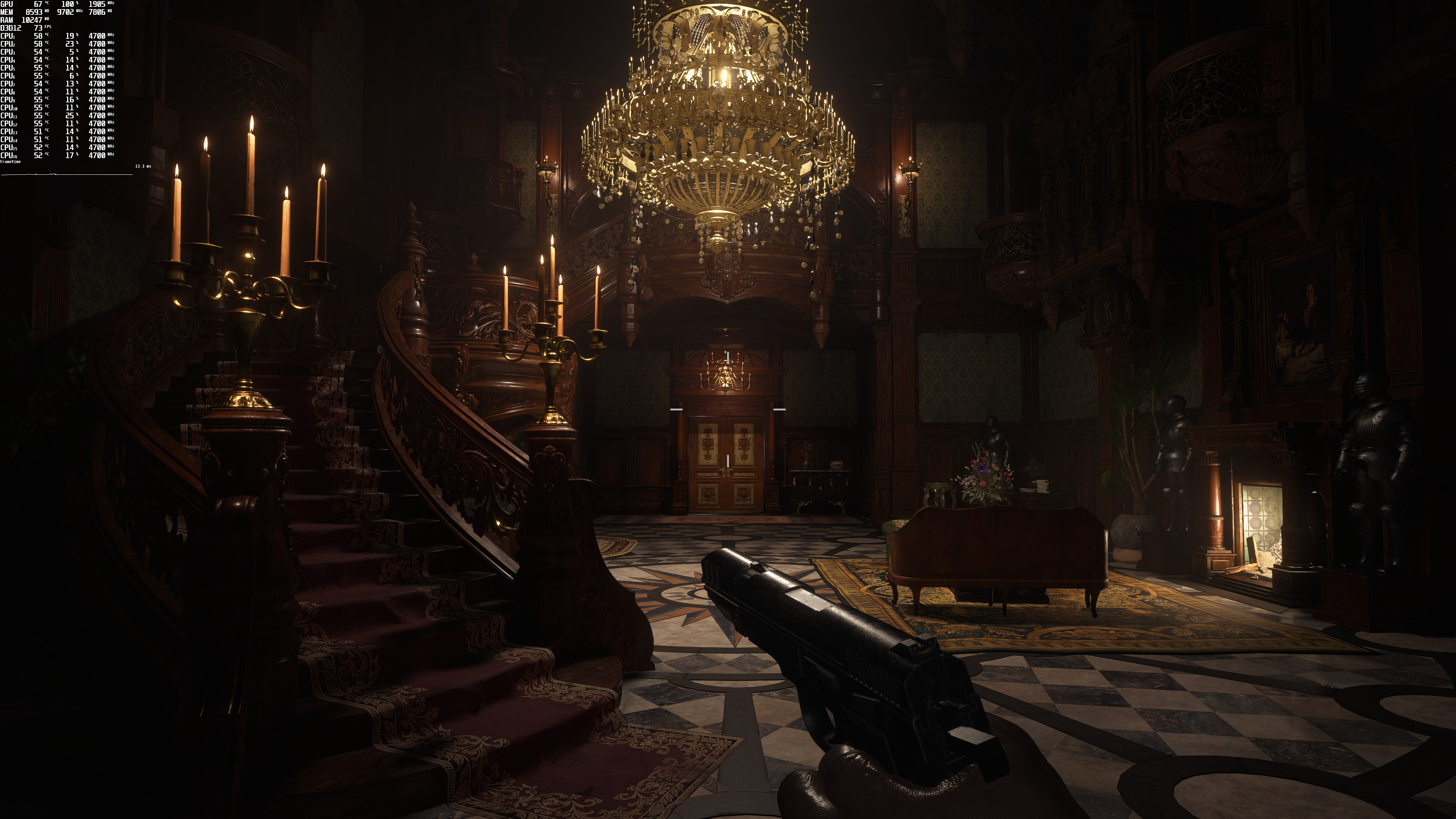
Below you can find some comparison screenshots between native 4K (left) and AMD FSR (right). As you can see, there is more aliasing in the AMD FSR screenshots. Not only that, but everything looks blurrier (and not as sharp as native 4K). You can easily notice this in the grass comparisons (third and eighth comparisons).
AMD FSR improved performance by 20fps on our NVIDIA GeForce RTX 3080. Still, we don’t really recommend using it. It makes more sense to dial back some other settings than to use FSR (which brings a “vaseline” effect to the whole screen).
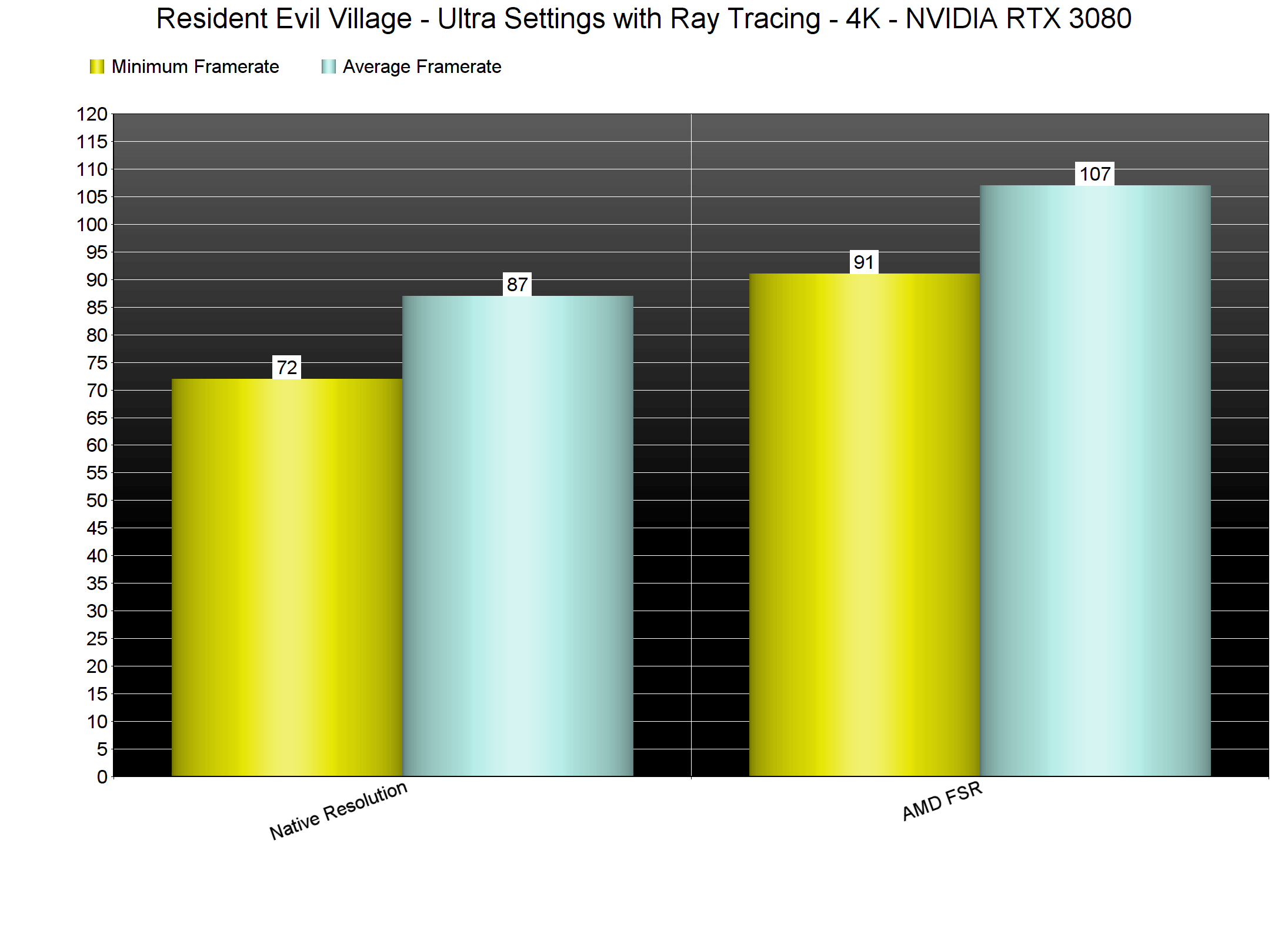
These results were to be expected though. After all, AMD FSR is basically an upscaling technique with some sharpening and nothing more. In other words, it’s not a reconstruction tech like DLSS which can sometimes surpass native resolutions.
Lastly, and since this is a simple upscaling technique, our coverage of AMD FSR will be limited. We will be covering it in games that support both NVIDIA DLSS and AMD FSR. We will also be covering it in all the upcoming triple-A games that will launch with it. However, we won’t be covering it in older games or in newer games that get support for it via post-launch updates.

John is the founder and Editor in Chief at DSOGaming. He is a PC gaming fan and highly supports the modding and indie communities. Before creating DSOGaming, John worked on numerous gaming websites. While he is a die-hard PC gamer, his gaming roots can be found on consoles. John loved – and still does – the 16-bit consoles, and considers SNES to be one of the best consoles. Still, the PC platform won him over consoles. That was mainly due to 3DFX and its iconic dedicated 3D accelerator graphics card, Voodoo 2. John has also written a higher degree thesis on the “The Evolution of PC graphics cards.”
Contact: Email


For some reason it does not look as bad on AMD GPU’s… https://imgsli.com/NjIwMzI
You Nvidia parasites are the reason why Nvidia has so much market share lol. Shows a large chunk of that 80% is Dumb AF
John Mellinger comment was deleted.
Why monster is so blurry?
Graphics errors on ground.
Other person noticed missing lights.
twitter . com/TheJohnMan1980/status/1417576303180406785
https://uploads.disquscdn.com/images/eff8725ca931da6d748e2d5330c642f09a6df89fad88e3011418983ae344b939.jpg
https://uploads.disquscdn.com/images/b7565be33feb8419430101479b4da0f200af1ab7117edb88441c3c8136afc82e.png
Btw the image you showed was on performance mode… Not Ultra Quality.
Also I like how you’re such a Nvidia fanboy you stock twitter accounts …. Man you Green Goblins are crazy 😀
Its not that bad considering the performance gain you get, I expect it will get better as AMD improve it.
How are they going to improve it?
It’s a spatial upscaler that only works on edges.
I’m not sure as I’m not an expert but common sense tells me they aren’t going to come out with one iteration of it and stop working and improving on the tech behind it.
Why not compare fsr with an equally performant resolution (using custom resolution in the nvcp) +/- sharpening? Fsr has an overhead so said ‘equally performant’ resolution would be above 1662p supposedly. That’d be a more fair comparison imho.
I personally can barely even tell lol
I guess i’m lucky?
not really, no, because if you honestly cannot tell the difference between the two, then it is a sign that your eyesight is dropping and you may have to consider glasses or contact lenses at some point in the future
You’re just not cool enough to see the difference. Maybe you don’t do video editing for a living.
For real why?
I actually like you a LOT but having dynamic res on the PC is something i wanted since like the 360 days when it started becoming more the norm.
Anything that can allow us to play games without needing to upgrade is a + in my eye’s.
“A plus in your eyes”
Hahaha, that is funny. But seriously, lowering the resolution and then applying a sharpening filter produces similar results and anyone can do it themselves these days
That is NOT what i want. Dynamic not static res
Something FSR and i even think DLSS can not do as of 2021 on the PC.
Game drops below 60FPS drop the res if its 60FPS or higher raise it. This setting could even be used to improve visuals on the fly.
DLSS has dynamic resolution support.
Seriously? You are that dumb?!
You think DLSS = lowering resolution + sharpening filter?
Even FSR on Ultra in 4K is far from that
This is the future of graphics? Pseudo resolutions and fake rendering? Brilliant.
Yes, never liked it, i hope we will always have the option to play the real.
Yeah, pseudo “Optimization” becasue developers are too lazy to spent more time for for testing and optimization.
Yeah don’t tell that to the culprit of all this, the Nvidia DLSS people. For years now they have been making this garbage sound like the 2nd coming and they will cuss you into a new dimension if you say otherwise. These idiots are spending 2-3 grand for a GPU and still have to rely on trickery but don’t you dare say a damn thing or else you will be massacred with passive aggressiveness and more BS. DLSS or FSR is basically more blur on top of blur. And the first thing I turn off in my games is anything that have to do with Blur.
Your mom is blur.
DLSS 2.2 is amazing and looks better then native, facts.
In any case, its needed for Ray Tracing or 4K/120hz and im talking about 3080 and 3090
Of course for cheaper cards it can be used to get 4K/60 on say 3060 for cheap
Dlss is superior and better than FSR. Check hardware unboxed latest video comparison
Both do not look as good as native though
Nvidia’s AI tech is definitely more effective solution.
I don’t see an issue with having options. It’s not being forced. At some point those extra frames will be a saving grace on a future demanding game and a slightly outdated video card.
Looks a hair washed out. But in motion might not be so bad especially if you aren’t looking side by side. I’d still rather play the game native. But I am sure at some point in the future a new demanding game and my card as it slowly gets more and more outdated will love and appreciate the frame boost.
I think this website is a BIG HATER of amd ?
Played around a bit with the new patch. Game is finally stable when facing a lot of enemies. However, there are still some stuttering when entering new area/using elevators.
Which makes me thing that the Denuvo DRM trash is still there.
Just hope this will be remove in a few months just like MH World and DMCV.
Game is already definitive edition on PC. Reshade, Trainers, Mods working, FOV slider, Vignette Remover, Manual Flashlight, Unlock FPS (120+), Ultrawide etc.
Just fix this please.
As for this “new” graphic features. I don’t really notice it that much since I barely see any difference. Rather focus on reshade and making your own preset which actually makes a huge difference in your monitor setup.
https://uploads.disquscdn.com/images/5cb1106696ce1e673c5170de793238ff64f7de085d8e0ce316b1ed8884c7d112.jpg
https://uploads.disquscdn.com/images/9751590db6cb30d85d8f1629f73b043b647cefcd64ee80cd48367e9df08078ce.jpg
https://uploads.disquscdn.com/images/15b0f7ce920e3fe03c0ee0d117156d09ac5b0cf9d49c75ed79da533c783962ad.jpg
https://uploads.disquscdn.com/images/96afded917c6733a1eaf8a49b61b3d7245d0c9384a56d302f52ced0d1bbae81e.jpg
so many rytards in the comments.
I tried fsr on my laptop which has 1080p display and it looks awful specially in motion. I got only got small boost in fps
I rather play it on native resolution and lower other setting than use fsr
Isn’t DLSS the same ? Just a simple upscaling technique ?