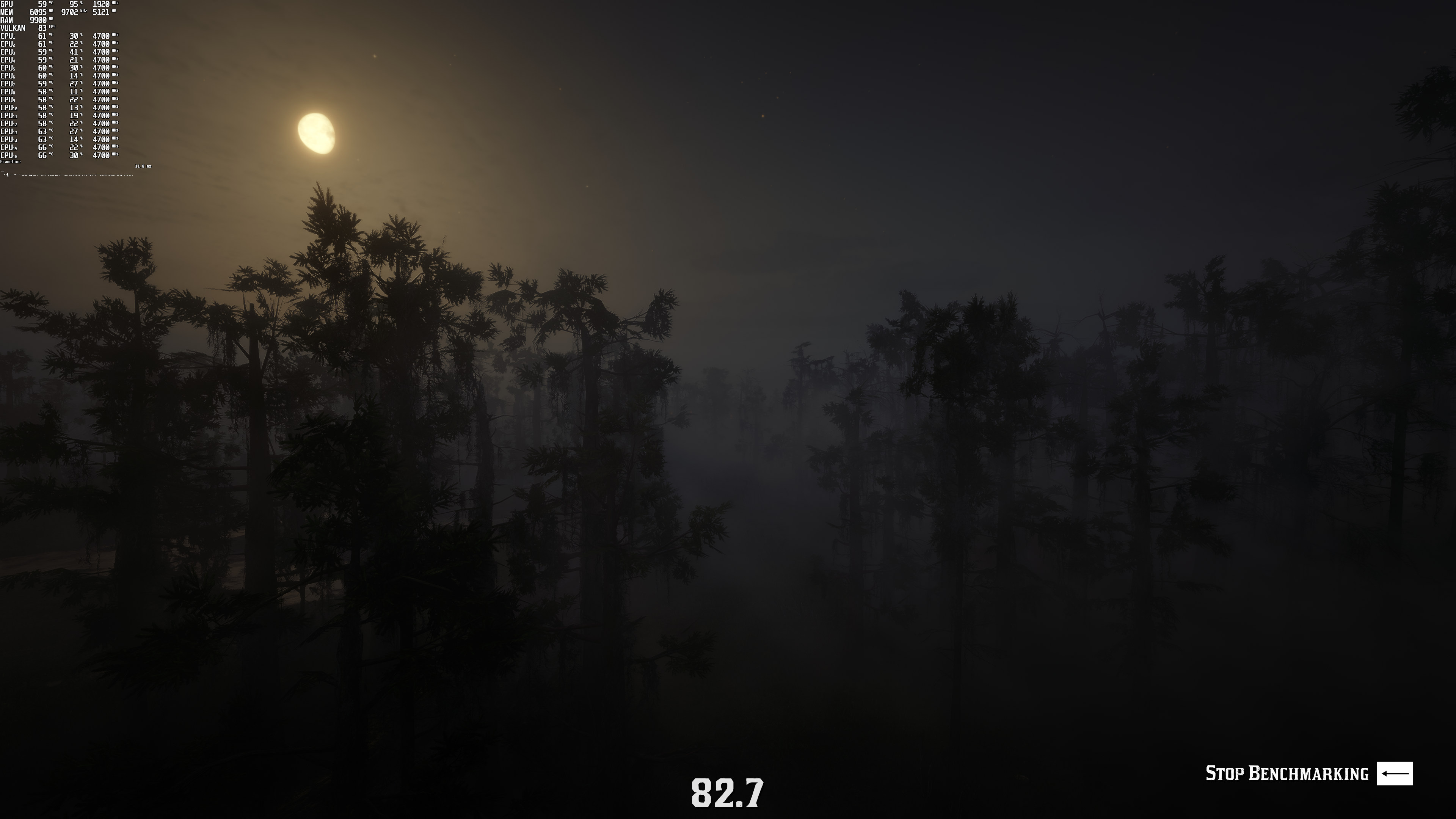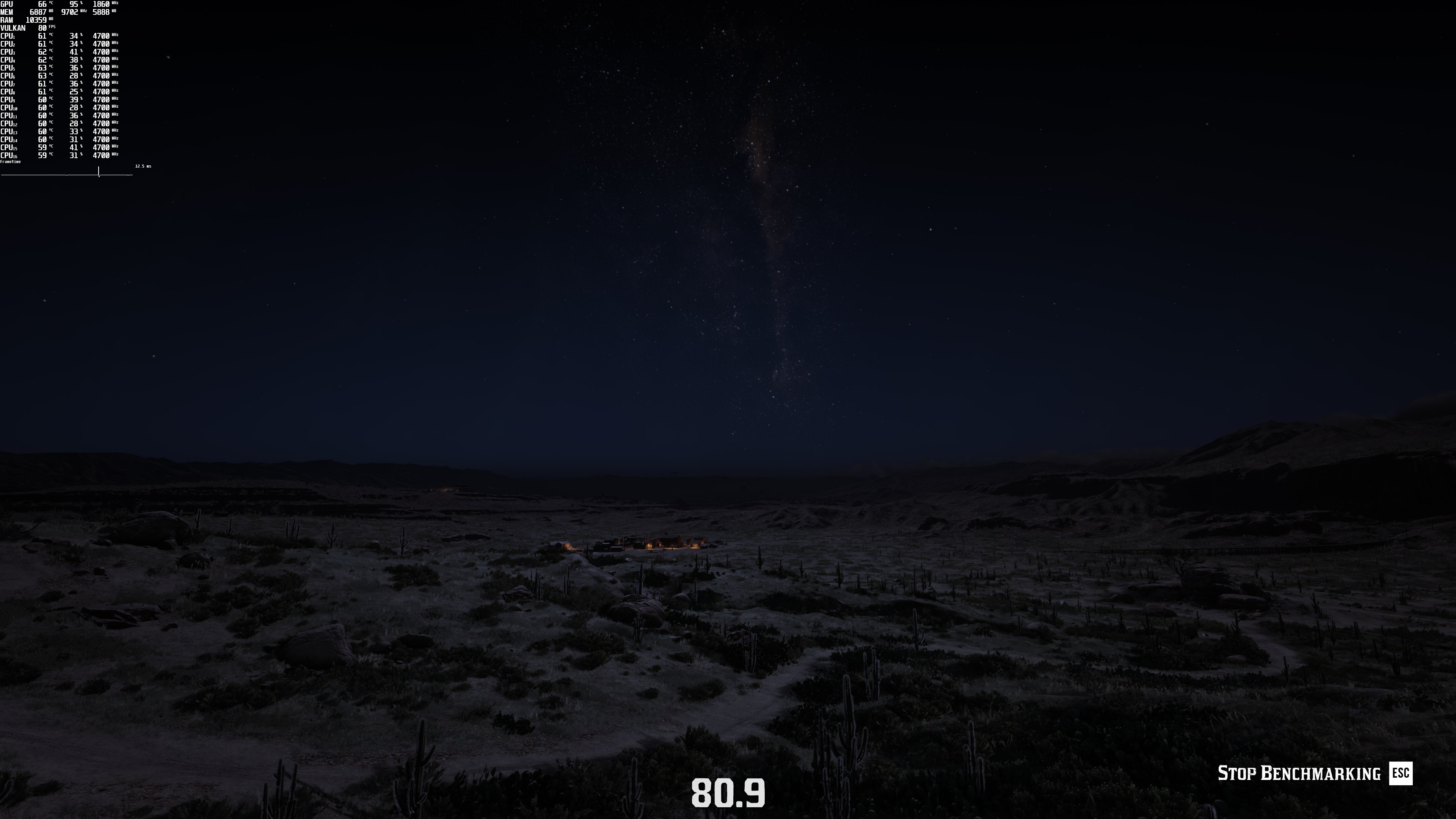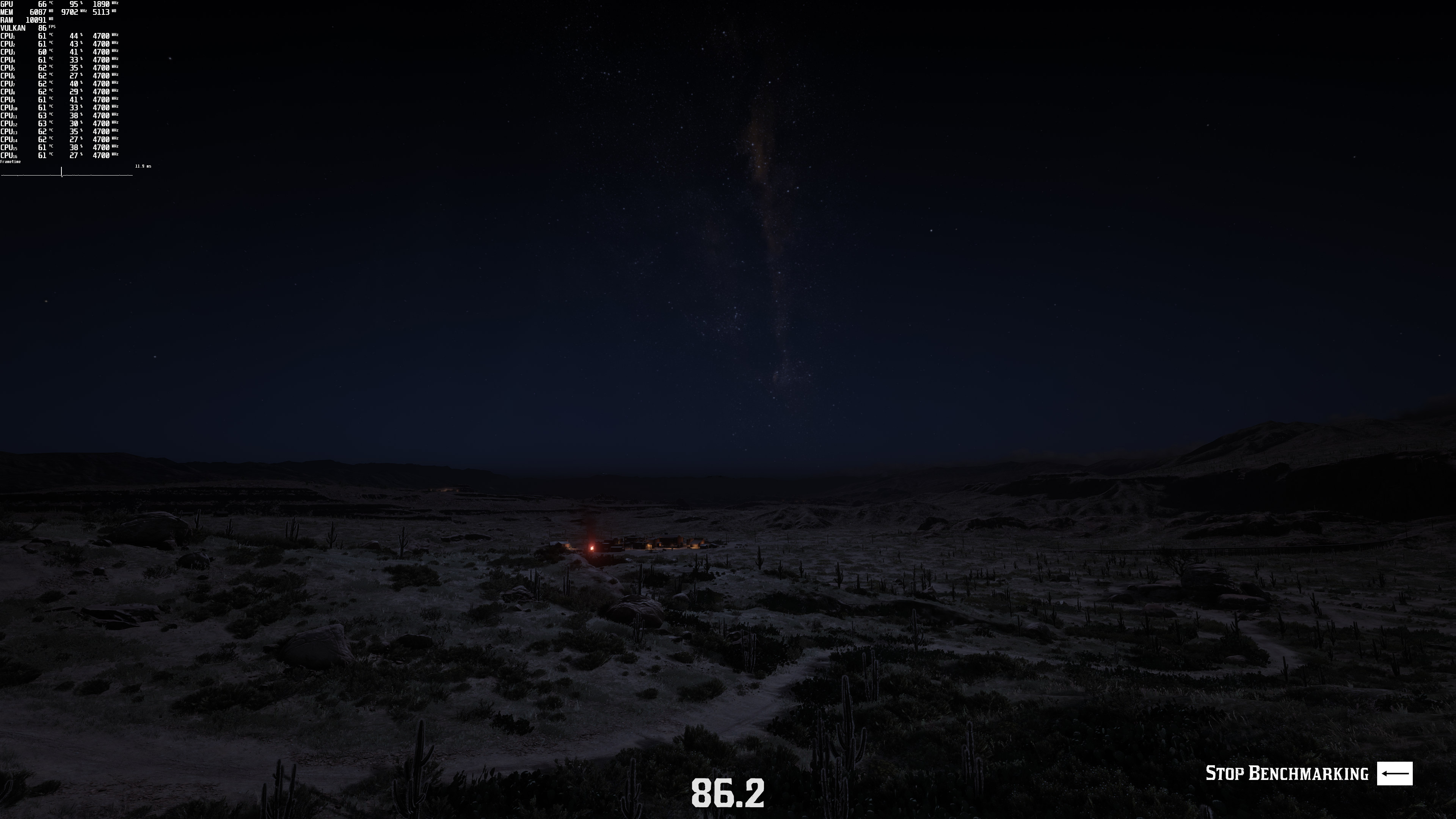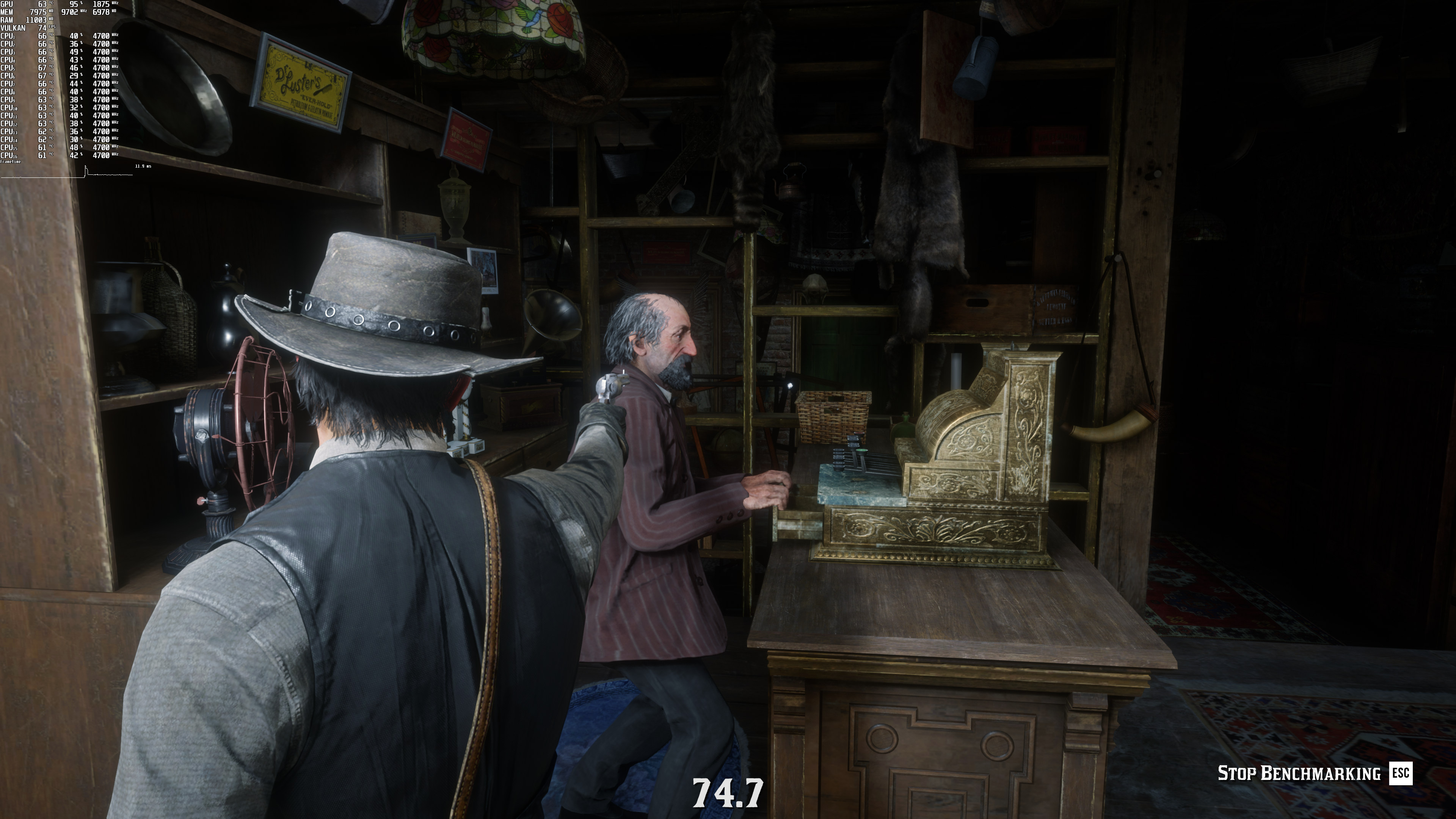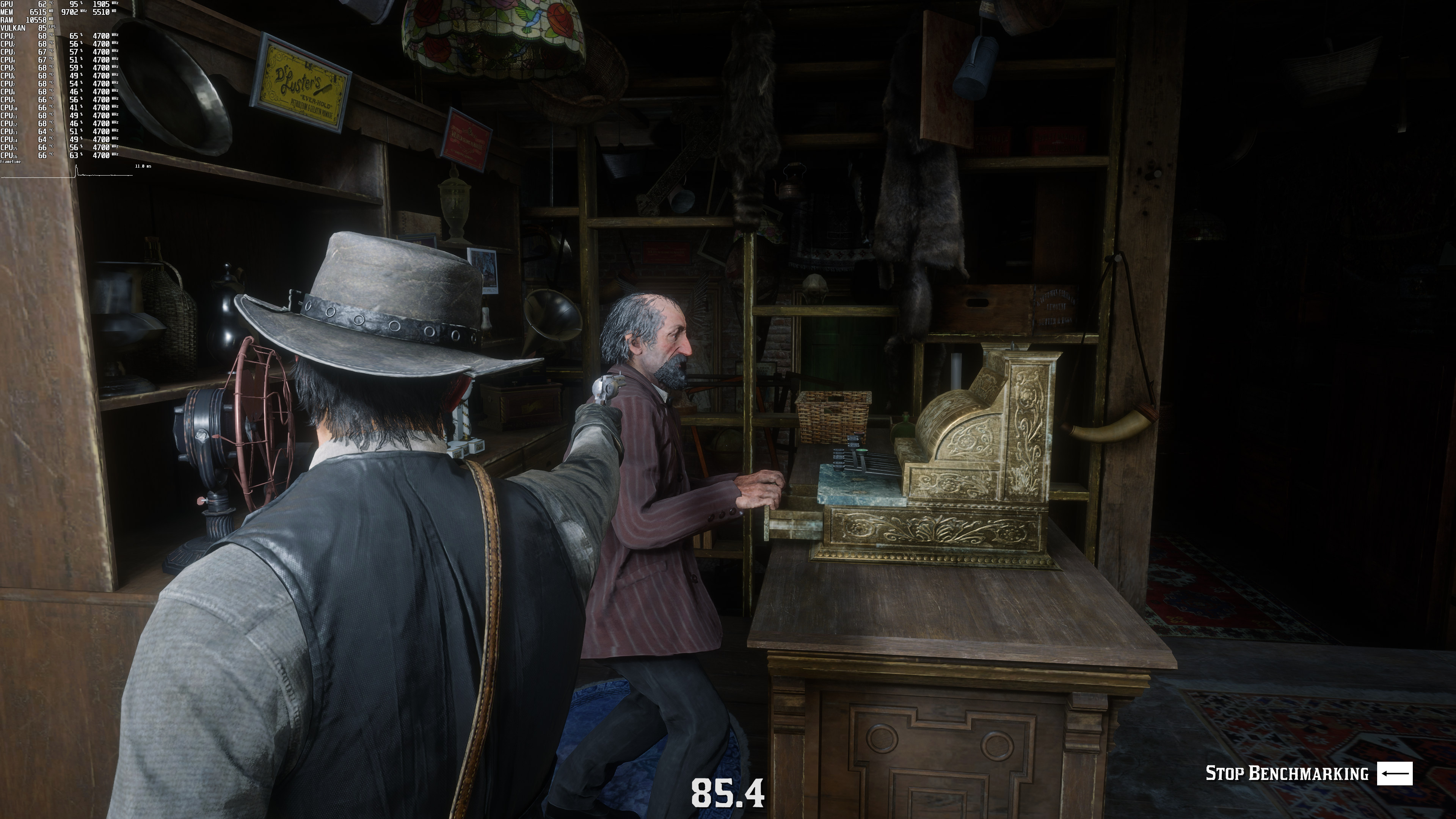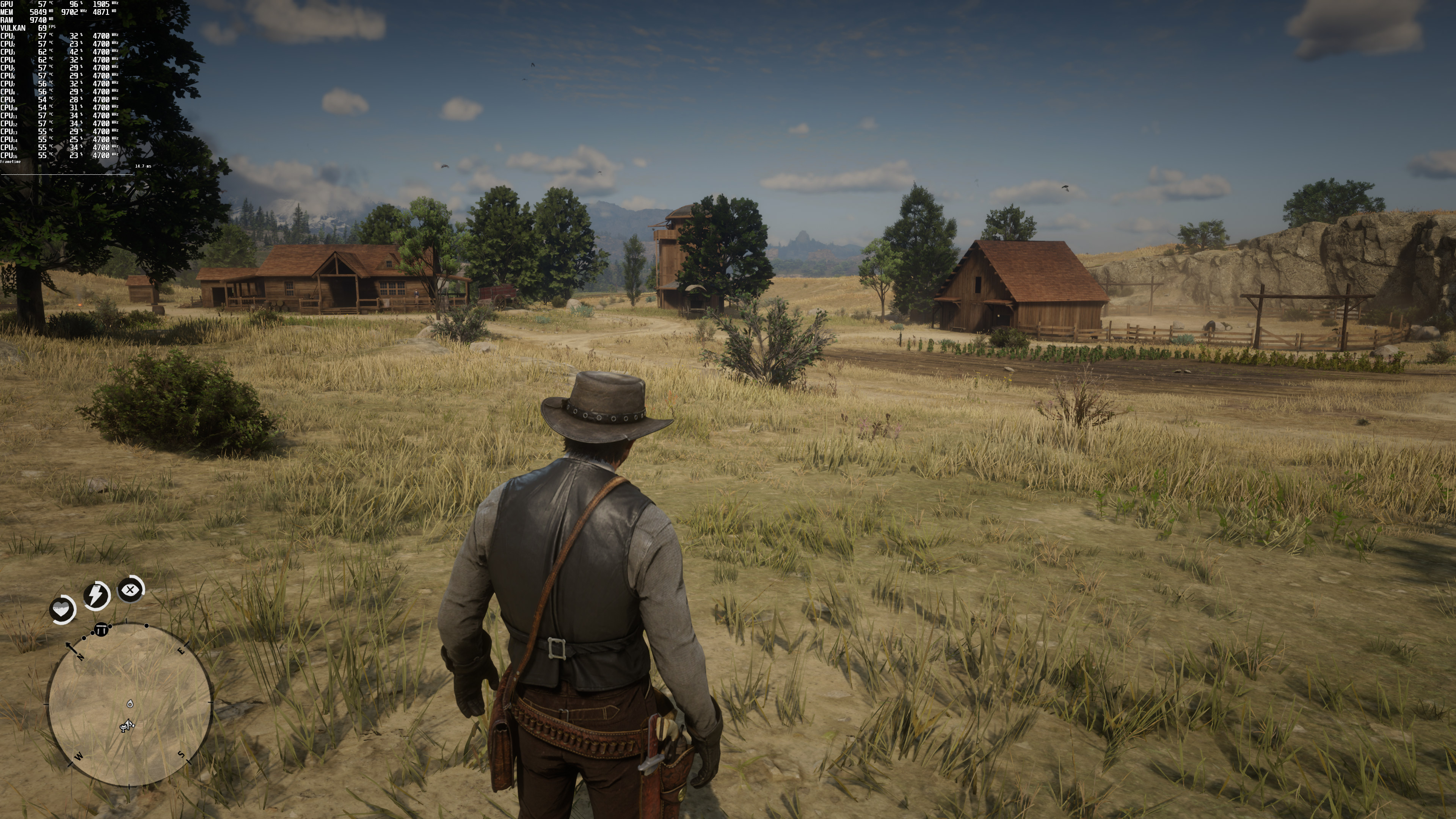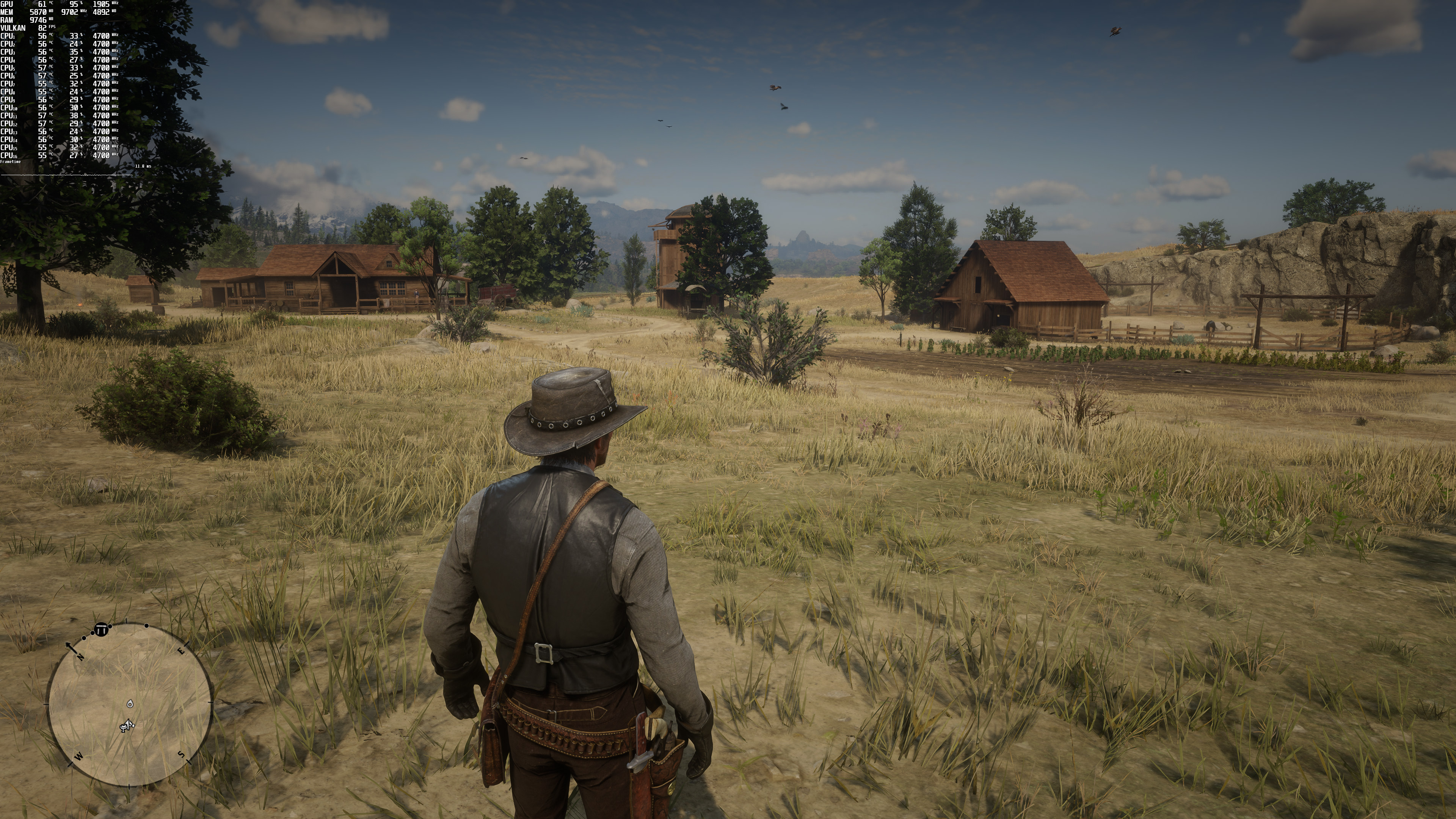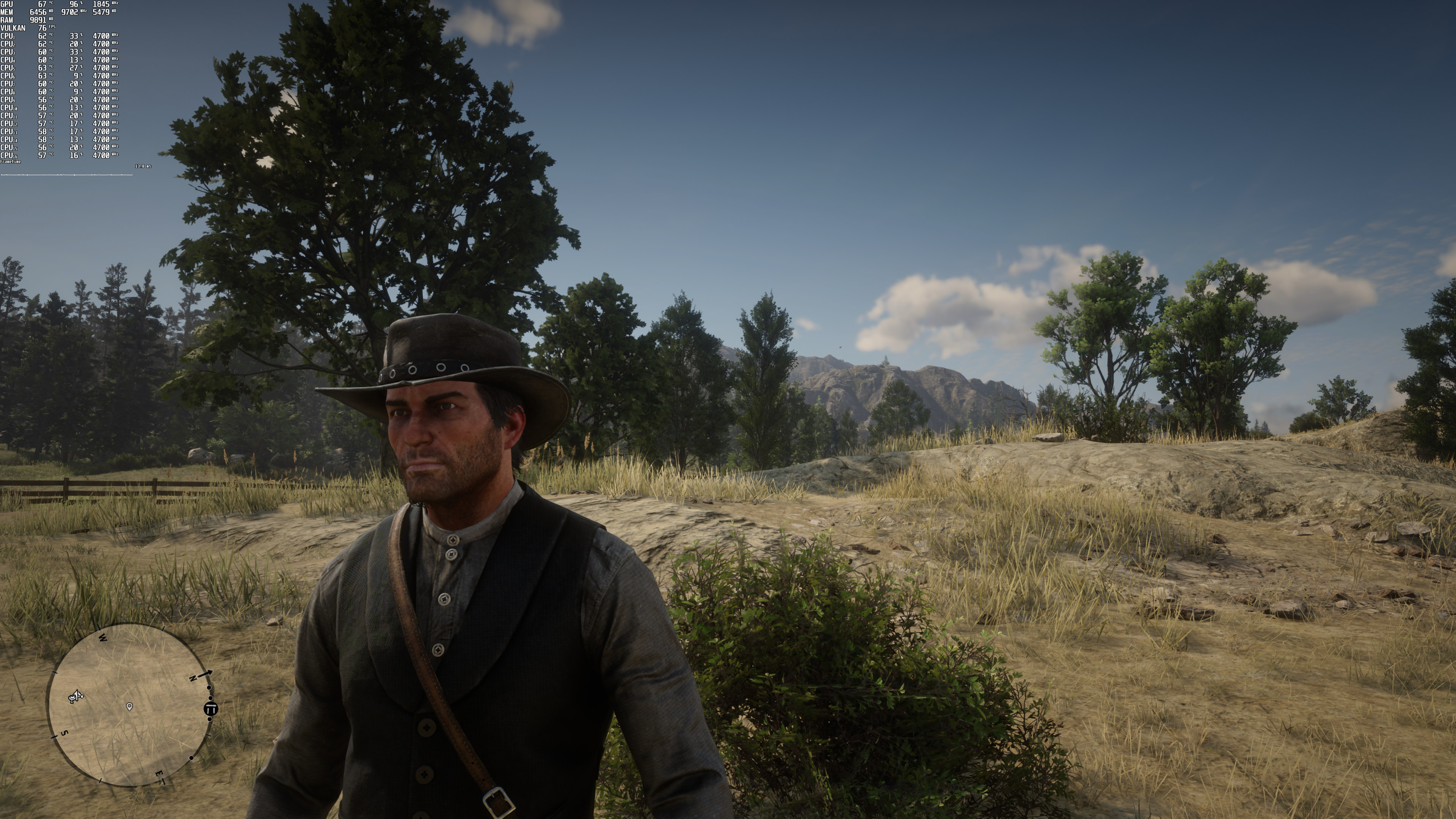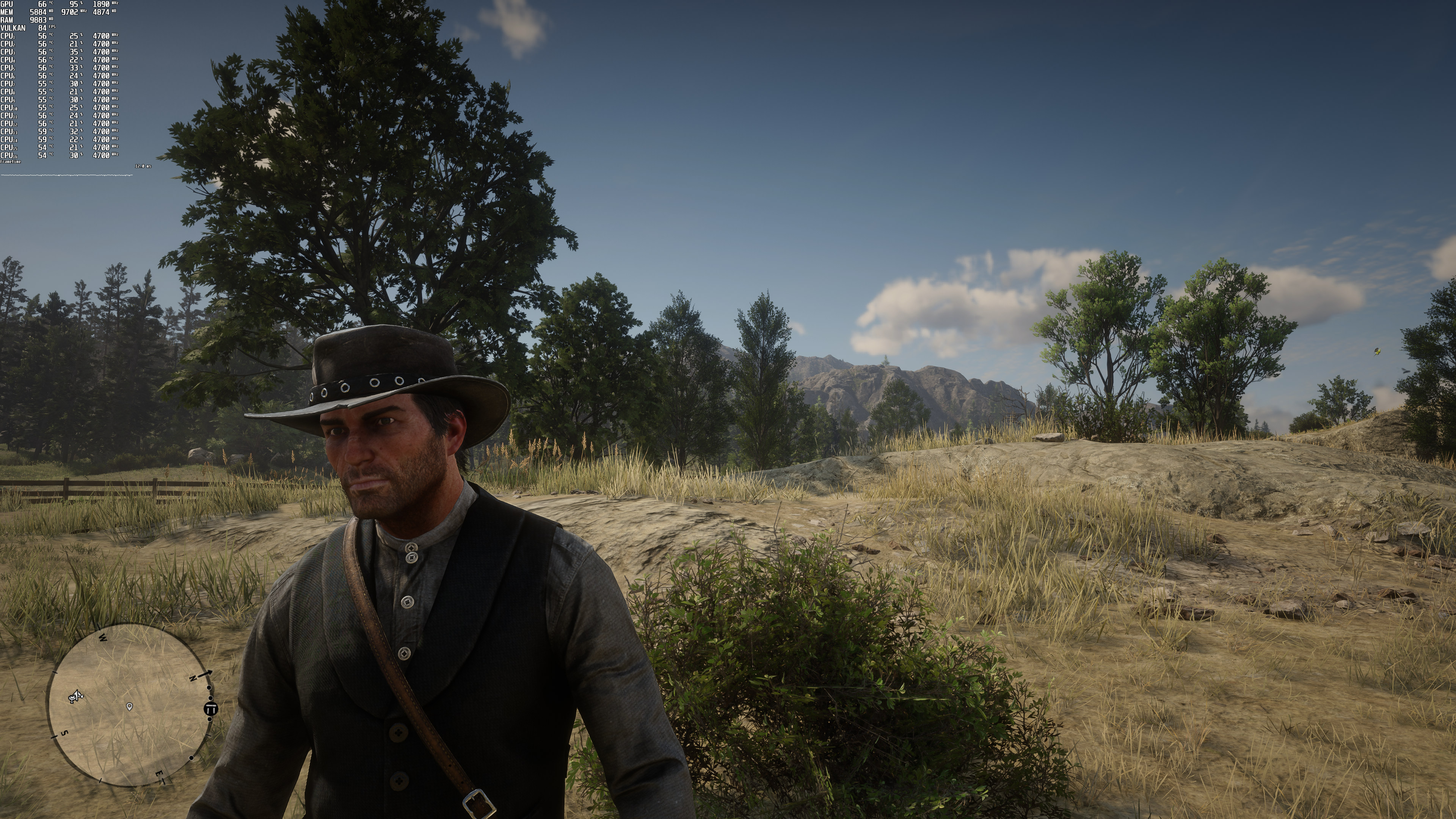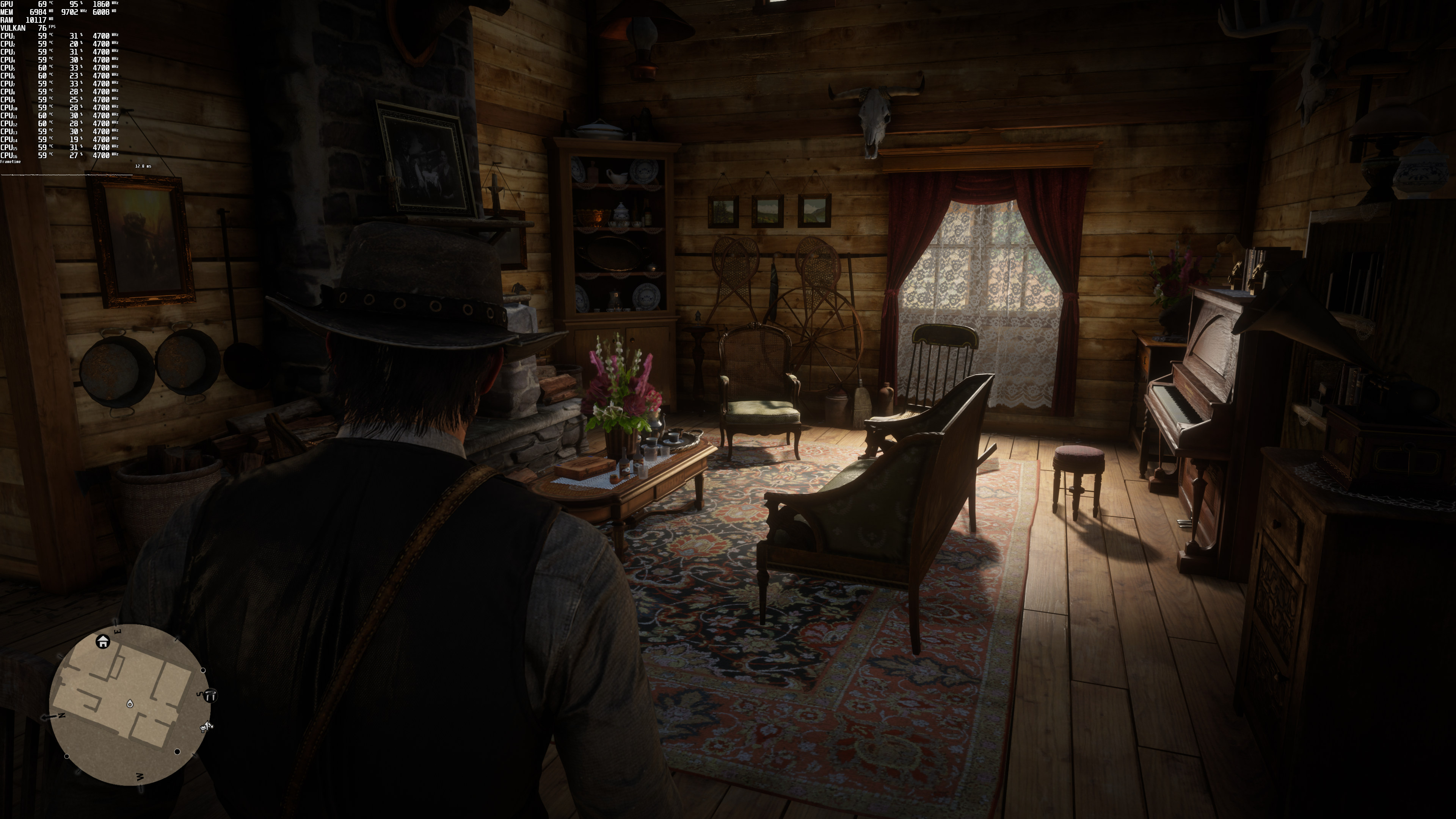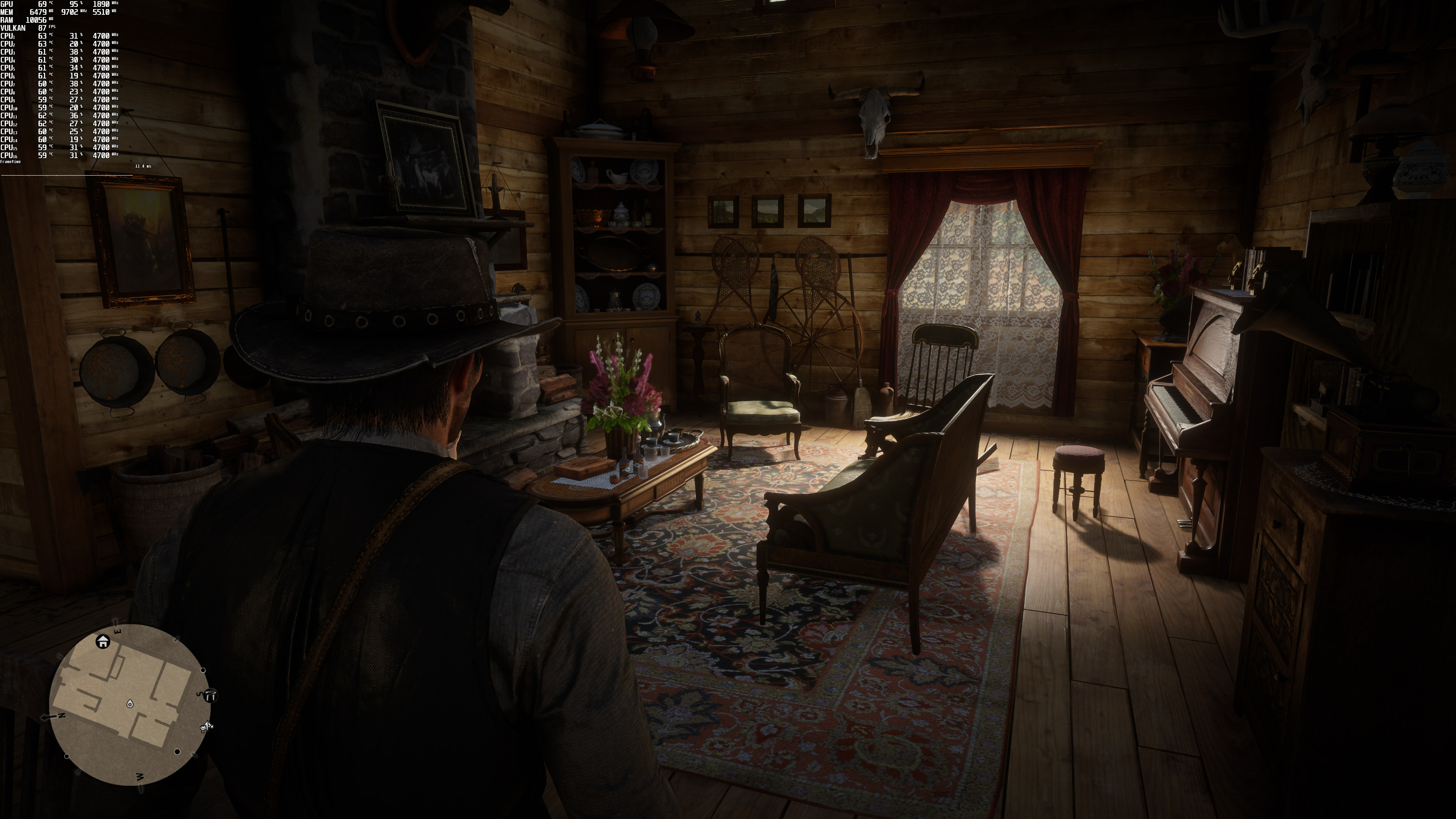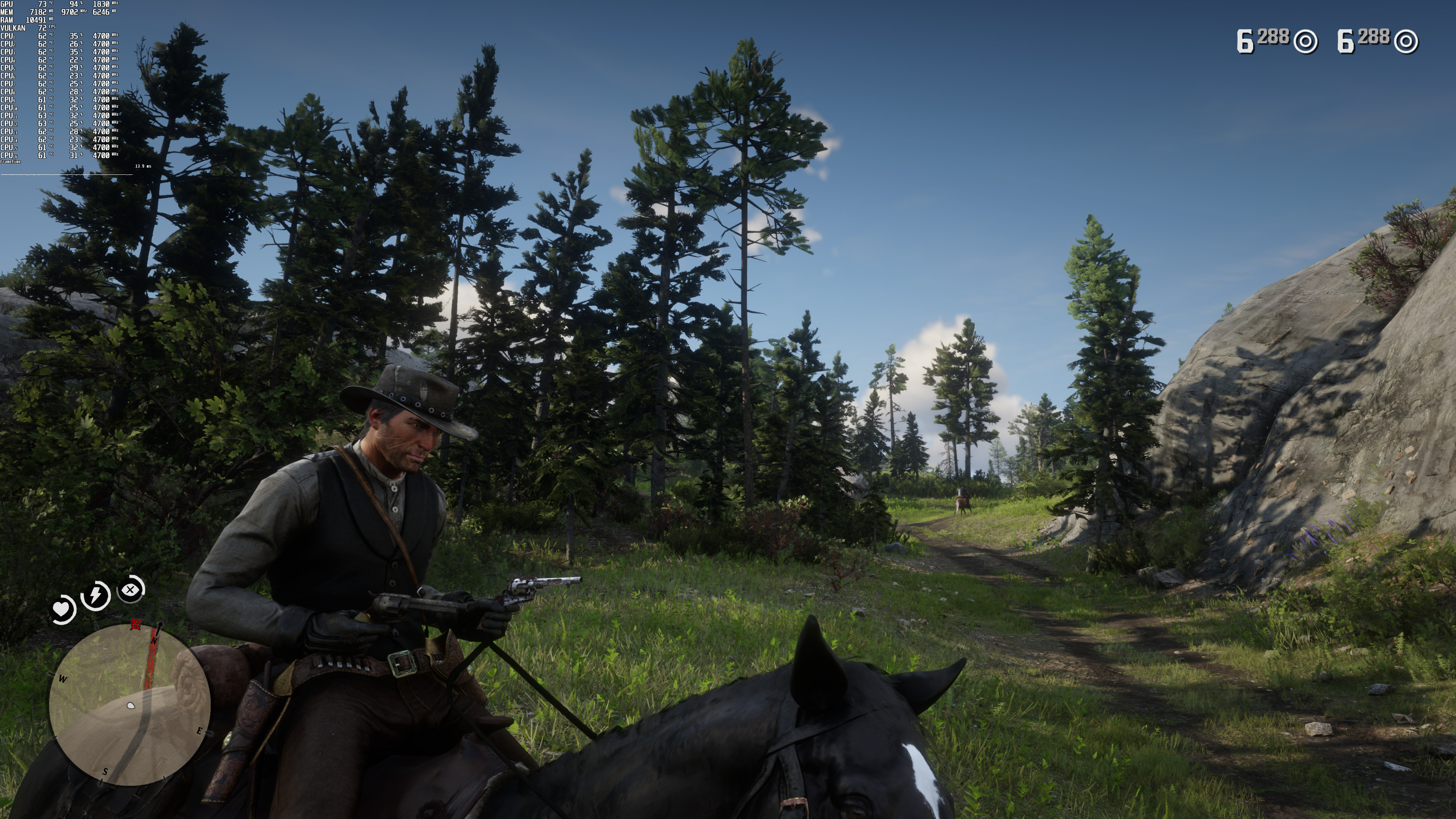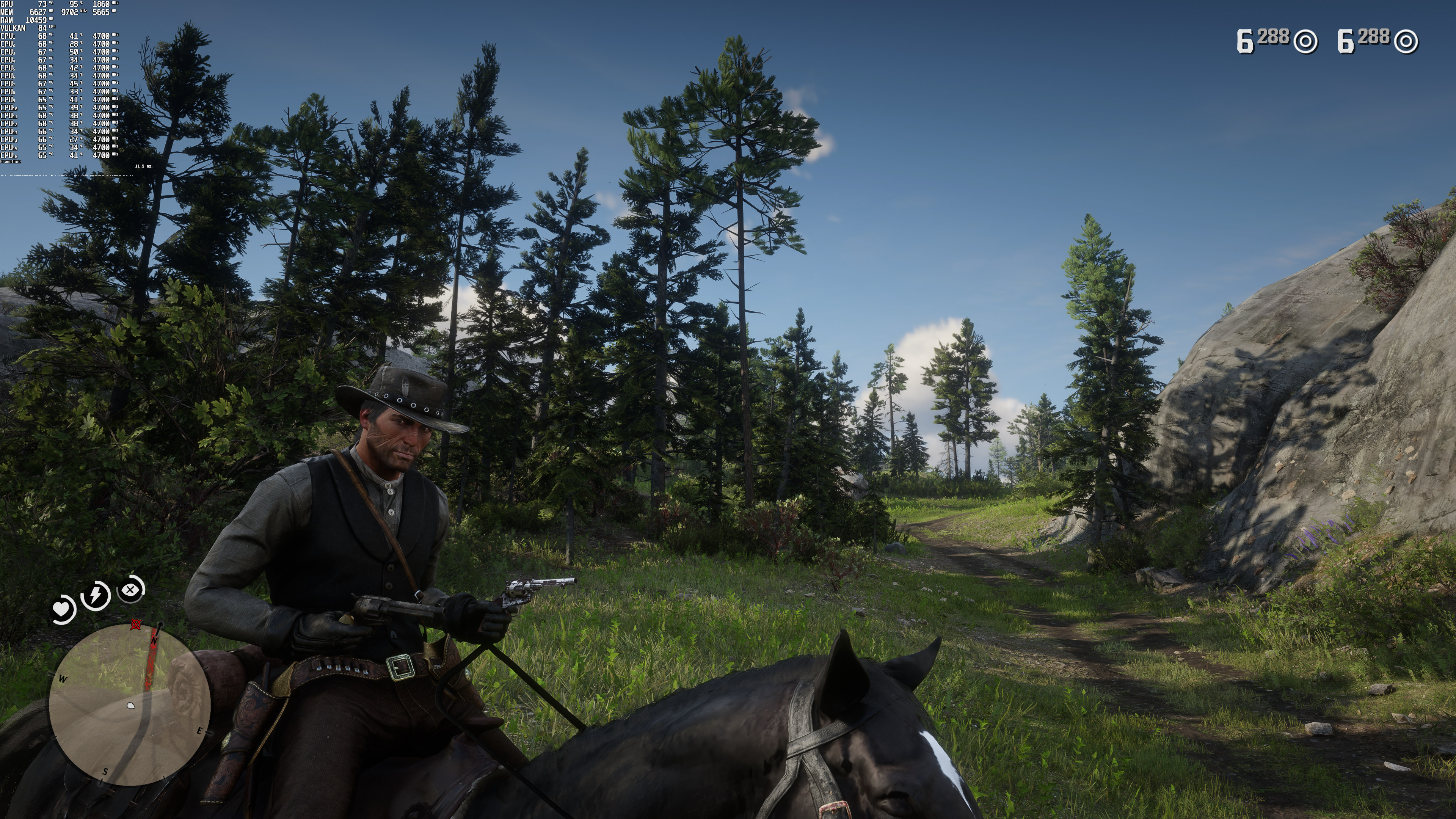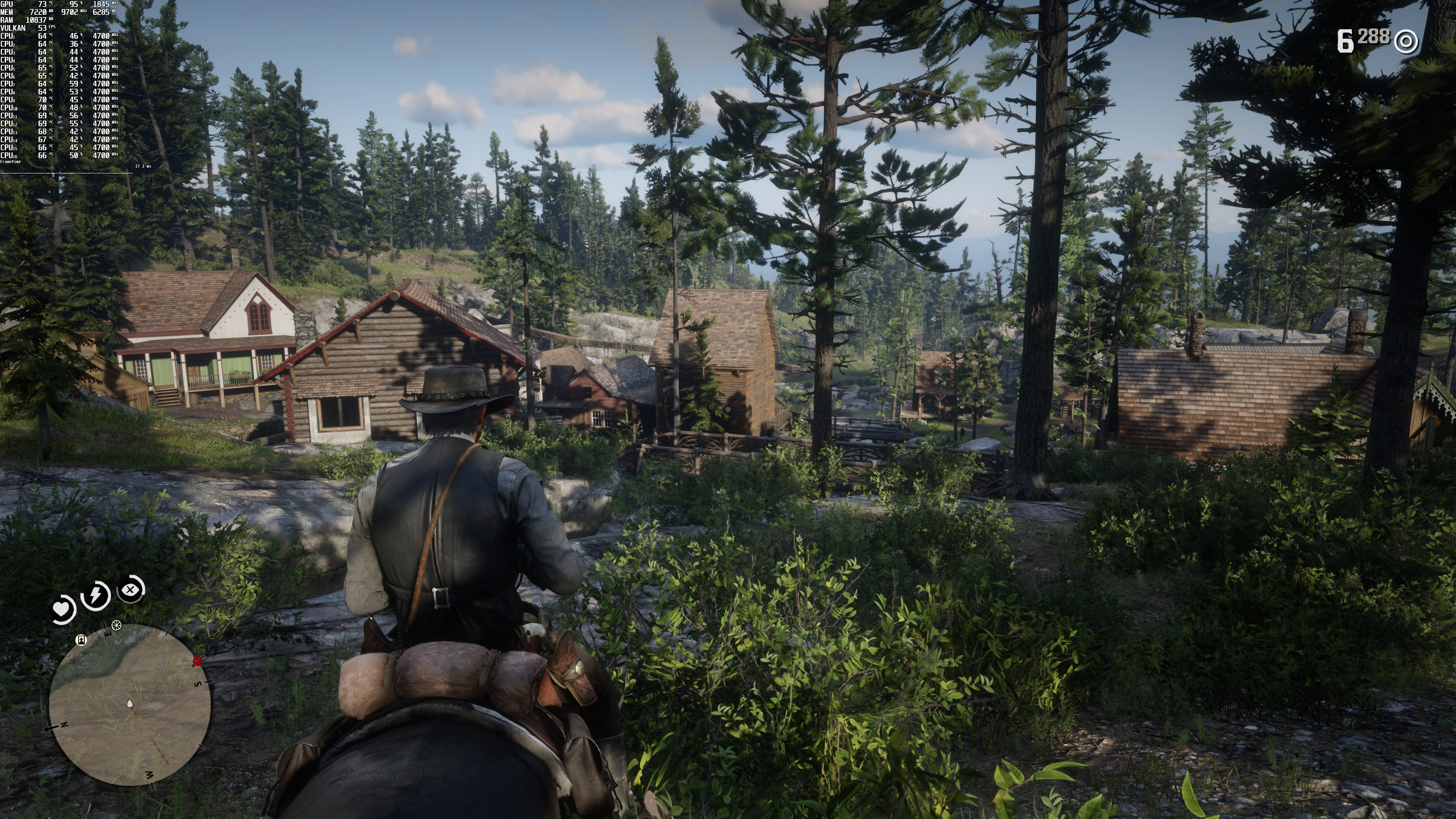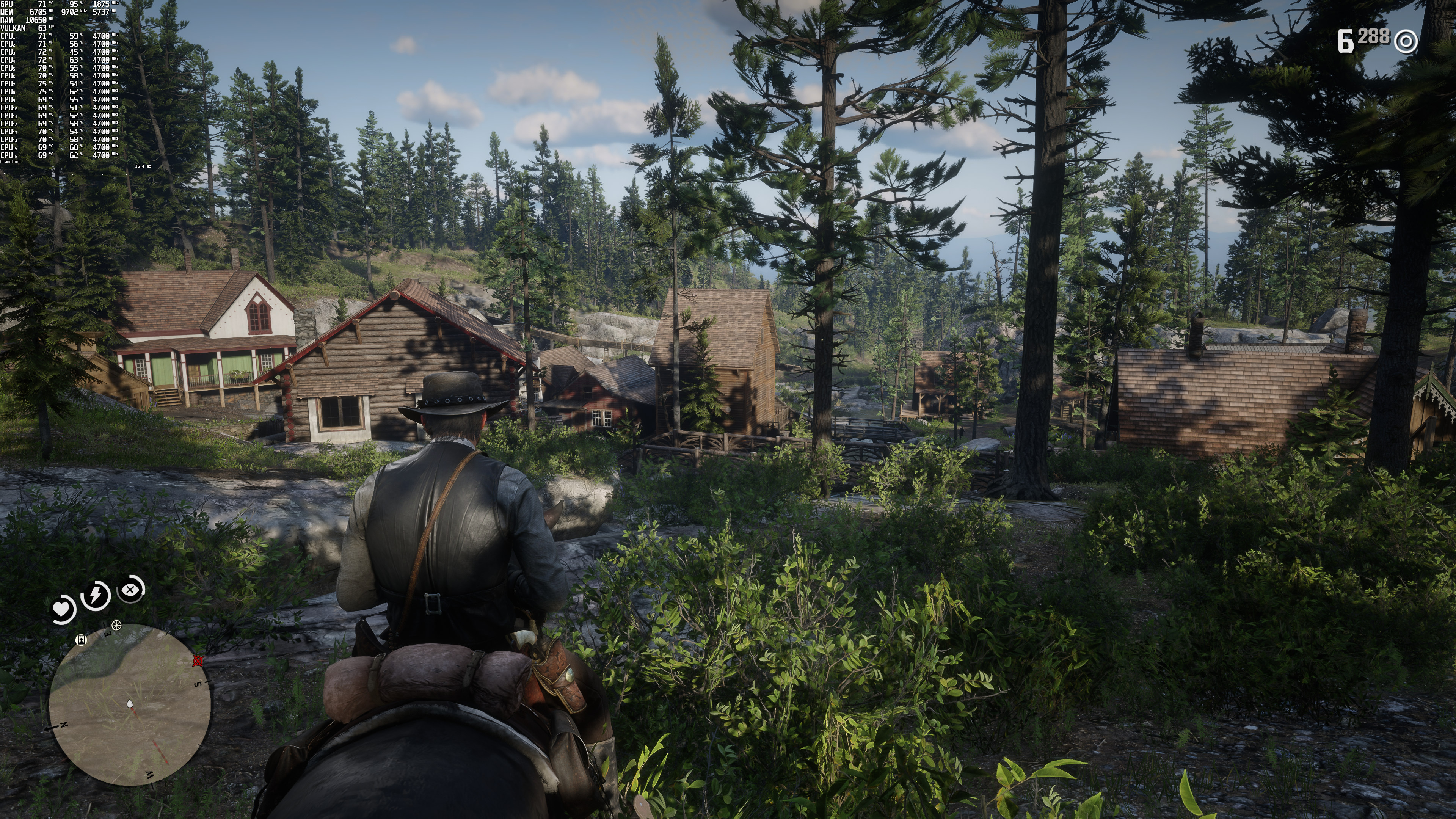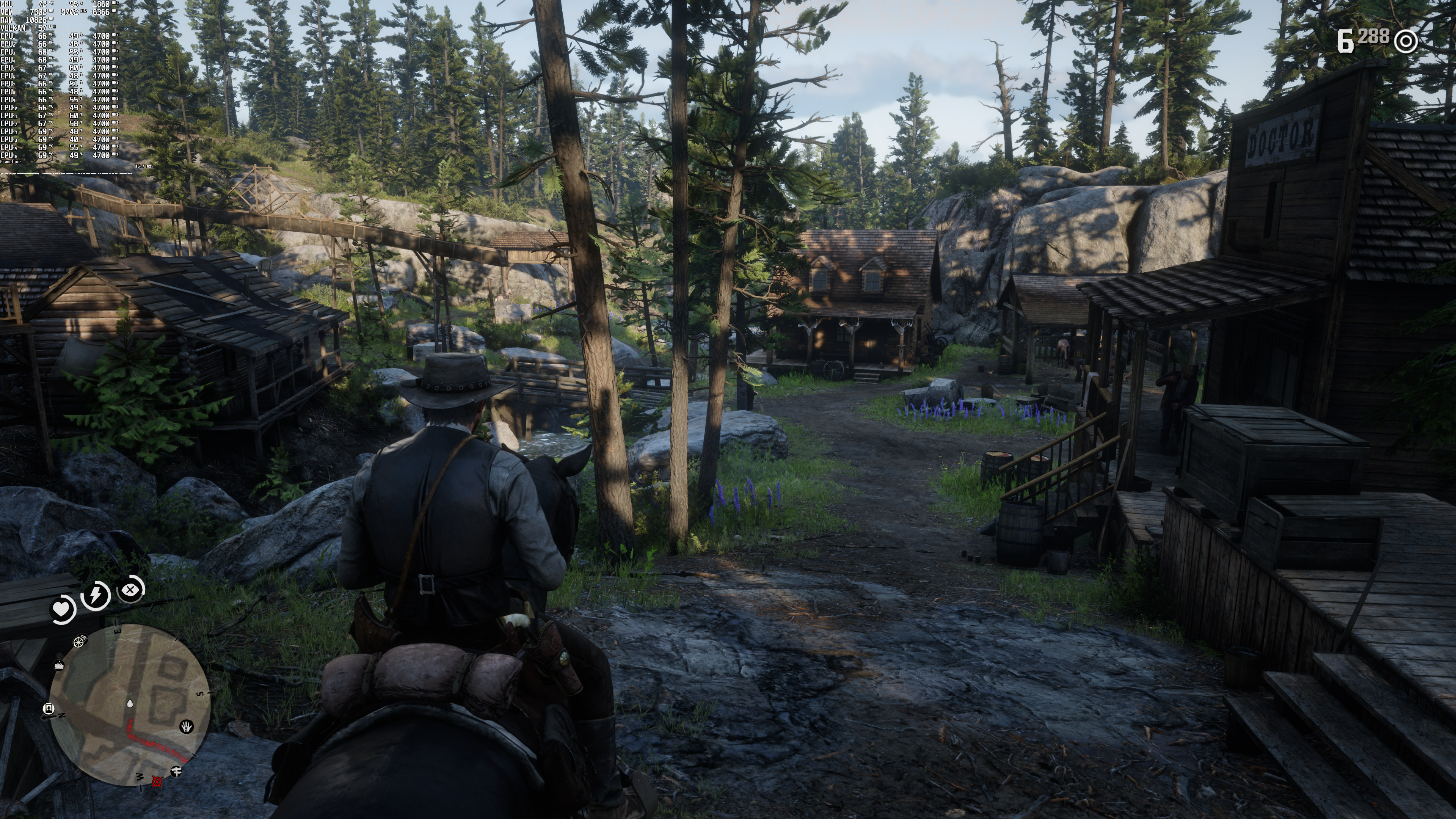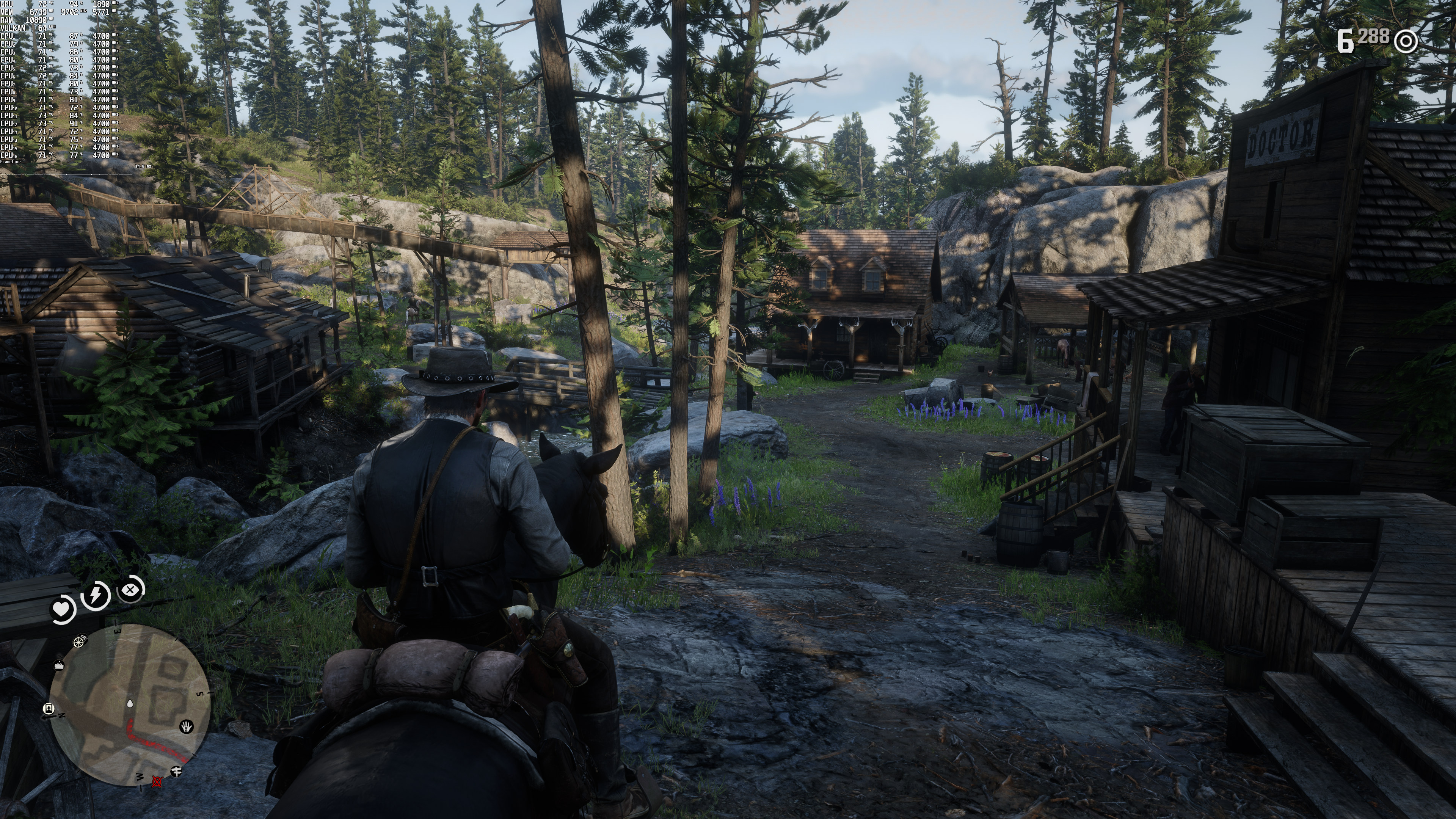
Yesterday, Rockstar released the highly anticipated DLSS Patch for Red Dead Redemption 2. As such, we’ve decided to benchmark it and see whether its implementation is as good as the one for Doom Eternal and LEGO Builder’s Journey.
For these benchmarks, we used an Intel i9 9900K with 16GB of DDR4 at 3600Mhz, NVIDIA RTX 3080, Windows 10 64-bit, and the GeForce 471.11 driver.
As the title suggests, Red Dead Redemption 2 is using the latest version of DLSS, Version 2.2.10.0. As such, the game does not suffer from any ghosting or blur issues.
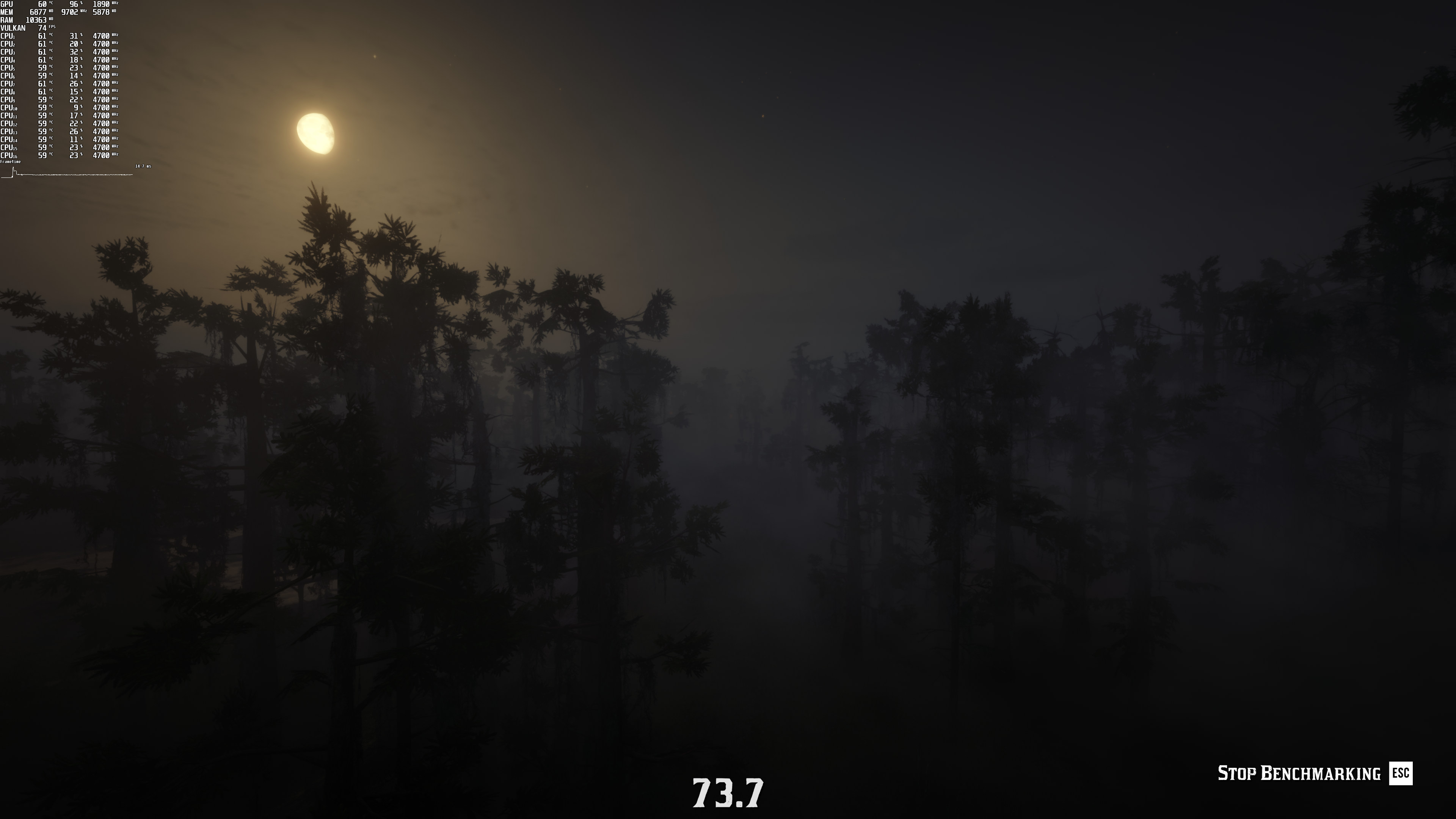
Unfortunately, DLSS in Red Dead Redemption 2 brings a lot of aliasing. On Ultra settings and at both 1080p and 1440p, the image quality suffers from noticeable aliasing issues. Hell, there were aliasing issues even at 4K with DLSS Quality. These “jaggies” can be easily noticed on distant objects, especially during the benchmark scenes.
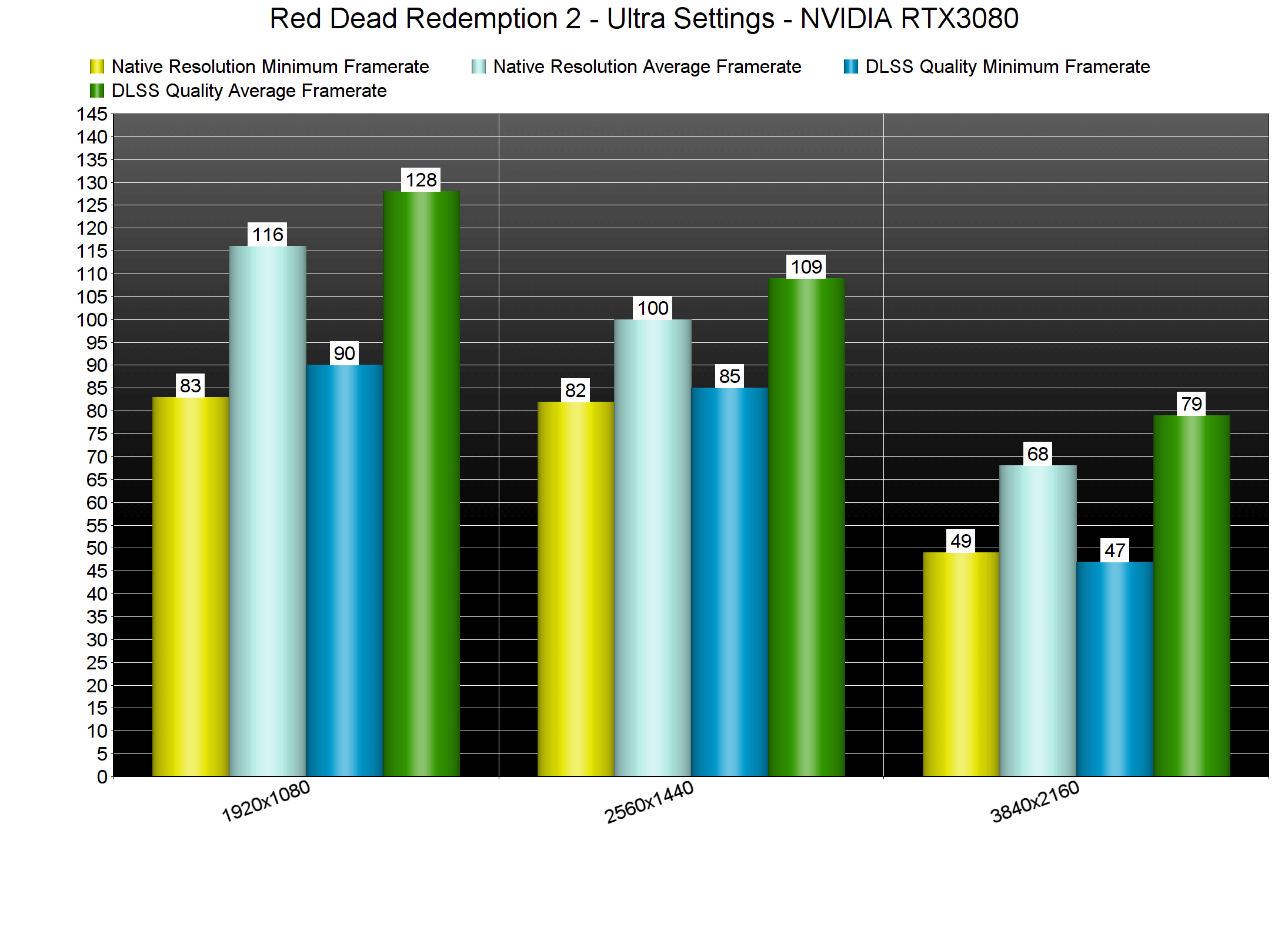
Now we wouldn’t really mind those jaggies if there were significant performance improvements. Unfortunately, though, we are only looking at a 10-14fps performance boost.
At 1080p, our average framerate increased by 12fps and at 1440p, we saw a performance increase of 9fps. And as for 4K, DLSS Quality provided an 11fps boost. In other words, DLSS Quality Mode improves performance by around 15-20%, which is nowhere close to what we’ve seen in other games.
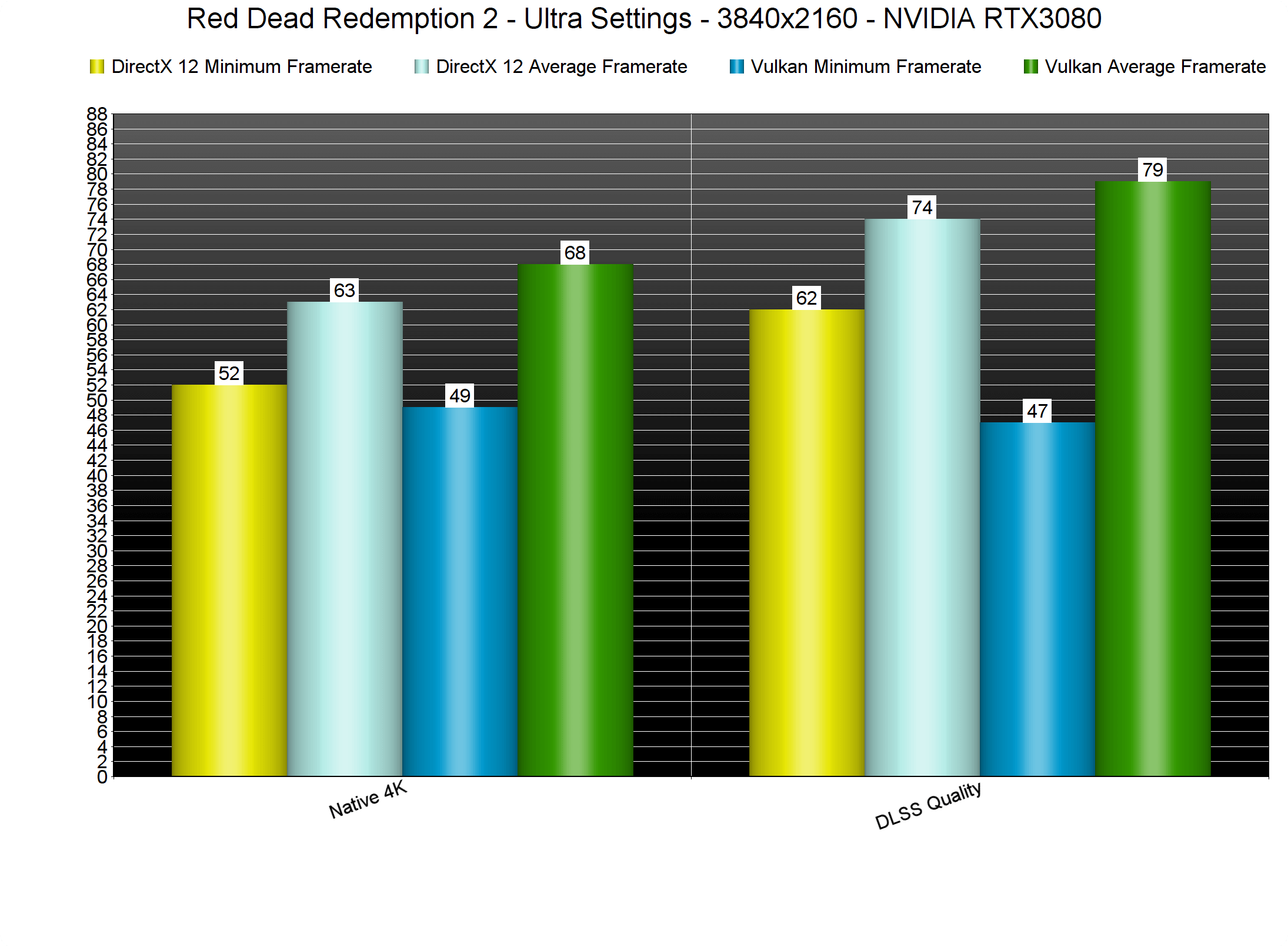
We’ve also tested DLSS (and native 4K) in both DX12 and Vulkan. Vulkan appeared to be running faster on our RTX3080 at both native 4K and DLSS-upscaled. However, there were two annoying stutters at the end of the benchmark (which explains the lower minimum framerate). Surprisingly enough, these stutters were absent from DX12. Still, DX12 had some frame pacing issues in the big city. Thus, we suggest using the Vulkan API.
But what about image quality? Below you can find some comparison screenshots between native 4K (left) and DLSS Quality (right). As you can see, DLSS Quality looks sharper, though it does suffer from the aforementioned aliasing issues (pay close attention to the cashier’s hair for instance). I suggest opening the images in new tabs.
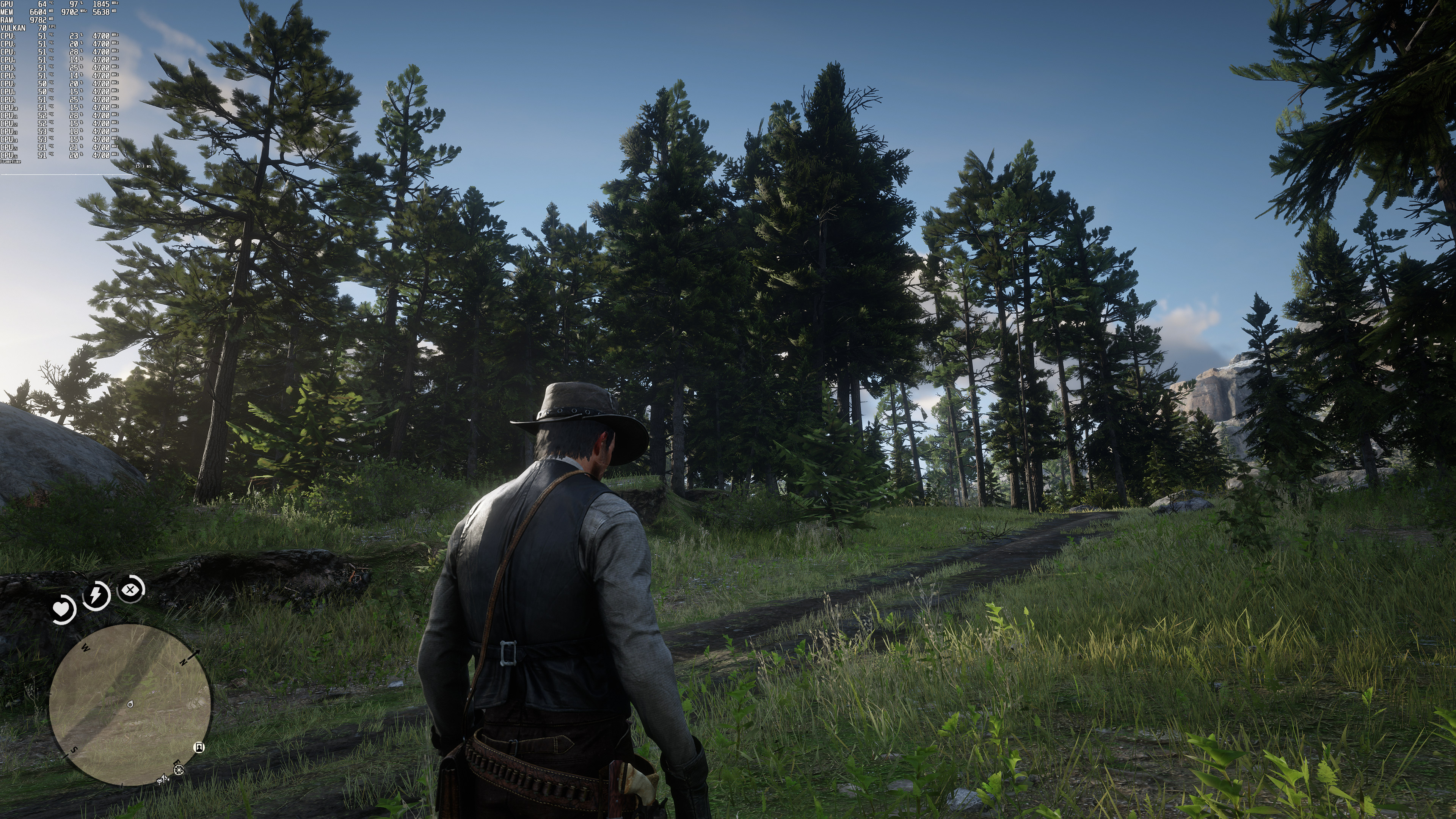
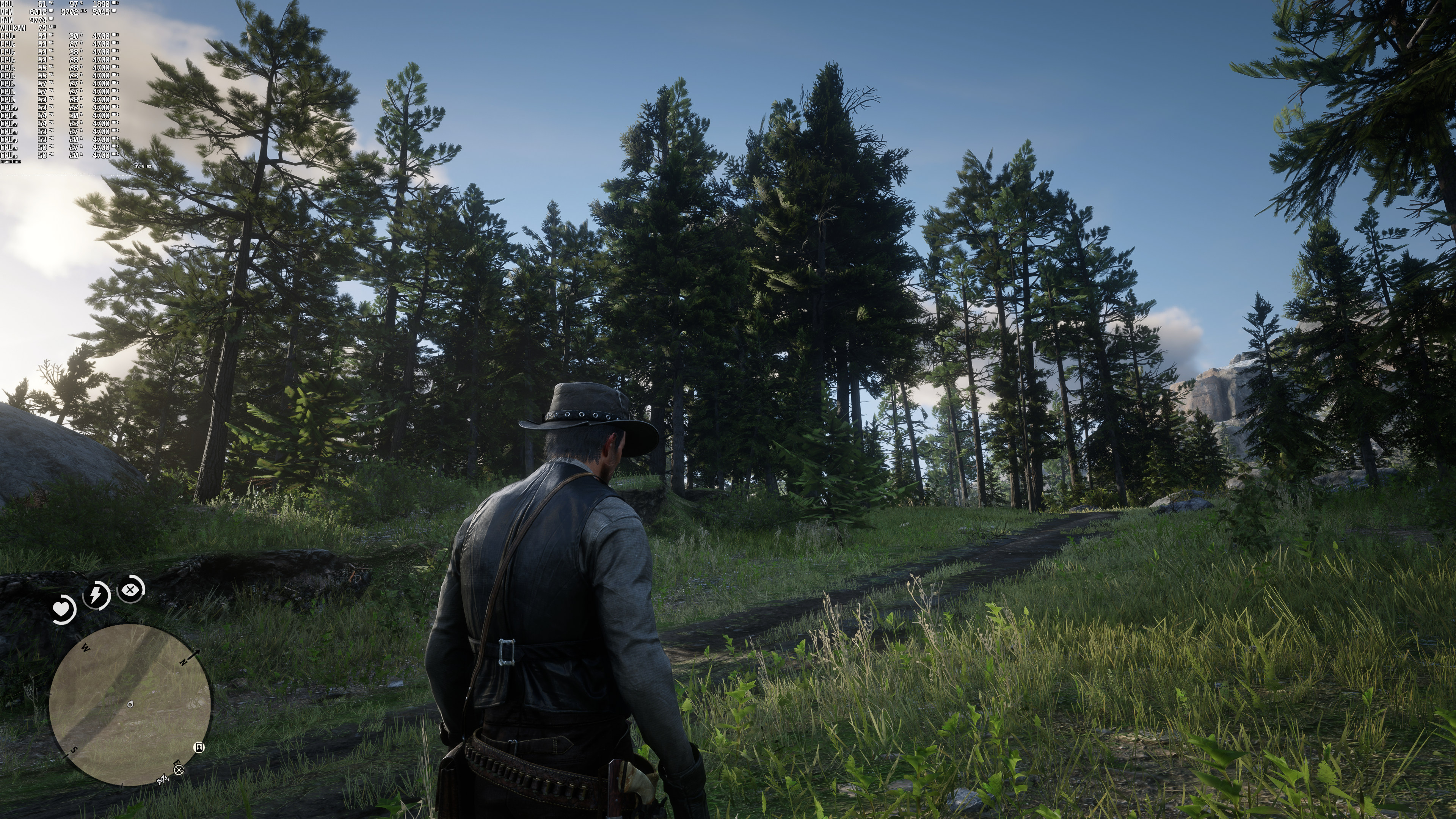
Now contrary to other games, Red Dead Redemption 2 offers a TAA Sharpening setting. As such, and by adjusting the setting, we can get a sharper image with TAA (than with DLSS Quality). Not only that, but the TAA image does not suffer from the aliasing issues that are present in DLSS Quality Mode. Here is a comparison between TAA Sharpened and DLSS Quality. As we can see, TAA Sharpened looks better in every way.
All in all, we are really disappointed by the DLSS implementation in Red Dead Redemption 2. Contrary to other games, DLSS does not bring a big performance boost in Red Dead Redemption 2. And even though it uses the latest 2.2.10.0 version, it brings a lot of aliasing at both 1080p and 1440p. Therefore, we strongly recommend avoiding it at these low resolutions. As for 4K, we can only recommend DLSS Quality (and certainly not the other modes) to those that have performance issues but do not want to lower their in-game settings. However, and if you can hit 60fps at all times, you should simply avoid using DLSS!

John is the founder and Editor in Chief at DSOGaming. He is a PC gaming fan and highly supports the modding and indie communities. Before creating DSOGaming, John worked on numerous gaming websites. While he is a die-hard PC gamer, his gaming roots can be found on consoles. John loved – and still does – the 16-bit consoles, and considers SNES to be one of the best consoles. Still, the PC platform won him over consoles. That was mainly due to 3DFX and its iconic dedicated 3D accelerator graphics card, Voodoo 2. John has also written a higher degree thesis on the “The Evolution of PC graphics cards.”
Contact: Email


I guess you can cash that AMD check now.
>As we can see, TAA Sharpened looks better in every way.
Lol how about you show how it looks as soon as you move the camera?
The TAA blur in RDR2 is so utterly destructive that it makes 4K look like 1440p, even with sharpening.
This! People put way too much stock in still images when that is often not representative of a game in motion.
Exactly. Aside from TAA looking like blurry vasoline, it makes all movement look like it has a severe case of awful motion blur. You forgot how bad it is until you go back to an older game that doesn’t use TAA or a newer game like this that replaces TAA with the far superior DLSS. It was the same case with No Man’s Sky when they added DLSS to replace TA, the image is bother sharper (esp texture detail) and smoother in motion
I really just don’t think I’d ever use DLSS. I’d rather lower a setting or two and run the game Native everything
How about AMD freesync?
Do you mean FSR?
If you want to see how it performs just lower your resolution, turn on gpu scaling, and use a sharpener of your choice. That’s FSR. The FSR shaders seem to do a better job at sharpening than most other options. But Reshade AMD CAS sharpening could be close or Nvidia Sharpen+, which has texture contrast sharpening like FSR.
Nvidia’s “Sharpen +” is pretty good! Used it to get rid of a bit of “vaseline” on “Dead by Daylight” at 1080p.
Yes, I meant amd’s new tech
For me, the games looks good only with msaa.
With TAA and DLSS quality i got a terrible ghosting on edges when mooving. It blurs everything and looks very bad. I was hoping DLSS is helping to avoid this ghosting but it is the same.
MSAA or SSAA are the best choices, but are a little rare these days.
I think DLSS looks great inost games. Either patches or using newer dll’s pretty much eliminates the ghosting, even in high contrast scenes. Metro pre-patch was horrible, esp with HDR on..
What monitor are you playing on?
I have LG 27GP950. But it is only on this game that a can see ghosting.
And only with TAA or DLSS quality enabled.
This implementation sucks
Oh, I thought you meant DLSS in general, not just this game. You could try an earlier version of DLSS. Doubt it will fix the problem, but easy test.
Great article, John.
Thank you!
“As we can see, TAA Sharpened looks better in every way.”
That’s not true at all. While TAA may do a better job of eliminating jaggies, it makes textures extremely blurry. IMO, RDR2 has one of the worst TAA implementations of any game on the market. Just take a look at grass or leafs on trees, it’s way blurrier with the TAA than with DLSS. I’ve been playing the game on my 3080 the last few months, and I’ve been running it at 1440p with 1.5x res scale (e.g. 4K render resolution) with no AA at all. Sure, there’s shimmering and jaggies, but it’s really not that bad and the textures look about 1000x better.
Even if you prefer the look of the TAA image, I don’t know how you can say it looks better “in every way” than DLSS.
Did you open the last comparison screenshots? The left image is TAA Sharpened and everything, from the leaves to the grass looks sharper than DLSS Quality.
I just checked the last 3 comparisons, and the TAA blurriness looks even worse than in the first several images. In my opinion, there’s something severely wrong with your eyesight if you think the TAA images look sharper than the DLSS ones.
Look at the hair and tell me that the DLSS one looks better.
The hair on the shopkeeper has less jaggies with TAA because the entire image had 8 buckets of Vaseline poured over it. On the whole, DLSS looks far better IMO.
DLSS one looks better.
Thank you.
The problem with the hair is they are forcing TAA to be used to fix that chunky mess, much like the Division 2 and several other games. TAA masks the problem, DLSS is trying to fix it. All comes down to personal preference. I think the DLSS shots look a little sharper, distance trees has features, not just a painted blob. Pick your poison.
Your eyesight has issues and you can’t even read. At least put some effort into reading before commenting. TAA Sharpened is only the last comparison, the other comparisons do not have any sharpening at all. You didn’t even read the article which explains everything. GG man.
With the exception of the last comparison, the other comparison screenshots are TAA (without any sharpening at all) vs DLSS Quality. There is no doubt that DLSS Quality looks sharper than TAA (without sharpening). I mean, I even said that.
By adjusting the sharpening setting though you can get better results (yes the strap is a bit blurrier but the ground, grass, trees, leaves are sharper in the TAA image. There is also less aliasing).
Sure, shimmering and jaggies, just the ONLY thing that doesn’t exist in real life in any case, “are not that bad”.
They are definitely not more detailed than native 4k. I’ve been playing at native 4k since launch.
“Sure, there’s shimmering and jaggies, but”
But nothing. If it has shimmering and jaggies then that means it looks bad, period. Shimmering and jaggies is unacceptable for true gamers.
Oh, the old but good ones “true gamers” lol
Taa shaperning is supposedly enabled by default when dlss is applied which messes with the algorithm. Supposedly the dlss image improves considerably when it is turned off. It is under the locked settings and needs to be reduced to zero. This is per PC World.
Have to agree. DLSS looks better than TAA Sharpened. Plus the increase of performance. Sadly i’m having screen flickering here.
TAA with sharpening vs. DLSS Quality both look pretty good. I welcome the added performance even though it is not a huge bump.
This is one of the most merit-less article I have ever seen, you’re just bashing DLSS without any any reason, I just tried the game with DLSS patch at 4K ultra settings (DLSS Quality mode) and didn’t encountered any jaggies you’re talking about, in fact texture quality looks better with DLSS so it’s a win-win for me considering that we get a bit of performance boost with image improvement as well, also this is how hair textures should look in the first place, if you think removing that Vaseline effect means jaggies then I’ll take those jaggies over boatload of Vaseline any day, I mean have you noticed the cashier’s beard and that yellow plate on top, it looks like they applied Gaussian blur all over the place. It has so much blur that Cashier’s head actually look bald from the top while DLSS version show those little strands of hairs that should be visible and they look jaggies to you?
“Unfortunately, DLSS in Red Dead Redemption 2 brings a lot of aliasing. On Ultra settings and at both 1080p and 1440p, the image quality suffers from noticeable aliasing issues”
DLSS 1080p use native resolution 540p. This is lower native resolution than we used 20 years ago on CRT monitors. Instead using DLSS on such low resolution it is better to use native 720p or 900p which give much better results than 540p upscaled to 1080p
I play at 1440 on a lowly 2060 6gb sounds like you guys didn’t tweak your settings right my fps went from 50ish to 80+ and looks great.
I’m still using an ancient Ivy Bridge 3770k, 32GB DDR3, 1*512GB SATA SSD and 4*4TB SATA SSD.
Running the benchmark at 1440p with everything maxed using an undervolted 3080(900mV/1920MHz) at 1440p –
DLSS OFF Quality
Min 37.3913 28.0293
Max 62.0109 119.305
Avg 48.9649 84.4729
Not sure why the minimums are so low as the lowest i’ve noticed with DLSS Quality is 59. Perhaps it’s just down to loading at the scene change?
Great timing with the DLSS patch as I just picked up a 32GP850-B panel last week .
Their DLSS implementation is mixed bag really. You get shimmers, more temporal artifacts and more jaggies at the expense of sharper image. One isn’t necessarily better than the other. Pick your poison.
Funny how Nvidia in they small videos was showing 15-25fps difference.
Ofc for purpose of those videos they were showing the best case scenario from areas that are “very easy” on the system.
Did you (or anyone) start having stability issues after this update?
I haven’t tried DLSS with vulkan yet, I’ve only tried dx12 mode because it kept crashing randomly and I got pissed off.
DLSS also introduces a small rendering error. It’s similar to motion blur in ue3. Whenever the camera moves the entire screen gets slightly brighter and then when you stop it dims. Doesn’t matter how fast or slow you move the camera either.
I found it quite distracting and it doesn’t happen unless you enable DLSS and it happens at every quality mode.
This was on a 5800x and a 2080ti ftw3 ultra.
What, is your PC just not powerful enough to run it or or are you just too cheap to pay for it and it can’t be pirated? It’s a solid game, not perfect, but an excellent hunting/nature simulator outside of the main story beats. Definitely one of the most impressive games of the decade at least from a technical standpoint so worth picking up for that at the very least to experience the ridiculous level of detail in this artificially crafted world.
Dude, no idea what you’re talking about with TAA looking better than DLSS. TAA looks awful in RDR2, making distant objects look like they’ve been smeared with blurry vasoline. DLSS finally fixed this and now distant objects like foliage and tree limbs look sharp and detailed. I think that you’ve gotten so used to every game looking like a smeared mess with TAA that you’ve actually forgotten what games are supposed to look like with traditional MSAA and transparency AA, that is, crisp and sharp but without jaggies. You are mistaking this better looking, sharper image as being aliased, while it is in fact not… It just isn’t smeared like TAA is.
Cheers for sharing. DLSS is really a nice way to allow the card to chew off more than they should normally allow. DLSS on a side note – Way to often sadly often beats 1:1 native why? TAA is the software AAA industry standard… while cheap to its result it hands over a field day to DLSS… blur 1:1 vs 0.x : 1 unblurry. Gives the tech way to easy victory in way to many cases!
The sharpening effect is really noticeable but it’s a small price to pay for being able to pay the game truly at max settings
Usually love your articles man, but this one is not very good. DLSS Quality makes everything look overall better, plus you get a performance boost. 10 FPS might not be much for you with a 3080, but for people with a more entry level RTX card this is a huge boost. How can you say that using TAA + Sharpening is better? Maybe looks better in still shots, but not in motion. DLSS deals with aliasing on transparent textures much better than the oversharpened TAA you have to use, just to see it is blurry in motion again. They would never add DLSS to the game if TAA was sufficent this is a R* game, man.
TAA High looks like DLSS Performance at 3440×1440.
This article sure is misleading.
SSdtIGN1cnJlbnRseSByZXBsYXlpbmcgR1RBIFYgYW5kIEkgaGF2ZSB0byBzYXksIHRoZSBmaXJzdCBib3V0cyBvZiB3b2tlbmVzcyB3ZXJlIGFscmVhZHkgcHJlc2VudCBpbiB0aGlzIGdhbWUuIDIwMTUgd2FzIHRoZSBzdGFydCBvZiB0aGUga2lrZSBjcmluZ2UgaW52YXNpb24gYW5kIGl0IHdpbGwgb25seSBnZXQgd29yc2Uu
R3Vlc3MgSSdsbCB0cnkgdGhlIFNhaW50J3MgUm93IHRpdGxlcyBuZXh0
I’m currently replaying GTA V and I have to say, the first bouts of wokeness were already present in this game. 2015 was the start of the k*ke cringe invasion and it will only get worse.
Guess I’ll try the Saint’s Row titles next
Total BS.
DLSS is great in this title and it boosts my RTX3090 from 60 FPS in 4K to 80 FPS and I don’t see the difference.
Anyone is having screen flickering (the whole image, not objects on screen) with DLSS enabled? Have no idea how to fix it, already tried new drivers.