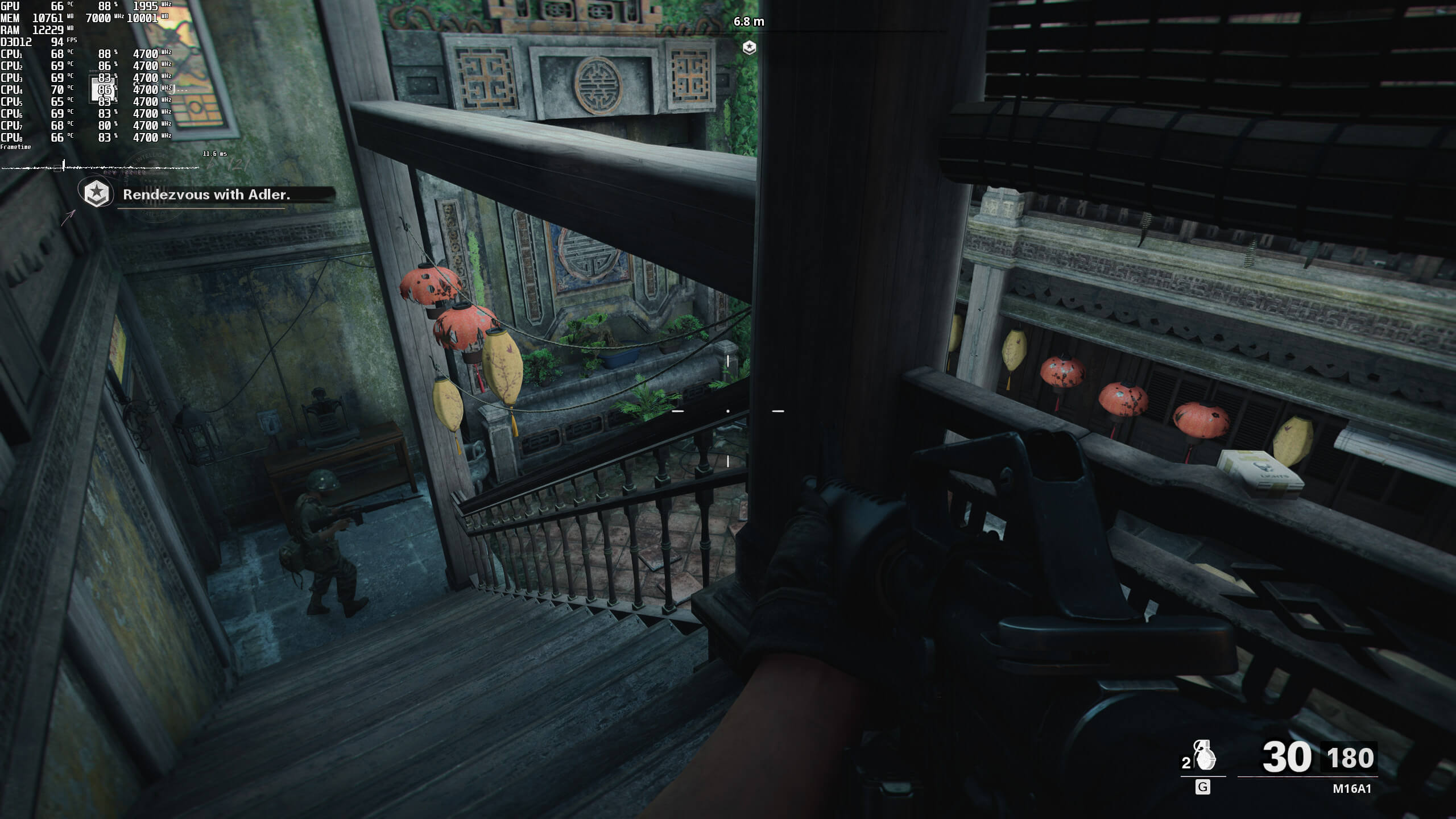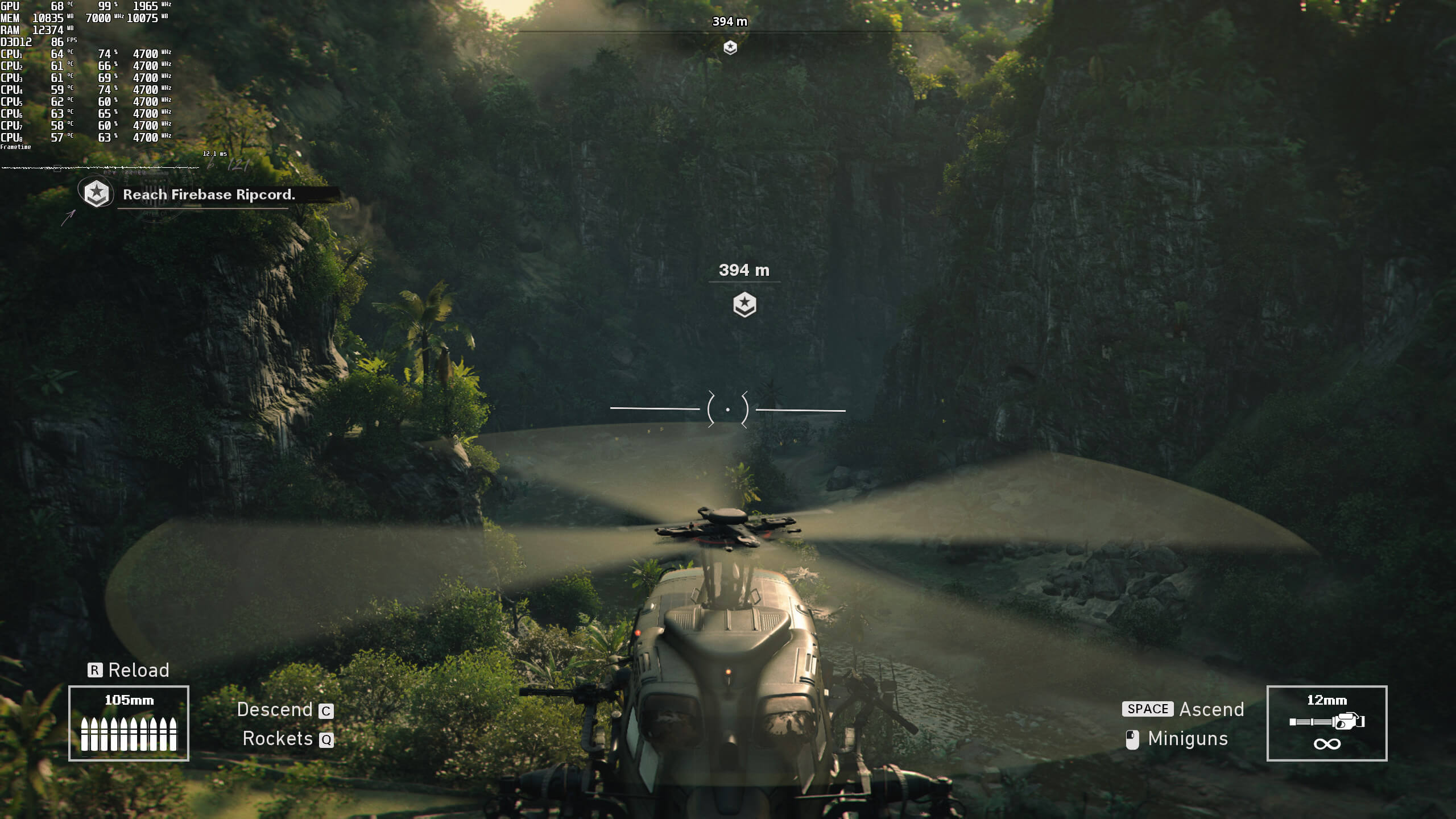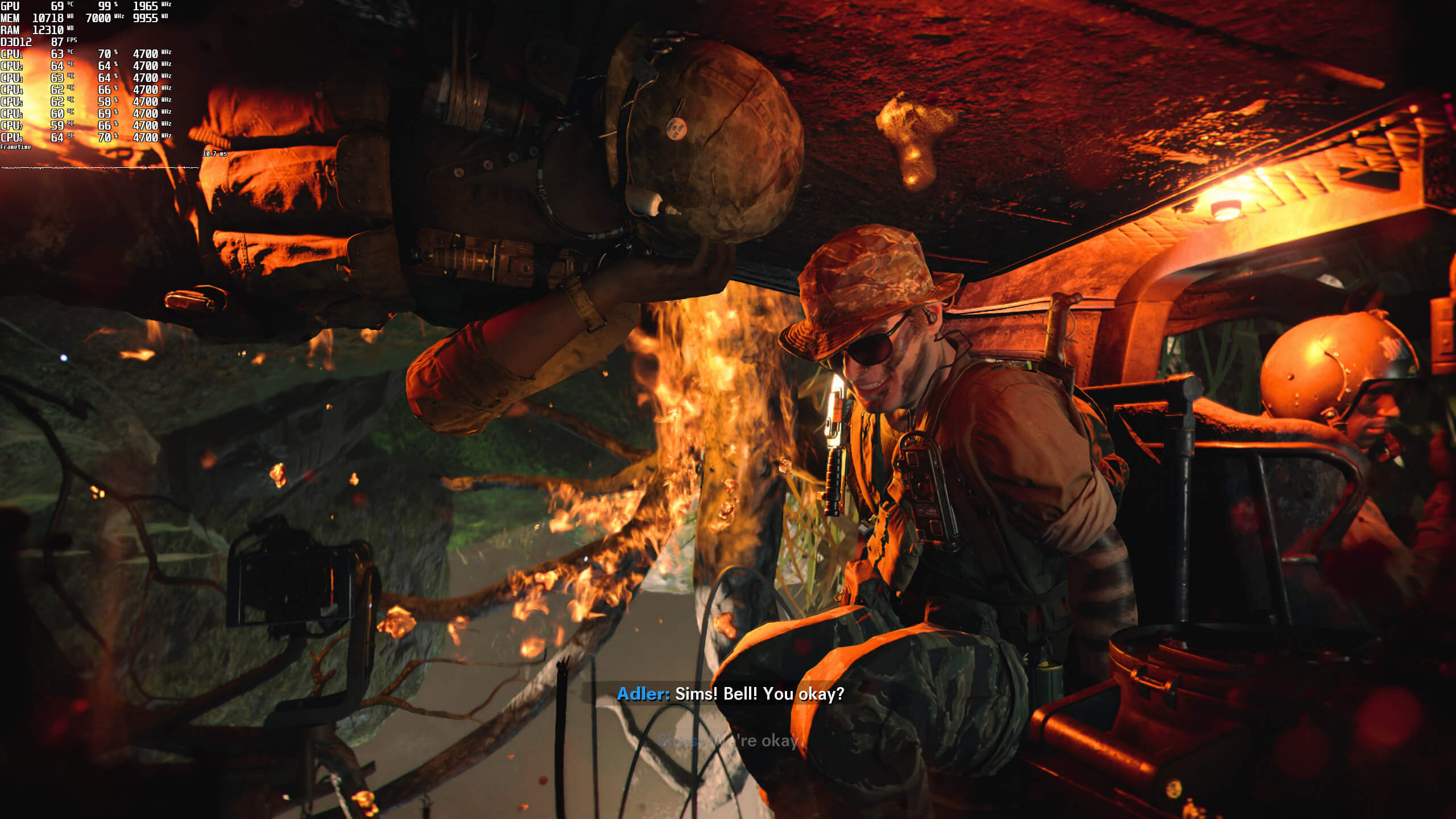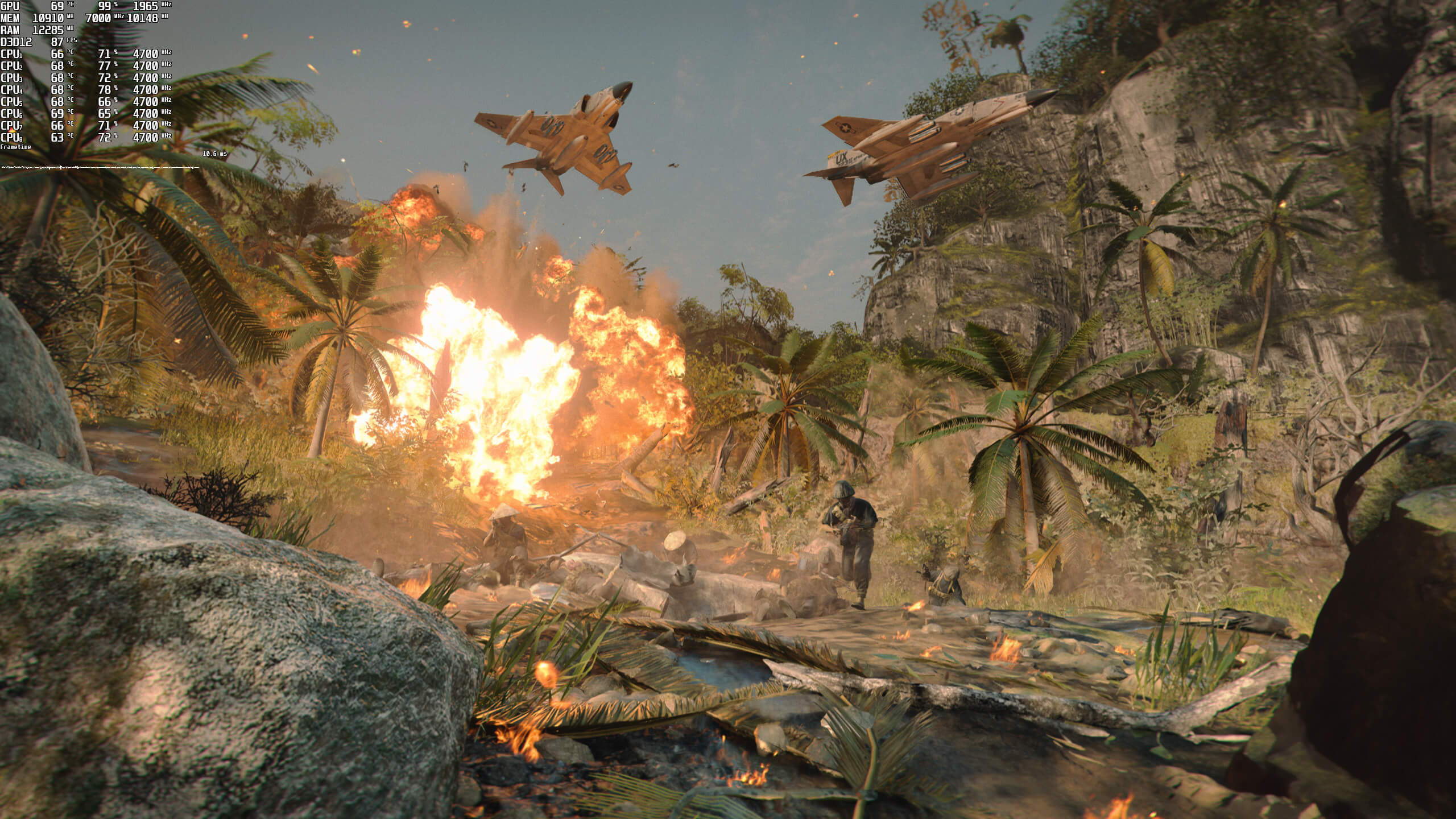
Activision has just released Call of Duty Black Ops Cold War on the PC. Powered by an upgraded version of the Black Ops III engine (with some tools from the IW 8.0 engine), it’s time to benchmark it and see how it performs on the PC platform.
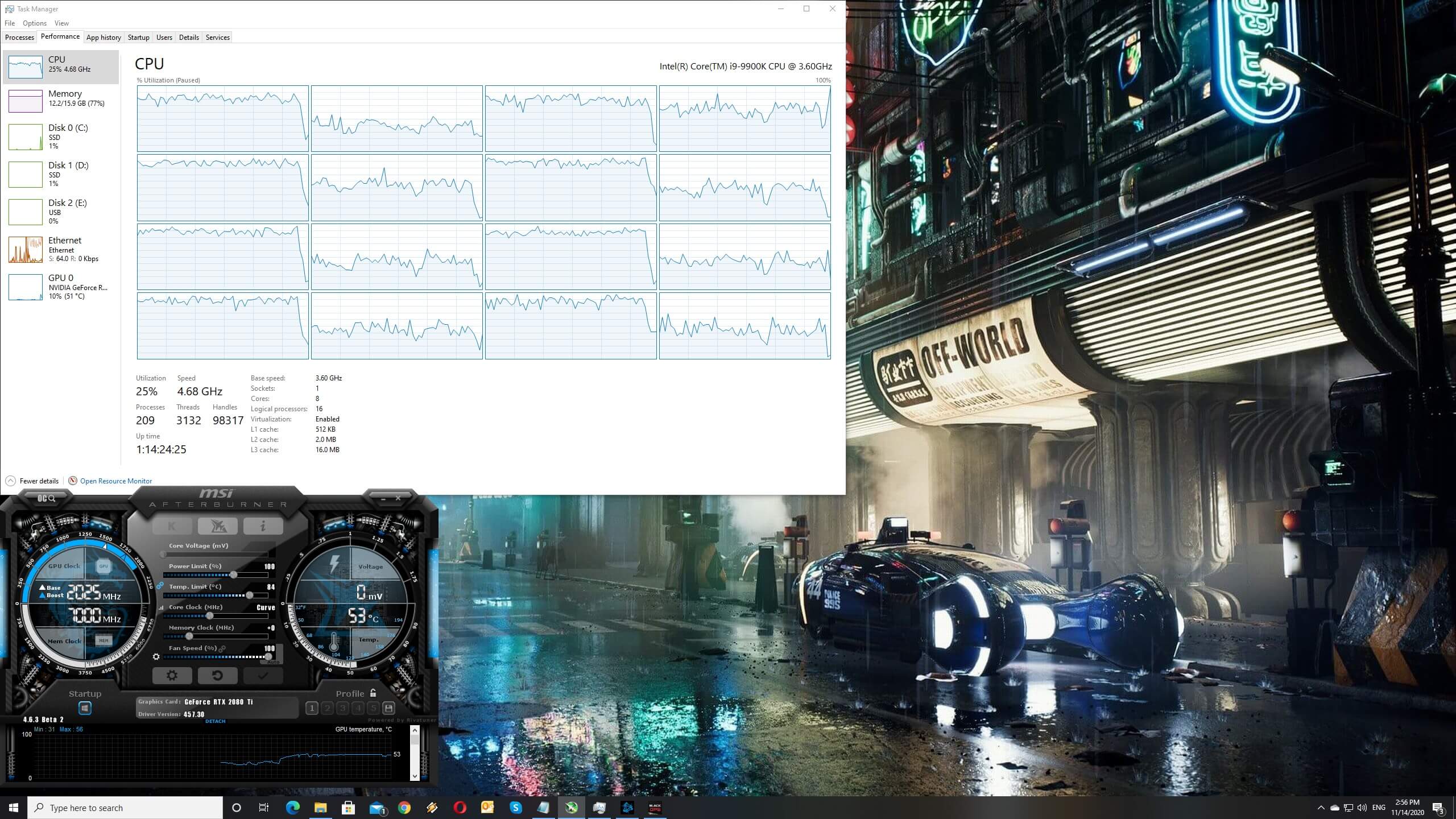
For this PC Performance Analysis, we used an Intel i9 9900K with 16GB of DDR4 at 3600Mhz, AMD’s Radeon RX580 and RX Vega 64, NVIDIA’s RTX 2080Ti, GTX980Ti and GTX690. We also used Windows 10 64-bit, the GeForce driver 457.30 and the Radeon Software Adrenalin 2020 Edition 20.11.1 drivers. NVIDIA has not added any SLI profile for this game, meaning that our GTX690 behaved similarly to a single GTX680.
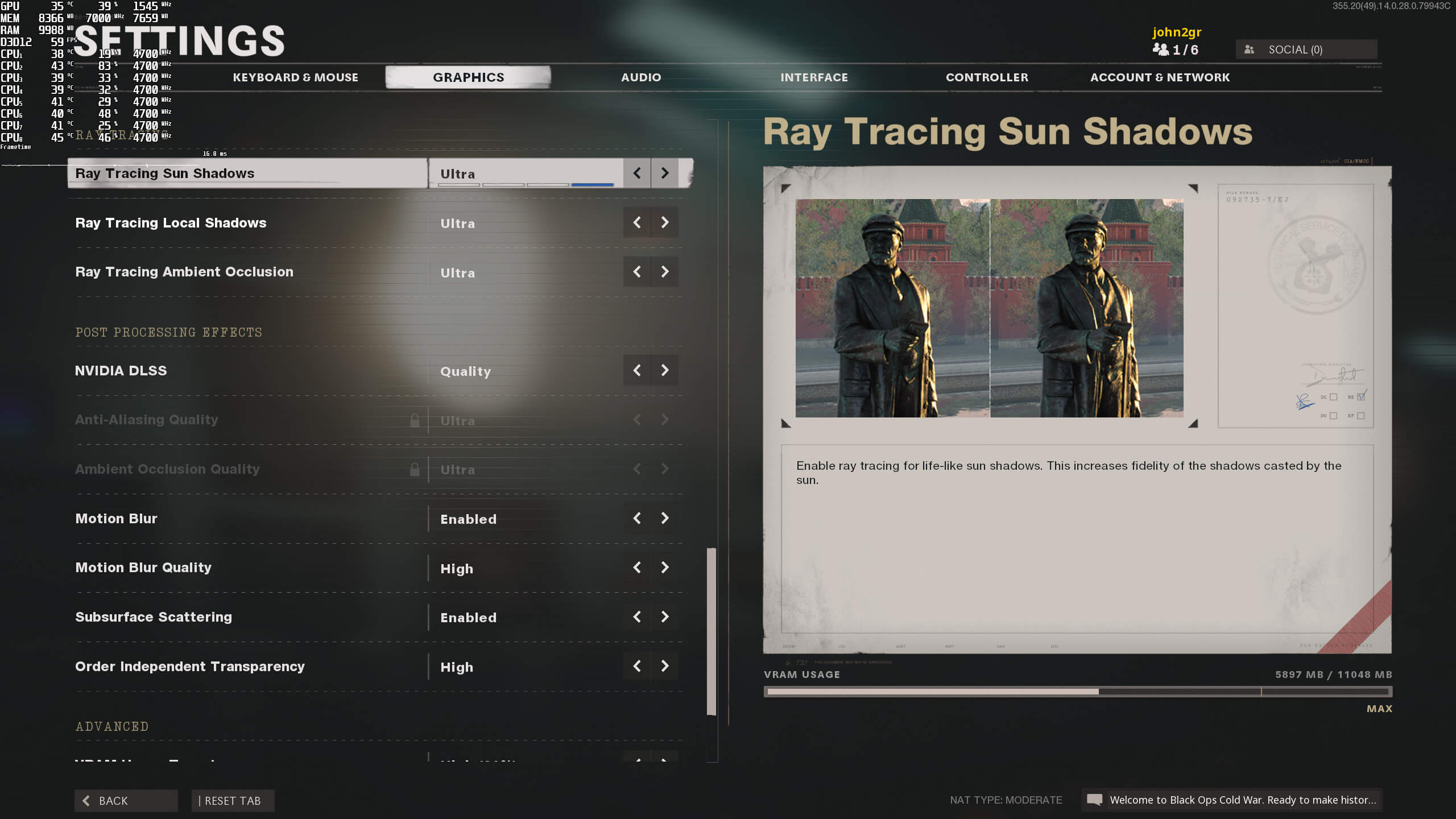
As with most Call of Duty games, Beenox is handling the PC version. The team has worked with NVIDIA and implemented support for both Ray Tracing and DLSS 2.0. In this article, though, we’ll be focusing on the non-RT version of the game.
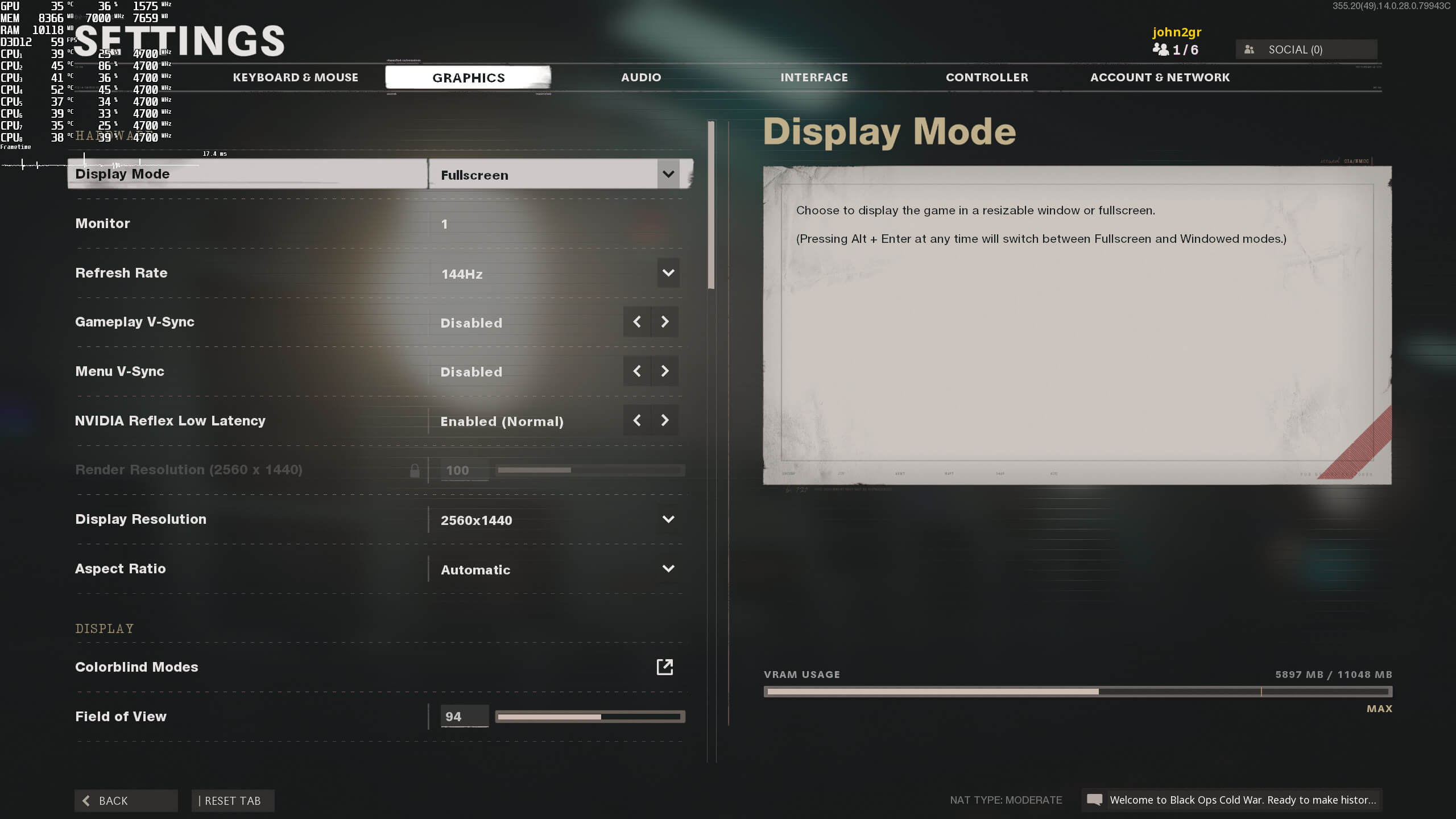
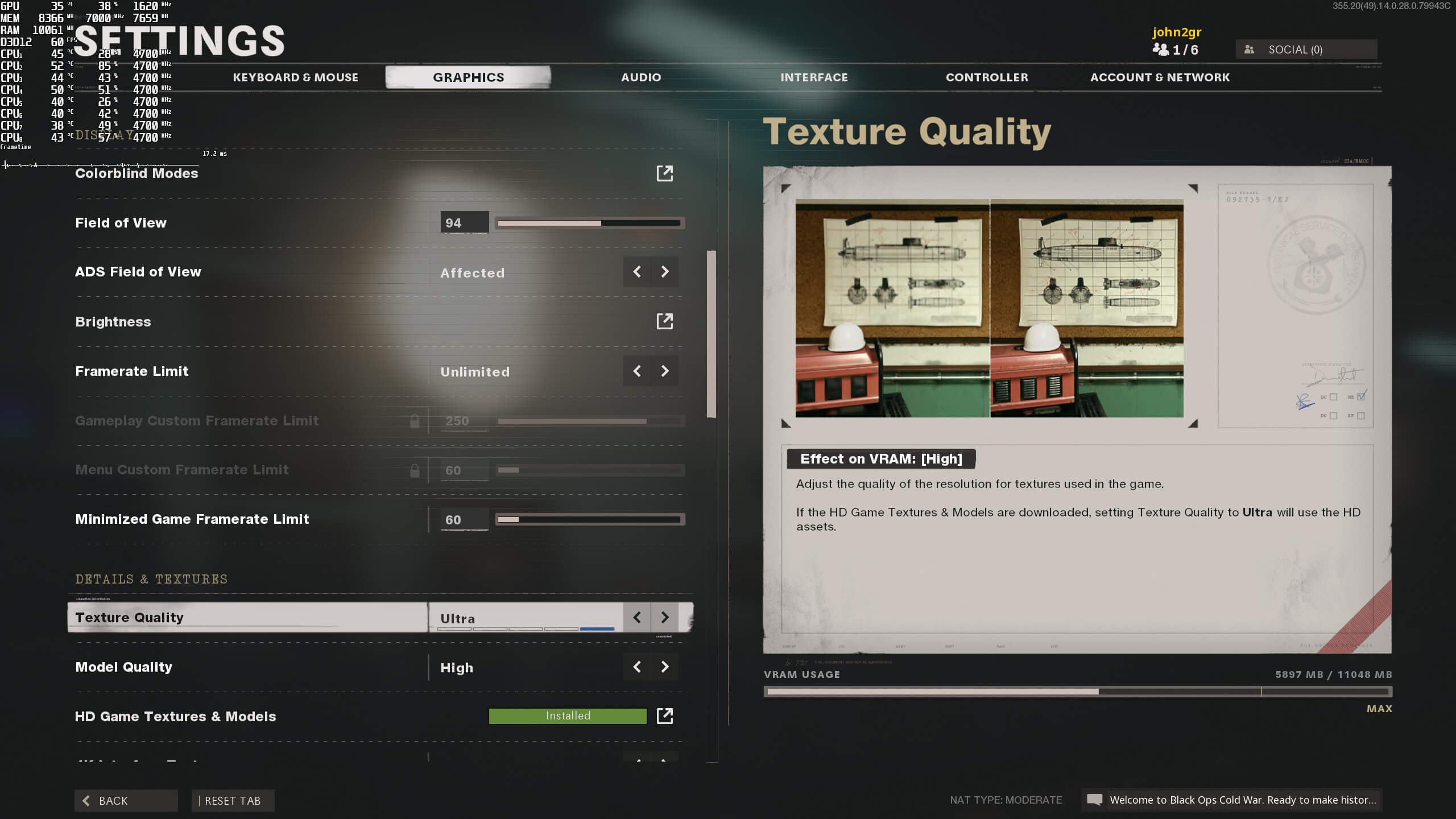
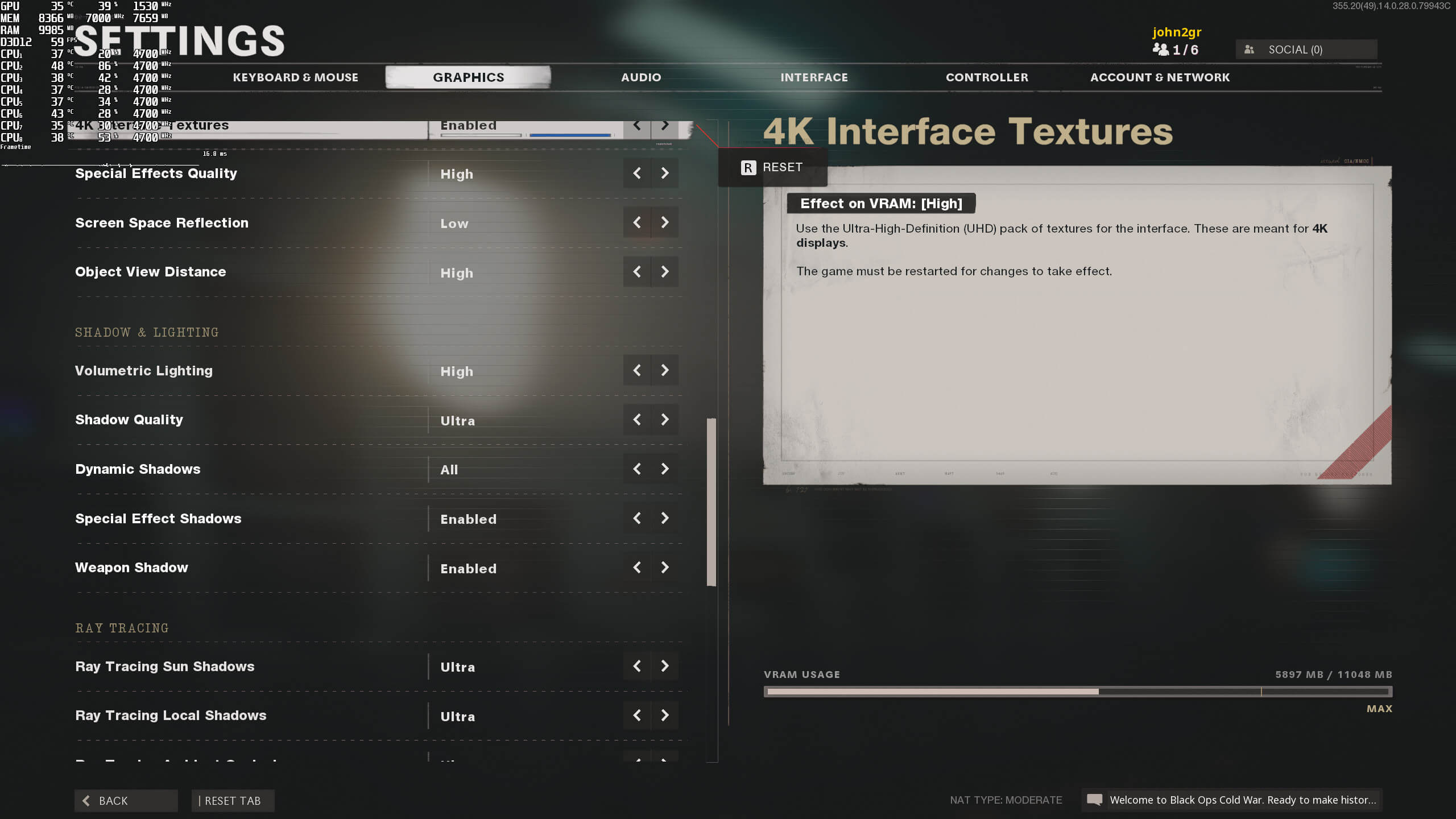
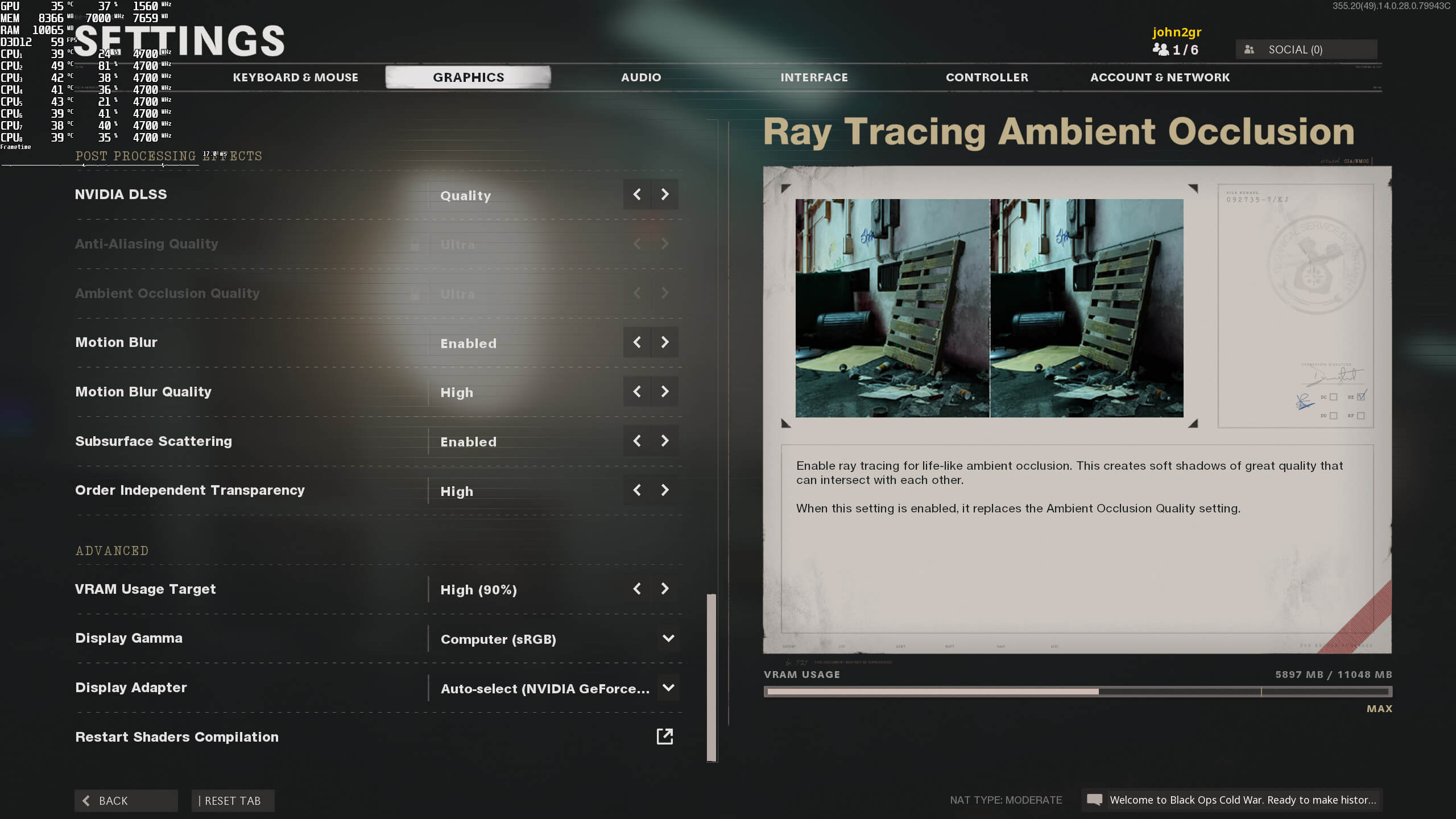
Beenox has implemented a respectable number of graphics settings. PC gamers can adjust the quality of Textures, Models, Special Effects, Screen Space Reflections, Object View Distance, Volumetric Lights, Shadows and more. There are also options to enable/disable Subsurface Scattering, Motion Blur, Special Effect Shadows and Weapon Shadows. The game also supports uncapped framerates, and comes with a FOV slider.
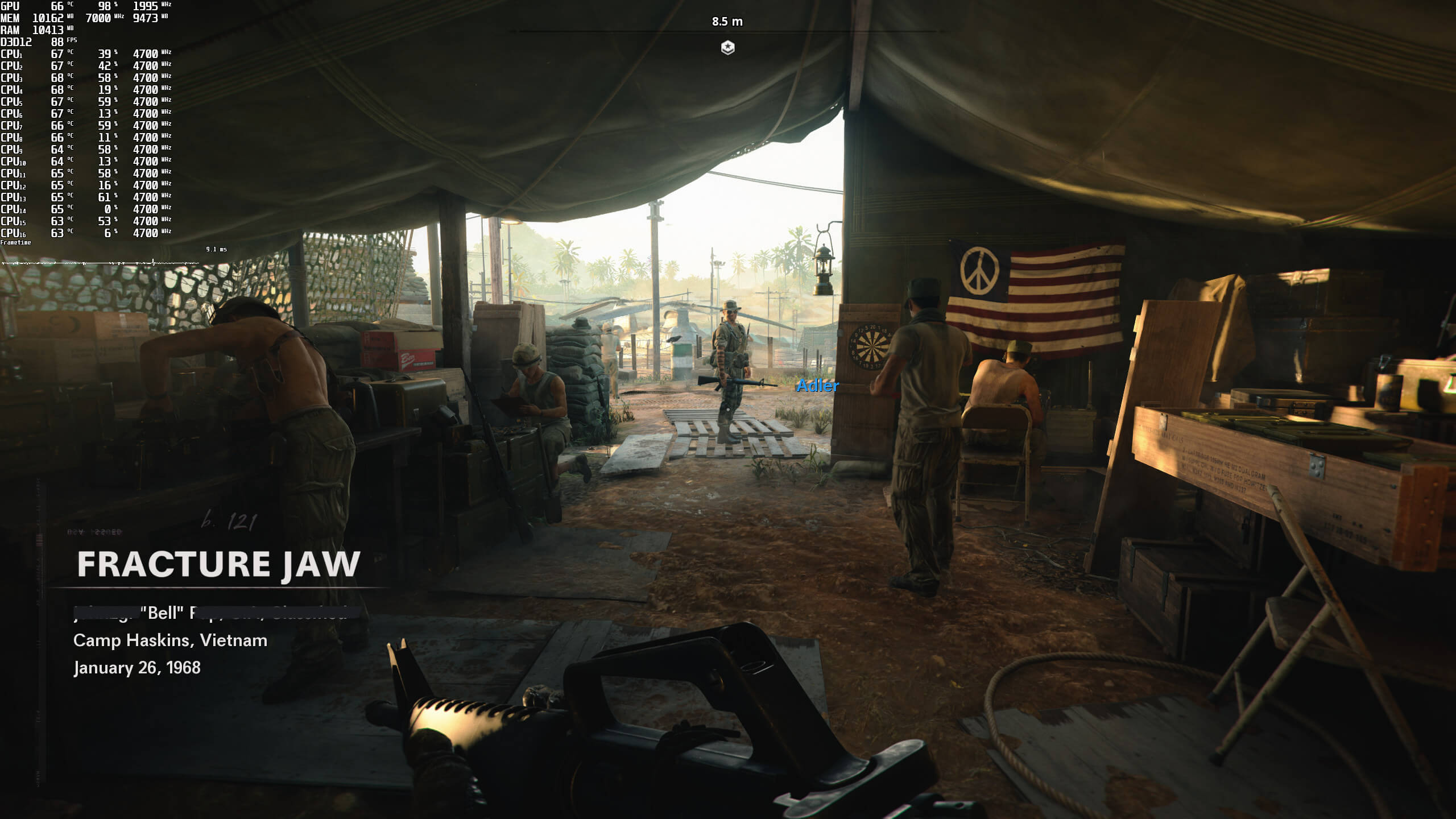
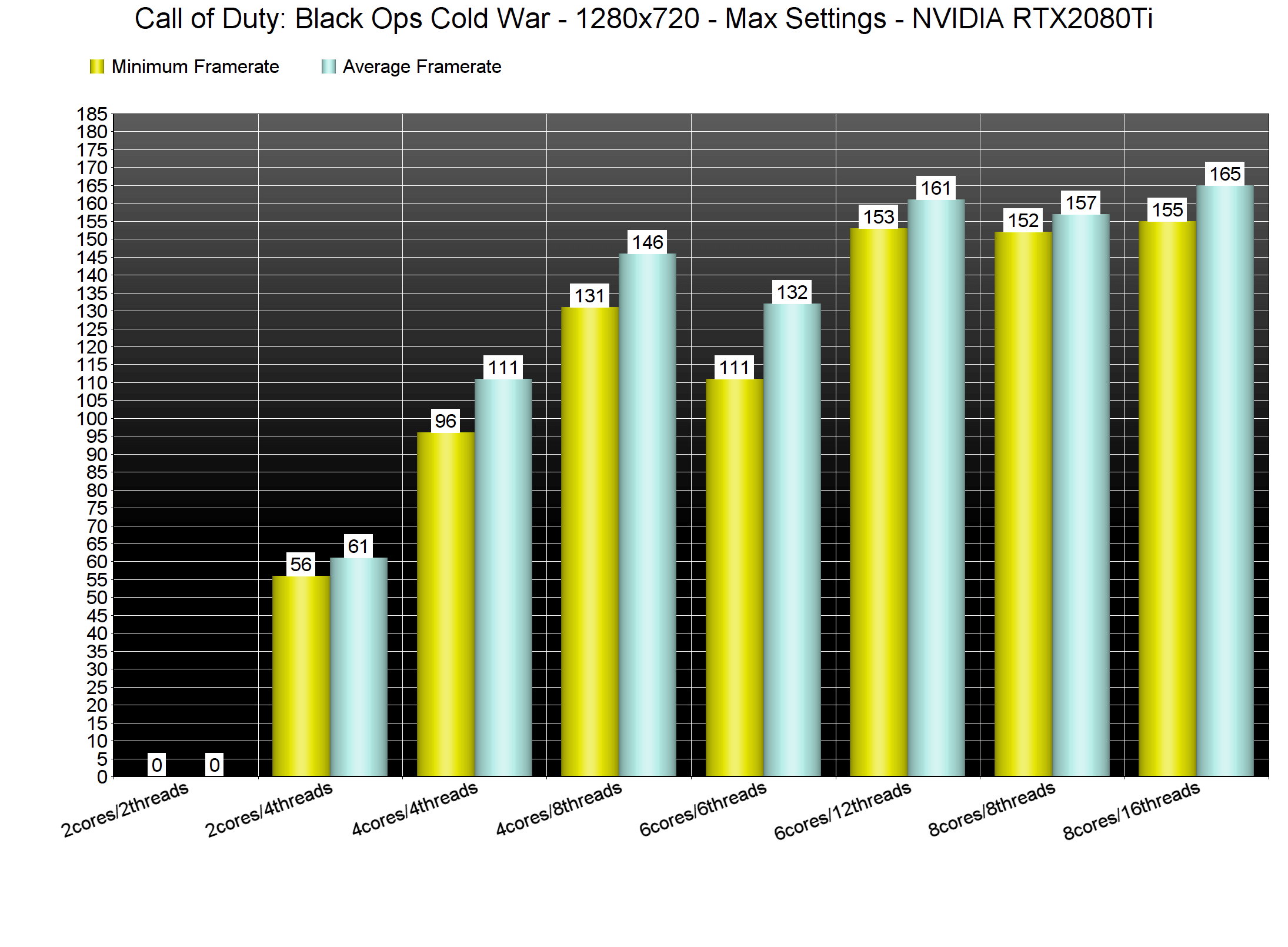
Call of Duty Black Ops Cold War does not come with a built-in benchmark tool. As such, we’ve decided to benchmark the “Fracture Jaw” mission. This particular mission appeared to be more demanding than the previous ones. Moreover, we lowered our resolution to 1280×720 for our CPU benchmarks (so that we could avoid any GPU bottleneck).
In order to find out how the game scales on multiple CPU threads, we simulated a dual-core, a quad-core and a hexa-core CPU. And, as we can see, PC gamers will at least need a quad-core CPU. While our simulated dual-core was able to provide an average of 61fps, it was dipping below 60fps at times. Furthermore, the game can take full advantage of even octa-core CPUs. As we can clearly see, there is a noticeable performance difference between a CPU with six cores/threads and one with eight cores/threads.
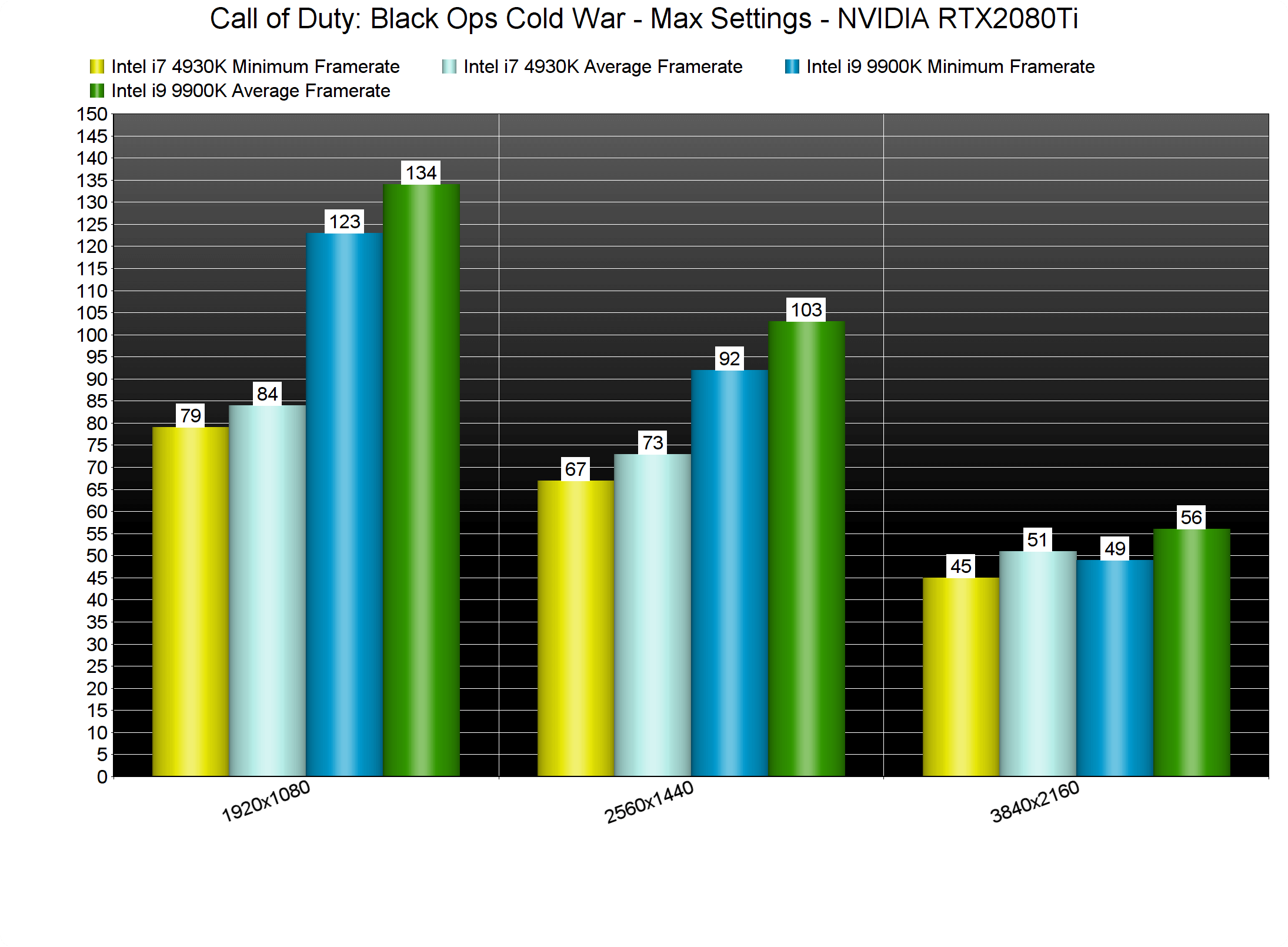
Our older-generation Intel i7 4930K was also able to provide a constant 60fps experience at both 1080p and 1440p on Max settings. However, this CPU was significantly limiting the game’s performance at 1080p. For some unknown reason, the Intel i7 4930K was also under-performing at 1440p.
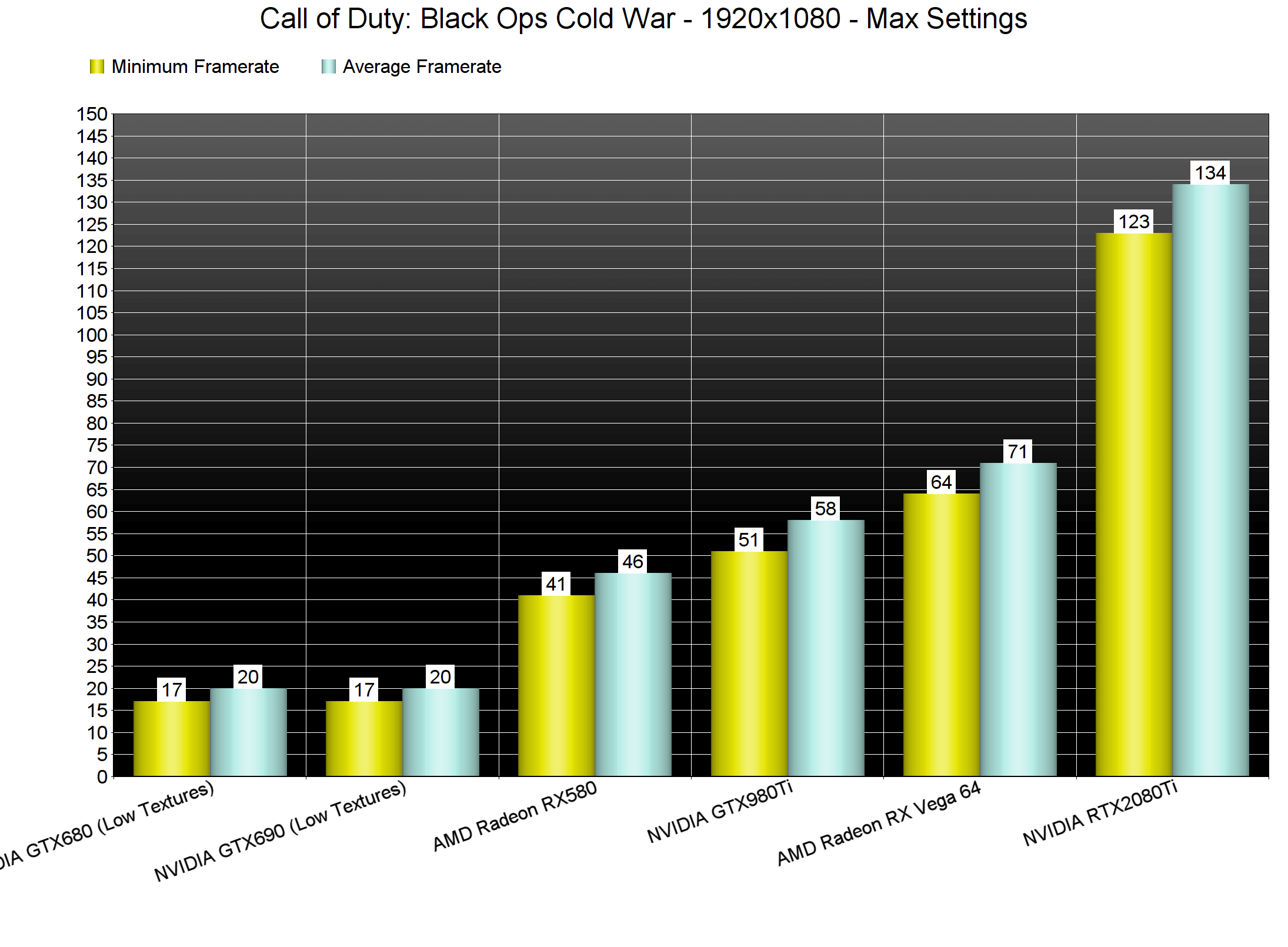
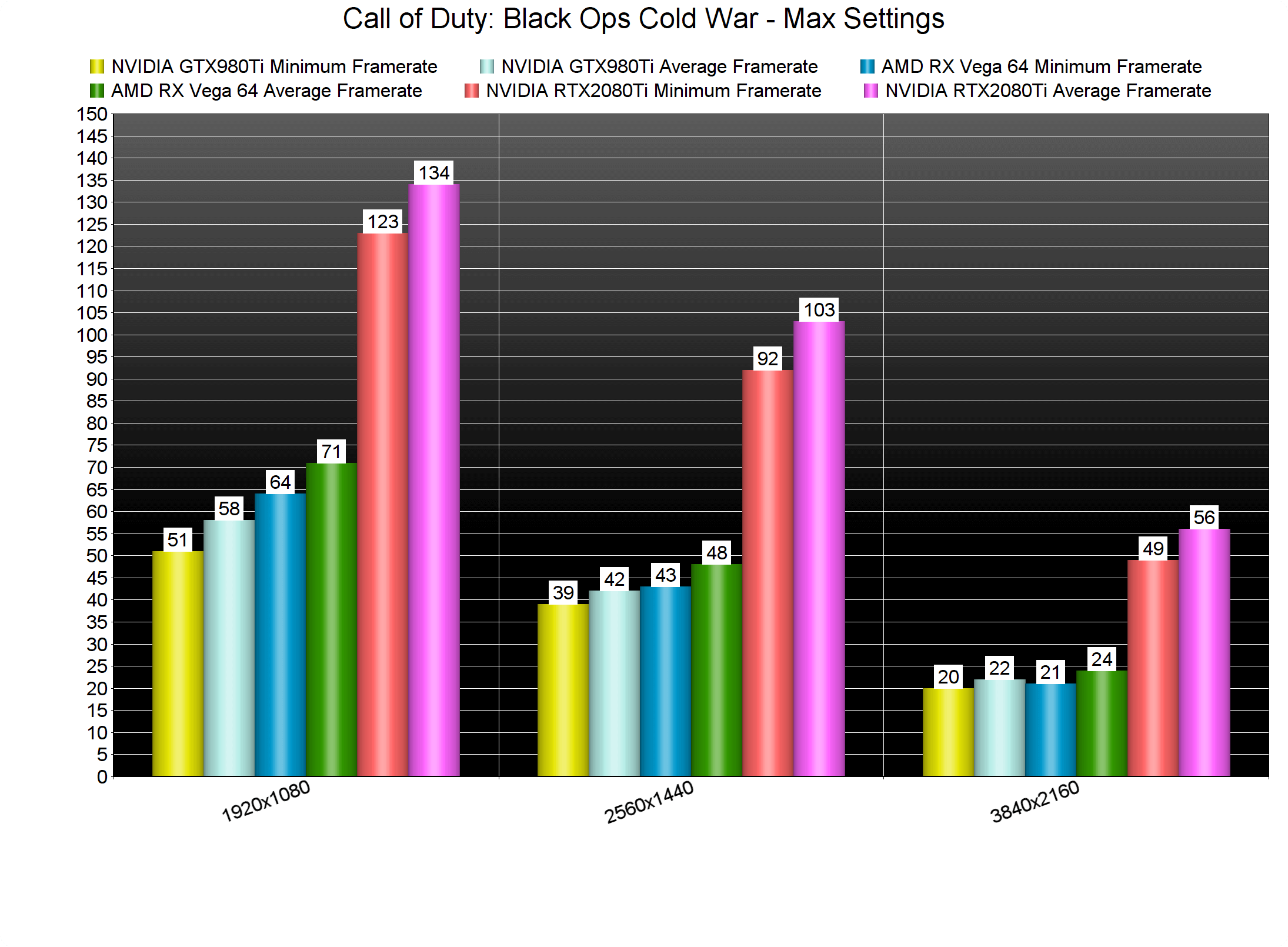
Now while Call of Duty: Black Ops Cold War can run smoothly on a respectable range of CPUs, it requires a high-end GPU. The only GPUs that were able to provide a 60fps experience at 1080p/Max settings were the AMD Radeon RX Vega 64 and the RTX2080Ti. Surprisingly enough, and even though this is an NVIDIA-sponsored game, AMD’s GPUs perform great in this.
At 1440p/Max settings, the RTX2080Ti was the only GPU capable of providing a smooth gaming experience. At that resolution, the Vega 64 was still faster than the GTX980Ti. When we raised our resolution to 4K, though, both of these GPUs performed poorly. The NVIDIA RTX2080Ti was also unable to come close to a 60fps experience. The only way owners of an RTX2080Ti or RTX3070 can get 4K/60fps on Max settings is by using DLSS 2.0.
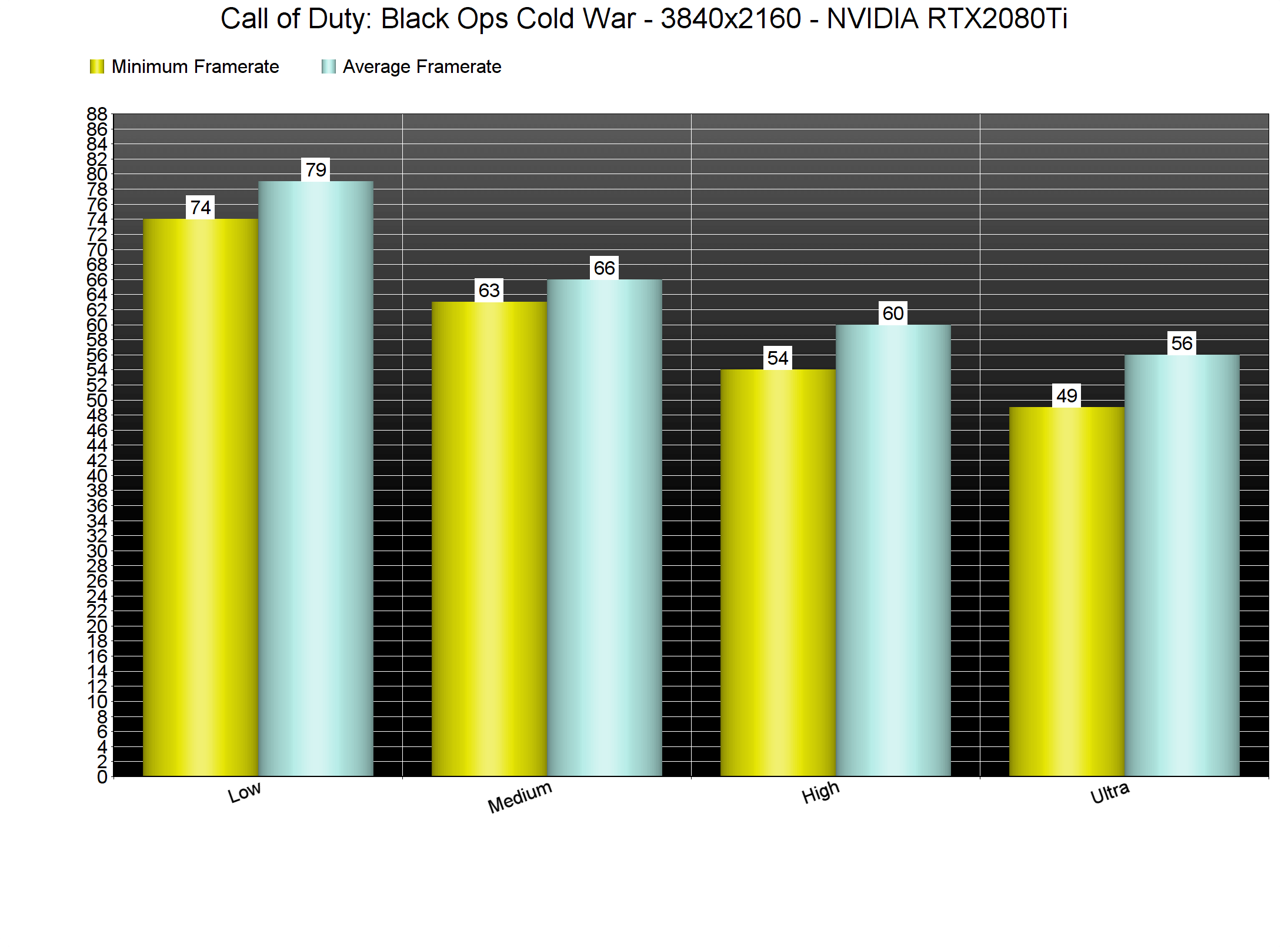
Even though Call of Duty Black Ops Cold War offers numerous graphics settings, it does not scale that well. For instance, the performance difference between Max and High settings is only 6fps (which translates to a 7% performance difference). Similarly, the difference between Low and Max settings is 24fps. Therefore, owners of older GPUs may have trouble running the game with 60fps. Do also note that Black Ops Cold War does not offer any graphics presets, so we had to manually set these settings.
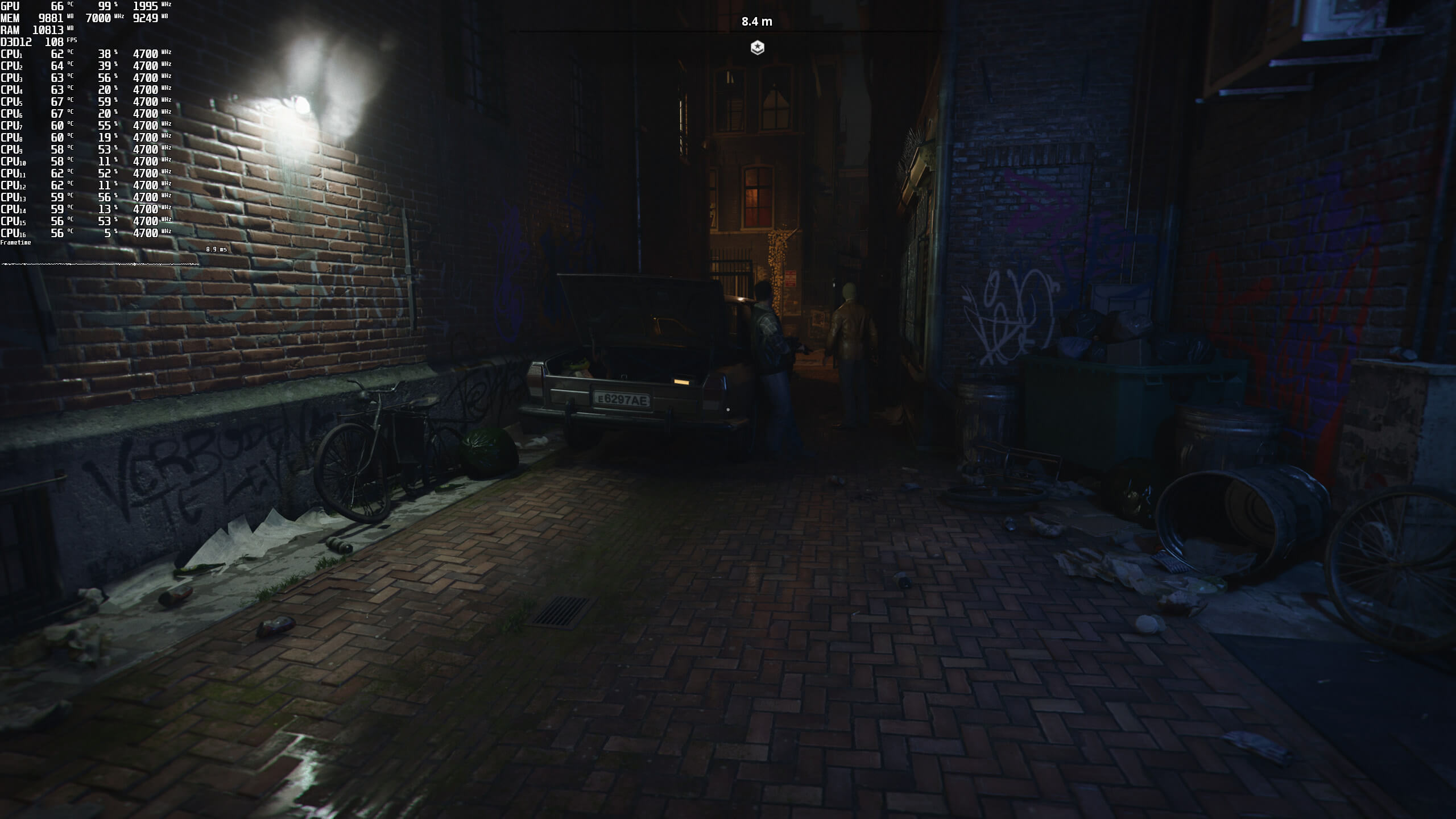
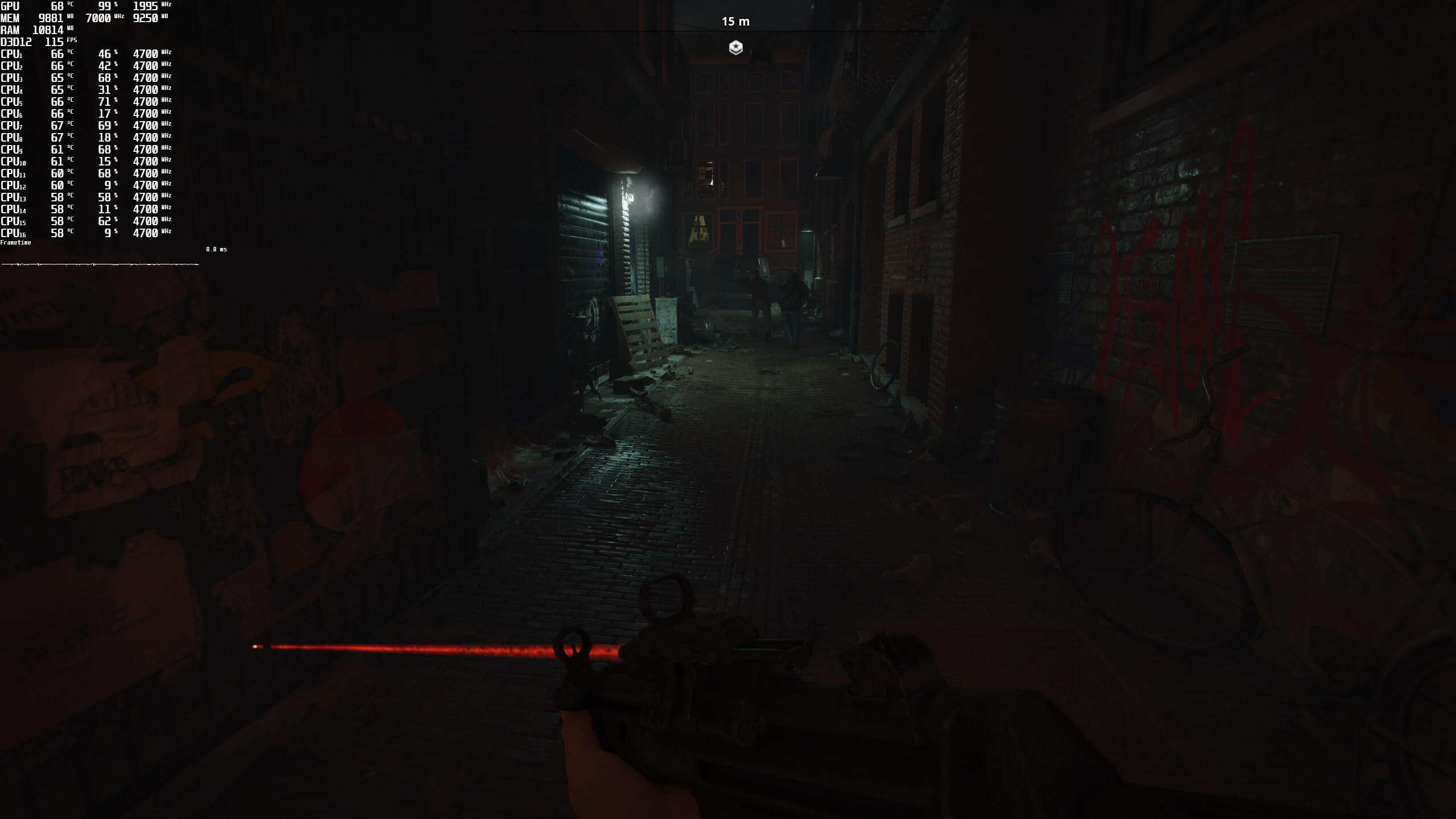
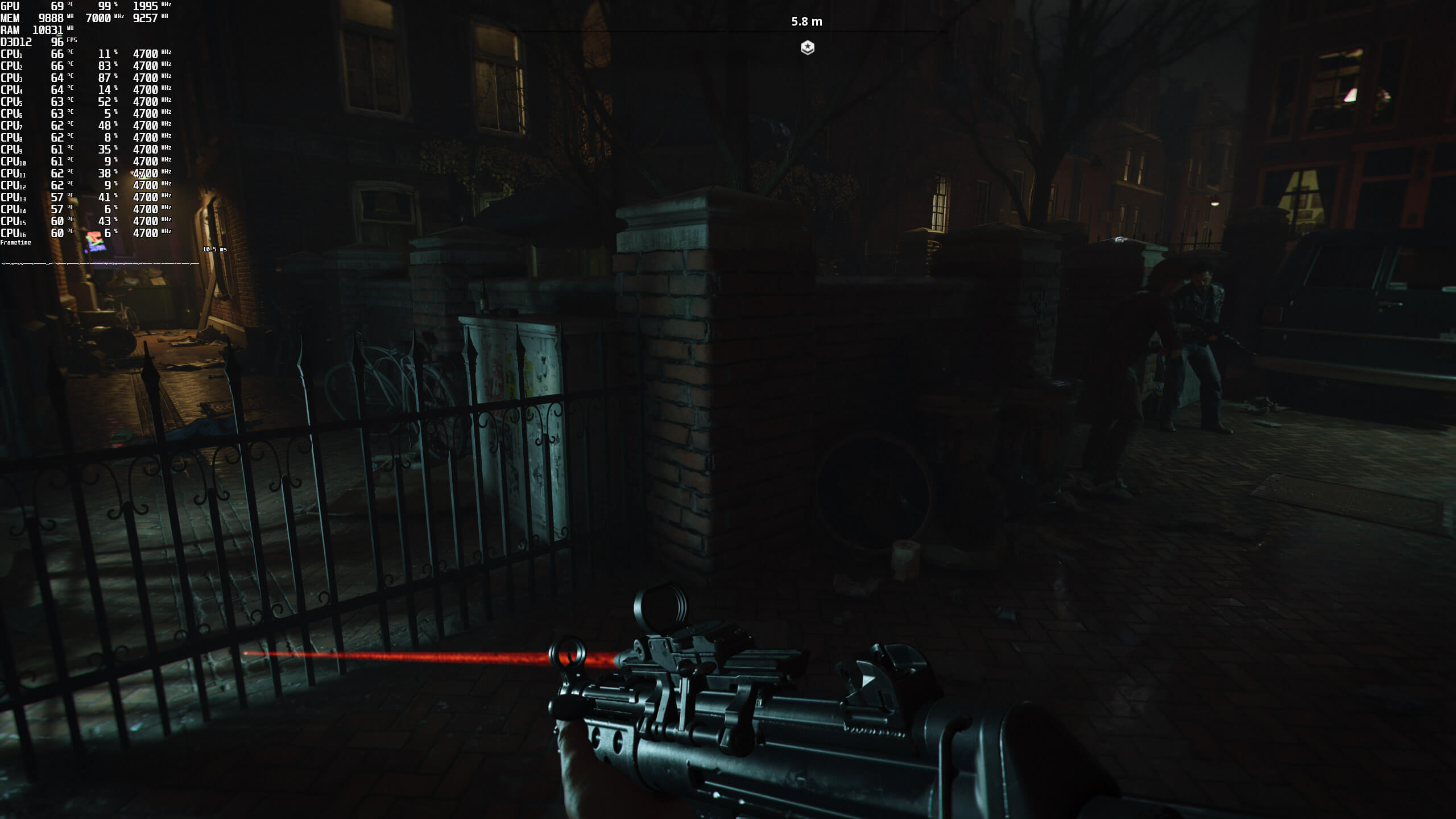
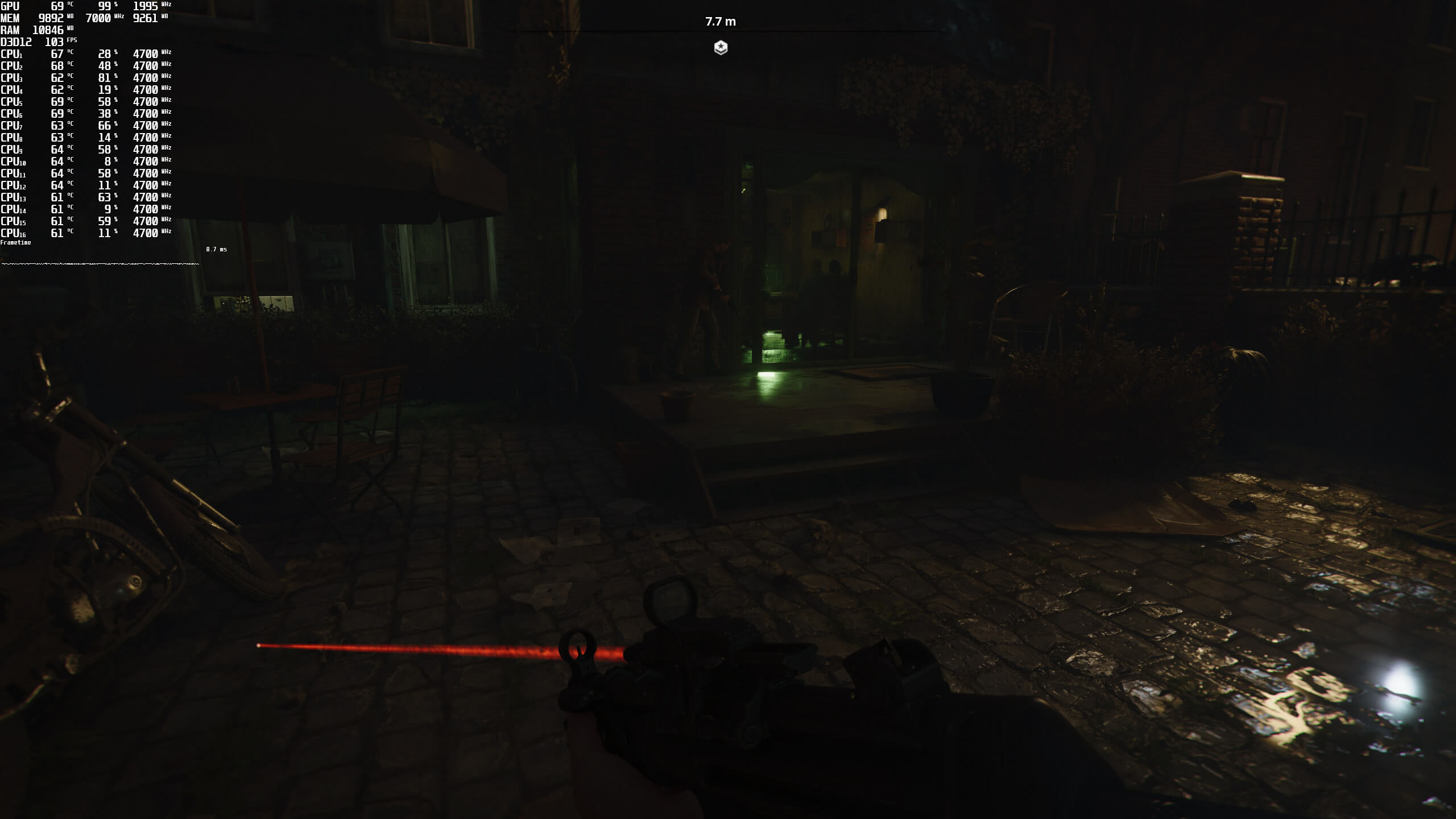
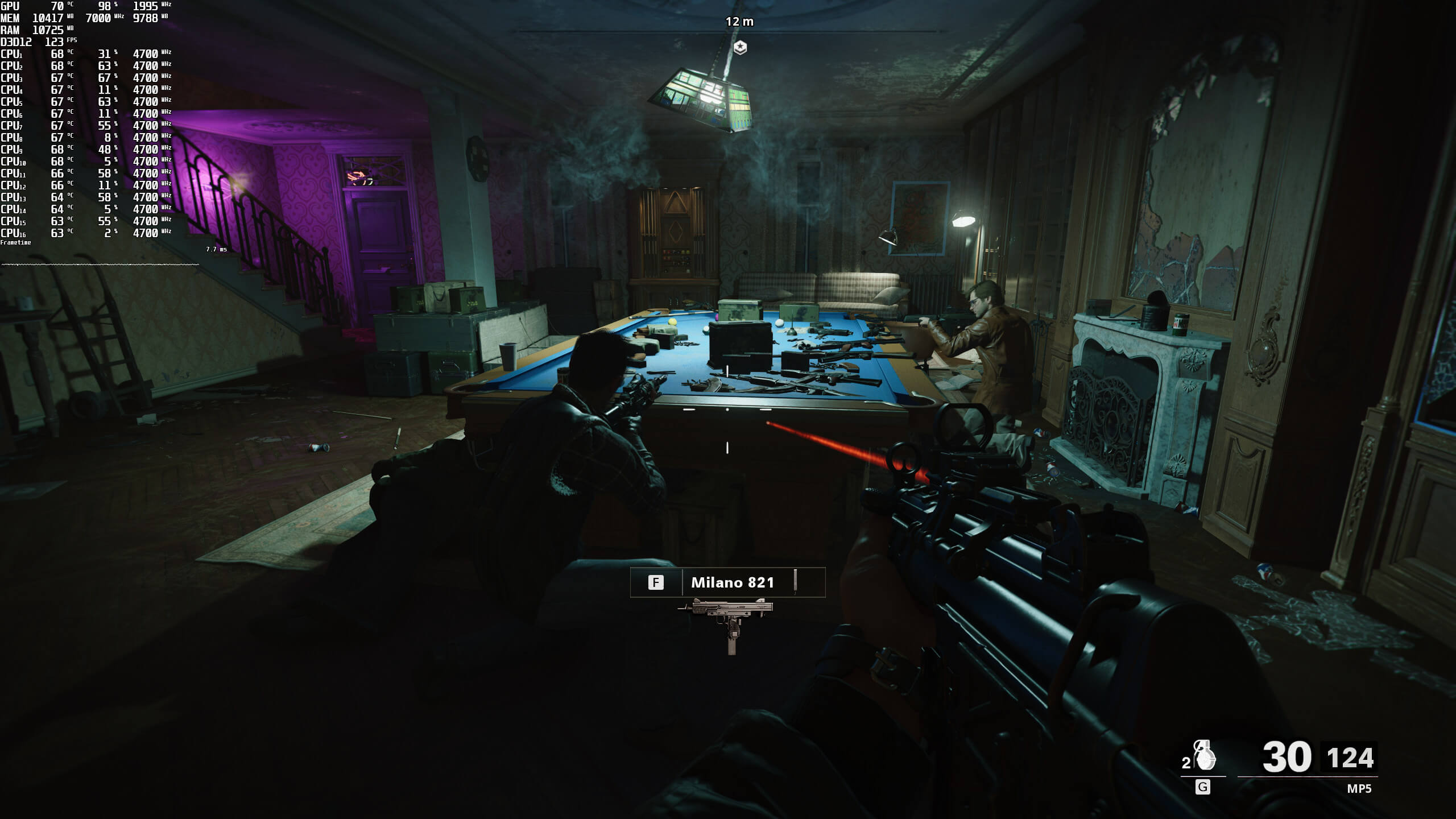
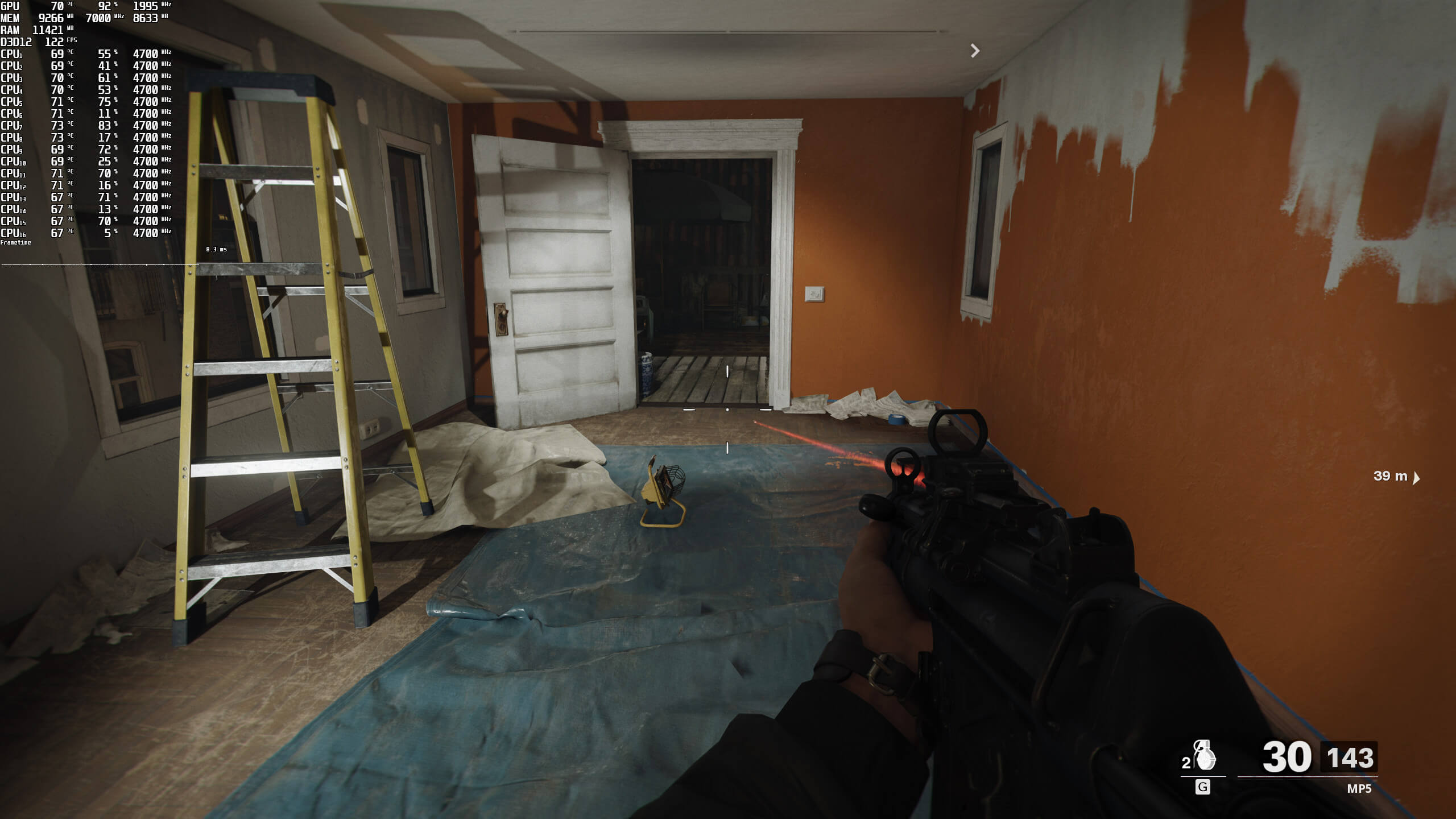
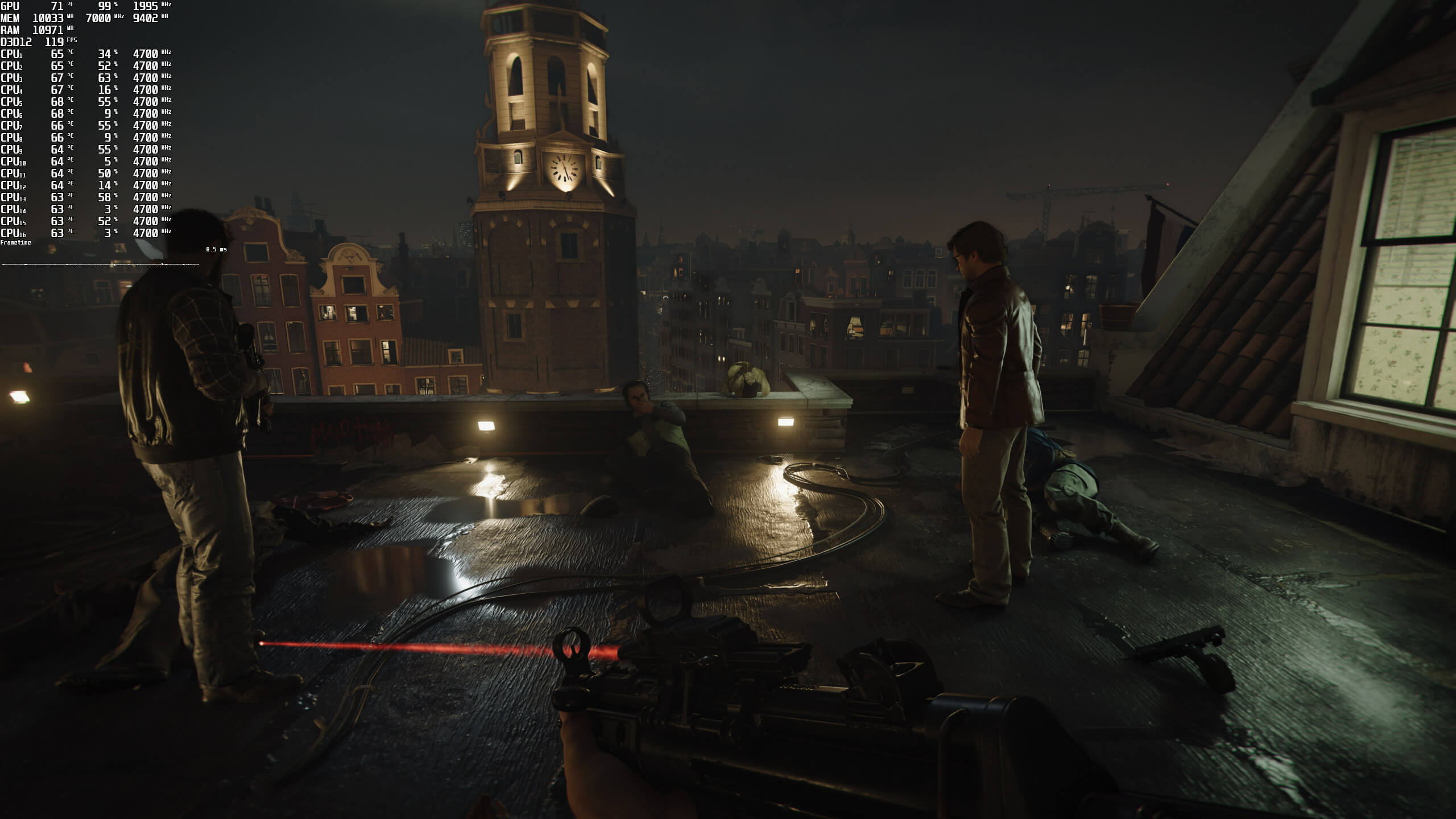
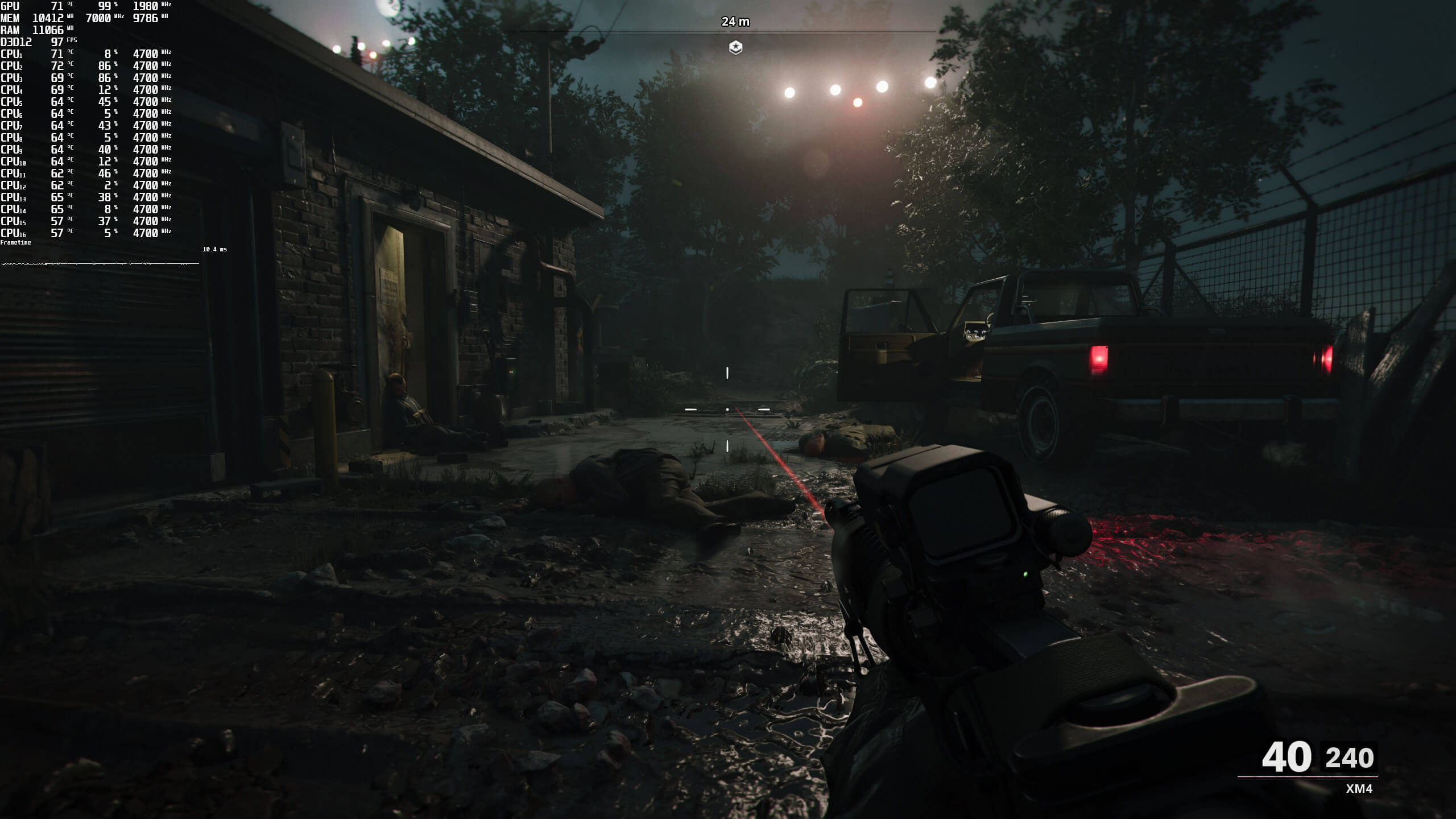
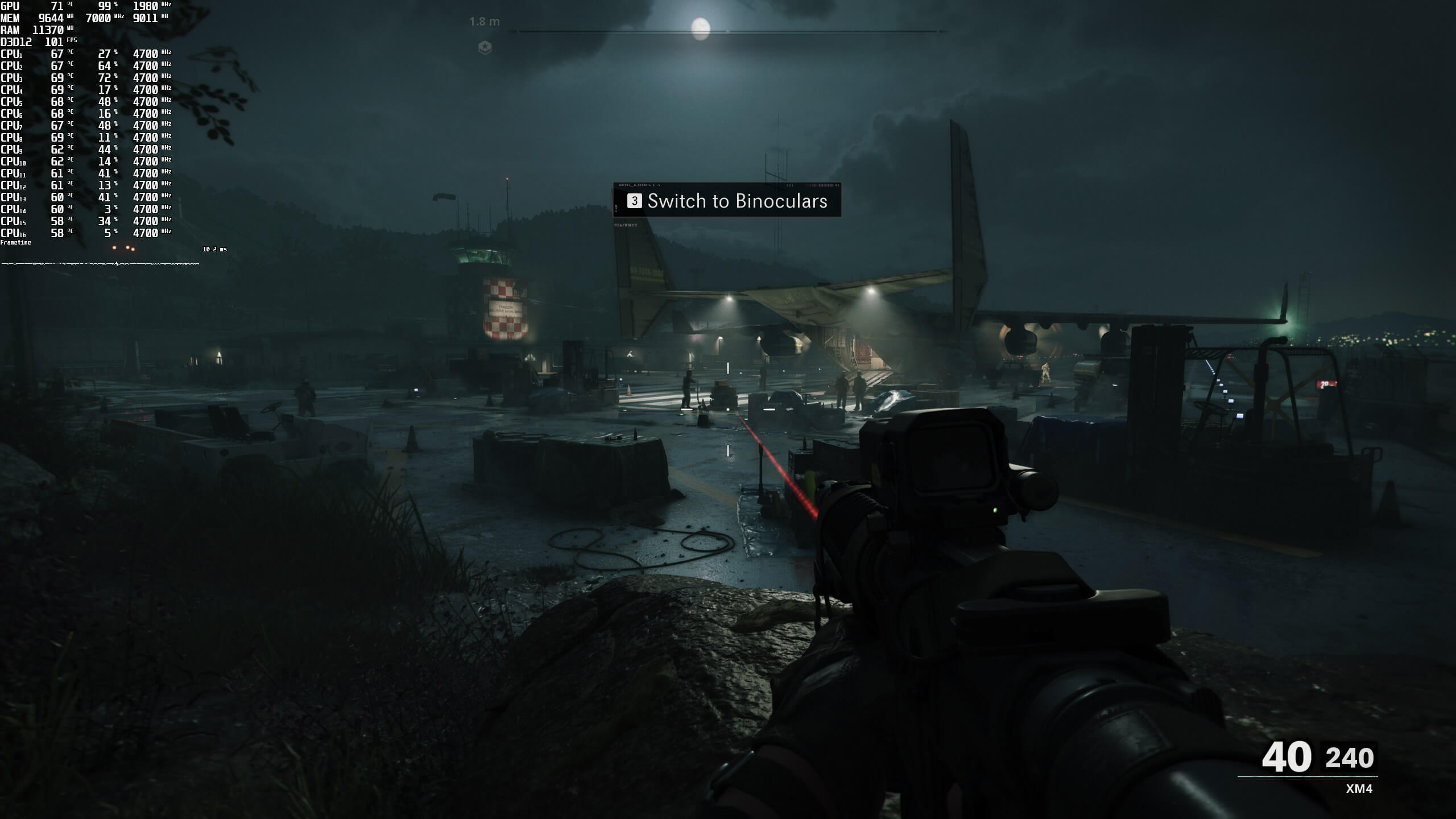
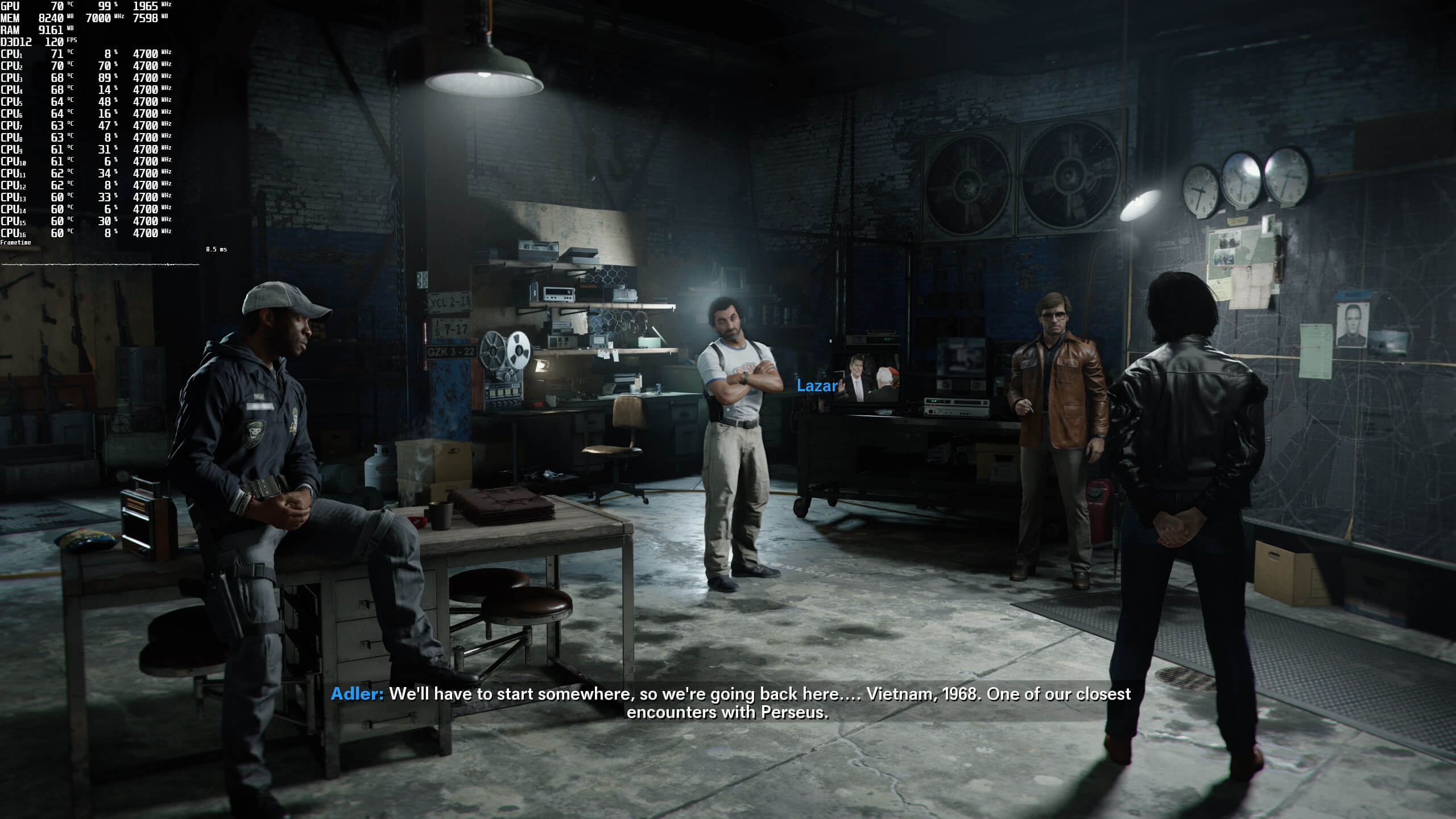
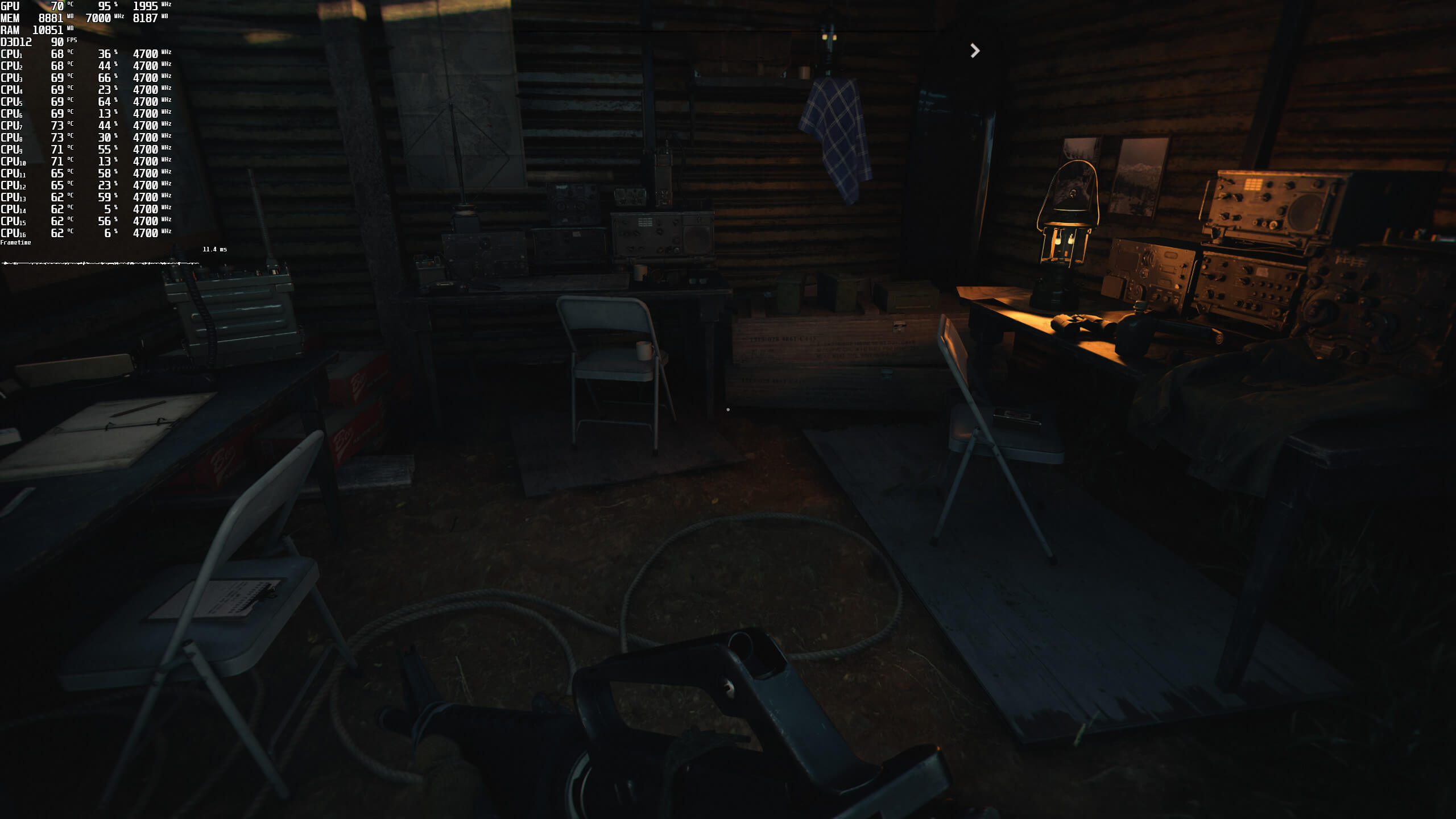
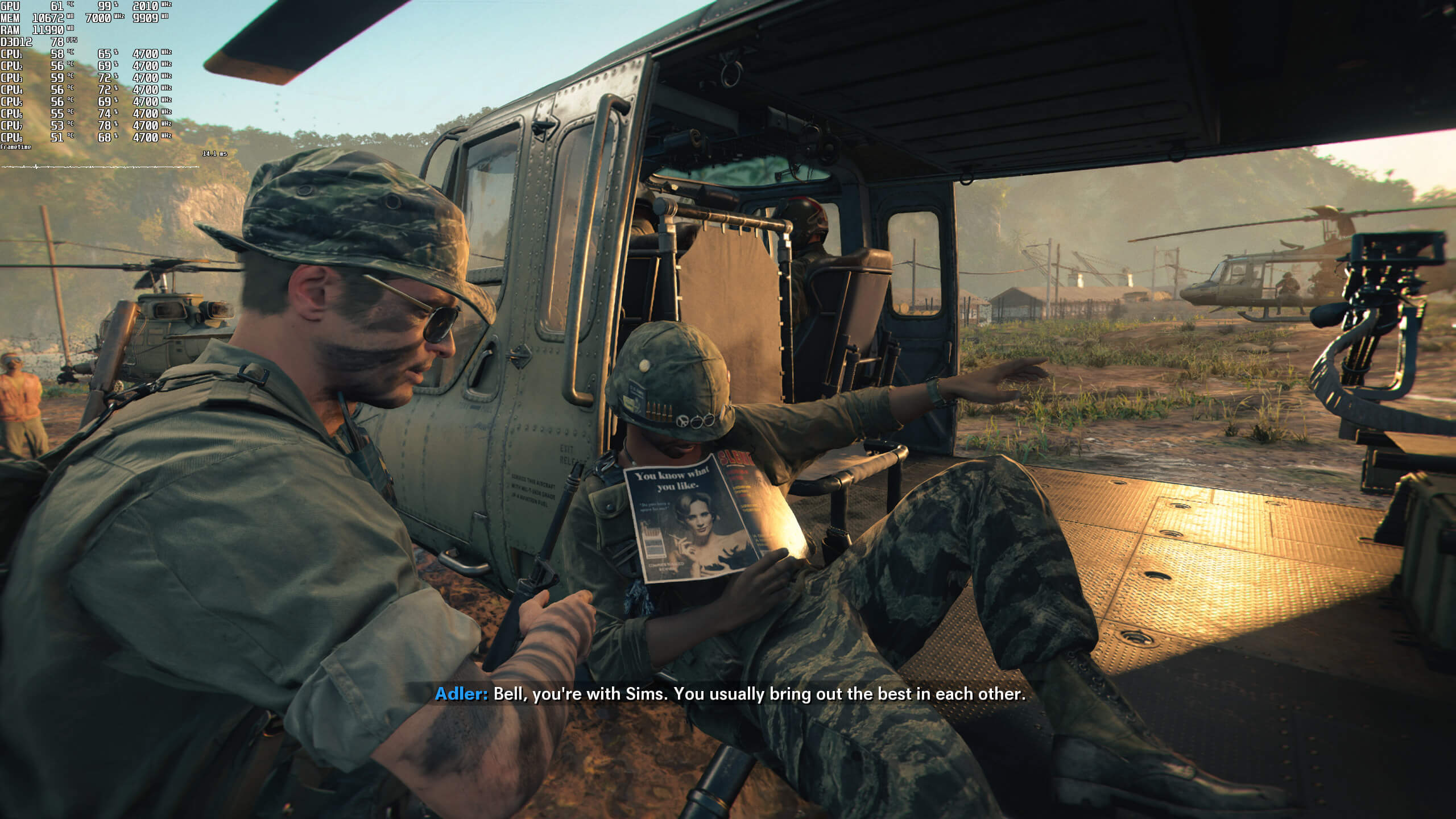
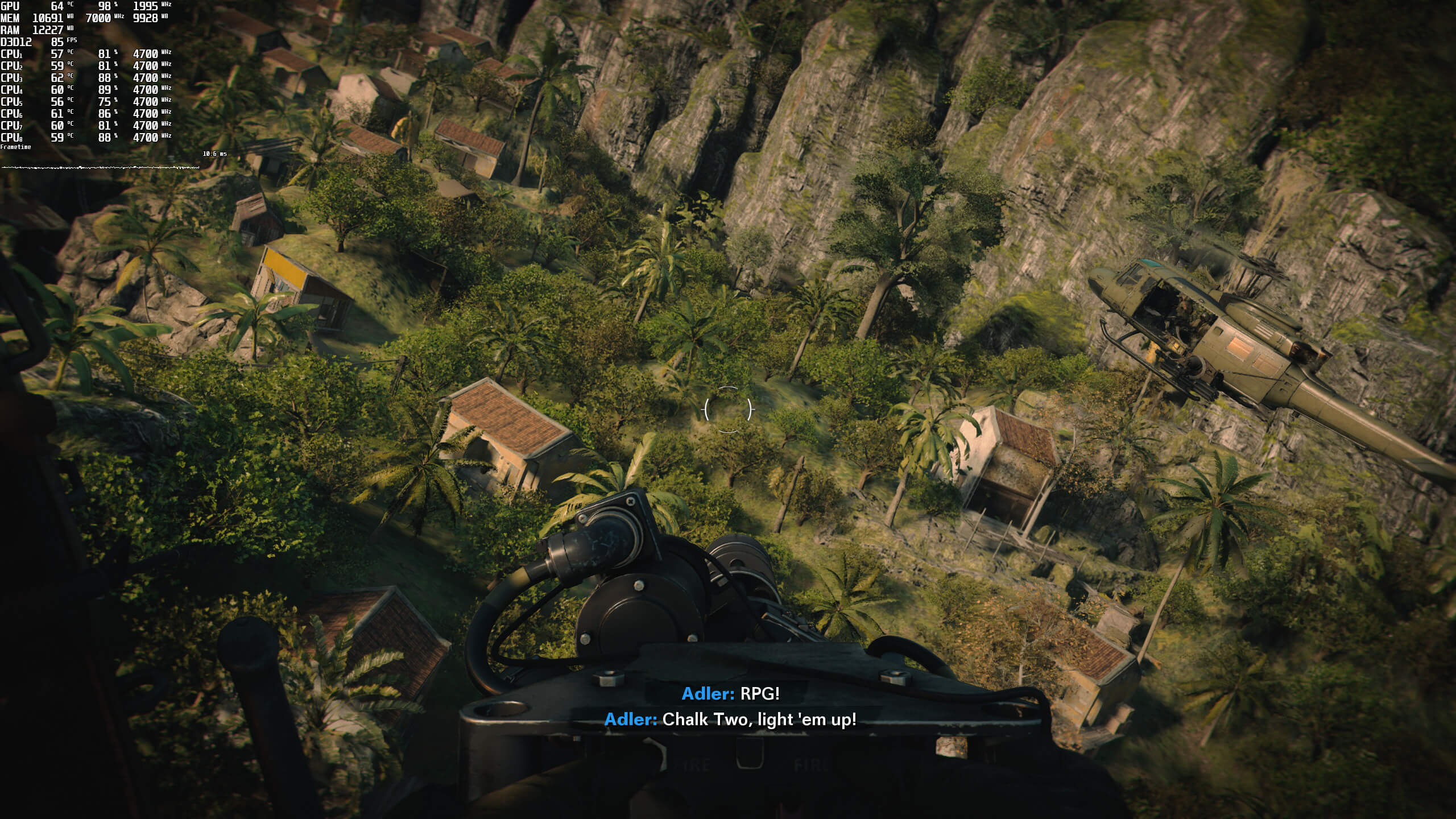
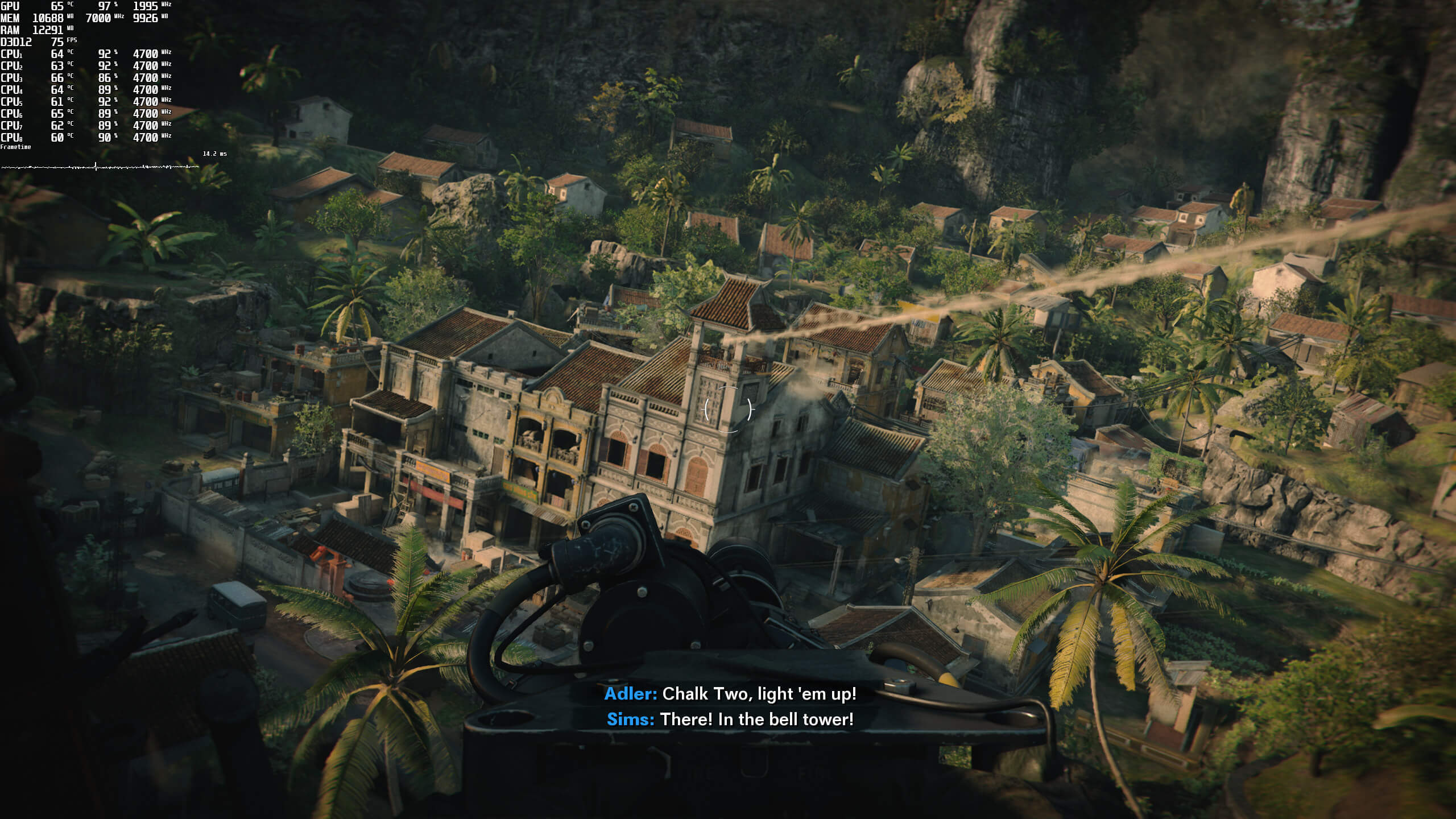
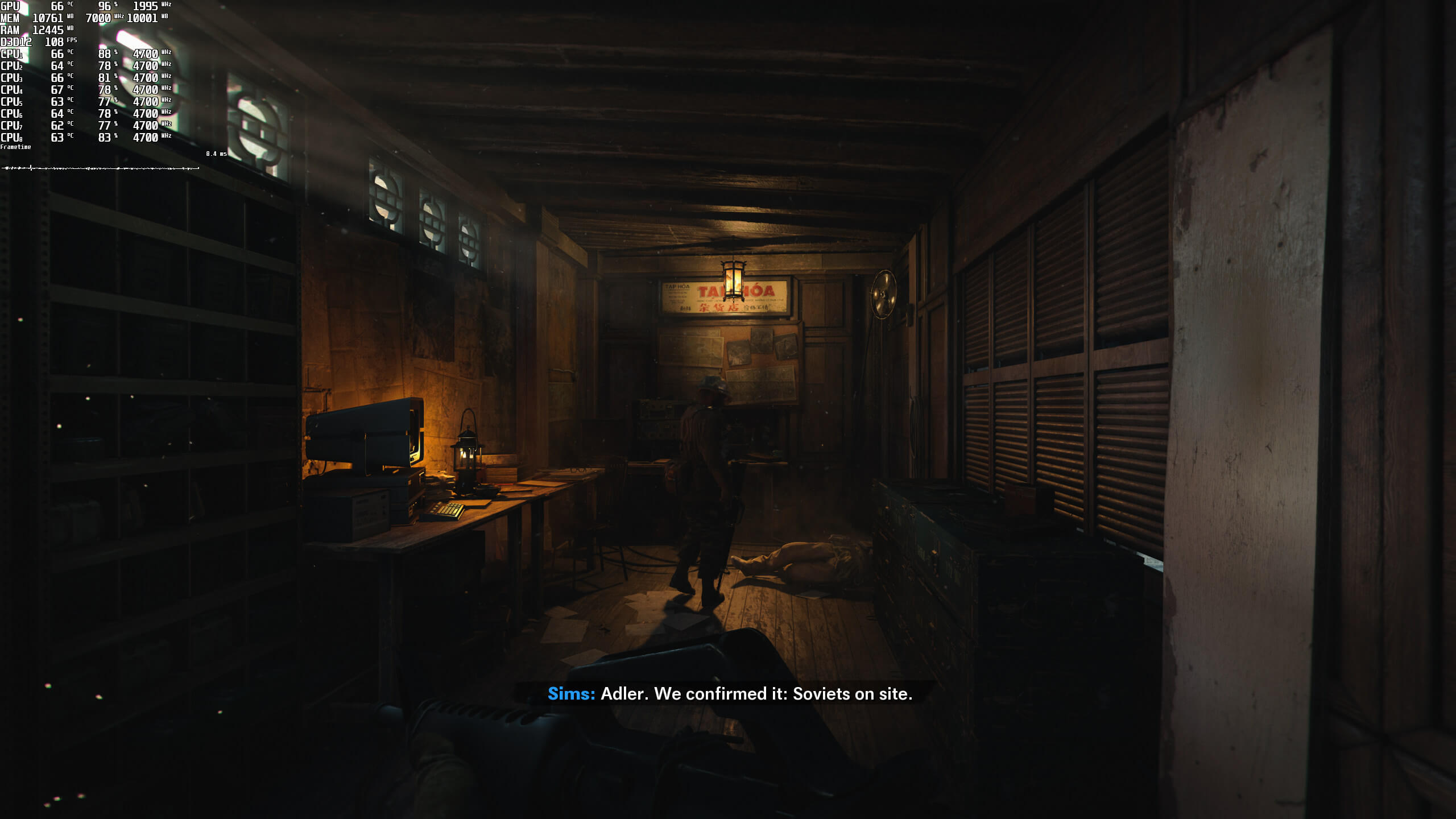
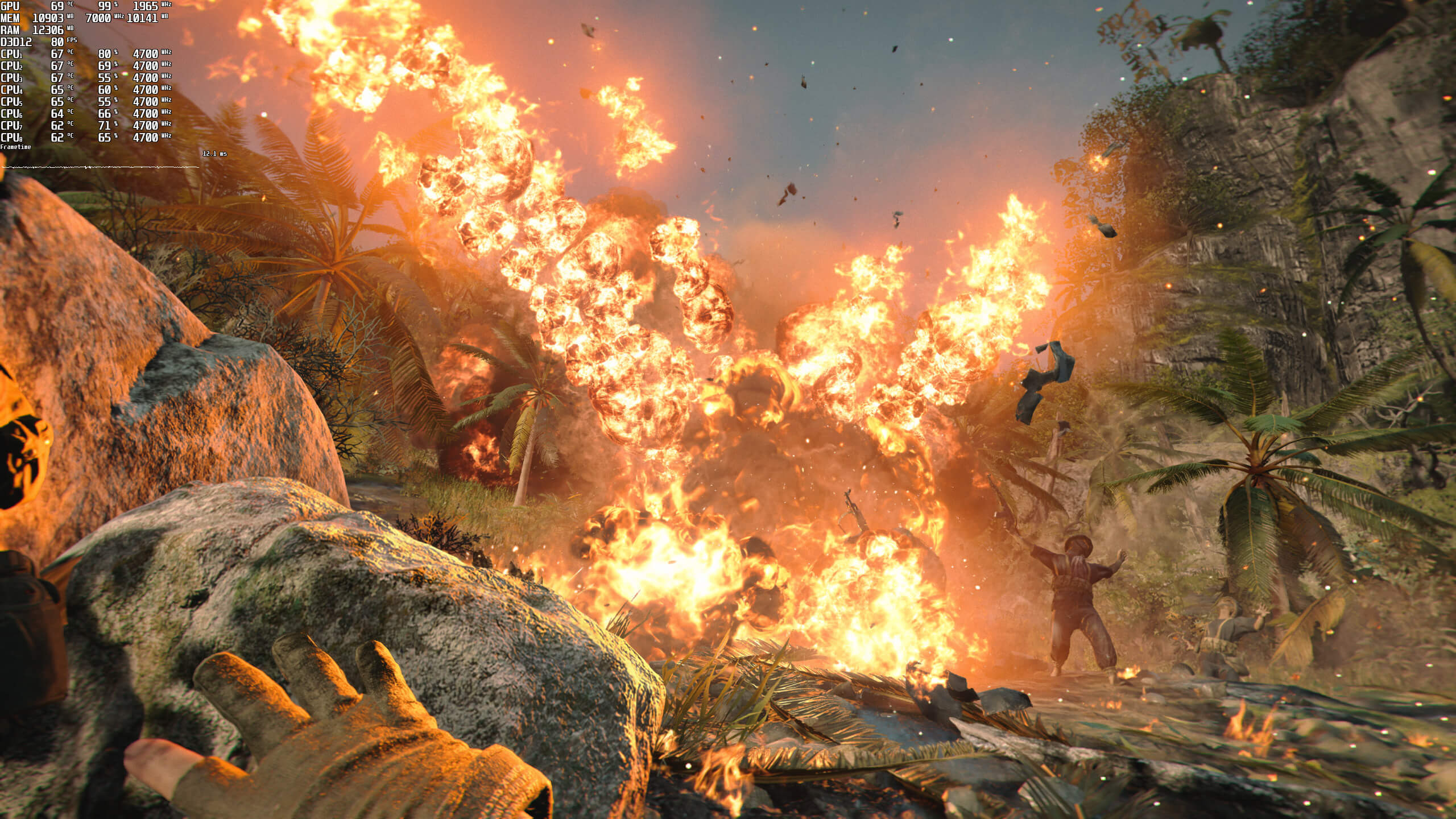
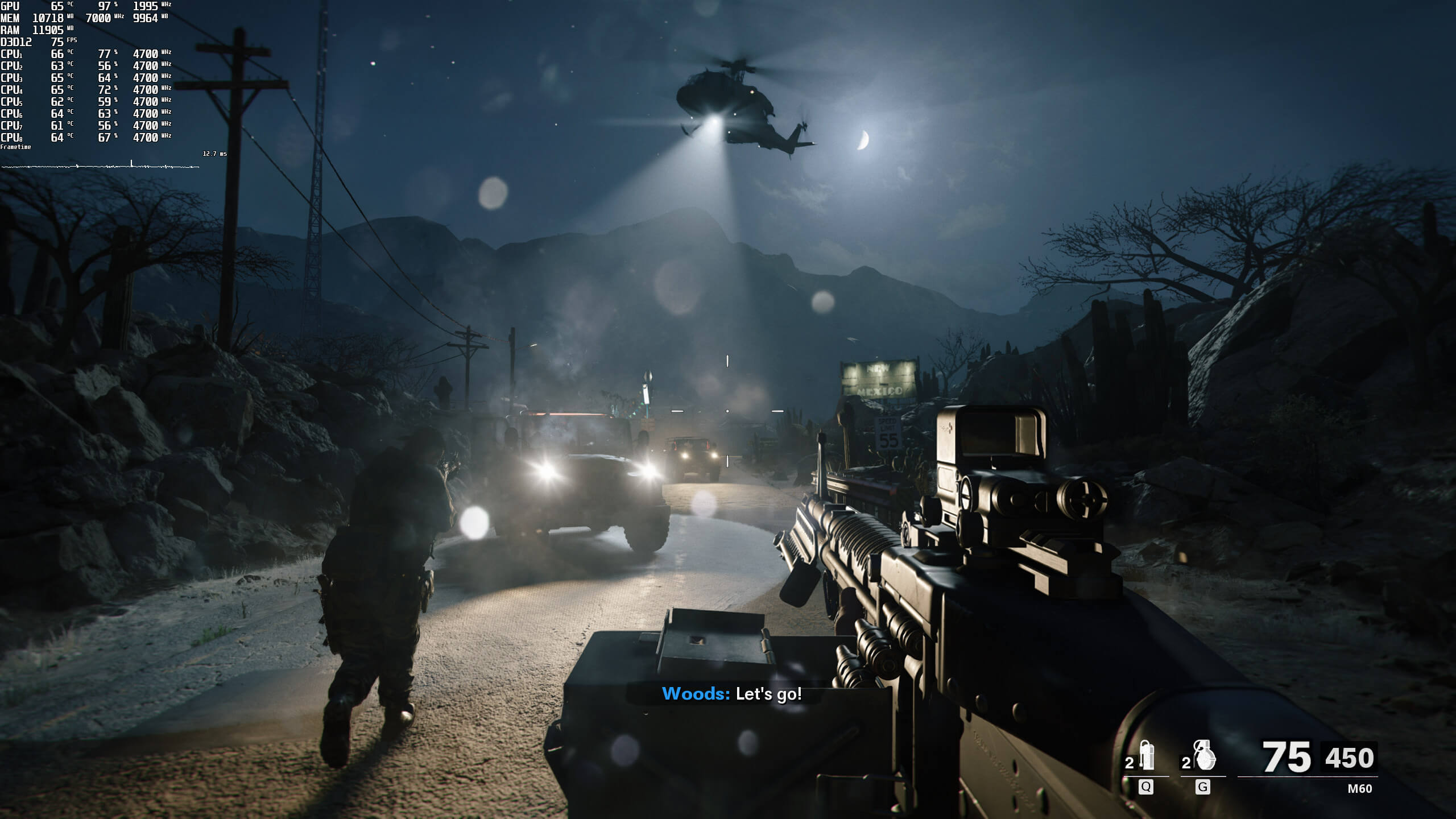
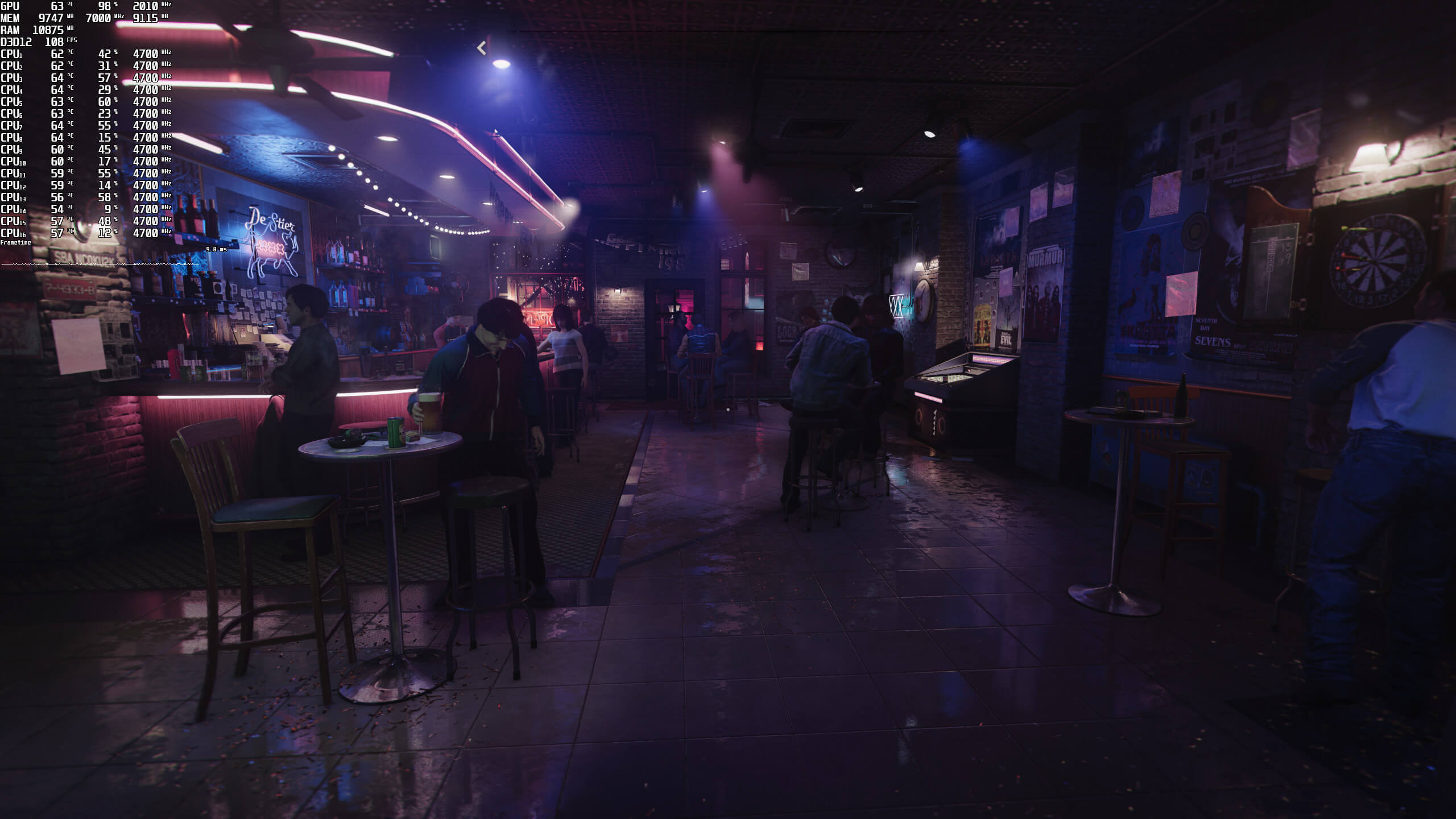
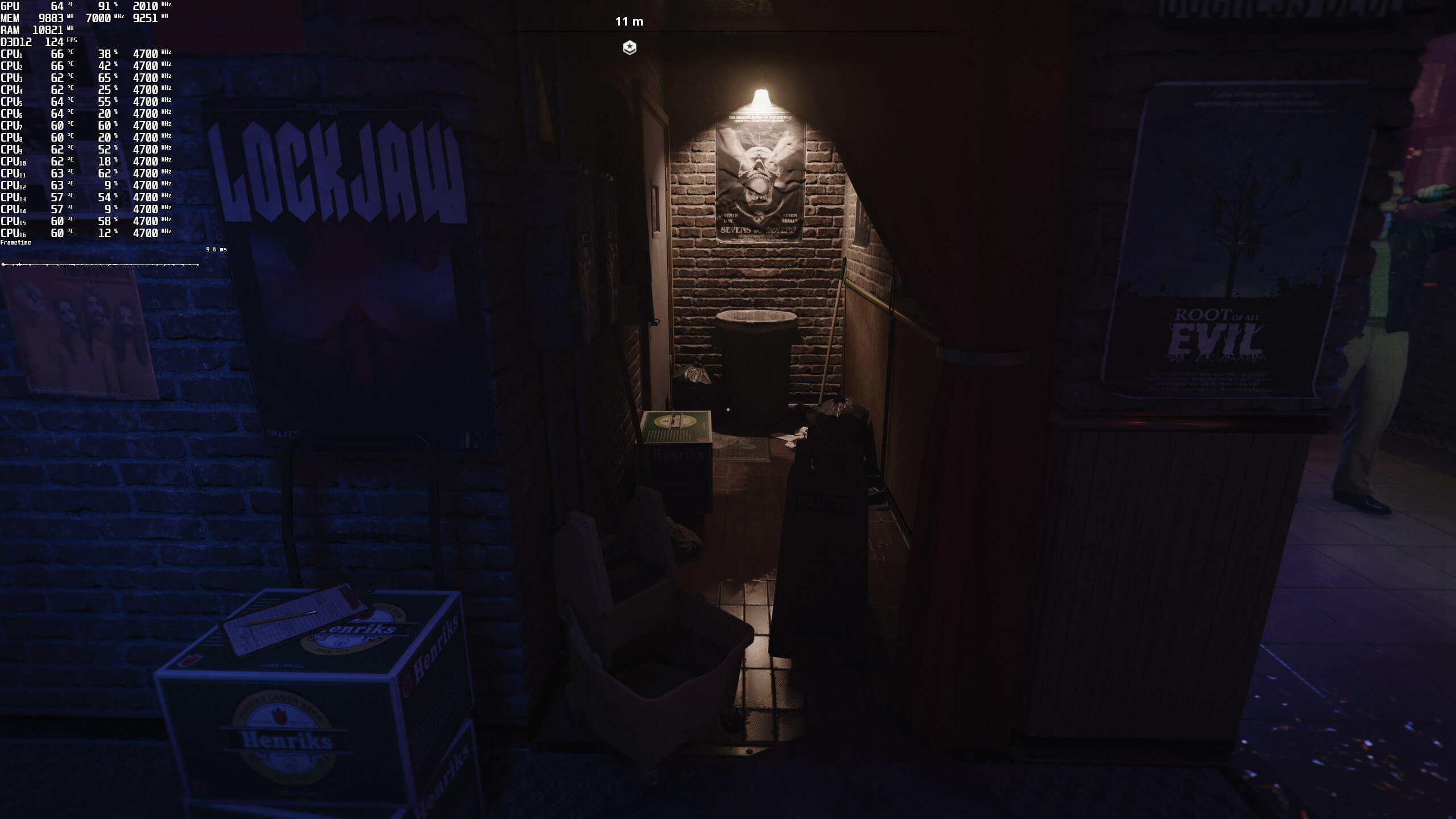
Graphics-wise, Call of Duty: Black Ops Cold War sports amazing graphics. The game features highly detailed character models, and packs numerous modern-day graphical effects. Most objects cast dynamic shadows, and there are some cool scripted events. The game also packs great explosions, something most of us would expect from a COD game. Our only gripe with Black Ops Cold War is the horrendous pop-in issues that occur, even on Max settings. This is something that was also present in Modern Warfare Remake, and was never addressed. These pop-in issues become especially annoying in the helicopter missions. We should also note that there are some really low-resolution textures, even when using the HD Texture Pack.
All in all, Call of Duty Black Ops Cold War can run on a wide range of CPUs, but requires a high-end GPU. Thankfully, the game’s visuals justify these high GPU requirements. So yeah, Black Ops Cold War at least looks great on the PC. Unfortunately, though, owners of weaker GPUs may have trouble running it with constant 60fps, even at 1080p. Lowering the game’s graphics settings to High and Medium only brings a 7% and 17% performance increase, respectively. Thankfully, RTX owners can further increase performance by enabling DLSS 2.0. And let’s not forget that you can also enable some cool Ray Tracing Ambient Occlusion/Shadows effects.
Enjoy!
John is the founder and Editor in Chief at DSOGaming. He is a PC gaming fan and highly supports the modding and indie communities. Before creating DSOGaming, John worked on numerous gaming websites. While he is a die-hard PC gamer, his gaming roots can be found on consoles. John loved – and still does – the 16-bit consoles, and considers SNES to be one of the best consoles. Still, the PC platform won him over consoles. That was mainly due to 3DFX and its iconic dedicated 3D accelerator graphics card, Voodoo 2. John has also written a higher degree thesis on the “The Evolution of PC graphics cards.”
Contact: Email


good to see mason returning
He’s back with the numbers.
Back to another round of MKultra the american public into conflict with the Ruskies.
“For some unknown reason, the Intel i7 4930K was also under-performing at 1440p.”
Theres nothing unknown. 1440p, even though the internet at large parrots differently, is a cpu bound resolution.
Meanwhile I can’t even upgrade if I want to because everything is out of stock.
the game crashes all the time with this error 3107840166
the campaign is a joke
on Howlongtobeat it says the campaign is 4.5hrs long. They aren’t even trying anymore. How fn sad is that?
It seems that the vast majority of COD gamers only really care about the multiplayer. Single player campaigns are merely an afterthought.
very true
Call of Duty 2 was massive but it all becomes repetitive.
COD campaigns where never that long in the first place, you can strech the game lenght in the higher difficulties if you like suffering over and over.
COD campaigns where never that long in the first place, you can strech the game lenght in the higher difficulties if you are ma**chist.
If you search Call of Duty longplay on Youtube the longest campaign is Call of Duty 2: Big red one that clocks at 5 hours on Gamecube, so these 4-5 hour campaigns is common in these games.
on PC I remember COD 1 being longer with long campaigns and an expansion. COD 2 didn’t disappoint in length for PC.
One way to stretch a COD campaign is to try to beat it on the hardest difficulty, i remember doing this in COD4, but it’s hardly ideal, the game is a chore with their health regen mechanics and the average player will die a lot.
“COD 1 being longer with long campaigns and an expansion.”
If you include the expansion lenght with the base game, maybe, but that’s cheating. I think the campaign can last 6-7 hours on average difficulty, blind playthrough.
Back in the day i just got the COD warchest it came with COD 1 and expansion and COD 2. COD 4 was shorter than the predecessors but what they did was axed out the repetitive parts so people still liked it.
I just finished MW3 campaign and it took me 8 hours. I never do pay full price for these games because I know they are short but the action and gameplay is really good. They try to not make the game repetitive and grinding now.
I recently gave Ghosts and Advanced Warfare a play on a 5700 XT / R5 3600.
4K120 maxed out, easy peasy
Curious how this will perform.
I told You, check Your Vega64:
Here: (Every game You check is INVALID).
https://i.imgur.com/OopnnEo.jpg
Our Vega 64 works fine. Black Ops Cold War does not come with a built-in benchmark and they are testing a way, way less demanding scene. The barrack scene in the “Fracture Jaw” mission is one of the most demanding ones, and that’s the one we’ve used. Also, the MP is less demanding (when it comes to the GPU) than its SP Mode (so it makes sense that it runs better).
Check Your Vega Clocks in that scene and show me the screen 😉
My friends Plays this game in Multi NP.
IMhO You’ll get ~1200-1300Mhz thats why it’s so slow.
Should be ~1450-1500Mhz or more (depends on SKU).
You should be more careful about GameGPU, its results are most likely fishy to say the least. We’ve seen this in the past, we’re seeing it here too (my guess is that they are not really testing the older GPUs, and they are just estimating the results). Here is the Vega 64 running the game (at 1573Mhz).
https://uploads.disquscdn.com/images/3e9bd0517543fc61b790f57245a1913da62dae1435f90e1904dc929f456614dd.jpg https://uploads.disquscdn.com/images/a12caa788ddcf3e05049eab3038a9f02602c673deebb23e1a70be78d0b0e637c.jpg
THX John, it is just strange 😉
Maby try to use UV instead of OC? it gives more stable FPS overall.
Im still on Vega 64 LC (Original LC) and this is a monster in recent games (sometimes its as good as 1080Ti TBF).
Will You get BigNavi or Ampere? (Or get both)….
Have a nice day 😀
THX John, it is just strange 😉
Maby try to use UV instead of OC? it gives more stable FPS overall.
Im still on Vega 64 LC (Original LC) and this is a monster in recent games (sometimes its as good as 1080Ti TBF).
Will You get BigNavi or Ampere? (Or get both)….
Have a nice day 😀
Yeap, that is if we can find any GPU, lol :D. Right now the supply of the Ampere is almost “non-existent” here in Greece (and generally speaking in Europe). Once they are widely available, we’ll get both of them.
Here also in Multi (substract 8-10FPS for Vega64)
https://youtu.be/-i1fEzNoKfI
Yes. You can also see it here
https://www.guru3d.com/articles_pages/amd_ryzen_9_5900x_and_5950x_review,29.html
Depending on what game you may try, even at 4k , on ocasion the cpu will bottleneck you
I am running this @1080p with everything maxed out, without DLSS on a Vanilla RTX 2080 with all Ray-Tracing set to Max I am getting 30-35 fps, with Ray-tracing and DLSS Quality On, I get close to 90fps, most scenes look nice and sharp but others you can tell there is some blurriness, in addition the hair looks strange sometimes with DLSS turned on.
Graphics wise its a good looking game, but it is a step back from Modern Warfare, especially in Multiplayer, the textures and lighting looks more flat, but performance wise it runs well.
Call of duty is good game and awesome for new players. I play several time and I spend a lot of time over this game. When I have free time, I start game. If You are looking to buy or rent game software or apps to start your game business. Go through worlds leading company pokermoogley.
I’ve been lucky enough to get a new Sapphire Nitro Plus 6800 XT. Paid £899 for it at overchargers.uk … still feel bad about it but it’s a great card… only bought it because my I broke my previous Titan X Pascal doing silly things 🙁 …. So question please…. finding that my 9900k is only using ONE core when playing COD Cold War ? I use water cooling so it’s not thermal throttled… “sometimes” when it uses all cores it’s almost DOUBLE fps performance and I can’t work out why only 1 core is being used?
Great assessment.