
A few days ago, NVIDIA released the DLSS patch for Tom Clancy’s Rainbow Six Siege. According to numerous reports, that DLSS implementation is great and way better than other DLSS 2.0 games. Thus, some gamers decided to take a look at the DLL file of DLSS and discovered that Rainbow Six Siege uses a new version of DLSS, DLSS 2.2.
Now what’s really interesting here is that owners of Rainbow Six Siege can take that “nvngx_dlss.dll” file and use it in other DLSS 2.0 games. If you don’t have Rainbow Six Siege, you can download this DLL file from here. Furthermore, and by doing this, you can eliminate a number of visual artifacts that were present in those older games.
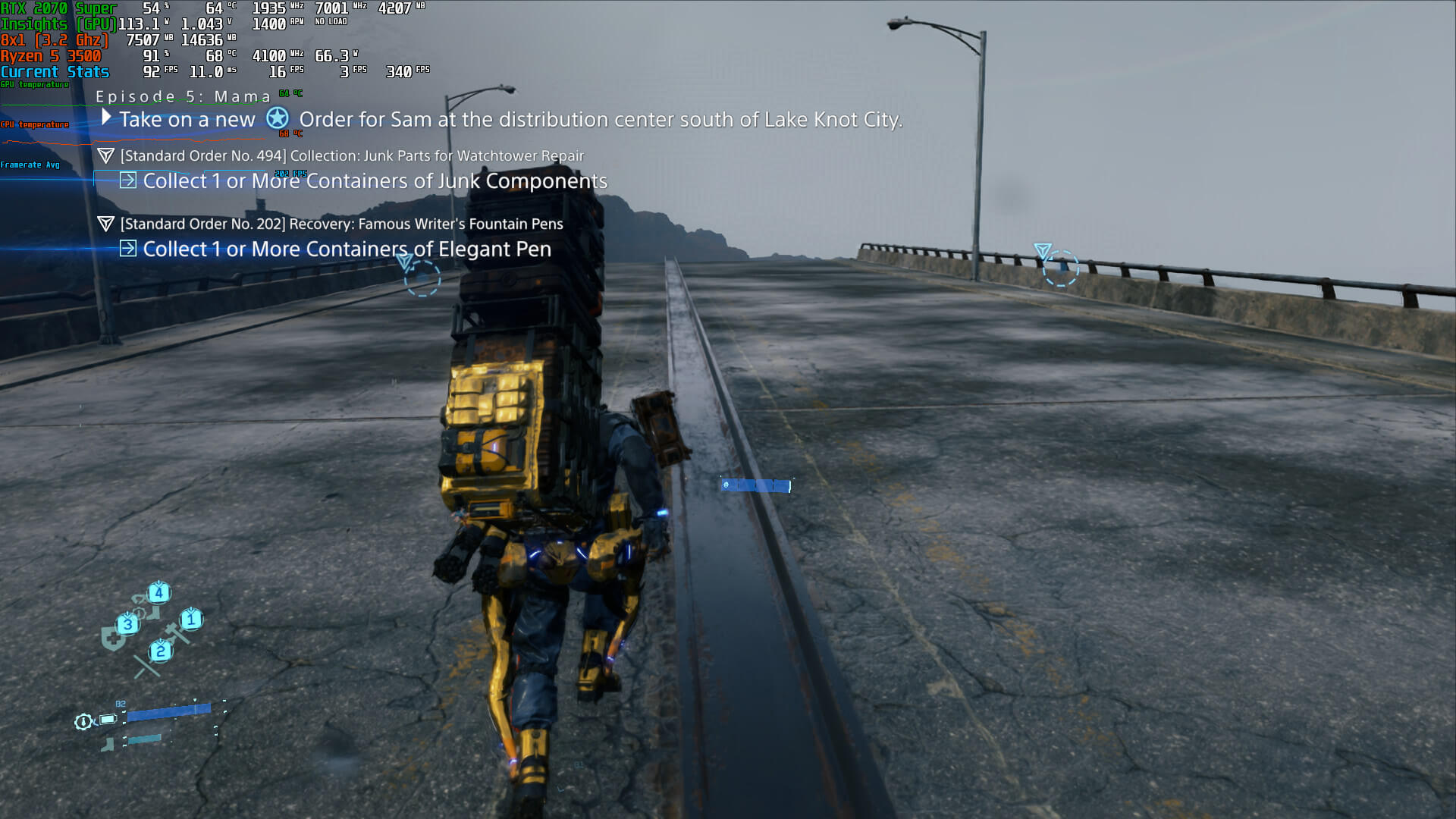
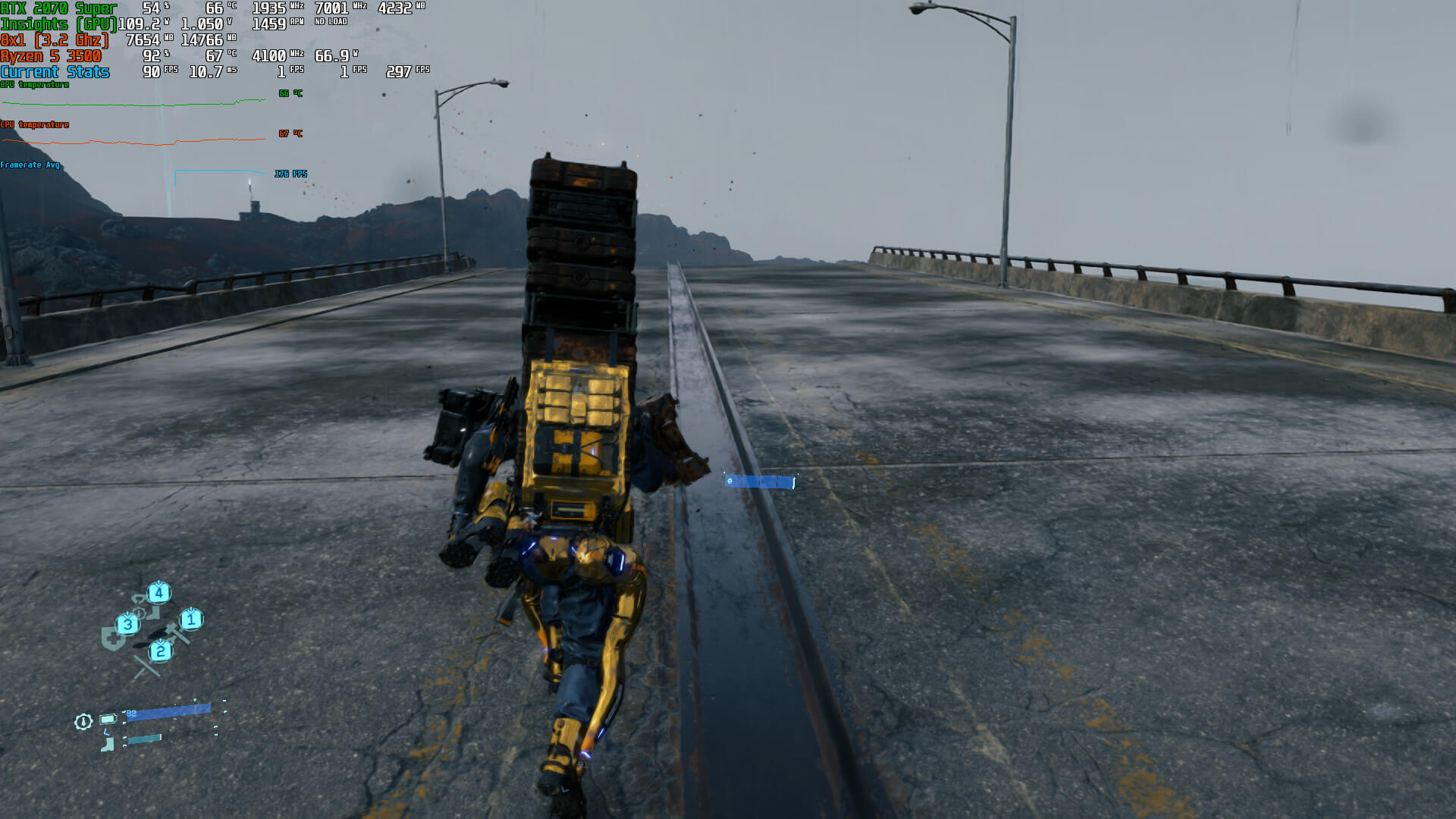
For instance, Reddit’s dedSEKTR used DLSS 2.2 in Death Stranding and the results were excellent. DLSS 2.2 was able to reduce the dark trails and the noisy checkbox artifacts in the sky. Moreover, it did not bring any additional performance hit. Below you can find the comparison screenshots (DLSS 2.0 is on the left whereas DLSS 2.2 is on the right).
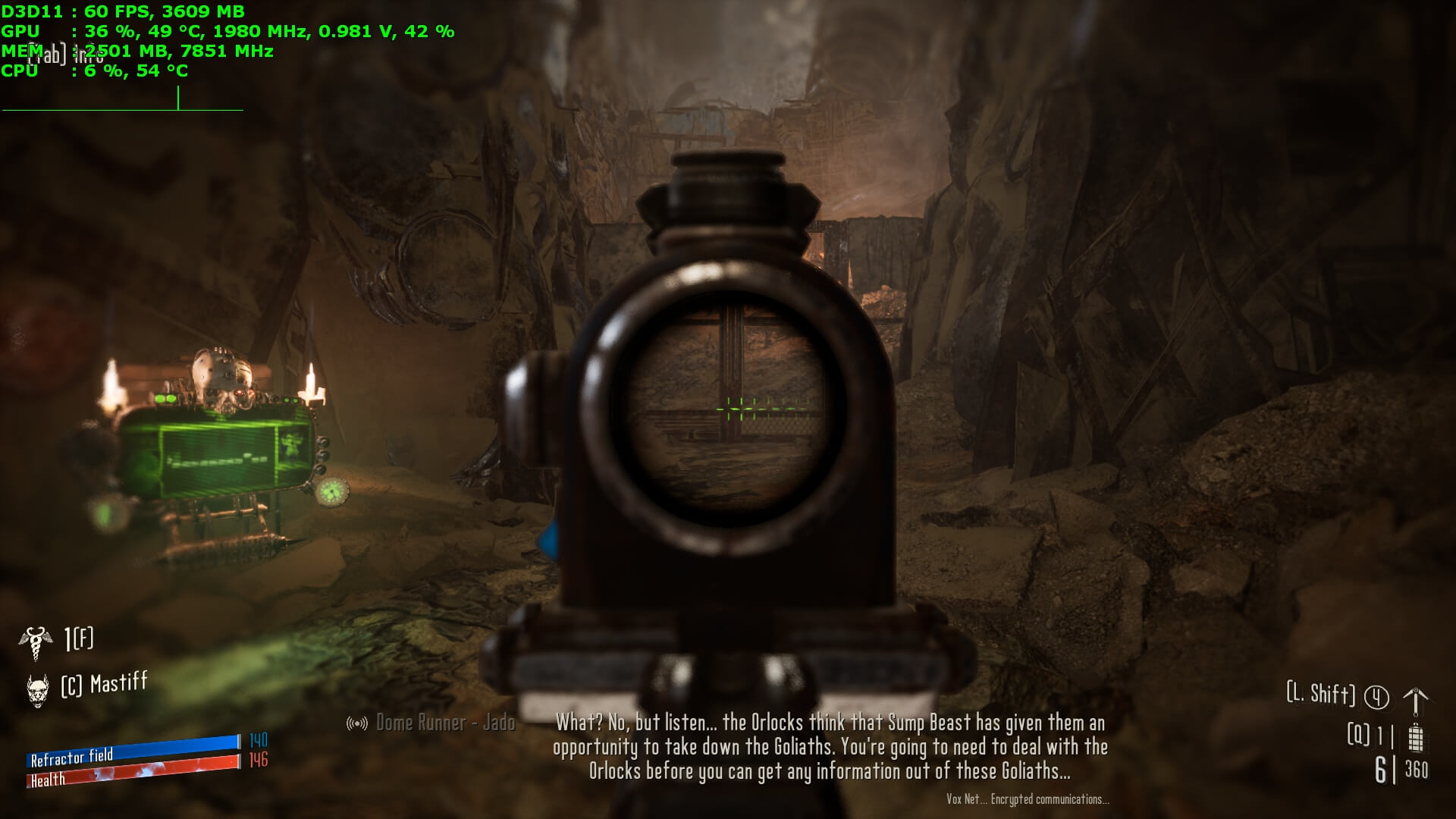
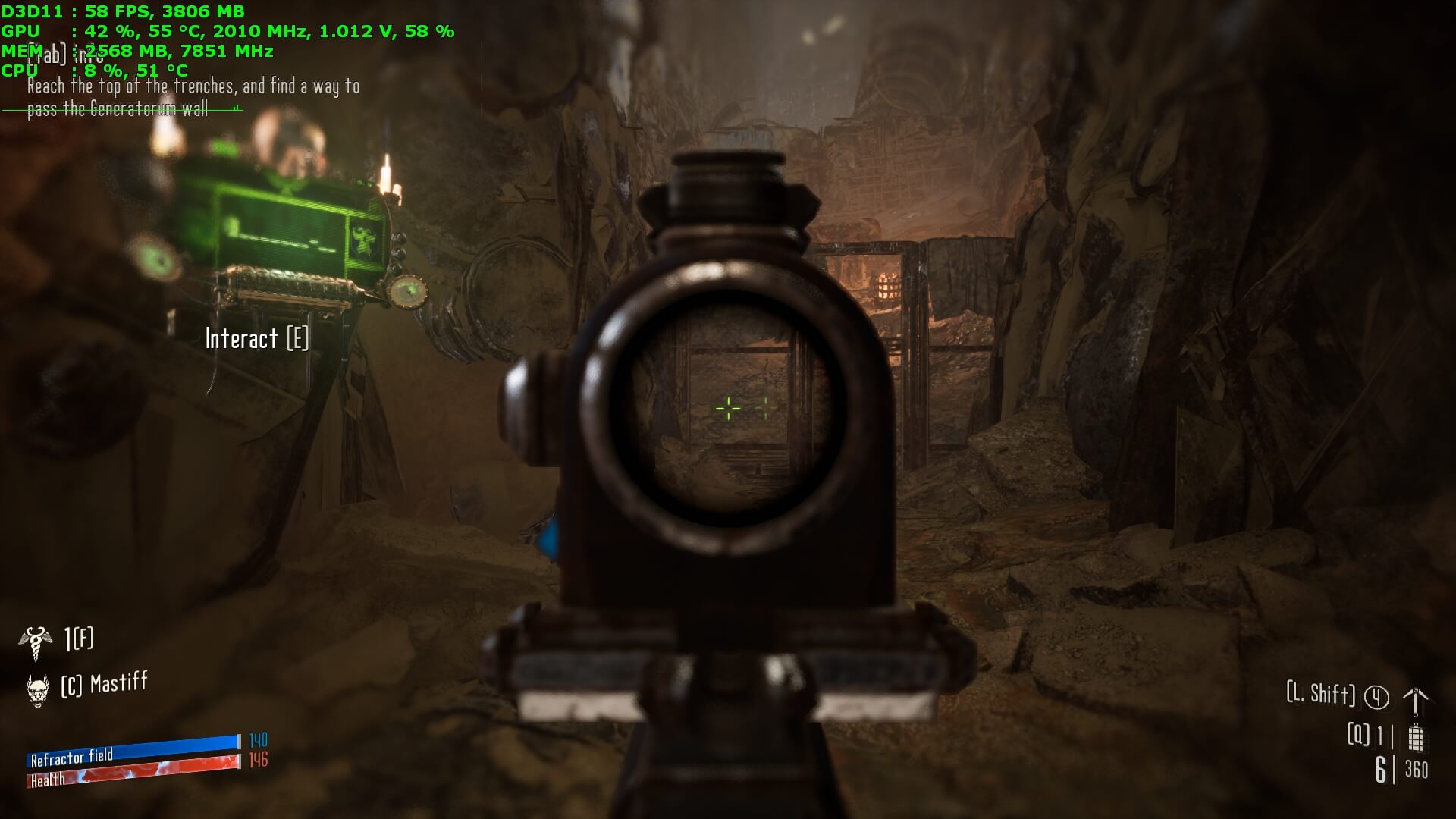
Similarly, Reddit’s desmonds99 used DLSS 2.2 in Necromunda Hired Gun which improved the ghosting of the sights. Again, this is a great improvement over the previous DLSS implementation. Again, DLSS 2.0 is on the left and DLSS 2.2 is on the right.
What’s also interesting is that Reddit’s Techboah was able to improve the image quality of Call of Duty Black Ops Cold War with DLSS 2.2. According to Techboah, the game is not as blurry as before (something we’ve criticized in our DLSS & Ray Tracing Benchmarks article).
Lastly, here are two videos showing Rainbow Six Siege with DLSS 2.2 Performance Mode and Native 4K.



John is the founder and Editor in Chief at DSOGaming. He is a PC gaming fan and highly supports the modding and indie communities. Before creating DSOGaming, John worked on numerous gaming websites. While he is a die-hard PC gamer, his gaming roots can be found on consoles. John loved – and still does – the 16-bit consoles, and considers SNES to be one of the best consoles. Still, the PC platform won him over consoles. That was mainly due to 3DFX and its iconic dedicated 3D accelerator graphics card, Voodoo 2. John has also written a higher degree thesis on the “The Evolution of PC graphics cards.”
Contact: Email