
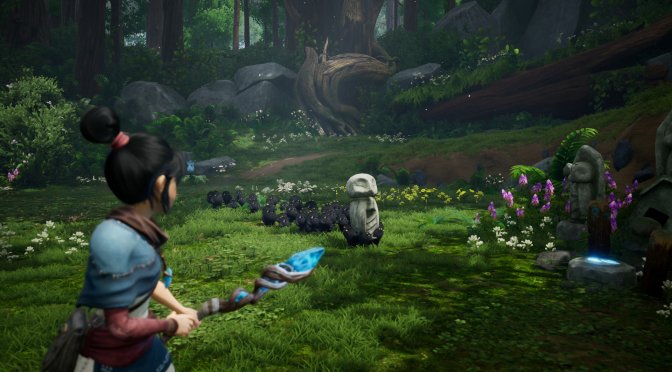
Ember Lab has just released Kena: Bridge of Spirits and the first mods for it have appeared online. These first mods fix add Ultra Wide support, offer new FOV settings, and offer 48fps versions of the pre-rendered cut-scenes.
Let’s start with the first mod. Created by WT3WD Provided by PCGamingWiki the UltraWide Fix mod adds support for ultra-wide monitors. You can download this mod from here. All you have to do is run the executable file and patch the game’s .exe file (we’ve scanned this file and it appears to be clean).
The second mod allows players to change the game’s FOV. This mod requires Cheat Engine, otherwise it won’t work. The available FOV options are 50, 60, 70, 80, 90, 100, 110, 120, 130. You can download it from here.
Lastly, this 6.7GB Mod replaces the game’s pre-rendered cut-scenes. The vanilla cut-scenes run at 24fps and feel a bit choppy. This mod aims to address this by re-encoding these scenes at 48fps. You can download it from here.
Be also sure to read our PC Performance Analysis for Kena.
Have fun!

John is the founder and Editor in Chief at DSOGaming. He is a PC gaming fan and highly supports the modding and indie communities. Before creating DSOGaming, John worked on numerous gaming websites. While he is a die-hard PC gamer, his gaming roots can be found on consoles. John loved – and still does – the 16-bit consoles, and considers SNES to be one of the best consoles. Still, the PC platform won him over consoles. That was mainly due to 3DFX and its iconic dedicated 3D accelerator graphics card, Voodoo 2. John has also written a higher degree thesis on the “The Evolution of PC graphics cards.”
Contact: Email