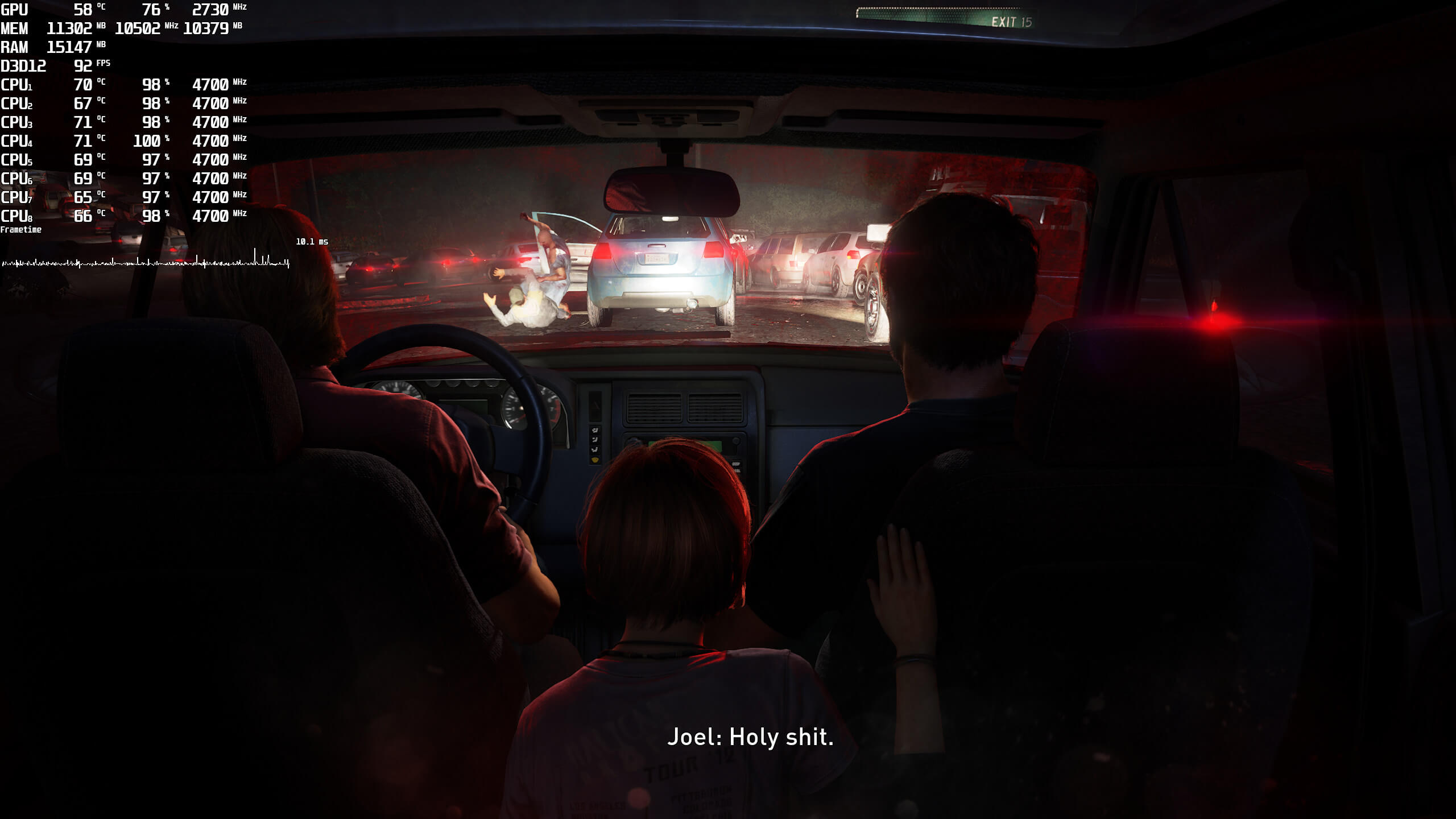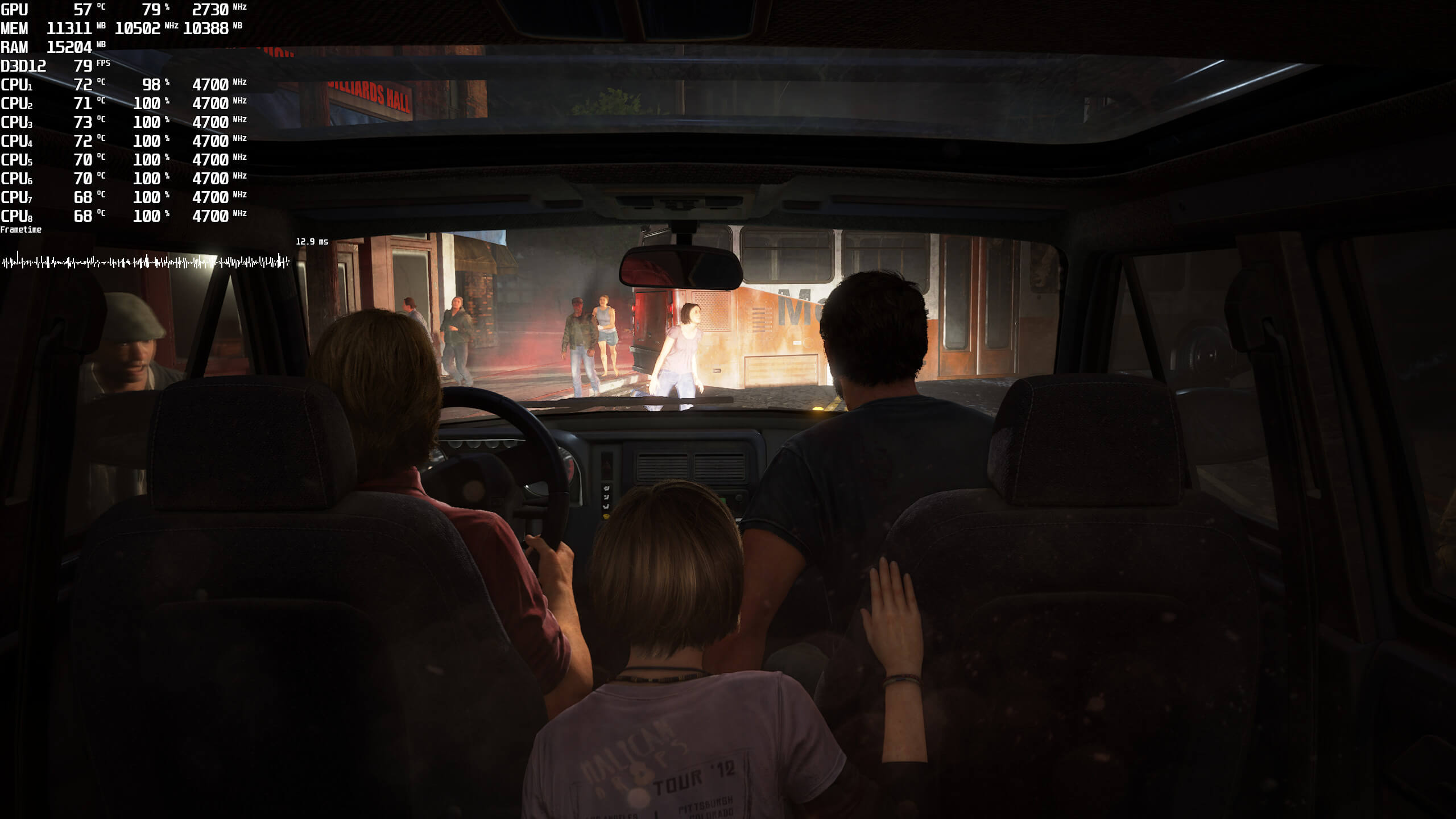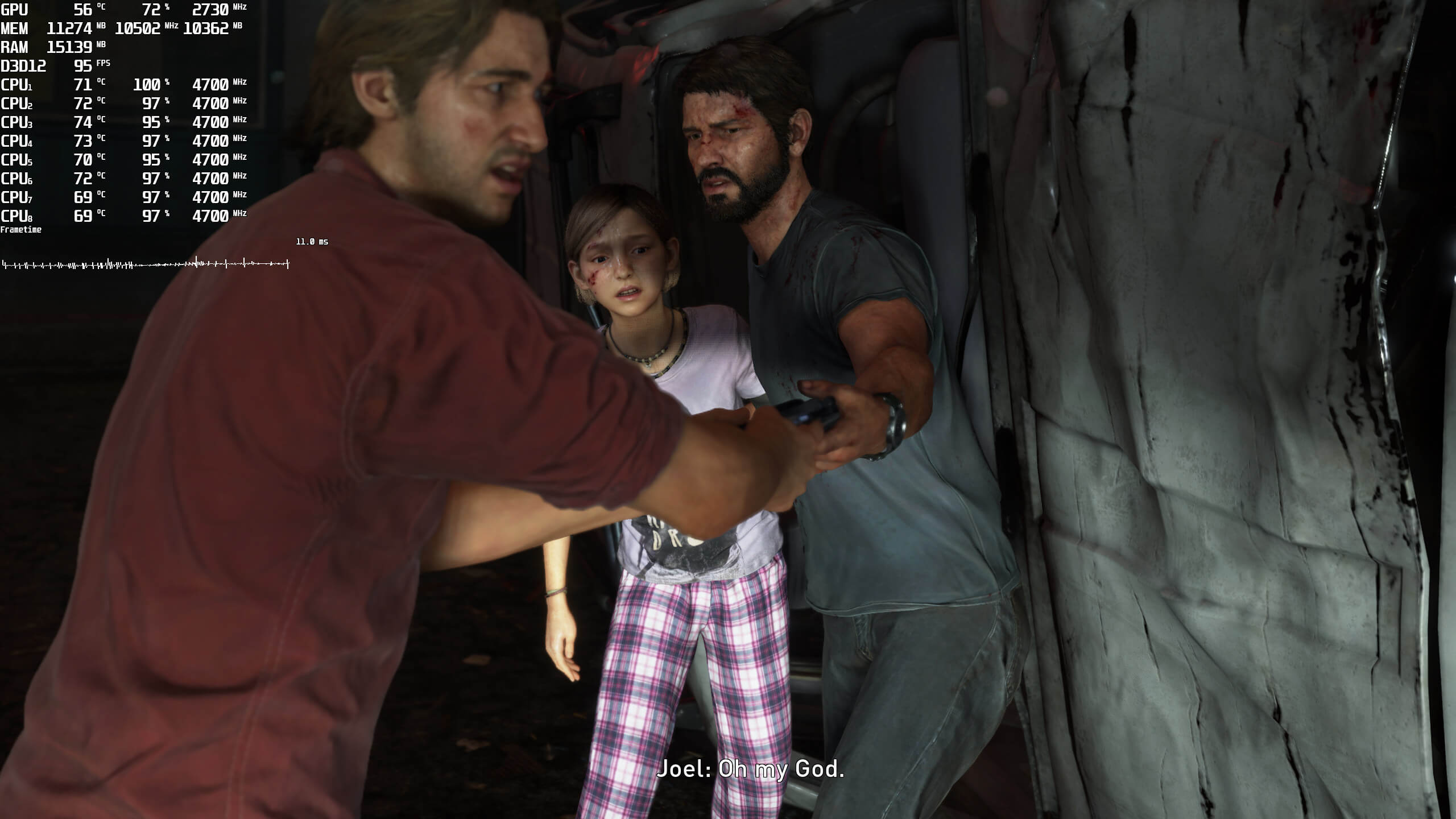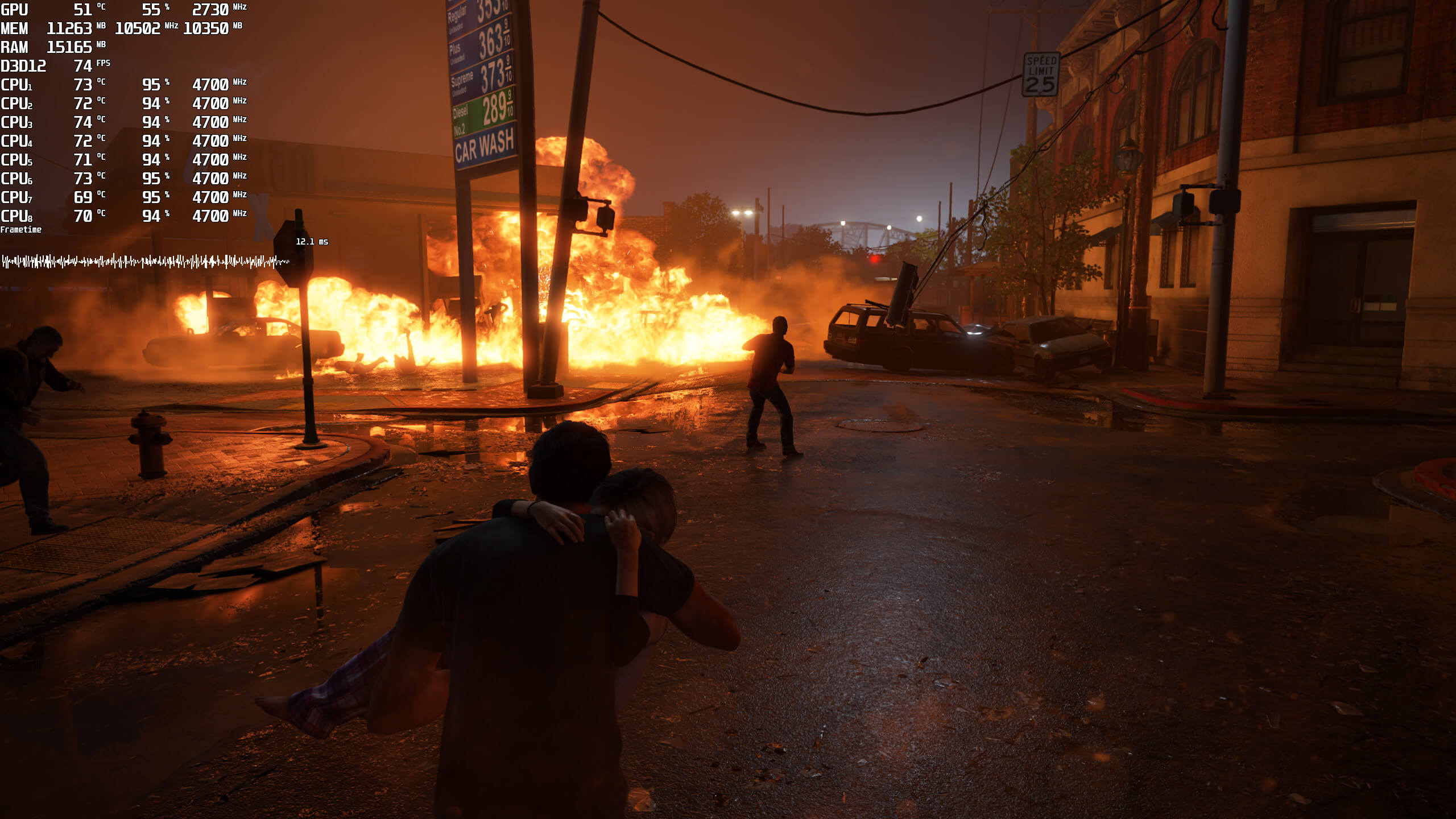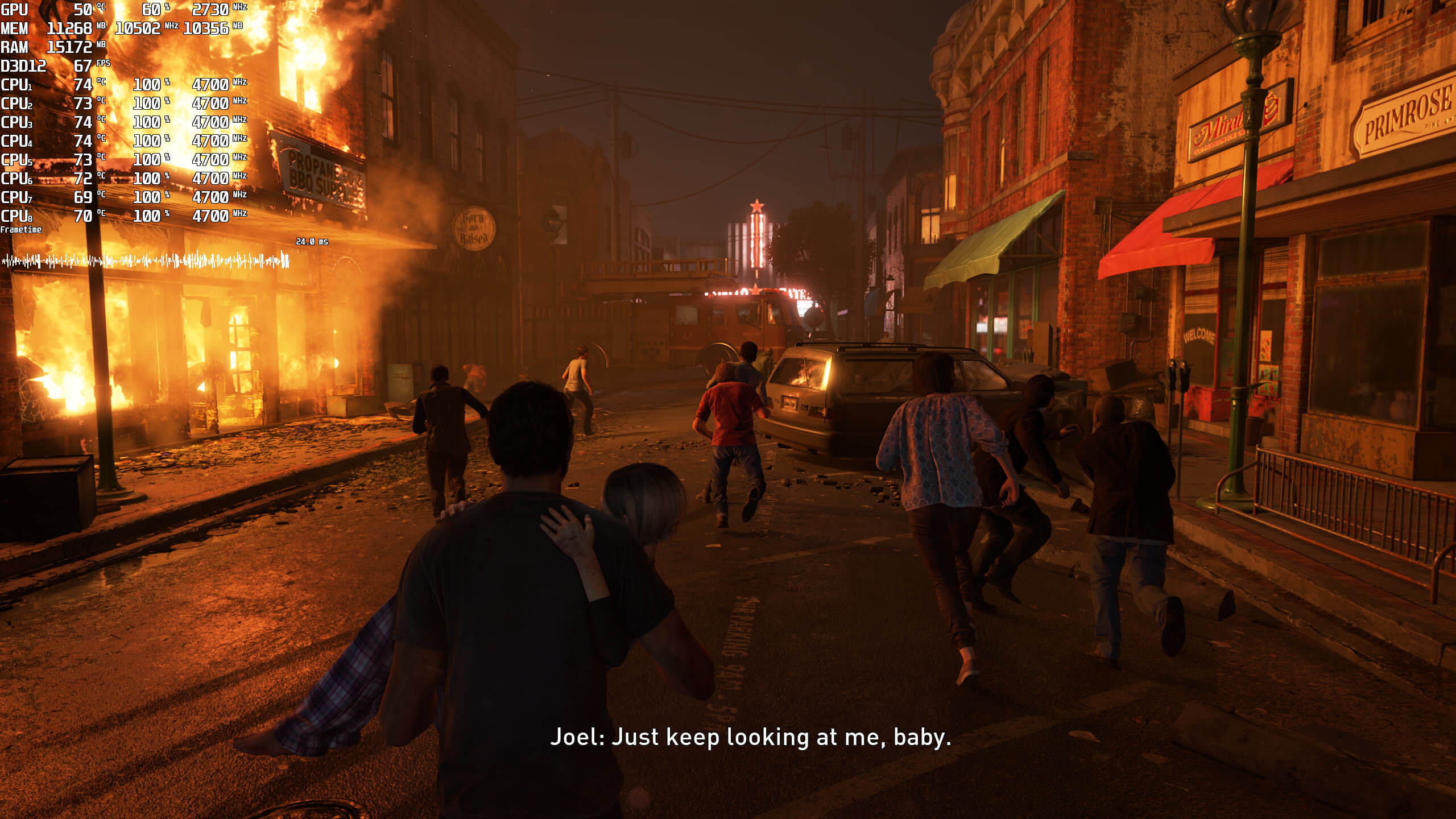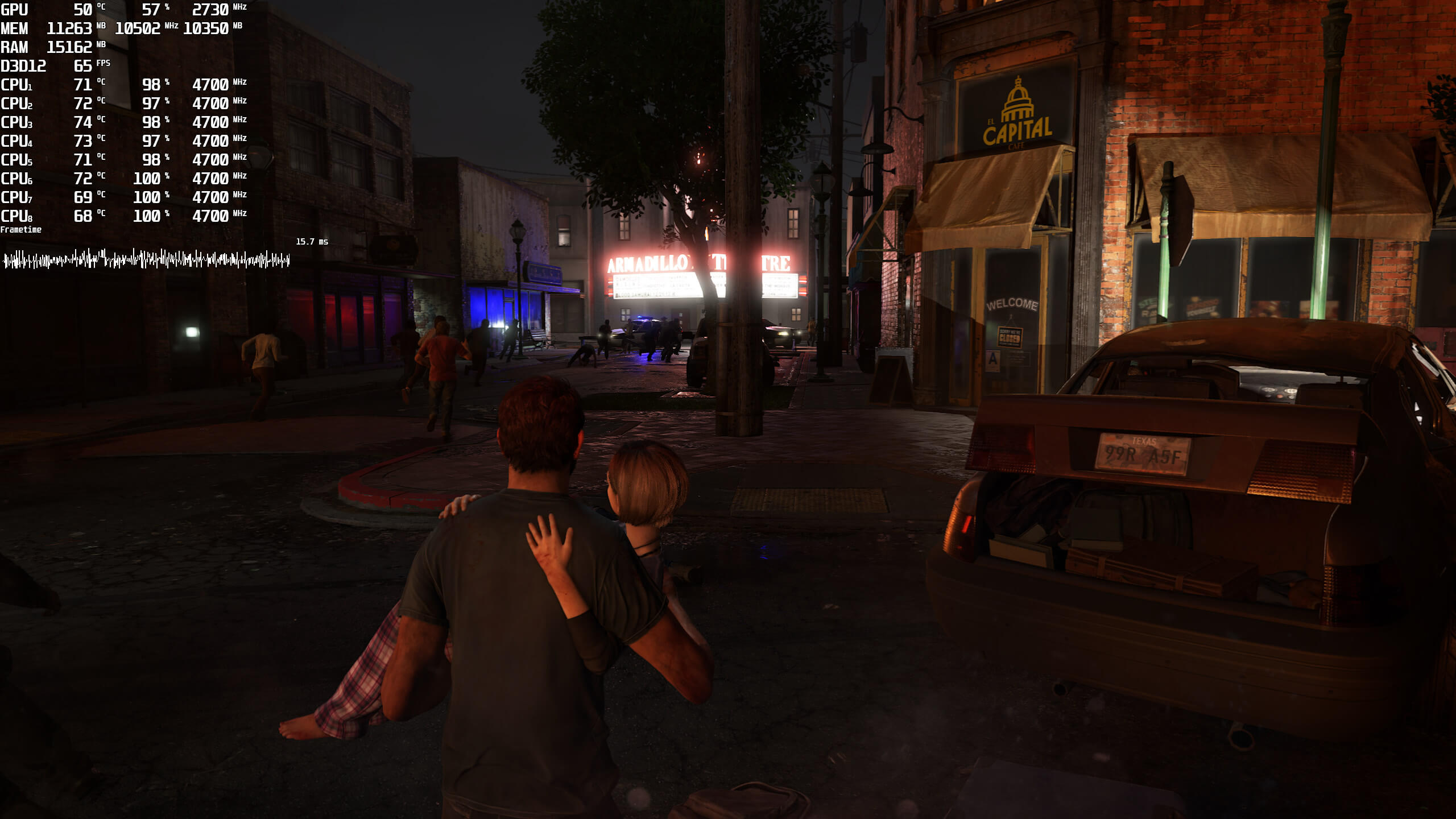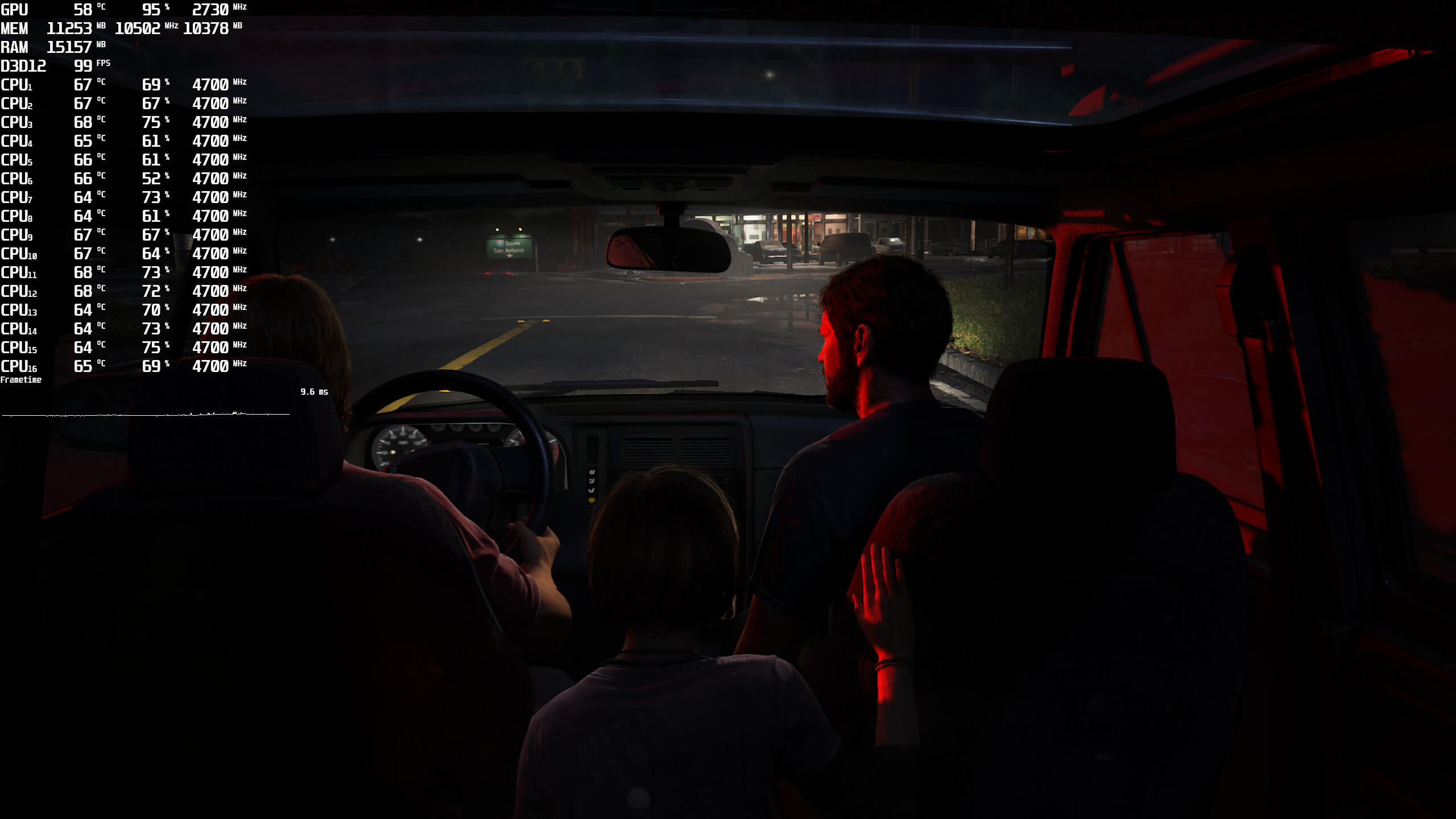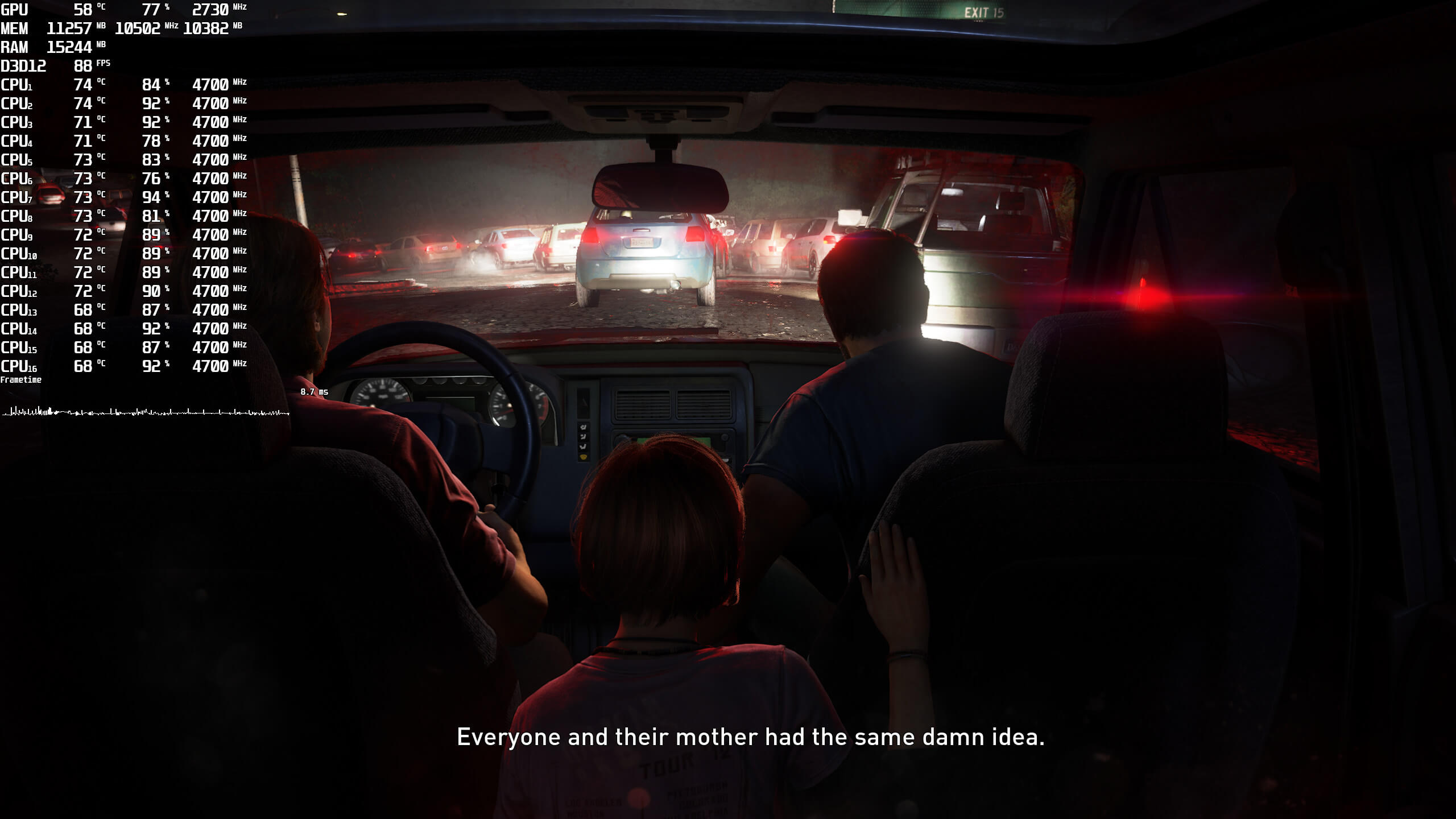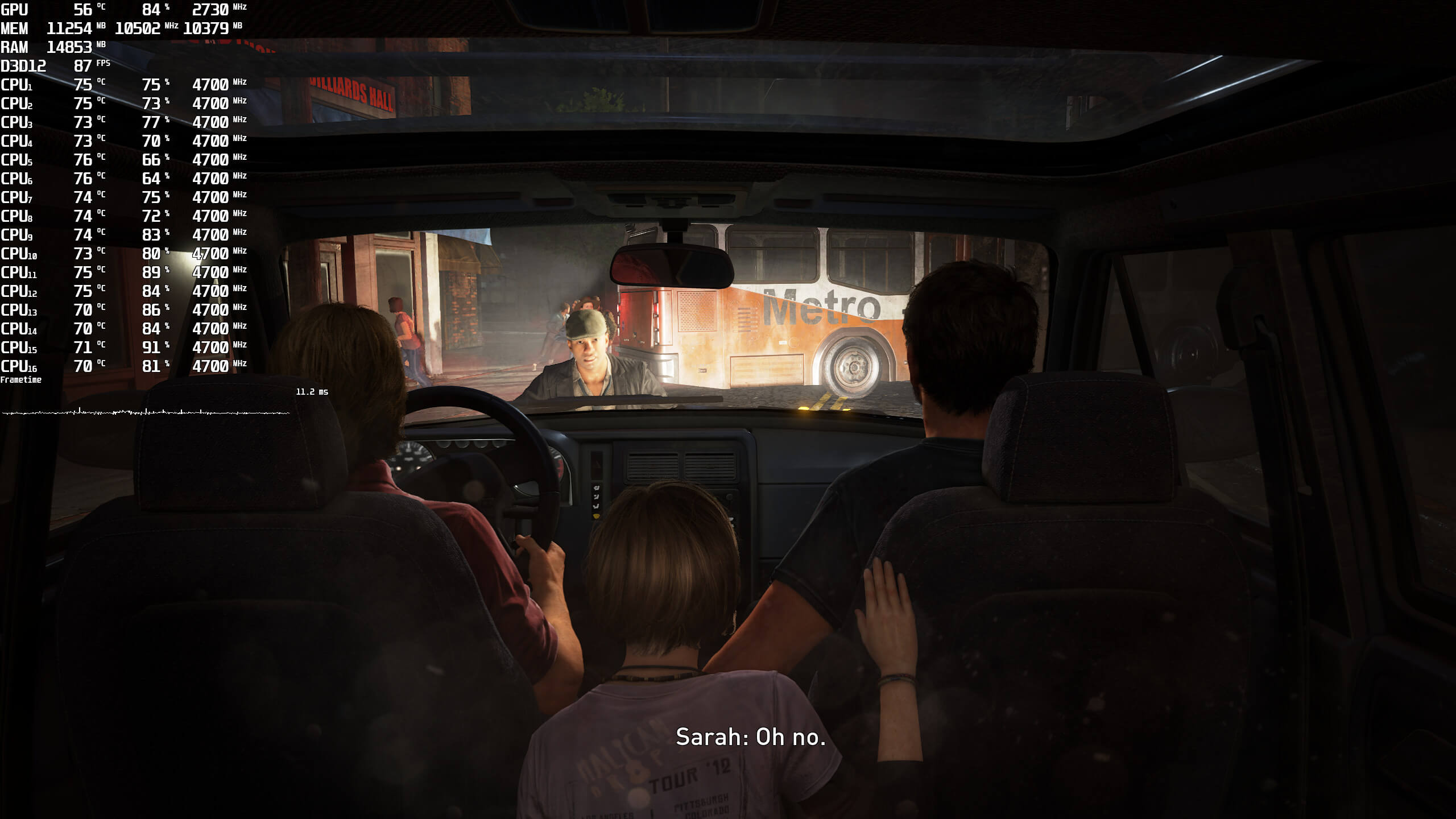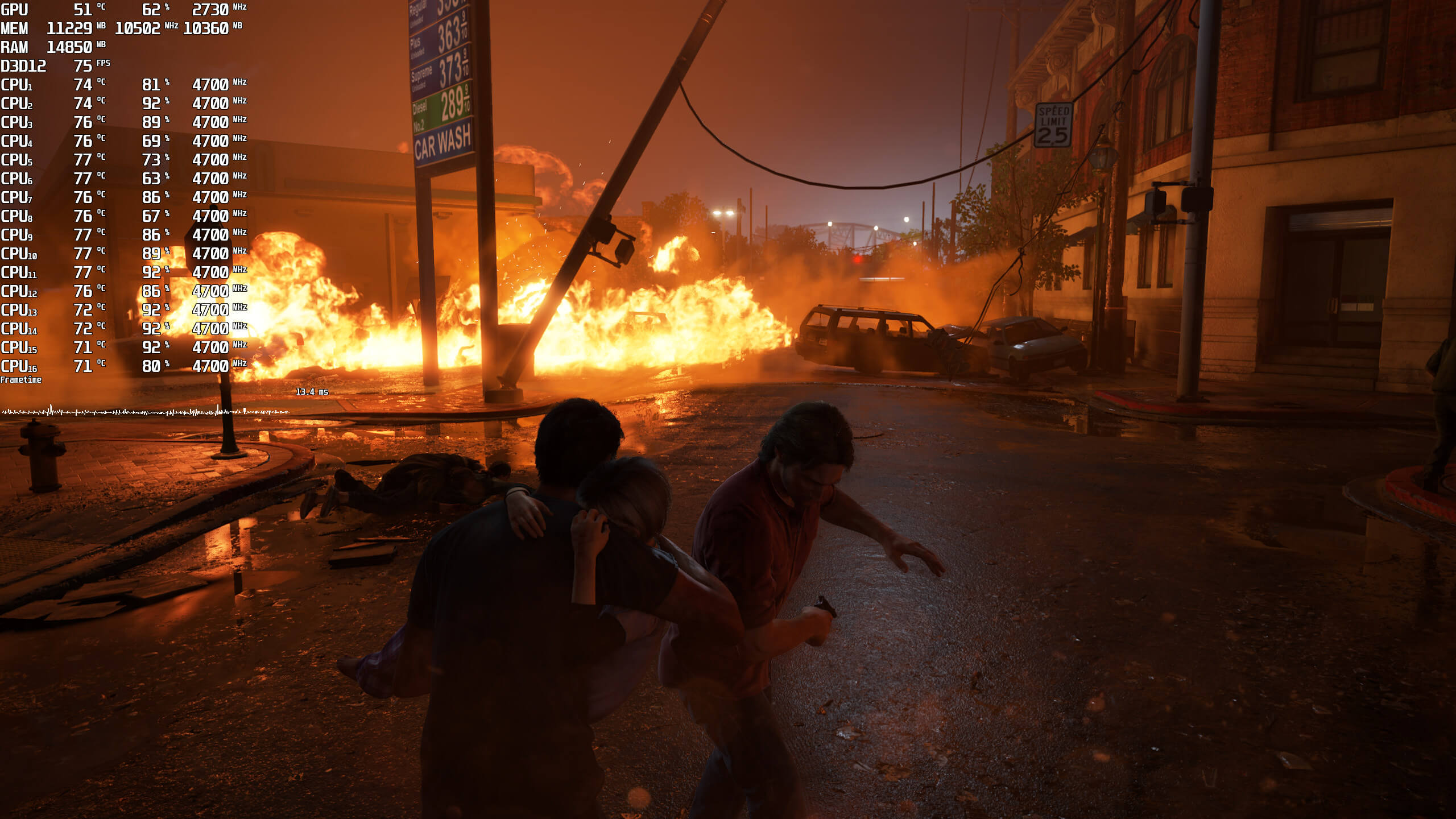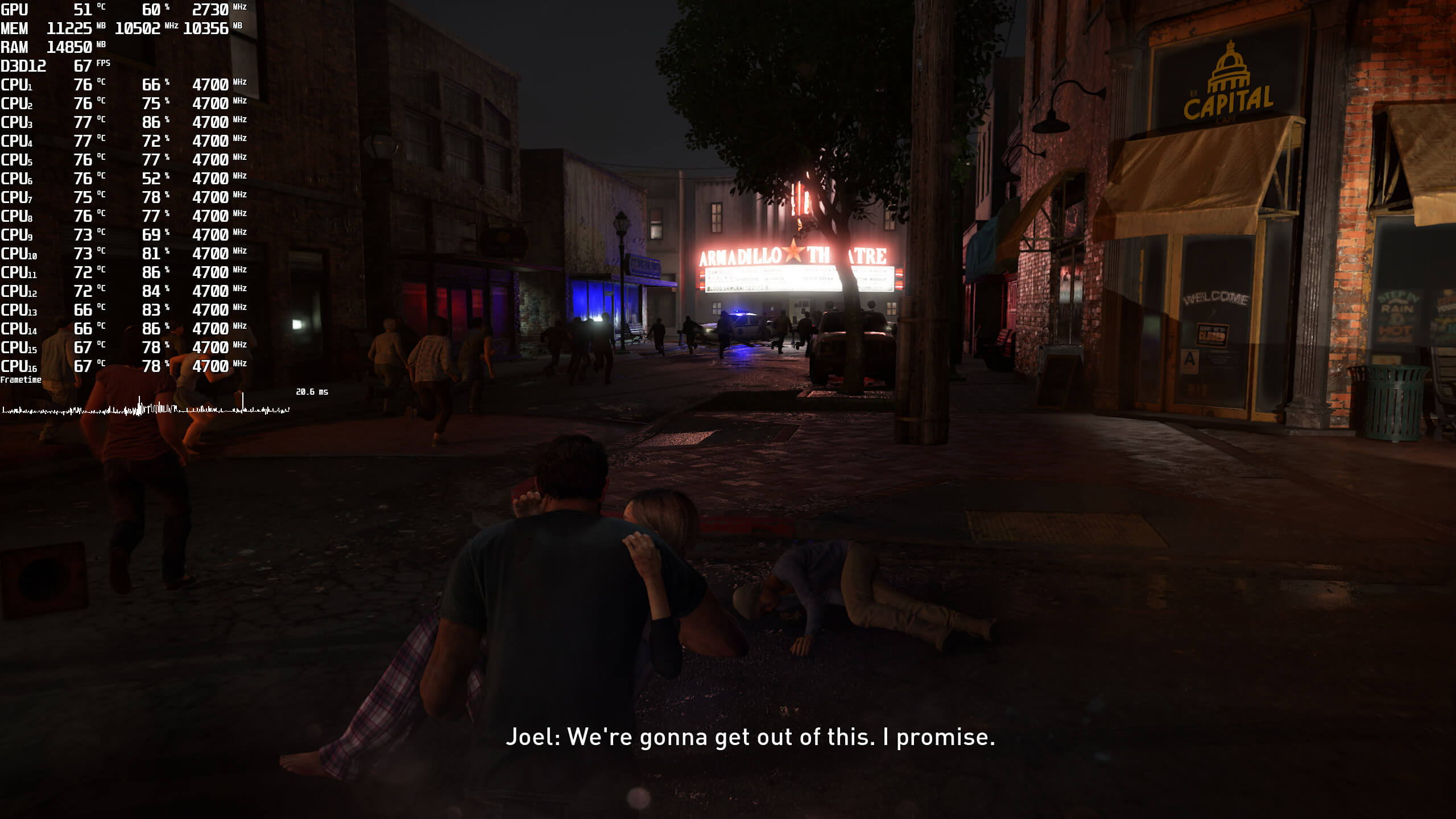
As we’ve already reported, The Last of Us Part I is a really CPU-heavy game. And this made me wonder. How would the game run on our older Intel Core i9 9900K? According to reports, it should perform horribly. However, it appears that this old Intel CPU can run the game with constant 60fps at Ultra Settings.
For our tests, we used our Intel i9 9900K with 16GB of DDR4 at 3800Mhz, and NVIDIA’s RTX 4090. We also used Windows 10 64-bit, and the GeForce 531.26 drivers. Yeap, you read that right. Although the game recommended using the latest one, we used an older driver. In theory, this should introduce some stability problems, right? Well, the game ran fine and we didn’t experience any crashes.
As always, we used the game’s Prologue sequence for our benchmarks. This sequence is more demanding than all other later areas. Thus, it can give us a better idea of how the rest of the game will run.
As the title suggests, our Intel Core i9 9900K was able to push over 60fps at all times. And yes, that was on Ultra Settings. In fact, and in order to further test the CPU, we used a native 1440p resolution (instead of a 4K res).
So, here is the game running at 1440p/Ultra settings on our Intel Core i9 9900K without Hyper-Threading.
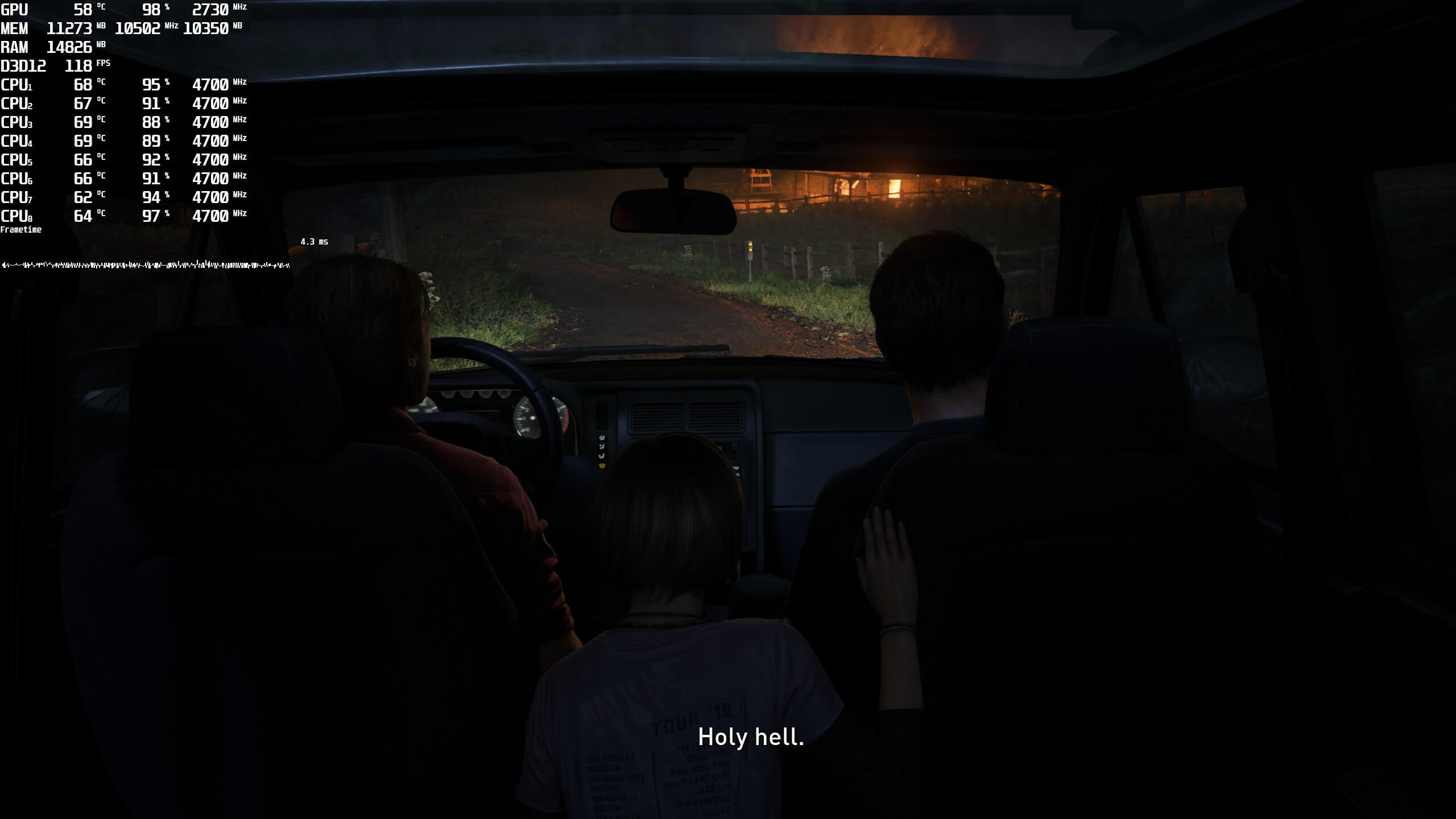
As you will see, the frametime graph is a bit weird. Since our eight CPU cores were maxed out, we did witness some framepacing issues. And that’s where Hyper-Threading comes to save the day.
By enabling HT, we were able to get smooth frametimes. Surprisingly enough, our framerates did not increase during the heavy CPU scenes. Regardless of that, with HT, our Intel Core i9 9900K was able to provide an enjoyable experience.
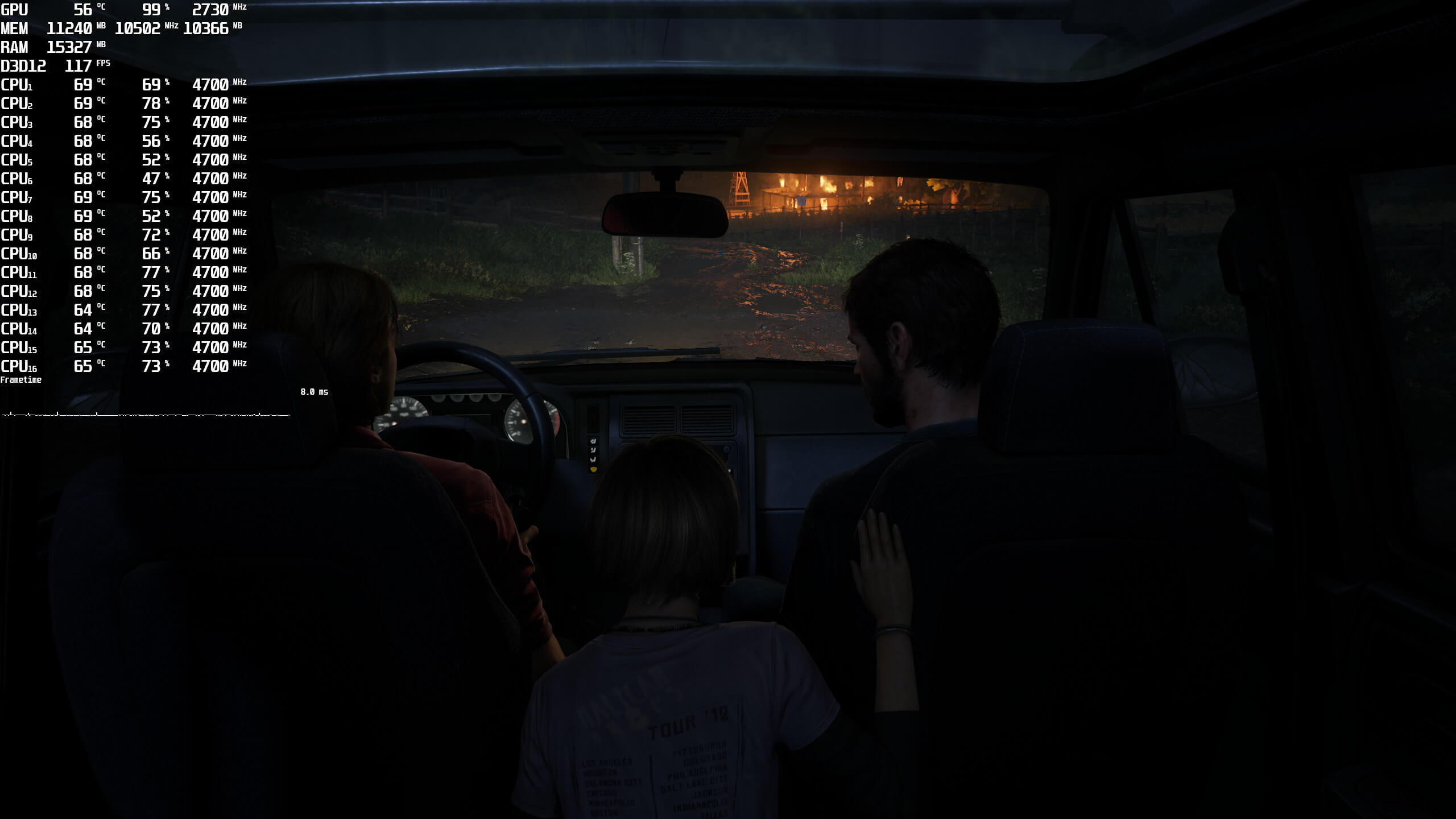
Now I’m not saying that the game’s CPU utilization is justified. We’ve said it before and we’ll say it again. This game should be running better, and Naughty Dog should further optimize it. However, we’ve proved that even a 2018 CPU can run the game with constant 60fps. So no, you don’t need a top-of-the-line CPU in order to enjoy it.
What also surprised me was the fact that 16GB of total RAM was enough for it. Truth be told, there were some additional stutters (compared to our AMD Ryzen 9 7950X3D system which has 32GB of RAM). However, the game has fewer stutters than, say, Hogwarts Legacy.
Lastly, I should note that it took over 40 minutes to compile the shaders on our Intel Core i9 9900K. And no, we didn’t crash during that procedure. So apparently, we now have two NASA PC systems.
In summary, here are the things we believe Naughty Dog should be focusing on. The team should optimize the shader compilation procedure, as well as the initial loading. It’s inexcusable for this game to take this long to compile its shaders or load a save. The team should also improve performance on GPUs with 8GB of VRAM, as well as the quality of Medium Textures. Then we have the mouse issues (which should be addressed later today). And then, Naughty Dog should optimize the game to reduce overall CPU usage.
So yeah, there is a lot of work to be done here. Still, The Last of Us Part I is nowhere close to being described as an unoptimized mess. Because if it was, our Intel Core i9 9900K would not be running it as smoothly as it does. It’s nowhere close to what Batman Arkham Knight was. And no, it’s nowhere close to the launch versions of WILD HEARTS, Forspoken or Gotham Knights.
Stay tuned for more!

John is the founder and Editor in Chief at DSOGaming. He is a PC gaming fan and highly supports the modding and indie communities. Before creating DSOGaming, John worked on numerous gaming websites. While he is a die-hard PC gamer, his gaming roots can be found on consoles. John loved – and still does – the 16-bit consoles, and considers SNES to be one of the best consoles. Still, the PC platform won him over consoles. That was mainly due to 3DFX and its iconic dedicated 3D accelerator graphics card, Voodoo 2. John has also written a higher degree thesis on the “The Evolution of PC graphics cards.”
Contact: Email


I hope you continue to test the 9900k for some games, not for every performance analysis but in some cases especially in cpu bound games.
The Tin Galaxy Experience
So it runs on a Core i9 9900K but my 5600x Runs like crap so it runs well on one cpu the other 90 pecent of cpu’s it is crap.
Crap optimised game i have an Ryzen 5600x Rtx 3070 and runs worse than a ps5 piss poor port.
A 5600k at stock DESTROYS a 9900k in single thread performance and almost equals it in multicore performance. John ran this test without multithreading so the 5600x you have is WAY better. CPU ain’t your problem.
Do have 32 GB of RAM? If not you shouldn’t be on Windows 11. The OS simply uses more ram than Windows 10. Use Win 10 and ISLC to solve standby memory release problems that exist on Win 10/11 or just upgrade to 32 GB RAM to solve stutter that you will get in MULTIPLE new games.
VRAM. If you have 8 GB of VRAM the only thing you should even have at high when upscaling is character textures and MAYBE environment. Less accessible VRAM than a PS5 that is also upscaling.
Turn all the shadow and light stuff to lowest resolution if it takes VRAM,
Or keep crying about VRAM/RAM that is NEVER gonna change for PS5 exclusives AND THT WILL GET WORSE BECAUSE THEY PROBABLY MADE THE ULTRA TEXTURES IN THIS GAME FOR THE PS5 PRO.
SSD. What do you have? The PS5 has a 5500 read drive. You can now get a SAMSUNG 980 PRO 2TB for 150 bucks on Amazon. You want to be in the ballpark for SSD speed or you shouldn’t expect load times similar OR asset streaming without issues. Is it using 5500 read? Prob not. Is probably using like 3xxx though and high speed allows you to perform better at higher FPS.
PS5 exclusives are not PS4 crossover games and are not multiplat. Xbox limits it’s VRAM pool to 10 GB. PS5 does not. Pro consoles will extend this.
How do I enable hyper threading on my i7 9700K? because I don’t want my frametime to look like a parkinsons patient tried drawing a straight line.
That’s the thing. You don’t.
So then, this proves exactly the magnitude of what a sh**ty port this is:
Runs fine on a 9900K, but locks up on a i7 9700K because Iron Galaxy can’t code for sh*t.
It’s a real mystery as to why this console port turned out to be so poor.
https://uploads.disquscdn.com/images/d85757329e9803a19916b1fe431916e526aef459efa4090c25255f77df00c693.png
https://uploads.disquscdn.com/images/e47c08e2f506f15257c743dde321fde0a3ebd5638ae9829530d9ae5e0e154ce1.png
sensible chuckle.mp4
the politics are a cancer today
Stop being a single digit IQ r3tard, Naughty Dog did most of the port, they have no clue what they’re doing with PC. Uncharted 4 was miles better optimized than this.
How the hell dis company is still exist
Presumably ESG. Their Twitter account is more about political activism and constant virtue signalling than it is about their actual work. There’s also this large section on the website:
irongalaxystudios(dot)com/deia
Not surprising still…. https://media3.giphy.com/media/RDisOrdKEBY2Y/giphy.gif
Its all about ideology, hence why Naughty Dog choose them despite their reputation regarding to PC Port. Probably they allocate more people in PR, Finance, artisr and HR to accommodate these kind of folks rather than allocate more people in programming / technical department that actually work on the game
Dont worry, this game with a quantic graphic card runs nice
60 fps is outdated, no longer matters. Also, ultra offers barely any visual scaling above PS5
Wow!!! 7th gen cover shooter with a coat of paint runs at 60 FPS on a CPU several orders of magnitude more powerful than a PS4!!!
I have a i9-9900 (non-K version), 32GB RAM and a RTX 3050. The game runs fine for me after the last hotfix without any stuttering. Ofc I’ve capped the fps and enabled FSR2 (DLSS has some issues I didn’t like) but it runs fine with no crashes.
What do you mean with DLSS issues? I was gonna go all in on DLSS for this game.
Blurryness when moving the camera, some artifacts with shadows (specially when they are cast by the flashlight) and game crashes with DLSS on.
Is it true DLSS cause crashes ?? Just this morning I tried use FSR2 and hope that will fix it
60 fps… its 2023.. we dont want 60 in a time and age where 120/144/240 Hz monitors are becomming or are already the norm.
i left 60 fps a very long time ago behind… when i still had a Peasantstation 4
Not everyone prioritizes the refresh rate. I’m a photographer so I use a monitor with high color accuracy and there aren’t any photographer’s monitors capable of 120+. But I do aim for a locked 60 fps at the highest detail possible in games and I like seeing at the same Delta E <1 the artists made it in.
This is rather confounding. On a Ryzen 3700X, which by all accounts is usually within about +/- 5% of a 9900K, I’m getting prolonged periods of well below 60 on anything above medium settings. It’s not GPU or VRAM limited at these settings. I mean it’s literally the same CPU that’s in the PS5.