

Microsoft has just released the official remake of the first Halo game, Halo: Campaign Evolved. Powered by Unreal Engine 5, it’s now time to benchmark and examine its performance on PC.
For our benchmarks, I used an AMD Ryzen 9 7950X3D, 32GB of DDR5 at 6000Mhz, AMD’s Radeon RX 6900XT, RX 7900XTX, RX 9070XT, as well as NVIDIA’s RTX 2080Ti, RTX 3080, RTX 4090, RTX 5080, and RTX 5090. I also used Windows 10 64-bit, as well as the GeForce 610.74 and the Radeon Adrenalin Edition 26.6.4 drivers.
Halo Studios has added a respectable number of graphics settings. PC gamers can adjust the quality of Global Illumination, Lighting, Reflections, Geometry, and more. The game also supports all PC upscalers. In other words, we have support for NVIDIA DLSS 4.5, AMD FSR 4, and Intel XeSS 2.0.
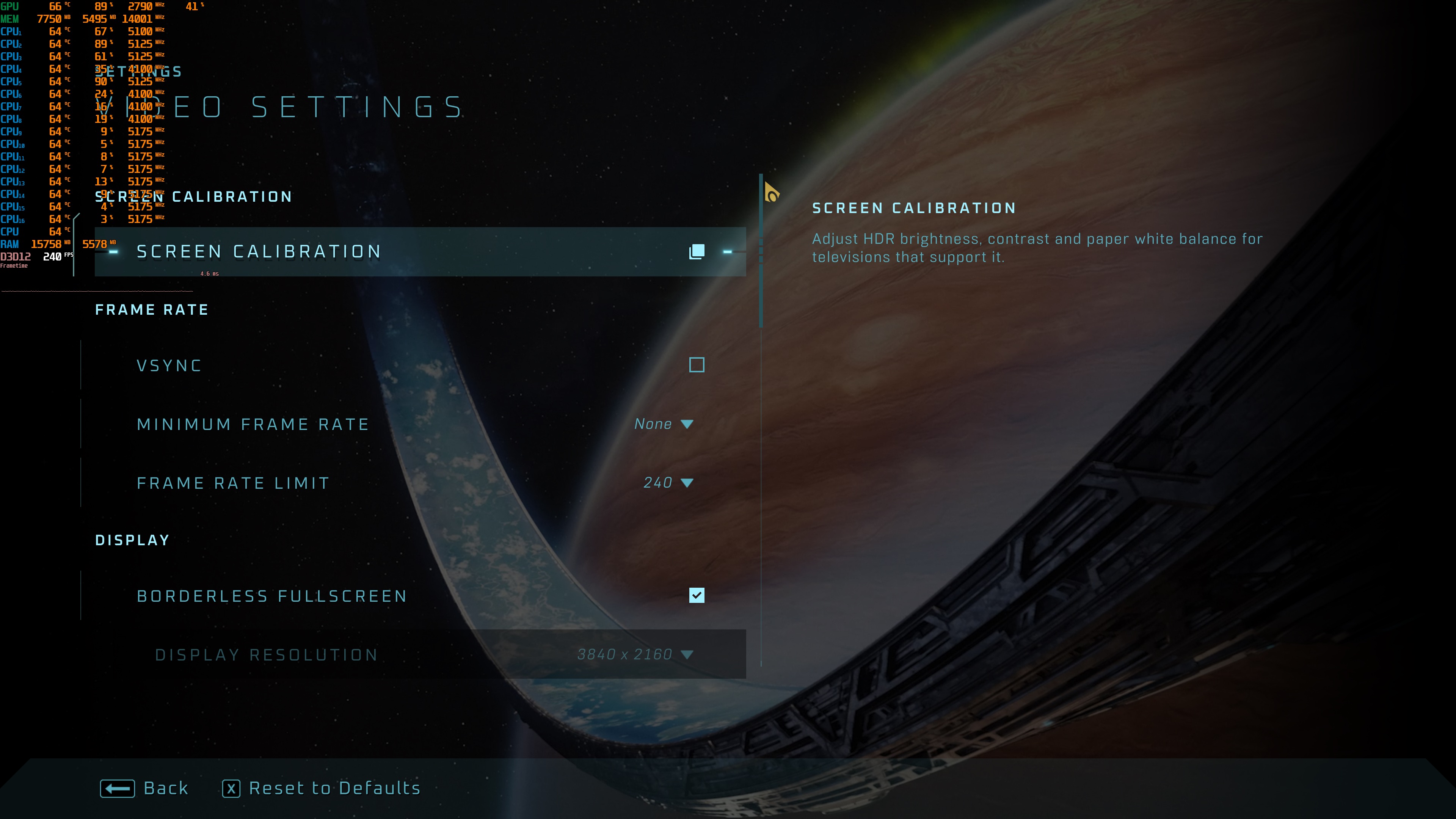
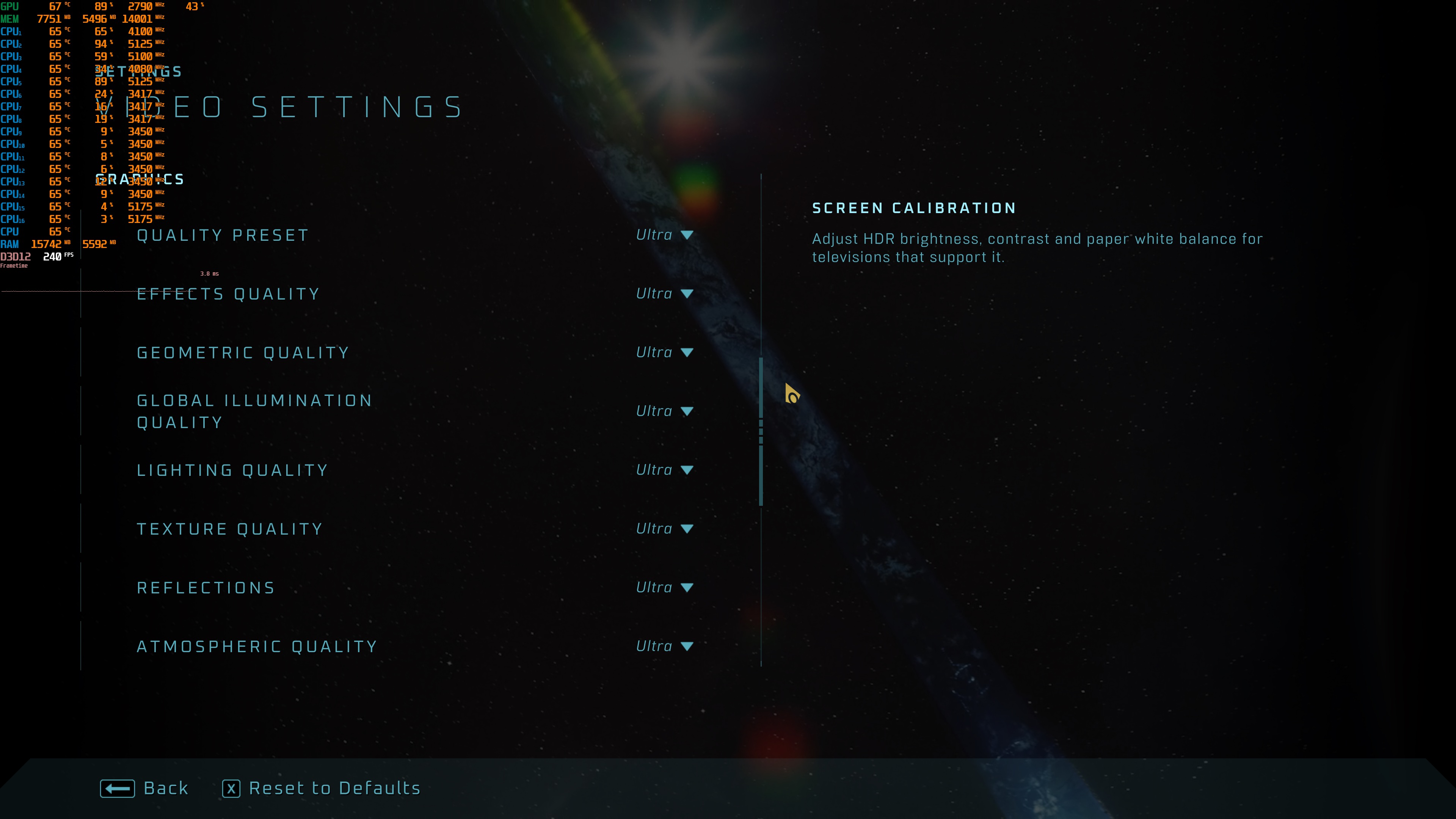
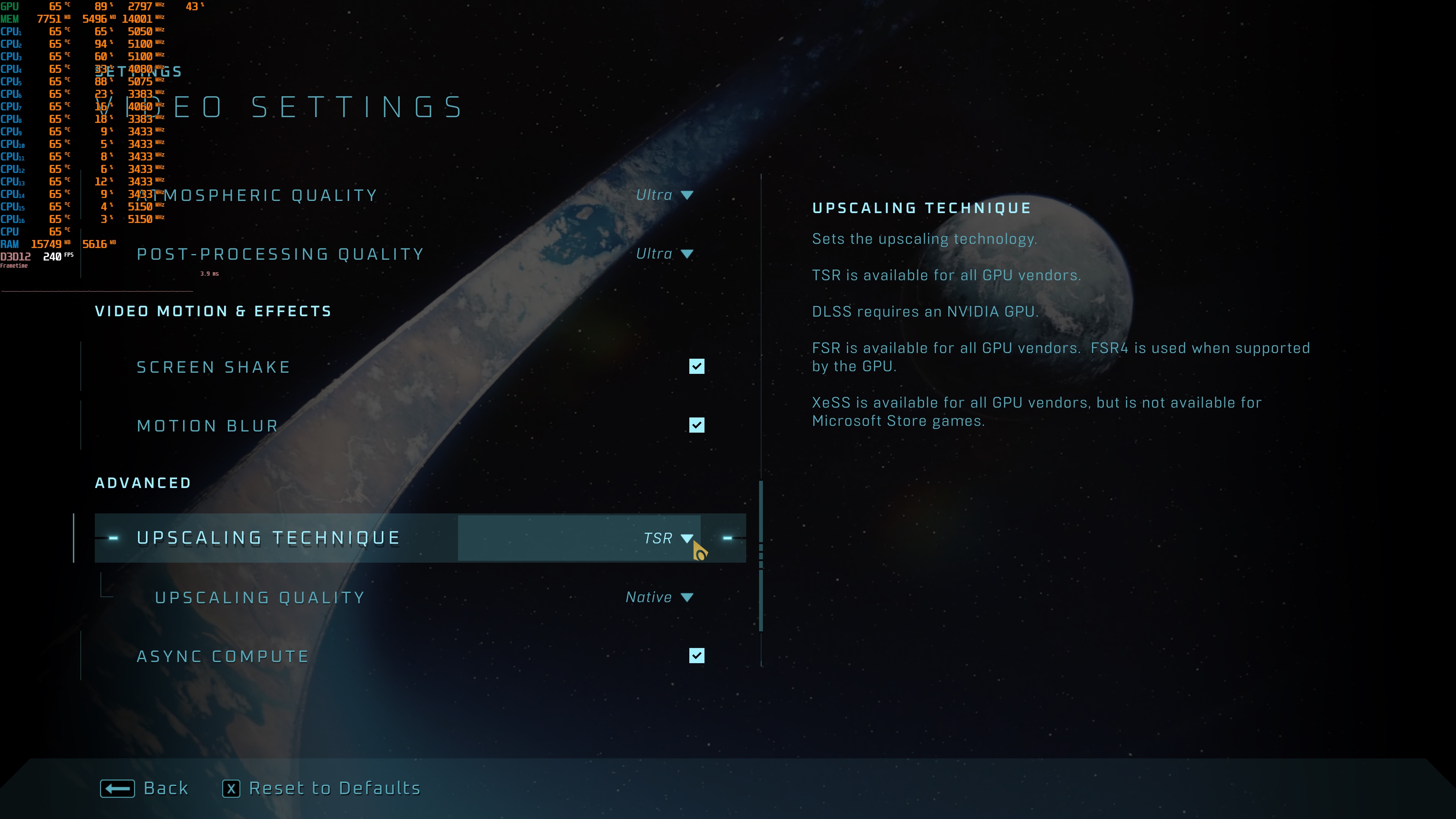
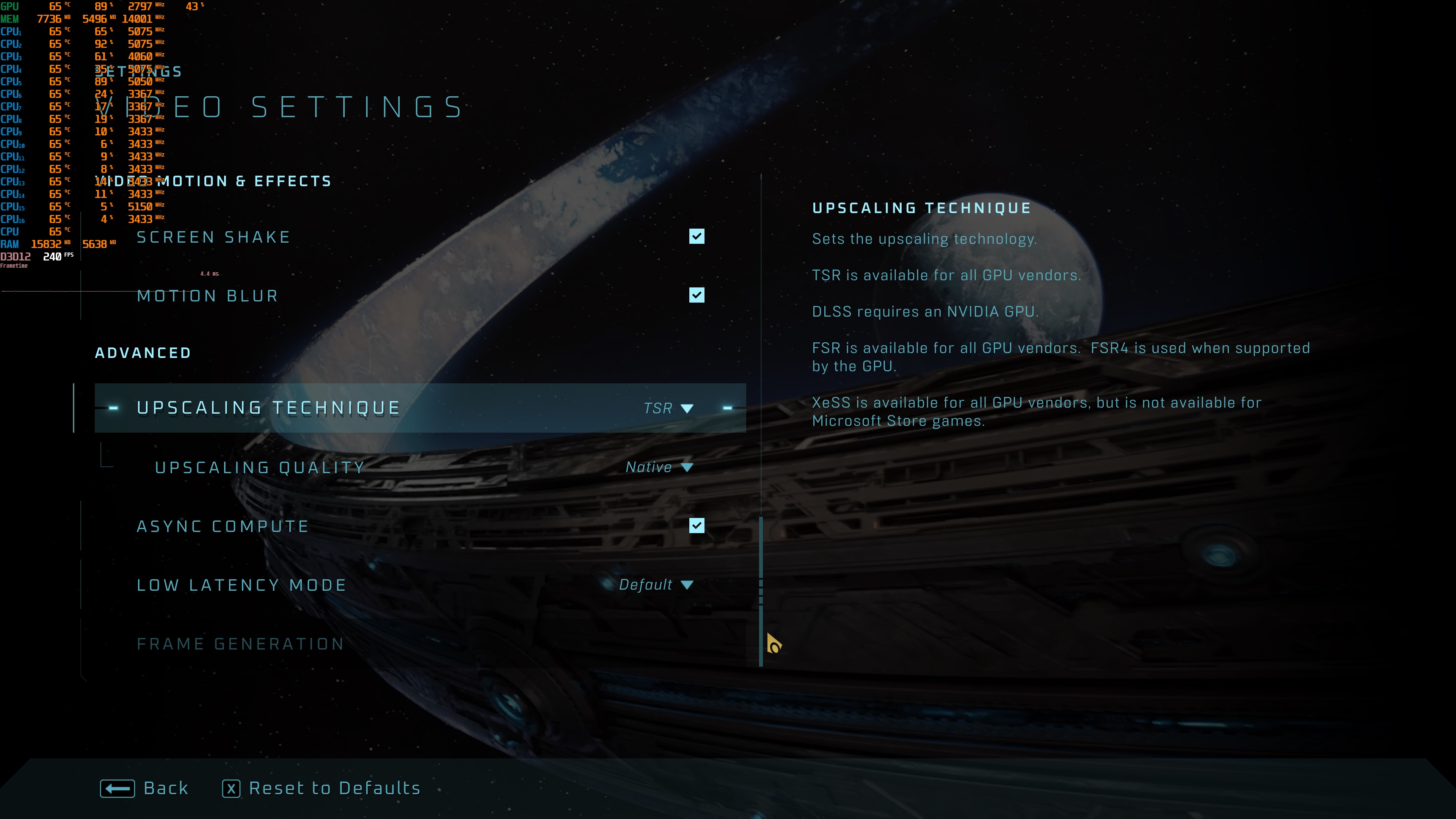
As I’ve already reported, there are no settings for Film Grain and Chromatic Aberration. Thankfully, you can disable them by creating a custom Engine.ini file. Also, while there is an option for Mouse Smoothing, it does not fully disable it. To get proper 1-1 raw mouse movement, you’ll have to apply the tweaks I mentioned in my previous article.
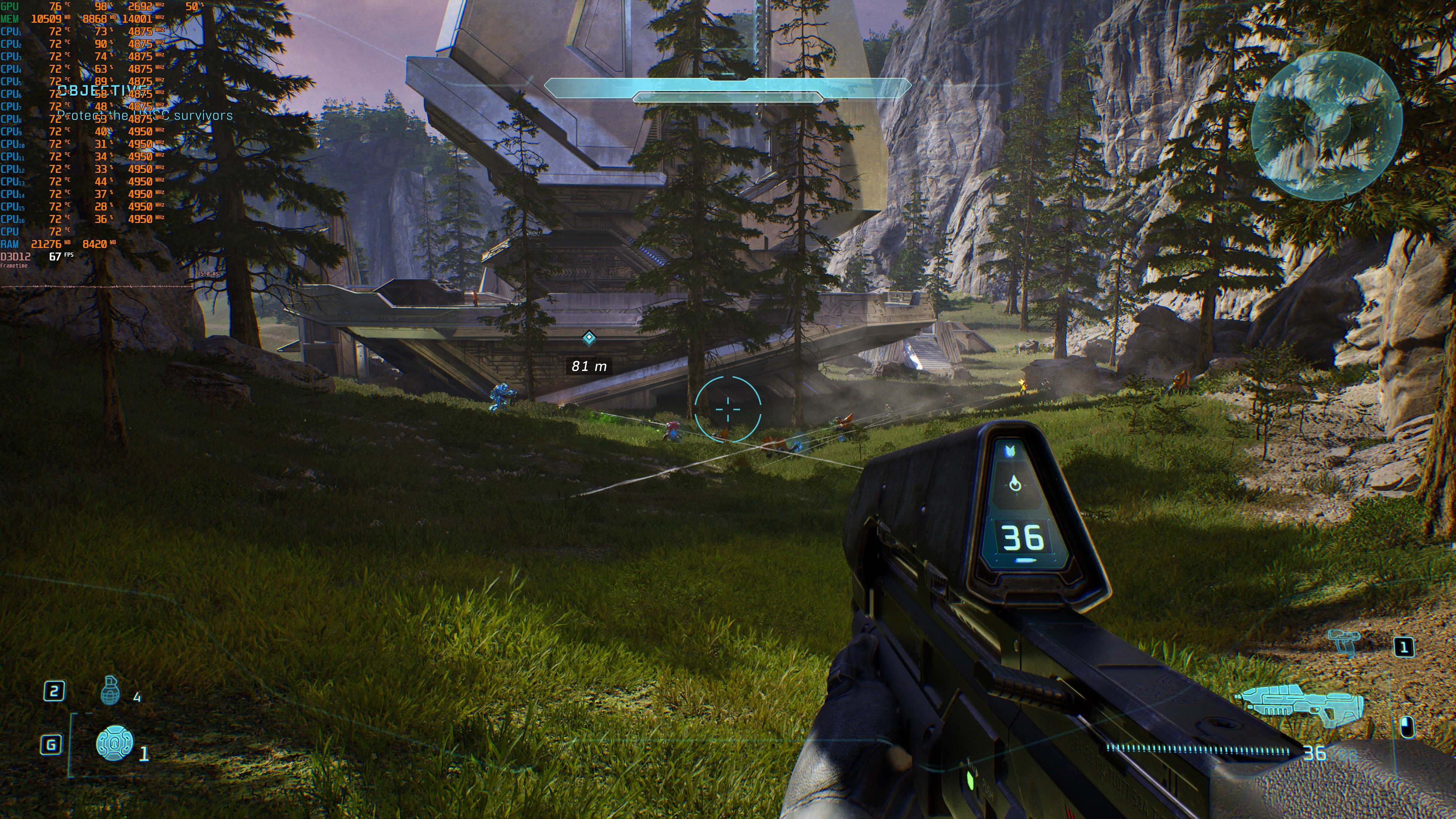
Halo: Campaign Evolved does not have a built-in benchmark tool. So, for our benchmarks, I used the first big fight in the Silent Cartographer. This appeared to be a bit more demanding than the area I used when testing 4K and DLSS.
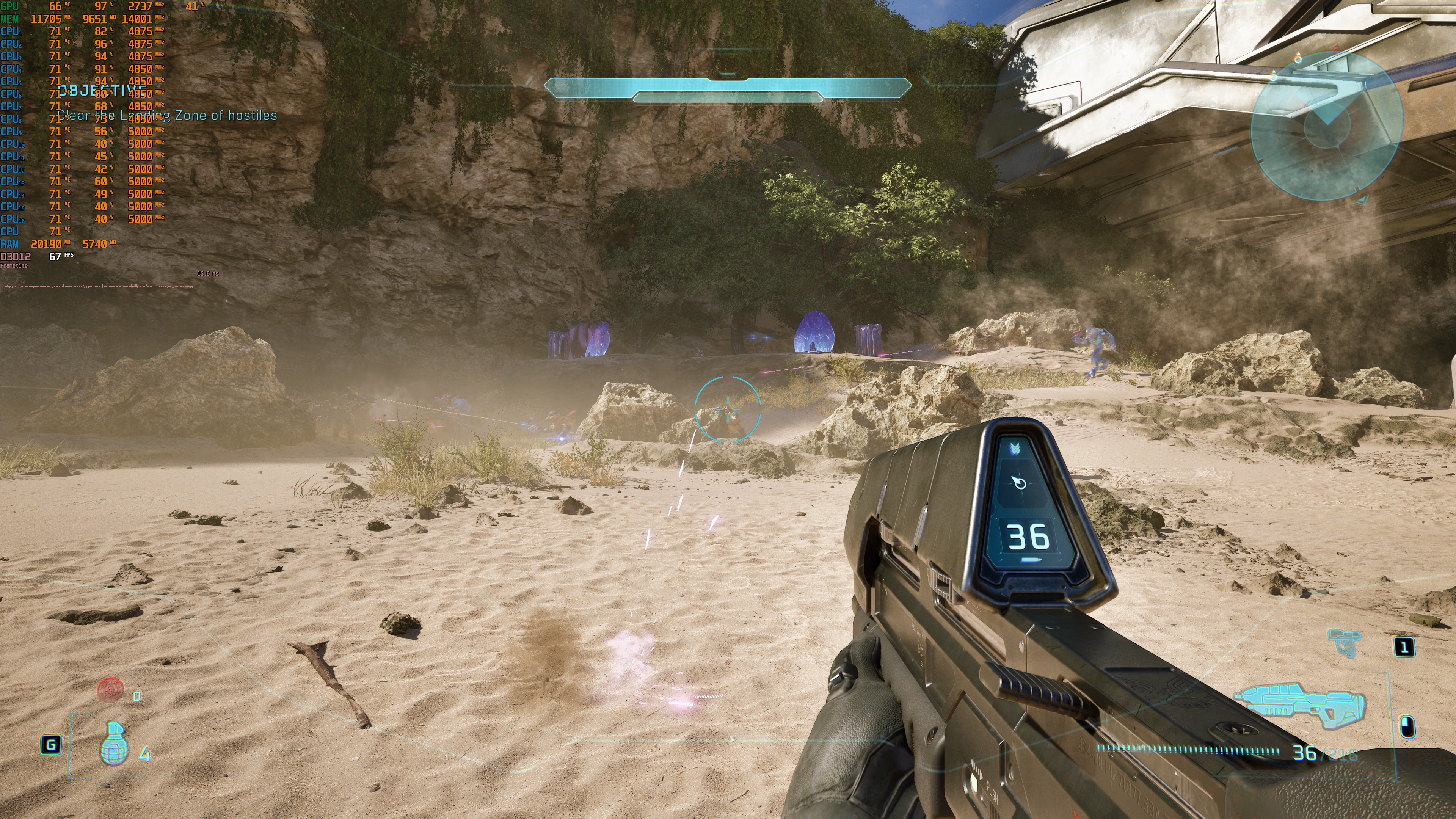
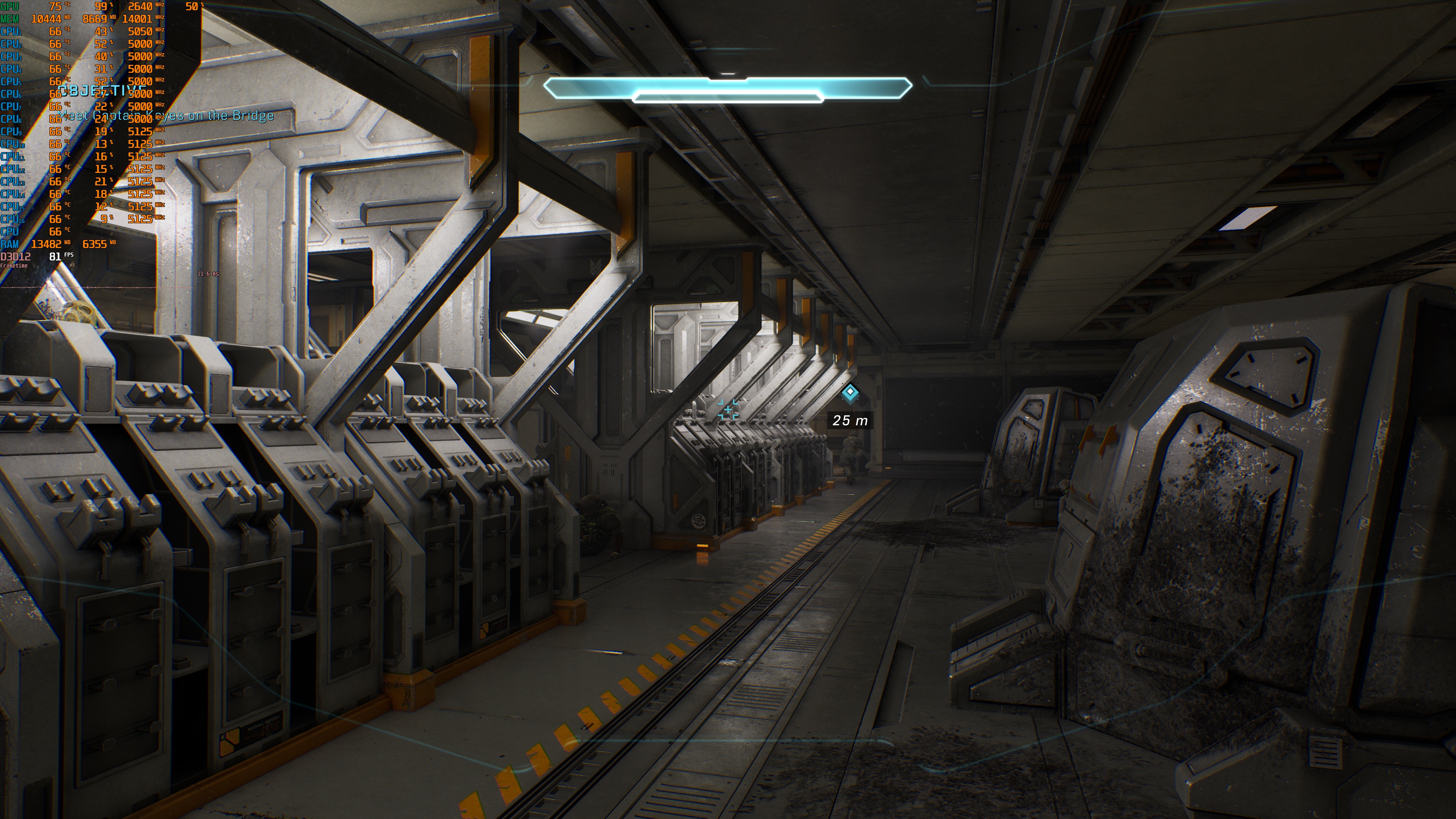
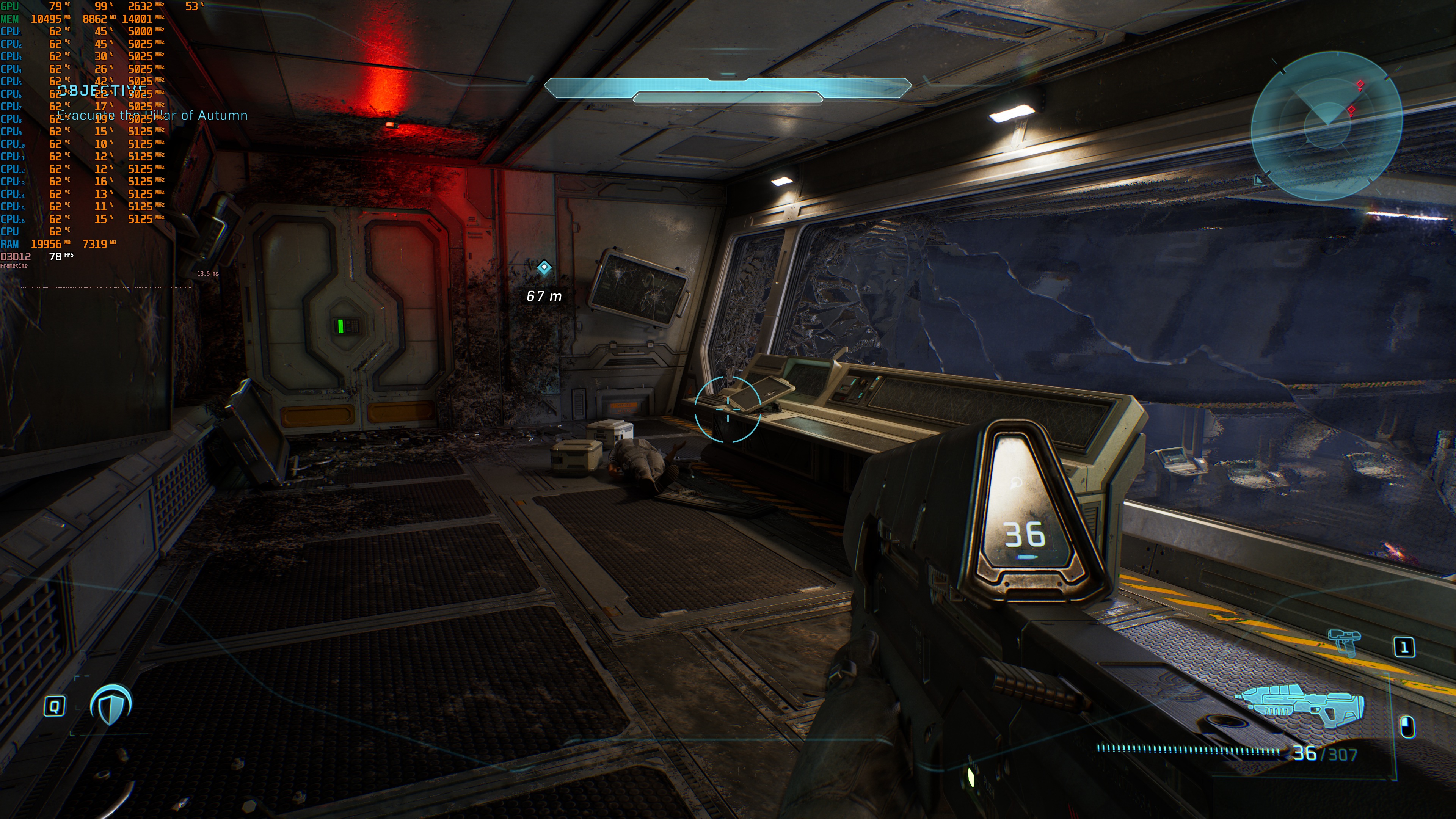
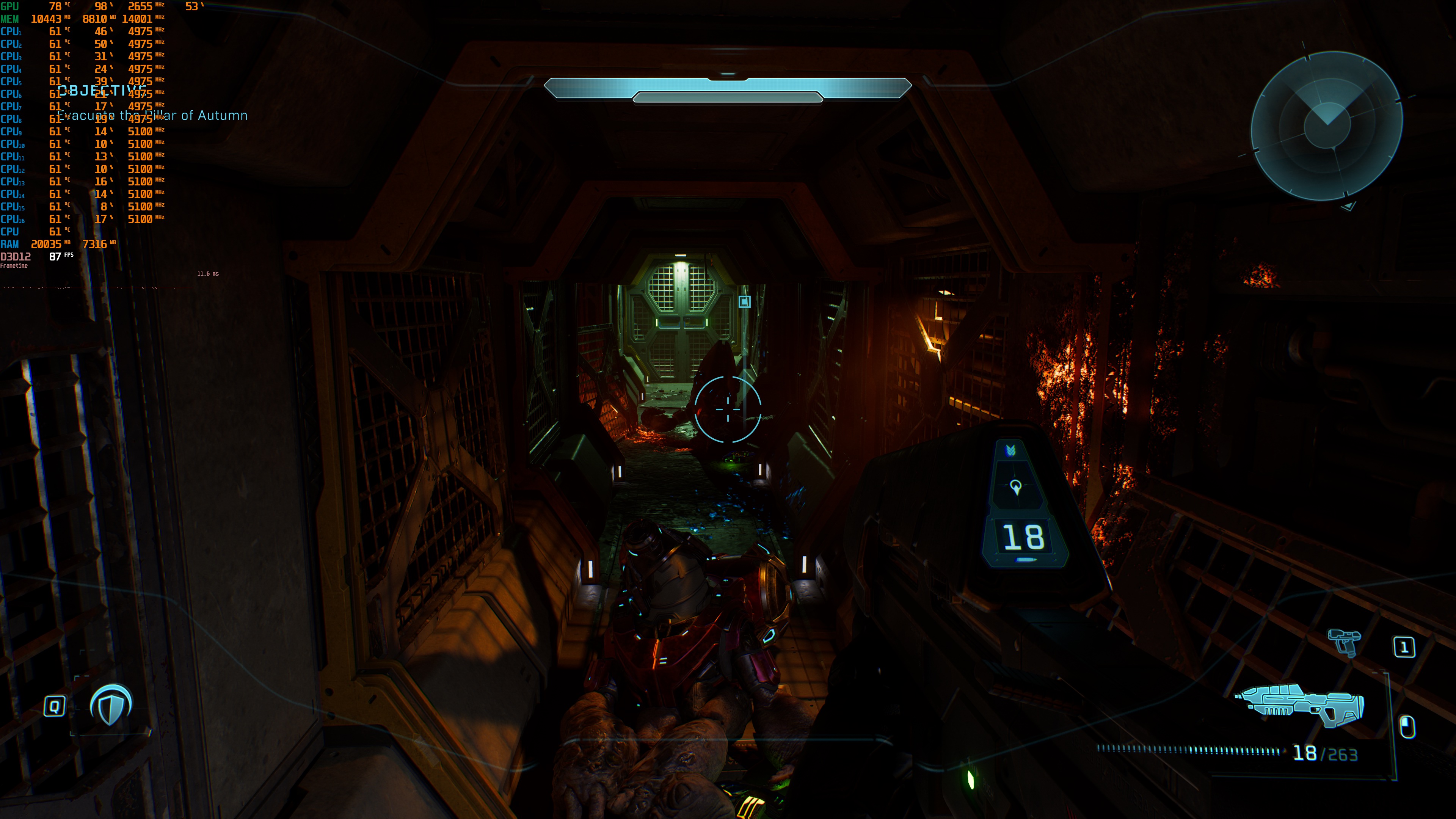
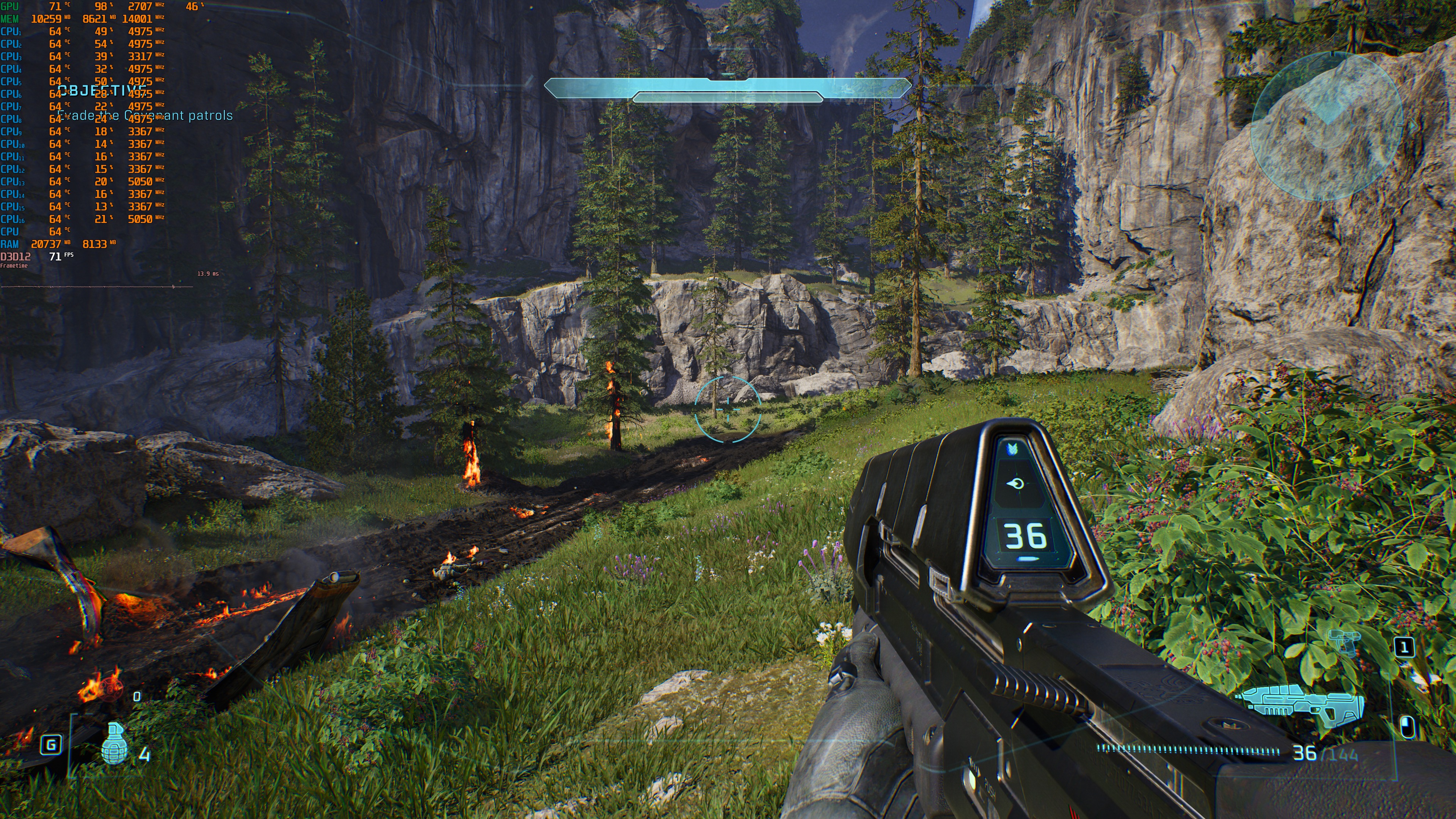
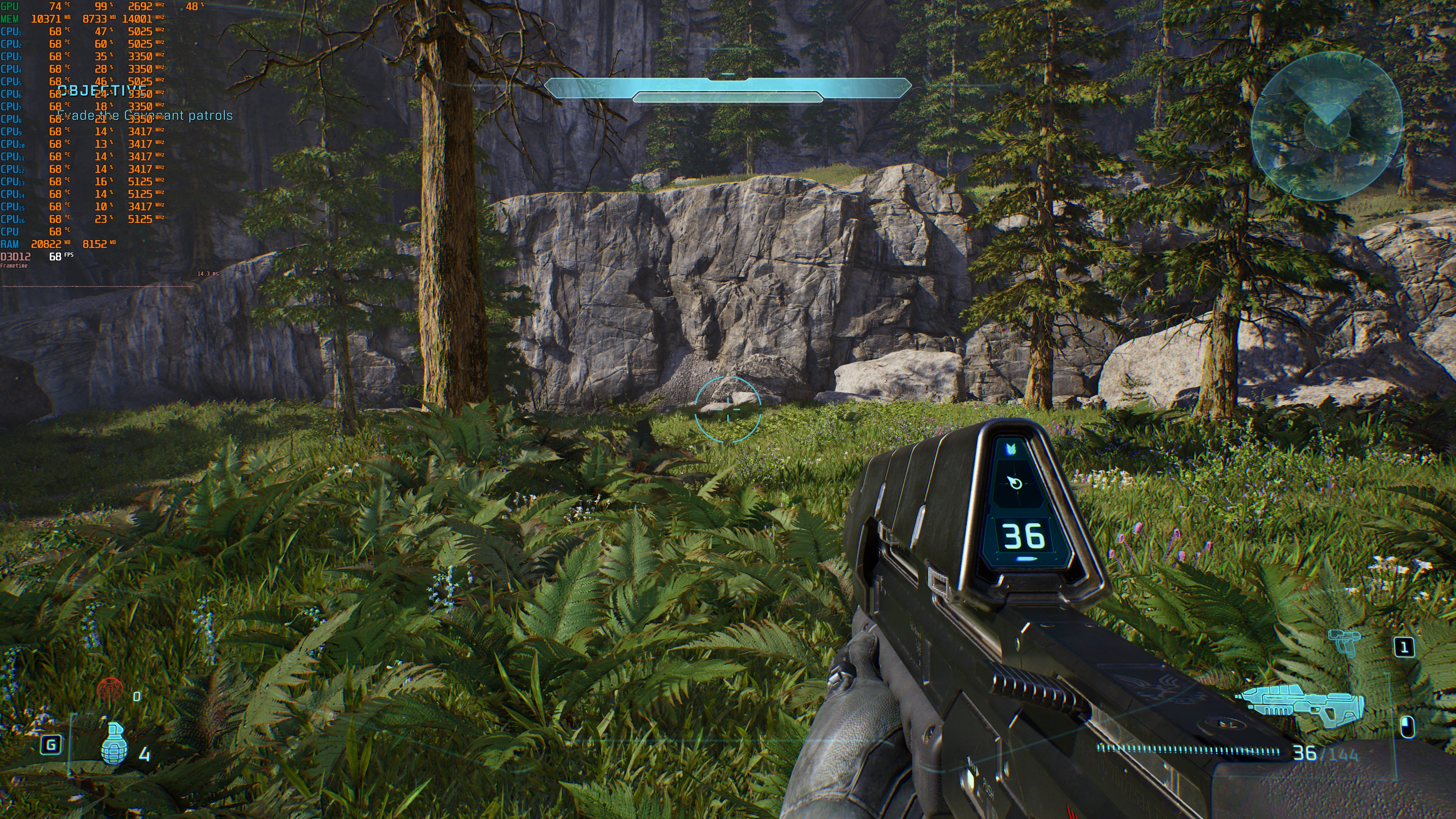
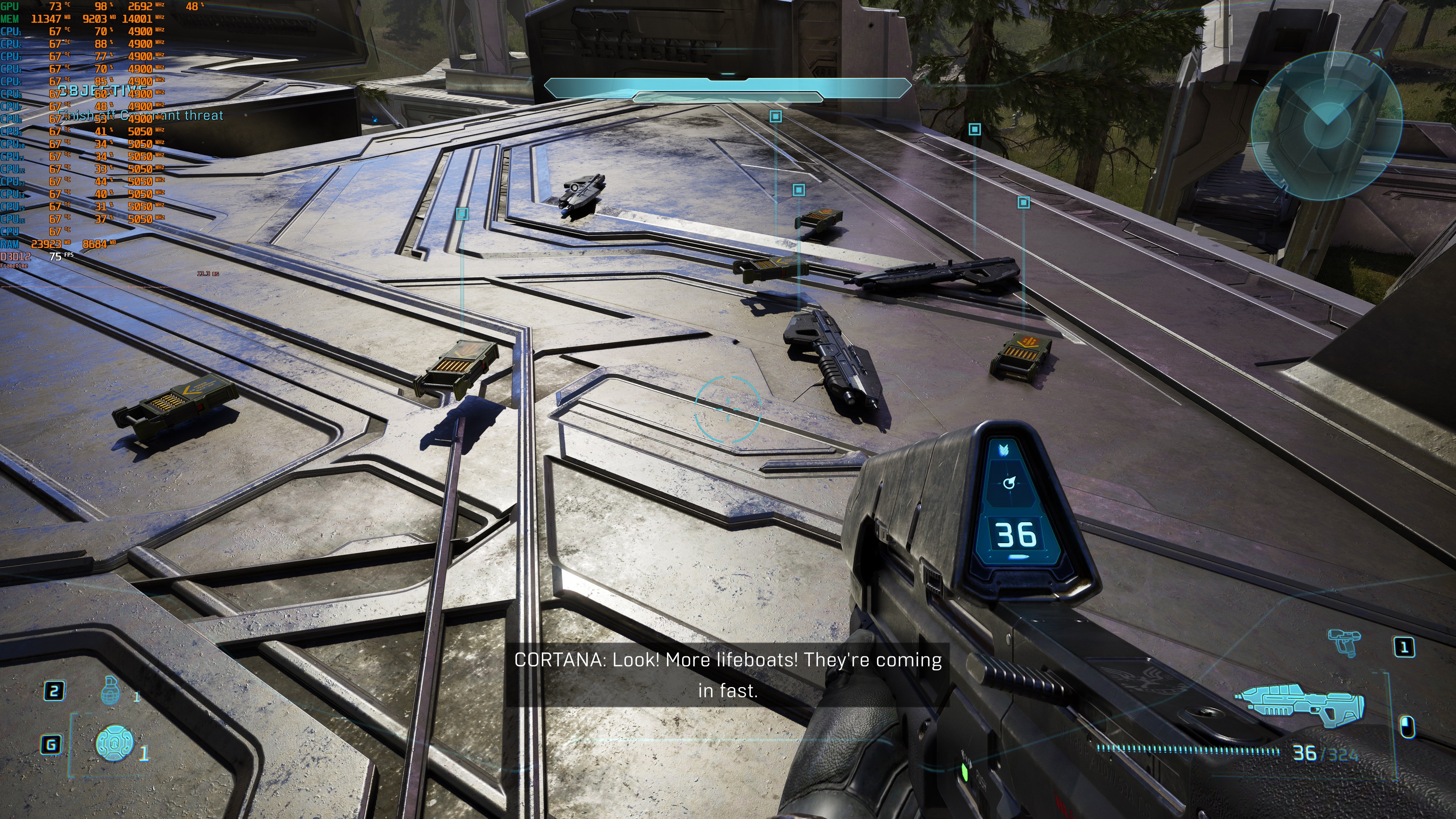
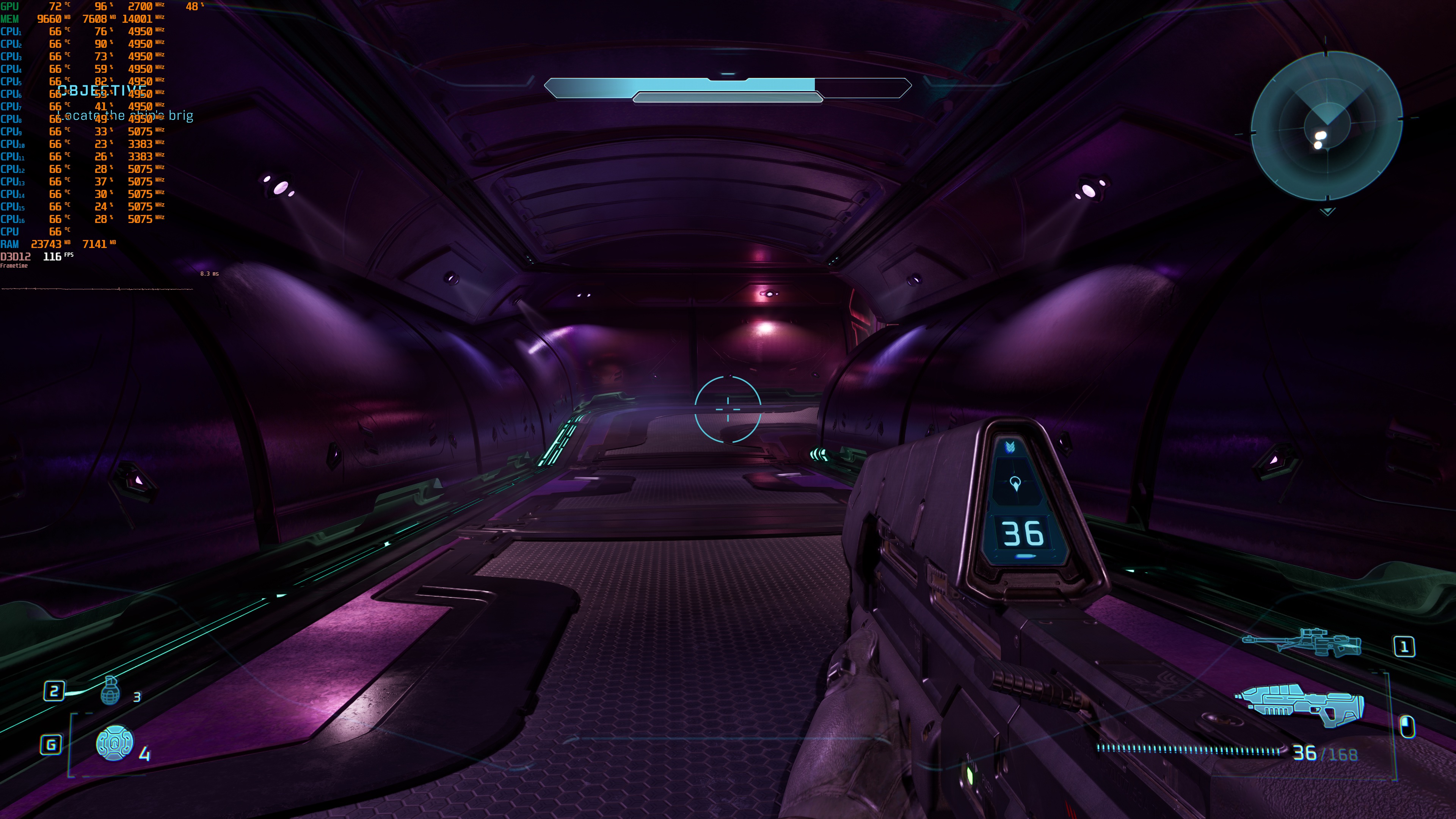
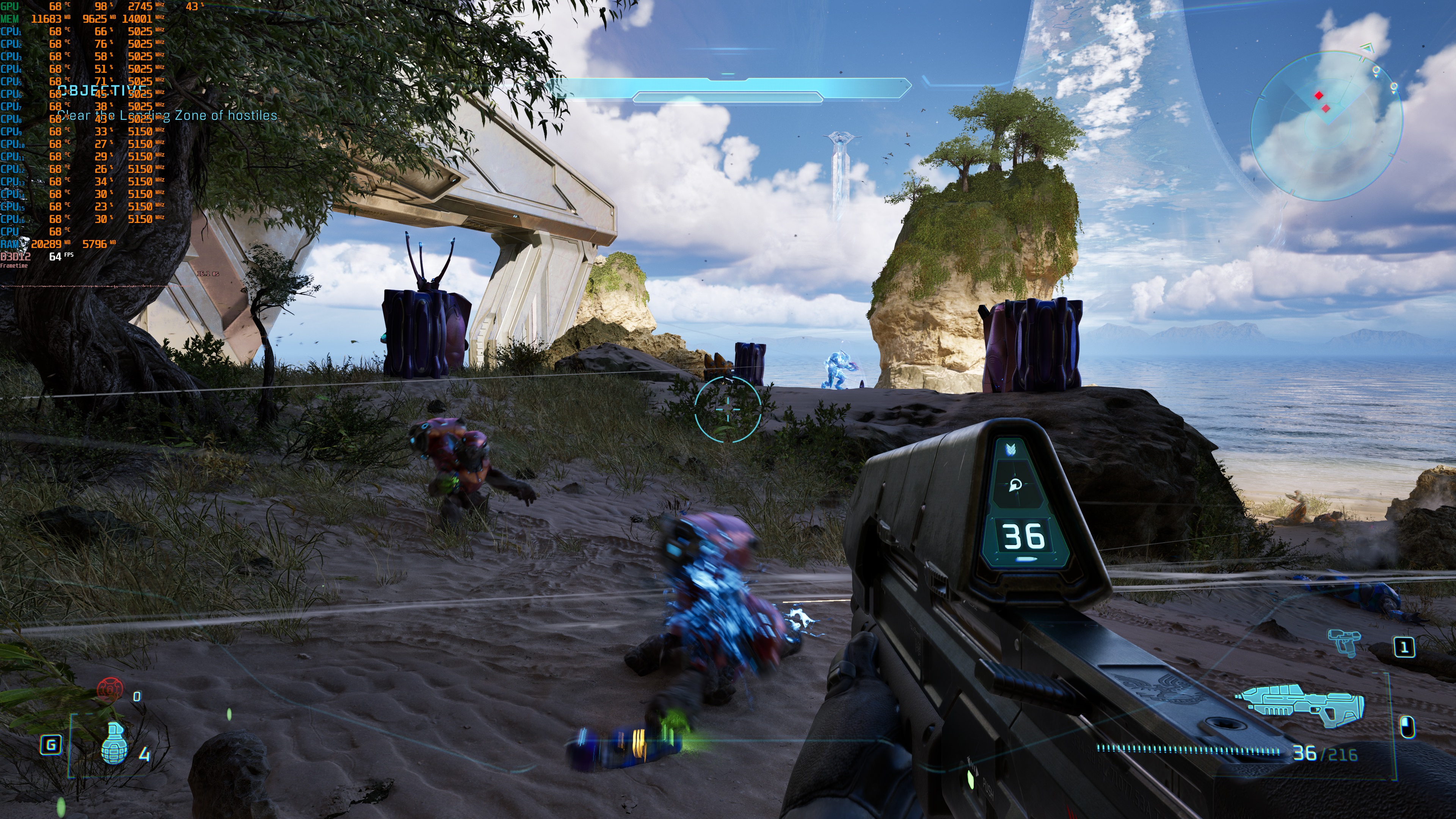
Halo: Campaign Evolved is mostly a GPU-bound title. Even at 1080p/Ultra, NVIDIA’s most powerful GPU, the RTX 5090, was used to its fullest. As such, most of you will be limited by your GPU, and not by your CPU. I should note, though, that the game appears to be able to use 5-7 CPU cores/threads.
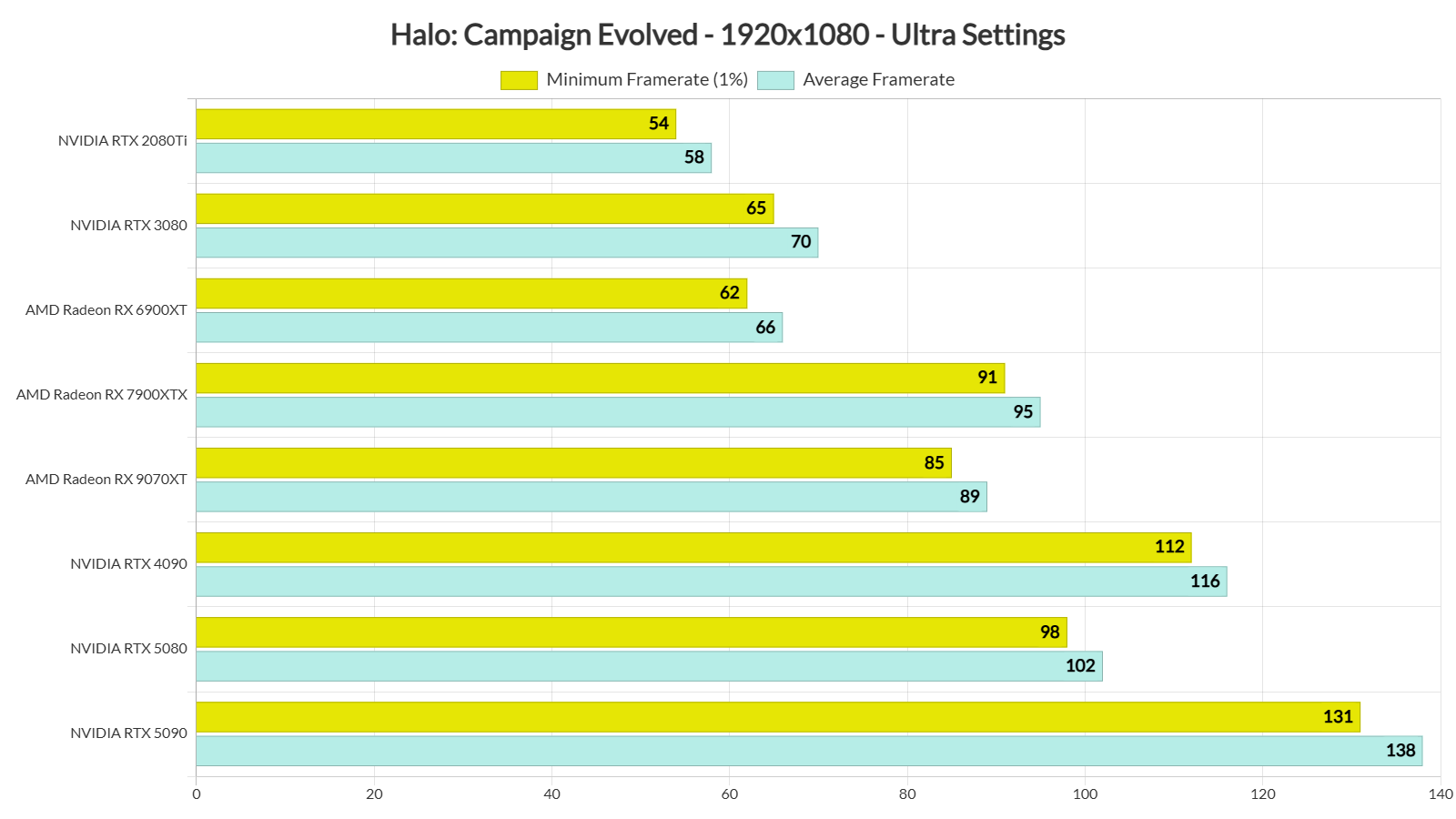
At 1080p/Ultra, most of our GPUs were able to provide a 60FPS experience. The only GPU that was unable to push 60FPS was the NVIDIA RTX 2080Ti. The NVIDIA RTX 3080 was faster than the AMD Radeon RX 6900XT, and the AMD Radeon RX 7900XTX was a bit faster than the AMD Radeon RX 9070XT. Contrary to what we’ve seen in some other games, like Assassin’s Creed: Black Flag Resynced, the NVIDIA RTX 5080 is faster than both the RX 7900XTX and the RX 9070XT.
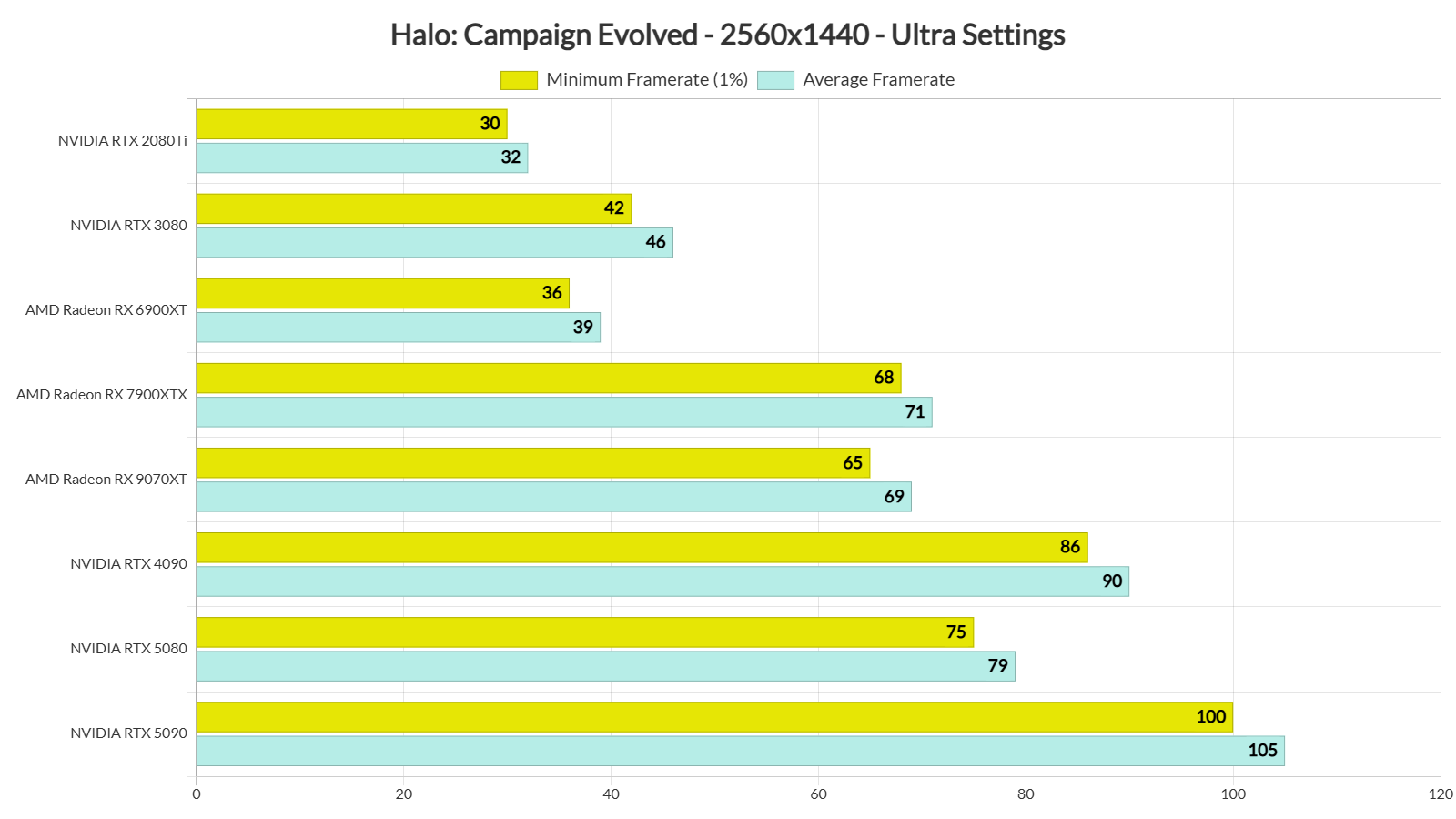
At 1440p/Ultra, our top five GPUs were able to push framerates over 60FPS at all times. As for Native 4K/Ultra, the only GPU that was able to provide a 60FPS experience was the NVIDIA RTX 5090.
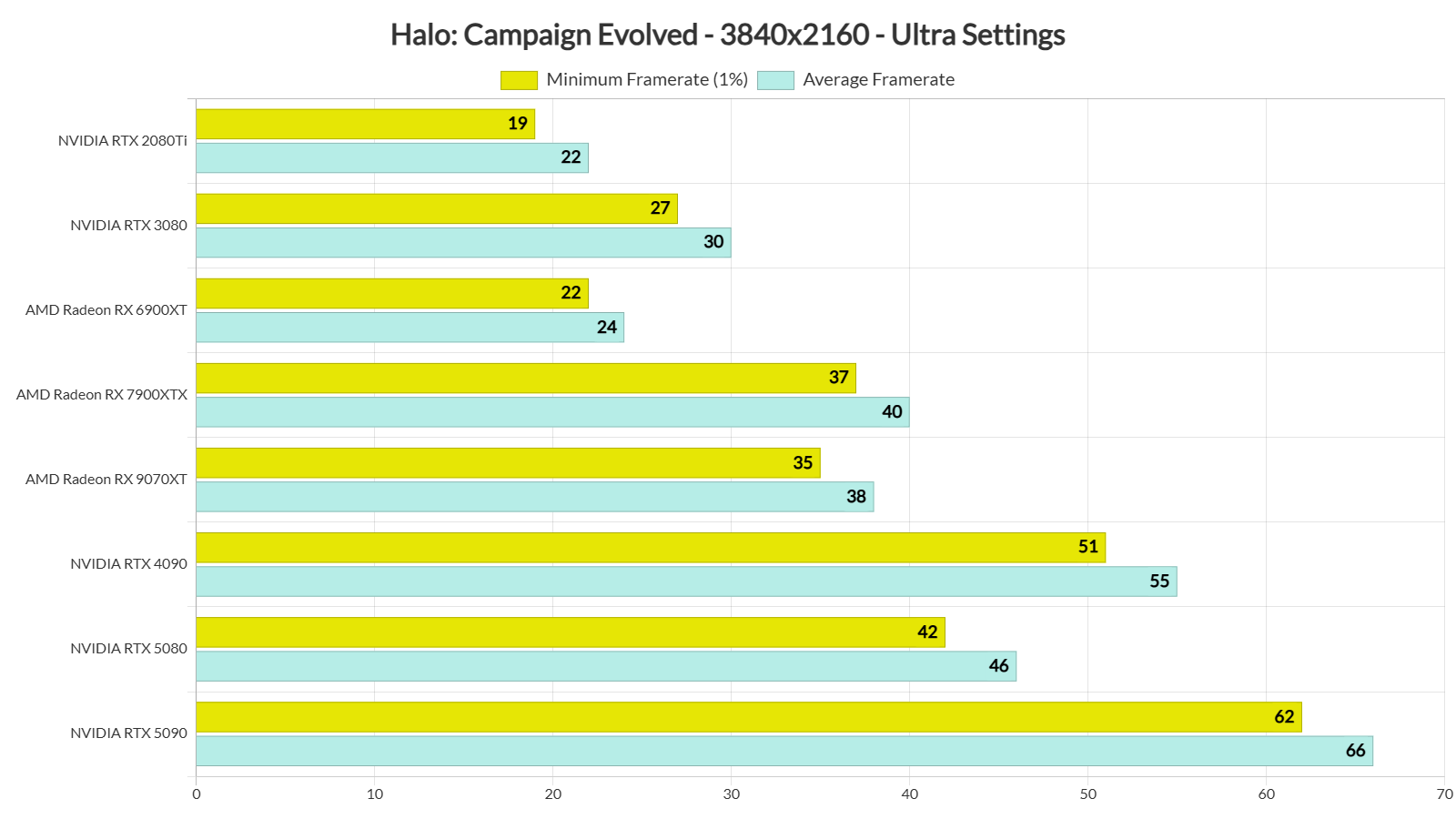
At this point, I should note that 4K DLSS Quality looks better than Native 4K TSR. So, for all NVIDIA RTX owners, I highly recommend using it. DLSS Quality will significantly increase your performance, and the game will look better.
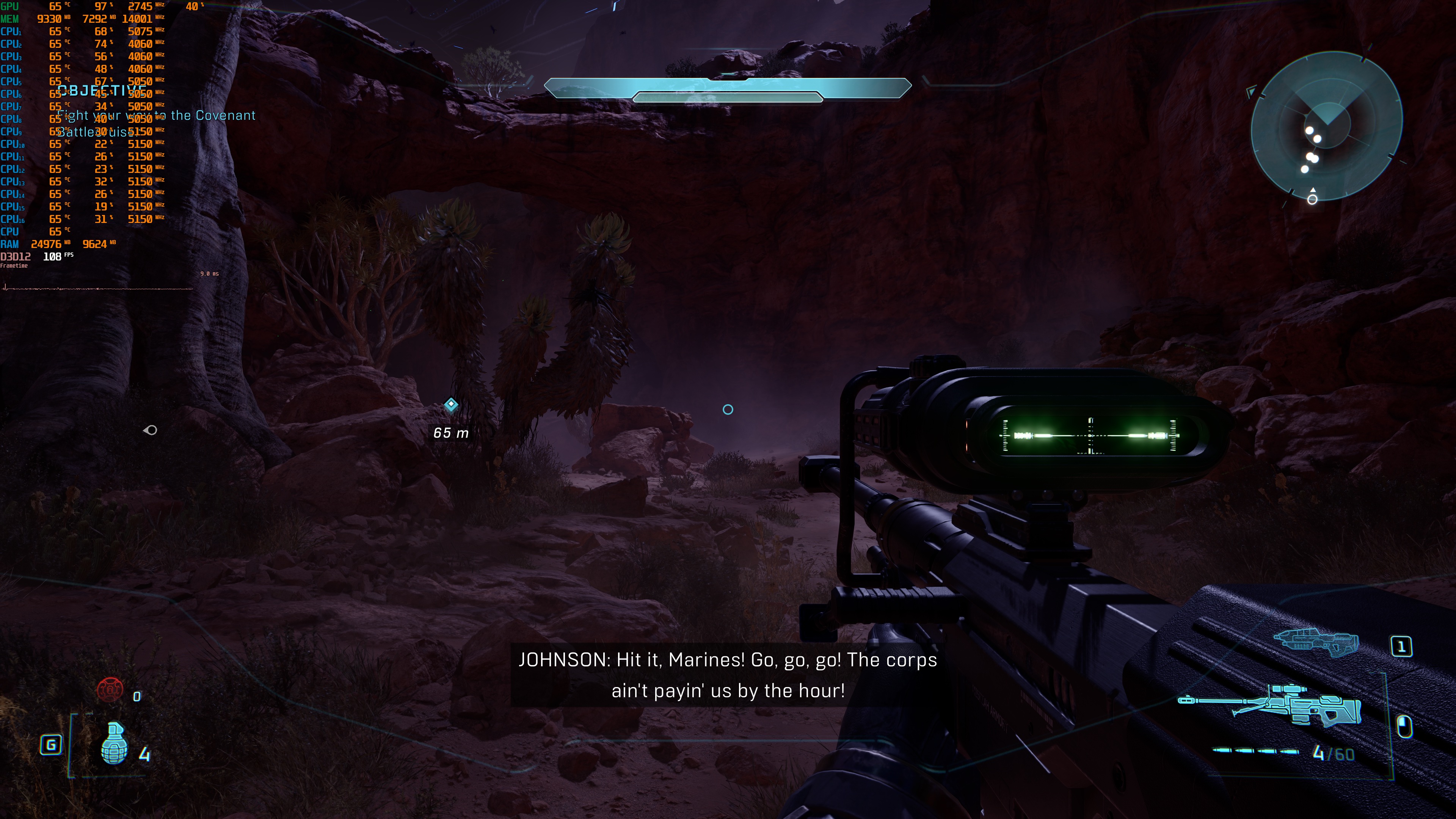
Graphics-wise, Halo: Campaign Evolved looks great. In my opinion, this isn’t THE best Unreal Engine 5 game. However, it’s one of the best-looking games of 2026. Well, that is when you disable Film Grain and Chromatic Aberration. There aren’t any major object/terrain pop-ups, and the lighting looks incredible. Honestly, I don’t have any major complaints about the way the game looks. The devs have done terrific work.
One downside is that Halo: Campaign Evolved uses pre-rendered cutscenes that are locked to 30 FPS. Because of this, the switch from gameplay to a cutscene can feel a little jarring. In my testing, I did not notice the frame pacing issues that some other players have reported.
Before closing, I should also note that the game suffers from some stutters. These stutters usually occur during a checkpoint, and they were present in older versions of Halo, too. The good news is that they are not as annoying as those we’ve gotten in Oblivion Remastered.
All in all, Halo: Campaign Evolved is a pleasant surprise. Although it uses Unreal Engine 5 and Lumen, the game can run at 60FPS at Native 4K/Ultra on an NVIDIA RTX 5090. Moreover, it can run smoothly on a wide range of GPUs. It looks great, and with the mouse tweaks, it can be fully enjoyed with KB&M.
Enjoy!














John is the founder and Editor in Chief at DSOGaming. He is a PC gaming fan and highly supports the modding and indie communities. Before creating DSOGaming, John worked on numerous gaming websites. While he is a die-hard PC gamer, his gaming roots can be found on consoles. John loved – and still does – the 16-bit consoles, and considers SNES to be one of the best consoles. Still, the PC platform won him over consoles. That was mainly due to 3DFX and its iconic dedicated 3D accelerator graphics card, Voodoo 2. John has also written a higher degree thesis on the “The Evolution of PC graphics cards.”
Contact: Email