
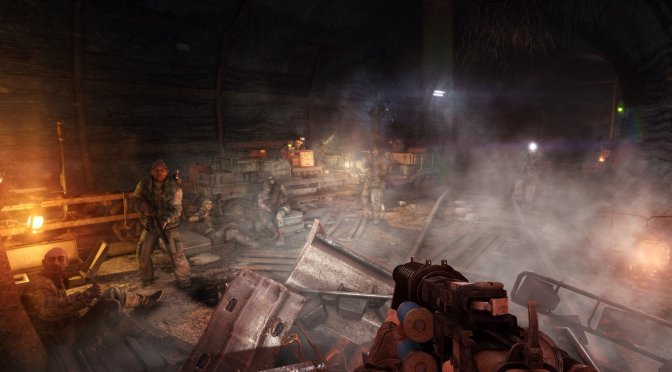
Yesterday, 4A Games released the Next-Gen Update for Metro 2033 and Metro: Last Light. And to my surprise, the devs have added an in-game setting for DLSS 5. This caught me off guard, as NVIDIA never mentioned anything about these two Metro games getting support for DLSS 5. So, I fired up Metro: Last Light in order to capture and share some comparison shots. Can DLSS 5 improve the graphics of these two games? Let’s find out.
To capture these and test this native implementation of DLSS 5, I used an AMD Ryzen 9 7950X3D, 32GB of DDR5 at 6000Mhz, NVIDIA’s RTX 5080, and RTX 5090. I also used Windows 10 64-bit and the NVIDIA Game Ready 621.01 driver.
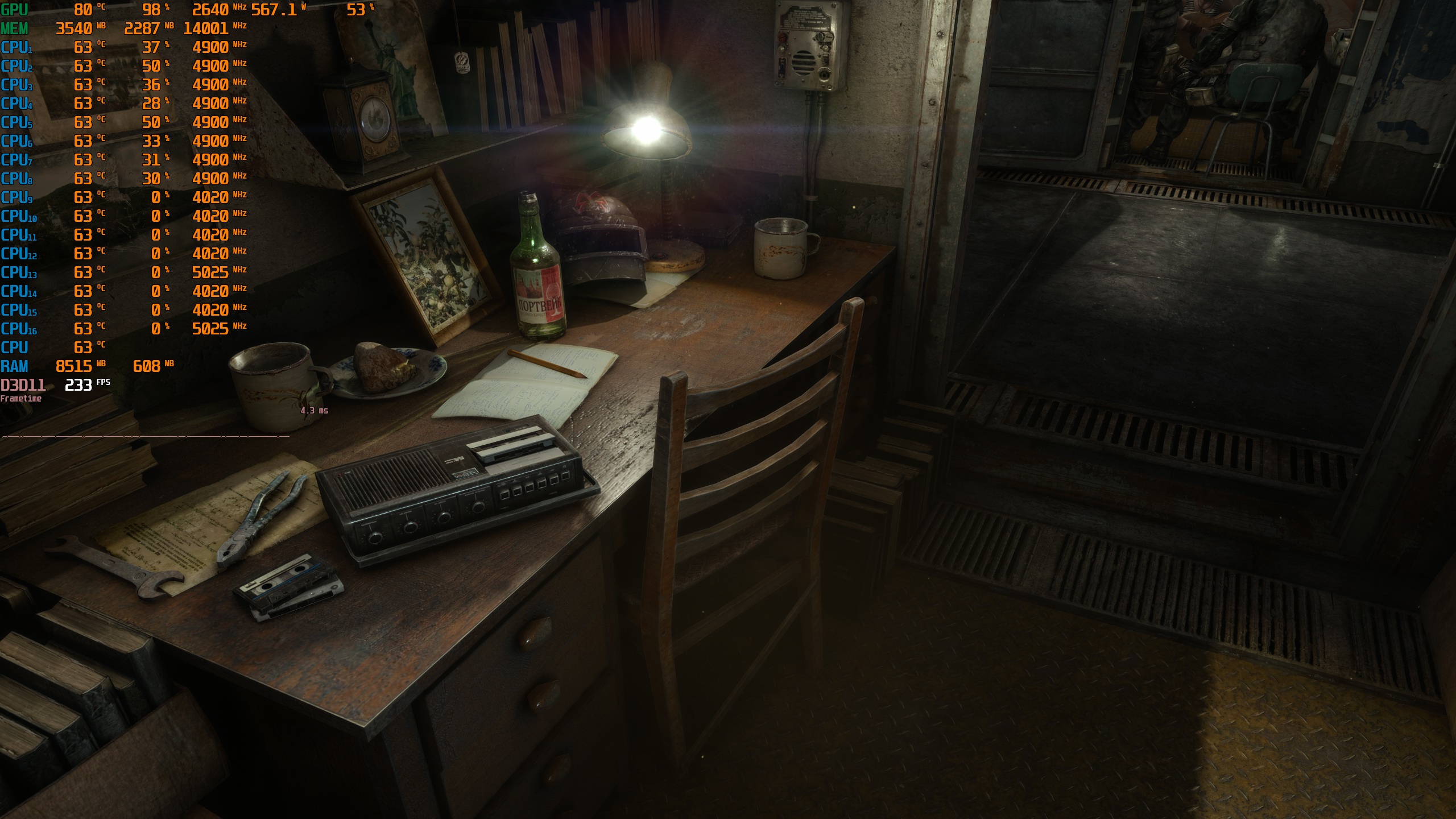
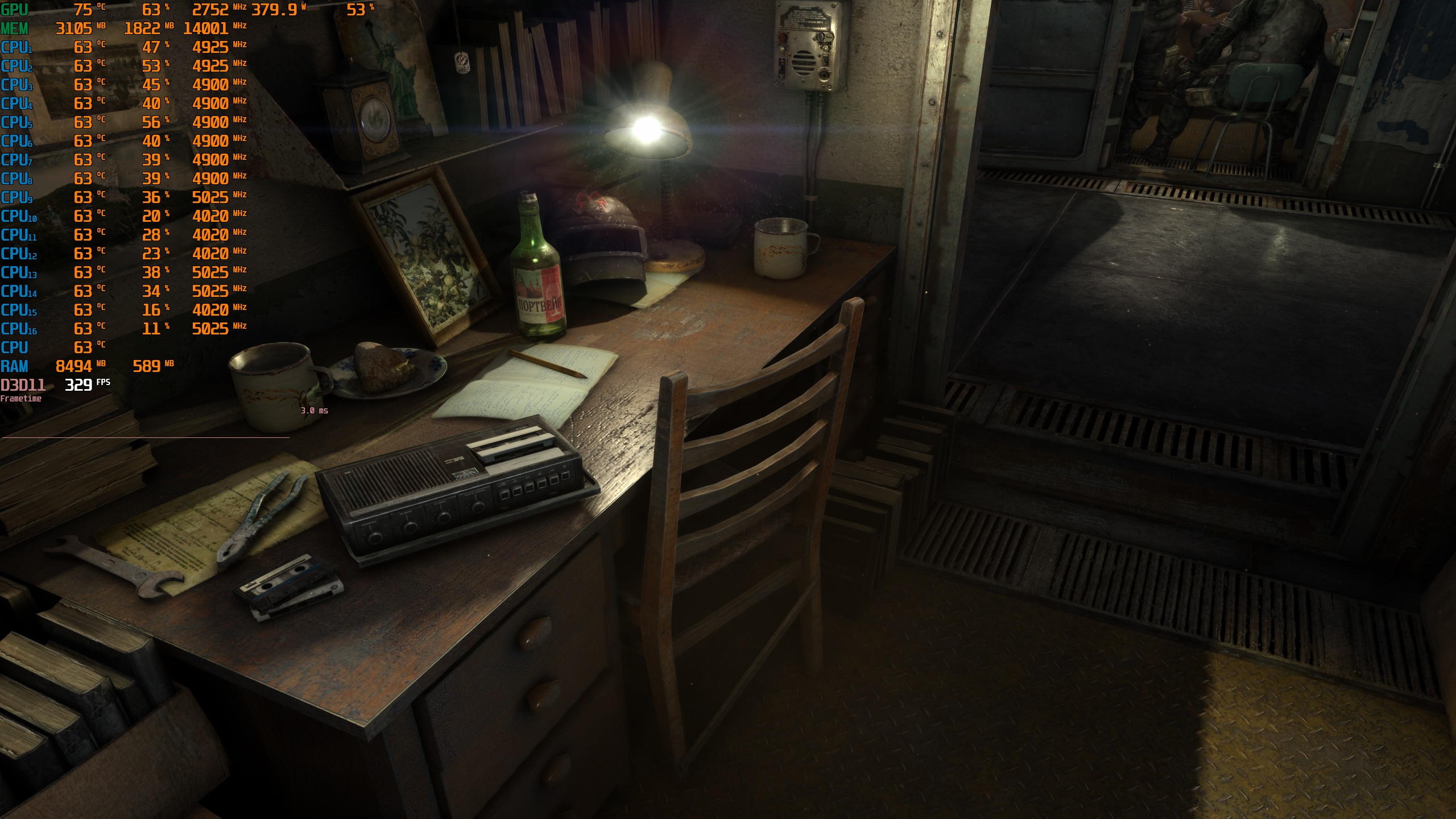
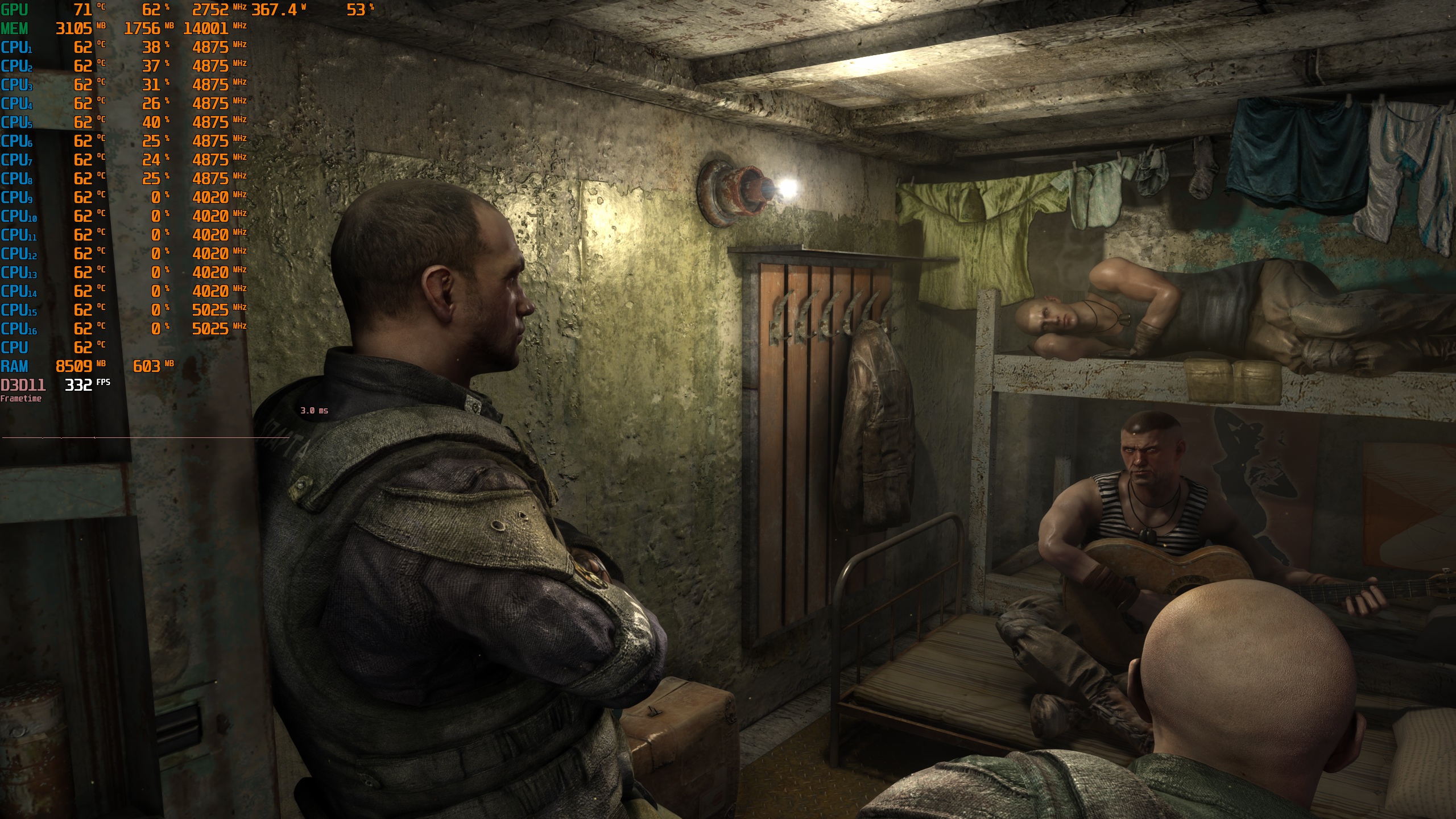
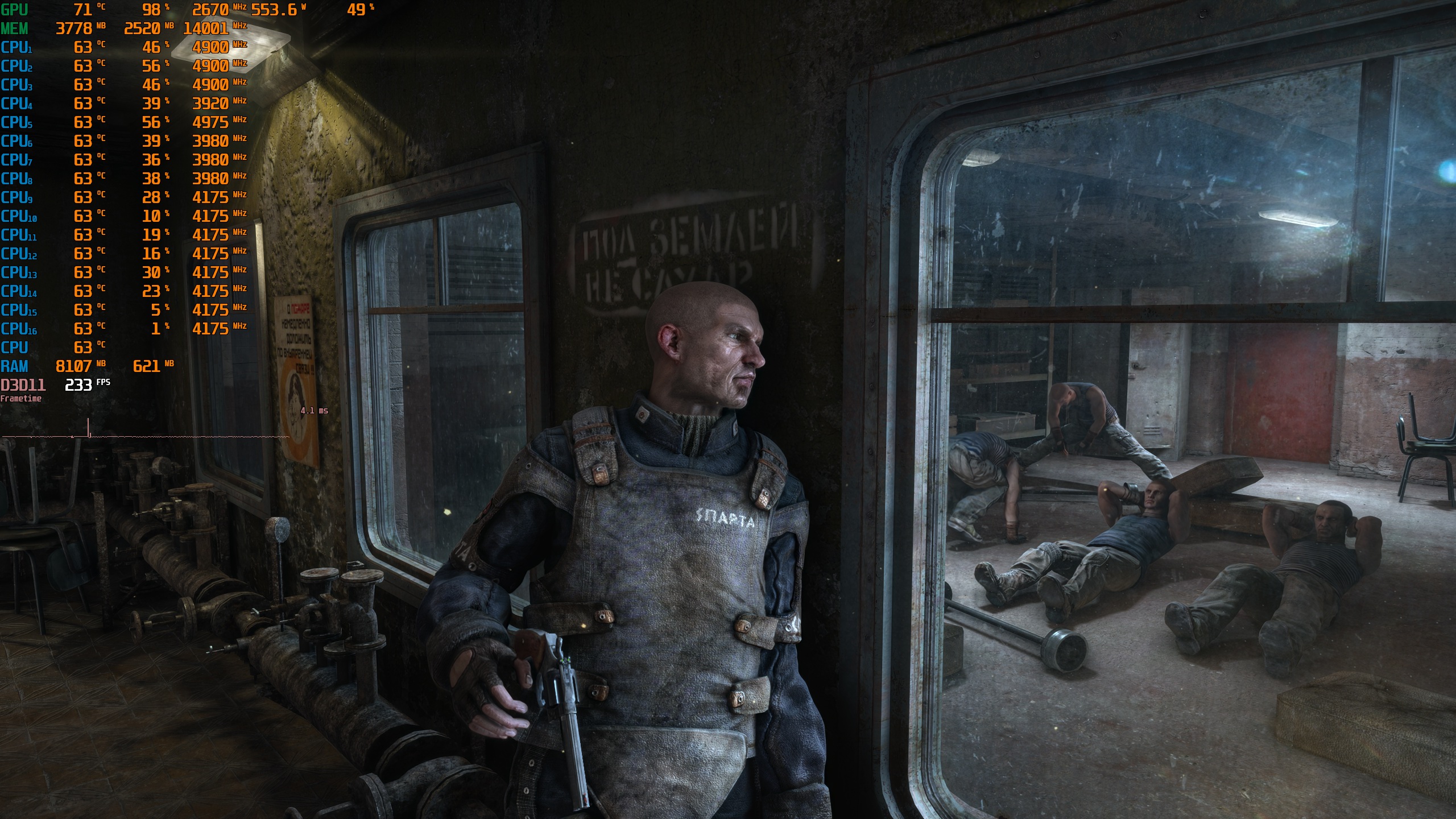
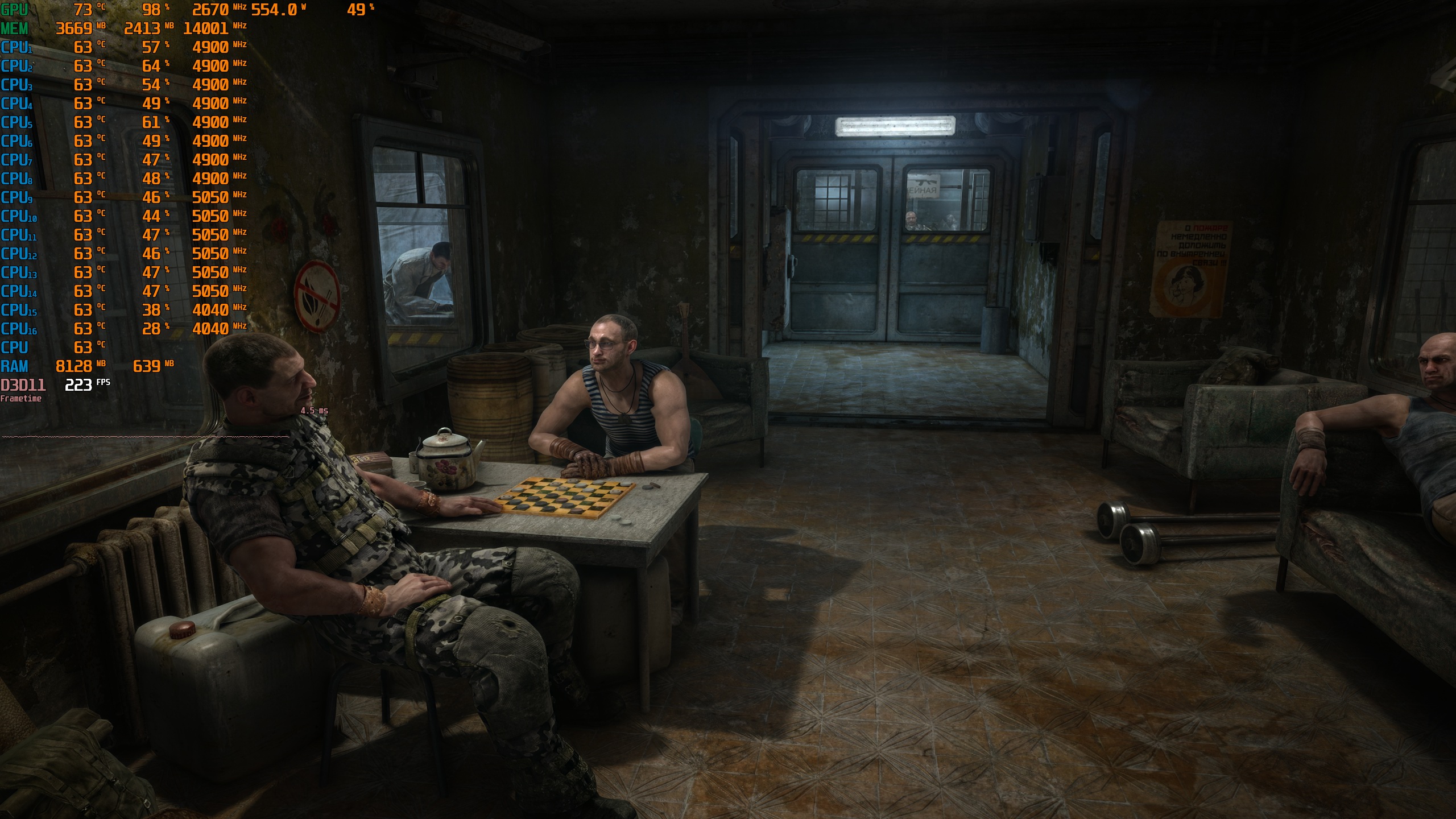
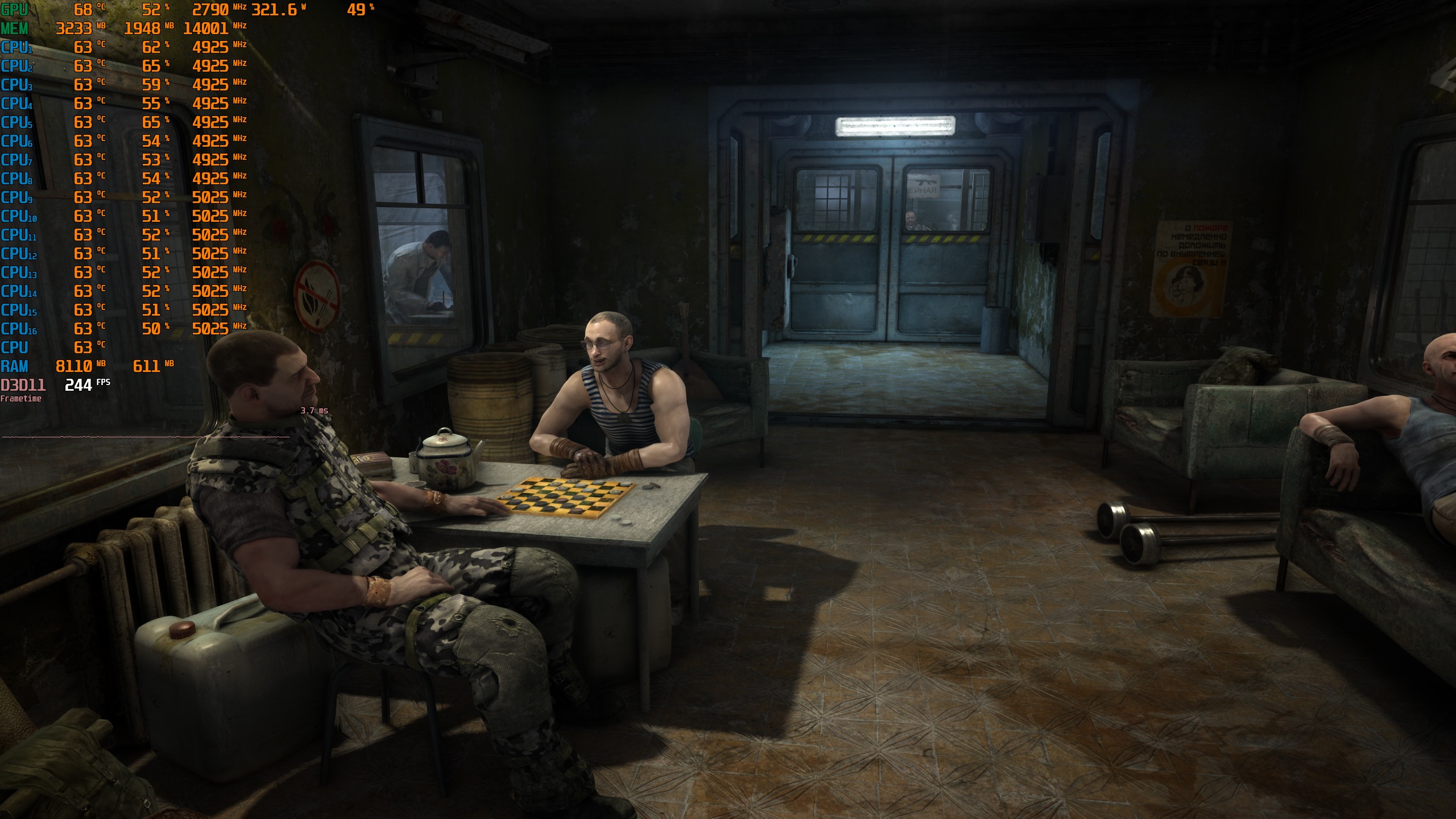
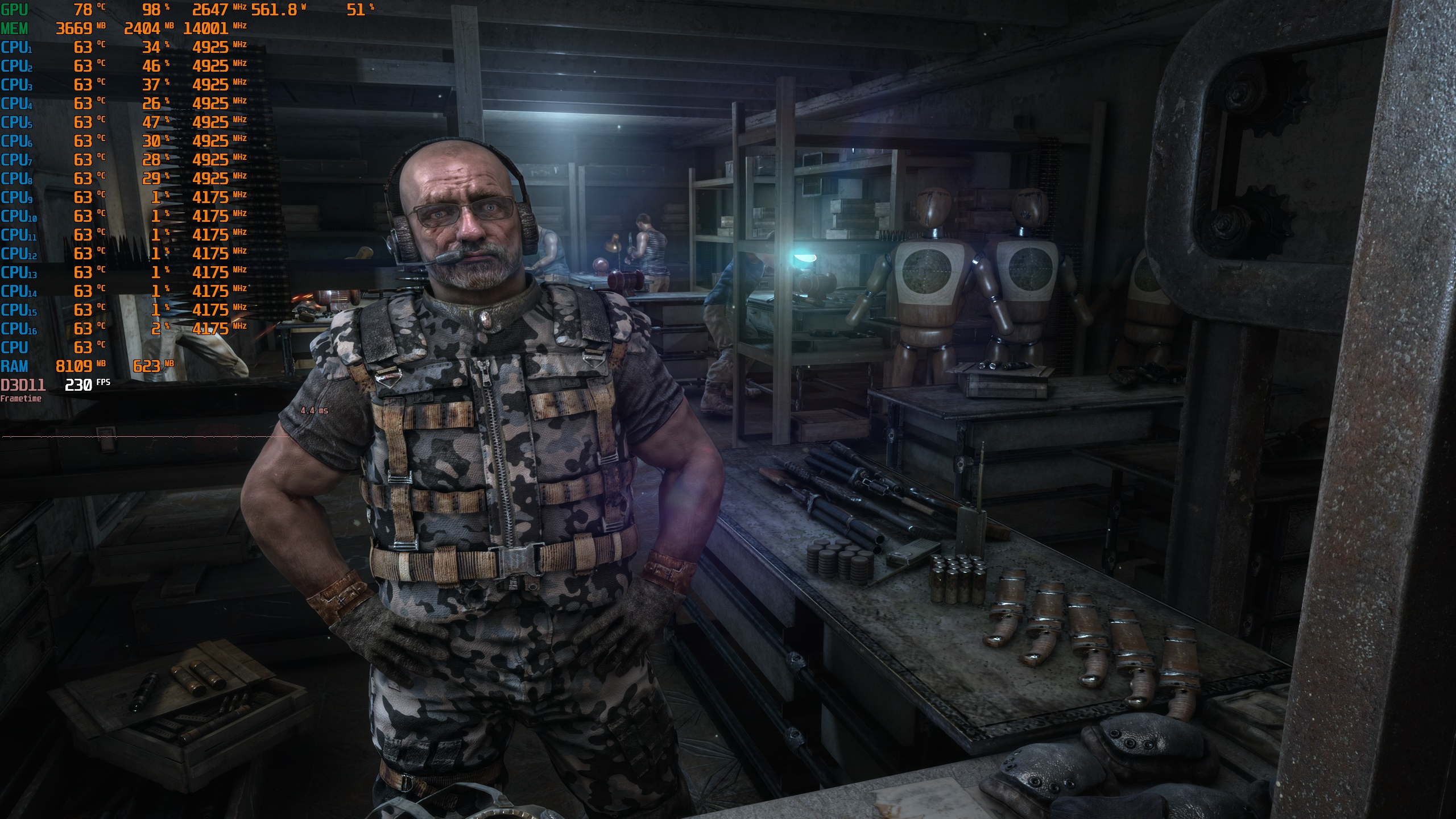
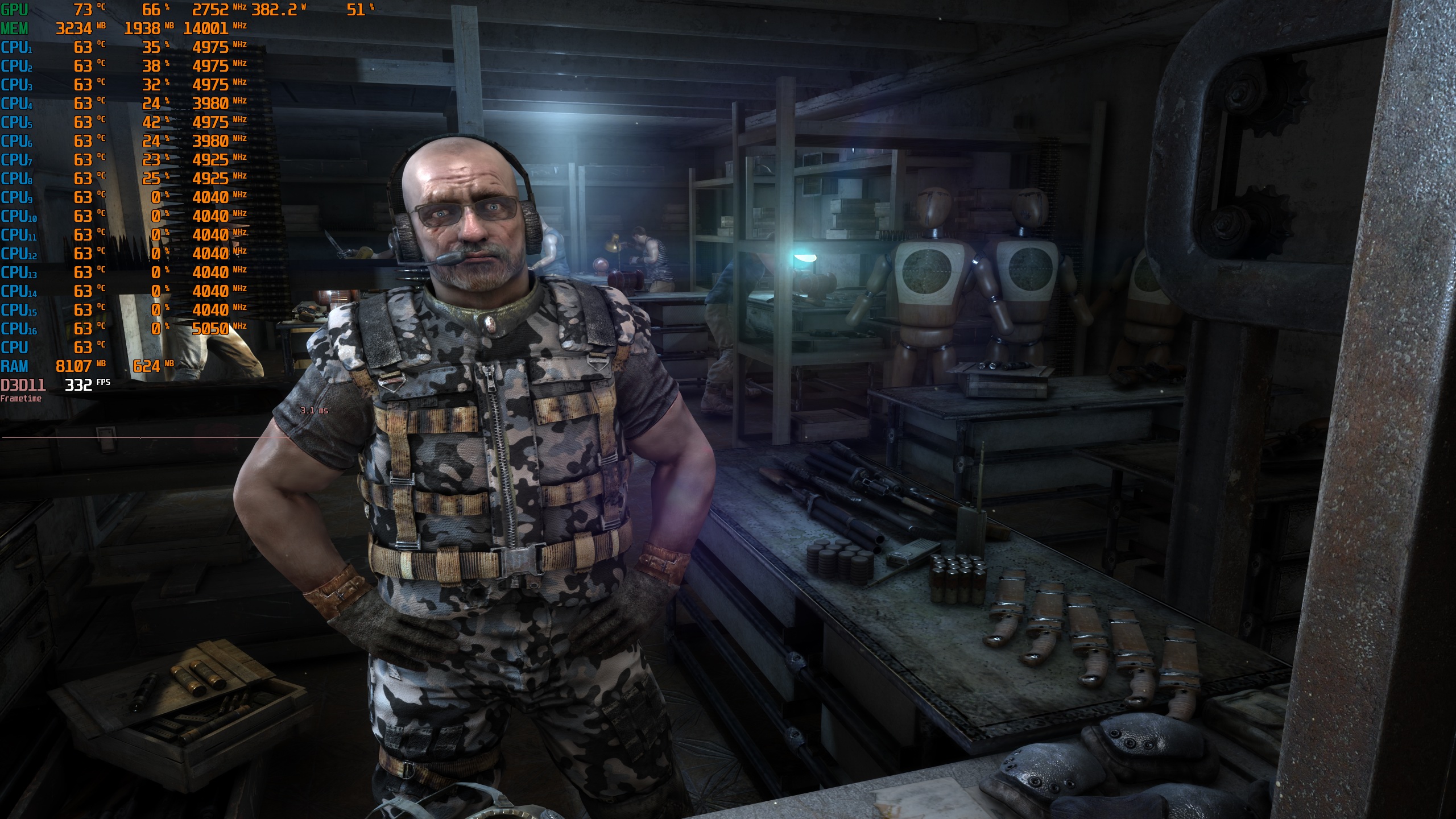
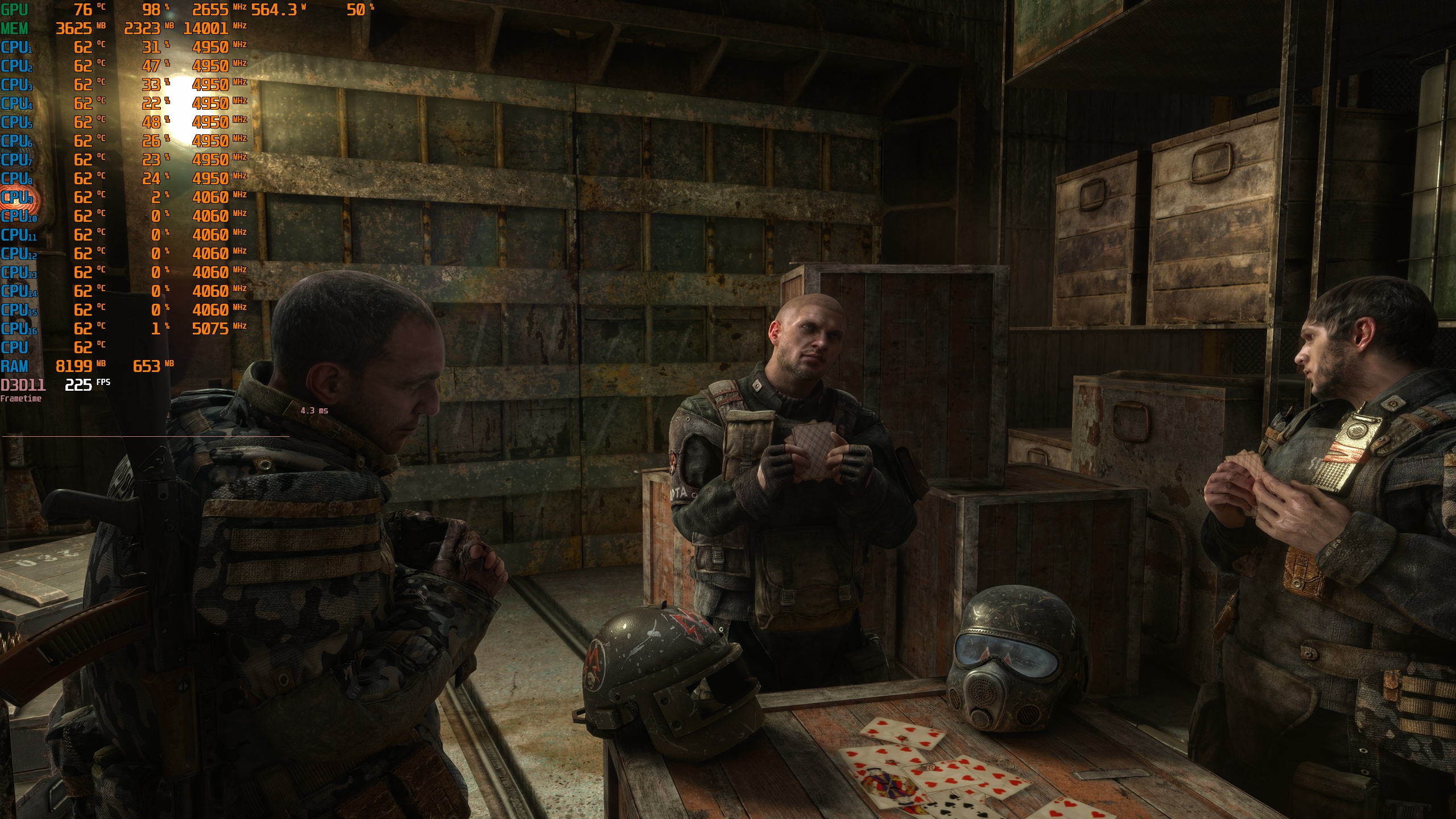
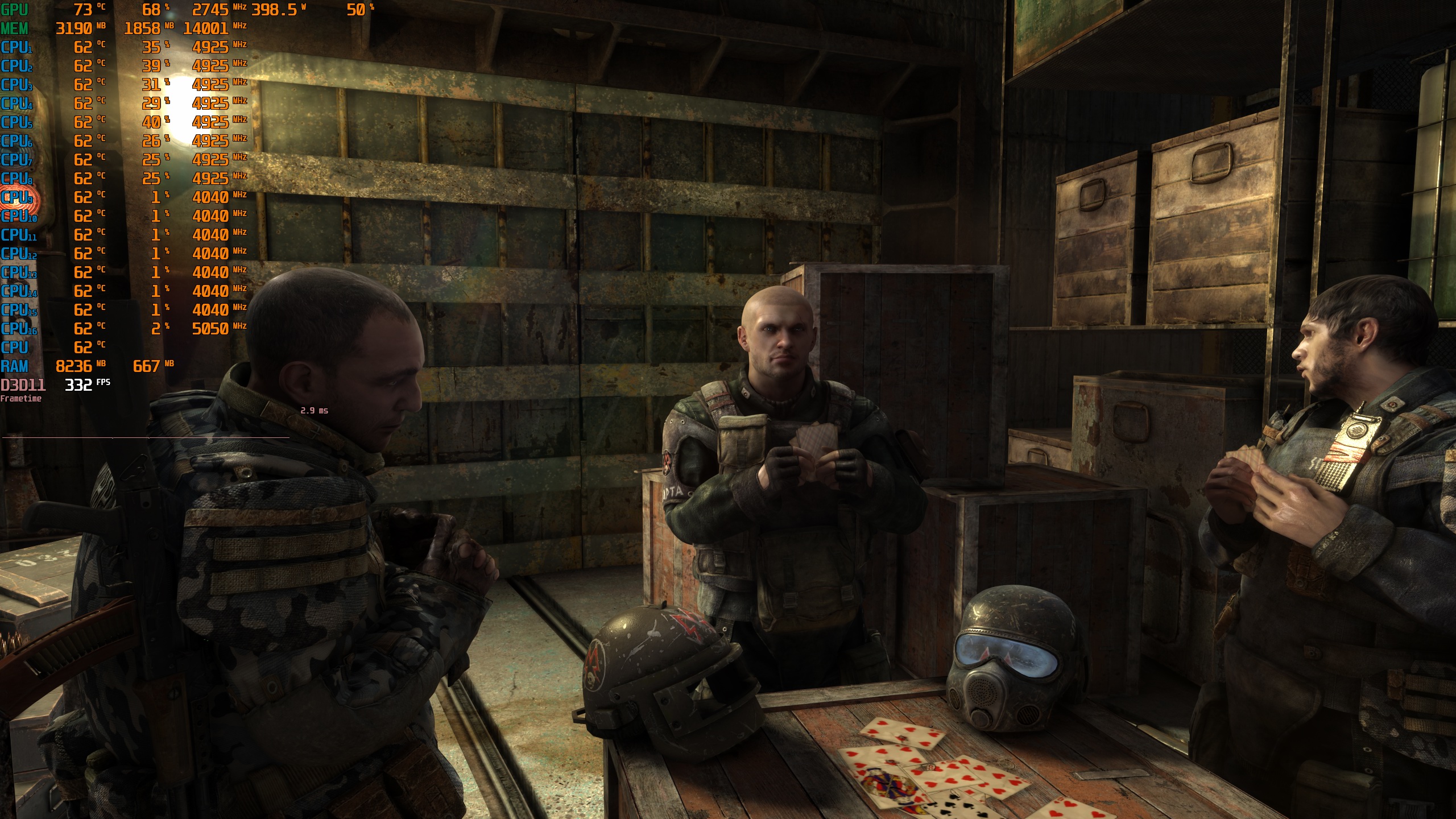
Here are the screenshots I captured. On the left, we have the DLSS 5 shots. On the right, we have the vanilla shots. As you will see, the DLSS 5 shots look way better than the vanilla ones. With DLSS 5, all characters look better. Without DLSS 5, they look like plastic dolls.
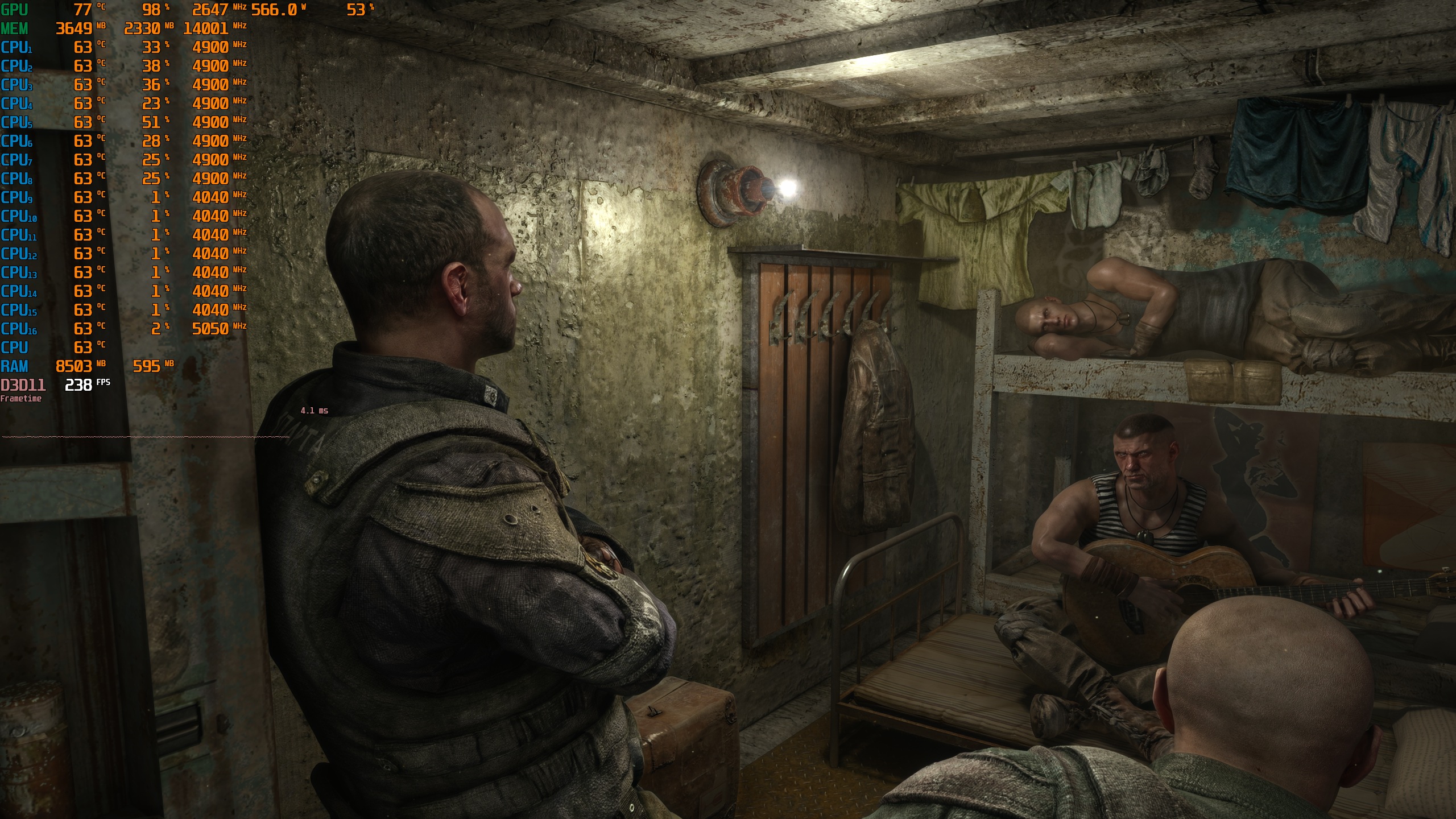
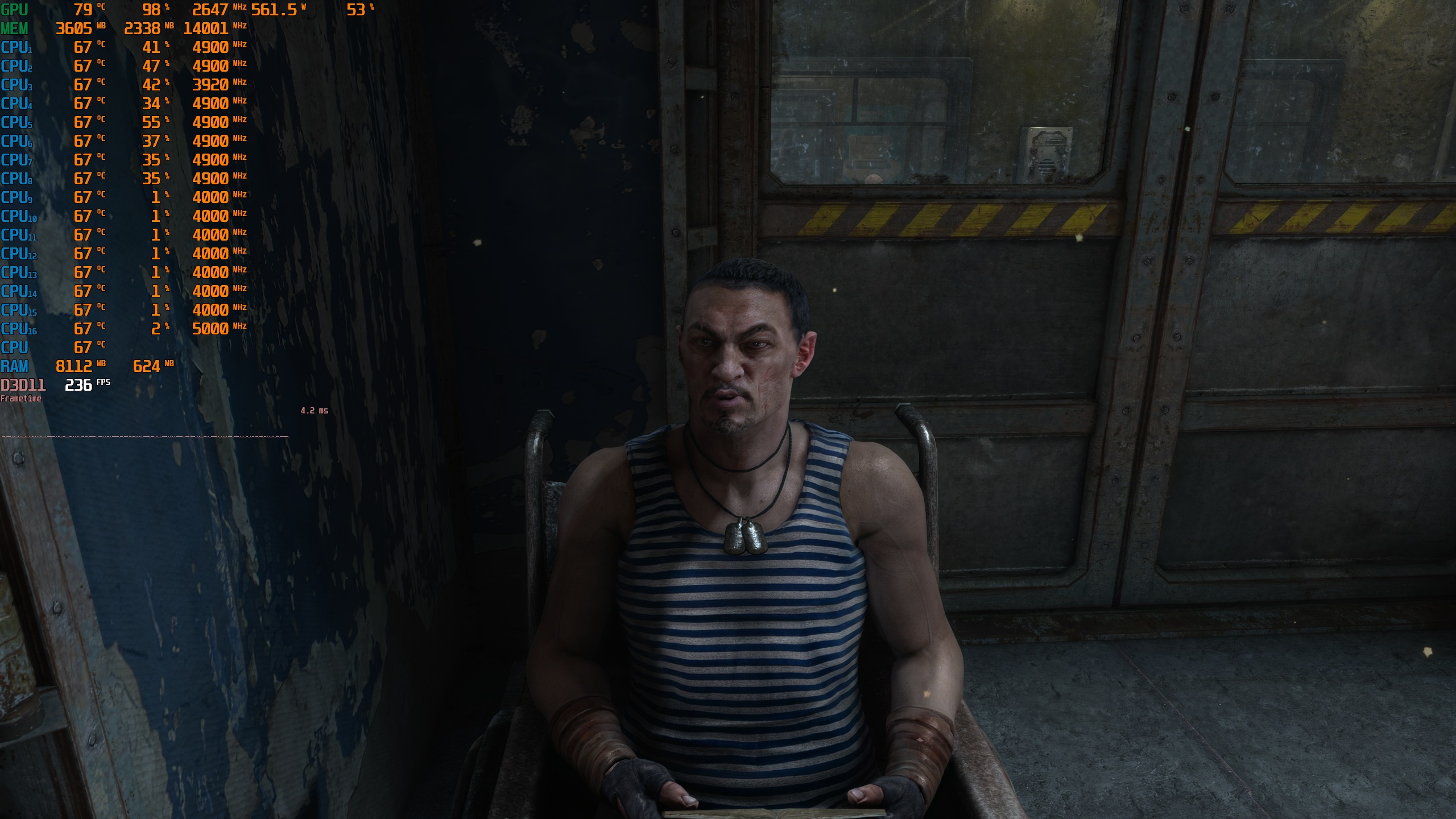
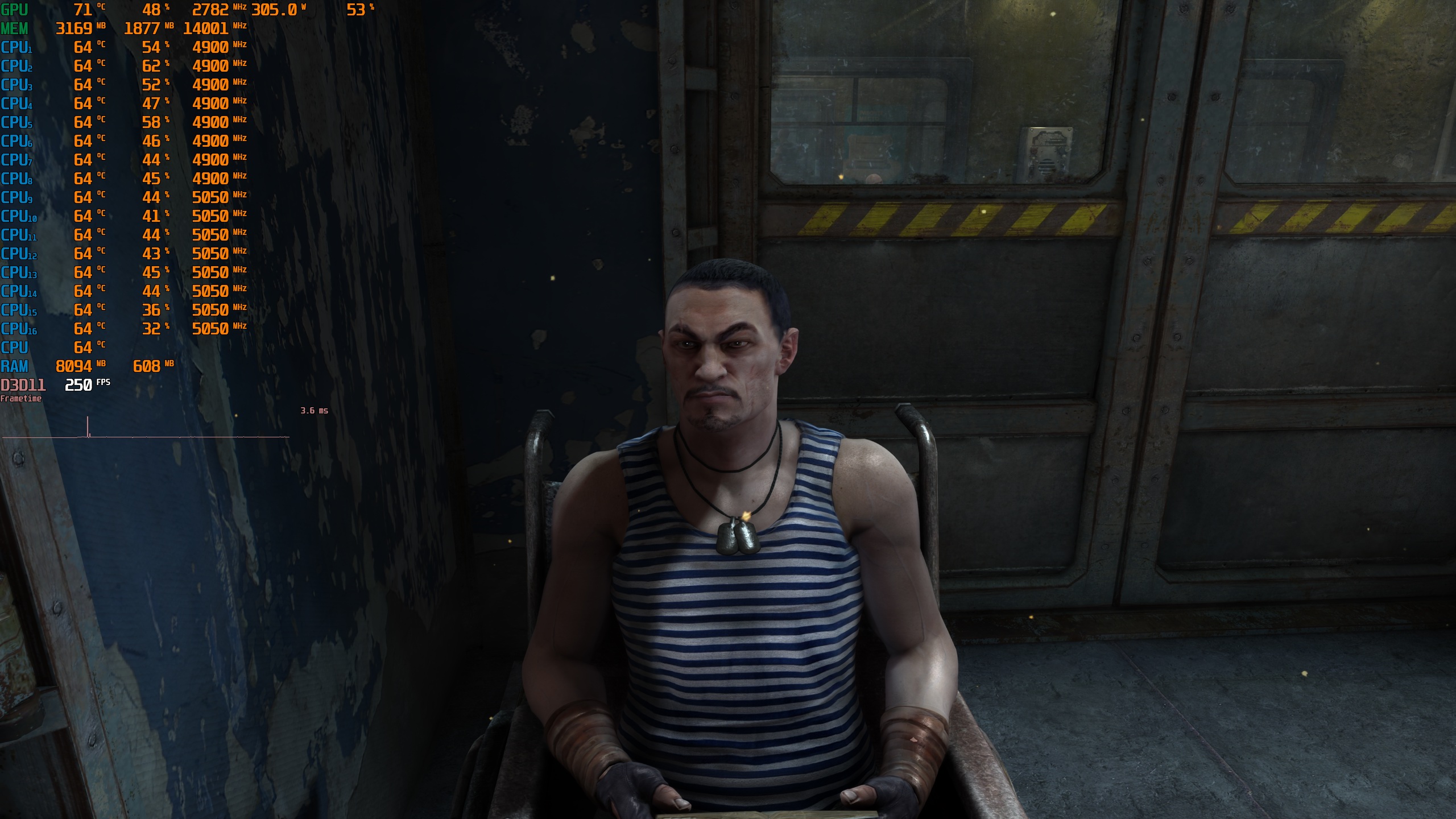
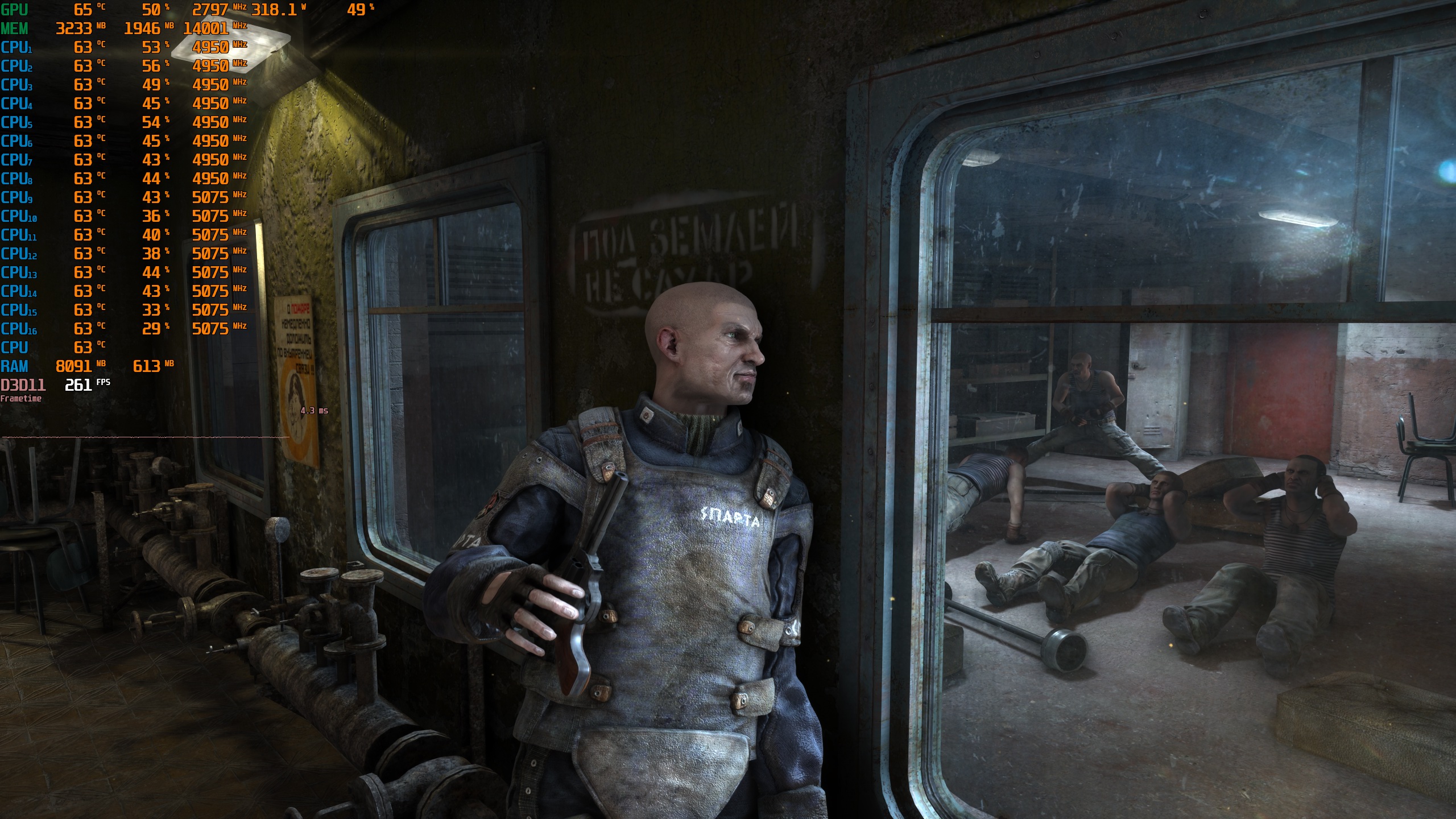
Here is an extreme example. Just look at this image. Without DLSS 5, this character looks like a plastic toy. Jesus Christ, look at the hair, look at the skin. With DLSS 5, he looks a bit better, but you can clearly see that DLSS 5 is not a magic wand. The hair still looks god damn awful. Nevertheless, the DLSS 5 image looks miles better than the vanilla version.
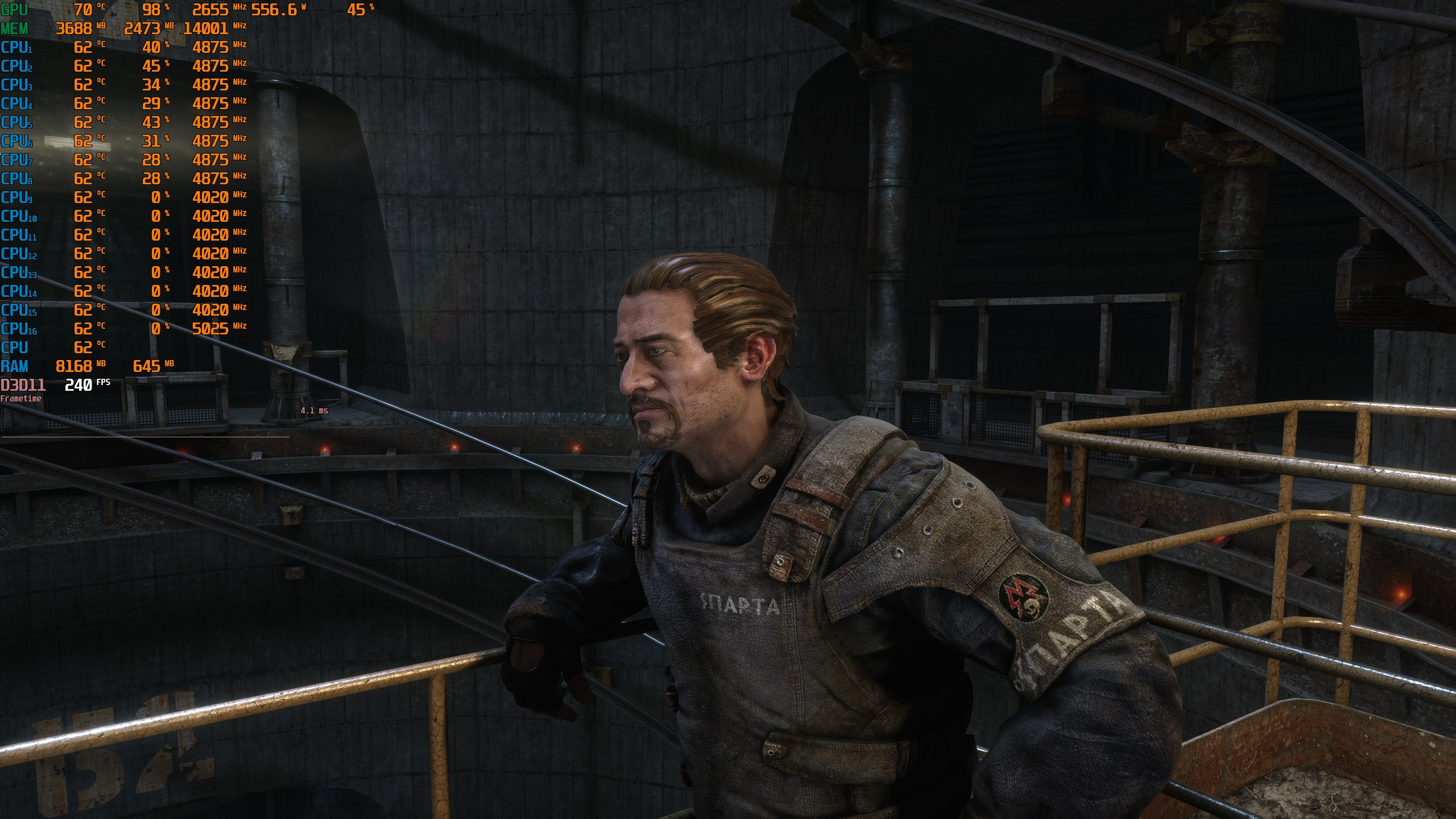
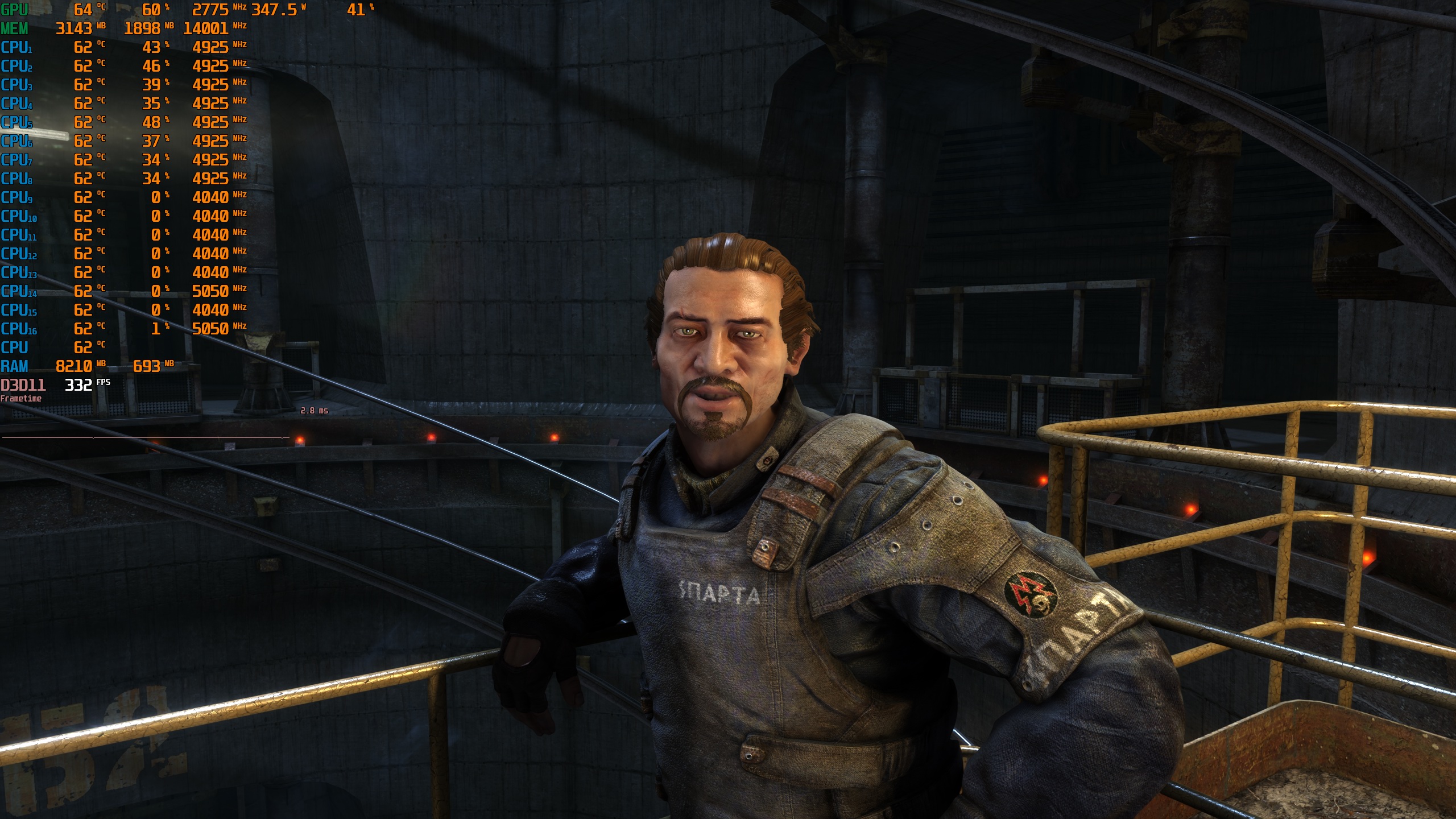
The bad news here is that this DLSS 5 implementation is really taxing. At Native 1440p with DLAA, I was getting 220-250 FPS with DLSS 5. Not bad, right? However, without DLSS 5, I was getting over 330FPS with my GPU being used at only 70%. This is a HUGE performance difference.
But why native 1440p and not 4K? Well, both Metro 2033 Redux and Metro: Last Light Redux are a mess right now. For some odd reason, I could not select any resolution higher than 1440×1080. I tried every fix I could find on the Steam forums, but none of them worked. The only thing that fixed the issue was reinstalling my graphics drivers. After that, I could select resolutions up to 2560×1440. But then I changed one setting in the NVIDIA App, and the game was locked to 1440×1080 again. I’ve never seen anything like this in any other game. So, I have no idea what 4A Games has been smoking.
And that’s not all. Metro: Last Light Redux also has MAJOR stuttering issues. These don’t seem to be shader or traversal stutters. The game can turn into a stutter fest at any time, for no clear reason.
The V-Sync setting is also broken. On my 240Hz monitor, turning on V-Sync locked the game to 60 FPS.
So, how the hell did the devs add native DLSS 5 support but mess up basic settings like resolution and V-Sync? How does that even happen? And why do the patch notes say you need a 4K monitor to use 4K resolutions? That’s not how it works!
I’m still trying to make sense of all these weird issues. These are easily the worst “patches” I’ve ever seen. I’m not exaggerating, either. I uninstalled both games right after taking my comparison shots. They’re THAT bad.
But what about DLSS 5? Should you use it? My advice is the same as before. If your GPU is powerful enough, then yes. But if you can’t hit 40-50 FPS before using Frame Gen, I’d skip it. In this game, DLSS 5 mainly changes how the characters look. It also makes some small changes to the world. But you won’t notice most of them while playing.
Stay tuned for more!

John is the founder and Editor in Chief at DSOGaming. He is a PC gaming fan and highly supports the modding and indie communities. Before creating DSOGaming, John worked on numerous gaming websites. While he is a die-hard PC gamer, his gaming roots can be found on consoles. John loved – and still does – the 16-bit consoles, and considers SNES to be one of the best consoles. Still, the PC platform won him over consoles. That was mainly due to 3DFX and its iconic dedicated 3D accelerator graphics card, Voodoo 2. John has also written a higher degree thesis on the “The Evolution of PC graphics cards.”
Contact: Email