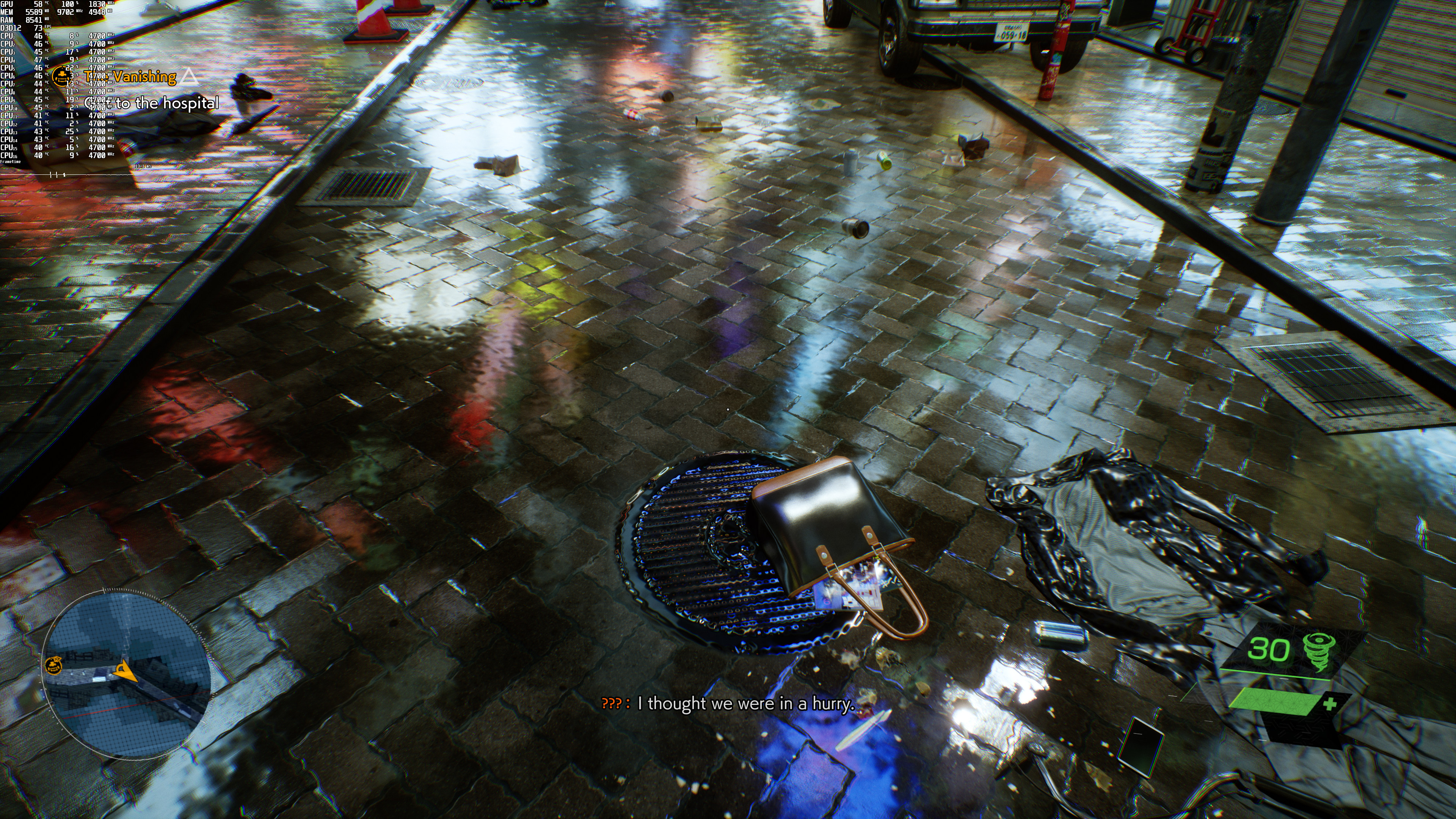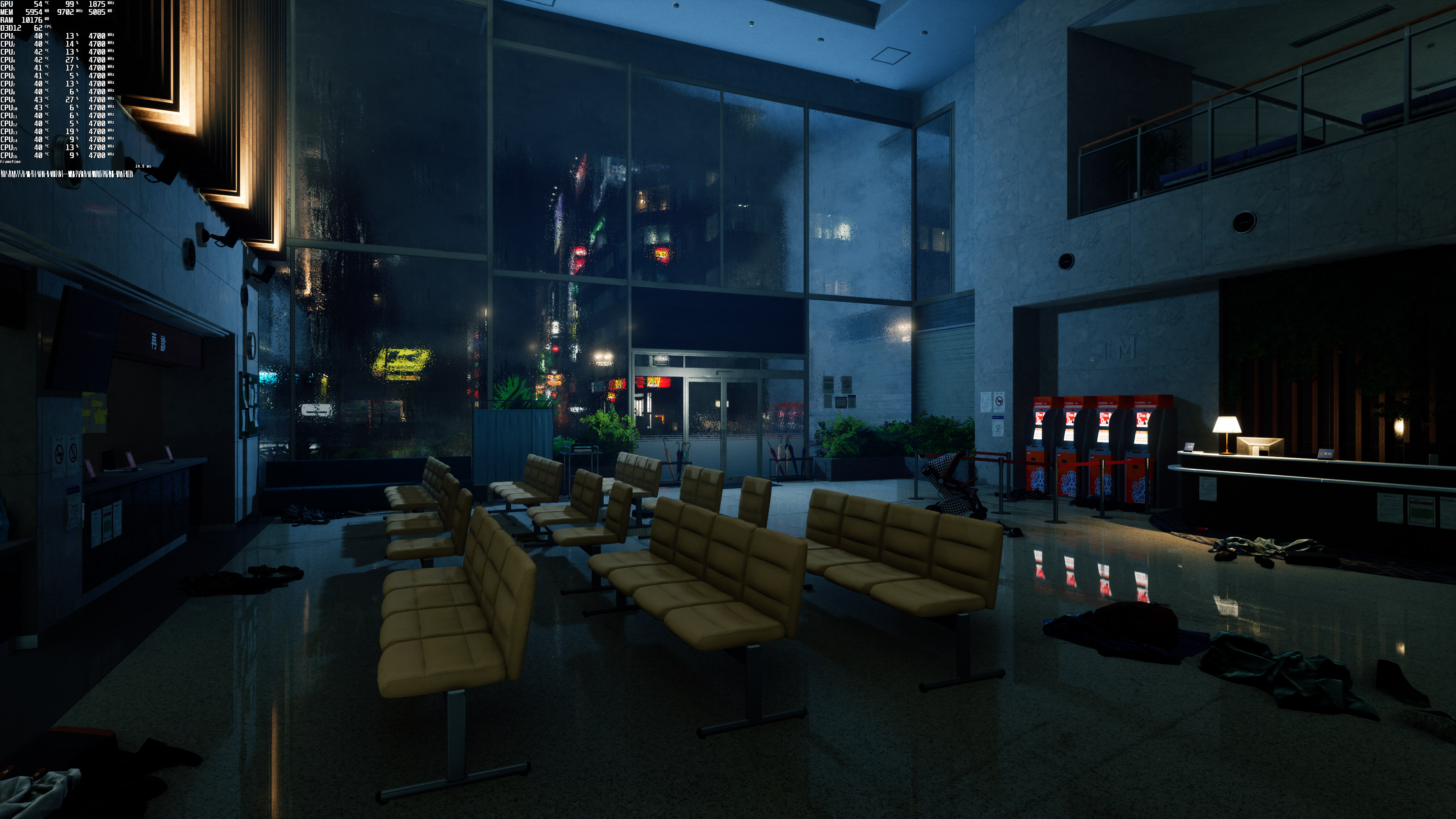
Bethesda has released the latest first-person action-adventure game from Tango Gameworks. Powered by Unreal Engine 4, it’s time to benchmark it and see how it performs on the PC platform.
For this PC Performance Analysis, we used an Intel i9 9900K with 16GB of DDR4 at 3800Mhz, AMD’s Radeon RX580, RX Vega 64, RX 6900XT, NVIDIA’s GTX980Ti, RTX 2080Ti and RTX 3080. We also used Windows 10 64-bit, the GeForce 512.15 and the Radeon Software Adrenalin 2020 Edition 22.3.2 drivers.
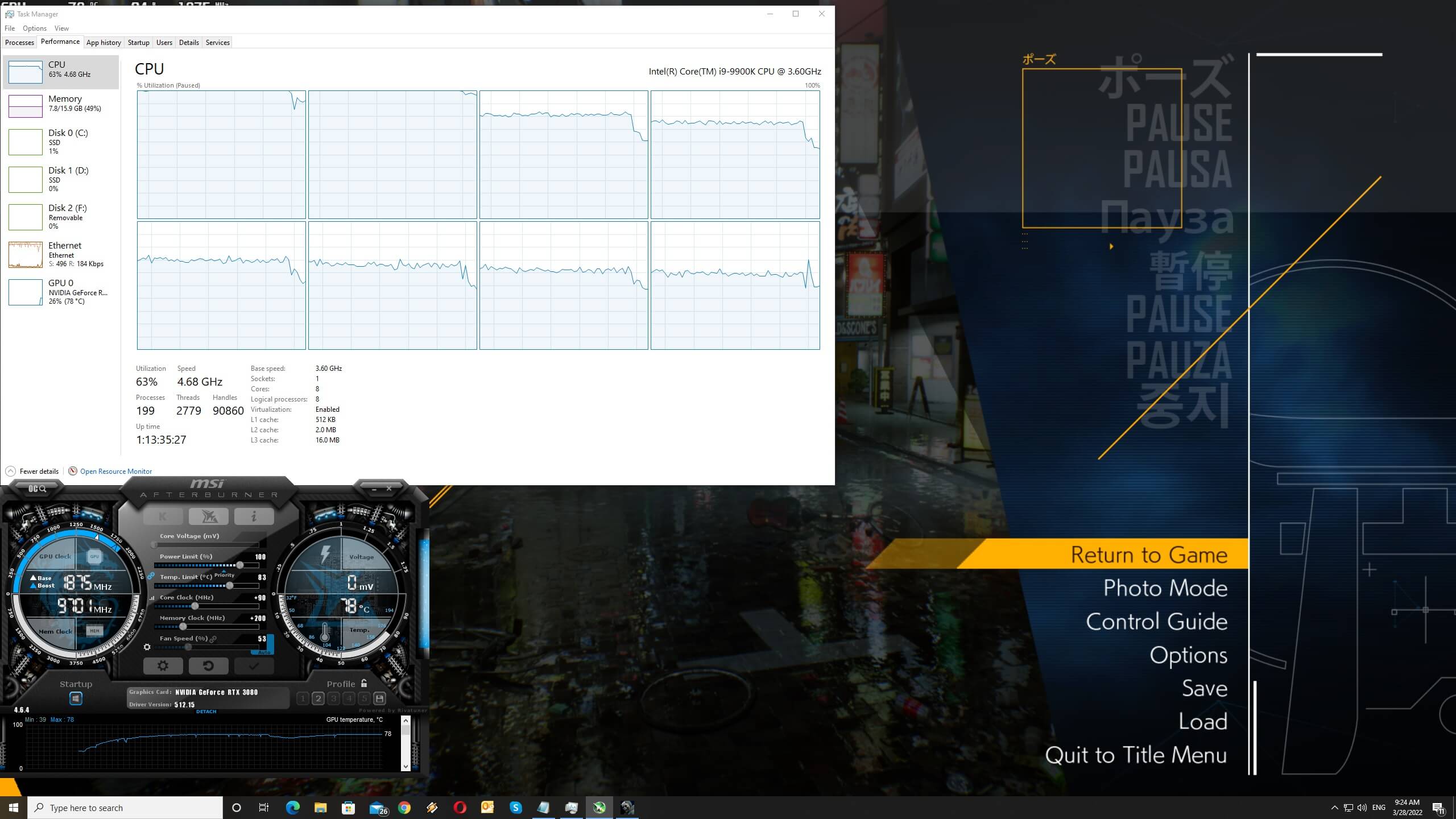
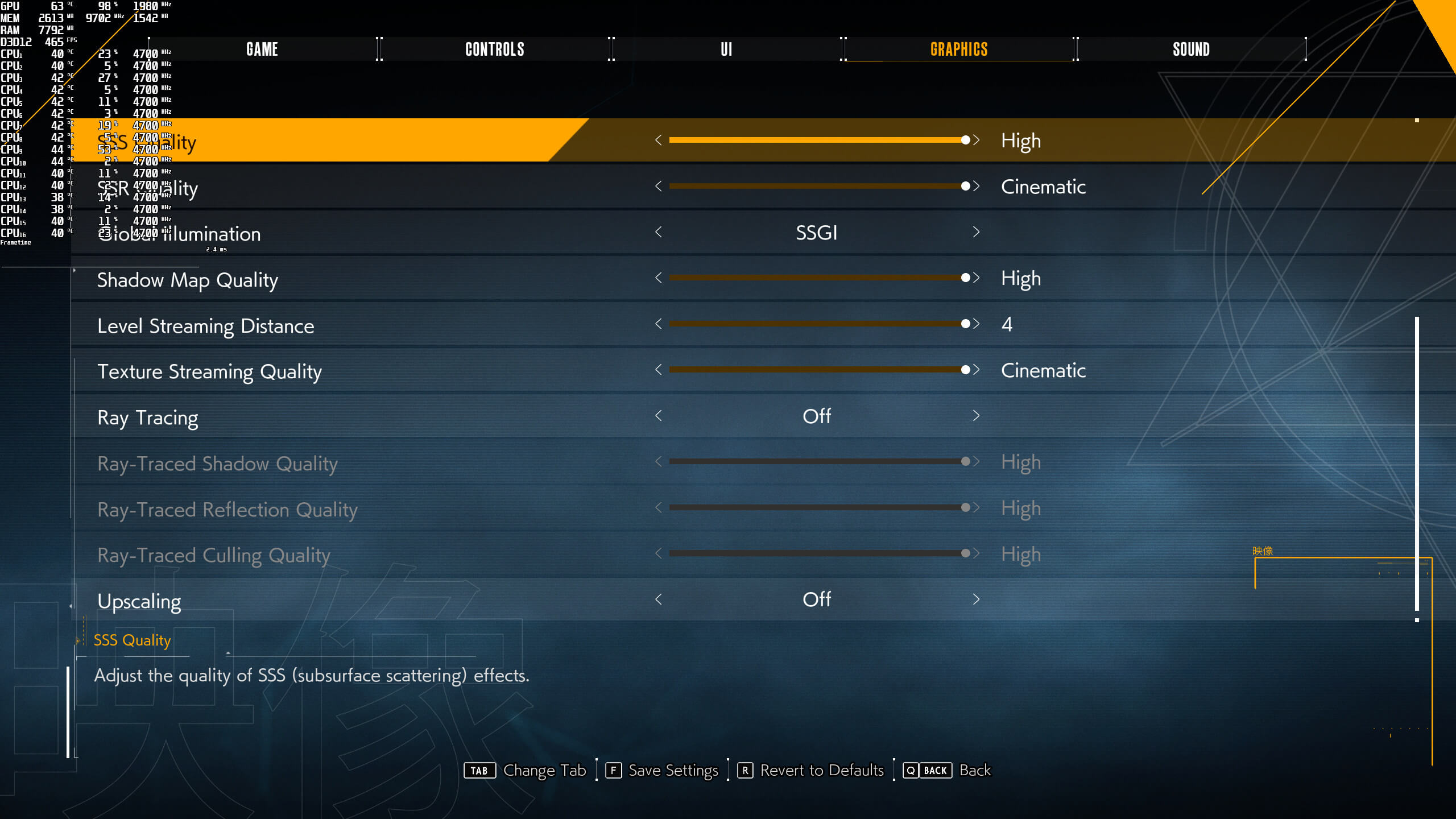
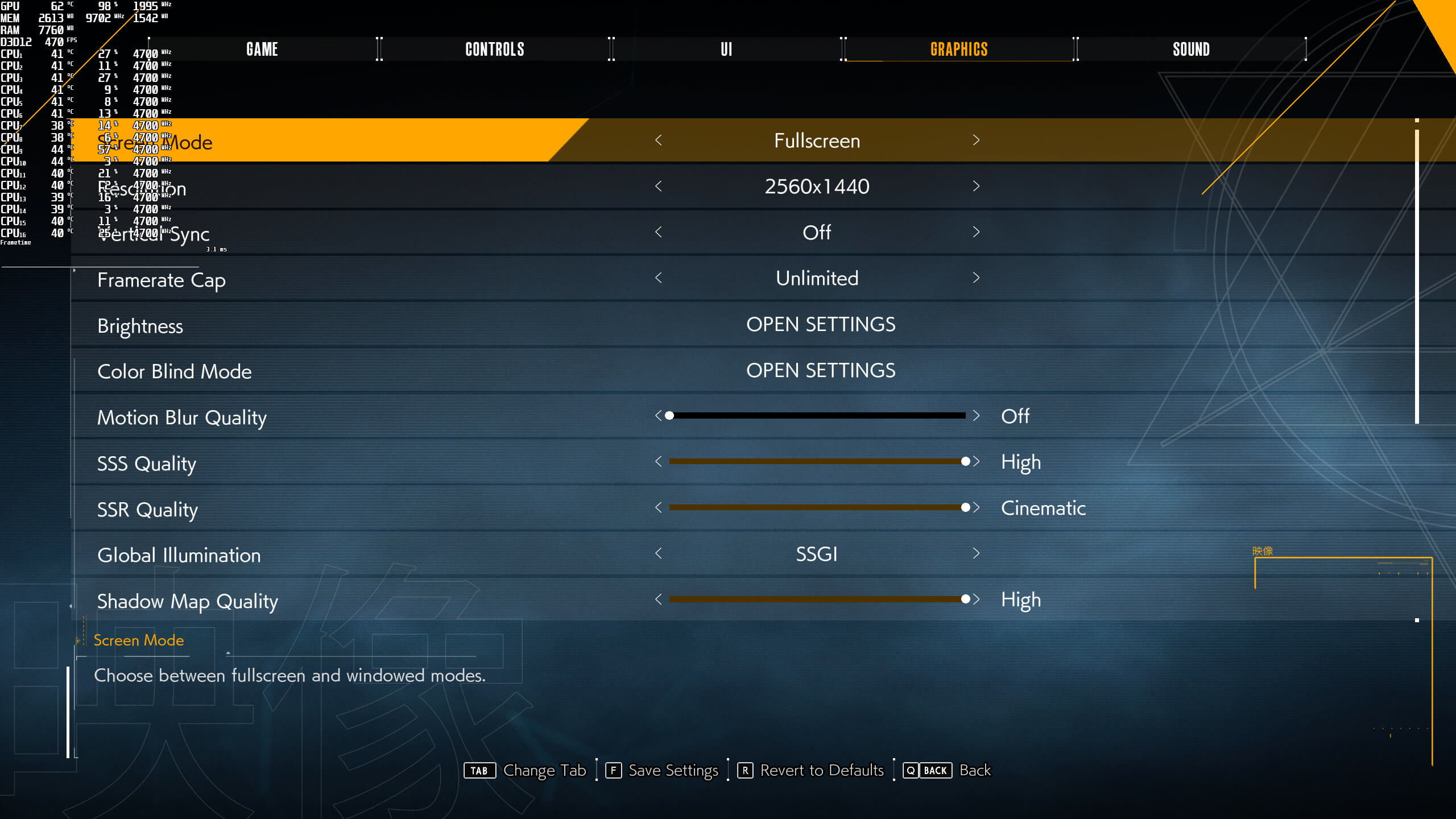
Tango Gameworks has added very few graphics settings to tweak. PC gamers can adjust the quality Motion Blur, SSR, SSS, Global Illumination, Shadow Maps, Level Streaming Distance and Texture Streaming. As we’ve already reported, the game supports Ray Tracing effects, as well as NVIDIA’s DLSS and AMD’s FSR. We have a separate article dedicated to RT, DLSS and FSR, so be sure to read it.
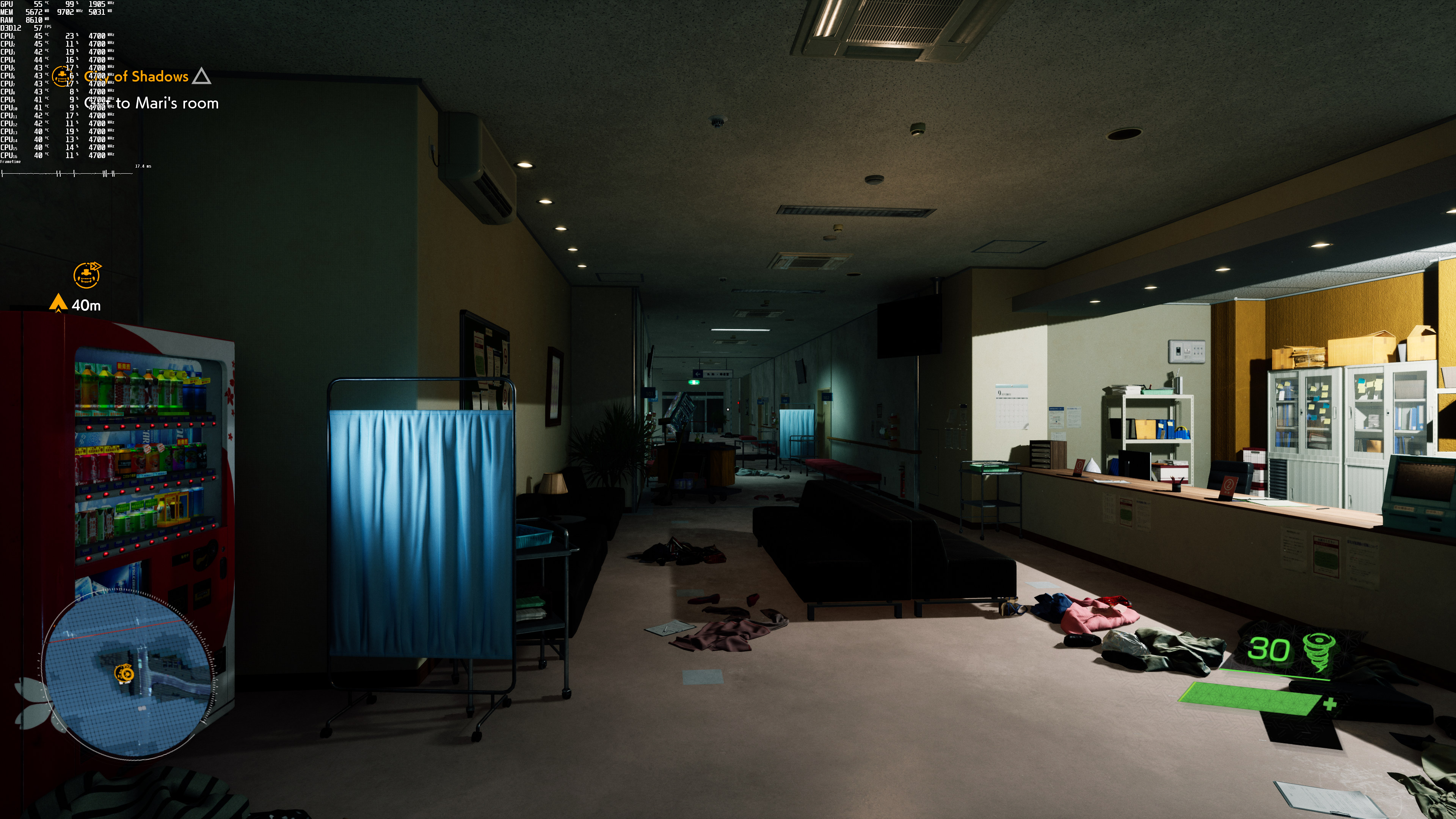
Ghostwire: Tokyo does not feature any built-in benchmark tool. For our CPU benchmarks, we used the starting open-world area. For our GPU benchmarks, we used an interior area (which appeared to be stressing more the GPUs).
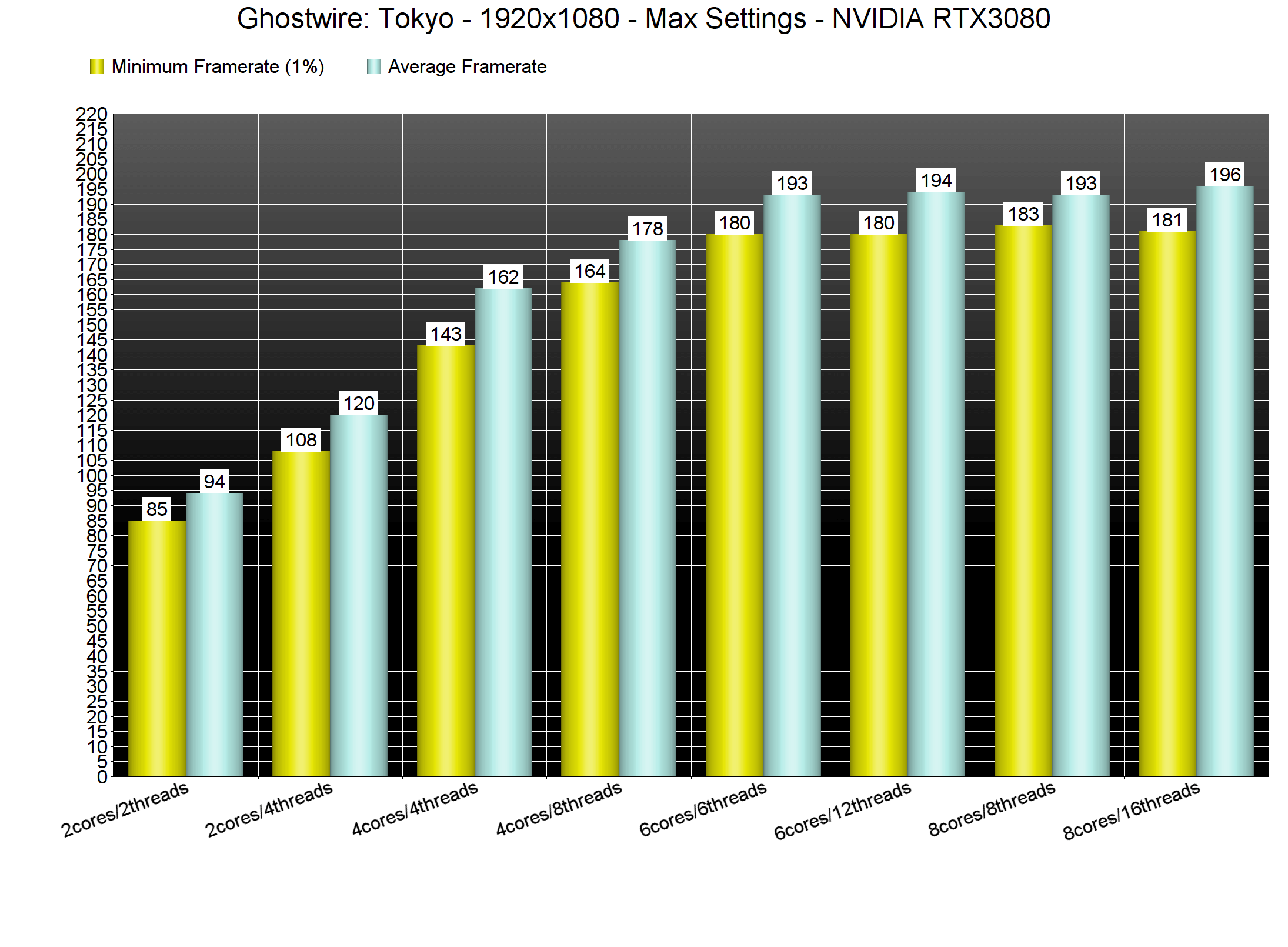
In order to find out how the game scales on multiple CPU threads, we simulated a dual-core, a quad-core and a hexa-core CPU. And, surprisingly enough, our simulated dual-core system was able to push more than 60fps at 1080p/Max settings. We did experience some stutters when Hyper-Threading was disabled on that particular system, however, the game was playable. All of the other PC systems did not have any major stuttering issues.
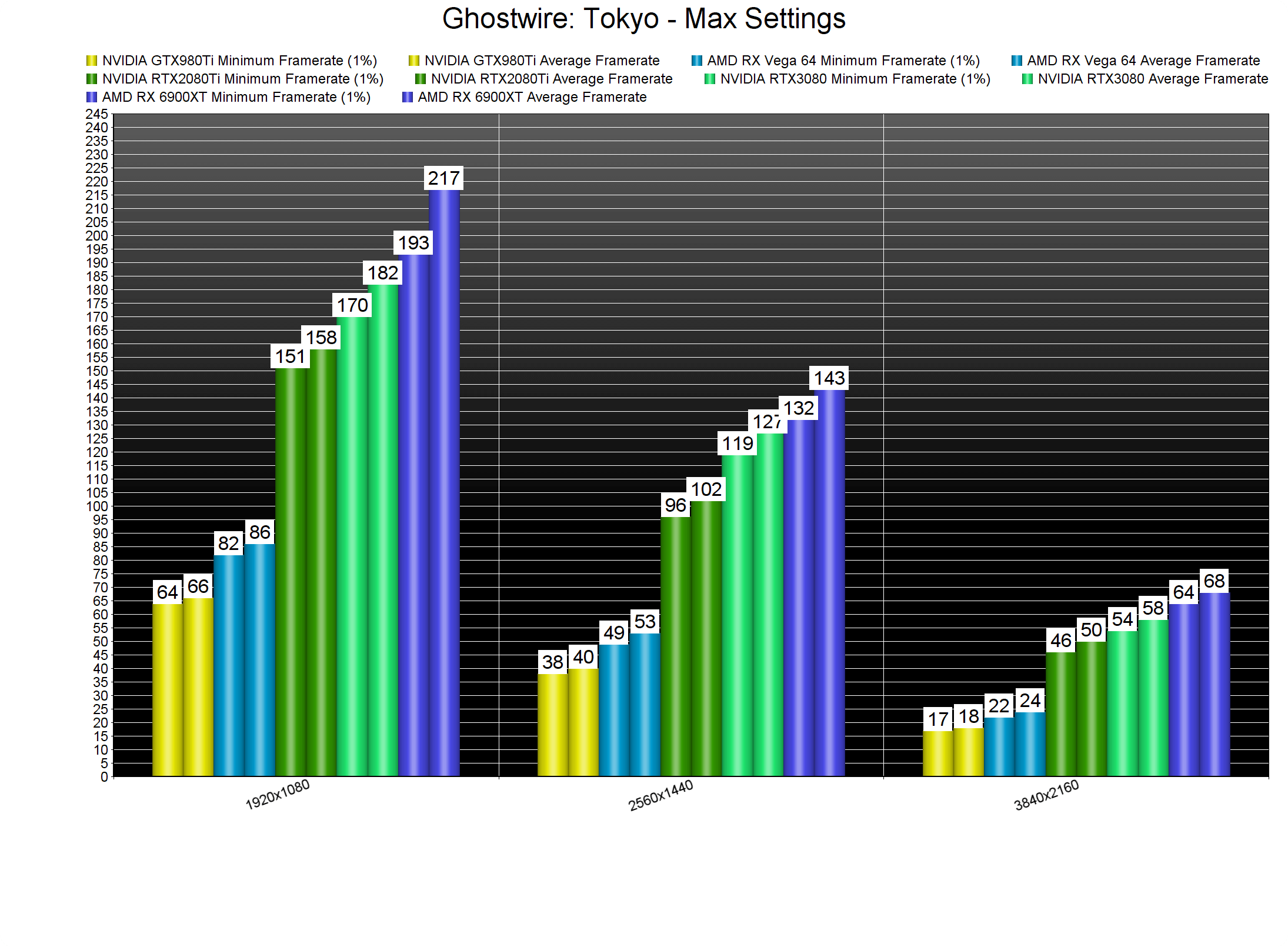
At 1080p/Max Settings, most of our GPUs were able to run the game smoothly. Moreover, and since this is a DX12 game, it appears to favor AMD’s hardware, especially at lower resolutions. This doesn’t really surprise us. As we’ve seen in the past couple of years, NVIDIA’s GPUs work wonderfully in DX11. God of War’s launch version and ELEX II are great recent examples of this. Thanks to its amazing drivers, NVIDIA could widen its performance gap in DX11. Again, this is nothing new. We’ve been criticizing AMD’s DX11 drivers for over two years. However, DX12 turns the tables, allowing AMD’s GPUs to flex their muscles.
At 1440p/Max Settings, our top three GPUs had no trouble running the game. And as for 4K/Max Settings, the only GPU that was able to offer a constant 60fps experience was the AMD RX 6900XT. That’s obviously at native resolution. Thankfully, the DLSS implementation is quite good in Ghostwire: Tokyo, so RTX owners can use it in order to increase their performance. As for everyone else, we suggest using TSR instead of FSR.
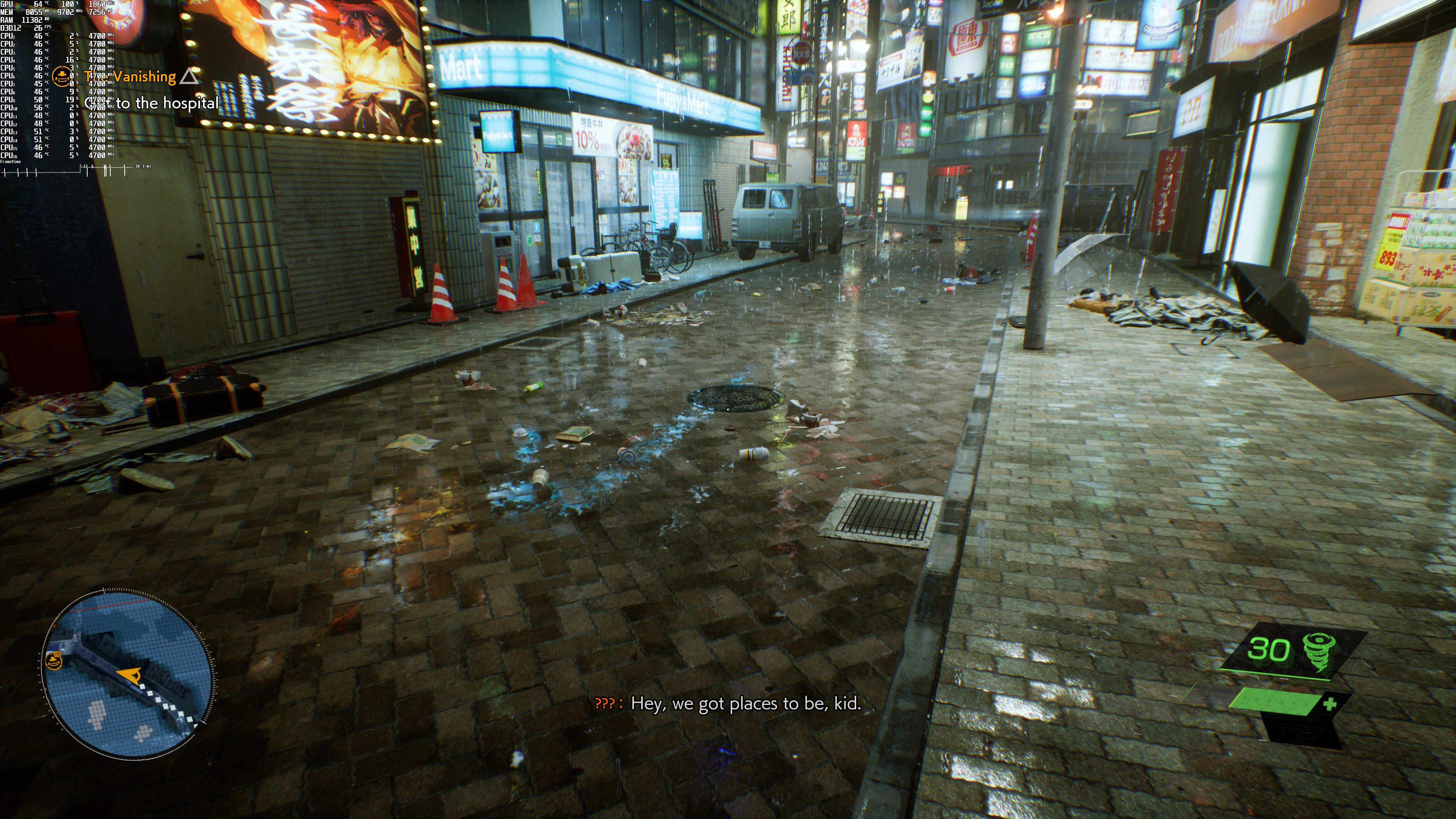
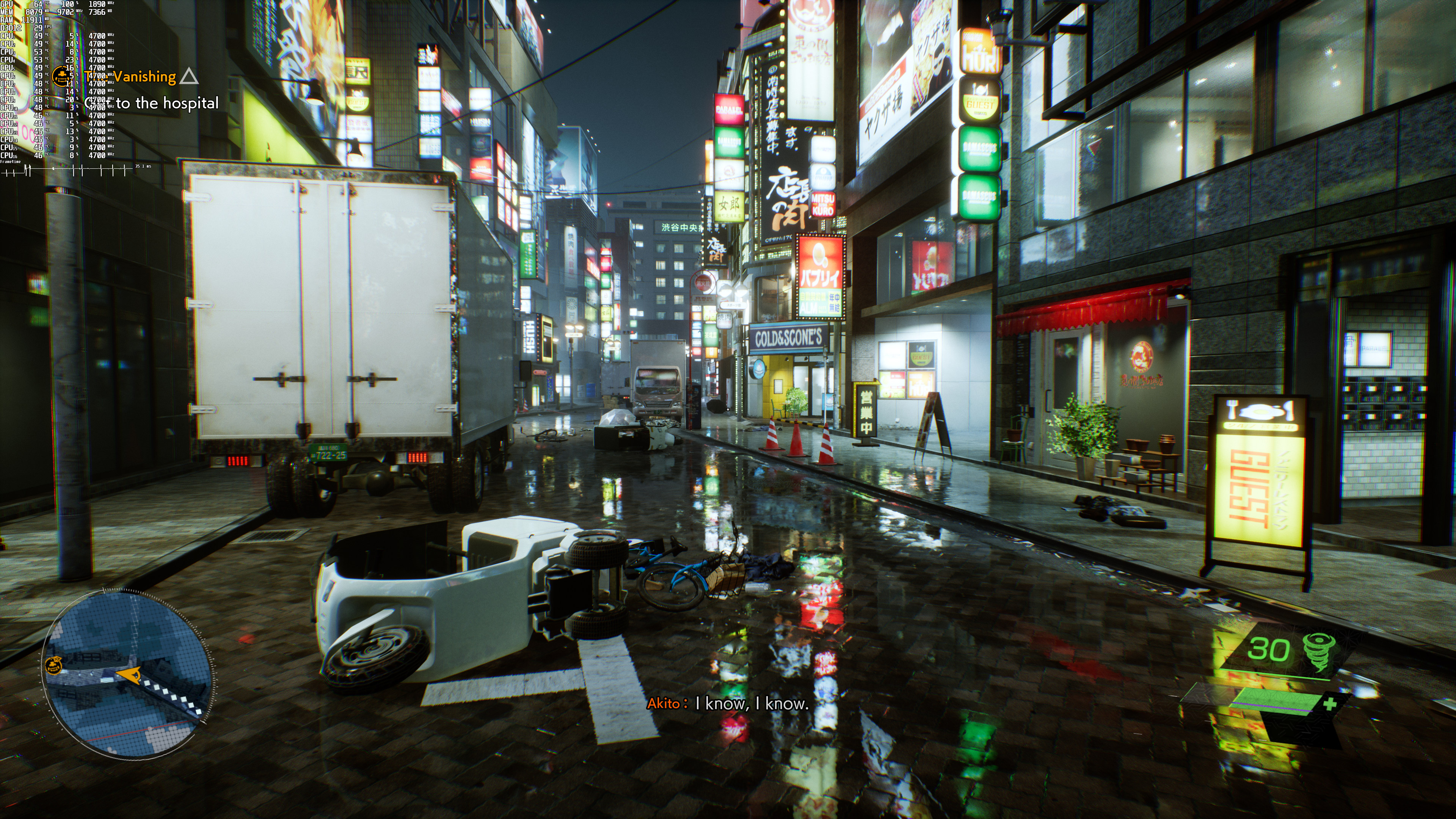
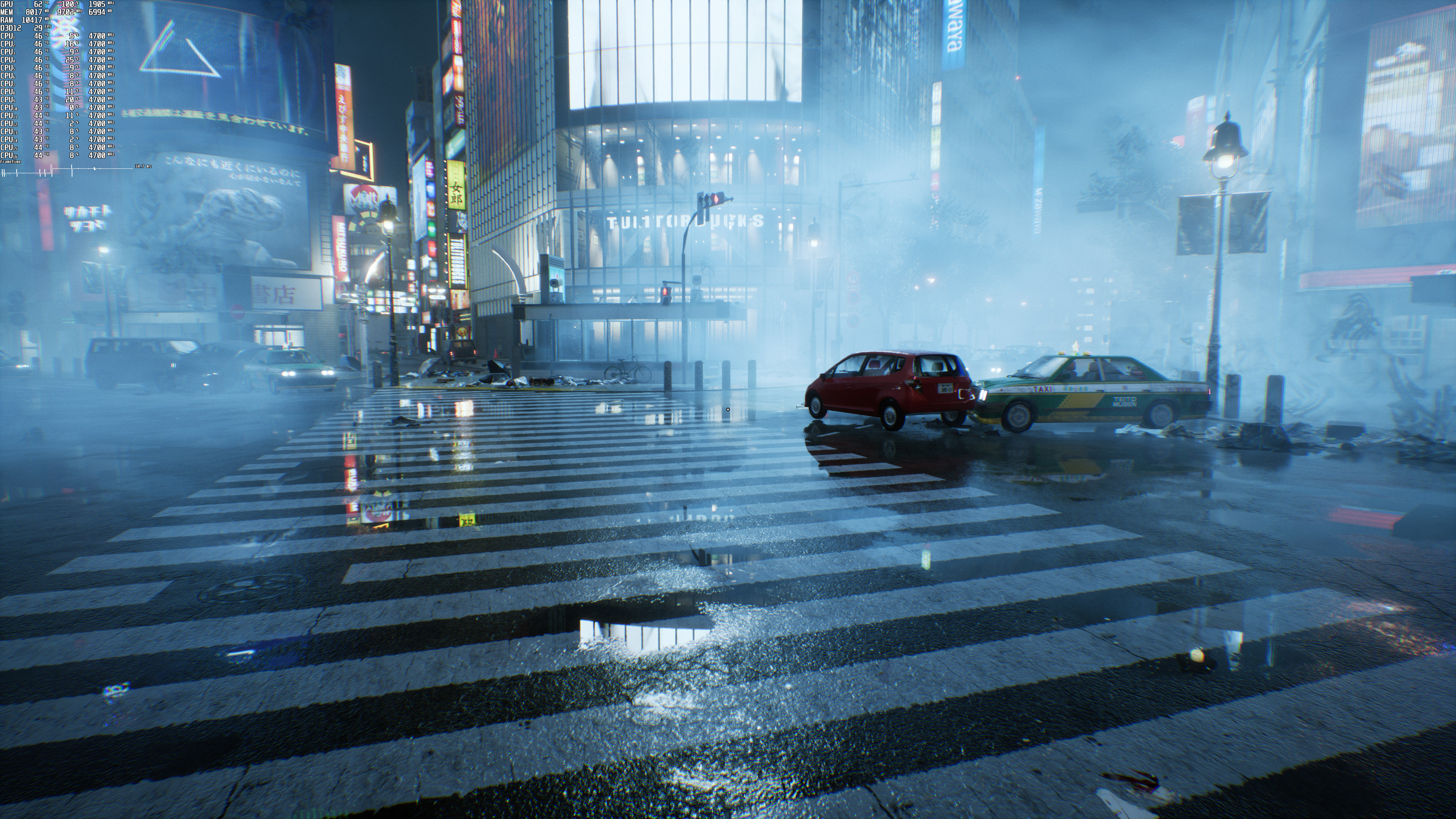
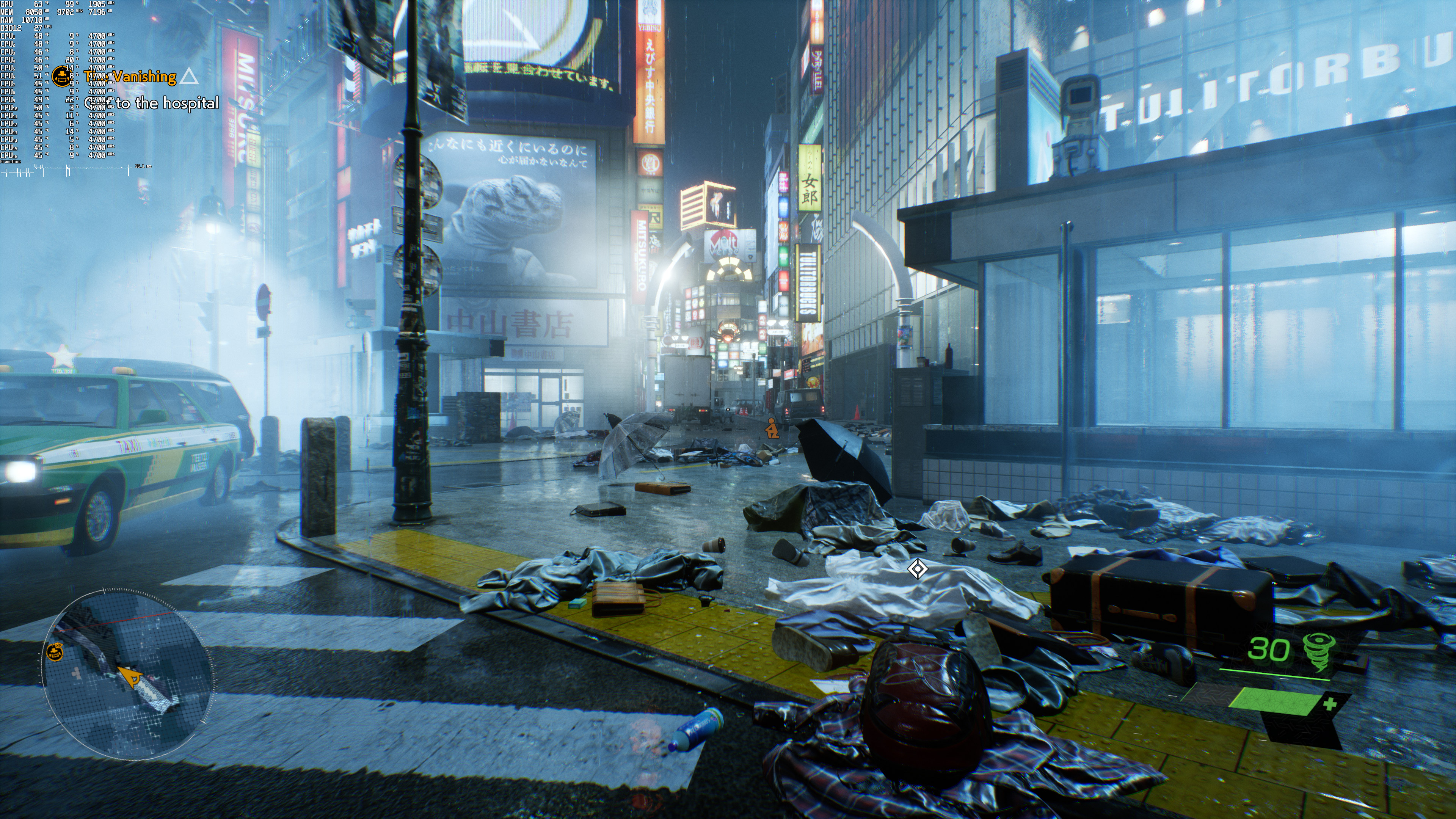
Graphics-wise, Ghostwire: Tokyo looks quite good. This feels like a cross-gen game, so don’t expect to be amazed by its graphics. Nevertheless, the game has a lovely atmosphere, and it’s pleasing to the eye. Since it has a lot of wet/reflective surfaces, the game also benefits from the Ray Tracing Reflections. Thus, we suggest enabling them.
Before closing, we should mention some weird frametime issues we witnessed. For unknown reasons, our frametimes were not that great in 4K on our RTX3080. Even when using DLSS Quality (and running the game with more than 90fps), the frametimes weren’t that great. By lowering our resolution to 1440p, we were able to minimize (but not completely fix) these frametime issues. We really don’t know what’s going on here. However, and if you experience additional stutters (especially when panning the camera) in 4K, we suggest lowering your resolution. Below you can find a video showcasing these frametime issues.
All in all, Ghostwire: Tokyo can run with more than 60fps on a huge range of PC configurations. The game does not require high-end CPUs or GPUs for gaming at 1080p/Max Settings. The game also shows proper on-screen K&M prompts, and plays wonderfully with the mouse and keyboard. We also did not experience any stability issues. This does not mean though that this is a perfect PC product. There are a few stutters (both shader cache and traversal stutters), and we really can’t explain the frametime issues we showcased above. The game also suffers from major memory leaks. Thus, and when you notice significant performance degradation, we suggest saving, quitting, and then re-launching it. Nevertheless, and despite these issues, Ghostwire: Tokyo is better than the problematic The Evil Within games.
Enjoy!
John is the founder and Editor in Chief at DSOGaming. He is a PC gaming fan and highly supports the modding and indie communities. Before creating DSOGaming, John worked on numerous gaming websites. While he is a die-hard PC gamer, his gaming roots can be found on consoles. John loved – and still does – the 16-bit consoles, and considers SNES to be one of the best consoles. Still, the PC platform won him over consoles. That was mainly due to 3DFX and its iconic dedicated 3D accelerator graphics card, Voodoo 2. John has also written a higher degree thesis on the “The Evolution of PC graphics cards.”
Contact: Email


WOW!!!
The RX 6900 XT almost triples the performance of the VEGA 64 !!
It’s a bit weird. Can’t tell if it’s a VRAM issue. But a V64 couldn’t be that slow. It should be around 40-45% of a 6900 XT.
Note that teraflops alone don’t tell the whole picture:
Vega (GFX9) is tuned towards compute throughput, whereas RDNA2 (GFX10.3) emphasizes lower-precision shader performance, which benefits games the most.
This is also the reason why AMD’s CDNA data-center/HPC/super-computer architecture is derived from Vega, with GFX9.4 being the newest revision.
You can talk all you want about that, a 6900 XT should still not be 300% as fast as a V64.
How can you be so sure about that, then?
My point of reference is: 6900 XT is exactly twice of my 5700 XT (at 4K). A V64 is some 10-20% slower than my 5700 XT.
John…the stutters you talk about are probably related to the shader compilation…have you seen the video made by Alex on DF?
The game does have shader cache stutters. However, the longer you play, the fewer they become. I personally never found this kind of stutters annoying and a lot of people are exaggerating. Assuming a game is 30 hours, you’ll get stutters in your first hour (that’s an extreme scenario) and then you’ll enjoy 29 hours of smooth gameplay. That’s a WAY BETTER experience than having 30-50fps during the entire game (like the console versions), or having drops to 50fps during heavy scenes. Of course I’d prefer if a game was caching those shaders at the beginning. However, they are not game-breaking.
Honestly, the traversal stutters, from which other games suffer and happen constantly when loading new areas, are WAY worse.
The frametime issues that I showcased in the video above are NOT related to shader compilation.
LOL, you’re an idiot.
Don’t even speak.
People like you are the reason why games like this get released in this state.
Seriously.
You’re another ray of sunshine.
Naw, just intelligent and knowledgeable….
Instead of complain, provide us with a solution then.
Otherwise it is considered just whine.
We all know this game have some stutters, but, as mentioned before, it is not a game breaker AT ALL!
Yes. It is.
Stop talking.
It’s no one fault but yours to have a potato PC and no brain to maximize its performance.
You can make the game run in DX11 also.
And John, how about 6900 XT CPU scaling chart?
Just a FYI & PSA:
The Evil Within was recently fixed with DXVK 1.10;
looks like the graphics dev did an amateur mistake of constantly creating new vertex & index buffers instead of simply reusing the already created ones.
Thankfully, this can be fixed during the translation of DX11-to-Vulkan by simply caching & reusing these on the Vulkan side, thus giving an enormous FPS boost!
I’ll attach two screenshots that showcase this massive improvement to a reply on this post down below:
https://uploads.disquscdn.com/images/25d1ed0c2ddb2153a1fdb1f5545d73d590f6b09541c6883faf81040178adb755.png
https://uploads.disquscdn.com/images/2fd2f0b594fdf88279ccc11d993b98d896f6841f0fe6db1661d7c753b58e0fdb.jpg
You mentioned DXVK 1.10 had improvements but your screenshots show 1.9.4?
Go figure.
That’s because those screenshots were taken with the Evil Within improvement patch applied to the then latest released DXVK (1.9.4), before getting upstreamed to the master/main branch so that everyone can easily benefit from this improvement with the next DXVK version released after 1.9.4, which just so happened to be numbered 1.10.
Hope that clears the unnecessary confusion… 😉
In general though, it’s always advisable to just stick to the newest version available, which right now is DXVK 1.10.1.
So where do i get this version of Evil Within?
Asking the real questions.
If you own The Evil Within one way or another, then you already have everything you need!
Now, since I already had written quite a lenghty step-by-step tutorial for DXVK-Async, I’m just going to copy it here; if you want to switch the async shader compilation on or off, all you have to do is either use true [on] or false [off] for dxvk.enableAsync inside dxvk.conf in the folder where the game’s main .exe resides.
Also, one final note of warning for AMD GPU owners on Windows:
Unfortunately, that Vulkan driver is not of the highest quality standards compared to the one developed by Valve exclusively for Linux named RADV, which is the driver that was used to capture the above screenshots, so YMMV.
Still, the Windows driver should have gotten better by now aswell; just make sure to use the latest version available.
Now, without further ado, the reply to this post will contain my tutorial to get you up&running on Windows with DXVK[-Async]:
I suddenly realized that I should write a little tutorial, just in case, because the instructions in the README might be a little confusing & Linux-specific at first glance, so here it goes:
1.
No, you don’t need to apply any patches yourself; instead just go to the releases page and grab the latest version (dxvk-async-1.10.tar.gz at the time of writing).
2.
On Windows, 7-Zip should be able to extract the archive.
3.
You can safely ignore the ‘setup_dxvk’ file inside the folder, because that’s a Linux-only thing.
Instead, go to the x64 folder and just copy both d3d11.dll & dxgi.dll over to wherever the game’s main executable file [SW3.exe] is located on your storage drive.
4.
Now, inside that very same game folder, create an empty text file named dxvk.conf (Windows-stupidity alert: by default, Windows likes to hide filename endings; make really sure that the file is simply spelled dxvk.conf and NOT dxvk.conf.txt, otherwise the next step won’t work).
5.
Open dxvk.conf with Notepad and paste the following line into it:
dxvk.enableAsync = true
After saving & closing, double check that the text file is still called dxvk.conf & NOT dxvk.conf.txt, just to make sure once more!
Final step:
Enjoy your newfound stutter-free smoothness!!
________________________________________
Now, a couple closing notes:
– Unfortunately, AMD’s official Vulkan driver is pretty bad. (Who’d have thought?!)
That’s why the Steam Deck is actually shipping a Linux-exclusive Vulkan driver called “RADV” jointly developed by RedHat+Valve+Google developers.
(Yes, you read that right, SteamOS is shipping a driver for an AMD GPU that is not developed by AMD developers themselves – just let that one sink in…)
– nVidia GPUs will actually fake/report themselves as AMD ones by default.
This is done for historically better compatibility reasons.
Which also means that DLSS will be unavailable (while FSR should work just fine).
HOWEVER, there actually does exist a way to enable DLSS in combination with DXVK[-Async], but I feel like this should be left for another time later, just to make debugging any potential problems that might come up easier this way…
Anyhow, hopefully it works out just as well on Windows as it does on Linux!
Big thanks to you, sir!
The evil whitin 2?
Shame we don’t get amd RT performance benchmarks. I’m curious how well the 6900 xt would run this at various RT settings in 4K+TSR.
I’m using
RTX 3050
Ryzen 5 1600af
12 GB DDR4
full hd windowed or full screen
I noticed some very strange bugs, the more I play, it doesn’t matter if the graphics are at least or at most, it runs at 60fps at first, after 1 hour or 1 and a half hour the performance goes to 12fps, 8fps, 6fps, I thought the hotfix was released I would fix it but nothing yet
Maybe Vram issues? have you checked with RTSS how much vram the game consumes?
45% lol
Another PC game with stuttering, nice.
It’s honestly getting extremely ridiculous isn’t it?
Since directx12 launch pc performance was like this, if people dont complain the problem dont exist
?t 4? resolution the game is very demanding
Nope.
Love this game, it’s amazing
Indeed! Exceeded my expectations by a lot.
The game is really cool, not excelent, but really good, indeed.
The city exploration is awesome and the details are worth the run.
And now that I’m learning how to play Elden Ring (is even becoming enjoyable), this one comes out. I’ll have to pause one of them.
John, I’ve just found out that there’s already MODs to Fov and chromatic aberration and film grain removal.
This one is for noise reduction
This one is for the fov
Do note that there’s no fov slider, you need to choose one out of 3 configs possible.
Cheers!
Just edit the engine file to remove fg and ca.
[SystemSettings]
r.Tonemapper.GrainQuantization=0
r.Tonemapper.Quality=0
r.SceneColorFringeQuality=0