Cyberpunk 2077 2020 new screenshots-1

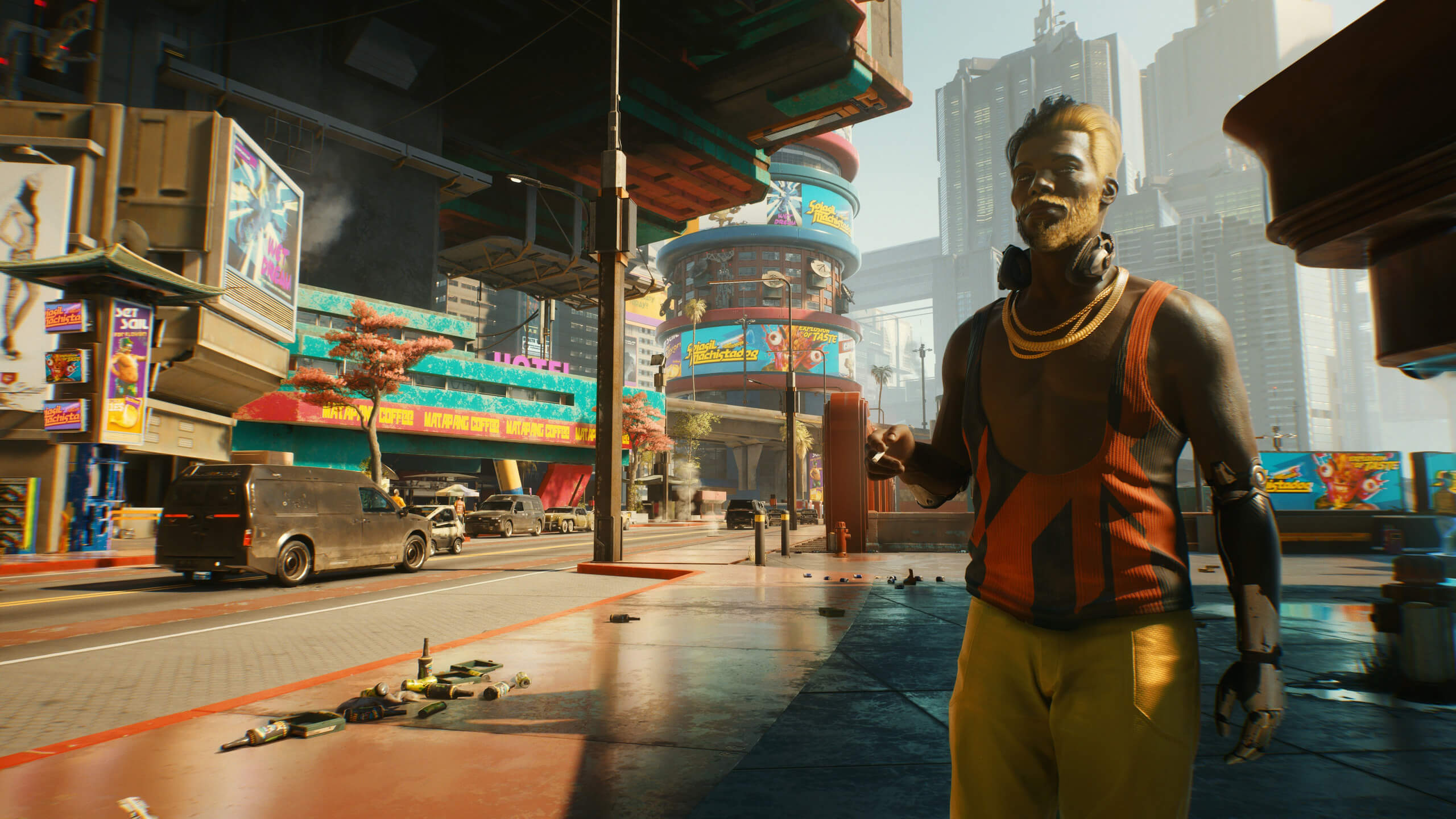
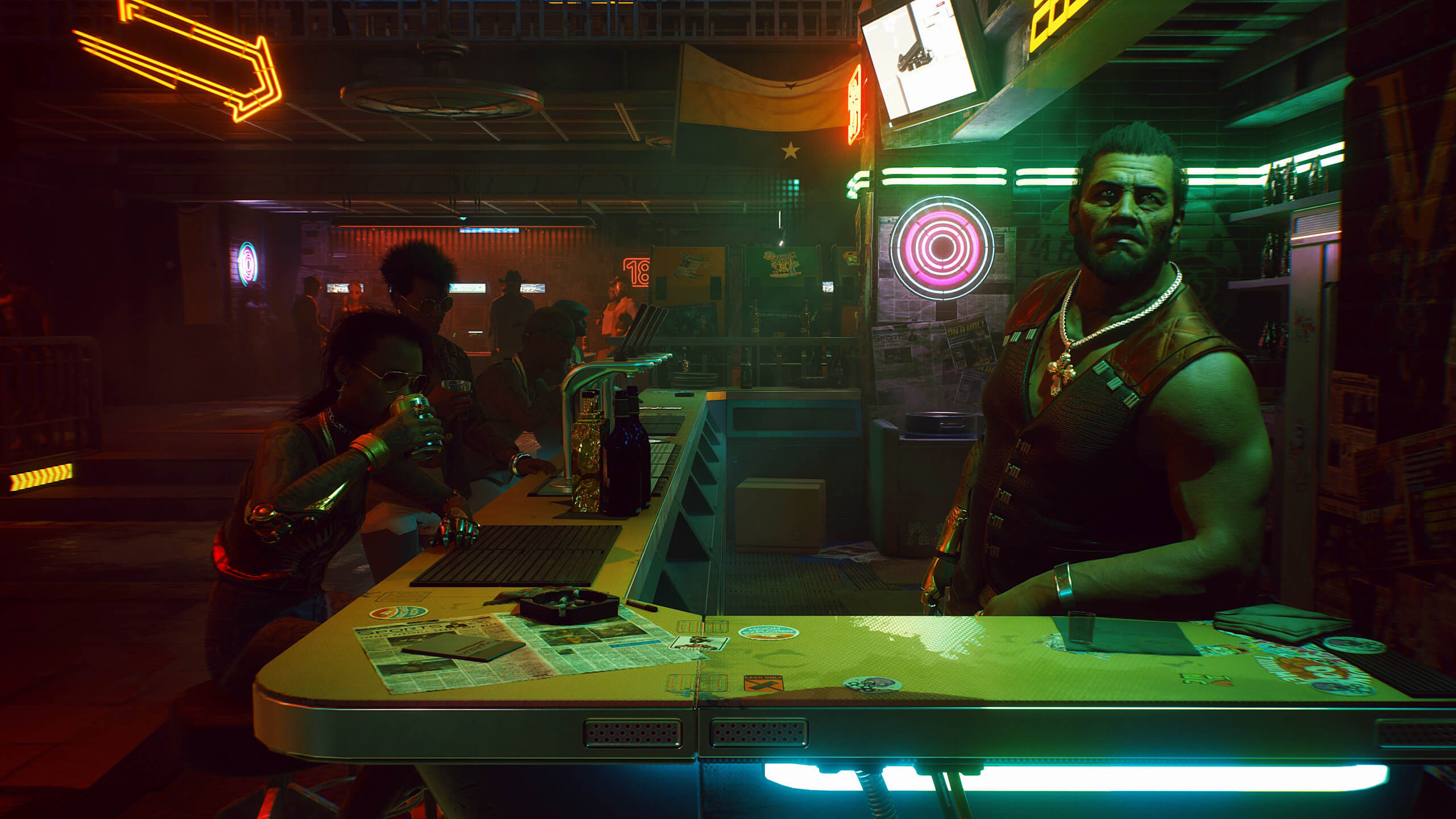
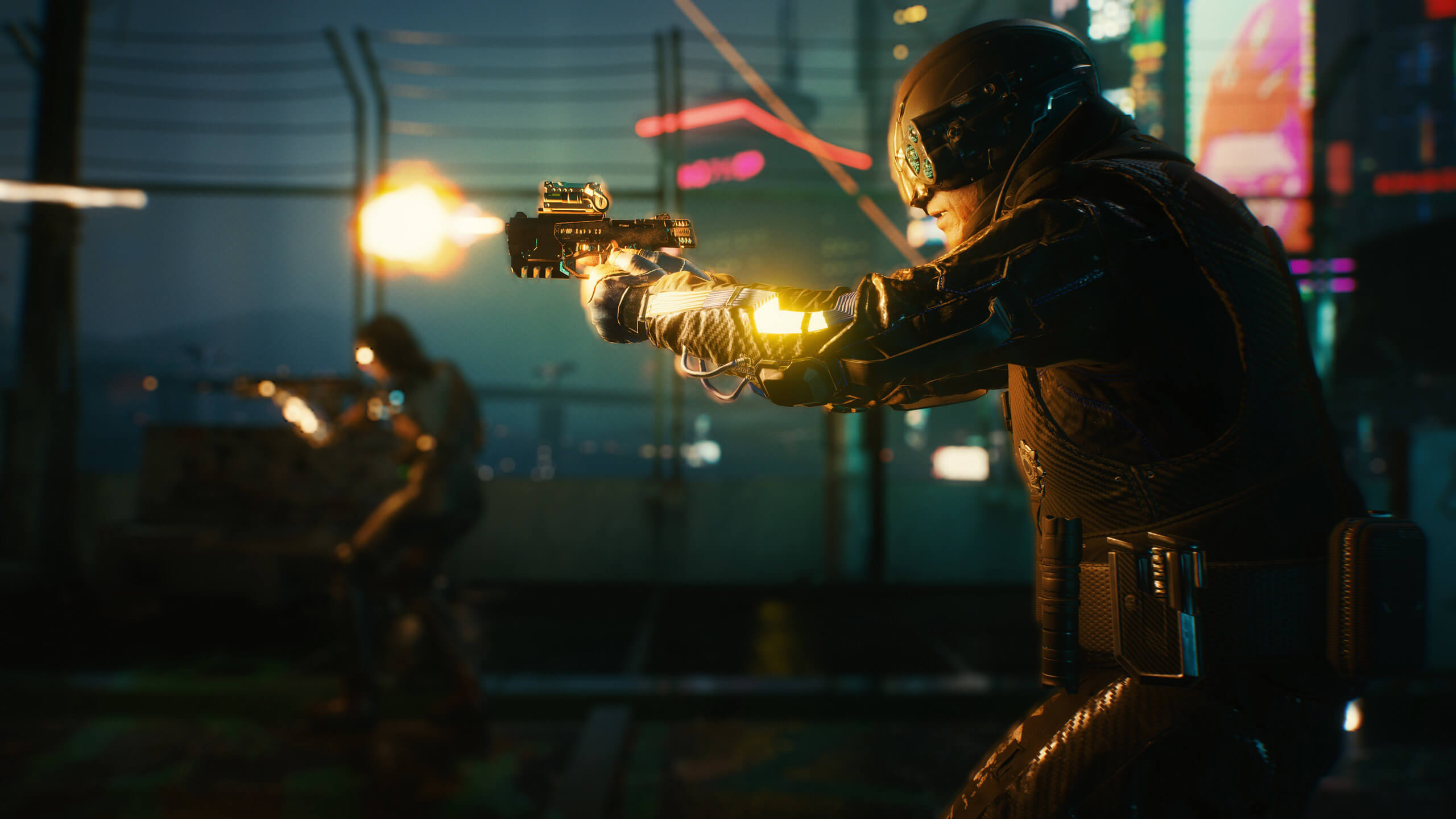
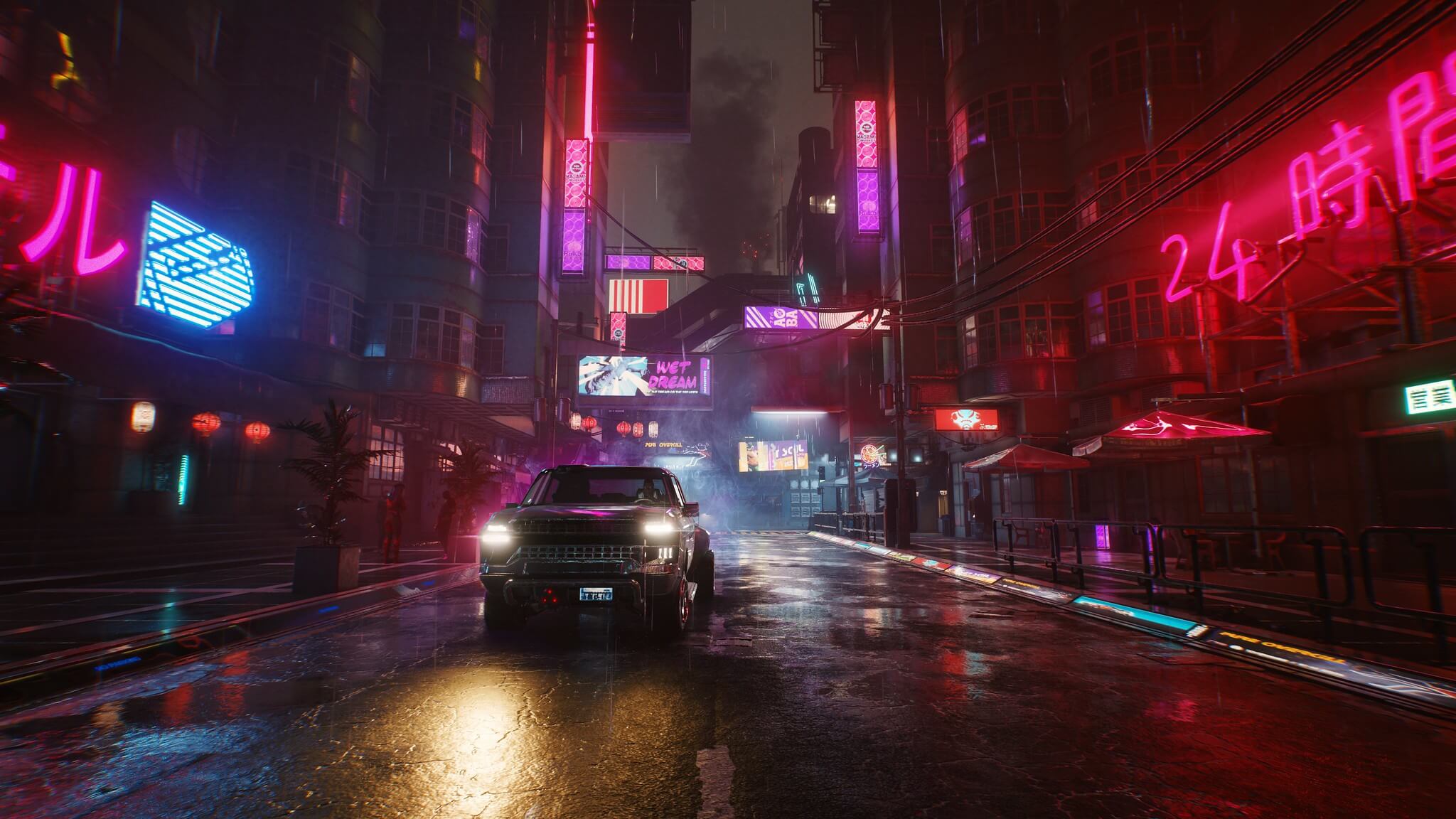
New official Cyberpunk 2077 screenshots look absolutely gorgeous

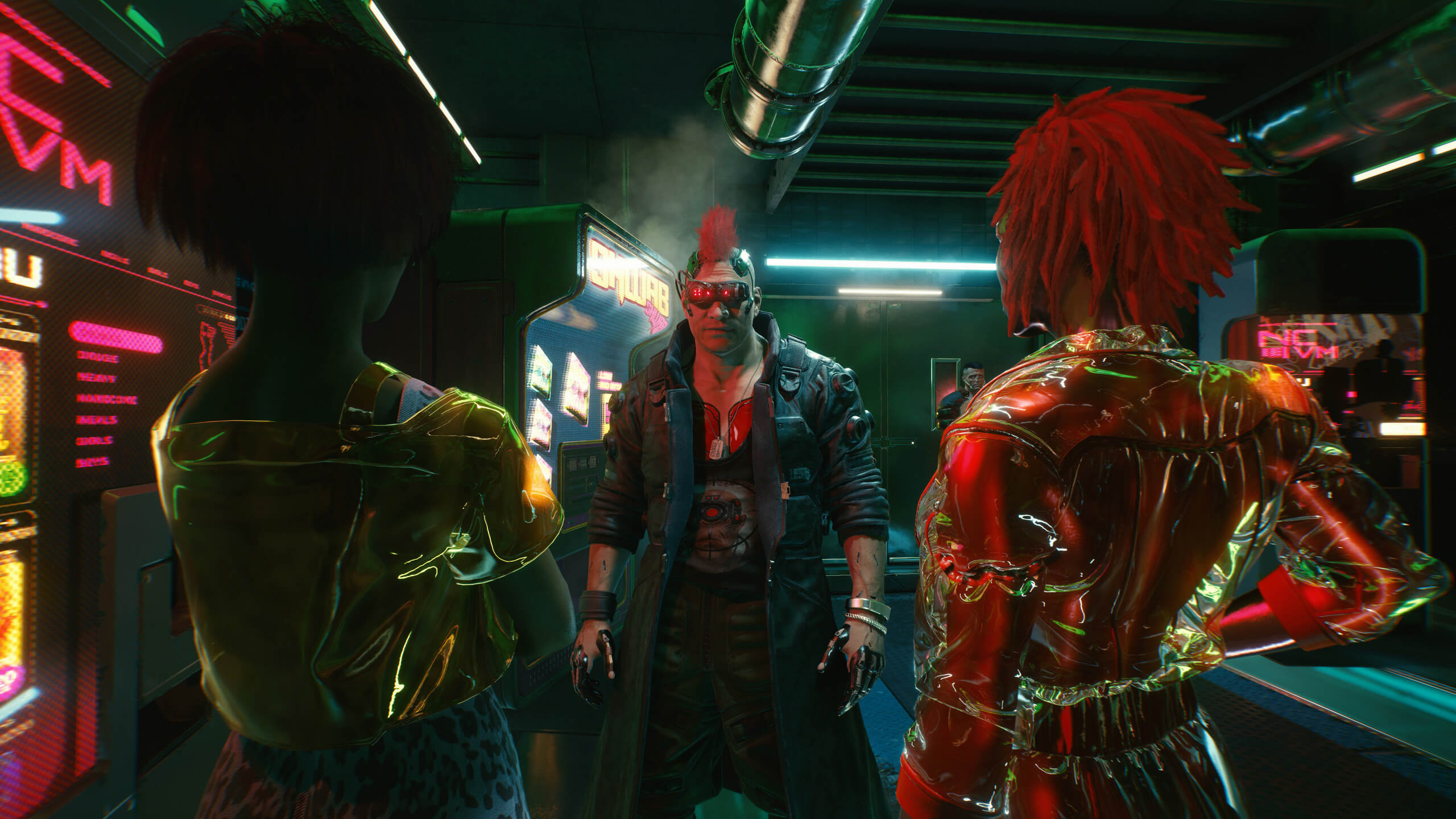
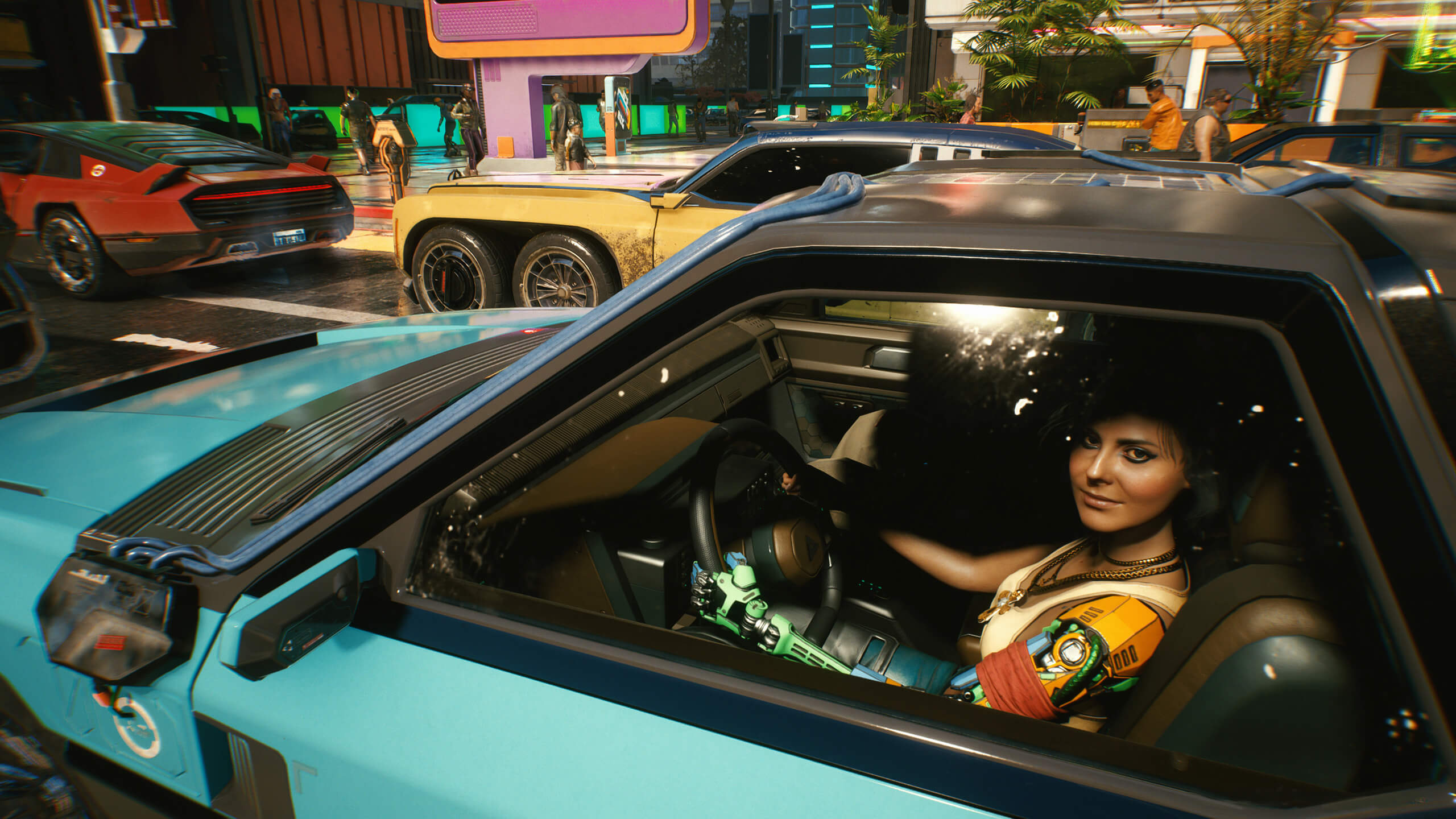
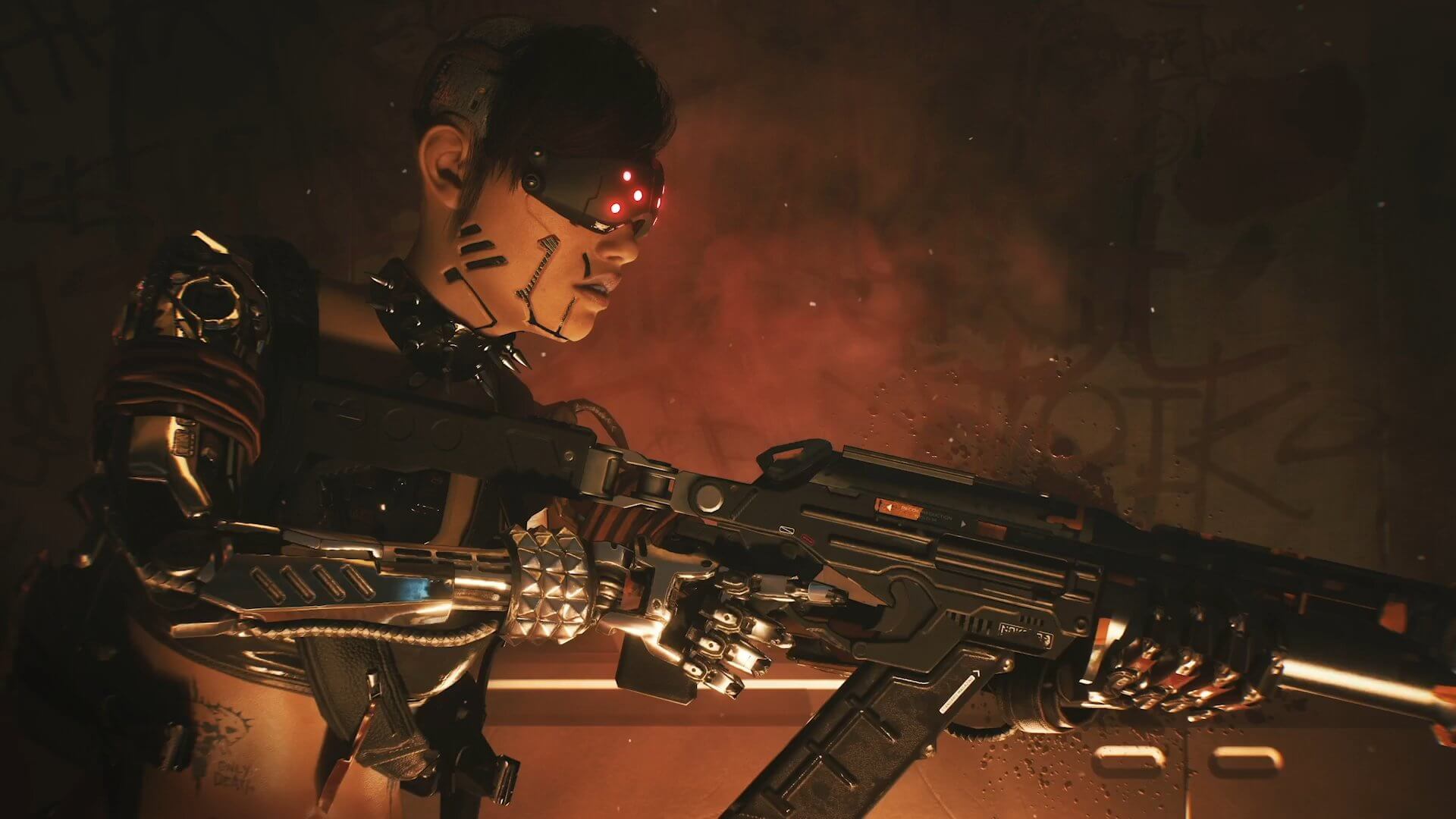
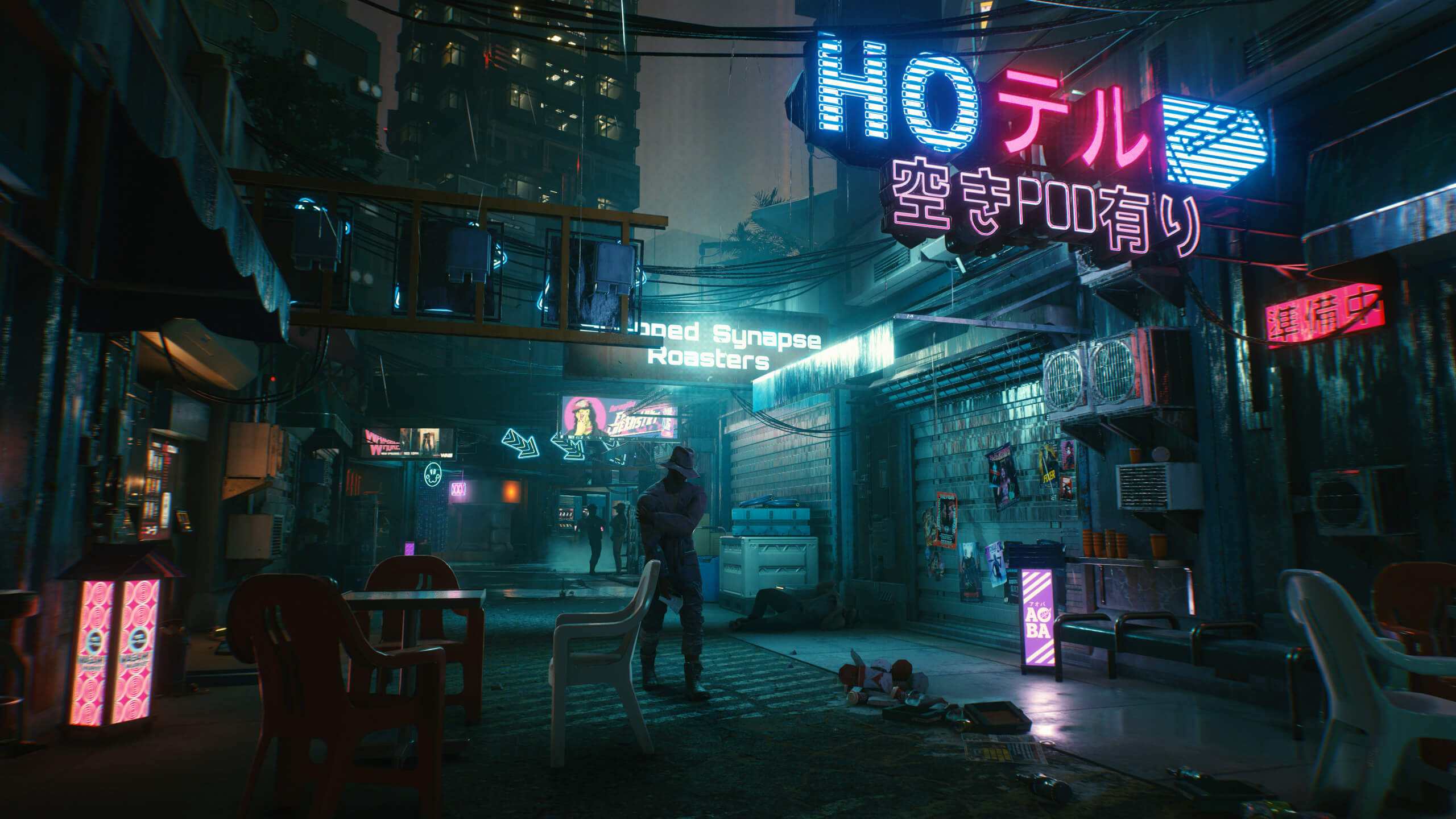
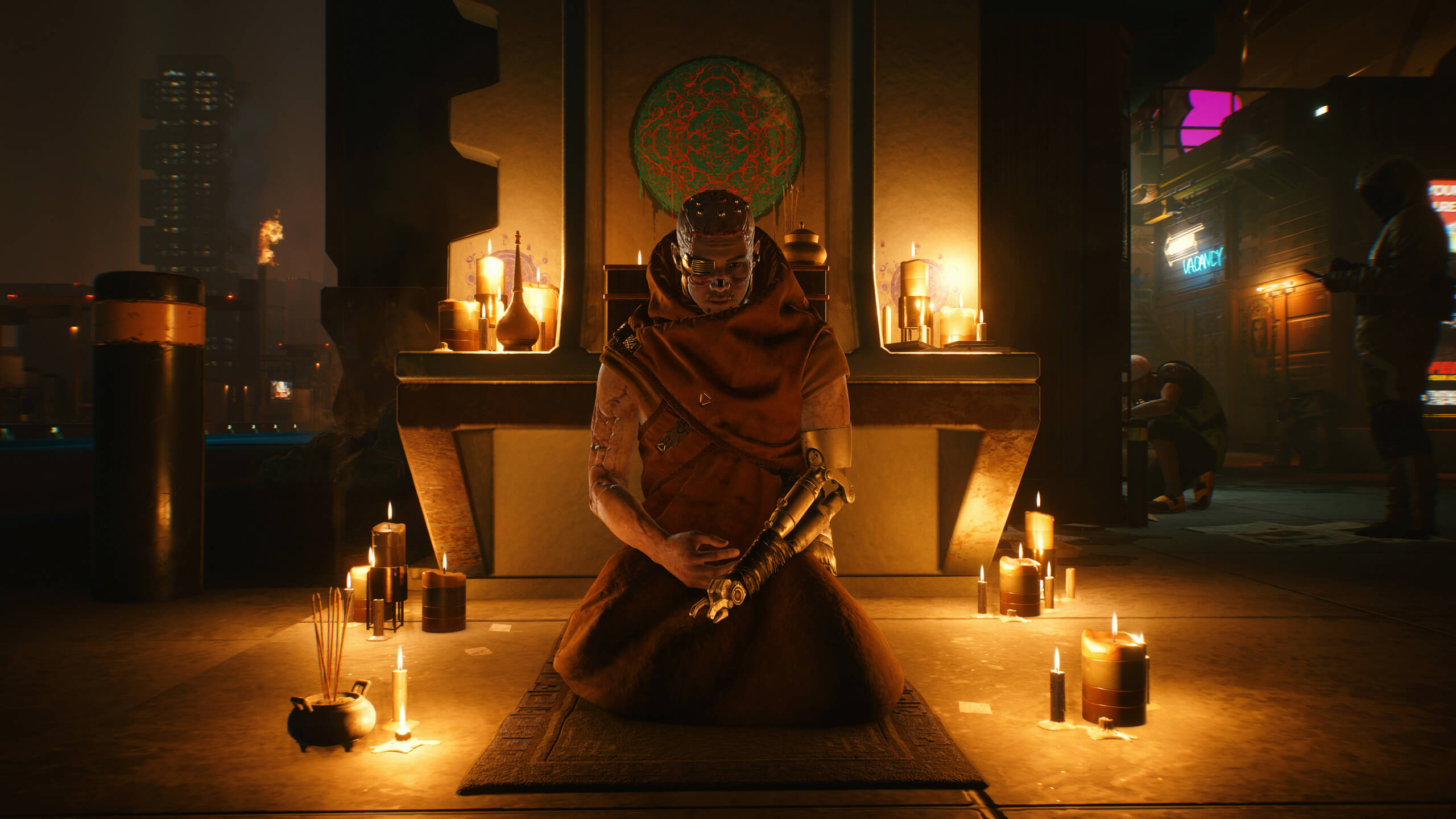
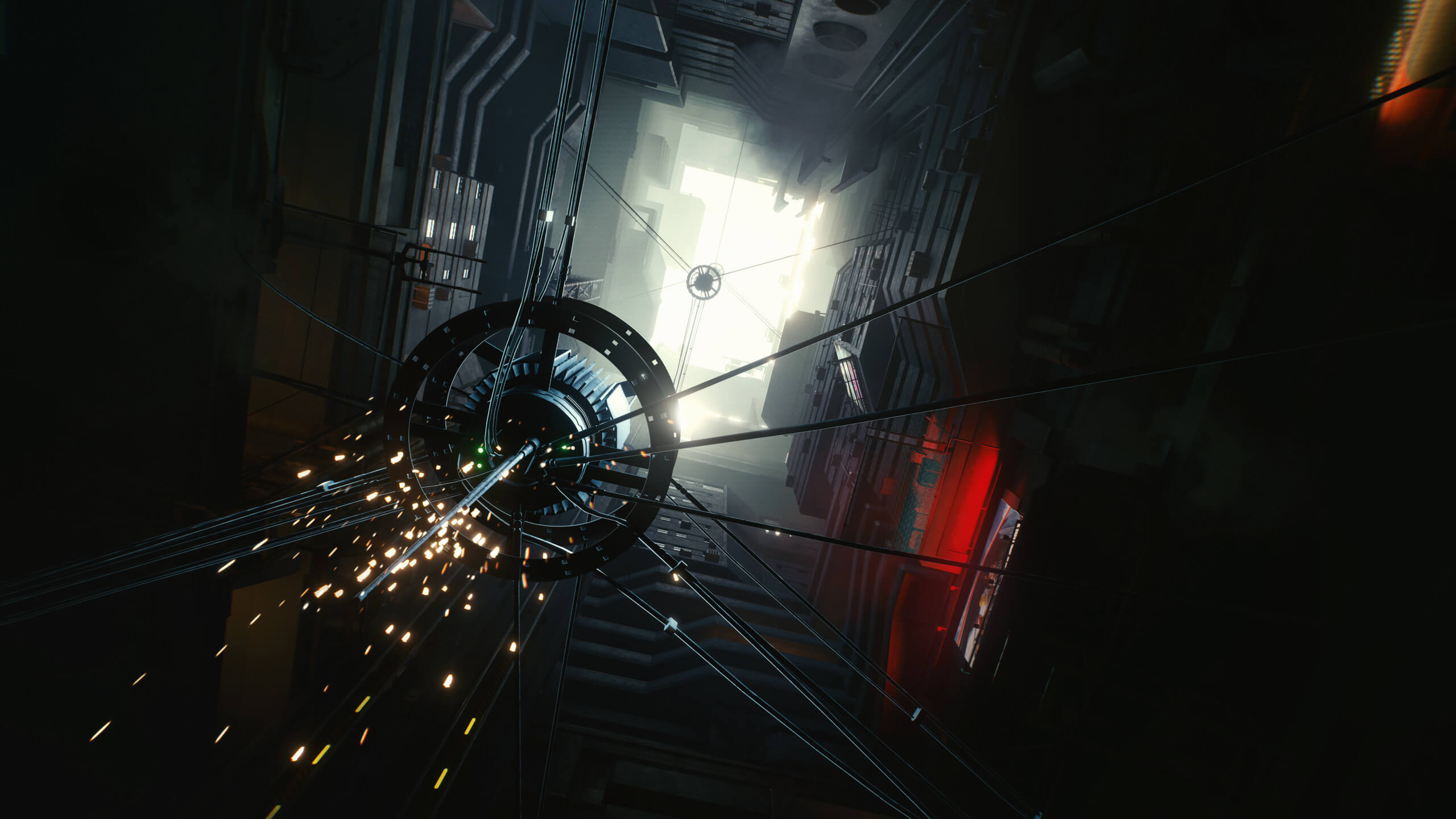
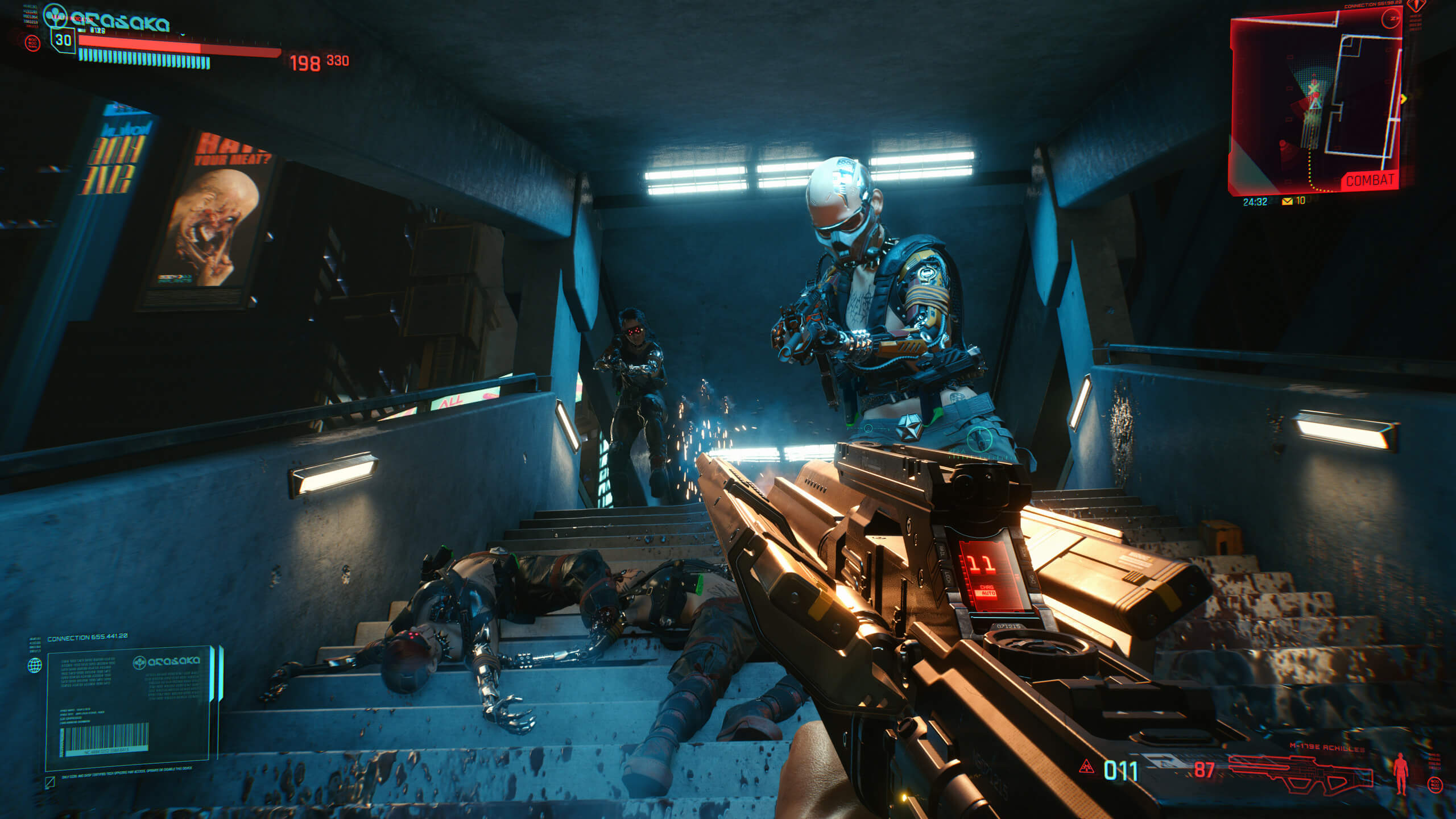
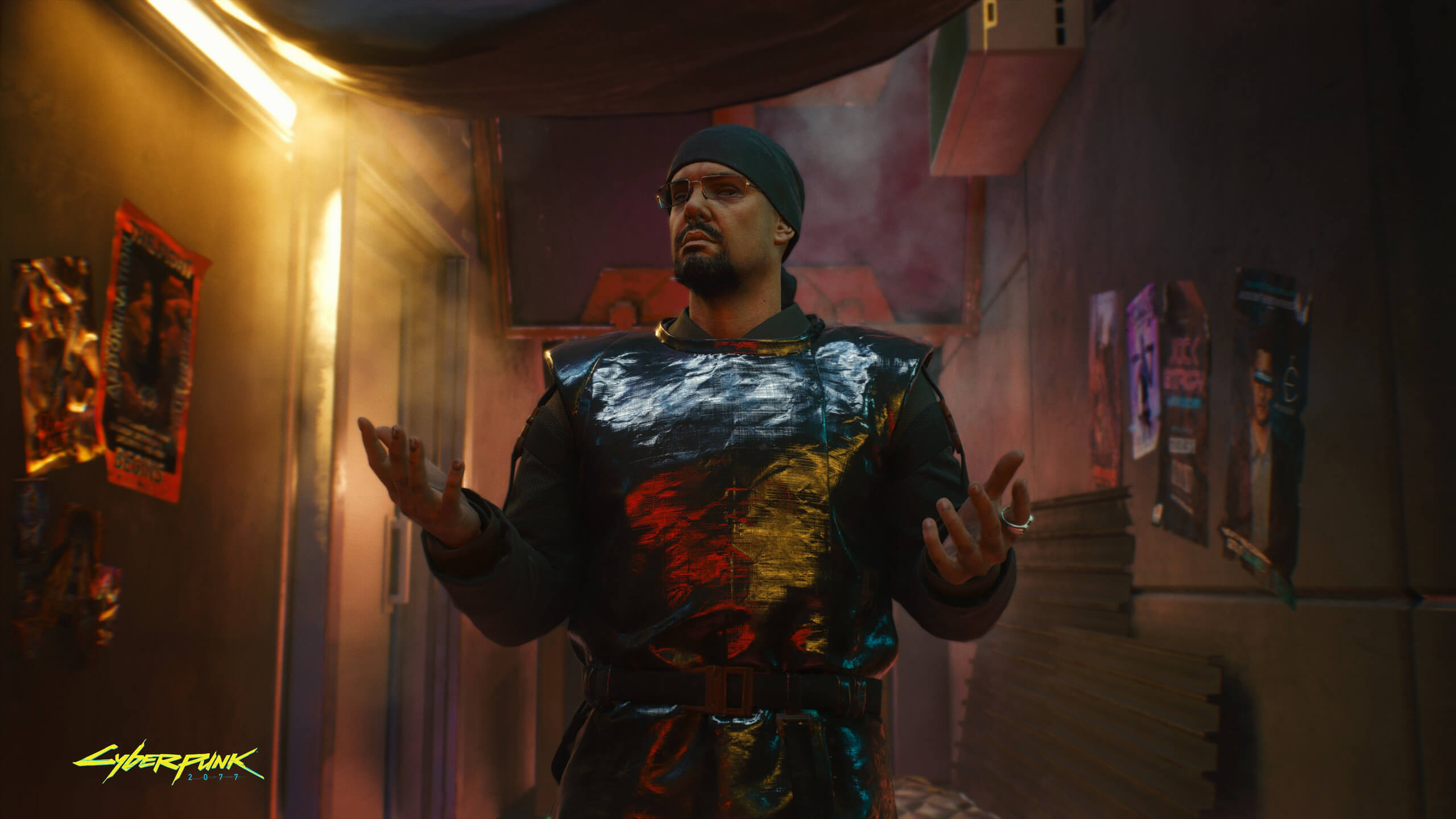
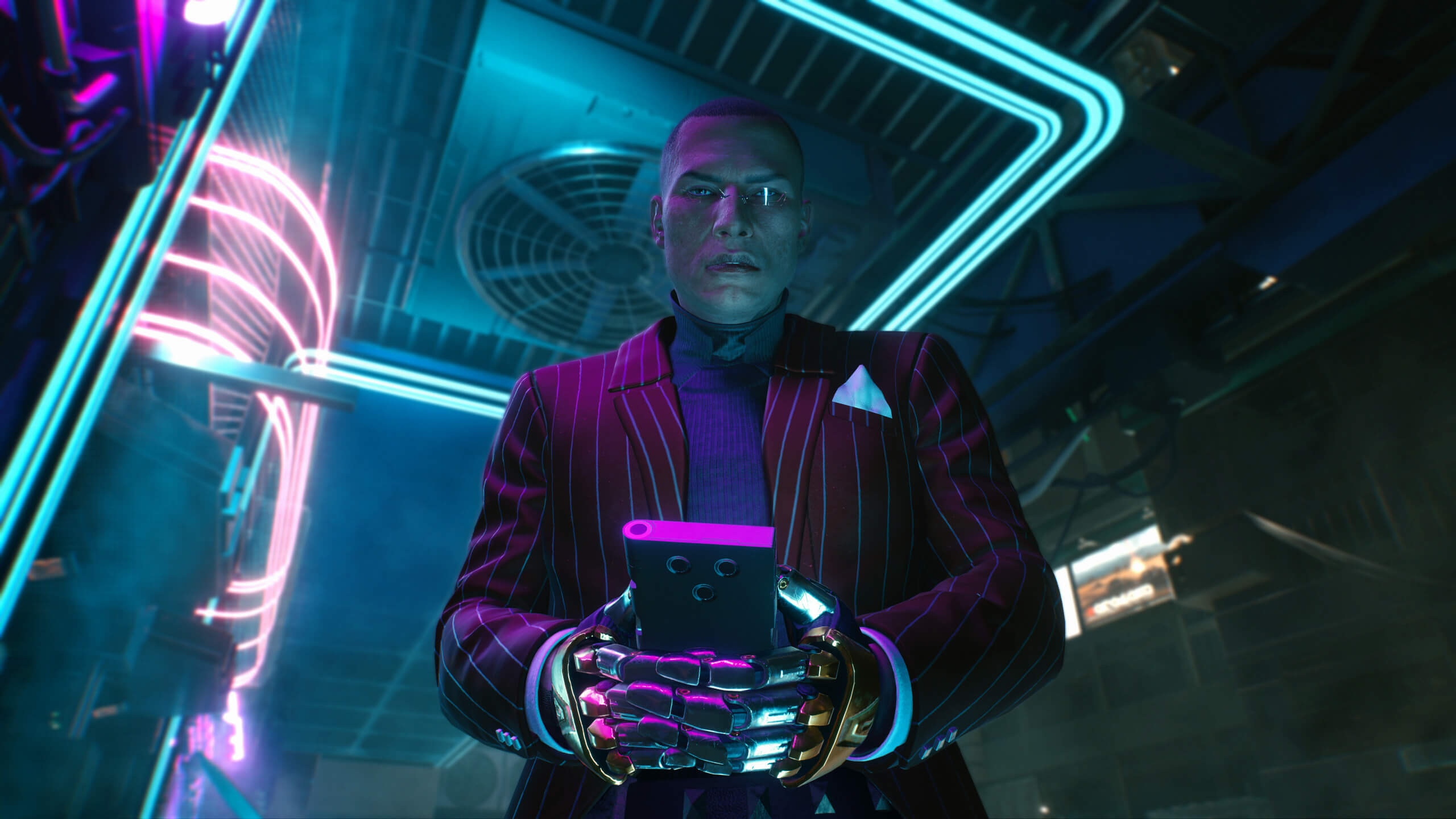
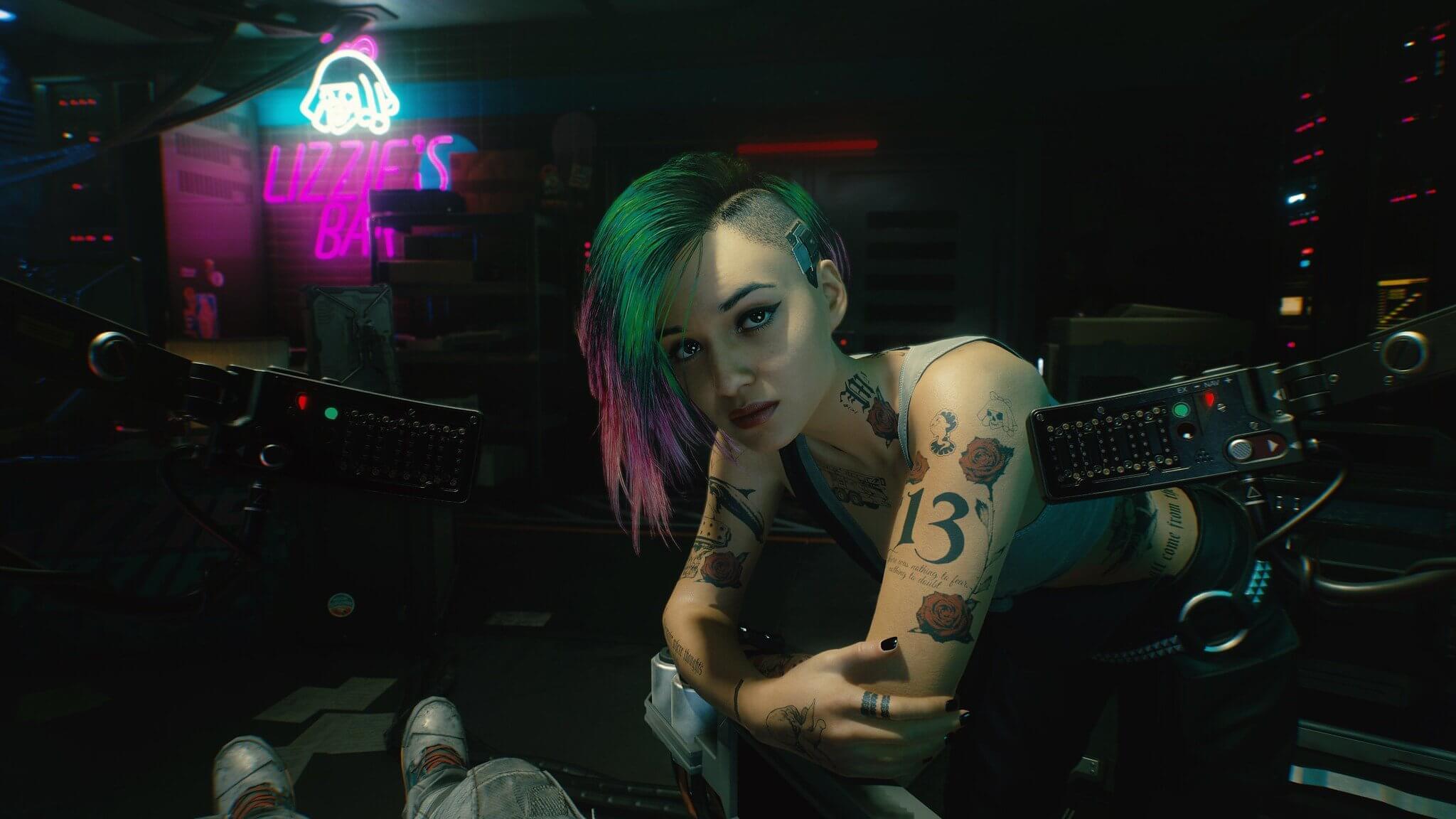
CD Projekt RED has released a new set of screenshots for Cyberpunk 2077. These screenshots were captured from the game’s latest preview build, and showcase how beautiful the game can look. From what we know, these are PC screenshots. After all, the media that attended CD Projekt RED’s event played the PC version of the game.

Now while these screenshots look absolutely fantastic, they are not representative of the final product. These Cyberpunk 2077 screenshots were captured in 4K, with most likely all the game’s bells and whistles enabled. Still, CD Projekt RED and NVIDIA have not revealed whether these screenshots feature any Ray Tracing effects.

Cyberpunk 2077 will have a lot of modern-day graphics effects. For instance, it will pack advanced shadow effects from long range shadows and contact shadows. It will also have new Houdini physics simulations for particle effects, fluids, cloth, and more. Naturally, the PC version will also support real-time Ray Tracing, though we don’t know whether these effects will be available at launch.

Be also sure to check out the Brain Dance video, the game’s latest official gameplay trailer, and a 15-minute gameplay video.

Enjoy the following Cyberpunk 2077 screenshots and stay tuned for more!
Cyberpunk 2077 2020 new screenshots-1Cyberpunk 2077 2020 new screenshots-4Cyberpunk 2077 2020 new screenshots-7Cyberpunk 2077 2020 new screenshots-9Cyberpunk 2077 2020 new screenshots-12

32 thoughts on “New official Cyberpunk 2077 screenshots look absolutely gorgeous”

    1. yeah, well for PC, we’ll be able to turn off all that garbage. I don’t understand how these fools play with all those blur effects. First thing i do is turn off motion blur and then anti-aliasing. I’m very highly sensitive to blur.

      1. It depends on the game, motion blur and chromatic aberration fits in this one…unless they overdo it

          1. Put motion blur in any racing game, it helps a lot with the sense of speed.
            Chromatic aberration adds a lot in a game like SOMA because plot reasons and good implementation.

          2. What more sense of speed so you want, it says you are going 240 mph. At that rate Blur makes me feel like my eye balls are gonna fall out. This is not really a debate, is a preferential thing, that’s why there is an option to turn it off. And that’s why I don’t play consoles, cause for the most part you can’t turn that rubbish off. Some people brain processes images faster than others and those people that do have a difficult time with Motion Blur. The moment I see blur I start to get dizzy and a headache is about to happen. That’s why we have options, its not really up for debate.

            If you like motion blur no problem, as for the rest of us; were gonna turn that mess off. You just like to tread on the wild side man, no problem there. ?

          3. Of course, thankfully is just an option usually that you can switch off (most times i do) on PC.
            Im just saying that those effects have a place when they are well integrated and implemented, just depends of the game/genre even.

          4. COD MW 2019 comes to mind, with the quality of the gun animations and the per-object-motion blur it looked phenomenal

        1. They are all using some sort of Blur to get the Job done and I will have none of it on my screen. It has come to my attention that most people have no idea what 90% of the graphical options on menu actually does. Y’all just see a setting and the word EXTREME AND YOU ASSUME it’s needed. ULTRAAAAAAAA! A lot of gamers just wanna Max everything out on ULTRA, to say, “look, I can run ultra”… More like ULTRA DUMB!!!

      2. Exactly bro, any sane pc gamer will do that. Absolutely hate that POS and the first thing that struck me was the abbomination – chromatic abberation. That is the worst crap they ever come up with :/

        1. All that stuff does is muddle up the picture. So much noise on screen just makes the image so dirty. I don’t know about everyone else but I didn’t invest all this money in hardware to play muddle up/dirty/noisey image. I like a clean screen. Oh and DOF (Depth Of Field) that’s the 3rd thing I turn off. Blur blur blur blur. In the real world I don’t see in Blur, so I don’t know why all that crap has to be on my screen.

  1. Game was run with raytracing enabled – confirmed by Nvidia sponsored SkillUp review

    SkillUp Review:
    GTX 2080 TI – 1080p with DLSS 2.0 enabled: 60-70fps

  2. GTX 2080 TI – 1080p with raytracing and DLSS 2.0 enabled – Review at Skill Up was sponsored by Nvidia and they said about card, RT and performance

    1. What did he say about RT and its performance? I don’t want to watch the vid and stumble upon even minute spoilers.

  3. if these arent bullshots it looks impressive i dont like the style though instead of crisp clean high tech sci fi its post apocalyptic diselpunk equipment put together by scrap and replacement parts.

    I like how colorful some of the characters are having this 80s look which was hinted to be in the game but i have yet to see the corporate spec ops high tech look, which i will personally go for.

Leave a Reply

Your email address will not be published. Required fields are marked *