Total War WARHAMMER III feature 2

Total War: Warhammer III PC Performance Analysis

SEGA has released the latest part in its Total War series, Total War: Warhammer III. Powered by TW Engine 3 (Warscape Engine) and using DirectX 11, it’s time now to benchmark it and see how it performs on the PC platform.

For this PC Performance Analysis, we used an Intel i9 9900K with 16GB of DDR4 at 3800Mhz, AMD’s Radeon RX580, RX Vega 64,  RX 6900XT, NVIDIA’s GTX980Ti, RTX 2080Ti and RTX 3080. We also used Windows 10 64-bit, the GeForce 511.79 and the Radeon Software Adrenalin 2020 Edition 22.2.2 drivers.
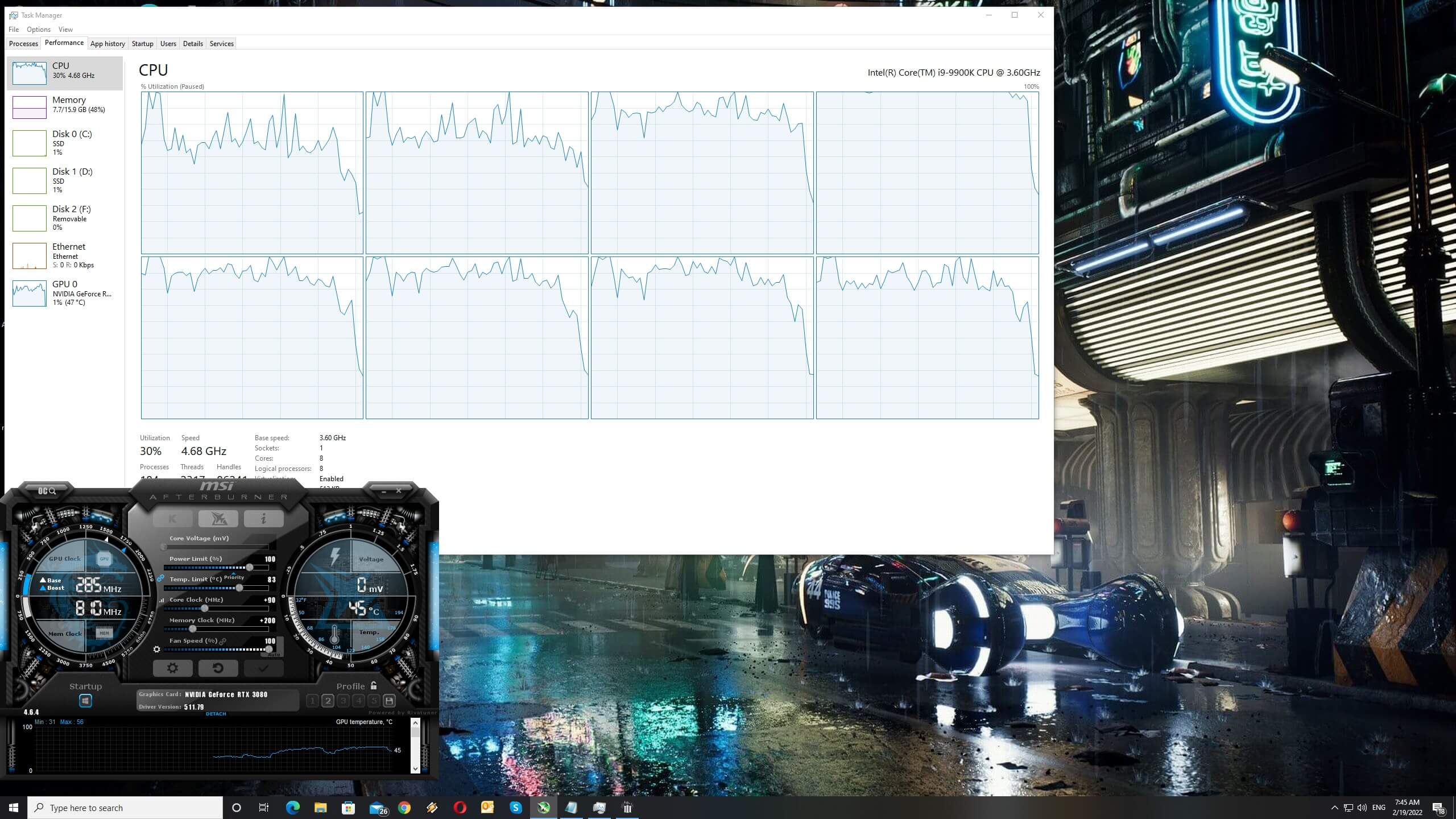
Total War Warhammer 3 CPU scaling

Creative Assembly has implemented a lot of graphics settings to tweak. PC gamers can adjust the quality of Textures, Trees, Terrain, Units, Lighting and more. There are also settings for Screen Space Reflections, DOF, SSAO, Cloth Simulation and Screen Space Shadows. Unfortunately, though, the game does not support either AMD FSR or NVIDIA DLSS.
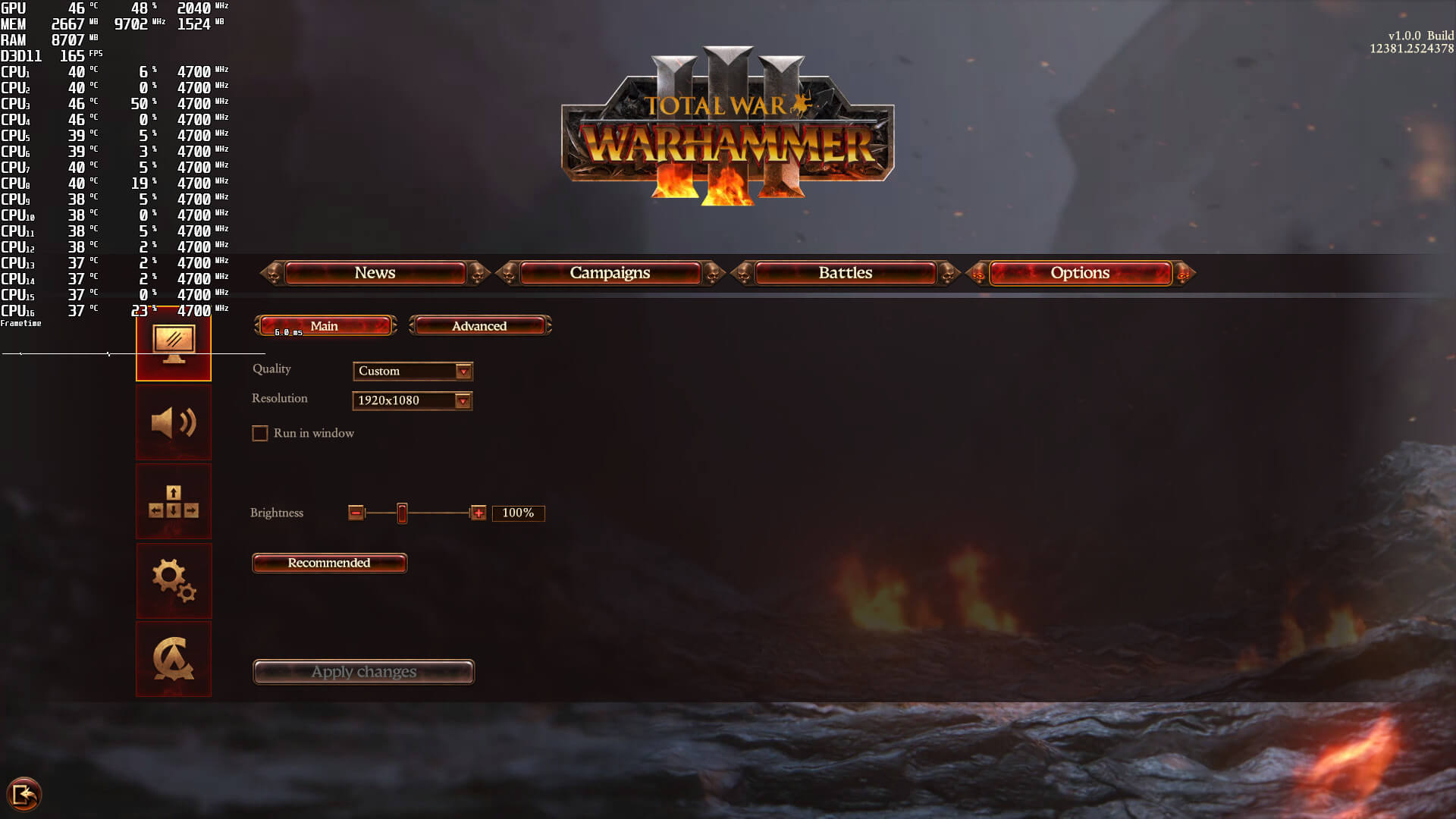
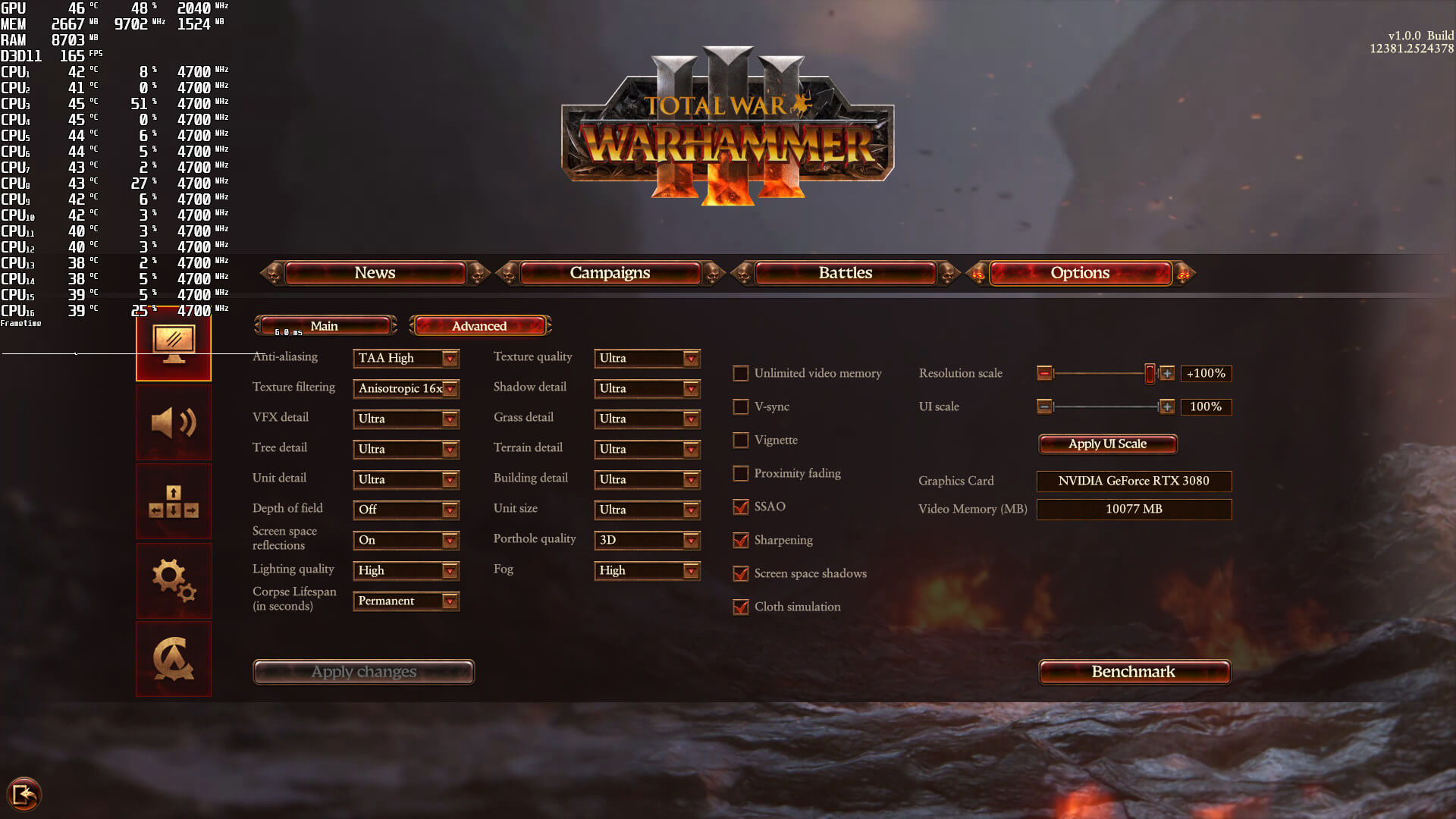
Total War Warhammer 3 PC graphics settings-1Total War Warhammer 3 PC graphics settings-2

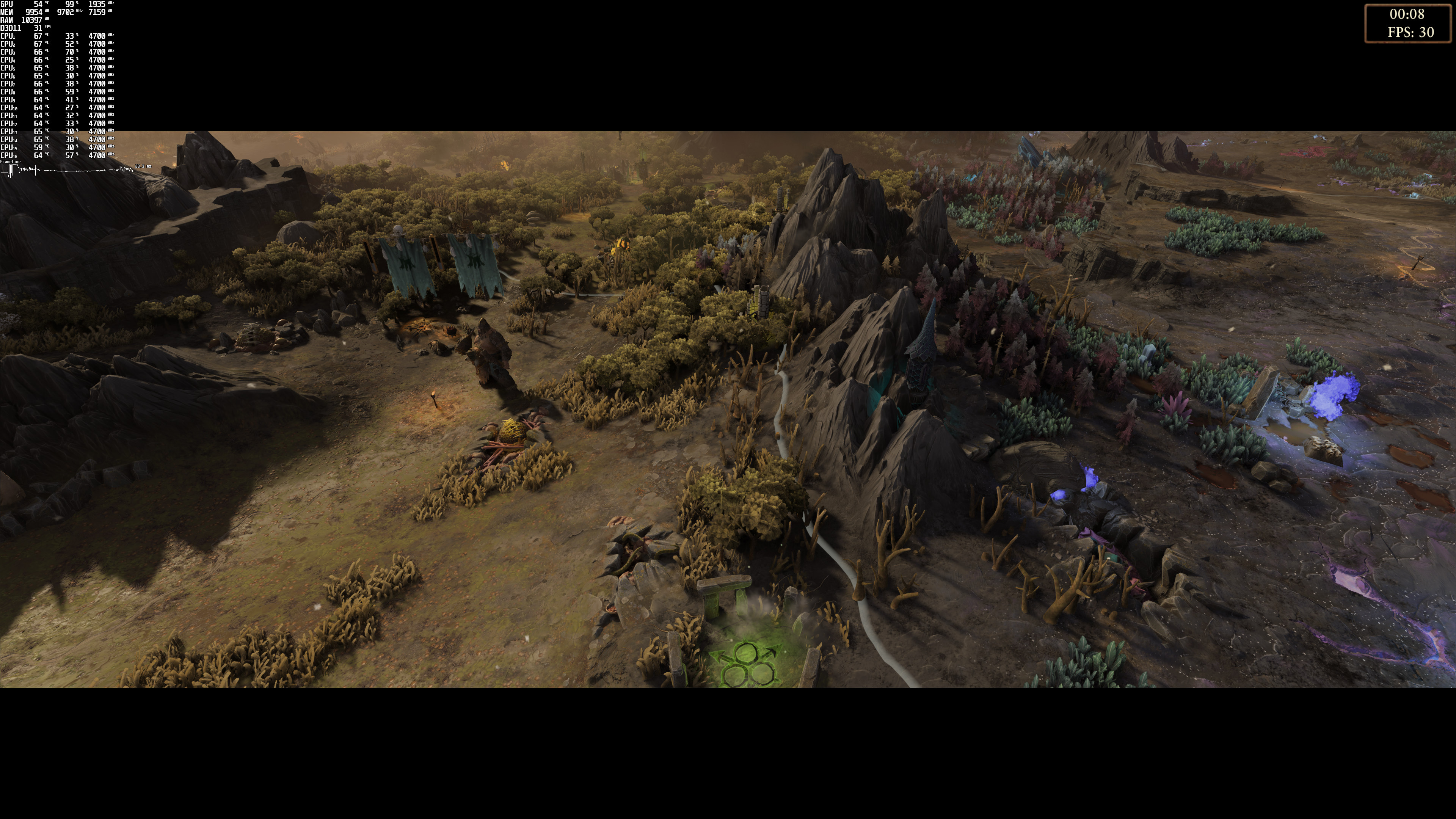
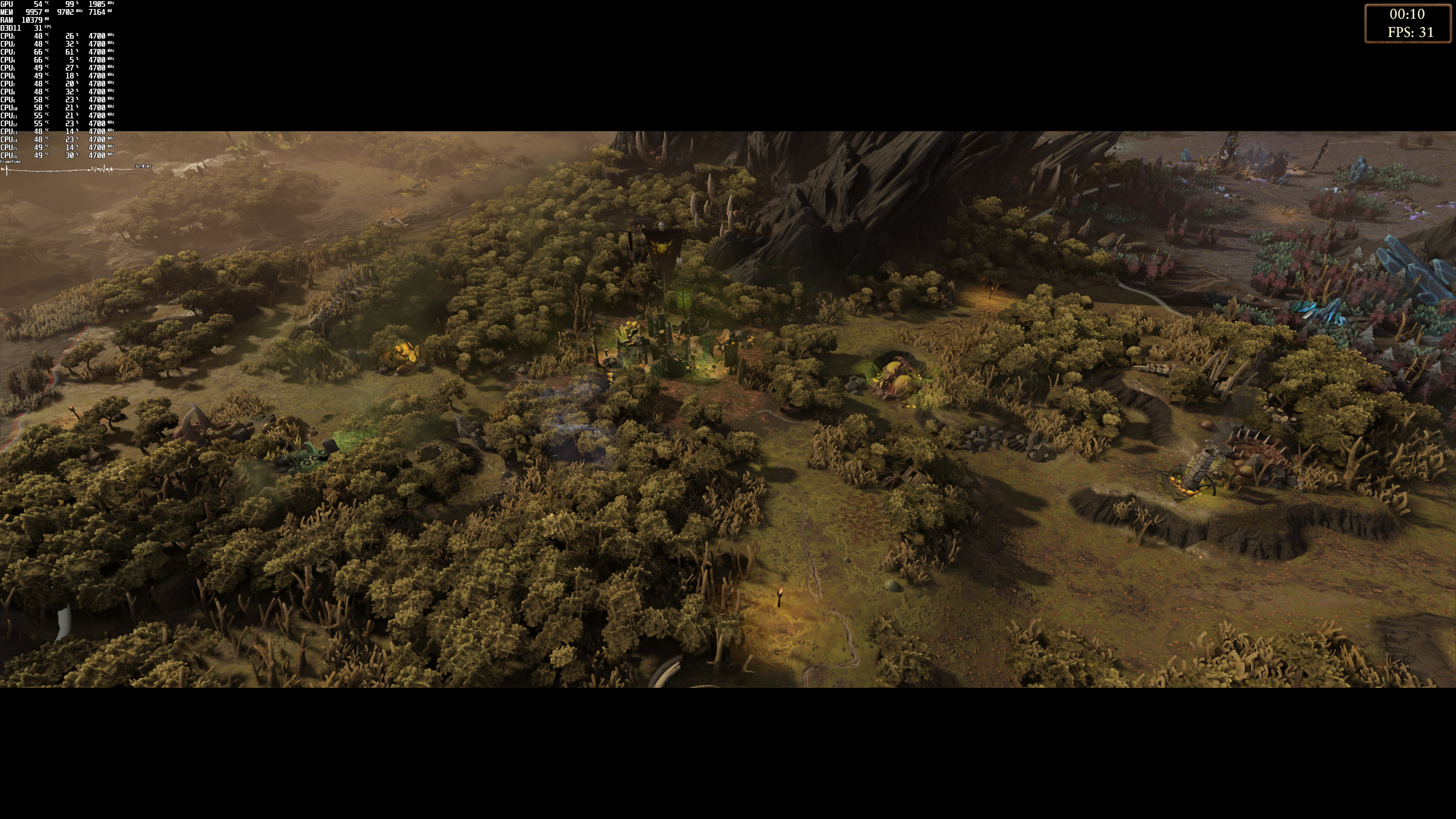
Total War: Warhammer III features two built-in benchmark tools. For our GPU tests, we used the battle benchmark (which stresses the GPU more than the CPU). As for our CPU tests, we used the campaign benchmark.

In order to find out how the game scales on multiple CPU threads, we simulated a dual-core, a quad-core and a hexa-core CPU. Our simulated dual-core system was unable to offer acceptable performance, even when we enabled Hyper-Threading. In order to properly play the game, you’ll at least need a modern-day quad-core CPU.
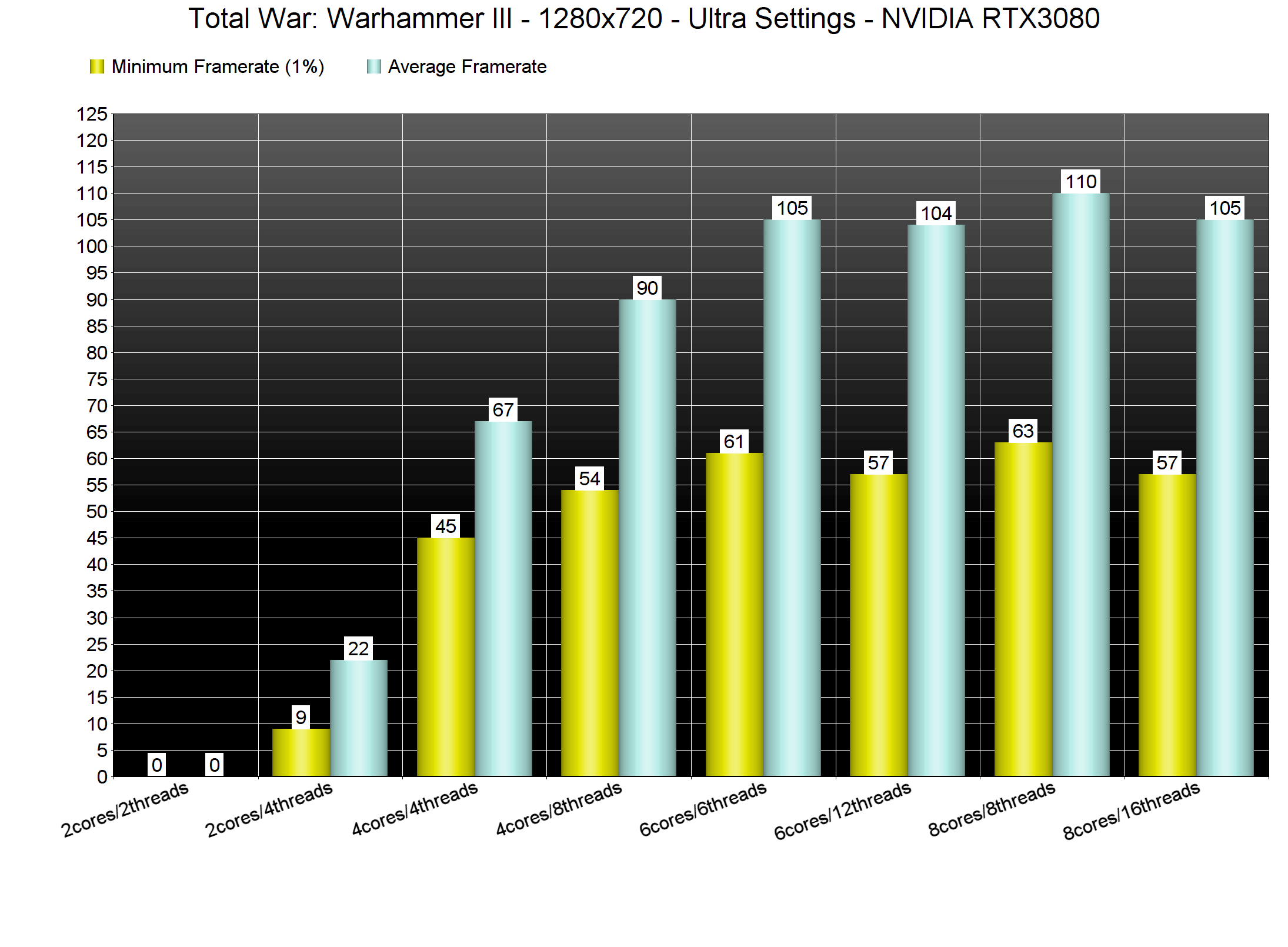
Total War Warhammer III CPU benchmarks

It’s also really interesting witnessing how Hyper-Threading affects these different CPU configurations. Our simulated quad-core system received a major performance boost the moment we enabled Hyper-Threading. However, our simulated hexa-core system did not benefit at all from Hyper-Threading. And lastly, our octa-core system took a minor performance hit when we enabled Hyper-Threading.

Now while Total War: Warhammer III can run on a wide range of CPU configurations, it definitely needs a powerful GPU. At 1080p/Ultra, the only GPUs that were able to run the benchmark with 60fps were the RTX2080Ti, RTX3080 and AMD Radeon RX 6900XT.
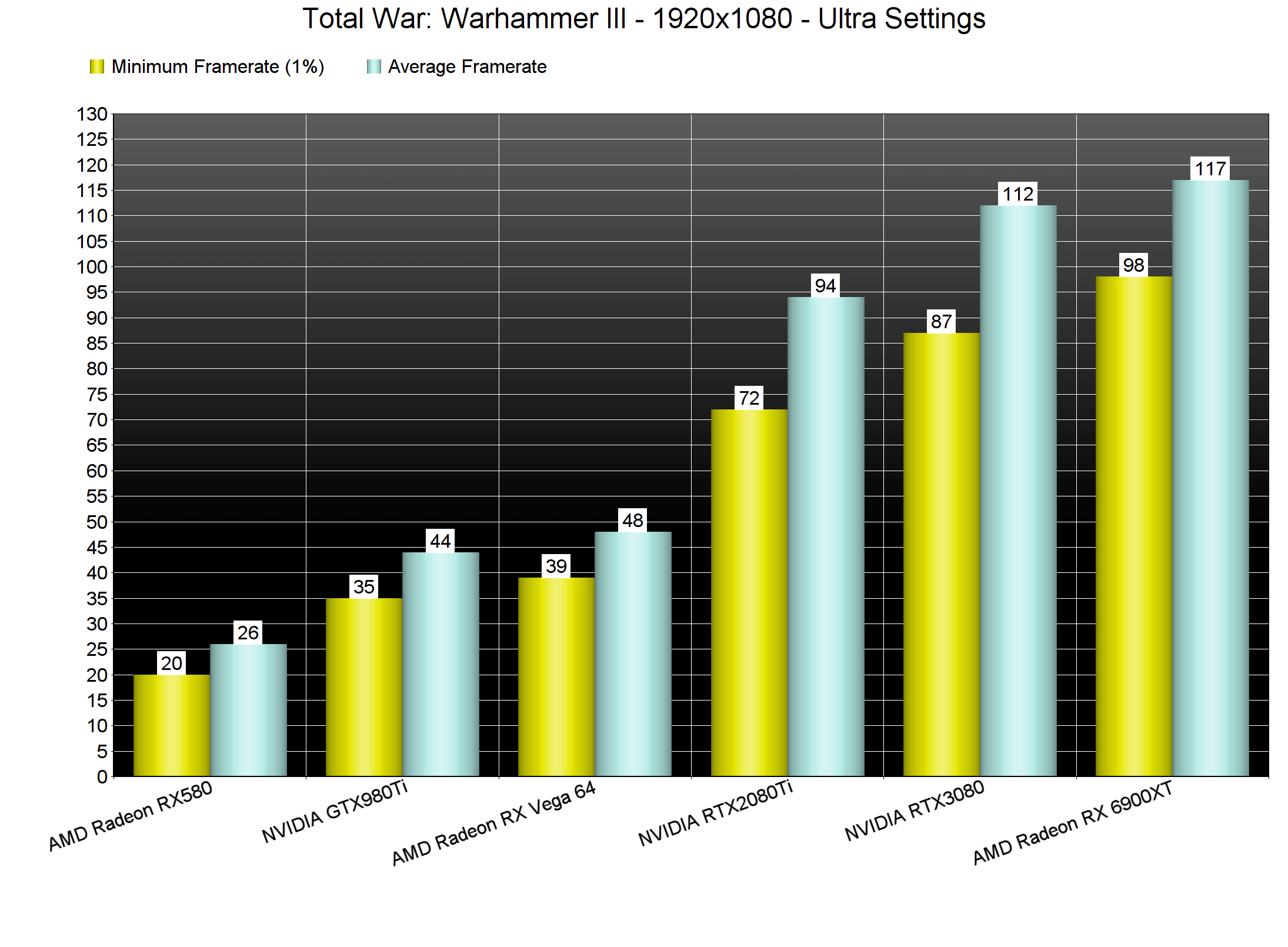
Total War Warhammer III GPU benchmarks-1

At 1440p/Ultra, the only GPUs that were able to offer a smooth gaming experience were the RTX3080 and the AMD RX 6900XT. And while the RTX2080Ti could push an average of 63fps, it was also dropping to 46fps. As for 4K/Ultra, there isn’t any GPU that can run the game with constant 60fps. And this is exactly why we believe that the game would benefit from AMD FSR or NVIDIA DLSS.
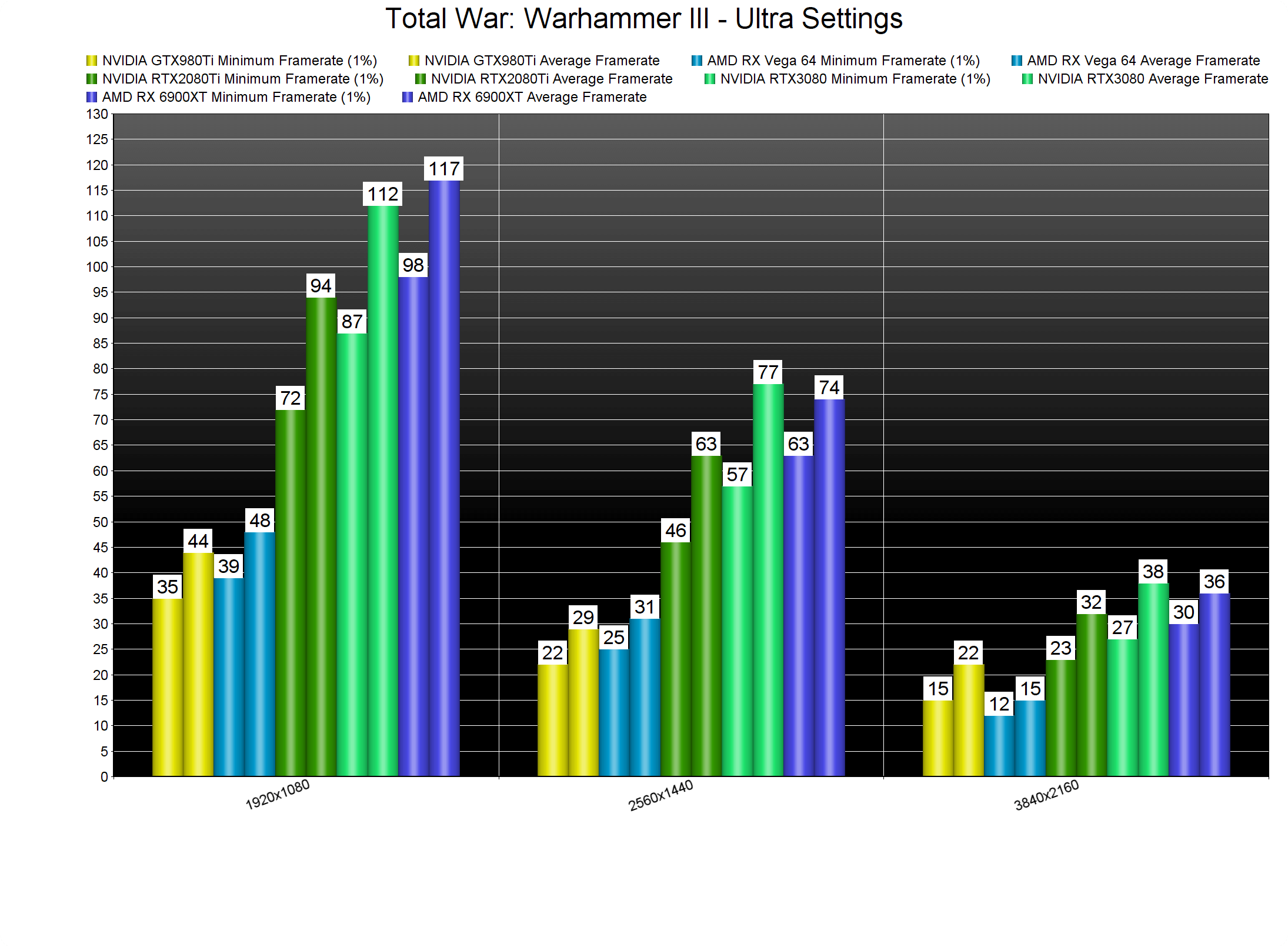
Total War Warhammer III GPU benchmarks-2

Unfortunately, and while the game offers numerous graphics settings, it’s not really scalable. The only way we could play this game in 4K on an RTX3080 was by using the Medium settings. And, to be honest, Total War: Warhammer III does not push any breathtaking visuals that can justify these performance figures.
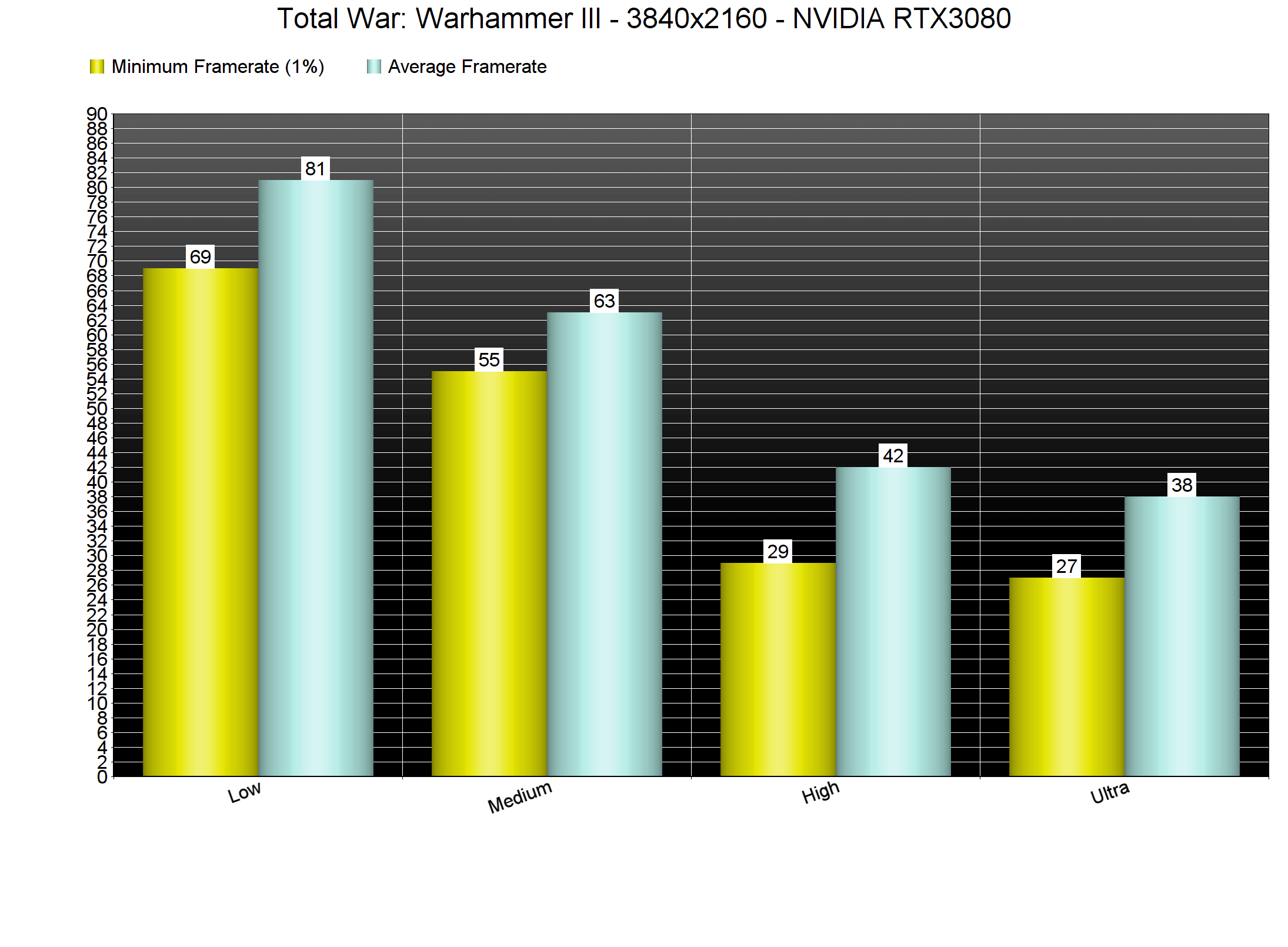
Total War Warhammer III graphics settings benchmarks

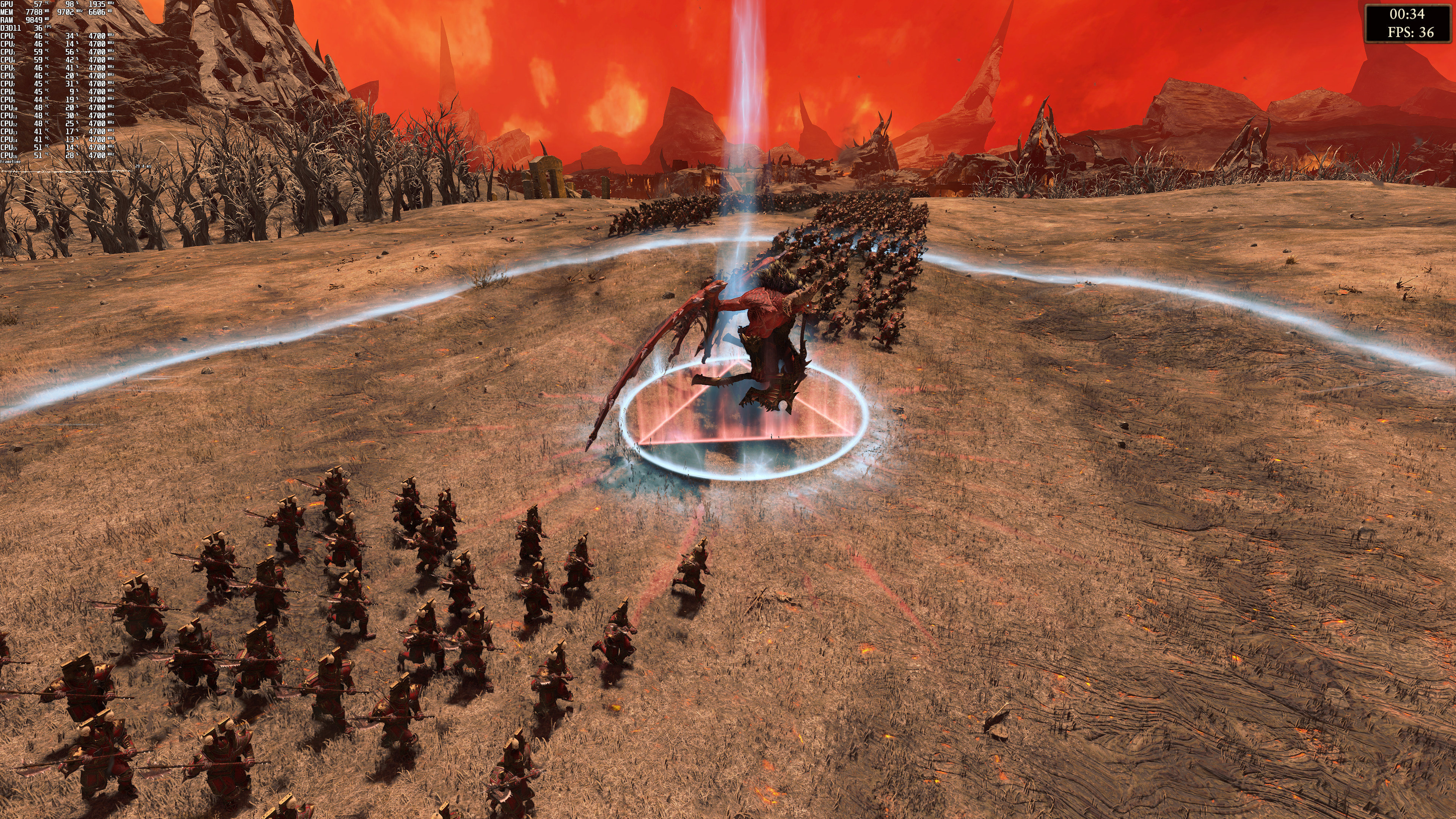
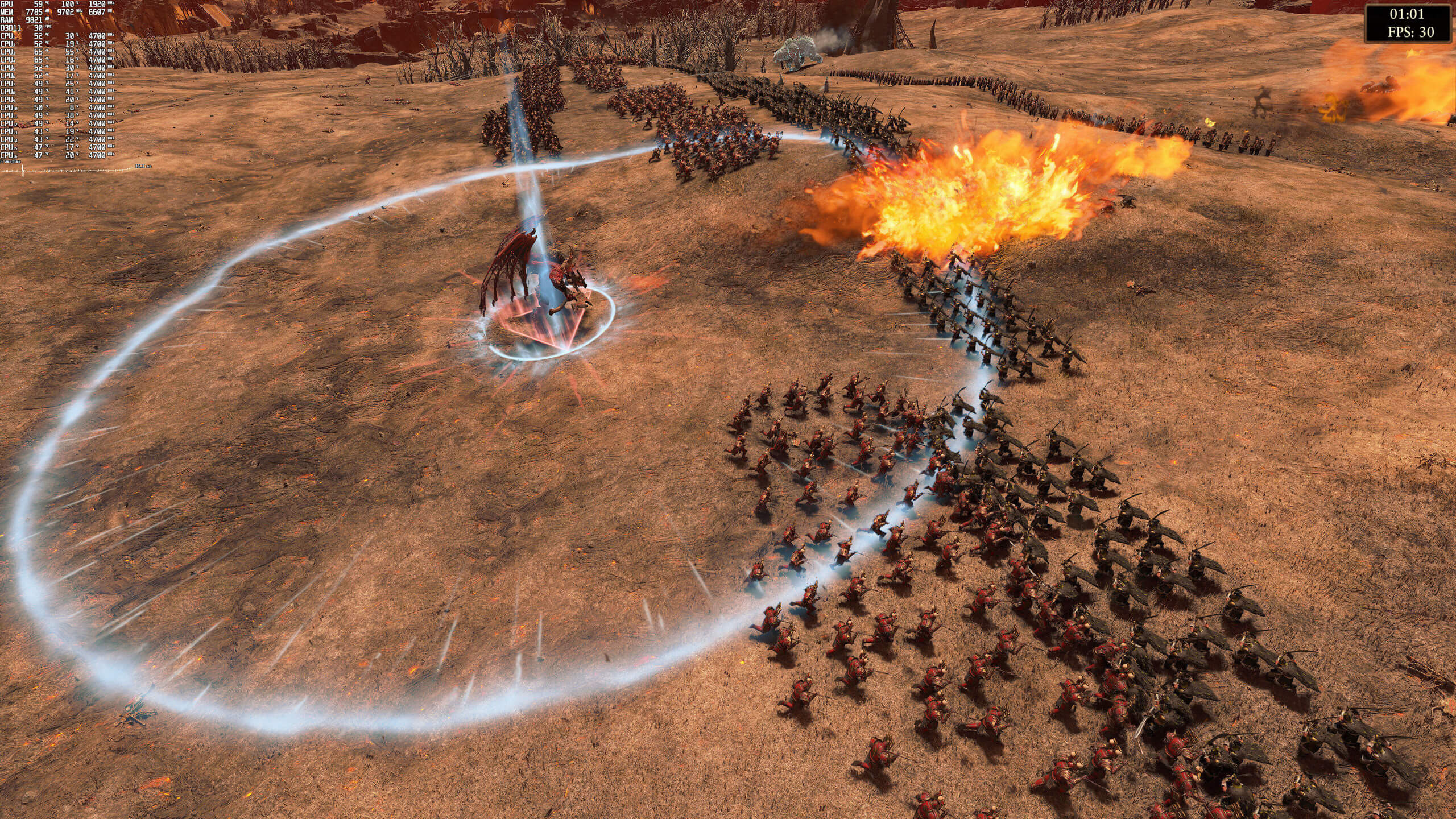
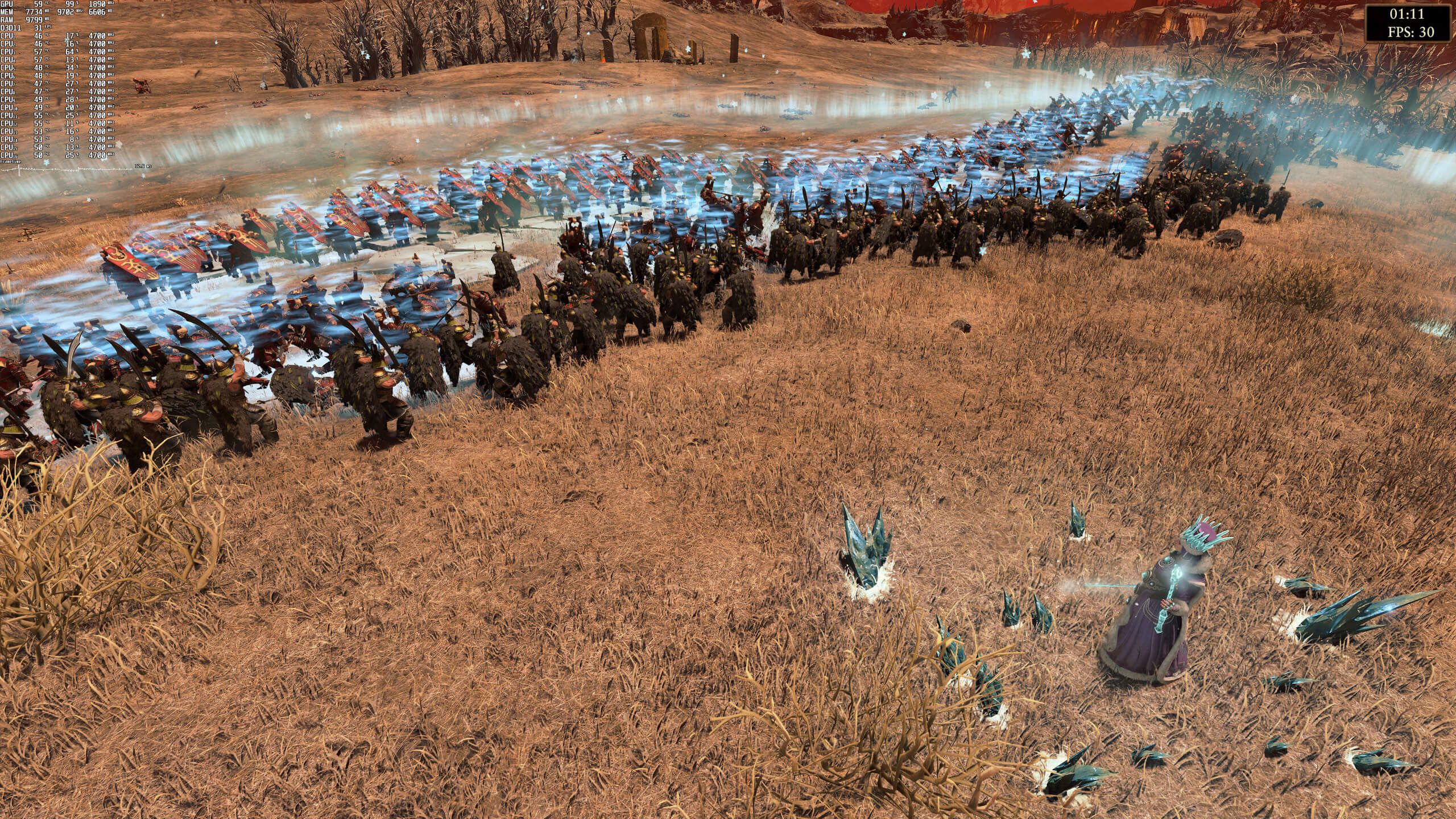
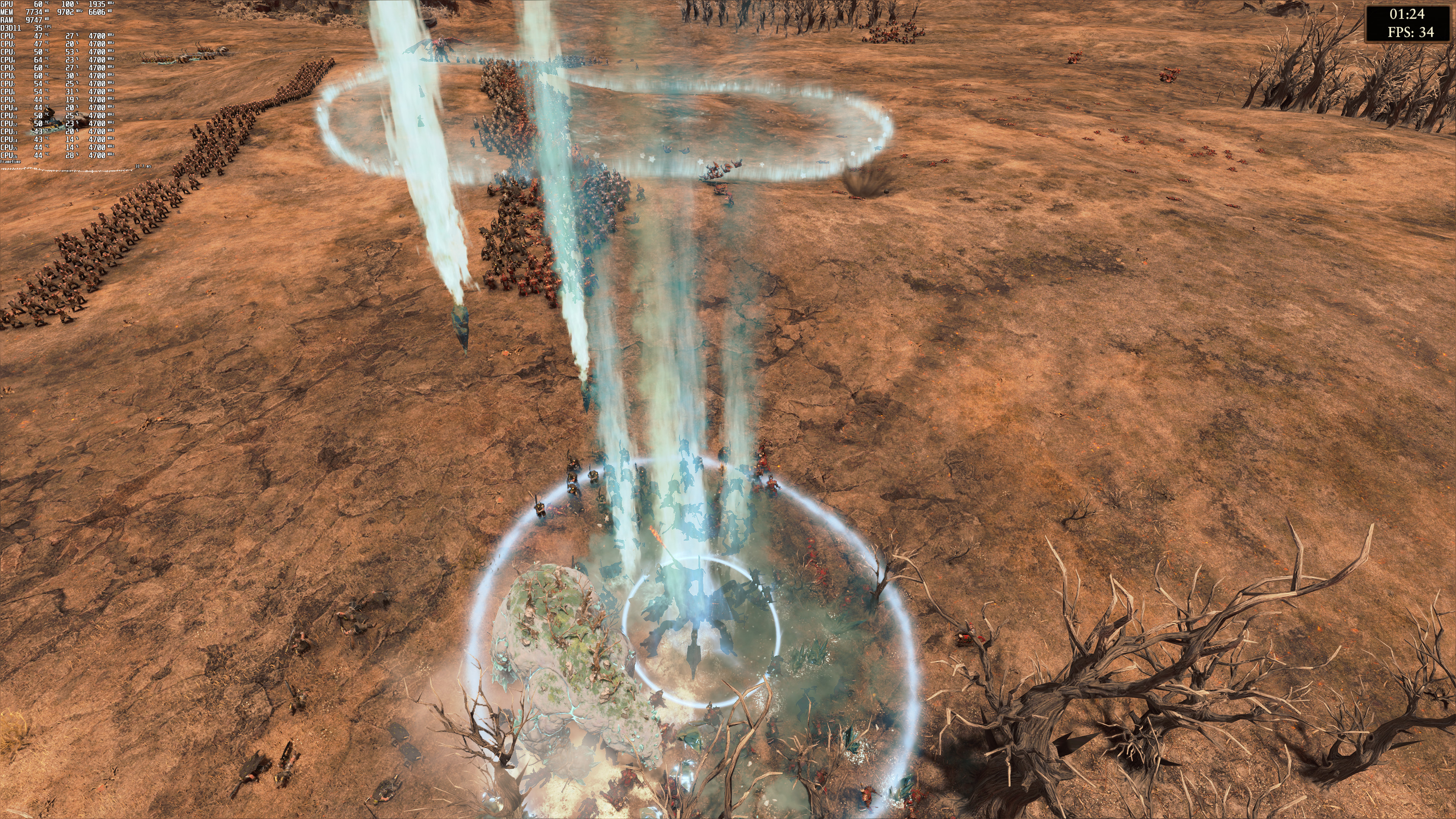
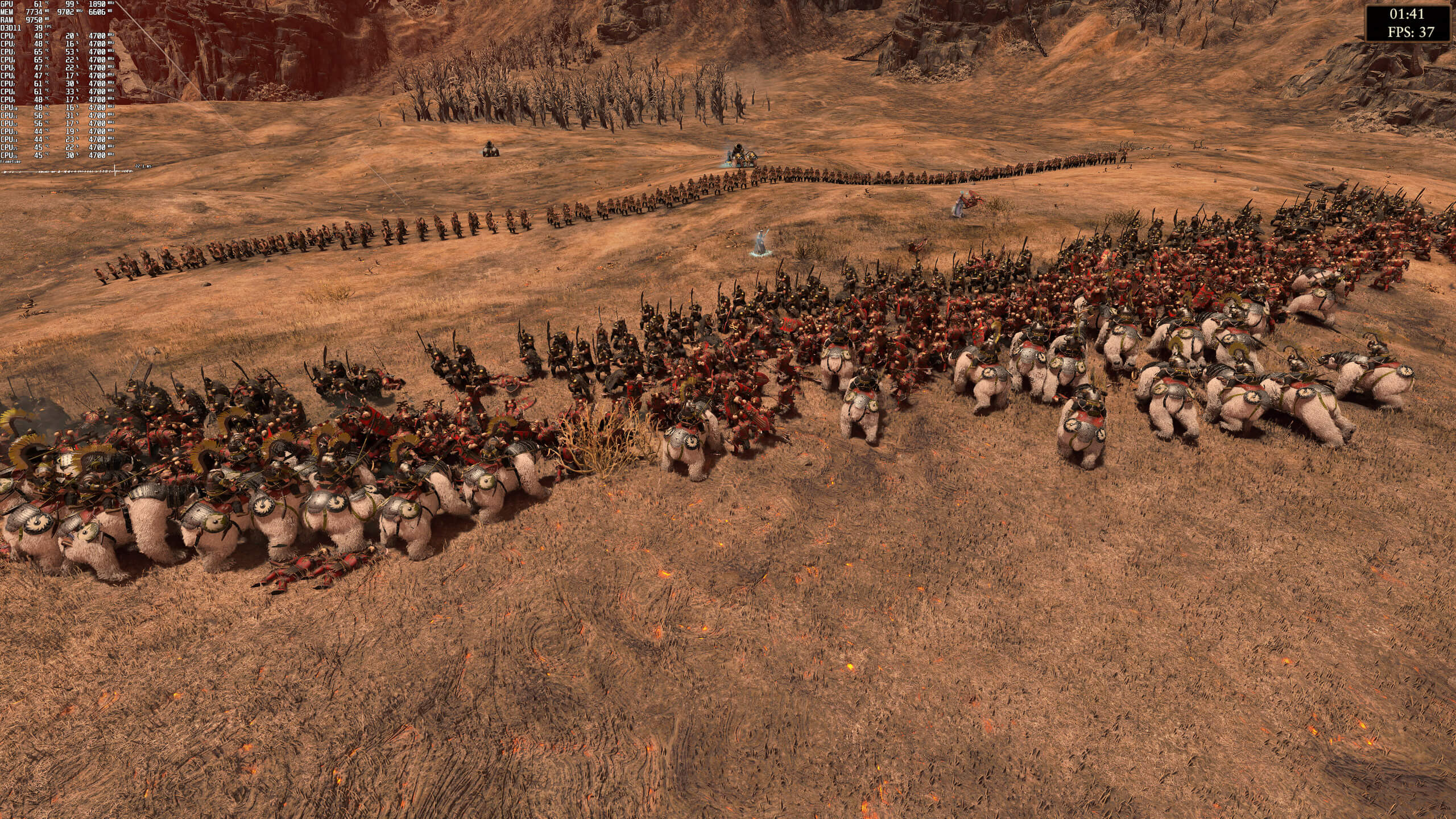
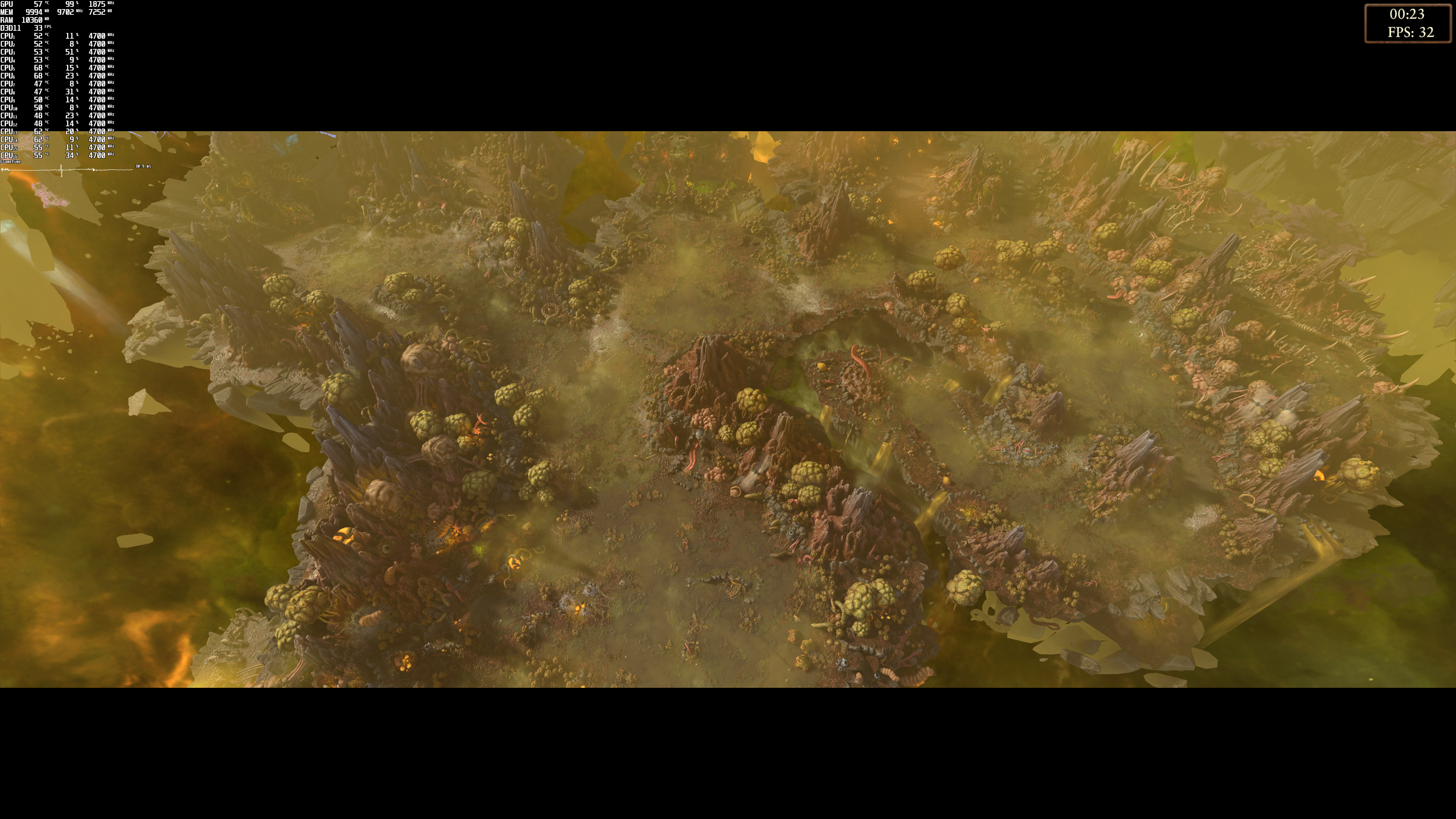
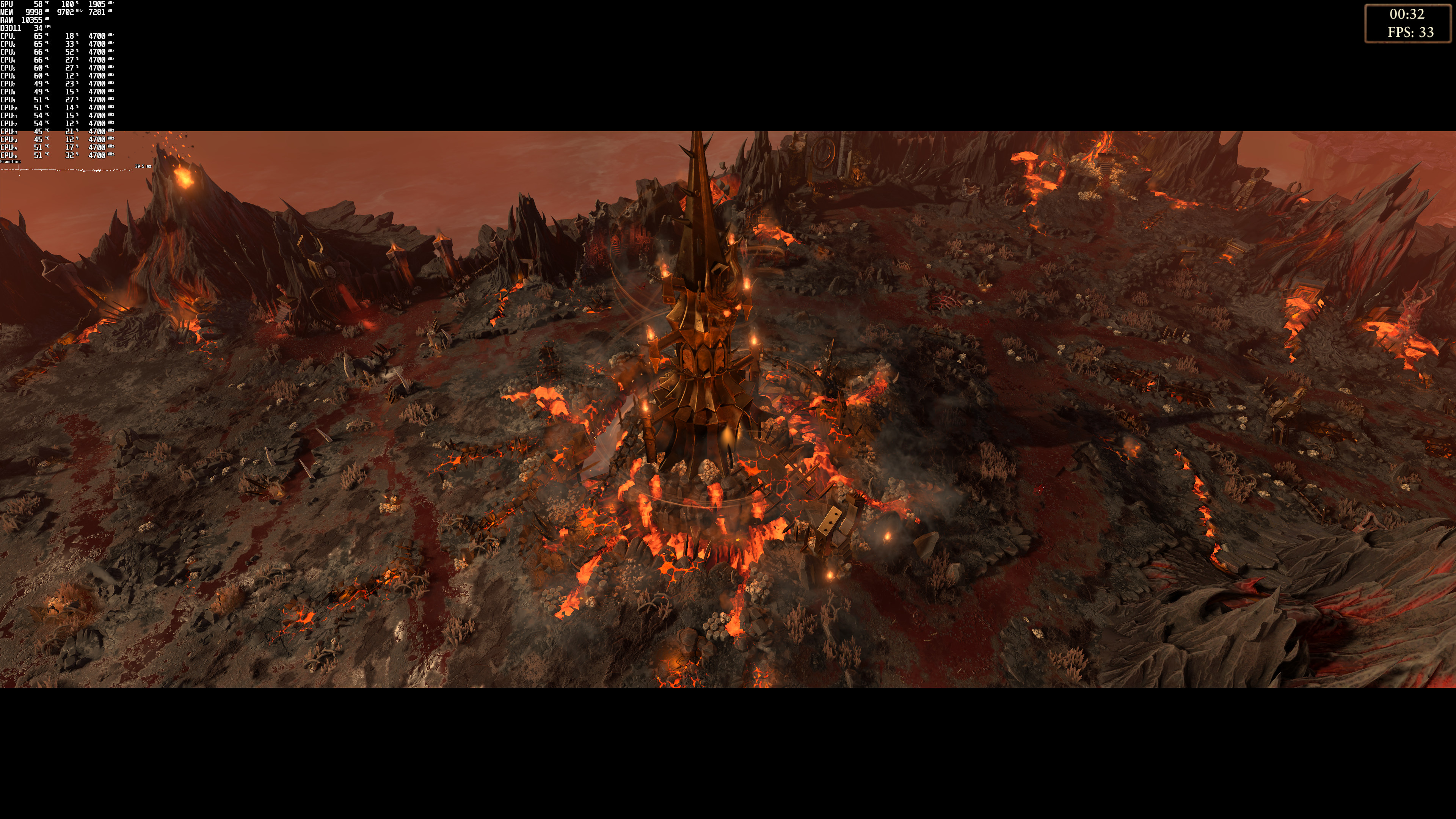
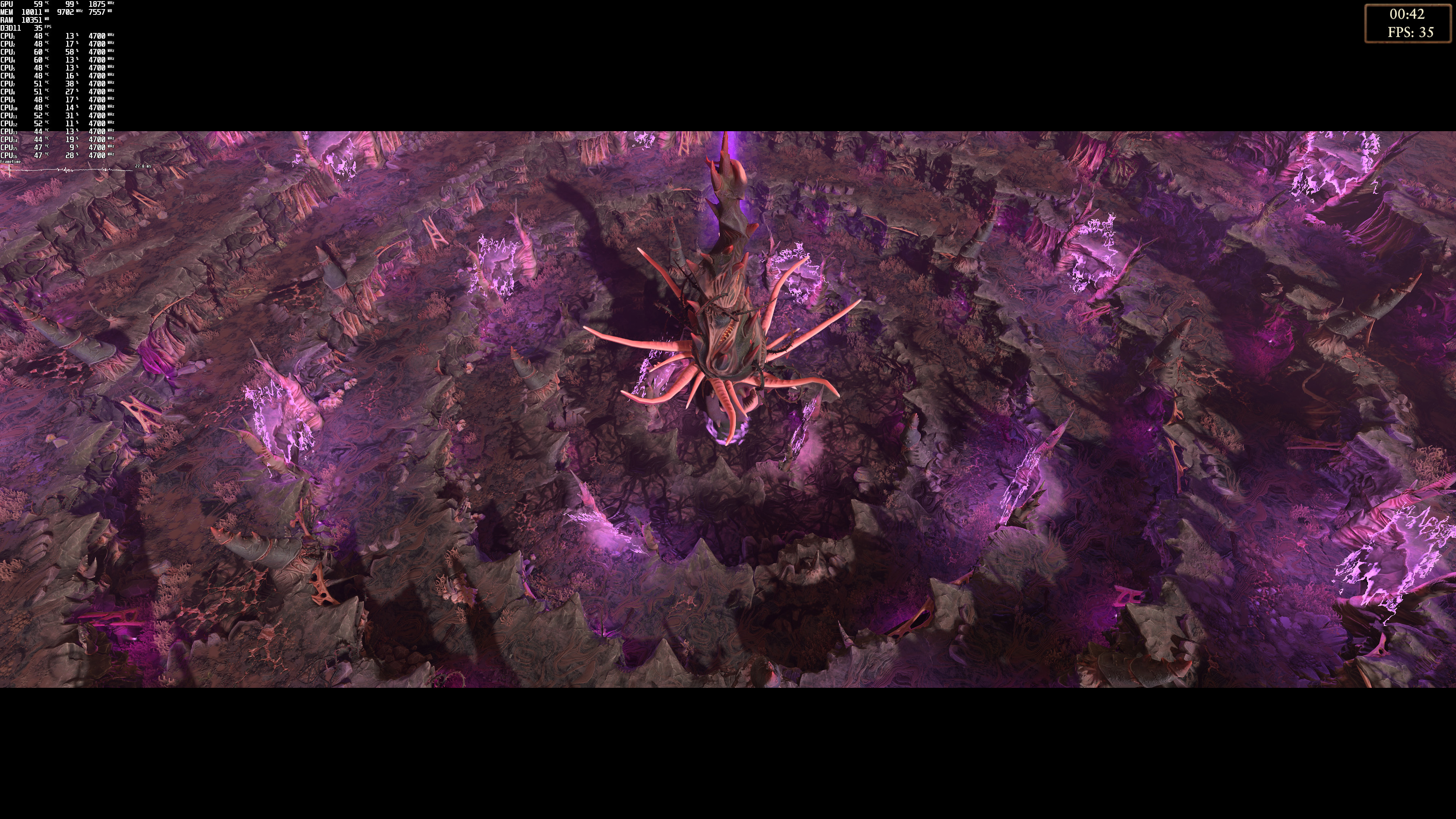
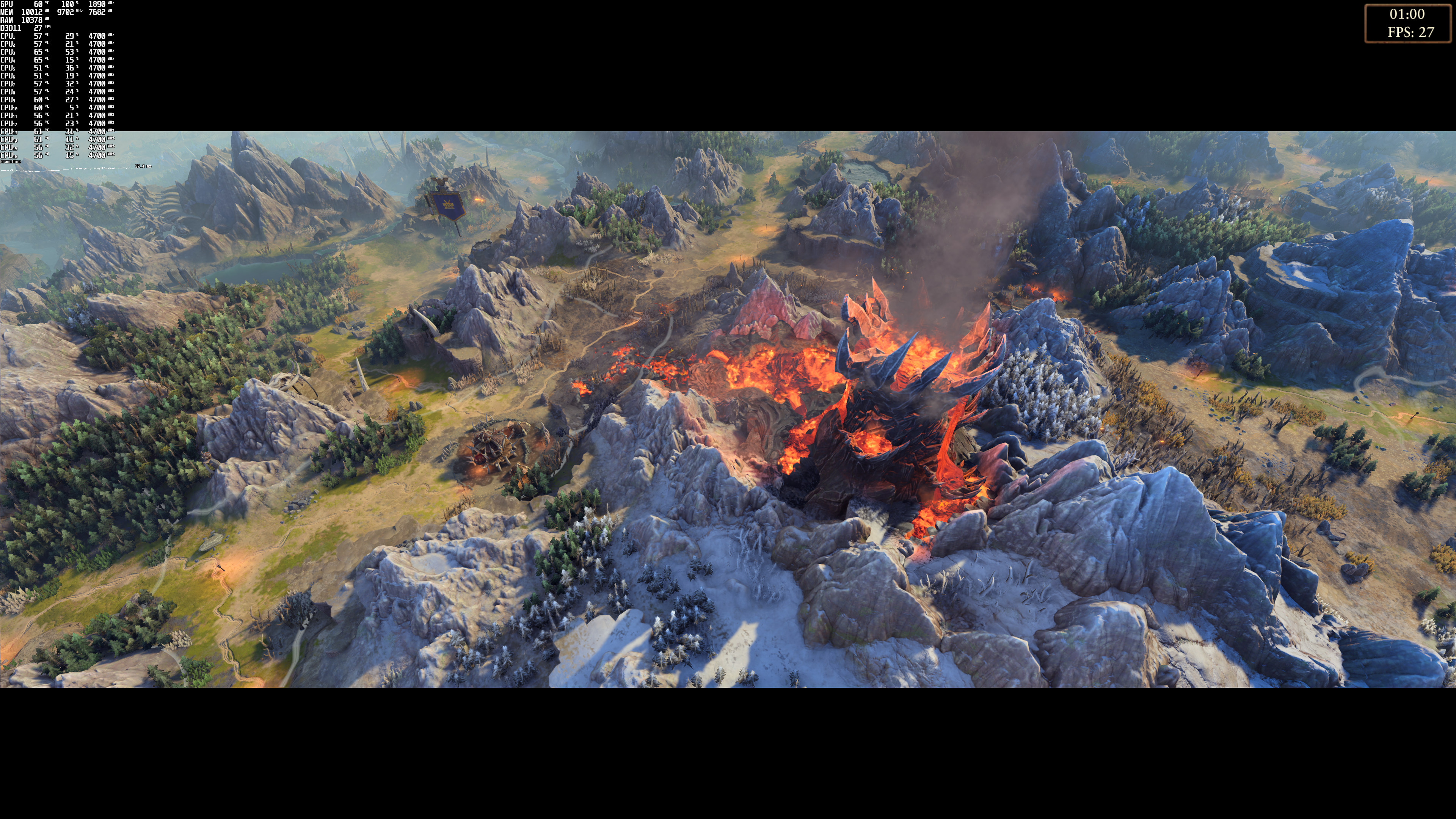
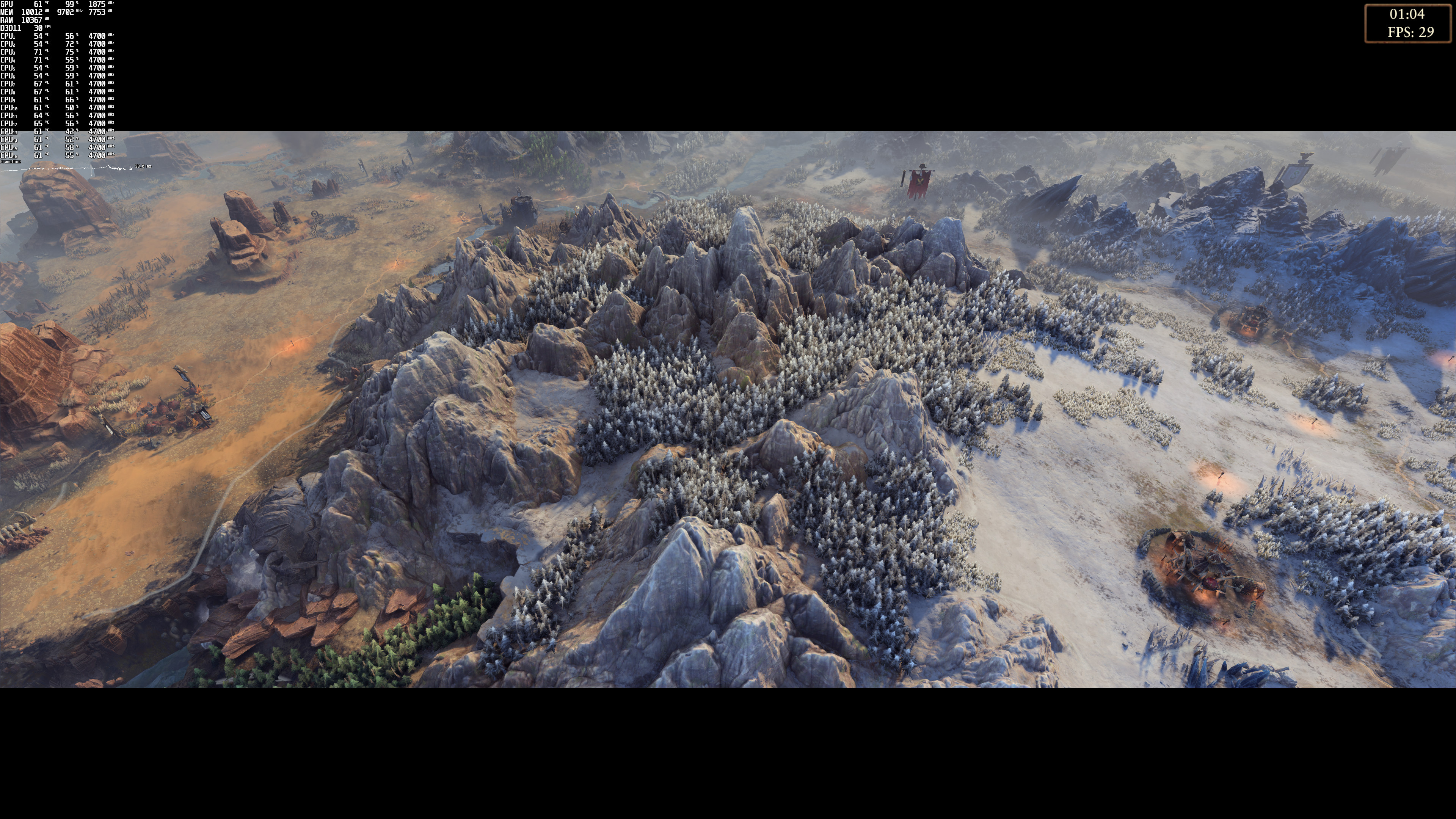
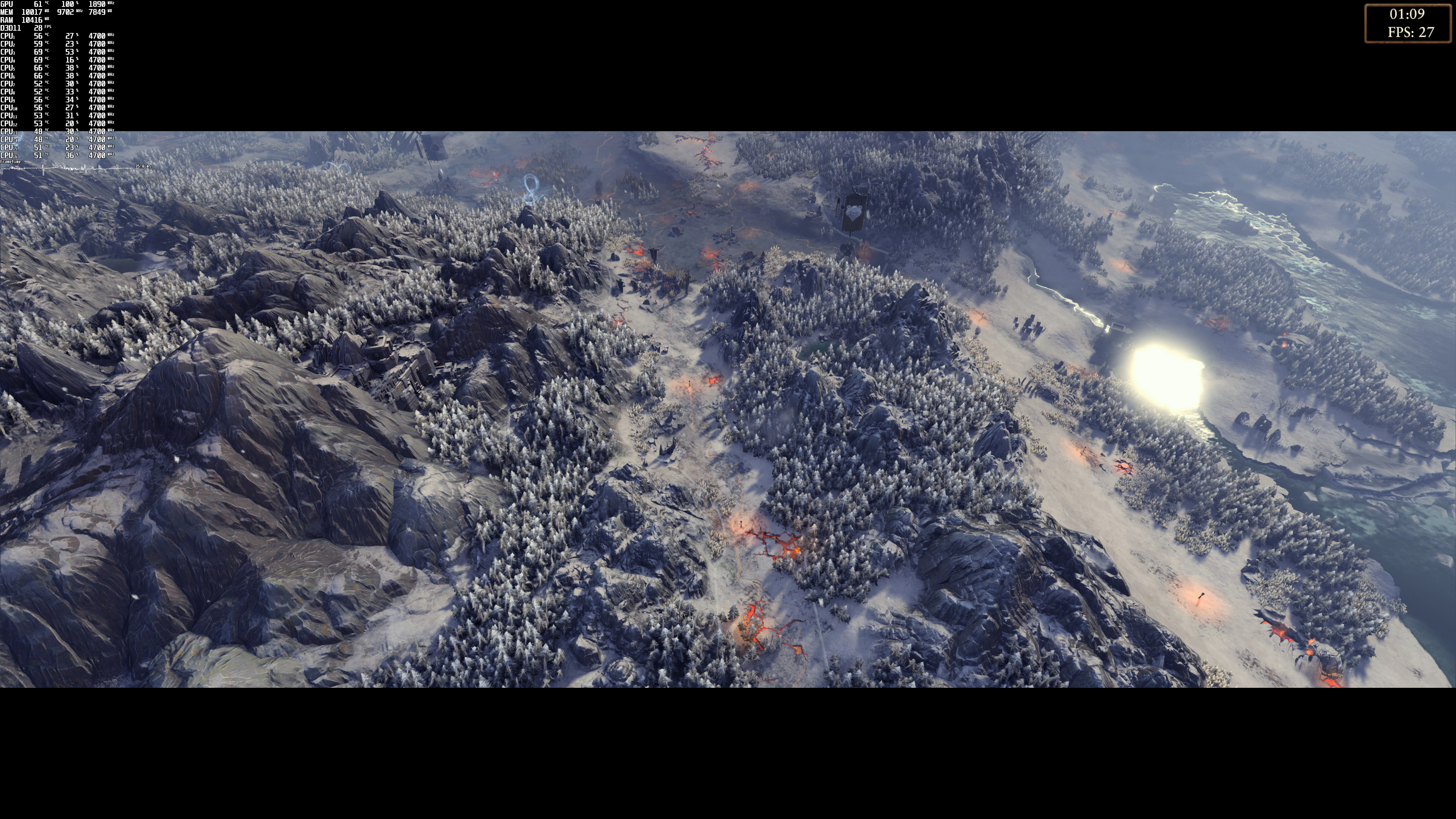
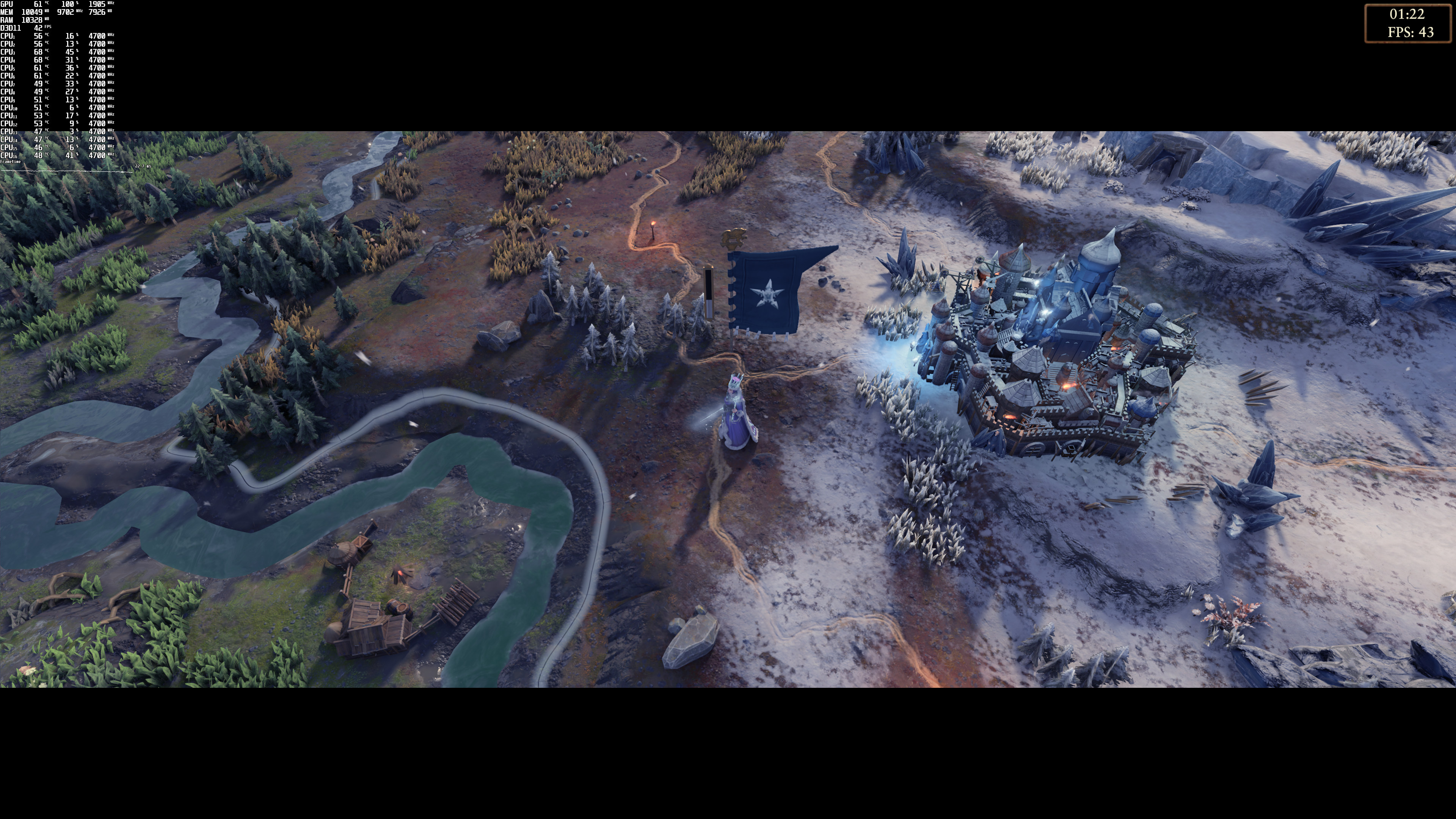
Don’t get me wrong, the game looks very good. Like all Total War games, it can display A LOT of units on screen. There are also some cool collision physics effects, as well as some high-quality terrain textures (when you zoom in). However, TAA brings some “blurry” side-effects when you start moving the camera. This is another reason why this game should be using NVIDIA’s DLSS tech. And, just imagine those single-digit numbers on high-end GPUs in case this title used any Ray Tracing effects. Seriously, while Warhammer 3 looks great, it does not justify this underwhelming performance on high-end hardware.

All in all, Total War: Warhammer III does not require high-end CPUs. However, it does require powerful GPUs, even for gaming at 1080p or 1440p. And, its overall performance feels a bit questionable. The good news here is that since this is a slow-paced strategy game, it feels quite smooth even at 50fps. Anything lower than 45fps though and the camera starts feeling jittery. We also noticed some stutters at specific scenes/areas during the benchmarks. We know that the game is using Denuvo so whether these stutters are due to it is anyone’s guess!
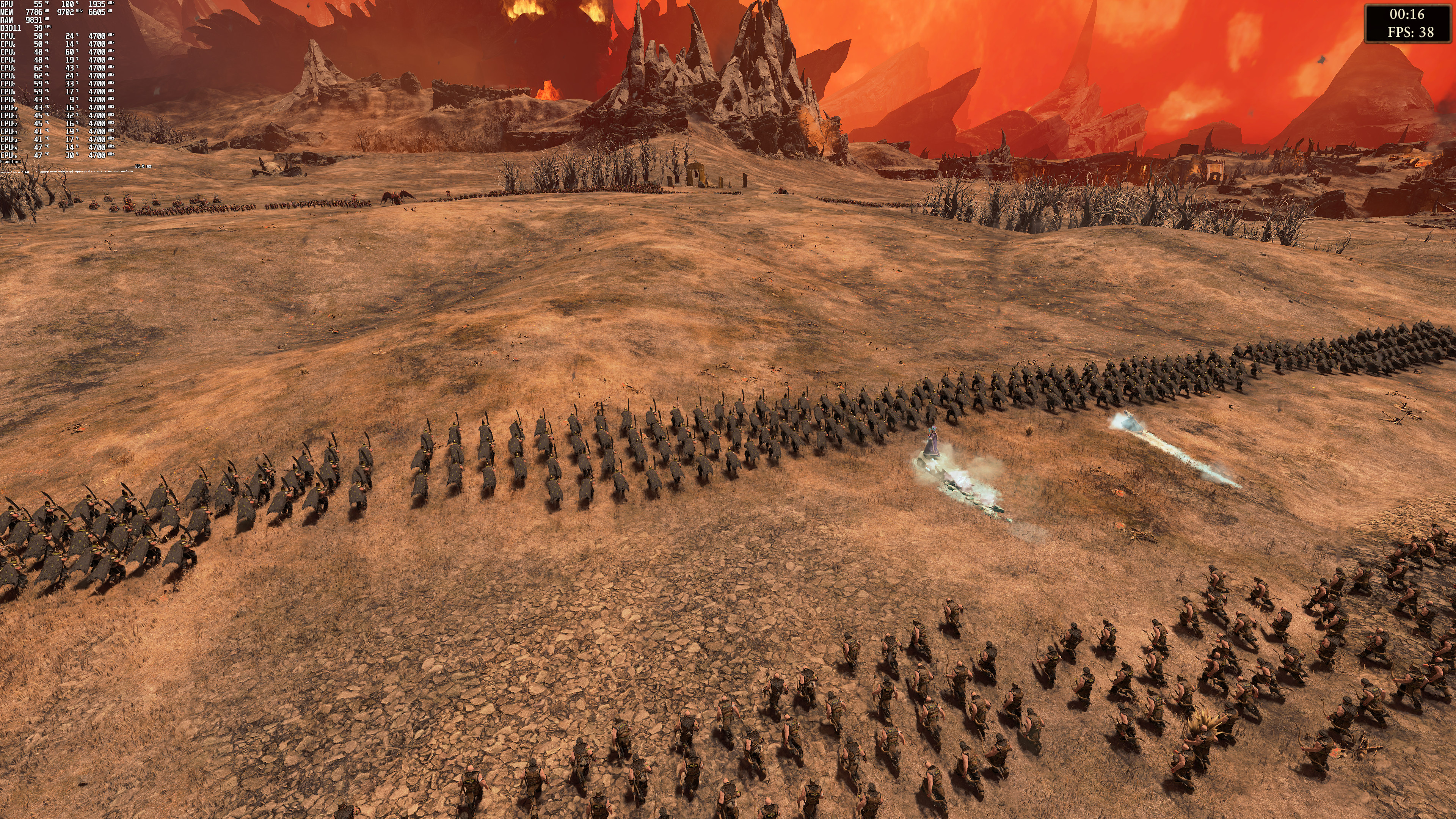
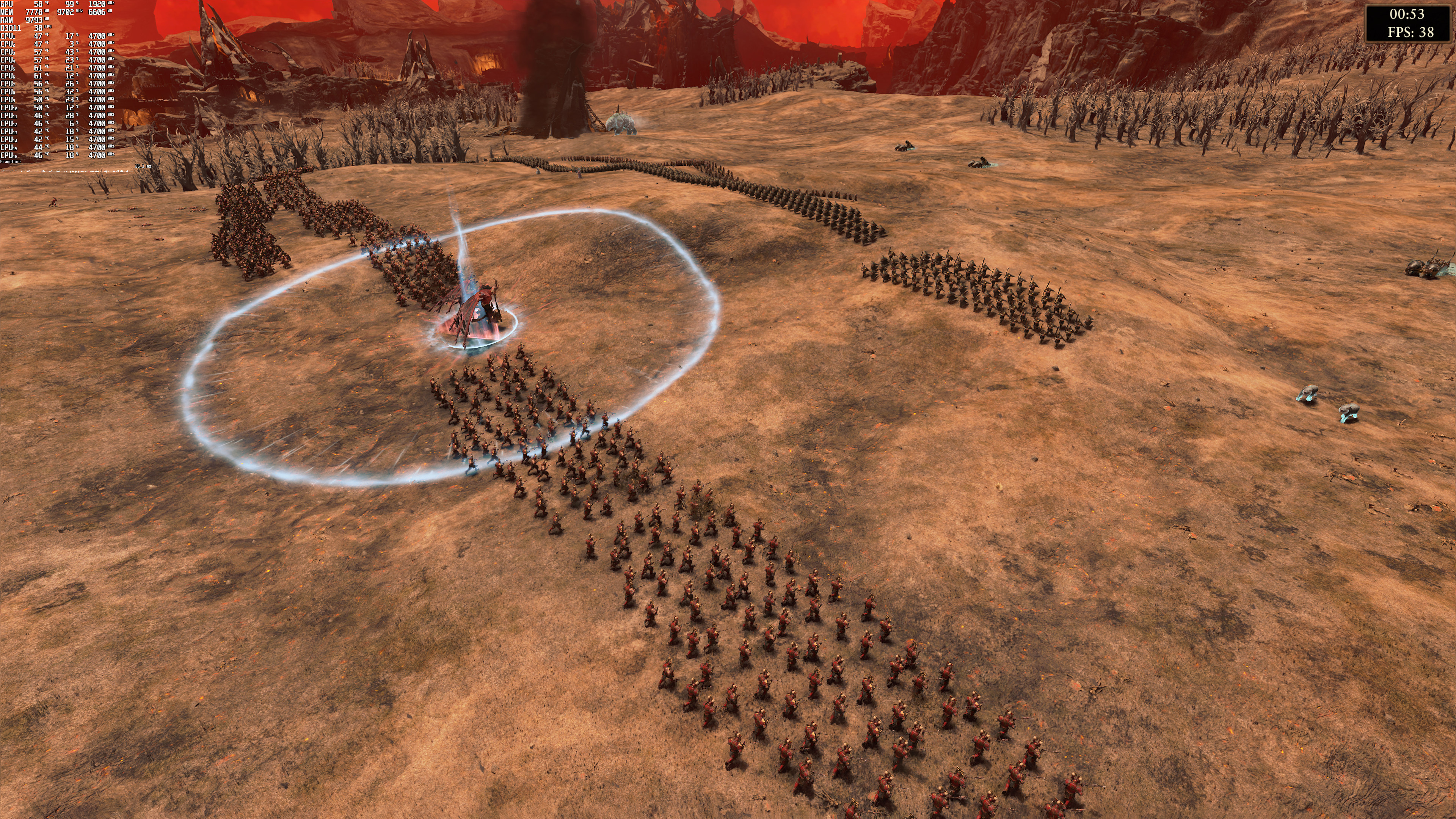
Total War Warhammer 3 screenshots-1Total War Warhammer 3 screenshots-2Total War Warhammer 3 screenshots-14 Total War Warhammer 3 screenshots-15Total War Warhammer 3 screenshots-16Total War Warhammer 3 screenshots-3 Total War Warhammer 3 screenshots-17Total War Warhammer 3 screenshots-4Total War Warhammer 3 screenshots-5 Total War Warhammer 3 screenshots-6Total War Warhammer 3 screenshots-7Total War Warhammer 3 screenshots-8 Total War Warhammer 3 screenshots-9Total War Warhammer 3 screenshots-10Total War Warhammer 3 screenshots-11 Total War Warhammer 3 screenshots-12Total War Warhammer 3 screenshots-13

24 thoughts on “Total War: Warhammer III PC Performance Analysis”

    1. It’s definitely not Denuvo. Denuvo can only impact CPU performance, not GPU performance. In short, it would only impact the Low preset and not the Ultra preset. Something else may be going on (so let’s not blame for everything Denuvo just because we don’t like it).

      Also, and from what we know, Denuvo was present in the review code (otherwise you’d already seen the review code being cracked or its executable being used to crack the retail version).

      1. It’s Denuvo.
        PC Invasion tested that, they tested a PRE-RELEASE CODE from some time ago.
        Review code = retail, only difference sometimes is lack of Day1 patch.

        1. Nope. PC Invasion did not confirm the absence of Denuvo (they didn’t even check to see if there was any DLL file for Denuvo in the game’s folder) so stop spreading misinformation. Here are the direct quotes from the PC Invasion author.

          “since I’m not sure if it’s Denuvo, anything else from the mega patch/preload, or Nvidia’s update”
          “I never mentioned Denuvo, not sure what’s caused it, waiting clarification”

          Again, you should learn HOW Denuvo impacts performance, identify its presence, test a version without it, and then come to conclusions (instead of blaming it for basically every performance issue a game might have).

          Hint: And before you mention Resident Evil 8, that game’s stuttering issues were due to Capcom’s online DRM and NOT due to Denuvo. We’ve extensively explained this (and Capcom did too via its patch notes), yet people still misinform others about it (just because they hate Denuvo).

          1. Report those accounts, that’s the only thing we can do right now about these new bots (they are present in all websites that use Disqus).

      2. Is there any difference between version with Denuvo (Steam) and version without Denuvo (Game Pass)?

        Windows Store used by Game Pass don’t support Denuvo so all games from Game Pass always are released without Denuvo protection. Those games use just standard Windows anti-tamper protection used by all windows apps

        1. I haven’t tested any Denuvo game via Game Pass, so I don’t really know. Who told you though that Windows Store does not support Denuvo? This is false. A game may appear on Windows Store without Denuvo but that will be an exception. This also happened with the Epic Games Store and/or GOG versions of some games (like PREY). Similarly, some Steam releases (like Crysis Remastered) did not have Denuvo (whereas their EGS versions had it).

          Most Denuvo games on Windows Store still have Denuvo. You can easily find out if the game uses it by browsing its game folder.

          1. “Who told you though that Windows Store does not support Denuvo? “

            Microsoft never allowed for any third party anti-tamper technology in Windows Store. Windows Store use use own process isolation for apps and read only rules are forced by system itself on whole Apps folder (hidden and protected as read only).

            Only classic stores like Steam, Epic or GOG use Denuvo because those stores are not protected by Windows itself. Those stores like Steam are run as just like any Windows w32 apps without any system protection. This works very different for Windows Store apps that are protected by system itself

          2. You are misinformed then. Most games, like Metro Exodus, used Denuvo in their Game Pass version.

          3. It is not possible. Windows Store never supported Denuvo. You can search for Denuvo license link in release notes of any game. Every game with Denuvo need link to Denuvo licence.

            You can find many of those games on Steam and Epic but you won’t find a single such game in Windows Store. MS use own system level anti-tamper technology for whole Windows Store folder

            Anti-tamper layer like Denuvo was created to prevent modifications in game files. It is necessary for stores like Steam and Epic which allow you to modify any game file. But Windows Store never allowed users to modify game files. Whole Windows Store folder always was protected by system anti-tamper technology. Even game mods for Windows Store games need to be installed outside game folder. Usually in main user folder because game folder is protected against modifications by Windows Store anti-tamper layer

          4. It is not possible. Windows Store never supported Denuvo. You can search for Denuvo license link in release notes of any game. Every game with Denuvo need link to Denuvo licence.

            You can find many of those games on Steam and Epic but you won’t find a single such game in Windows Store because it is not supported. MS use own system level anti-tamper technology for whole Windows Store folder

          5. “UWP DRM which is far stronger than Denuvo Anti Tamper. In fact it’s the world’s strongest DRM because of OS level link”

            This is true. Windows Store protection is part of Windows protection on kernel level. It is much stronger than any custom protection like Denuvo executed on user level in apps like Steam, Epic or GOG

            Windows Store protection is also much faster than Denuvo because files don’t need to be encrypted. Those apps are verified on kernel level and system knows if they are modified or not. This level of protection is not available to classic apps like Steam or Epic executed by user not system. So those stores use Denuvo wich encrypt some files and decrypt them on runtime which is good protection against modifications but require more CPU power

      3. Truth! Most games Denuvo doesn’t even have any impact and if it does it’s extremely minimal. People overblow it out the wazoo. All the games I bought with it worked fine too. People just love to complain

  1. I’m playing with a Gigabyte RTX 3080 Gaming OC z590, Intel i9 11900K, 32 GB RAM, installed to SSD (PCIe3.0) in 4K with Ultra settings and getting steady 30 FPS in battle and during my turn in campaign, during endturn it can drop as low as 4-8 FPS in fast turn mode which is preferable to skip rendering frames in favor of not delaying processing the AI turns. Turn times could become really long with over 100 factions and WH3 greatly speeds this up by simply ignoring if the GPU can keep up rendering (if you enable fast endturn).
    30 FPS does not feel spongy, even in battle it’s all good I dont have concerns about the performance really.

    1. yeah honestly a game like this does not need huge frames. sure more frames is always nicer… but It’s not noticeable here

  2. i7-8086k. Titan XP at 1440p Ultra
    I get about 47-50fps which in a game like this really isn’t a big deal. If the fps counter in the corner of my screen was turned off I wouldn’t really notice a difference of anything higher. Hasn’t hampered my enjoyment of the game. Looks great too. I could prob lower shadows to get higher fps but meh… im greedy and higher frames in this game are not exactly noticable. https://uploads.disquscdn.com/images/b2444bf0e2cfaa676302e26e8f3e263564b9b9f988451845a4f21b55b15bd5a7.jpg

  3. Dont think its Denuvo but whatever it is I call this review not accurate they claim recommended is a RX580 ok cool.. But a Red Devil 5700XT drops to 5fps at 1080p on the main map even at medium settings

  4. Cammy is going to be in a burkha and there’ll be no classic skin. Meanwhile you’ll have shirtless skins for Ryu and Ken for days.

  5. Wow that’s some terrible optimization. You’d think the 3rd games in the series would have improved on that front seeing as the graphics have barely changed.

  6. The total war games and RTS games in general historically have always been very CPU dependent; not sure what the reviewer is talking about here. When ever you have many on screen entities it really taxes the CPU and escalates the higher the rez you go. FSR and DLSS would help since the rendering would effectively be running at a lower rez, but it won’t be anything mind blowing since the rendering would still ultimately be CPU limited.

  7. Sorry bud, this article is off the mark, there’s a lot of insider info on this particular series you need to understand before you attempt this.
    The hardcore Total War players all know the problem is the Warscape game engine they’ve been using since 2009’s Empire Total War. And the only thing they’ve changed since then is added a DX12 option recently, and made it utilize CPU’s a bit better, but that’s about it.

    As you can see with these results, it’s not enough, and this thing is way past it’s retirement date. But as building a new engine from the ground up to future proof your new titles is a costly and timely affair, CA/SEGA continue trying to milk every last drop they can with an engine that’s now about 13 years old.

  8. Its funny to me how they mention you not needing a high end CPU but then forget one of the biggest aspects of this game that DOES rely almost entirely on having a beefy CPU: the end turn times.

    Can someone PLEASE do a full test on these? Its a massive aspect of the game but hurr durr FPS FPS FPS is all that matters apparently. Goshdarnit.

Leave a Reply

Your email address will not be published. Required fields are marked *