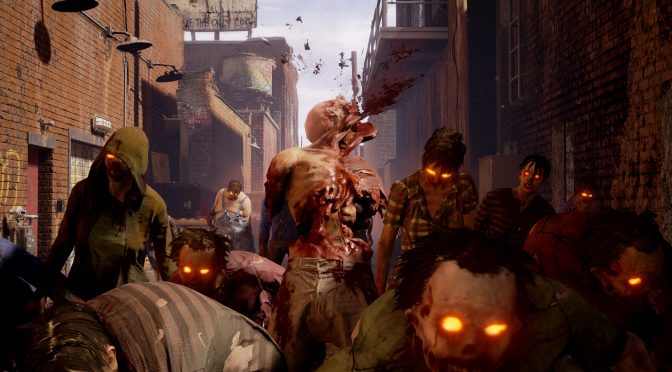
State of Decay 2 PC Performance Analysis

State of Decay 2 is a new survival game in which players must build new communities and promises to immerse players in an all-new, multiplayer zombie survival fantasy. The game has just been released exclusively on the Windows Store and it’s time to benchmark it and see how it performs on the PC platform.

For this PC Performance Analysis, we used an Intel i7 4930K (overclocked at 4.2Ghz) with 8GB RAM, AMD’s Radeon RX580 and RX Vega 64, NVIDIA’s GTX980Ti and GTX690, Windows 10 64-bit and the latest version of the GeForce and Catalyst drivers. NVIDIA has not included any SLI profile for this game, meaning that our GTX690 performed similarly to a single GTX680.
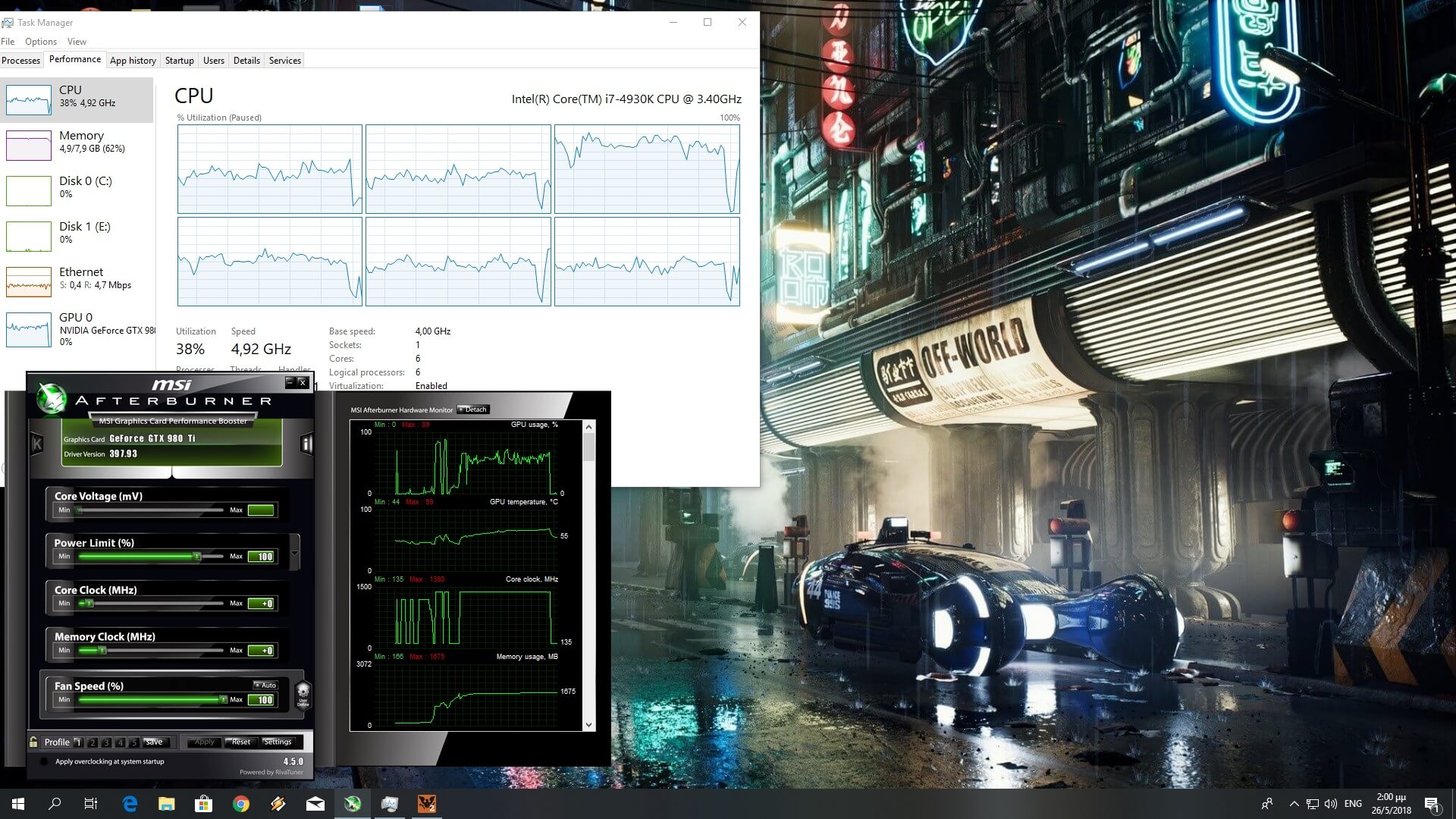
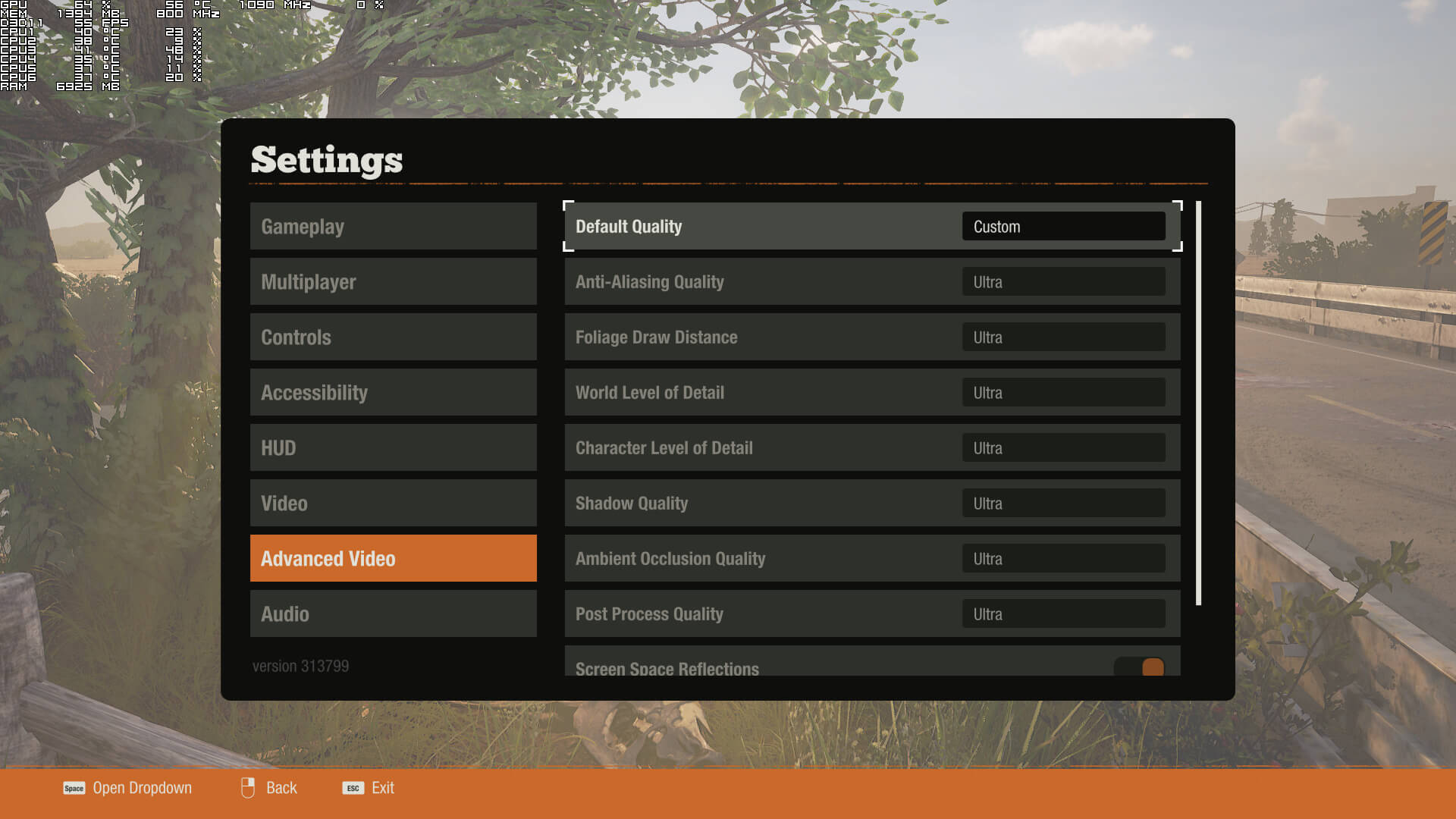
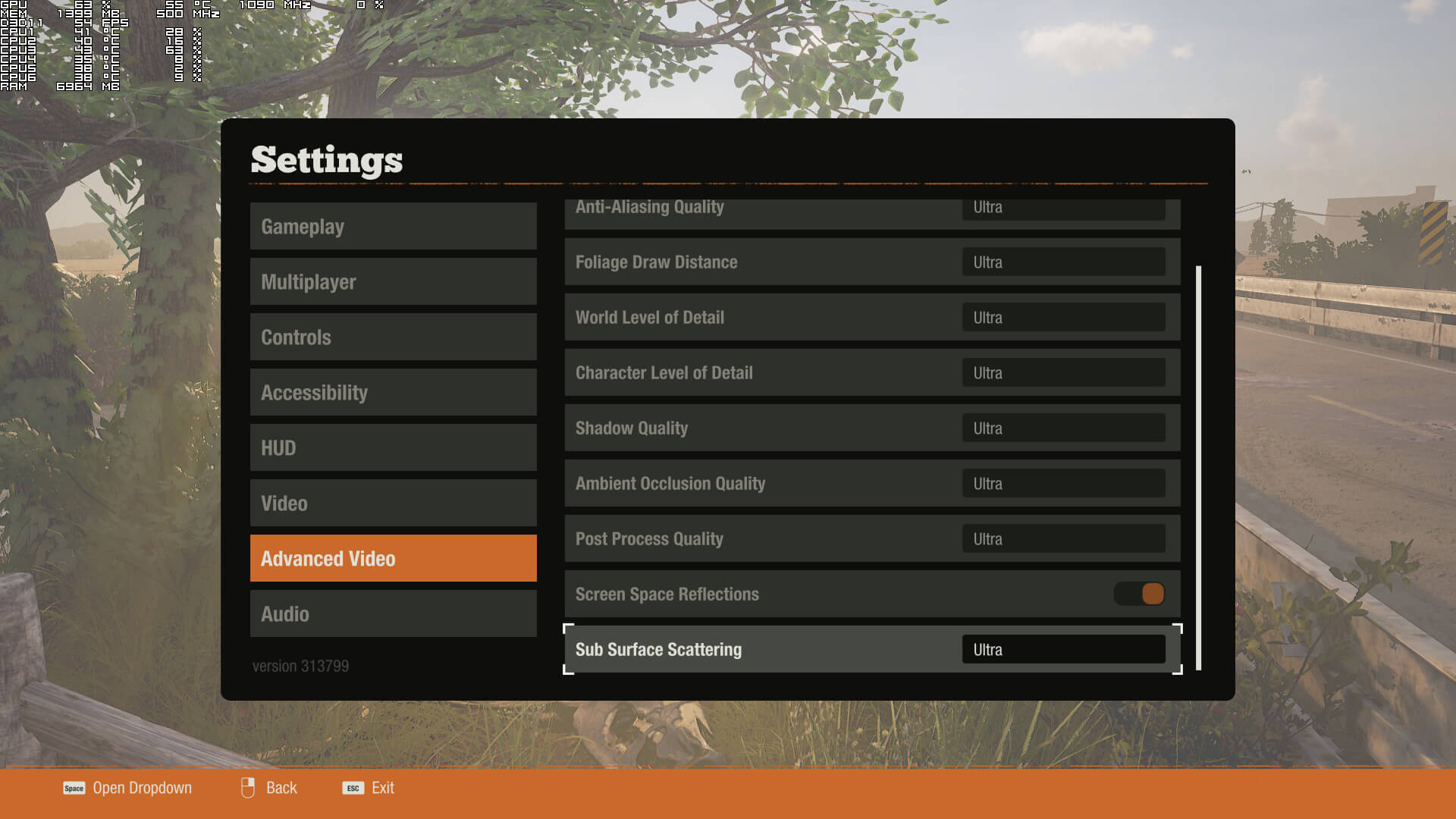
Undead Labs has included a few graphics settings to tweak. PC gamers can adjust the quality of anti-aliasing, foliage draw distance, world level of detail, character level of detail, shadows, ambient occlusion, post process effects and sub-surface scattering. There are also options for VSync and Screen Space Reflections, and you can only use your desktop resolution when playing in fullscreen mode.
[nextpage title=”GPU, CPU metrics, Graphics & Screenshots”]

Now before continuing, I have to admit that I was a bit cautious about this PC release the moment Microsoft declined sending us a review code. For what it’s worth, we have received review codes for all previous Microsoft games so yeah, something seemed off. And although State of Decay 2 can run with constant 60fps on a variety of PC systems, it does suffer from optimization issues on both NVIDIA and AMD GPUs.

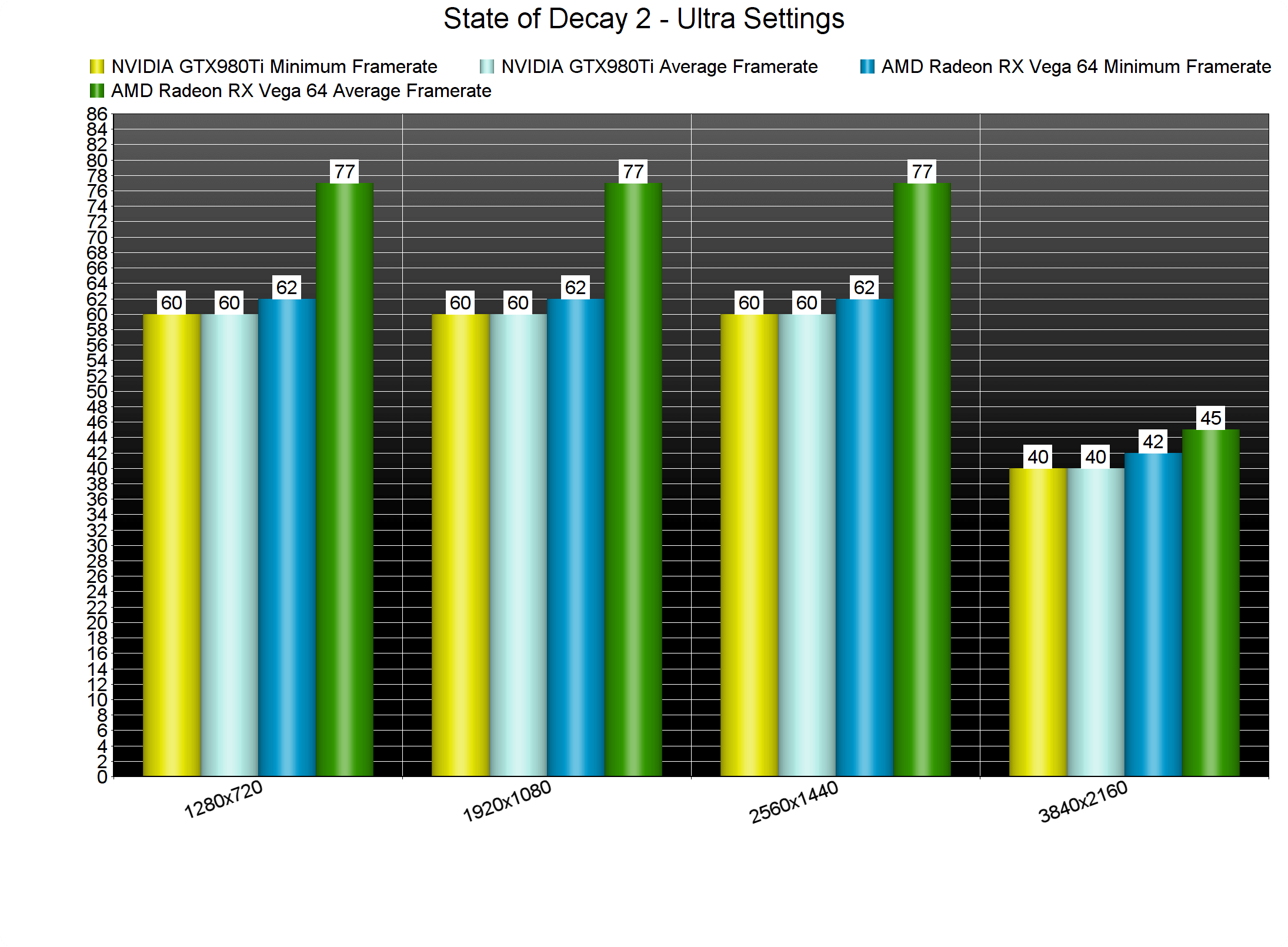
Our AMD Raden RX Vega 64 was under-used at both 1080p and 1440p, even though none of our CPU cores was maxed out. On the other hand, our NVIDIA GTX980Ti was locking at 60fps even when VSync was disabled at both 1080p and 1440p. NVIDIA and AMD will have to work with Undead Labs to further optimize their drivers as these GPUs have major issues running the game at higher framerates than 60fps. Still, we strongly believe that 60fps is more than enough for this particular title so we suggest locking the framerate at 60fps until AMD and NVIDIA resolve these driver issues.
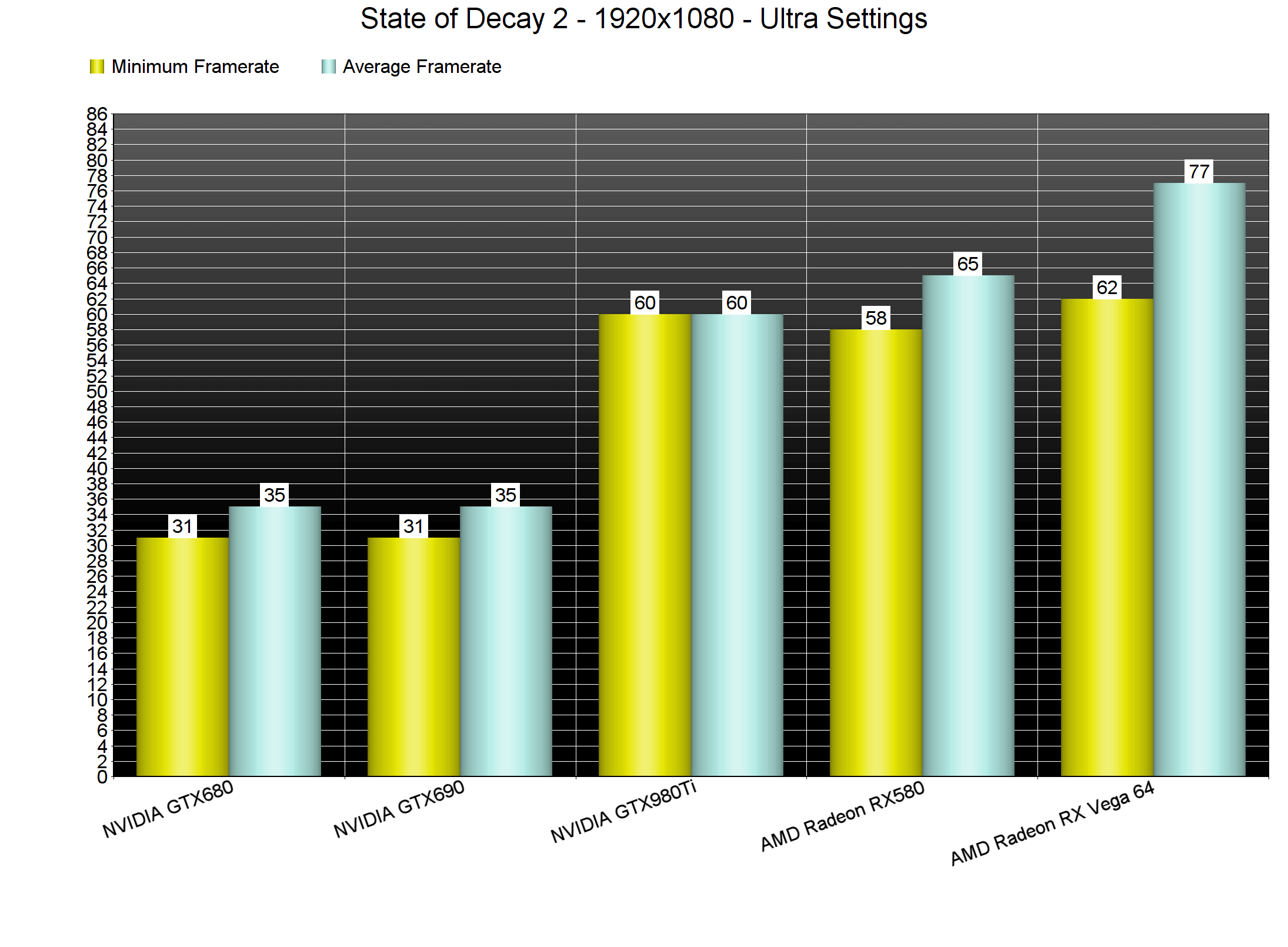
Our NVIDIA GTX690 – which behaved similarly to a GTX680 due to the lack of an SLI profile – ran the game with a minimum of 31fps and an average of 35fps on Ultra settings at 1080, and our AMD Radeon RX580 was almost able to offer a constant 60fps experience. It’s also worth noting that even though the game is exclusive to Windows 10 (at least for now) it uses the DX11 API instead of the DX12 API.
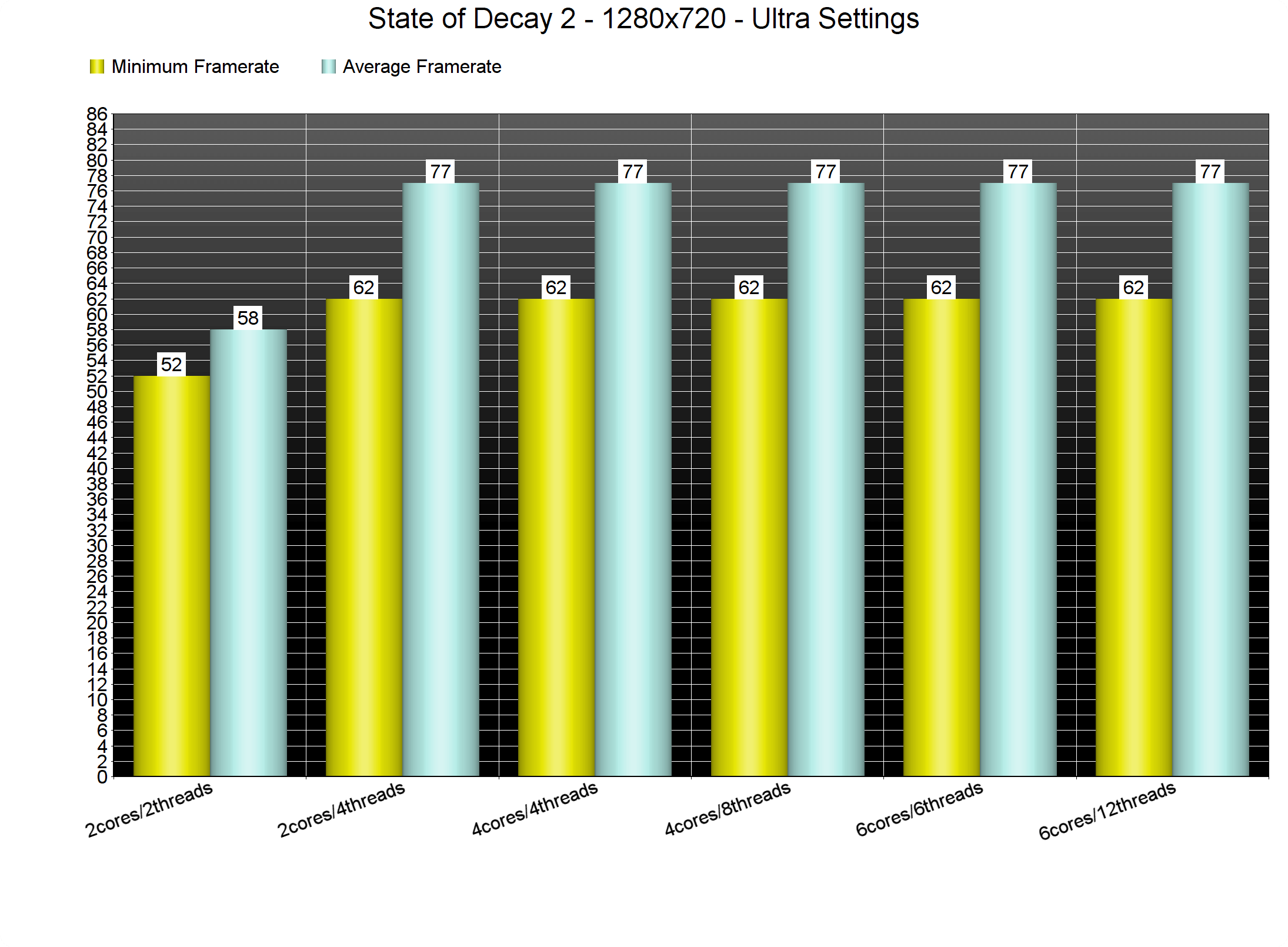
In order to find out how the game performs on a variety of CPUs, we simulated a dual-core and a quad-core CPU. State of Decay 2 does not require a high-end CPU in order to be enjoyed. Without Hyper Threading, our simulate dual-core simulated system was able to push a minimum of 52fps and an average of 58fps, however, there were noticeable frame pacing issues. The frame pacing issues disappeared the moment we enabled Hyper Threading, and overall performance was similar to our six-core and simulated quad-core systems.
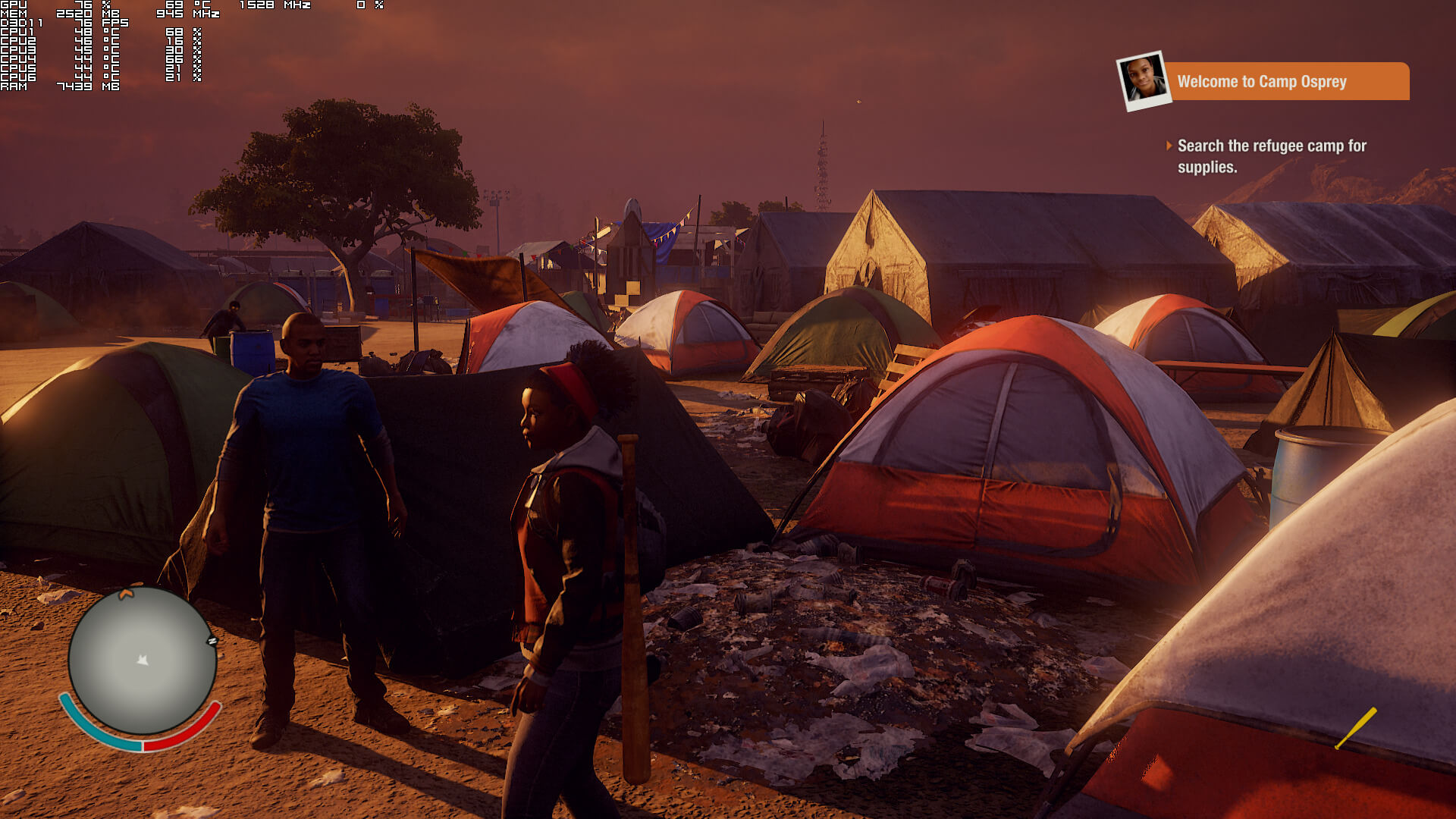
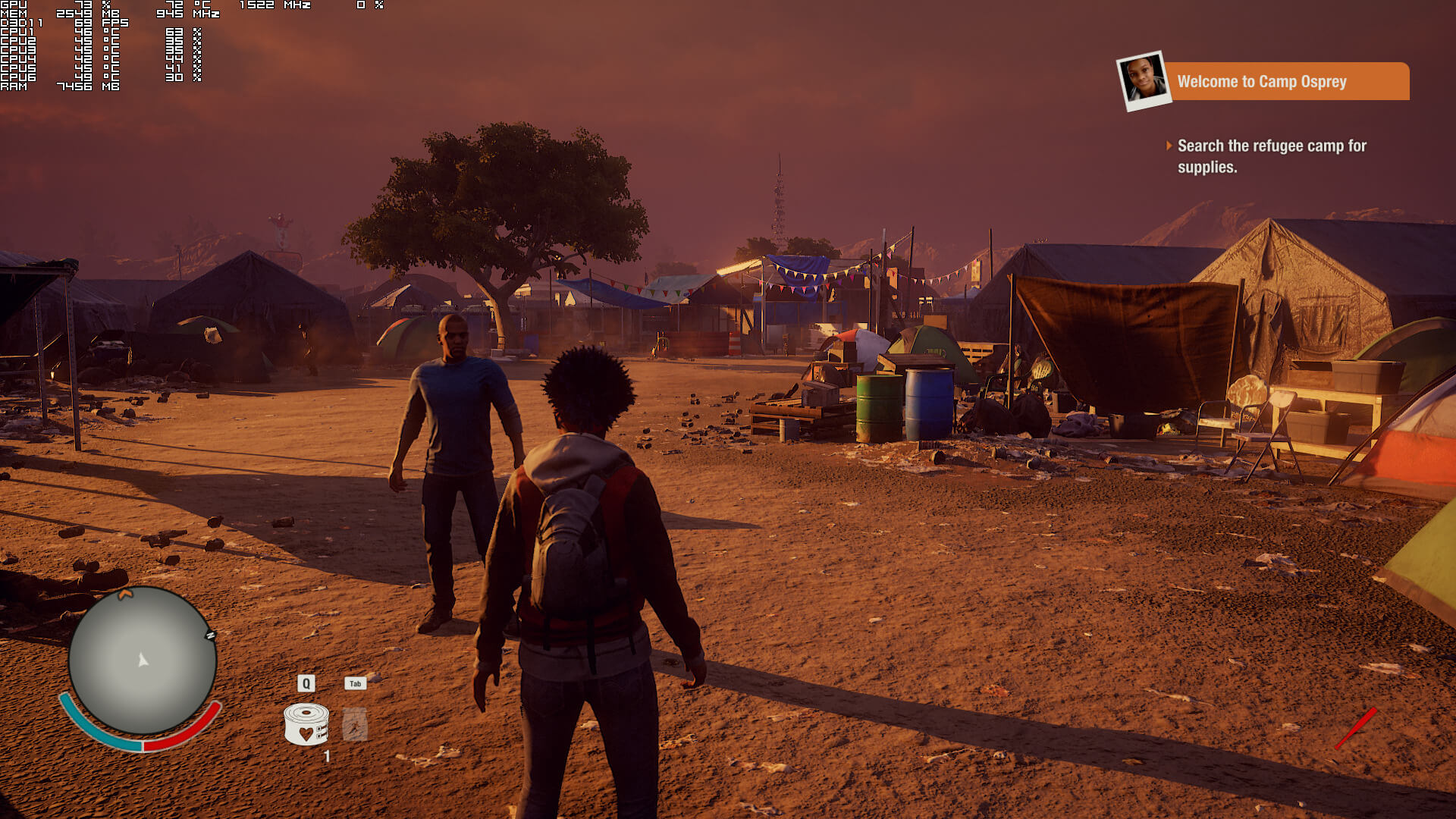
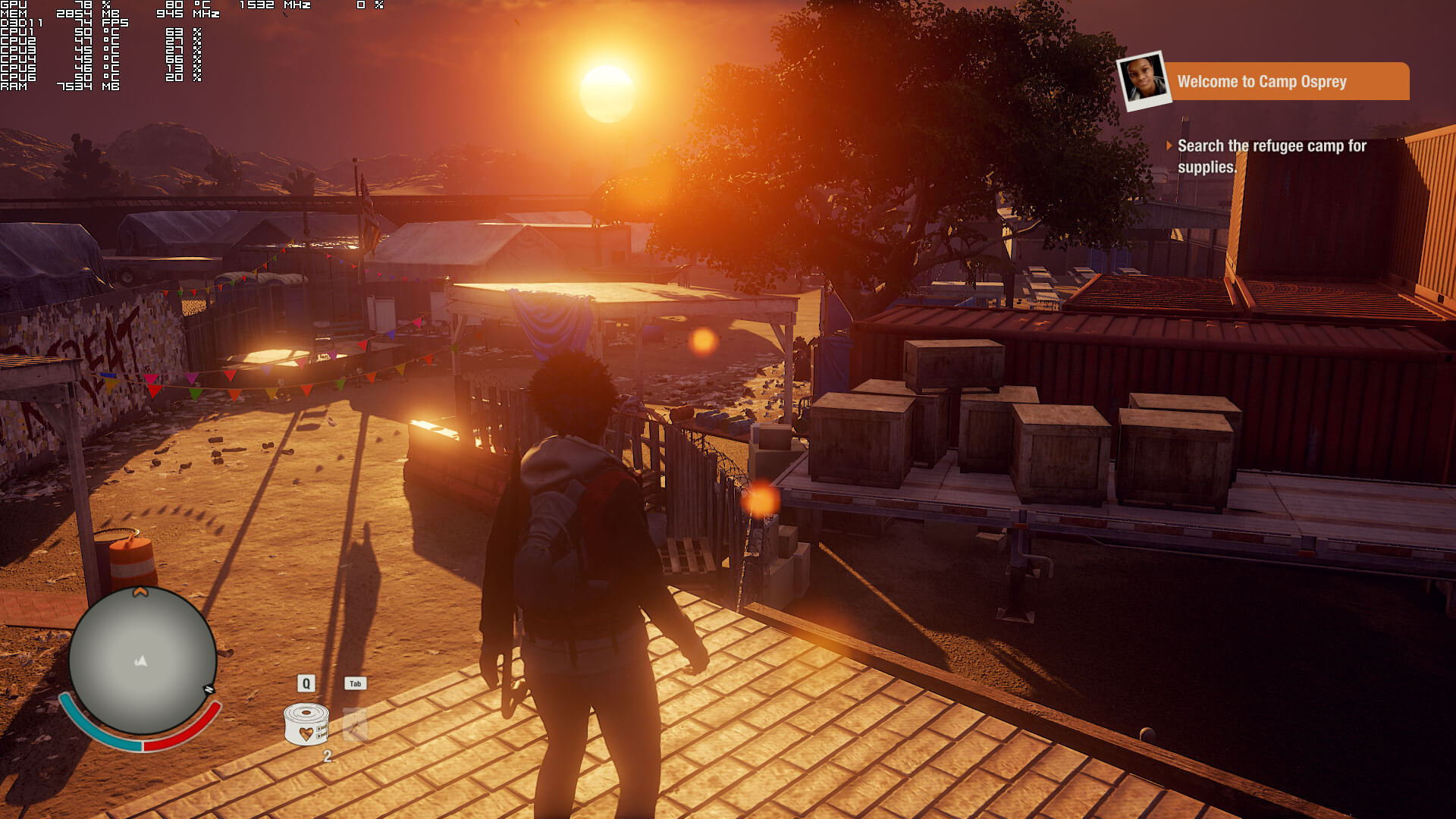
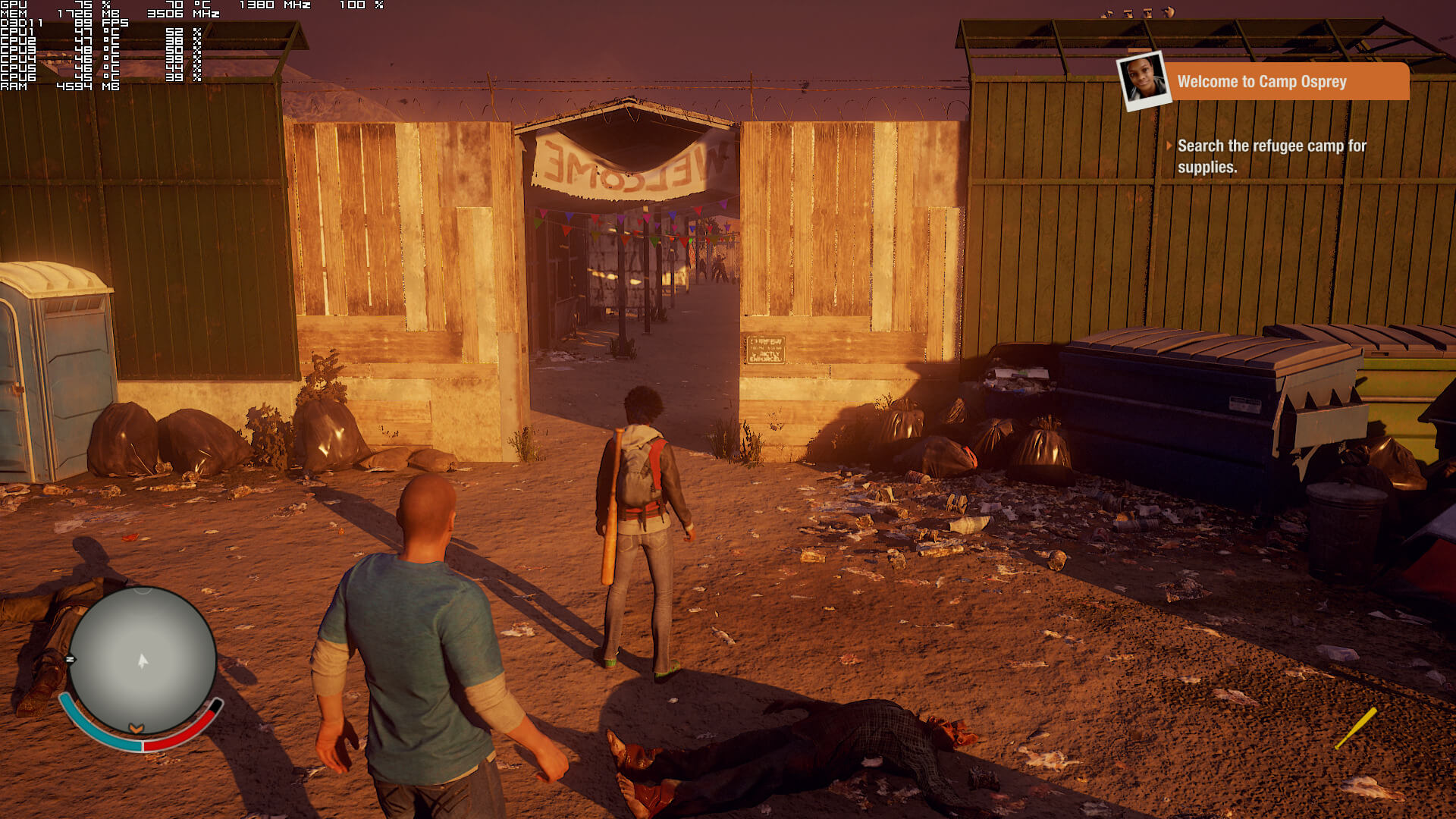
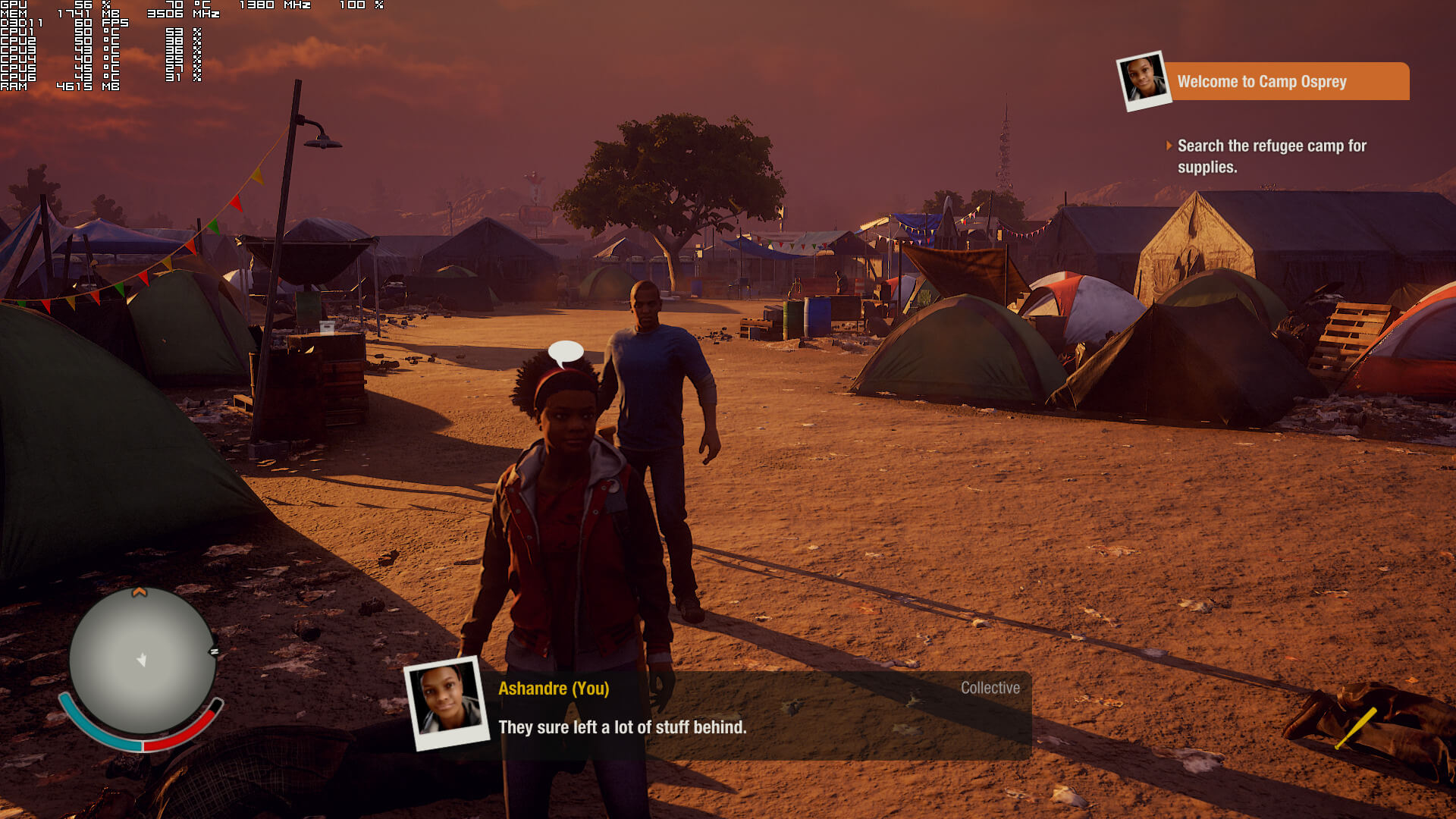
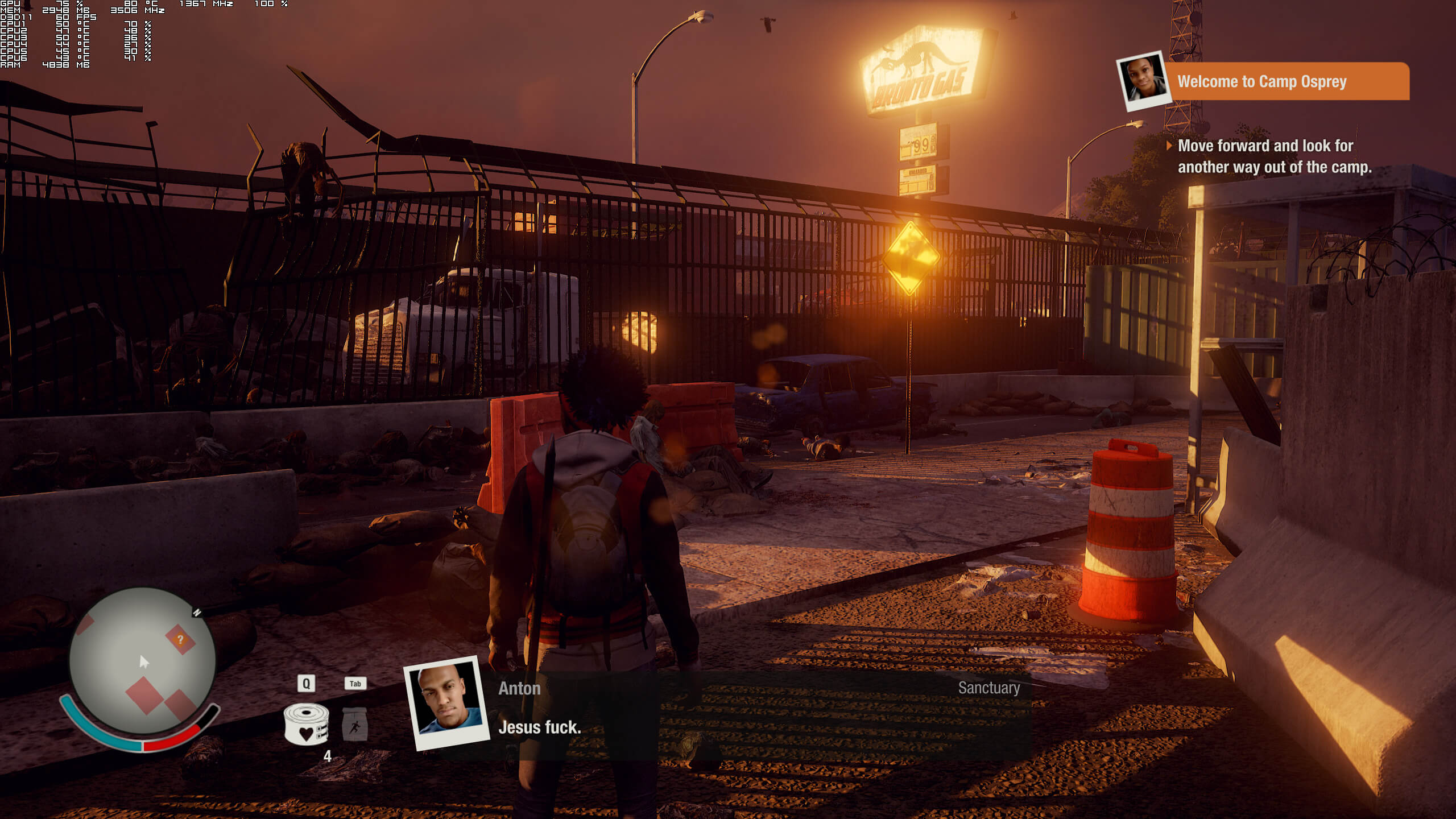
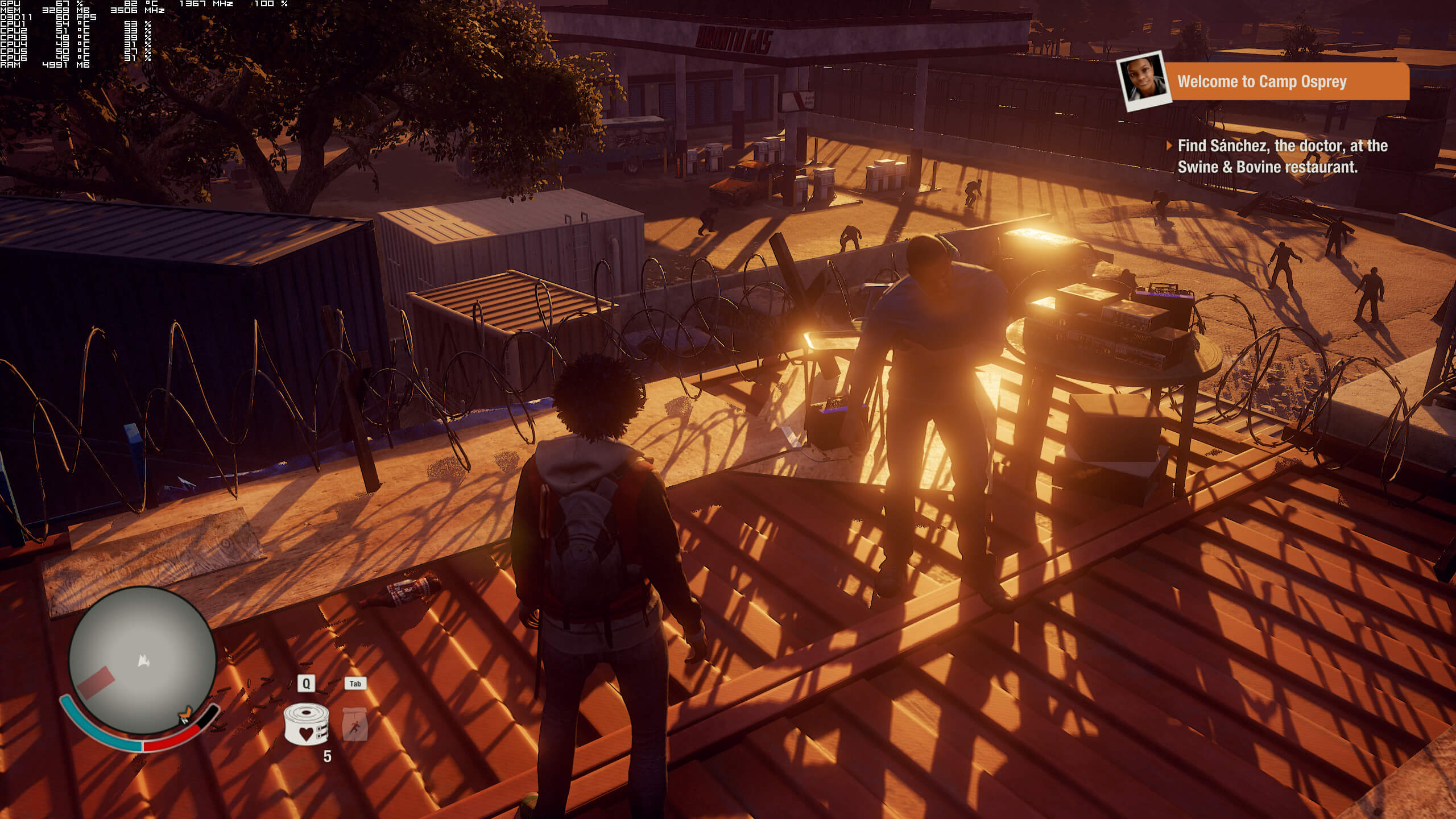
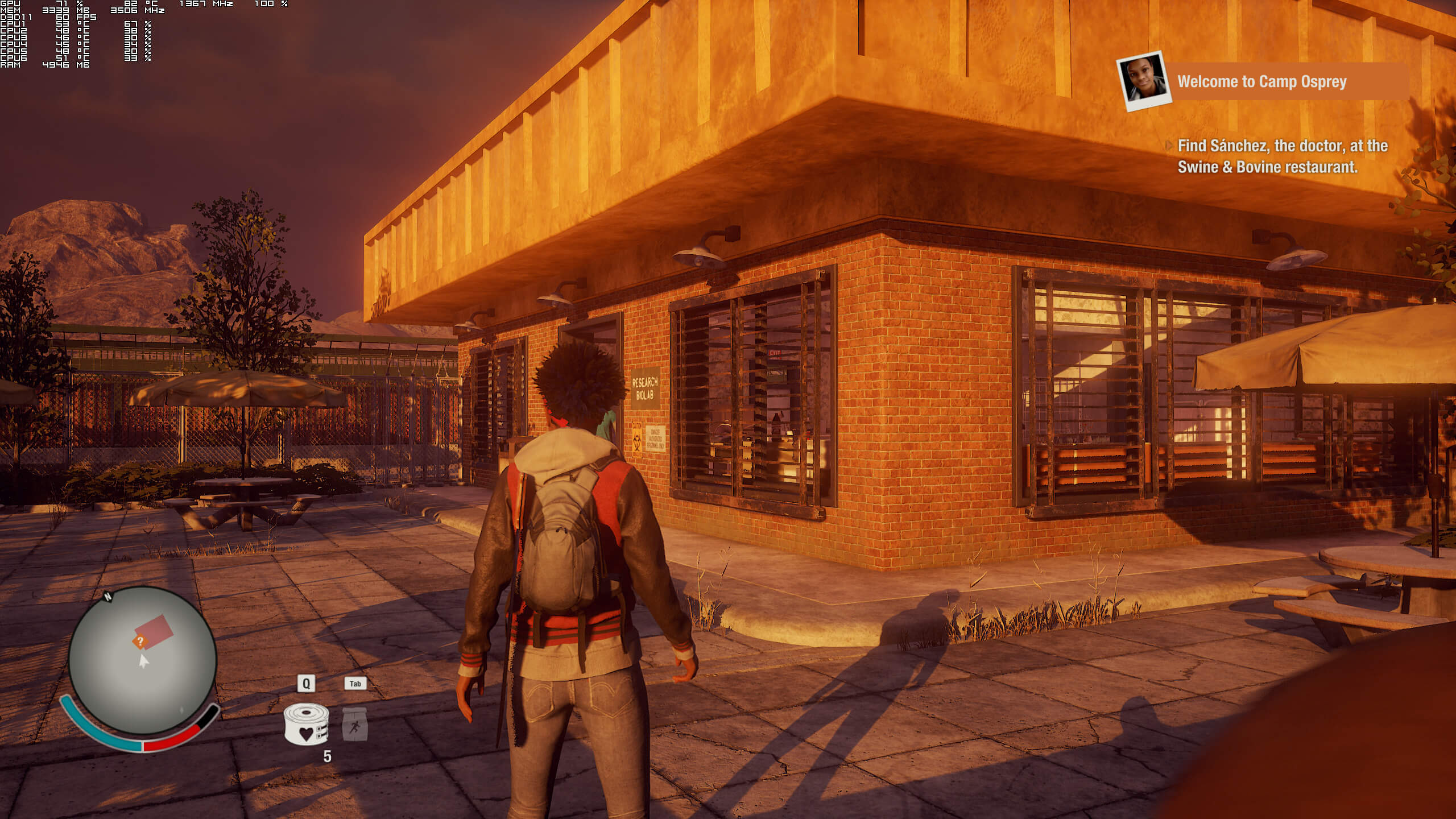
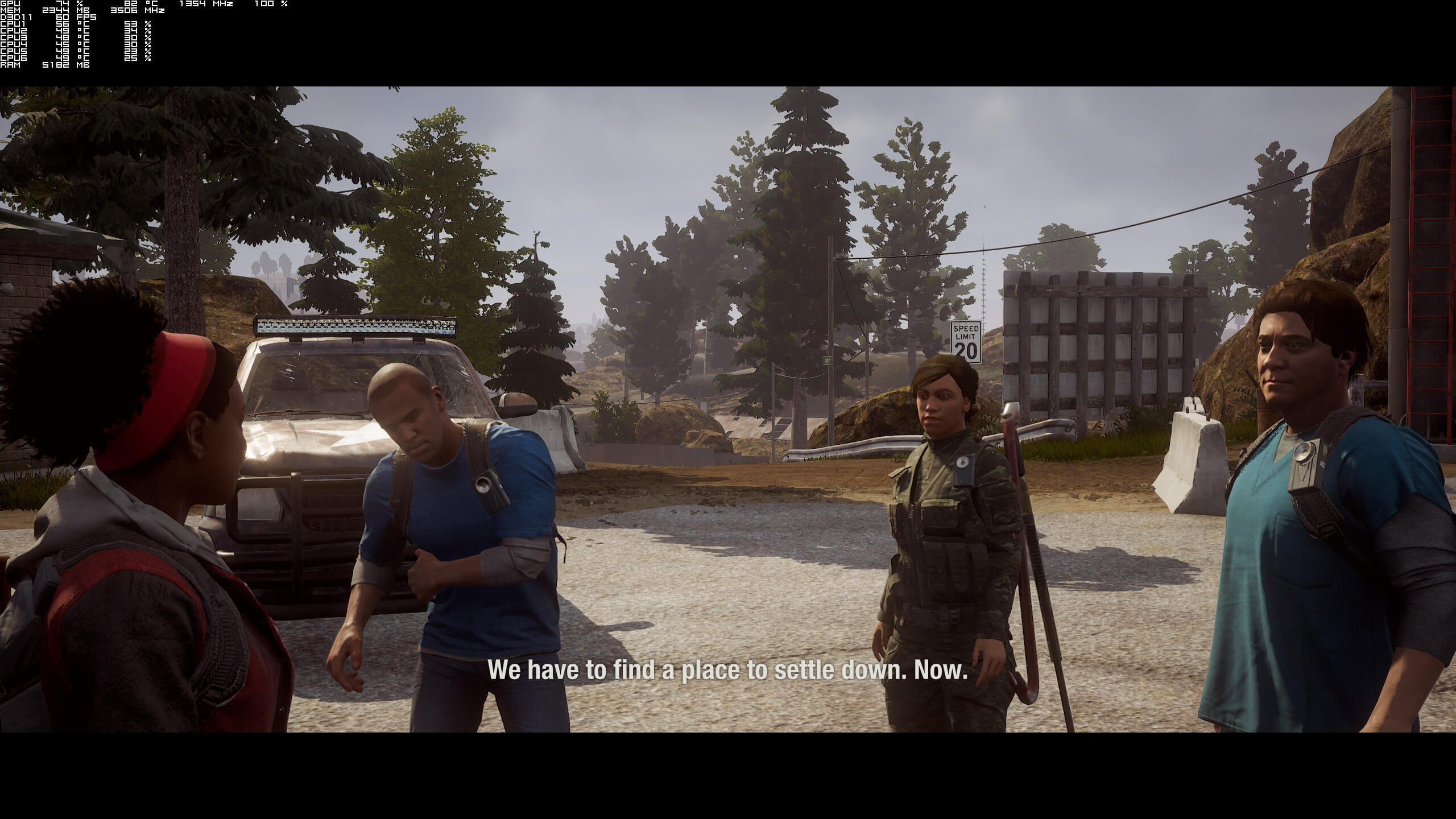
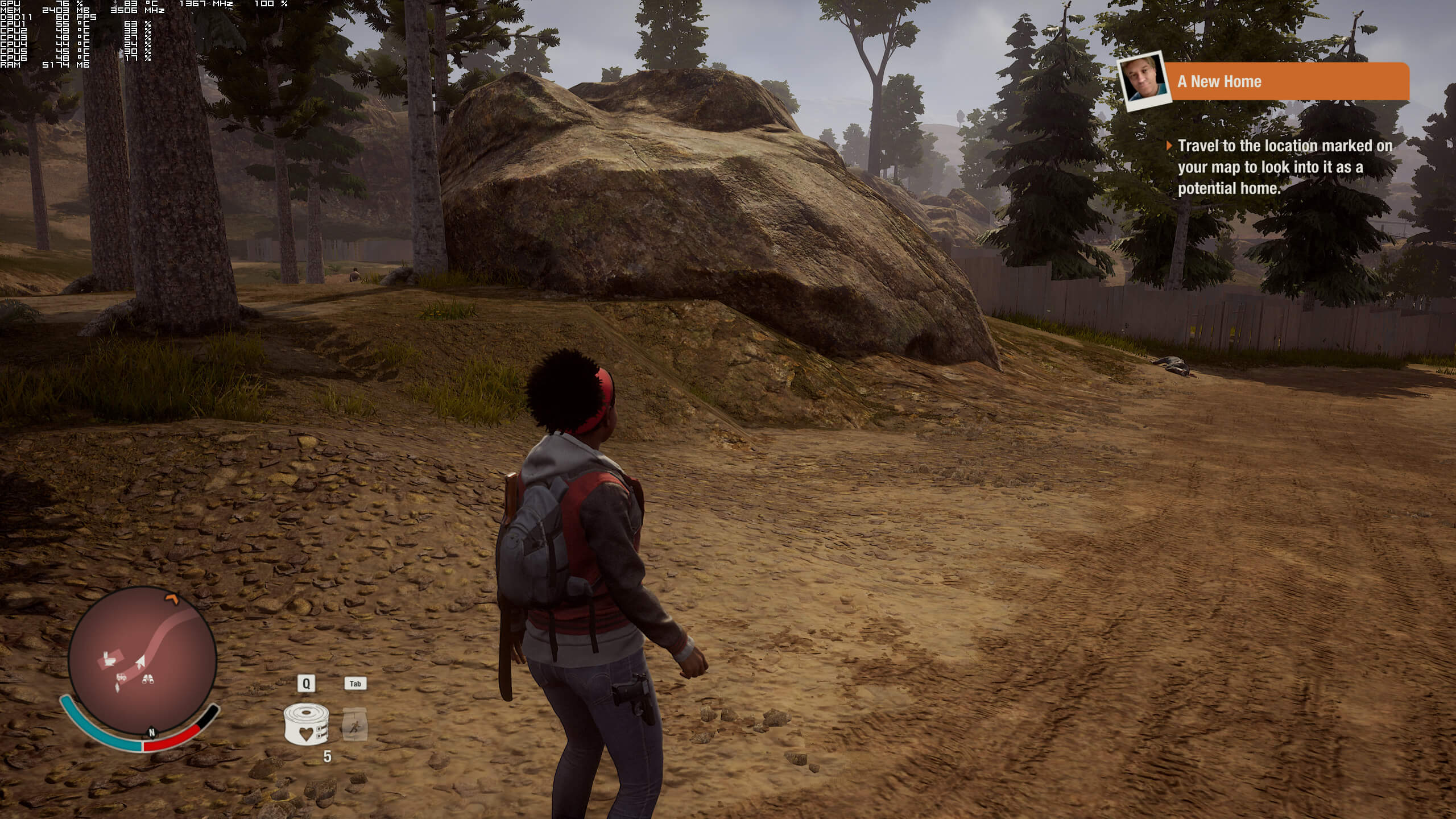
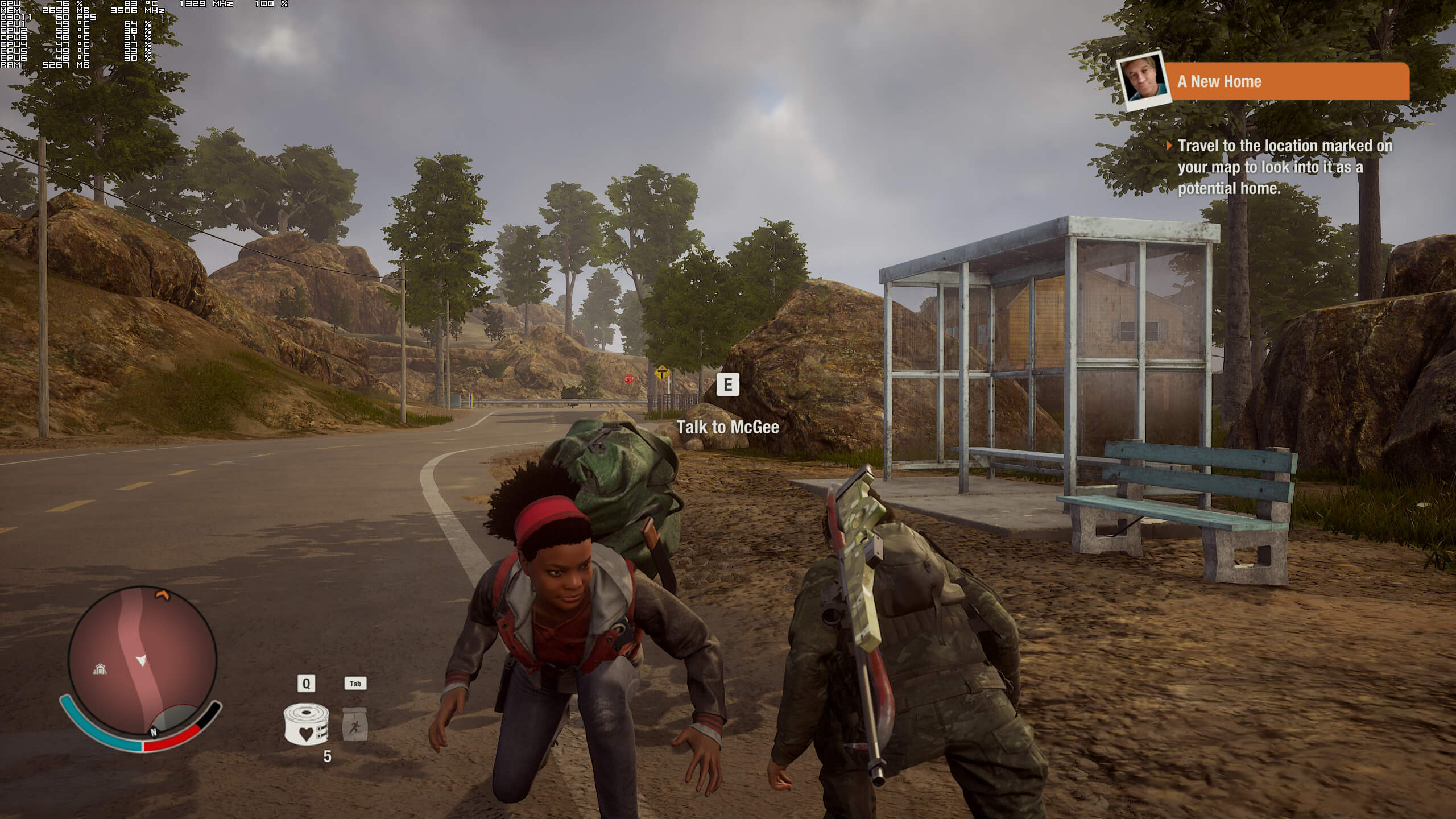
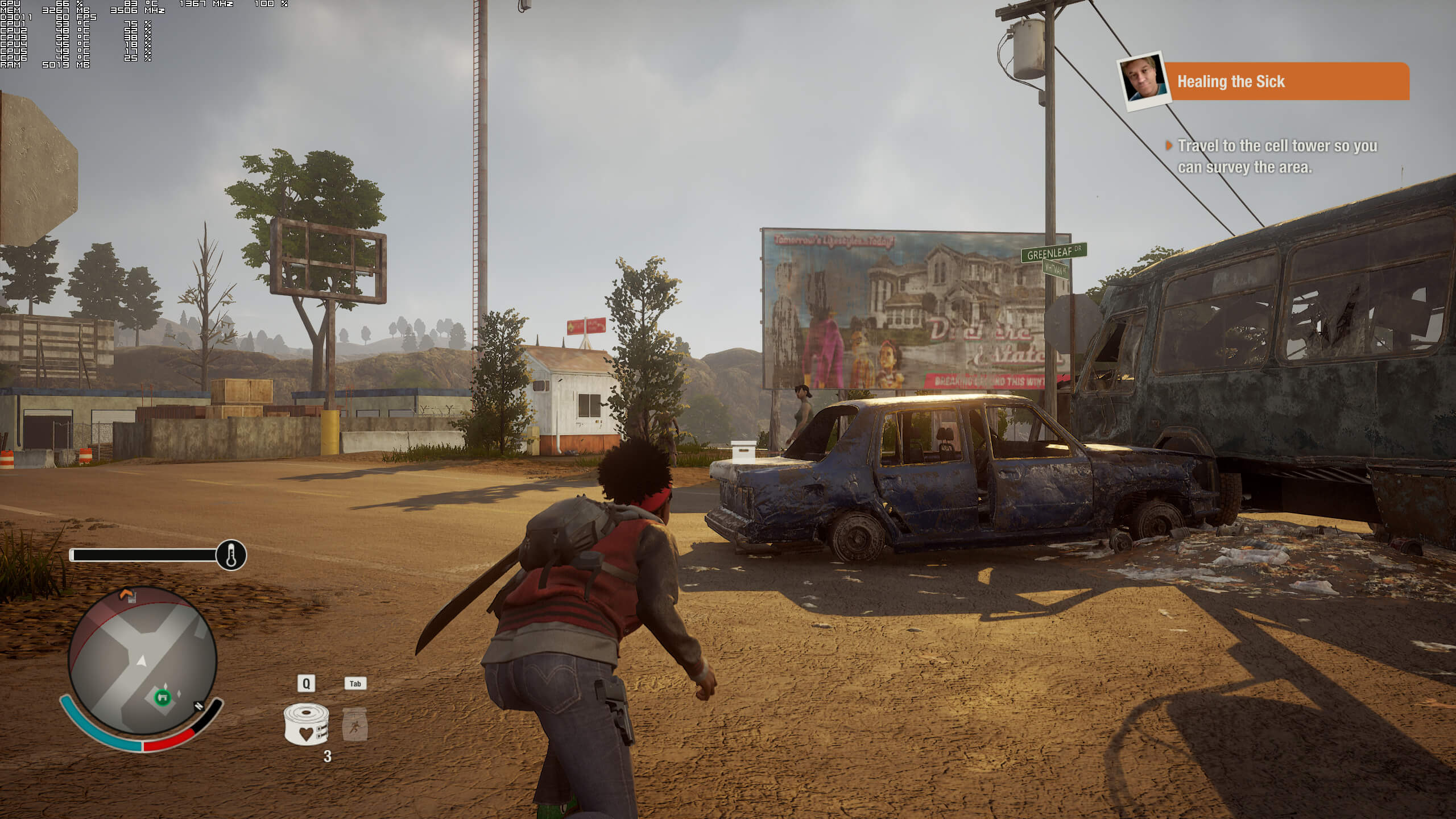
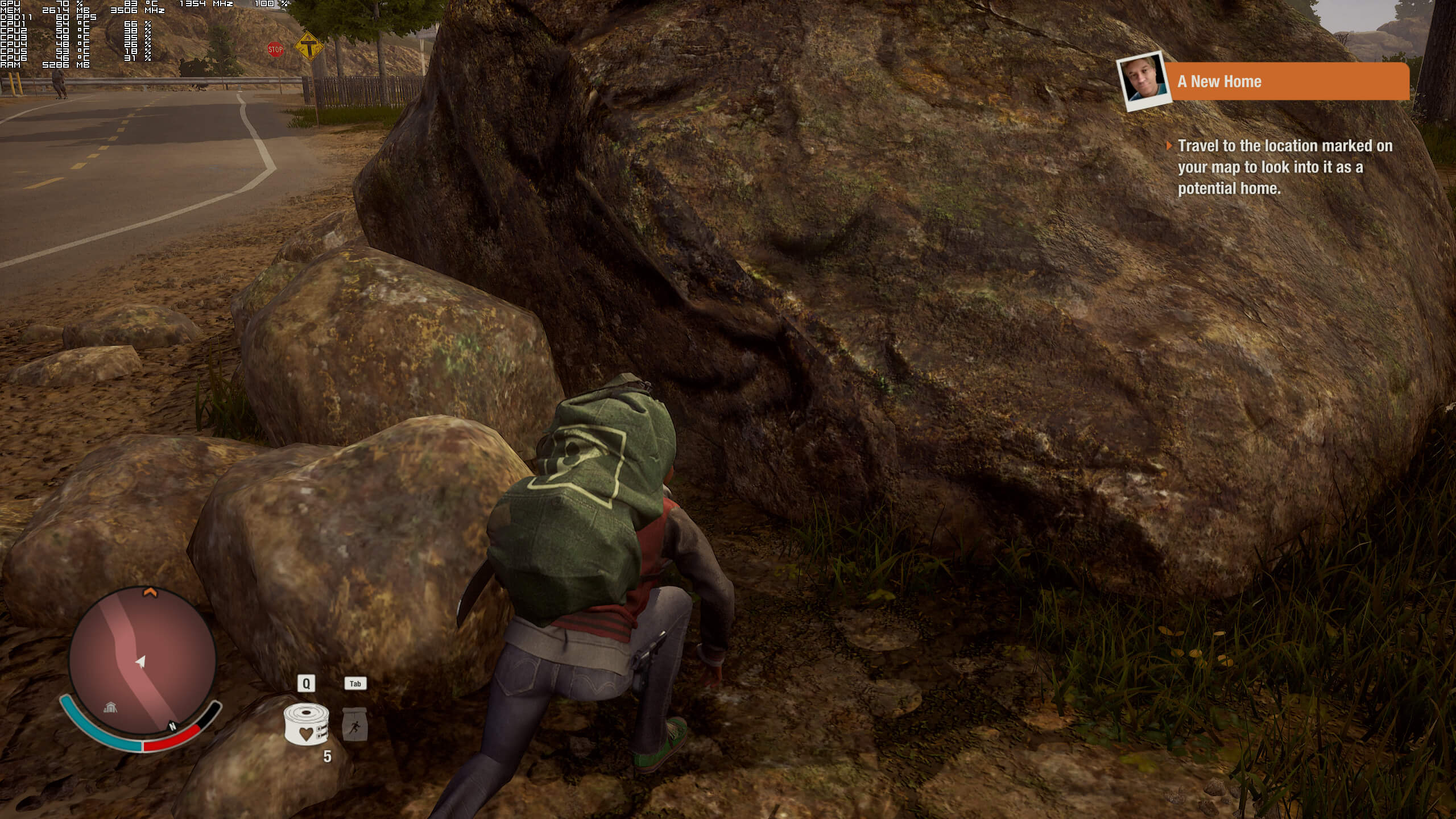
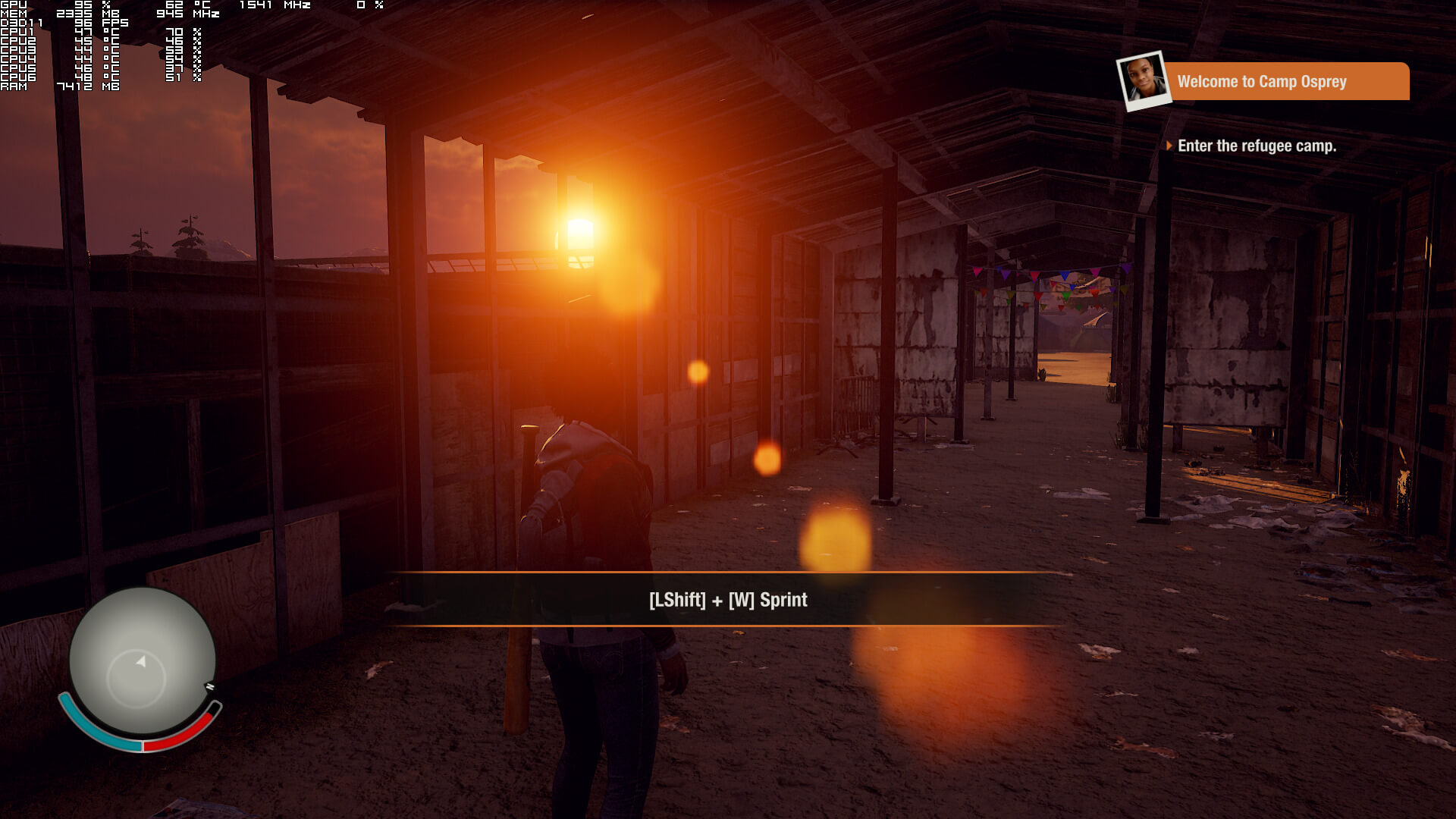
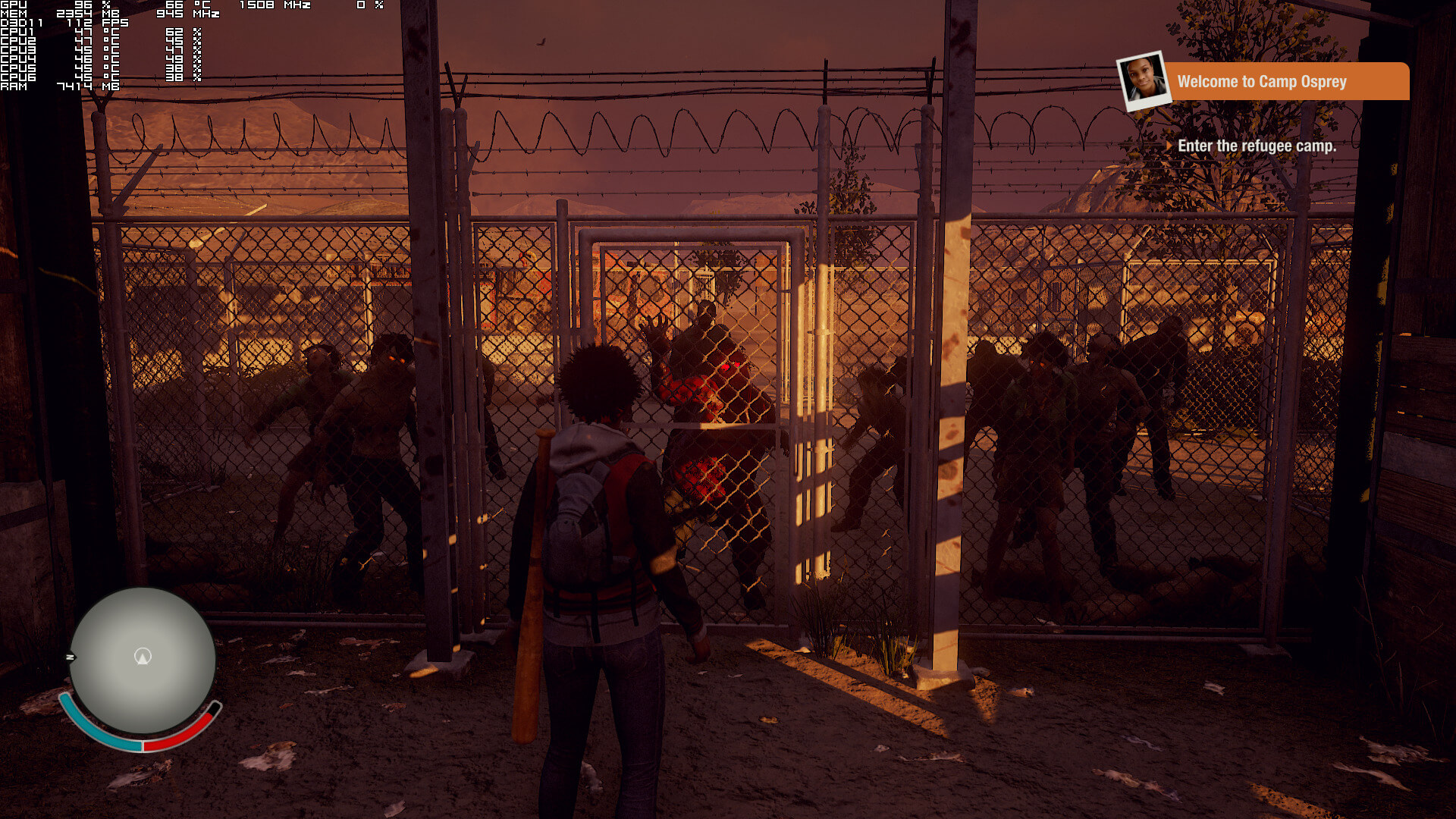
Graphics wise, State of Decay 2 does offer anything mind-blowing. There are pop-in issues even on Ultra settings, and shadows do not look that great. The lighting looks good but it’s not particularly amazing or advanced as the one found in other titles, environmental interactivity is limited, you can’t bend bushes or grass, and lip-syncing is average. We also noticed some inconsistent textures. For example, and as you can see below, the textures for the smaller/normal-sized rocks are blurry but the ones for the big rocks are detailed. The feeling I got from State of Decay 2 was that it felt more like a cross-gen game than one that was created for current-gen systems.
All in all, State of Decay 2 can run with 60fps on a variety of PC configurations. However, those seeking higher framerates will encounter a number of issues on both NVIDIA’s and AMD’s hardware. Since there are issues on both vendors, we can safely say that the PC version was not ready for release yet. Moreover, we also experienced some random mouse issues (random erratic slow movements that could be resolved by alt-tabbing), though we are happy to report that there aren’t any mouse acceleration issues and that there are proper on-screen m+k indicators. Still, and despite its issues, State of Decay 2 can run with constant 60fps on moderate hardware.
38 thoughts on “State of Decay 2 PC Performance Analysis”

  1. Just as predicted. Thank you in advance to the Xbots and UWP minority for paying to ‘beta test’ the game so the devs have it properly readied for the Steam release.

      1. What 4K textures? Are u blind ?
        “realtime simulations, dynamic lighting” – LOL
        This game is ugly just like the first one, devs can’t use full potencial from UE4 just like they, can’t do it with CE3.
        Turn down post-process crap and game is even more ugly…

        1. Yes, game use full global dynamic lighting and realtime shadows. (even inside buildings which is not available on most games). Check GameGPU if you want see full details. No other UE4 game use full dynamic lighting

          Nearly all AAA use backed lighting instead of dynamic – in any current engine. Check yourself. It sad that games like Assassins Creed Origins don’t use dynamic lighting at all… fully backed light (so night are bright as day only with blue filter).

          Only with dynamic lighting you can have “black night” with realtime lighting… instead of “light blue nights” like in assassins origins or batman games

          1. Check “night gameplay” on State of Decay (dynamic lighting) and compare it to games like Assassins Creed Origins (static lighting). You will see difference.

            Nights in ACO are bright as day… and no single light source cast light or shadows. In ACO only moon and sun emits light because that lighting model is static and backed in in game files. No torch or bonfire emit any light or cast any shadows. Only shadow at night are from… moon

            Compare lighting model yourself and you will see why dynamic lighting are better than static… watch any “gameplay at night”

          2. And yet with all those graphics “advanced features” state of decay 2 looks very mediocre and bland not just graphically but also aestheticaly the visuals of this game are nothing to write home about…
            Besides,this game is not a good game.

          3. You’re wrong. In AC Origins your touch casts a dynamic shadow at night, the NPCs also cast a shadow from your touch. So one shadow from the moon, one shadow from the touch. Also, no the Sun and Moon shadows are not baked, some maybe but there are plently that move according with the sun or moon direction.

          4. No one played Assassins Creed Origins long enough to see that “night gameplay”

          5. Its funny how Escape from tarkov looks better at night than your AAA xbox one x unrealengine dinamic lighting Microsoft game .

      2. “Game have very good optimization

        Lying and shilling for Microsoft yet again today, I see.

        – frame-rate is capped at 60fps on Xbone series consoles, not the 30fps that your typically disingenuous comment is intended to imply

        – it has a dynamic rendering resolution on Xbone X so therefore does not display at the “native 4K” resolution that you claim it does at all times

        – that claimed “very good optimization” has the game runnins better on base Xbone (2013) than it does on Xbone X (2017) which is typically only a few frames above an abysmal 30fps despite it targeting 60fps

        ?

        1. You can write what you like… but you can’t change facts. This is only existing open world game with fully dynamic lighting. No other game have dynamic lighting… other open world games like Assasins Origjns use static “backed in” lighting

          This is why nights in ACO are as bright as day with only blue filter. You can’t have black night with static lighting model (black nights need every light to cast realtime shadows).

          There are no other open world game with dynamic lighting. Check any game at night to see it all light sources are dynamic with no ambient lighting like in State of Decay… If game use static lighting model like Assassins Creed Origins night will be bright as day with blue filter to hide that light sources are no dynamic and don’t cast real shadows

          1. “You can write what you like… but you can’t change facts”

            I did nothing but state the facts. I realise that the cold hard facts as evidenced by Digital Foundry are deeply triggering for you and your ilk. I shall of course be ignoring your usual tactic of employing diversionary tactics with that attempted topic switch in another desperate attempt to spare yourself further embarrassment.

          2. You never post facts. Just bullshit from the clouds. You are truly pathetic.

          3. Says you, the site’s most bitter troll. Congrats for having been triggered by the facts and also for lacking in reading comprehension just like your equally ‘special’ chum Sp4ctr0 Spencer. #butthurtmanchild

      3. He scours the internet looking for anything to back up his delusions. I’ve yet to see Sp3ctr0 post benches from a reputable gaming or tech site or any site which isn’t dedicated to promoting consoles.

        1. @disqus_eNwMfpj0Z2:disqus It’s absolutely hilarious that when you said that, he responded with yet again more console bullshit. Who the hell cares if State Of Decay 2 has HDR, the games trash. Looking a slightly prettier trash pile is still looking at a trash pile ultimately. But you’re right about Sp3ctr0, never seen him once post anything from a reputable gaming or tech sites and it’s always dedicated console nonsense.

          If they guy hasn’t realized by now that nobody gives a s*** about his console pandering nonsense, I think he may have a TBI.

      4. Except that the XB1X is dynamic resolution while this is 4K native all the time, funny that you don’t say what settings this is at. Also, we can use different resolutions and have 60fps. Where is XB1X 60fps? LMAO

      5. Lol according to digital foundry the xbox one x version has trouble maintaining 30fps and its not even close to pc ultra

        1070 stock>>>>>>>crapbox one x

          1. We are no mean to people . . .
            Sp4ctr0 isnt a person . That . . “thing” is just a pathetic pile of AAA microsoft/poopbox one x slave . Its not a person so we feel nothing when we insult his exsistence . .

      6. Since when is Dynamic 3072×2160, or 80 per cent of native 4K, True native 4k Sp4ctro Spencer??

        Since when is 25-30fps average anything to boast about Sp4ctro Spencer??

        Since when is reduced XB1X quality settings compared to pc’s higher quality settings an Equal comparison Sp4ctro Spencer??

        Since when is sacrificing 10fps on XB1X compared to the standard XB1 version acceptable just so they can boast a higher res Sp4ctro Spencer??

        Since when is a game that looks like a last gen Xb360 game wrapped in a fake 4k layer impressive Sp4ctro Spencer??

        Stop the BS mate, your just embarrassing yourself!

        1. MY GTX 970 ON MAX SETTINGS 1440P ON MY 24” 2560X1440 60 HZ IPS MONITOR DELLP2416D LOOKS MUCH BETTERT THAN XBOX ONE X LOW 1080P 30 FPS SETTINGS!

      7. And 40+ fps on my GTX 970 at 1440p max settings. That more than xbox x low settings 1080pand gtx 1080 4k max settings fps. The best fps for 4k will be with gtx 1080 ti until nvidia releases gtx 1180 next month, That whyw when in 2016 i decided to upgrade monitor i bought 1440p instead of 4K: To continue playing max settings 1440p without the need for upgrade while 1440p comparedt o 4k max settings is very little graphical improvement.

      8. wrong again , use dinamic resolution scaling!!!

        Texture, shadow and draw distance tweaks make a big aggregate difference for X, especially given the resolutions on each console. Xbox One S runs at a dynamic 1600×900 resolution – that’s 900p, albeit with the lowest figure coming in at 1536×864. All of its visual shortcomings stick out even at that value, and so it was imperative Xbox One X upped its game in overall settings to match its higher resolution. Fortunately, the set-up on the enhanced console has strong signs of a dynamic 2160p; the approach here is a little different to the base machine, and tends to only shift on the horizontal axis – the lowest value being 3072×2160, or 80 per cent of native 4K.

        DF

  2. DSOG: “State of Decay 2 will not feature any microtransactions”

    State of Decay 2 Description on Windows store – “+Offers in app purchases”

    1. Huh not really sure what that is about, I’m playing it right now and haven’t noticed anything like that.

  3. Now to wait for the Steam version, which will hopefully have the majority of bugs sorted by then. Mod support should definitely be a thing with this game.

  4. And 40+ fps on my GTX 970 at 1440p max settings. That more than xbox x
    low settings 1080pand gtx 1080 4k max settings fps. The best fps for 4k
    will be with gtx 1080 ti until nvidia releases gtx 1180 next month,
    That whyw when in 2016 i decided to upgrade monitor i bought 1440p
    instead of 4K: To continue playing max settings 1440p without the need
    for upgrade while 1440p comparedt o 4k max settings is very little
    graphical improvement!

  5. For some odd reason I do not have either SSR or a Subsurface Scattering options in my graphics menu. I recently installed the base game, and then the two recent updates checking the game each time. The only new option that popped up was a motion blur option under ‘Video’, In ‘Advanced Video’ my graphic options are also not in the same order as the ones shown in this performance test.

    Only thing I can think of is that you mentioned this being a pre-release ver (correct?) so maybe they lumped those two options into Post-Process? Which doesn’t make sense considering it’s a PC release, why restrict more customization in a patch? Has anyone else noticed this?

    Also, what’s up with the drops to 40’s, it reminds me of double-buffering. When I launched the game earlier it was running smooth, then after an hour of play it dropped. I cannot go above 1080p either, gonna have to go look for some tweaks.

Leave a Reply

Your email address will not be published. Required fields are marked *