
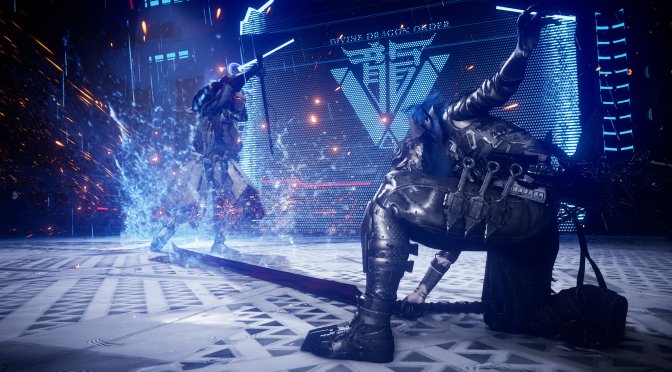
Earlier this week, Microsoft released the latest part in the Ninja Gaiden series, Ninja Gaiden 4. Powered by PlatinumGames’ in-house engine, it’s time now to benchmark it and examine its performance on PC.
For our benchmarks, I used an AMD Ryzen 9 7950X3D, 32GB of DDR5 at 6000Mhz, AMD’s Radeon RX 6900XT, RX 7900XTX, RX 9070XT, as well as NVIDIA’s RTX 2080Ti, RTX 3080, RTX 4090, RTX 5080, and RTX 5090. I also used Windows 10 64-bit, the GeForce 581.57, and the Radeon Adrenalin Edition 25.9.2 drivers.
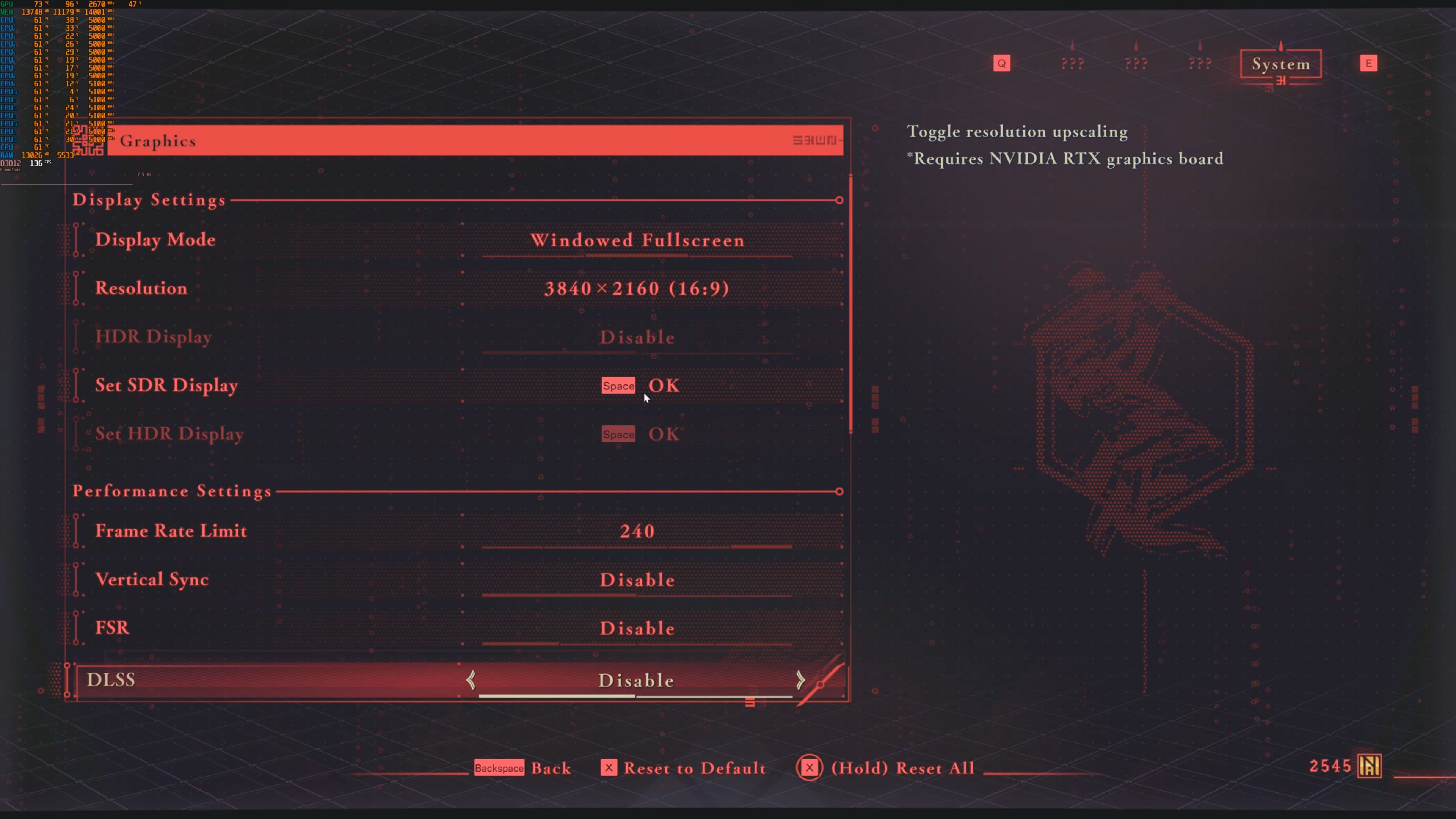
PlatinumGames has added very few graphics settings to tweak. PC gamers can adjust the quality of Textures, Shadows, Ambient Occlusion, Reflections, and Volumetric Fog. You can also enable or disable Wind Effects and Motion Blur. The game supports NVIDIA DLSS and AMD FSR. However, there is no support for Frame Gen. Not only that, but you cannot set the quality mode for DLSS via the in-game settings. Although FSR has proper settings, DLSS only has an Enable/Disable option.

Ninja Gaiden 4 does not have a built-in benchmark. So, for our benchmarks, I used the first main area. This should give us a pretty good idea of how the rest of it runs.
Ninja Gaiden 4 is a GPU-bound title. At Native 1080 on Max Settings, all of our GPUs were able to run the game with over 60FPS. Even our NVIDIA RTX 2080Ti is able to push framerates over 70FPS at all times.

At Native 1440p on Max Settings, the NVIDIA RTX 2080Ti is unable to provide a smooth gaming experience. However, all of our other GPUs were able to run it with over 60FPS. We can also see that the AMD Radeon RX 6900XT is faster than the NVIDIA RTX 3080. Not only that, but the AMD Radeon RX 7900XTX is able to beat the NVIDIA RTX 5080. The AMD Radeon RX 9070XT is also able to almost match the performance of the NVIDIA RTX 5080. This is obviously a game that runs great on AMD’s hardware.

As for Native 4K/Max Settings, we have not one, not two, but five GPUs that can provide a smooth gaming experience. This is great news as most with a high-end GPU won’t have to use an upscaler to game at 4K. At the same time, those with mid-tier GPUs can use an upscaler to achieve playable framerates at really high resolutions.

Graphics-wise, Ninja Gaiden 4 does not bring anything particularly impressive to the table. While it can look great, you can easily spot the limitations of its rasterized rendering in numerous areas. It would have been great if there were an “Extra” PC setting with Ray Tracing. But then, a lot of PC gamers would complain about not being able to max the game at 4K. For the type of game Ninja Gaiden 4 is, it looks great and runs silky smooth. And, since we’re talking about a very fast-paced game, it makes sense to mainly focus on its overall performance.
As I’ve already said, the PC controls in this game are great. This is a nice surprise because older Platinum Games titles had terrible keyboard and mouse controls. That’s not the case here. Platinum Games finally learned its lesson. Ninja Gaiden 4 has smooth mouse input and proper on-screen KB&M prompts. You can easily play and enjoy it this way — and that’s a big win in my book.
All in all, Ninja Gaiden 4 runs great on PC. The PC controls are fantastic, and I did not experience any major stutters. Yes, the game does not push mind-blowing visuals. However, it at least runs great on a wide range of PC configurations. And that’s what may count at the end of the day.
Enjoy!


John is the founder and Editor in Chief at DSOGaming. He is a PC gaming fan and highly supports the modding and indie communities. Before creating DSOGaming, John worked on numerous gaming websites. While he is a die-hard PC gamer, his gaming roots can be found on consoles. John loved – and still does – the 16-bit consoles, and considers SNES to be one of the best consoles. Still, the PC platform won him over consoles. That was mainly due to 3DFX and its iconic dedicated 3D accelerator graphics card, Voodoo 2. John has also written a higher degree thesis on the “The Evolution of PC graphics cards.”
Contact: Email