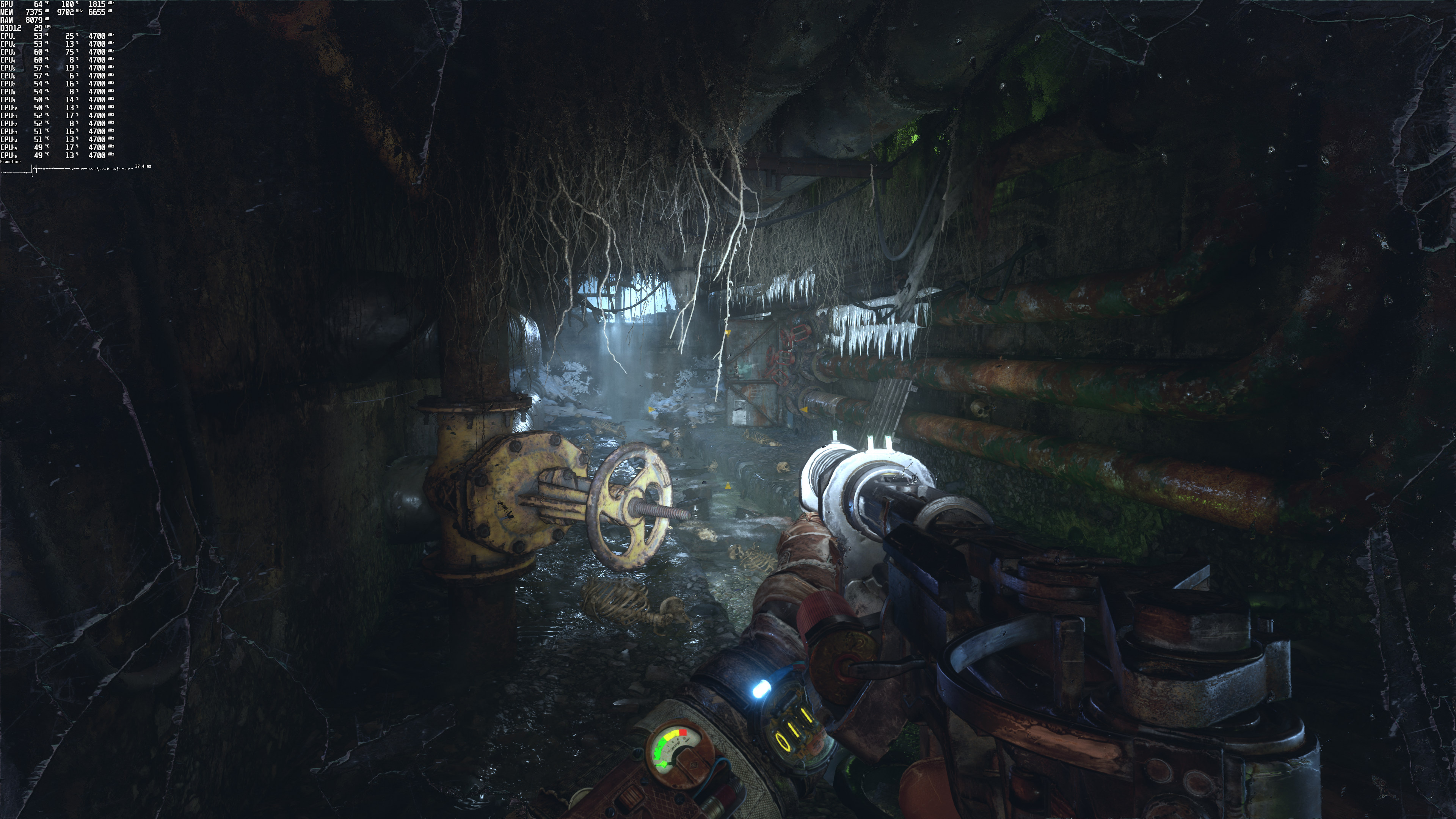
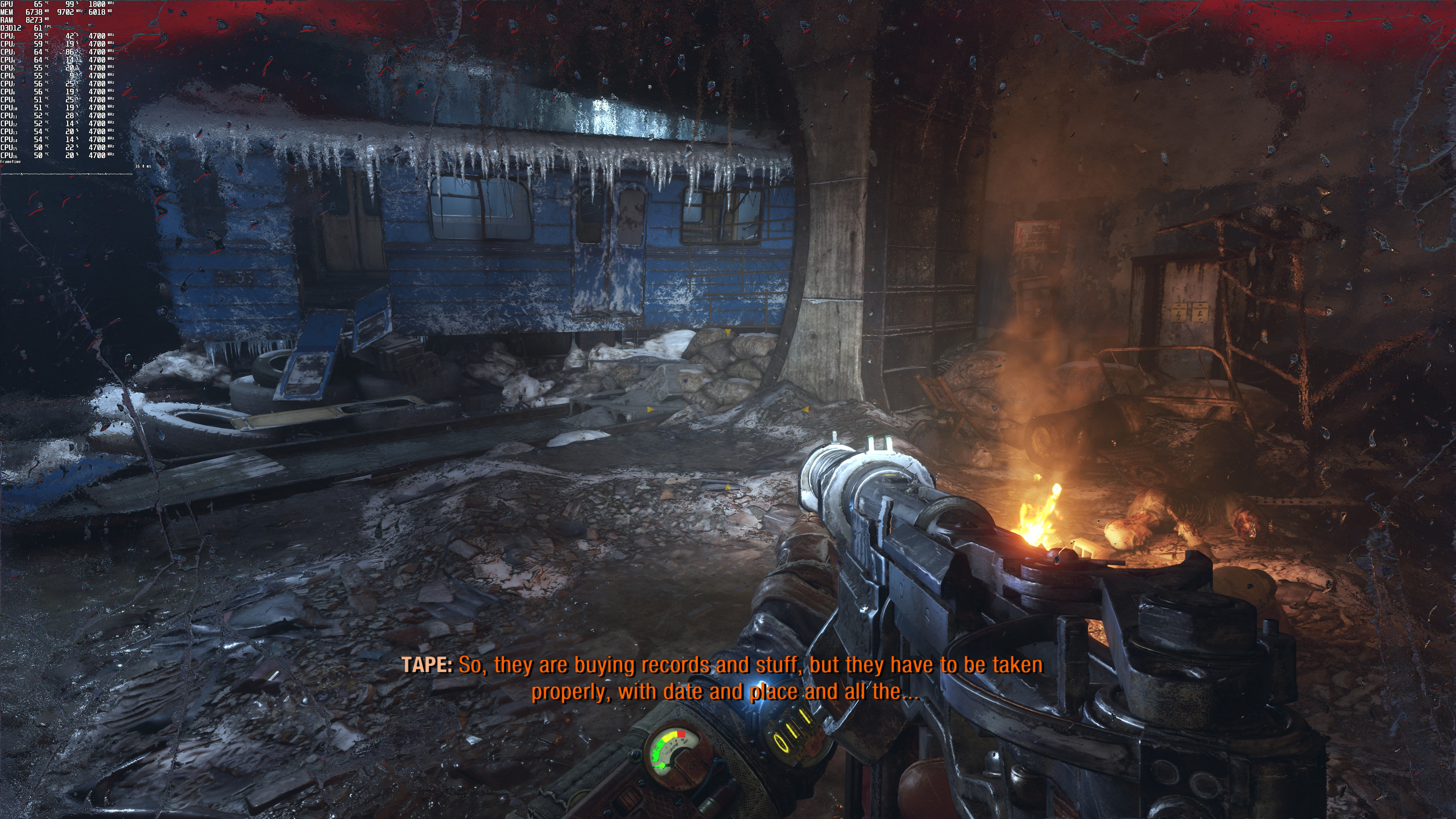
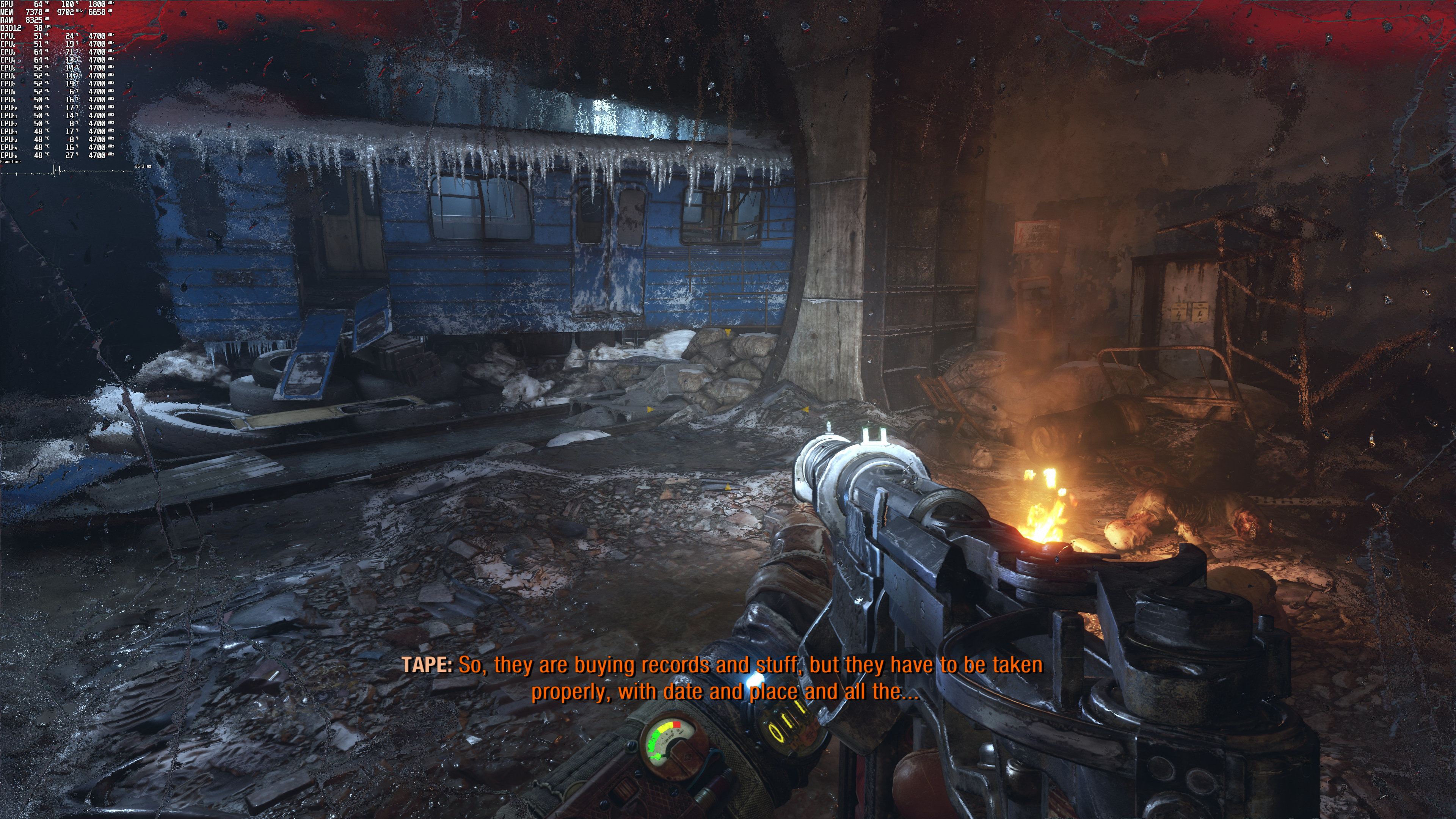
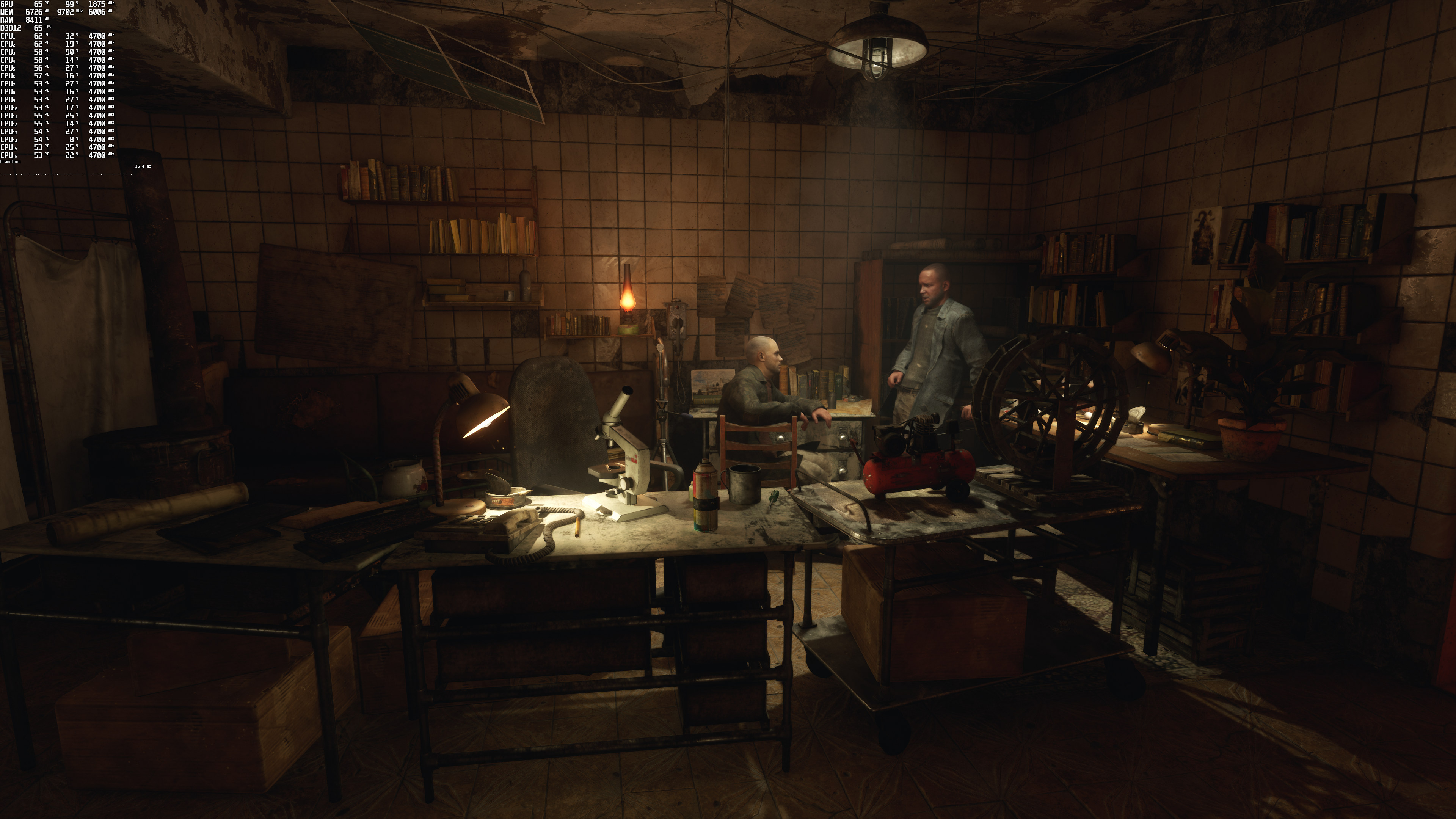
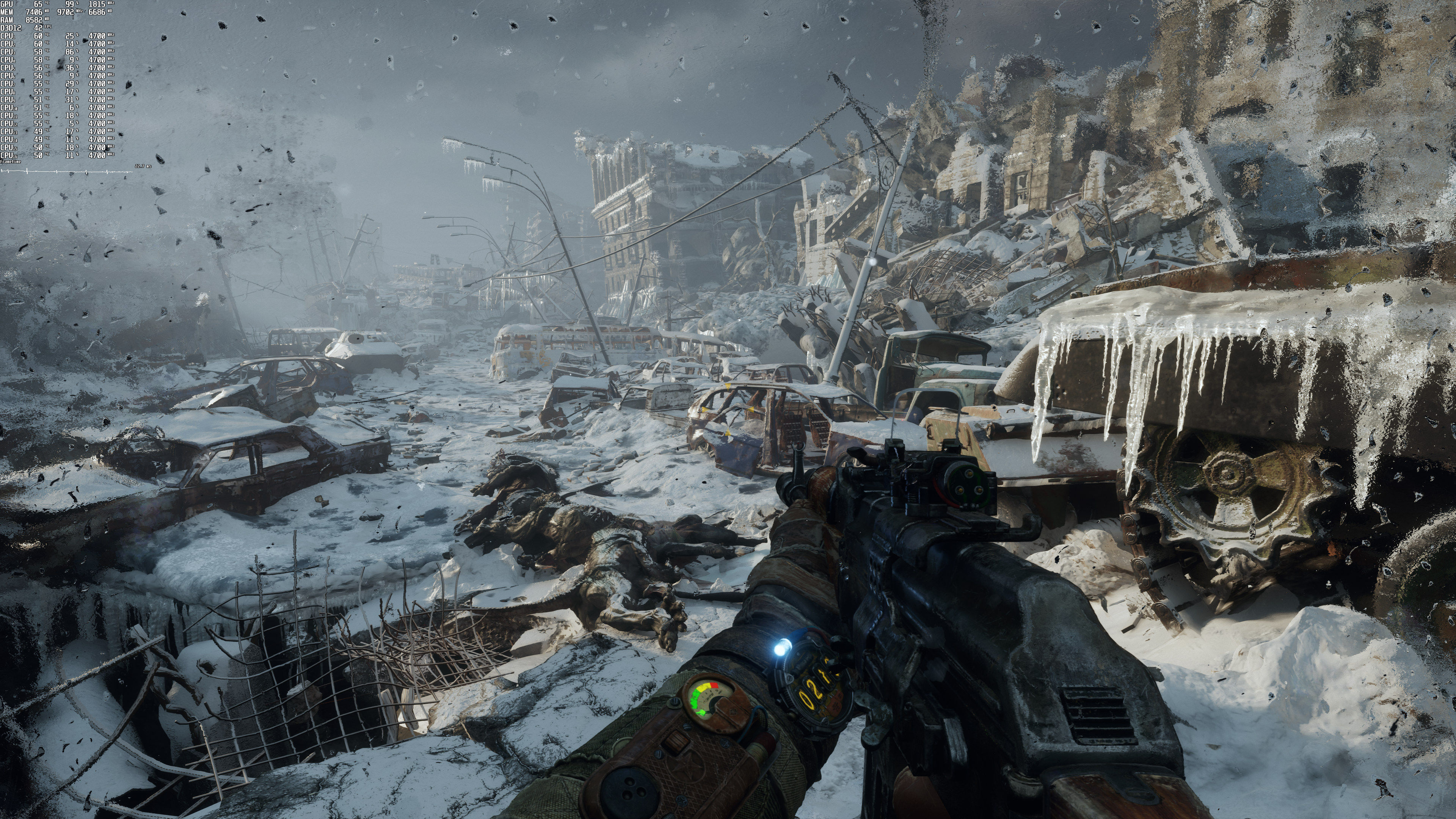
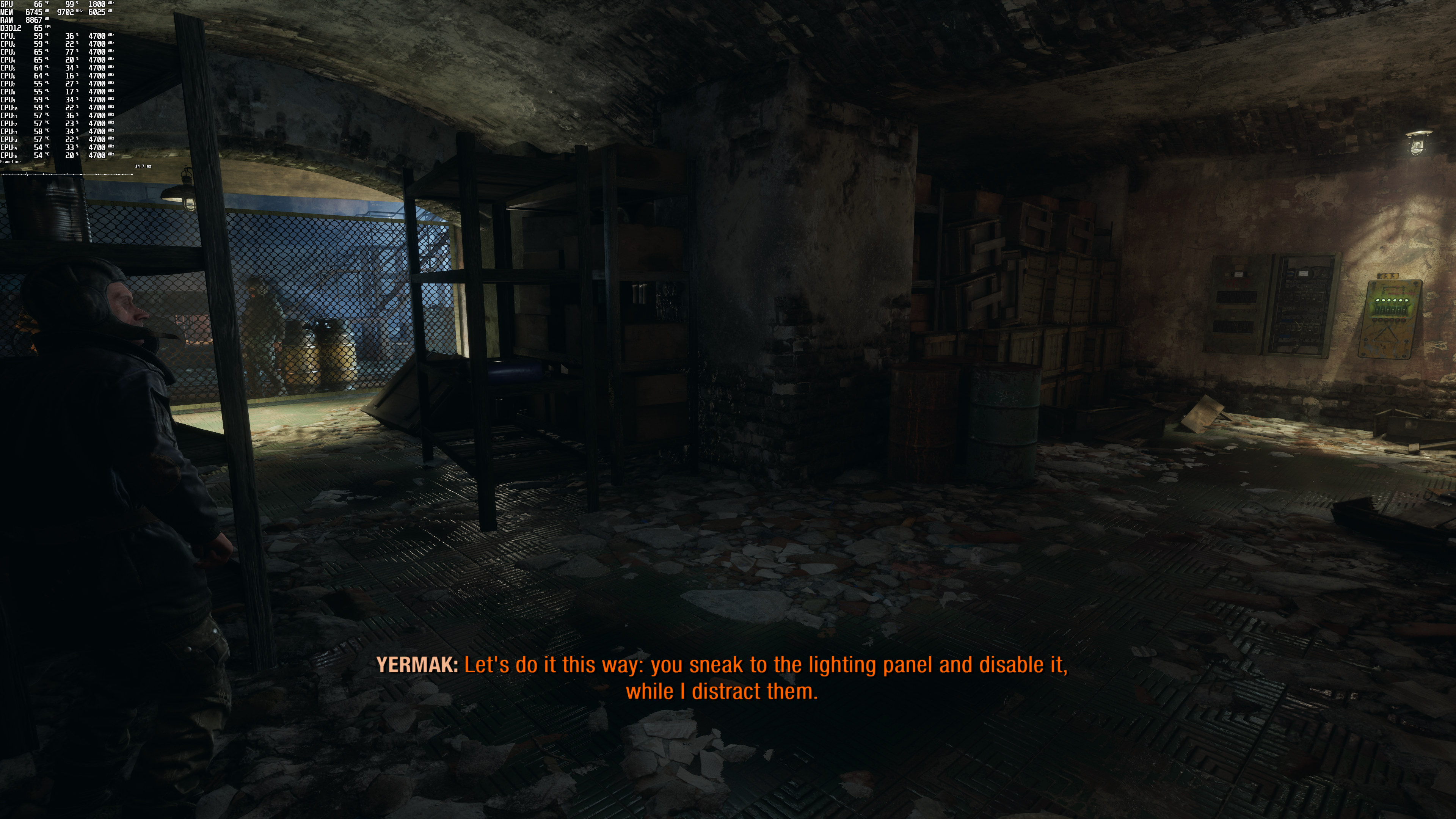
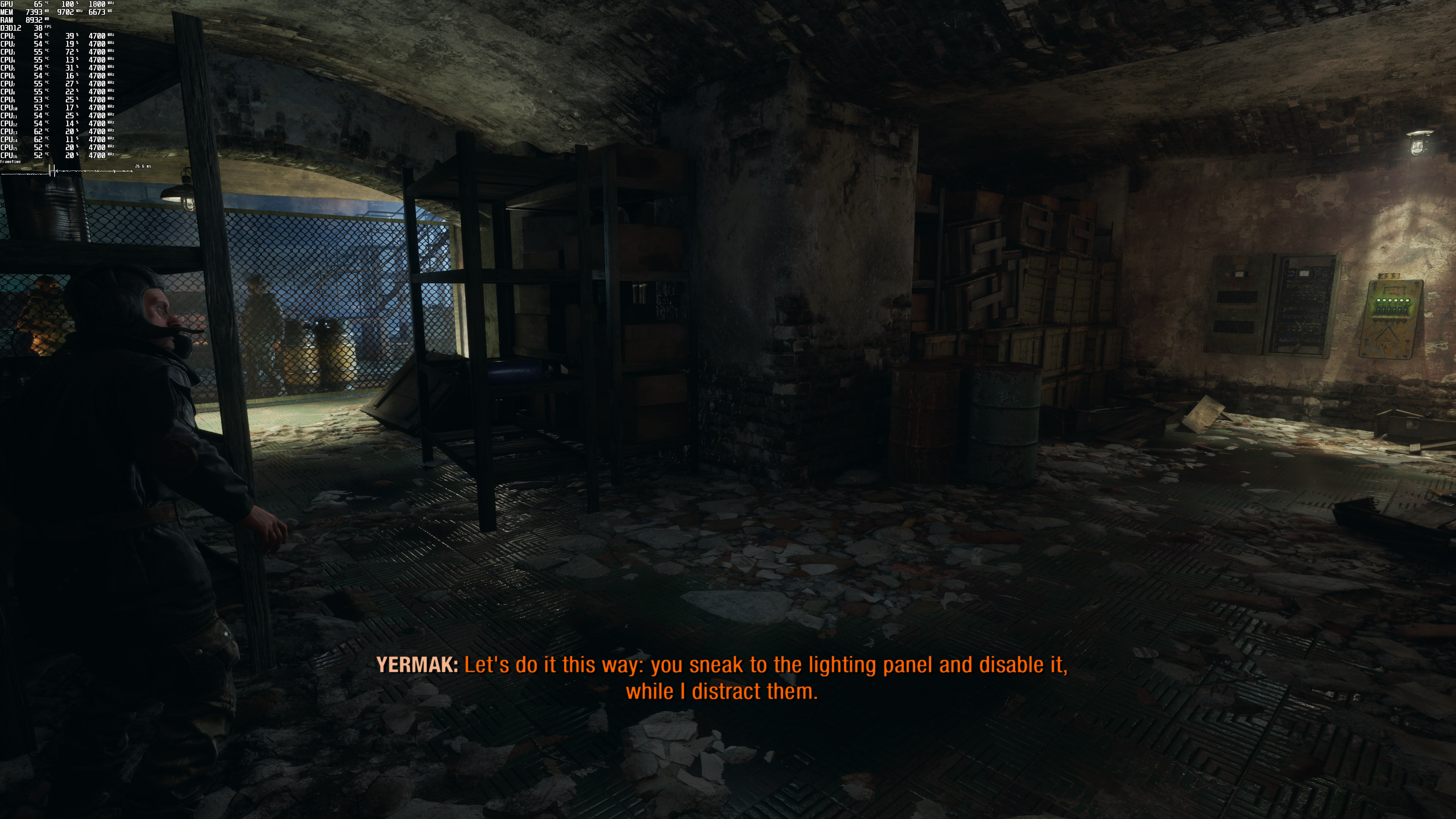
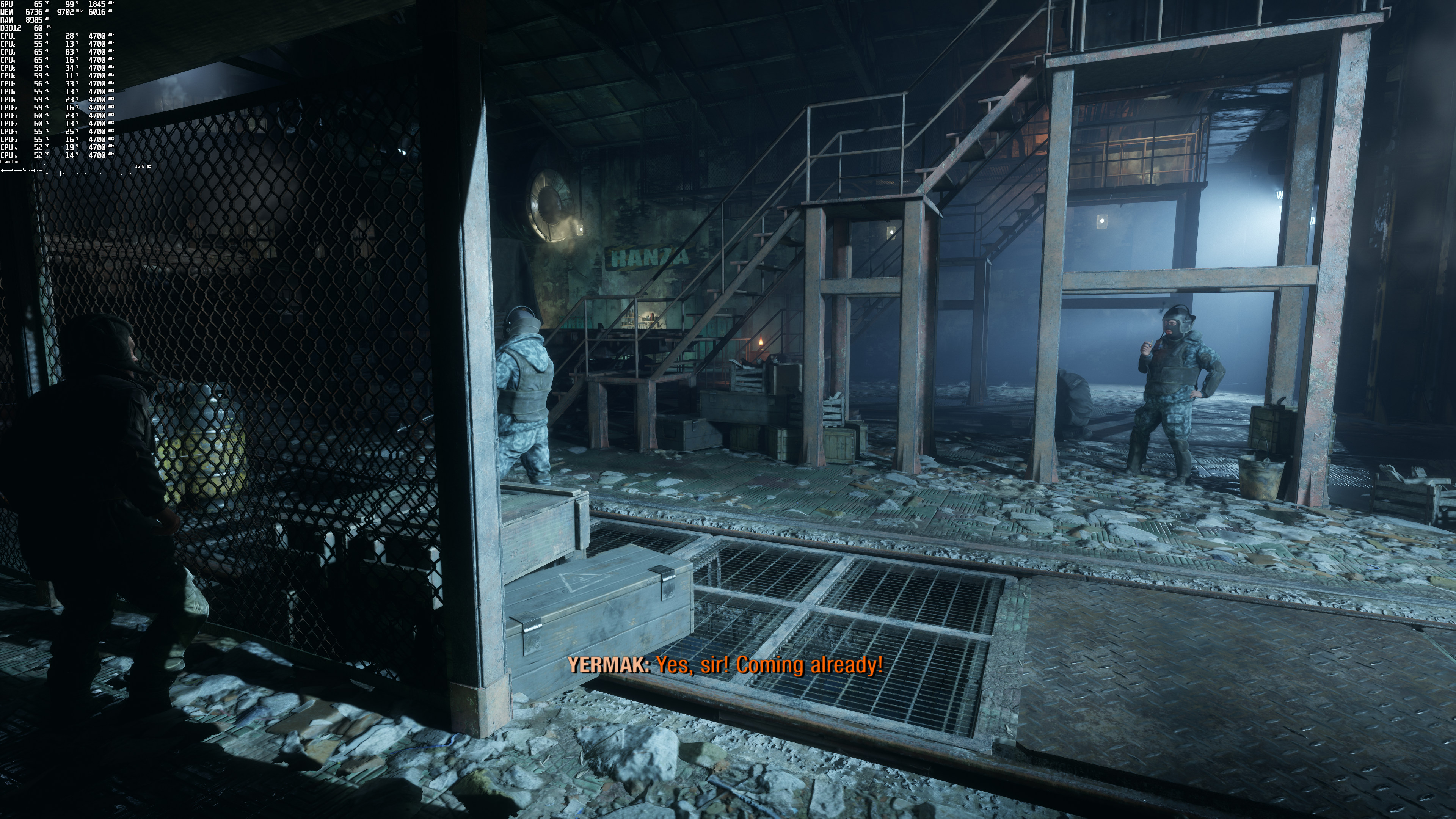
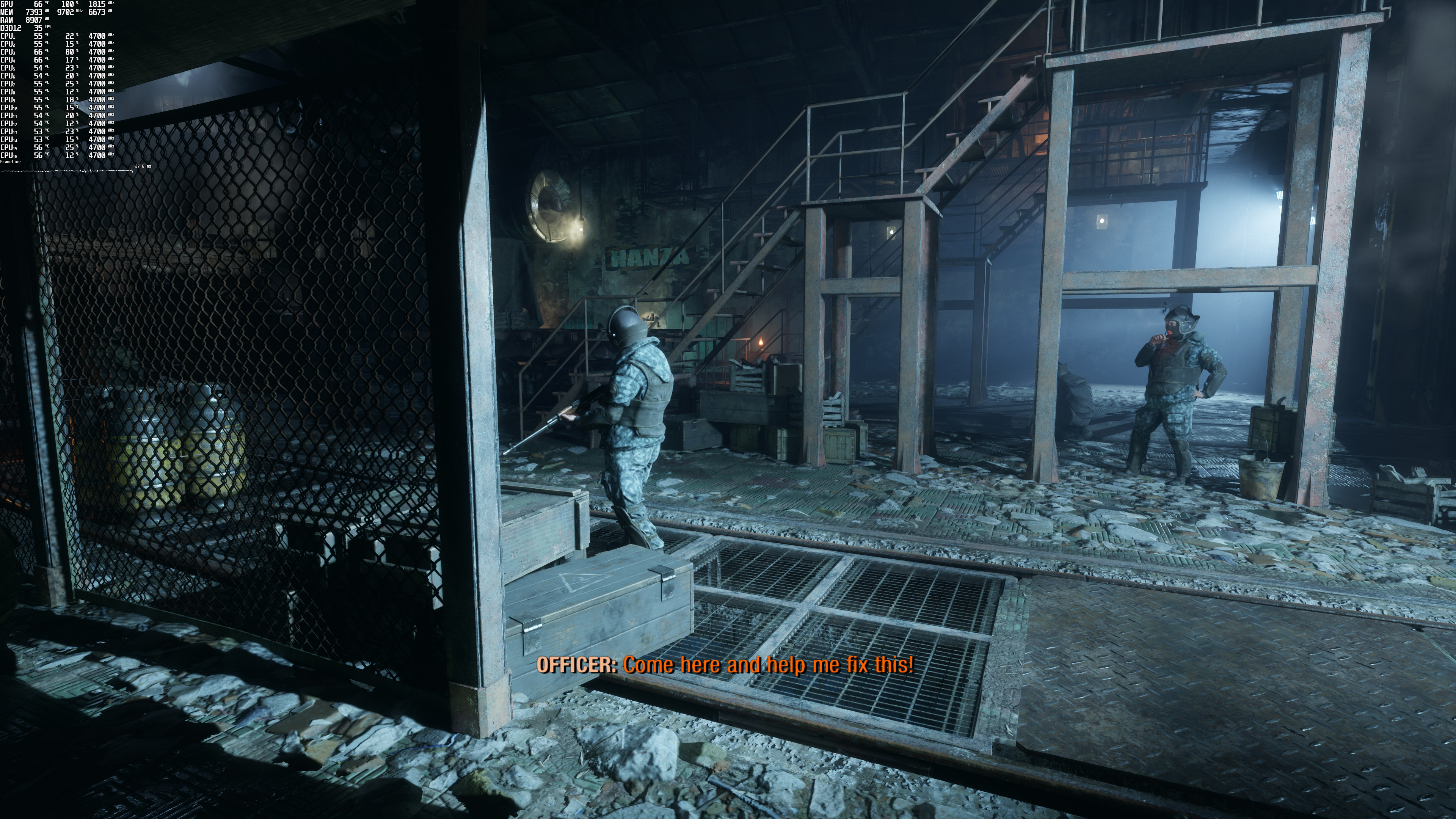
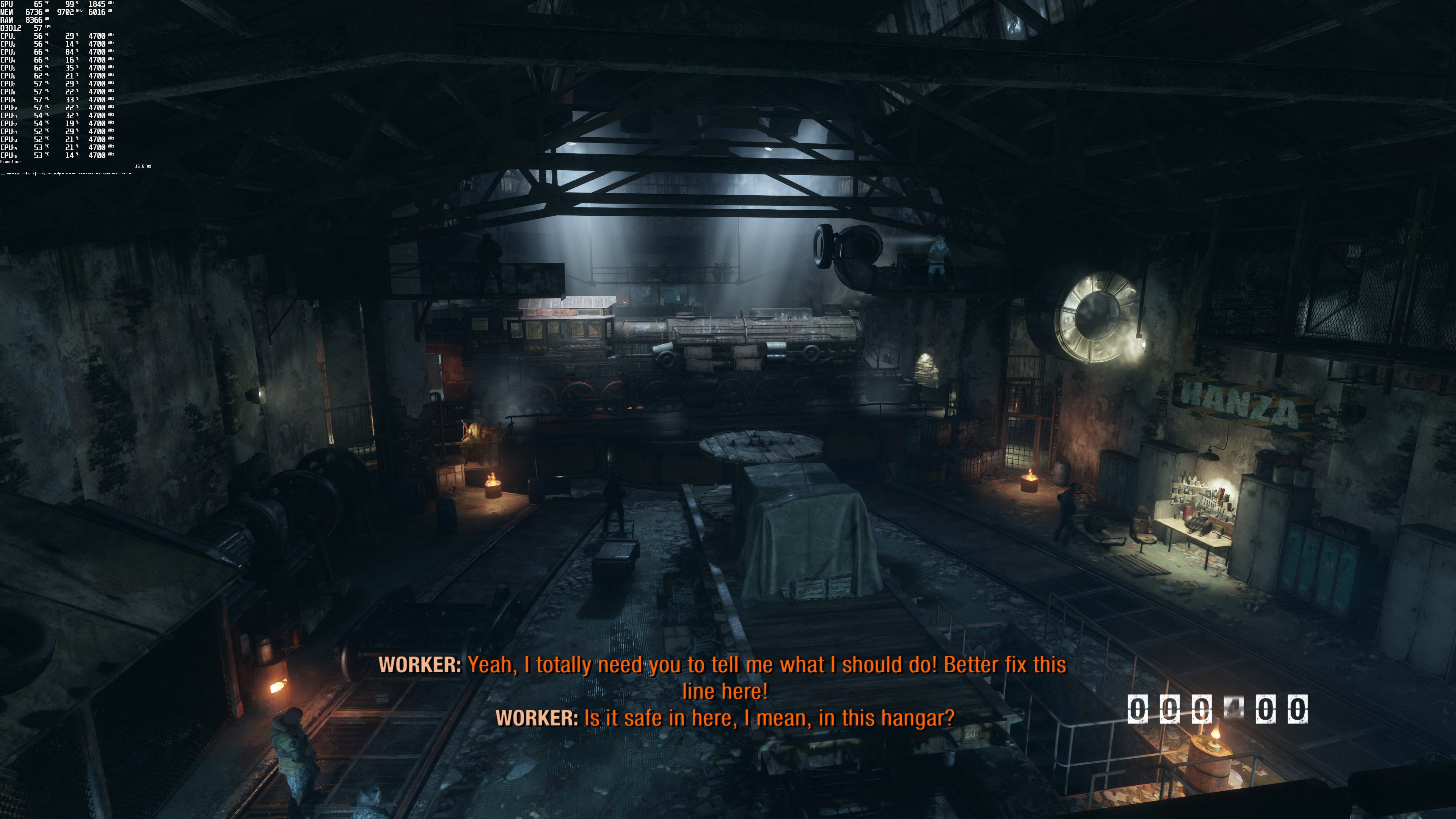
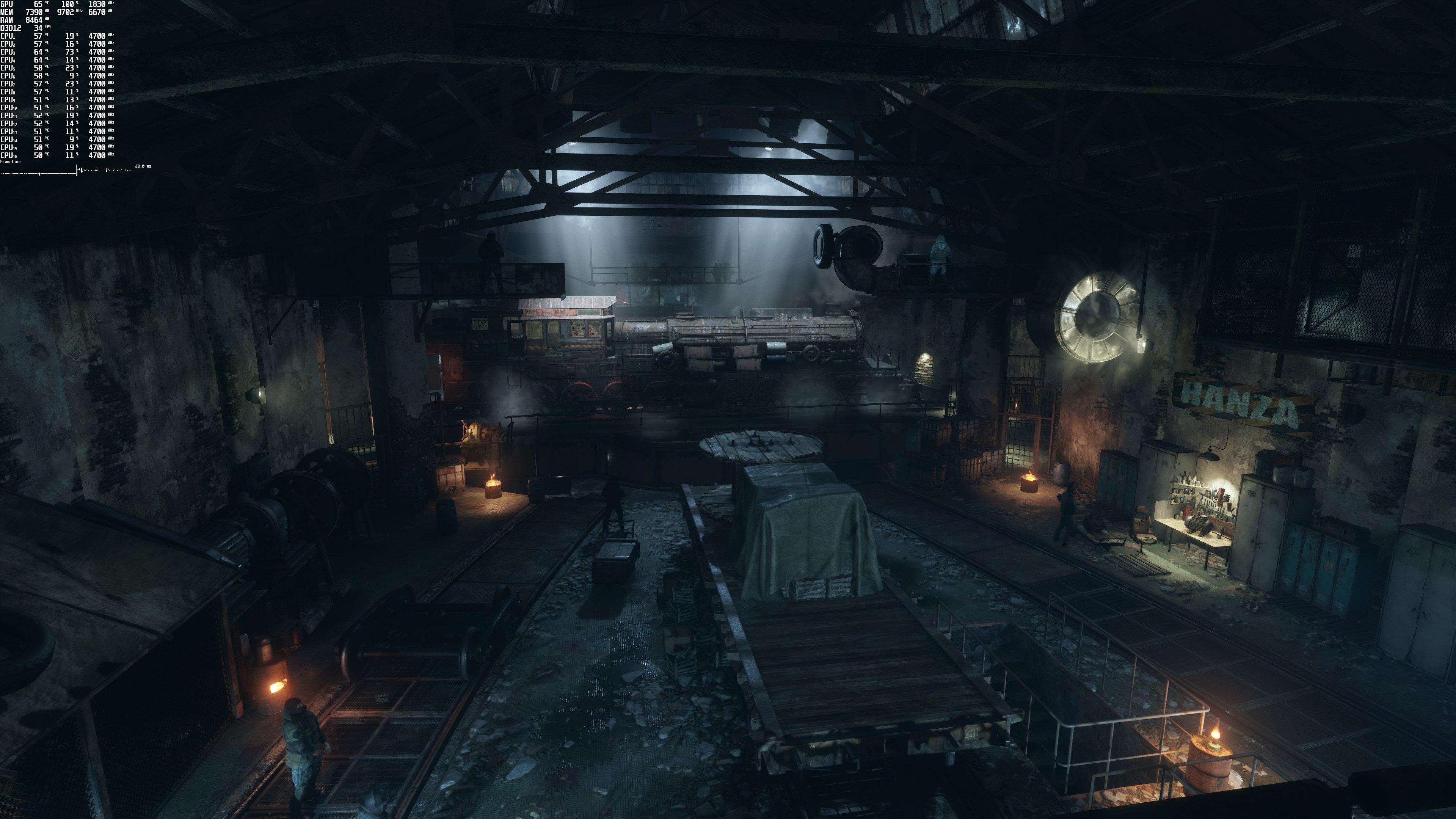
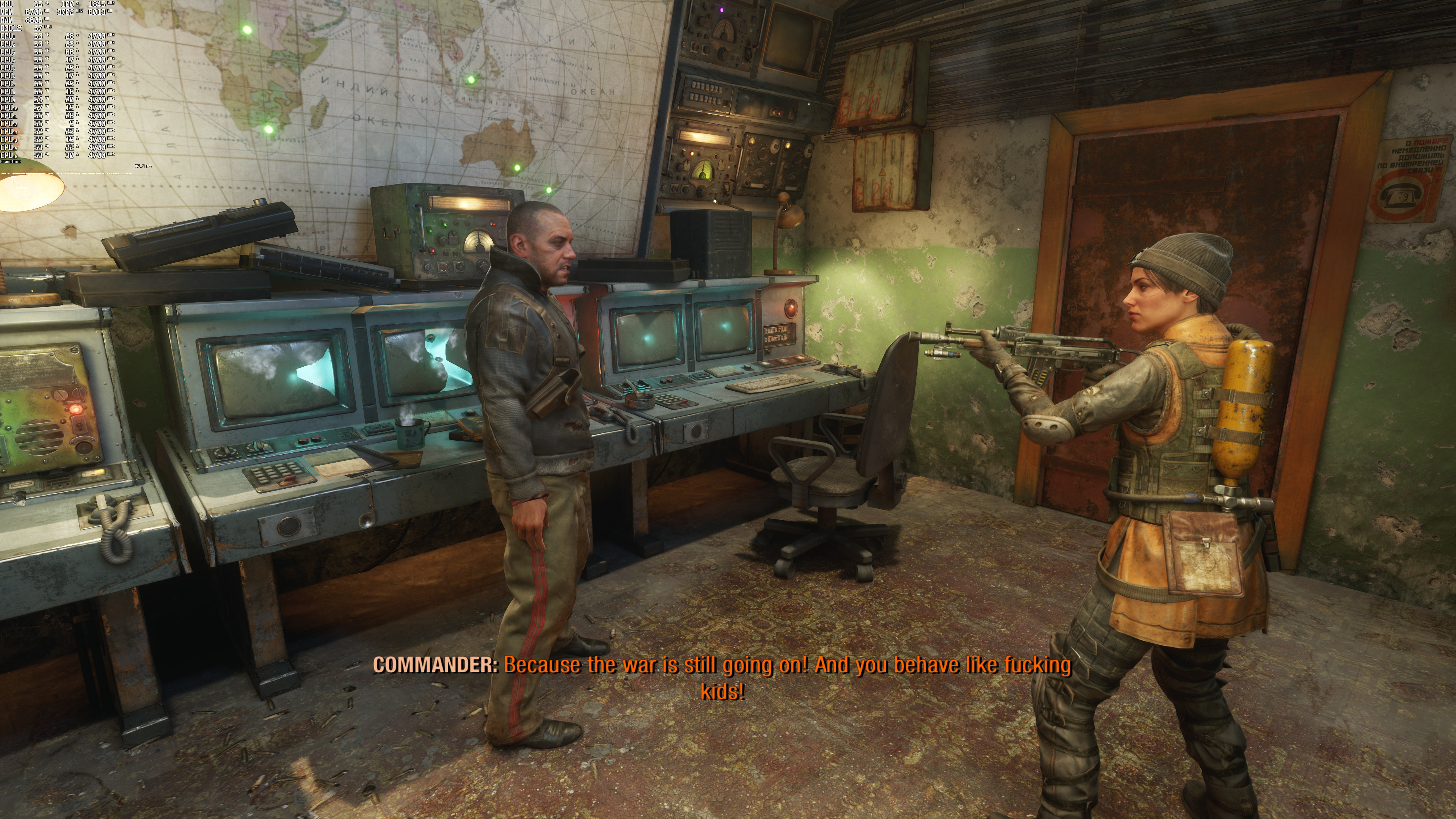
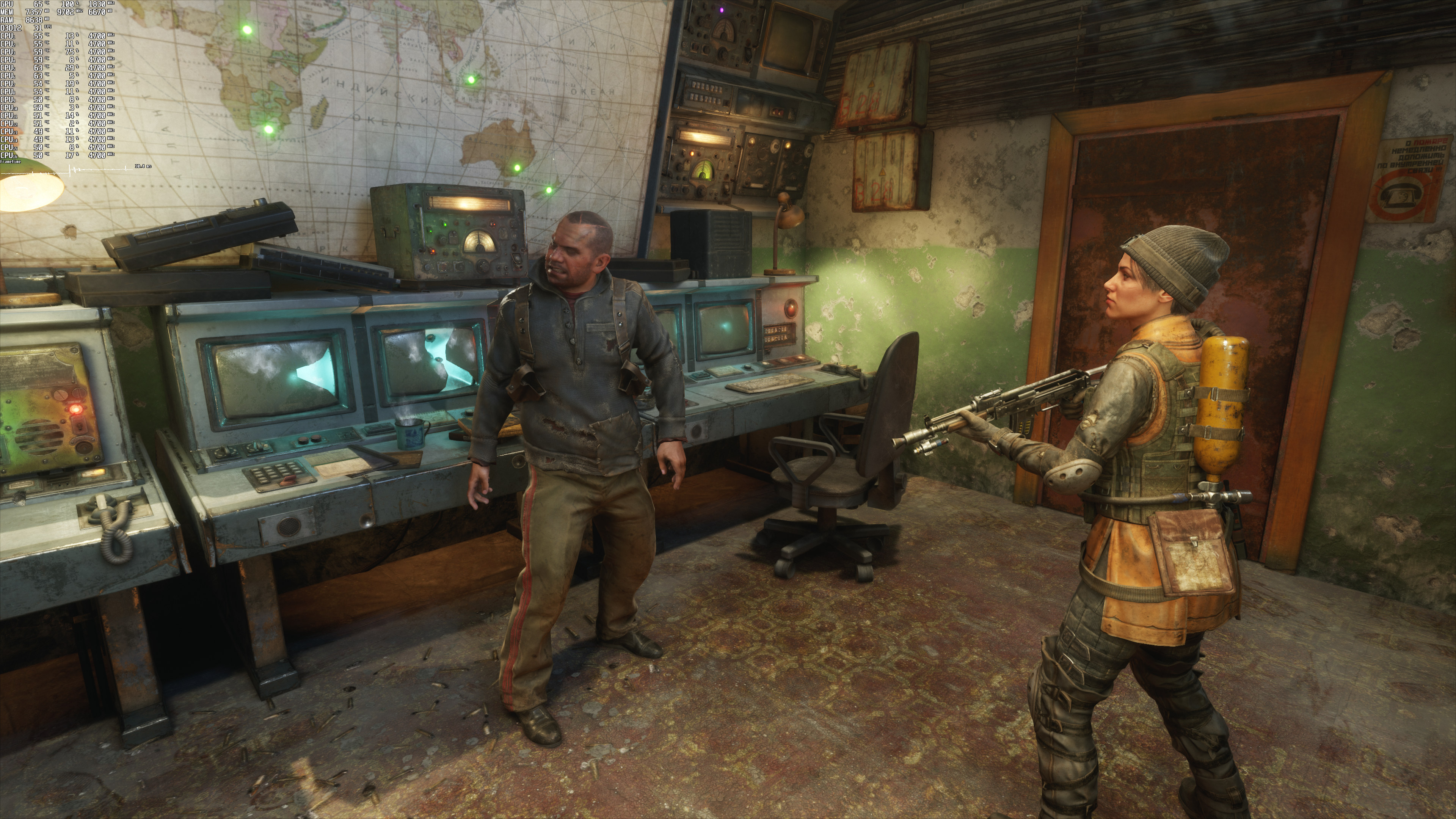
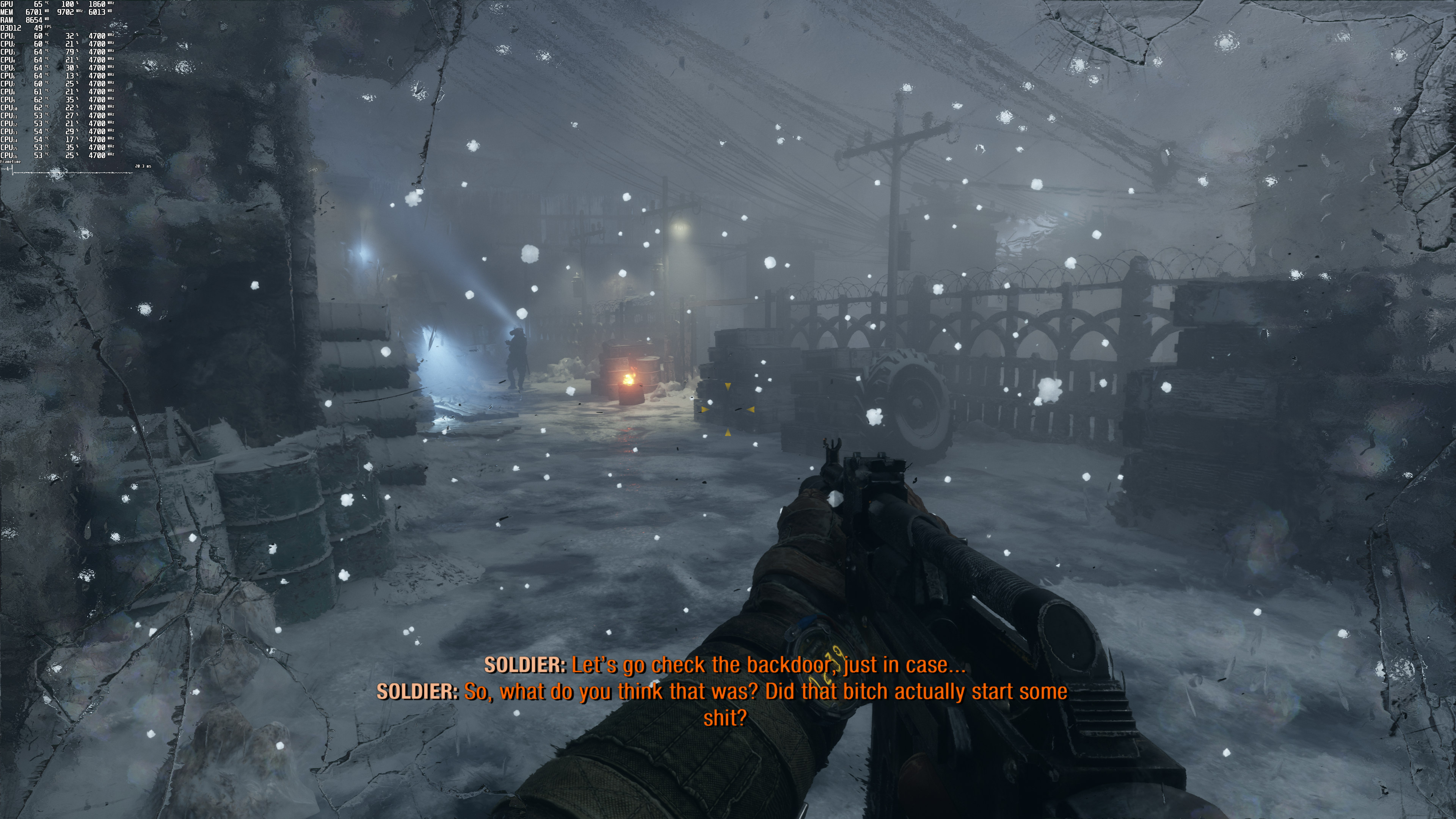
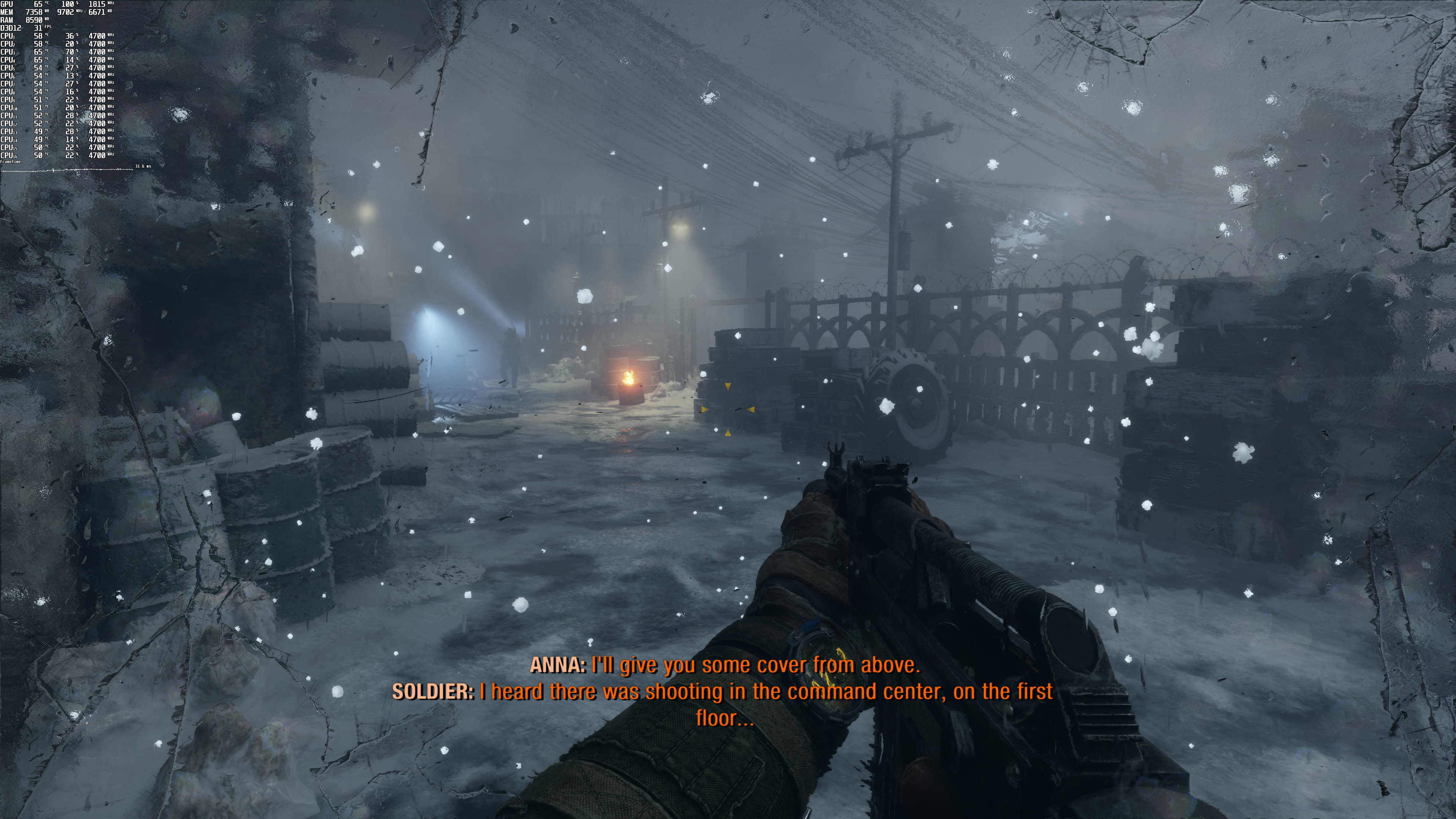
Metro Exodus Enhanced Edition is finally available on PC. This special version requires a GPU that supports Ray Tracing effects. Moreover, it supports NVIDIA’s DLSS 2.0 tech. As such, you can find below some DLSS and Ray Tracing benchmarks.
For these benchmarks, we used an Intel i9 9900K with 16GB of DDR4 at 3600Mhz, an NVIDIA GeForce RTX 3080, Windows 10 64-bit, and the GeForce 466.27 driver.
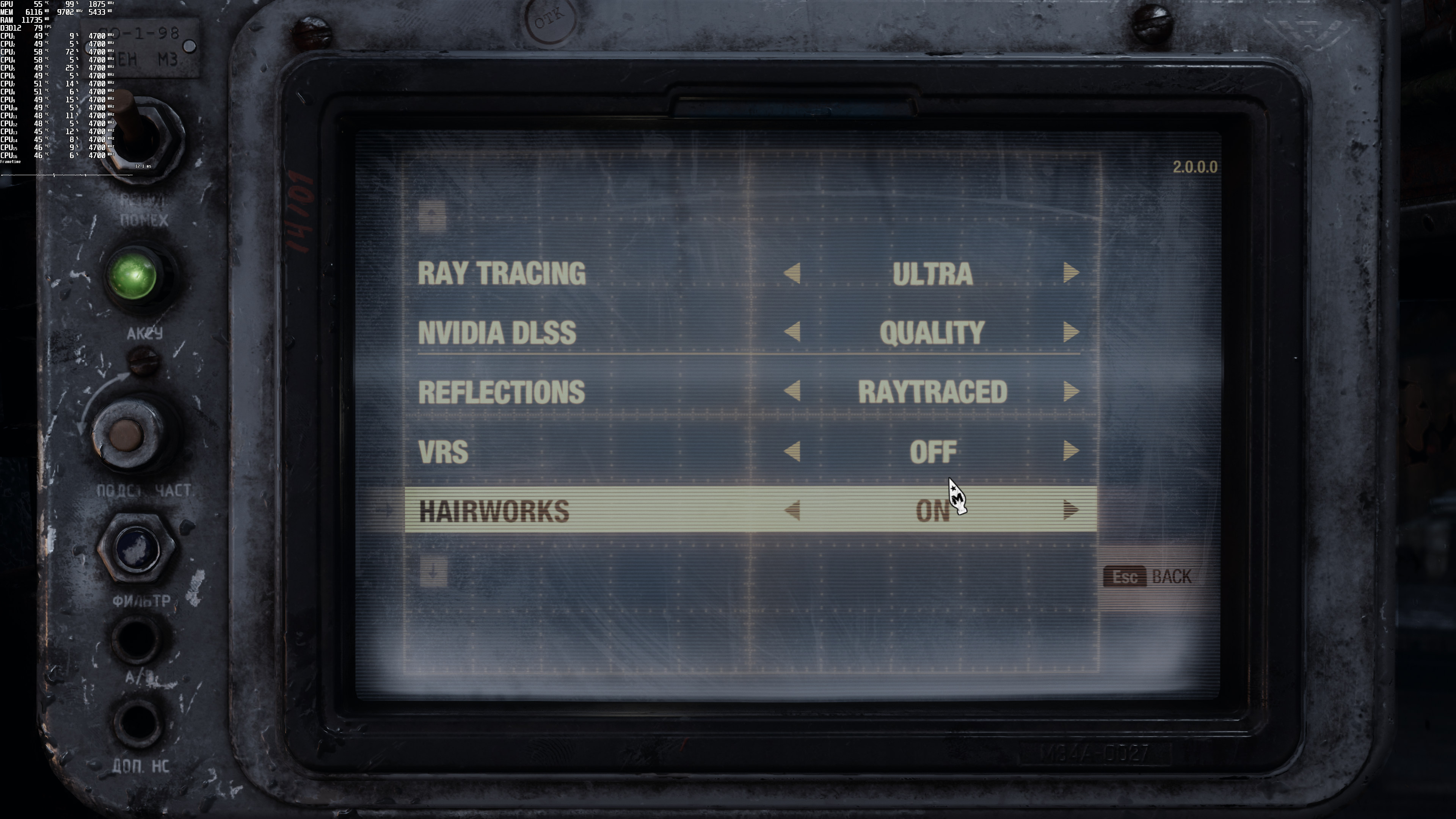
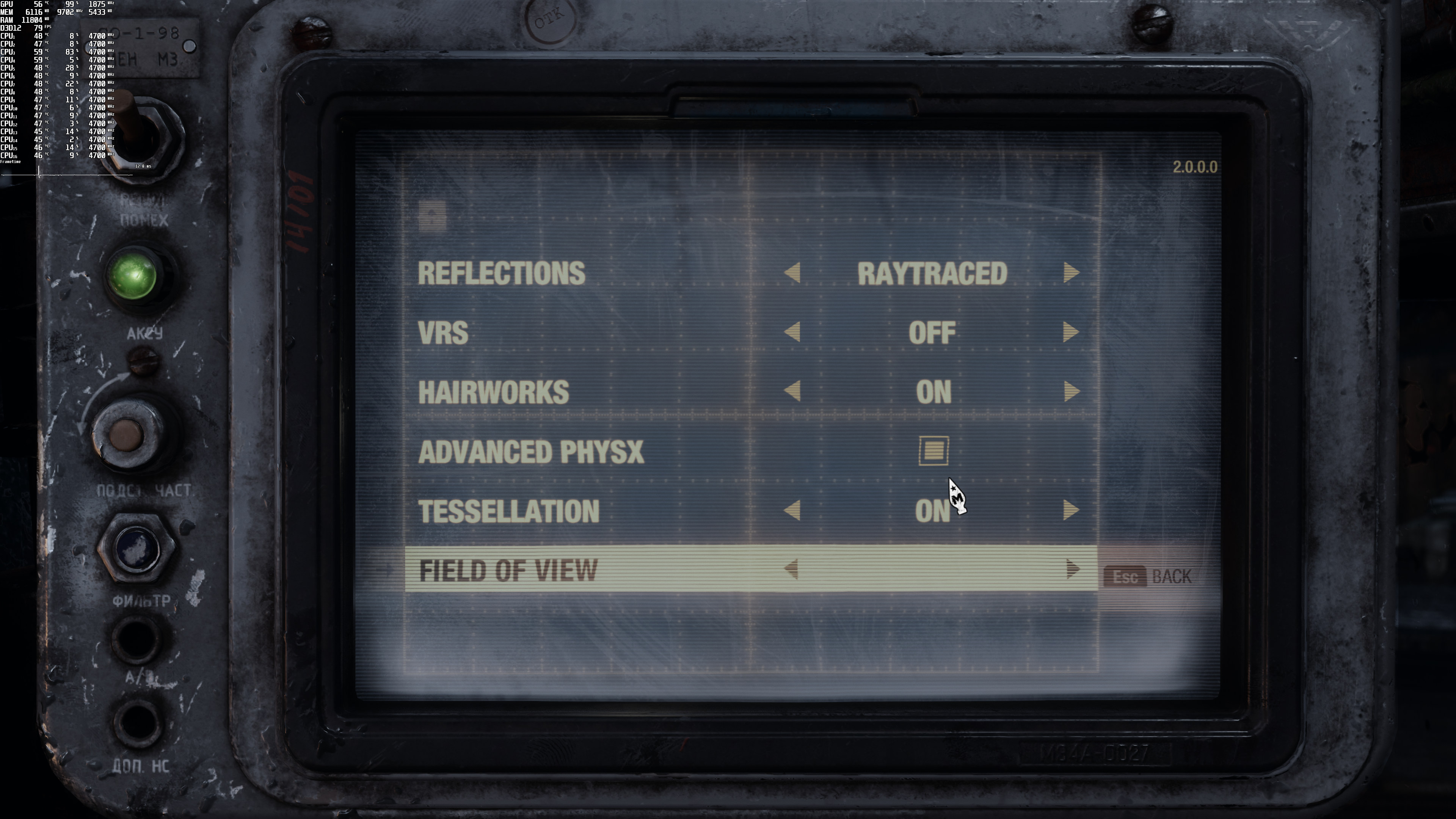
Metro Exodus Enhanced Edition comes with a built-in benchmark tool (which is what we used for our tests). Do note, though, that this is a stress test. As such, the game’s actual “in-game performance” is better (though there might be some scenes in later stages that reflect the benchmark test). Here are also the settings we’ve used (basically Max Settings).
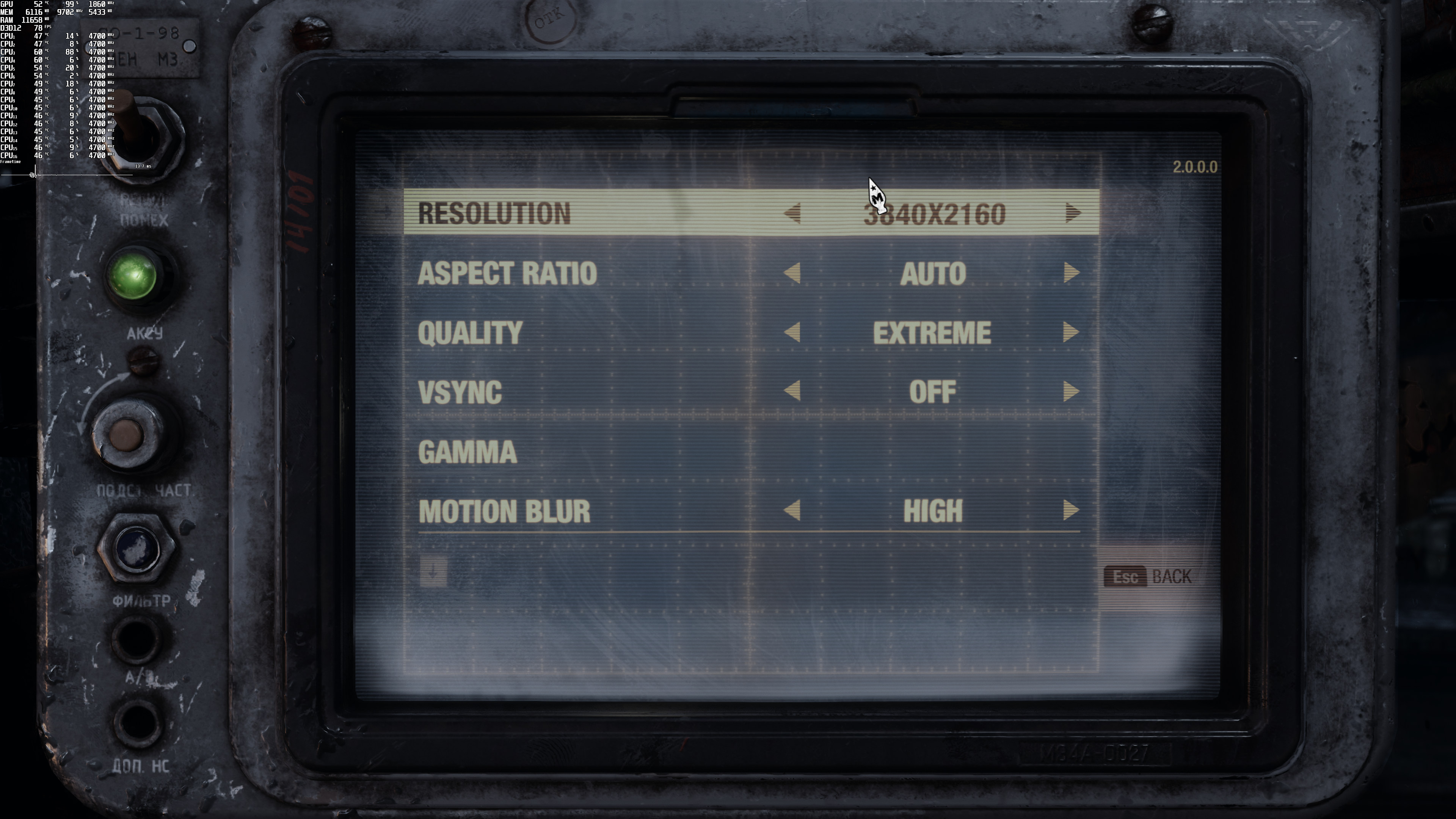
As we’ve already reported, Metro Exodus Enhanced Edition requires a GPU that is capable of Ray Tracing. The game comes with three Ray Tracing settings: Normal, High and Ultra.
Our RTX3080 was able to run the benchmark scene comfortably at native 1080p. There was a scene in which our framerate dropped below 50fps. However, and for the most part, the RTX3080 was pushing over 60fps.
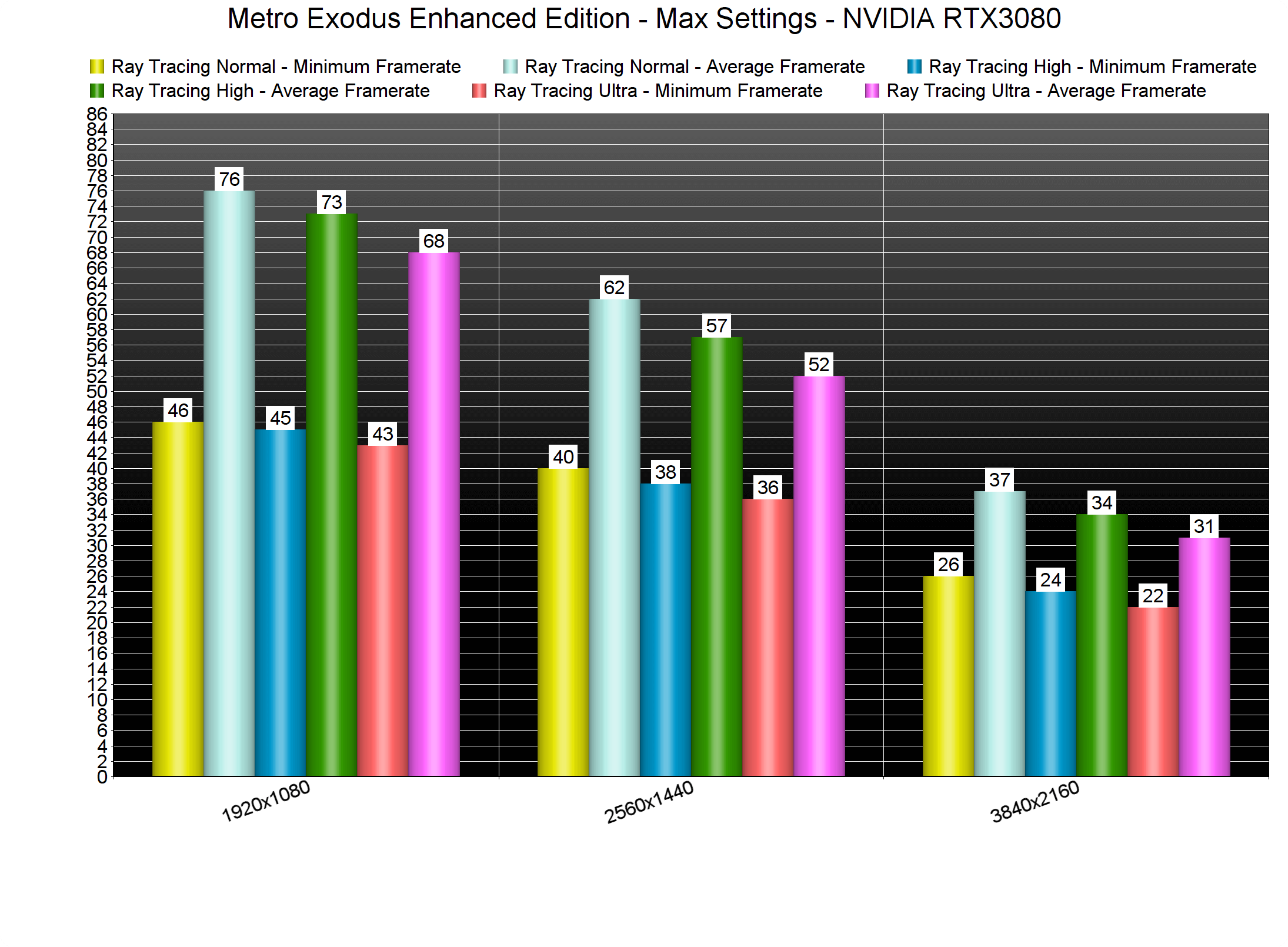
At 2560×1440, the RTX3080 was averaging between 50-60fps (depending on the RT setting). And as for 4K, the RTX3080 was pushing 30fps (with some drops to mid-20s). Again, keep in mind that this is a stress test.
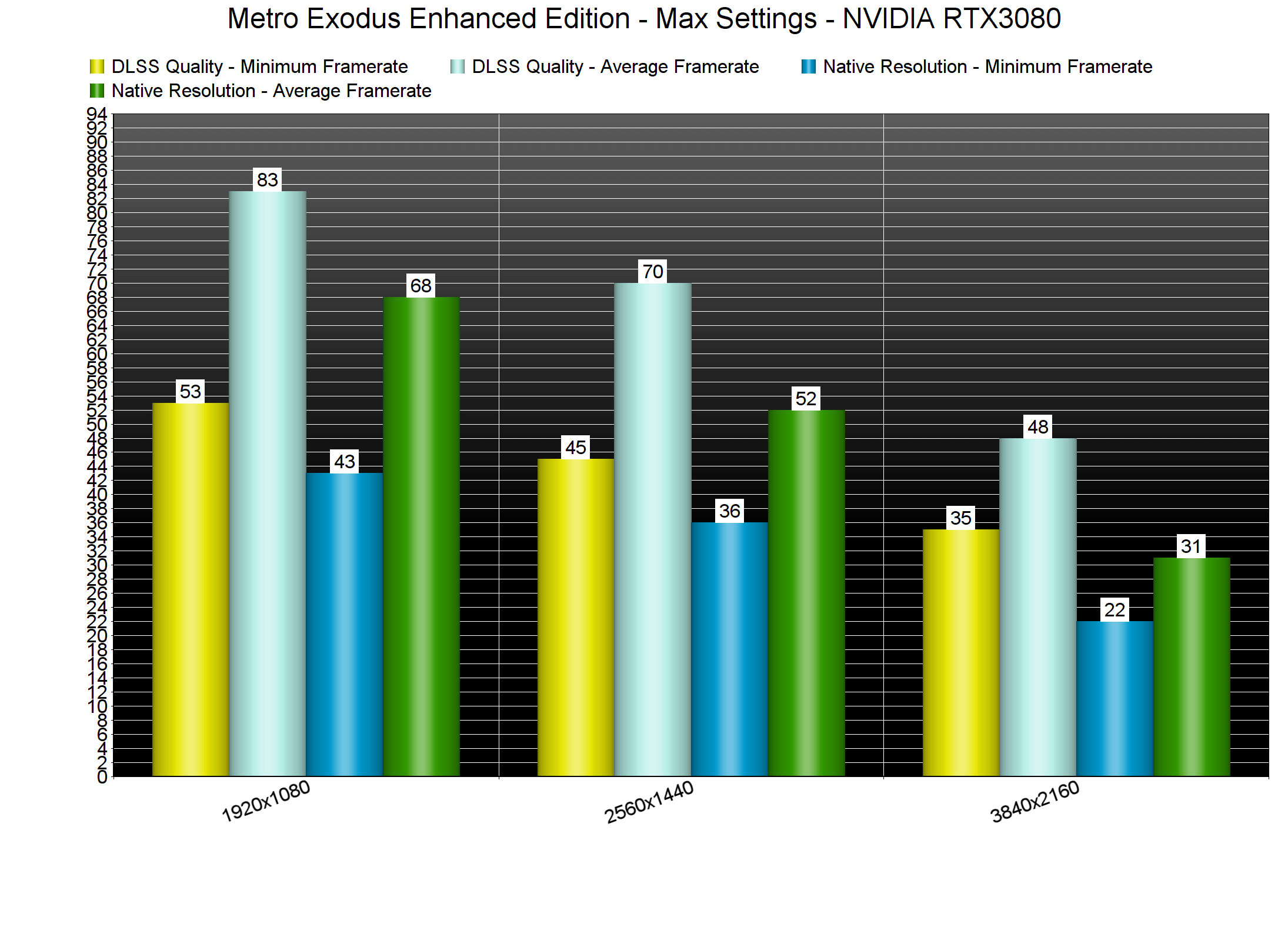
Now the good news here is that Metro Exodus Enhanced Edition supports DLSS 2.0. Thanks to DLSS, NVIDIA owners can enjoy really high framerates at higher resolutions. For instance, we saw a 35% performance increase at 2560×1440 and a 54% increase in 4K. As always, we strongly suggest using DLSS Quality Mode as this mode offers the best image quality.
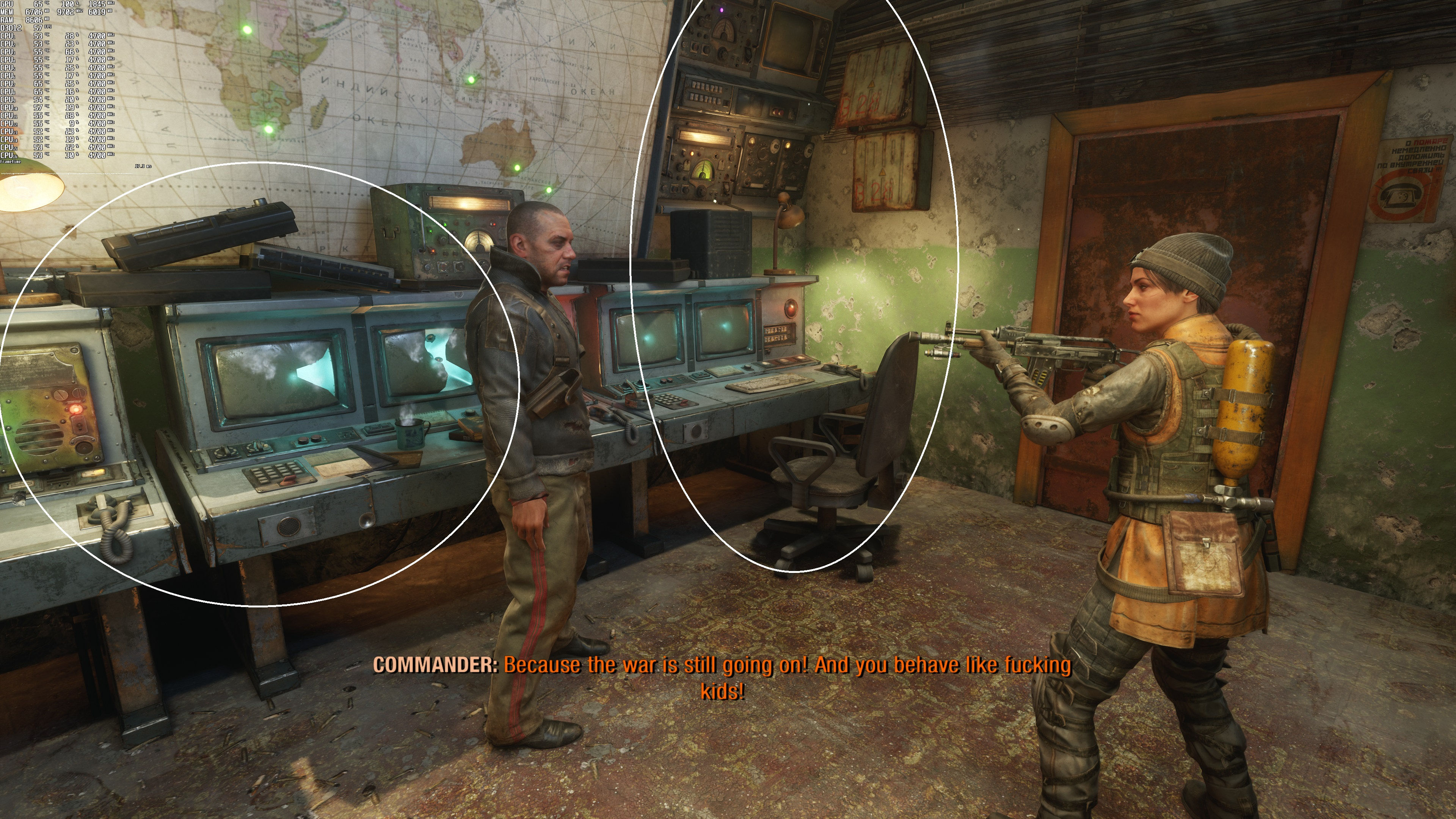
But what about the overall image quality? Is DLSS as good as native resolution in Metro Exodus Enhanced Edition. For the most part, DLSS is as good as the native resolution. However, there are some rare instances in which DLSS looks blurrier than native resolution.
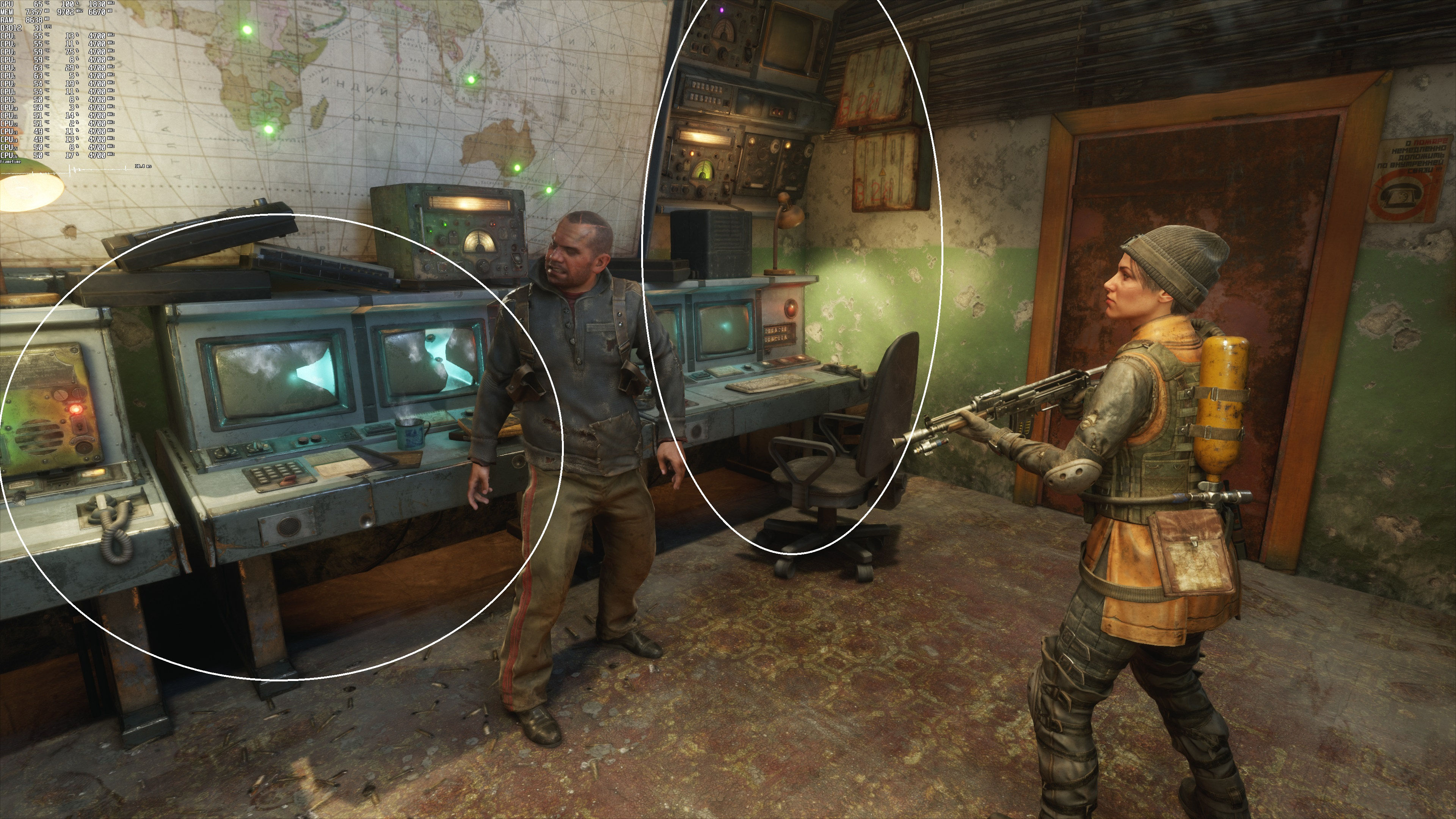
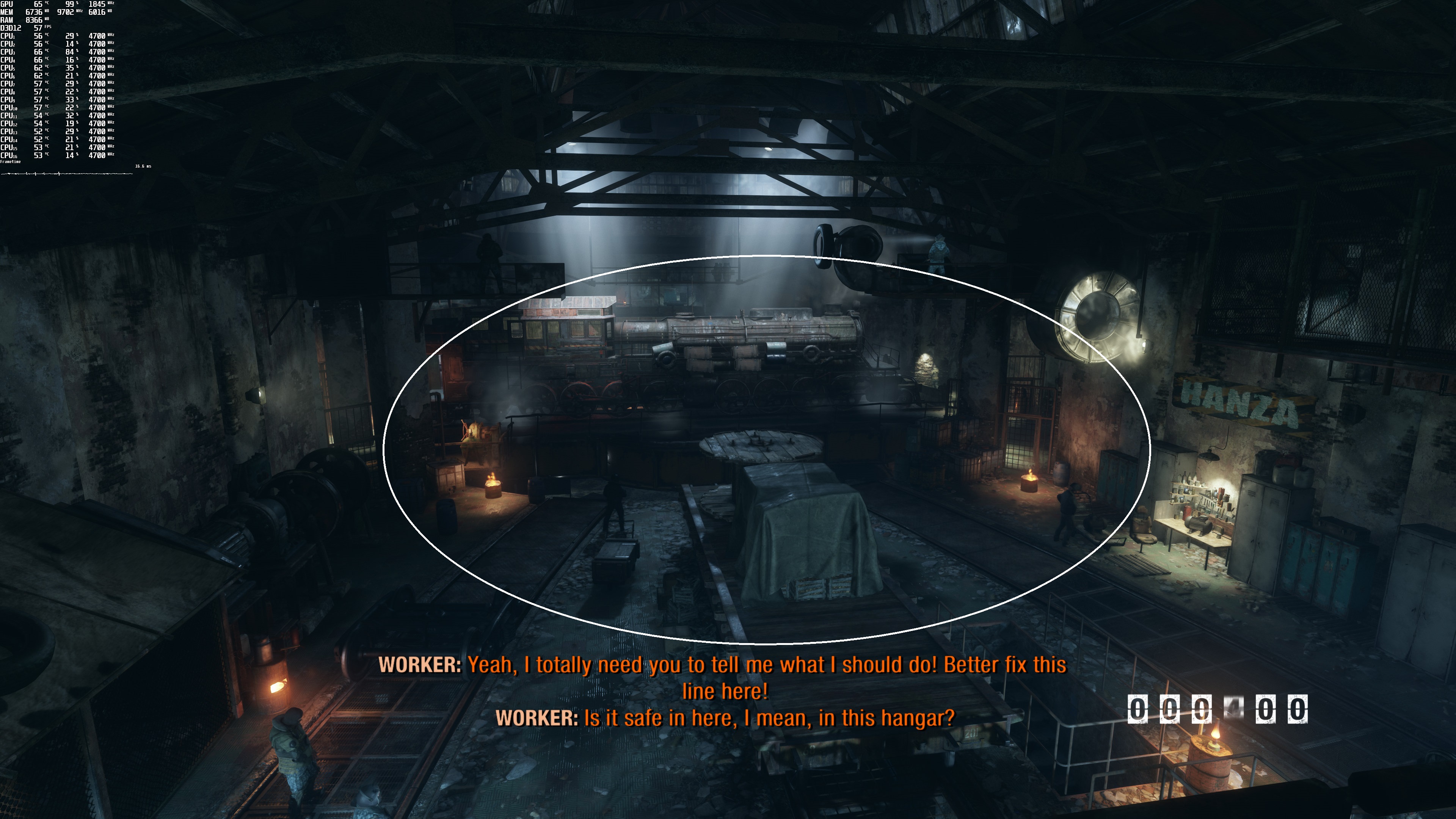
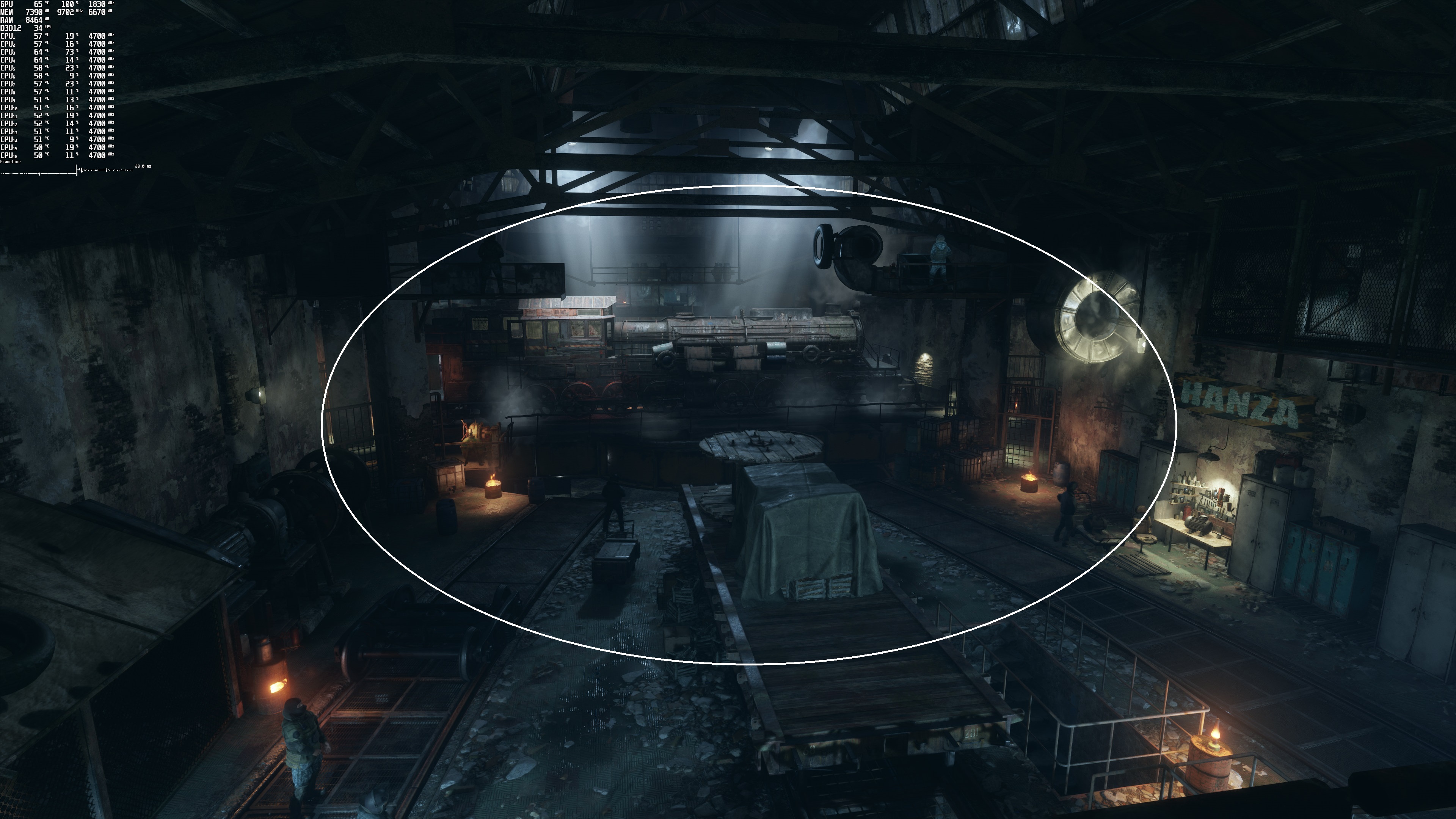
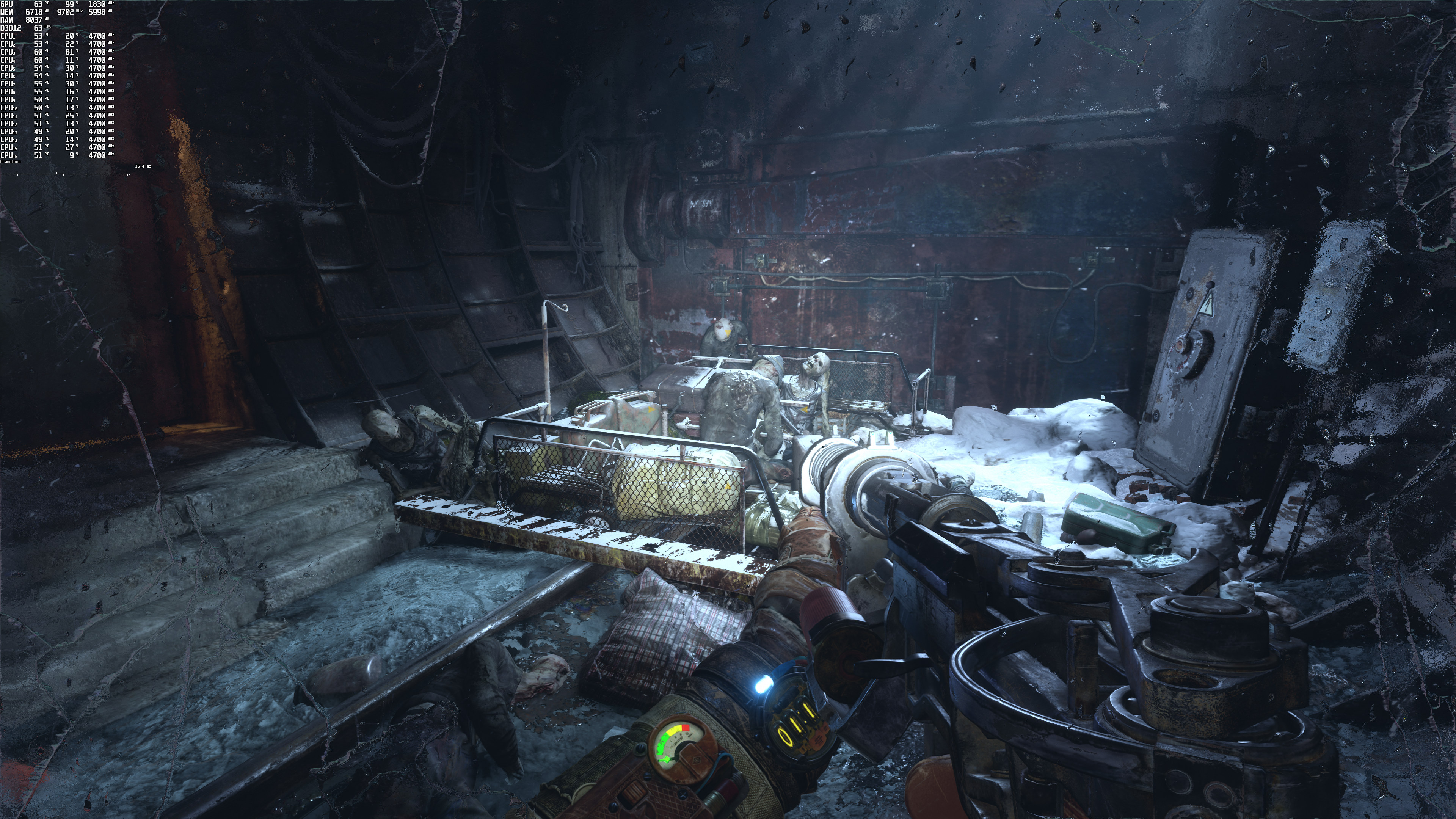
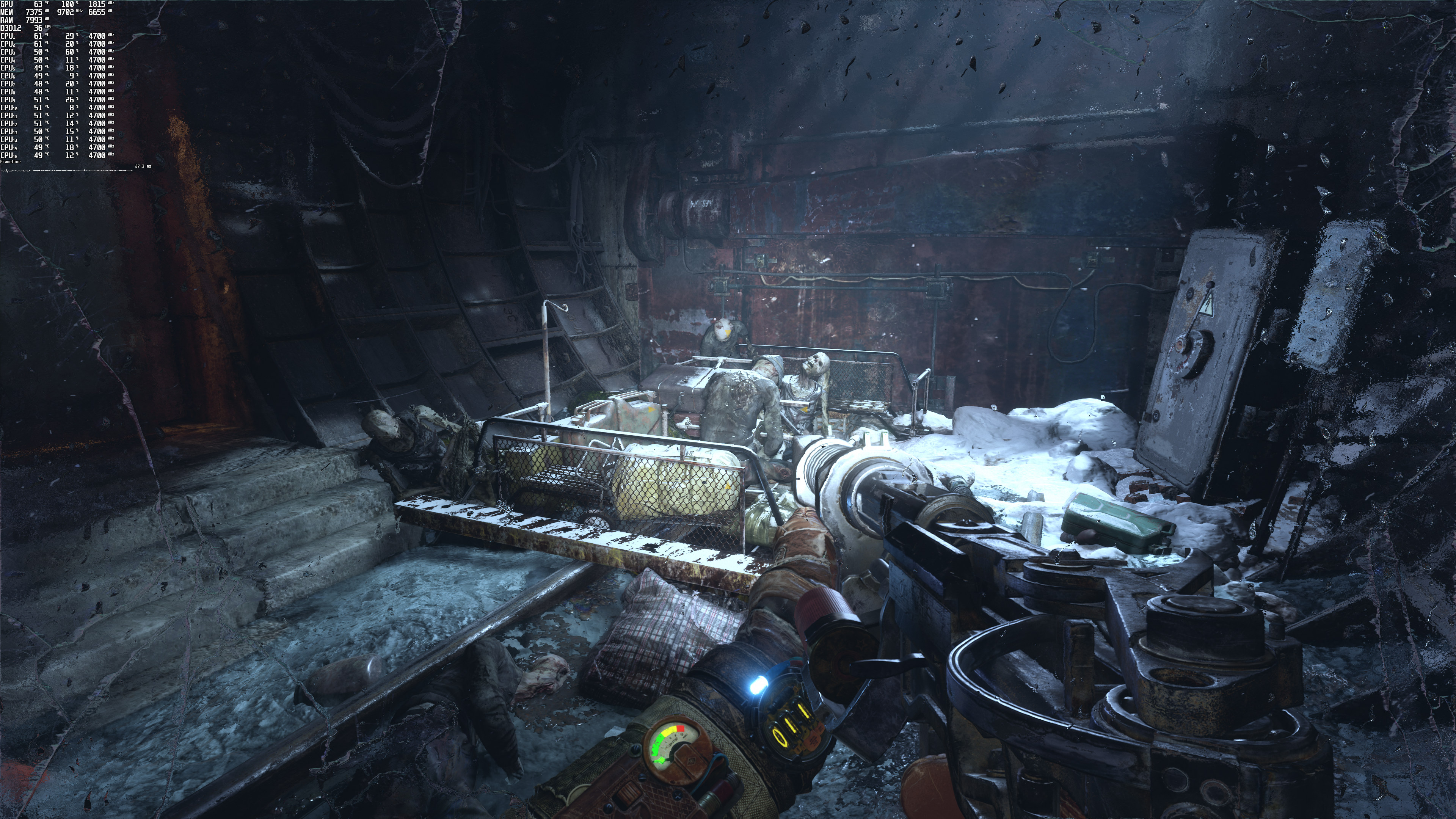
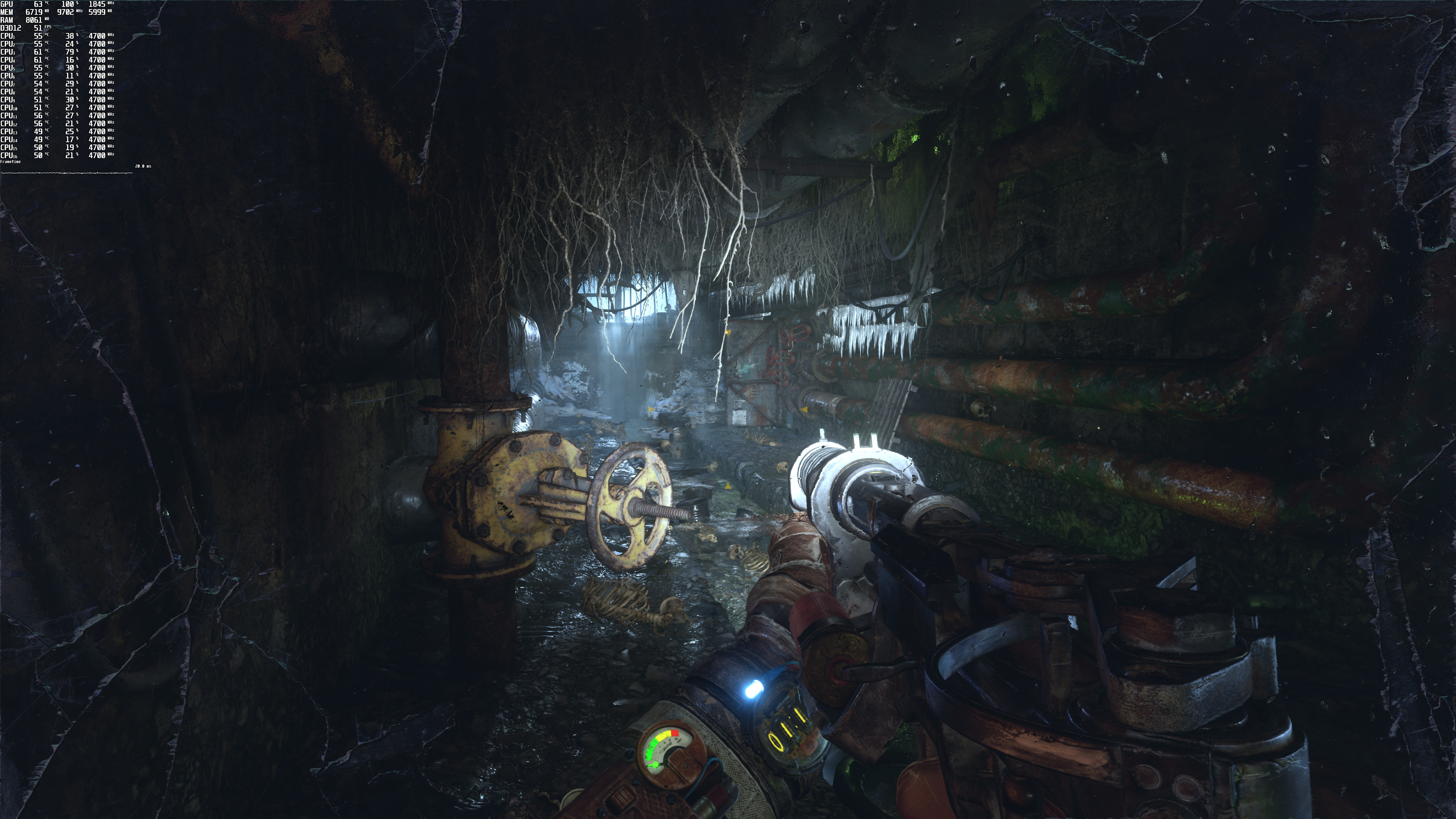
Here are two examples. In the first comparison, you can clearly see the crisper (and sharper) graphics that DLSS offers (this is most likely due to a sharpening filter). However, in the second comparison, the distant objects look blurrier in the DLSS screenshot. I’ve circled the points of interest so it can be easier to spot the differences.
Given the fact that DLSS offers a significant performance boost and that it can improve overall image quality, we strongly suggest using it. Yes, in some rare scenes you’ll get a blurrier image. However, and for the most part, DLSS looks as good as native resolution.
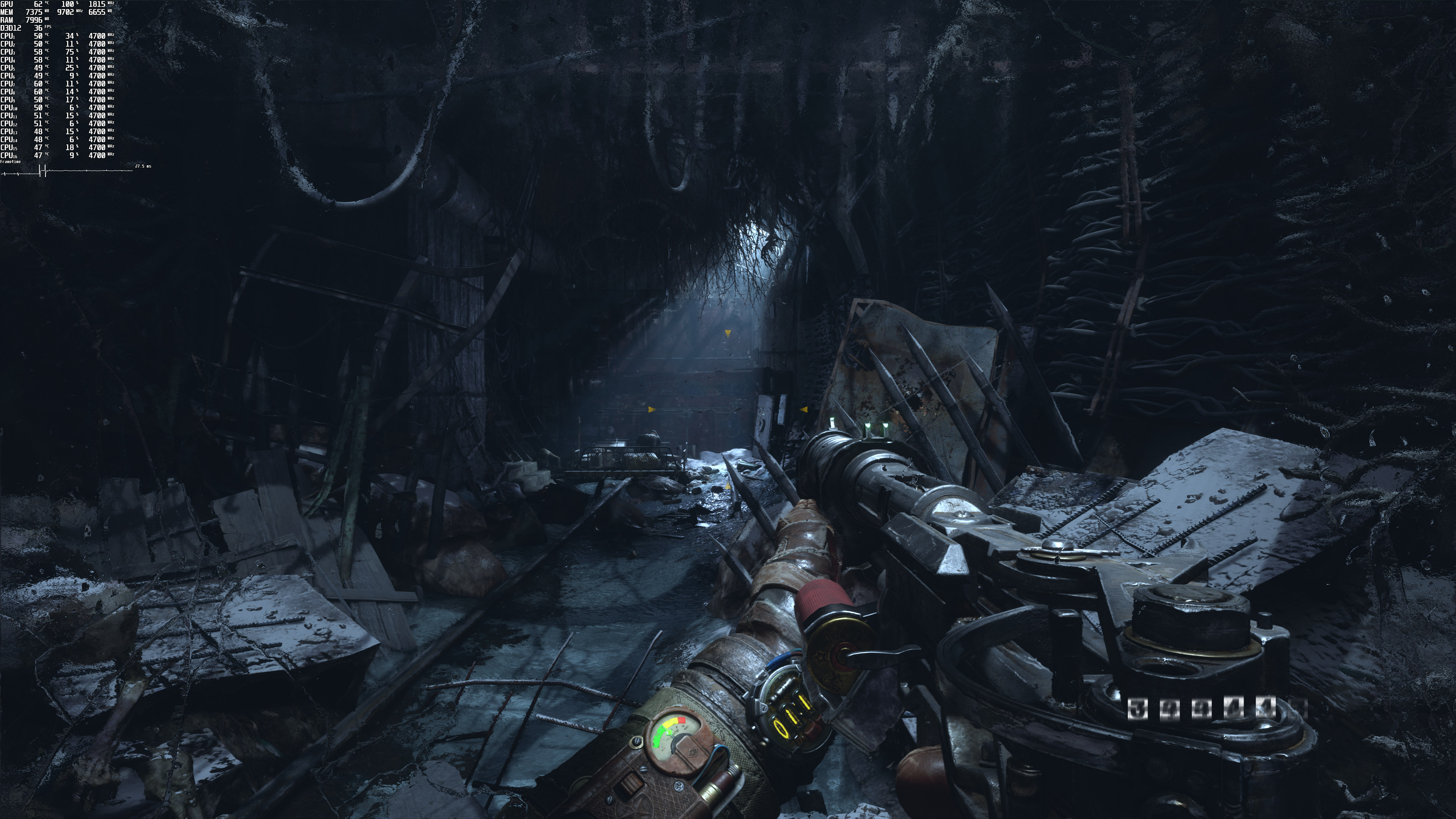
In conclusion, Metro Exodus Enhanced Edition looks absolutely gorgeous. We’ve seen some of the comments about the Enhanced Edition simply looking “brighter” than the Original Version. However, that’s not the case. The Enhanced Edition features more light sources and natural lighting. That’s why it appears to be brighter. It’s not something you can achieve by simply increasing your Gamma or your Brightness.
4A Games has also enhanced its engine in order to minimize the performance hit of the newly added Ray Tracing effects. Furthermore, the inclusion of DLSS 2.0 is a godsend for all NVIDIA users. NVIDIA has managed to turn things around and even though DLSS 1.0 was a big disappointment, DLSS 2.0 is one of the best features we’ve seen in the last couple of years. Let’s just hope that AMD’s answer to it will be as good as Version 2.0.
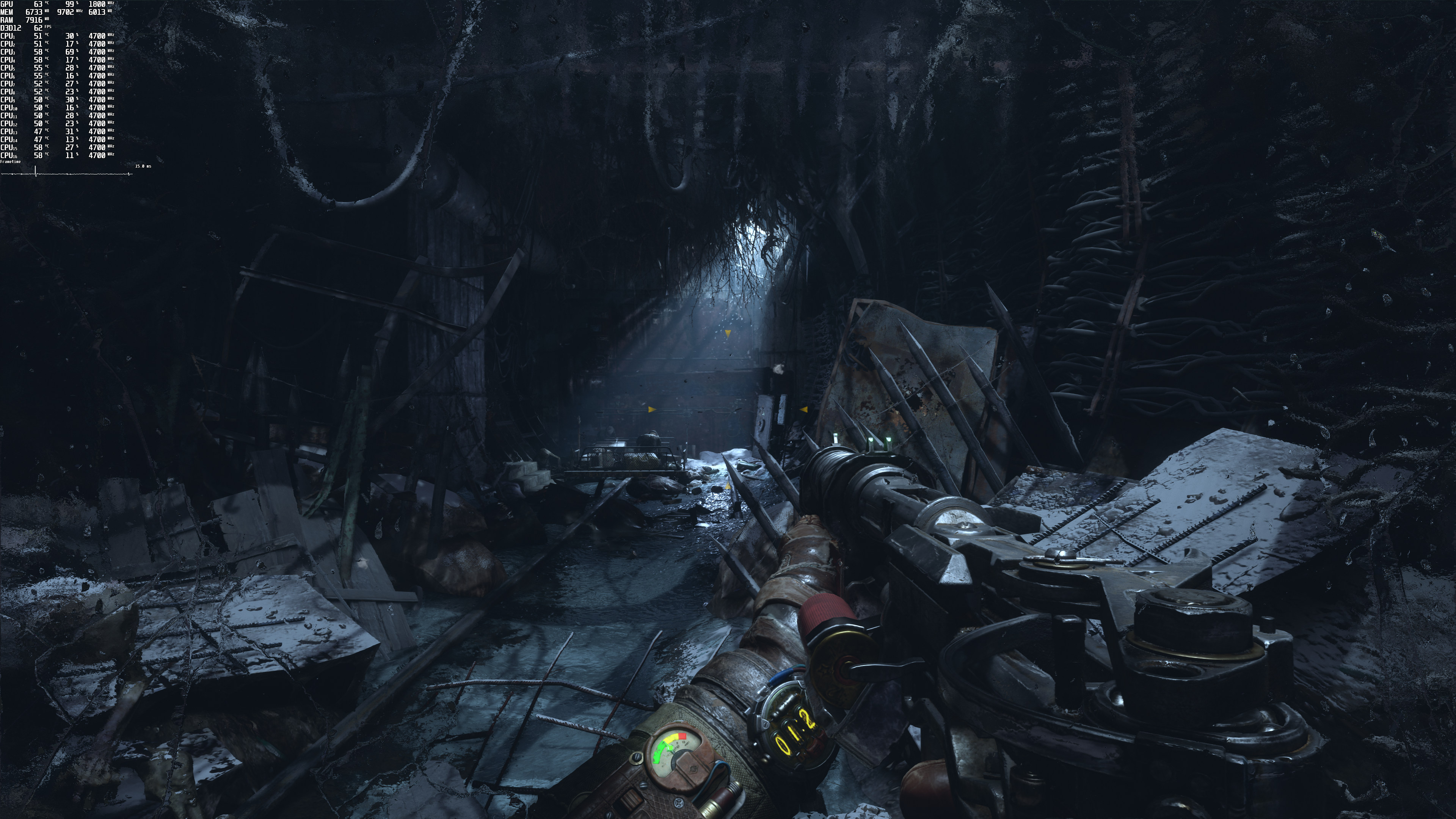
Lastly, here are some comparison screenshots between 4K DLSS Quality and native 4K.
John is the founder and Editor in Chief at DSOGaming. He is a PC gaming fan and highly supports the modding and indie communities. Before creating DSOGaming, John worked on numerous gaming websites. While he is a die-hard PC gamer, his gaming roots can be found on consoles. John loved – and still does – the 16-bit consoles, and considers SNES to be one of the best consoles. Still, the PC platform won him over consoles. That was mainly due to 3DFX and its iconic dedicated 3D accelerator graphics card, Voodoo 2. John has also written a higher degree thesis on the “The Evolution of PC graphics cards.”
Contact: Email


“At 2560Ă—1440, the RTX3080 was averaging between 50-60fps (depending on the RT setting). And as for 4K, the RTX3080 was pushing 30fps (with some drops to mid-20s). Again, keep in mind that this is a stress test.”
LOL
This RT shiet still doesn’t convince me. An arm and a leg for a card to play in 30fps if lucky? No way, not me! I know this game isn’t the best example of RT use, cause the vanilla version already ran like shiet, but c’mon!
Not everyone has a 4k screen, you know, and your argument also applies to 4k (“an arm and a leg to play in 4k at 30 fps? No way not me”
I’m playing on a 2080Ti at 3440×1440 and averaging over 90FPS. Runs perfectly and looks amazing.
Playing on a 2080 at 3440×1440 Ultrawide maxed out and also runs great.
Any word on AMD cards, performance wise?
AMD driver crashes with 5600XT
Pretty sure 5600 XT would crash anyway since it doesn’t support RT.
Here you go if you want to check out for RX 6900 Xt. I think some German site has done proper benchmarks for AMD cards.
Excellent work by the team at 4A Games.
I love you man ??
Well implemented dlss in quality mode can often beat native 1:1 due to TAA that blurs it out and considering 95%+ of the aa games utilizes taa the potential is insane… just hope the dev’s take the time to do it properly. Also hope Amd’s counter tech gets at least close (doubt it will get the same gains or/and quality for the simple reason that it will cannibalaze some of its own benefits by running of the compute pipeline but we will know soon enough)
John, am I right in assuming the game now has an in-built FOV setting? If so then what FOV setting did you use for testing?
Yeap, it has a FOV setting. We used the default one.
The default is 60 degrees vertical which amounts to 91 degrees horizontal. So for 100 degrees horizontal you need to change it to 68 vertical.
It does have built in fov and it doesn’t even have a number just a bunch of dashes. No joke. The game has great tech but the f*king user interface and brightness is trash. Don’t even get me started on default keybinds.
But let’s focus on Ray tracing first, only & foremost. .. don’t even get me started.
Damn! So checking the ini file is still a must if you want to be sure you chose the right setting.
I still find it funny how they had FOV for photo mode but none for gameplay.
Mind boggling
I’ve seen other games doing dumb sh*t like this. Mind boggling is an understatement.
That’s like every Playstation exclusive ON PS4 for you.
Well yeah, it makes sense on a console since that might affect performance, not so much on a computer where you can just attach better hardware to that sh*t and scale it however you want.
The gamma setting in the game is broken as f*k. HDR doesn’t even have a brightness slider. You can fix it with alt f3 with the contrast and brightness filter. IT MASSIVELY improves graphics.
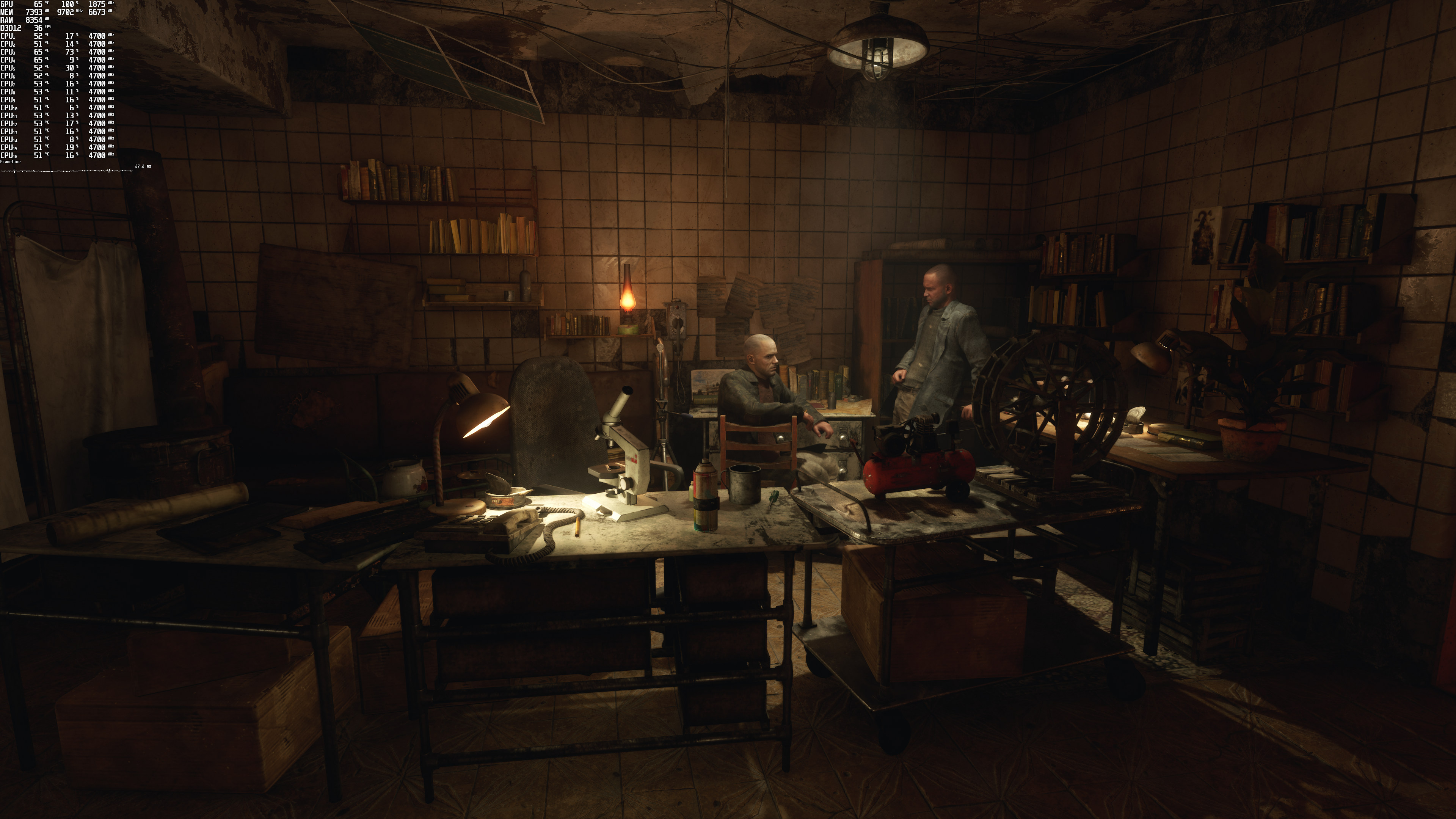
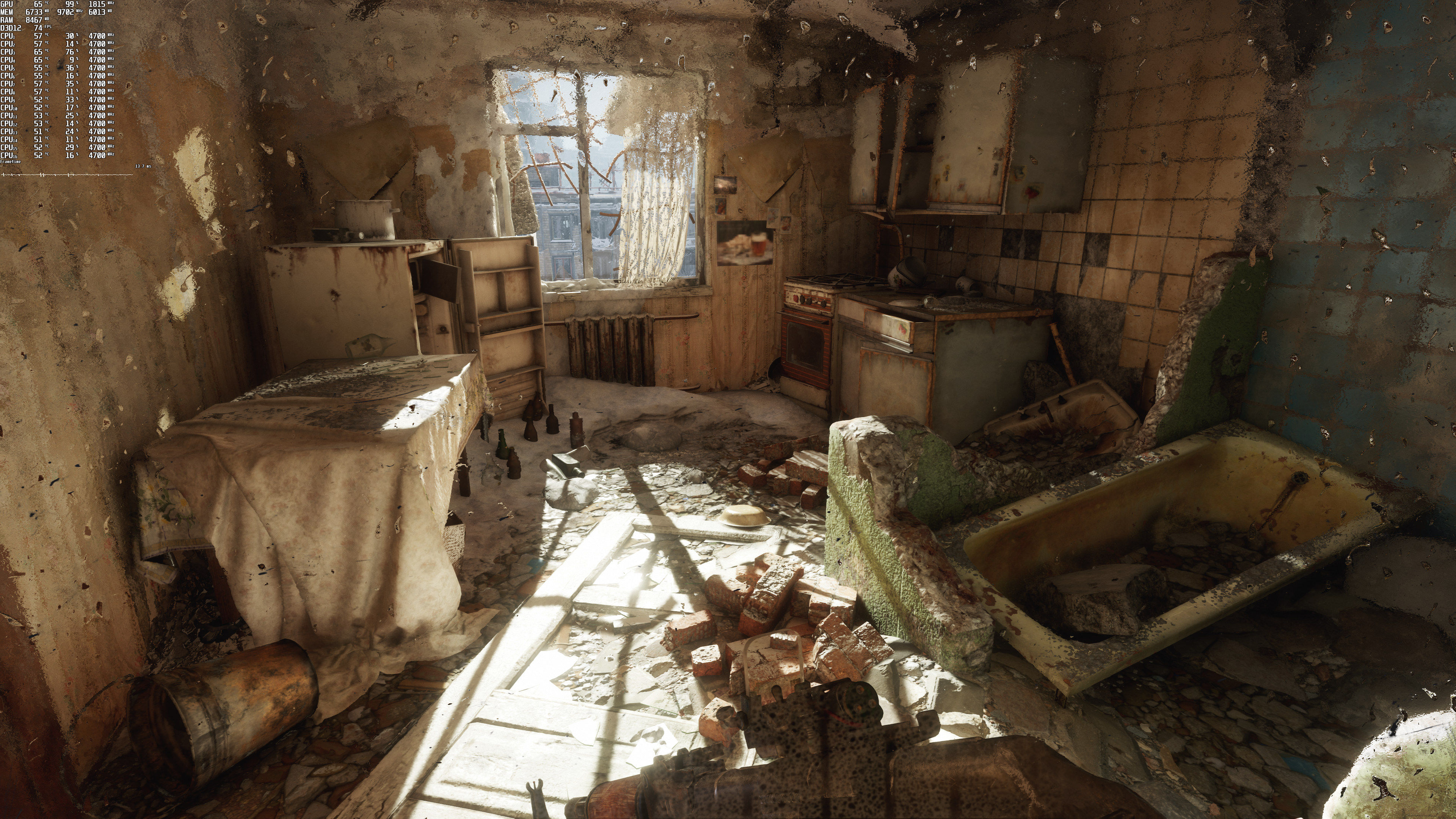
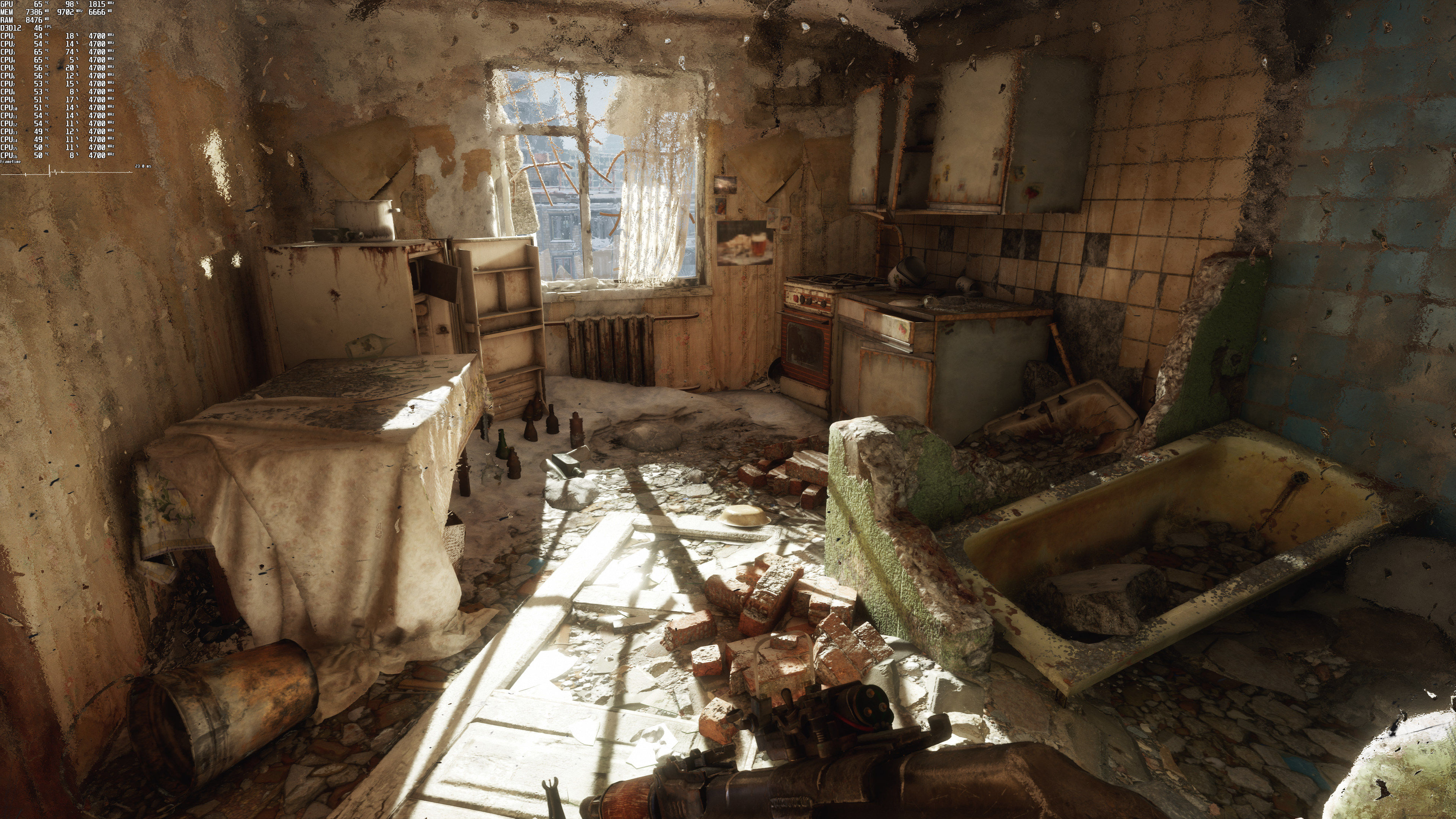
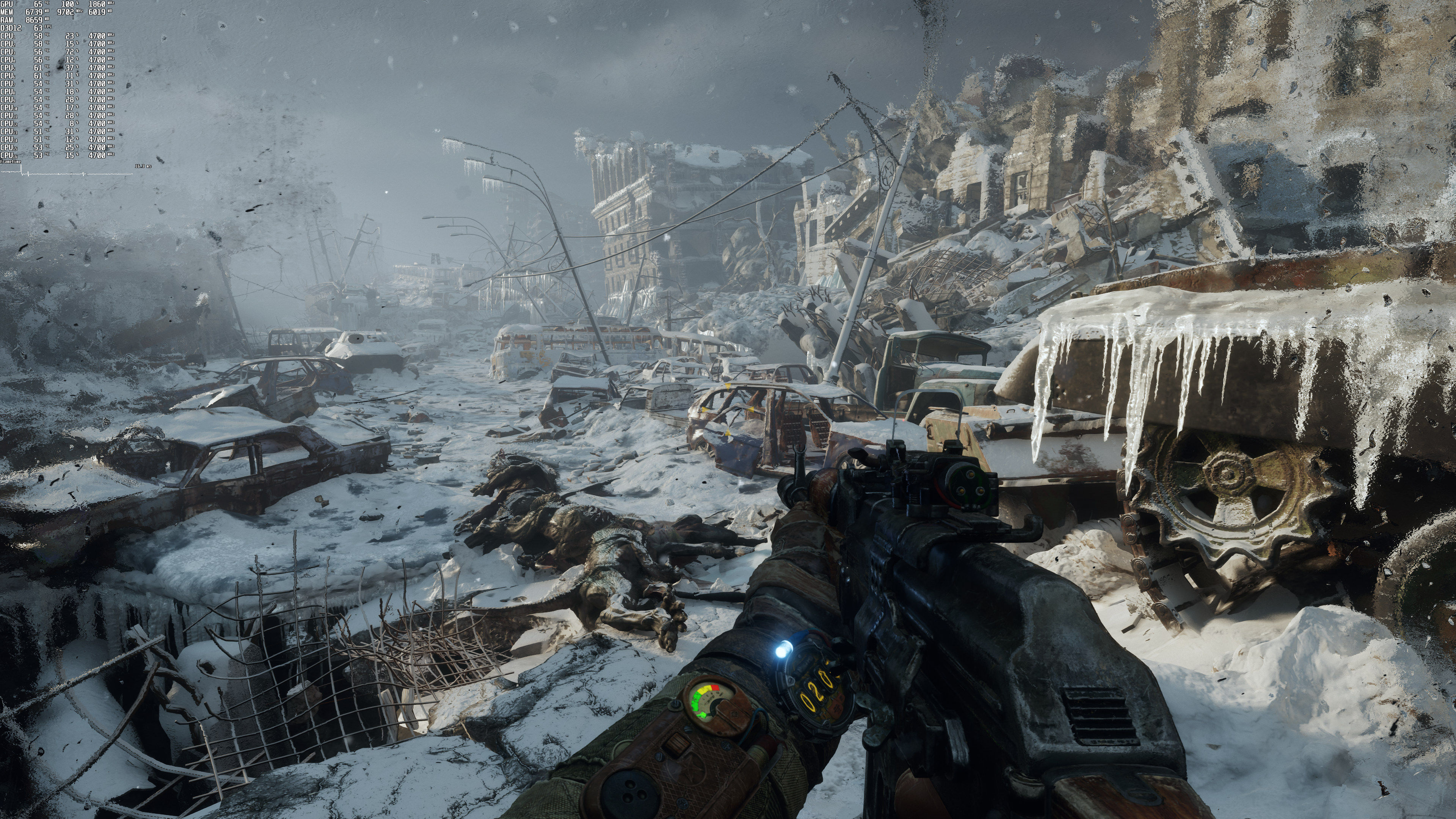
Compared some screenshots from my playthrough at 1440p with RTX off with John’s Enhanced DXR screenshots. The difference is quite drastic (the darker ones are from a rasterized not raytraced version of the game).
https://uploads.disquscdn.com/images/45abc4606eca1639ce55d069198c5f74f76f45c87d6e36c55645034257150375.jpg
https://uploads.disquscdn.com/images/787c9939cd6ce0b8334584f869c090d668bfbfc27bc40b3f23f415e608dbeafd.jpg
https://uploads.disquscdn.com/images/bb104bebb24b8f291a2f059d867b5d21eb4a717c1f3e825466f428a842eff2bf.jpg
https://uploads.disquscdn.com/images/440ac75d383aebc898869611f65fa8221840d512910e95057ad6f49ea1b2df45.jpg
https://uploads.disquscdn.com/images/2208b636fcadd3b2bc8a884c3b58408eda5cd0580f45152ec6954c71376d2576.jpg
https://uploads.disquscdn.com/images/4ef4a8e2ef13280b6a8e0fd4b241f8c8a0d4e6940c9c3fb56320258c734aa9e1.jpg
Its from case to case, areas with a single strong light source are the ones more likely to benefit from raytracing especially when combining reflective materials.
One thing is certain, it feels like an entire other game, way more realistic
Does it though (realistic..)? Seems like it exposes character models and textures for their quality. Not saying RT is unrealistic but just looking at these scenes I prefer non RT ones.
The light/shadows are far more realistic but naturally higher light in otherwise low light areas exposes anything that is obscured in darkness.
It does look realistic. Assets might not be the best, granted, but there’s certain areas that if you just stand still you almost can’t tell them apart from real life.
My surprise doesn’t come from the visual difference but how you got the first two comparisons perfectly aligned with Johnny’s caps.
I was surprised myself. That’s quite a coincidence that we took screenshots at about the same spots from the start level. The third comparison doesn’t align because that’s where I started experimenting with a bigger FOV.
Kudos for the comparison, do you think you can include the 2080ti performance aswell?
Here are some 2080Ti benchmarks:
1920×1080 + DLSS Quality: 43/70
2560×1440 + DLSS Quality: 38/58
3840×2160 + DLSS Quality: 27/38
If this the correct performance of RTX 3080, then my Oced RX 6900 XT is matching/beating it. Can someone comment on these results ?
https://youtu.be/7dJnADLtD6U?t=125
You used Hybrid Reflections (not Ray Traced Reflections). With those settings, the RTX3080 pushes an average of 66fps. Since the difference is only 3fps, yes we can call it a match.
I mentioned about that in my video. Reflections are shown as Hybrid even when selecting Raytraced. I do see a performance increase when selecting Hybrid, so I think they are working properly. Still this is unexpected performance by RX 6900 XT in an Nvidia sponsored game.
They further optimized the code, it’s evident. This version runs better than Vanilla when it released.
I’d say Enhanced turned out pretty well, although remember some parts of the engine are dated, while they announced new effects and tricks in others.
“yay my RX 6900 XT is able to offer similar performance as a cheaper RTX 3800 card (RTX 3800 is at least 500$ cheaper than 6900 XT) by lowering graphics settings” – amazing!
Oh and if the game came out on console, then it should already be optimized for AMD, regardless of who is paying for marketing rights on PC
But I didn’t lower any settings as explained in my earlier comment. Also, I can’t find any 3080s which are 500 $ cheaper than an RX 6900 XT. Even if we take reference prices, it is still 300$ price difference not 500$
I’m not sure they have a true reflection of the 3080 as in the benchmark my 3090 FE averages 70 FPS without DLSS switched on and with DLSS at Quality it averages just under 100 FPS. That’s with Extreme, everything ON and Full Ray Tracing. There isn’t usually that big a gap between the 3080 and 3090.
“However, and”
Any other site and I’d think you’re trolling at this point.
Tested is out briefly on my RTX 3090, It looks and runs great. Will play it after I’ve finished Resident Evil Village.
An actual “enhanced” edition in terms of what they set out to achieve and advertised!
When will be a pc performance analysis? I like your anlysis
The built-in benchmark is a stress test. It was a similar situation with the original version of Metro Exodus.
Game running beautifully for me. Only about an hour in so far but my system (10850K, 64GB DDR4-3200, RTX 2080Ti, 2TB nVME) running 3440x1440p/144Hz at max settings with Performance DLSS I’m pulling 90FPS+ average…so far I seem to sit more around the 110-130FPS range. Well see how it goes later in the game but performance so far is FANTASTIC, especially for first-gen RTX in a fully raytraced game. The DLSS 2.1, even on Performance, looks native resolution, easy. Incredible technology.
This is by far the most optimized raytracing game out there. RTX 2080. Runs 60 to 70 fps at 1440p with DLSS quality and max settings, rare drops to 50. Turning DLSS to balanced lets me run at a locked 60 with vsync.
amazing!!