
Electronic Arts has released the latest part in Codemasters’ F1 series, F1 2021. F1 2021 supports both Ray Tracing and DLSS, therefore, and before publishing our PC Performance Analysis, we’ve decided to benchmark them.
For these benchmarks, we used an Intel i9 9900K with 16GB of DDR4 at 3600Mhz, NVIDIA RTX 3080, Windows 10 64-bit, and the GeForce 471.11 driver. By default, F1 2021 uses DLSS Version 2.2.9.0. Thus, we’ve used this version (and did not replace it with the one from Red Dead Redemption 2).
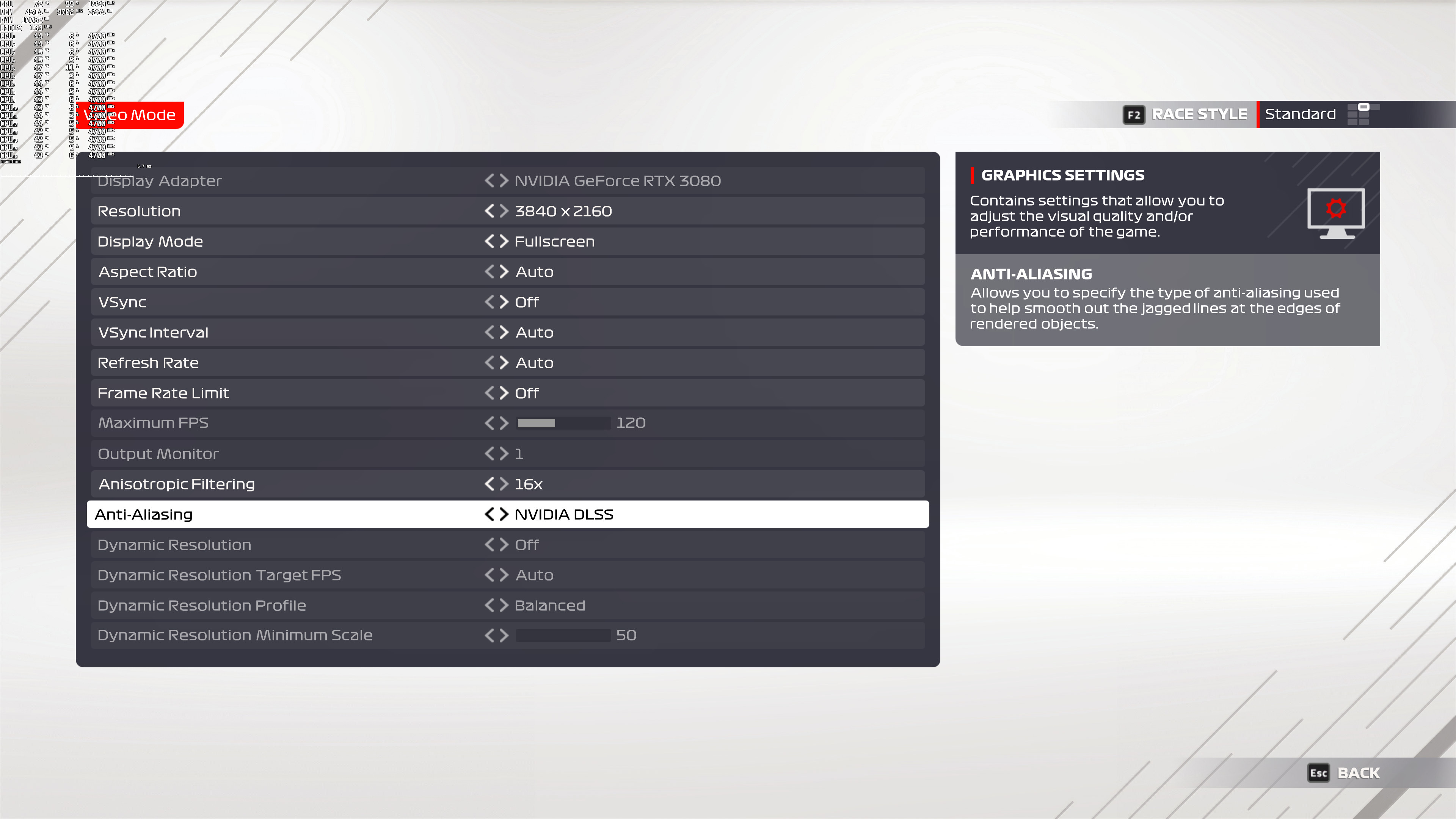
F1 2021 comes with a built-in benchmark tool. For our benchmarks, we selected the Australian track with Wet conditions. This scenario appeared to be ideal as it was stressing both the CPU and the GPU. Here are also the game’s graphics settings. As you can see, there is no option to set the quality of DLSS (we’ll talk about this later). Dynamic Resolution has nothing to do with DLSS and is grayed out once you select DLSS.
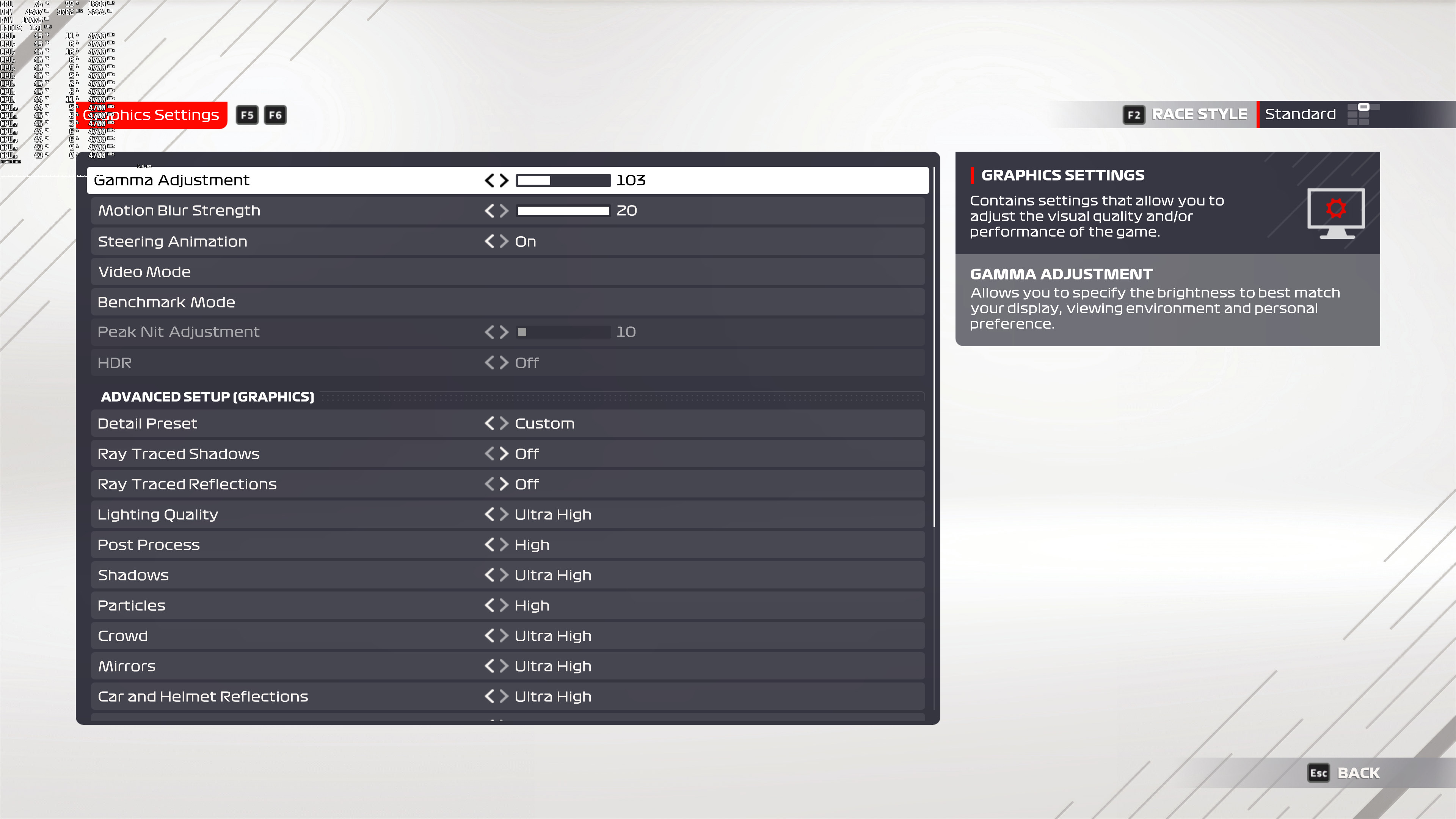
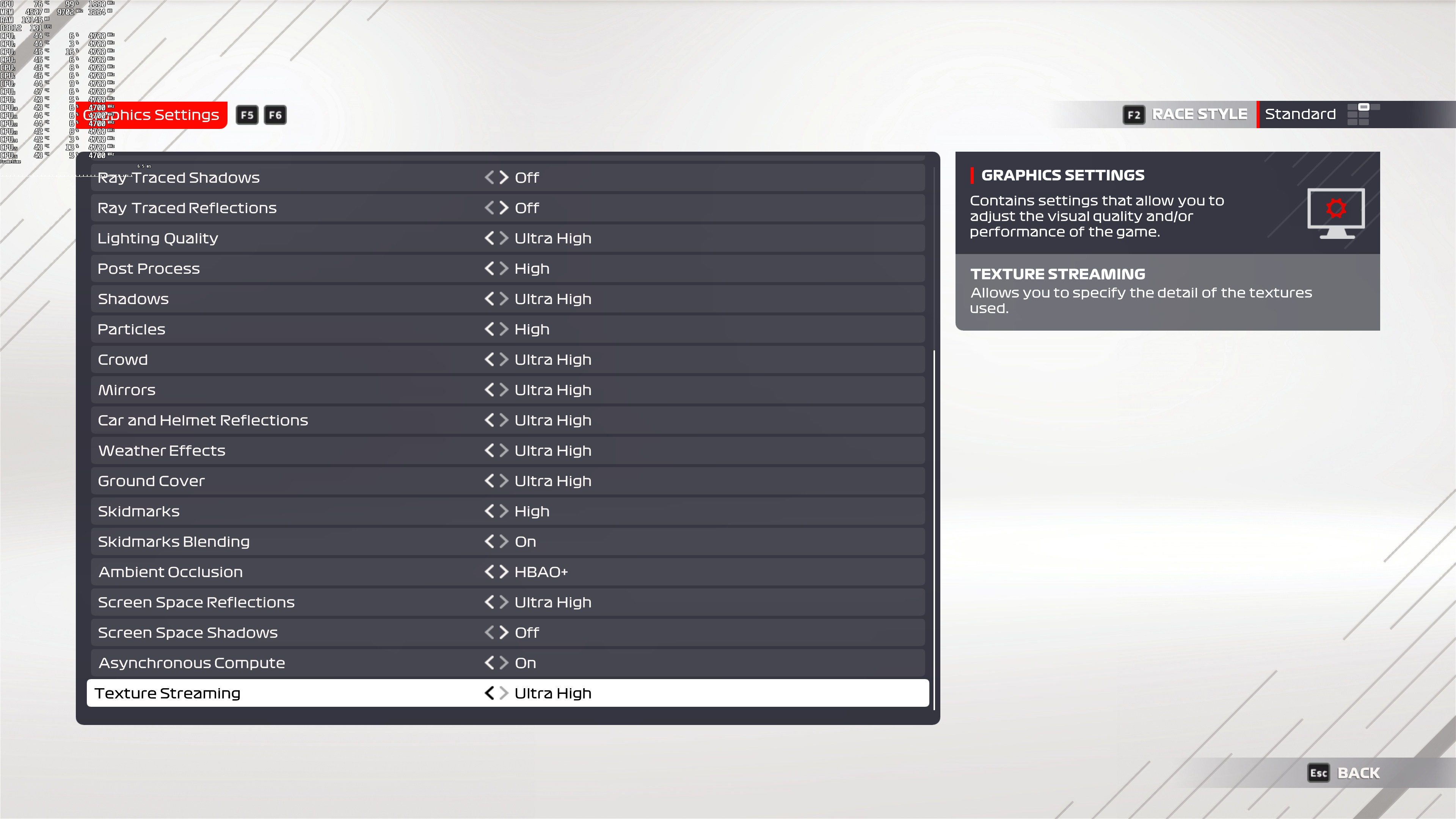
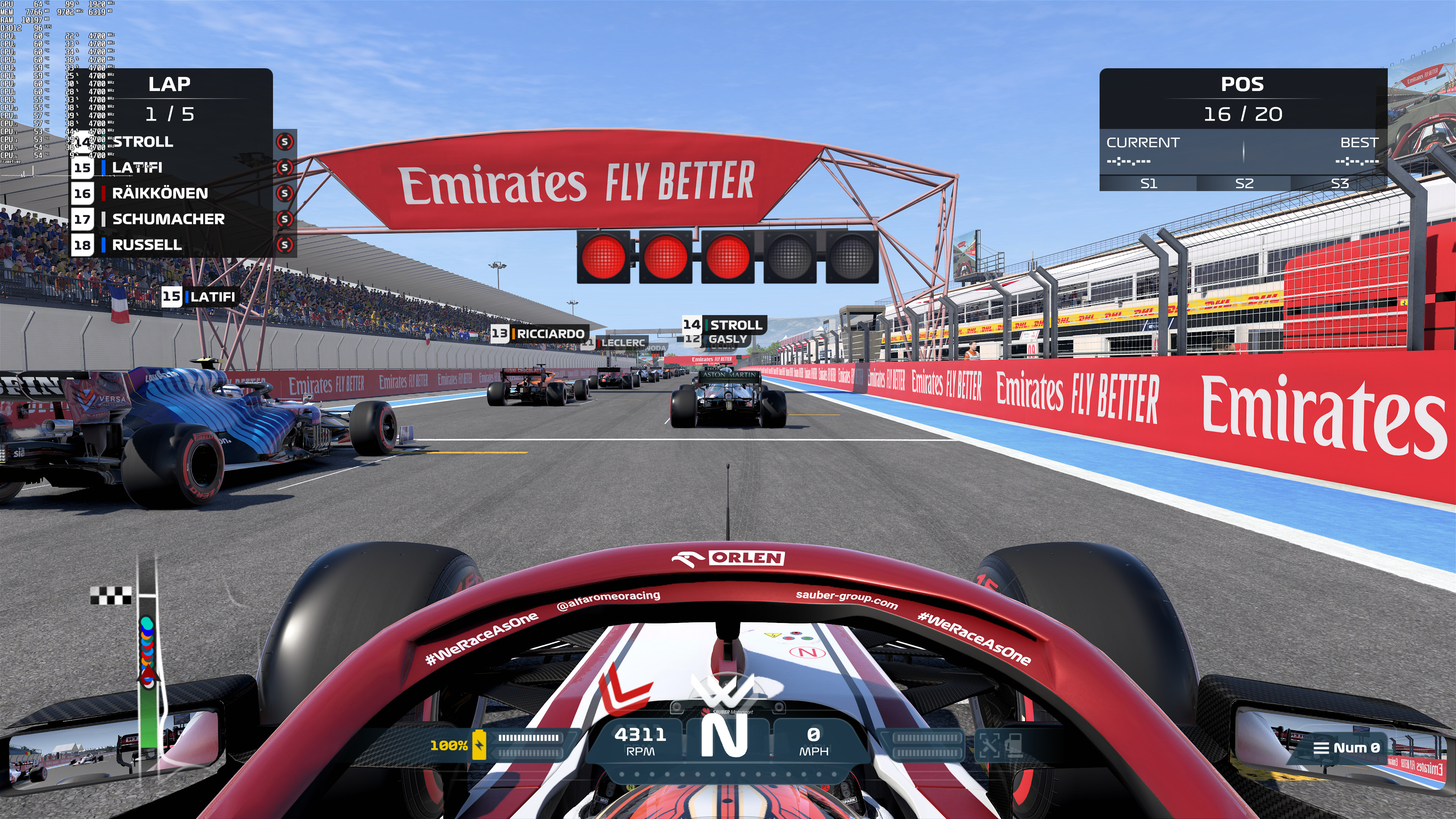
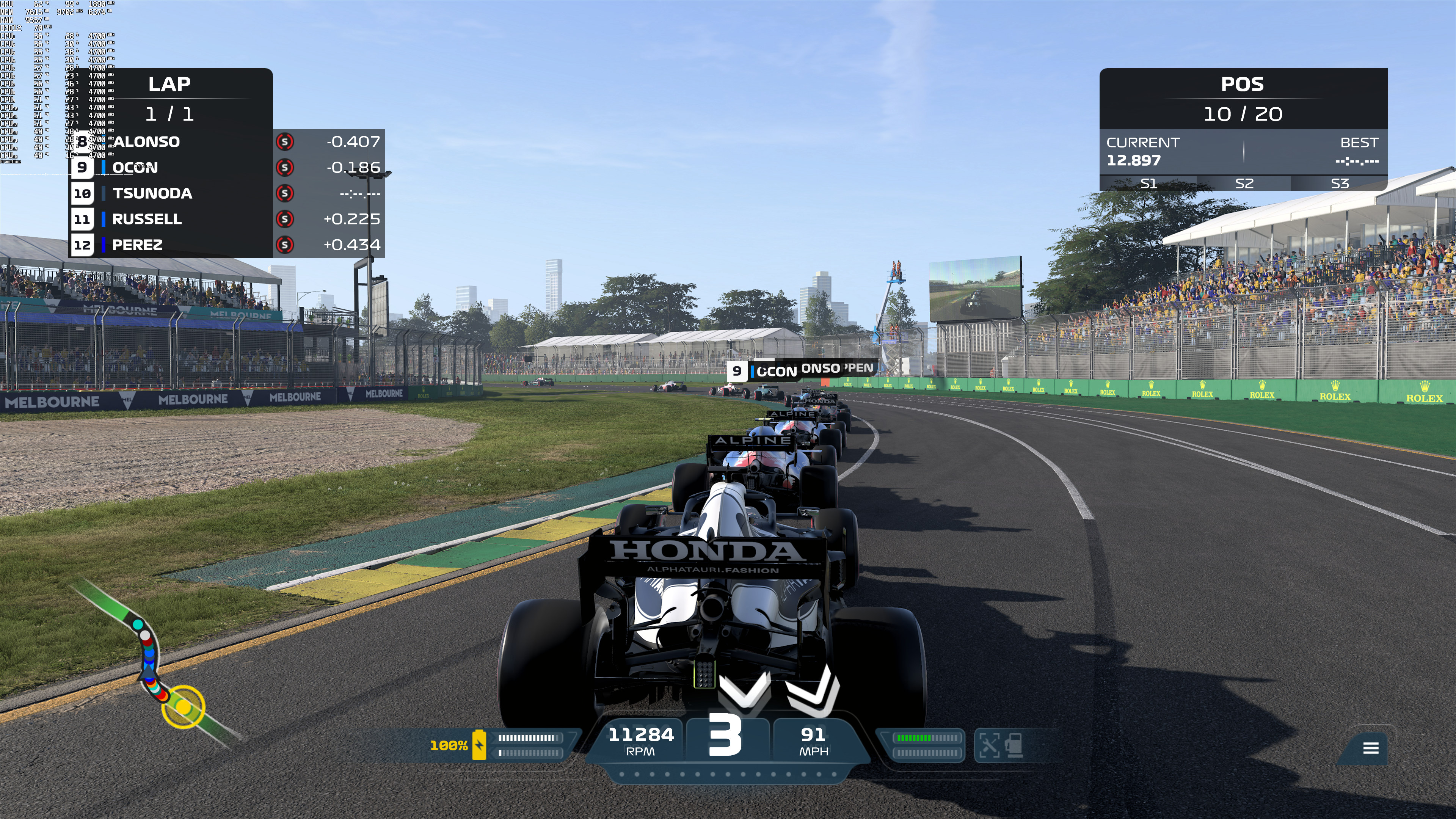
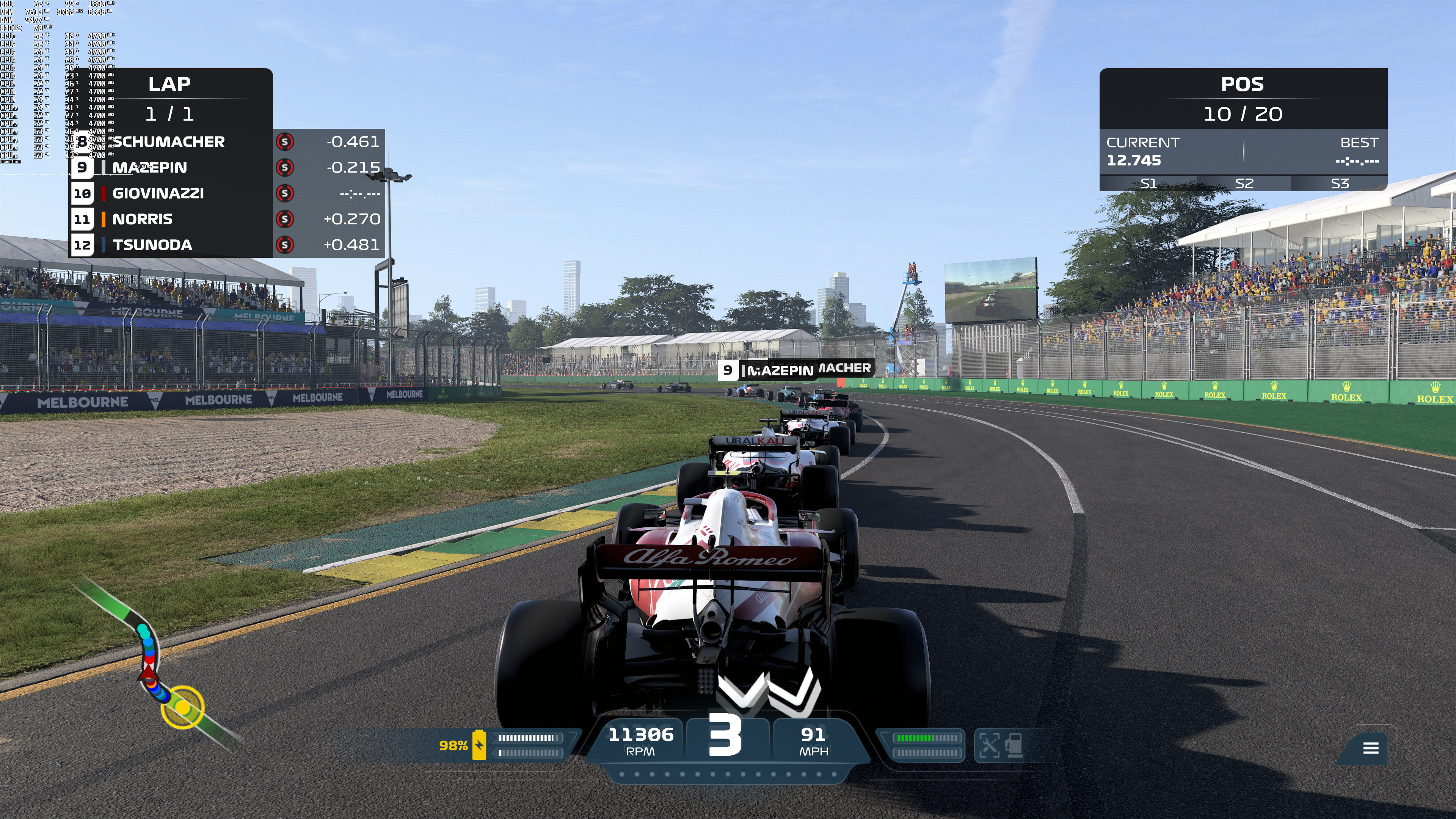
Codemasters used Ray Tracing in order to enhance the game’s reflections and shadows. However, the new ray-traced shadows look blocky, unnatural, and are full of artifacts. We seriously don’t know what is going on here, however, this is one of the worst Ray Tracing implementations we’ve seen to date. Below you can find two comparison screenshots. The left is with Ray Tracing and the right one is without Ray Tracing. Honestly, the Ray Tracing screenshots look so awful that it feels like playing the game with Low Shadows. The game looks and runs worse with them, so we suggest disabling them.

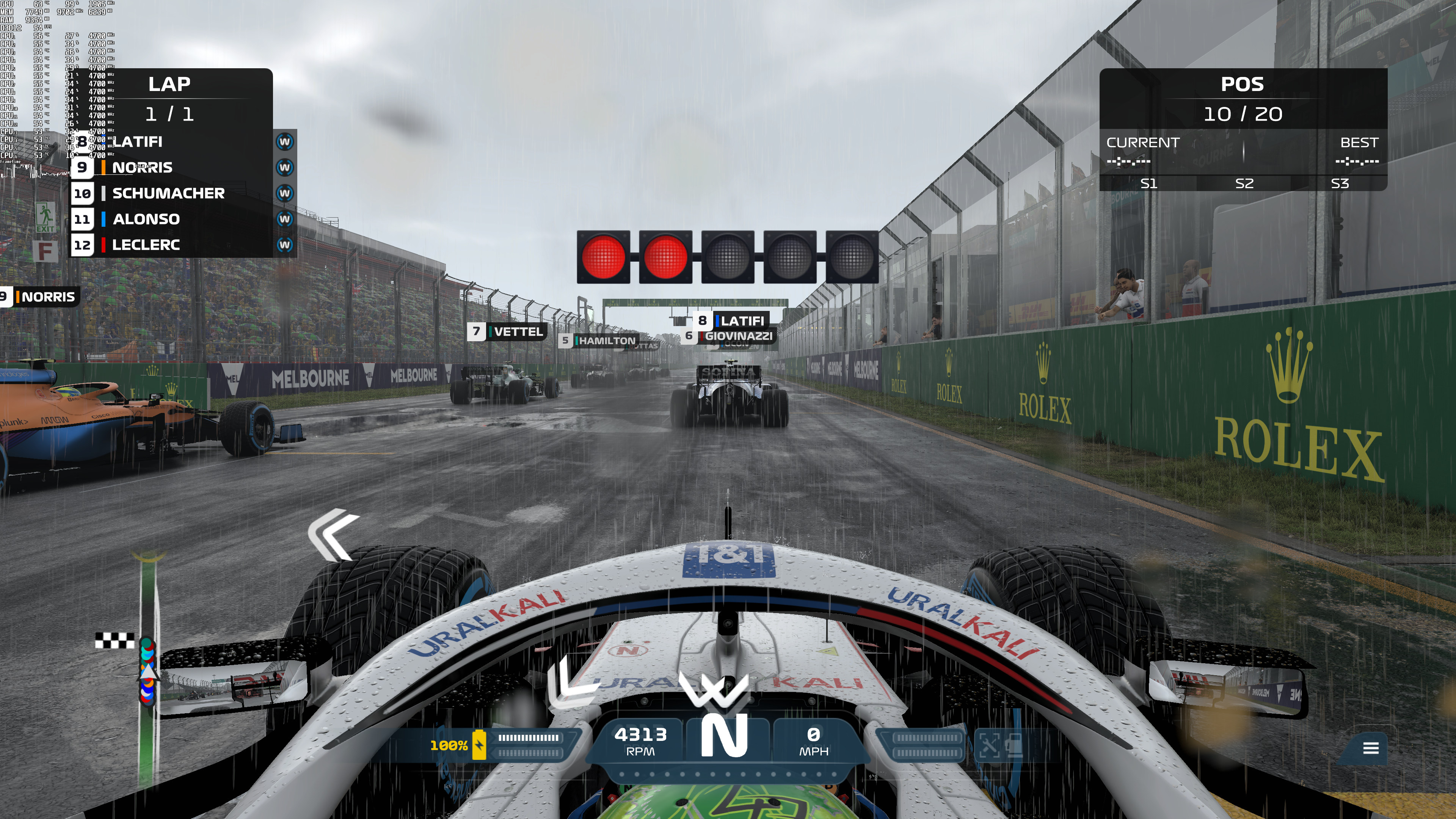
On the other hand, the new Ray Tracing Reflections look quite good. Thanks to these new reflections, the wet surfaces look noticeably better. While they have a softer look, they provide a more natural look to the game. Below you can find two comparisons between RT Reflections (left) and without them (right). As we can see, and especially in the second comparison, the non-RT road looks really flat. Thus, we suggest enabling this feature (if your hardware is powerful enough).
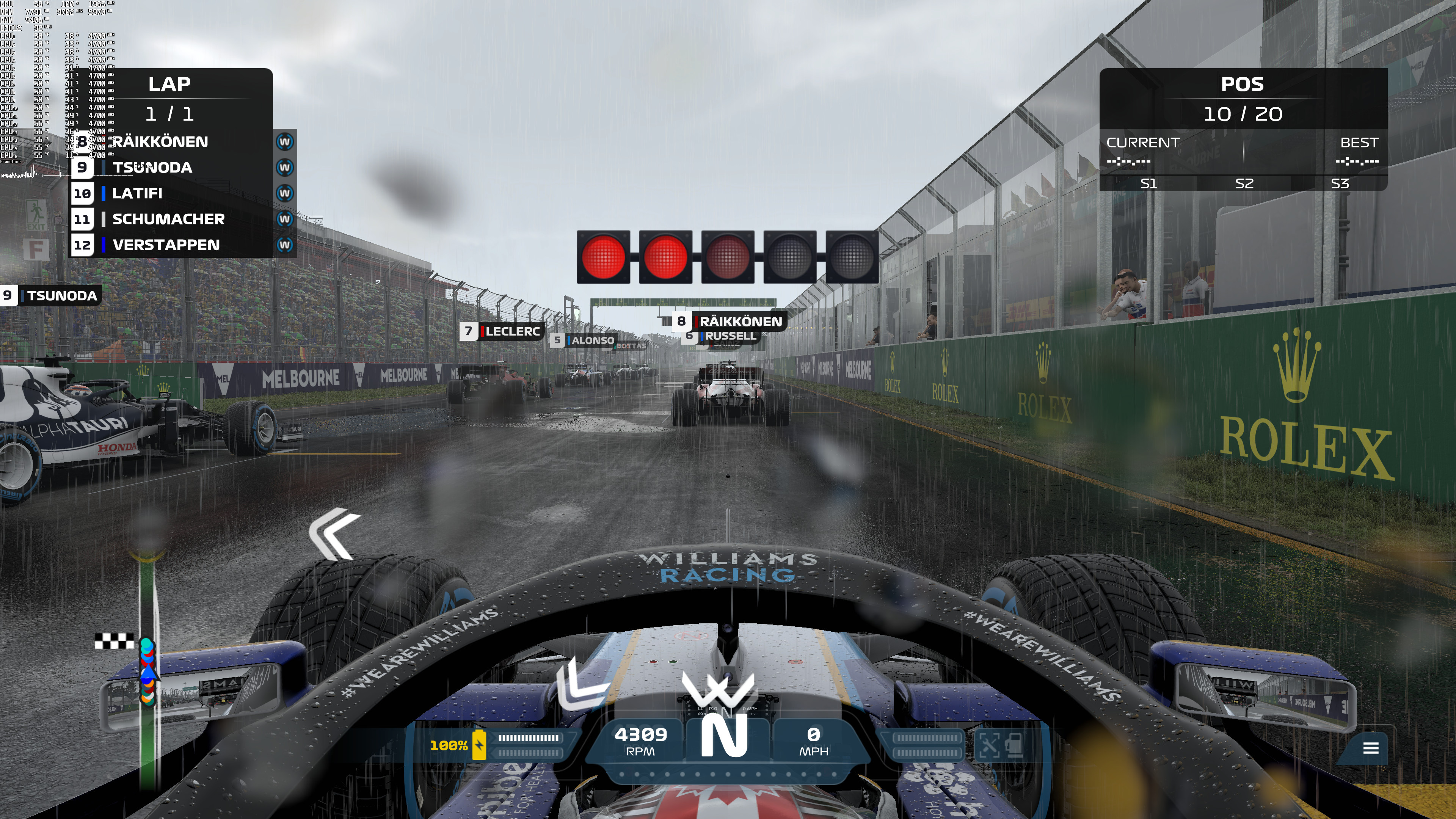
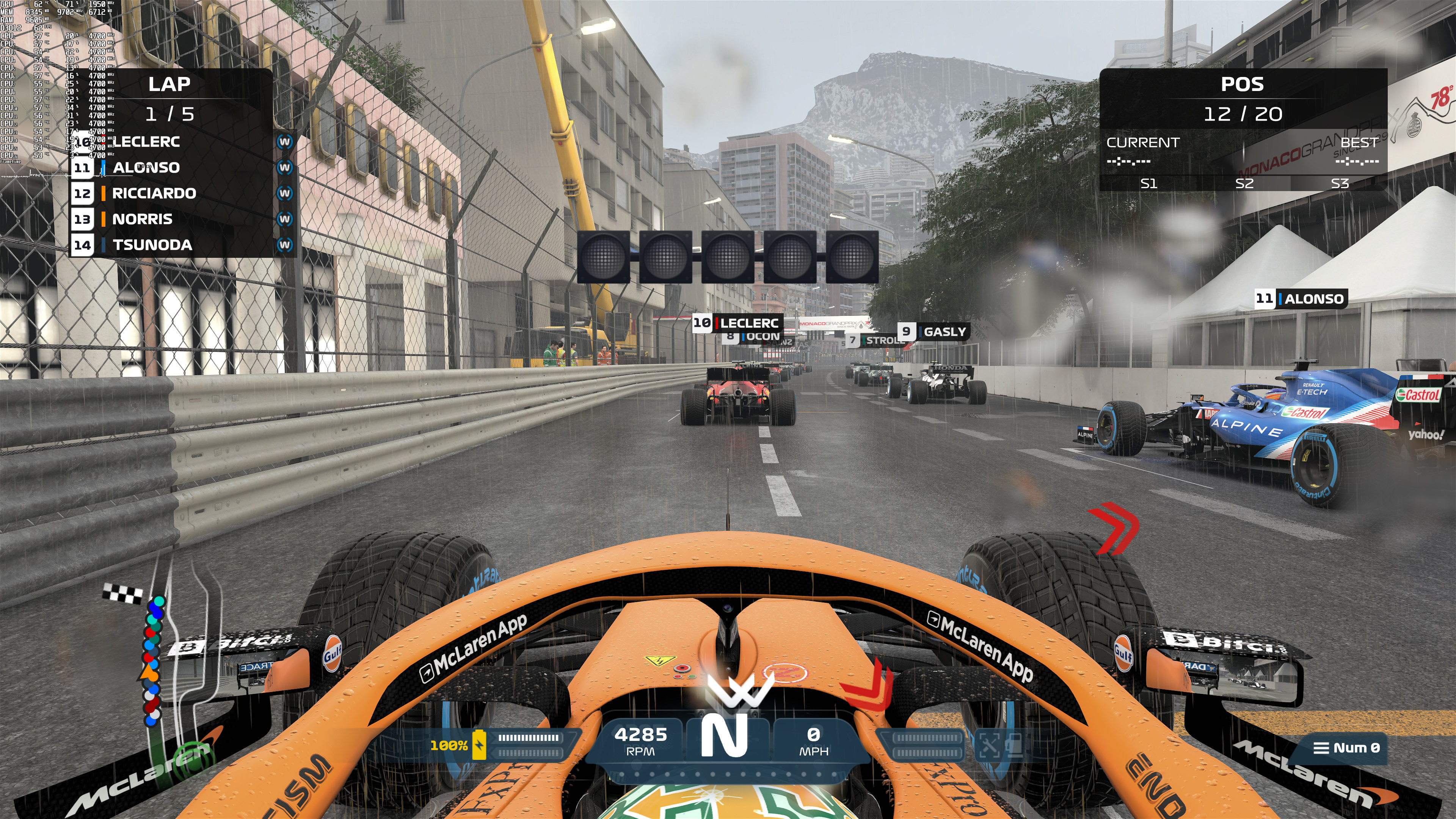
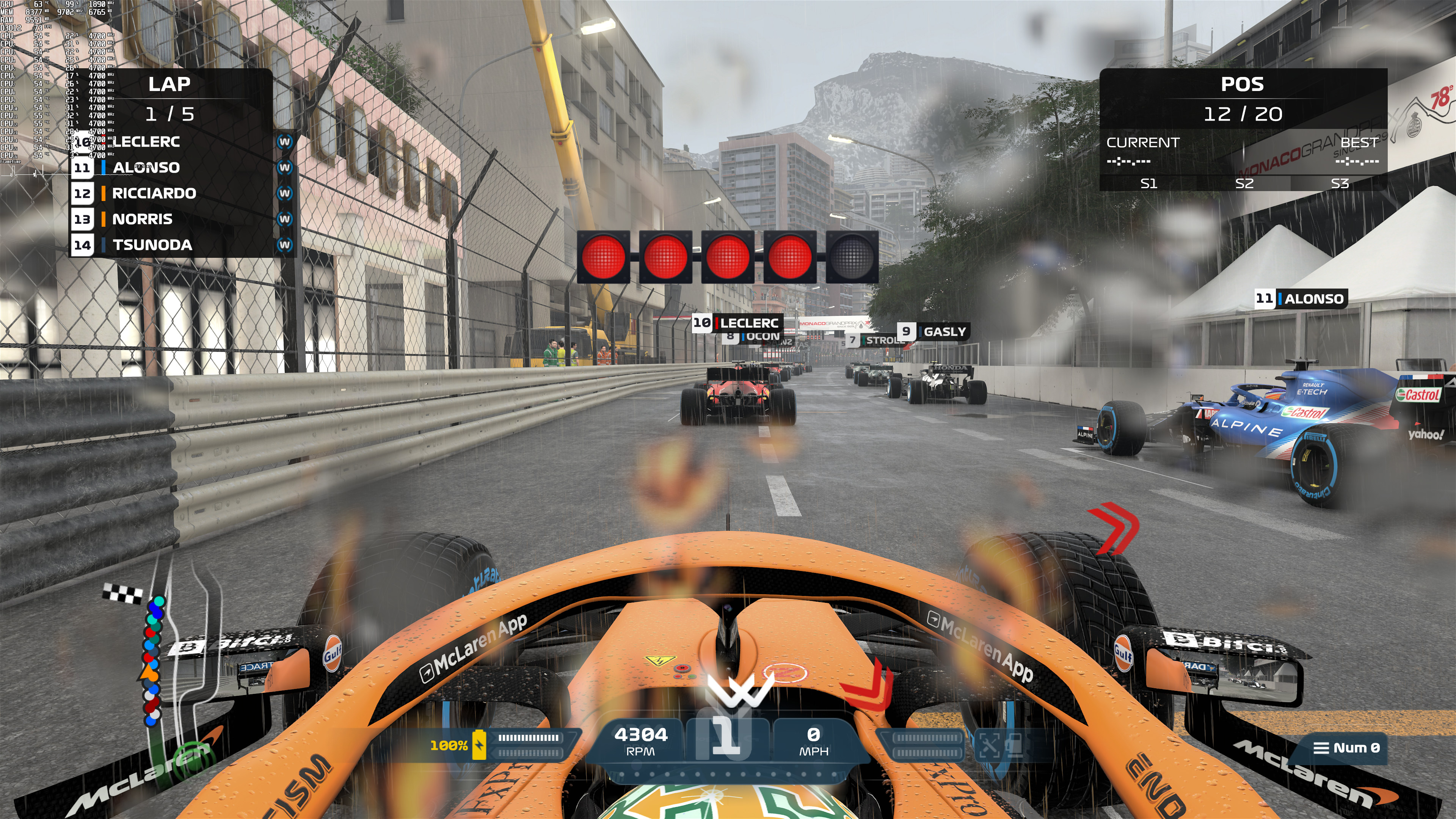
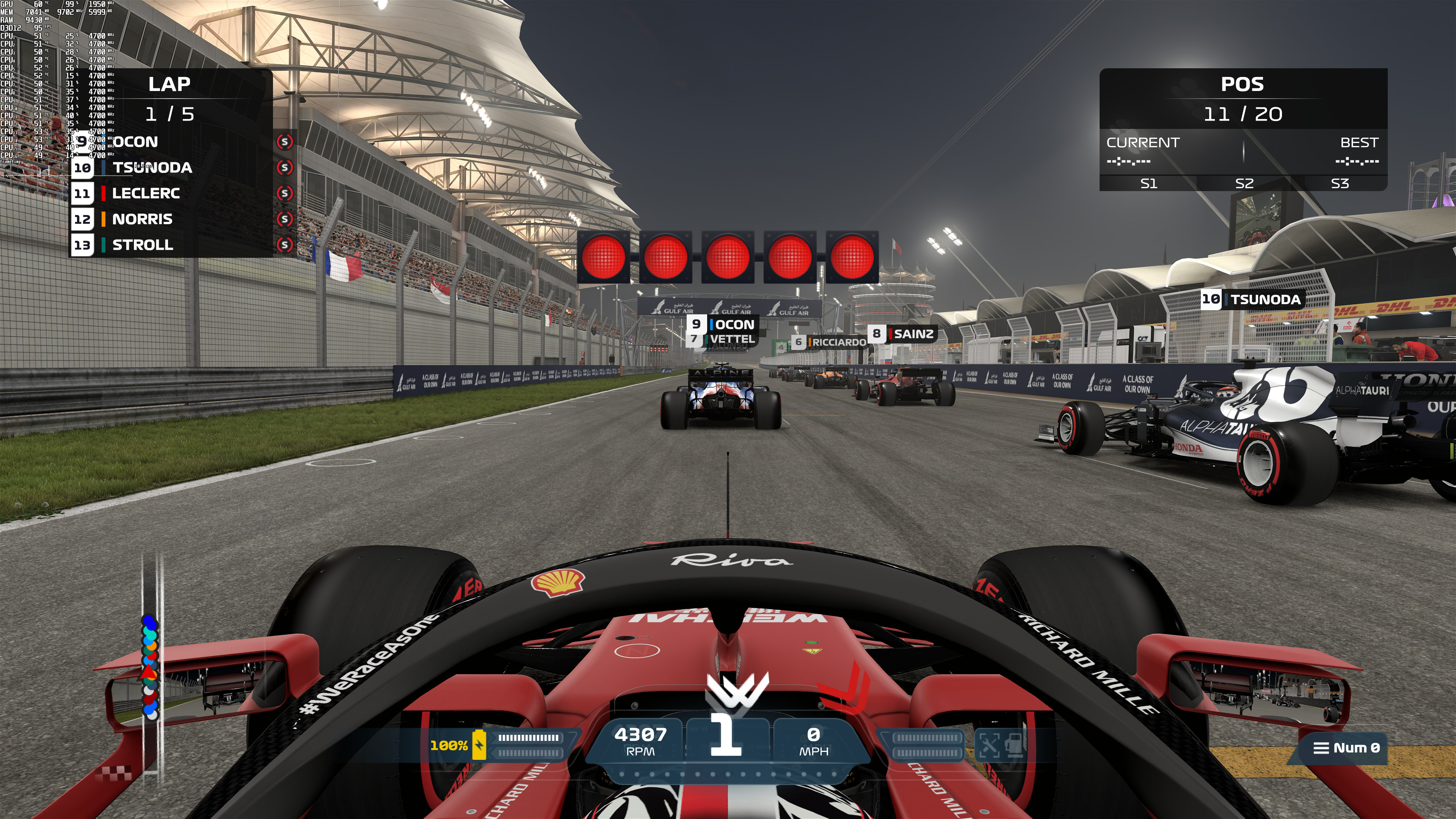
So, how good is the DLSS implementation in F1 2021? Well, unfortunately, we’ve got some bad news. For whatever reason, Codemasters does not offer an option to set the quality of DLSS. Instead, there is only one universal setting via which you can simply enable/disable it. As such, DLSS looks noticeably worse than native resolution. Below you can find some comparison screenshots. DLSS is on the left whereas native 4K is on the right. As you can see, the DLSS screenshots look blurrier with more aliasing than the native 4K screenshots. My guess is that the game is using by default Balanced or Performance Mode. Since there is a noticeable image degradation, we suggest avoiding DLSS in this game (at least until Codemasters offers an option to adjust its quality).

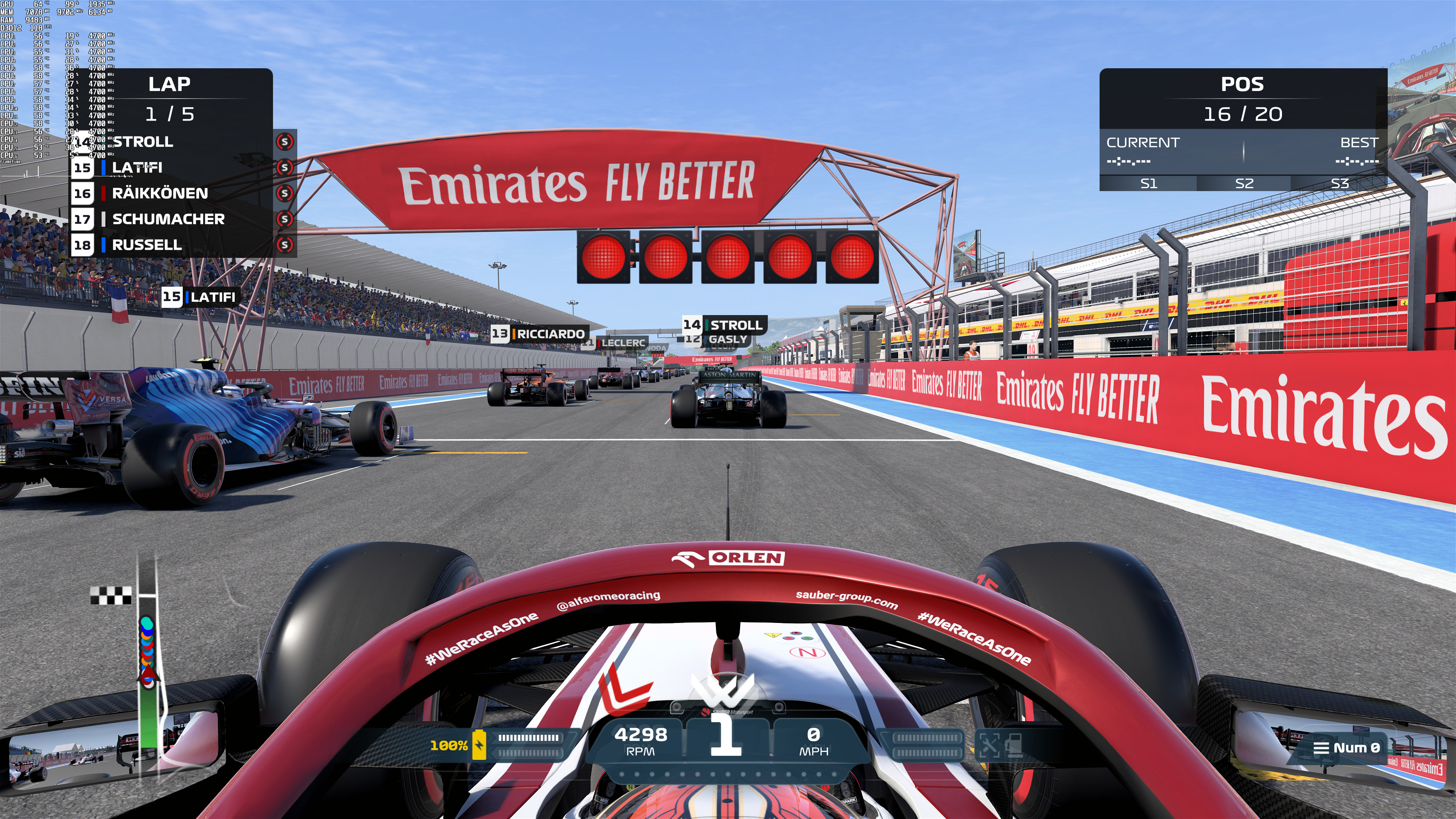
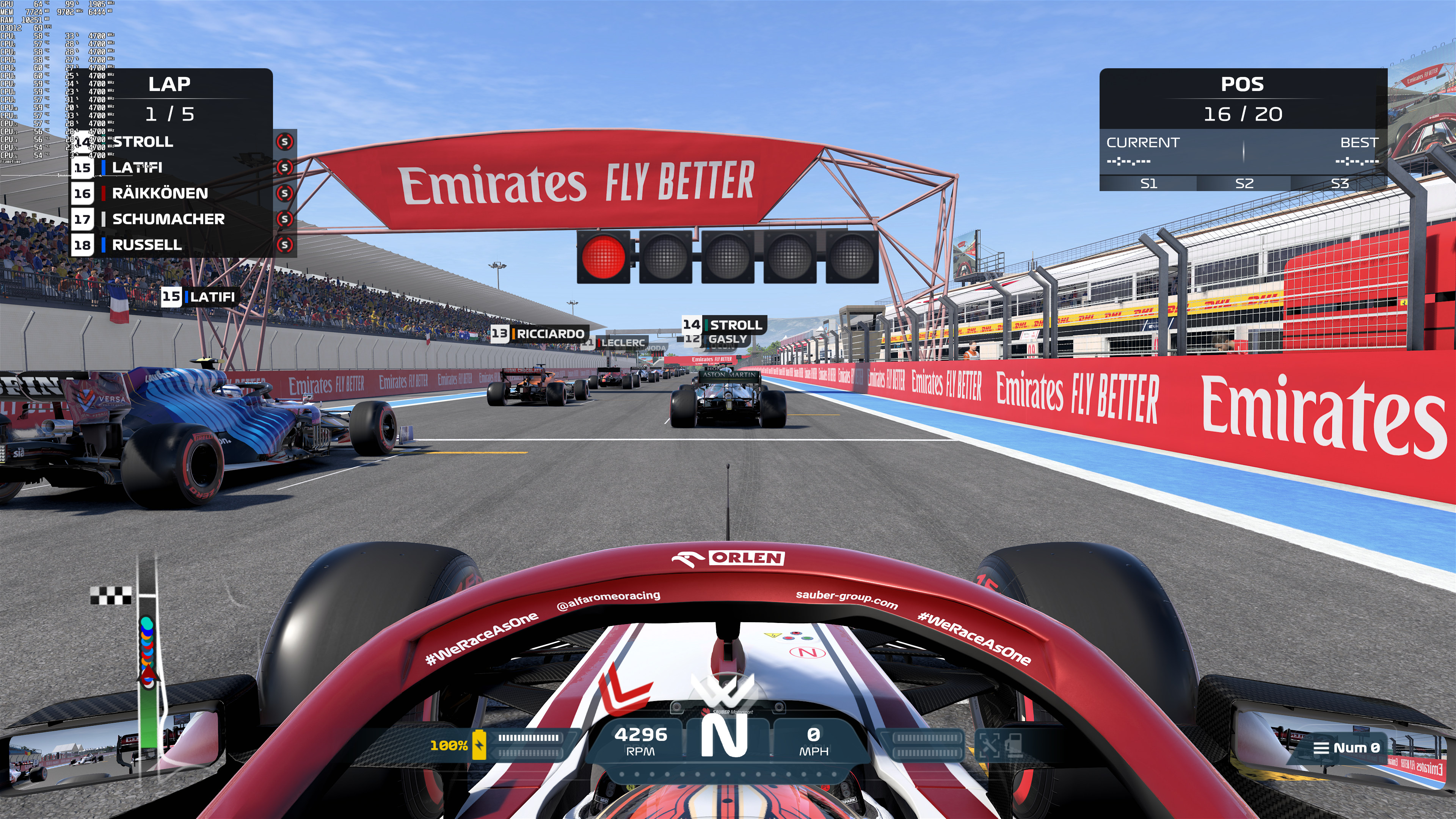
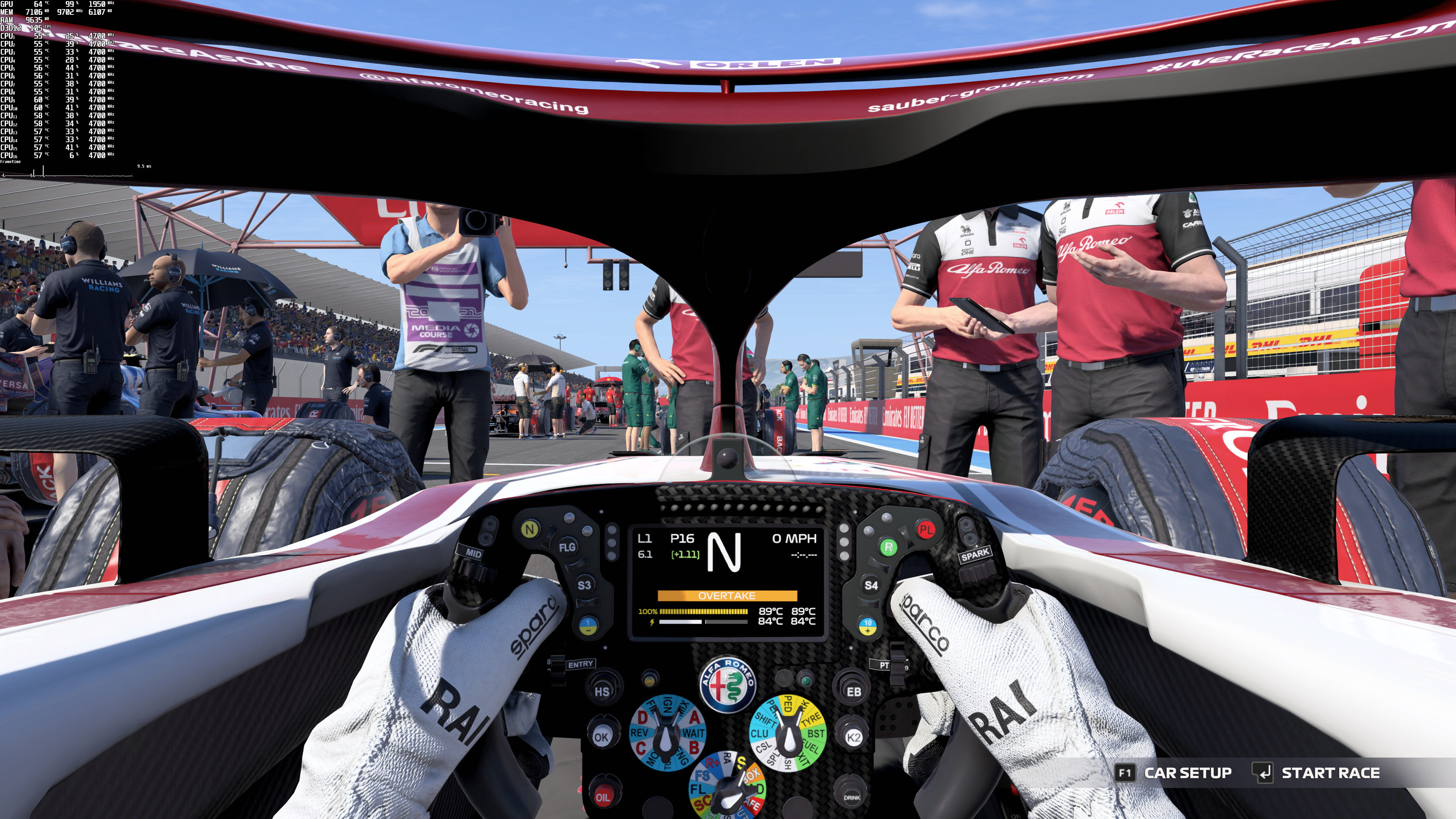
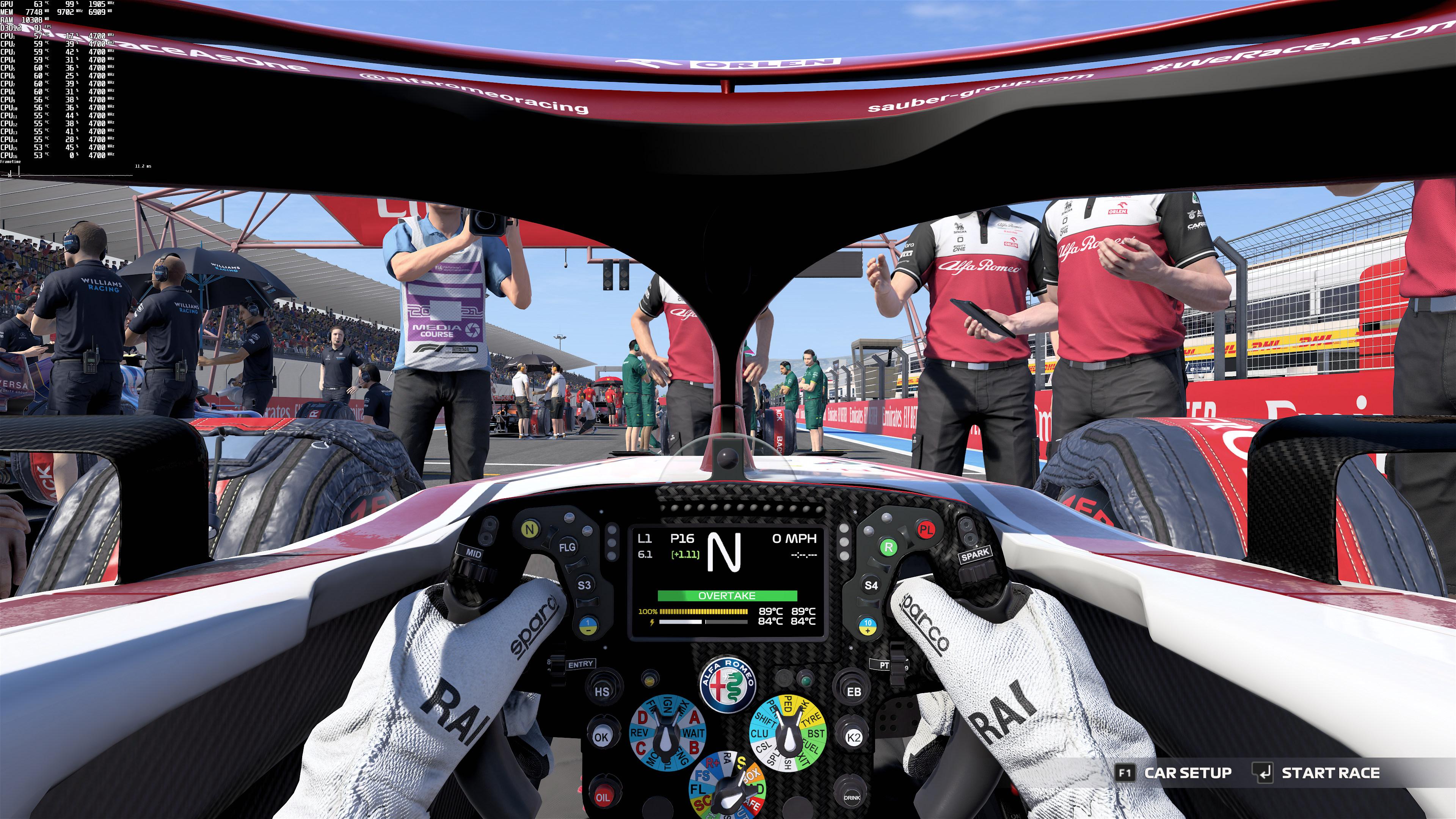
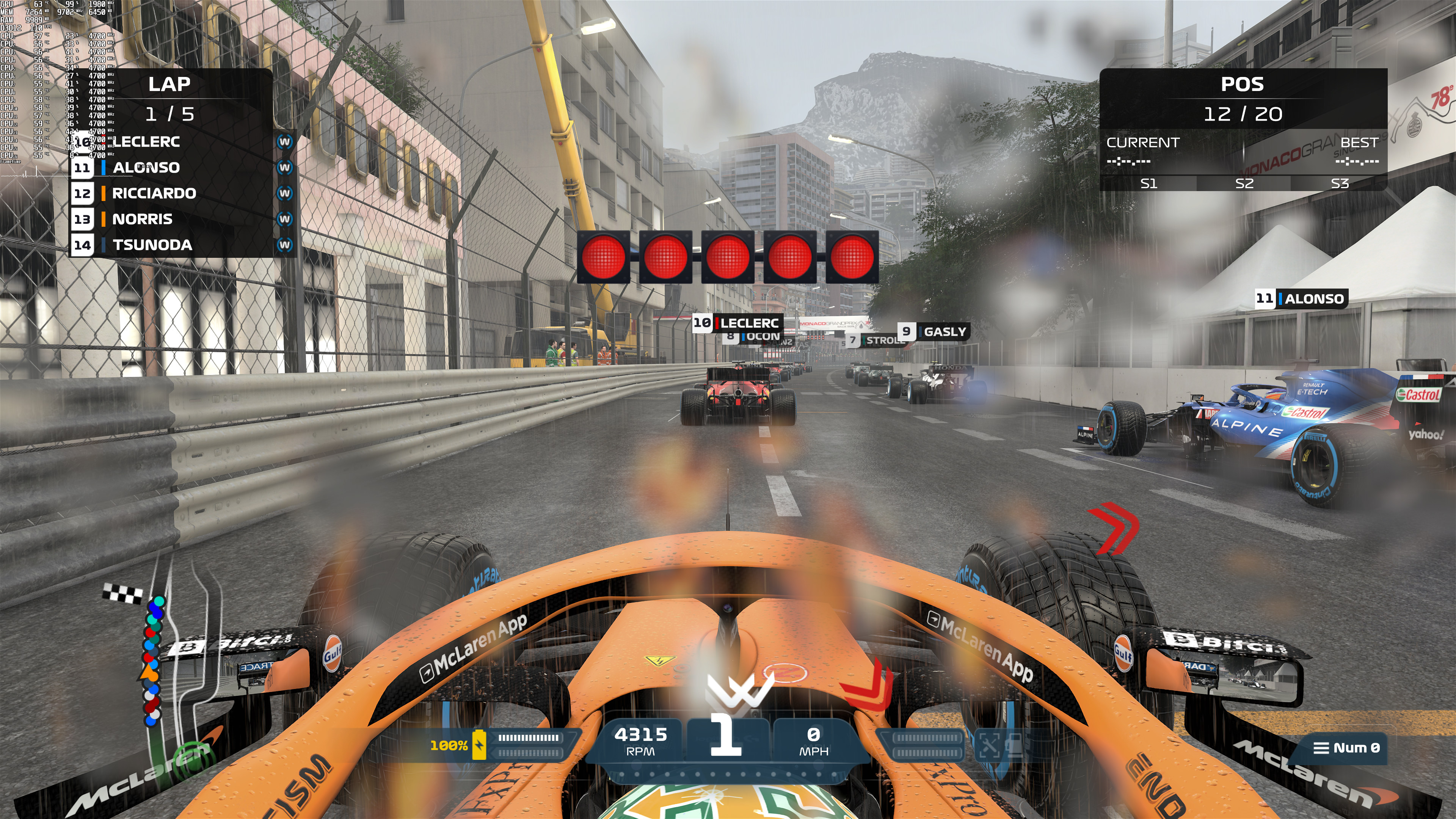
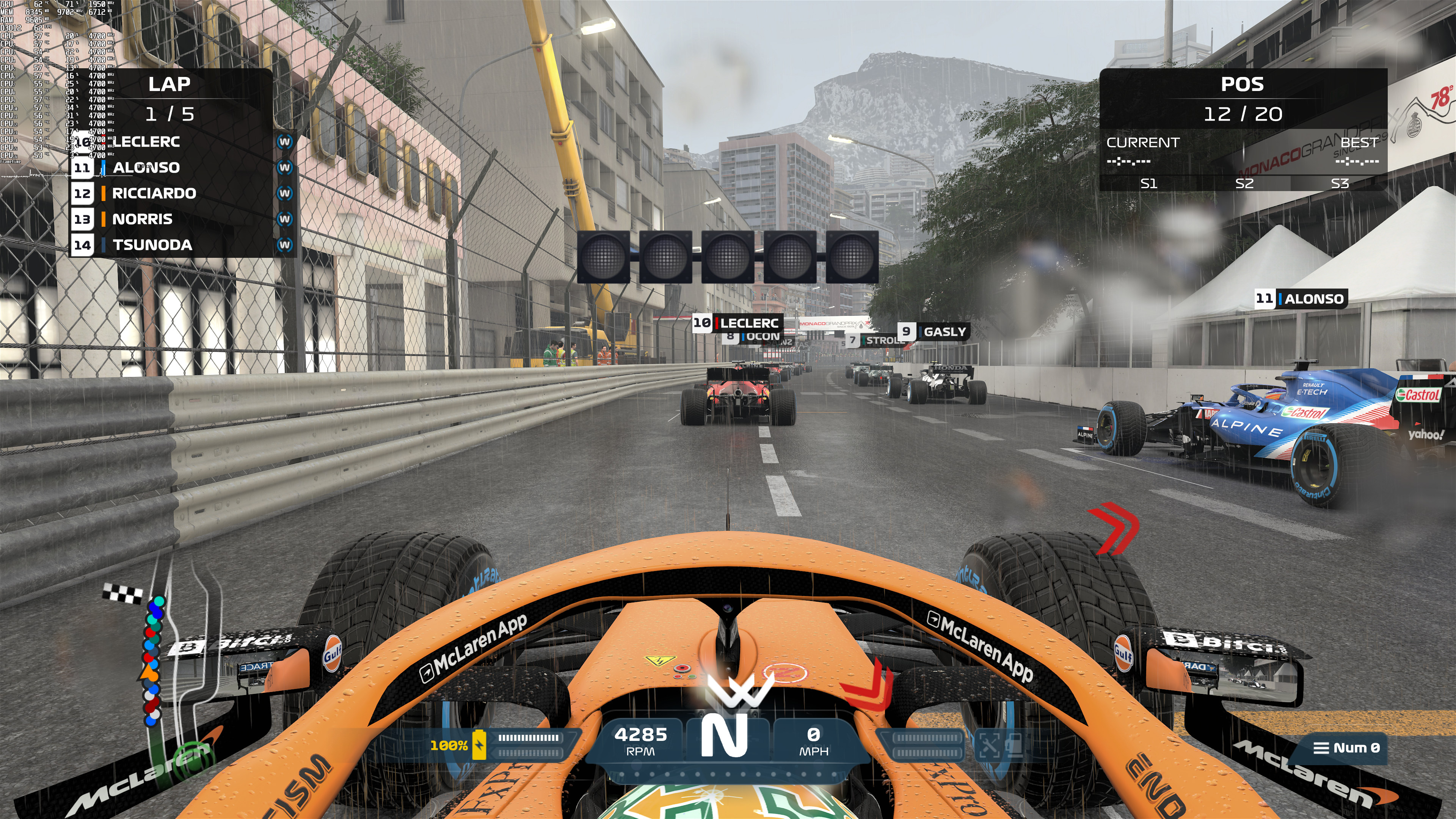
Our NVIDIA RTX 3080 had no trouble at all running F1 2021 with both Ray Tracing Shadows and Reflections, even at native 4K. Still, there is a significant performance difference between the ray-traced and the non-ray-traced versions. Not only that, but Ray Tracing brings a major CPU/memory bandwidth performance hit. You can easily notice these CPU/memory bandwidth issues in the DLSS graphs. With DLSS enabled, we were getting the exact same numbers at both 1080p and 1440p. However, at 4K where we were GPU-bound at all times, and we saw a 20fps increase.
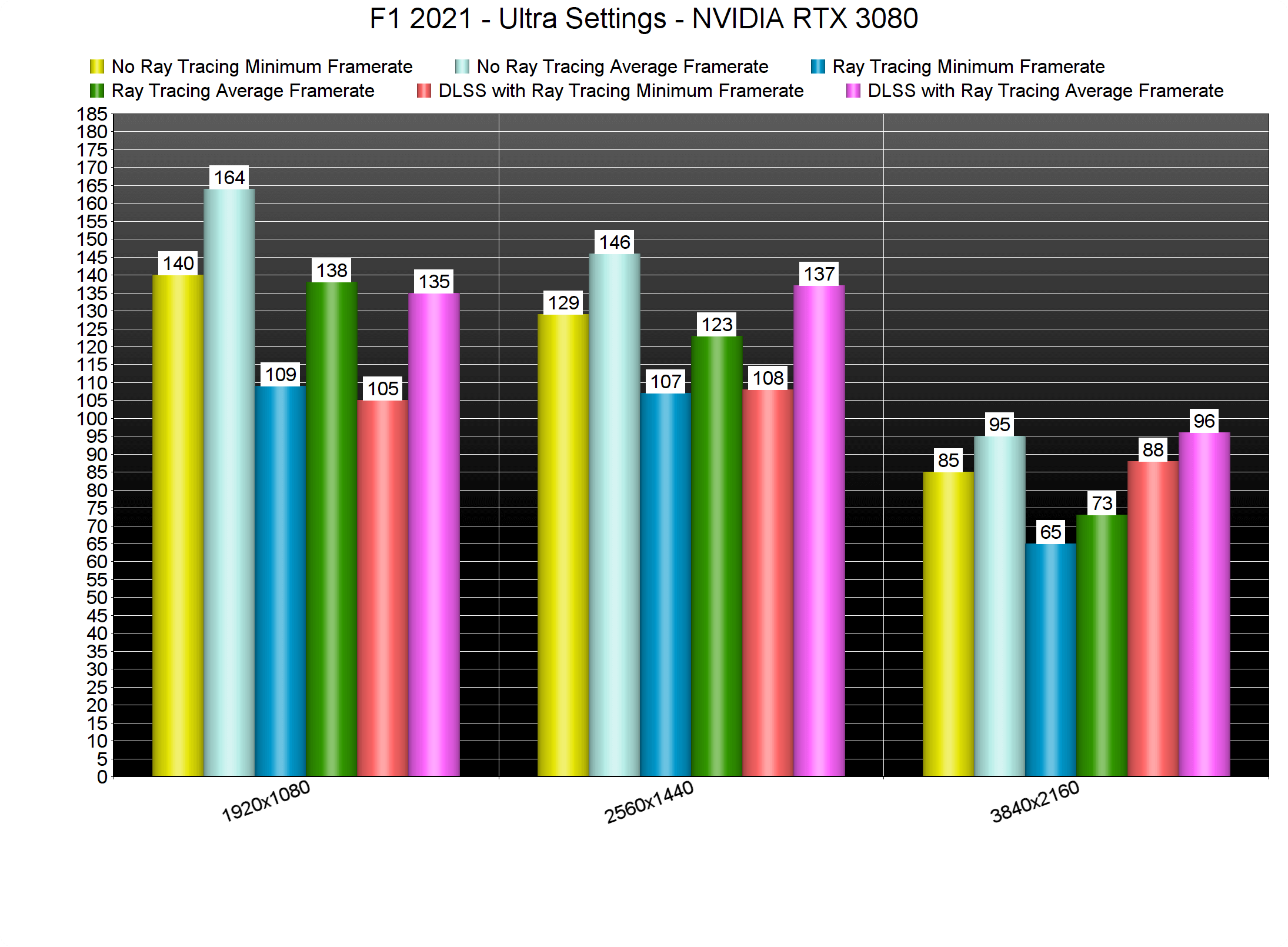
All in all, we were really disappointed by F1 2021’s Ray Tracing and DLSS implementations. While the ray-traced reflections are cool, the ray-traced shadows look awful. Seriously, it’s like playing the game with Low Shadows. Additionally, Codemasters is not allowing you to set the quality of DLSS. As such, DLSS produces a noticeably blurrier image, even at 4K. Here is hoping that the Codies will release a post-launch update in order to a) improve the ray-traced shadows and b) allow you to adjust the quality of DLSS.

John is the founder and Editor in Chief at DSOGaming. He is a PC gaming fan and highly supports the modding and indie communities. Before creating DSOGaming, John worked on numerous gaming websites. While he is a die-hard PC gamer, his gaming roots can be found on consoles. John loved – and still does – the 16-bit consoles, and considers SNES to be one of the best consoles. Still, the PC platform won him over consoles. That was mainly due to 3DFX and its iconic dedicated 3D accelerator graphics card, Voodoo 2. John has also written a higher degree thesis on the “The Evolution of PC graphics cards.”
Contact: Email