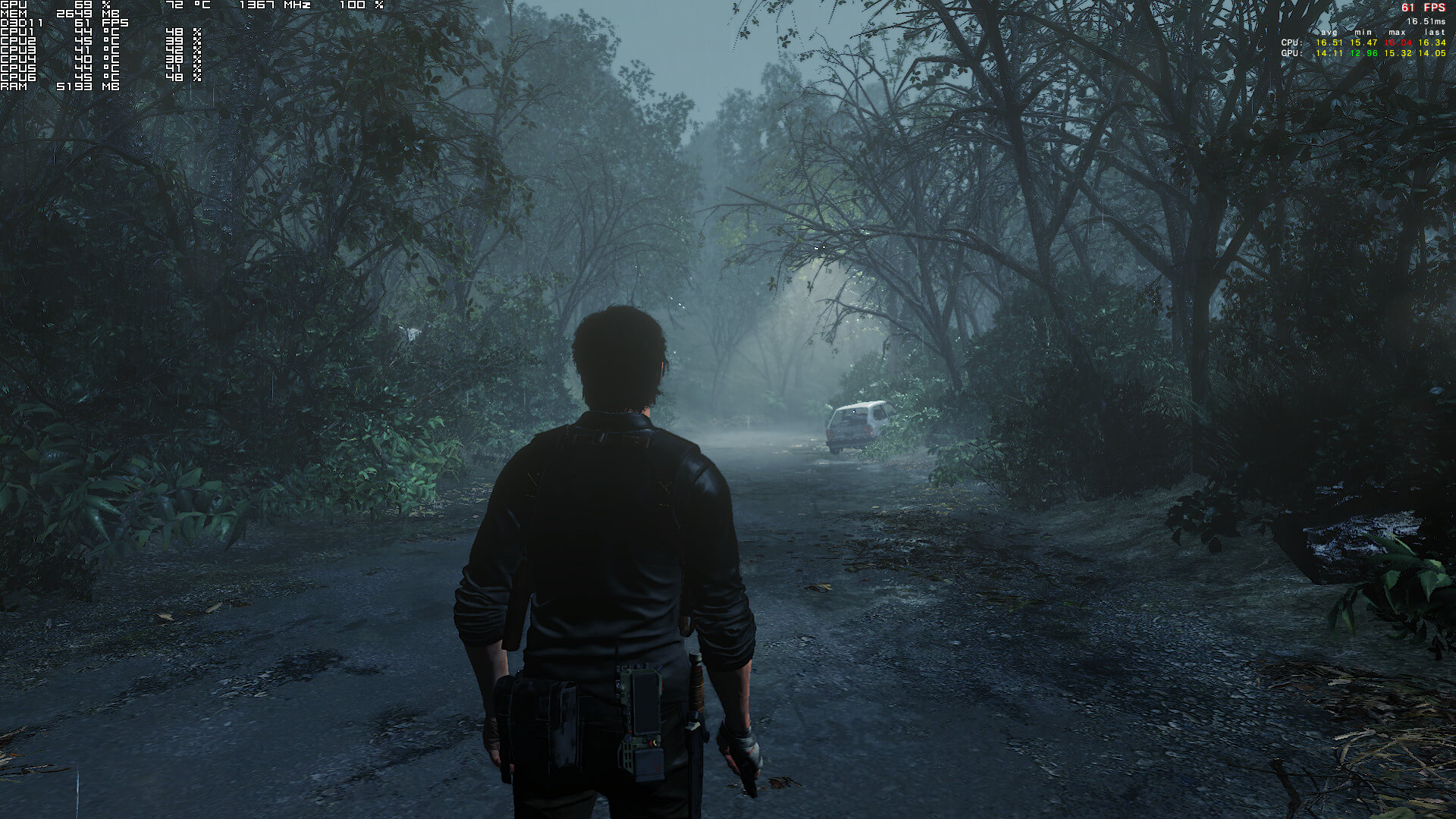
When Tango Gameworks revealed that The Evil Within 2 would be powered by the STEM Engine, we were a bit worried about its overall performance. You see, both the STEM and the Void Engines are based on the id Tech Engines. The Void Engine had numerous optimization issues in Dishonored 2 and from the looks of it, the STEM Engine also suffers from some optimization/performance issues.
In case you weren’t aware of, the first The Evil Within game was powered by the id Tech 5 Engine. And unfortunately, the game suffered from performance and optimization issues. And while id Software has already created the id Tech 6 Engine, Tango Gameworks decided to customize the version of the id Tech 5 Engine that was used in the first game, and create the STEM Engine.
But first things first. For this PC Performance Analysis, we used an Intel i7 4930K (overclocked at 4.2Ghz) with 8GB RAM, AMD’s Radeon RX580, NVIDIA’s GTX980Ti and GTX690, Windows 10 64-bit and the latest version of the GeForce and Catalyst drivers. NVIDIA has included an SLI profile for this title, however the game did not scale on our GTX690.
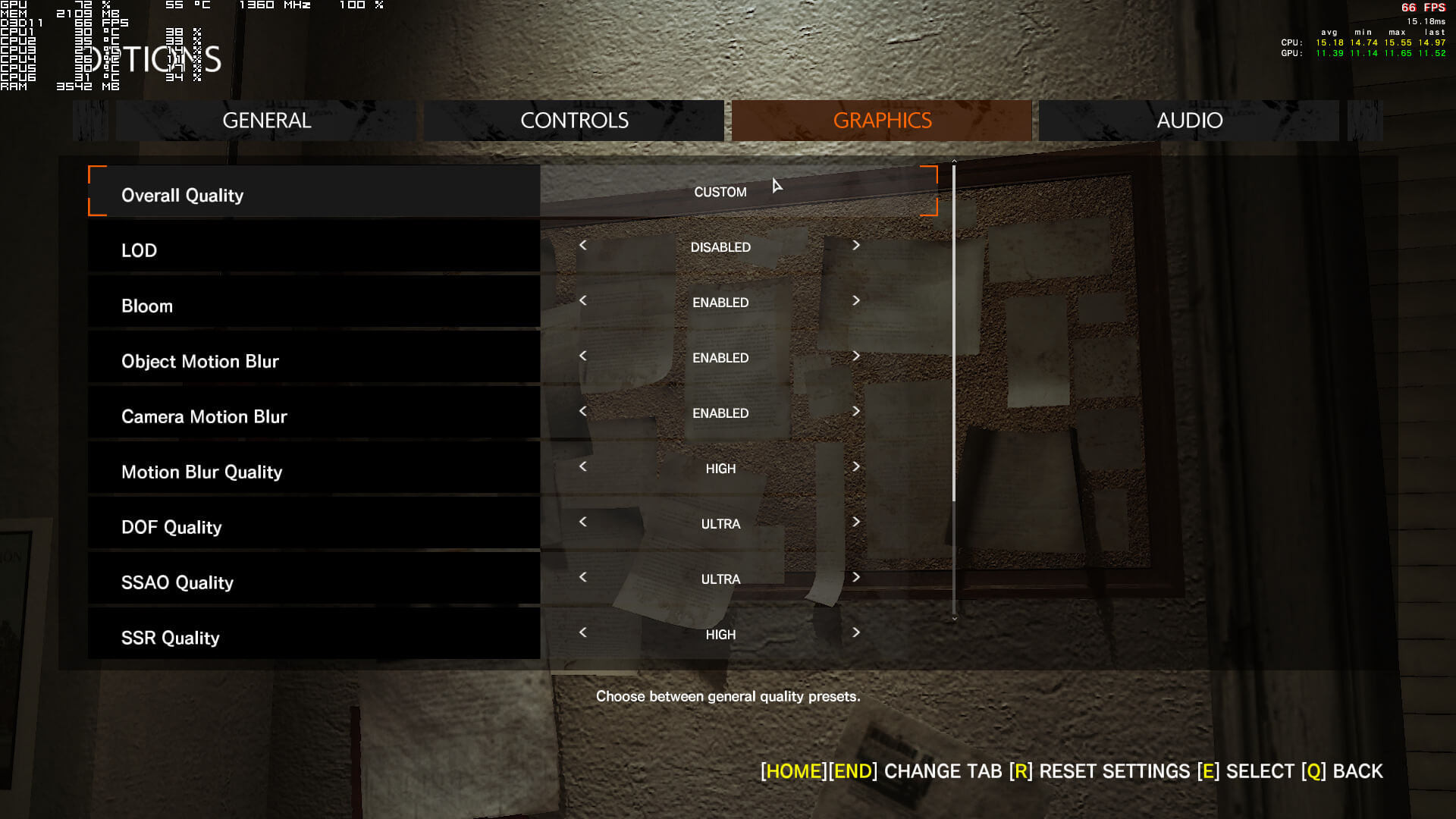
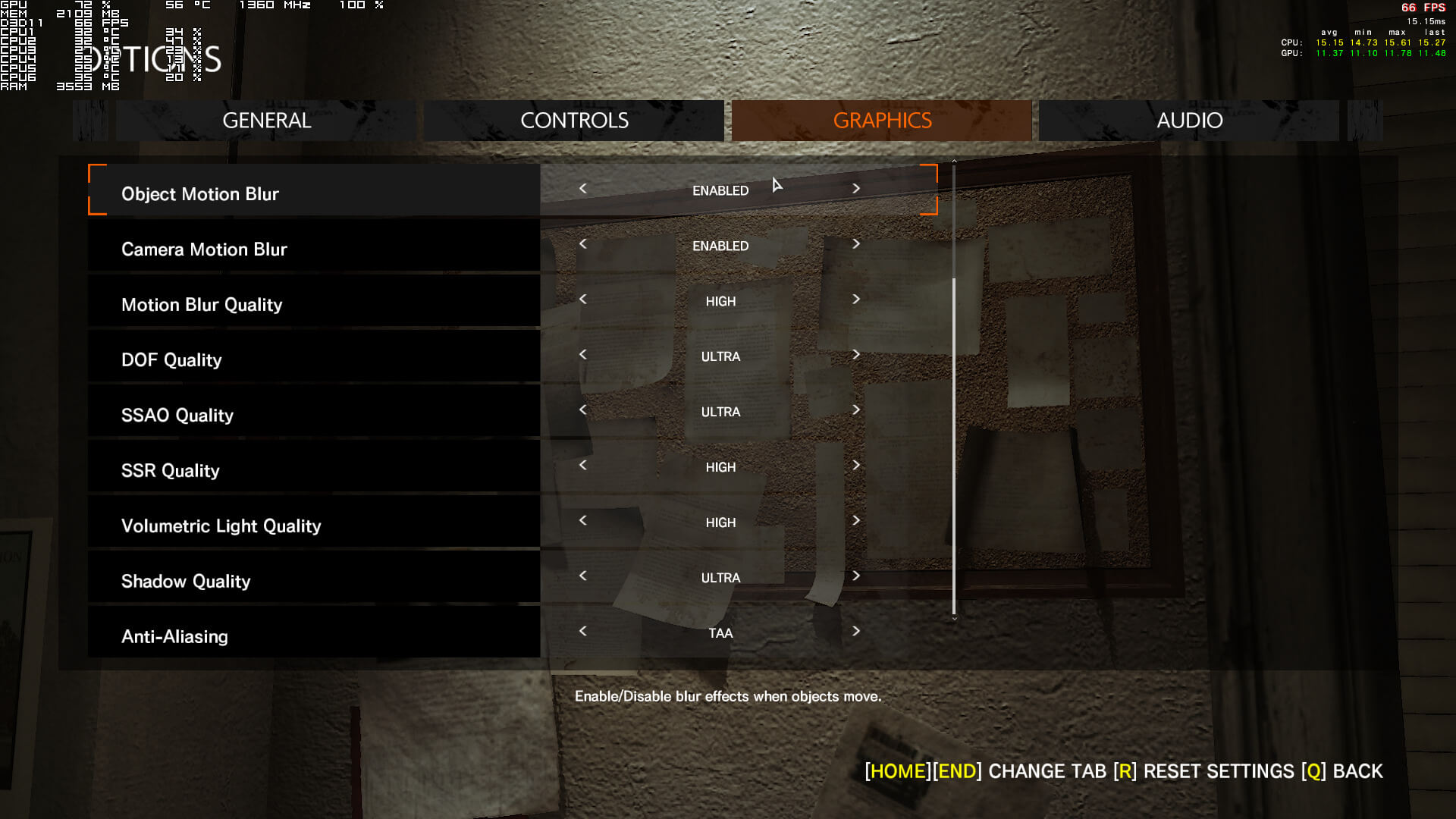
Tango Gameworks has included only a few graphics settings to tweak. PC gamers can adjust the quality of Motion Blur, Depth of Field, SSAO, Screen-Space Reflections, Volumetric Lighting, Shadows and Anti-Aliasing. In case you are wondering, no. There is no option for Textures, which seems kind of bizarre to say the least. Thankfully, Tango Gameworks has included options to disable Chromatic Aberration and Film Grain, and there is also a FOV slider. PC gamers can also enable/disable LOD, Bloom, Object Motion Blur and Camera Motion Blur.
[nextpage title=”GPU, CPU metrics, Graphics & Screenshots”]
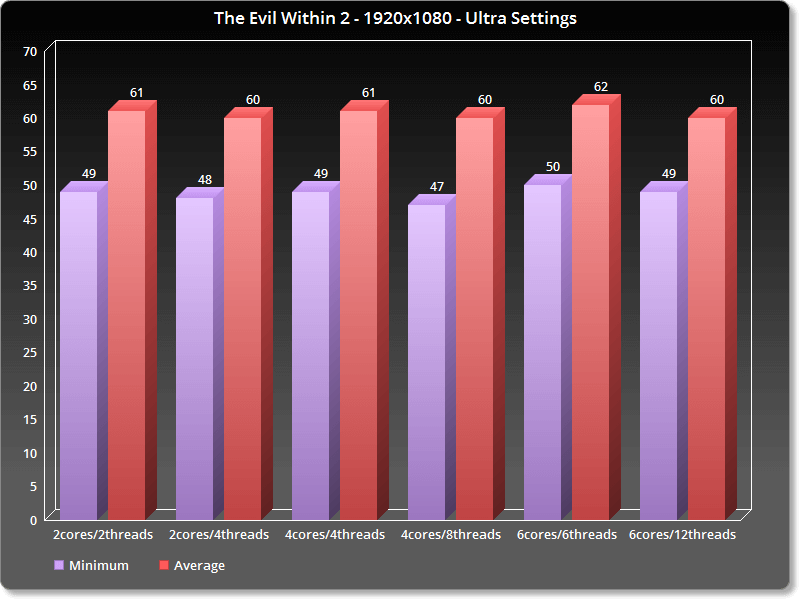
In order to find out how the game performs on a variety of CPUs, we simulated a dual-core and a quad-core CPU. While The Evil Within 2 scales on multiple threads, it does not really stress any of them. Not only that, but our simulated dual-core system performed similarly to our six-core. At first glance, this is great news for all those with weaker CPUs. However, it appears that The Evil Within 2 suffers from major optimization issues.
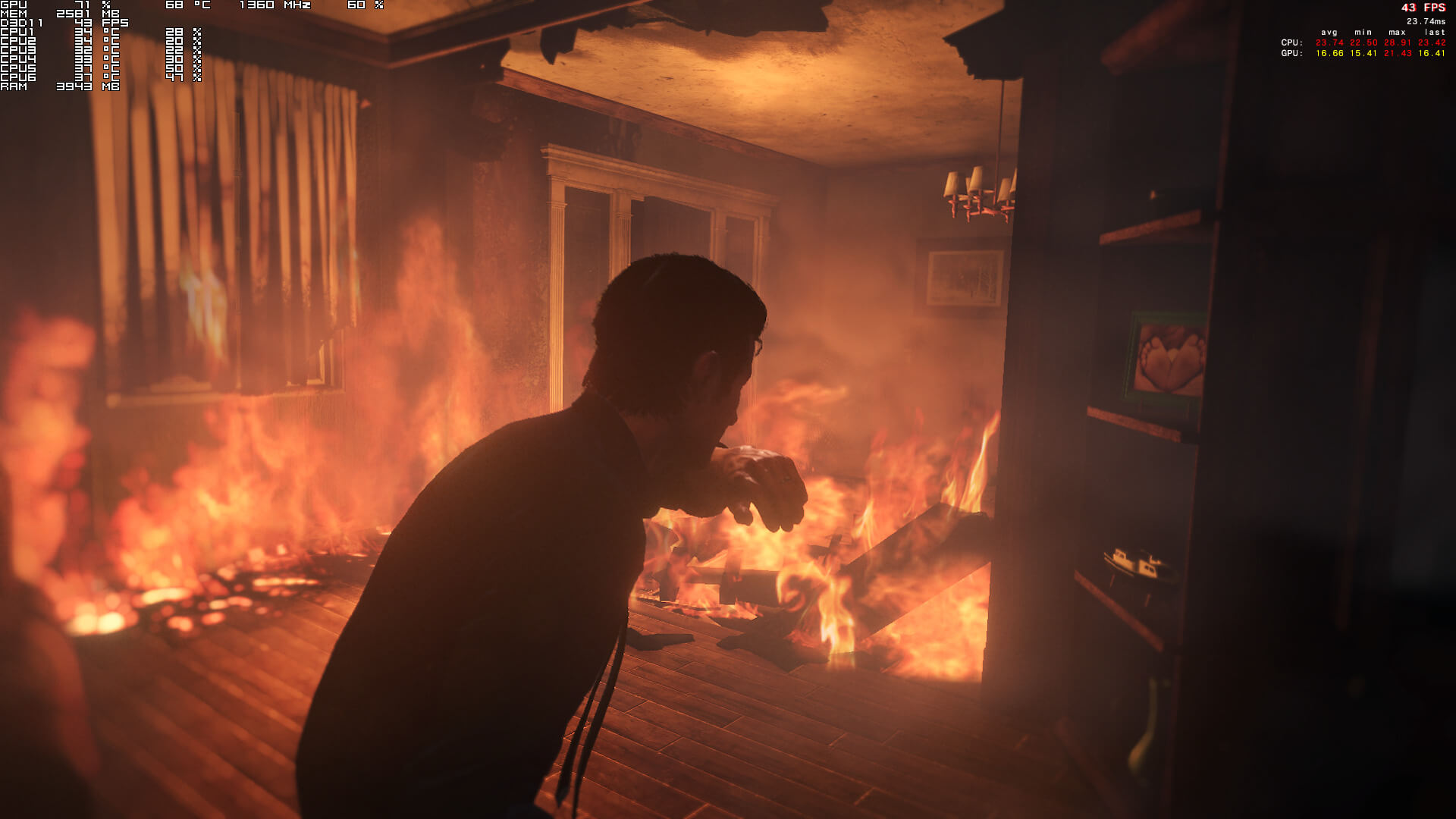
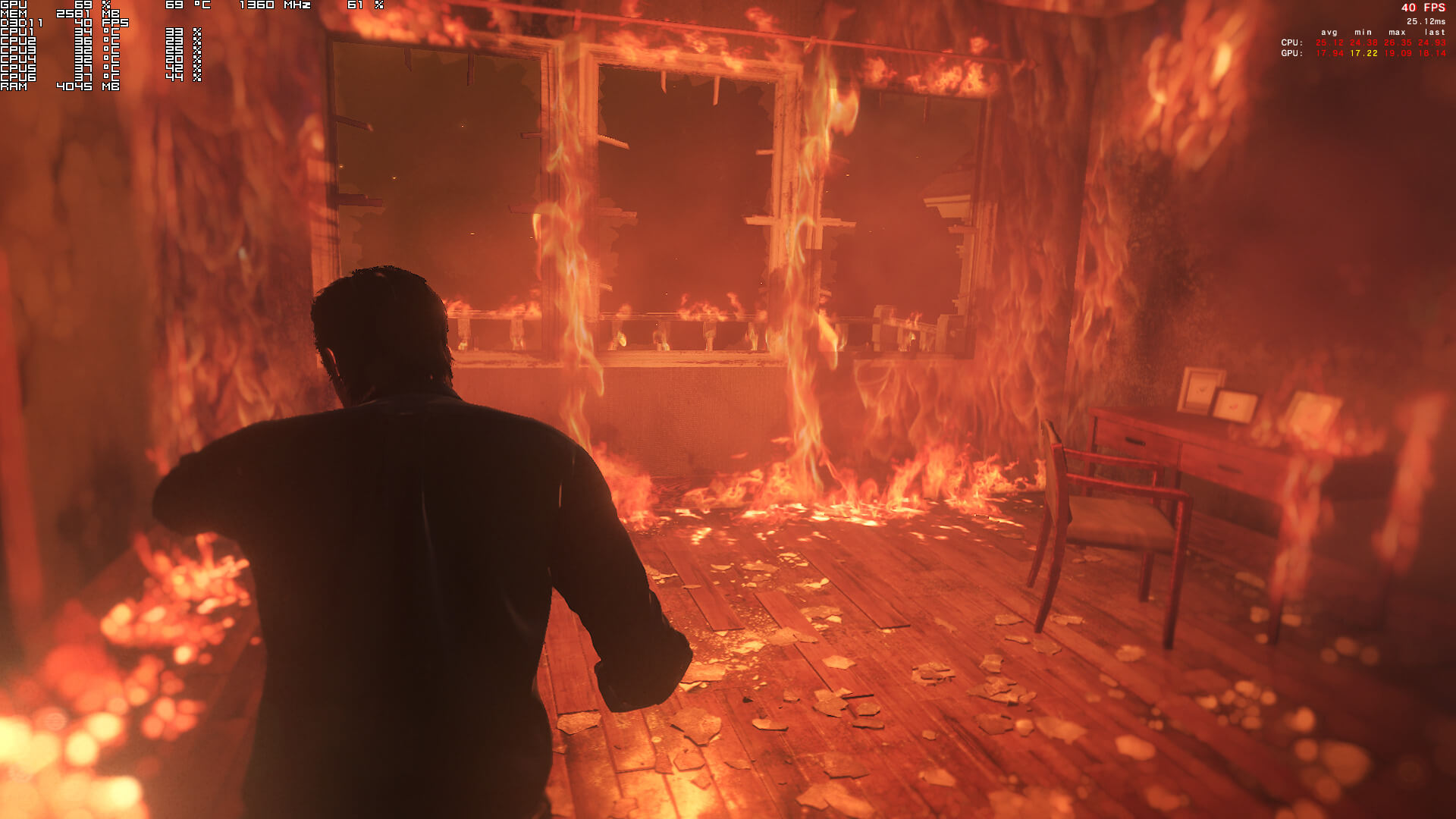
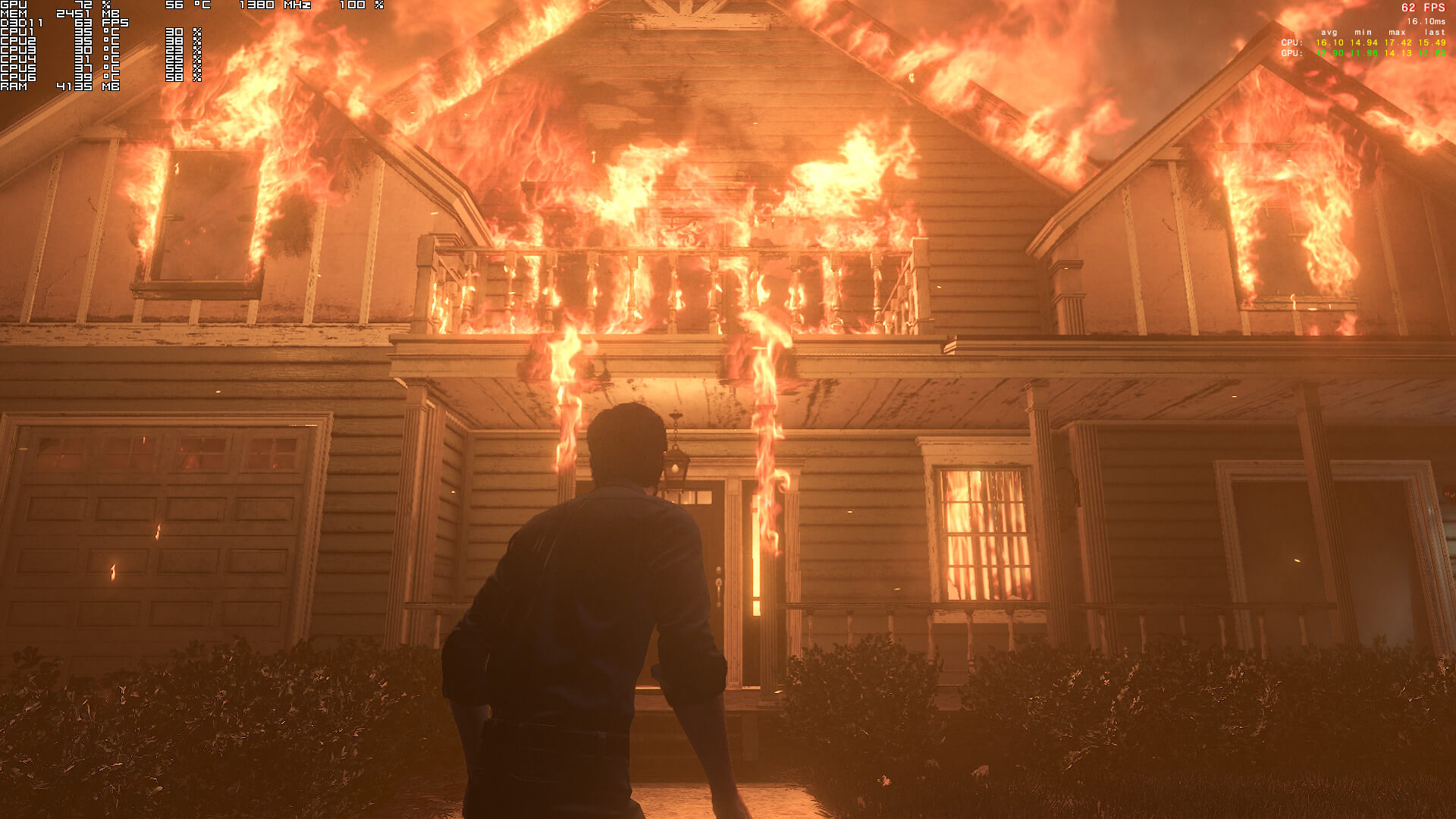
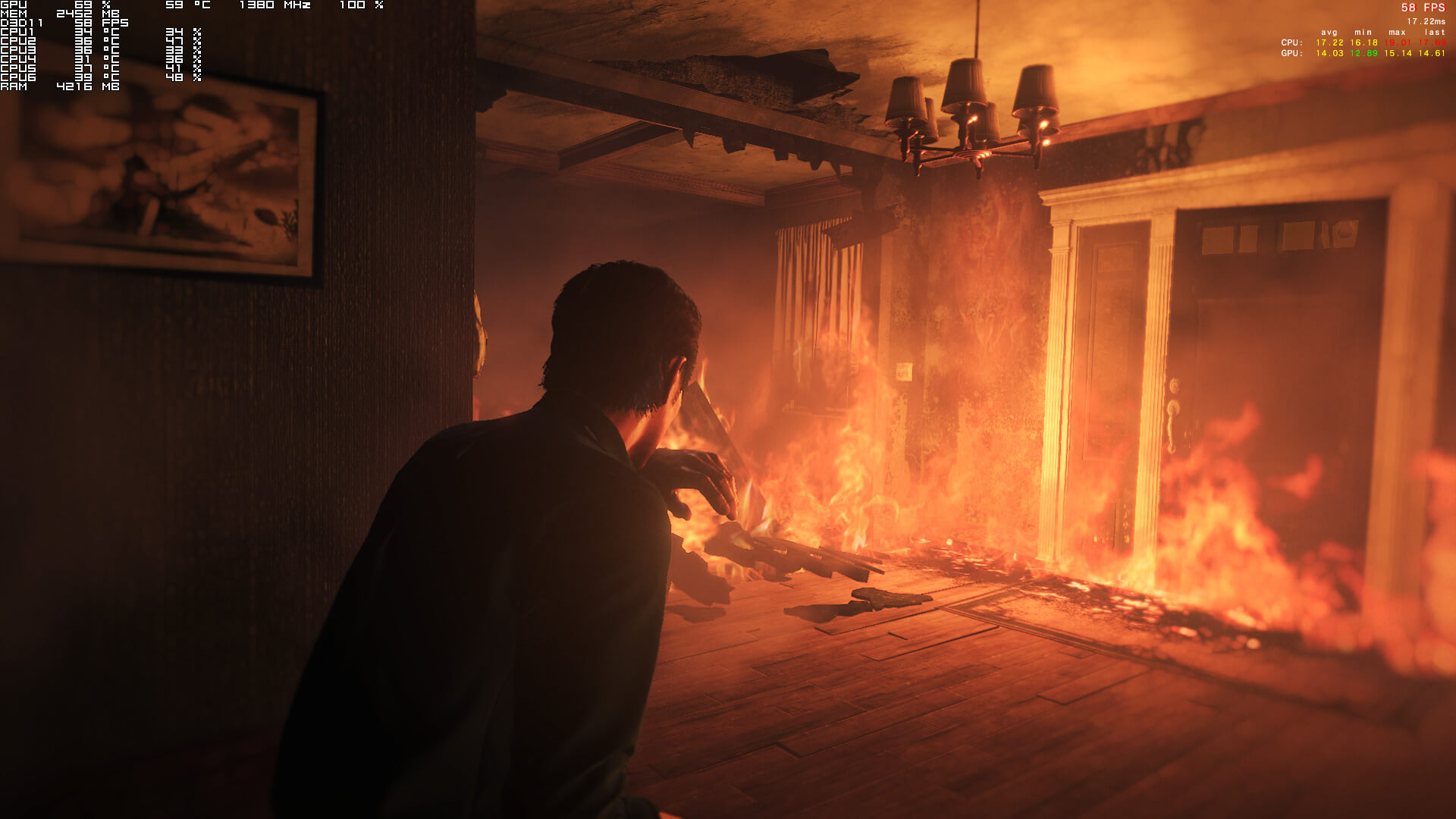
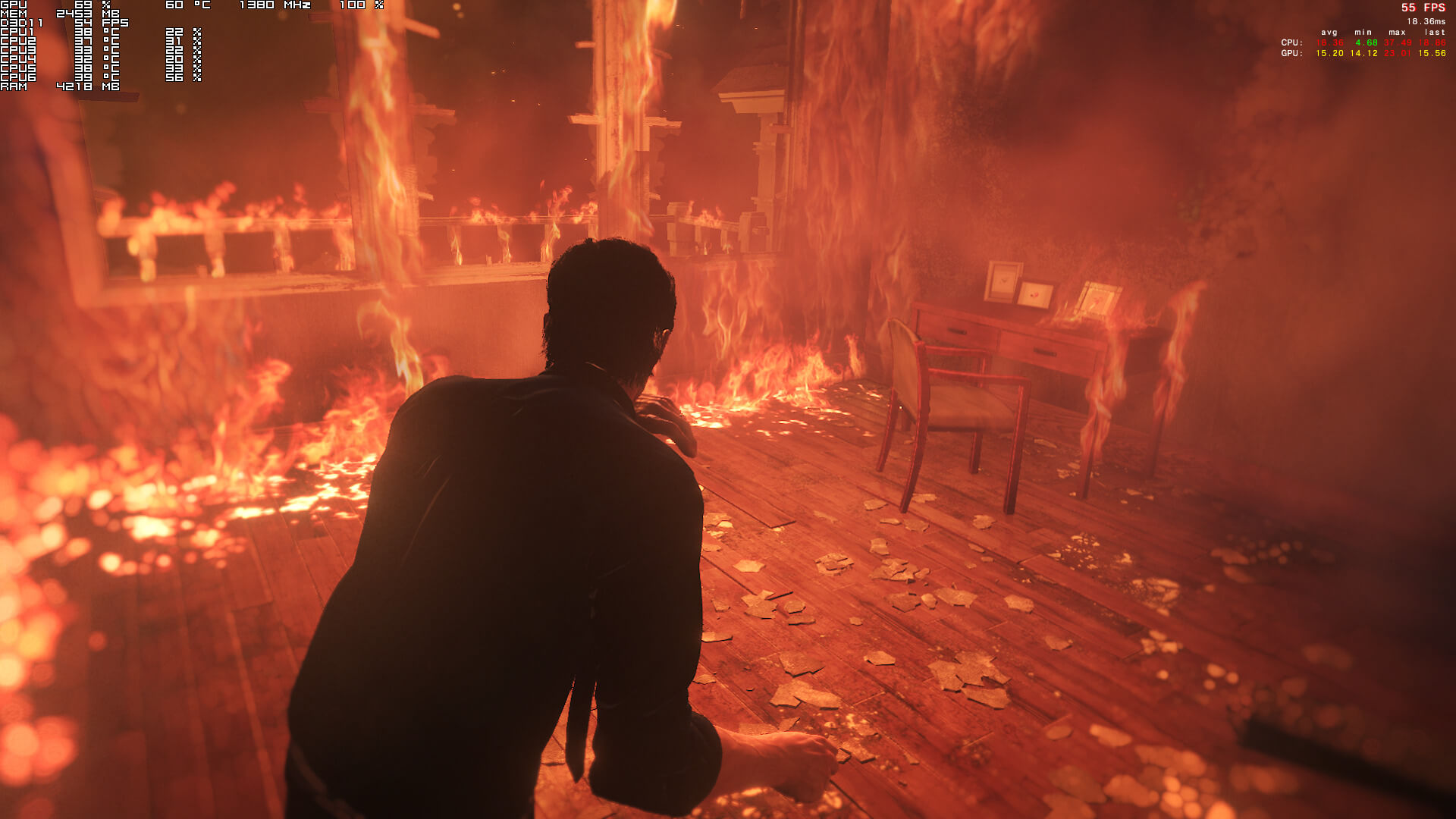
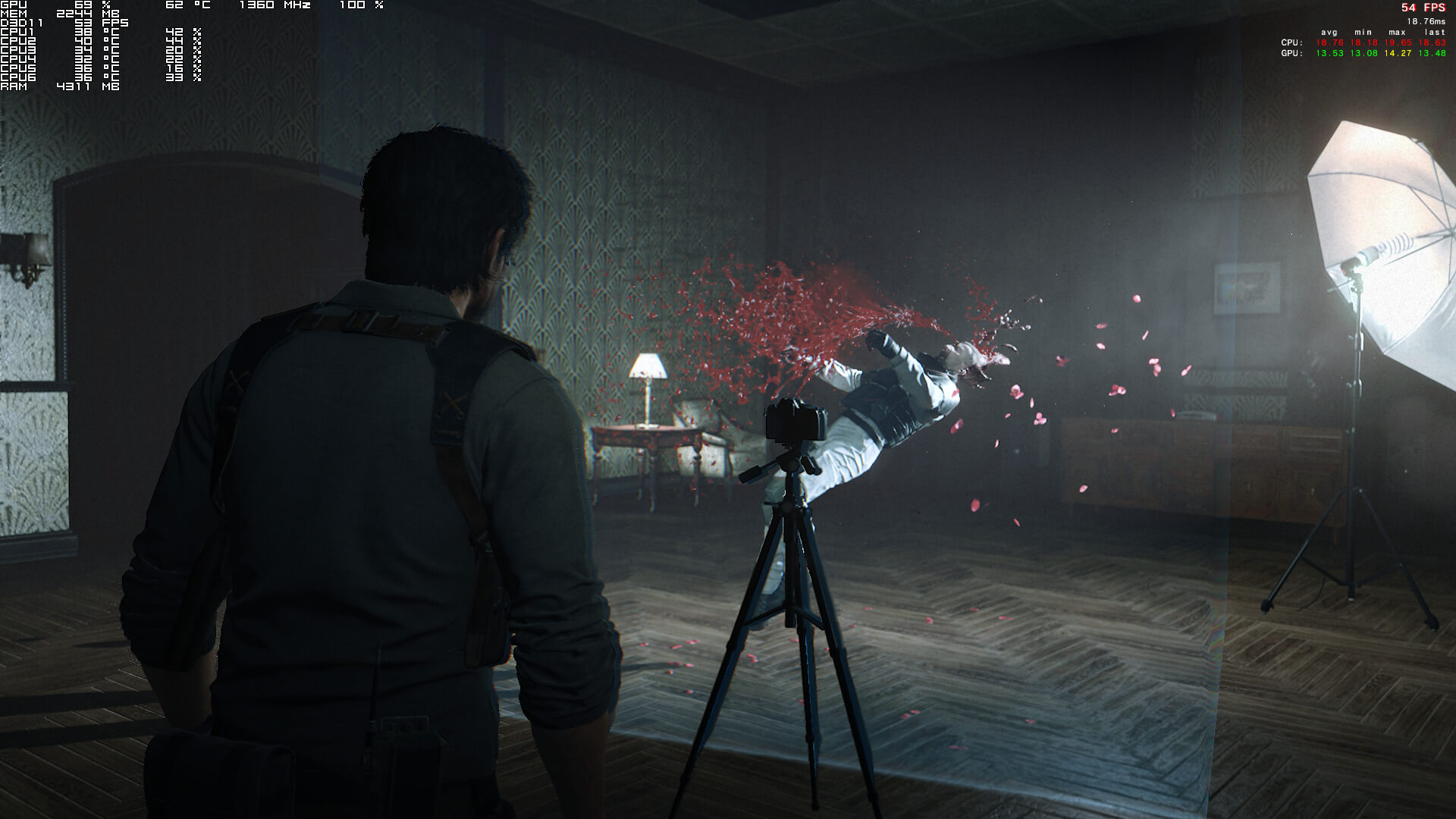
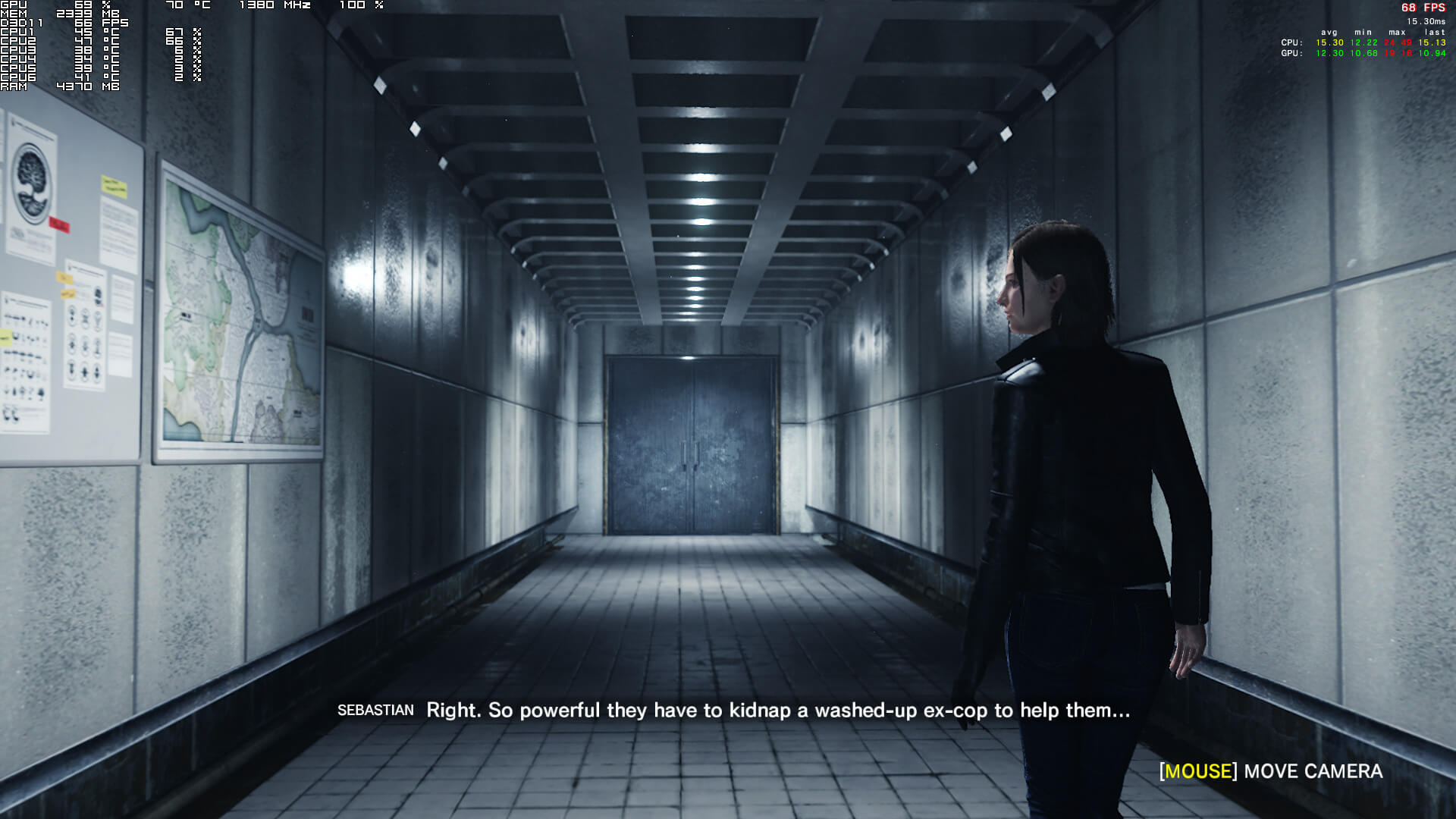
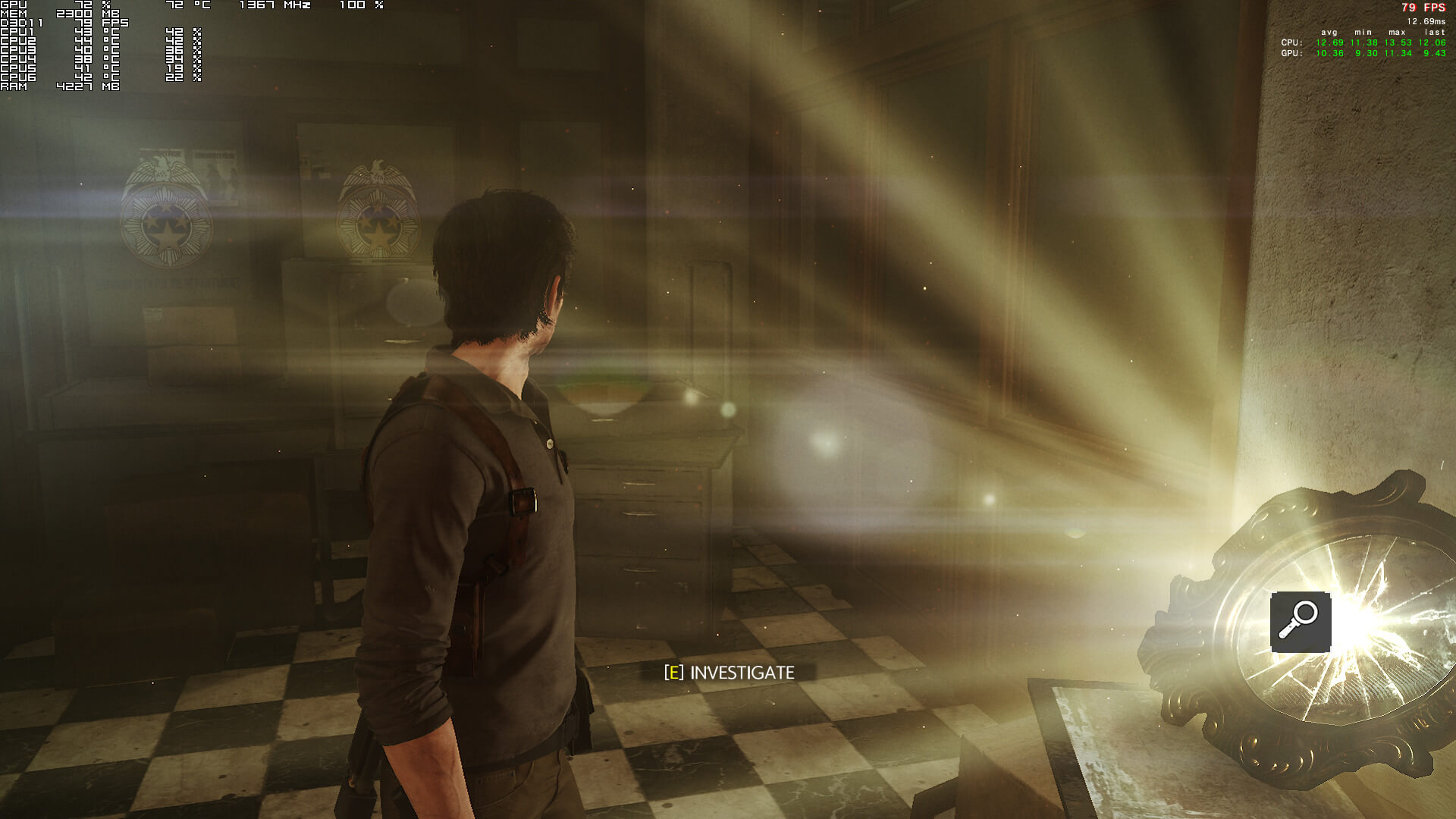
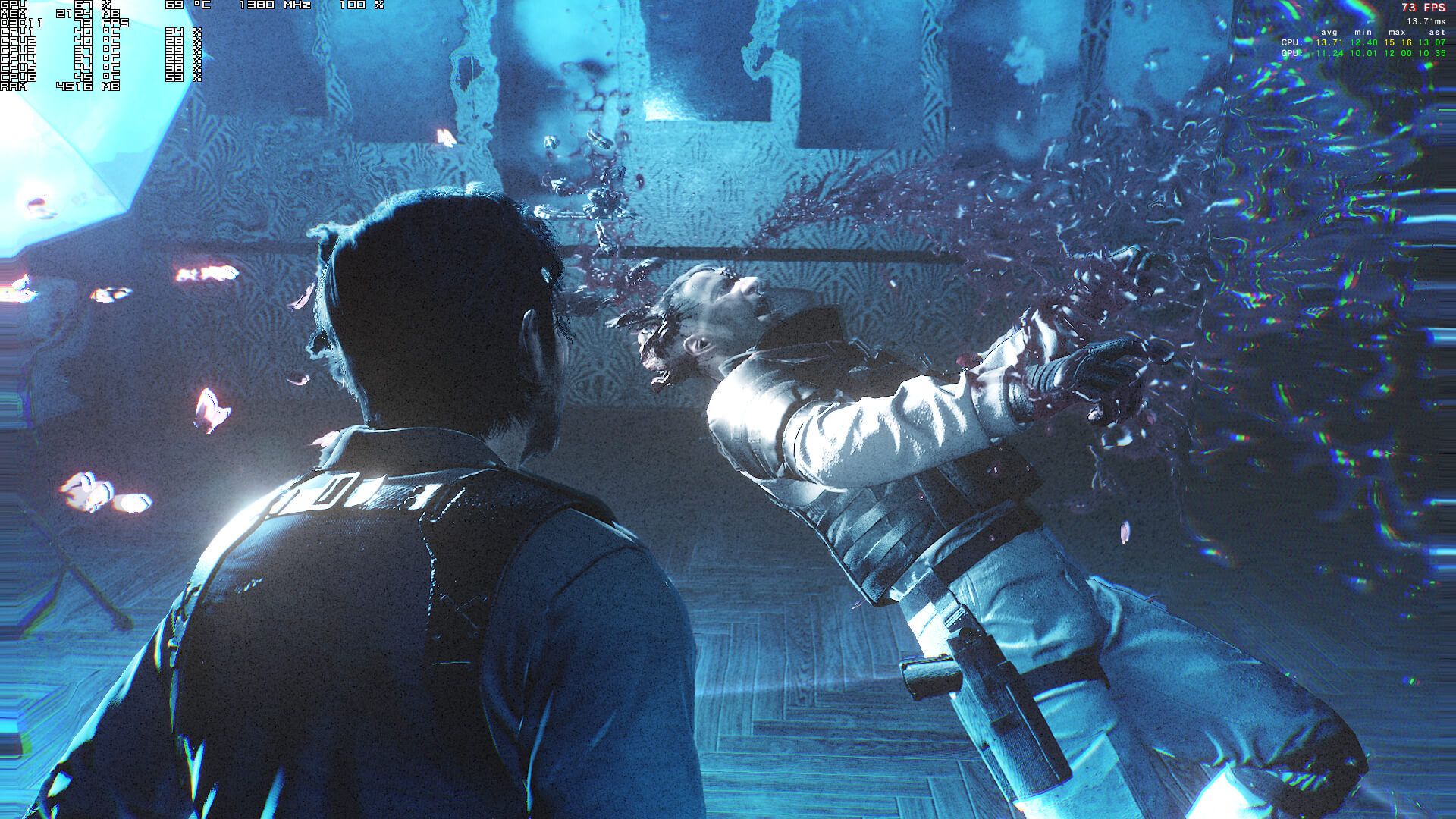
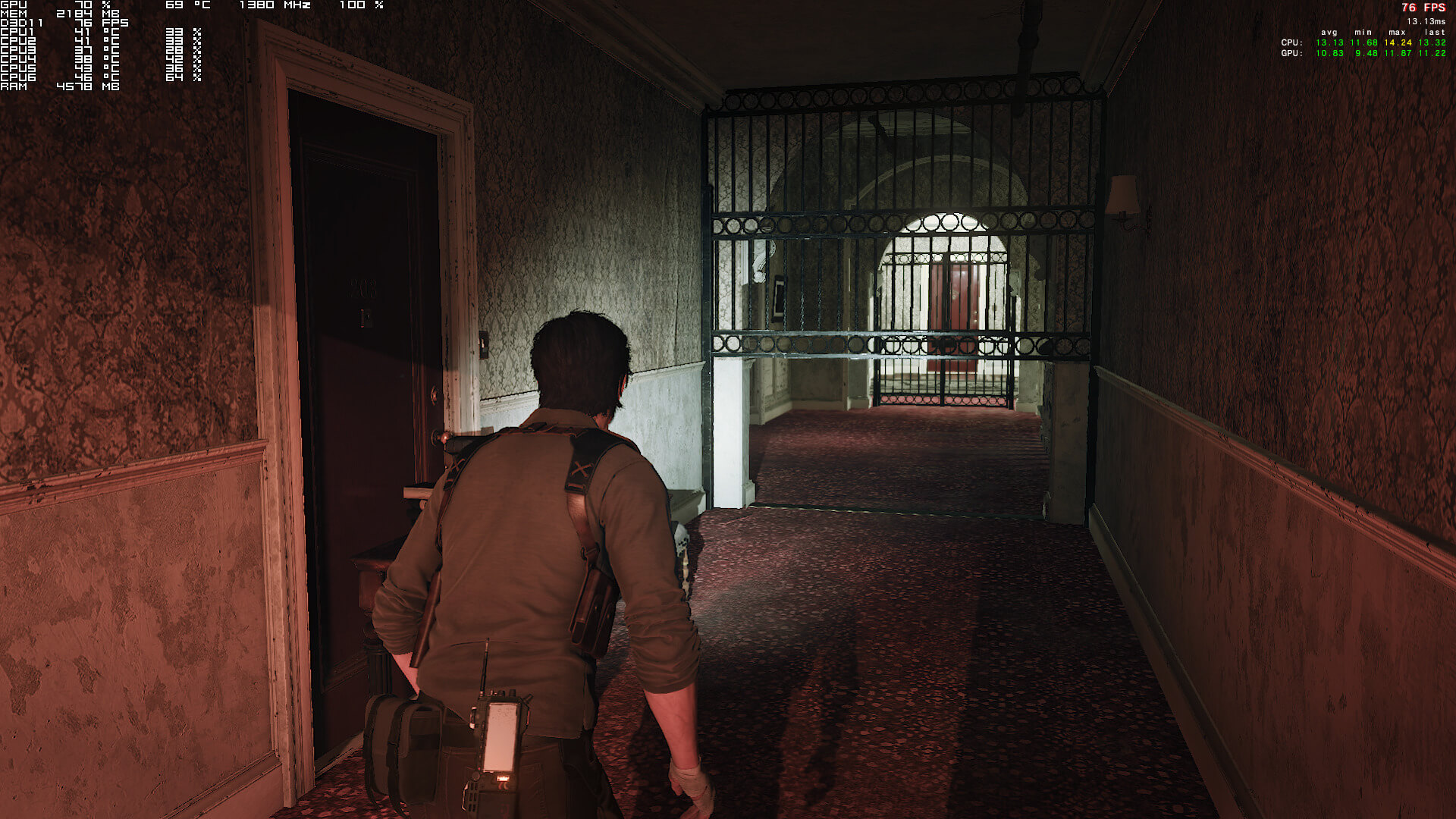
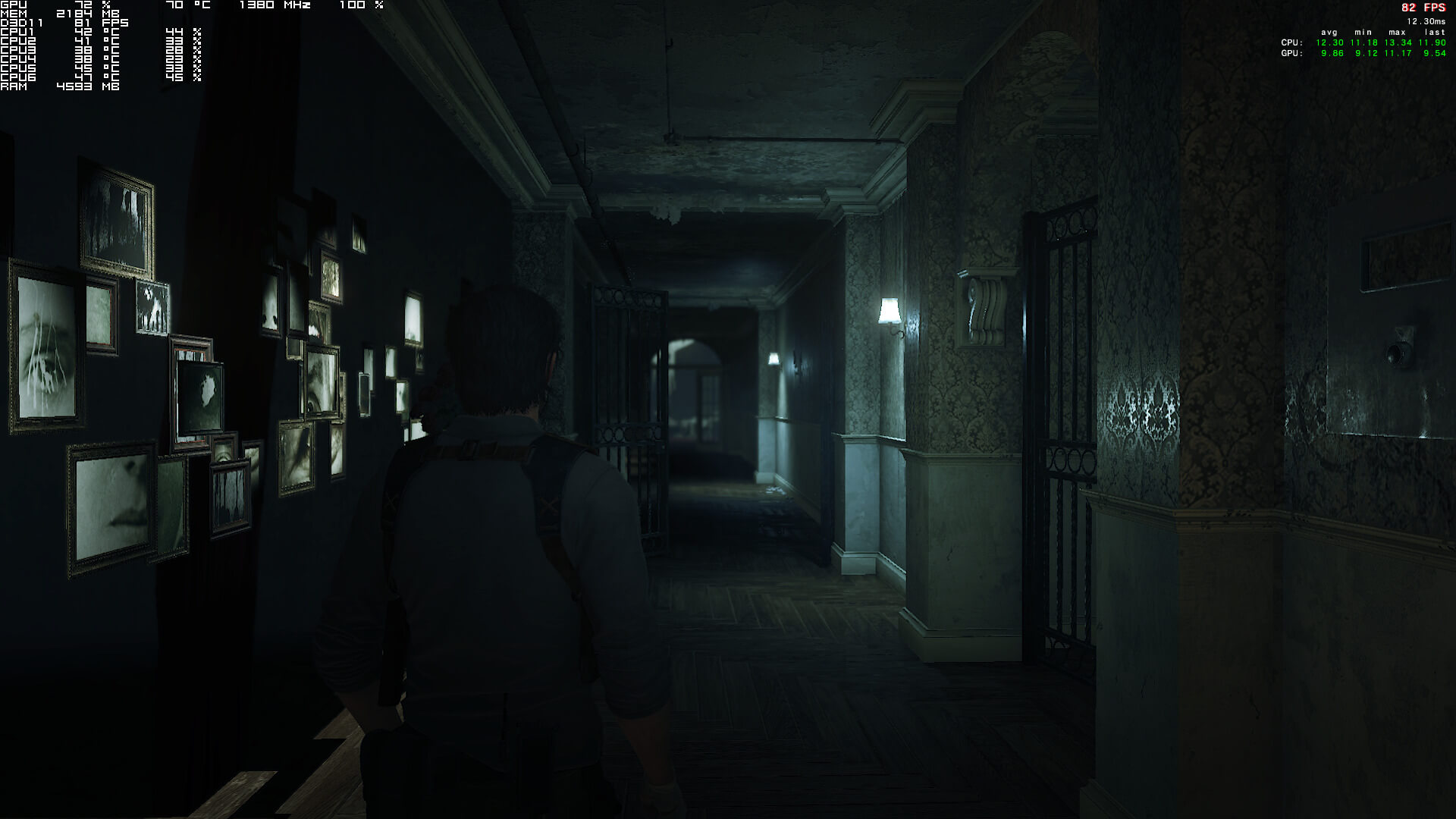
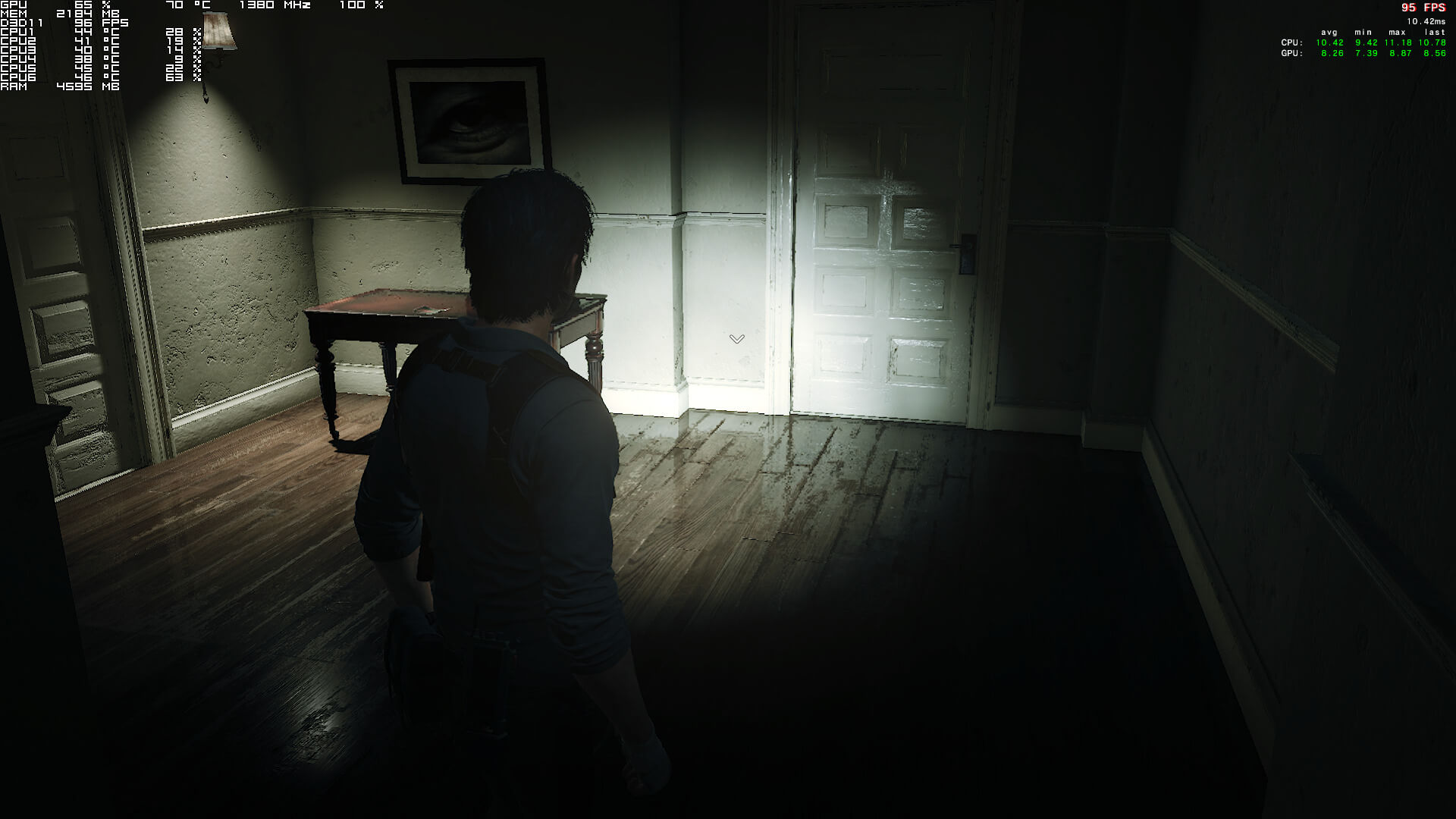
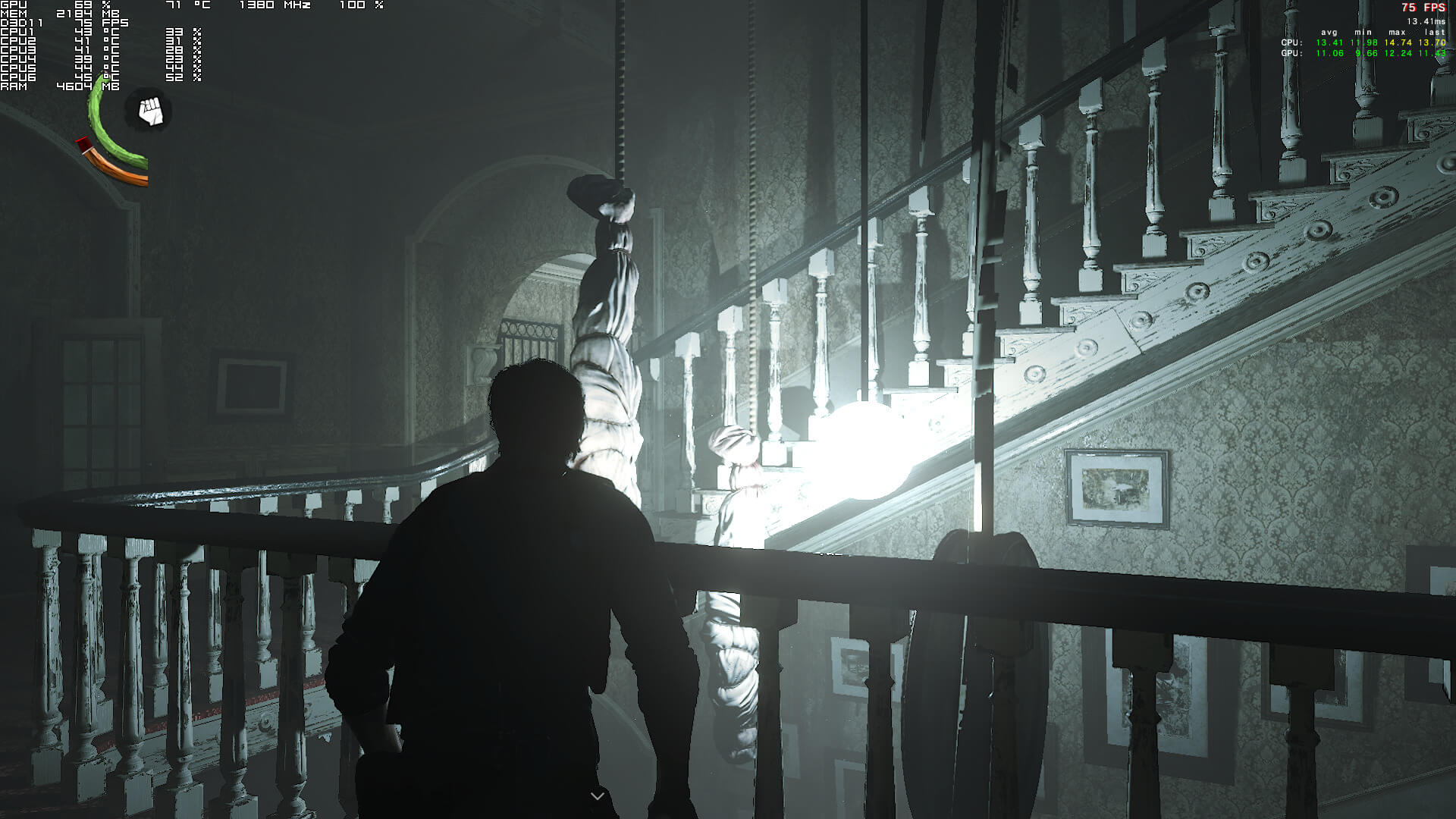
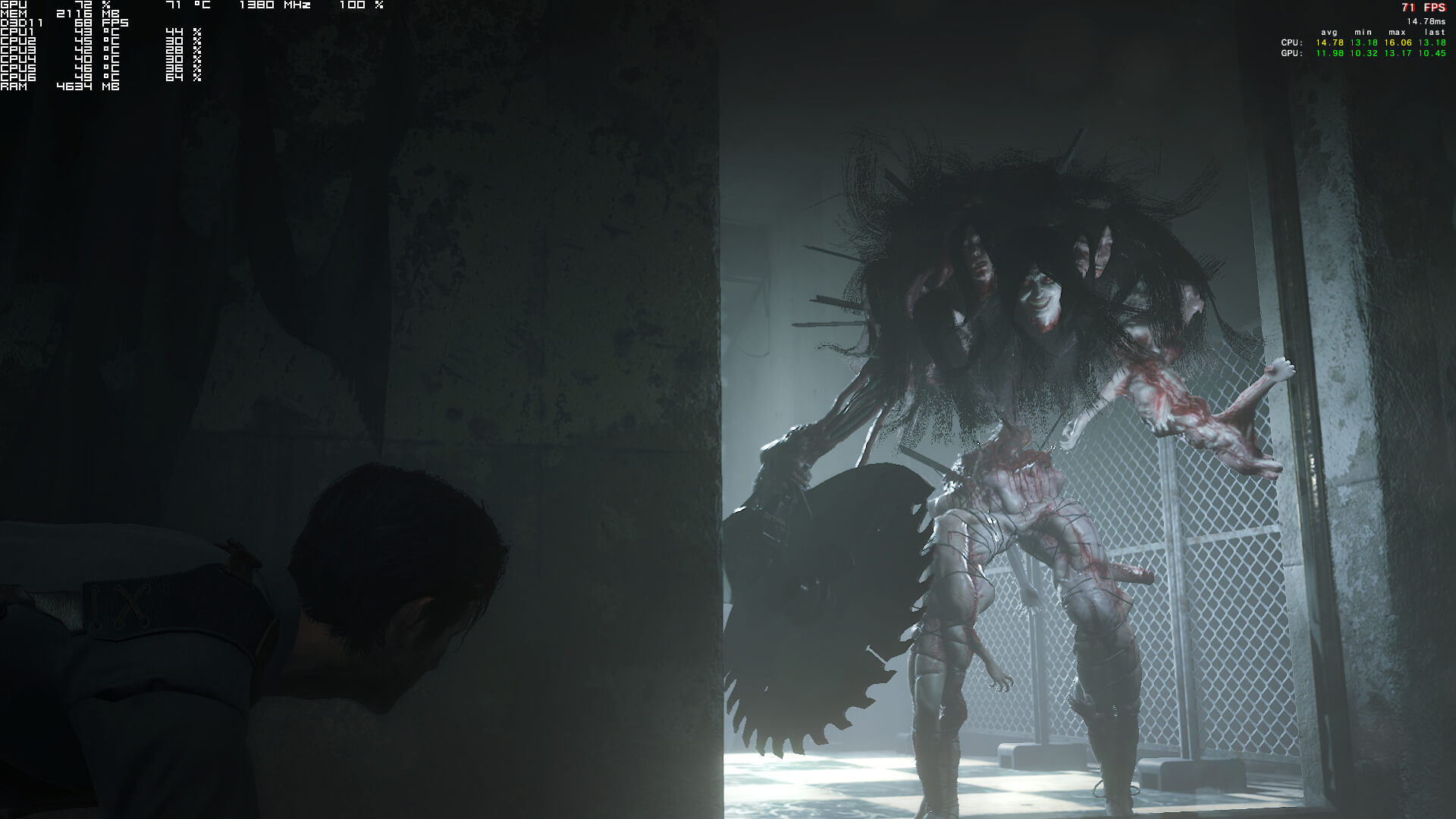
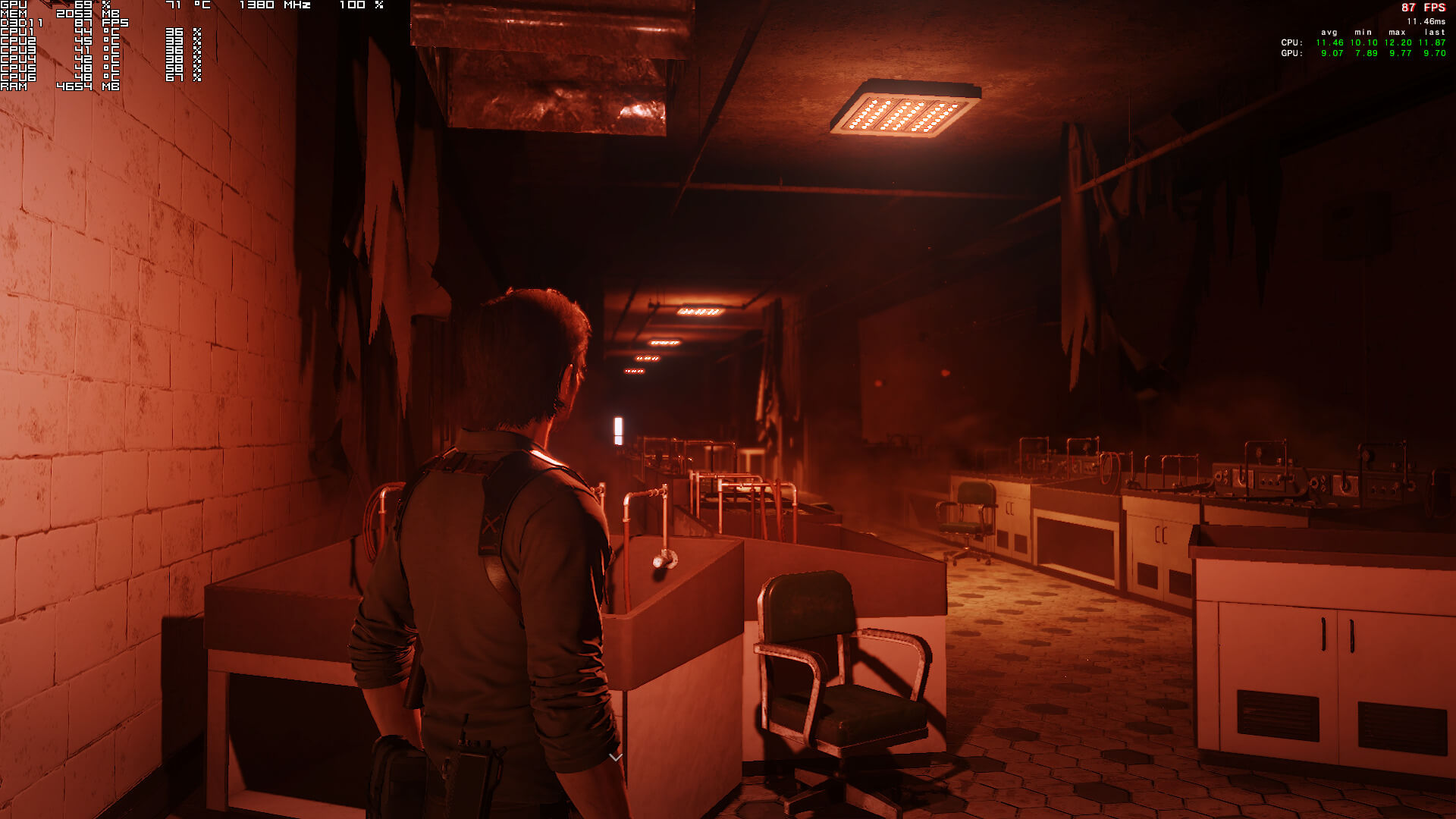
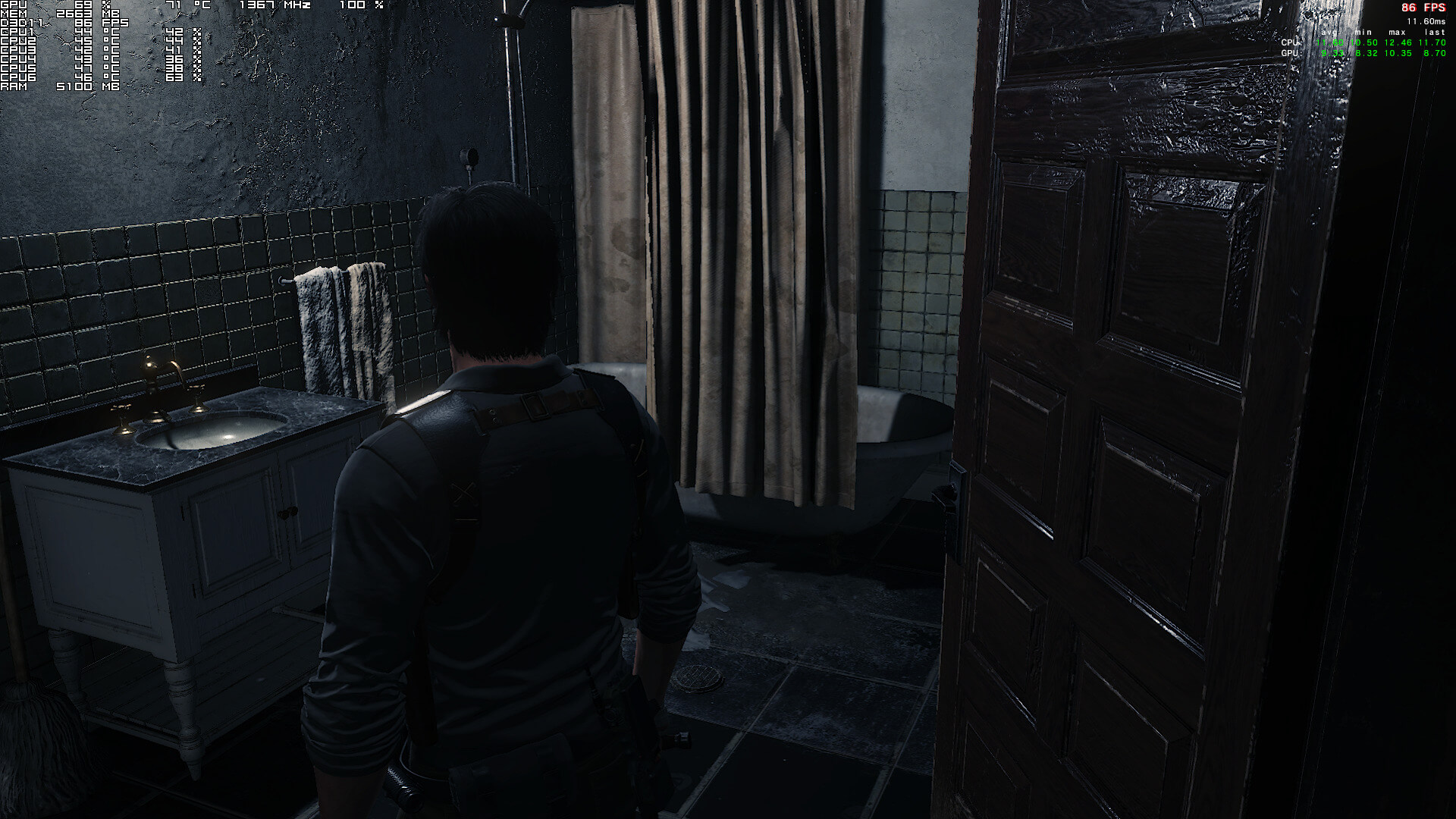
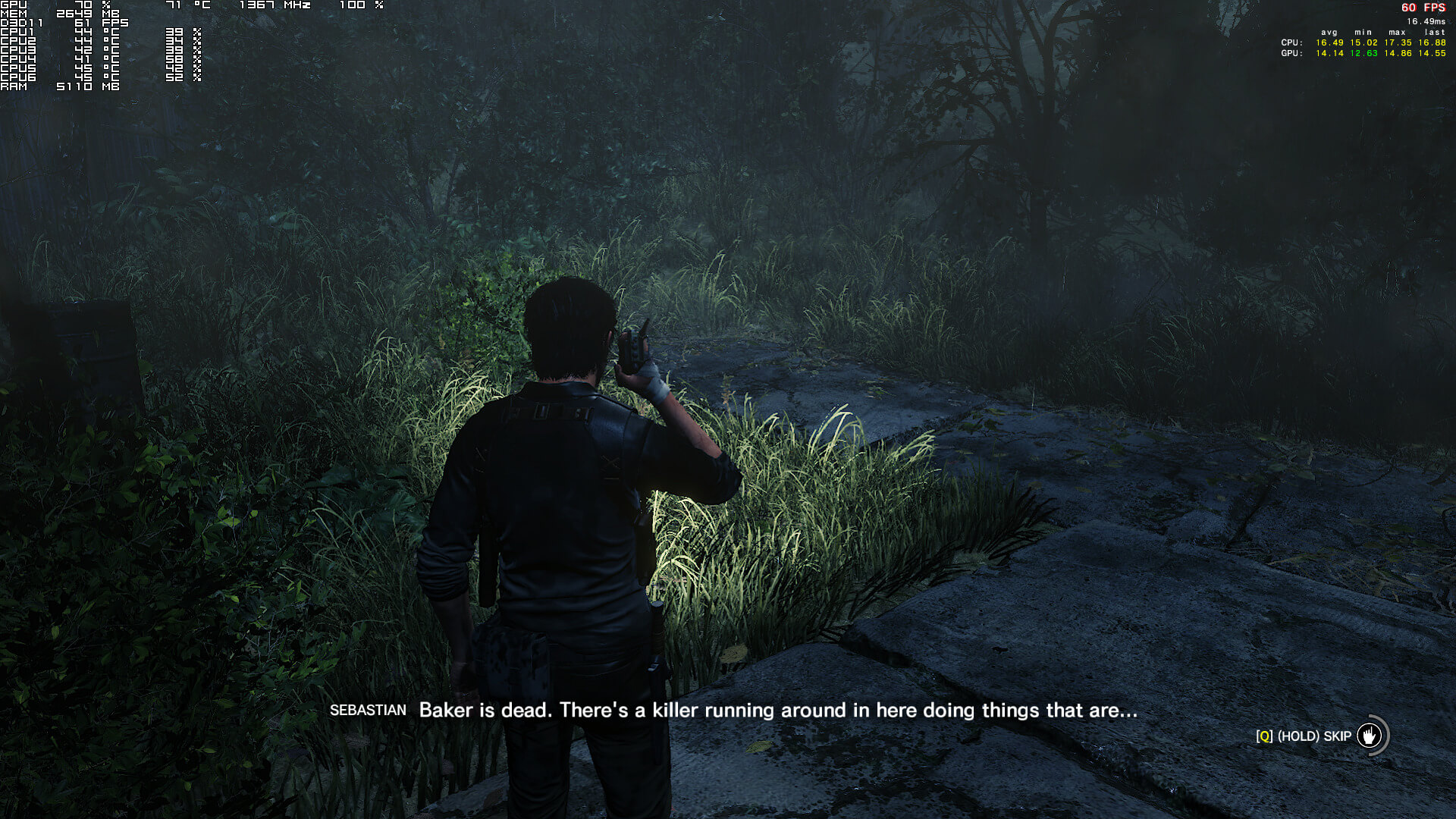
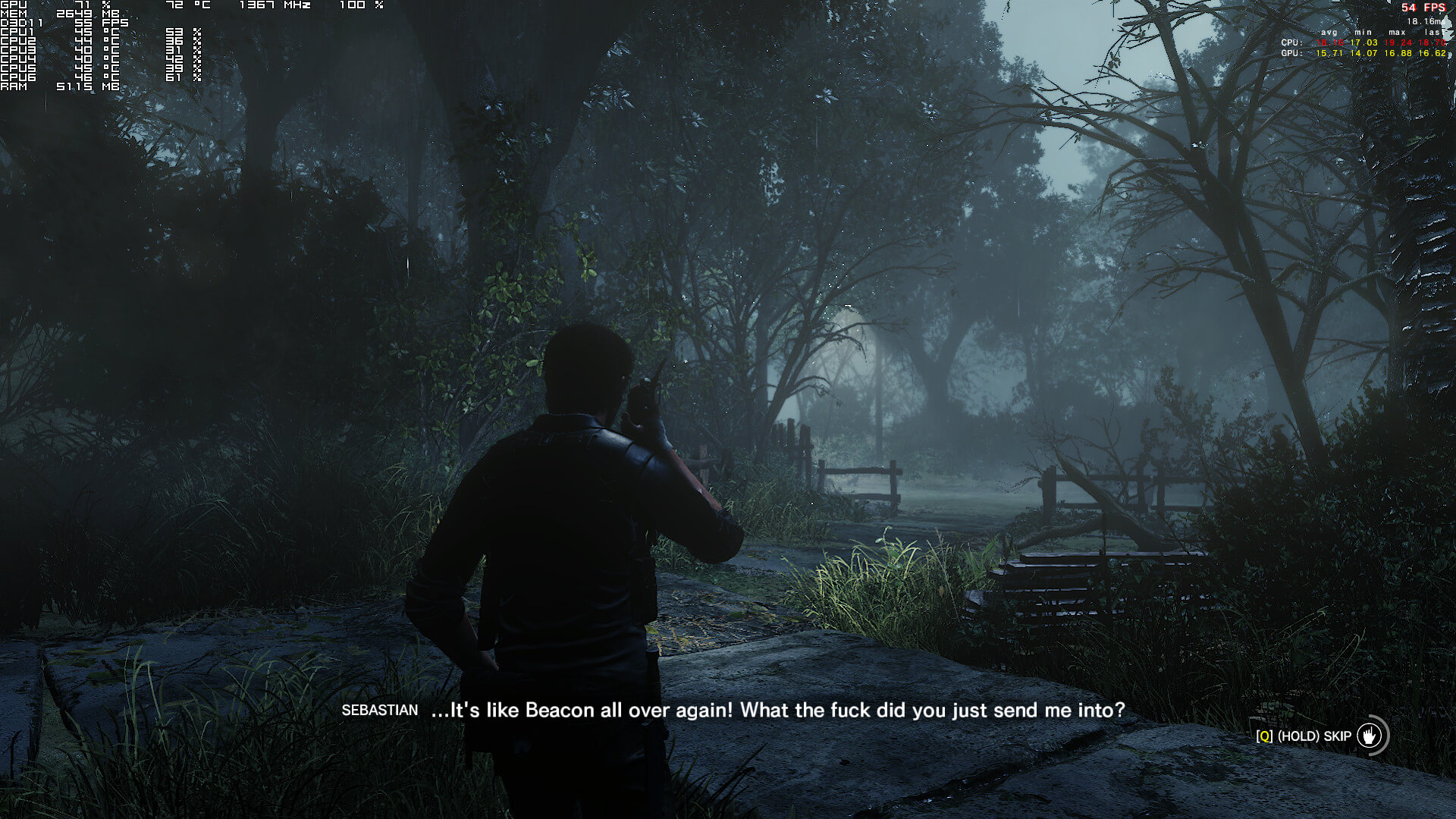
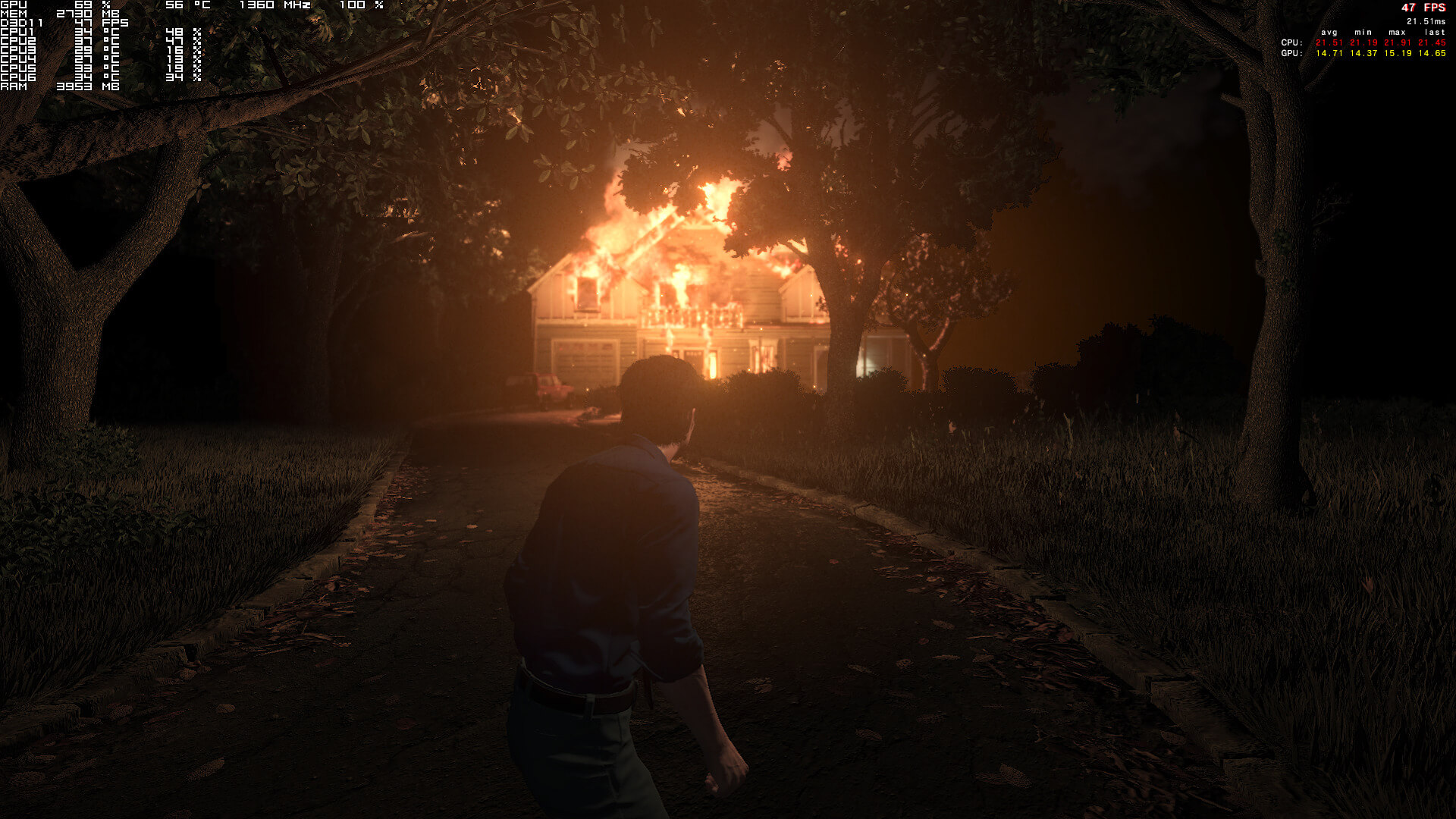
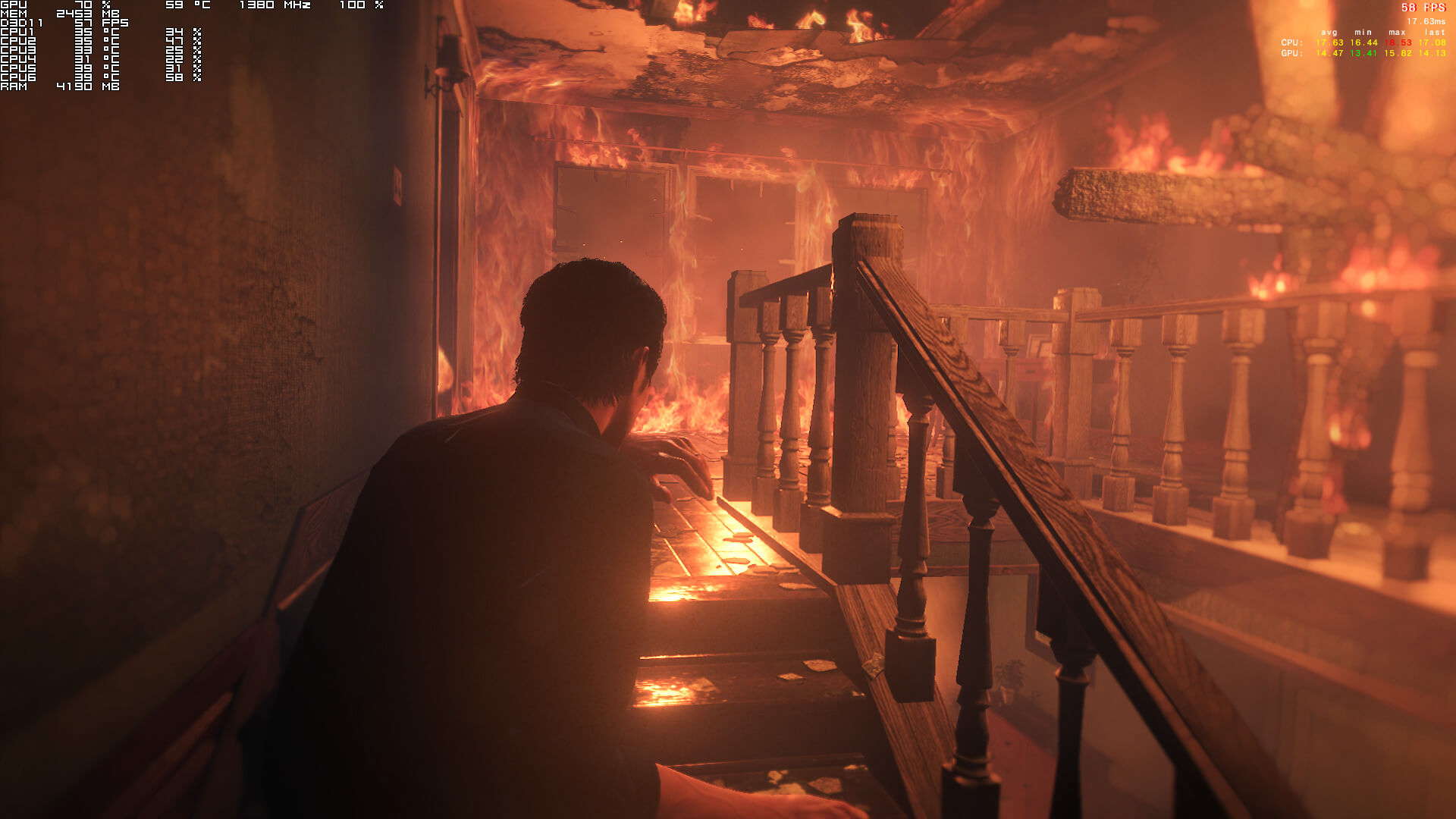
As you can see in all the screenshots that accompany this article, our GPUs were never fully used. Since we weren’t CPU limited at all, we can assume that this game is heavily limited by the DX11 API. This is something we’ve also witnessed in DOOM under OpenGL. Our guess is that the API is simply unable to keep up with the increased number of draw calls. Either that, or something else is bogging down the game. The point is that due to these optimization issues, it’s almost impossible to enjoy The Evil Within 2. Below you can find three screenshots from the AMD Radeon RX580 (first three) and from the NVIDIA GTX980Ti (next three), showing the game’s inability to take advantage of both of them during the prologue scene.
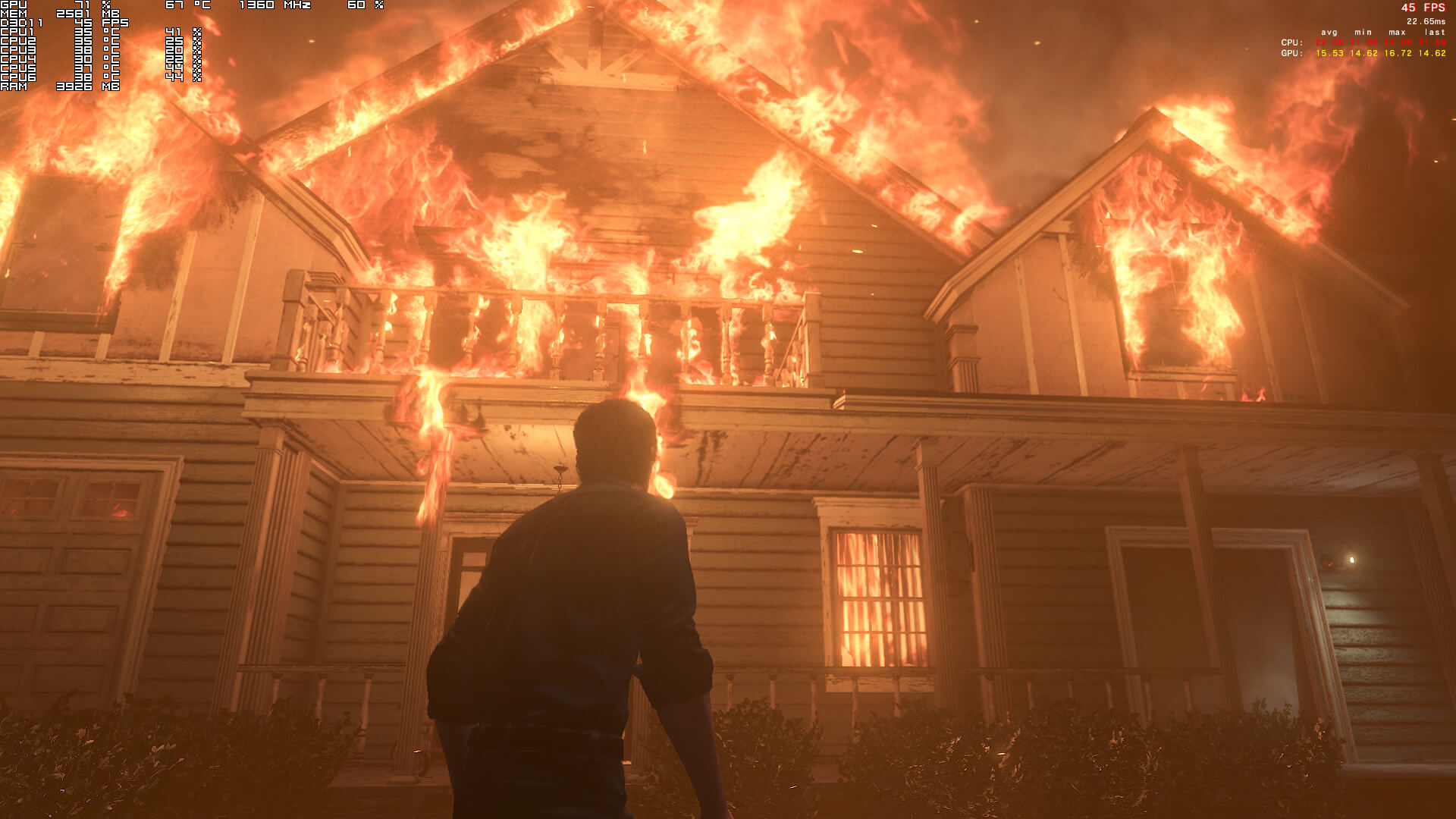
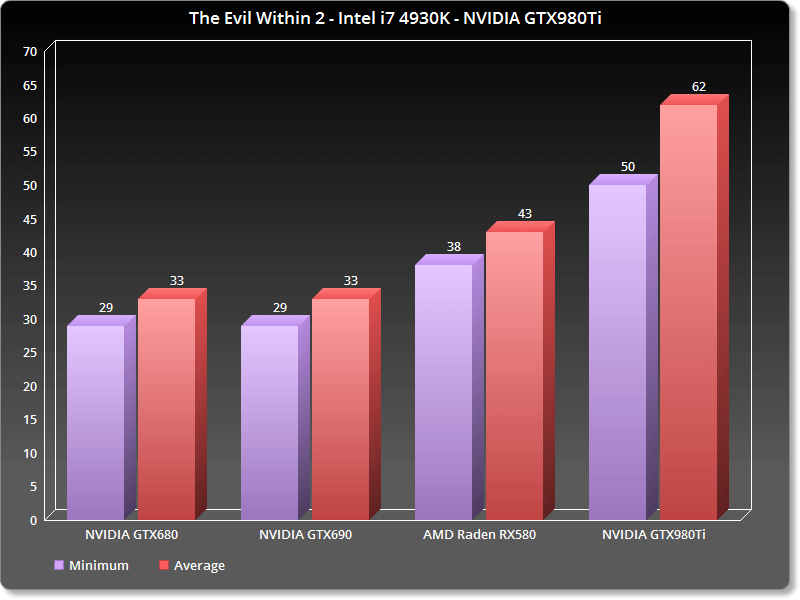
Our AMD Radeon RX580 was able to run the prologue scene with a minimum of 38fps and an average of 43fps. On the other hand, our GTX980Ti was able to run it with a minimum of 49fps and an average of 61fps/ Do note that both the AMD Radeon RX580 and the NVIDIA GTX980Ti were underused.
Lowering the graphics settings resulted in minimal performance gains. Yeap, the game had the exact same framerate drops on High and Ultra settings. On Low settings, we gained only 10fps. As such, players will not be able to significantly improve performance by lowering the graphics settings.
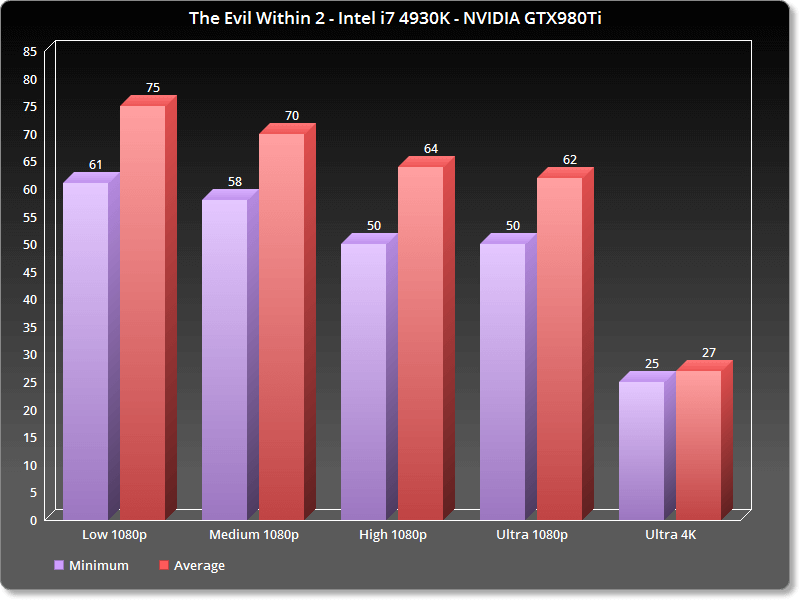
The game also suffers from framepacing issues and micro-stutters. And that’s sad because The Evil Within 2 appears to be a really interesting game. However, the game desperately needs an optimization patch. Perhaps these problems could be resolved with a DX12 or a Vulkan patch? And if so, will Tango Gameworks dedicate enough resources in order to release such an update?
All in all, The Evil Within 2 suffers from optimization issues that will affect all players. Yes, the game runs better than its console counterpart which is locked at 30fps, however this does not mean that we should be happy about it. Its optimization issues should be addressed, plain and simple. After all, there is room for a lot of improvement here as most modern-day graphics cards are not currently being utilized to their fullest. So here is hoping that Tango Gameworks will improve things via post-launch performance patches!
John is the founder and Editor in Chief at DSOGaming. He is a PC gaming fan and highly supports the modding and indie communities. Before creating DSOGaming, John worked on numerous gaming websites. While he is a die-hard PC gamer, his gaming roots can be found on consoles. John loved – and still does – the 16-bit consoles, and considers SNES to be one of the best consoles. Still, the PC platform won him over consoles. That was mainly due to 3DFX and its iconic dedicated 3D accelerator graphics card, Voodoo 2. John has also written a higher degree thesis on the “The Evolution of PC graphics cards.”
Contact: Email


I was so exited to EW2, but i guess i’ll pass for a while.
No surprise, first Evil Within had hideous optimization and clunky gameplay.
This one is leaps and bounds ahead, especially comparing launch day versus launch day. I like both, but this one is better in every way, other than GPU underutilization, but I think I’ll live with 75FPS in Ultra at 3440x1440p with proper 21:9 support.
Good info! Played the first on PS4.. will check it out one way or the other eventually. Hopefully it’s more compact than the first. I really liked the first and want to do a new game + on it but damn did it have so many unnecessary levels tacked on.. a little tighter experience is all I’m saying.
Thanks for the analysis – I thought my 980ti was broken or something lol
I just bought the last one recently for $9 (with all DLC). Guess this’ll be another bargain bin purchase.
SSDG
I enjoy playing the game. However I noticed I am not CPU or GPU bottlenecked in any way. The game just feels like it was meant for consoles at 30 FPS and anything past 30 just causes issues
The game WAS meant for console, like pretty much everything nowadays, sadly.
I am really liking the game, but you are right it is, it even asks you to set controller layout preference in the beginning which is stupid, especially if a controller isn’t plugged in.
But so far the mouse and keyboard movement seems ok.
I’m doing fine on a 100hz panel, averaging anywhere from ~70fps avg to ~90FPS avg depending on area (overall average is around ~78fps). I don’t get the microstutters or constant stuttering that many reviewers seem to be experiencing. I do however, get the typical open world grid-loading hitch (we should all be very aware of this, even the best of engines have this hitch, to varying degrees of severity). This is hardly something to worry about, I’d say the grid-load-hitching is in the moderate range.
However, what IS in dire need of optimization is the engine and/or driver overhead that results in a CPU bottleneck regardless of your hardware combination. Nearly all GPUs are ~15-25% (mine is 25%) underutilized. After hours of logging with MSIAB, the highest GPU Utilization metric I got was 88%, while the average was in the ~72-80% range. This is obviously leaving a nearly linear heap of performance on the table, especially at higher-than-1080p resolutions.
“Perhaps these problems could be resolved with a DX12 or a Vulkan patch?
And if so, will Tango Gameworks dedicate enough resources in order to
release such an update?”
yes and no.
Strange i run this game maxed out with taa at 55-60 fps average with a rx 480 with a 99% gpu utilization im now at chapter 6 with no issue at all
Hmm, could this be an Nvidia issue, assuming other AMD gpu owners also get full gpu utilization?
Some area’s you might see better GPU utilization on AMD / Nvidia. I seen enough video’s showing the GPU utilization is a problem on both Vendors cards.
Mine is stable at 99% most of the time then only drop when my fps reach 60 fps cause i use vsync, i don’t know why im not afflicted by this problem as so much people complaining about that
my spec:
i5 4670k oc 4.4ghz 10 gb ram ddr3 1600 mhz and rx 480 8gb
Playing past the prologue, getting average 57 FPS on medium settings using AMD 290 @ 1080p with no microstuttering (though does occur when loading new areas for a brief time).
??????????
???(?)???? 2017-10-14
The biggest problem isnt the frame rate. A whole lot of people can get a consistently stable 60 FPS without any drops, myself included. The main issue is the frame pacing. It’s a stutter fest. As this article noted (and many have already discovered on their own), this game is underutilizing resources. Mine don’t even go above 65% on either GPU or CPU use, yet it’s a jank fest more often than not.
Do yourself a favor and turn off Camera Motion Blur too. At least for me it made the game go from completely unplayable to something I could get used to.
We ahould stop assuming using DX12 or Vulkan will solve the issue. Just because we see good performance increase with Doom Vulkan meaning every other vulkan games will also going to show similar result. There are several other games out thre try using vulkan but most often their direct x counter part still end up being faster. Same with DX12. Dice often being praise on how good their Frostbyte engines are. And yet their attempt with DX12 so far did not really show the advantage of DX12. Games like The Evil Within 2 i doubt they were limited by draw calls at all.
I think EA removed DX12 from their engine. Last two games on Frostbite was DX11 only (mass effect andromeda, battlefront 2)
Implementation of Vulkan is a thing now to be pondered, I guess, but years from now it will be a footnote in gaming history and passed over by Developers imo. DX12 will probably be half-a*sed adopted for years to come and there isn’t much to push it forward besides MS obsessive compulsive disorder with it’s Win 10 obsession.
No issue at all
6700K @ 4.7
16 G DDR4 3600
Asus GTX 1080 Ti Strix OC
Ultra details
No film grain
Only TAA
Great game
dont you think it would be problematic if you were to have issues with a system like that at first dude.
why would you have problems with that rig? just why?
Humble brag.. nothing else
No issues playing in console pleb 1080p or 1440p?
Game runs like garbage in 4K, while looking like some sort of PS3 port
I’m similar to you:
6700k @ 4.7GHz
32GB DDR4 3466 14-15-35 1N
Titan XP
33% Film grain
ONLY TAA (looks great, and FXAA in this game is utterly useless).
3440x1440p, ULTRA (minus FXAA), ~78FPS avg, some areas are closer to 85/90FPS avg.
Game is beautiful in it’s own way (japanese survival/horror art style). More importantly, the game is really fun and riveting at times.
Game run like sheit . No suprise here.
low fov console ! https://uploads.disquscdn.com/images/fae75c95cc5e246dc27ebd87c63acdff2bb80abd15cf72f238f7e97d81edee4c.jpg
That alone is reason enough to never buy a console again. Not to mention ZERO resolution and aspect ratio options.
60 fps 1080p on an old system no issue for me so far *knocks on wood. Original Sin 2 however crashed a lot during second and 4th act strangely enough.
Absolutely not. The first one was admittedly ‘avoidable’, however I took a chance on it and it was definitely worth it: turned out to be a GOOD game.
This one is actually a GREAT game IMO. A great game with a few problems (many of which I’m not experiencing btw), but great nonetheless.