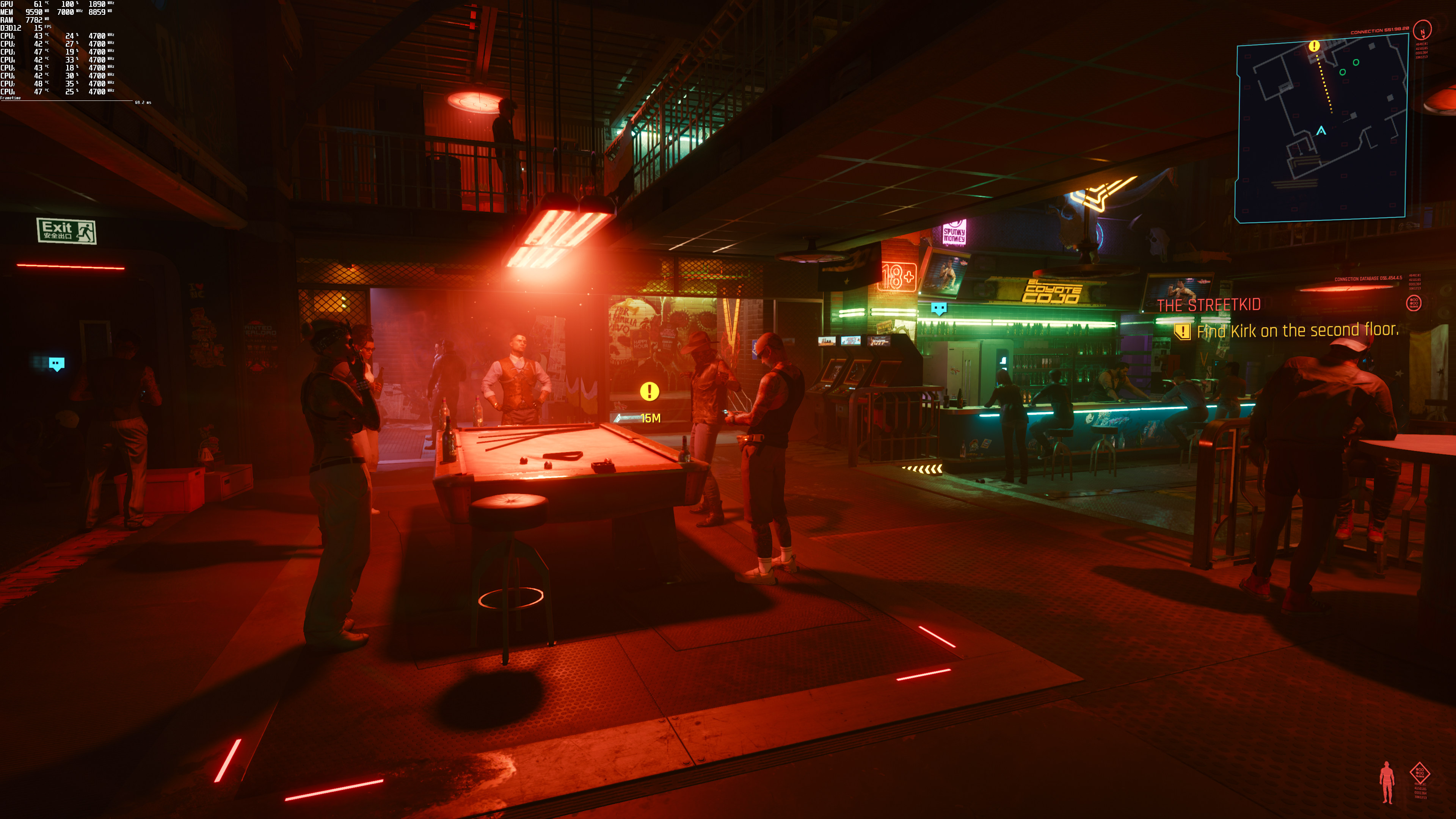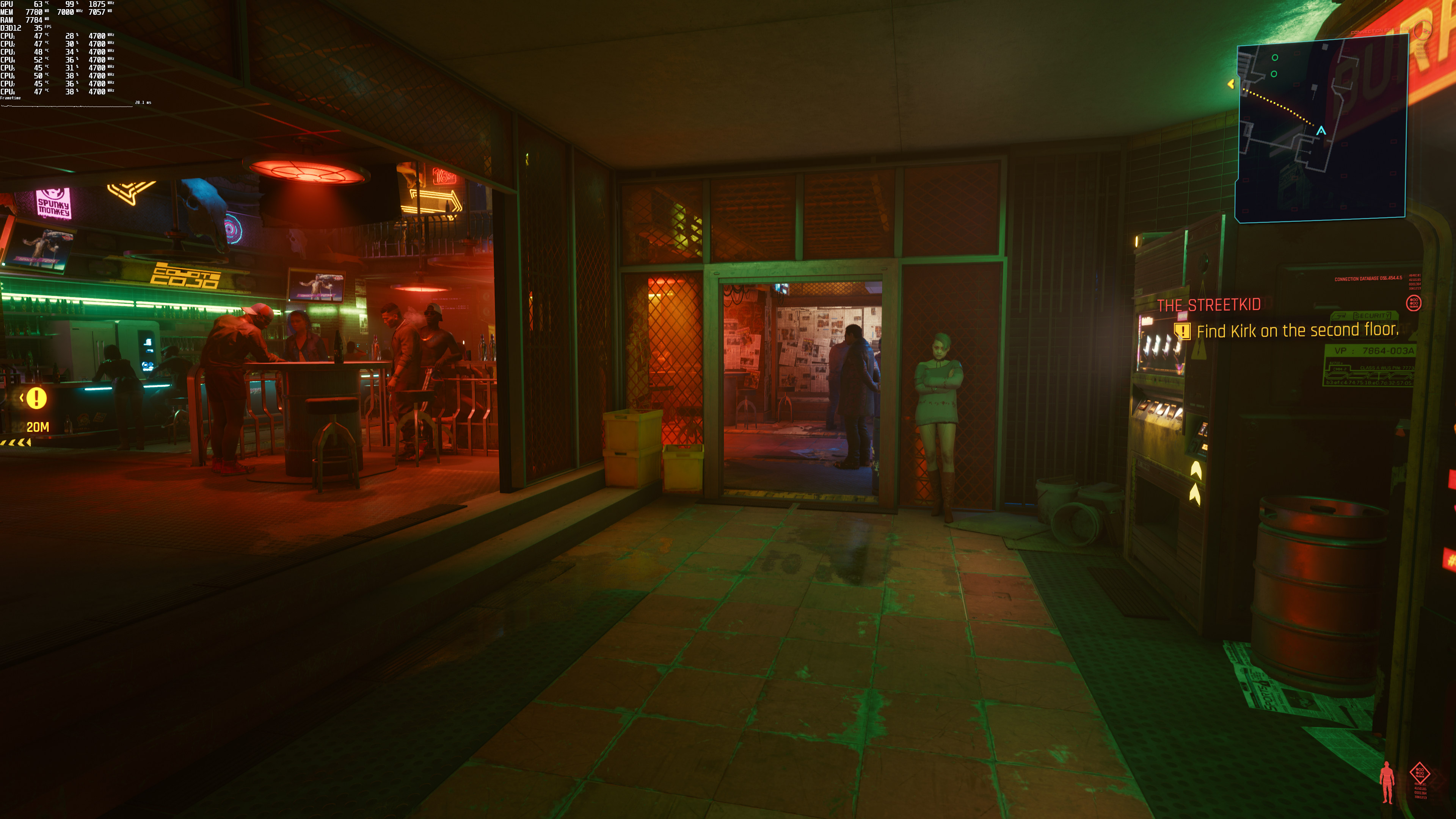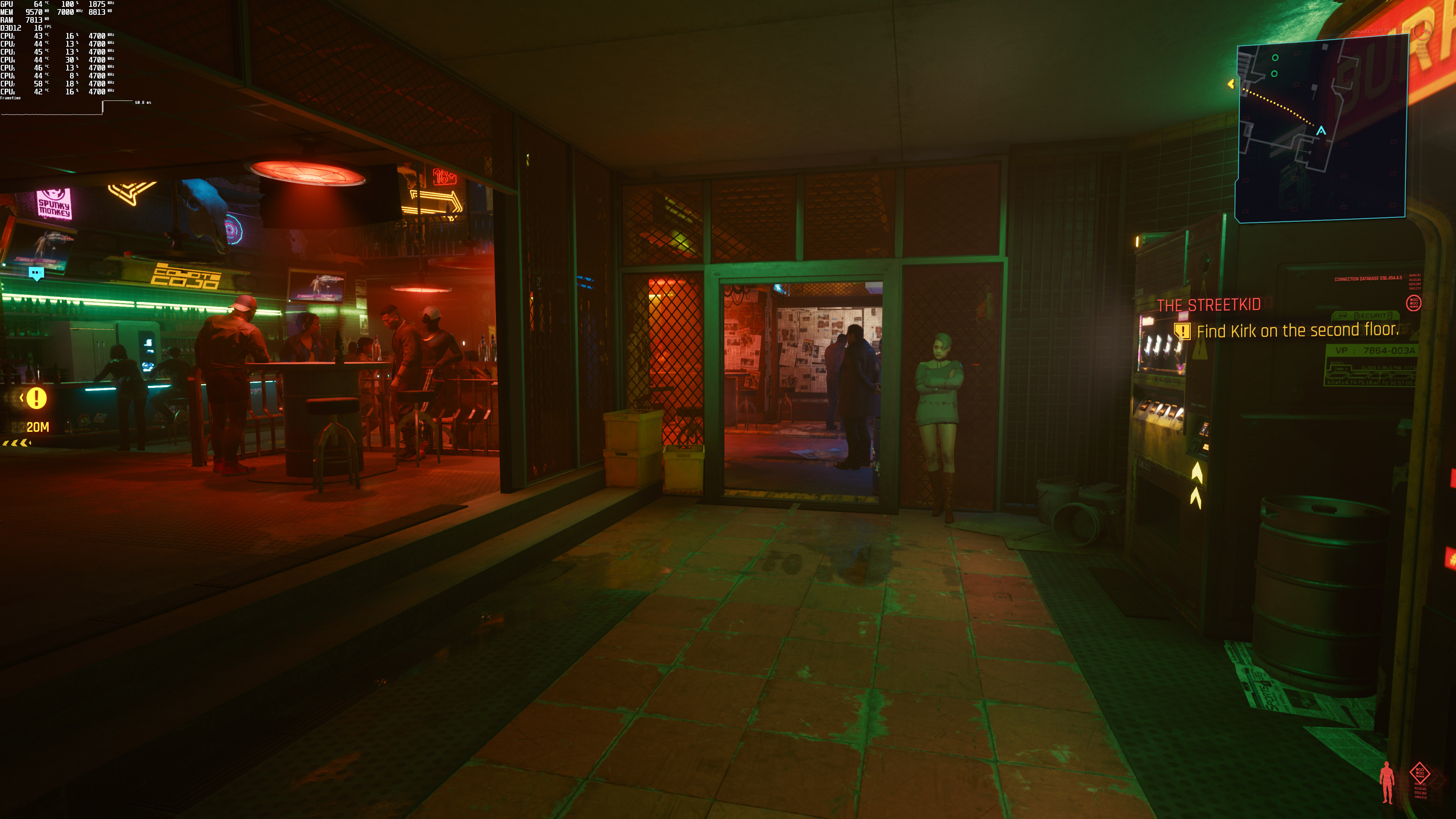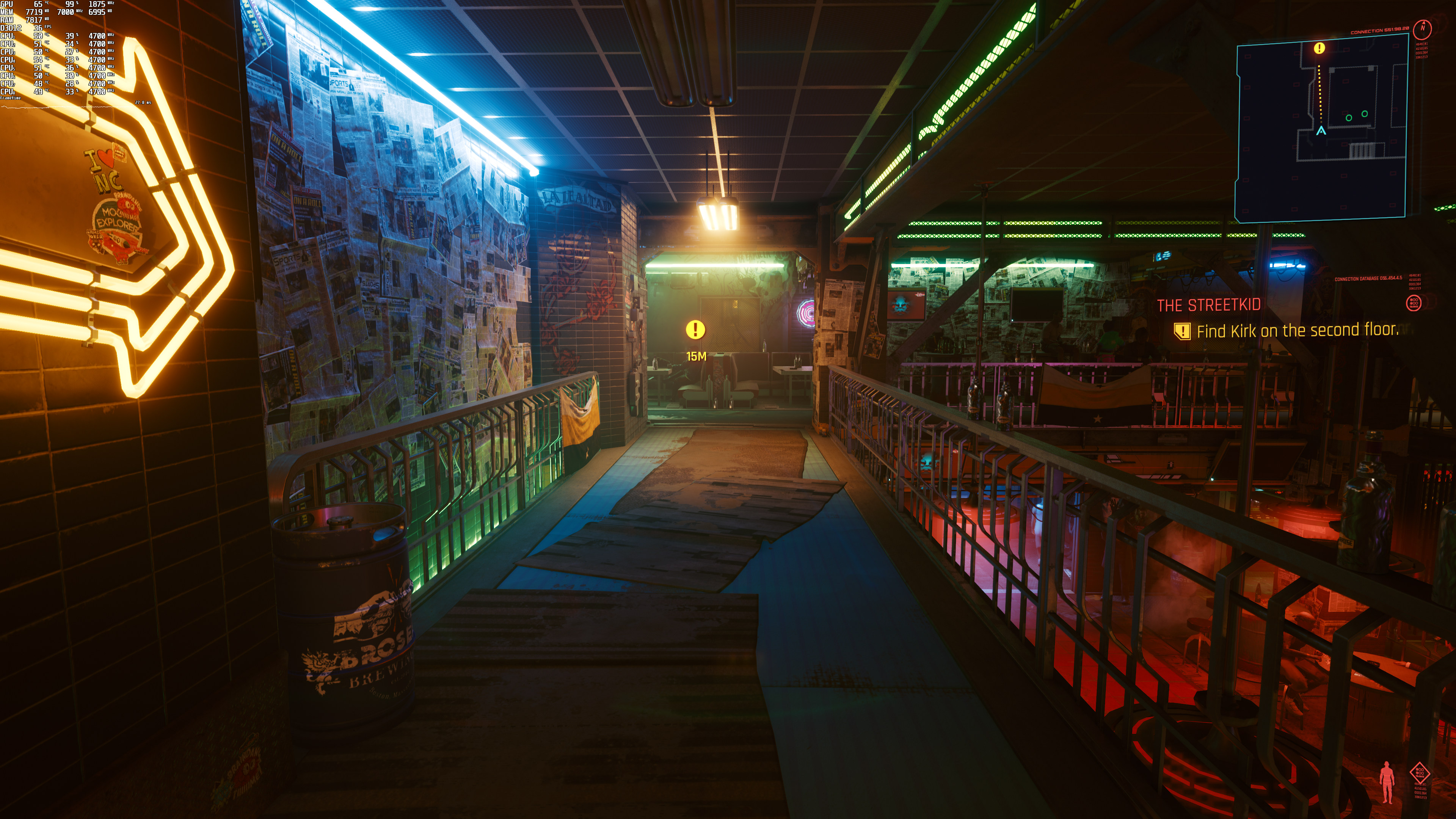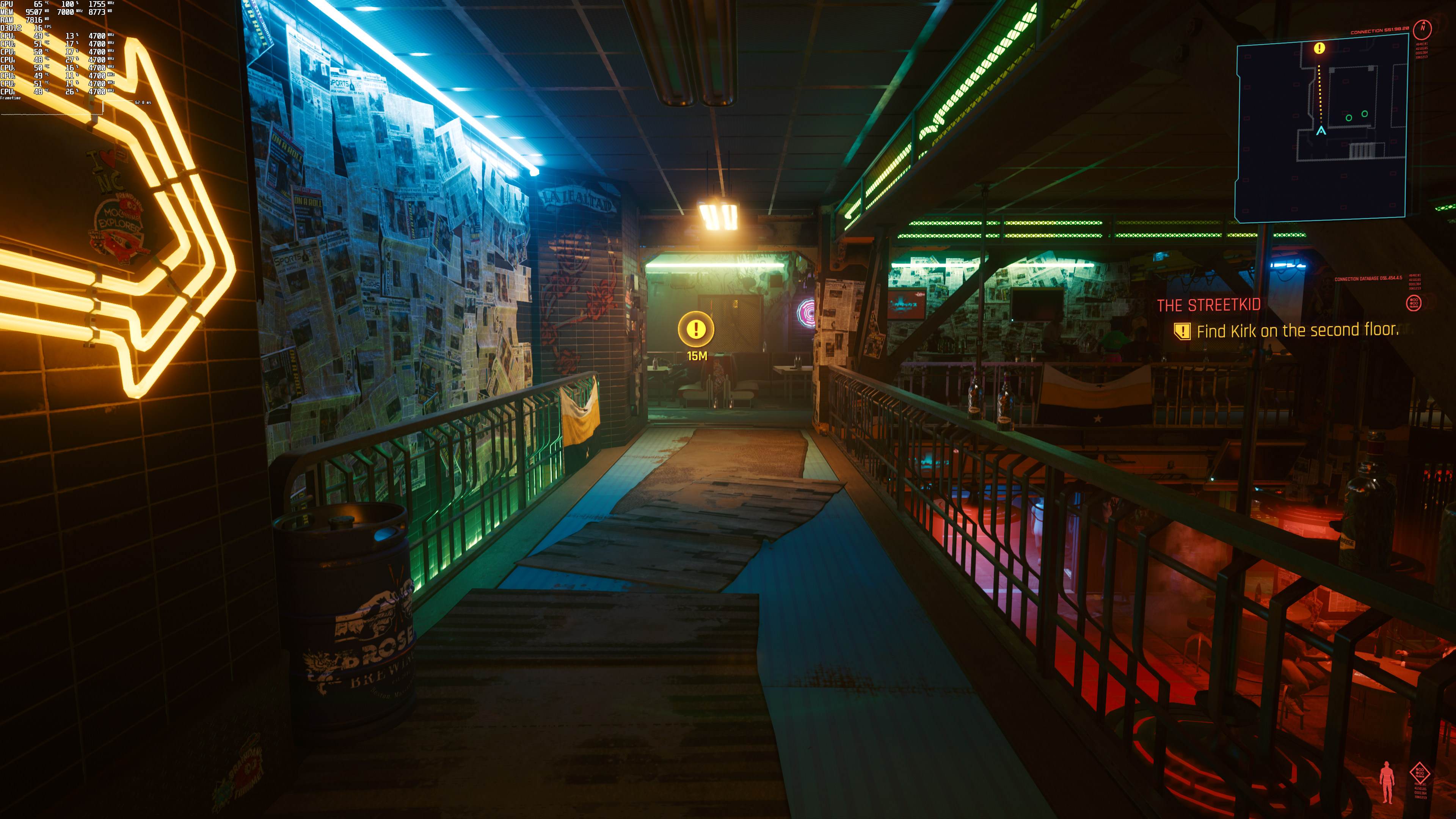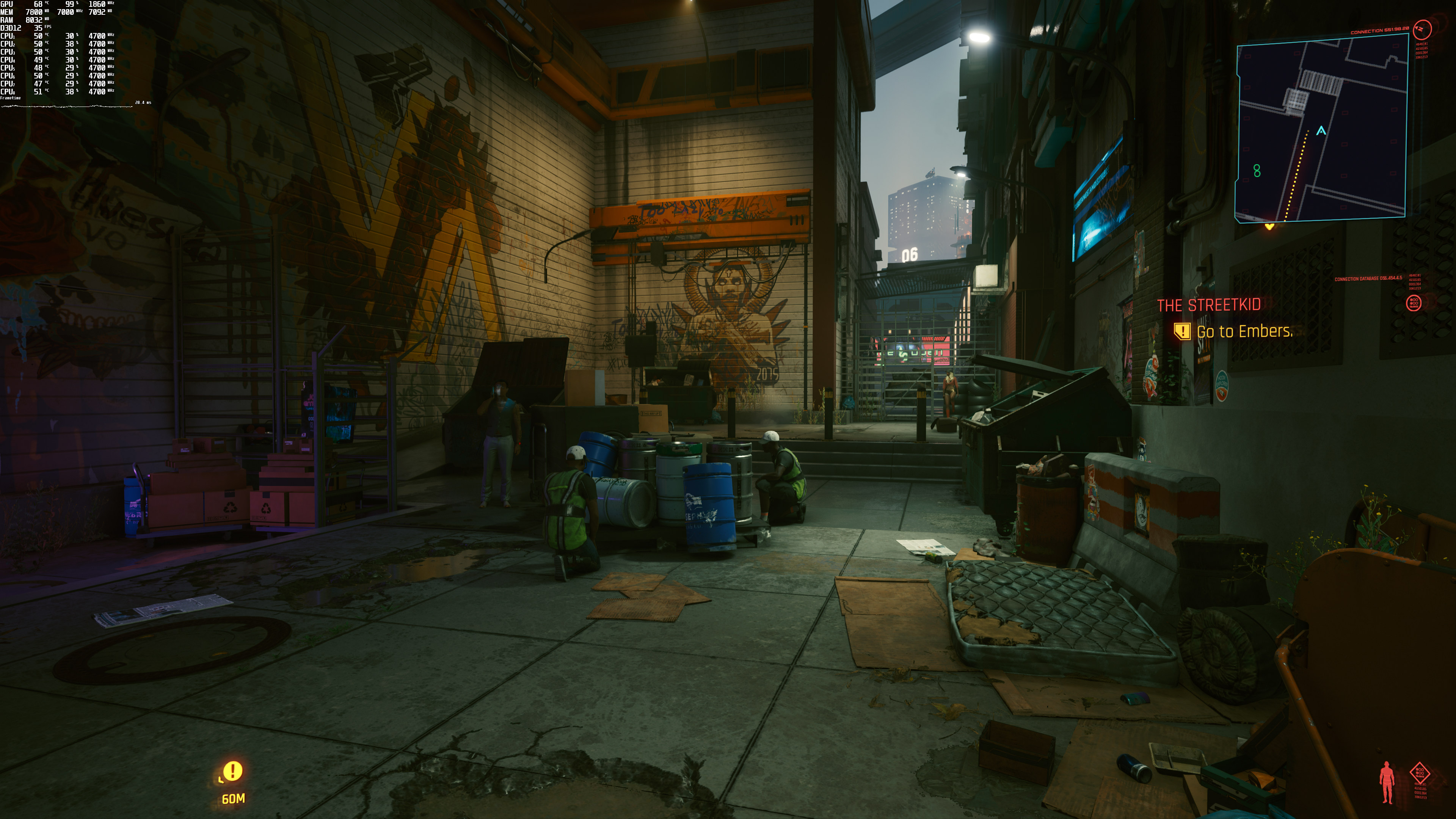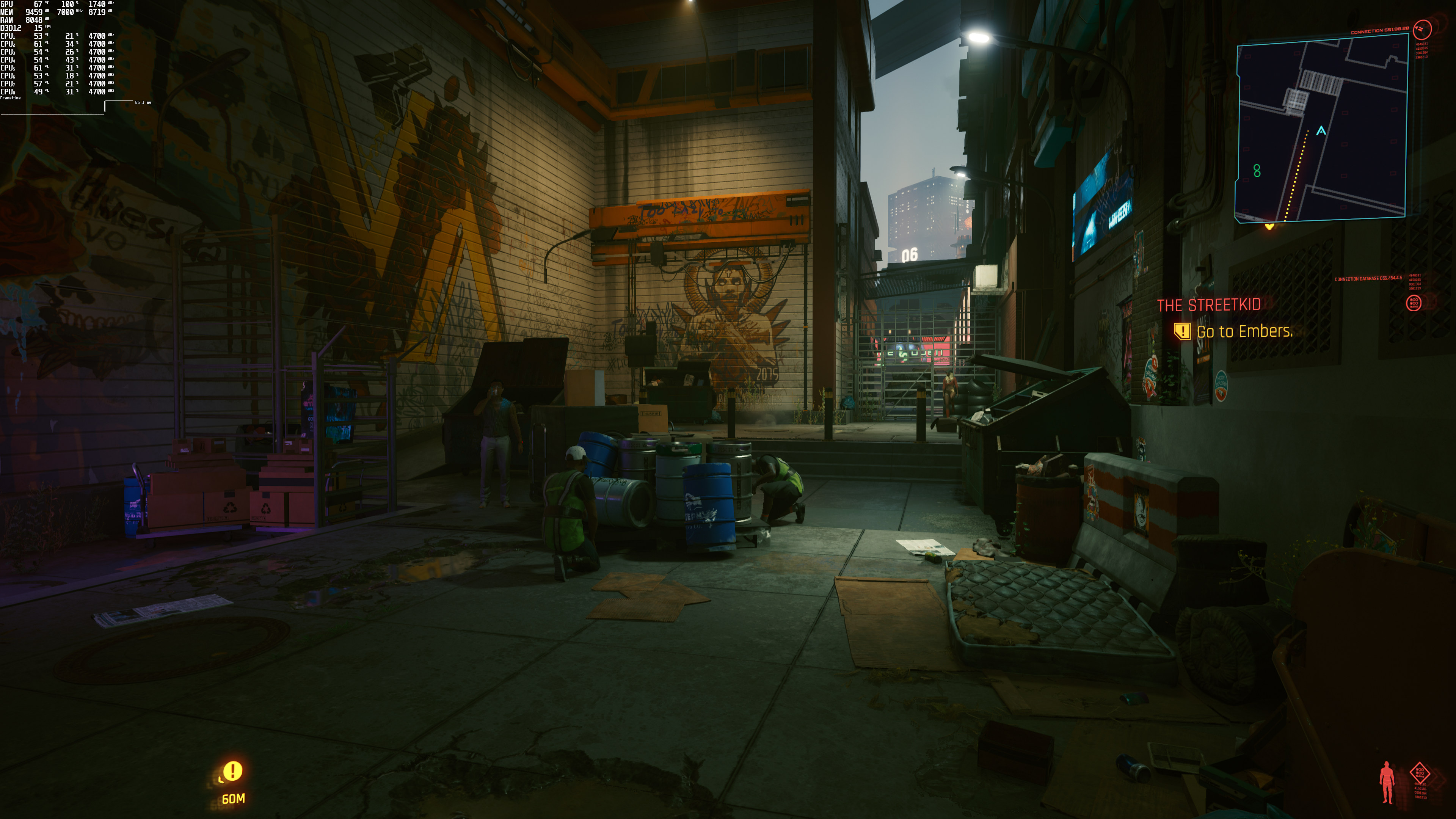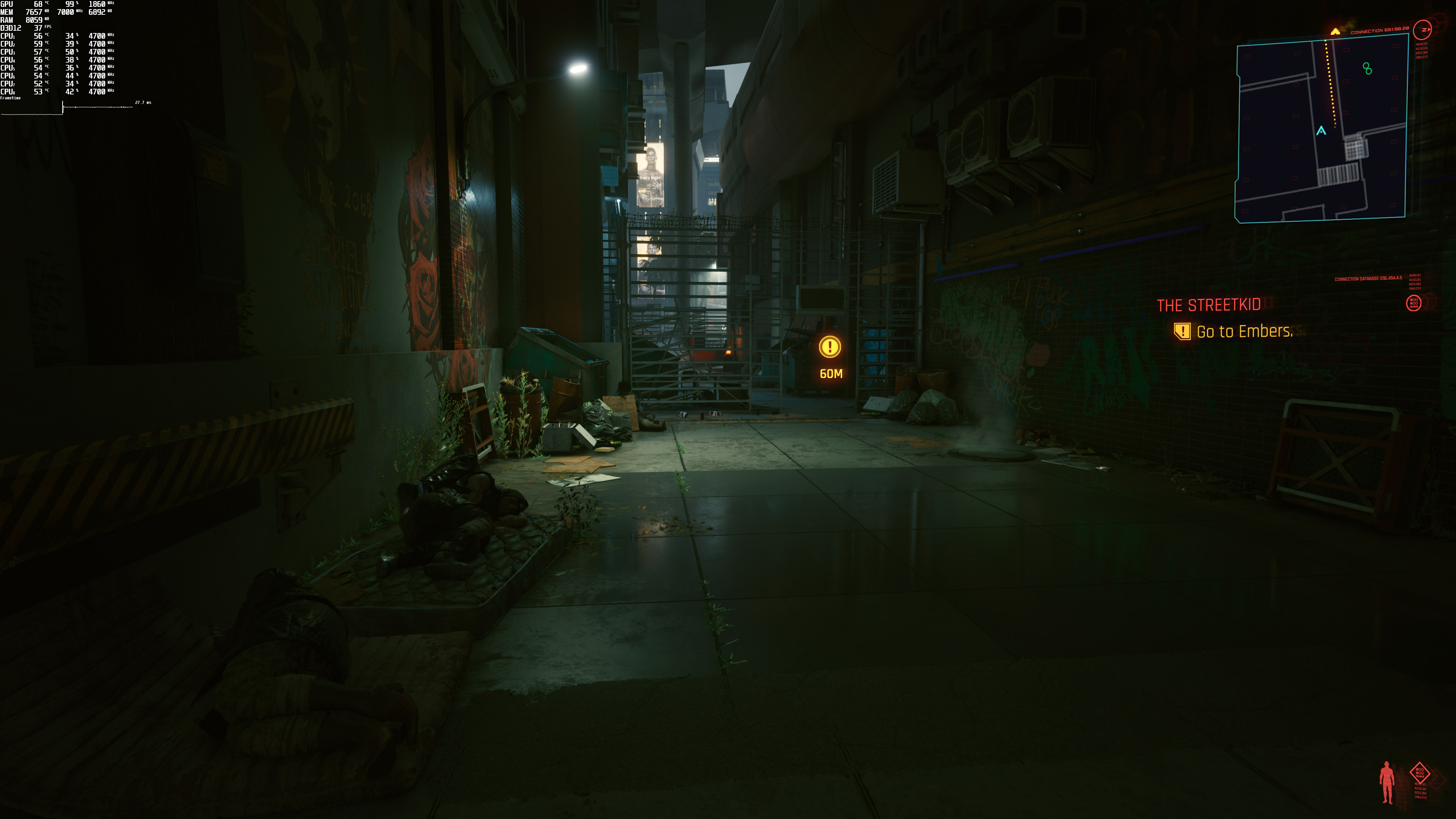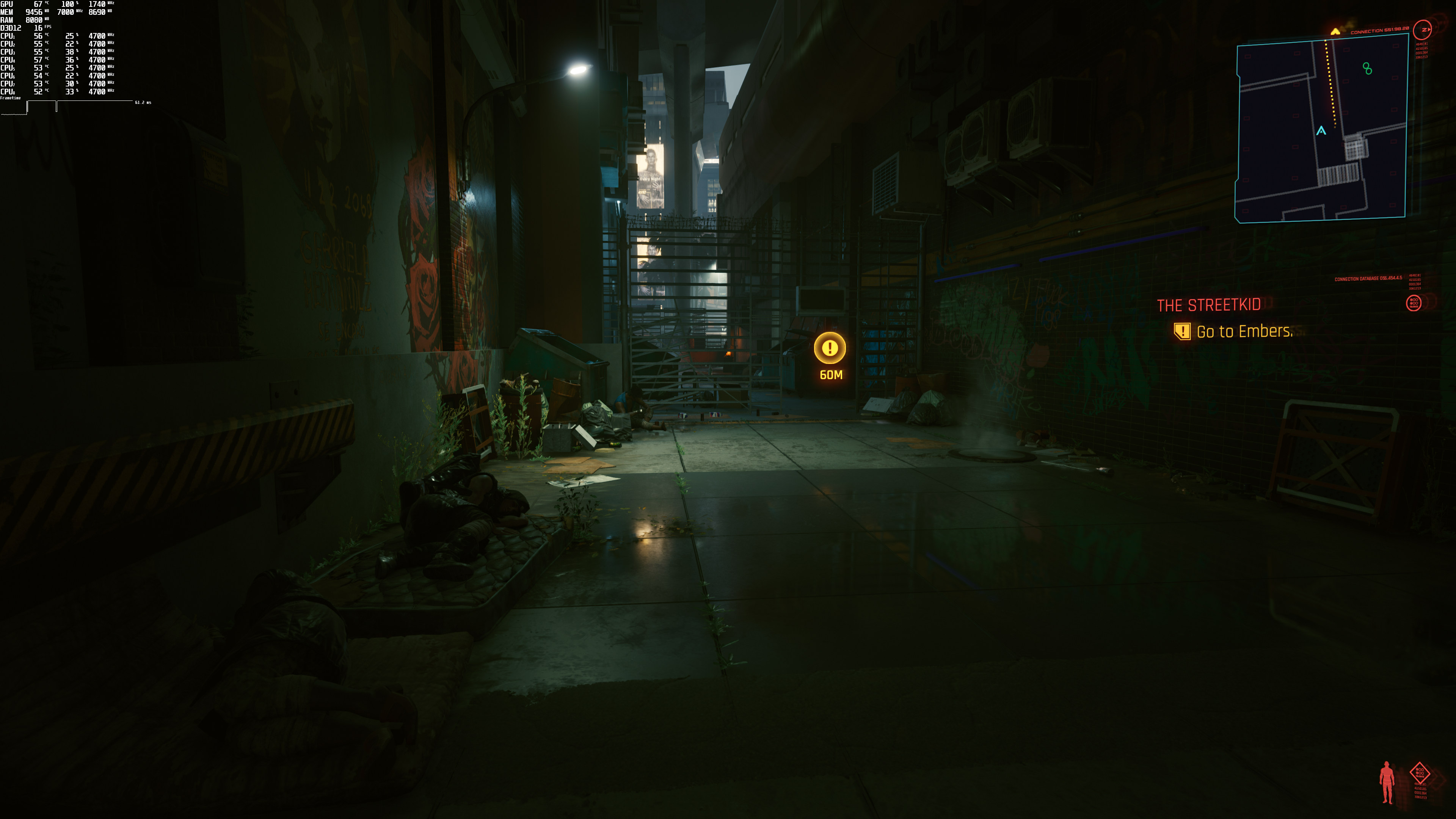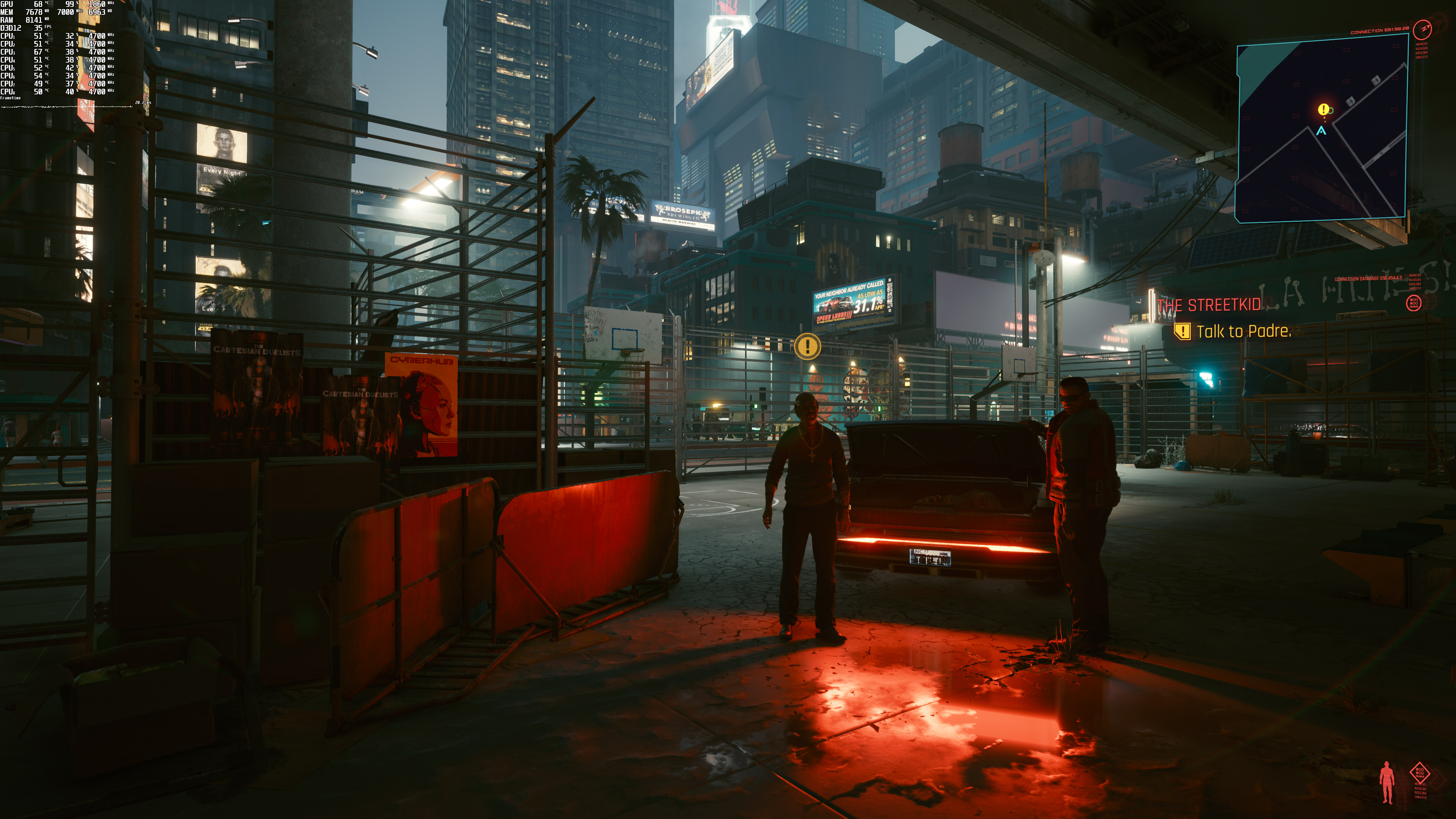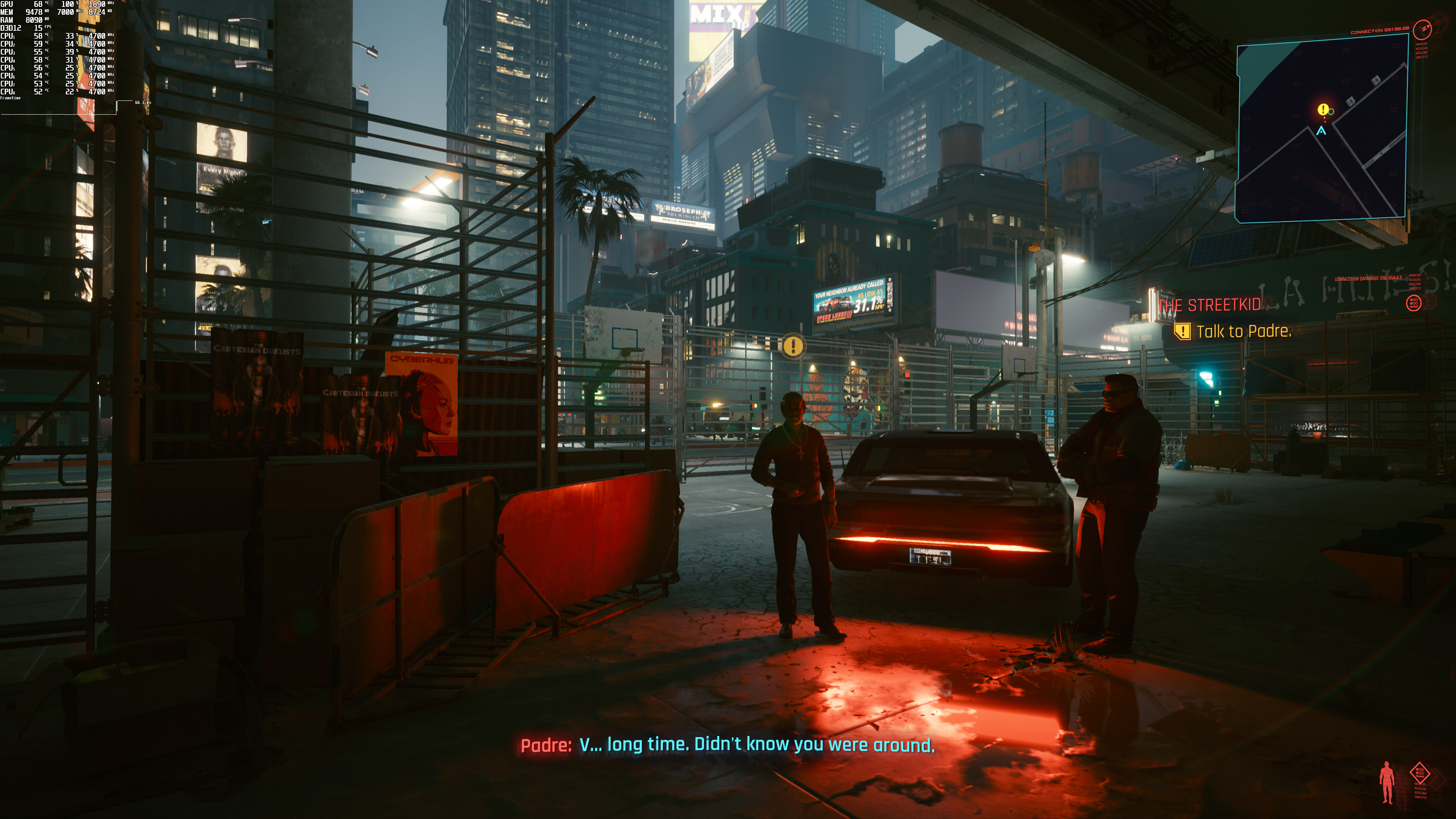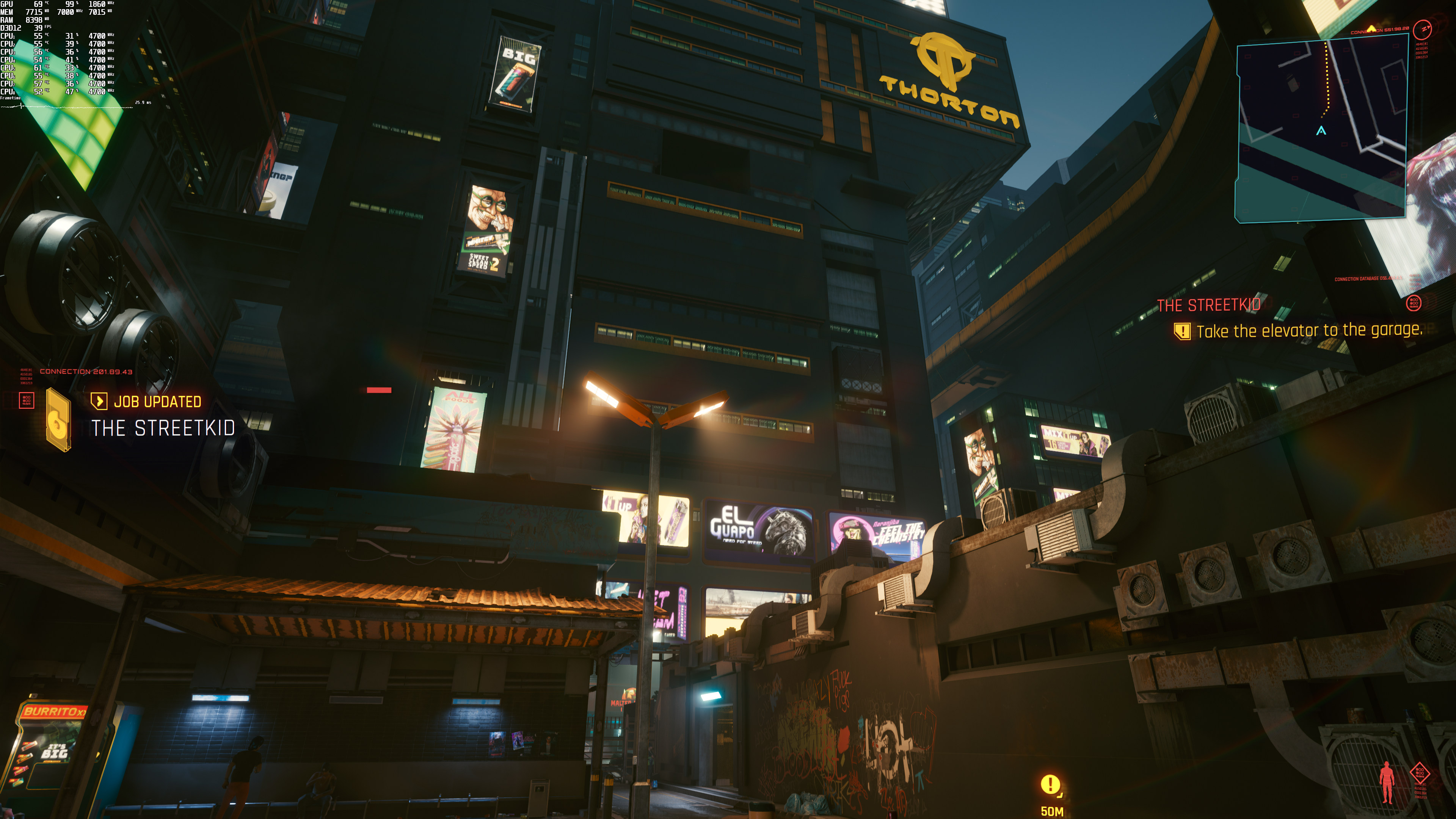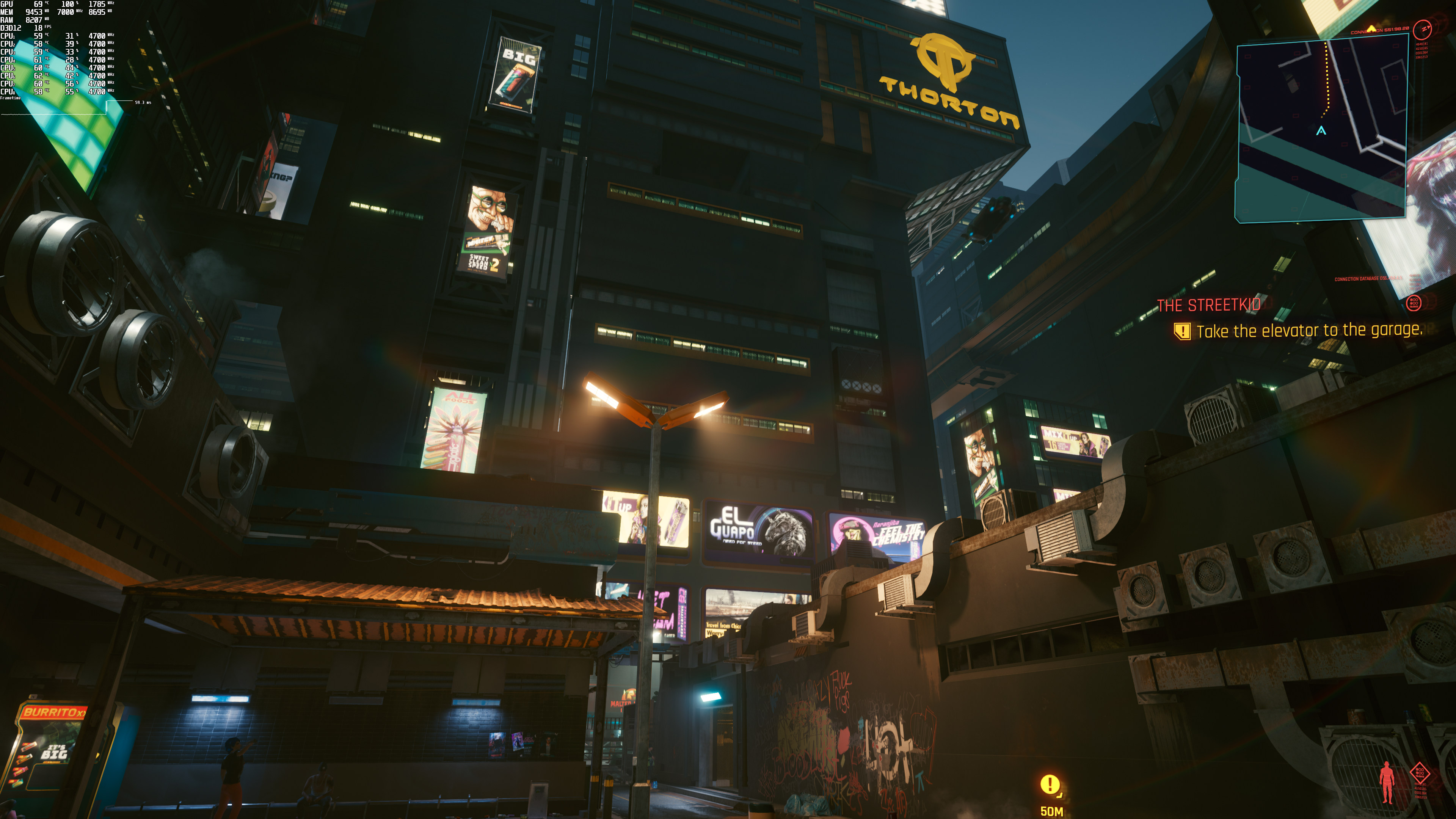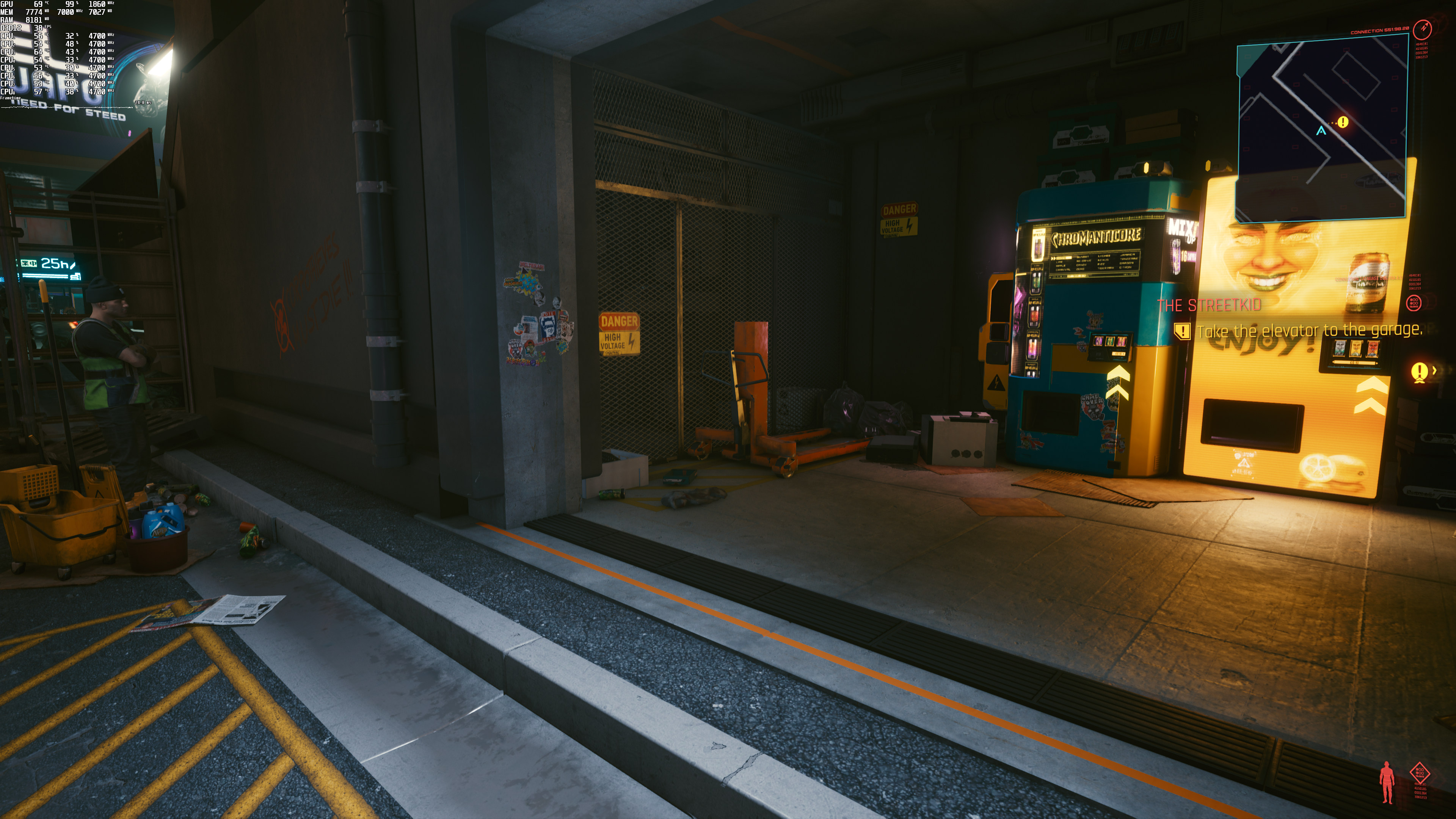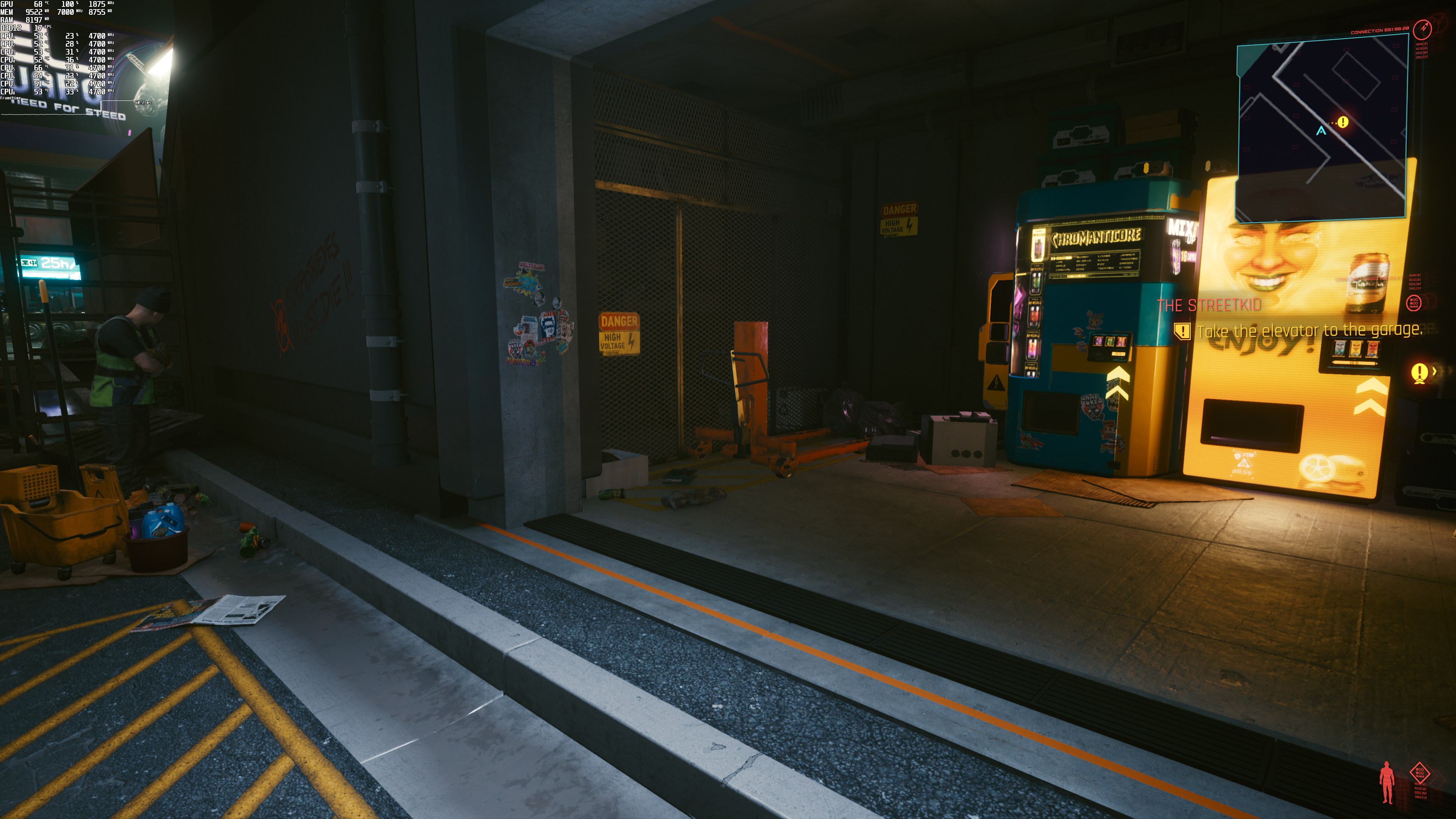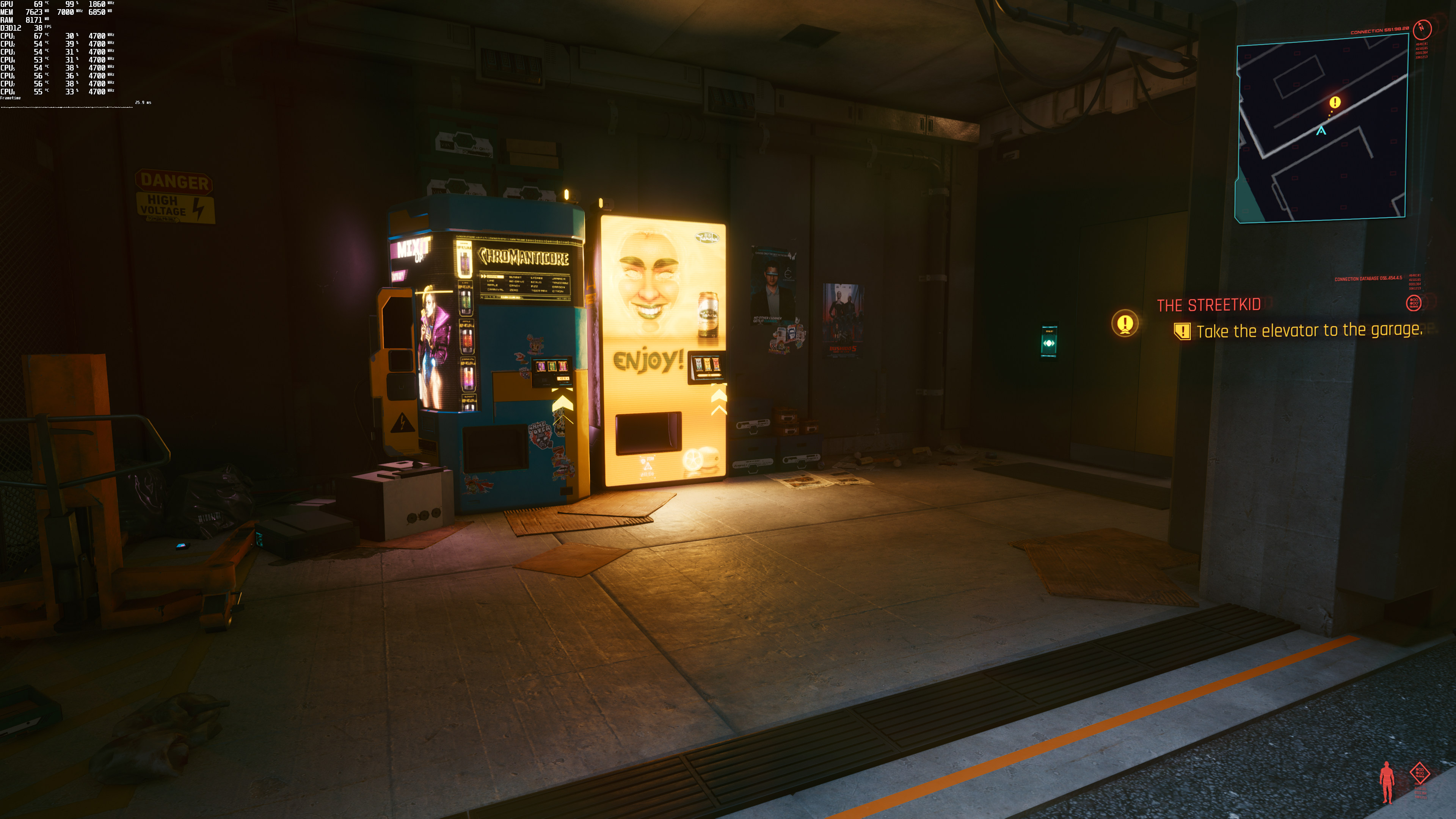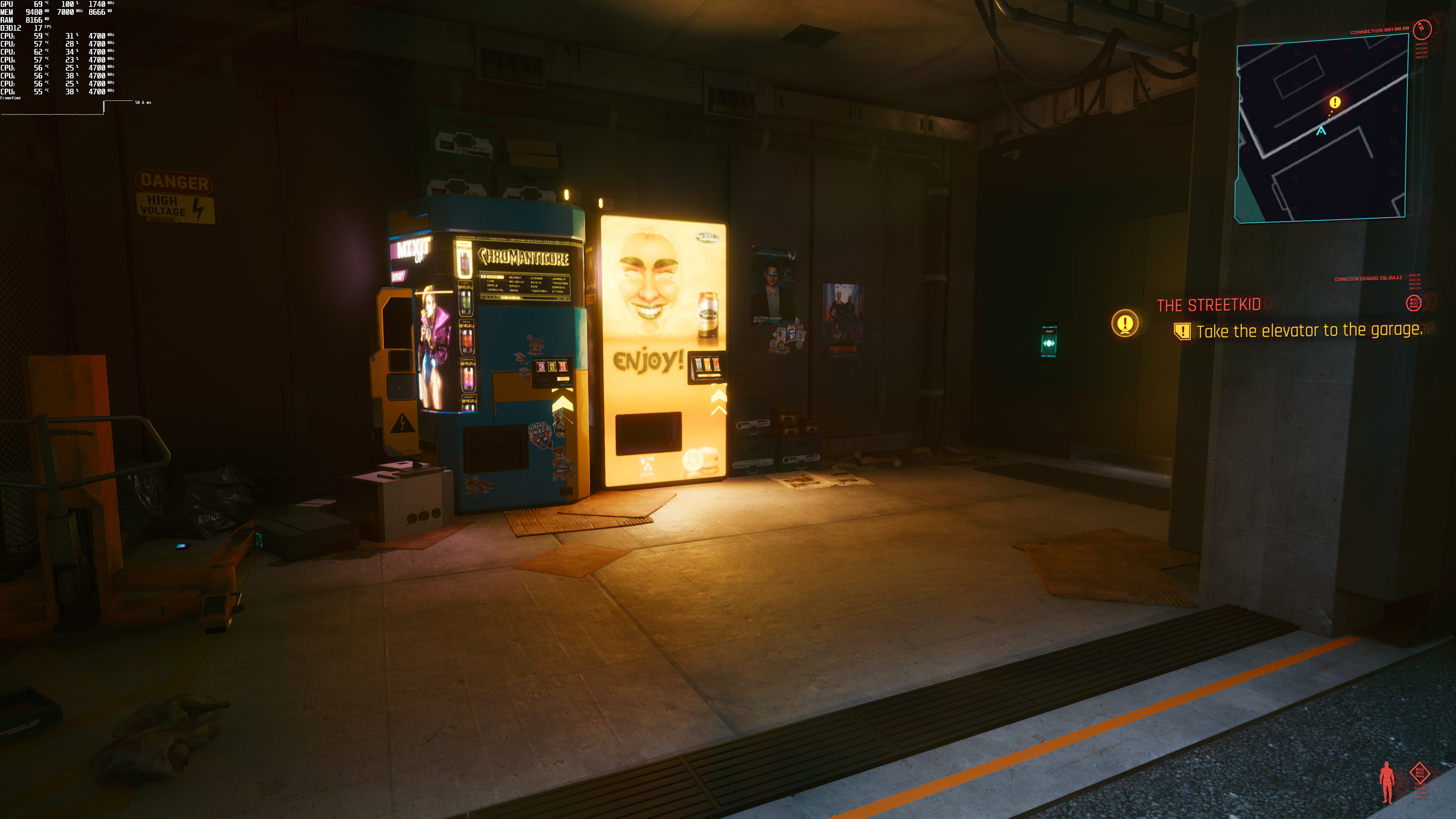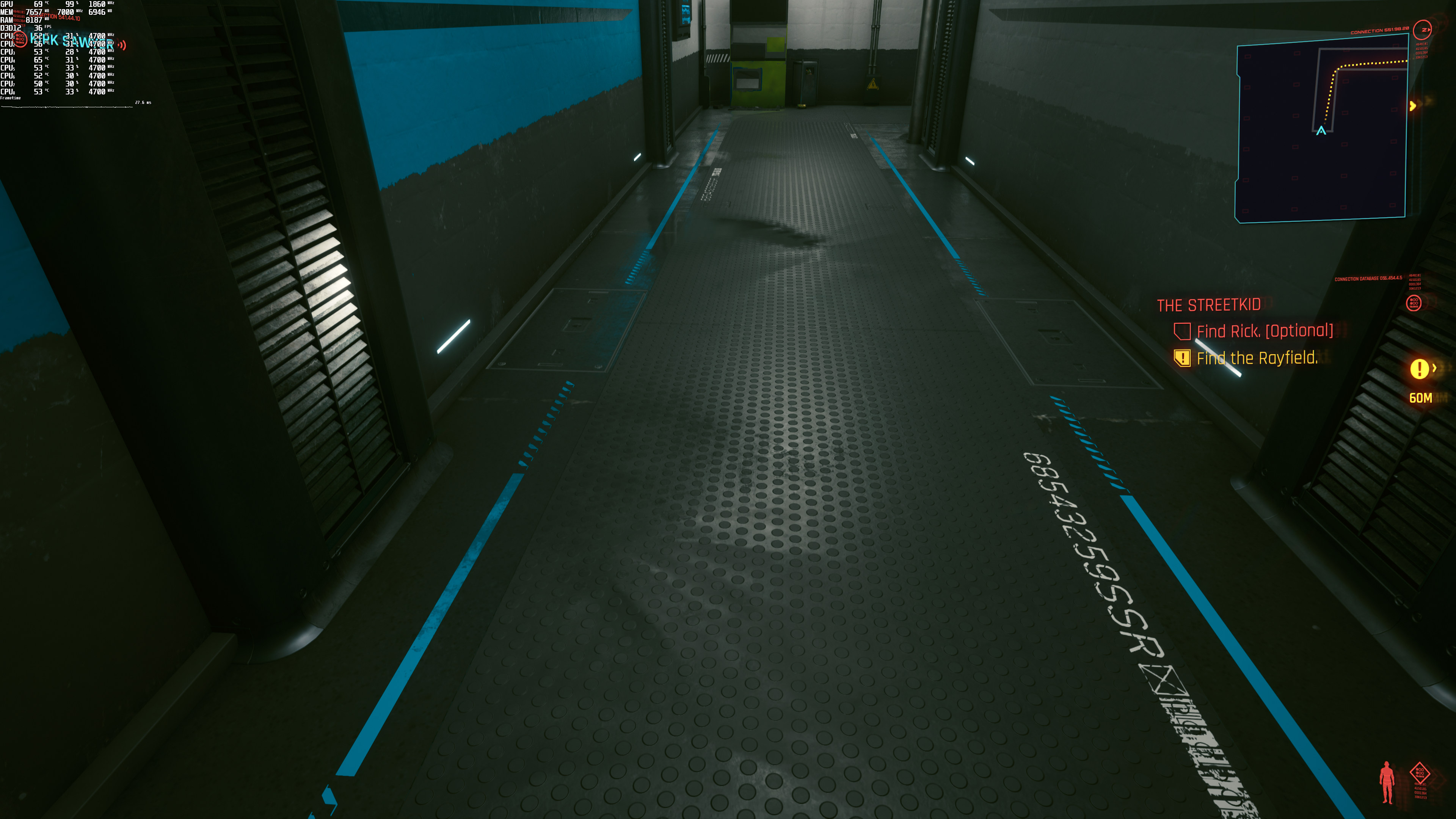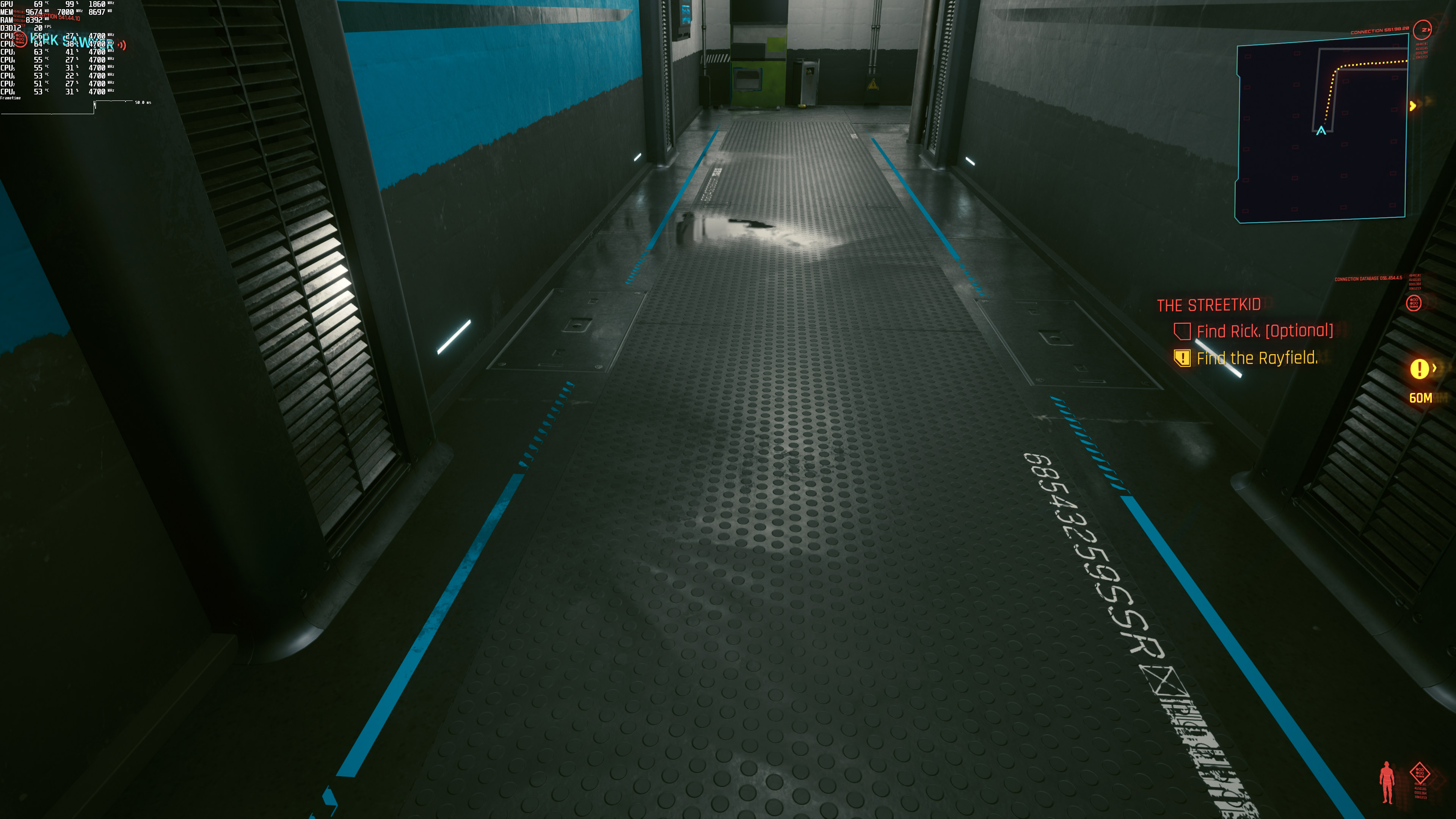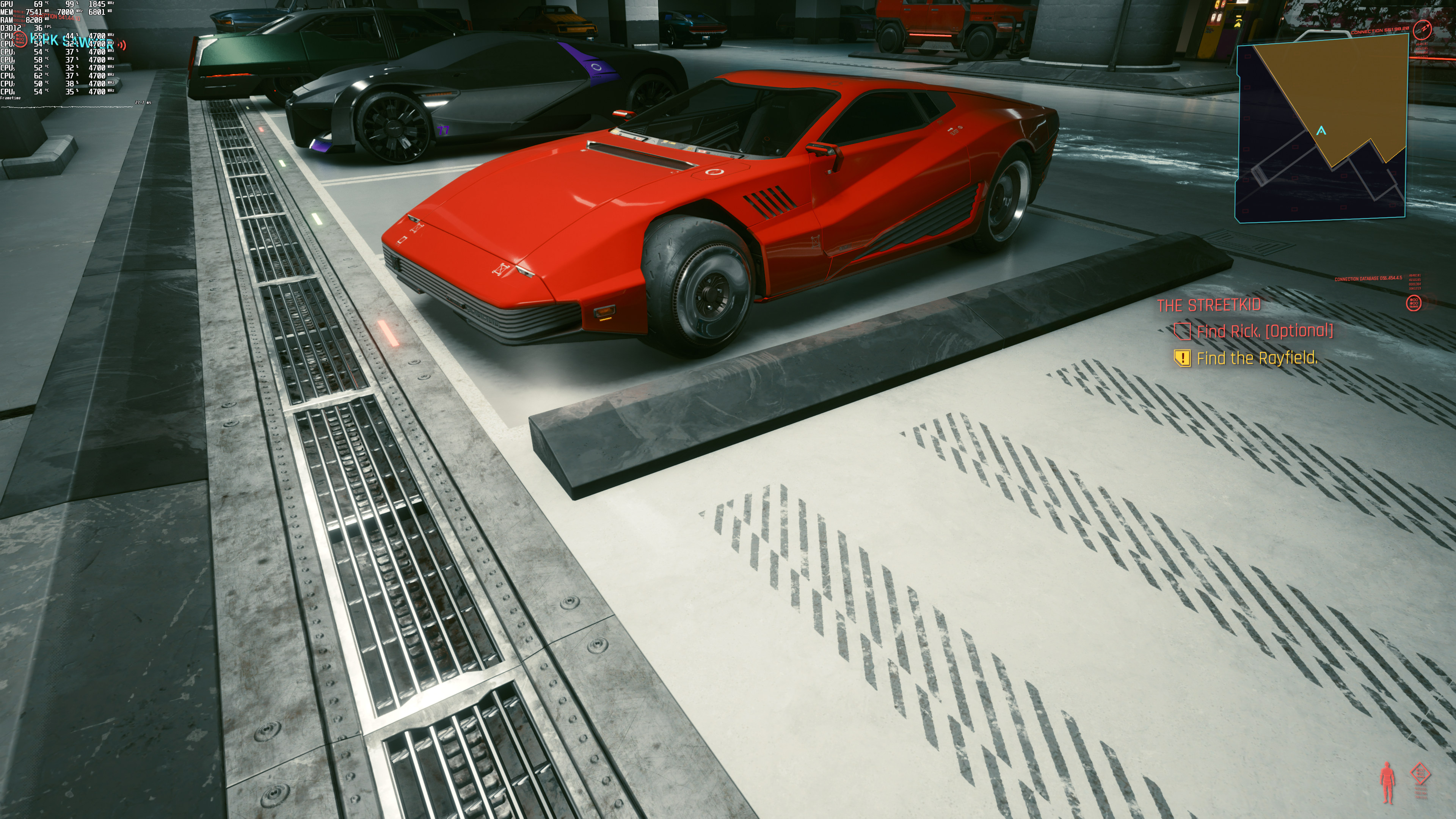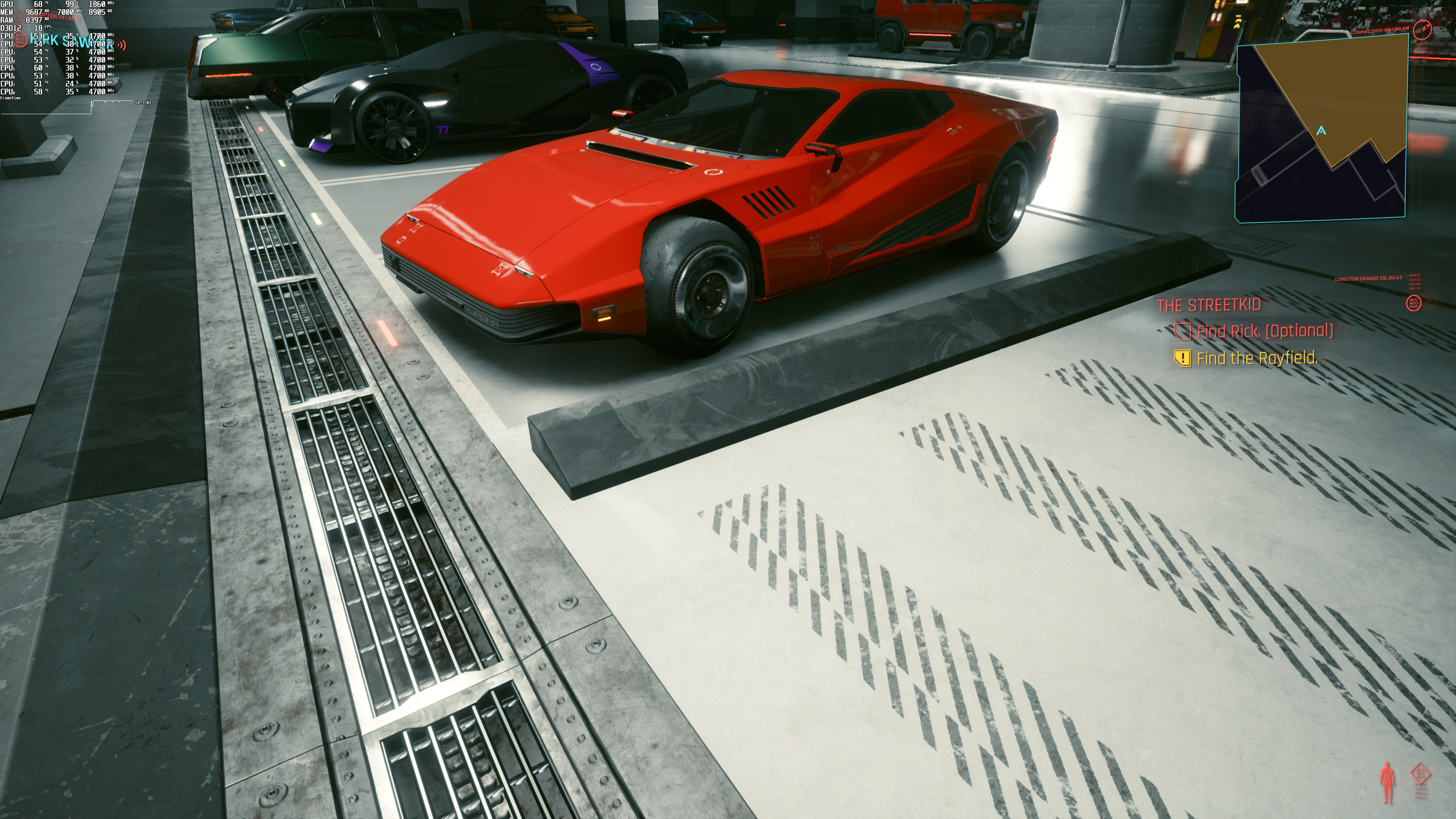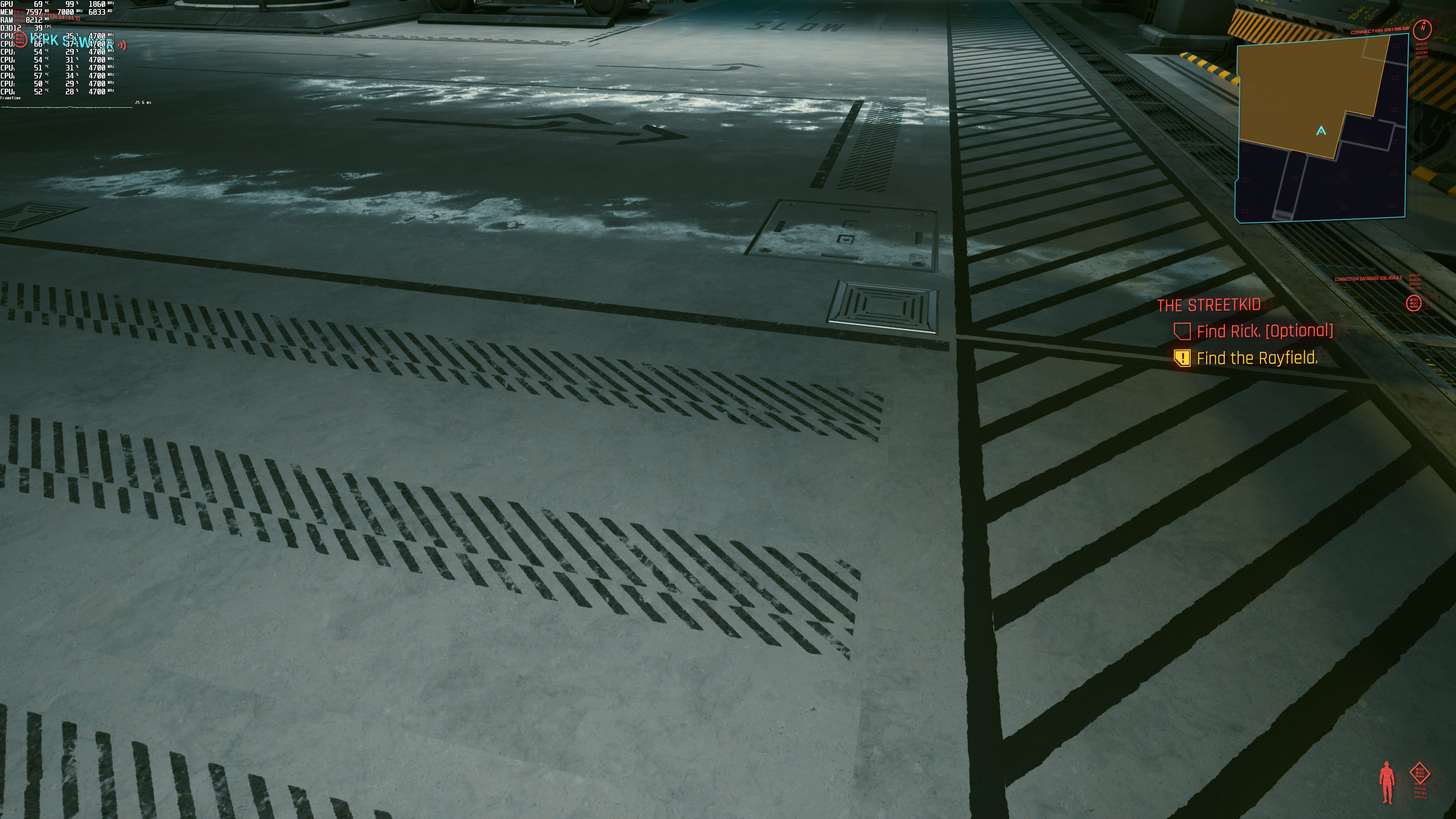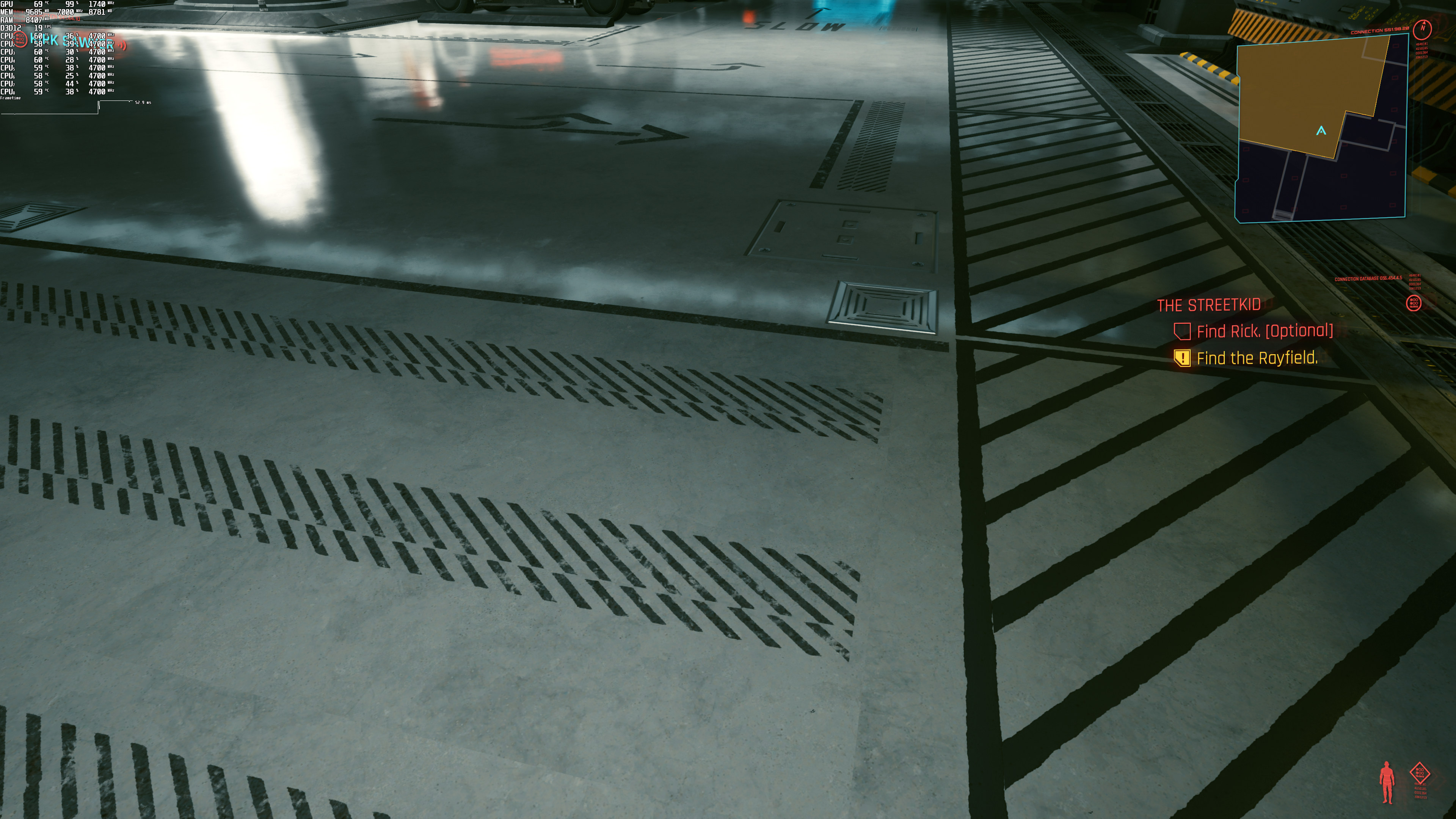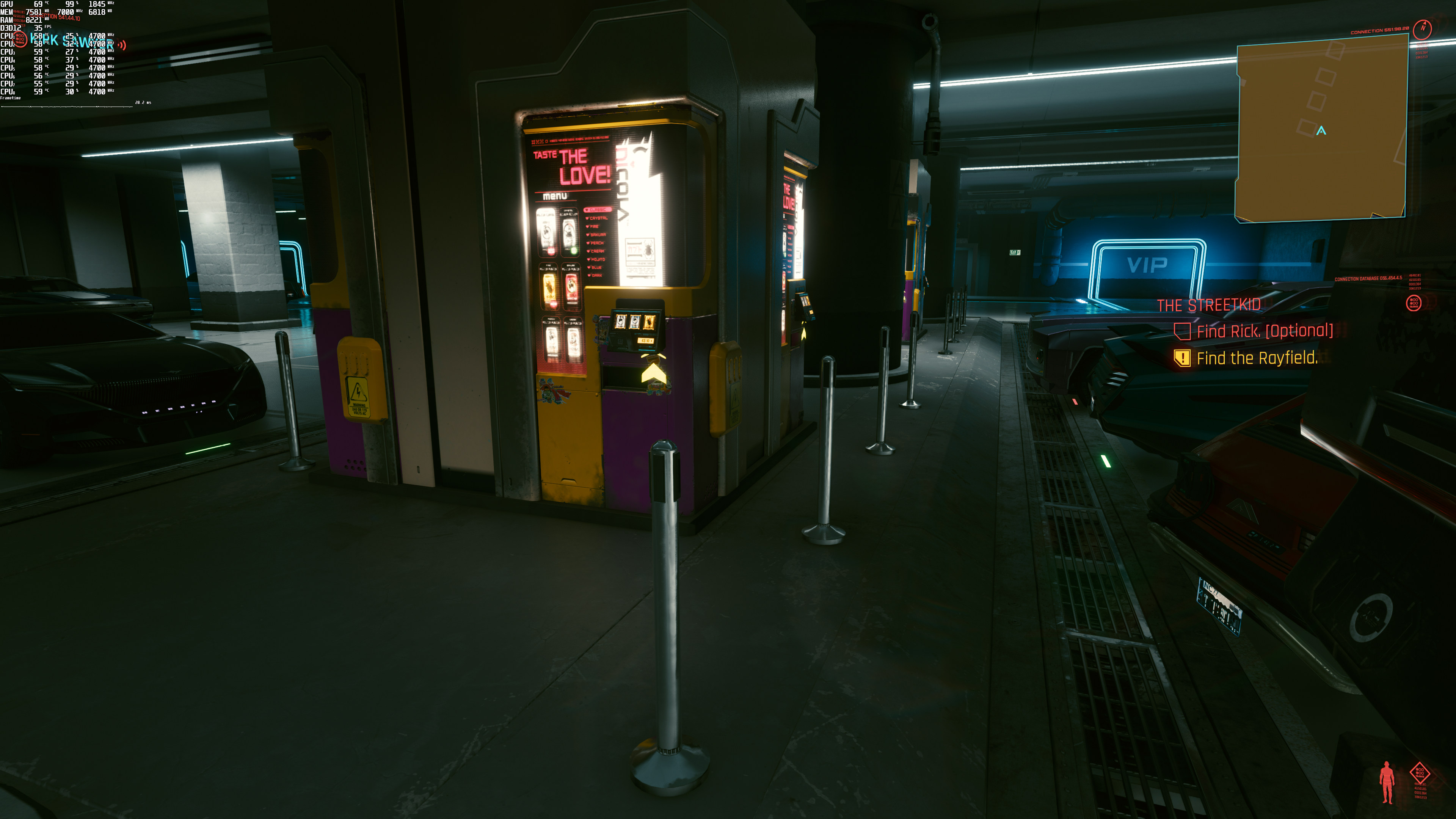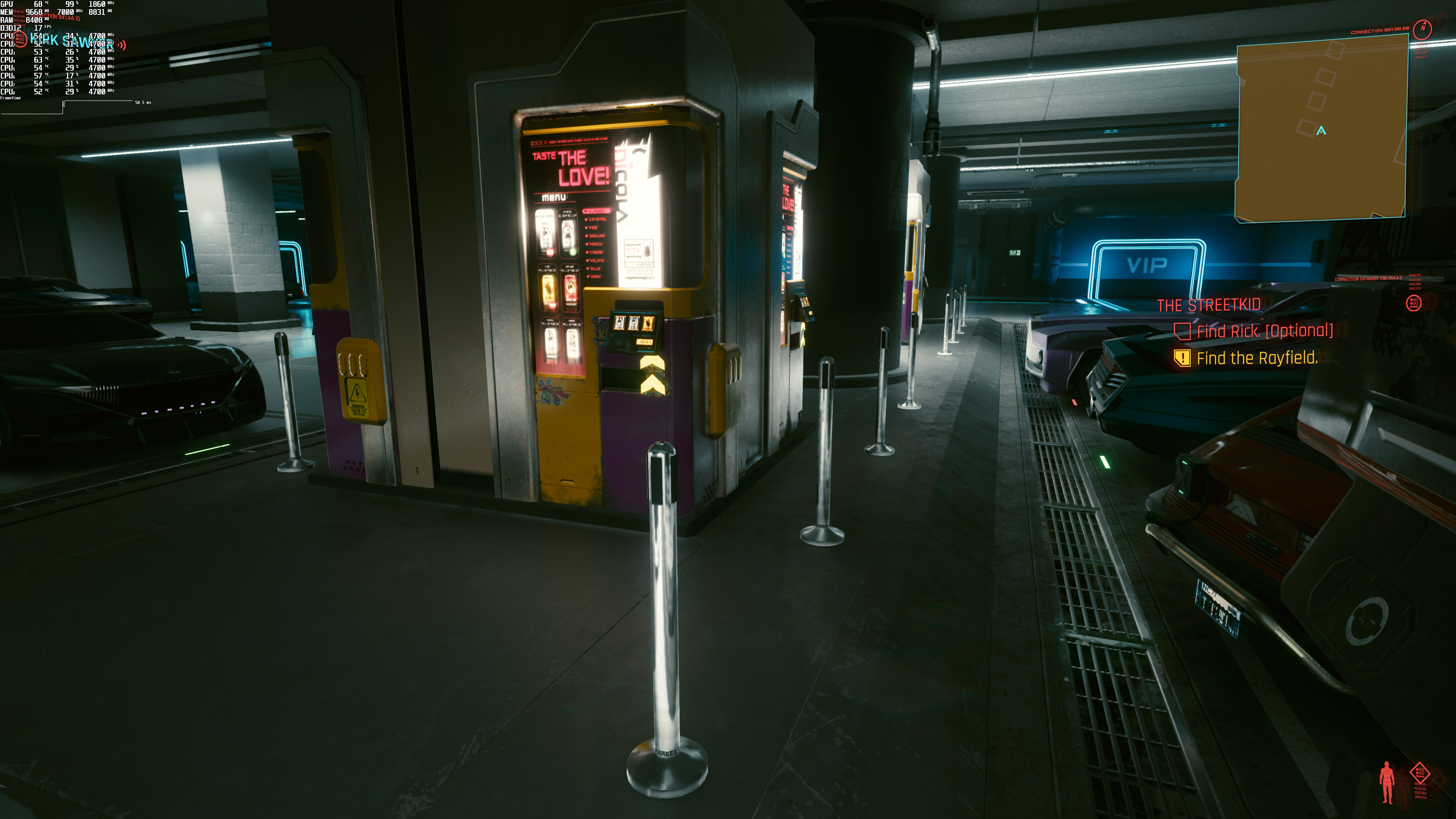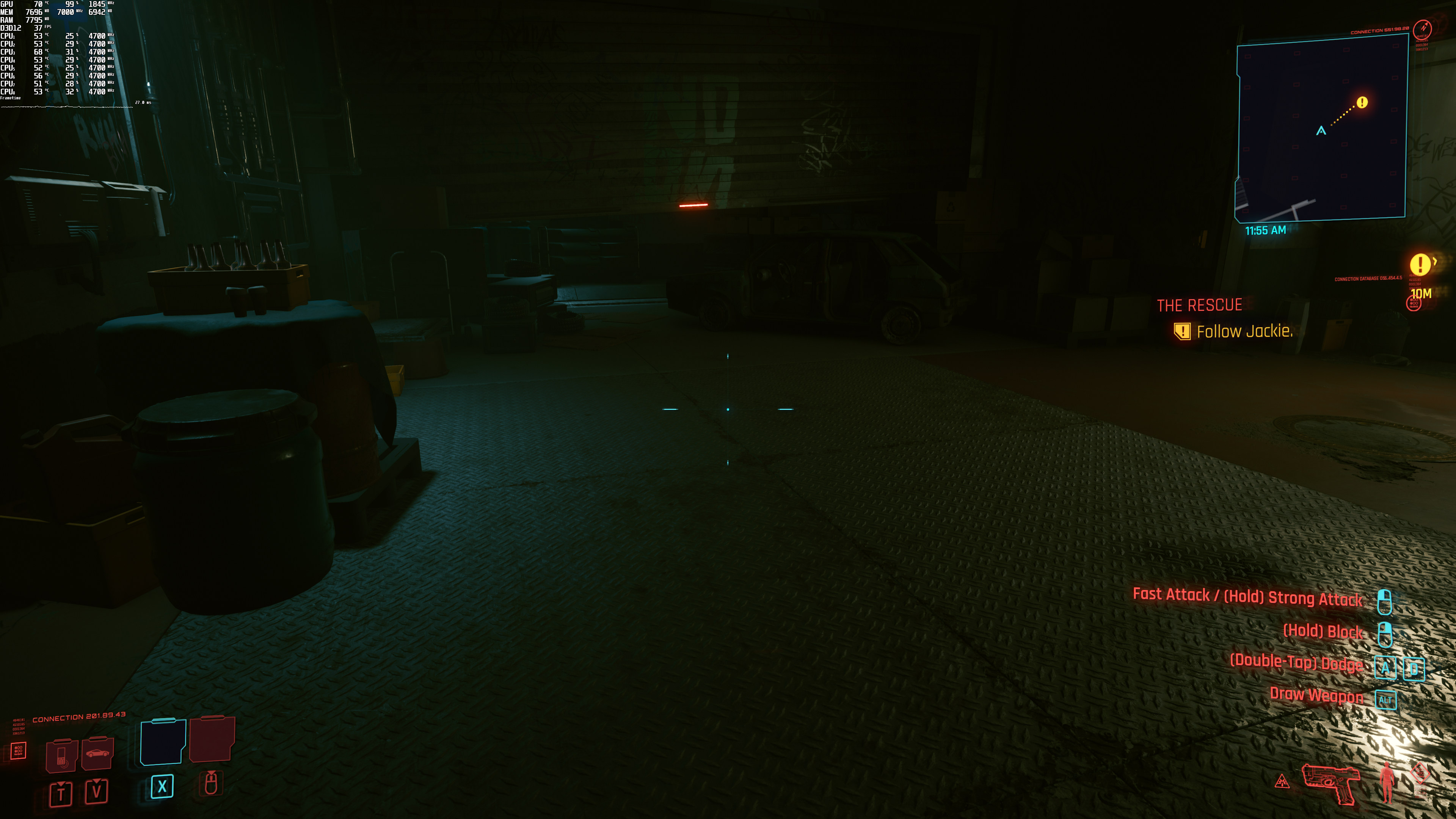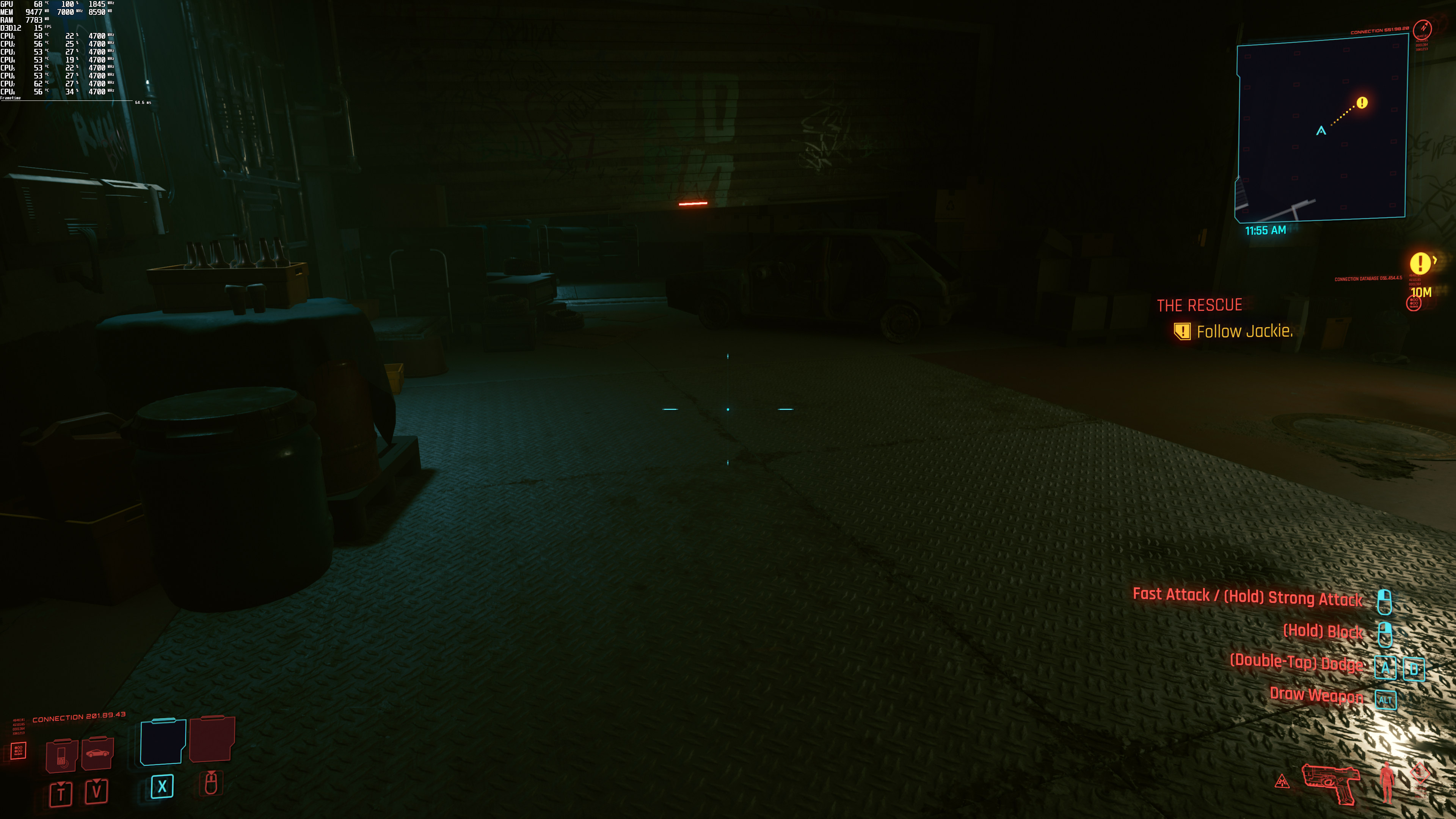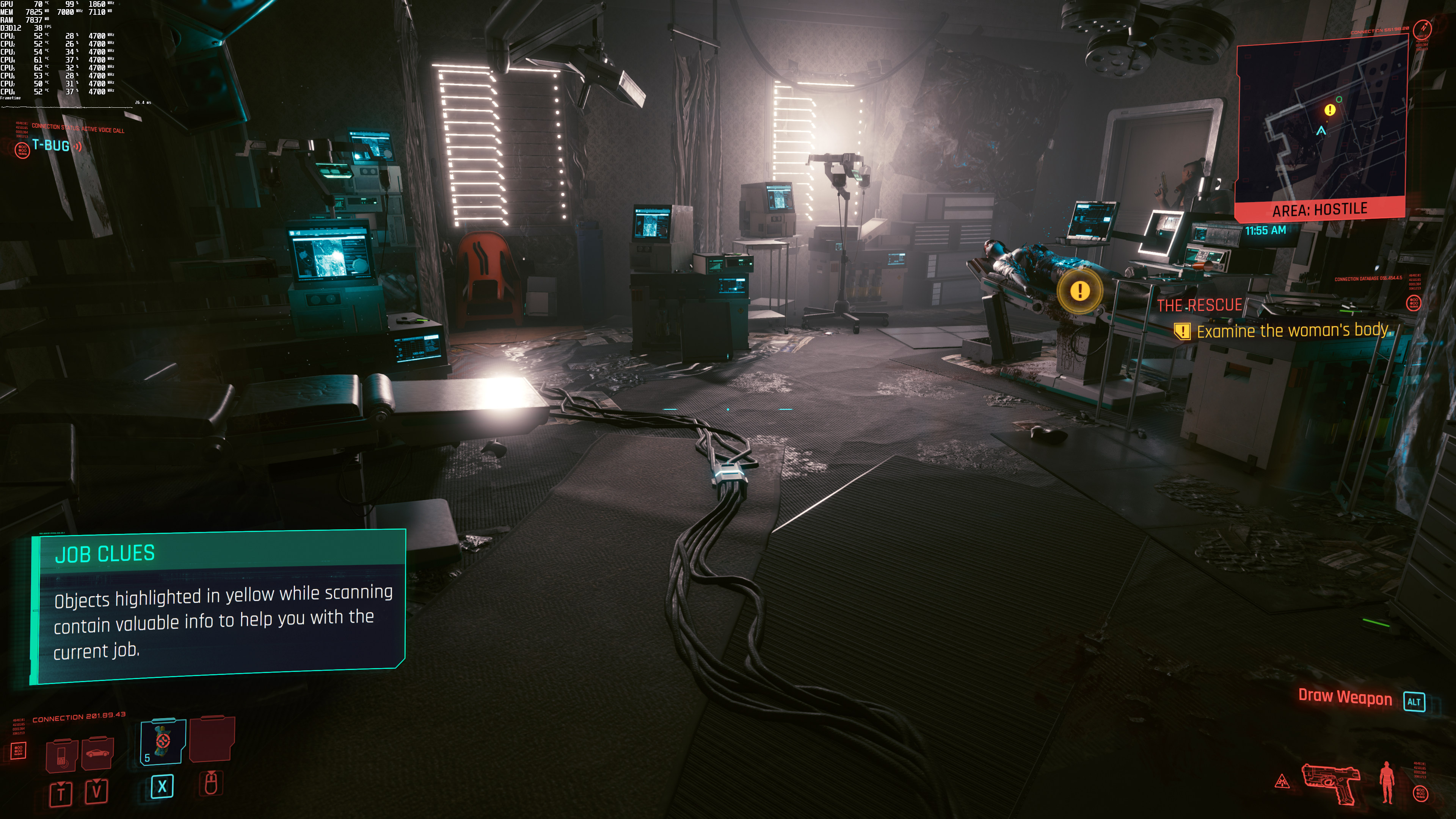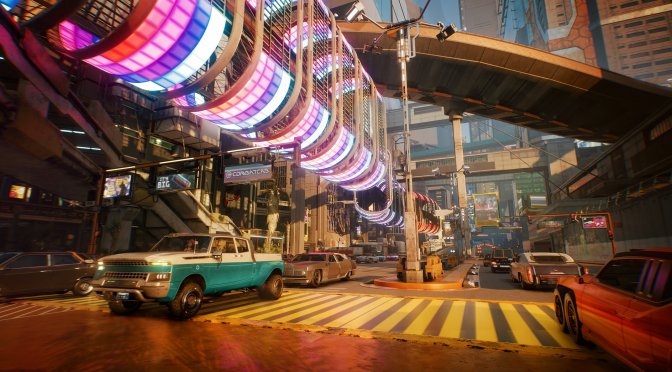
Cyberpunk 2077 new screenshots September 2020-6

Cyberpunk 2077 Ray Tracing & DLSS 2.0 Benchmarks

And the time has finally come. Cyberpunk 2077 is now available on the PC, and supports numerous real-time Ray Tracing effects. In fact, this is the best showcase of both Ray Tracing and DLSS 2.0. So, let’s see how the ray-traced version of this latest RPG performs on the PC platform.

For these Ray Tracing benchmarks, we used an Intel i9 9900K with 16GB of DDR4 at 3600Mhz and the NVIDIA GeForce RTX2080Ti. We also used Windows 10 64-bit, and the latest version of the GeForce drivers. Do note that our full-length PC Performance Analysis, in which we’ll be covering both AMD’s and NVIDIA’s hardware, will go live this weekend.

As CDPR has stated, it’s using Ray Tracing in order to improve Diffuse Illumination, Reflections, Ambient Occlusion and Shadows. In short, Cyberpunk 2077 uses real-time ray tracing in order to improve a lot of visual effects, making it the best showcase for this technology.

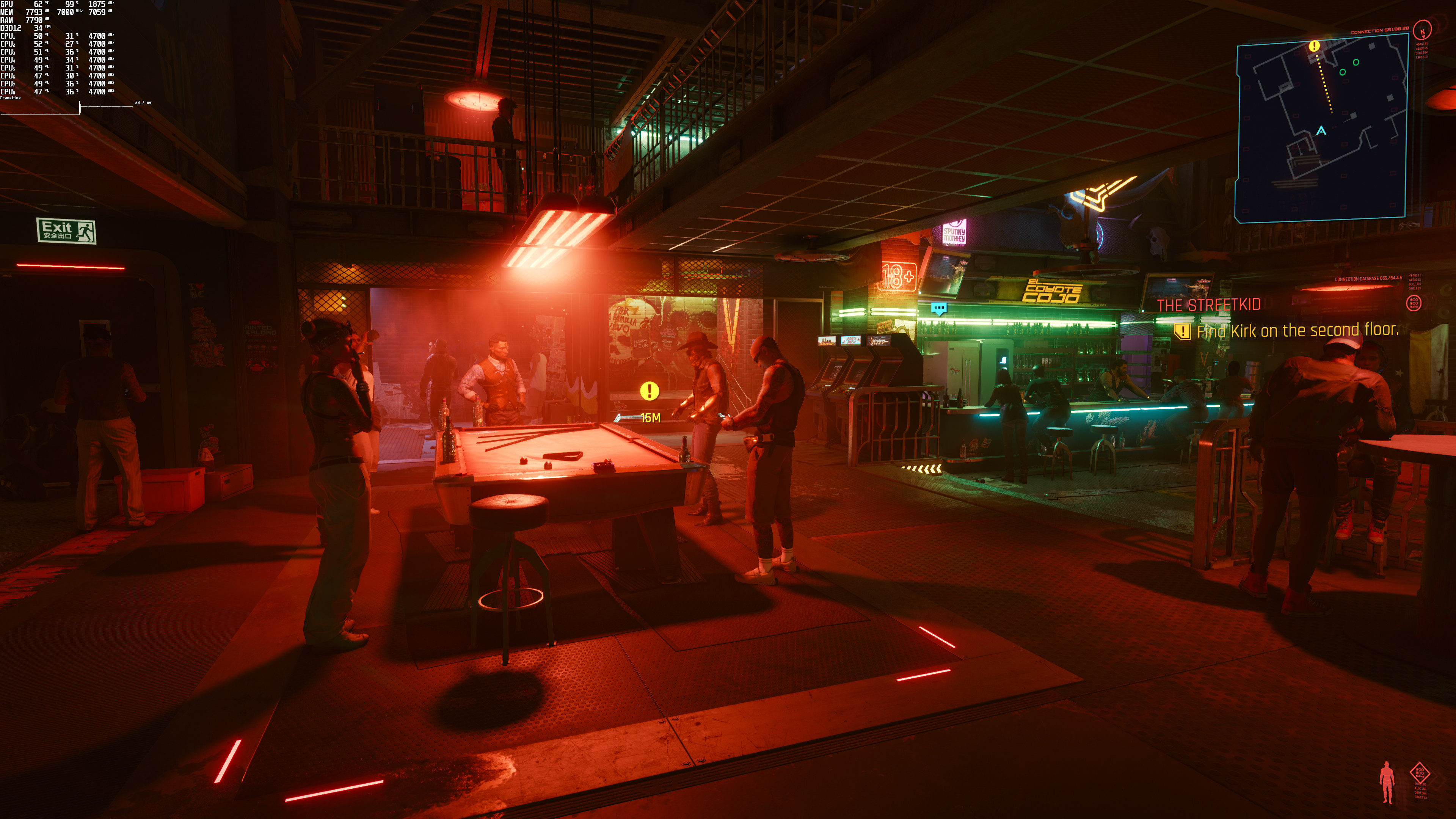
And, contrary to other games, you can immediately notice the differences between the rasterized and the ray-traced versions. At the end of the article, you can find some comparison screenshots. The top images are with rasterization, whereas the bottom images are with Ray Tracing.

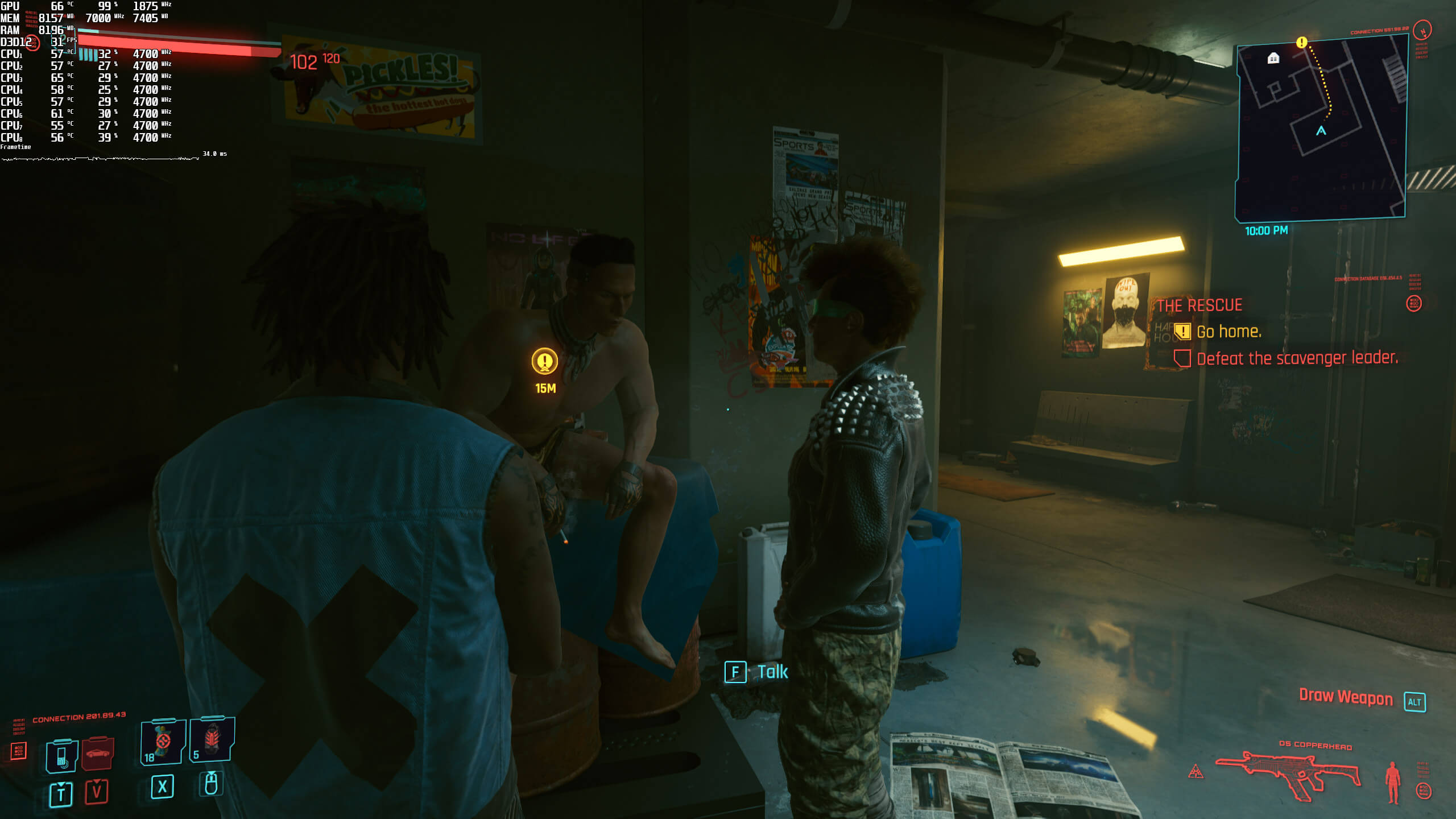
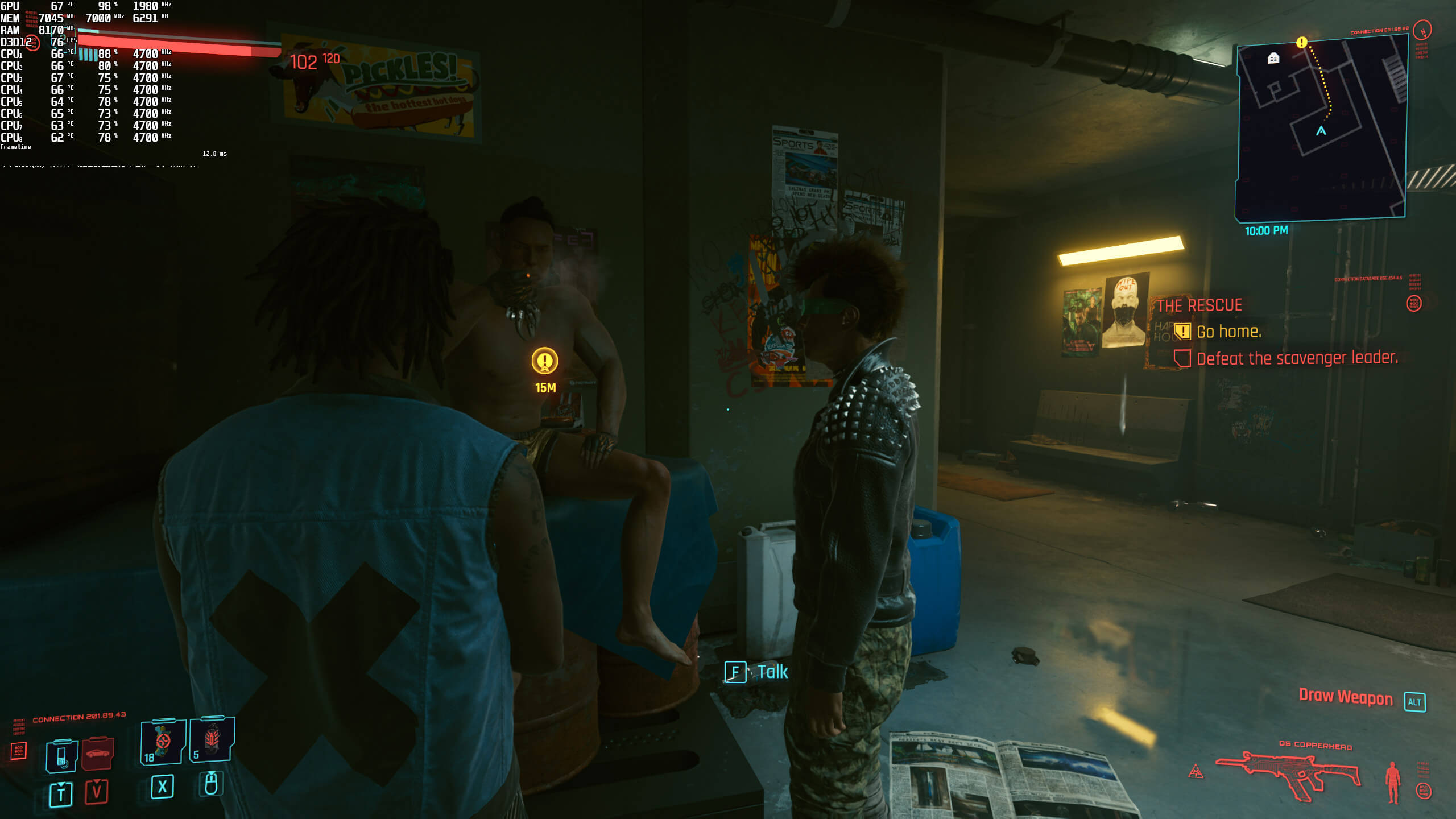
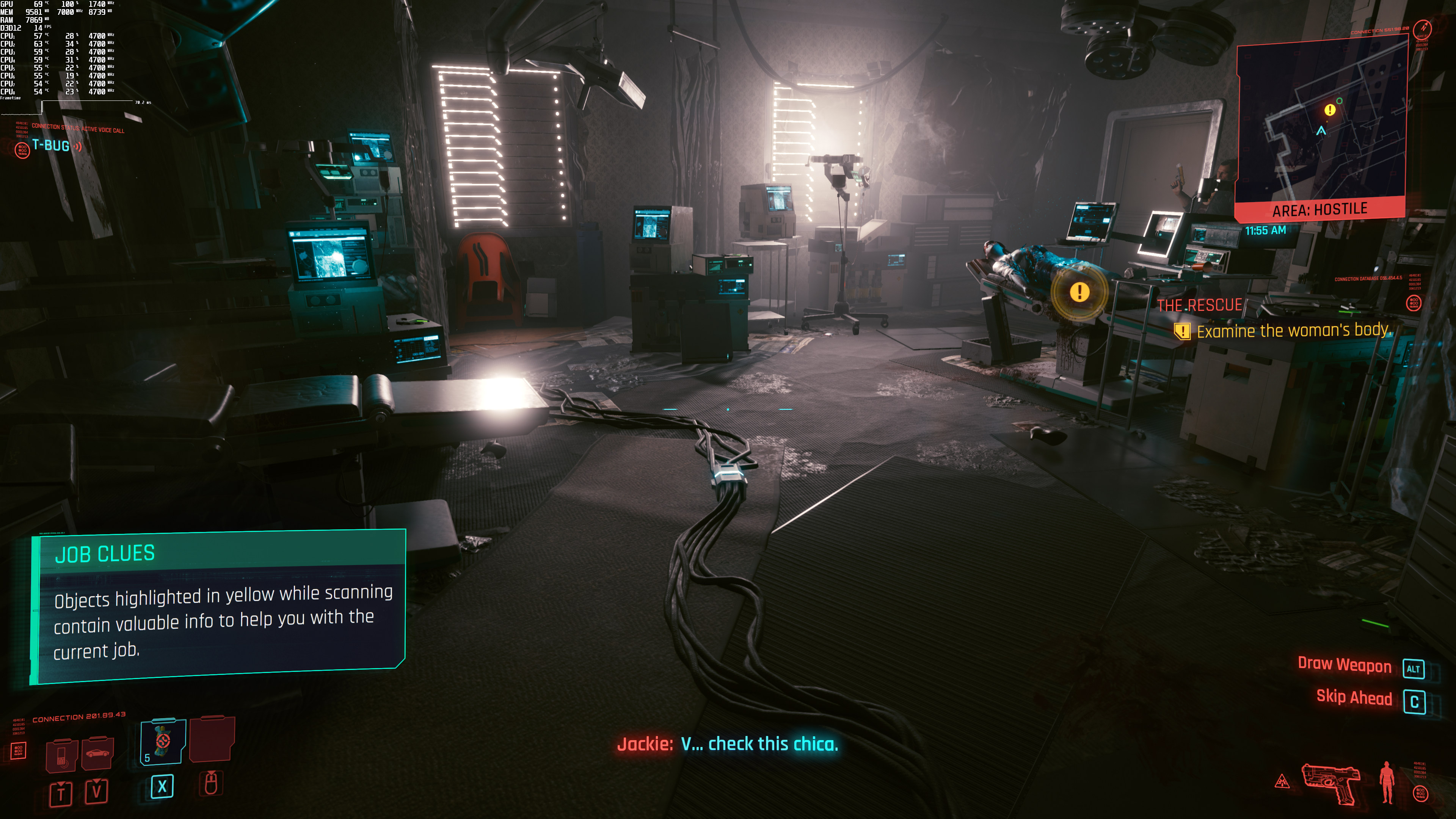
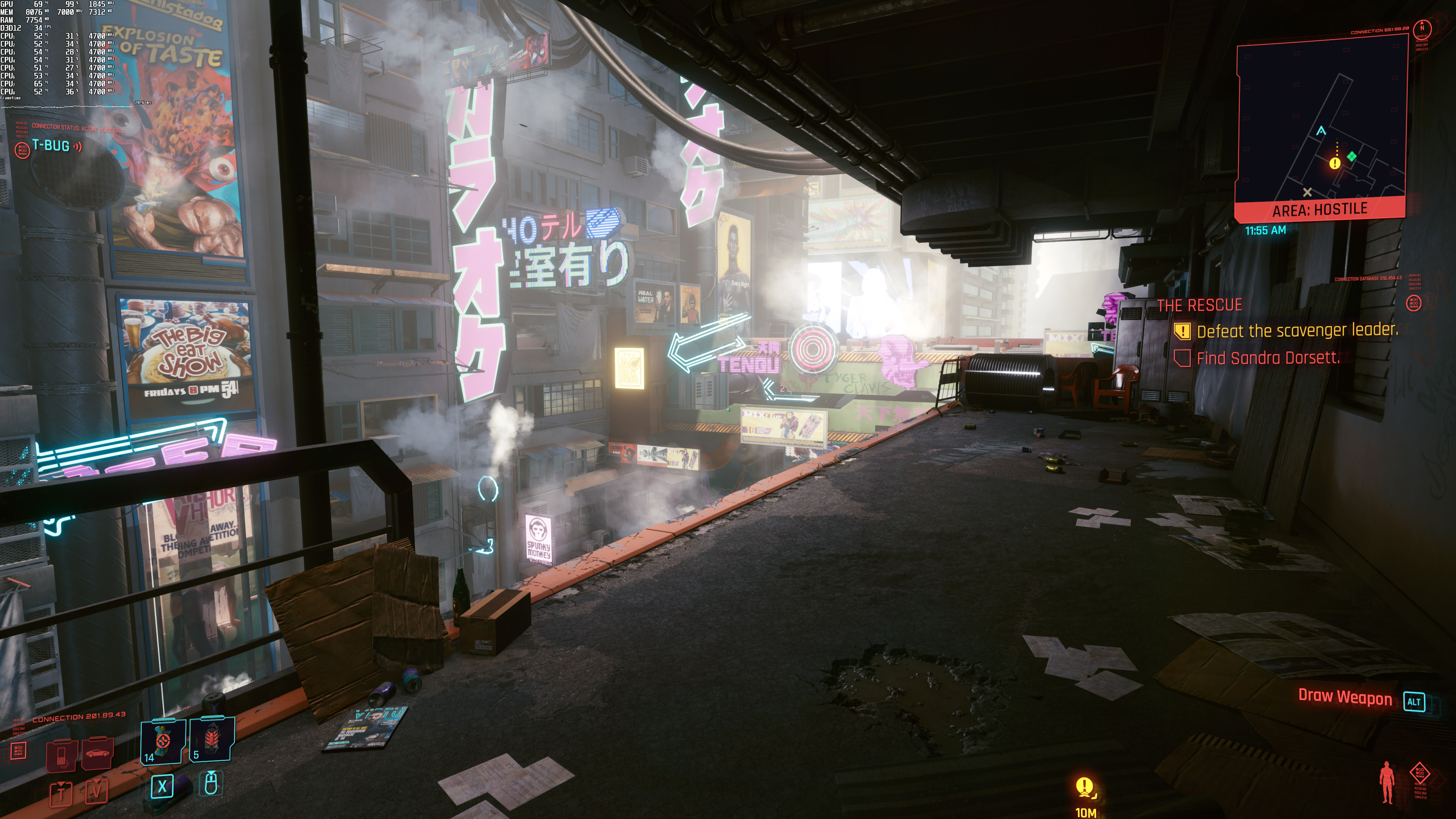
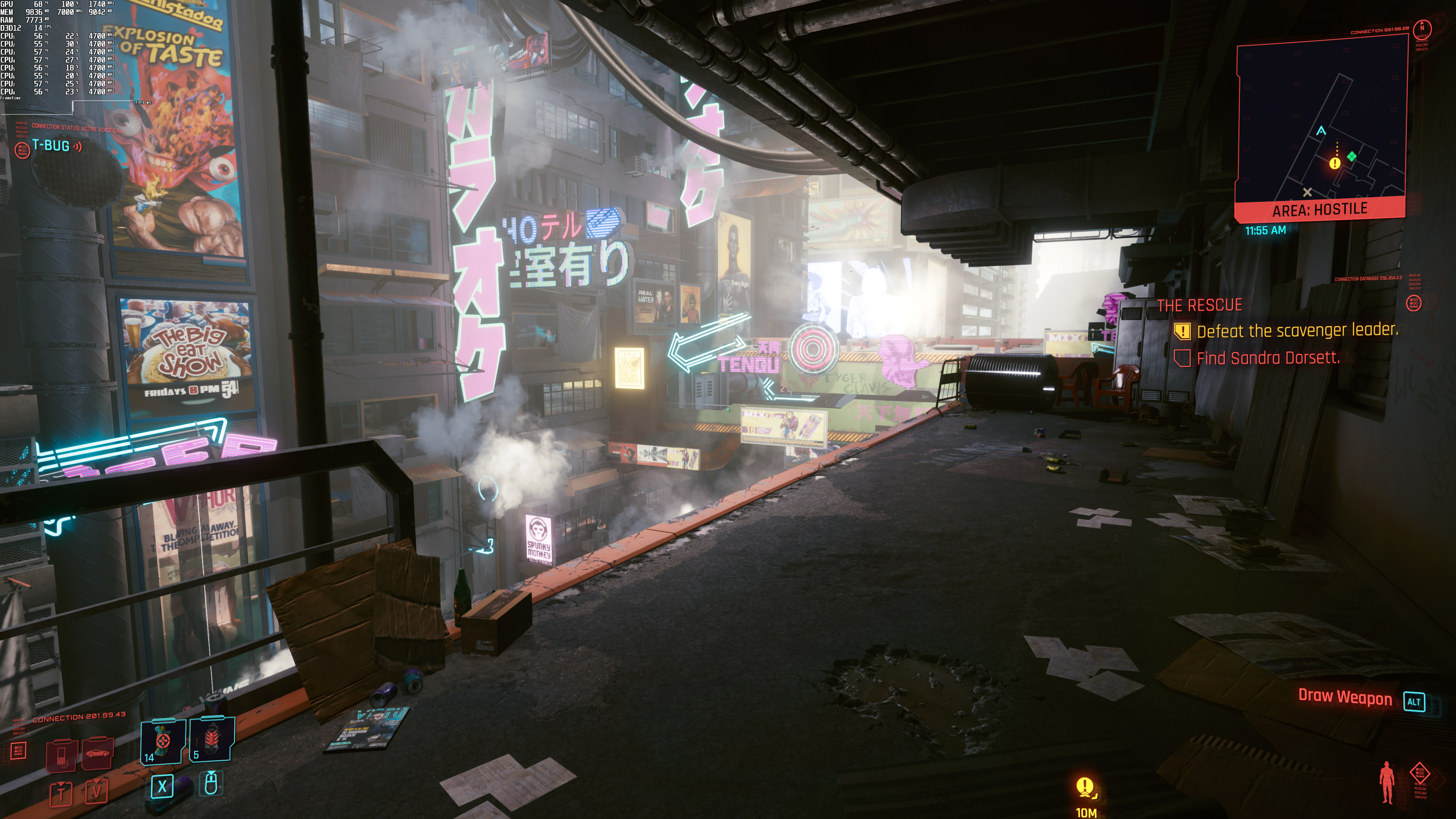
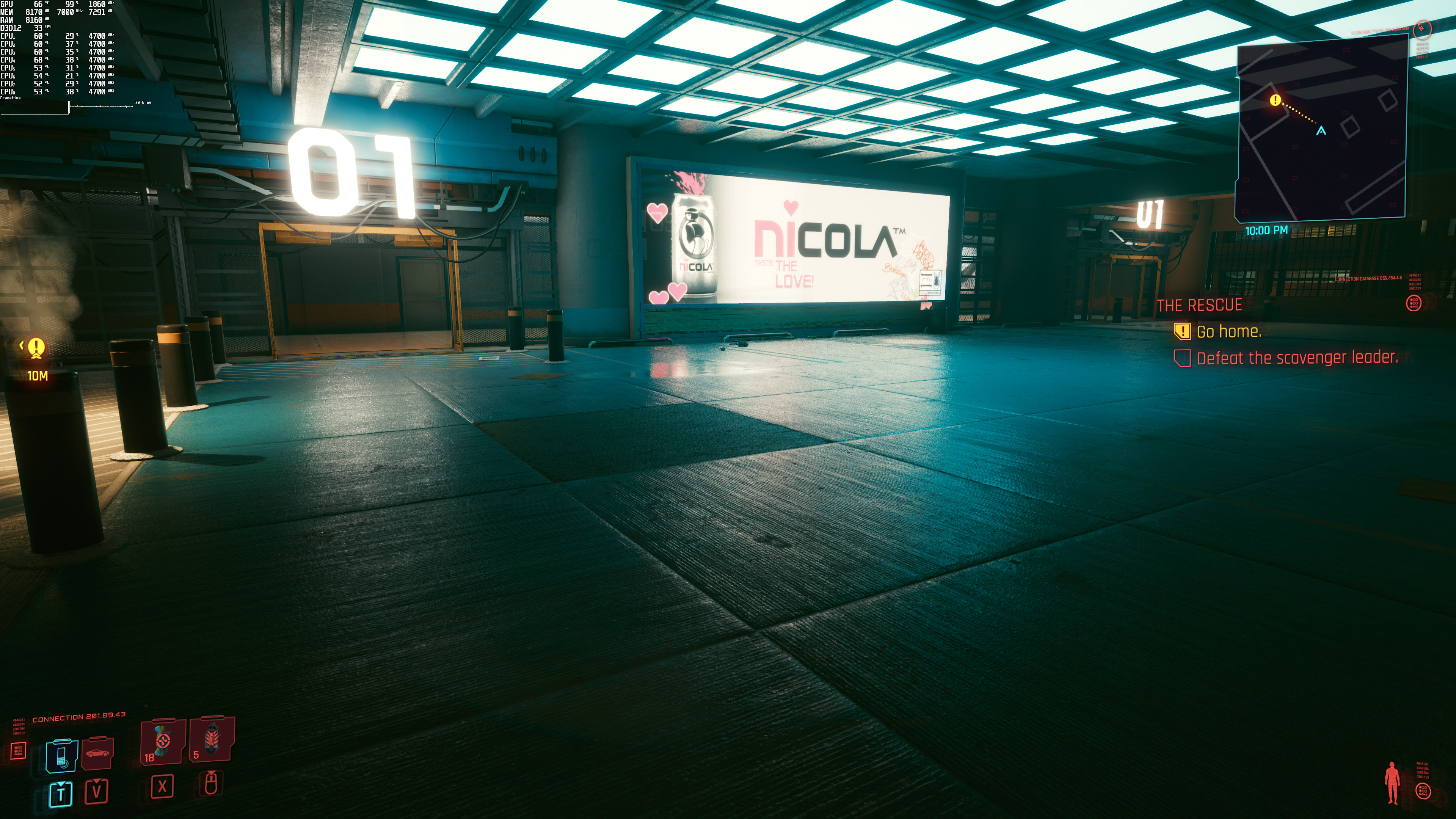
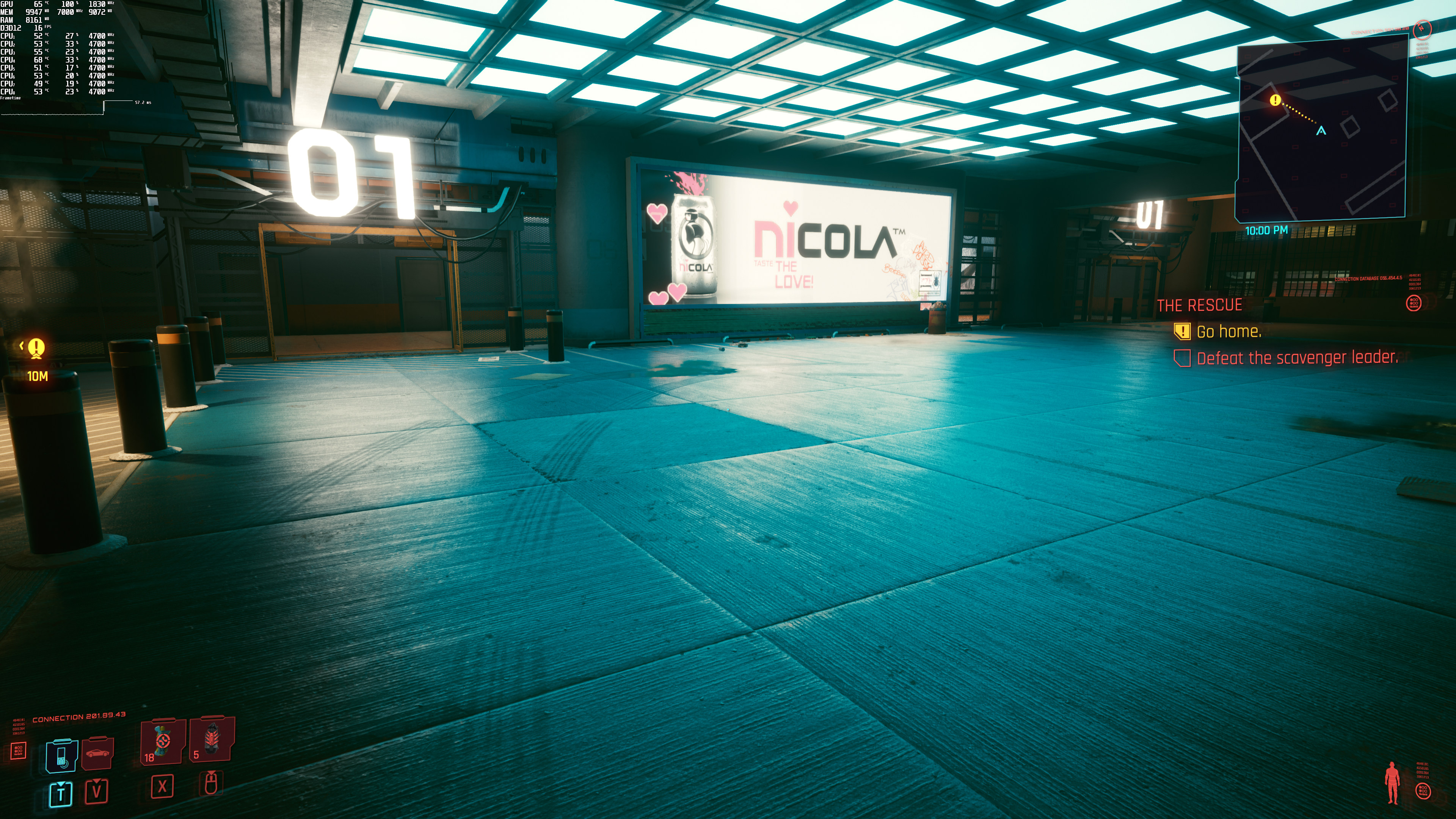
For our benchmarks, we used the end sequence of the “The Rescue” mission. In that sequence, we get to see Night City (with rain at night), and it was one of the most demanding areas. So yeah, this benchmark is a stress test, meaning that other areas will run significantly better. Still, we believe it’s best to benchmark the most demanding areas of PC games.

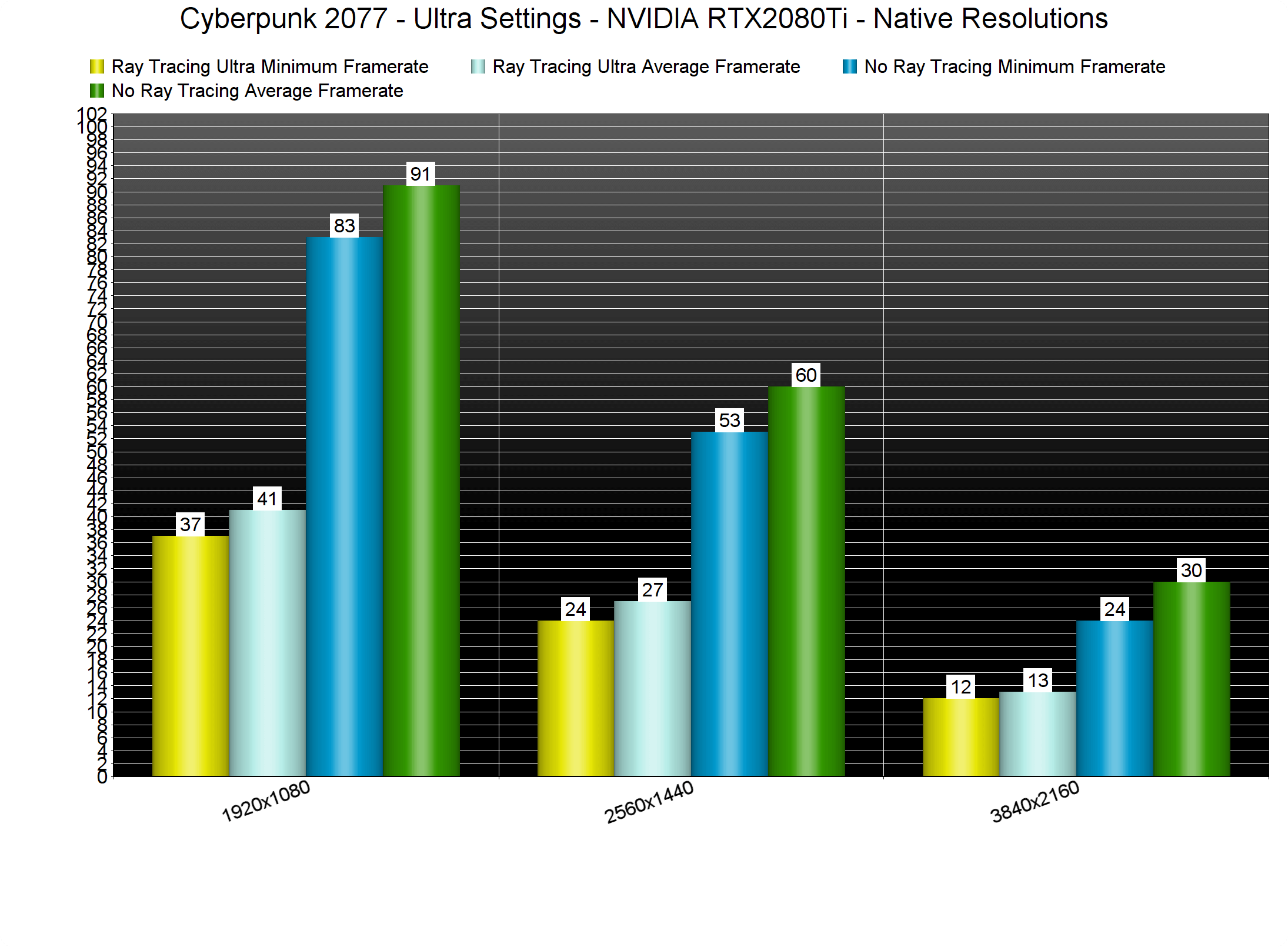
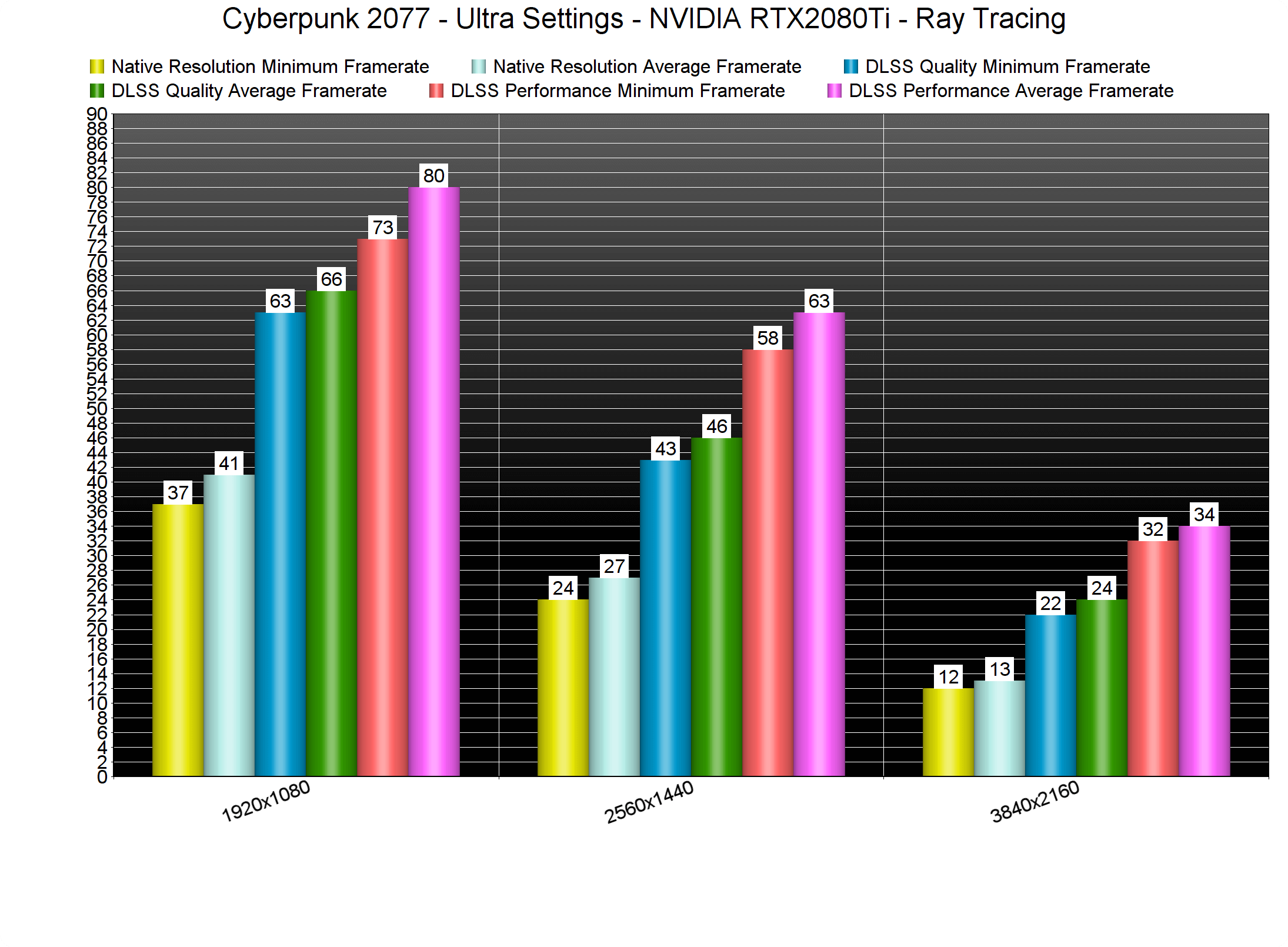
With Ray Tracing and without DLSS 2.0, our RTX2080Ti cannot even come close to a 60fps experience. In our stress test, we were getting a minimum of 37fps and an average of 41fps at 1080p/Ultra/Ray Tracing Ultra. The performance hit of the Ray Tracing effects is also huge. Without Ray Tracing, we were able to get a 60fps experience at both 1080p and 1440p.
Cyberpunk 2077 Ray Tracing - DLSS 2.0 benchmarks-1

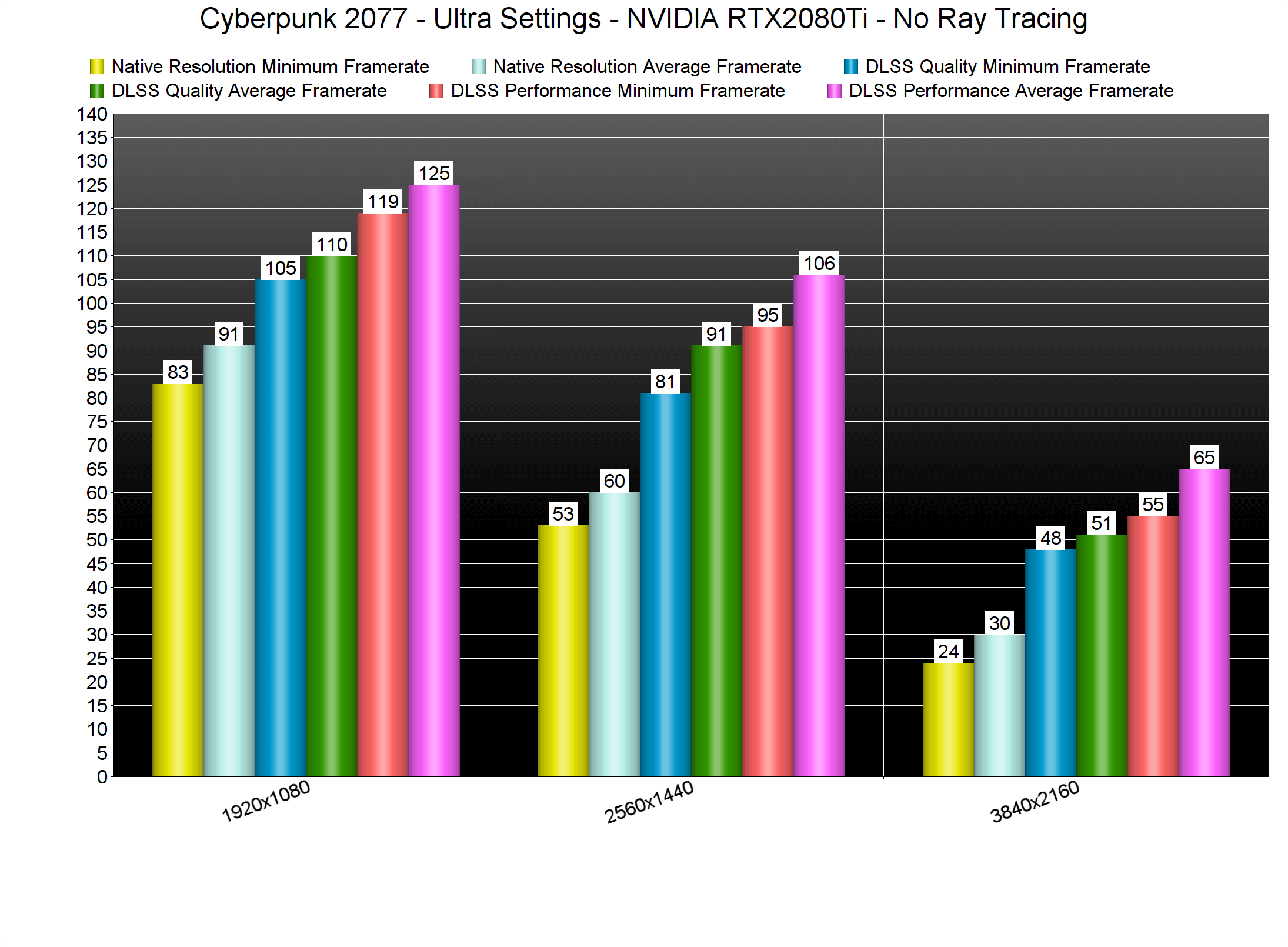
Things get more interesting with DLSS 2.0 though. Without Ray Tracing, we were able to get a 60fps experience at 4K/Ultra on our RTX2080Ti by using DLSS Performance Mode.
Cyberpunk 2077 Ray Tracing - DLSS 2.0 benchmarks-3

With Ray Tracing Ultra and DLSS Performance Mode, we managed to hit constant 30fps in 4K/Ultra. Additionally, we could get smooth framerates at 1440p/Ultra.
Cyberpunk 2077 Ray Tracing - DLSS 2.0 benchmarks-2

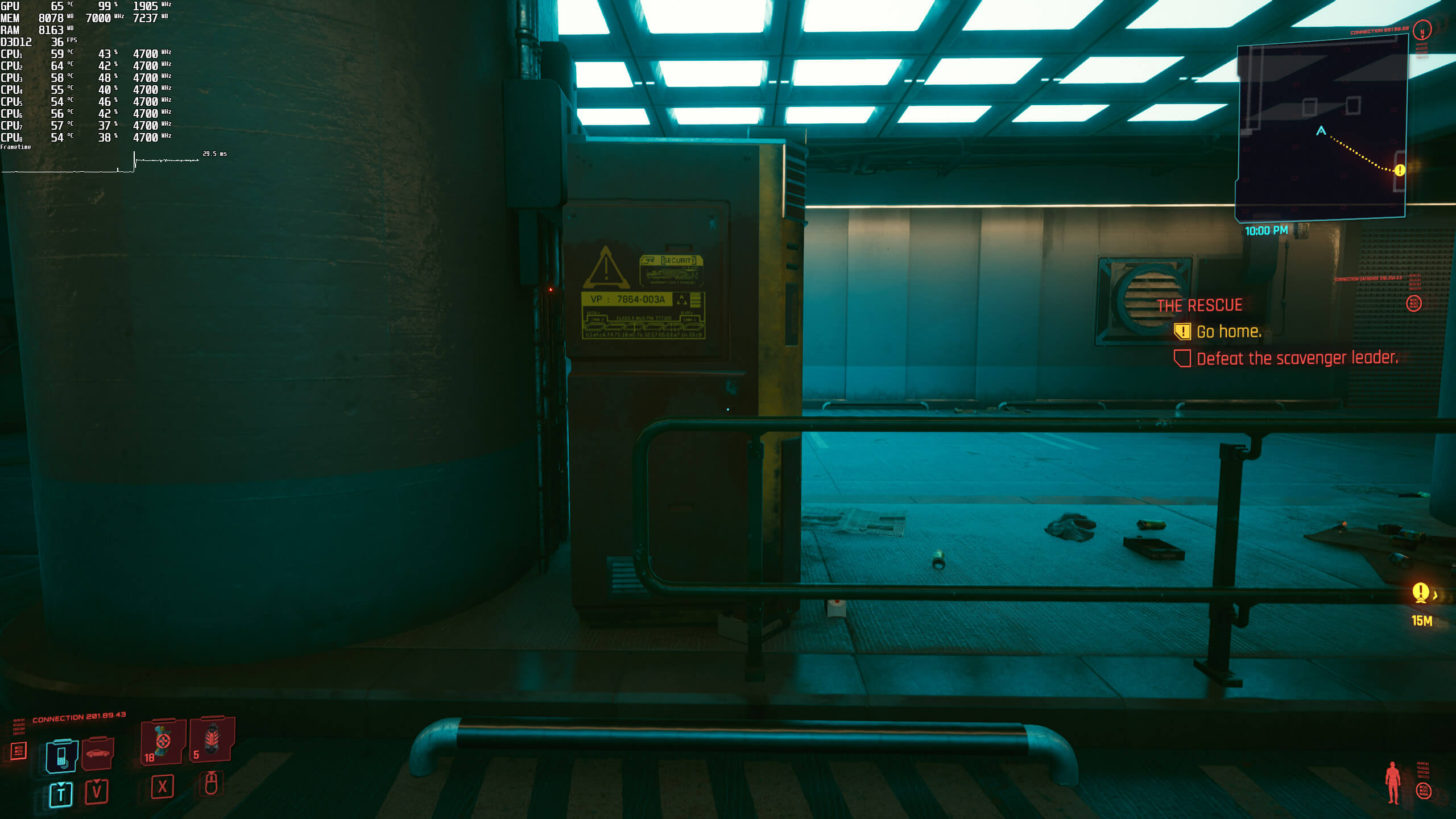
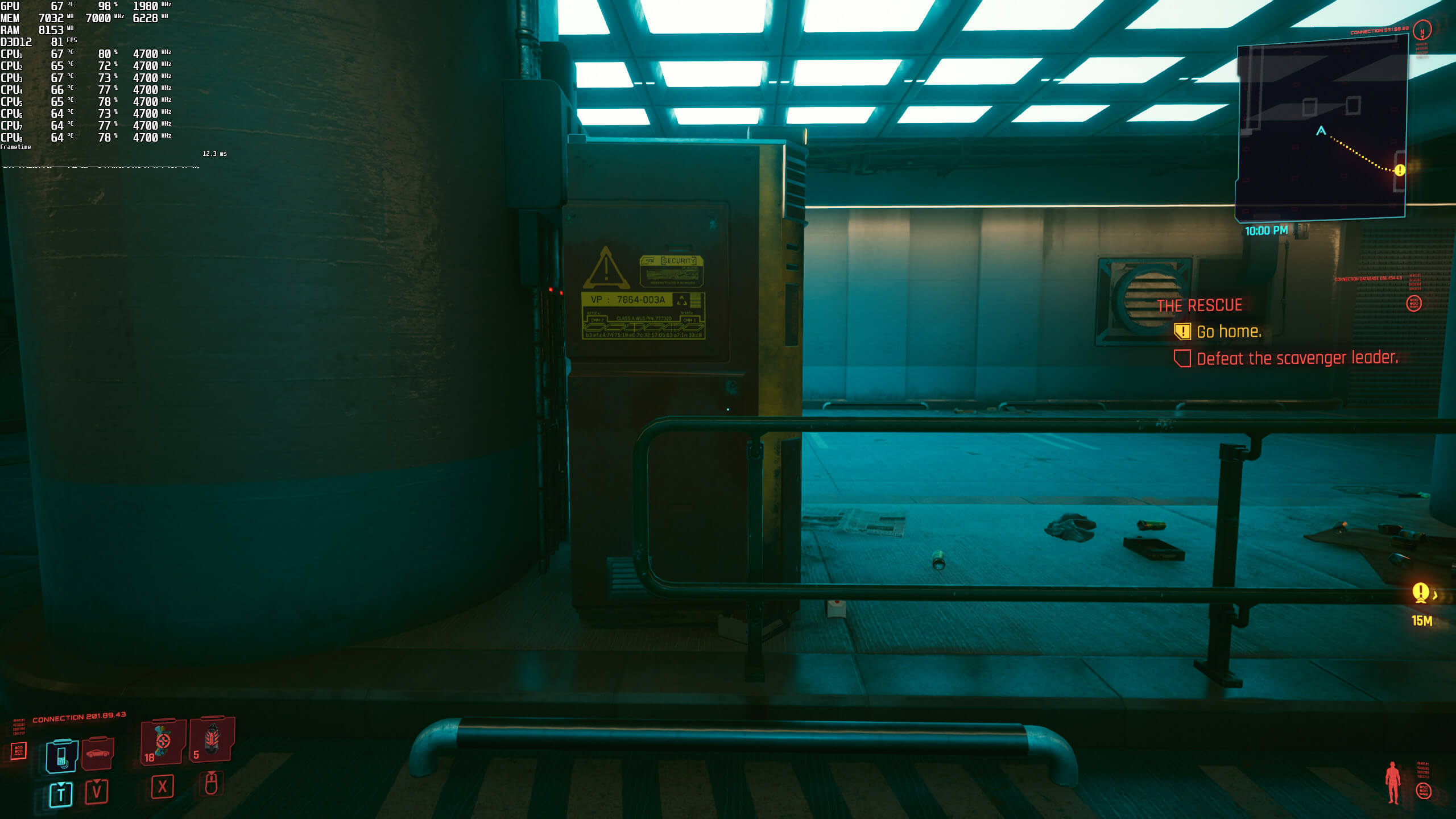
Furthermore, DLSS 2.0 is seriously black magic in this particular game. This is BY FAR the best implementation of DLSS 2.0 I’ve ever seen, and I highly recommend using it. For better or worse, my eyes are really sensitive to blurriness. After all, I was among the few that immediately noticed the blurriness of DLSS 2.0 Quality in Call of Duty: Black Ops Cold War. However, DLSS 2.0 Performance is as crisp as a native resolution in Cyberpunk 2077. Yes, there is additional aliasing, however, there aren’t any “blur/vaseline” side-effects. Seriously, here are some comparison screenshots between 1440p native and DLSS 2.0 Performance. If there is one game that can truly show what DLSS 2.0 can do, it’s Cyberpunk 2077.
Cyberpunk 2077 native-1Cyberpunk 2077 DLSS Performance-1 Cyberpunk 2077 native-2 Cyberpunk 2077 DLSS Performance-2 Cyberpunk 2077 native-3 Cyberpunk 2077 DLSS Performance-3

So now that we’ve established that the game can run on GPUs equivalent to the RTX2080Ti at 1440p/DLSS Performance with Ray Tracing Ultra, does it justify its GPU requirements. It certainly does. Cyberpunk 2077 has managed to “wow” me more than any other recent game. And we’re talking about a huge open-world game. Yes, there are some low-poly objects. There are also some LOD issues, even on the highest settings. However, the quality of all materials is simply unbelievable. The overall image quality is truly incredible. Cyberpunk 2077 pushes some of the best graphics we’ve seen in a PC game, period.

As said, our proper PC Performance Analysis will go live this weekend, so stay tuned for more!
Cyberpunk 2077 No Ray Tracing-1Cyberpunk 2077 Ray Tracing-1 Cyberpunk 2077 No Ray Tracing-2 Cyberpunk 2077 Ray Tracing-2 Cyberpunk 2077 No Ray Tracing-3 Cyberpunk 2077 Ray Tracing-3 Cyberpunk 2077 No Ray Tracing-4 Cyberpunk 2077 Ray Tracing-4 Cyberpunk 2077 No Ray Tracing-5 Cyberpunk 2077 Ray Tracing-5 Cyberpunk 2077 No Ray Tracing-6 Cyberpunk 2077 Ray Tracing-6 Cyberpunk 2077 No Ray Tracing-7 Cyberpunk 2077 Ray Tracing-7 Cyberpunk 2077 No Ray Tracing-8 Cyberpunk 2077 Ray Tracing-8 Cyberpunk 2077 No Ray Tracing-9 Cyberpunk 2077 Ray Tracing-9 Cyberpunk 2077 No Ray Tracing-10 Cyberpunk 2077 Ray Tracing-10 Cyberpunk 2077 No Ray Tracing-11 Cyberpunk 2077 Ray Tracing-11 Cyberpunk 2077 No Ray Tracing-12 Cyberpunk 2077 Ray Tracing-12 Cyberpunk 2077 No Ray Tracing-13 Cyberpunk 2077 Ray Tracing-13 Cyberpunk 2077 No Ray Tracing-14 Cyberpunk 2077 Ray Tracing-14 Cyberpunk 2077 No Ray Tracing-15 Cyberpunk 2077 Ray Tracing-15 Cyberpunk 2077 No Ray Tracing-16 Cyberpunk 2077 Ray Tracing-16 Cyberpunk 2077 No Ray Tracing-17 Cyberpunk 2077 Ray Tracing-17

38 thoughts on “Cyberpunk 2077 Ray Tracing & DLSS 2.0 Benchmarks”

  1. Another Clunky Combat Game from these developers, last clunky combat animations game was witcher & now this gunplay feels clunky as hell & pure garbage worse optimizations with downgraded graphics from 2018 footage, even valhalla runs better than this, time to pirate this crap not even buying after 2-3 yrs sale

    1. Combat doesn’t look clunky, graphics look insane, not dg’d, and I’m sure you picked up a huge amount of detail from the youtube compression footage from 2018.

      0-3 lol

    2. It looks gorgeous and the combat while not as meaty and satisfying as compared to Insurgency and or Battlefield 3/4 its still pretty damn good.

      Do you own a copy of the game?

    3. yeah they downgraded the graphics. with RT OFF, the game looks VERY flat. They purposely make it so to force you to buy rtx 3080.

  2. The official system recommendations feel like such a bs lie for this game. Look on the steam discussions page. Everybody has terrible frame rates

  3. i think the vaseline effect is resersved for the skin of the characters in this game. they look like they got tossed in oil or something.

    Anyway the amount of bugs this game has is mass effect andromeda level and yet no one bashes it apart from vinesauce.

    Combat is like borderlands utter bulletsponges.

    story is boring and most of the quests are like cutscenes you talk to people and there arent alot of options.

    So they made a game that is as buggy as new vegas at launch, with as bad combat with bulletspongy enemies but none of the good story/writing and the roleplaying options/choices.

    At this point this is so disappointing i would prefer it if it was a far cry clone with a cyberpunk setting and not a scripted movie with meh disjointed story and borderlands style combat and loot which doenst even make sense since there is barely any combat in the main quest…so far and most of it its dialogues and cutscenes.

    I weep for the future of gaming.

  4. Anyone saying this is a great implementation of dlss 2.0 is blind as hell. With death stranding turning on dlss cleared up most of the jaggies and insane crawling that the game had but for this game it actually increases aliasing.

    1. RTX with DLSS straight up crashes the GOG 1.03 version for me on 2070Super at 1440p with a mix of High and few Ultra settings. RTX is unusable at this point at all.

      DLSS though on its own doubles the framerate from 48-53 to about 96 but the image gets a bit blurry. Now it might not be noticeable in gameplay but once I’ve seen the difference on stills I can’t go back to that blurry image.

      1. Do you run the latest driver? (Dlss works fine for me but thats on a 30 series, no clue how it runs on the 20 series)

  5. Either I am growing old or RT is a huge f*cking gimmick. I really can’t see the difference. Maybe if you point it out but I don’t see how it is a good trade off for 30+ fps….

    1. It’s not about wow factor (ideally, altho fanboys exist for this too)

      It’s about realism.
      But it does go to show how good the industry non-RT techniques are as well.
      It’s not so subtle in many areas, but is VERY subtle in others.

      It’s like old games having shadows at 2048K, and editing config files for BRUTAL 4096K Shadows to be enabled at a huge cost.
      A little cleaner/more natural but a huge cost.
      Basically,.. save it for your NEXT GPU.

    2. I mean, it works and it is nice, but the difference is so minor with the impact being so freaking heavy. RTX off for me in every game I’ve played (aside from Miles Morales which just got a real nice 60 fps RT mode which actually works). I’m yet to actually keep it on in any PC game.

    3. Your right man. this rt is a gimmick . it is not the real raytracing at all. it is just not possible to have the real one now and this poor implementation is not worth the performance loss at all.

      1. The sad part is later this year nvidia will release more new cards that work better, well a super or something. We’re just worthless testing customers to them like with the 2000 joke series. It’s disappointing. If they do pull that and make the 3080 or 3090 worthless or even the 3070 that soon I’m done with them,

    4. Raster have come a long way and are good at faking things but it’s that – Faking realism where RT adds more depth and a more natural image quality – Lets just say its a reason film makers, marketing companies etc use ray-tracing instead of raster.

      The thing down the line is that once the mainstream bar is at the level where full on ray-tracing can be made (expect at least 10-15 years unless some major breakthrough will happen) – We will get better better light + fidelity (rather than just hybrid raster/ray-tracing and that means usually either/or global-illumination / shadows / reflections now).

      But that’s just one part of it – From my perspective as a old time gamer who coded quite abit in the days (have even toyed with hardcoded ray-tracing for instance where a scene took about a day to render) it will more importantly free up developer time and that means they can focus that time on making bigger and better games instead of “faking and baking” raster.

      When that happens we will get better graphics while the dev’s will free up time making better games, until then it will be step by step and most games only just taken the first baby steps.

      1. I worked for an architecture firm previously and they utilized Unreal 4 engine to import Revit models of Buildings and or Layouts and create virtual walkthrough’s for investors as well as the construction firms.

        Using Swarm was decent to bake in lighting into scenes but it still took decent amount of time to really recreate ambient lighting conditions, especially indoors, but when the 4.23 patch came out with Ray tracing it was a big difference in fidelity and realism but also that it helped cut down time spent on nailing down lighting in the editor. At the time we were running 2nd Gen Threadrippers paired to 2080ti’s and 128GB of RAM on the dedicated render workstations and boxes, we were waiting for Epic to announce an update on multi-gpu accelerated Raytracing which they promises back in Late 2018/Early 2019 but that is yet to happen.

        TLDR: RT may or may not have a perceptive visual difference for a gamer, but from a production point of view it saves a lot of time and resources spent on Baking in and calculating lighting into a scene.

      2. This is not real raytracing. it is gimped simply because the hardware is not capable enough for realtime rendering.
        john for god’s sake do something about filtering system. several of my comments without offensive words have to wait to be approved.

        1. Its the first baby steps and its far from full raytracing. Even when we get to the point where light/shadows can be traced – It will be a huge boon for devs who wont have to spend time and effort to make light/shadows look good and thats even with all the help the modern engines/dev raster tools provides.

    5. Screen shots don’t do it justice. It made my jaw drop. The difference is huge when you are playing. CDPR did a great job with the non RT world, but when you turn RT on, everything just pops.

      1. I’ve seen other games use it much better. CDPR did it the worst probably so far and i’m a pretty hardcore game enthusiast when it comes to building high end pcs.. Terrible implementation. There’s a lot of inconsistency issues and I’m pretty sure a memory leak going on. Hopefully they optimize it more.

  6. Using the day 1 patch and latest Nvidia driver I am able to get a pretty consistent 60fps at 1080p with everything set to Max including Ray Tracing lighting and SSO with DLSS on Performance. on a Ryzen 3800x and a MSI Ventus RTX 2080 (100mhz Core OC and 500Mhz Memory OC). DLSS helps massively in this game, without DLSS I am in the 30-40fps some with some drops to sub 30 in more busy areas.

  7. This should have been what the Witcher 3 was like graphically.

    But it was downgraded for consoles.

    Thankfully they haven’t again.

  8. On a 2060 super i run ultra setting with ray tracing maxed out. 2560×1080 ultrawide with dlss quality.i locked the fps to 30 On a freesync monitor its smooth as butter. The game scales very well.

  9. Cant really see much difference between the static screenshots, but yeah im also pushing rtx on the 2080. There are subtle differences and not-so subtle differences too. In the end, you can say its a matter of perception. You can certainly play w/o RTX.

  10. The game looks better on quality than performance, less blurry that is, but the problem is fps. I think Control and even Watchdogs Legion (after a few patches) did a better job of implementing dlss than cd projekt. Everything looks much more crisp.

Leave a Reply

Your email address will not be published. Required fields are marked *