

Last week, 2K Games released the next part in the Borderlands series, Borderlands 4. Powered by Unreal Engine 5, it’s time now to benchmark it and examine its performance on PC.
For our benchmarks, I used an AMD Ryzen 9 7950X3D, 32GB of DDR5 at 6000Mhz, AMD’s Radeon RX 6900XT, RX 7900XTX, RX 9070XT, as well as NVIDIA’s RTX 2080Ti, RTX 3080, RTX 4090, RTX 5080, and RTX 5090. I also used Windows 10 64-bit, the GeForce 581.29, and the Radeon Adrenalin Edition 25.9.1 drivers.
Gearbox has included a few graphics settings to tweak. PC gamers can adjust the quality of Textures, Shadows, Global Illumination, and more. The game also supports NVIDIA DLSS 4 with MFG, as well as AMD FSR 4.0 and Intel XeSS 2.0.
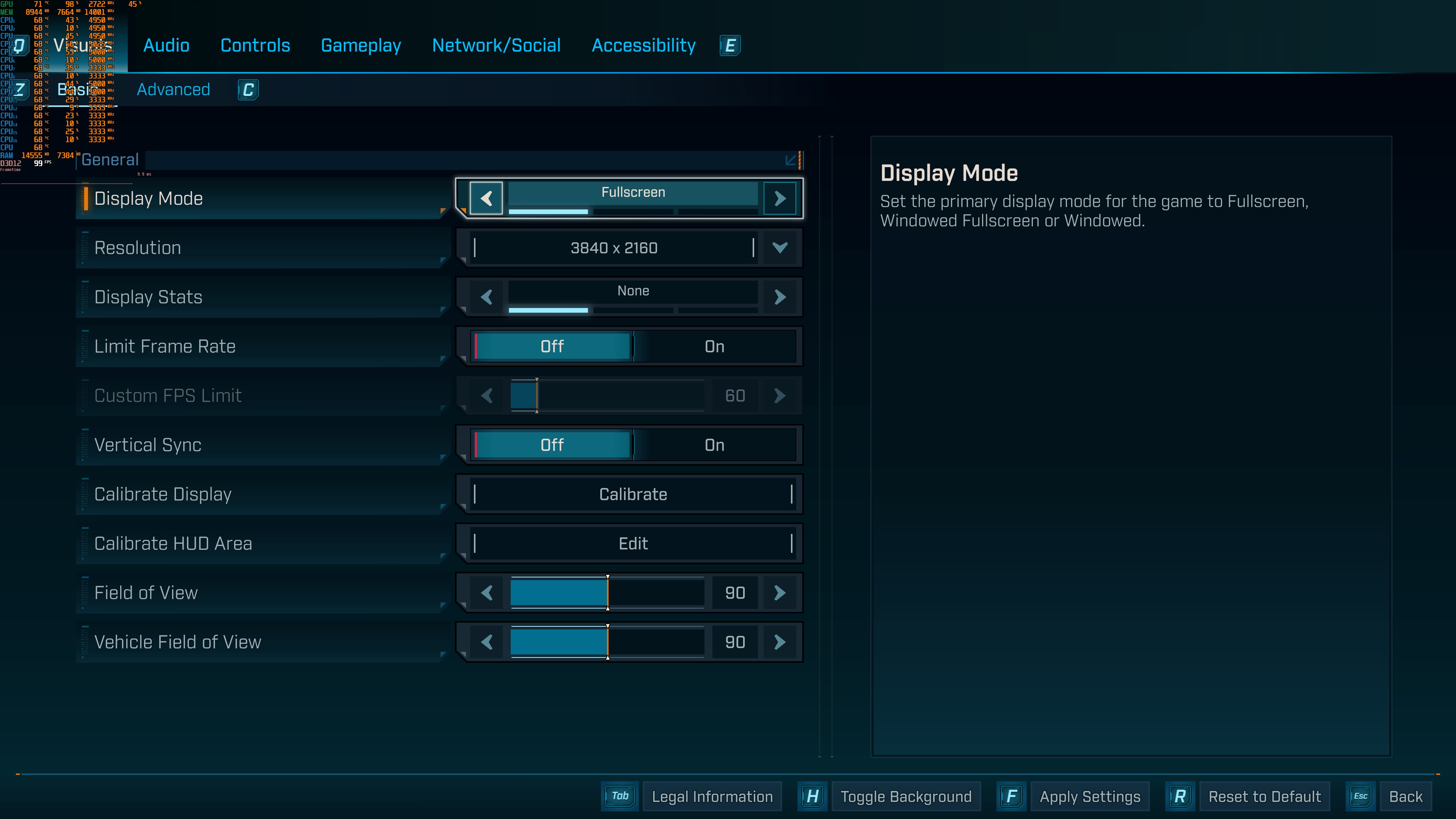
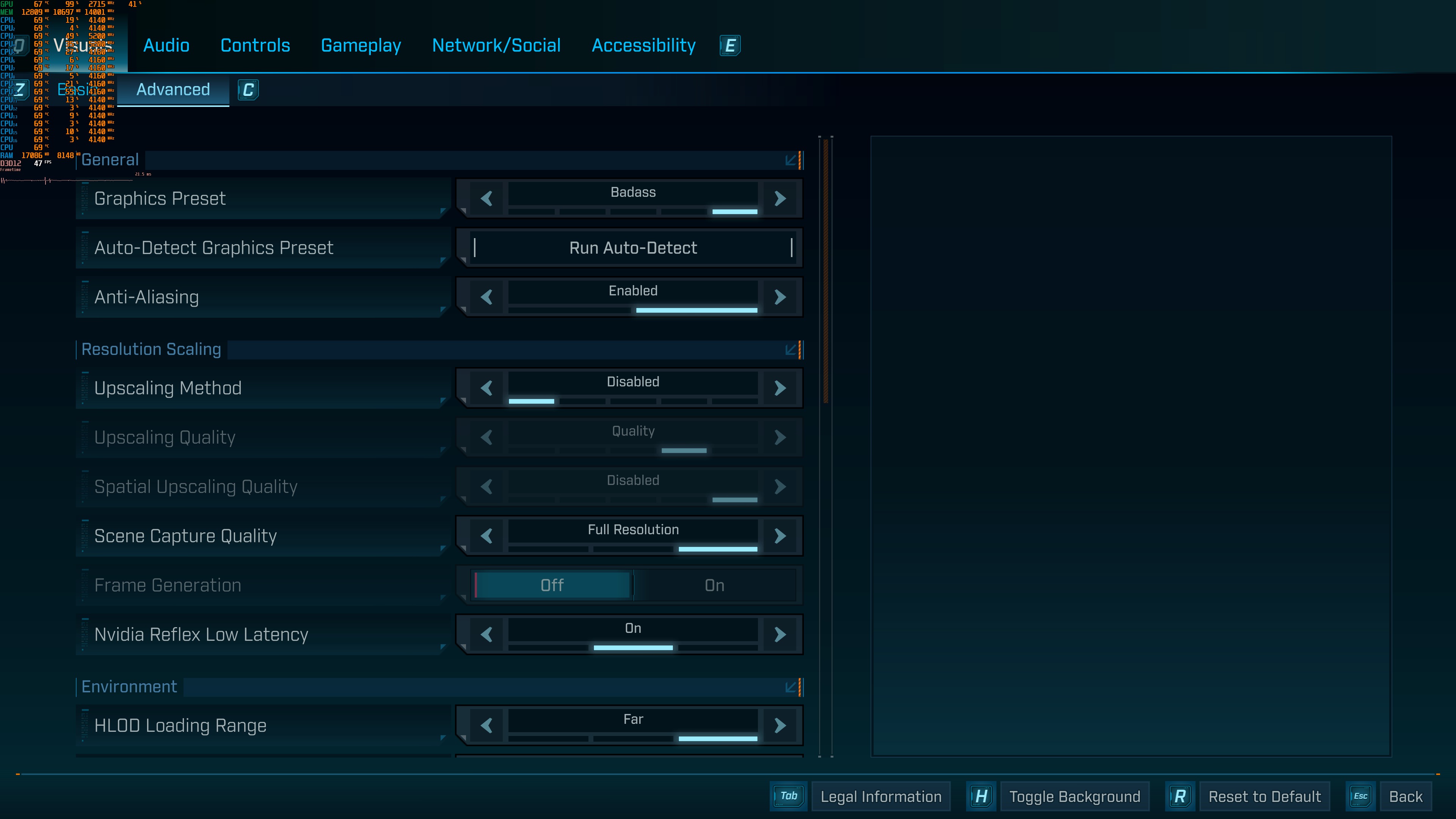
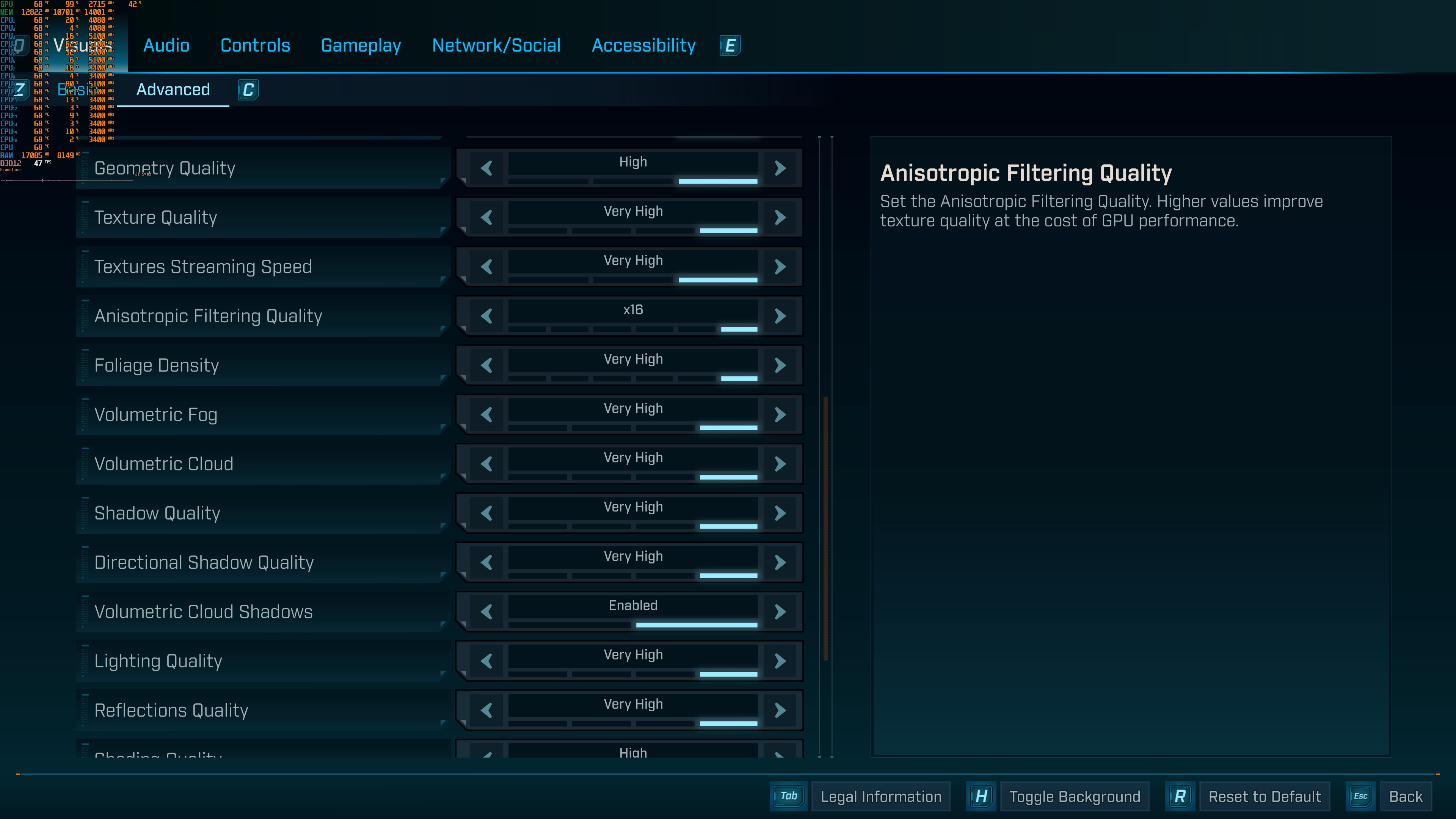
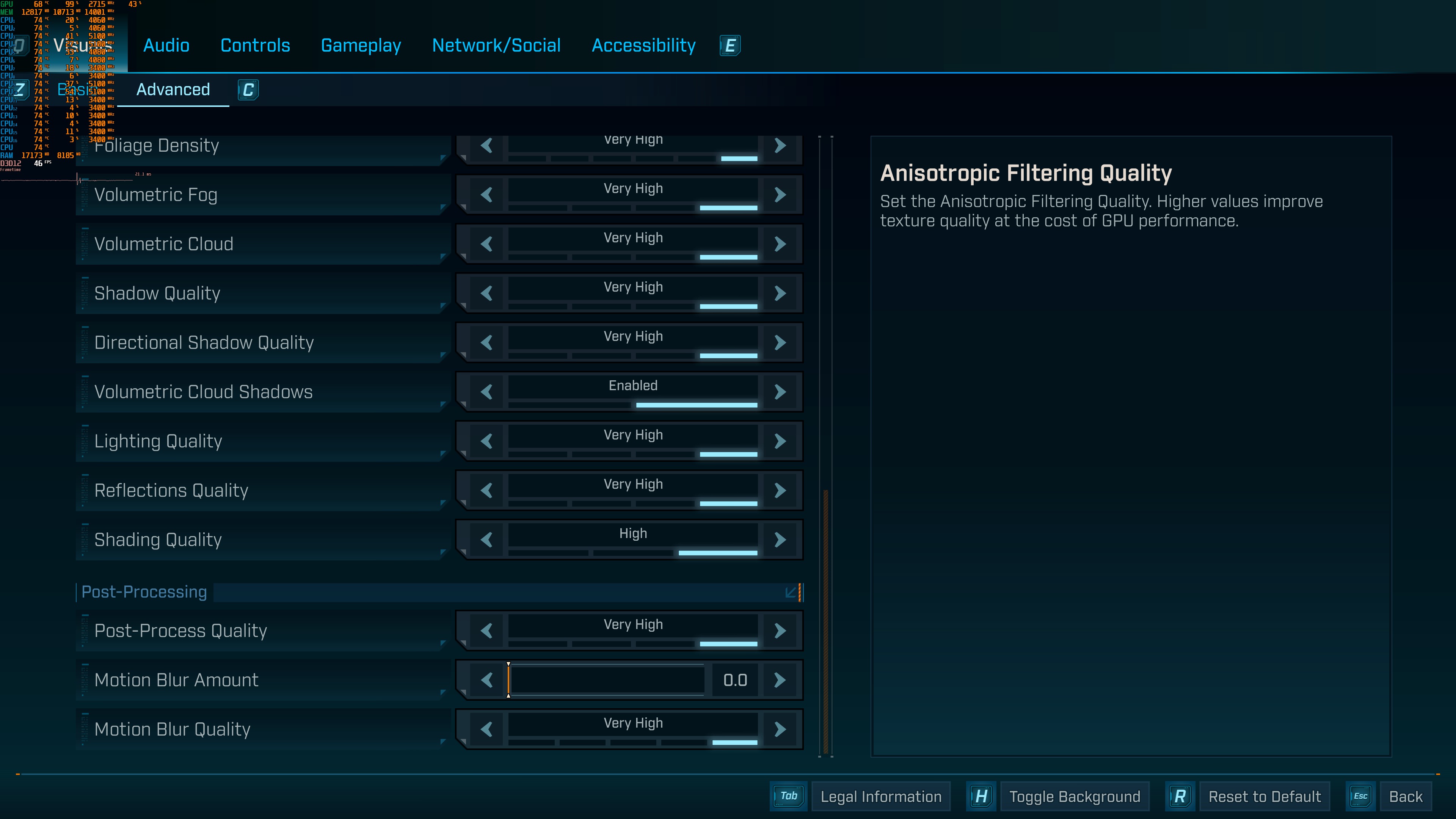
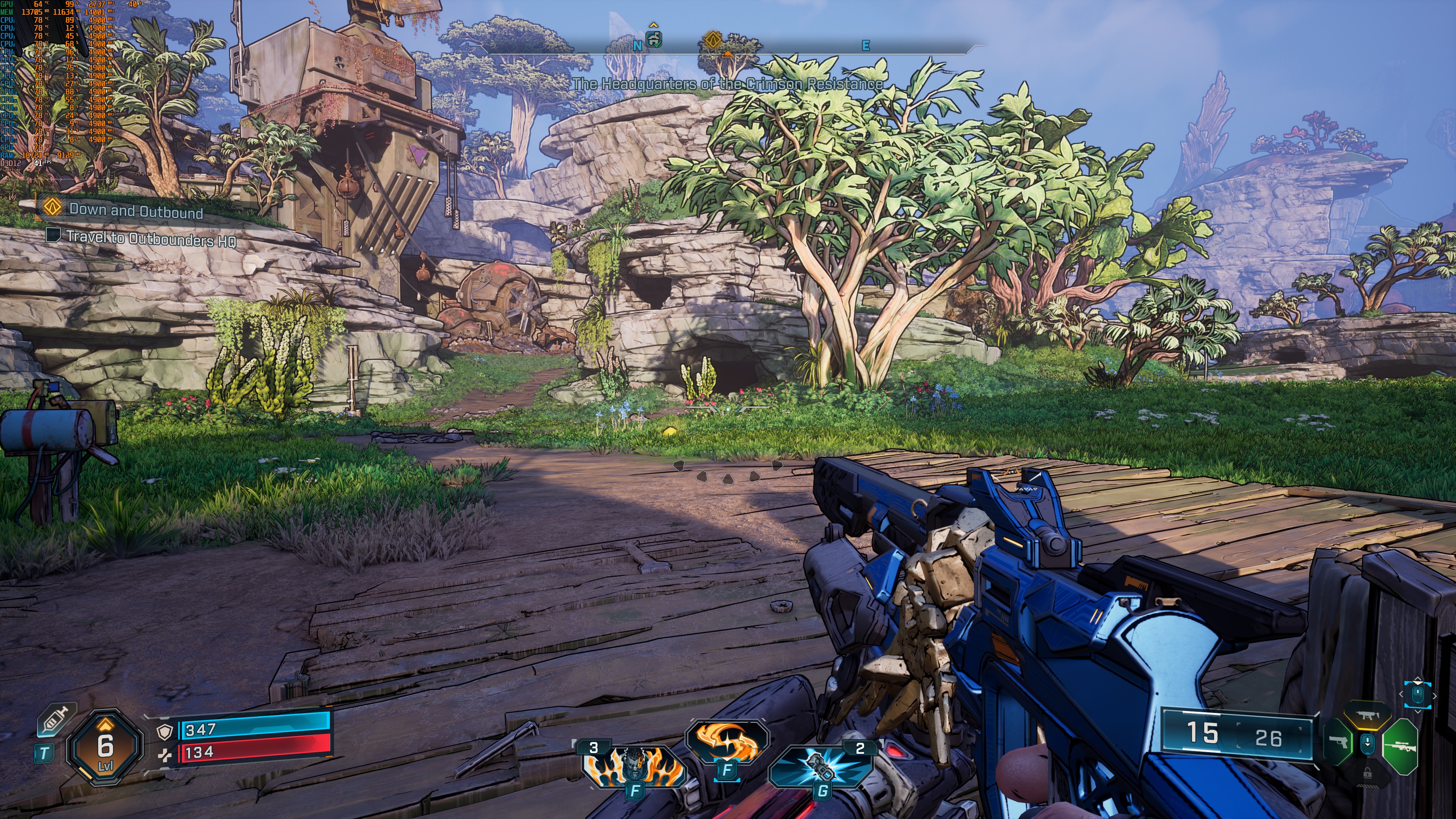
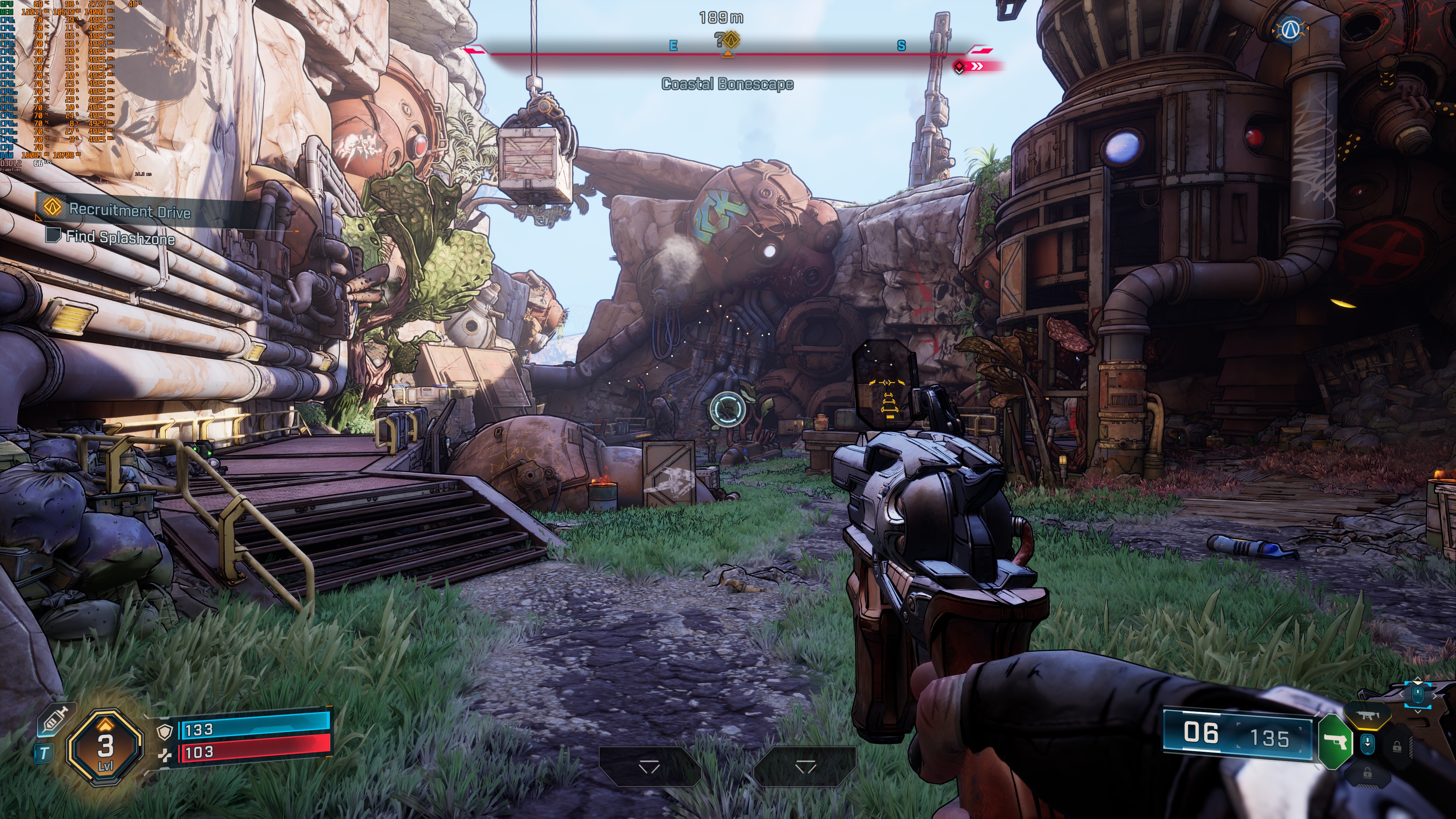
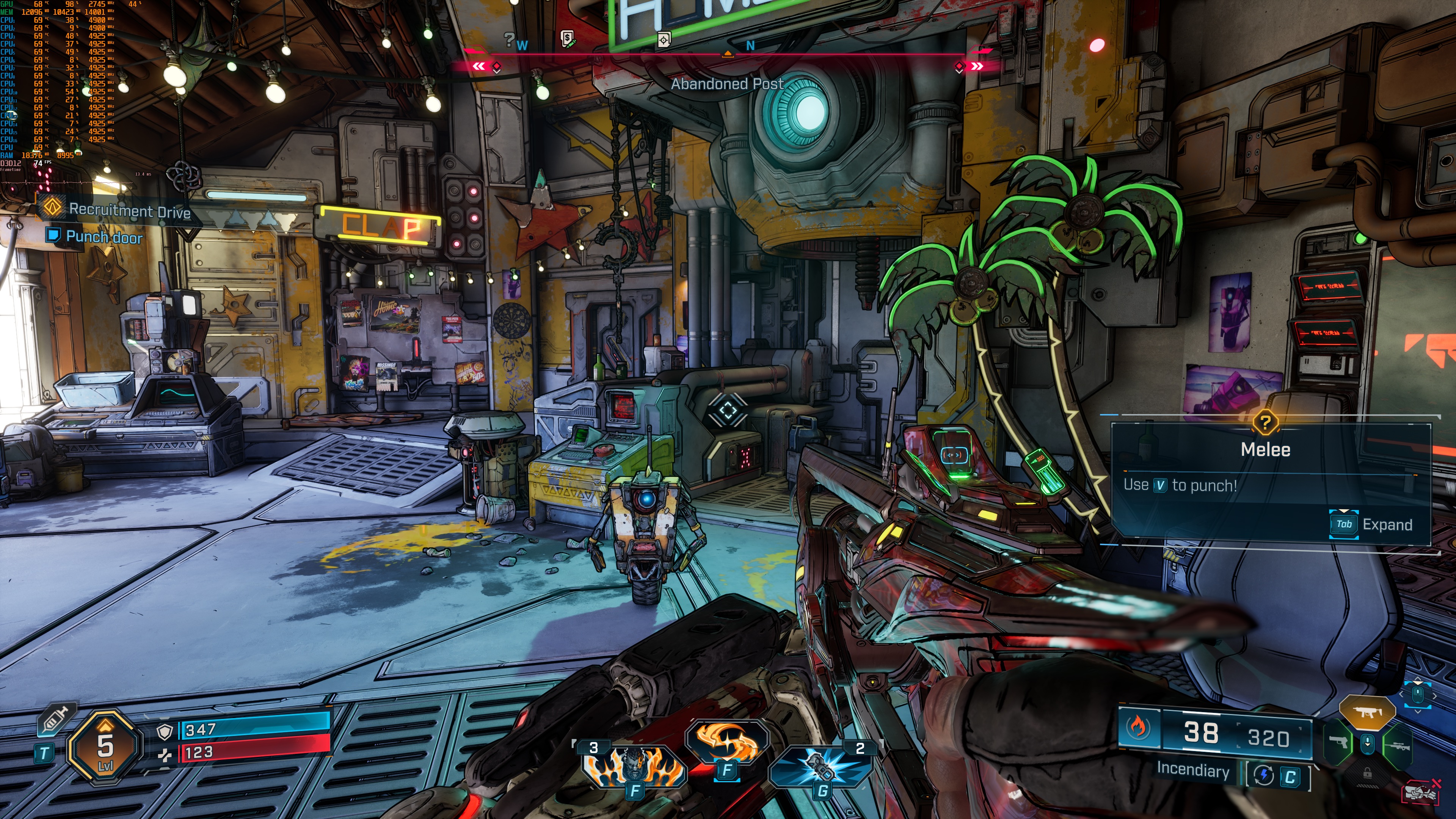
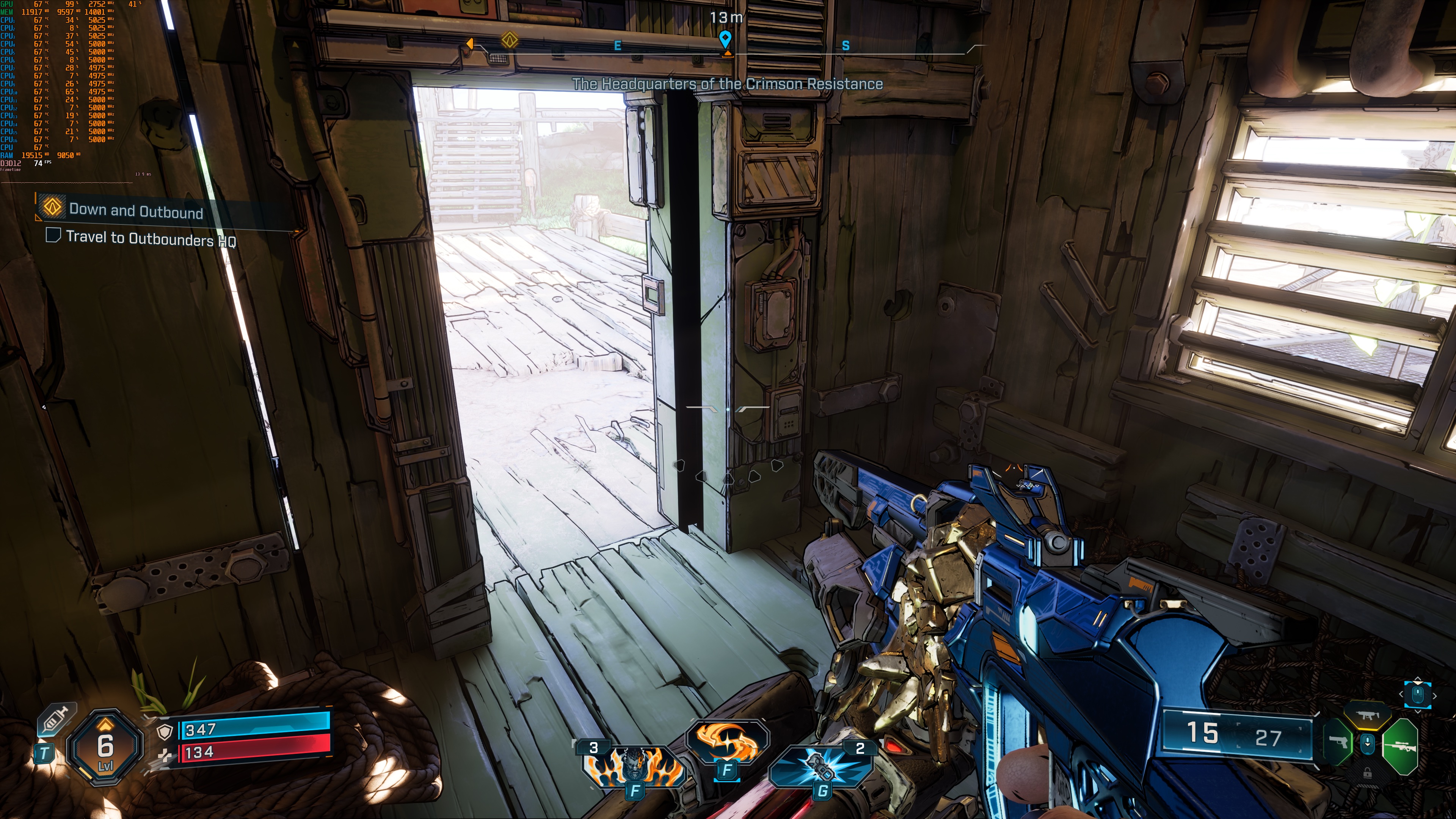
Borderlands 4 does not have a built-in benchmark tool. So, for our tests, I used this open-world area. This area is more demanding than the one I used for our DLSS 4 benchmarks. As such, it should give us a better idea of how the rest of the game runs.
Borderlands 4 is easily the most demanding non-path-traced game I’ve tested. At 1080p/Badass Settings, the only GPUs that can offer a 60FPS experience are the NVIDIA RTX 4090 and the RTX 5090. The RTX 5080 came close to it, though it could frequently drop to 57FPS. As for AMD, the only GPU that is able to provide a smooth gaming experience, provided you use a FreeSync monitor, is the RX 7900XTX.

At 1440p/Badass Settings, the only GPU that can push framerates over 60FPS is the NVIDIA RTX 5090. Yep, at Native 1440p, the NVIDIA RTX 4090 is unable to provide a 60FPS experience. Crazy, right?

As for Native 4K with Badass Settings, there is no GPU that can offer a smooth gaming experience. In this area, the NVIDIA RTX 5090 pushes a minimum of 35FPS and an average of 40FPS. Ouch.

But what about the in-game settings? Can the game scale well when lowering them? Sadly, it cannot. At Native 4K, you need to lower your settings to Medium to get a 60FPS experience on the NVIDIA RTX 5090. Medium Settings. On the NVIDIA RTX 5090. In a game that doesn’t use Path Tracing.

The problem with Borderlands 4 is that its visuals do not justify these huge GPU requirements. If you put Borderlands 3 and 4 side by side, you’ll see that B4 looks much better than B3. I’m not saying that the game looks bad. Still, these performance numbers are abysmal for the visuals we get on screen. Borderlands 4 uses Lumen, Nanite, and Virtual Shadow Maps. Still, the performance we see is nowhere close to what we’ve been getting in other UE5 games. You could also say that B4 is not as impressive as Hellblade 2 or WUCHANG: Fallen Feathers. Hell, the game looks worse and performs almost like the path-traced versions of Black Myth: Wukong and Alan Wake 2.
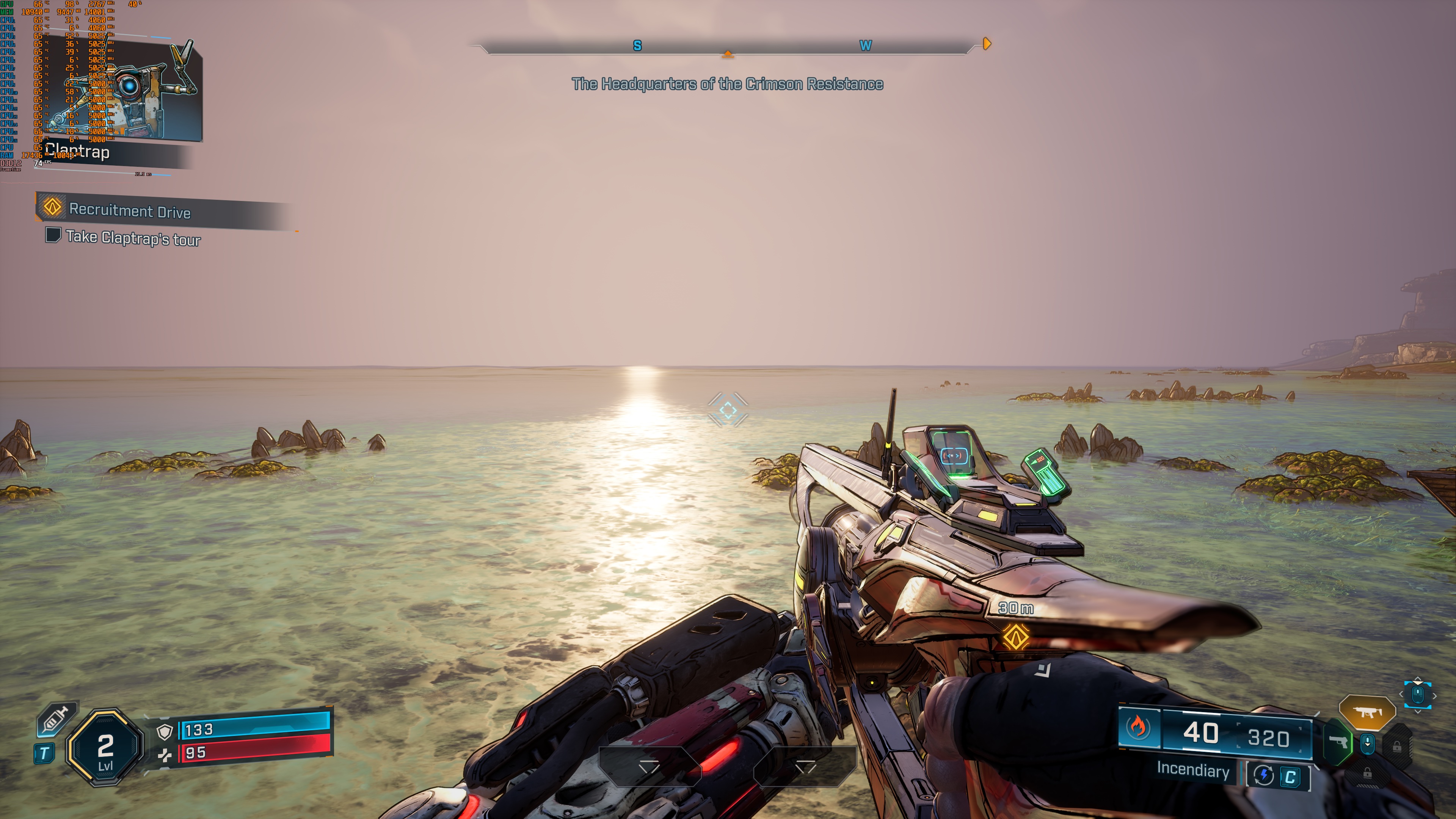
And then we have some weird visual issues. Take a look at the following two screenshots. Where the hell is the sun in the left image? No seriously. You can clearly see the sun’s reflection on the water. But if you look up, you won’t find any sun. That image is so wrong in so many ways. And now look at the image on the right. Look at those atrocious low-quality terrain textures.
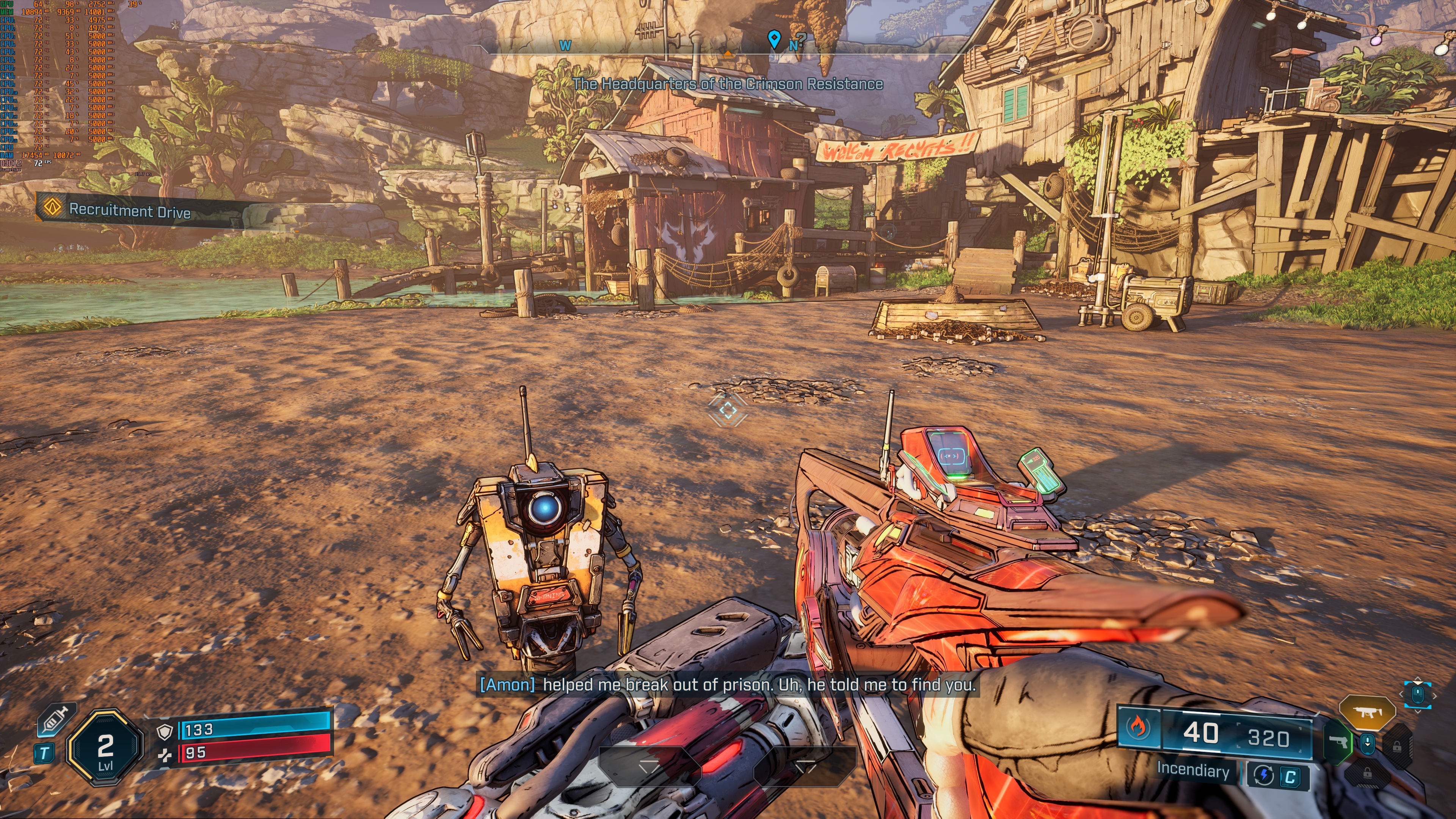
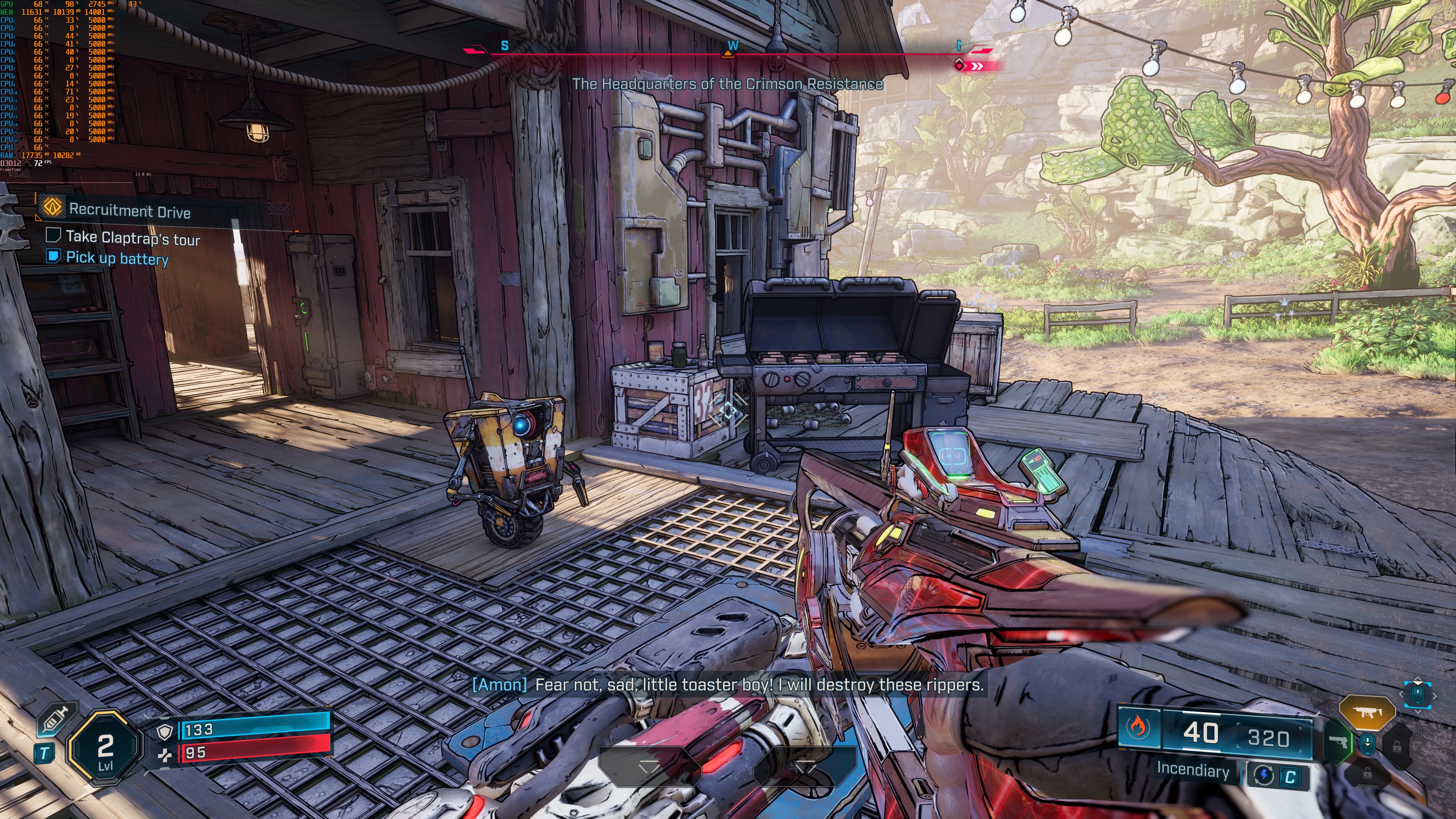
Not only that, but Borderlands 4 suffers from MAJOR grass pop-in issues. The game uses UE5.5.4.0, which explains why we get these pop-in issues. Epic has added Nanite support for vegetation in UE5.6. So, every game using an older version will have these pop-in issues with plants and grass. I also noticed some weird shadow issues here and there. The game also has some stutters, though they are not as awful as those we’ve seen in Cronos: The New Dawn (with Ray Tracing), RoboCop: Rogue City – Unfinished Business, or Oblivion Remastered.
All in all, Borderlands 4 is a mess. The game does not justify its enormous GPU requirements for the visuals it displays on screen. B4 right now runs like games using Path Tracing. Instead, the game only uses Lumen. It should run WAY BETTER than what we see. And, in case you’re wondering, the game also performs horribly on consoles. So, this isn’t a PC-only issue. Borderlands 4 is a mess on all platforms!


John is the founder and Editor in Chief at DSOGaming. He is a PC gaming fan and highly supports the modding and indie communities. Before creating DSOGaming, John worked on numerous gaming websites. While he is a die-hard PC gamer, his gaming roots can be found on consoles. John loved – and still does – the 16-bit consoles, and considers SNES to be one of the best consoles. Still, the PC platform won him over consoles. That was mainly due to 3DFX and its iconic dedicated 3D accelerator graphics card, Voodoo 2. John has also written a higher degree thesis on the “The Evolution of PC graphics cards.”
Contact: Email