Unreal Engine 4 – Download The Mind-blowing Unreal Paris Map & Experience The Best Visuals Ever

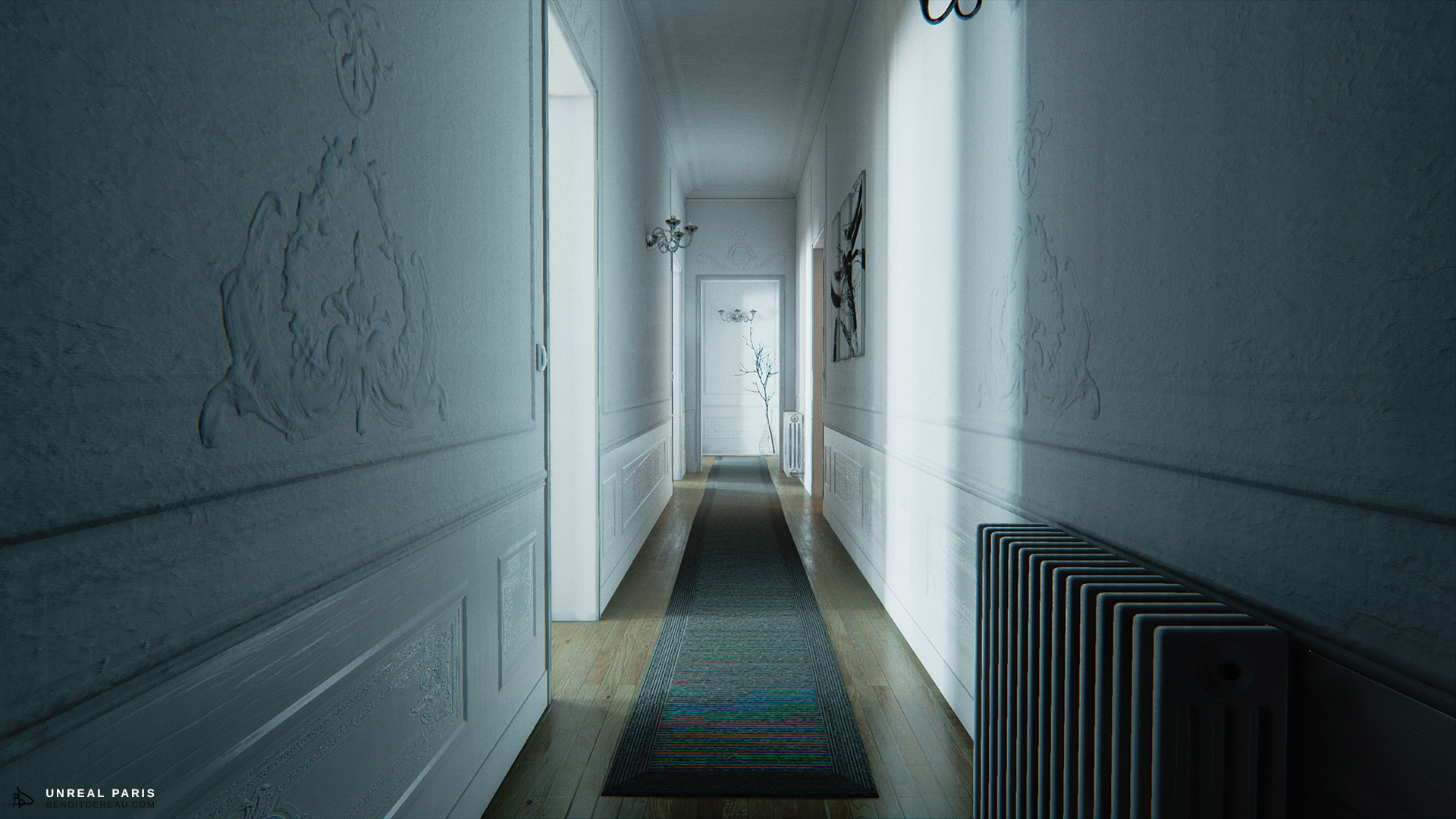
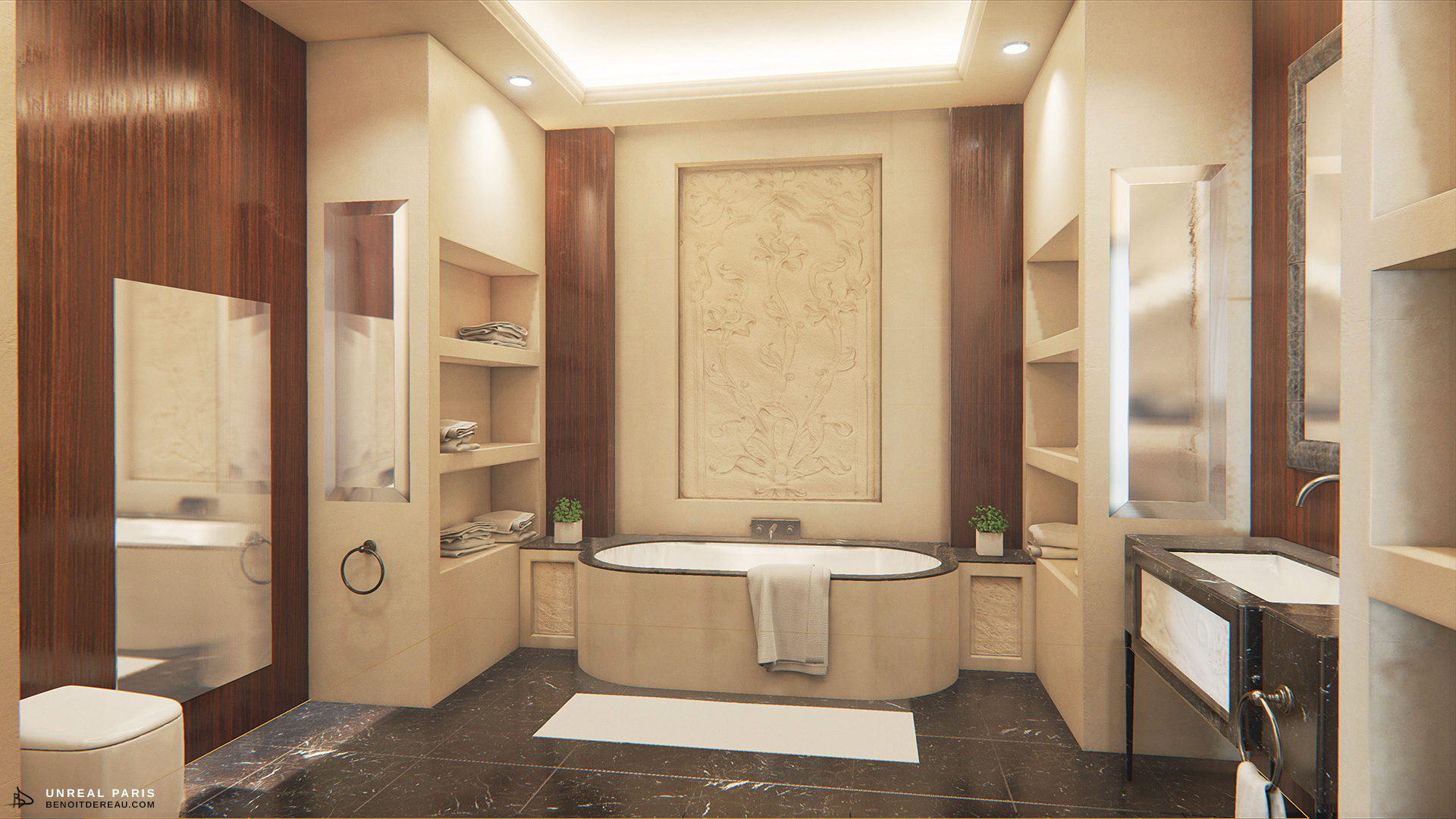
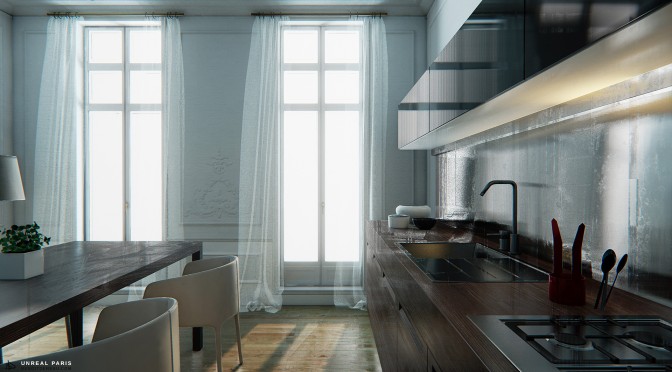
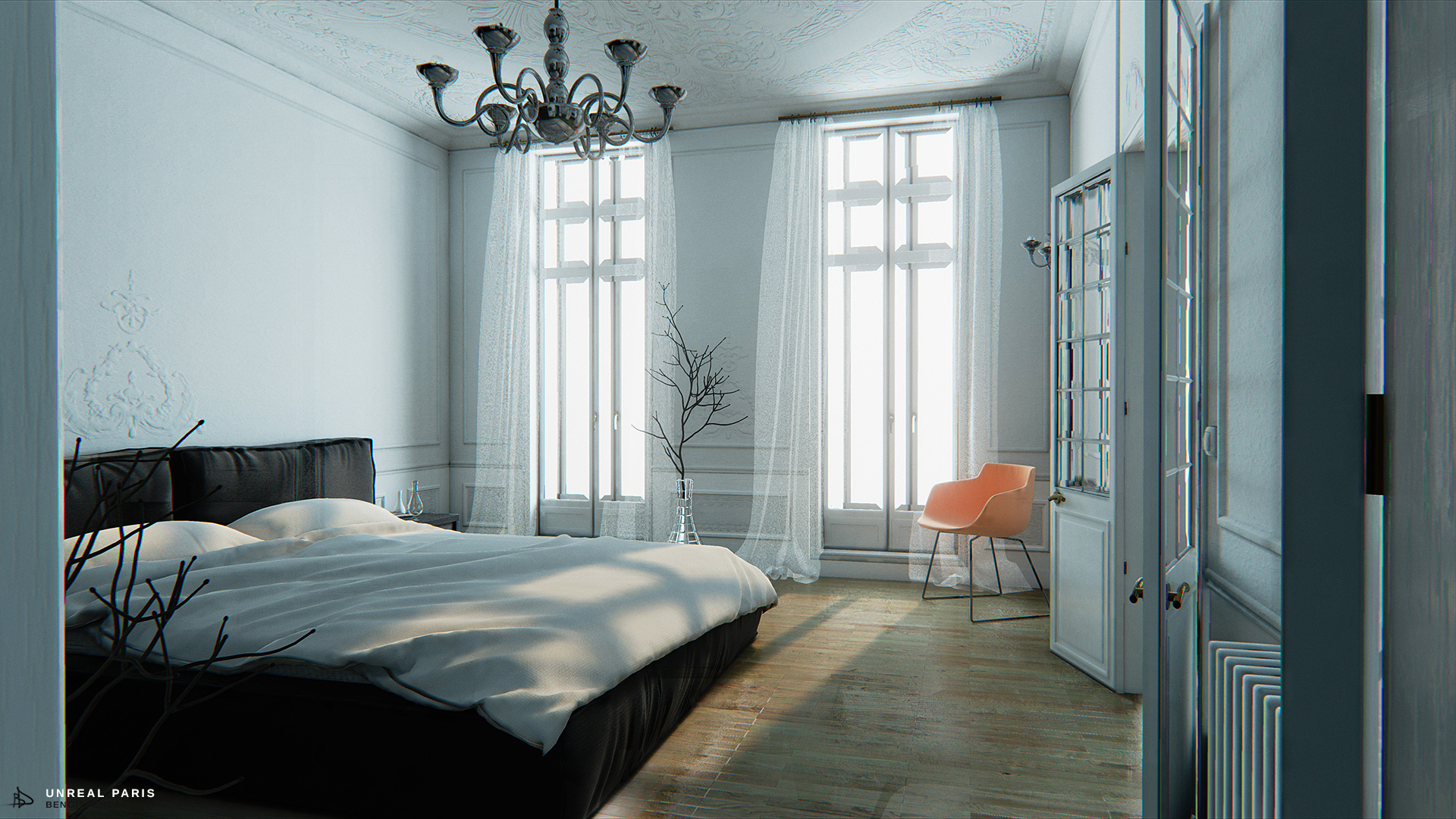
Two days ago, we informed you about a mind-blowing map created by Benoît Dereau. The artist today shared a number of new screenshots and a download link for his map. Yeap, you read that right; you can go ahead and download this map, and experience some of the most realistic real-time visuals ever created.

Those interested can download the map from artist’s website.

Enjoy!
unrealparis01unrealparis02unrealparis03unrealparis04unrealparis05

UNREAL PARIS 1.2 - Virtual Tour - Unreal Engine 4 | @60fps1080p - OFFICIAL

23 thoughts on “Unreal Engine 4 – Download The Mind-blowing Unreal Paris Map & Experience The Best Visuals Ever”

  1. Downloading…and my towel is also ready.

    Edit: Yup…photorealism is here ladies and gentlemen. Between 30/50FPS on a GTX560Ti OC 1GB.

    1. WOW. With those graphics, that old gpu is getting such good performance. Seriously how was assassin’s creed unity even made?

          1. You? I am answering CervixCreampier question. Meaning Assassin Creed Unity is a scam to force people to buy a new video card. Actually I know exactly how a GTX560Ti performs, because I have one.

          2. Now I read that again and understood…I got confused like thinking that you told him about me like I was being paid by Nvidia for talking about the performance of the 560Ti.

            My apologies in that case mate. 😉

      1. How can you compare just a static scene with good texturing, models and lighting against games with a lot of stuff going on in real time (AI’s, your character doing things and interacting, actual physics…etc)?

        I get 30 to 50FPS as I said, most of the time 30FPS (minimum 30) and going up to 50’s while close to things.

        That old and not so powerful GPU paired up with a FX8350 at 4.2Ghz, 8GB RAM 1866mhz, + SSD and such is running with no bottlenecks whatsoever, and at 1080p is good enough for almost everything at more than enough frame rates messing around with settings of course.

        For giving an example…Alien Isolation runs at average 70FPS (max 80’s minimum 60’s) and recording at 60FPS with Fraps at 1080p all maxed without issues. I saw benchmarks using a GTX560Ti giving average 50FPS max…Now I wonder…are they using V-Sync or not because once I turn V-Sync I can’t get past 40FPS. Once V-Sync is disabled “magic” happens.

        When I post numbers here is just because I’m getting those numbers not putting crap like some people do. I don’t give a crap about brands or such, I test with what I have and that’s it. All numbers may vary depending in the PC configuration and such as well.

    1. Add -FULLSCREEN to the
      shortcut. You can also change resolution this way as described under the Youtube video (-ResX=, -ResY=).
      Maybe some other UE4 command line arguments also work.

  2. For some reason I can’t seem to edit the shortcut properties. Windows 8.1 keeps telling me that the path isn’t correct or it doesn’t exist. Too bad, because I wanted to try this beauty in fullscreen at 1920×1080.

  3. Downloaded it and played it on my 970, looks really good, but it’s static and lifeless…
    Looks great in pictures, but when you run it, it’s kinda underwhelming to be brutally honest…

  4. I think it’s bad optimized. It gives me well over 60 fps in 1080p but at 1440p it drops down below 40 fps. I guess UE4 aint so good at handling huge resolutions. This was using my 290X.

Leave a Reply

Your email address will not be published. Required fields are marked *