
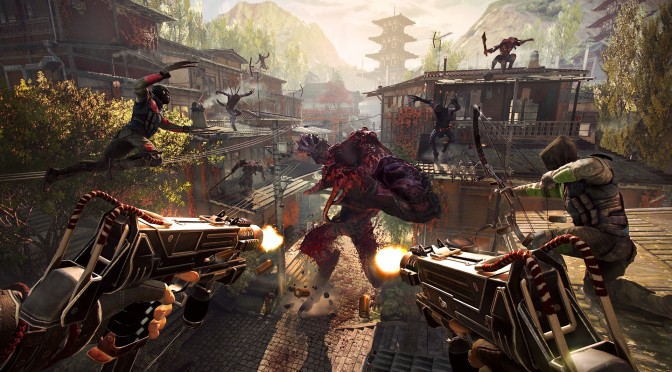
Flying Wild Hog has detailed the first update for Shadow Warrior 2. According to the development team, this patch will most probably hit Steam this weekend, and will address a number of issues that have been reported by its fanbase.
This patch will also fix a bug that forced the game to load on 2 core CPUs on a number of PC systems (for what is worth, we did not experience such a thing).
Moreover, Flying Wild Hog will add some commands via which players can skip the videos and fix some startup crashes.
Here is the complete changelog for Shadow Warrior 2’s first patch:
- Fixed cutscene FOV, when playing with non standard FOV
- Fixed game stuck on loading on 2 core CPUs
- Added safe mode (add -safe to properties->general->set launch options) in order to fix startup crashes on some configurations
- Added option to disable AlienFX (add -noalienware to properties->general->set launch options) in order to fix startup crashes on some configurations
- Added option to disable videos (add -novideos to properties->general->set launch options) in order to fix startup crashes on some configurations
- Fixed PAX MP avatar skin
- Fixed weapon select menu blur constantly rendering on screen, even when weapon select menu is hidden
- Added HDR Display Brightness slider
- Fixed co-op bug, which in rare cases could corrupt saves
- Added lobby filtering by difficulty and player level
- Added list of previous saves, so in case of corrupted save you can load previous one
- Localization fixes
- Fixed hitching of intro movie
- UI improvements: Allow replace gem inserted in weapon
- Fixed AlienFX crash on startup on some configurations
- Fixed corrupted saves bug

John is the founder and Editor in Chief at DSOGaming. He is a PC gaming fan and highly supports the modding and indie communities. Before creating DSOGaming, John worked on numerous gaming websites. While he is a die-hard PC gamer, his gaming roots can be found on consoles. John loved – and still does – the 16-bit consoles, and considers SNES to be one of the best consoles. Still, the PC platform won him over consoles. That was mainly due to 3DFX and its iconic dedicated 3D accelerator graphics card, Voodoo 2. John has also written a higher degree thesis on the “The Evolution of PC graphics cards.”
Contact: Email