
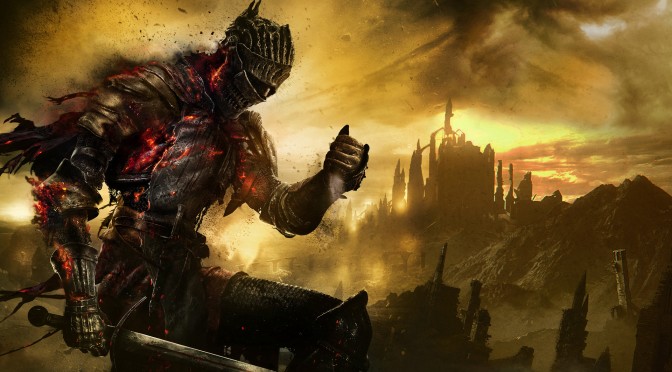
My biggest annoyance with Dark Souls 3, as I wrote in our PC Performance Analysis, was the complete lack of proper keyboard on-screen indicators. While the game runs great and is really enjoyable with keyboard+mouse (thanks mainly to the more precise camera movement), it only displays gamepad buttons, thus making menu navigation a nightmare. So I’m happy to report today that a mod is currently under development that will address this issue.
Created by modder ‘kelester’, this mod for Dark Souls 3 changes the icons for the PC version. However, this mod is not complete yet. For example, there are some issues with currency of letters (the game shows Roll as “Q” for example) and some icons have not been changed yet. After all, and as the title, suggests, this is a WIP mod.
Still, this is better than nothing and we are pretty sure that those using keyboard and mouse – instead of a gamepad – will really appreciate this mod. It’s just sad that FromSoftware never officially addressed this issue and we have to rely on mods in order to properly play the game with this specific control scheme.
I seriously hope that FromSoftware’s next title, SEKIDO, will be more friendly to keyboard and mouse players. Because, and as we’ve said countless times, these third-person games can be fully enjoyable with keyboard and mouse. So don’t start saying that they were built for controllers because that’s a really old, clueless and incorrect claim.
Those interested can download the mod from here!

John is the founder and Editor in Chief at DSOGaming. He is a PC gaming fan and highly supports the modding and indie communities. Before creating DSOGaming, John worked on numerous gaming websites. While he is a die-hard PC gamer, his gaming roots can be found on consoles. John loved – and still does – the 16-bit consoles, and considers SNES to be one of the best consoles. Still, the PC platform won him over consoles. That was mainly due to 3DFX and its iconic dedicated 3D accelerator graphics card, Voodoo 2. John has also written a higher degree thesis on the “The Evolution of PC graphics cards.”
Contact: Email