
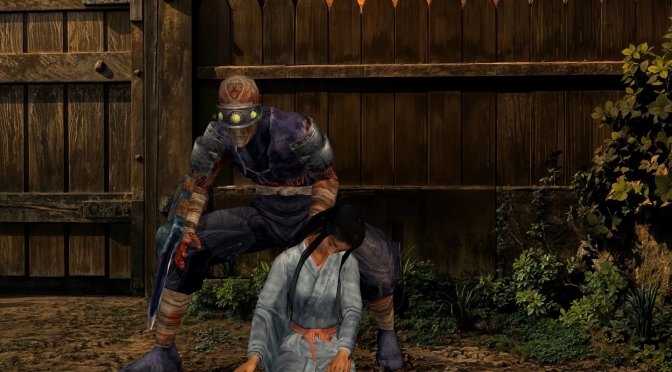
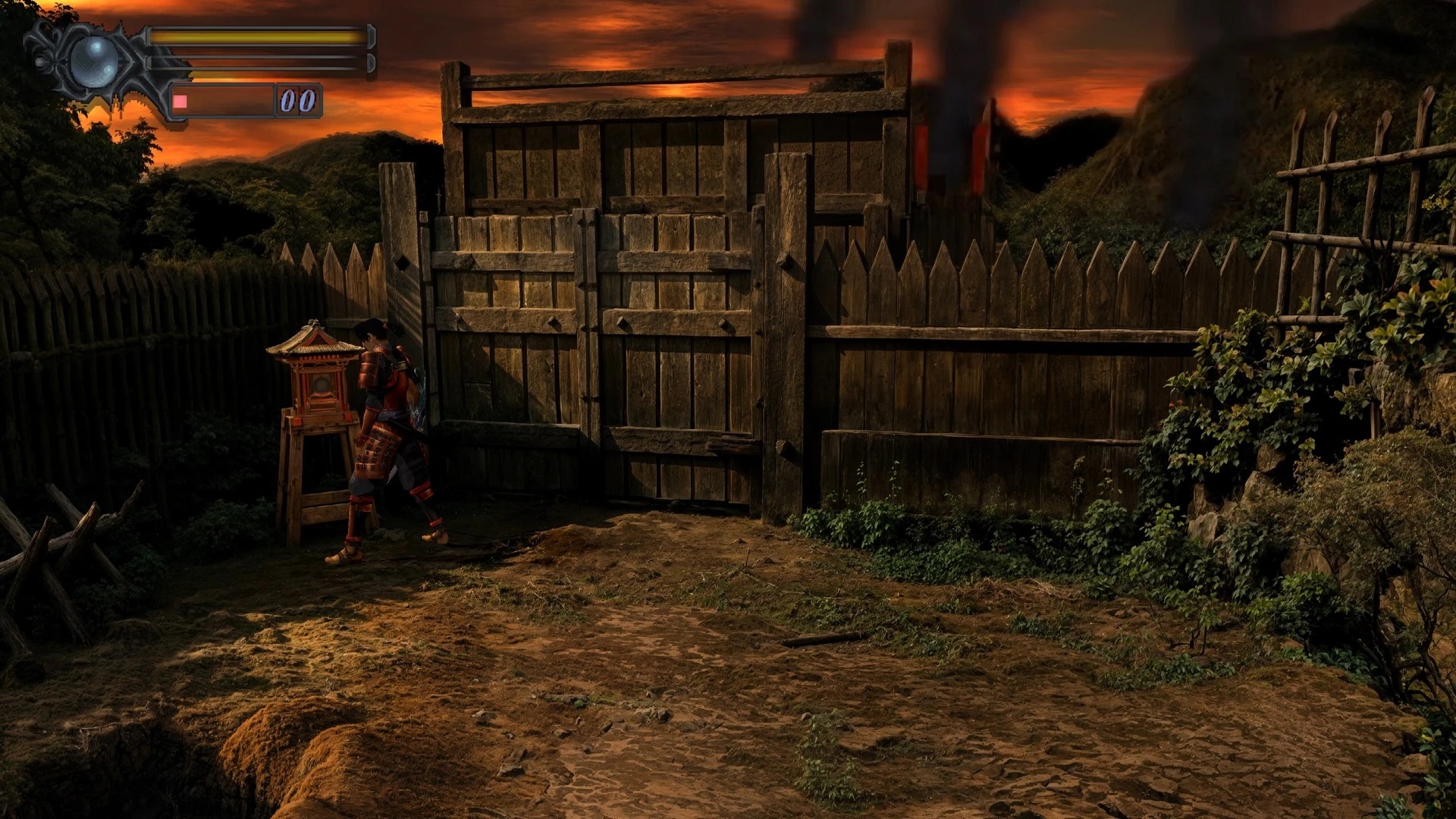
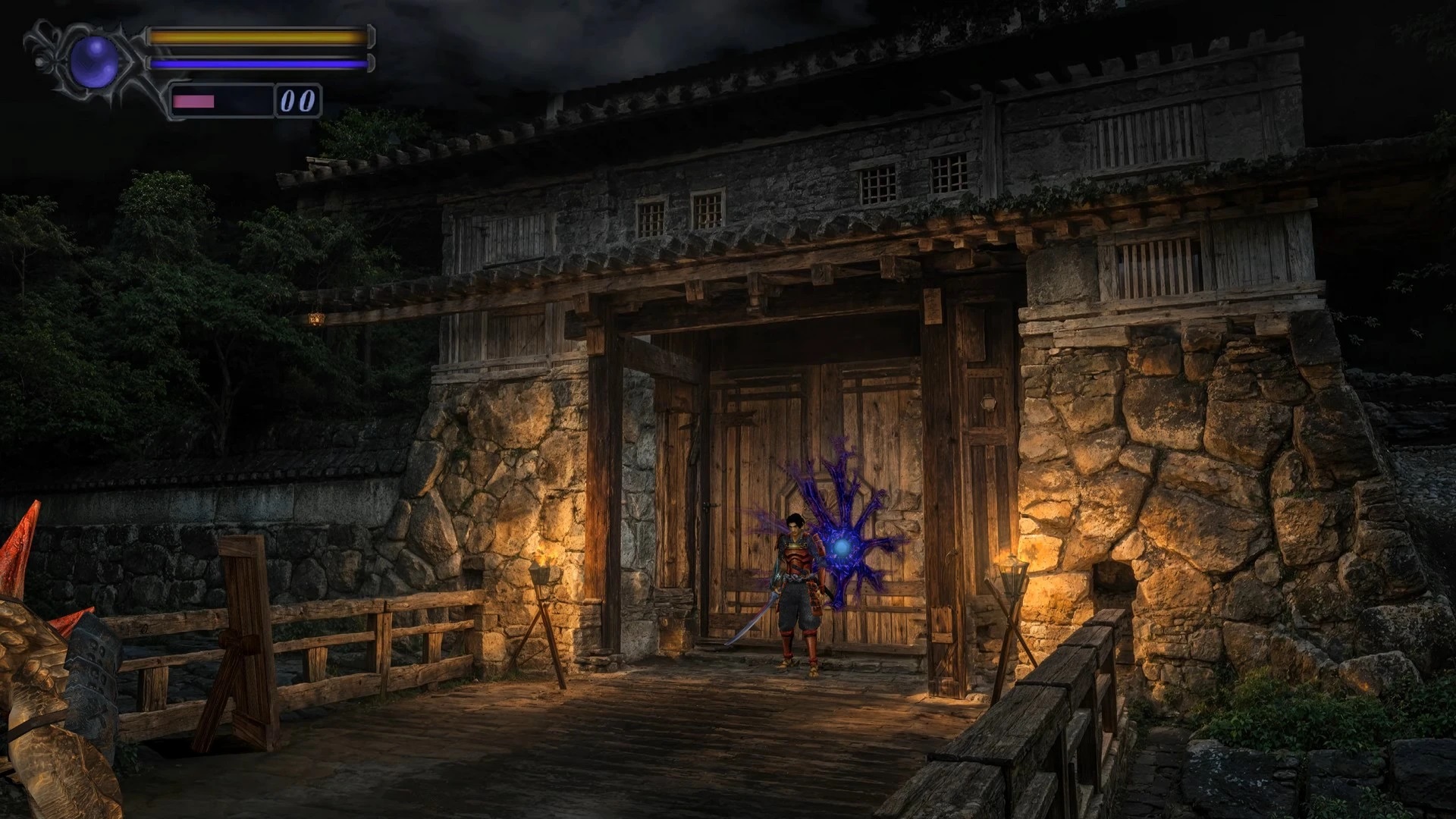
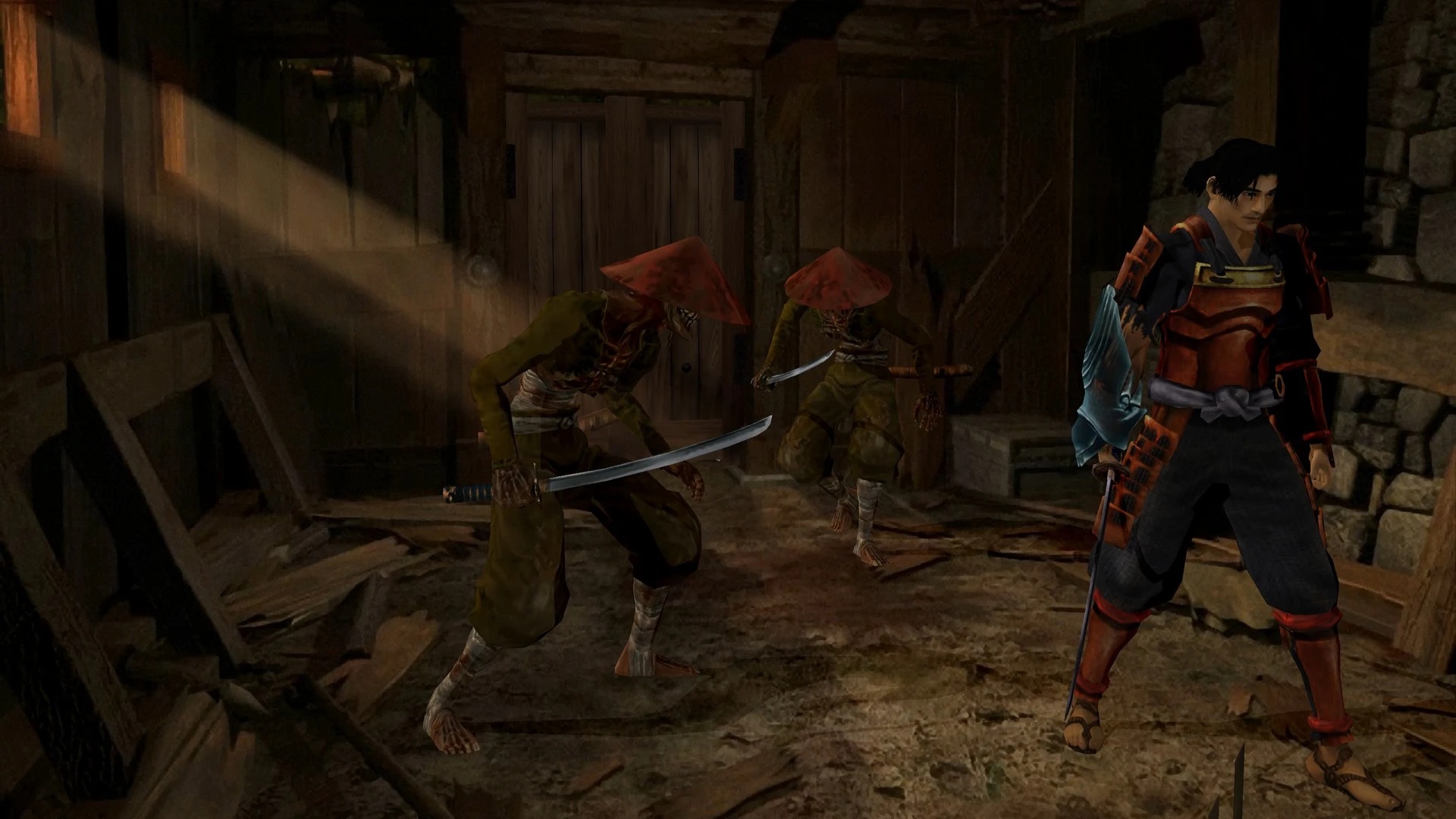
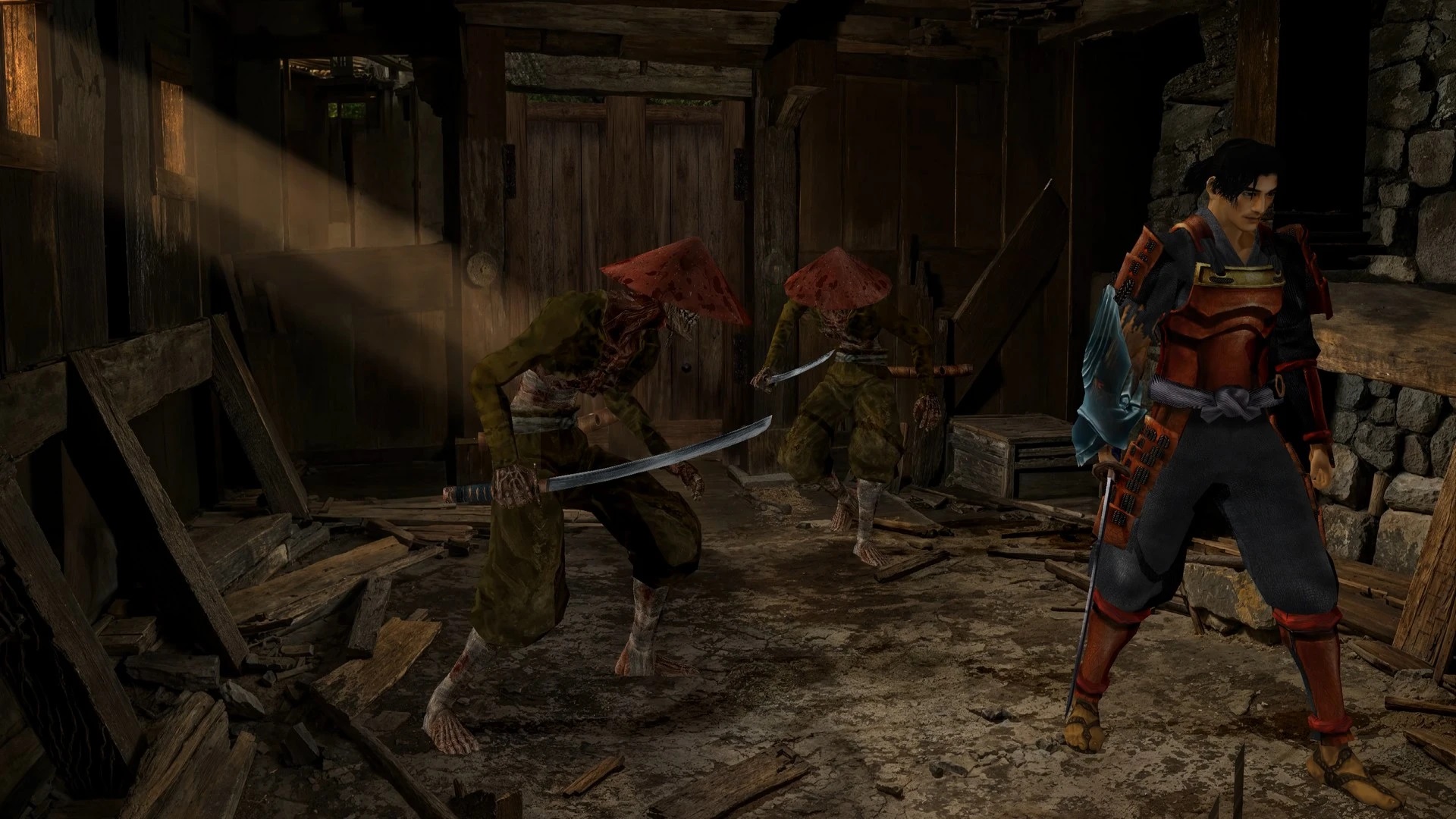
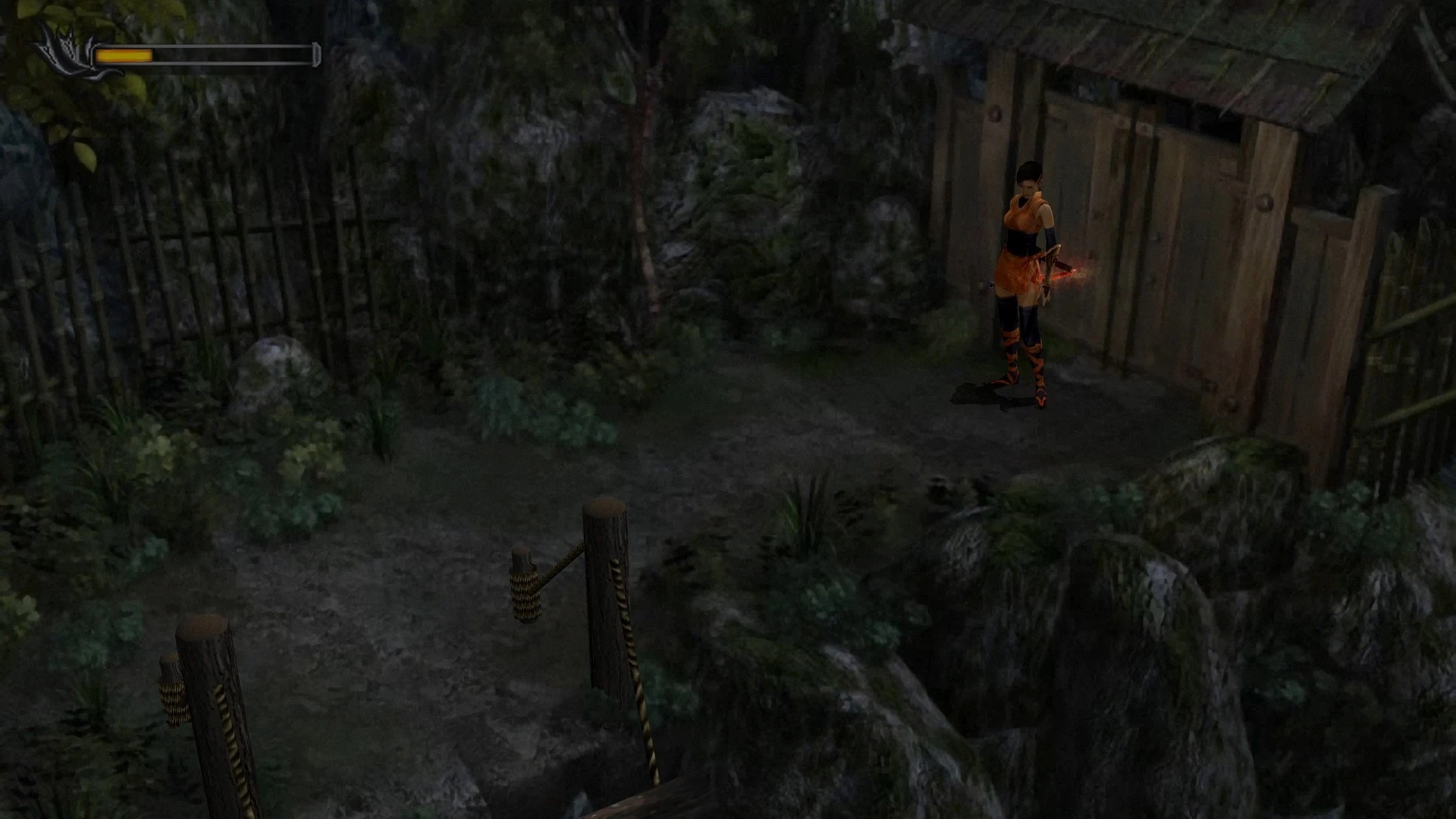
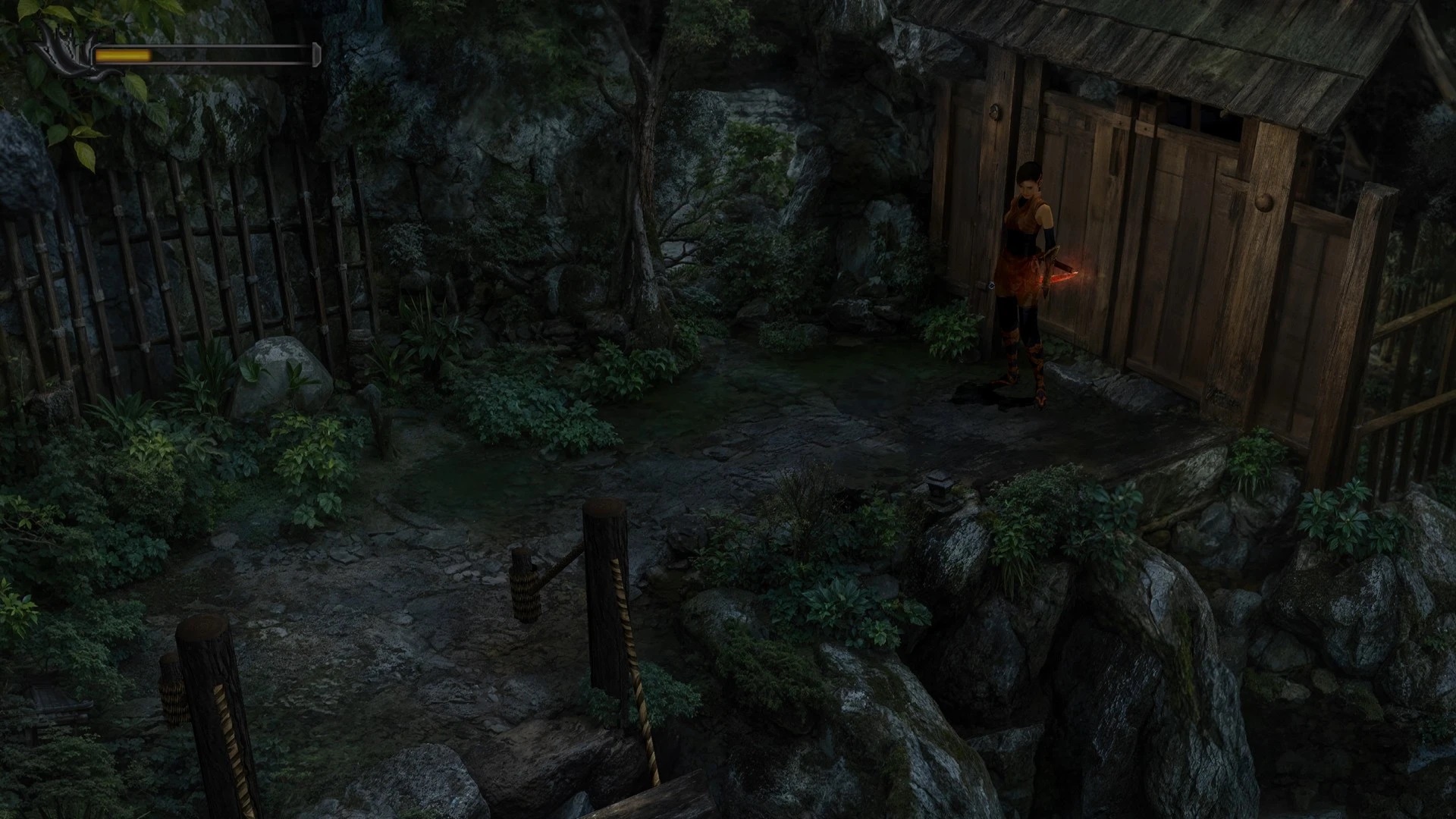
Modder ‘Evgeshajk’ has released a must-have AI-enhanced 4K Texture Pack for the remastered version of Onimusha: Warlords. The modder has used AI tools to enhance the game’s textures. And, as you will see, it looks incredible.
Onimusha: Warlords included updated features like HD graphics, a widescreen option, and analog stick support. It also had an Easy Mode, and a new soundtrack. However, it lacked higher-quality textures. And that’s what this pack aims to fix.
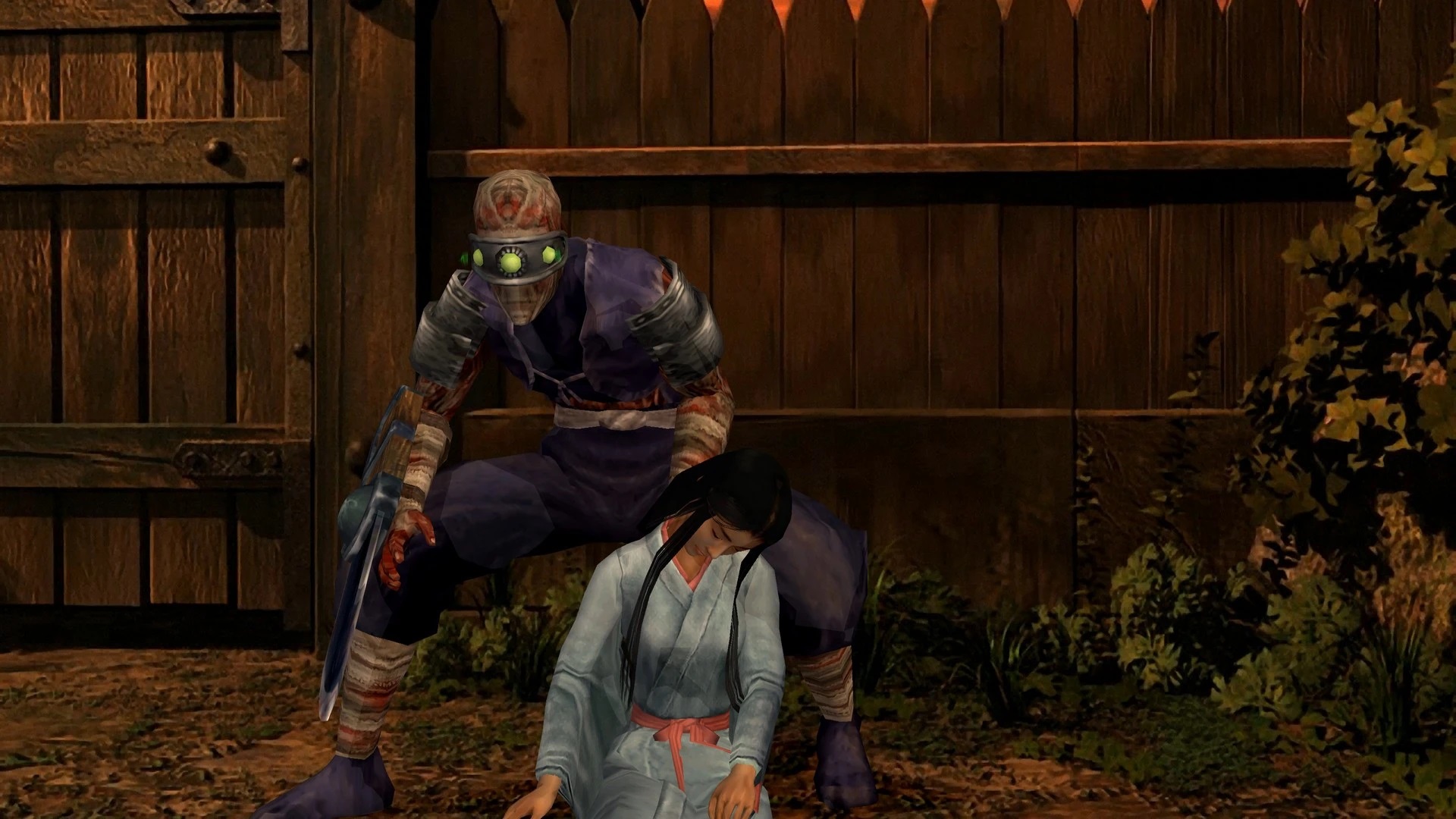
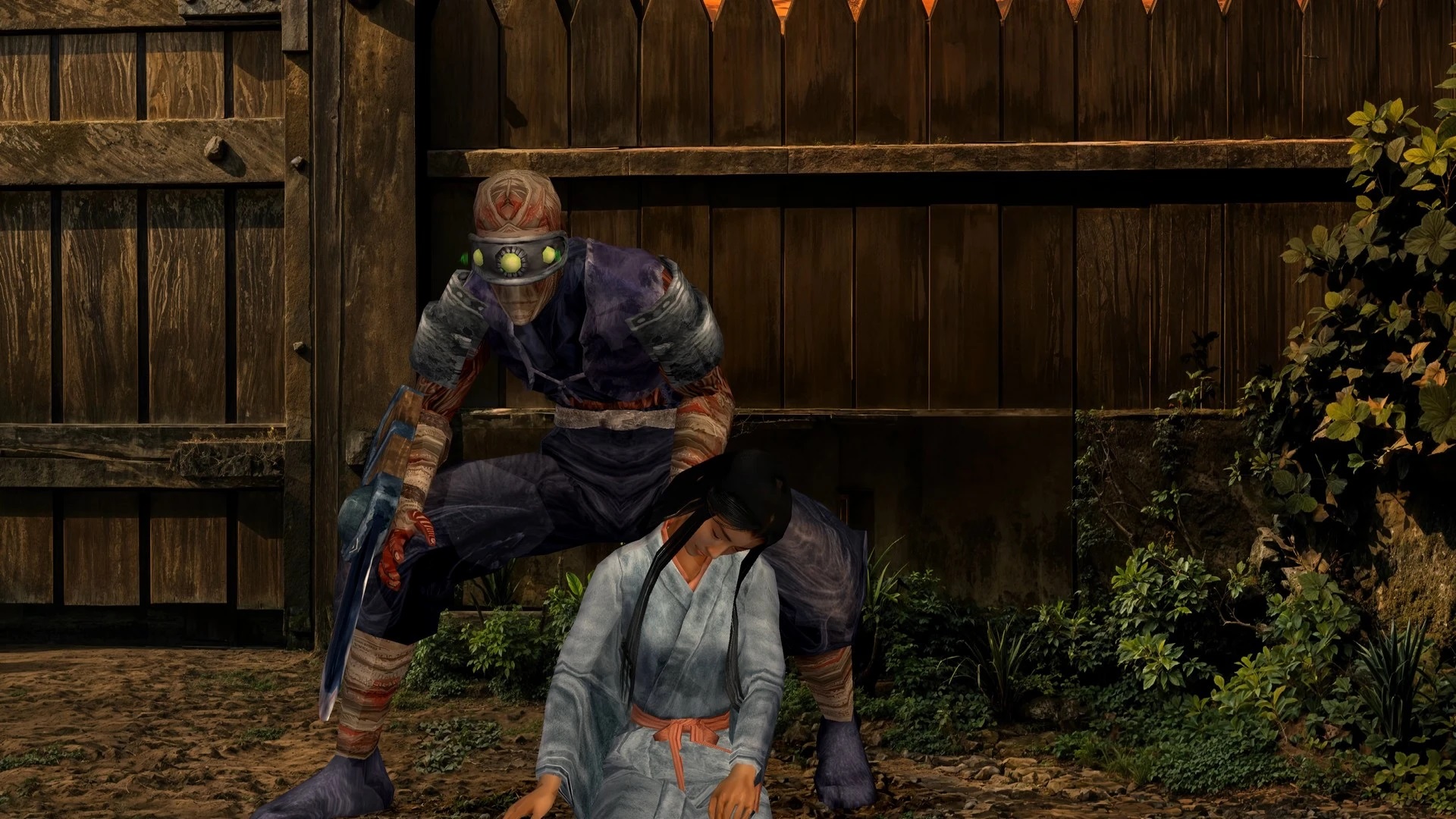
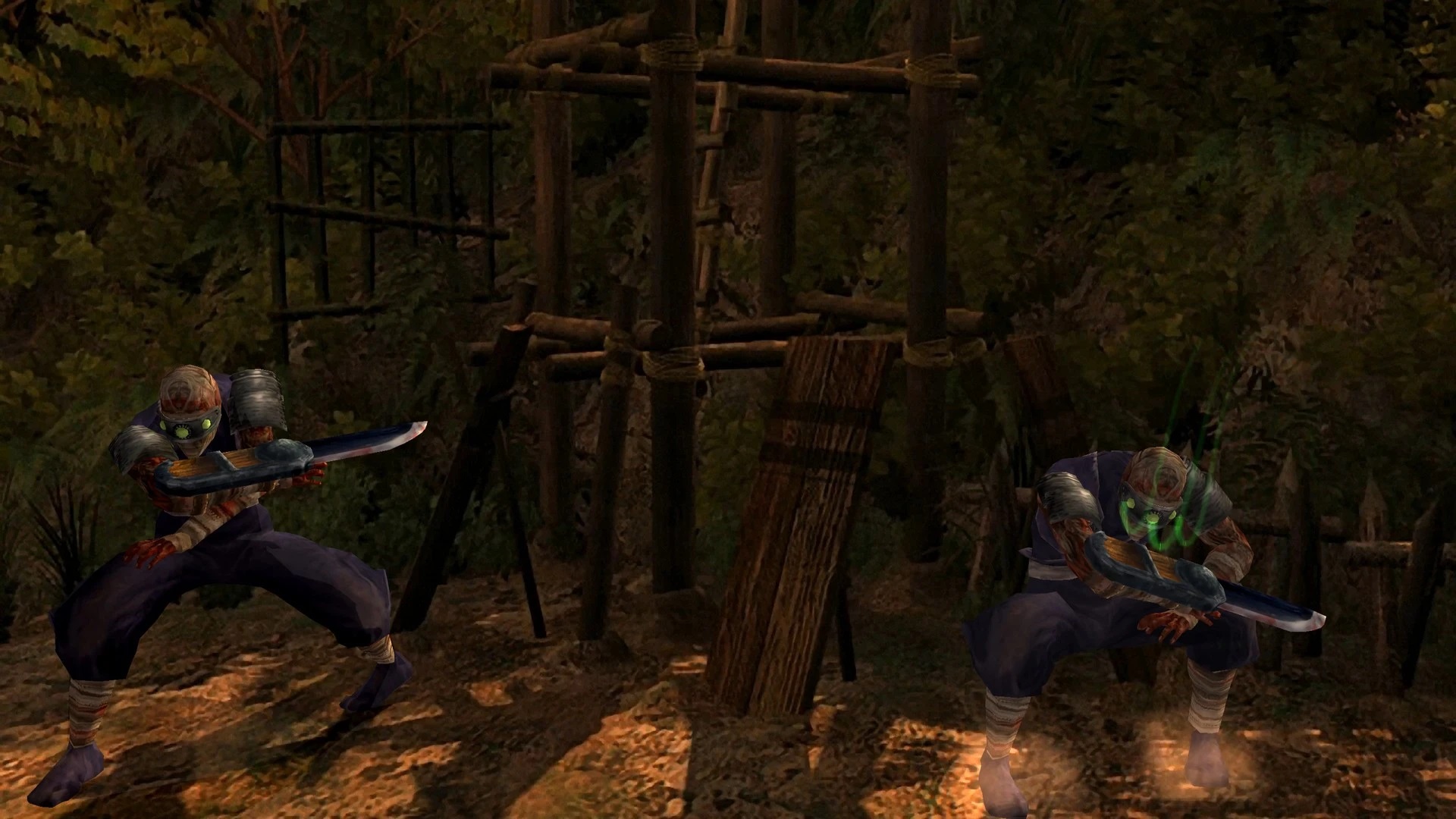
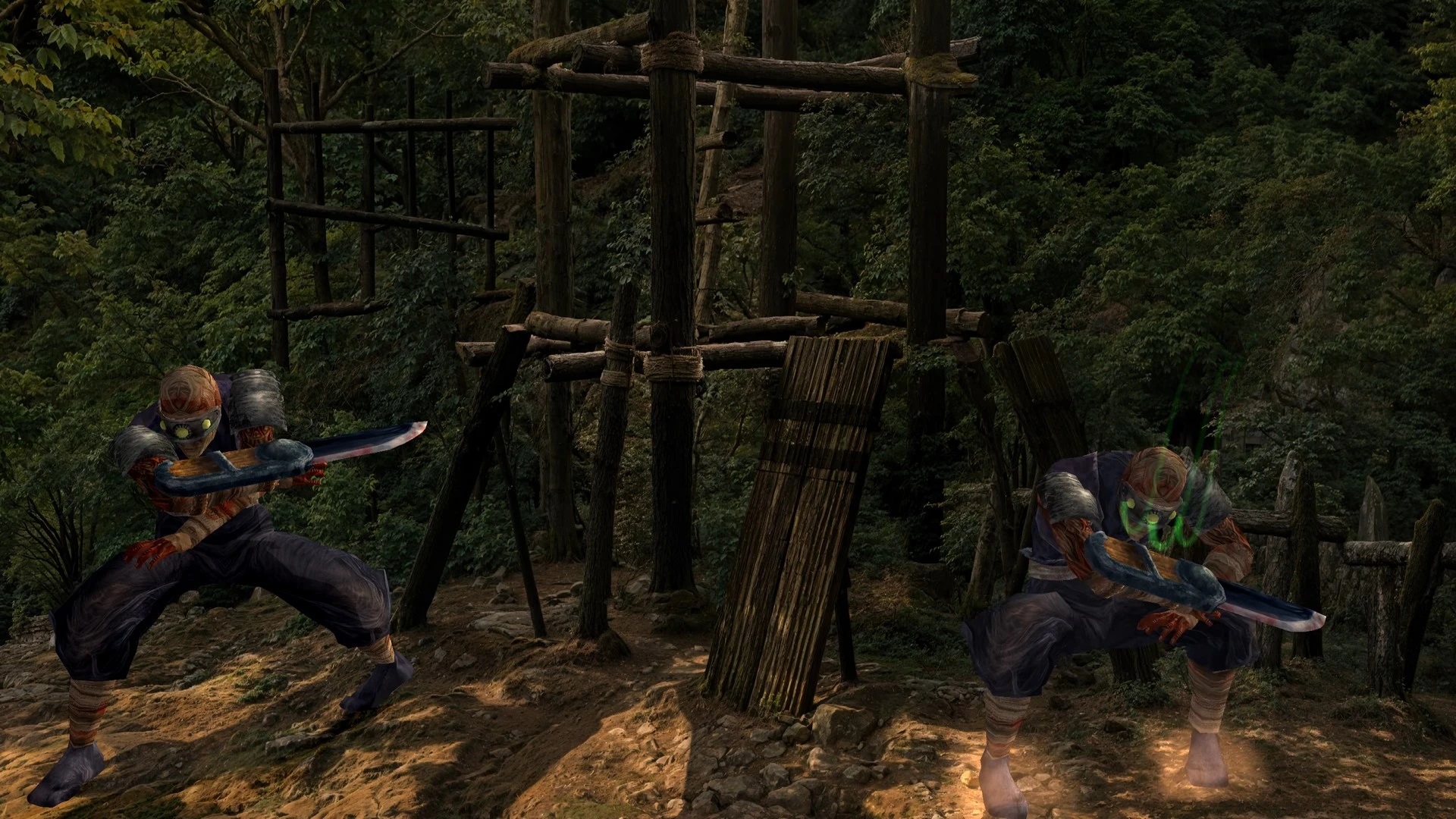
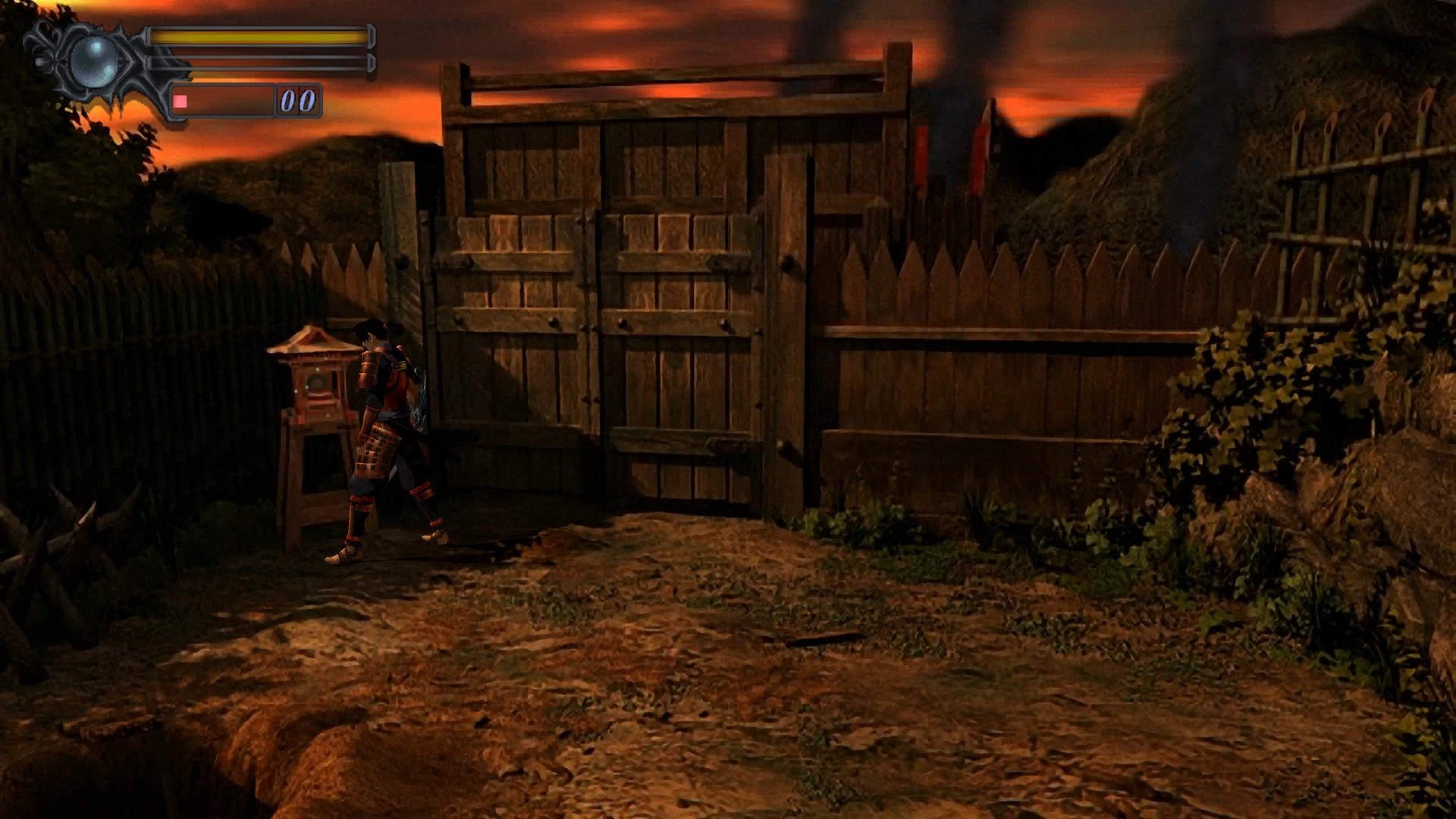
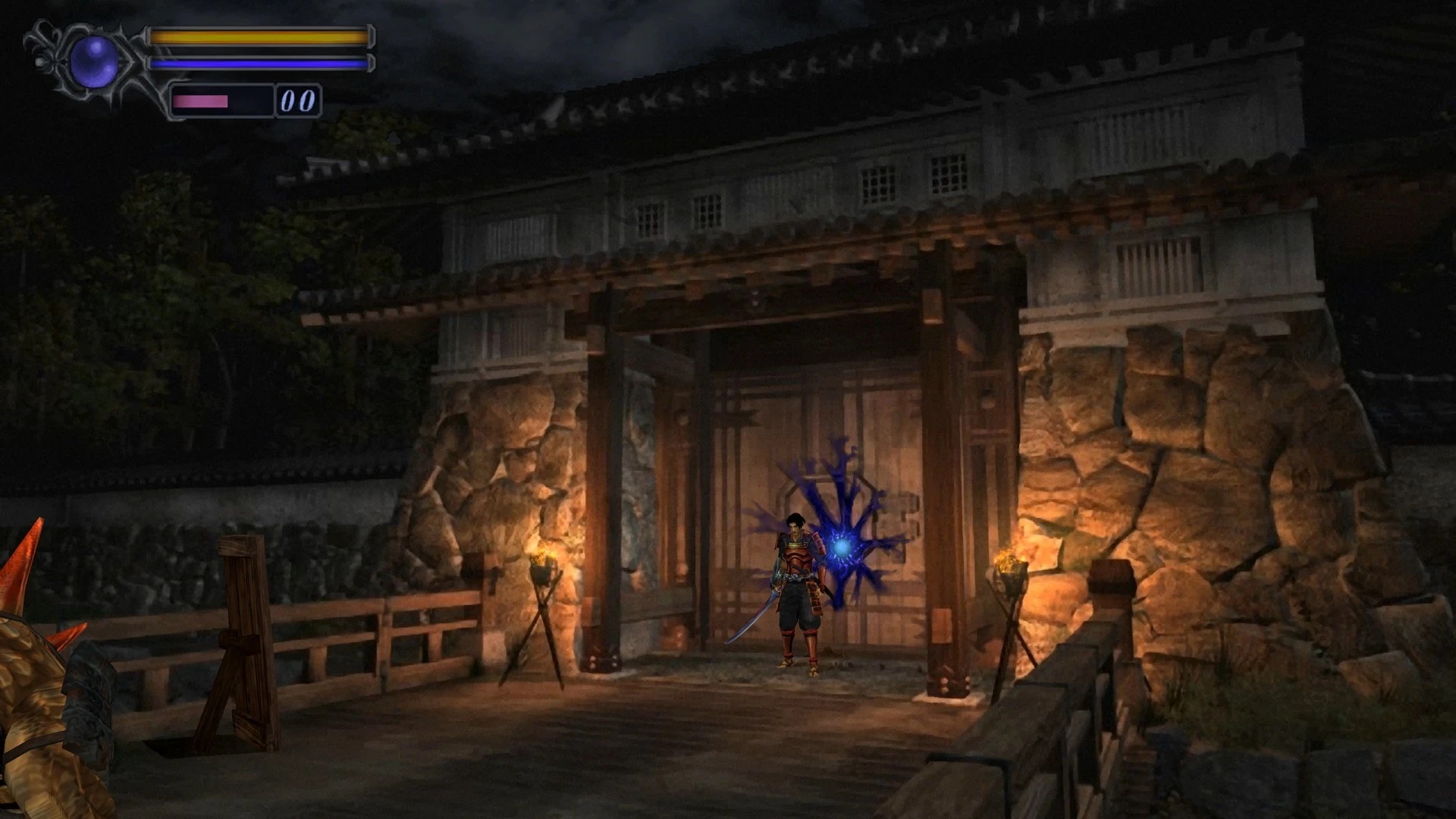
To be honest, this is one of the best AI-enhanced 4K Texture Packs I’ve ever seen. At the end of the article, you can find some comparison screenshots. And even without zooming in, you can immediately notice the visual improvements.
With this 4K Texture Pack, Onimusha: Warlords looks absolutely beautiful. So, it’s really a shame that a modder did what Capcom should have done itself. Still, this is exactly why we love PC gaming and mods. Even if the devs drop the ball, the community will figure out ways to improve things.
Onimusha Warlords uses fixed camera angles and looks blurry as hell. And that’s a shame because it should have been easy to upscale the textures. Now I know that the remaster came out in 2019. Back then, we didn’t have as sophisticated AI tools as we do now. Still, Capcom should have at least tried to improve them.
You can download this 4K Texture Pack from this link.
Speaking of AI-enhanced HD Texture Packs, we also suggest taking a look at these for some other games. In October 2023, STALKER: Shadow of Chernobyl and Half-Life 2 got two cool AI-enhanced HD Texture Packs. Earlier this week, we also shared AI-upscaled packs for Grim Fandango Remastered and BioShock Remastered. Let’s also not forget these AI-enhanced mods for Metal Gear Solid 2 and Metal Gear Solid 3. You can also find packs for Far Cry 3, The Elder Scrolls IV: Oblivion, Final Fantasy 7 Remake, The Elder Scrolls IV: Oblivion, Blood 2, Dark Souls 2, FEAR, Batman: Arkham Asylum, Brothers in Arms: Road to Hill 30 and Resident Evil 7.
Enjoy and stay tuned for more!

John is the founder and Editor in Chief at DSOGaming. He is a PC gaming fan and highly supports the modding and indie communities. Before creating DSOGaming, John worked on numerous gaming websites. While he is a die-hard PC gamer, his gaming roots can be found on consoles. John loved – and still does – the 16-bit consoles, and considers SNES to be one of the best consoles. Still, the PC platform won him over consoles. That was mainly due to 3DFX and its iconic dedicated 3D accelerator graphics card, Voodoo 2. John has also written a higher degree thesis on the “The Evolution of PC graphics cards.”
Contact: Email