The Last of Us Part I

Can the NVIDIA RTX4090 run The Last of Us Part I with 60fps at Native 4K/Max Settings?

Sony has just released The Last of Us Part I on PC. Powered by Naughty Dog’s in-house engine, we’ve decided to test the game on our main PC system and share our initial PC performance impressions. Can the NVIDIA GeForce RTX 4090 offer a constant 60fps experience at native 4K/Max Settings? Time to find out.

For these 4K benchmarks, we used an AMD Ryzen 9 7950X3D, 32GB of DDR5 at 6000Mhz, and NVIDIA’s RTX 4090. We also used Windows 10 64-bit, the GeForce 531.26. It’s also worth noting that we installed the game on a Samsung 980 Pro SSD 1TB M.2 NVMe PCI Express 4.0.

Even though Naughty Dog tried to hide it, it has partnered with Iron Galaxy in order to develop this PC version. Iron Galaxy’s logo shows up when you launch the game, which basically confirms our earlier report.

TLOU-Iron Galaxy

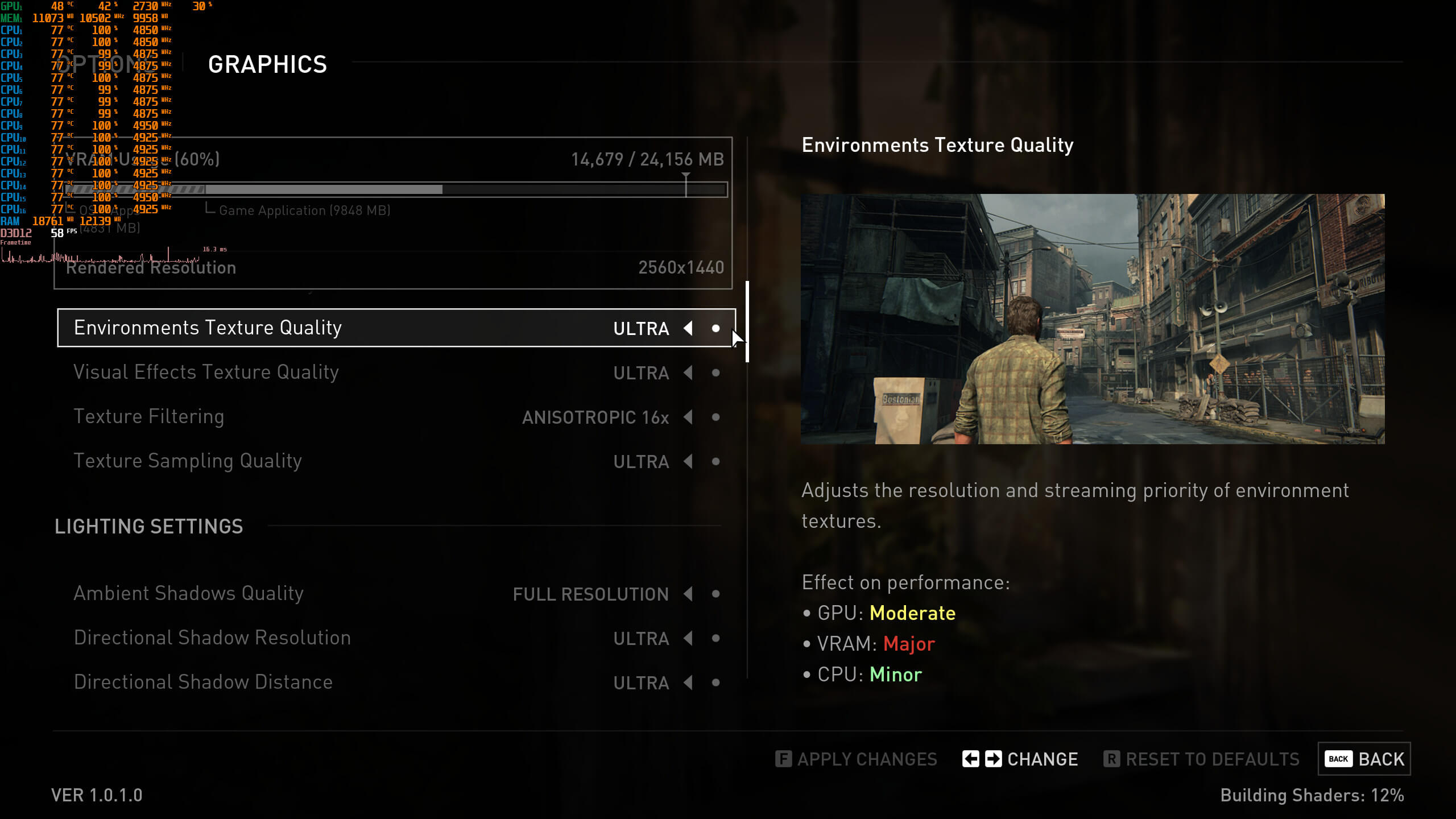
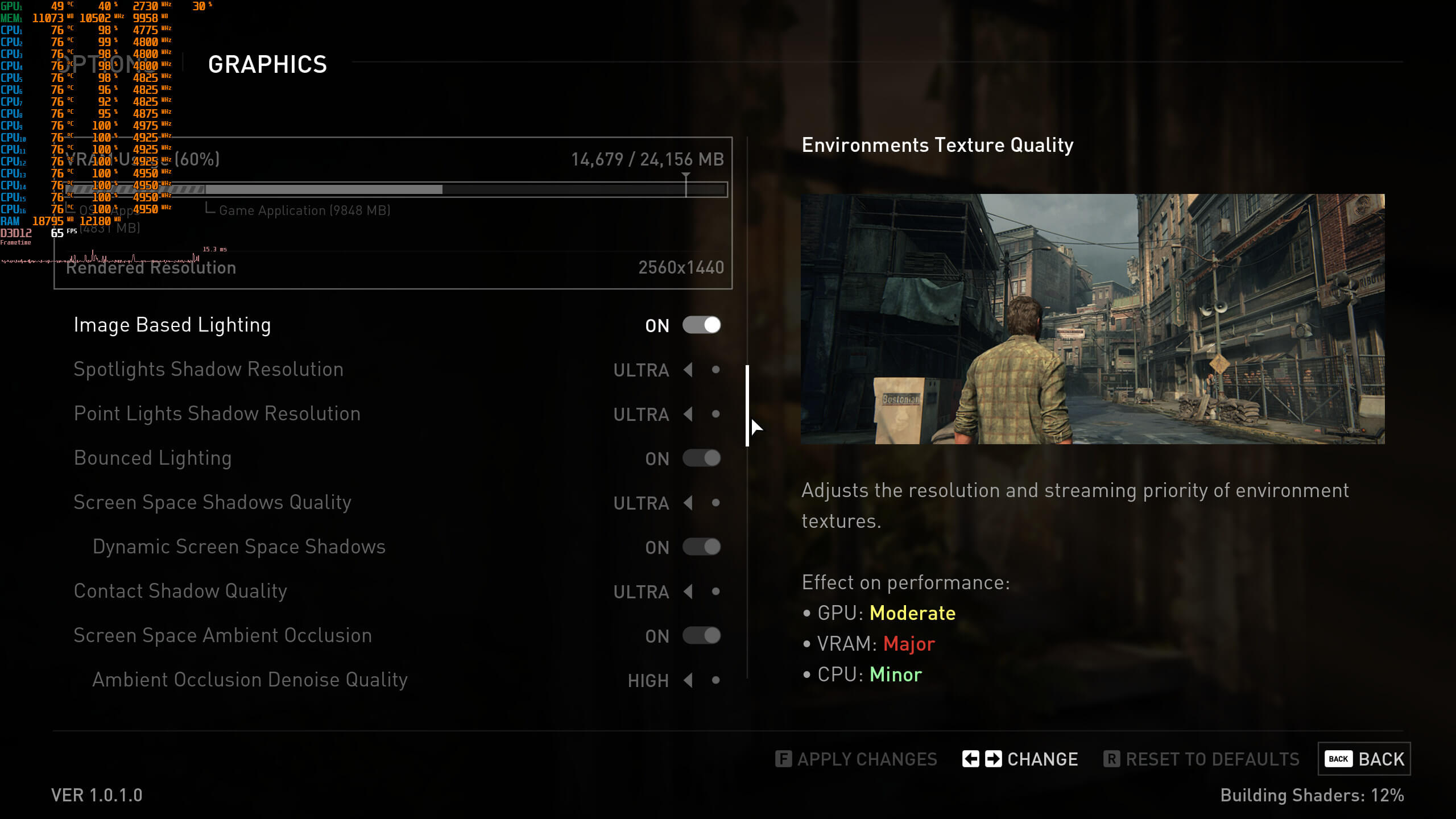
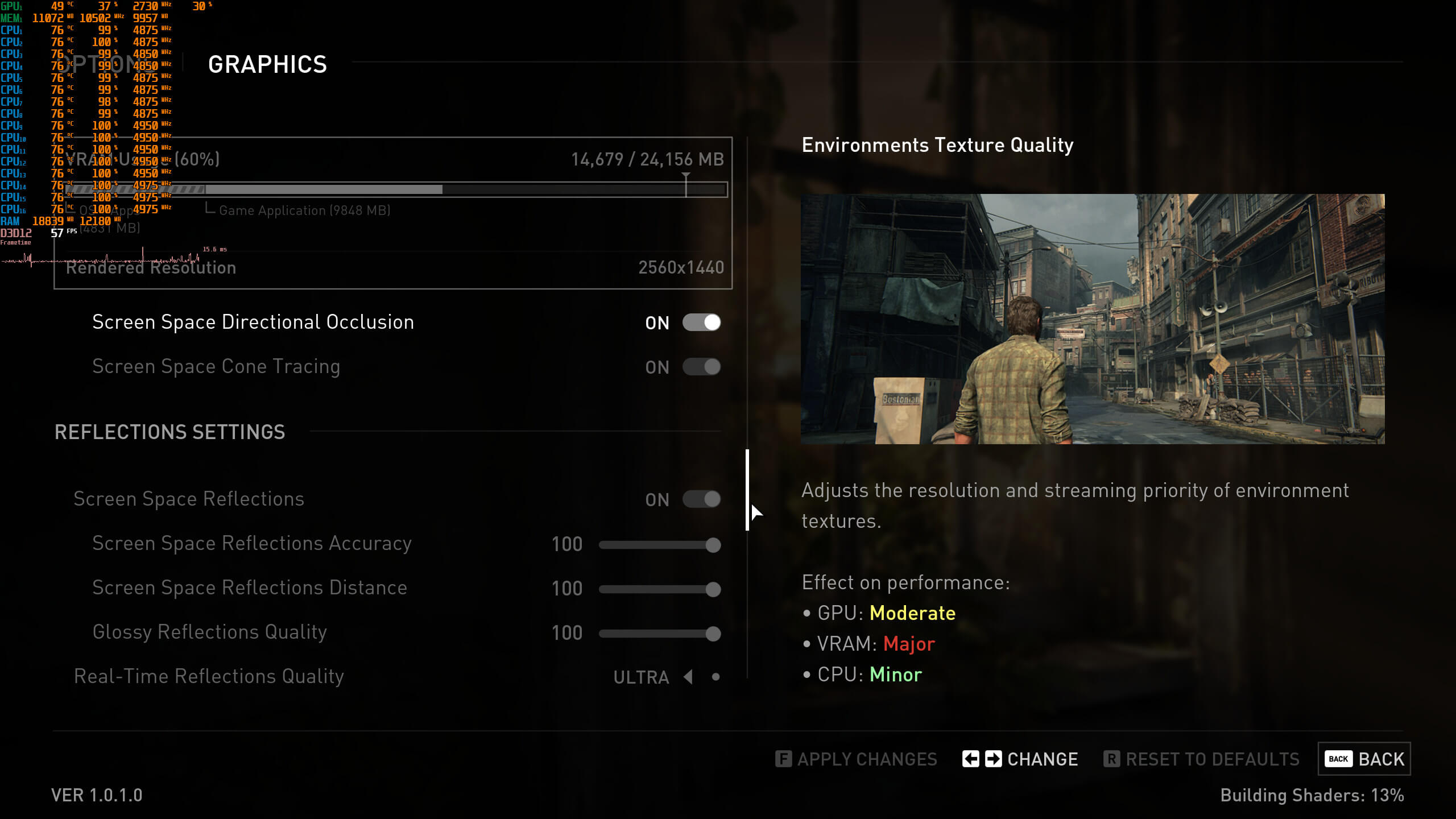
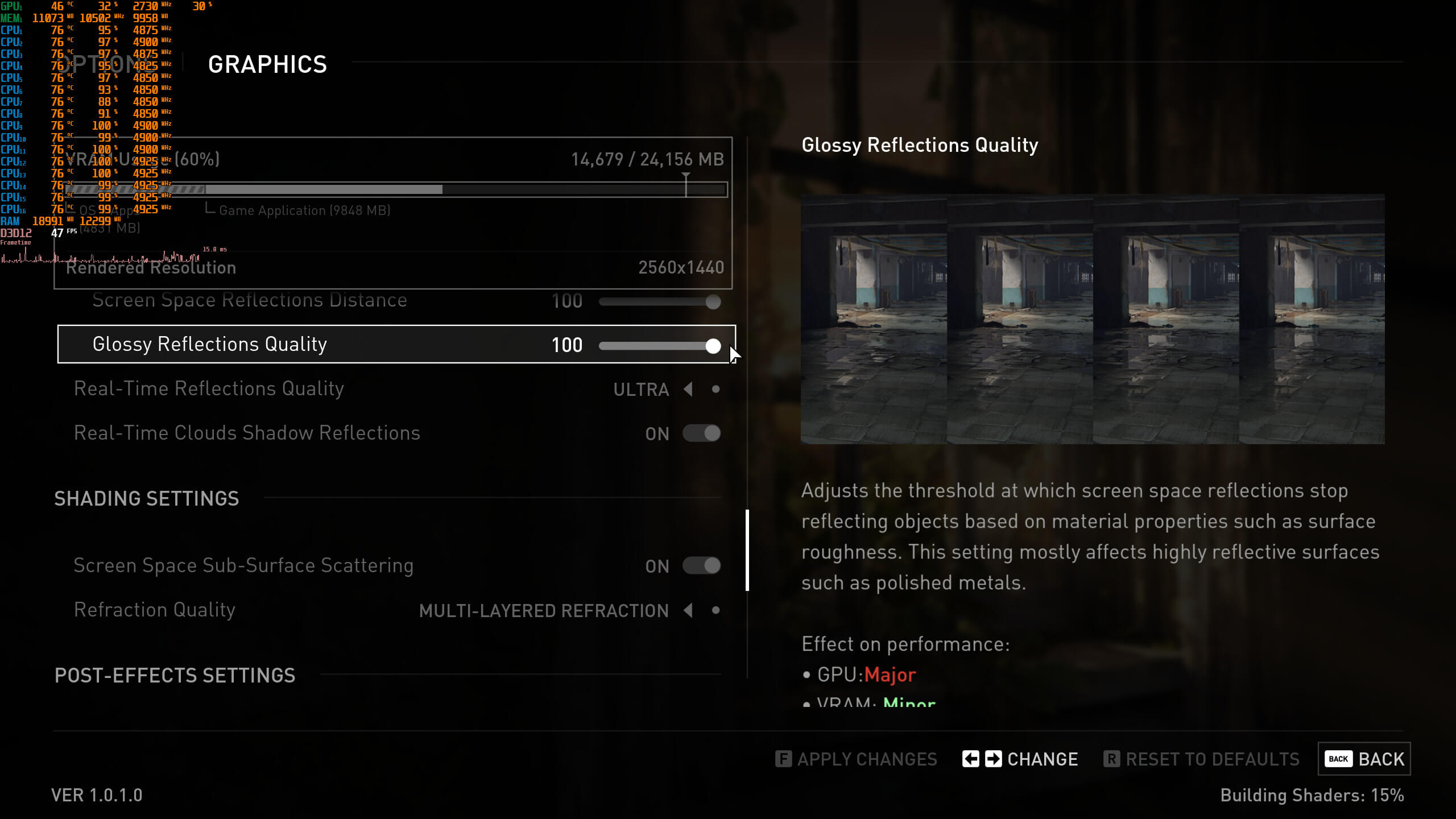
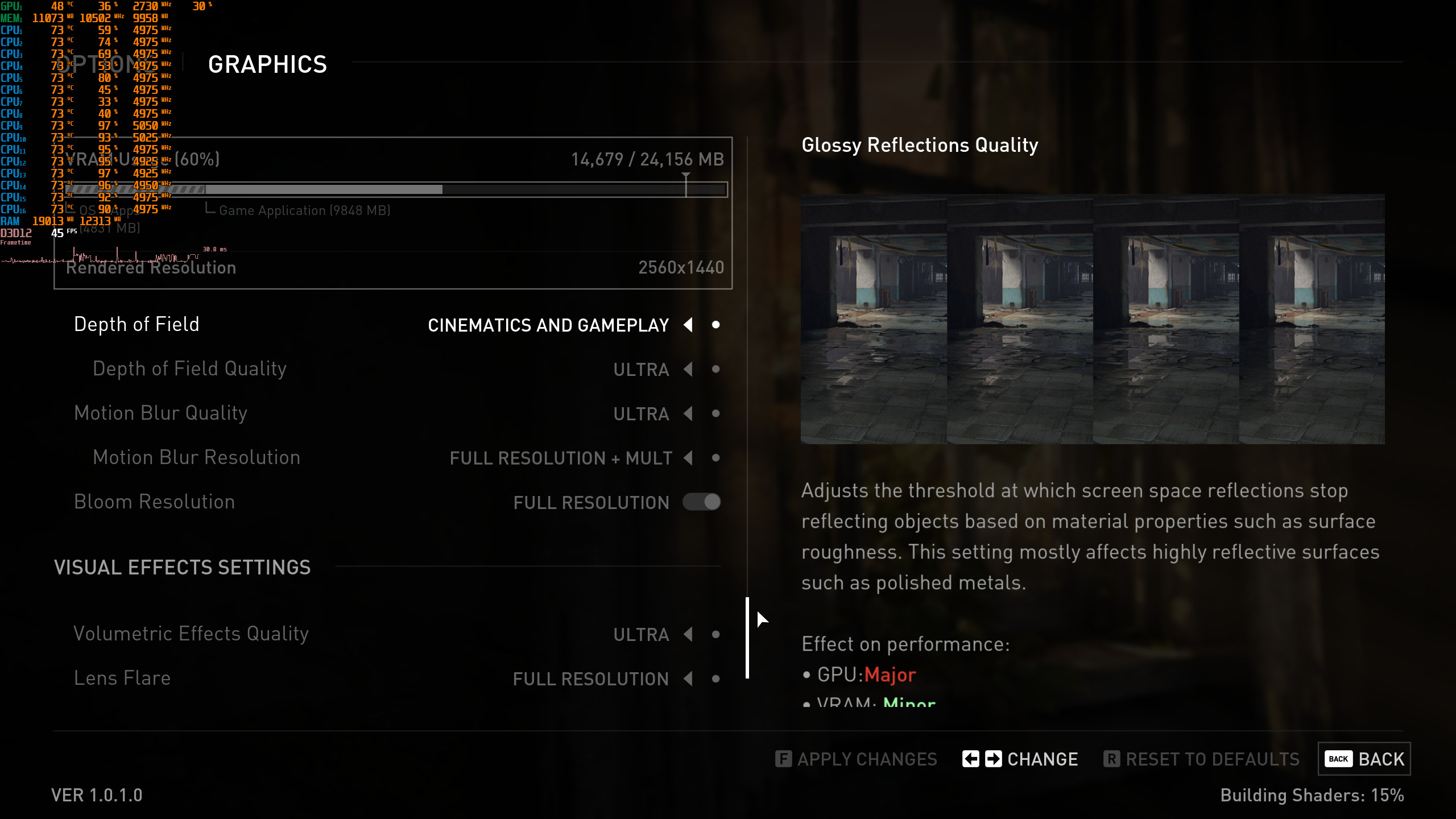
The Last of Us Part I features a lot of graphics settings to tweak. And when I say a lot, I mean A LOT. Furthermore, there are small windows that show off what each and every graphics setting does. Moreover, the game supports both NVIDIA’s DLSS 2 and AMD’s FSR 2.0.
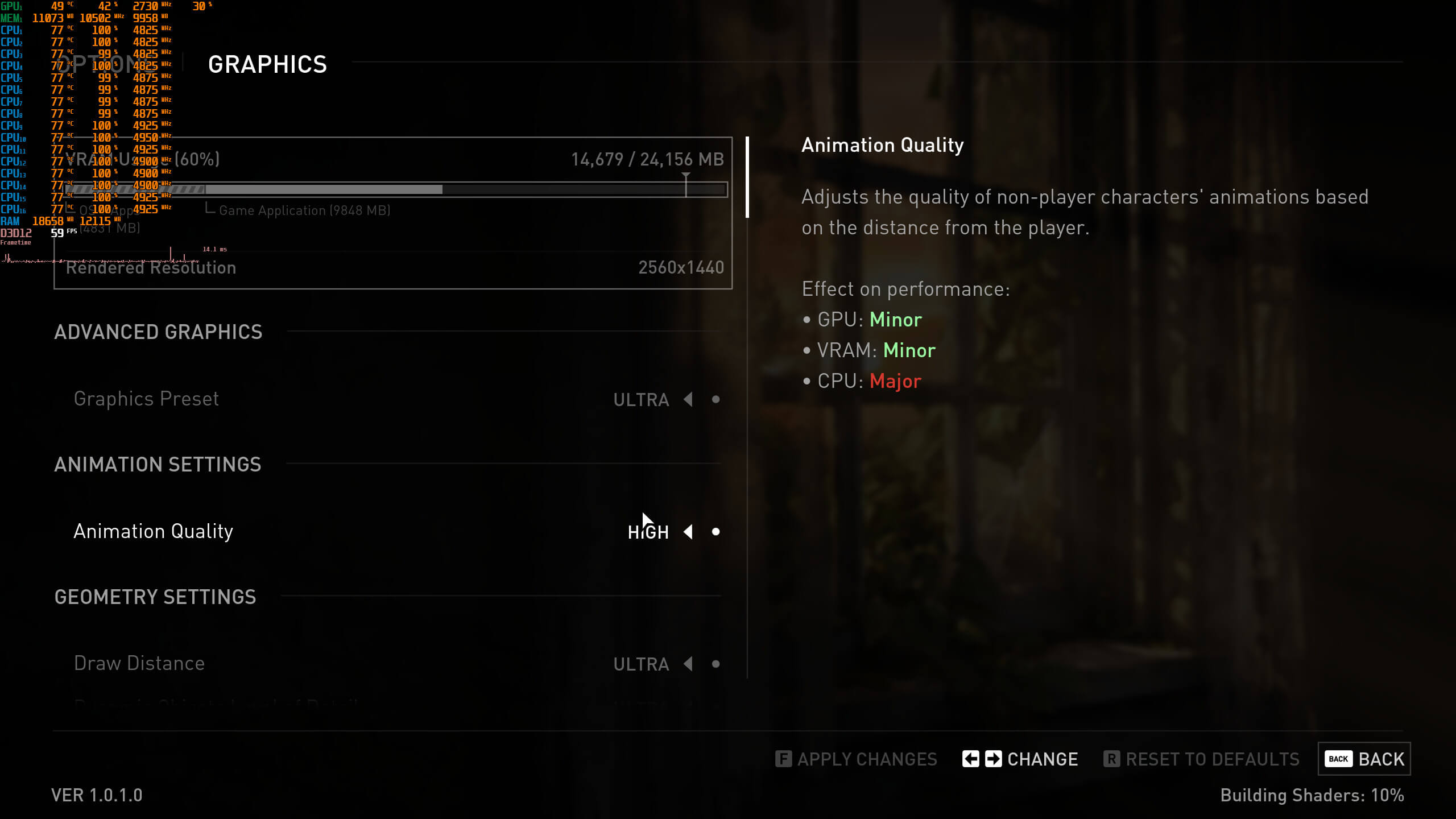
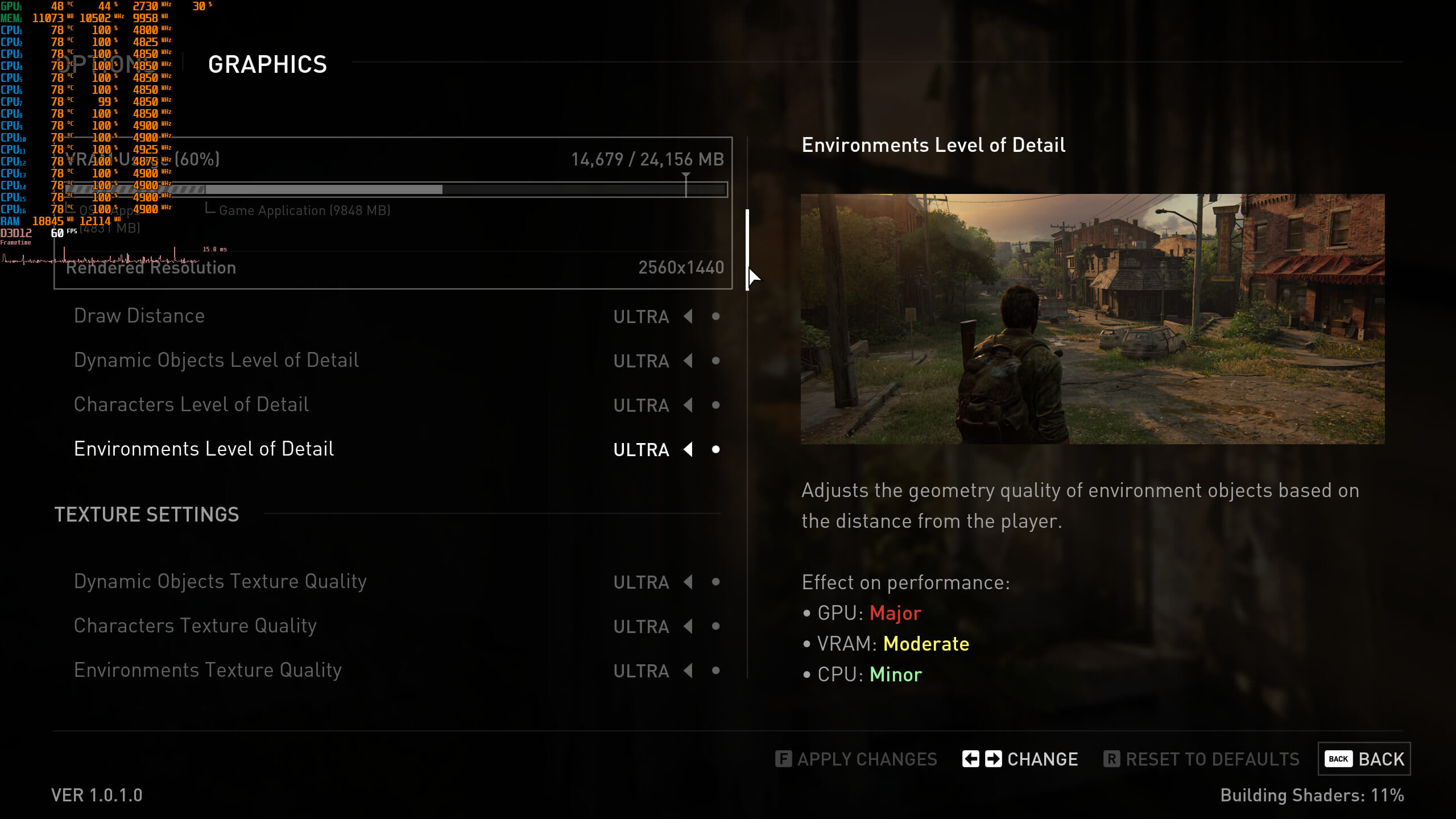
TLOU-PC graphics settings-1TLOU-PC graphics settings-2TLOU-PC graphics settings-3 TLOU-PC graphics settings-4TLOU-PC graphics settings-5TLOU-PC graphics settings-6TLOU-PC graphics settings-7

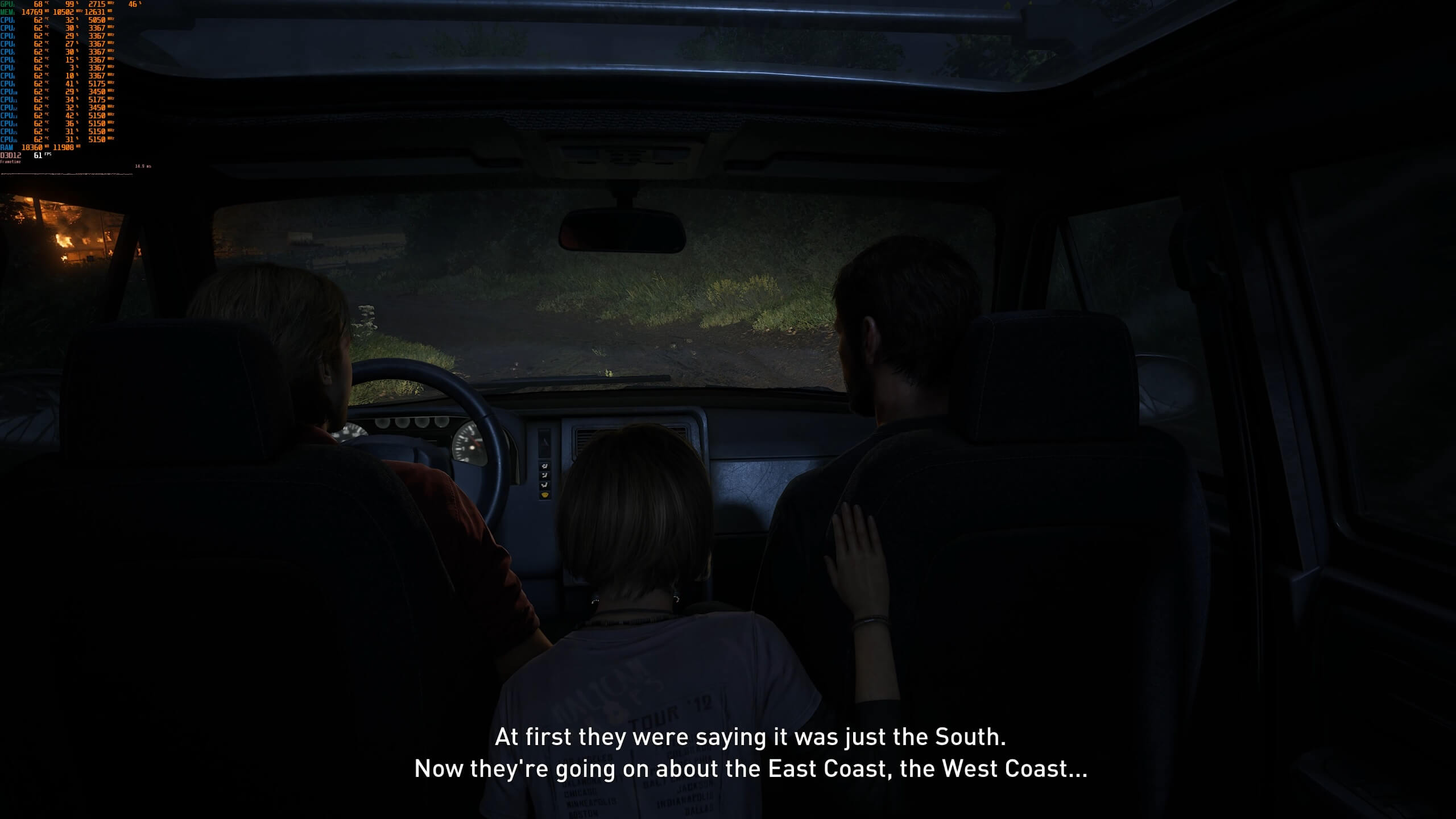
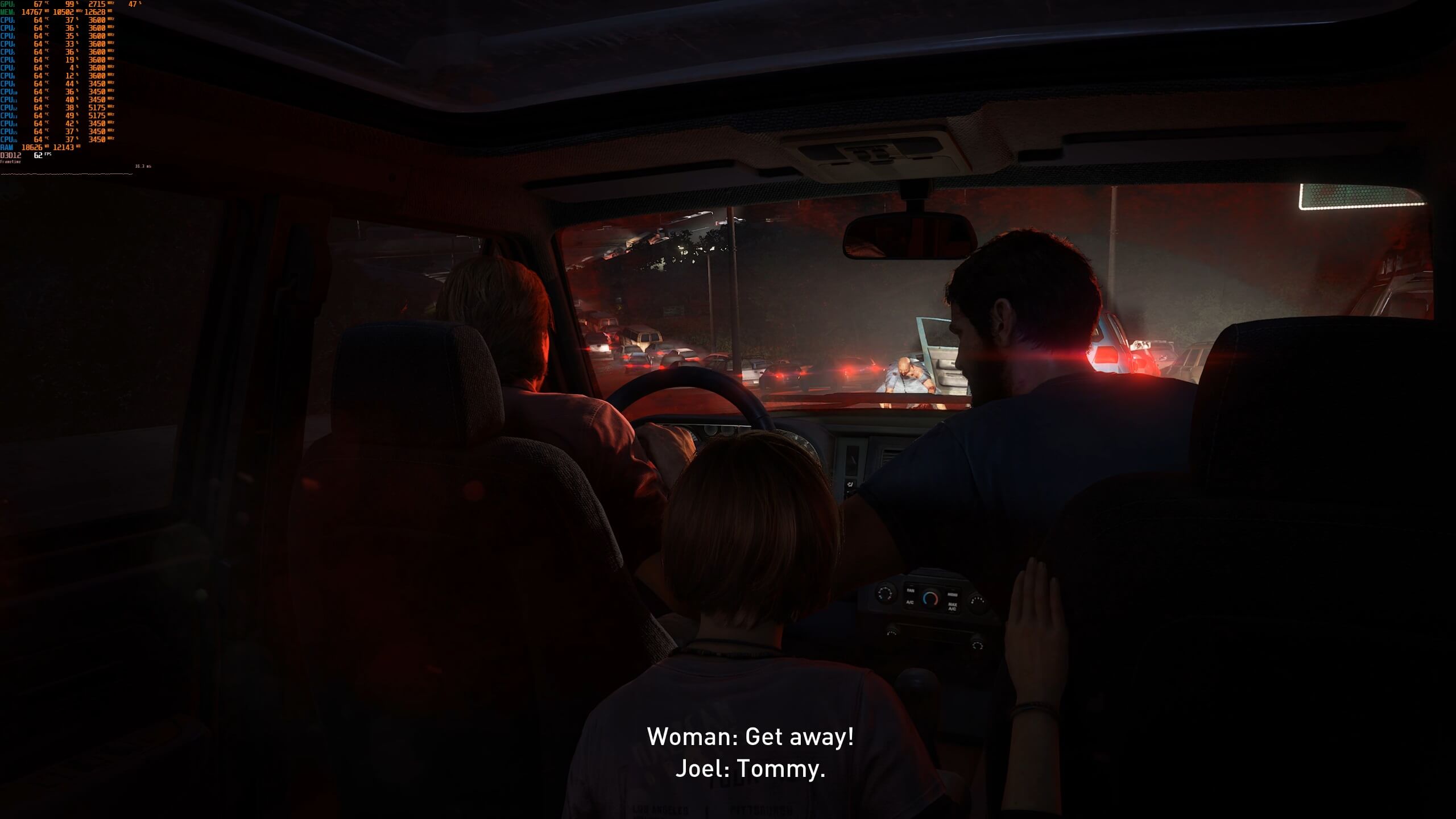
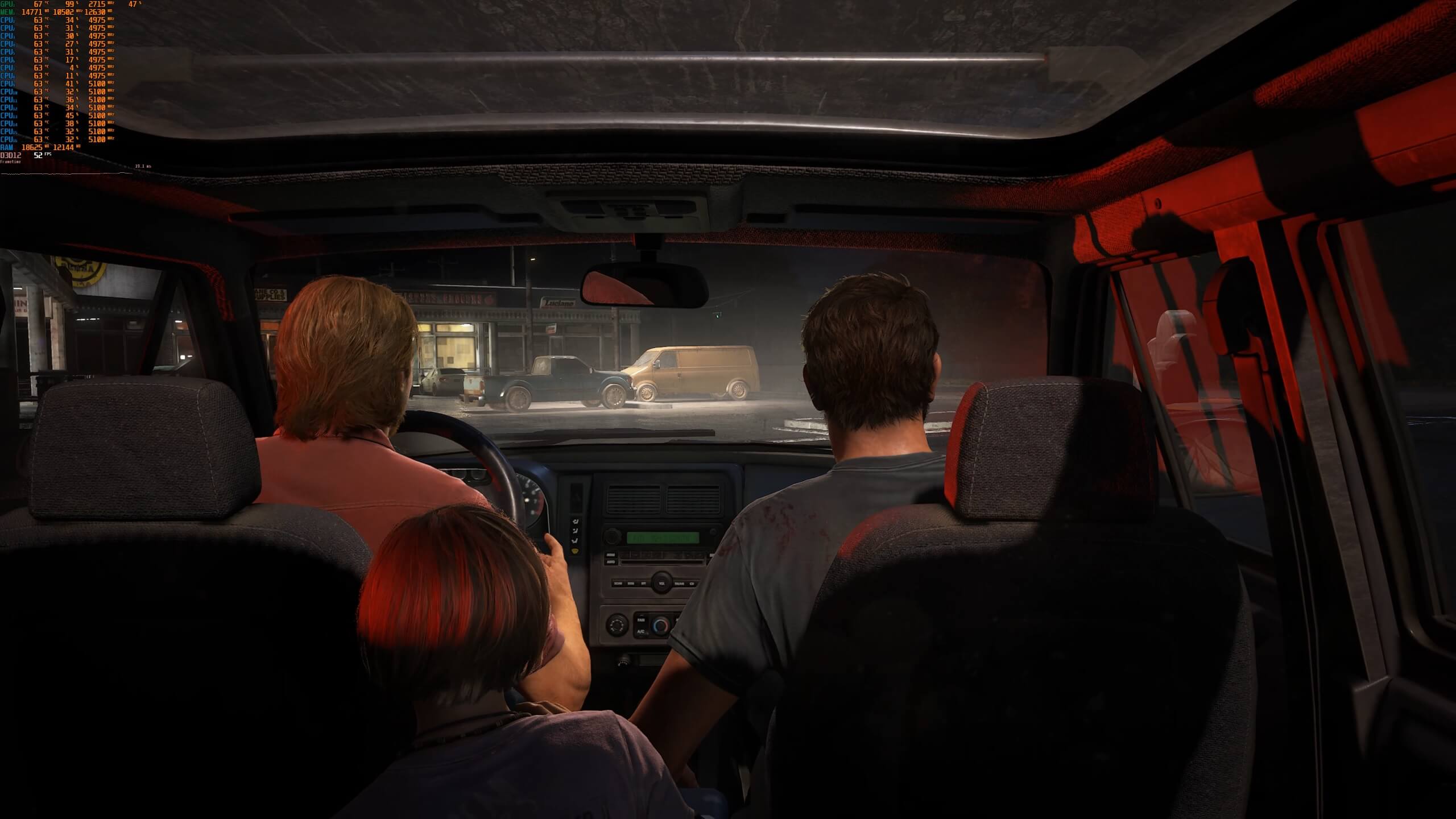
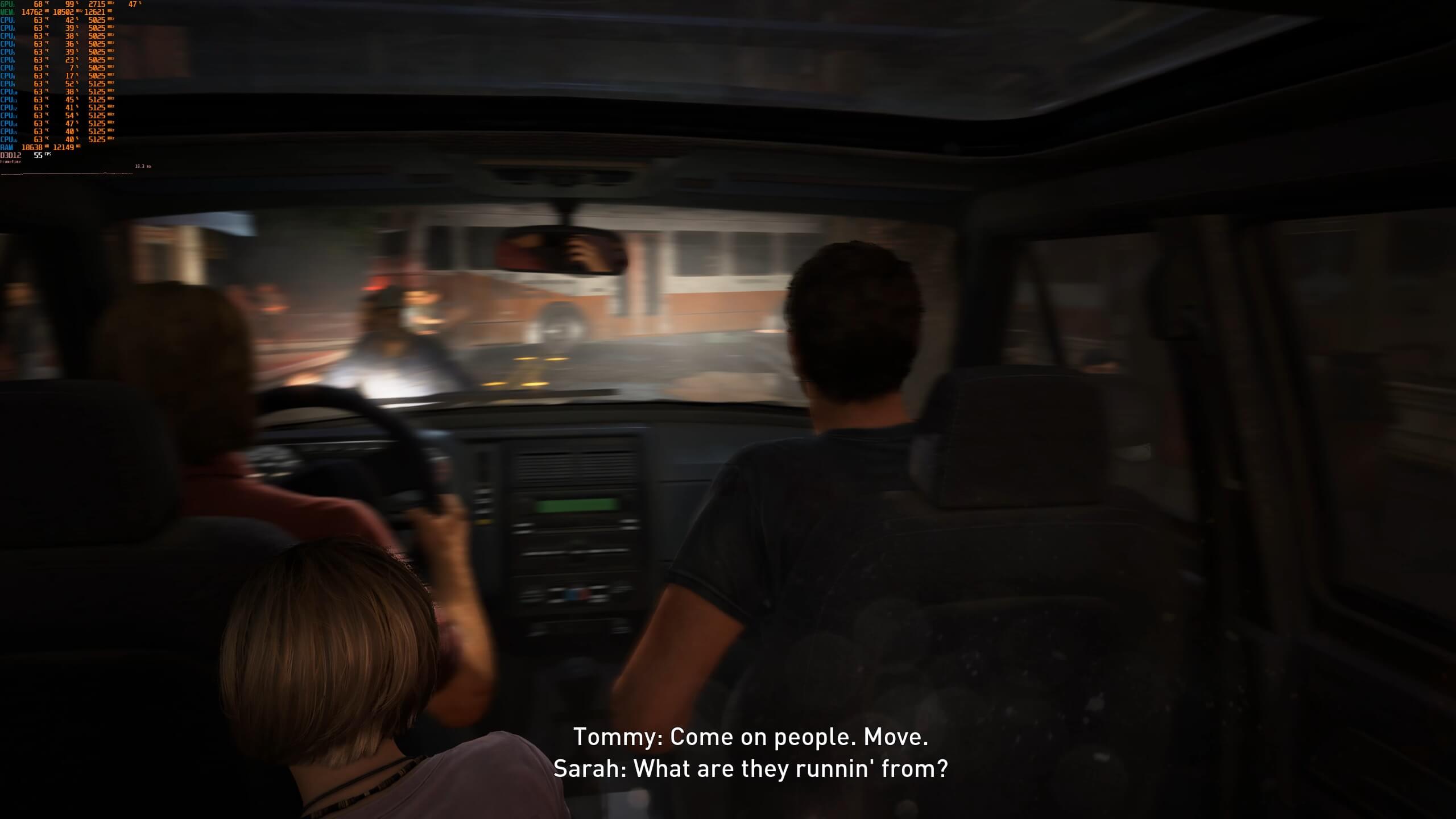
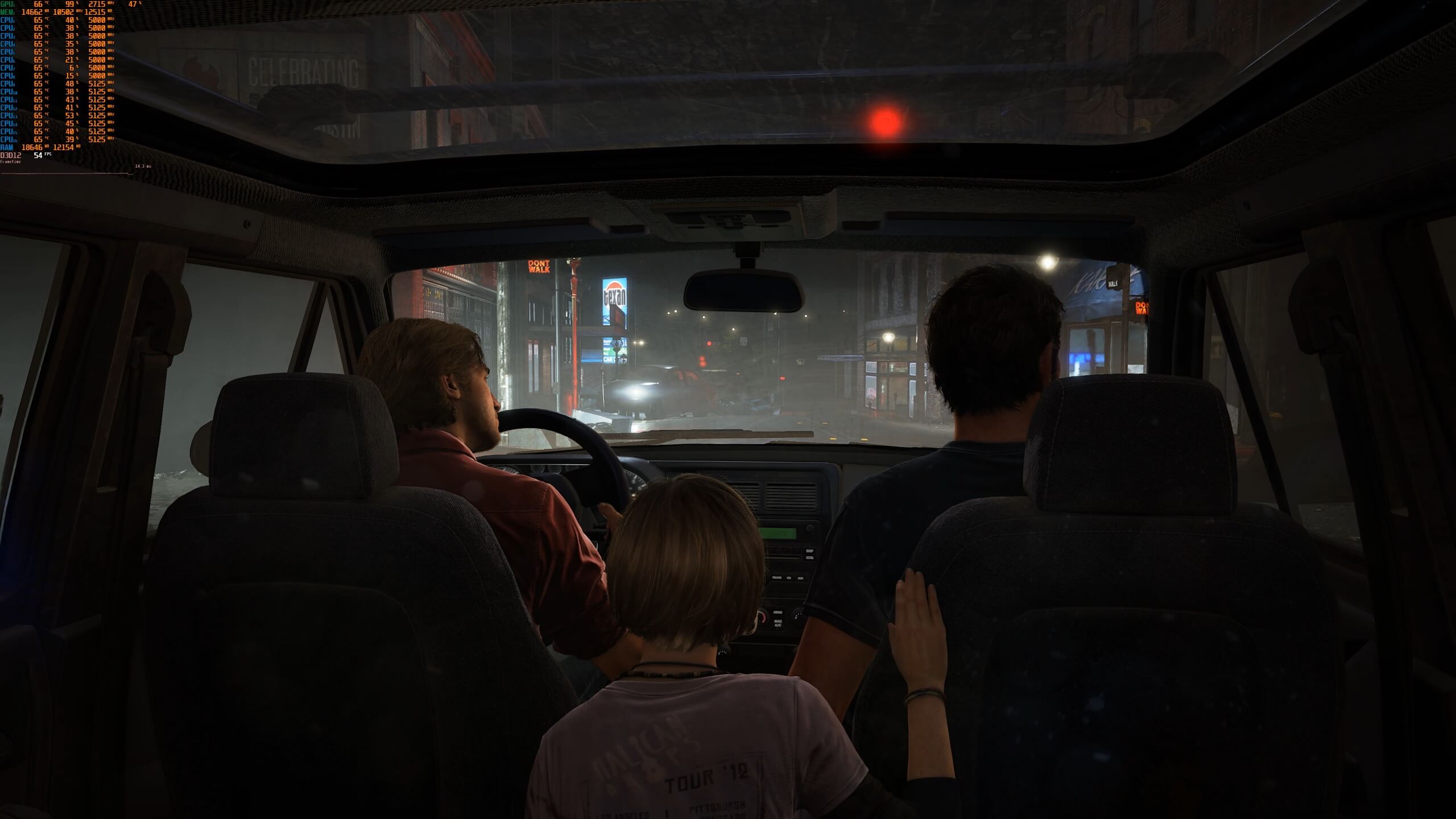
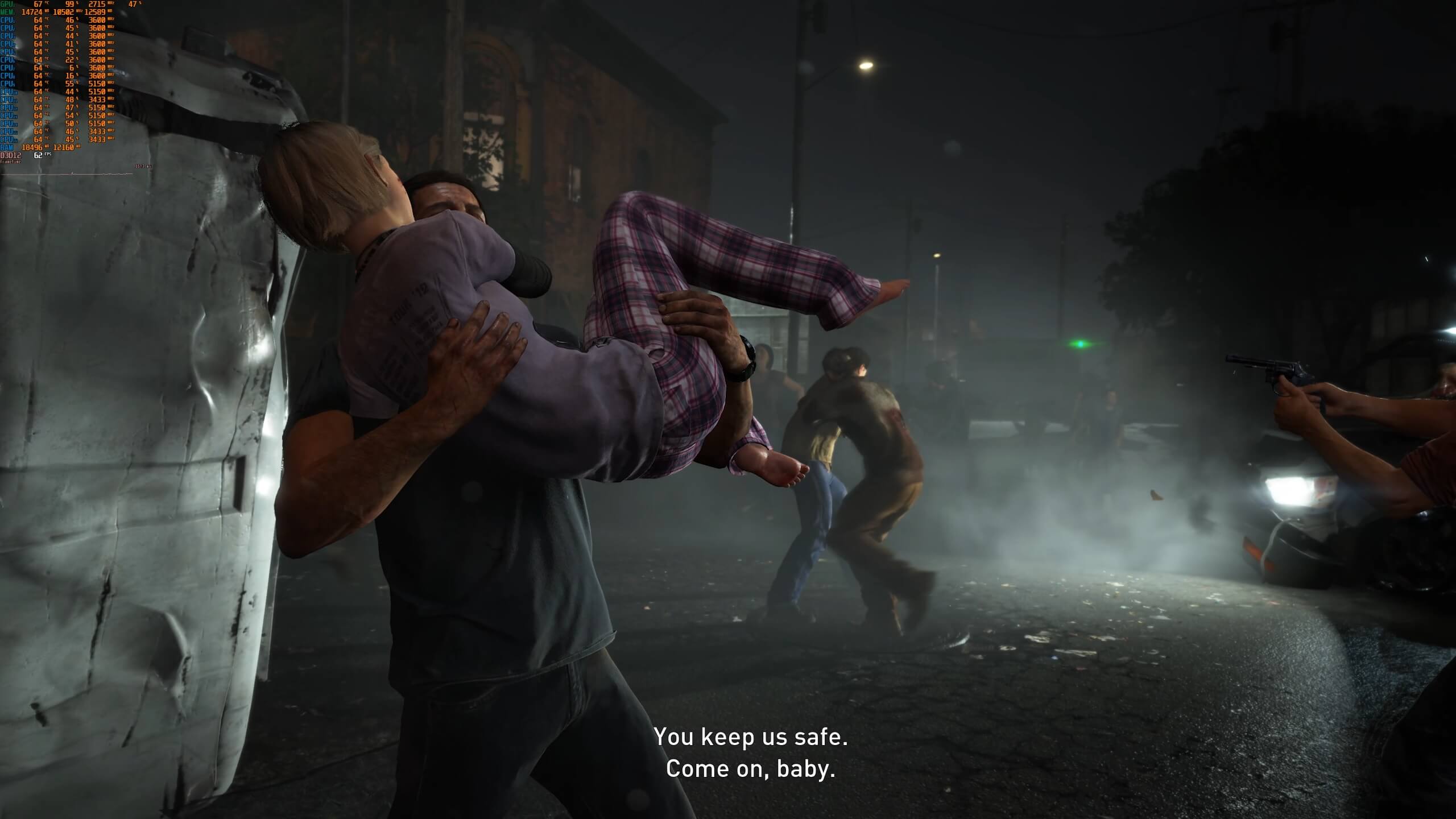
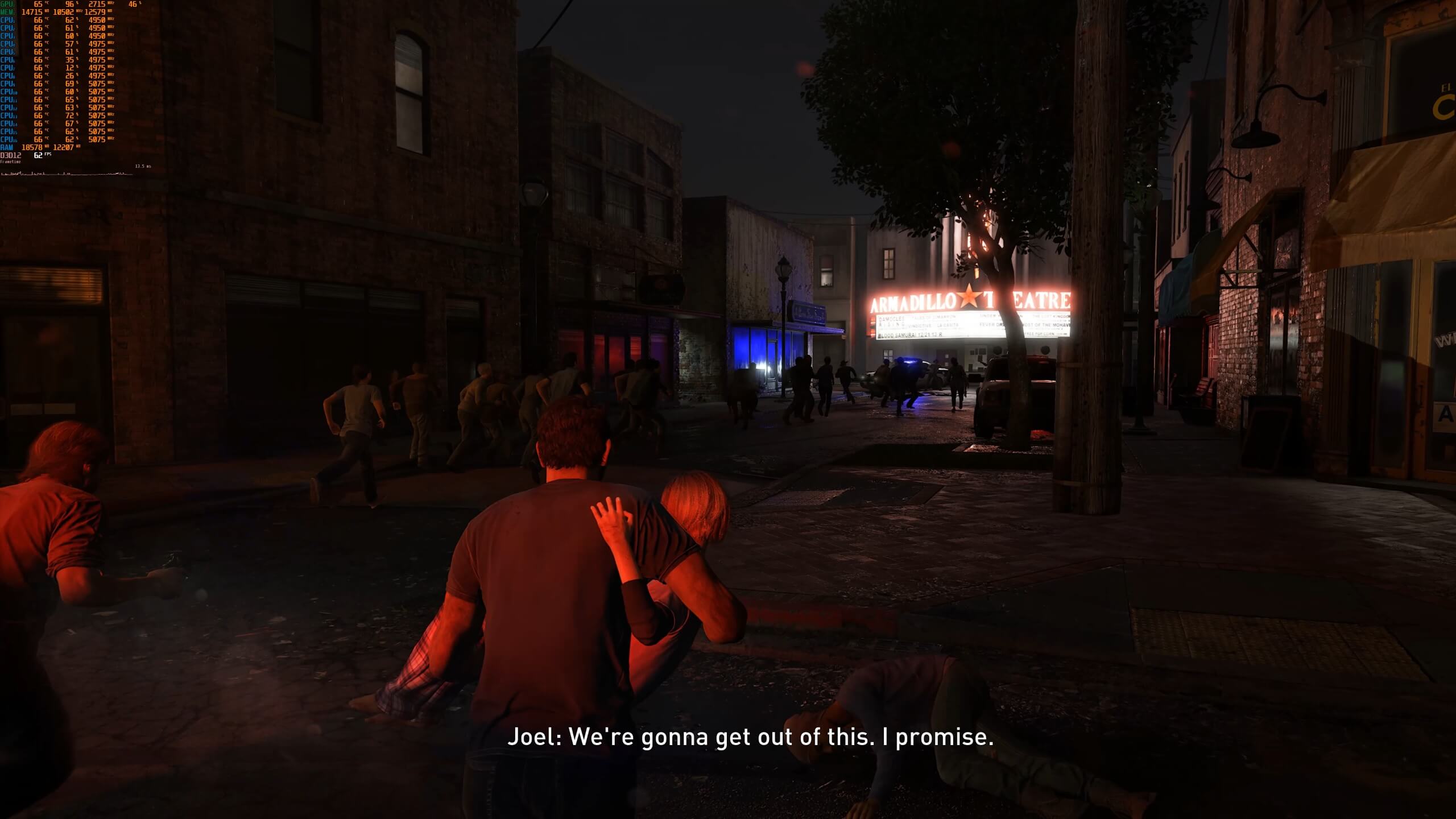
For our initial PC performance impressions, we used the game’s Prologue. During the Prologue, there were a couple of occasions in which our framerate could drop below 60fps. In one particular scene, we saw our framerate drop to 52fps. For the most part, the game ran with an average of 70-75fps on the NVIDIA GeForce RTX 4090.

So, technically speaking, the NVIDIA RTX 4090 cannot offer constant 60fps at native 4K/Max Settings. In order to avoid those framerate drops, you’ll need to enable DLSS 2 (we strongly suggest its Quality Mode).

Now contrary to Forspoken, The Last of Us Part I looks absolutely stunning. This is one of the best-looking rasterized games to date. The game’s pre-baked lighting and global illumination techniques are among the best we’ve seen. This shouldn’t really surprise us as UNCHARTED 4 also looked great on PC. Furthermore, and as said, the game comes with a lot of graphics settings, so you can definitely decrease some of them in order to improve overall performance.

Lastly, I should note that The Last of Us Part I does not suffer from any stuttering issues. When you first launch it, the game will compile its shaders. Additionally, the game offers from the get-go support for raw mouse input. However, the game does suffer from camera panning stutters, similar to those of the UNCHARTED Collection. GG Naughty Dog and Iron Galaxy for messing, once again, the mouse and keyboard controls.

Our PC Performance Analysis for The Last of Us Part I will go live later this week. I’m also uploading a video to YouTube with the Prologue sequence in 4K/Max Settings, so I’ll be sure to update the article with it once it’s uploaded!

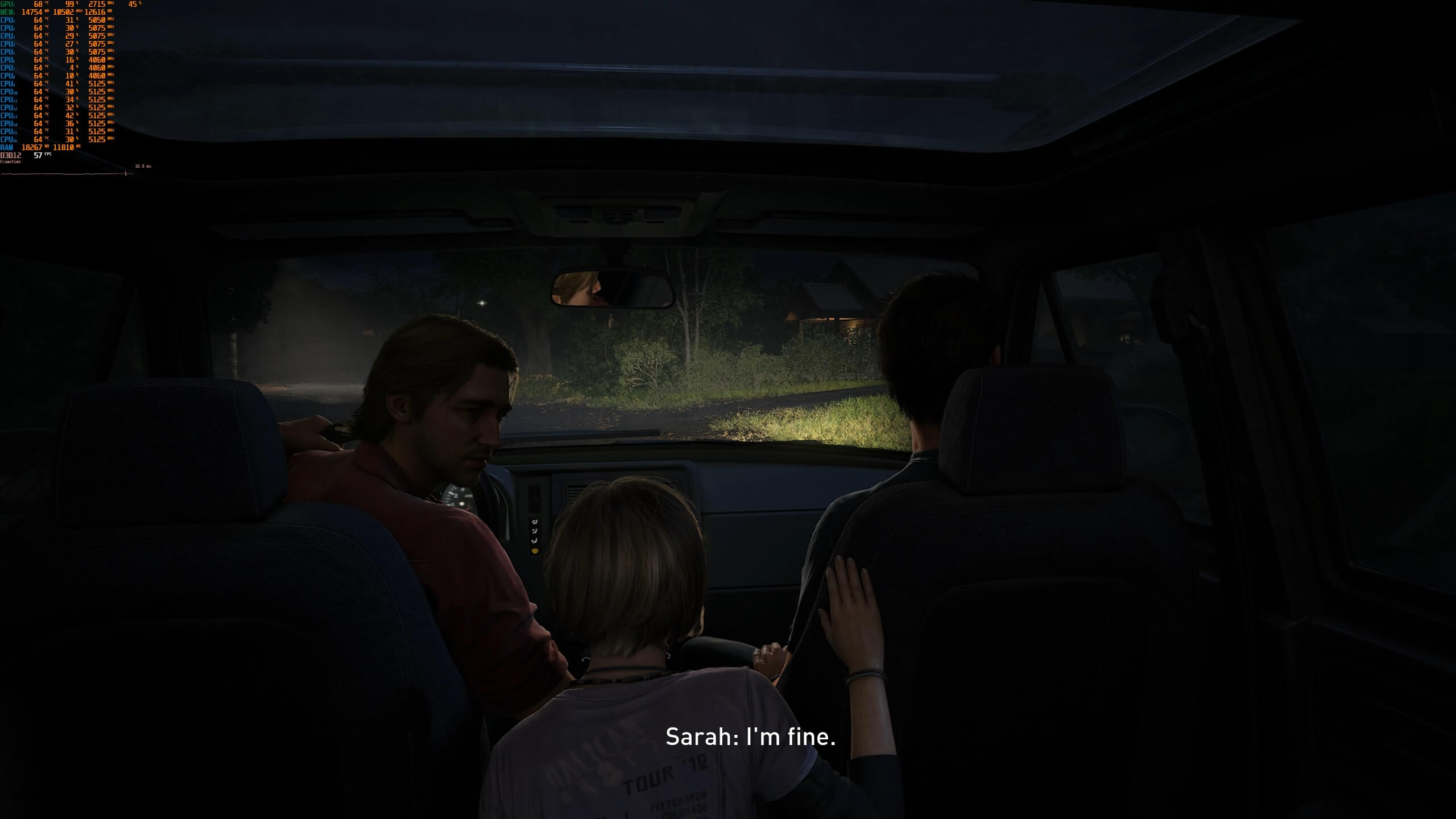
The Last of Us Part I Remake - Native 4K - Max Settings - NVIDIA GeForce RTX 4090

TLOU PC 4K Performance-1TLOU PC 4K Performance-2TLOU PC 4K Performance-3 TLOU PC 4K Performance-4TLOU PC 4K Performance-5TLOU PC 4K Performance-6 TLOU PC 4K Performance-7TLOU PC 4K Performance-8

46 thoughts on “Can the NVIDIA RTX4090 run The Last of Us Part I with 60fps at Native 4K/Max Settings?”

        1. Have to agree there although I game on a superwide 5120x1440p display – basically same workload as a 4k (a little fever pixels but more fov to render so roughly equal workload).

          Quite stable 120 fps is great for the vast majority of games, only time I put the display up to 240hz (frigging DSC compressed 240hz) is when I play competitively against the friends and picture quality is less of a concern like we do an usual unreal tournament instagib run every now and then for sh*ts and giggles – Still recall my 2x voodoo2’s worked heavy to push 40ish

    1. Way too many don’t run proper even on my 4090, due to lazy a$$ developers. Sure good grade rt / details / light etc eat gpu resource but when it’s not that advanced – Yet runs like “crap” it’s not ok.

      Edit: Repetition

  1. “However, the game does suffer from camera panning stutters”
    John can you make a video about that or explain a little bit more ?
    I am curious what is going on with this.

  2. Well, nearly 60 fps with no raytracing and no dlss is horrible. What the hell lol. Bad port, specially when they suggested a 4080 for that resolution. Will try it out on my own and see if i have similar results(12900k and 4090 here).

  3. So the ps5 runs this at 1440p 60 fps and is basically a 2070 which is what, 6 or 7 teraflops? now the 4090 is what, 100 teraflops? so yeah… I’m just saying

        1. I don’t know the console settings but the best comparison (between PC and PS5) would be to drop the res to 1440p, use the PS5 settings, and compare them against the 2080Ti.

    1. I actually found the PS5 closer to my 1080ti back when they were still optimizing for that card. Just in every setting I tested 1440/60 the PS5 was equal in settings or just ever so slightly higher (like with RT effects enabled).

    2. Well it probably isn’t true 1440p … Lots of their games running 60 FPS are actually 1200 upscaled to 1440p and the resolution scaling is dynamic so sometimes it’s 1440p and sometime less than 1200

      And 60 FPS mode is likely medium settings on a PC

    3. PS5 has something like radeon 6600XT (PS5 also has 10TF RDNA), so it’s raster performance should be comparable to RTX2080.

      Nvidia has gimped their TFLOPS with ampere (they build way more cores to save energy, but new cores werent as fast as turing). For example 3090 has something like 36-40TFLOPS (depending on the GPU clock speed) while its only 2x times faster than 10TF RTX2080. It means the RTX4090 is probably around 4x times faster than RTX2080 and PS5, not 8x as TFLOPS would suggest.

      TLOU1 isnt optimized very well. Personally I’m not surprised, because Uncharted 4 optimization was very bad already. On PC the radeon 290X (5.6TF) was required for 720p 30fps, while PS4 (7850/7870 with 1.8TF) was running the same game at 1080p on 3x times slower GPU.

    1. Strange because it’s probably one of the best looking pc games I’ve ever seen. Hair also looks incredible. And trust me I’ve seen and played a lot of pc games.
      Are you trying to play the game at lowest settings or something?

  4. Incredible. Didn’t think the day that the 4090 drops below 60 fps in 4K in raster only games would come so soon. Sure, dlss looked amazing in uncharted and I’m confident it will here too but I figured we’d be doing close to 100 fps with pure raster until the end of this console generation. It’s not even open world iirc. Shame.

  5. So basically… dlss2+ / fsr is another excuse to not do proper optimizations. Damn the devs are getting lazier and lazier pushing the customers to but even beefier hardware due to their inability to do a proper jobb

    1. Just lower the settings ….. Anyone using the Presets is just asking for trouble. There are always going to be one or two settings that don’t really do anything except tank performance with little to no difference in visual quality. Find them and you get a 10-20% performance gain. If you are too damned lazy to do your own optimization of settings then buy a damned console.

      It’s not a frigging console, one of the advantages of PC is you can do your own optimization of settings where on a console you have basically two presets, 30 FPS Quality and 60 FPS performance and neither is close to the visual quality of a decent PC

      1. And you can’t even add one and one and think 2 cm ahead of your nose what’s coming? What comes after dlss3 or fsr3 starts to get adopted for real? Ohh yeah – It won’t matter what settings you will set as it will have crappy fps/stutters/input latency no matter what since their so-called optimizations then will then consist of both on upscaling AND frame generation rather than do proper optimization.

        If you’re not bothered by this trend – You will soon learn young padawan.

  6. Please, John, report on the insane VRAM consumption we’ve been seeing in the latest PC ports and how unjustified it is. This is seriously getting out of hand

  7. Criteria Naughty Dog used to pick the studio to port their game is ideology first and quality as very distant 22nd or 23rd priority… and It surely shows

  8. Criteria Naughty Dog used to pick the studio to port their game is ideology first and quality as very distant 22nd or 23rd priority… and It surely shows

  9. Criteria Naughty Dog used to pick the studio to port their game is ideology first and quality as very distant 22nd or 23rd priority… and It surely shows

  10. When the turds at “Iron Galaxy” are the ones behind the port? You could have an RTX 7090 from the future, and it would still run like complete a**.

    How are these guys still in business? How……….?

  11. hrmmm.. i’m able to run the game ultra settings @ 4k without any DLSS.
    the lowest fps has been in the mid 70s. The game is normally in the high 90s and will hit my vsync limit of 120.
    I’m running a 4090 (@2900mhz) and a 13900ks @ 5.6ghz. 6000mhz ddr5.
    Windows 11
    (in the starting area, that the screen shots above are from, it was always over 100fps)

    1. That’s closer to the performance I expect. Will wait and see what other outlets are getting. I’m not planning on getting the game for a long while otherwise I’d test it myself.

    2. Same here. I don’t understand how John gets that kind of performance, but it is not the first time that I find his tests completely misleading.

  12. Recommending 16 GB of RAM at 1080p when real world tests show its consumption at 20. Char grill your CPU for 2 hours before even starting the game. Camera stutter and mouse issues plague from Uncharted.

    PS5 runs this game at 1440p 60+FPS with 16GB of SHARED memory.

    And the developers have the gall to “acknowledge issues” only when players point them out. Then why the absolute F*K do you have a QA team?

    These developers can F*K RIGHT OFF.

    1. Define “fine”. I am so sick of people on old hardware saying this or that is “fine”. With that old proc you will have terrible 1% lows and bottleneck just about any modern gpu. But ya, it’s “fine”. ps LOL @ Alienware.

    2. Define “fine”. I am so sick of people on old hardware saying this or that is “fine”. With that old proc you will have terrible 1% lows and bottleneck just about any modern gpu. But ya, it’s “fine”. ps LOL @ Alienware.

  13. I wonder if the ps5 is using the ultra textures settings with its 13gb of shared gddr6 for both system and gpu(3gb is used by the OS)
    When trying the same thing on pc it requires 14 gb of vram at 1440p and almost 20gb of system ram.

    The 10gb of the rtx 3080 is biting me in my *ss

  14. Who cares if it does? The last game any self-respecting gamer needs on their PC. I’ve played low quality games made purely for shock value that were more interesting than this woke piece of pozz.

  15. John please re-check your test.

    After reading your articles i got a torrent copy with latest patch [hey i gave them 70$ for PS5 pre-order i wont pay again]

    I was getting 90 to 110fps 4K Ultra on intro level and when you exit the building in the zone [then i just turned off for now]

    I had a pre compile about 12-14 minutes

    But i started straight from the 1.0.1.6

Leave a Reply

Your email address will not be published. Required fields are marked *