New iCEnhancer GTA IV Screenshots Will Make Your Jaw Drop

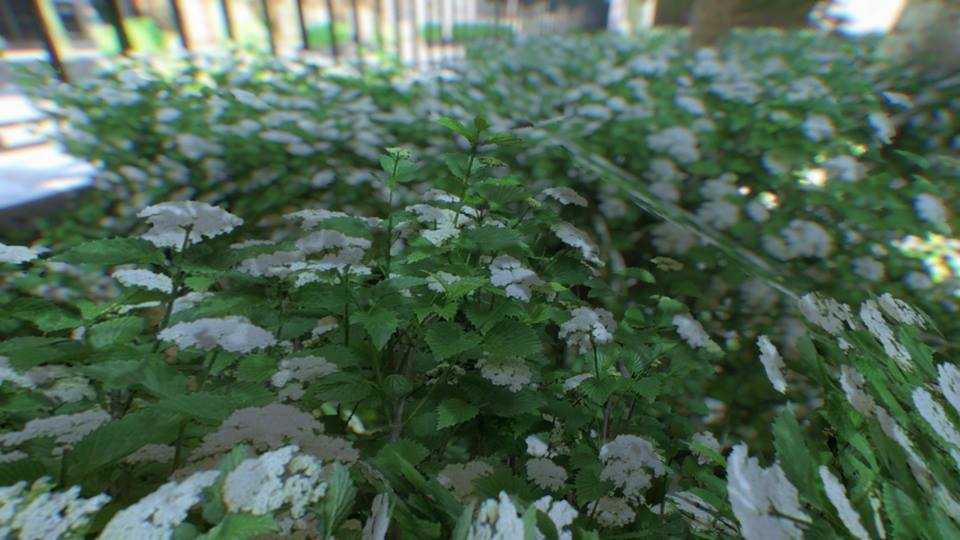
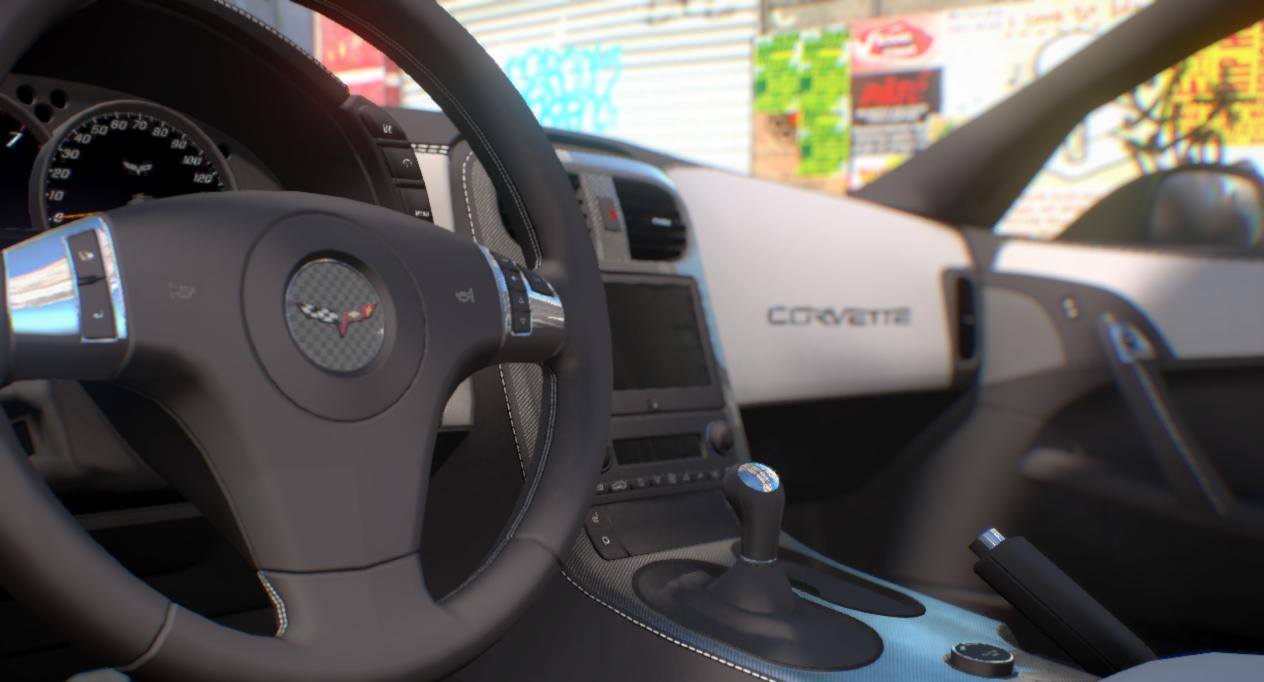
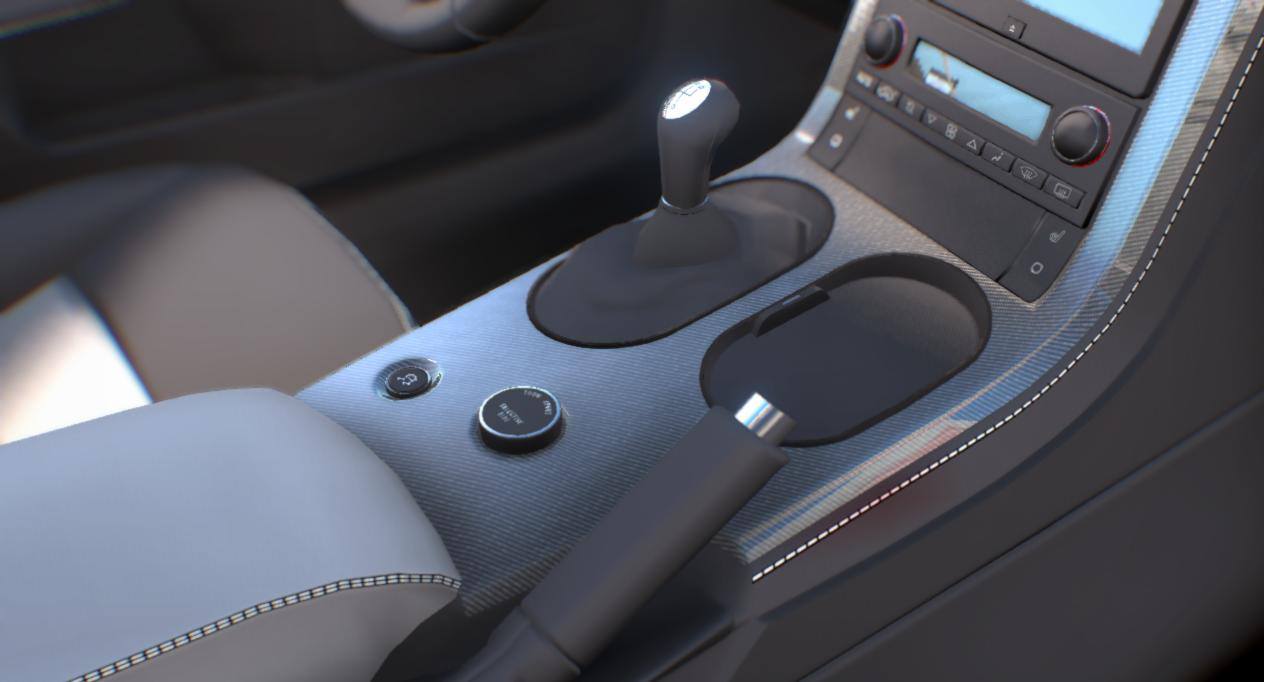
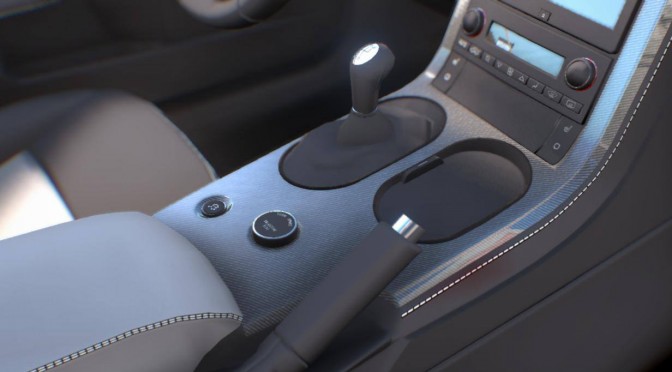
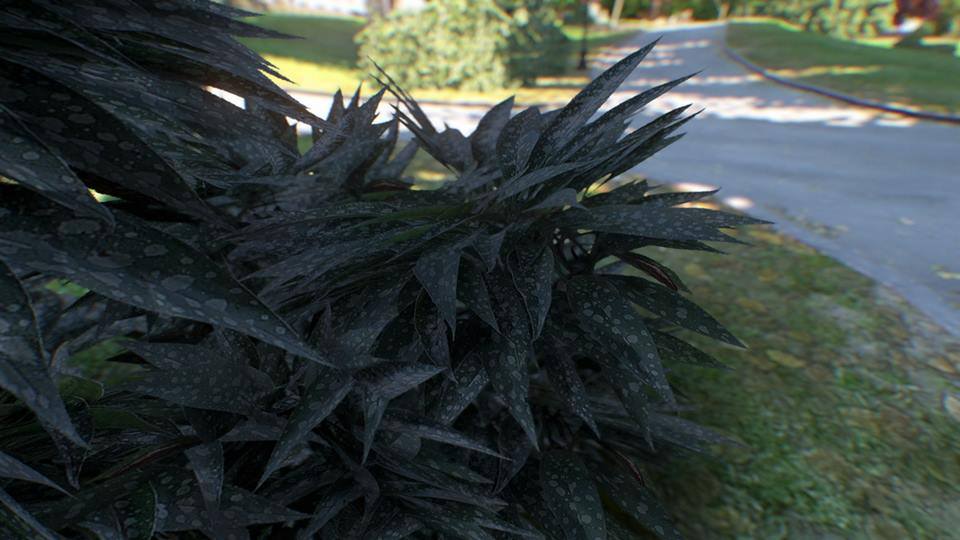
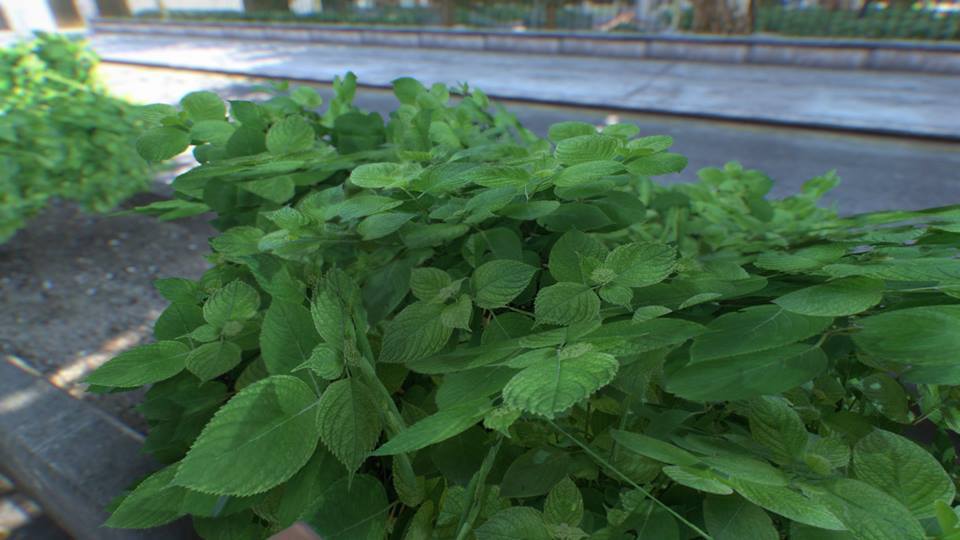
Hayssam Keilany has released some new screenshots from the latest version of his mind-blowing mod for GTA IV, iCEnhancer. These new shots use BisonSales’s leaves and as we can see, the attention to detail is extraordinary. Not only that, but the overall lighting that has been achieved in this latest version of iCEnhancer looks incredible. There is no ETA yet for this new iCEnhancer version but we’ll be sure to keep you posted. Enjoy the screenshots!
10172837_741793949188421_8196839813803572083_n10013340_741793945855088_2645552419450096205_n1977476_741793952521754_4604986406032443180_n1292259_749917135042769_9041873820396522824_o885840_749917131709436_8789092937335637251_o

36 thoughts on “New iCEnhancer GTA IV Screenshots Will Make Your Jaw Drop”

    1. What a blasphemy. Go pray 10 hours, otherwise you will only receive 1 virgin out of 7.

        1. Graphics, fun, 60FPS, 1080p, cheaper games, free to play online > console graphics.

        2. The only problem with your argument is that GTA V isnt fun. It lacks of all the hilarious script that SA and Vice City had.

    2. Actually its a shame they didnt turn off ambient oclussion on Icehander before to take the screenshots, all textures looks much better without AO.

  1. The problem is thatyou don’t know what packages make the game look better.
    I’d like to play GTA IV now that I have a new pc (I couldn’t run it well on my old one), but there are too many mods and I don’t know which one makes the game look really like those screenshots.
    I’d like that along iCEnhancer will be provided a “All-in-one” suggested package, with the major packs.

    1. I have only 2 mods installed (I haven’t checked if they’ve updated these for 6 months)

      iCE2.1MX V3
      (check out the film grain file, they’re are others included also)
      &
      iCEnhancer 2.1

      That was enough for me, they’re a ton out there, but start off with these 2, and it will make GTA 4 shine.

    2. I don’t have GTA IV on PC but I would expect you only need the iCE and texture mods to make it look good. To get screenshots like these you need some smaller mods, like car models and some tweaking with the iCE effects.

      1. Obviously if you want those car interiors looks like that you need to install car mods.

    1. I bet the bottom of delsin’s shoes look really good in infamous 3, but have you stopped to stare at them in replay mode? GTAIV doesn’t even have replay mode to zoom in like that.

  2. I find it hard to believe those are computerized graphics and not photos, even the “screenshots” are focus exactly like a camera would.

    I’m not buying it.

    1. Its called AMBIENT OCLUSSION, actually new CONSOLES uses this feature to hide all those awful textures nobody cares to see, while the main character/car, NPCS near to the camera looks fine.

  3. Can someone recommend me some good graphics mods for The Elder Scrolls : Oblivion .?
    I made a crime by not playing it back then and now want to go back to it but with graphical enhancements .

Leave a Reply

Your email address will not be published. Required fields are marked *