

Remember when Ubisoft stated that it was putting a lot of effort on the PC port of Assassin’s Creed III? Remember when it stated that PC gamers would be happy – and proud – about the PC version of it? Remember when the company said that the delay of the PC version was in order to ensure that it would be optimized for the PC platform? Well, as usual, none of them were true. Assassin’s Creed III PC is an awful console port, with a DX11 renderer that is seriously bugged and does not perform as good as the older DX9 one that was used in all previous versions of Assassin’s Creed. Not only that, but the game does not take advantage of multi-core CPUs, meaning that each and everyone will be CPU limited in the blink of an eye.
As you may be aware of, Assassin’s Creed III is the first game to take advantage of the new Ubisoft-AnvilNext game engine. Naturally, this engine is based on the previous engine that powered all past parts of this franchise and – surprise surprise – suffers from the very same issues.
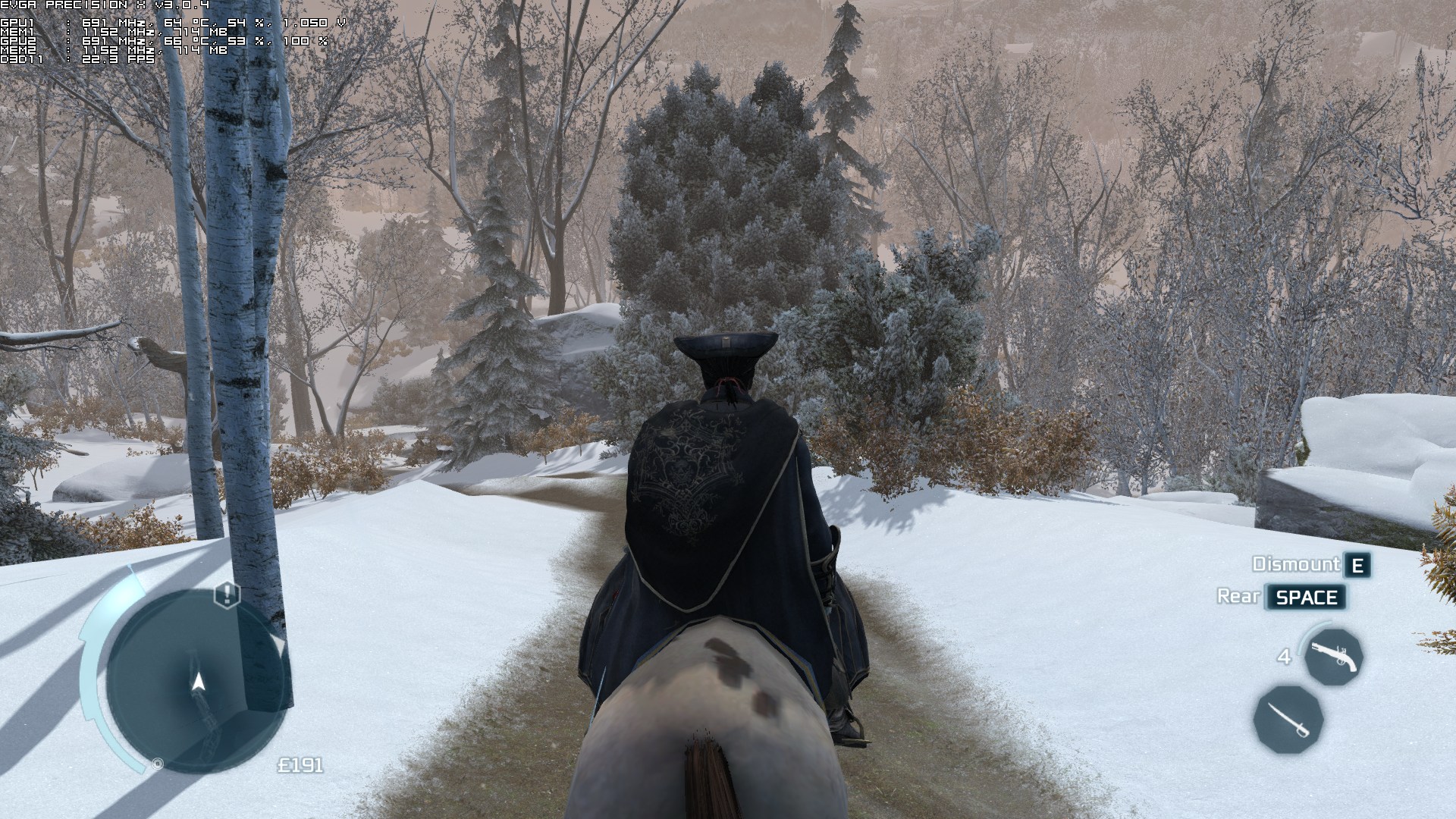
As always, we used an overclocked Q9650 (4.2Ghz) with 4GB RAM, an Nvidia GTX295, Windows 7-64Bit and the latest version of GeForce drivers. Although Nvidia has included an SLI profile for Ubisoft’s title, there is a lot of ‘snow-flickering’ on Frontier. The flickering is so annoying that it makes the game unplayable. Not only that, but SLI scaling was not ideal on our overclocked Q9650 due to an awkward CPU bottleneck.
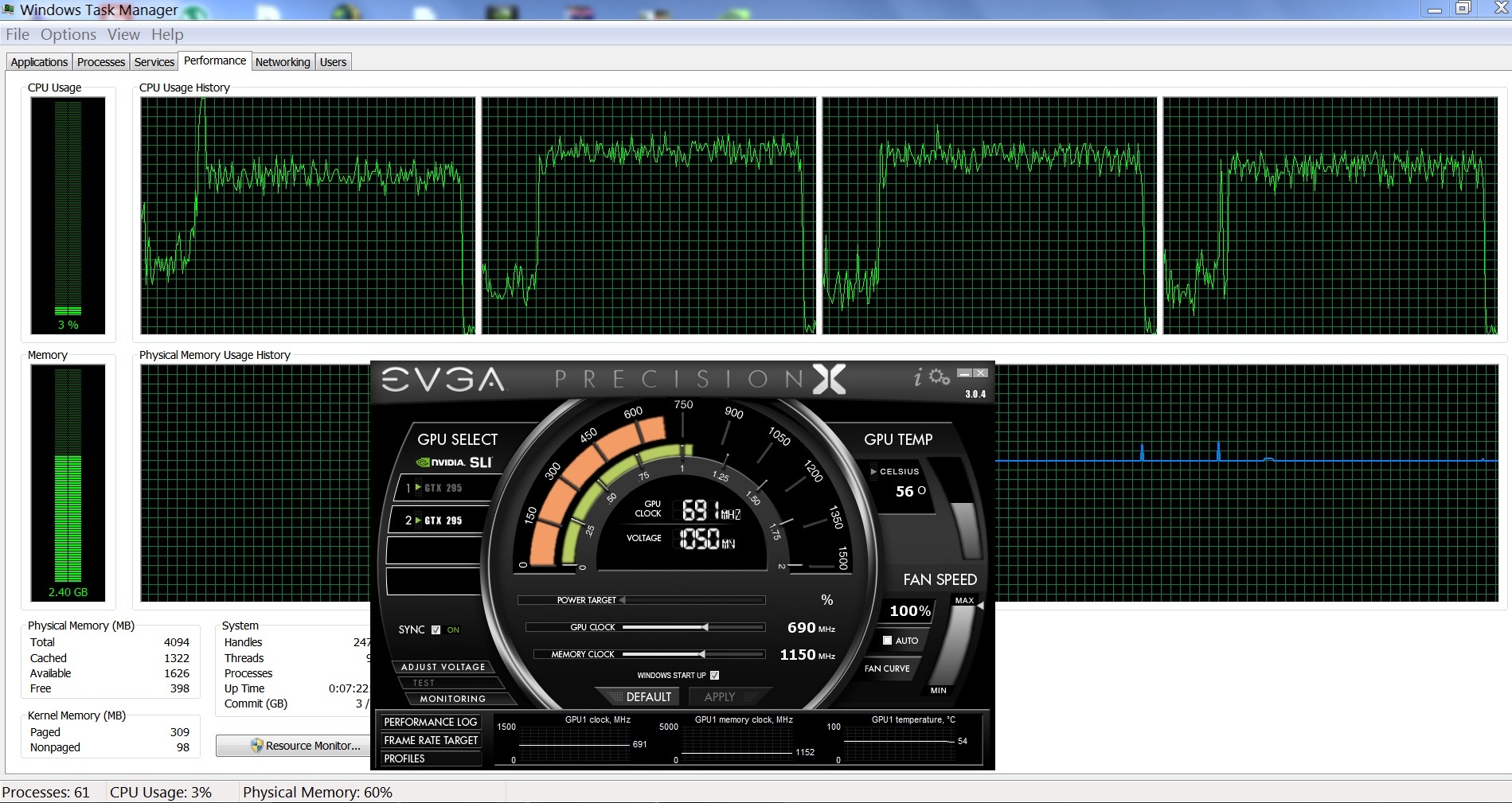
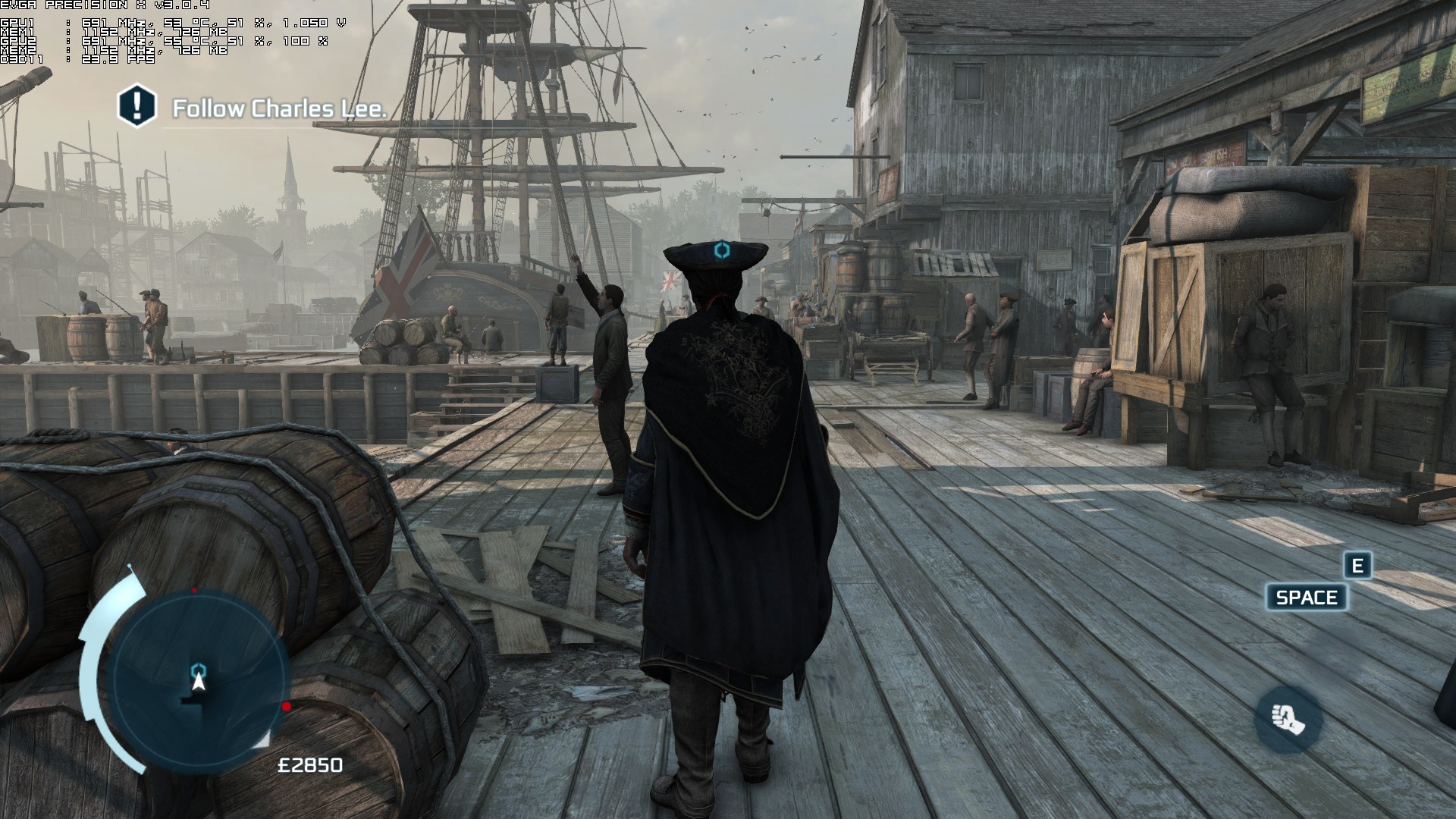
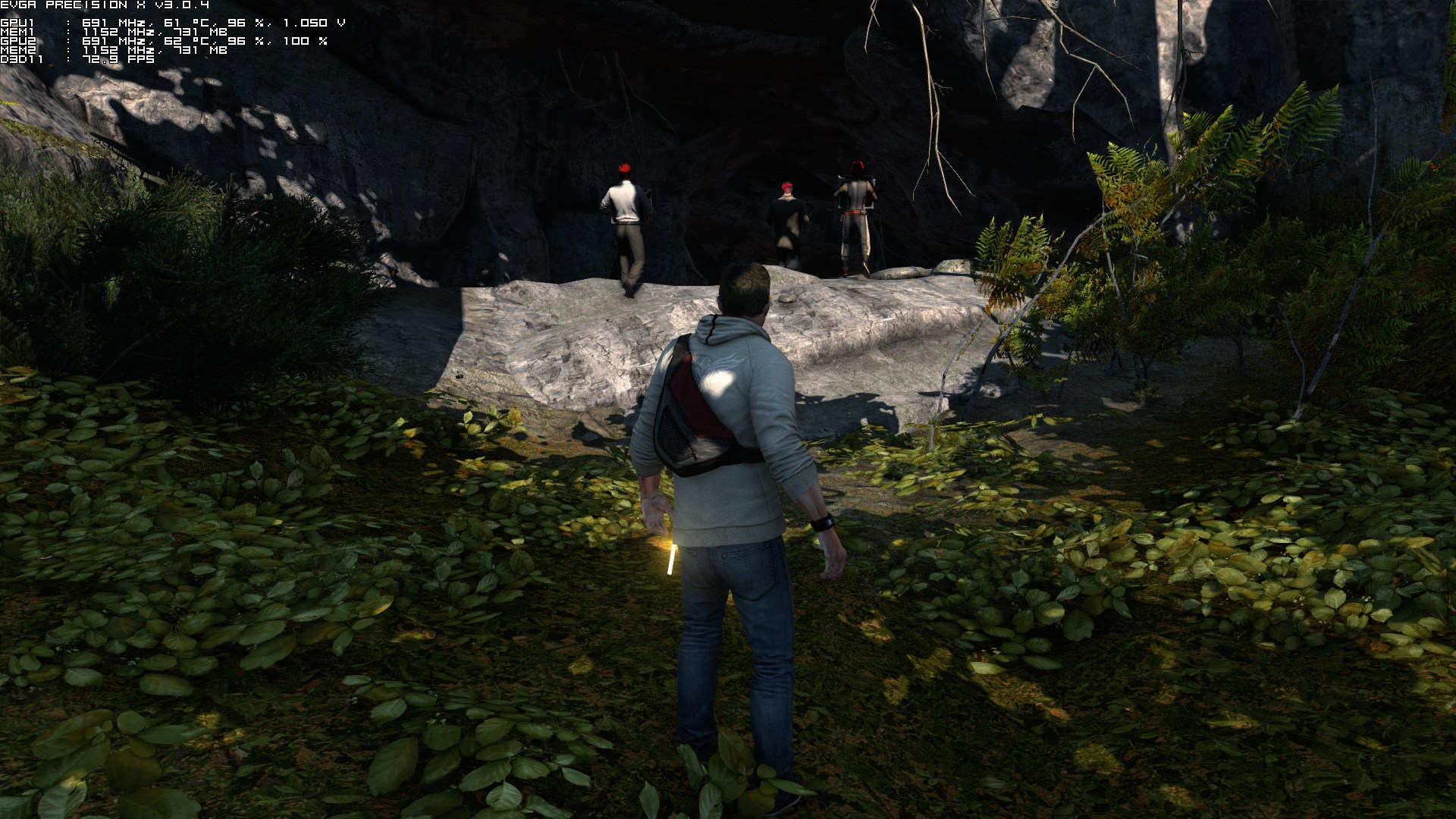
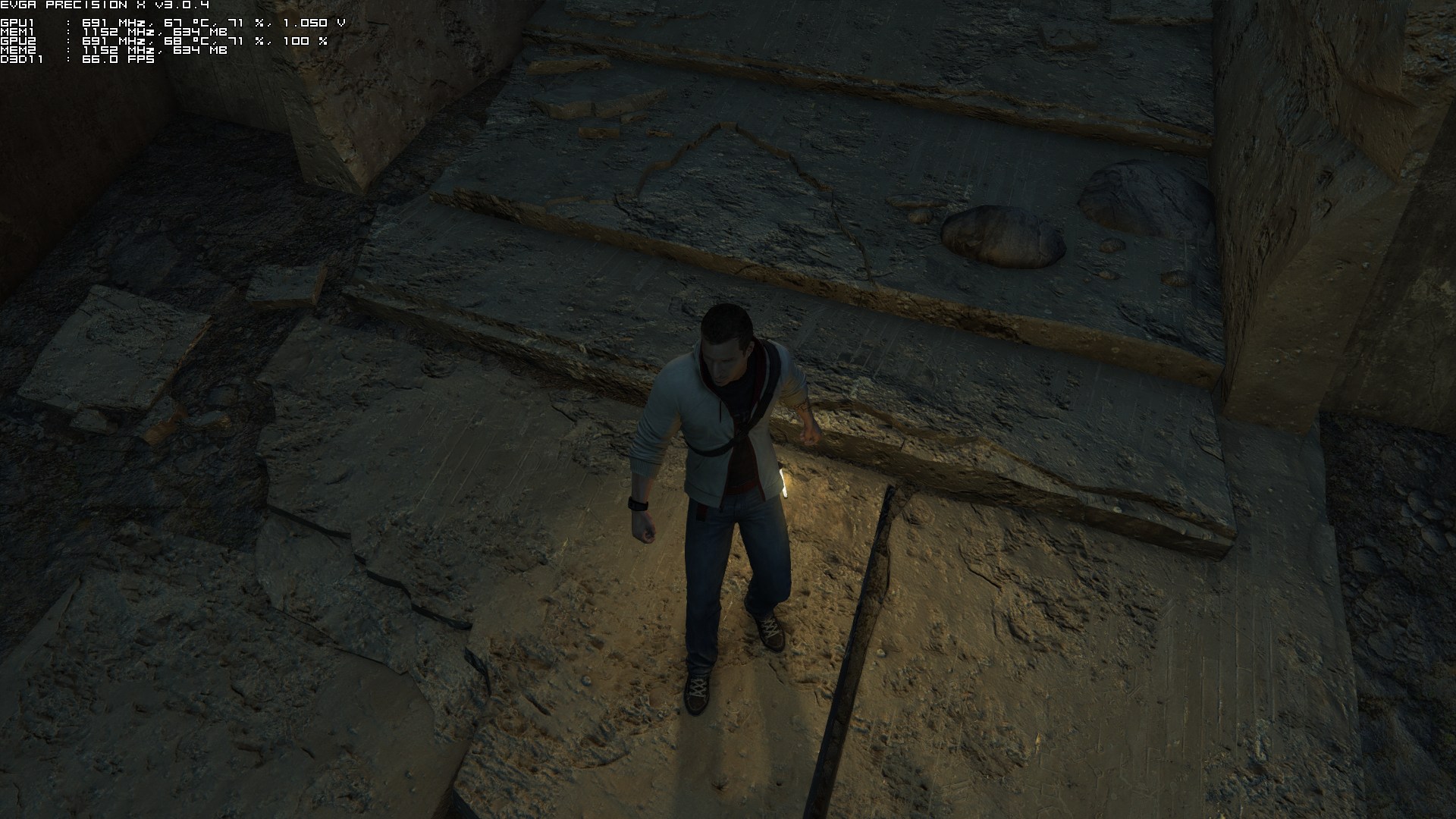
At first look, it appears that Assassin’s Creed III scales great on quad-cores. However, that’s not the case. Although we can see incredible scaling across all four cores on the Boston level, there is no difference at all between a dual-core and a quad-core system. When we simulated a dual-core CPU, we did not notice any noticeable performance hit. Not only that, but AC3 relies heavily (for most of its calculations) on one CPU core. This means that you will encounter CPU limitations / performance issues because of the game’s inability to properly take advantage of multi-cores. Yes, a Q9650 is quite old. However, the fact that Ubisoft’s latest title is unable to take advantage of four cores proves that the company did not put any effort at all in optimizing this game for the PC platform. Hell, take a look at the screenshot where Desmond is facing the minivan. There is nothing that could possibly stress the CPU, yet we were only getting 27fps. In other words, this is another ‘GTA IV’ port.
Graphics wise, Assassin’s Creed III looks better than its predecessors. Ubisoft stated that it has doubled the texture quality and that’s true, as most of the surfaces look better than their consoles counterparts. Still, you will easily spot a lot of surfaces with low-res textures, as well as pop-up issues for characters, animals and objects. The animation system, on the other hand, remains top-notch, and there are some cool graphical effects that are pleasing to the eye (like the overused ambient occlusion effect). Assassin’s Creed III looks better than its predecessors but it cannot compete with other triple-A PC titles. Sleeping Dogs, Skyrim and The Witcher 2 look – and perform – better than it. After all, a GTX295 is enough for such a title (provided you are not CPU limited). It’s ironic, but Ubisoft has been hyping the PC version in its latest press release, when in fact this version is seriously bugged. Moreover, we advice SLI owners to disable and run the game in Single-GPU mode to avoid the annoying flickering issue.

All in all, Assassin’s Creed III is a total mess. The game performs worse than Need For Speed: Most Wanted, as there were scenes where we were witnessing a really, really low framerate (on 1080p and max settings). Our framerate was raised by only 5 frame when we lowered all of our settings – on those particular scenes. This fact confirms our previous claims; that the game has serious CPU issues. We seriously don’t know what is hogging the CPU, and Ubisoft really needs to take a good look at the game’s code. And understand this; we don’t mind having games pushing our systems to their limits. However, we demand proper CPU and GPU utilization. When a game is not taking advantage of quad-cores, it proves that it is not optimized for multi-CPUs and was hastily ported over from the consoles. Sure, owners of Intel iX CPUs will be able to run the game with a higher framerate, though we’ve seen reports about low performance on such CPUs too. It’s really sad, though, that PC gamers need high-end – and the most powerful – CPUs to overcome the game’s optimization issues in order to enjoy it.
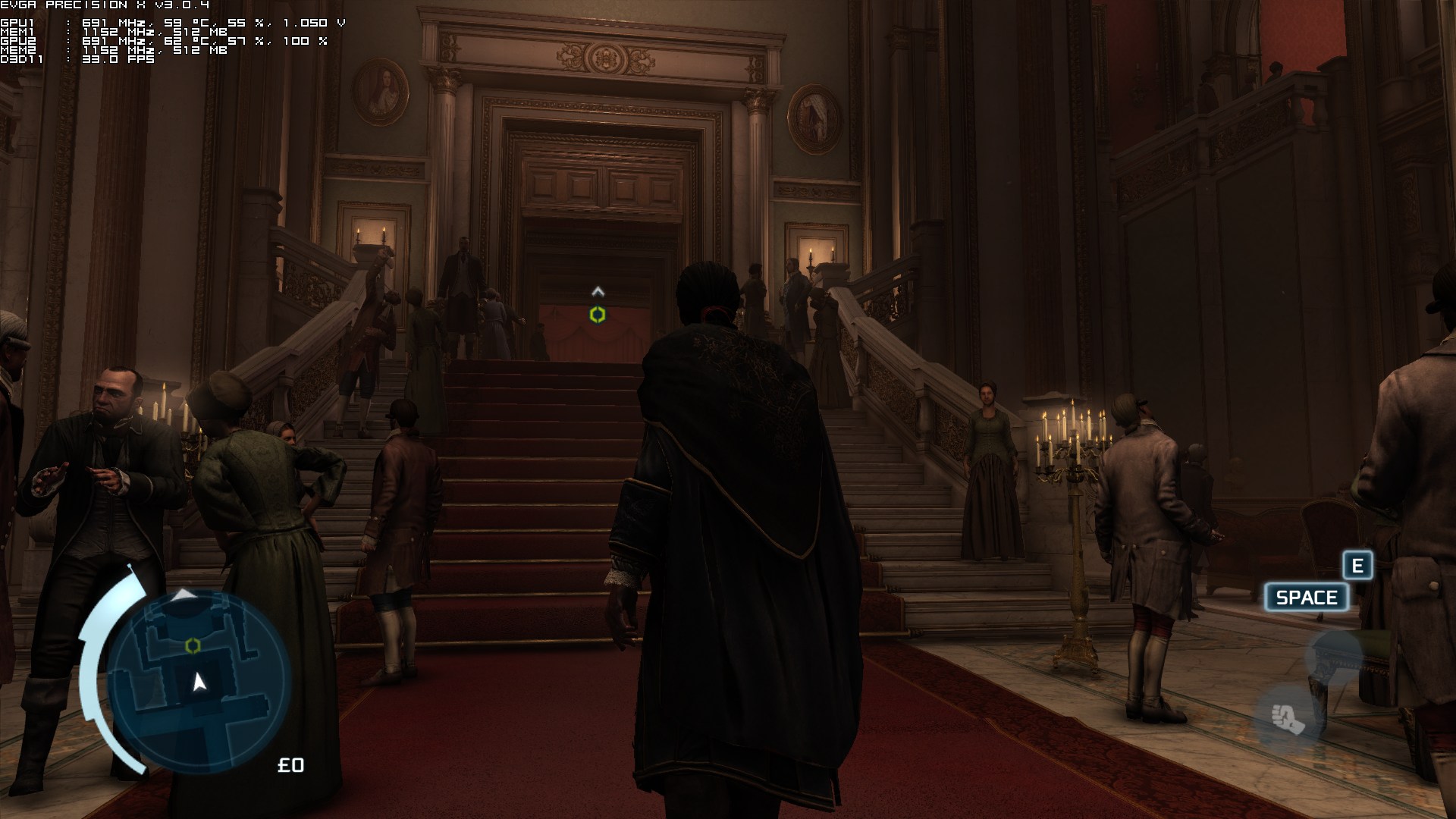
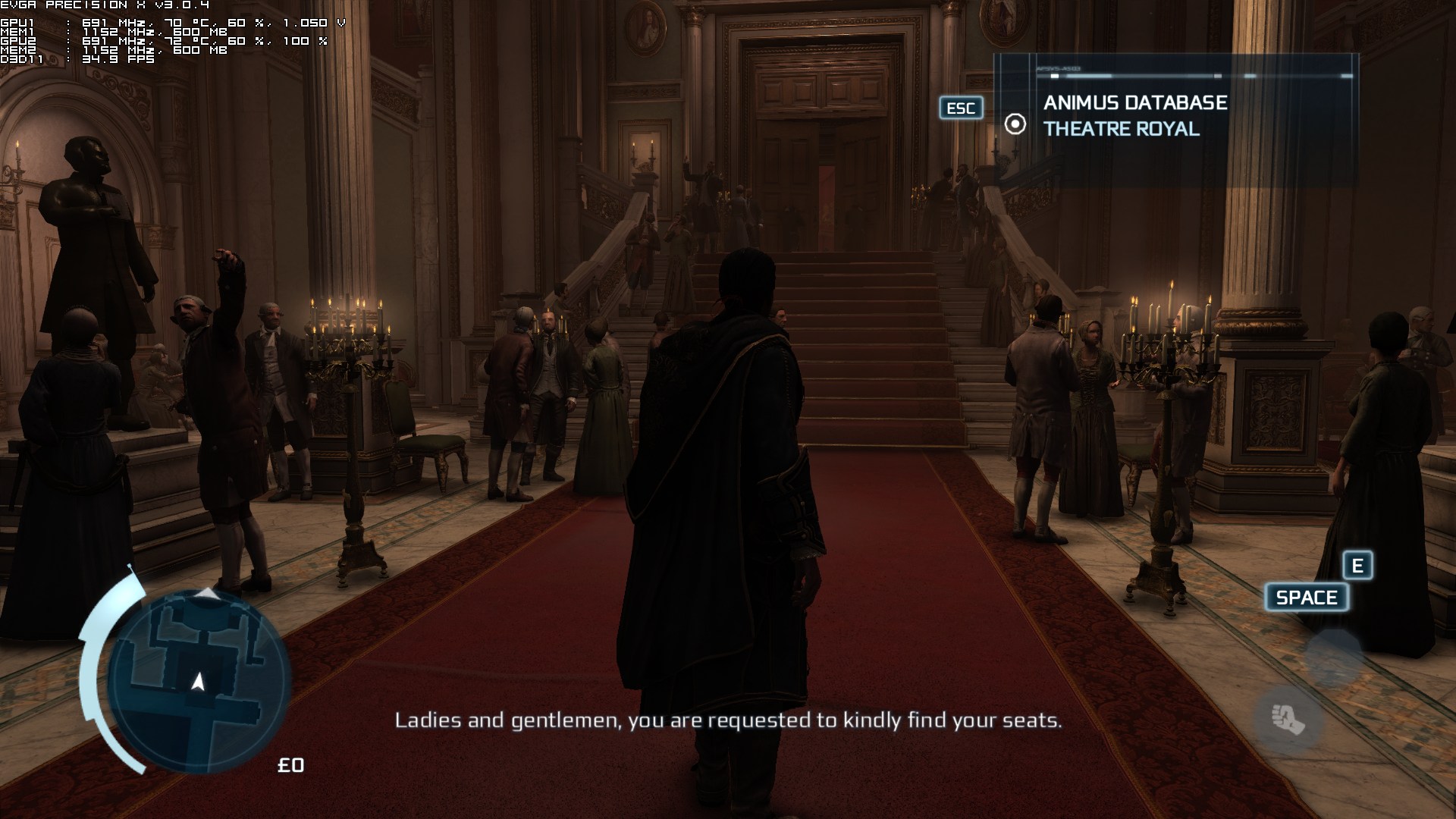
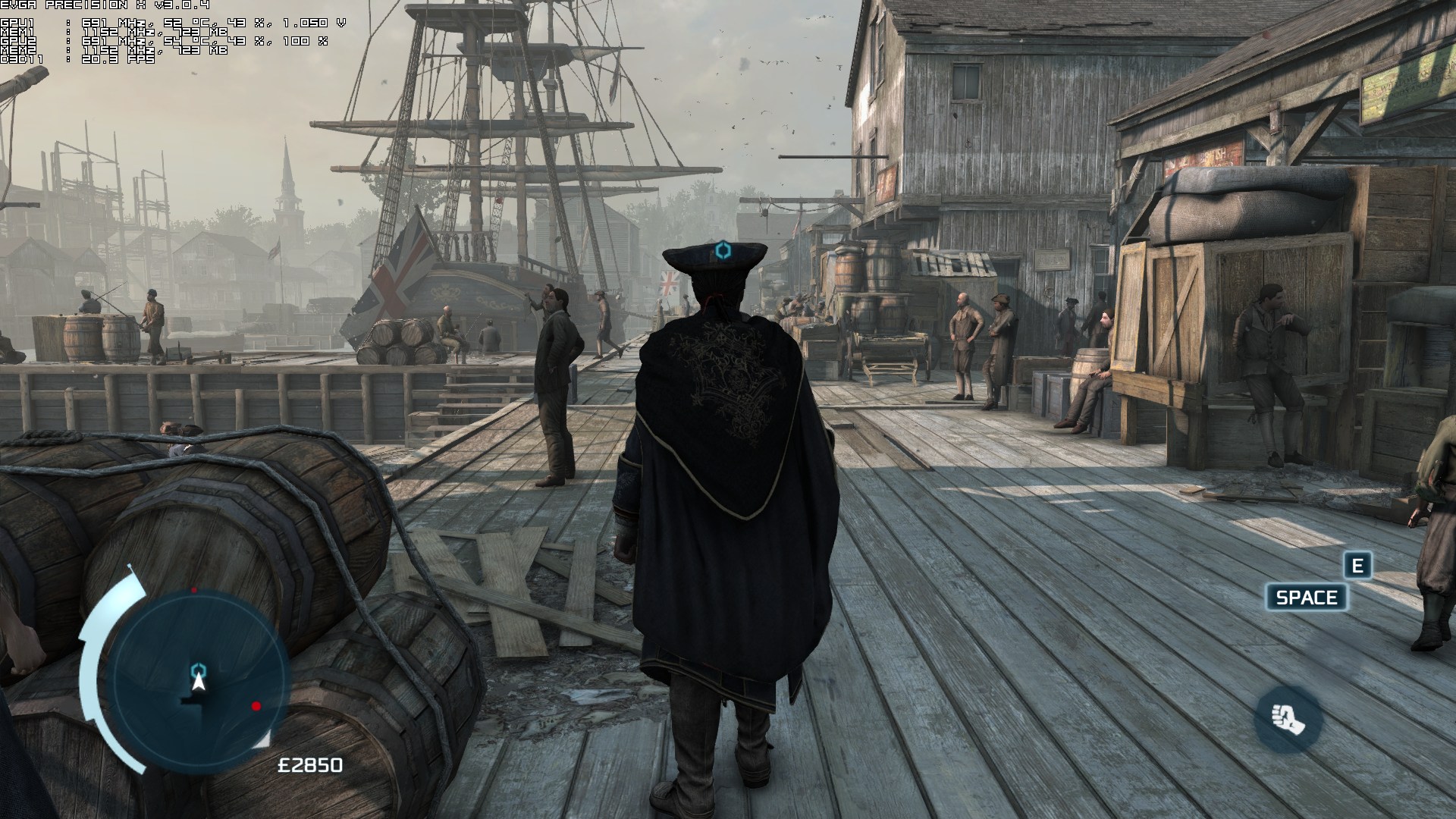
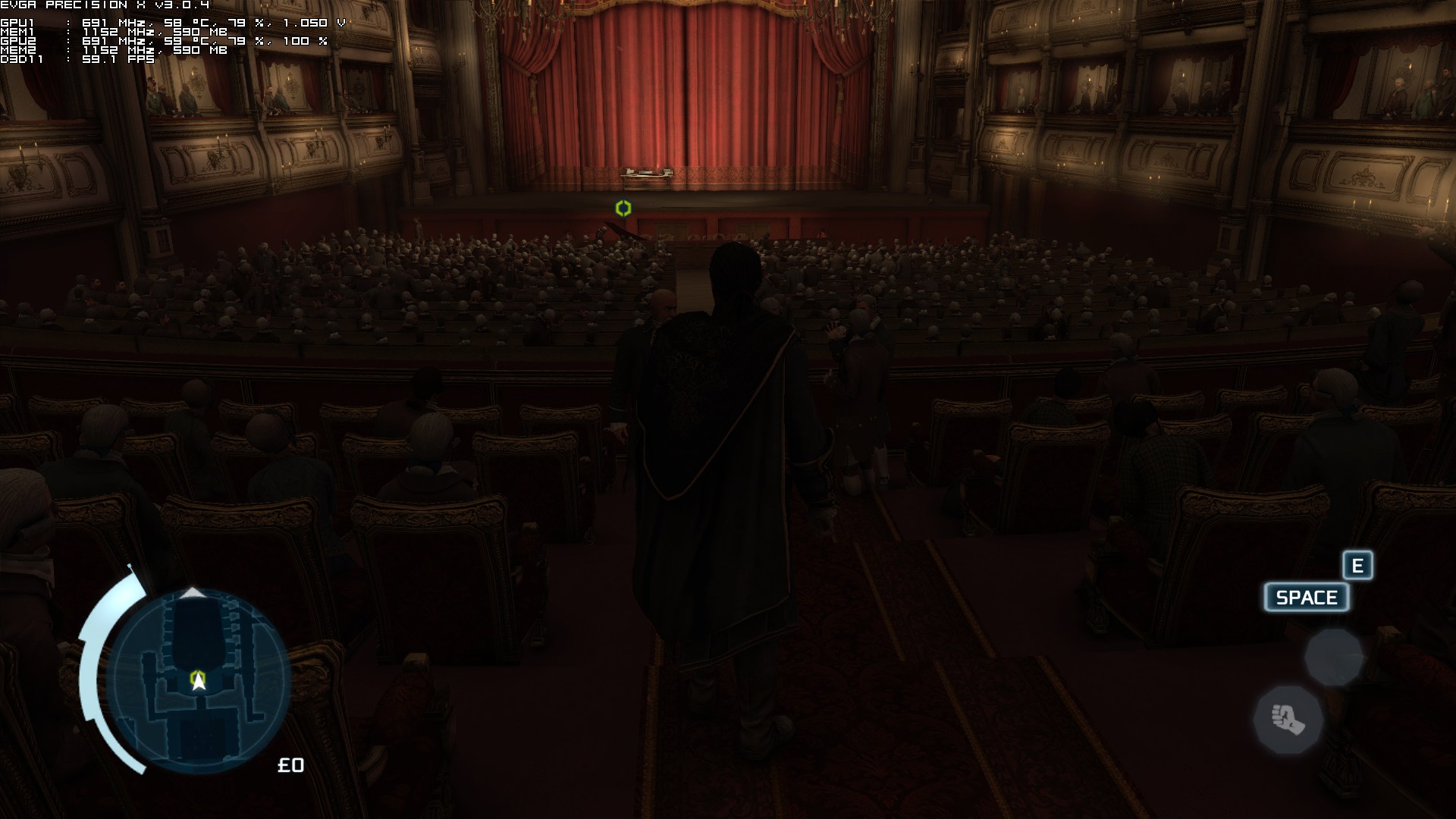
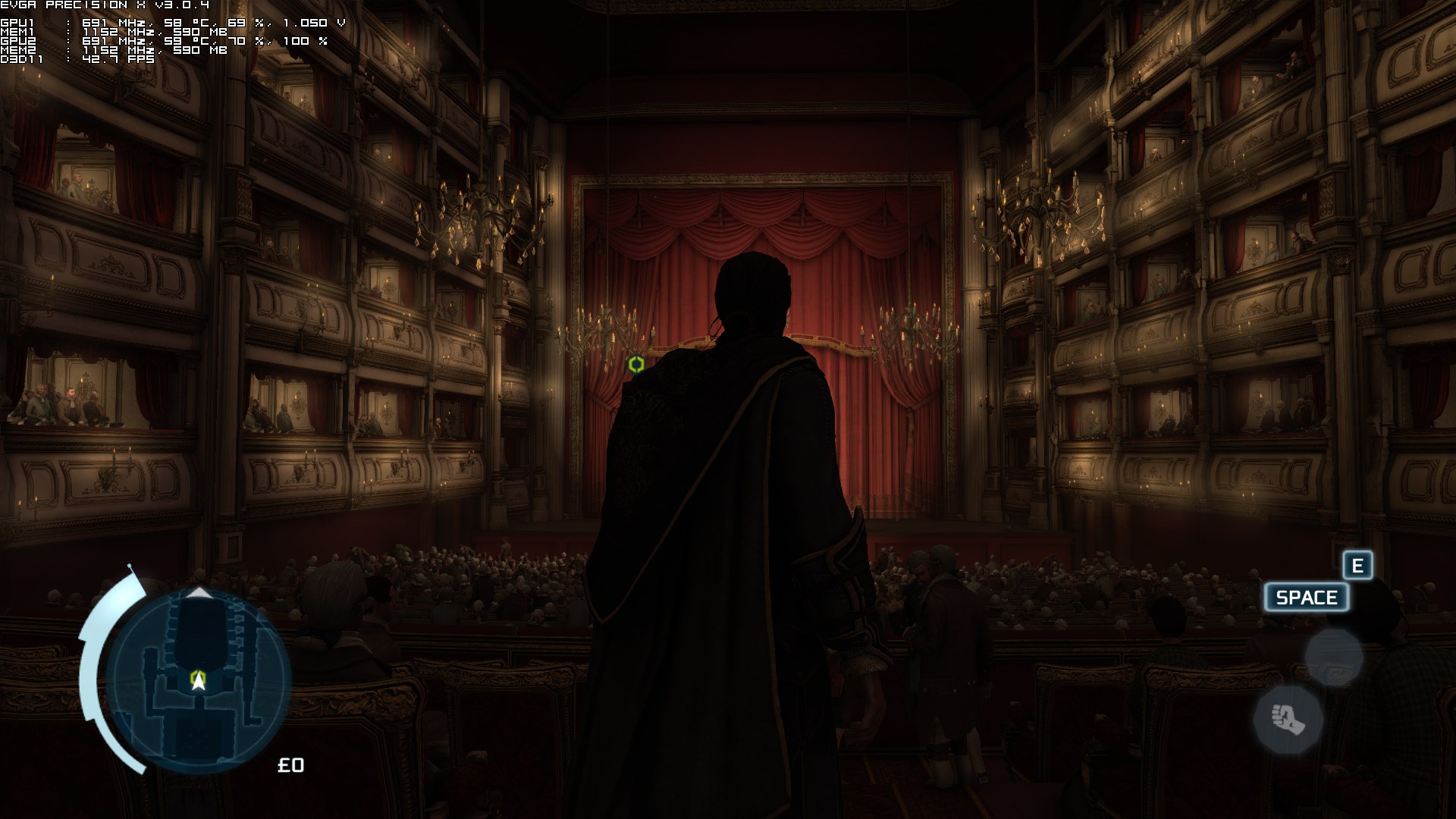
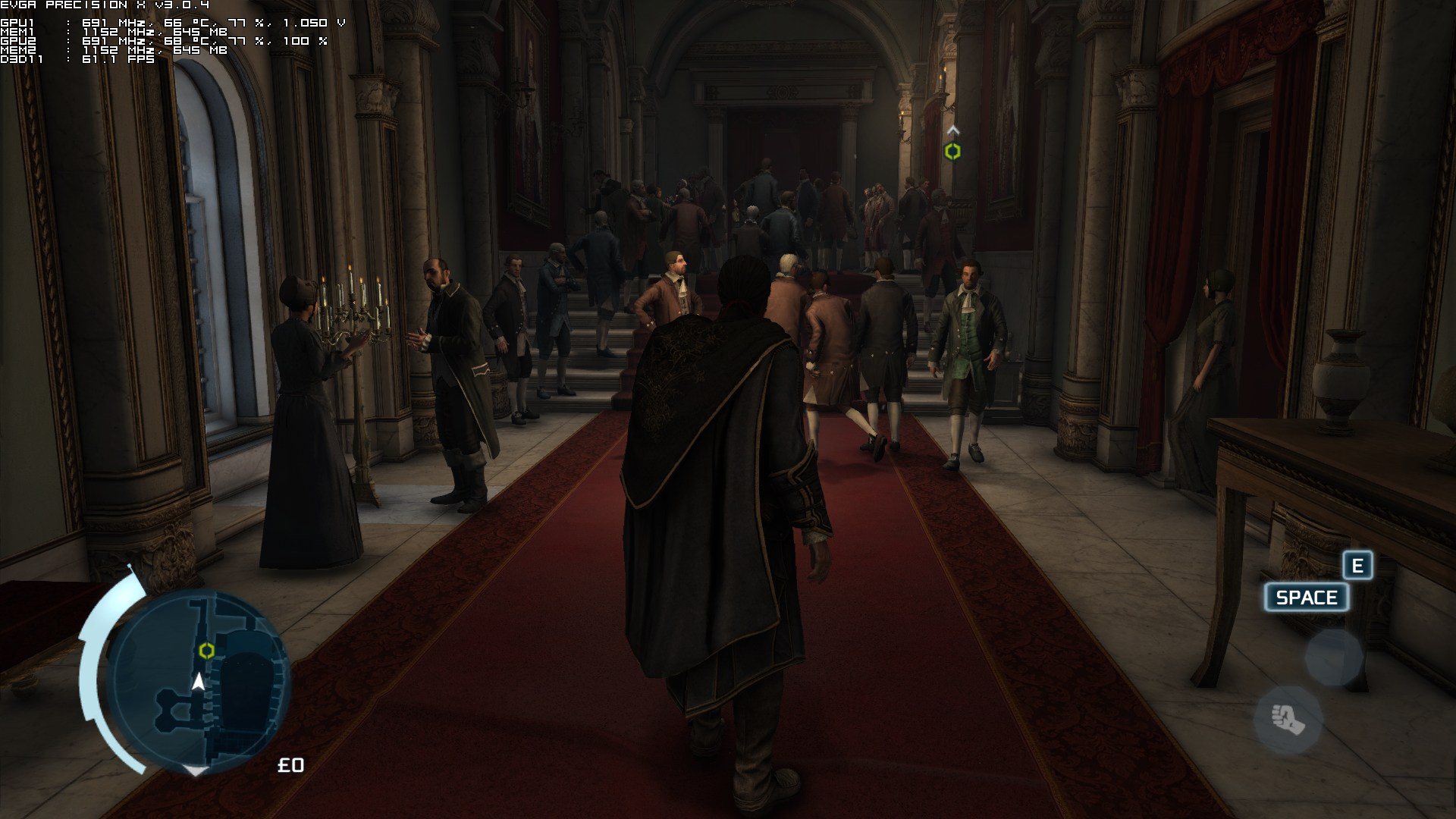
We’ve also included some comparison shots between our simulated dual-core and our real quad-core systems. Moreover, in the opera scene, you can clearly see that our framerate took a dive when we raised the game’s camera to a higher viewpoint, even though there was nothing on screen to stress the CPU, further proving how horribly optimized this game actually is.
Well done Ubisoft!











John is the founder and Editor in Chief at DSOGaming. He is a PC gaming fan and highly supports the modding and indie communities. Before creating DSOGaming, John worked on numerous gaming websites. While he is a die-hard PC gamer, his gaming roots can be found on consoles. John loved – and still does – the 16-bit consoles, and considers SNES to be one of the best consoles. Still, the PC platform won him over consoles. That was mainly due to 3DFX and its iconic dedicated 3D accelerator graphics card, Voodoo 2. John has also written a higher degree thesis on the “The Evolution of PC graphics cards.”
Contact: Email