
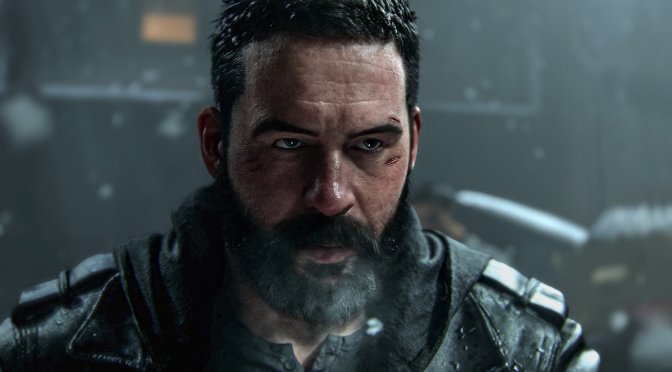
Last week, Activision released Call of Duty: Modern Warfare 4 on PC. The game supports Ray Tracing, but turning it on disables NVIDIA DLSS. It’s a strange choice, to say the least. Still, this restriction gives us an opportunity to test two things. So, can the rasterized version with DLSS 5 beat Ray Tracing without DLSS 5? Which one looks better? Let’s find out.
Since Call of Duty: Modern Warfare 4 does not have native support for DLSS 5, I used the latest version of the RHI Mod to enable it. To test and capture the following screenshots, I also used an AMD Ryzen 9 7950X3D, 32GB of DDR5 at 6000Mhz, NVIDIA’s RTX 5080, and RTX 5090. I also used Windows 10 64-bit and the NVIDIA Game Ready 621.01 driver.
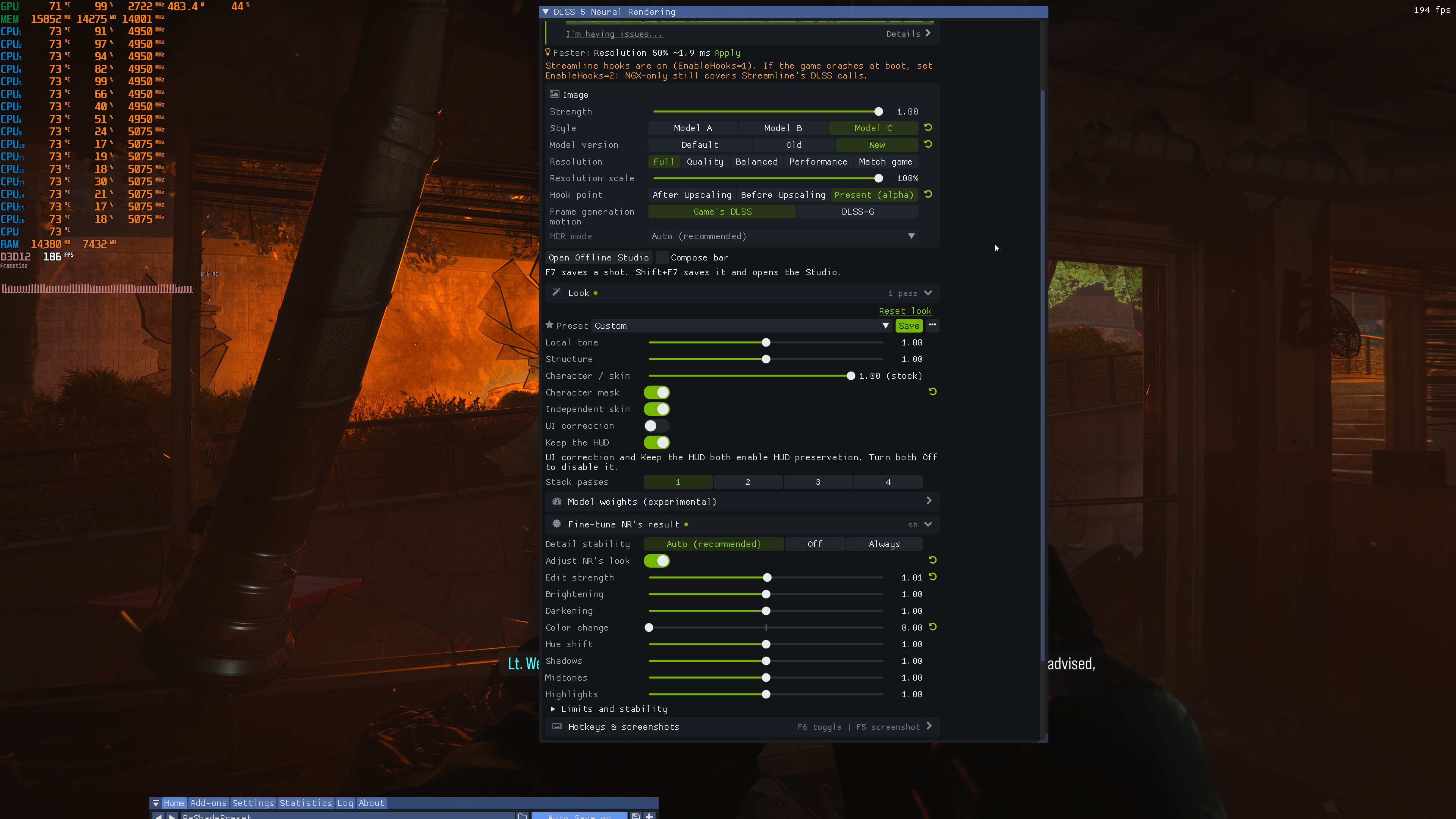
Here are the DLSS 5 settings I used. My goal was to improve the image quality of the game, but keep the look and tone of the original version. I also wanted consistency. I’m saying this because you can crank the settings or use 2-3 passes, and some scenes can look amazing, but others can look really bad. As such, I left most settings at their default values. I also lowered the Color setting. This helped keep the original color tone of the game.
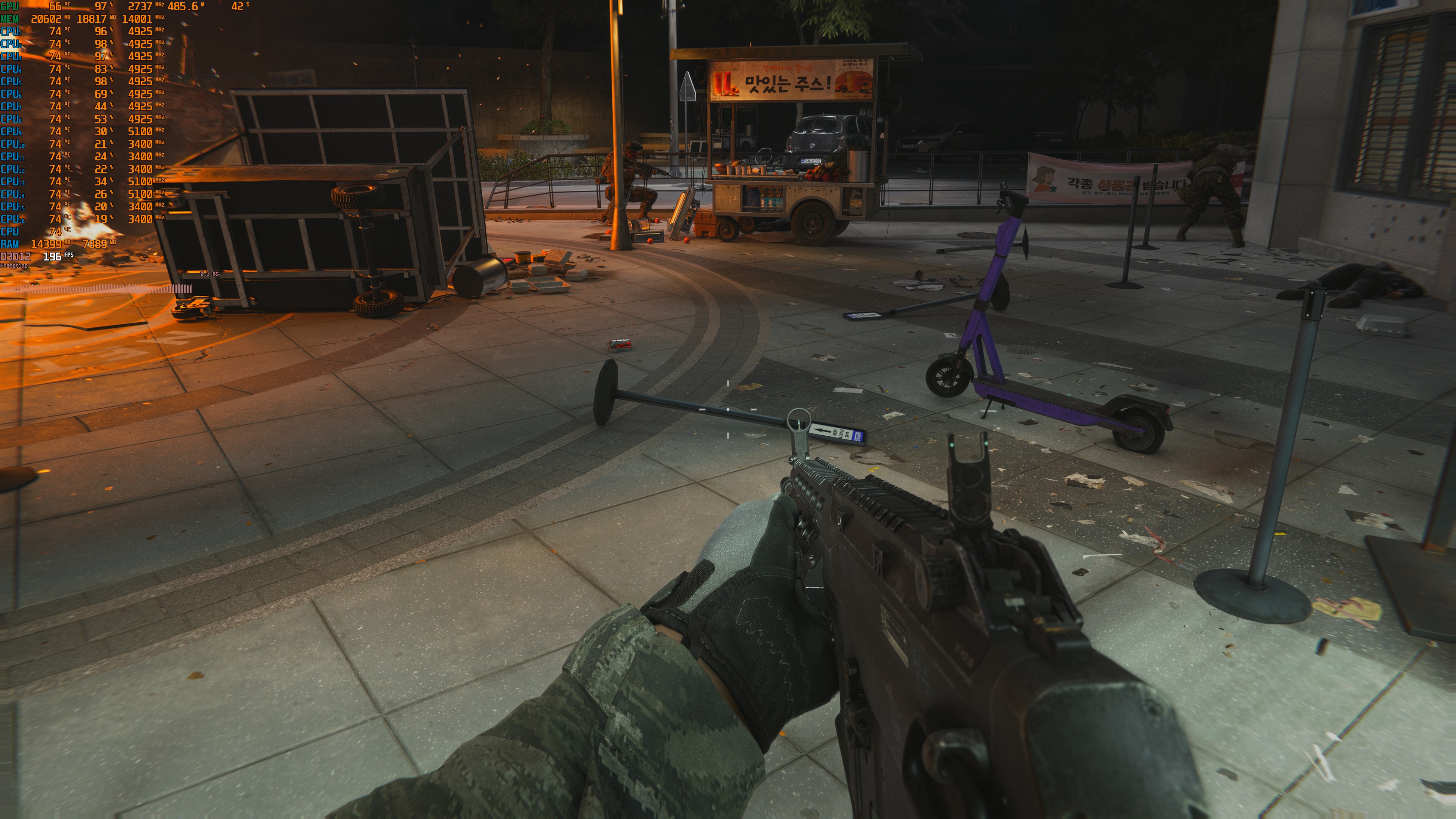
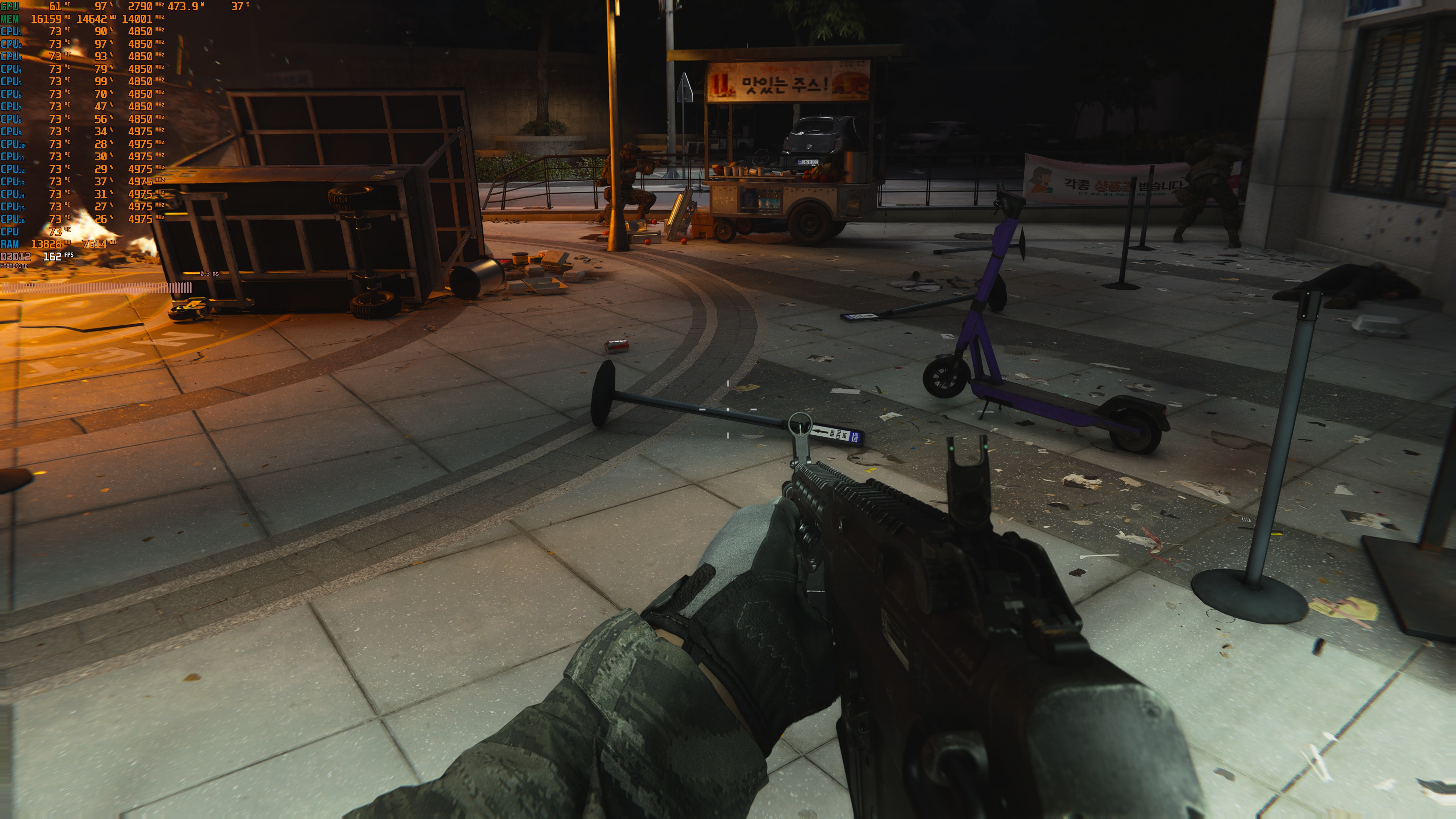
Here are the comparison shots. On the left, we have the DLSS 5 shots. On the right, we have the Ray Tracing images.


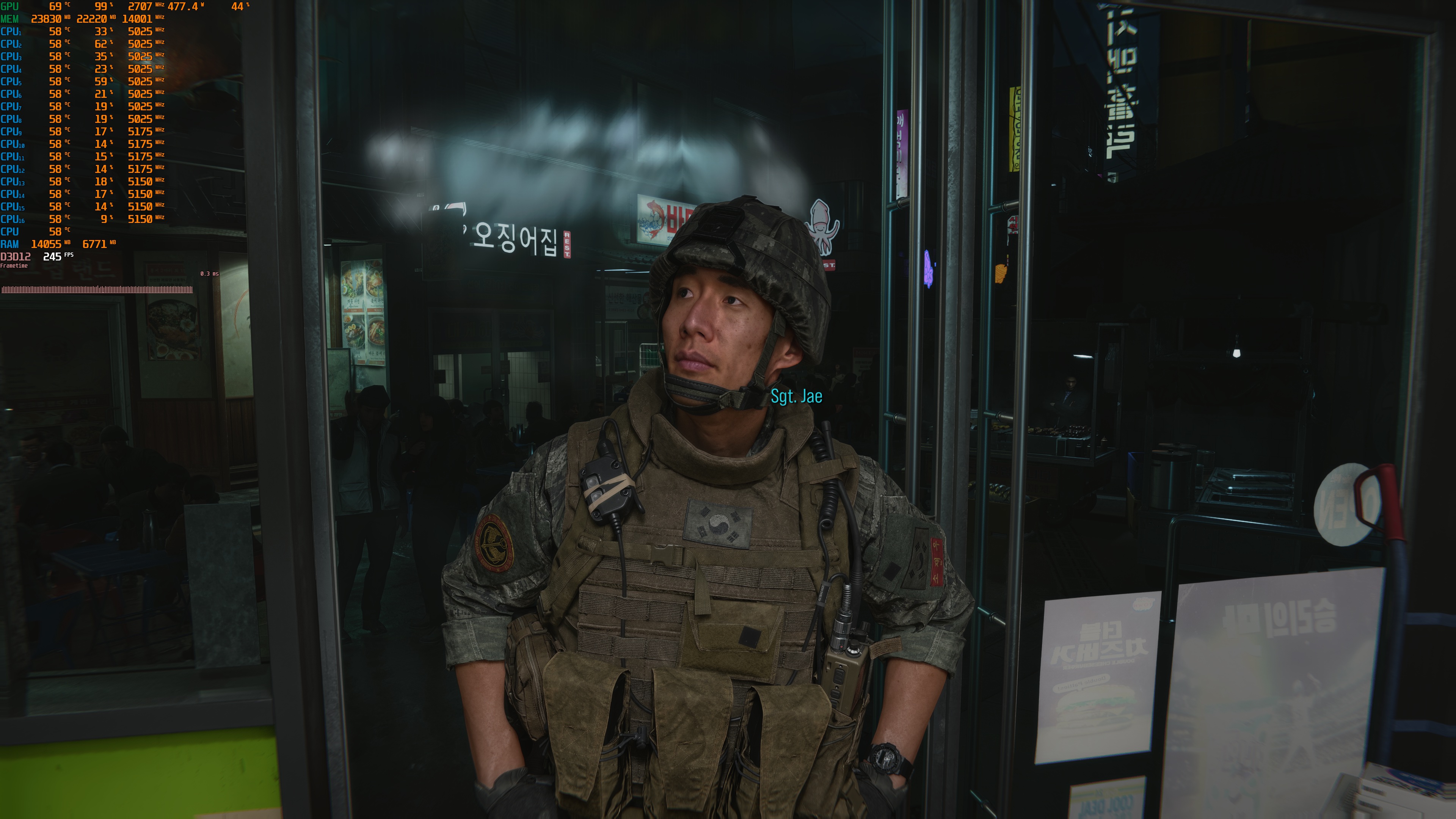
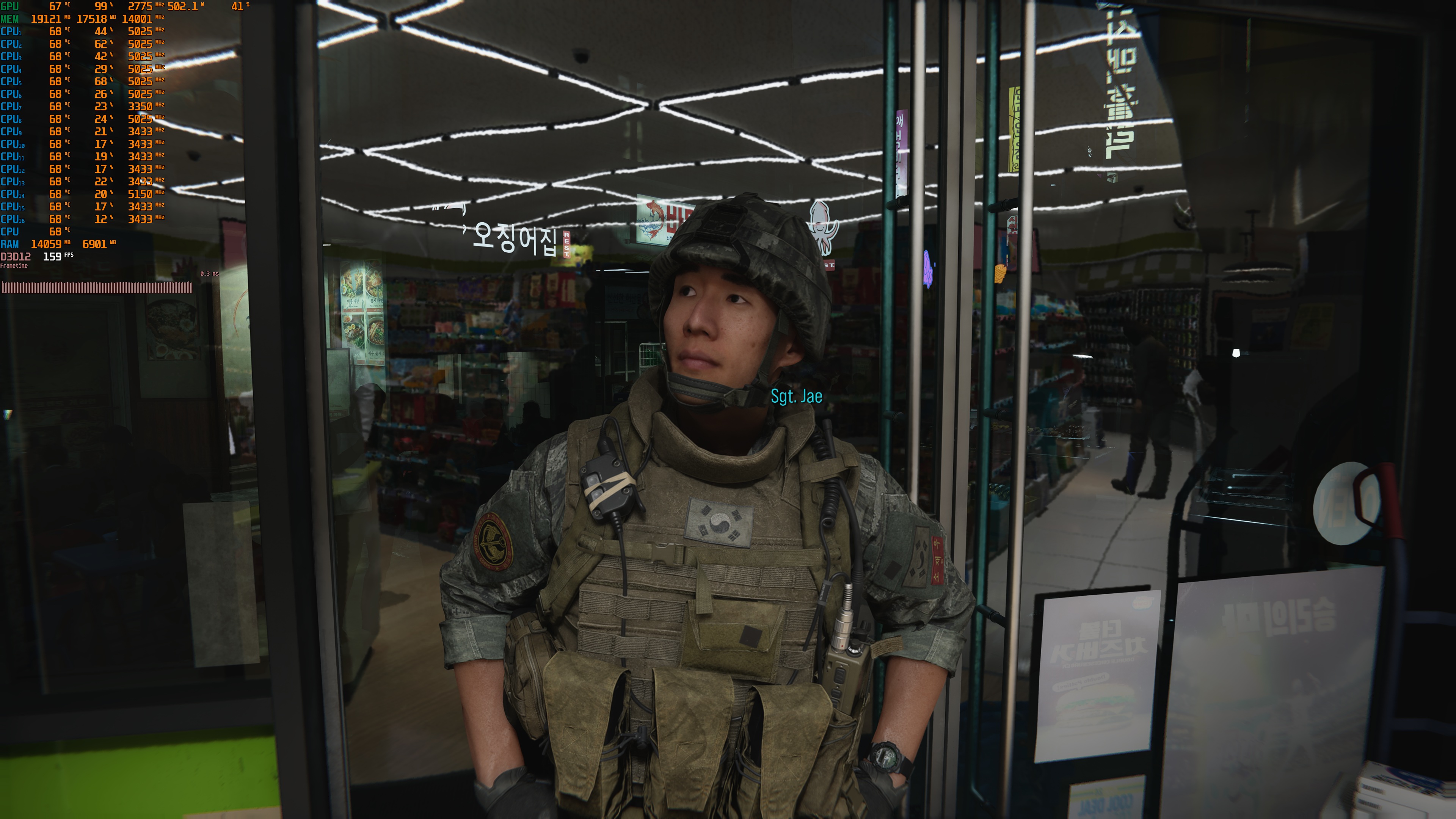


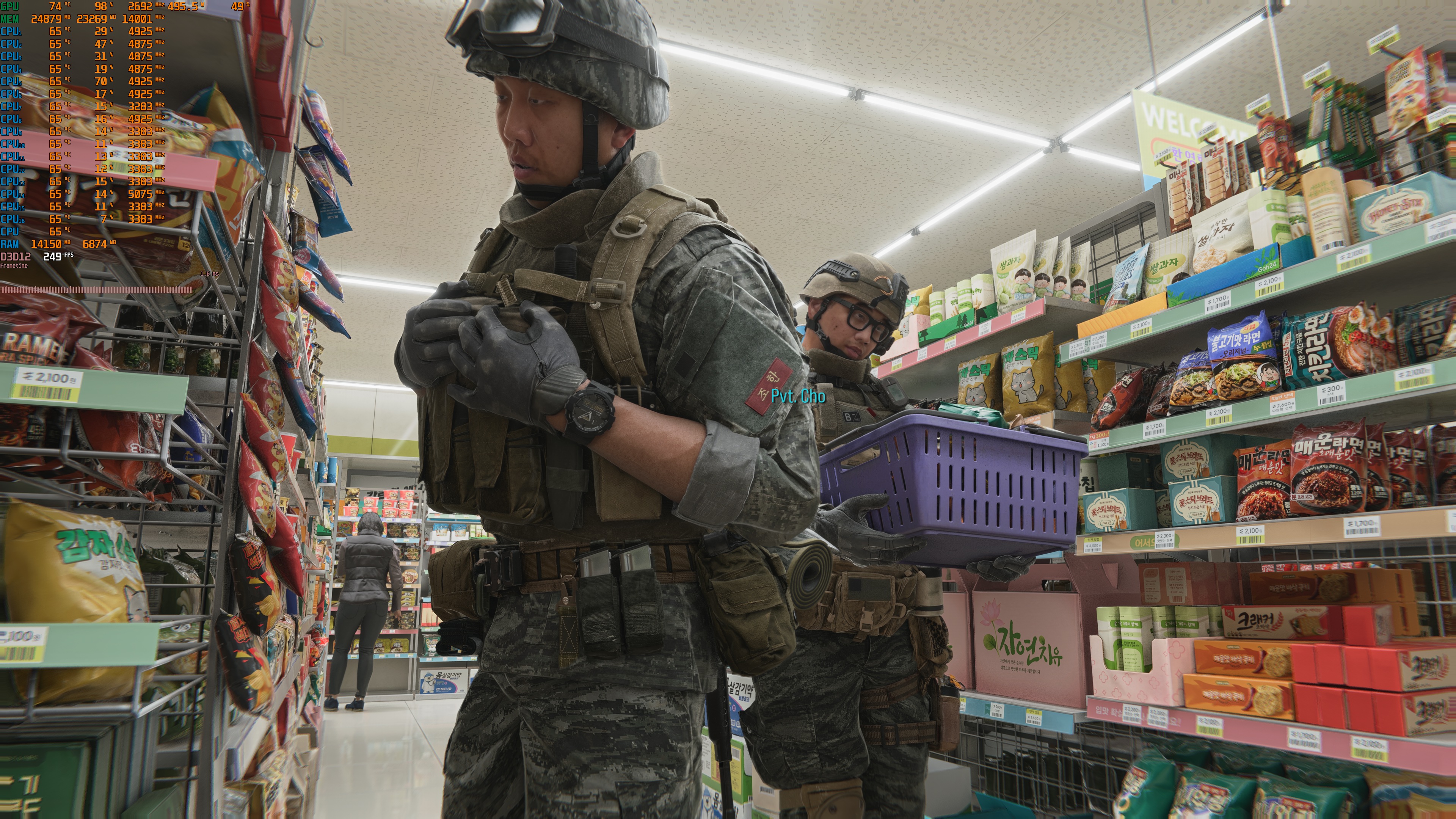
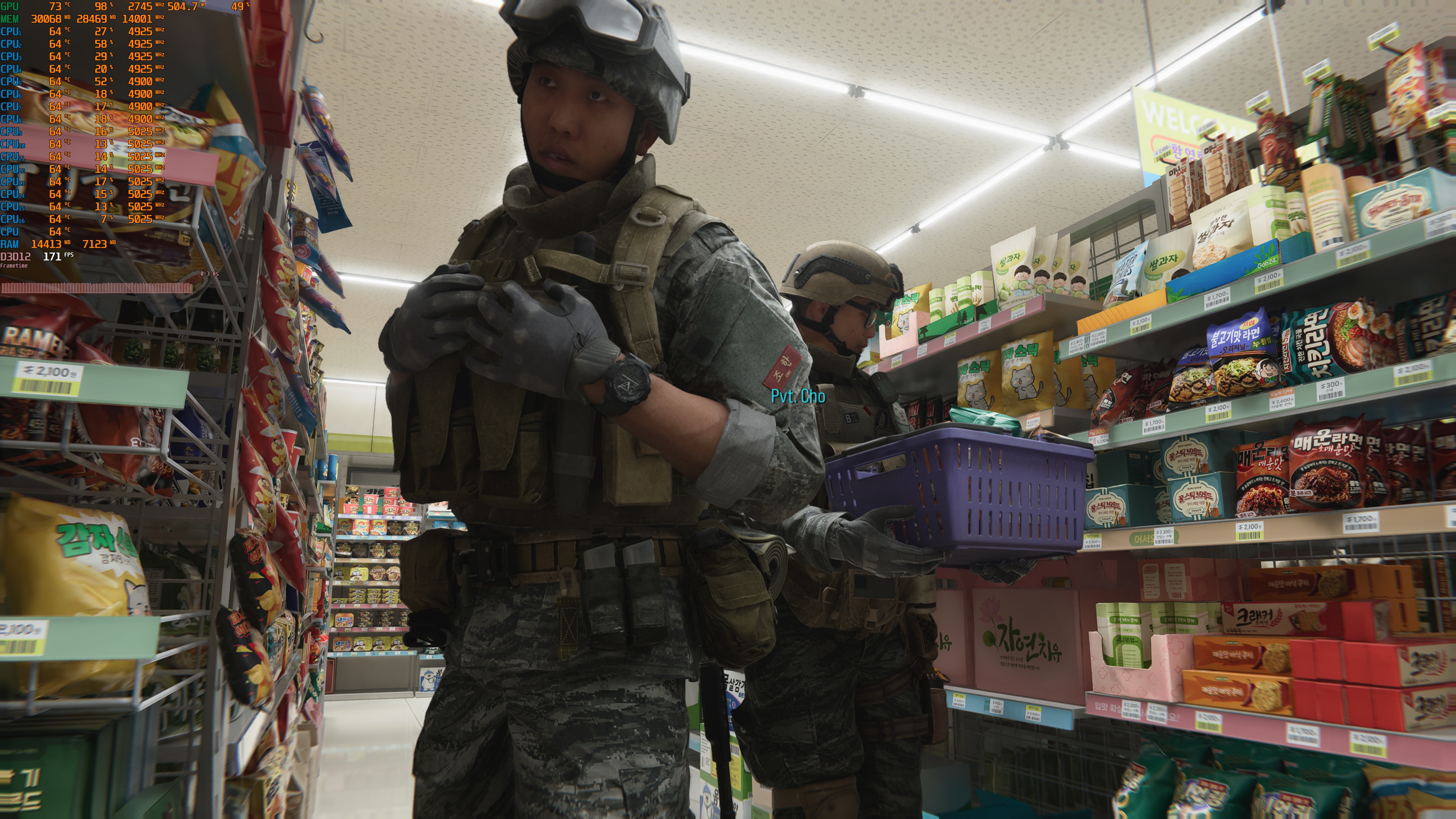


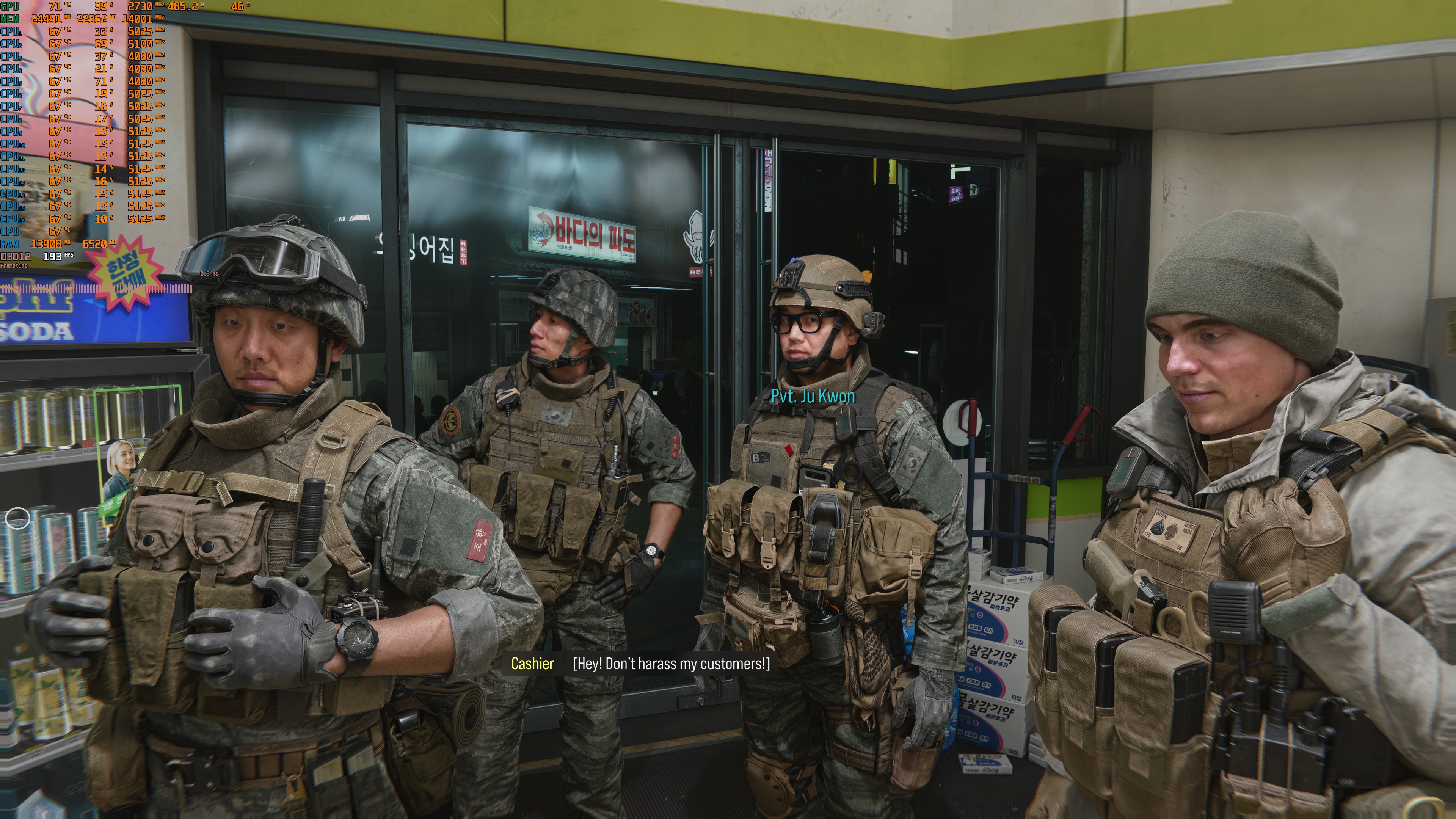
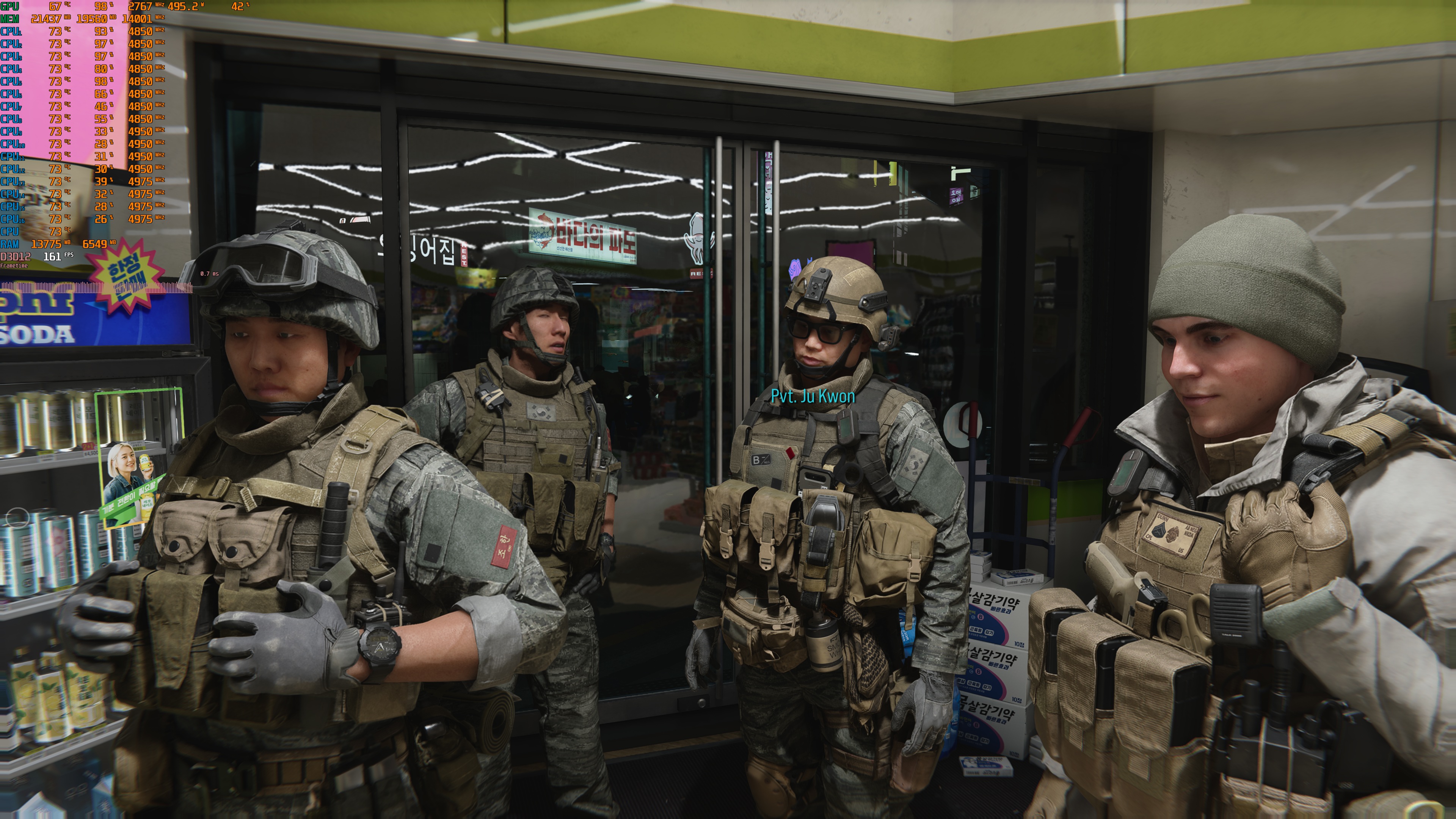
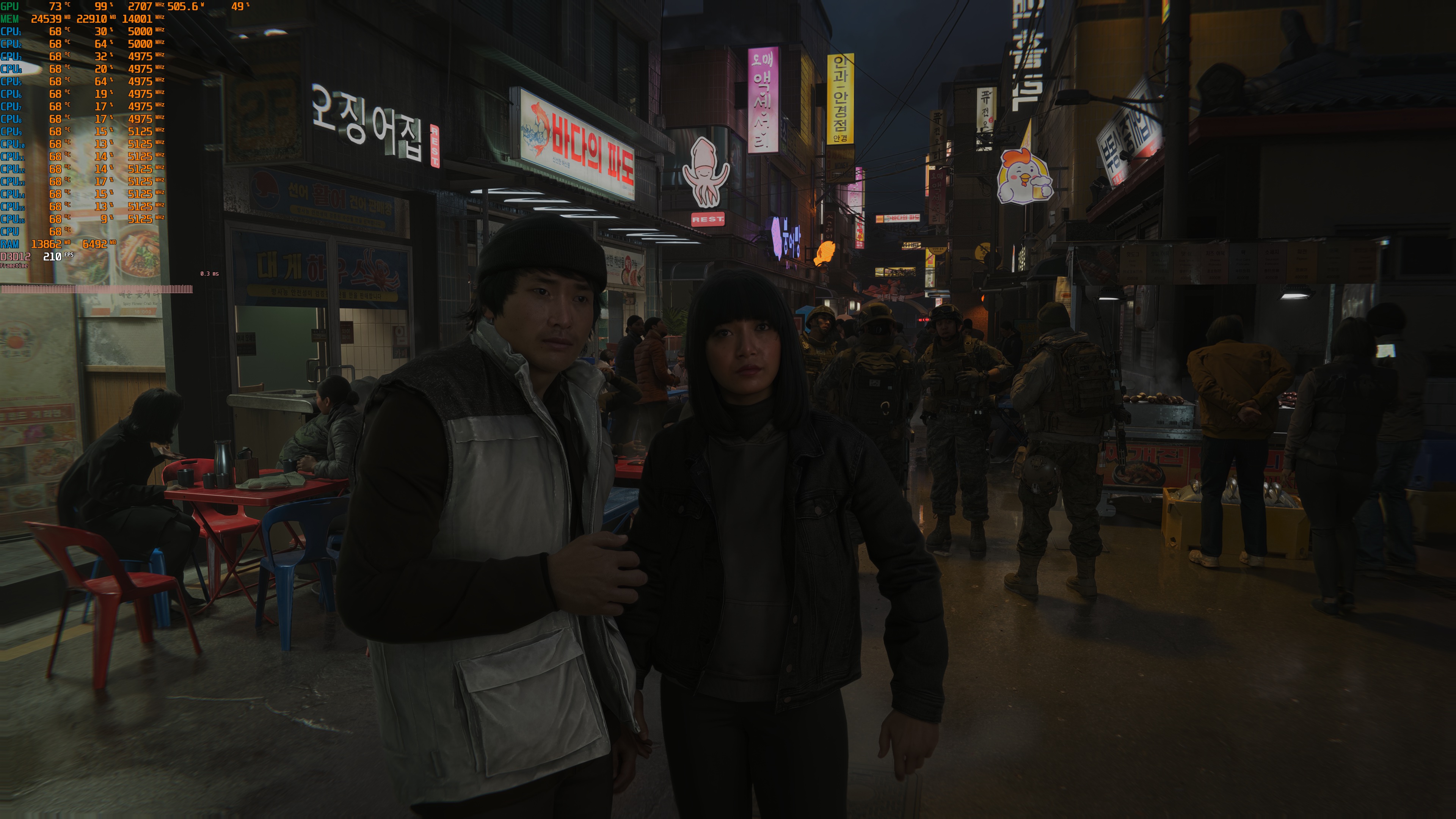
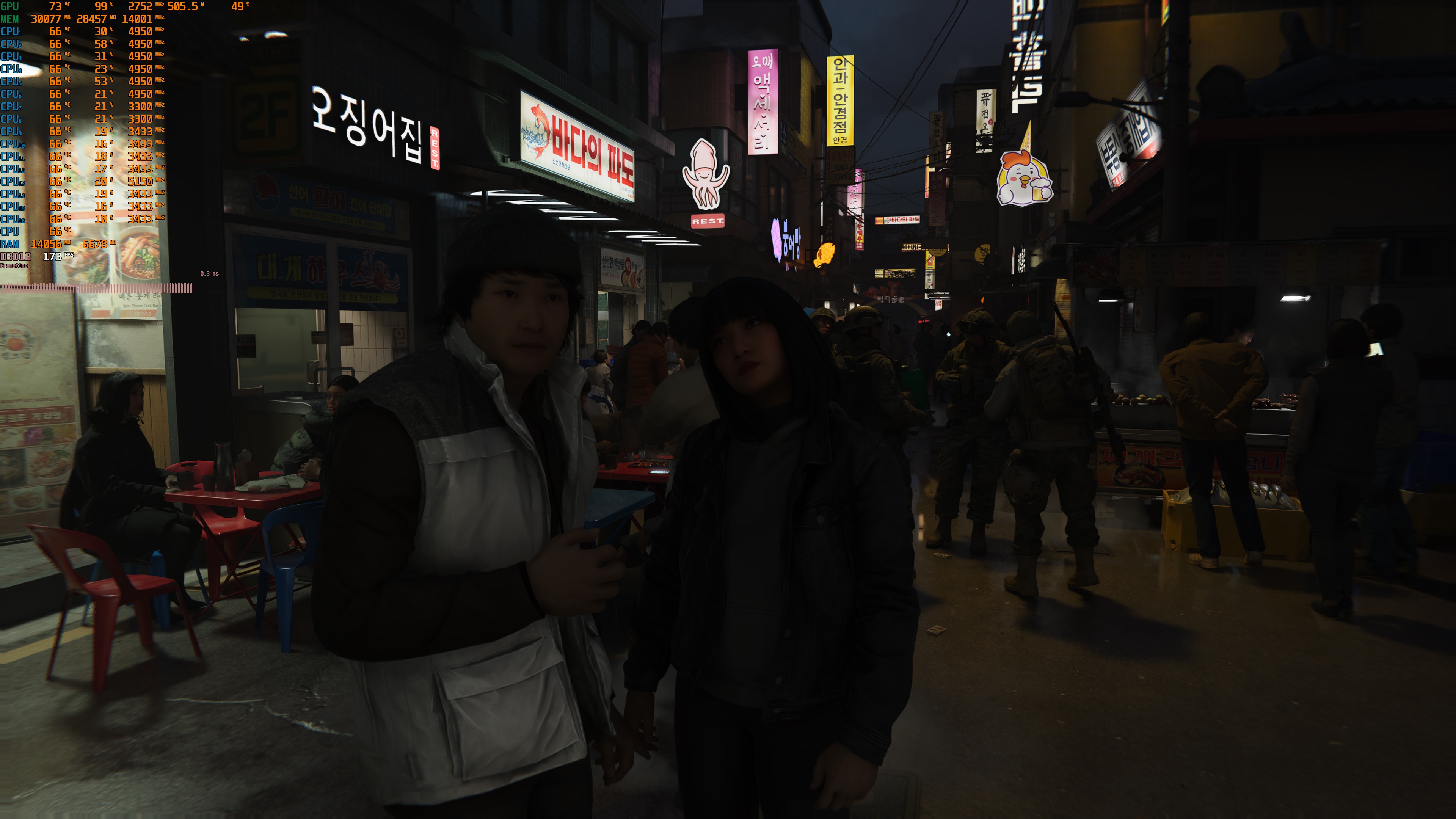
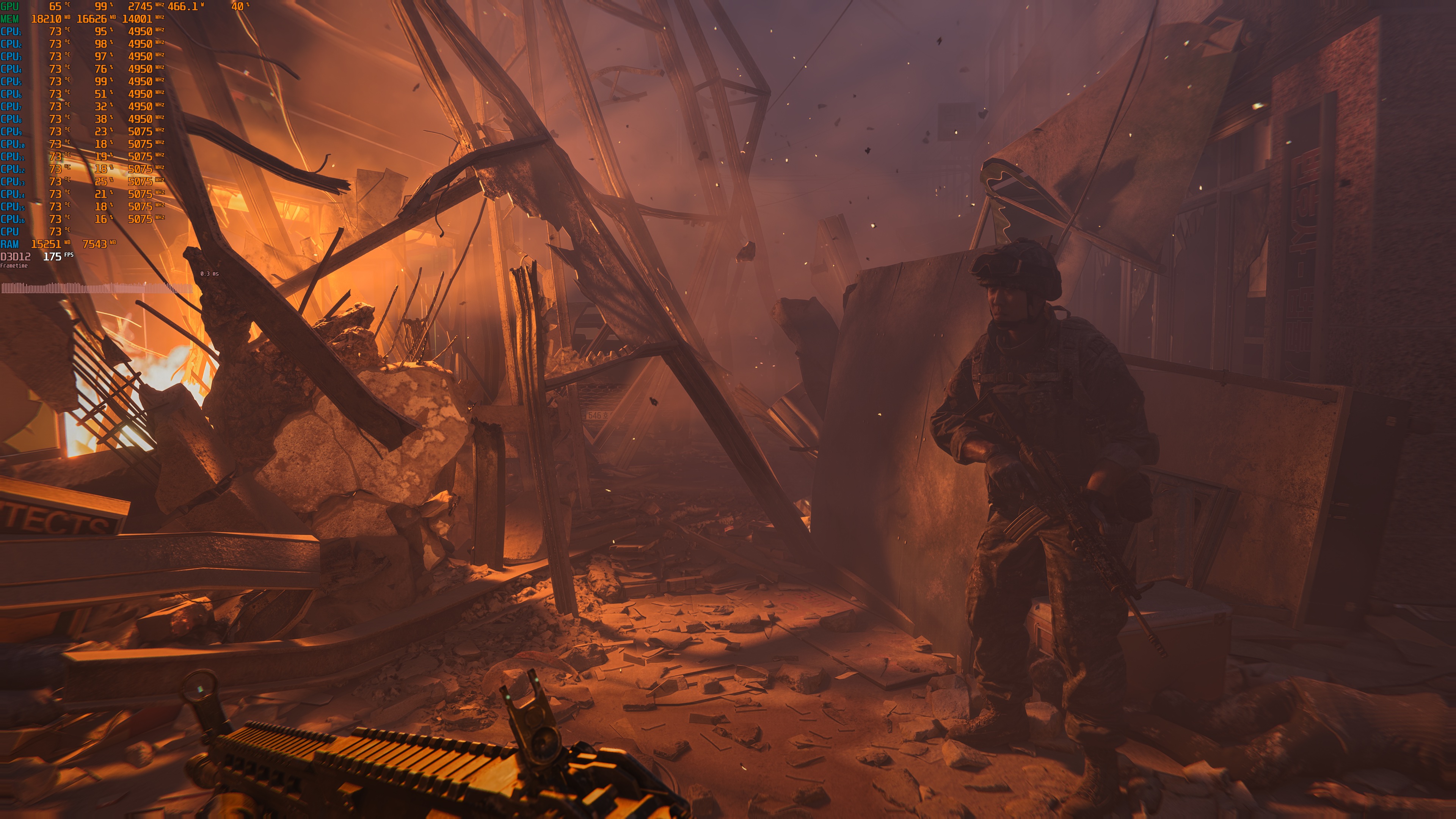
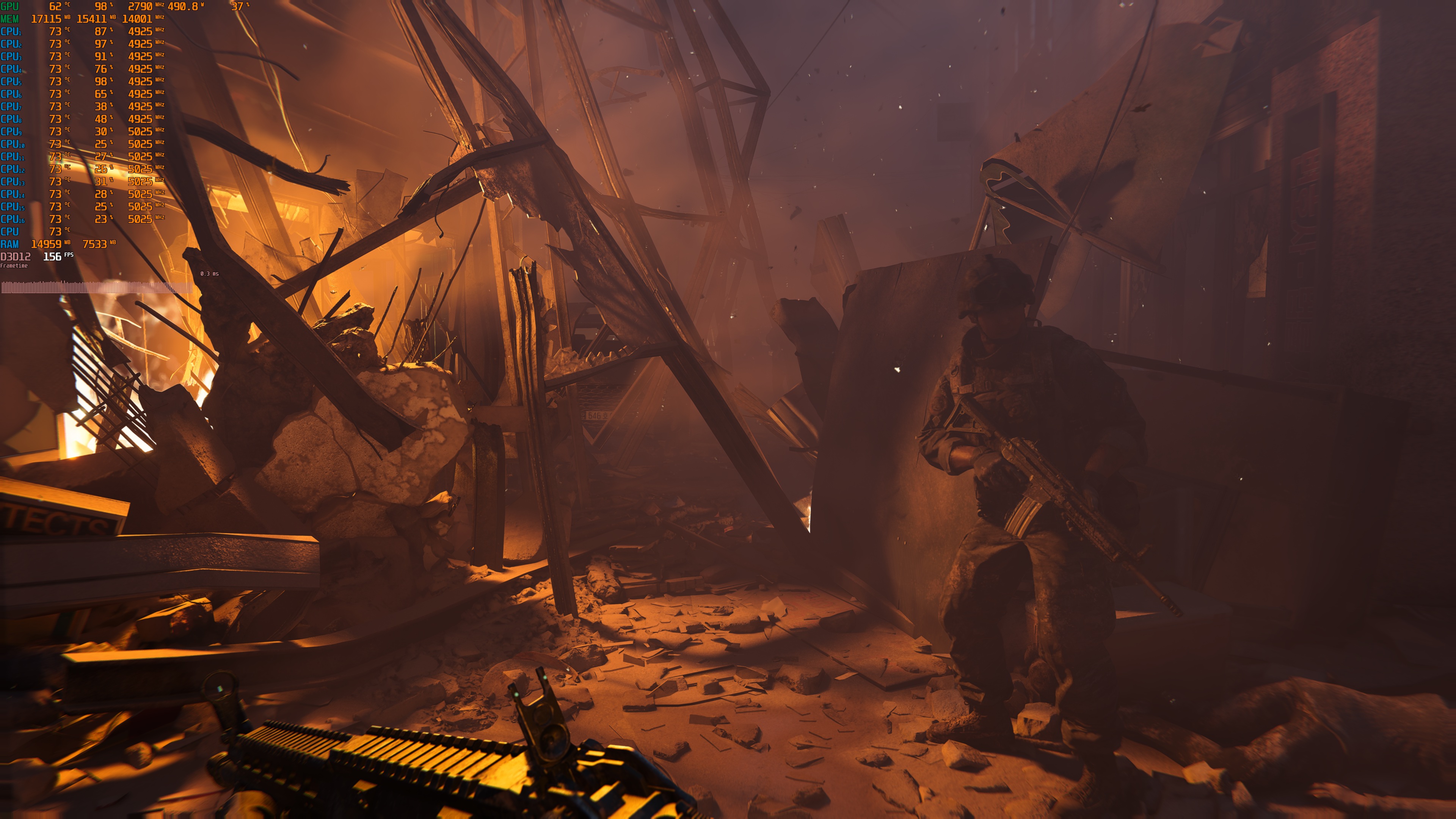
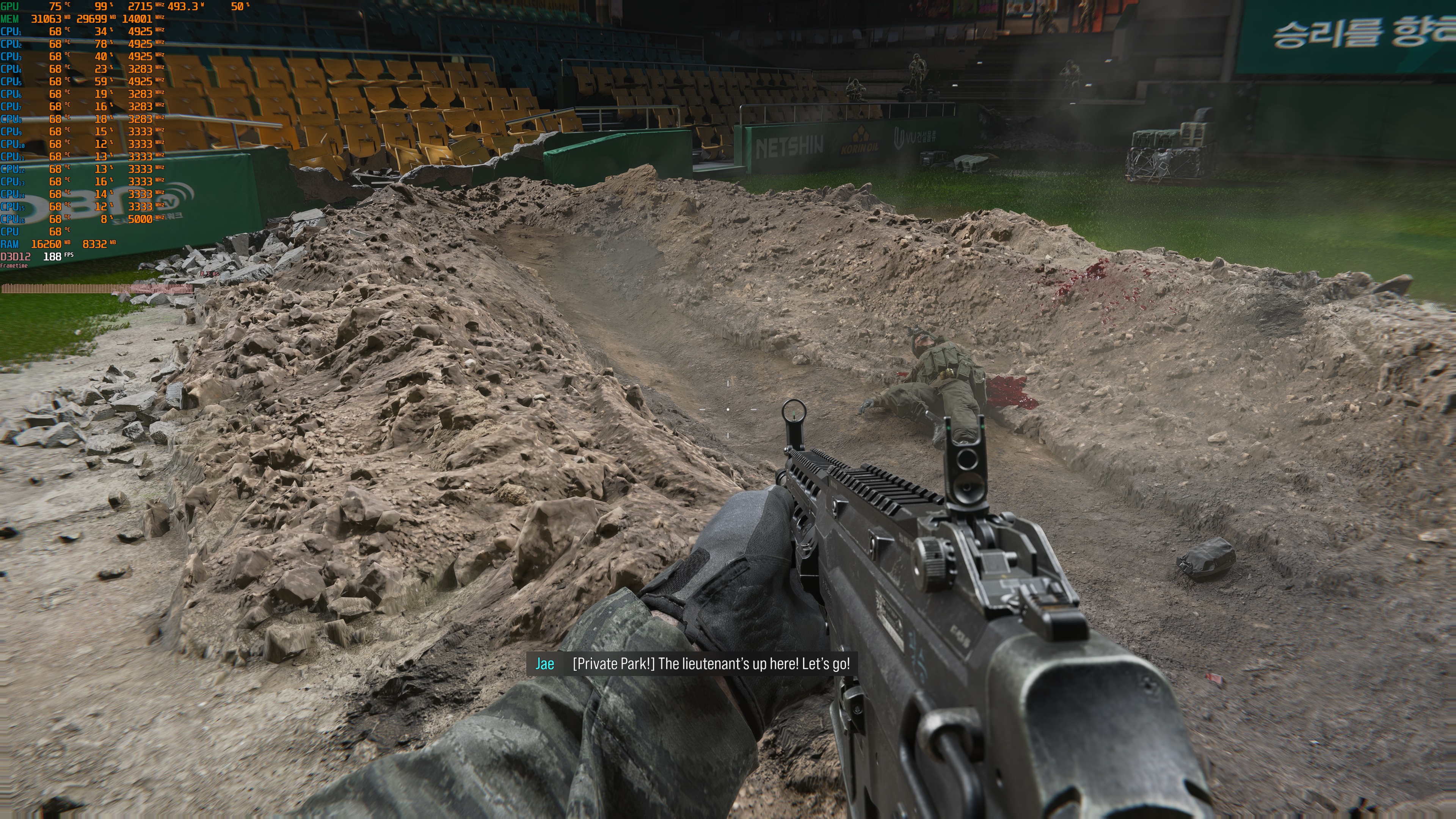
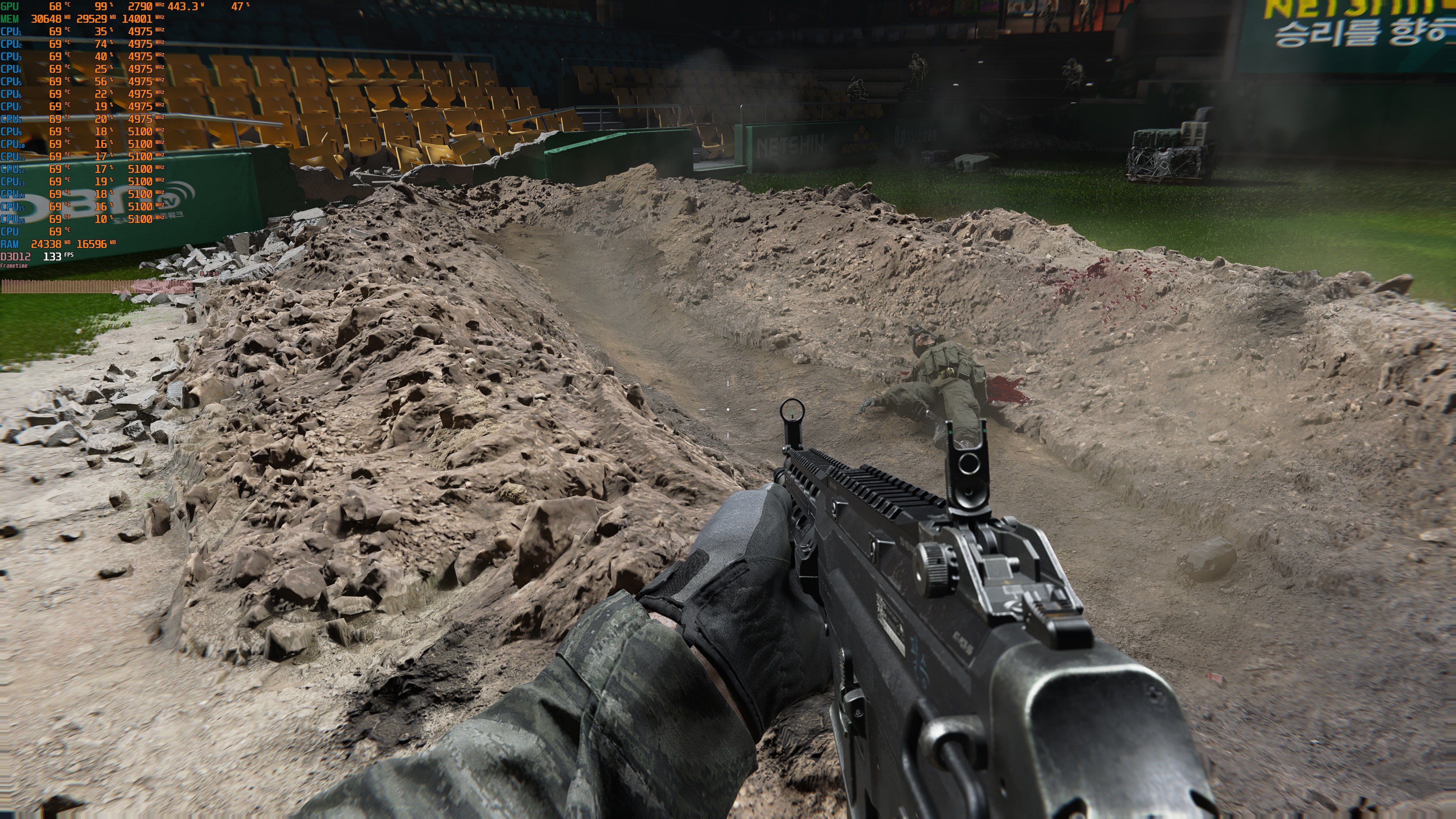
Let’s start with the good news about DLSS 5. As in most games, it makes the characters look better. With Ray Tracing but no DLSS 5, some characters can look a bit like plastic. They may look great in close-ups, but they often have a soft, plastic-like look. I’m not a fan of this style, though others may like it. Still, you can’t tell me that the characters in the second or sixth comparisons look better without DLSS 5.
Sadly, DLSS 5 cannot match the full look of ray tracing. It can improve the effects already on screen, but it cannot add new ones. Look at the second comparison, for example. With DLSS 5, we lose the ray-traced reflections. In the last comparison, we also lose the indirect shadows seen with ray tracing.
To its credit, DLSS 5 has a smaller performance hit than Ray Tracing. In the first few screenshots, we have Native 4K with MFG X4 vs DLSS Quality with MFG X4. In the last five comparisons, we have Native 4K with MFG X4 for both DLSS 5 and Ray Tracing. And, as you can see, DLSS 5 runs faster.
In my opinion, the best choice would be to use DLSS 5 with Ray Tracing. Sadly, you cannot do that right now. So, which is better: DLSS 5 or Ray Tracing? Personally, I would stick with Ray Tracing. Yes, the faces may look worse, but the rest of the game looks better with Ray Tracing. However, if your GPU cannot handle Ray Tracing and you want more FPS with DLSS Super Resolution, you can use DLSS 5 to enhance the rasterized version.
All in all, DLSS 5 does not appear as transformative in this game as it was in Onimusha: Way of the Sword, Resonance: A Plague Tale Legacy, or Gears of War: E-Day. These three games are the best showcases of DLSS 5 (at least from those I’ve tried so far). But hey, it is better than the underwhelming official DLSS 5 implementation in Metro: Last Light Redux Next-Gen.
Enjoy!

John is the founder and Editor in Chief at DSOGaming. He is a PC gaming fan and highly supports the modding and indie communities. Before creating DSOGaming, John worked on numerous gaming websites. While he is a die-hard PC gamer, his gaming roots can be found on consoles. John loved – and still does – the 16-bit consoles, and considers SNES to be one of the best consoles. Still, the PC platform won him over consoles. That was mainly due to 3DFX and its iconic dedicated 3D accelerator graphics card, Voodoo 2. John has also written a higher degree thesis on the “The Evolution of PC graphics cards.”
Contact: Email