
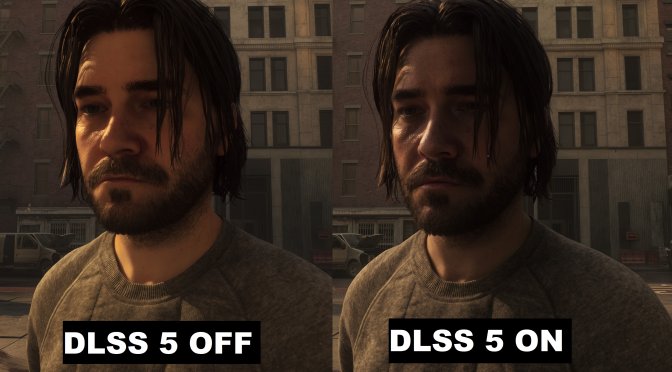
As I wrote in my PC Performance Analysis, one of my biggest issues with Control Resonant is its character models. Even with Path Tracing enabled, they still look awful. I honestly don’t know why the characters look like they came from a PS4 game. So, I decided to test DLSS 5. Can it improve the character faces and the game’s overall graphics? Let’s find out.
Control Resonant does not have native support for DLSS 5. To test it, I used the DLSS Unlocked Mod. The PC system I used to test it was an AMD Ryzen 9 7950X3D, 32GB of DDR5 at 6000Mhz, and an NVIDIA GeForce RTX 5080. I also used Windows 10 64-bit and the GeForce 616.92 driver.
At first, I only wanted to improve the character faces and keep the environments looking similar to what the path-traced version was offering. So, let’s start with these comparisons.
On the left, we have Path Tracing + DLSS 5. In the middle, we have the game’s default Path Tracing. And finally, on the right, we have the rasterized version with DLSS 5.
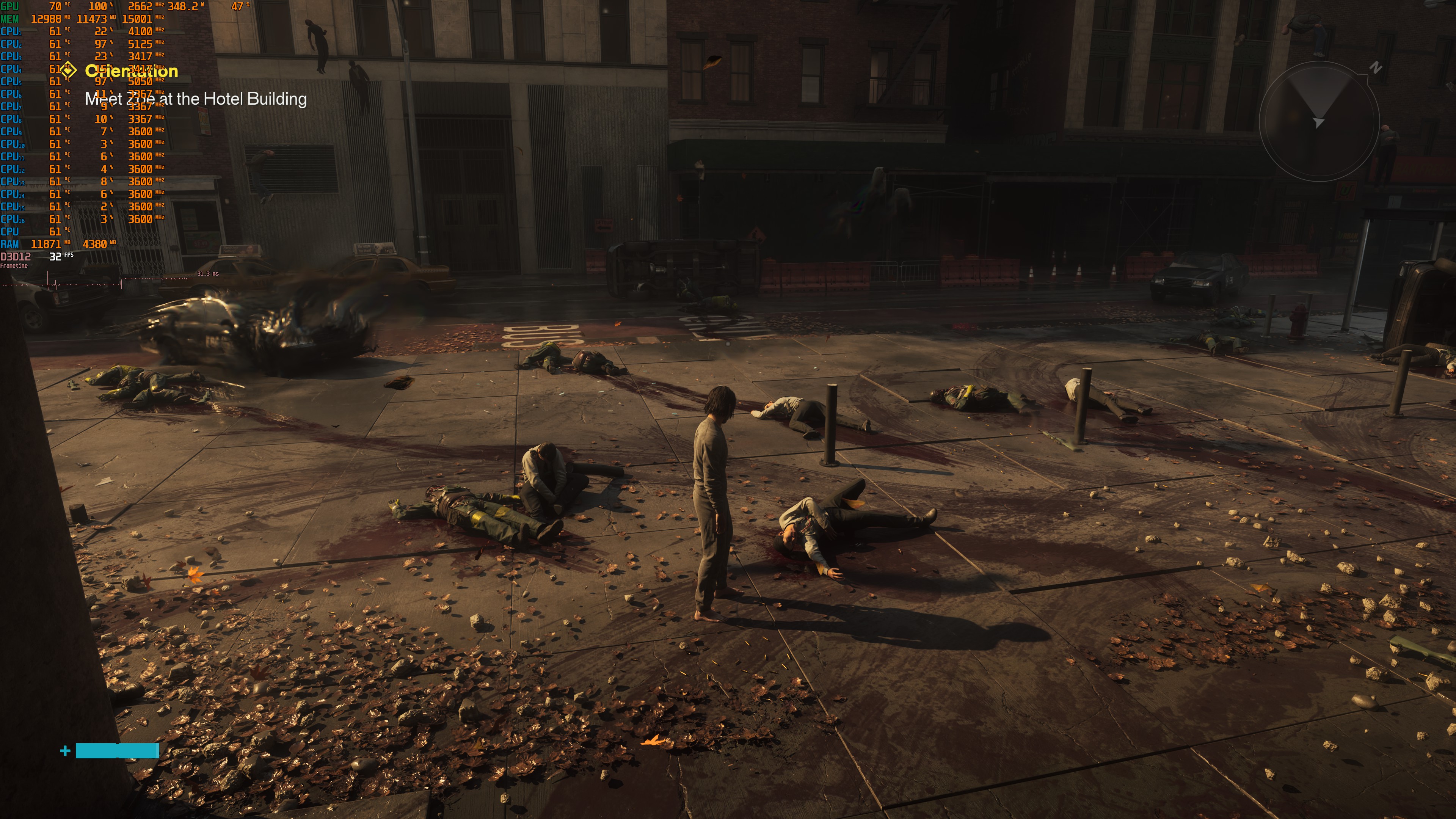
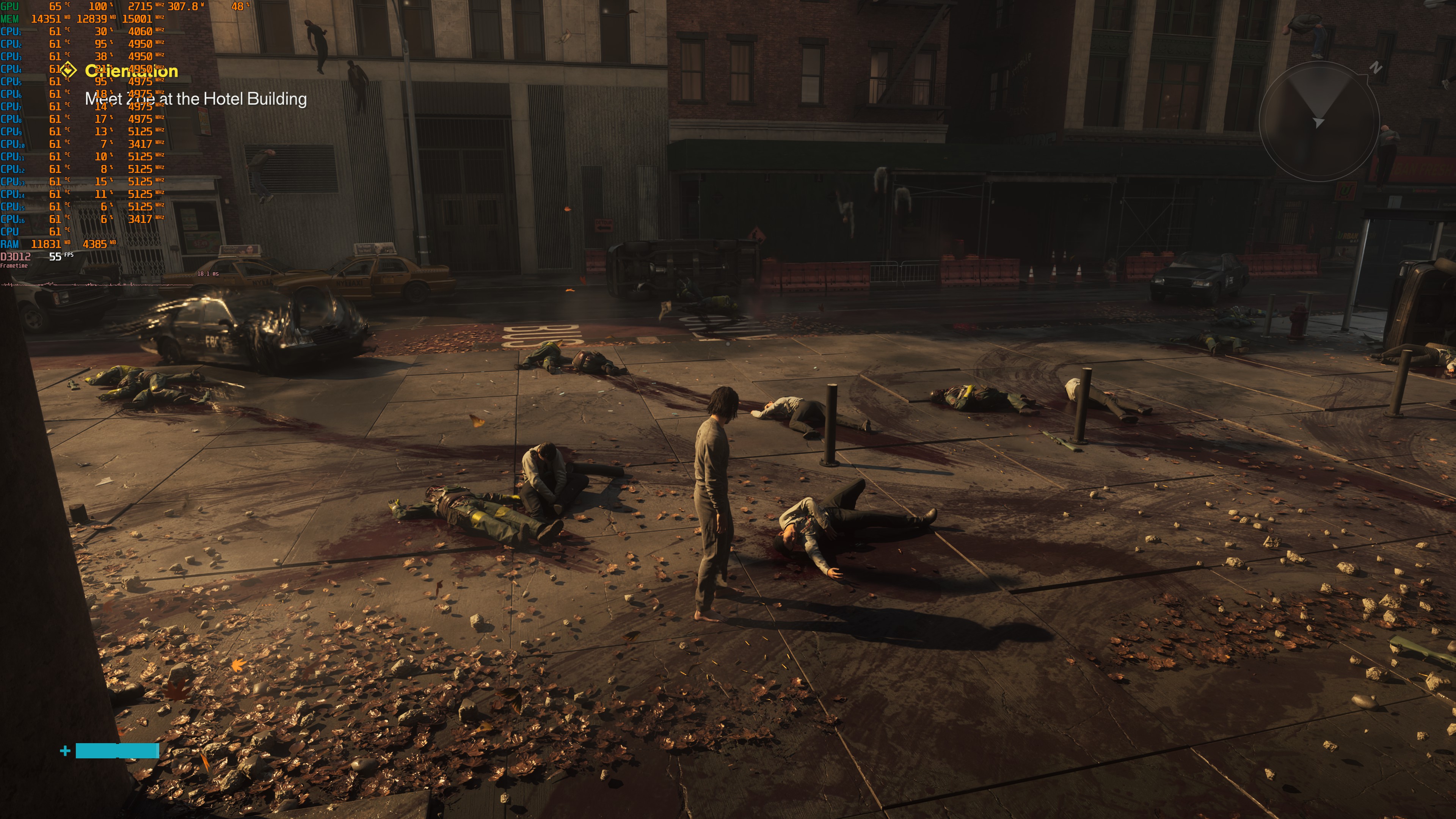
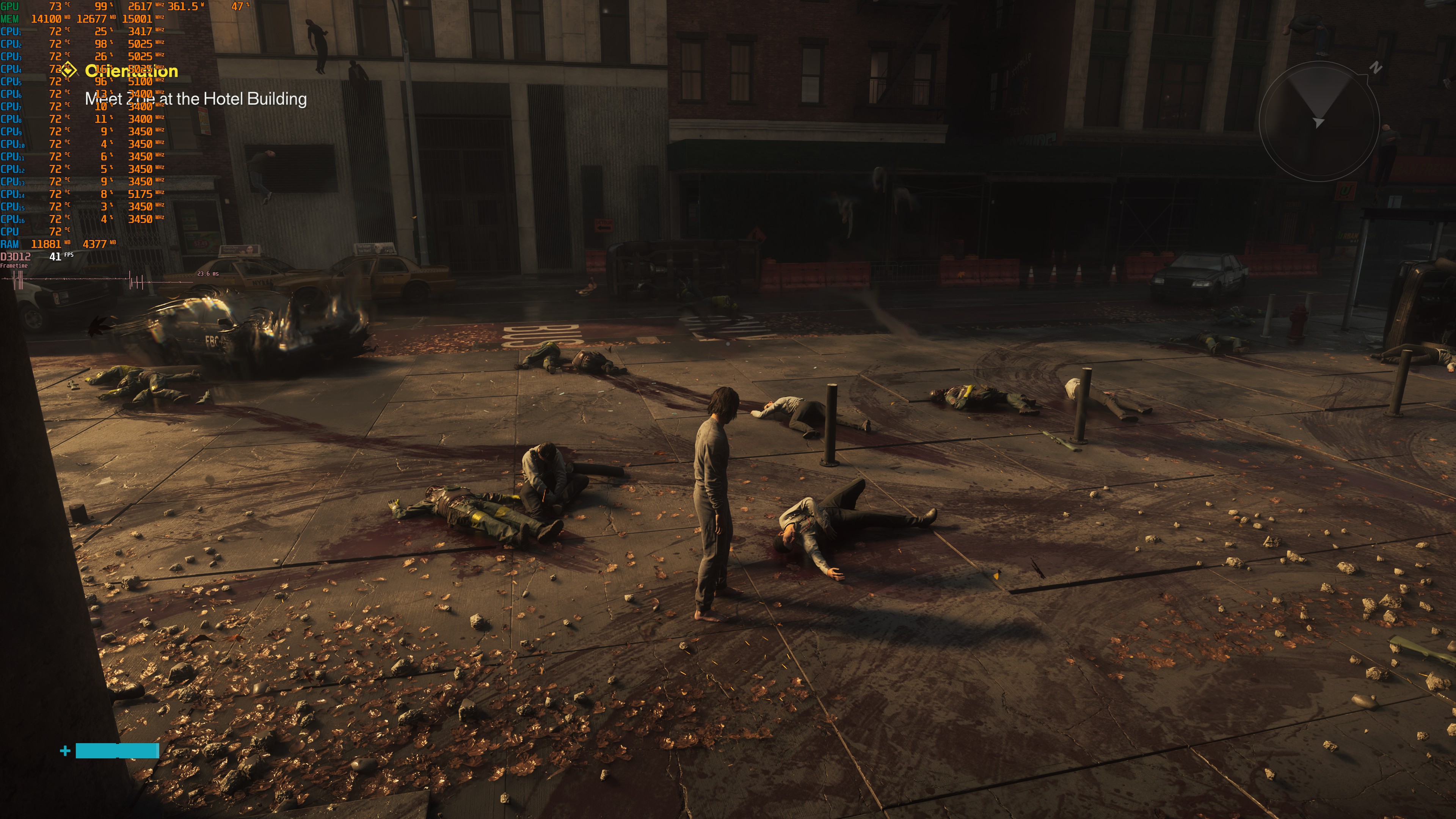
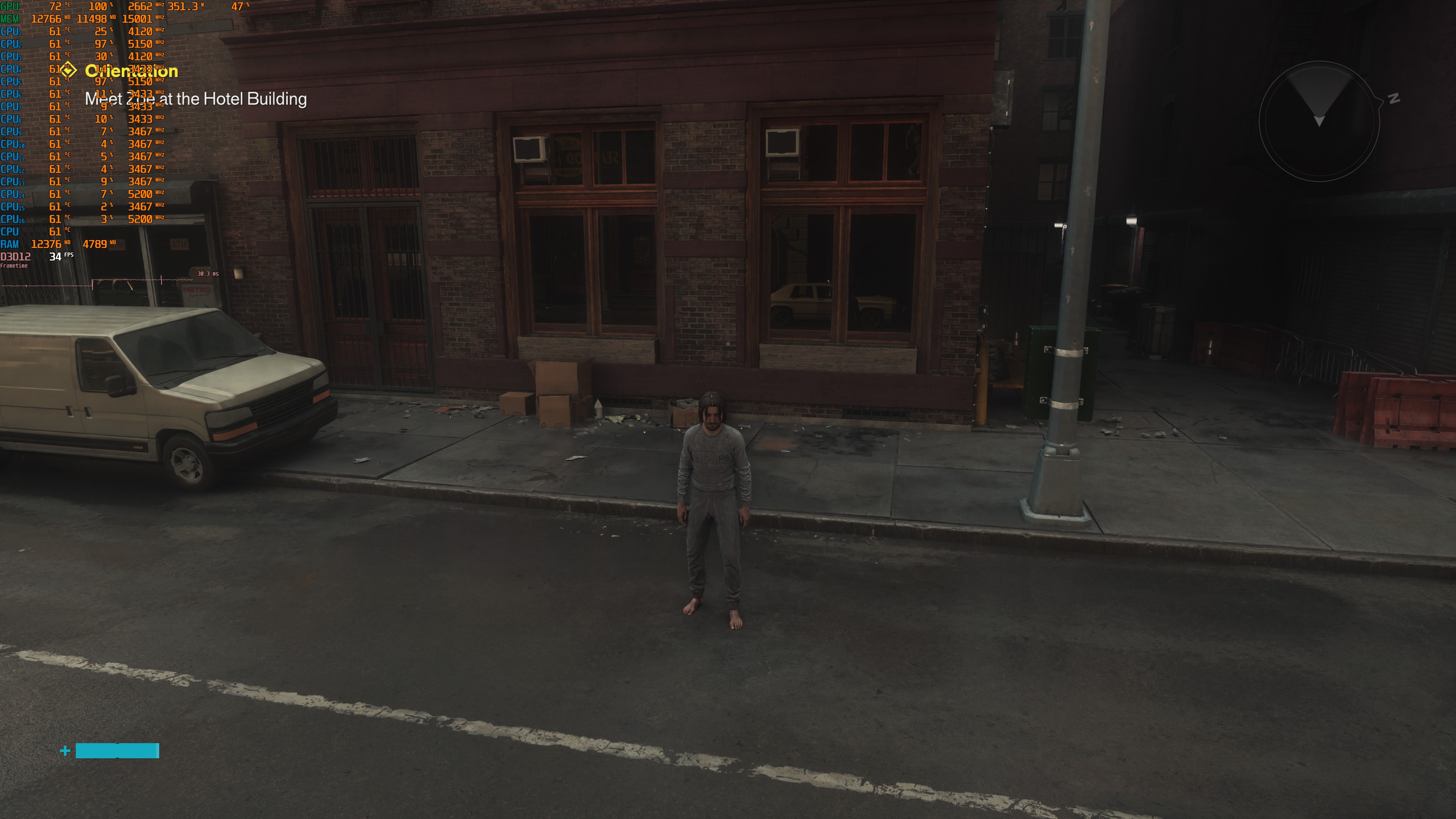
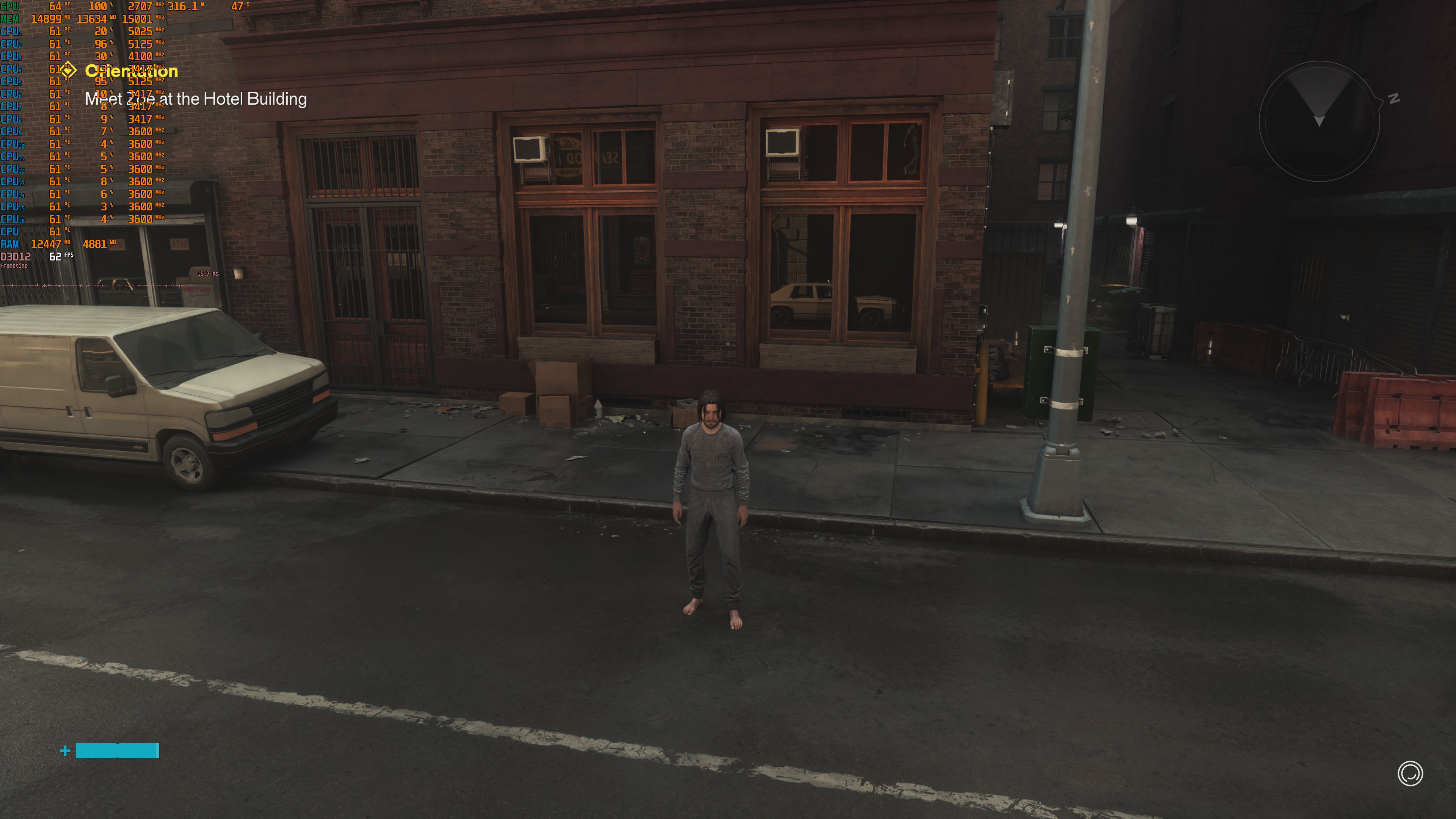
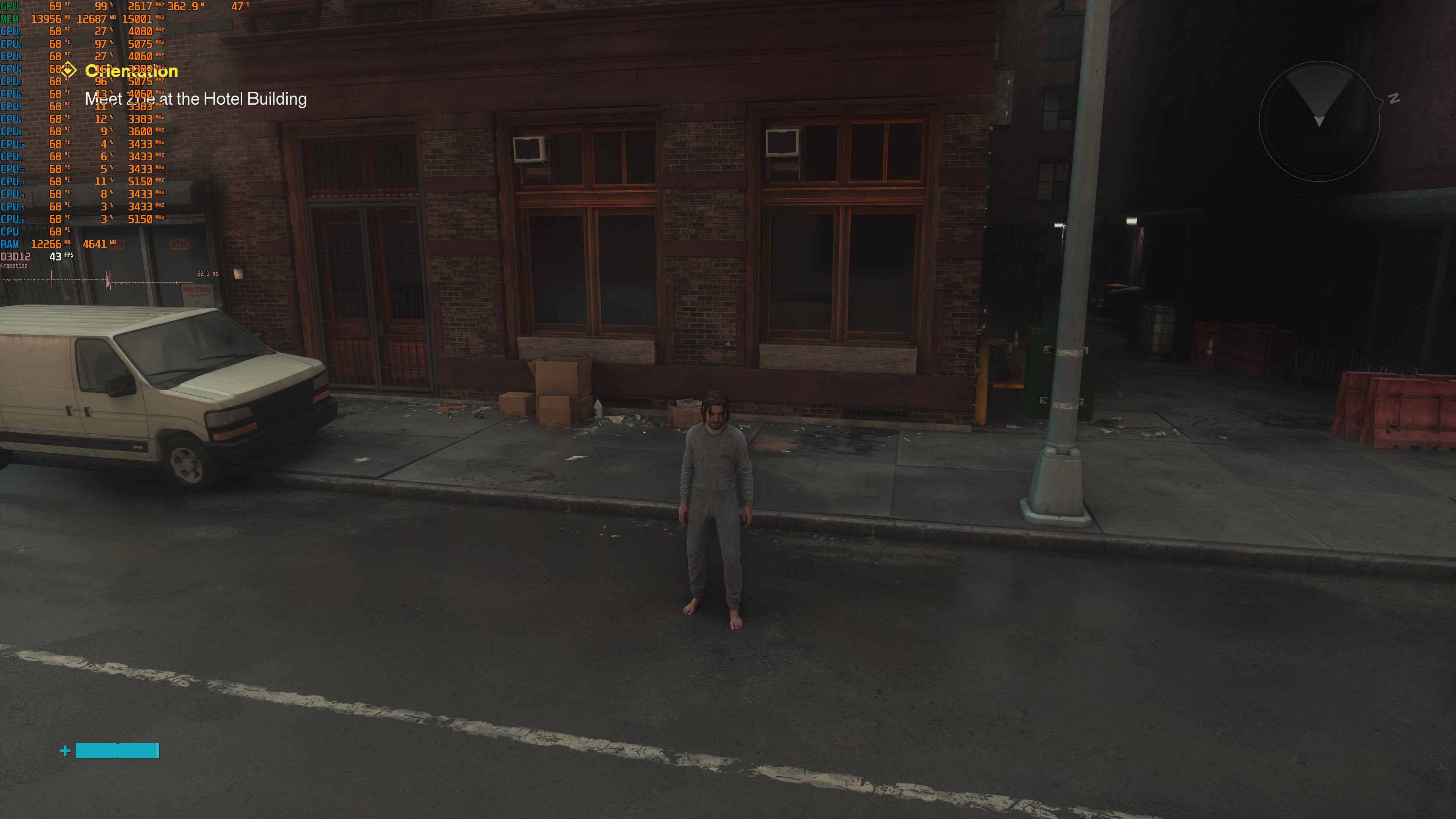
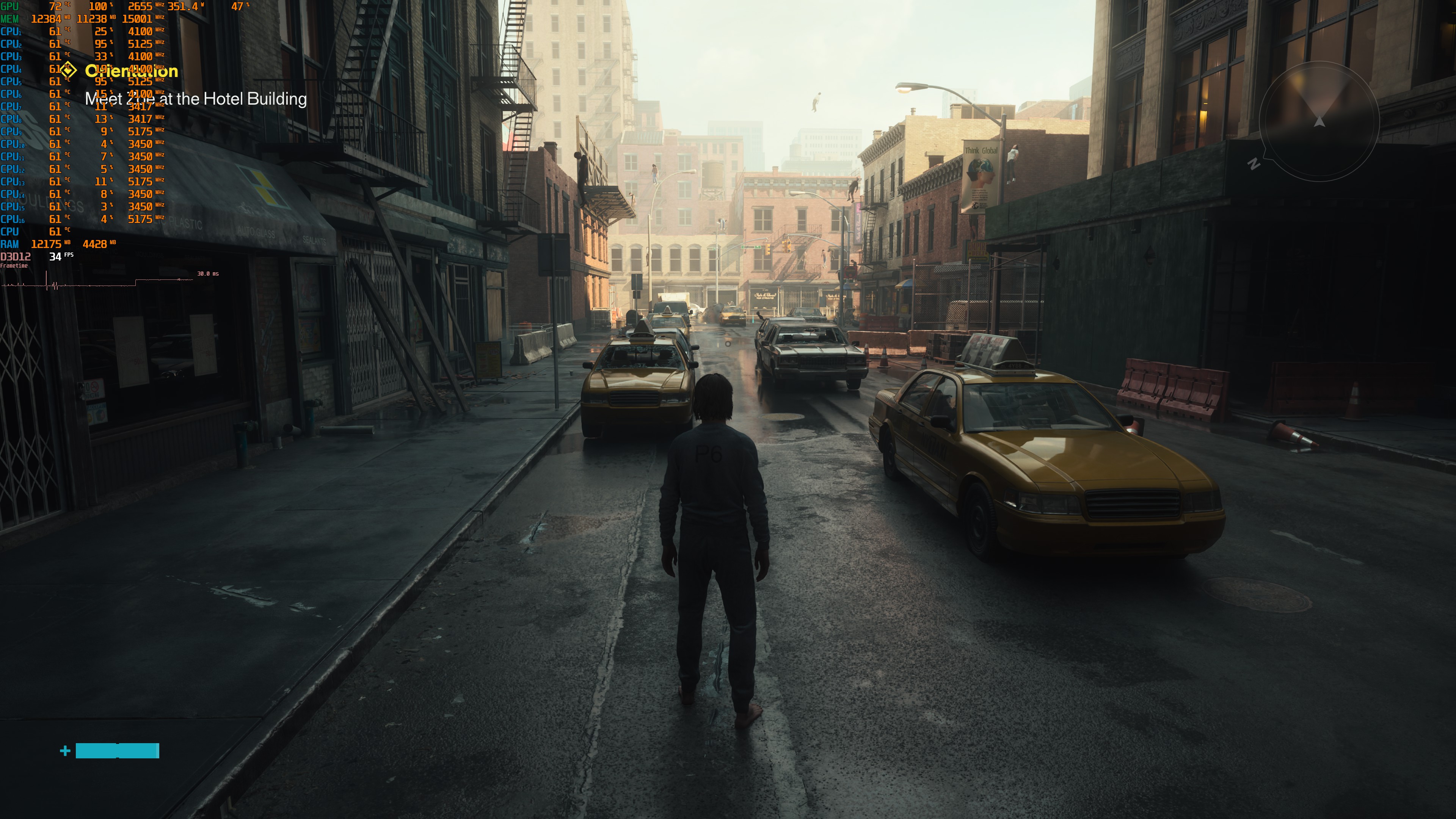
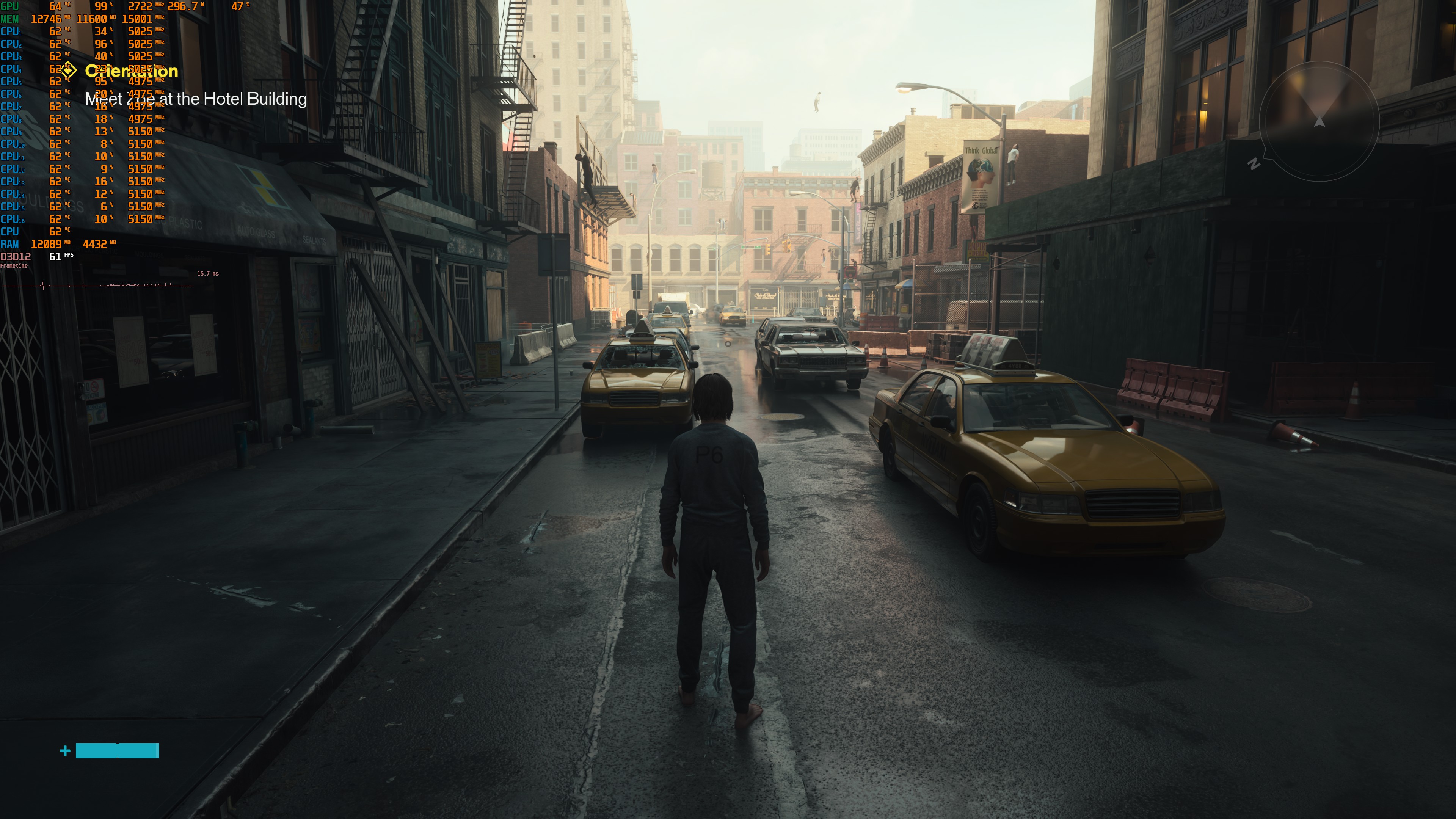
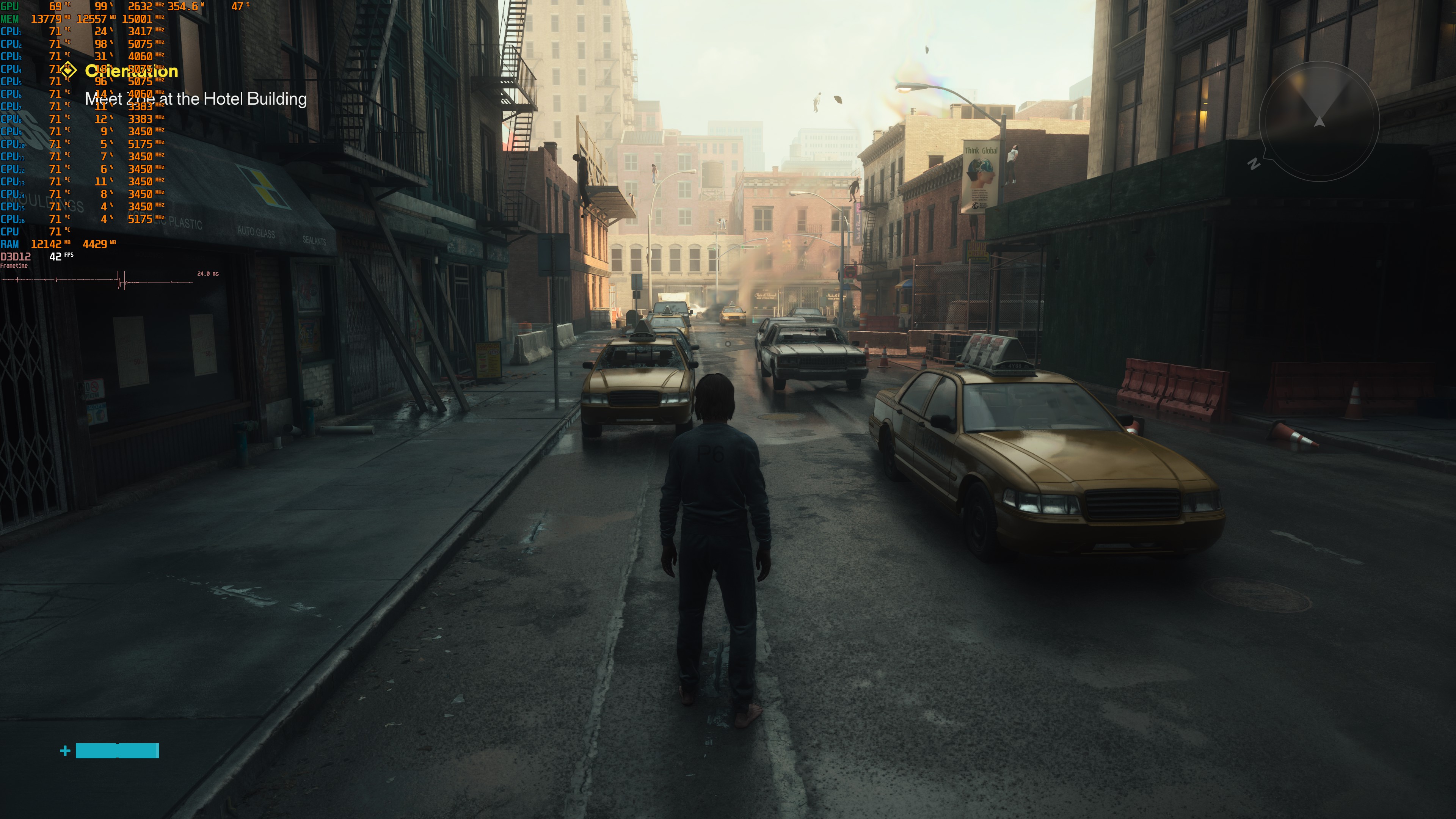
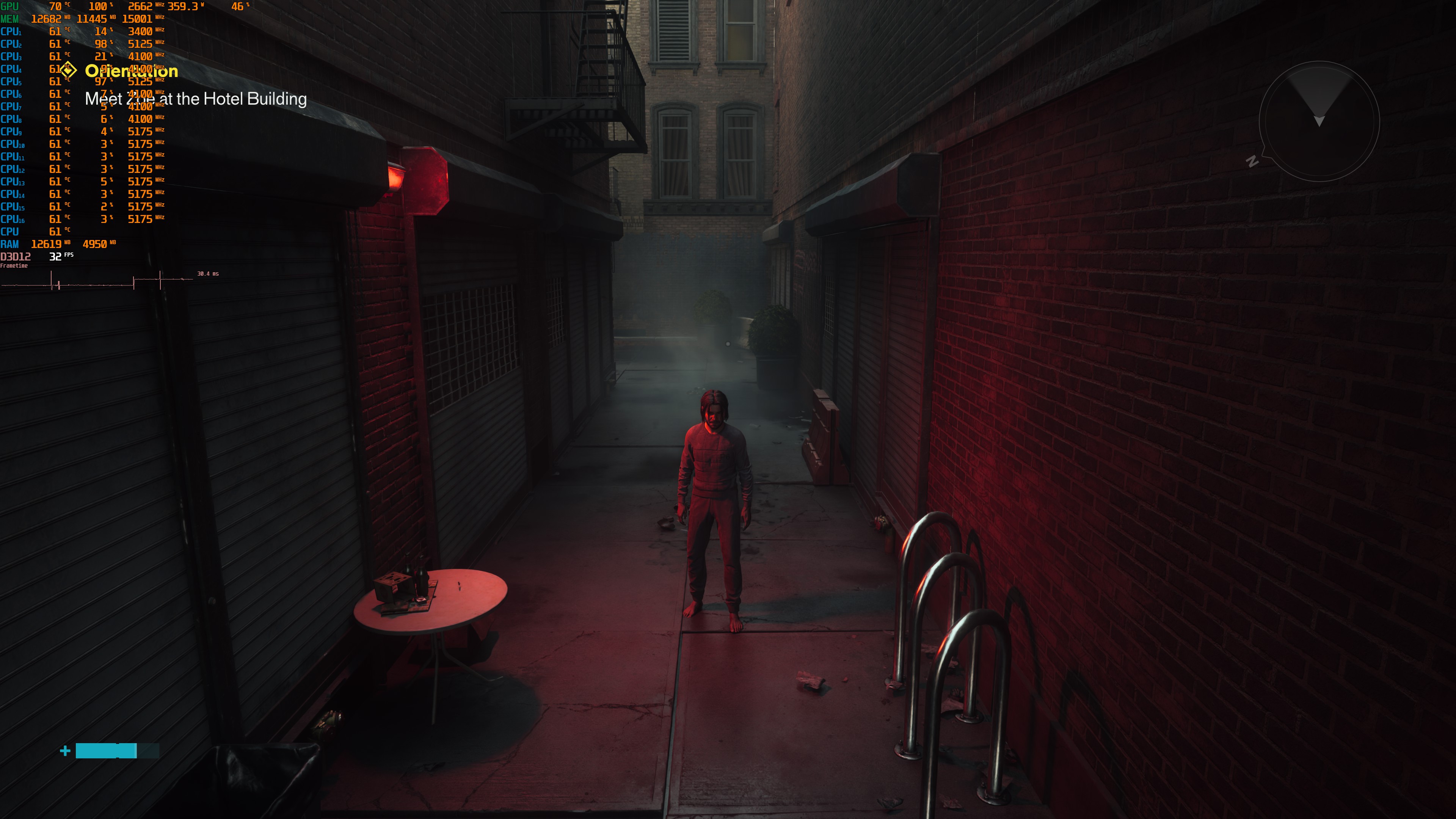
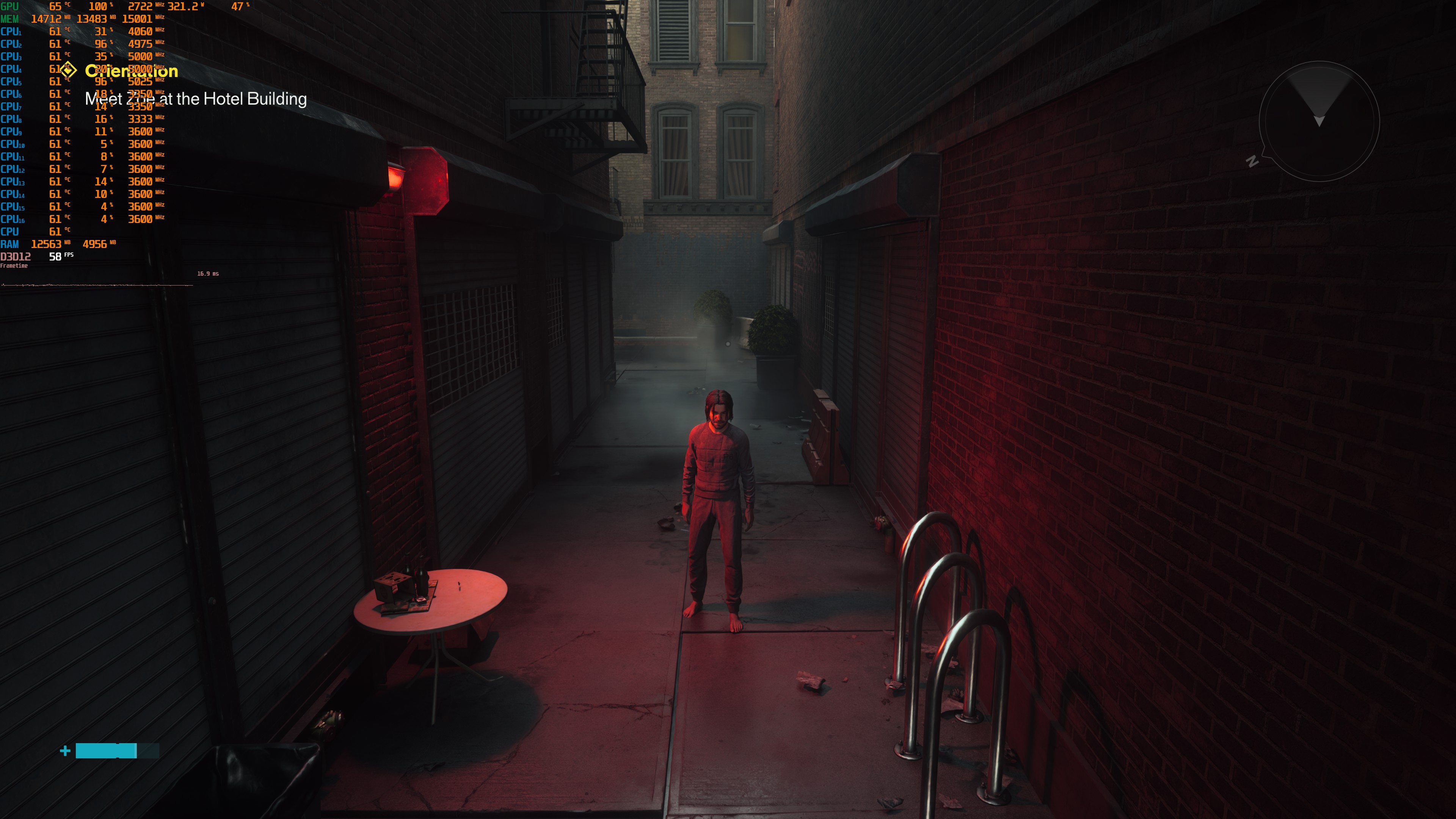
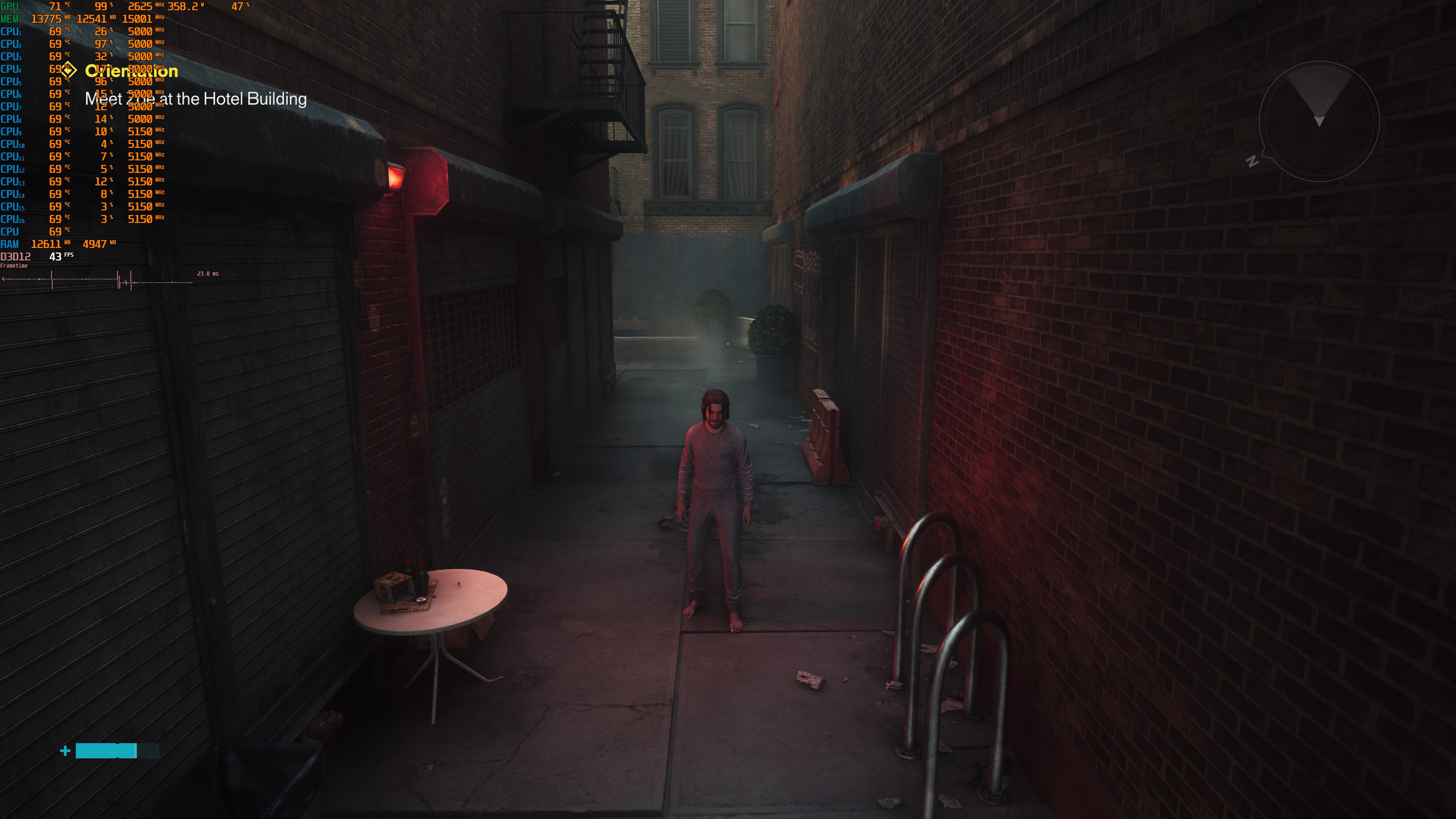
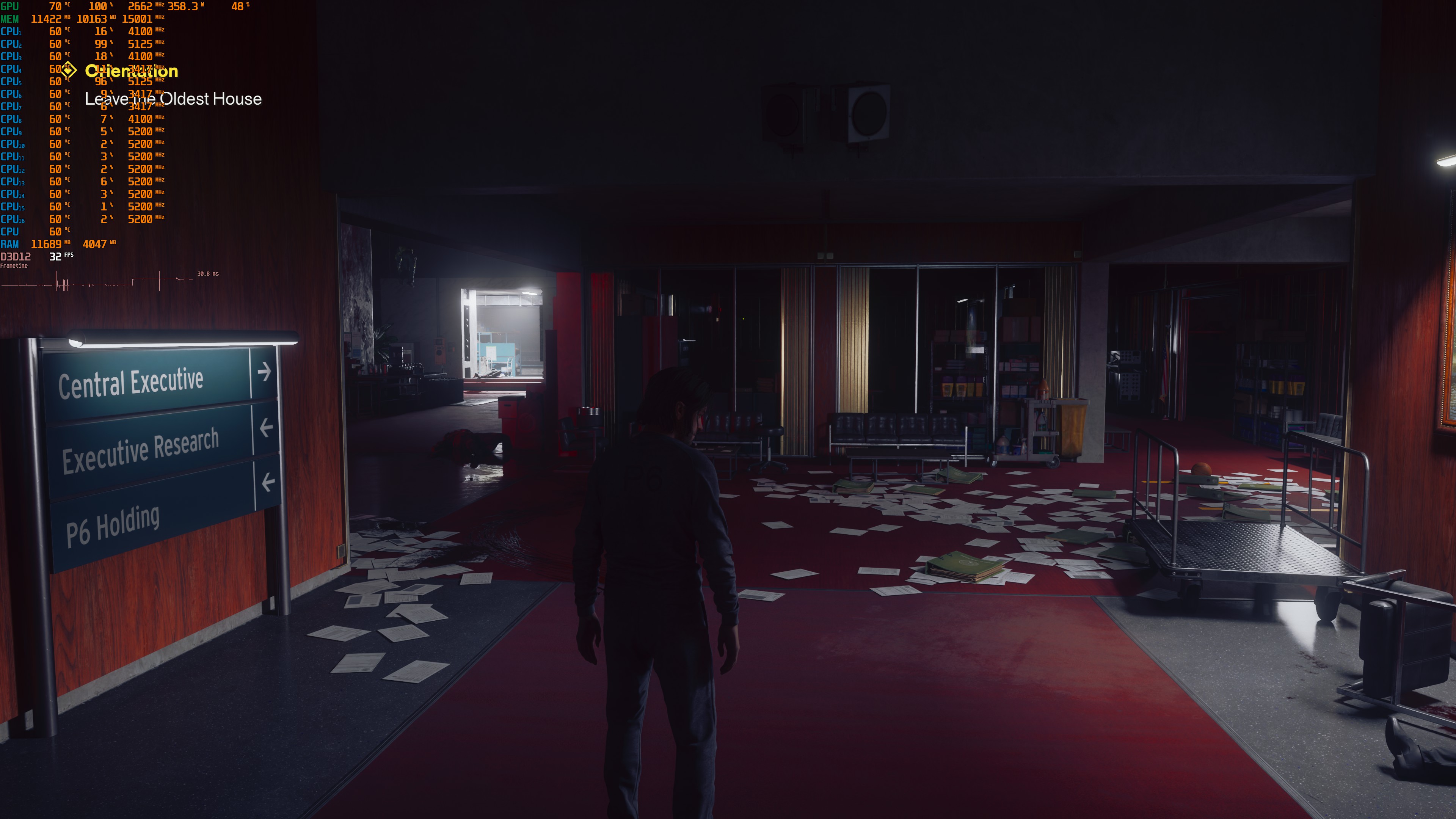
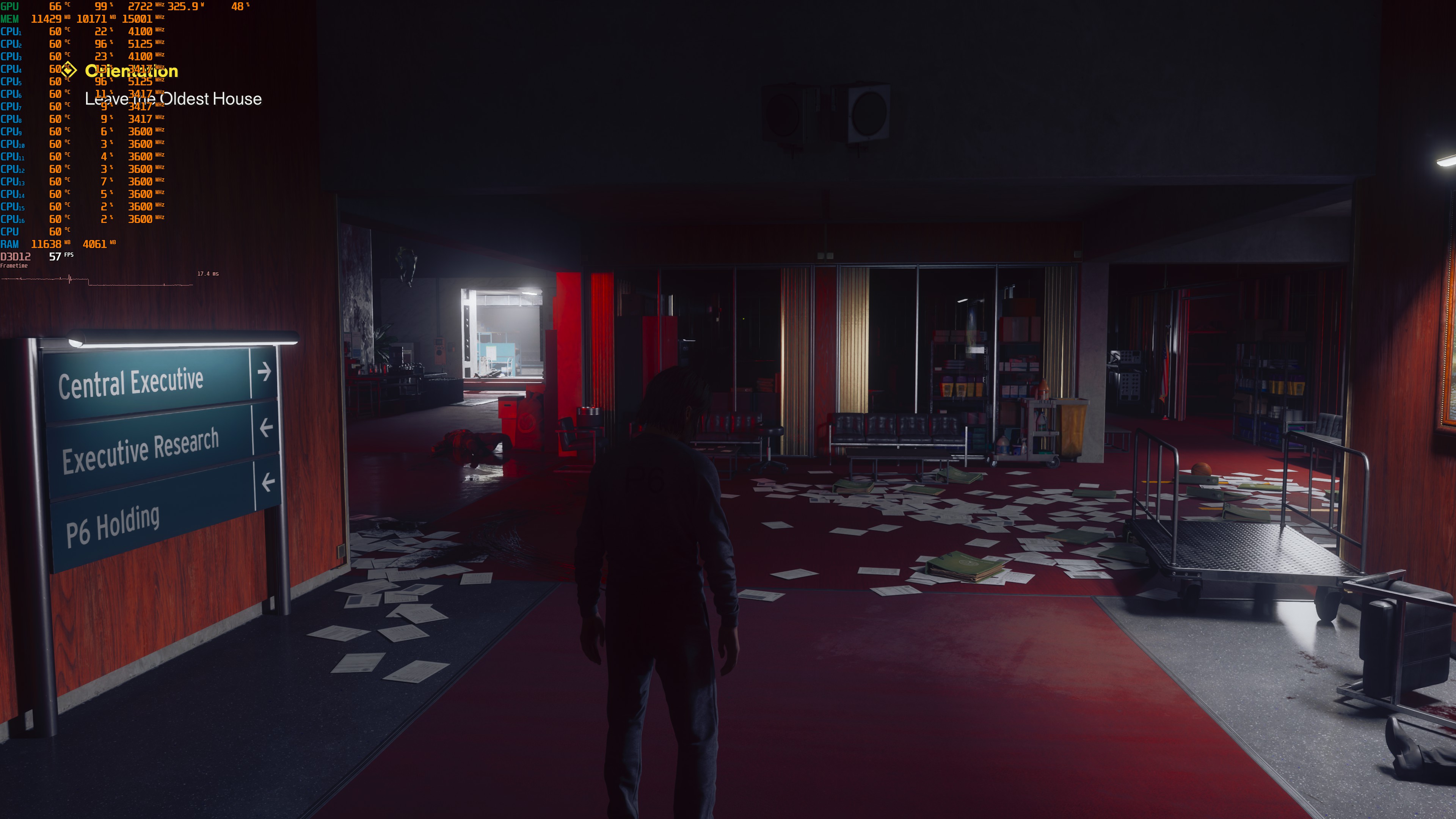
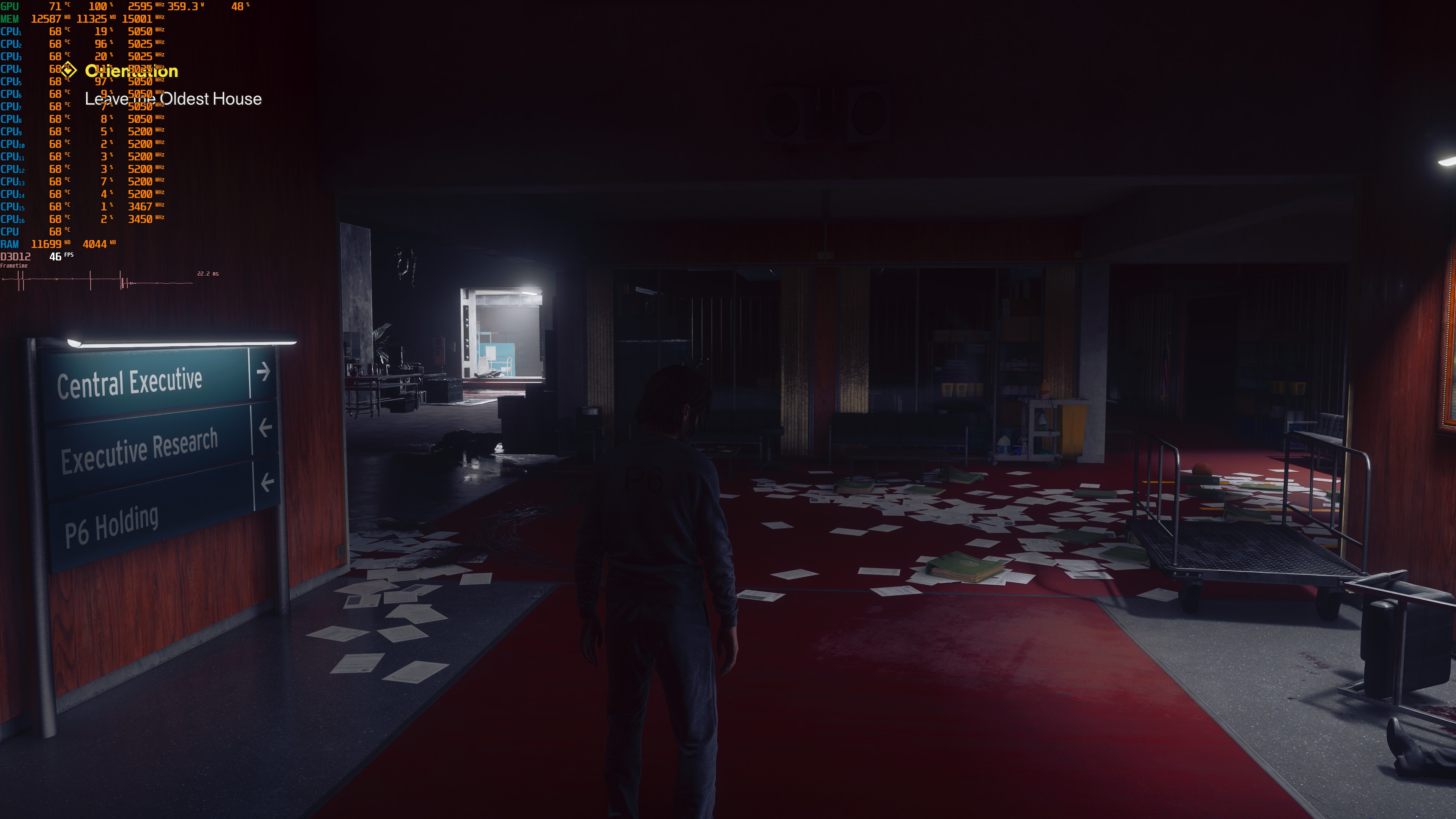
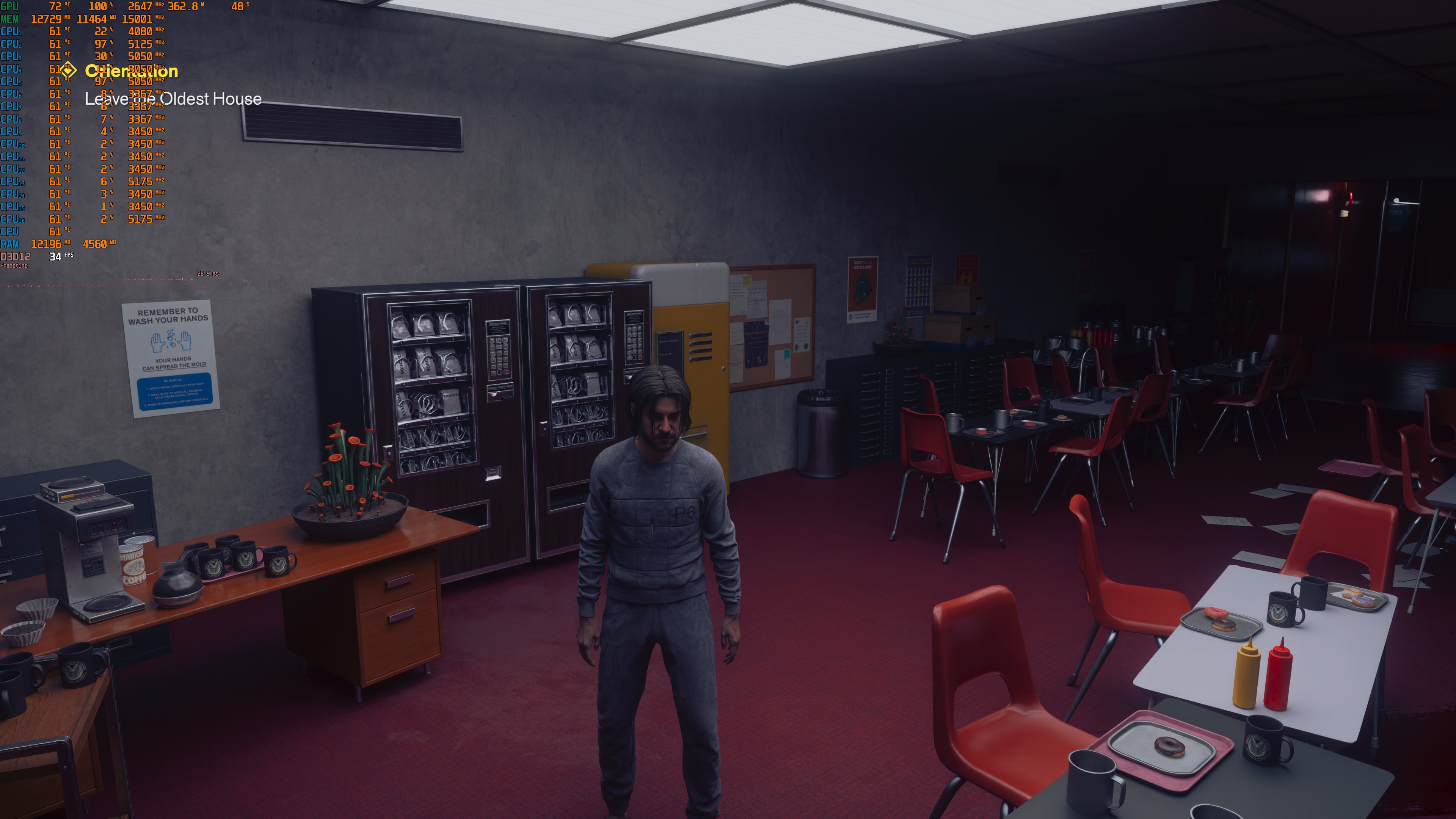
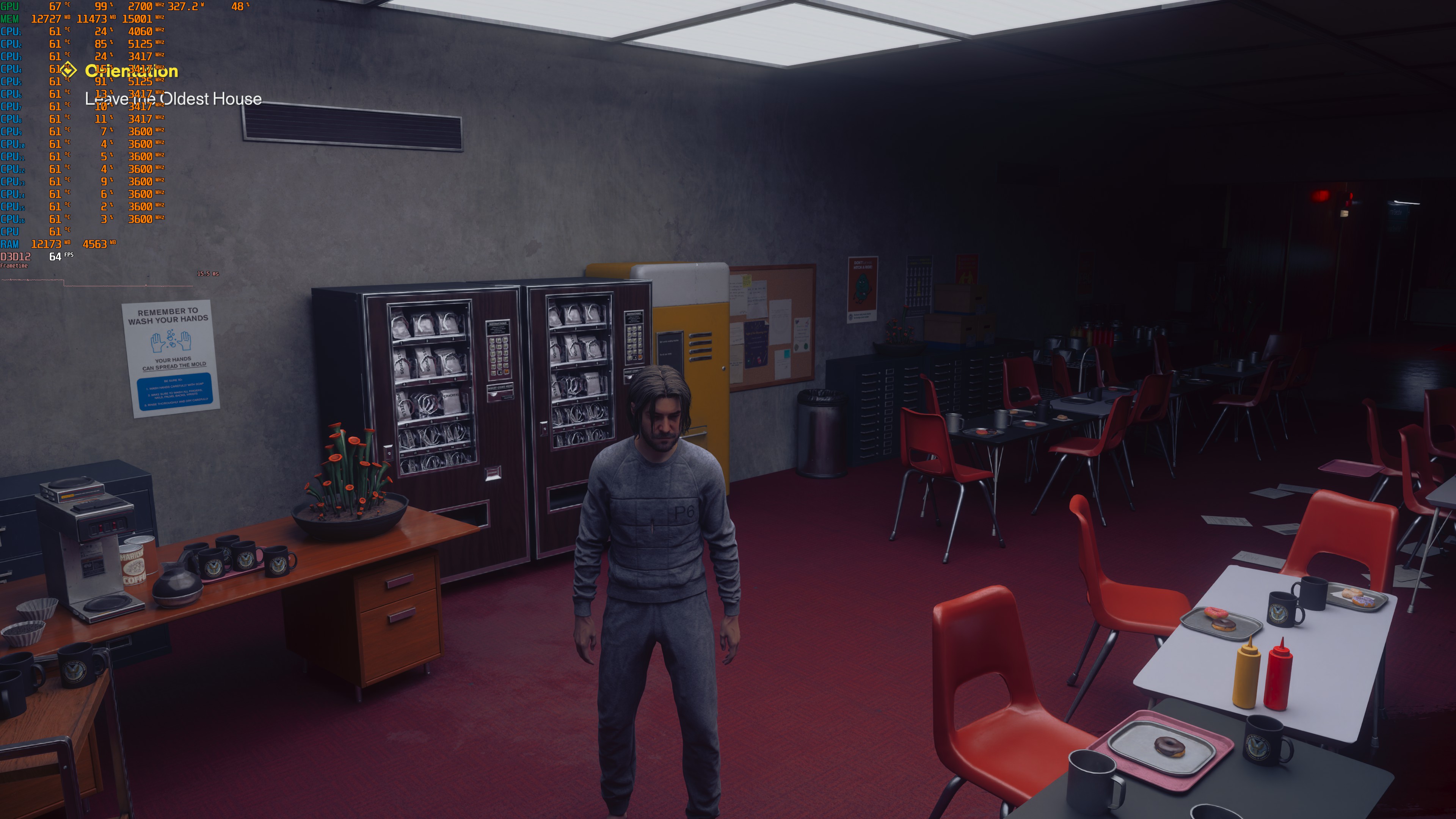
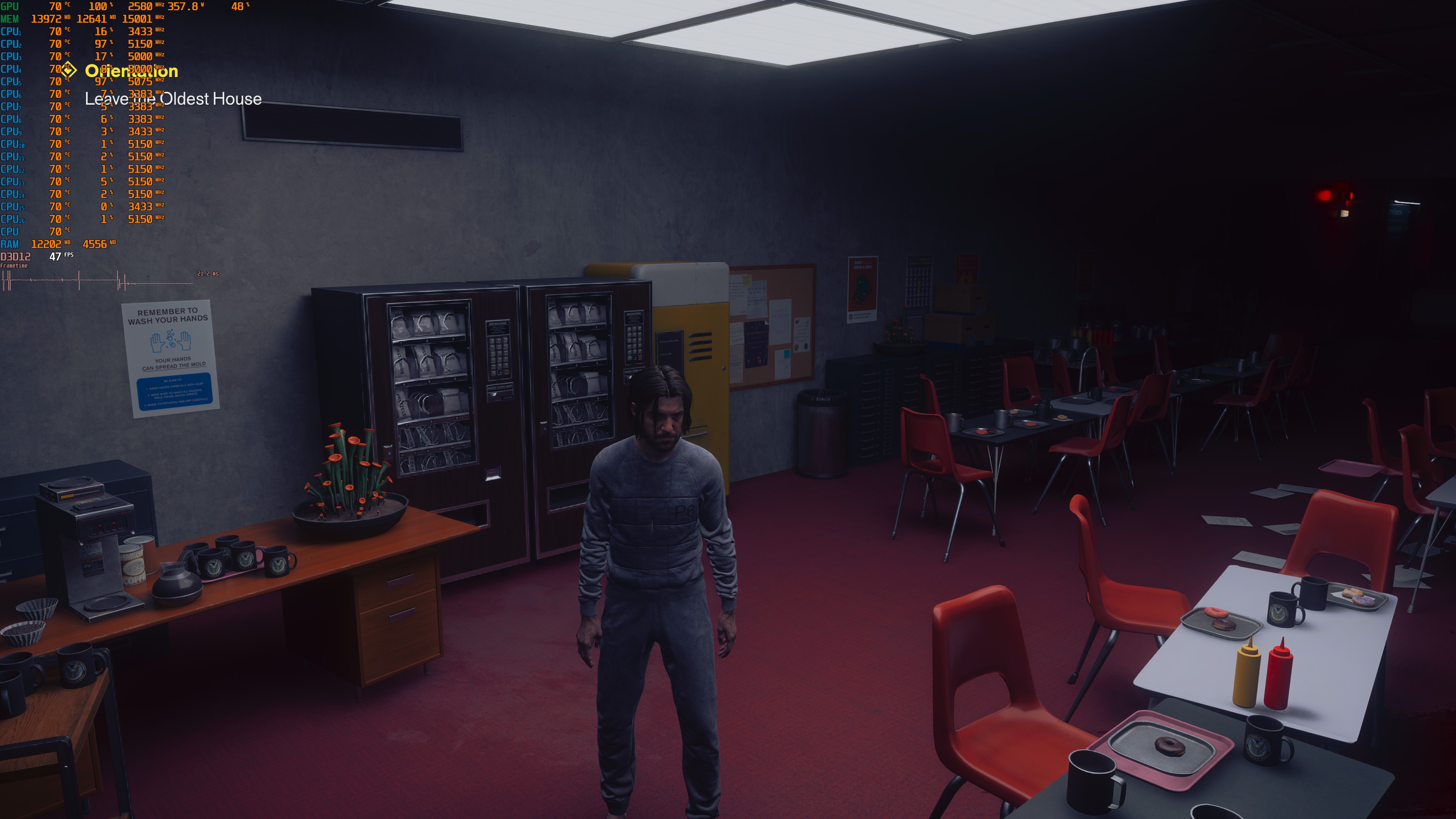
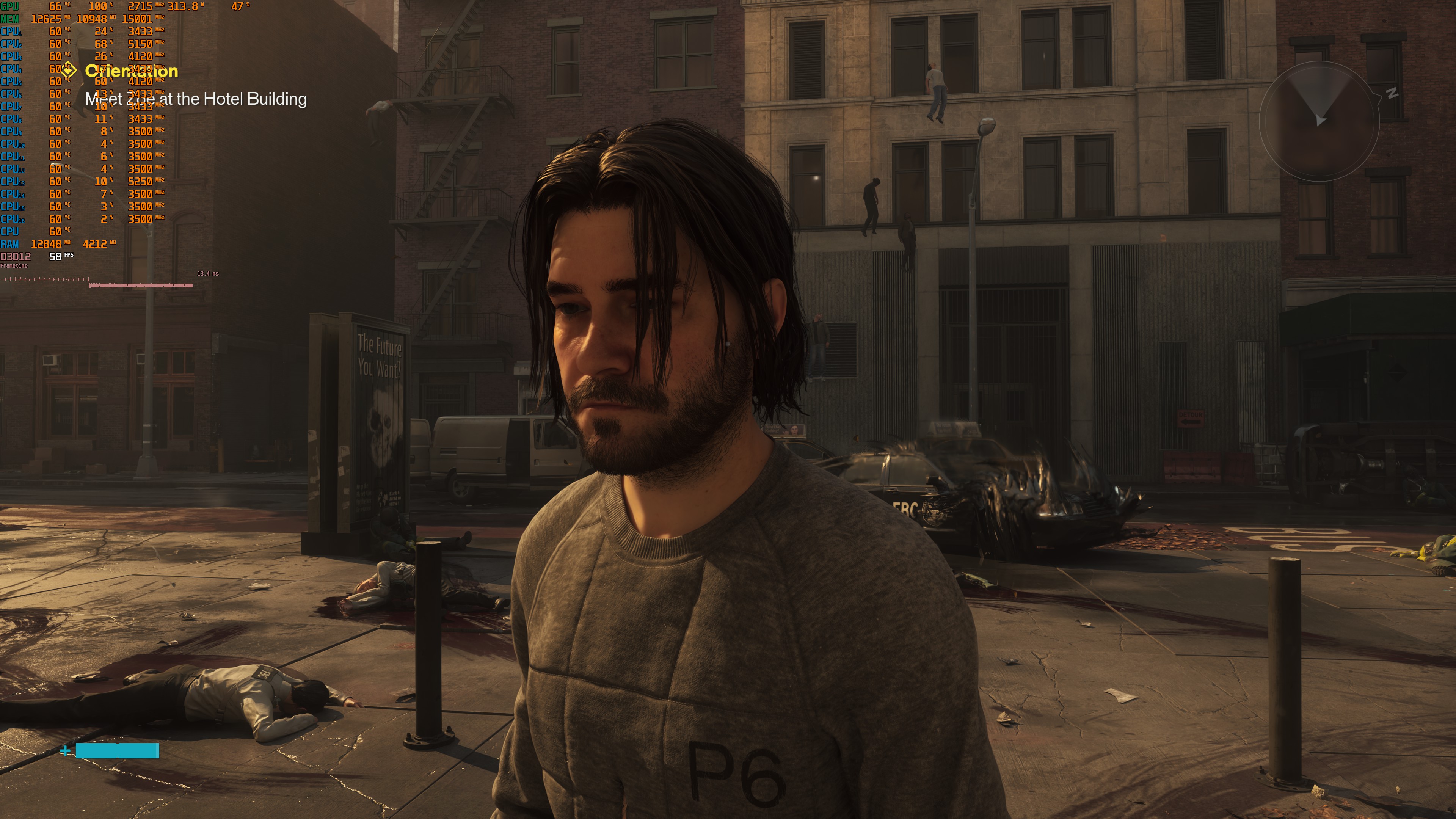
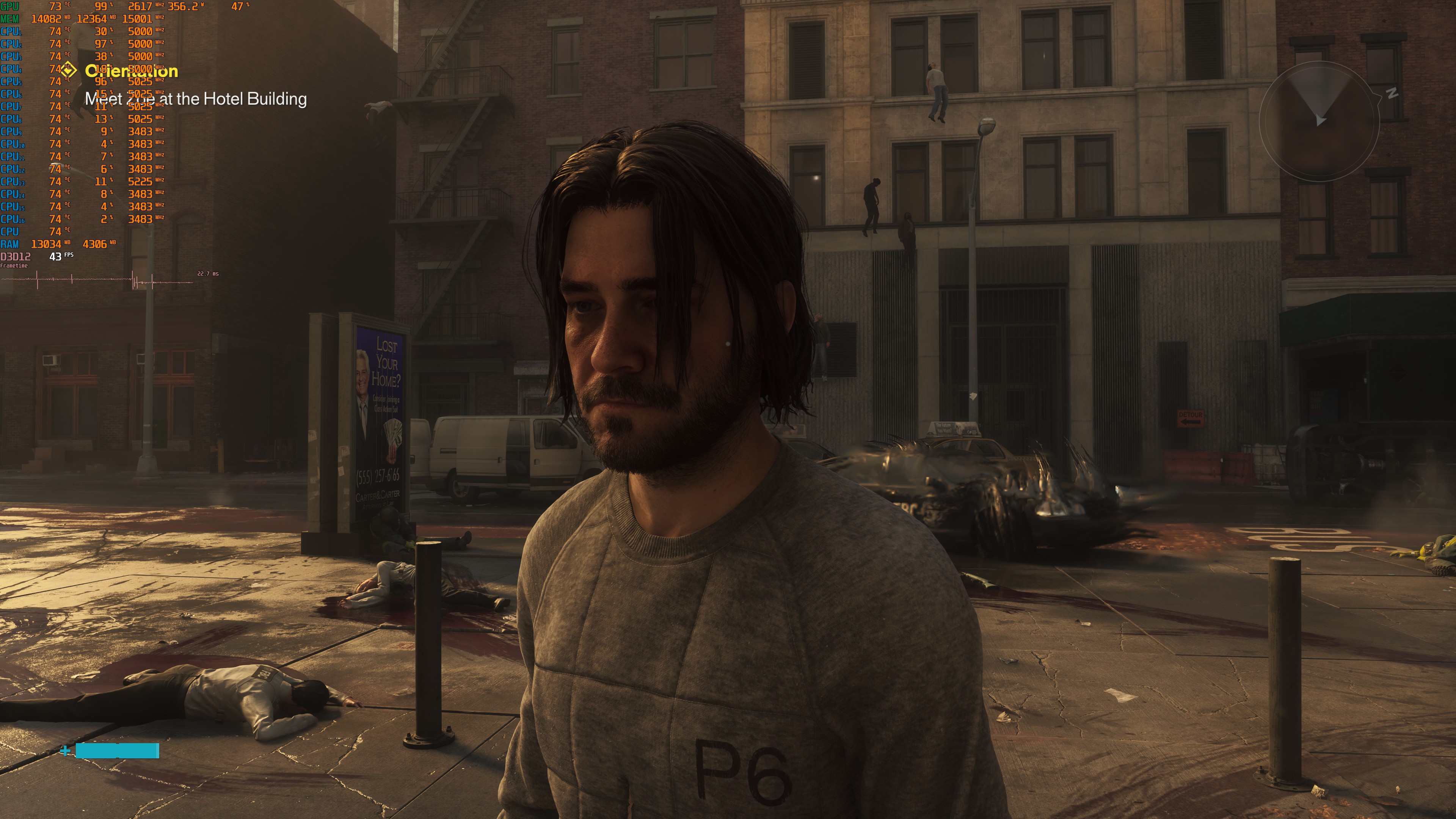

As you will see, the best-looking version is Path Tracing + DLSS 5. Without DLSS 5, the character faces look awful. This is where the rasterized version wins. With DLSS 5, the character faces look much better. However, DLSS 5 cannot fix all of the rasterized version’s visual issues. You will still see SSR artifacts. Reflections, shadows, lighting, and AO also won’t look as good as they do with Path Tracing. Here are also the DLSS 5 settings I used.
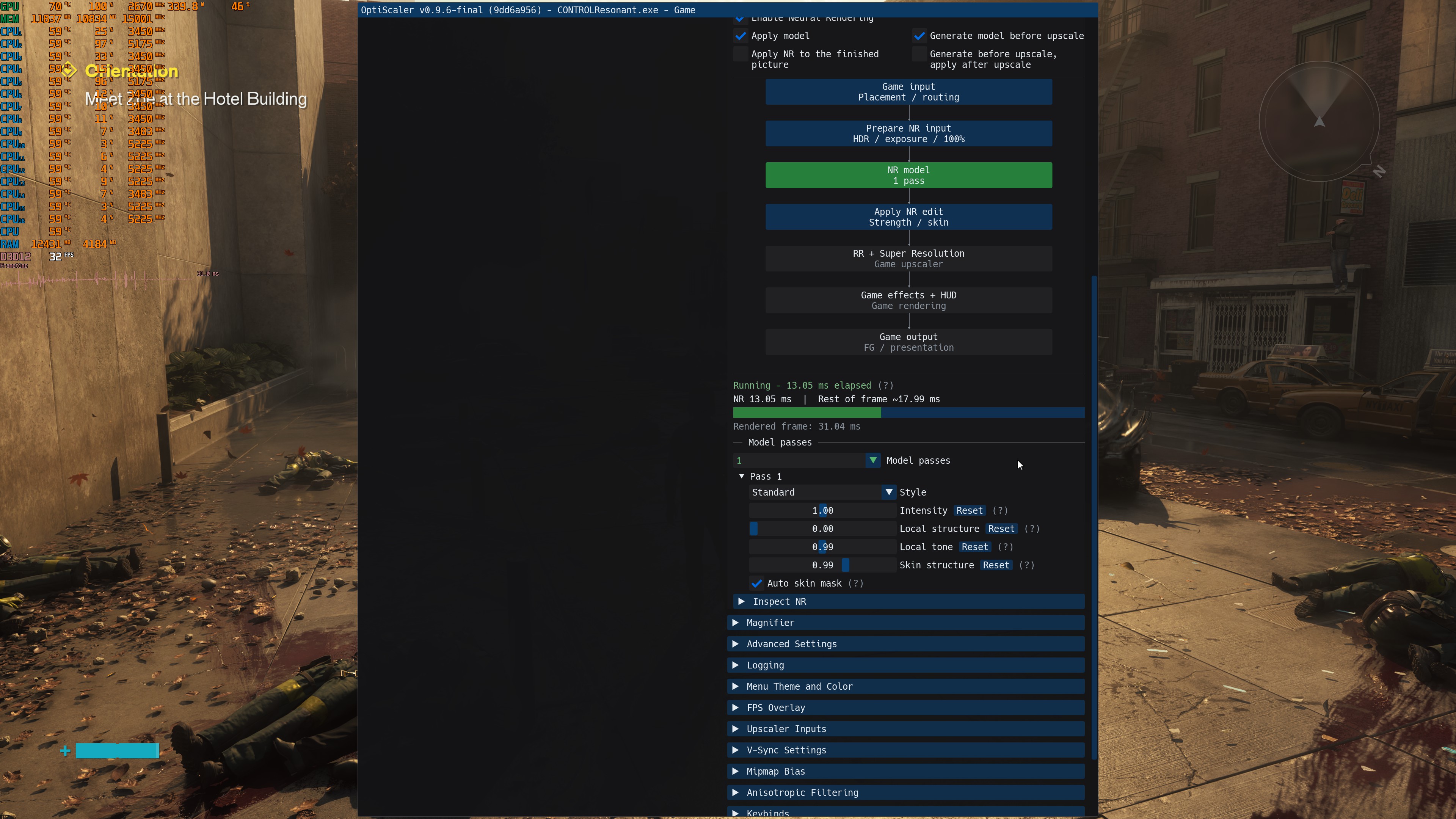
Performance-wise, DLSS 5 is heavier than Path Tracing. For some strange reason, I was also not getting better performance when I was applying DLSS 5 Neural Rendering before Super Resolution. The only way I could get better performance was by reducing the render scale of DLSS 5. However, that degraded the image quality.
In short, while we get better faces with DLSS 5, everything else is not up to what Path Tracing can achieve. Plus, Path Tracing is faster than DLSS 5. So, overall, Path Tracing looks better than the rasterized version with DLSS 5.
The best way to play the game is with Path Tracing + DLSS 5. So, my next step was to improve the environments as well. After many tests, I settled on these settings. These settings did not introduce any DLSS 5 visual issues. For example, if you increase Local Tone any higher, you will see some weird black shadows form behind Dylan while standing still. You will also get shadow artifacts while running.
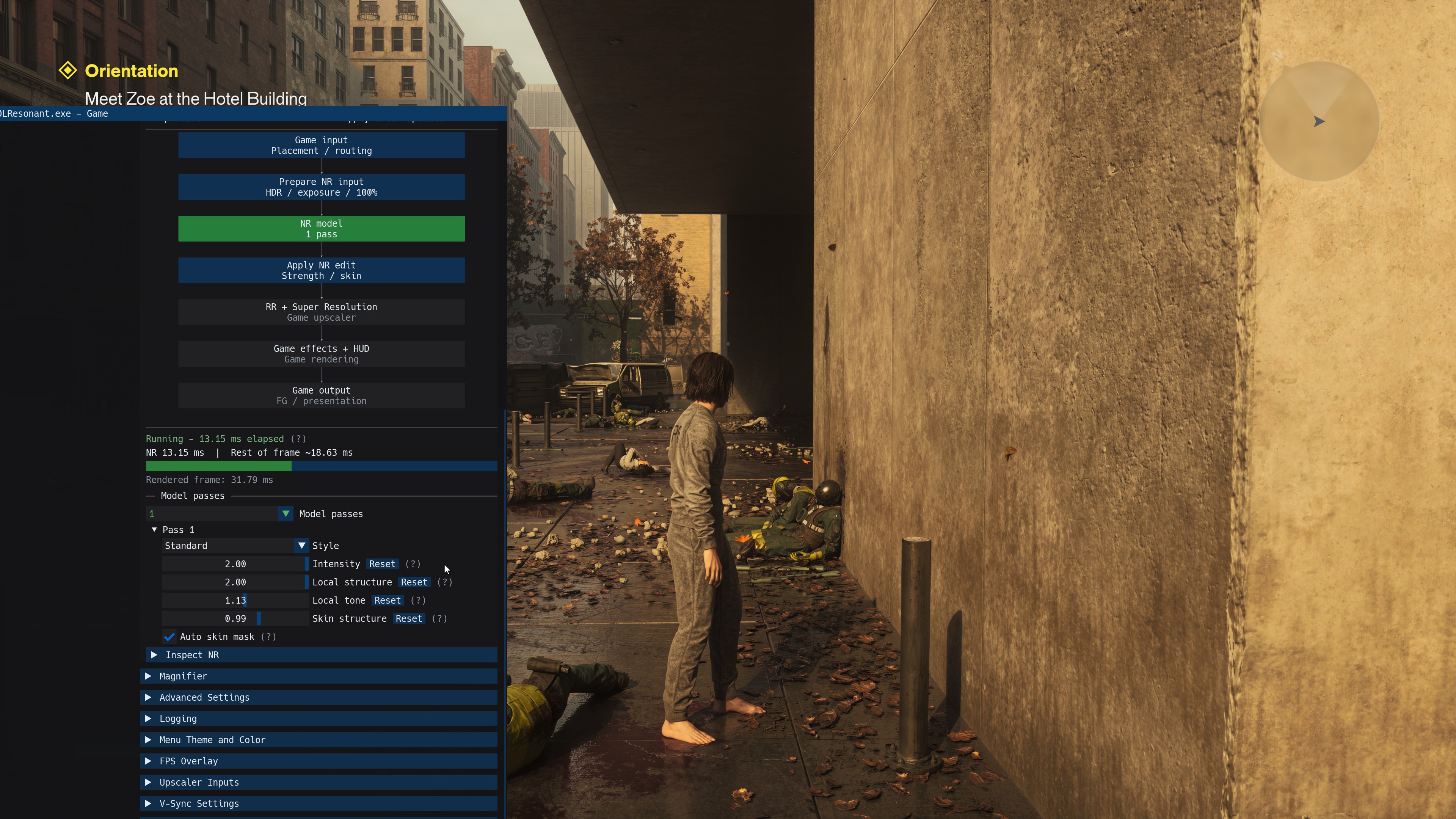
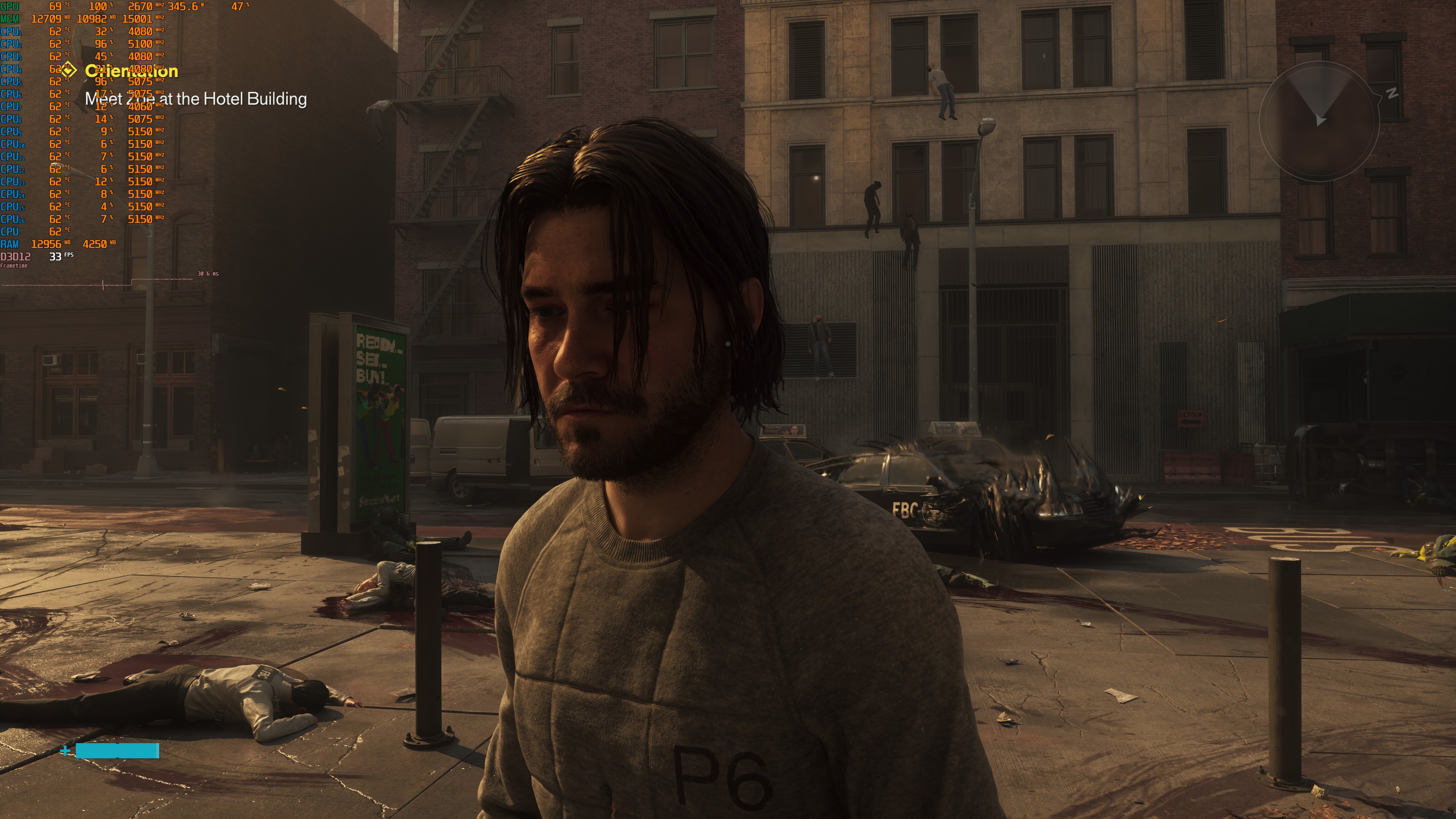
And here are some comparison shots. Path Tracing + DLSS 5 is on the left, whereas default Path Tracing is on the right. As you will see, the Path Tracing + DLSS 5 shots look better in every way than the default Path Tracing shots. The characters now look like they belong in the world. They also feel more grounded in their surroundings. All materials look better, too.
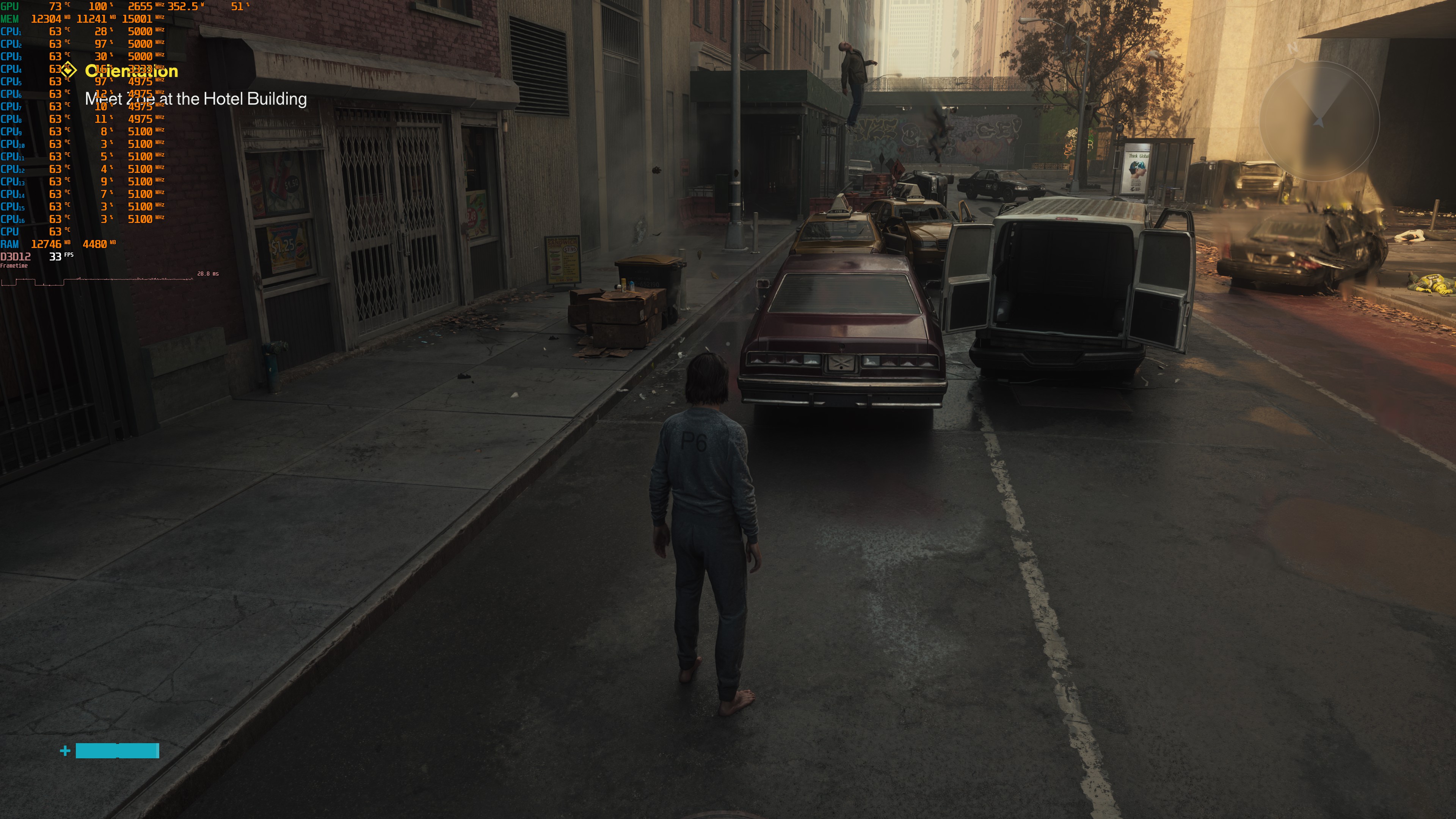
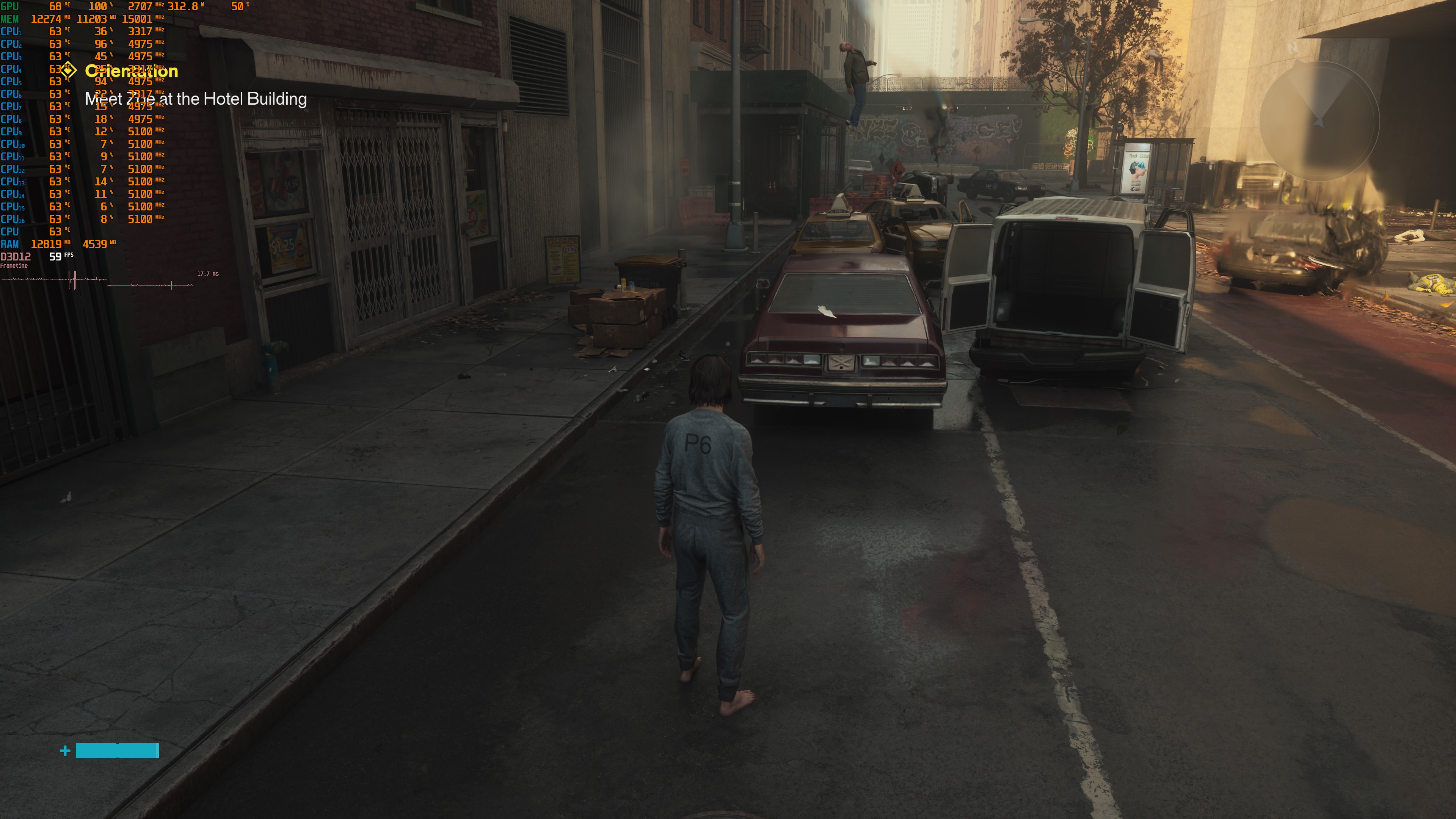
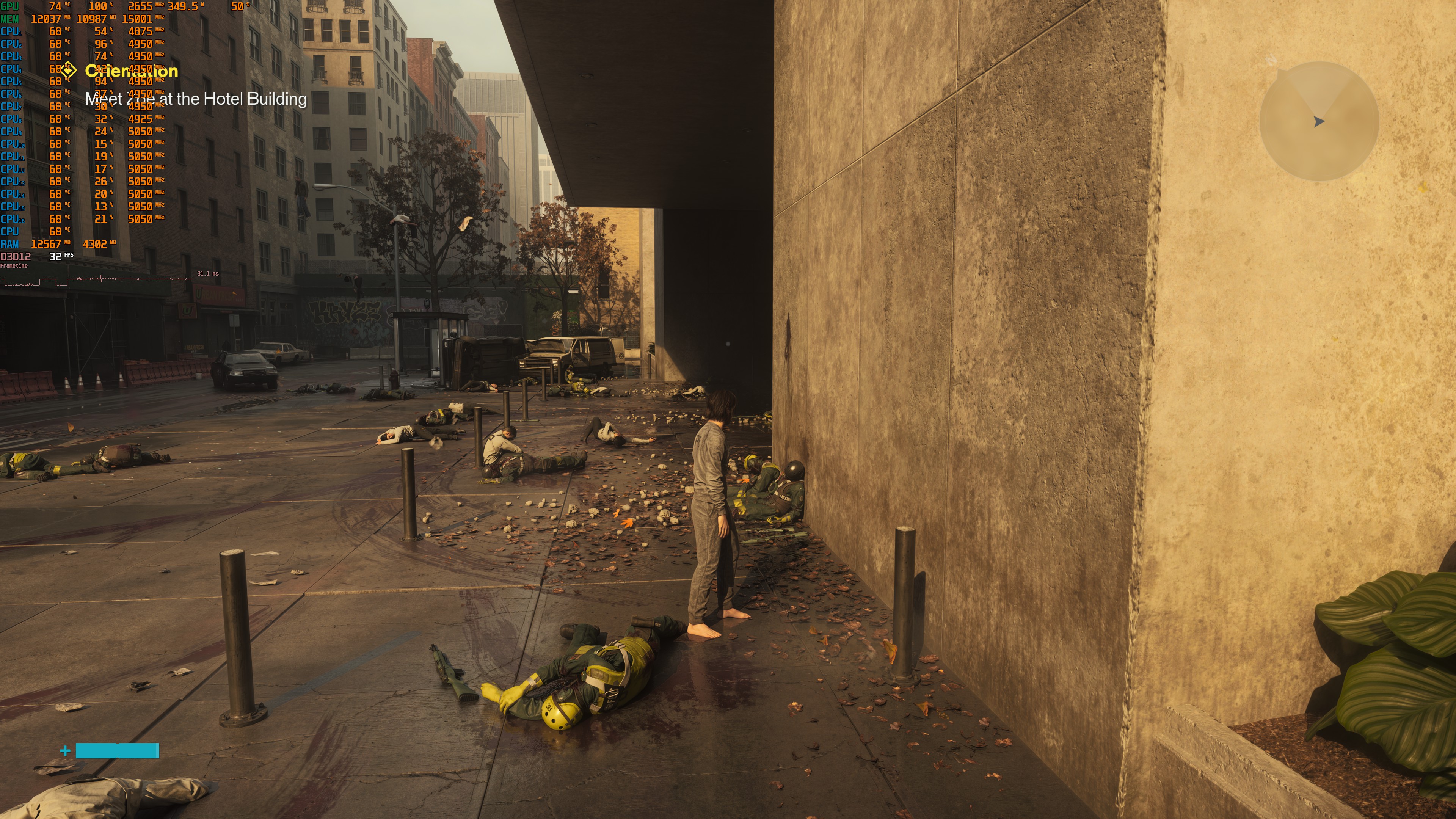
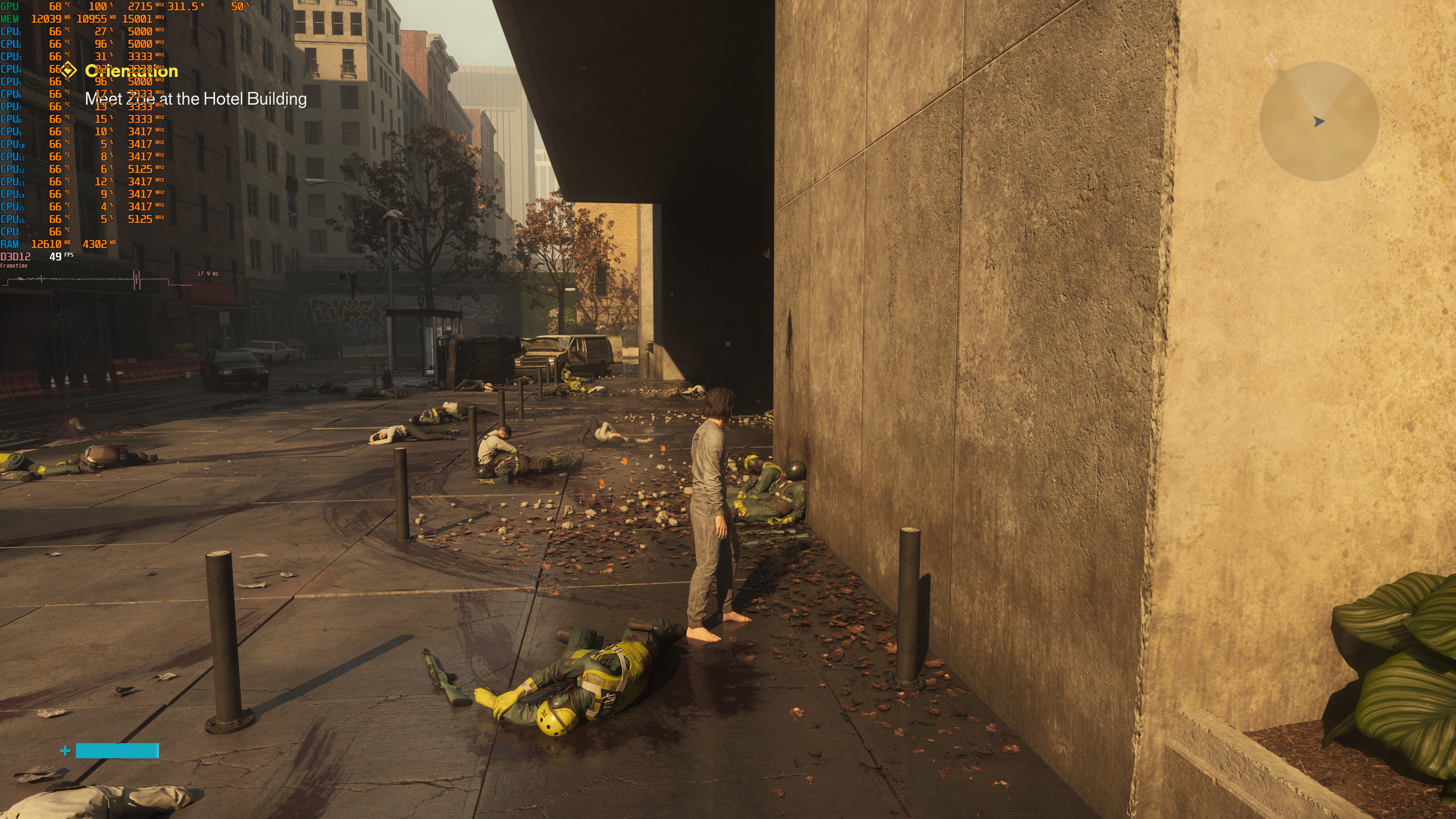
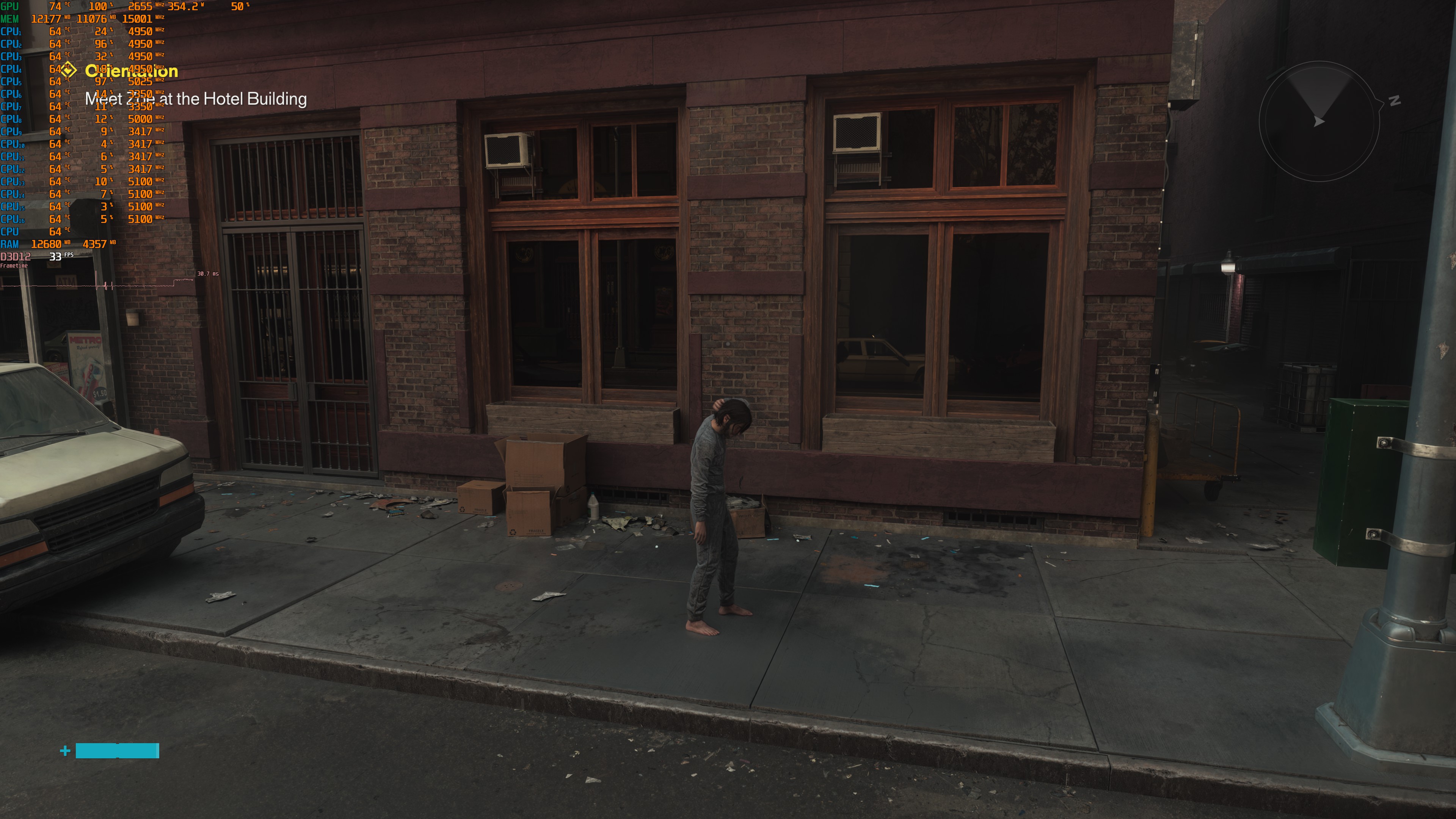
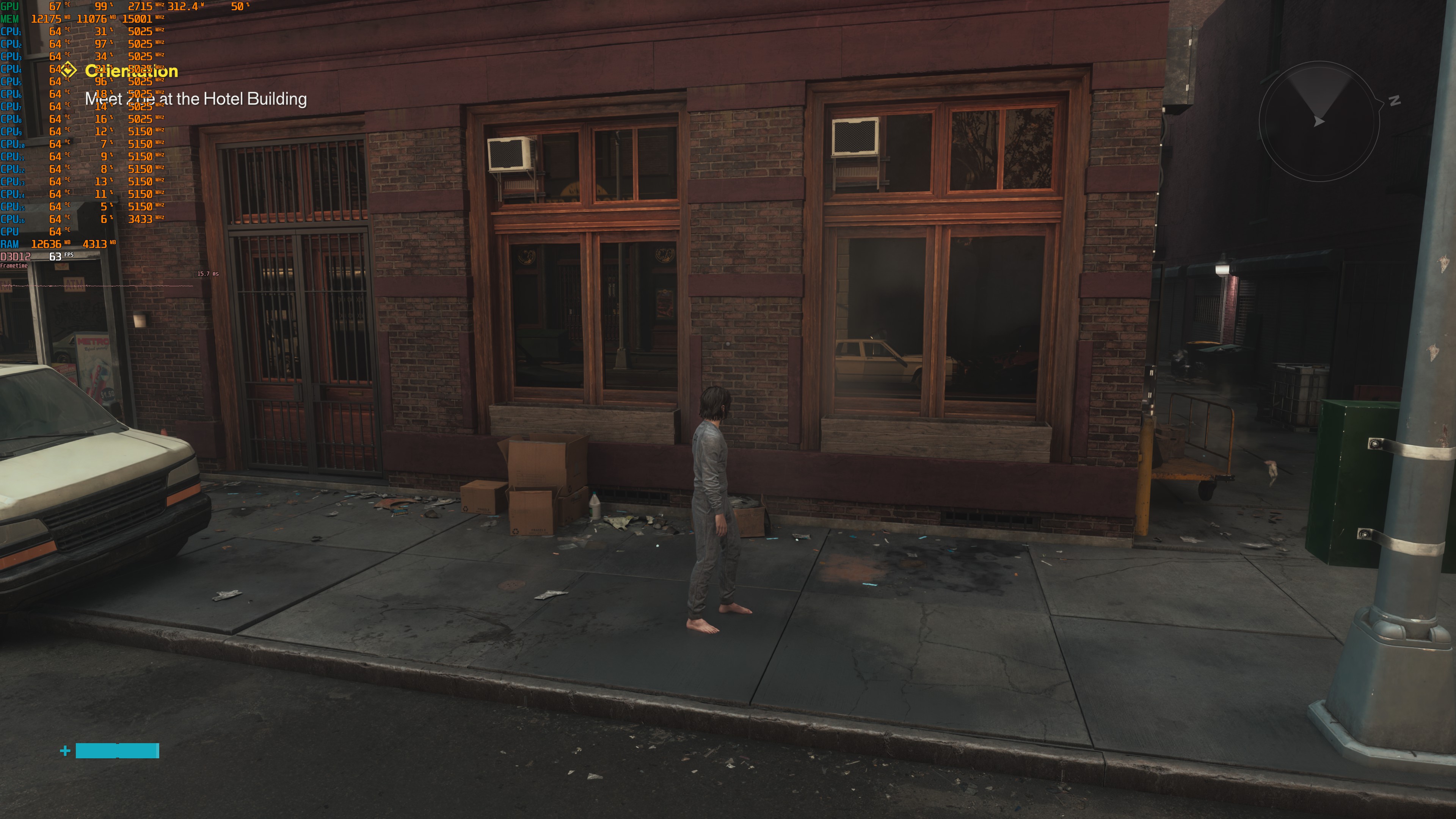
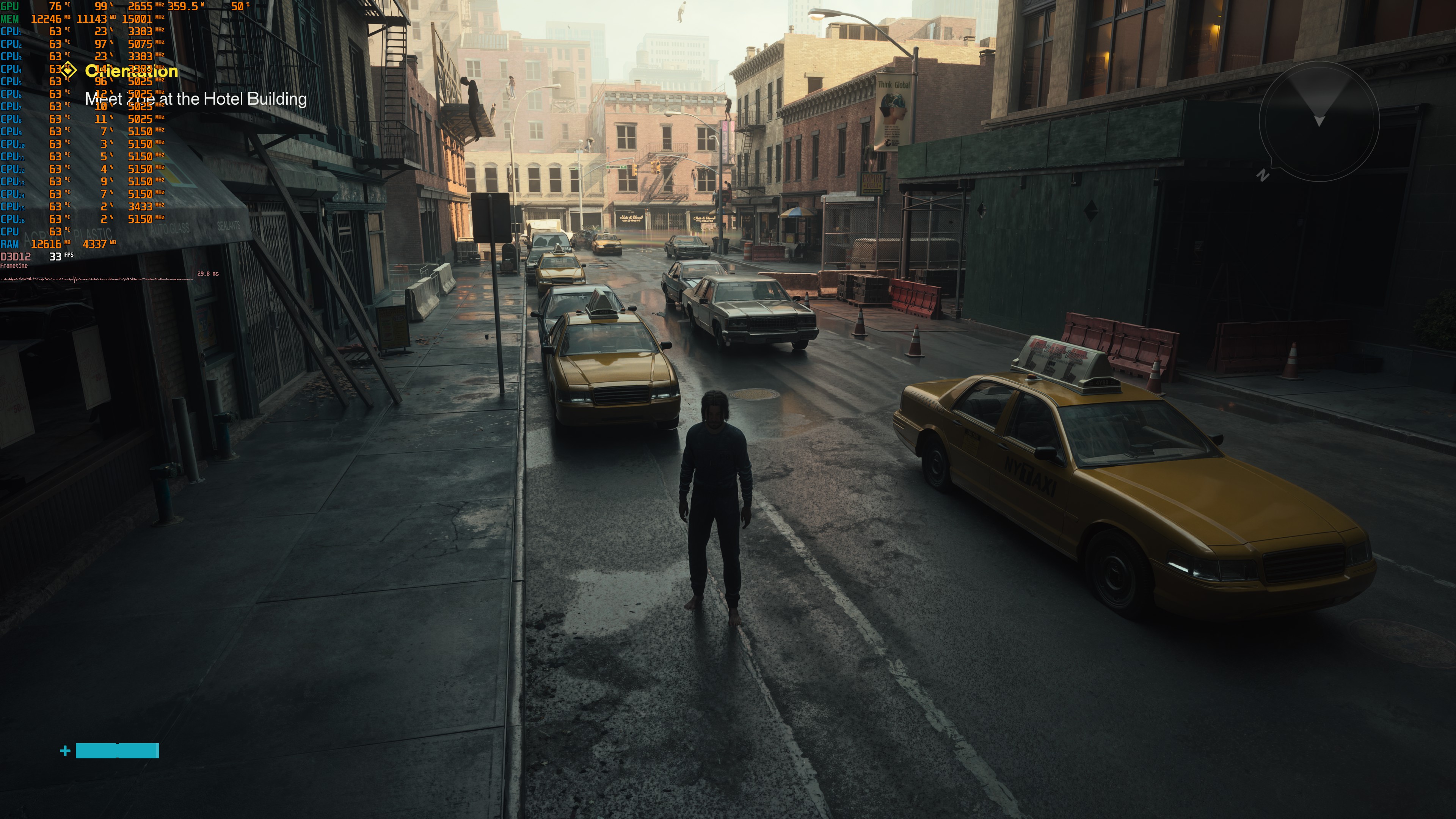
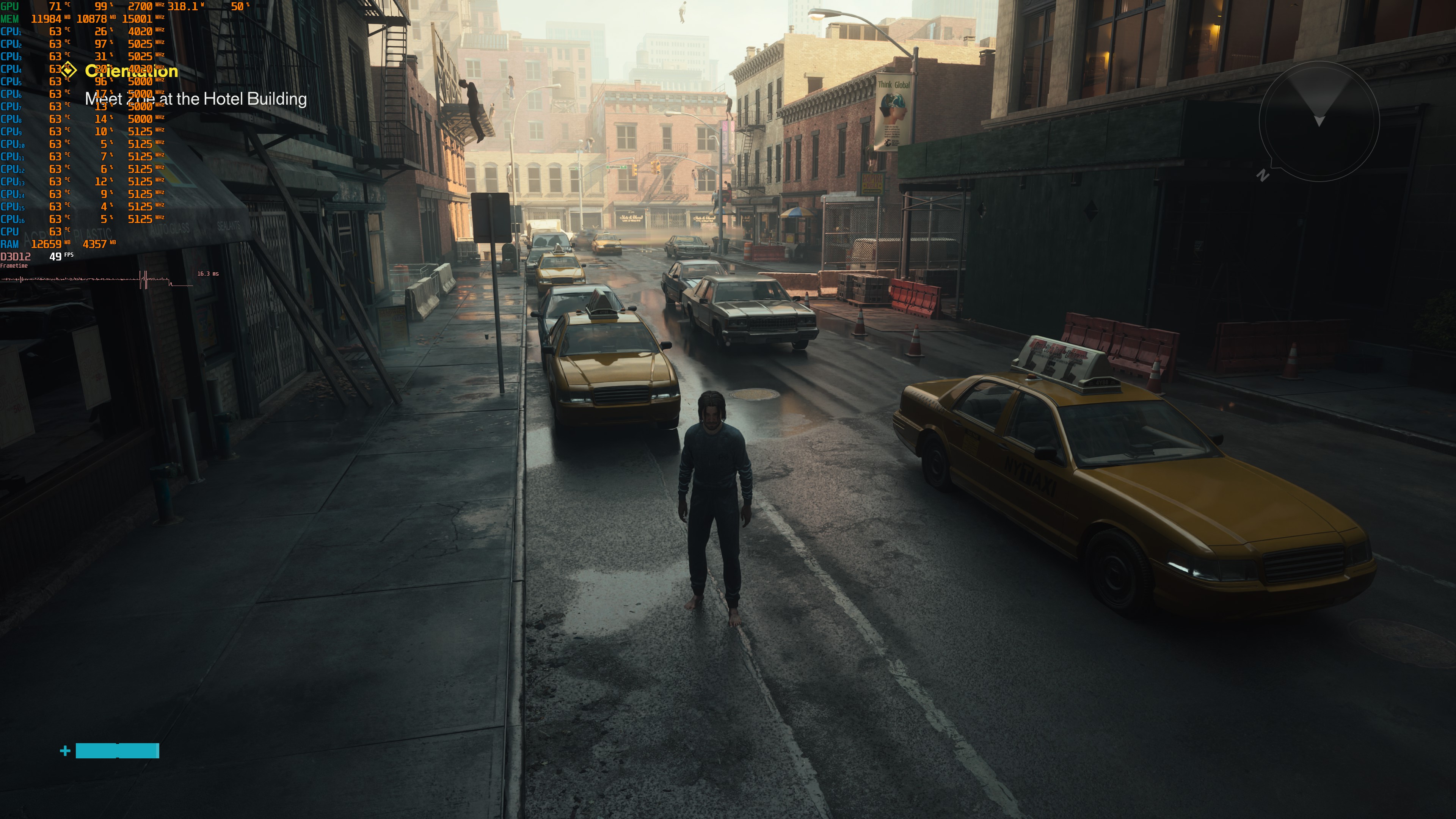
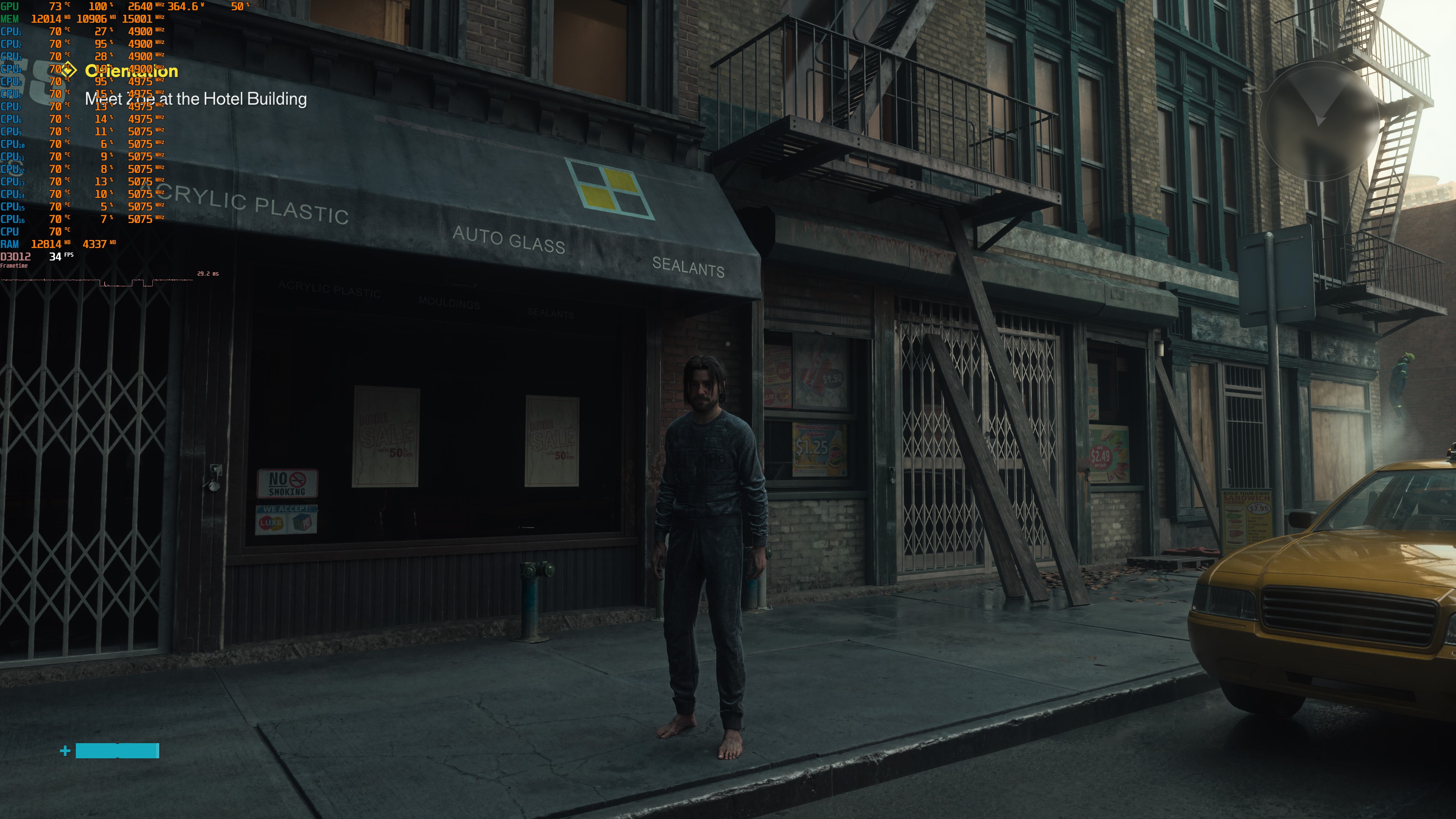
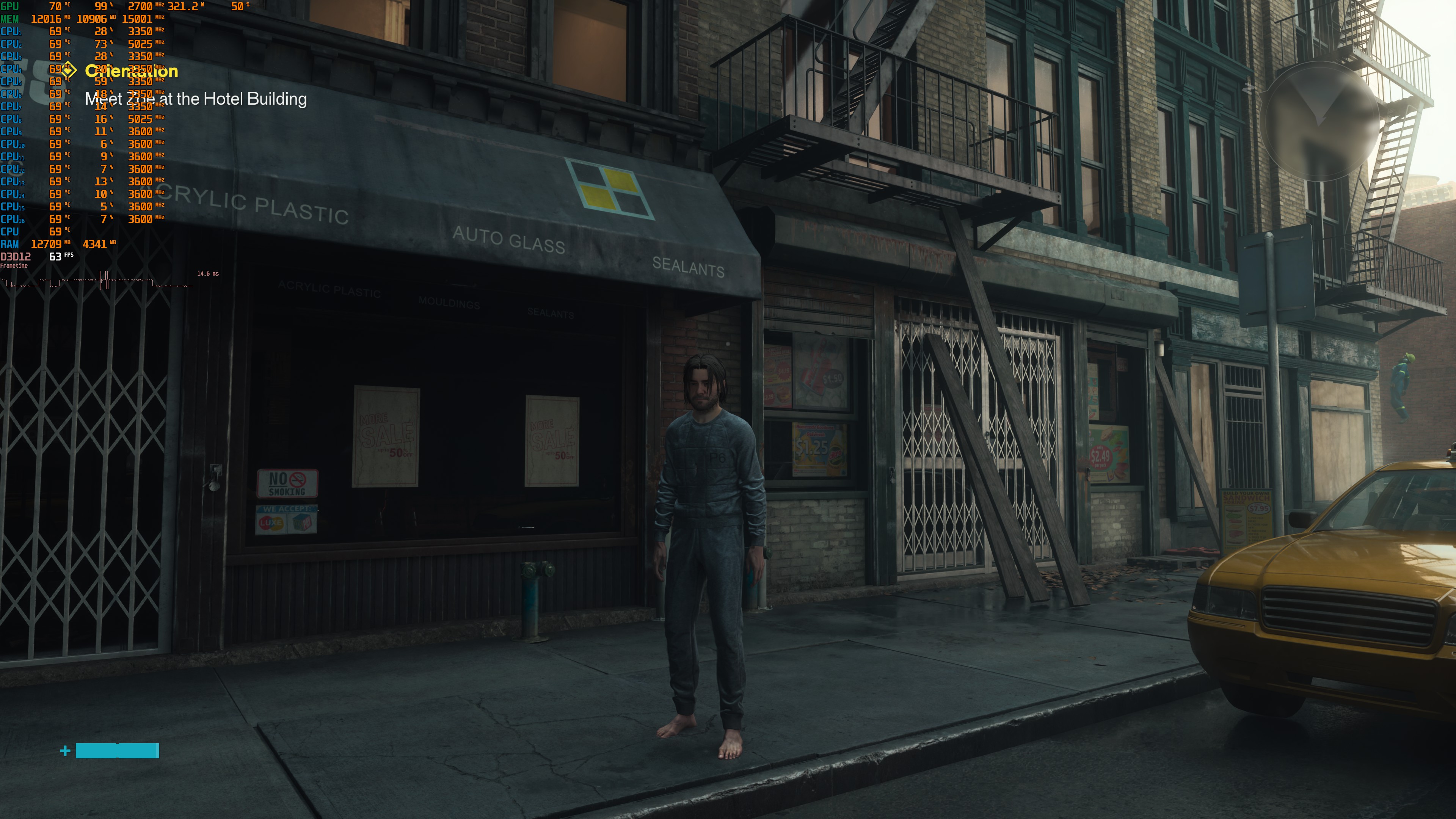
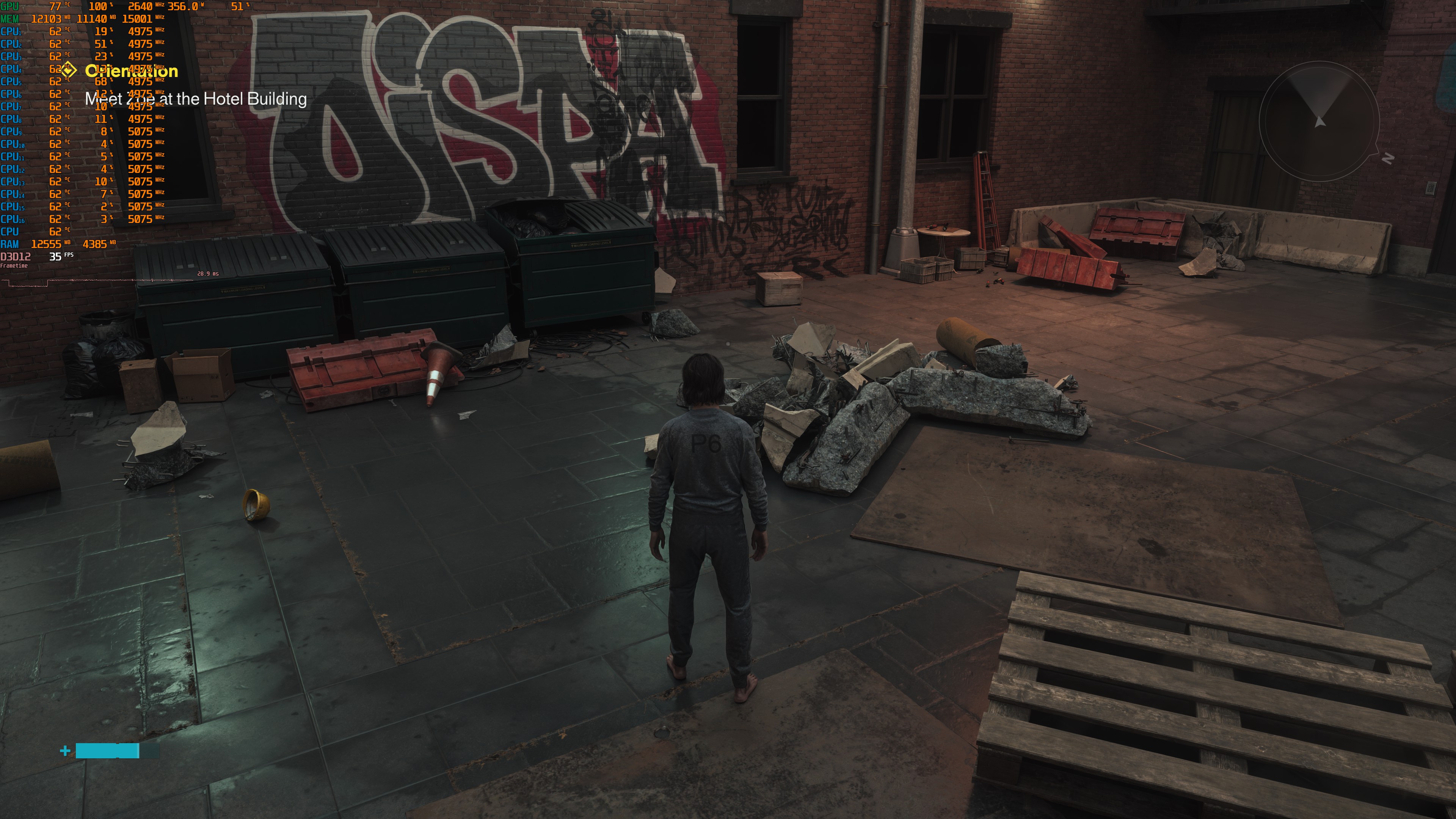
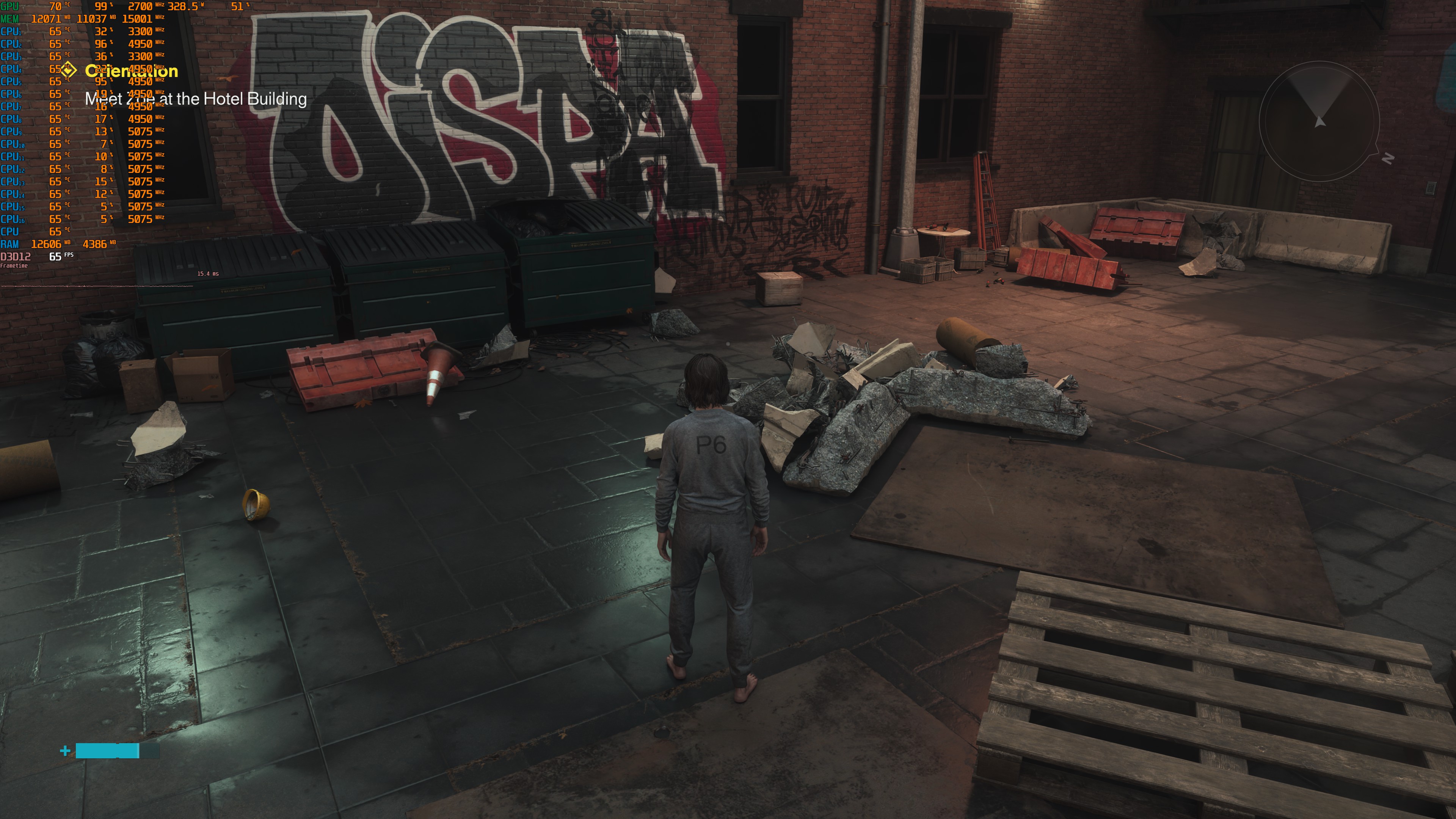
As I’ve said before, I strongly believe that DLSS 5 is meant for the NVIDIA RTX 5090. At least for now, this seems true for those who play at 4K. What really surprised me, though, was how well the game played on the NVIDIA RTX 5080. I’ve played for over three hours with Path Tracing + DLSS 5, and everything felt great.
This should not be possible with a base frame rate of only 32–38 FPS before Multi-Frame Generation. Yet, I did not notice any input lag issues. Even during chaotic fights, the game felt very responsive. This is the only game where I’ve had this kind of experience. Other games do not feel good when using MFG at 33–38 FPS. I did see some minor visual artifacts during fast camera movements. Still, I would take the Path Tracing + DLSS 5 version over the default Path Tracing version any day.
So, there you have it. While Control Resonant does not have native support for DLSS 5, it can greatly benefit from it. Not only that, but it’s perfectly enjoyable at 4K/DLSS Performance with Path Tracing, even on an NVIDIA RTX 5080. So, if you own an RTX 5080 or RTX 5090, I highly recommend playing the game this way!

John is the founder and Editor in Chief at DSOGaming. He is a PC gaming fan and highly supports the modding and indie communities. Before creating DSOGaming, John worked on numerous gaming websites. While he is a die-hard PC gamer, his gaming roots can be found on consoles. John loved – and still does – the 16-bit consoles, and considers SNES to be one of the best consoles. Still, the PC platform won him over consoles. That was mainly due to 3DFX and its iconic dedicated 3D accelerator graphics card, Voodoo 2. John has also written a higher degree thesis on the “The Evolution of PC graphics cards.”
Contact: Email