Electronic Arts has just released the highly anticipated remake of Dead Space. Powered by the Frostbite Engine, it’s time now to benchmark it and see how it performs on the PC platform.
For this PC Performance Analysis, we used an Intel i9 9900K, 16GB of DDR4 at 3800Mhz, AMD’s Radeon RX580, RX Vega 64, RX 6900XT, RX 7900XTX, NVIDIA’s GTX980Ti, RTX 2080Ti, RTX 3080 and RTX 4090. We also used Windows 10 64-bit, the GeForce 528.24 and the Radeon Software Adrenalin 2020 Edition 22.11.2 drivers (for the RX7900XTX we used the special 23.1.2 driver).
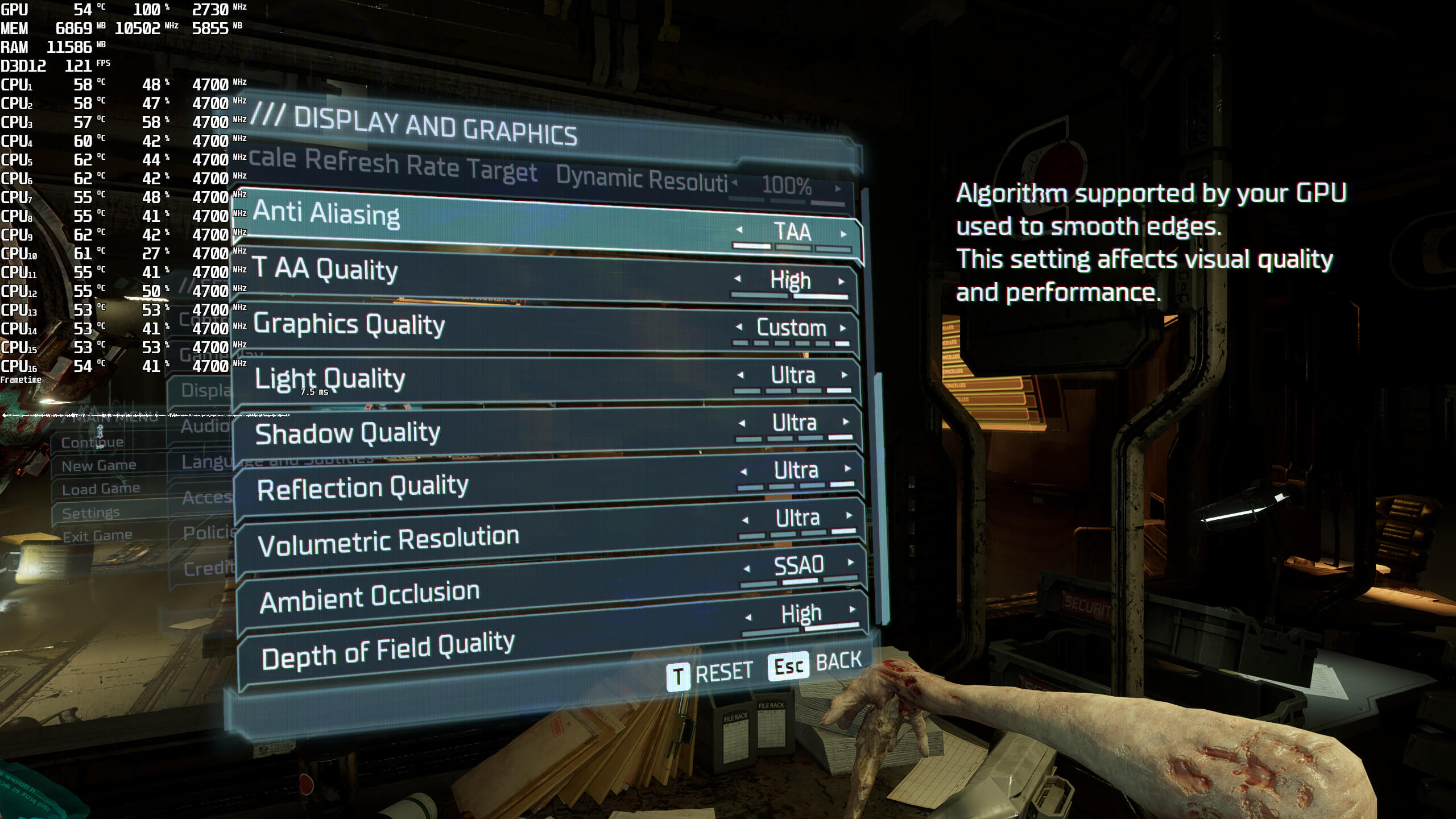
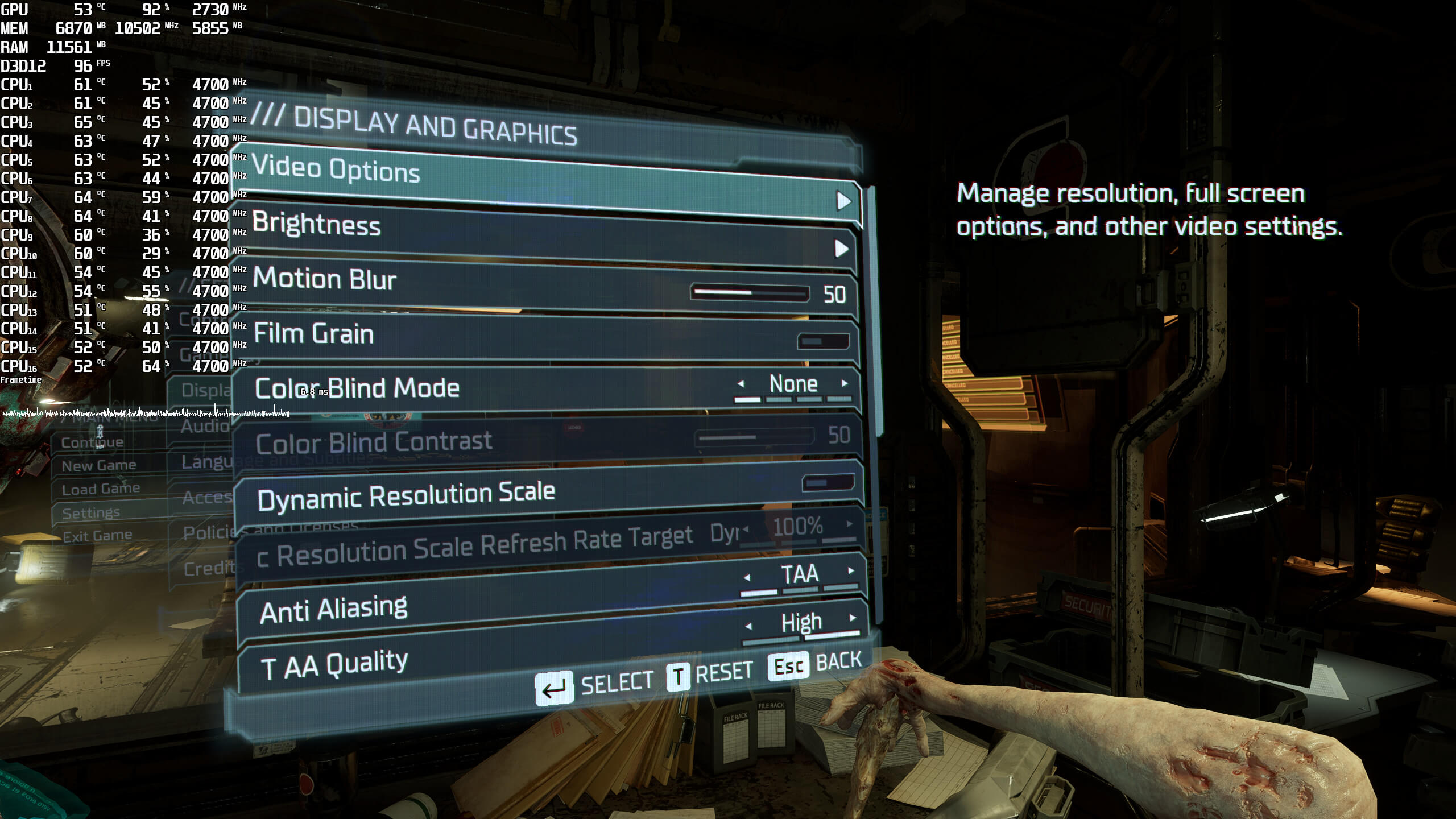
EA Motive has added a few graphics settings to tweak. PC gamers can adjust the quality of Anti-Aliasing, Light, Shadows, Reflections, Volumetric Resolution, Ambient Occlusion and Depth of Field. Furthermore, there is support for Ray Tracing Ambient Occlusion, as well as support for both NVIDIA DLSS 2 and AMD FSR 2.0.
Dead Space Remake does not feature any built-in benchmark tool. As such, we’ve used the prologue sequence for our GPU benchmarks. That sequence is one of the heaviest scenes in the game. Thus, consider our benchmarks as stress tests (worst-case scenarios benchmarks). Less taxing areas will, obviously, run faster. However, we always prefer benchmarking the most demanding areas of games.
Unfortunately, we won’t have any CPU benchmarks as the EA Origin App was constantly locking us out for 24 hours after three hardware changes. For simulating four CPU systems (and testing each of them with/without Hyper-Threading), we’d have to wait for over a week. Suffice to say though that our Intel i9 9900K was able to push over 100fps at 1080p/Max Settings on the NVIDIA RTX4090. Therefore, most of you won’t encounter any weird CPU bottlenecks (unless you have older/weaker CPUs).
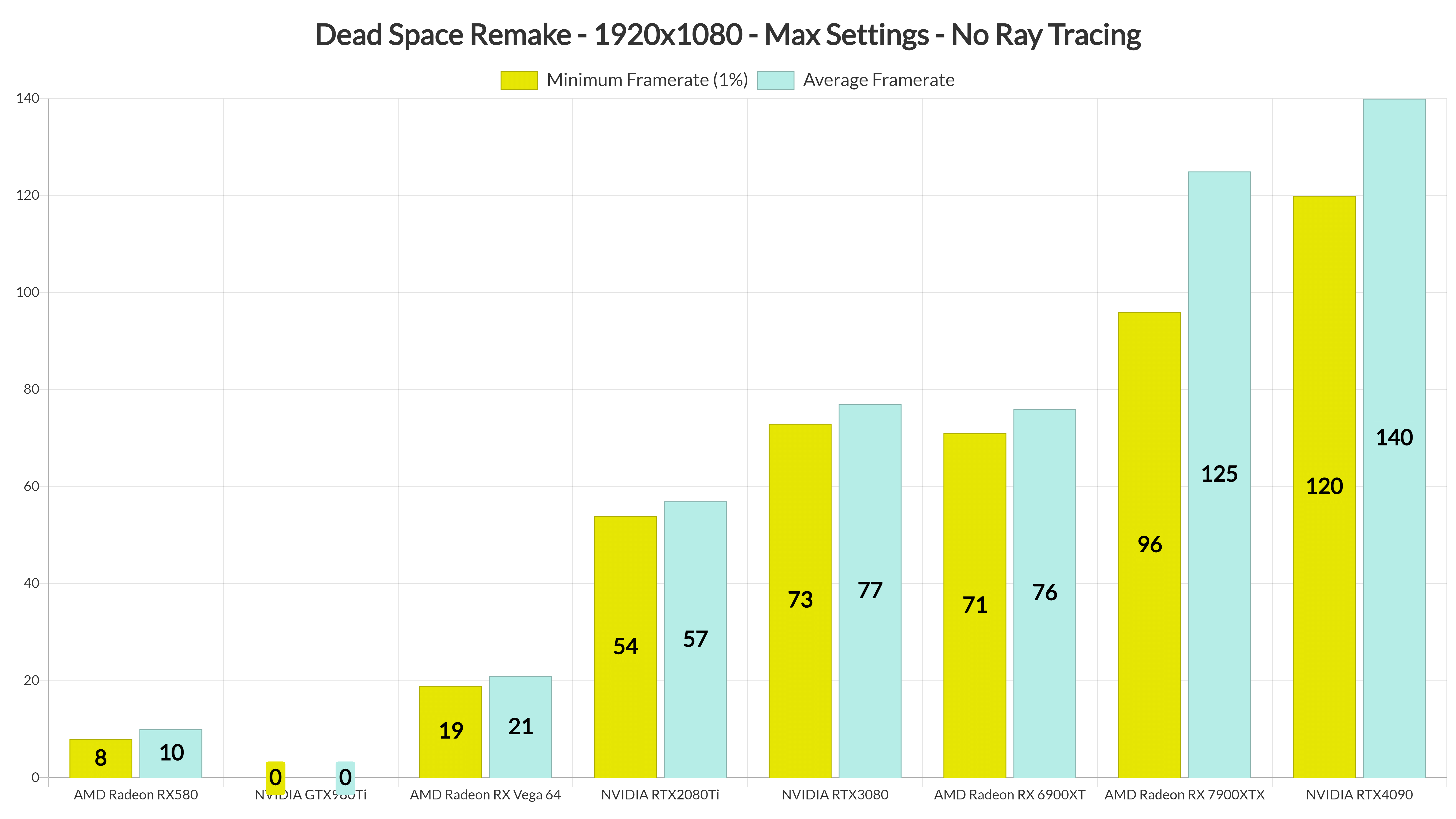
At 1080p/Max Settings/No Ray Tracing, only half of our GPUs were able to provide a constant 60fps experience. Surprisingly enough, the RTX2080Ti was unable to run the prologue sequence smoothly. The game was also constantly crashing on the GTX980Ti.
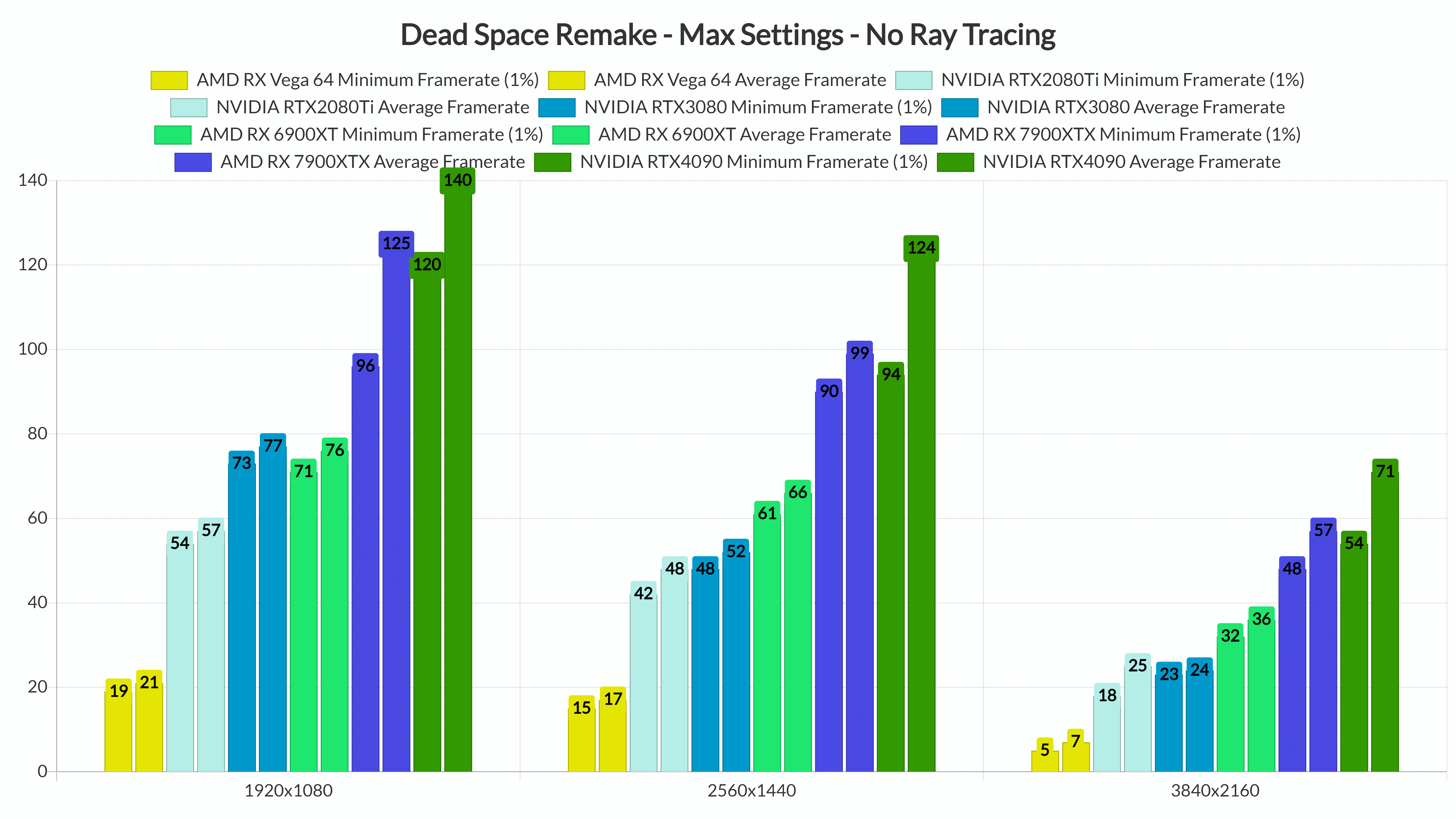
At 1440p/Max Settings/No Ray Tracing, the only GPUs that could run our benchmark scene smoothly were the AMD RX 6900XT, RX 7900XTX and NVIDIA RTX4090. And as for 4K/Max Settings, there wasn’t any GPU that could run it with constant 60fps.
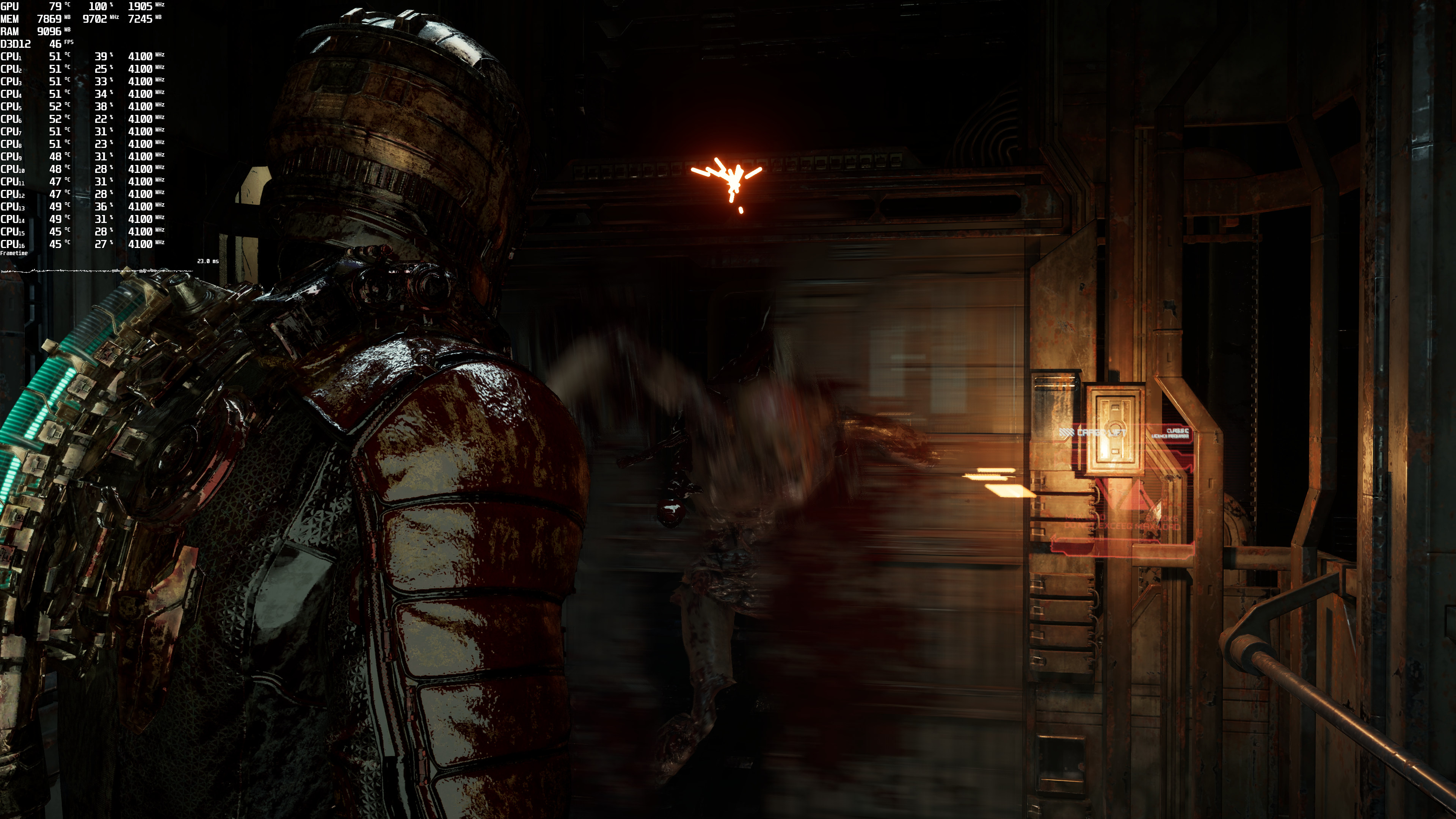
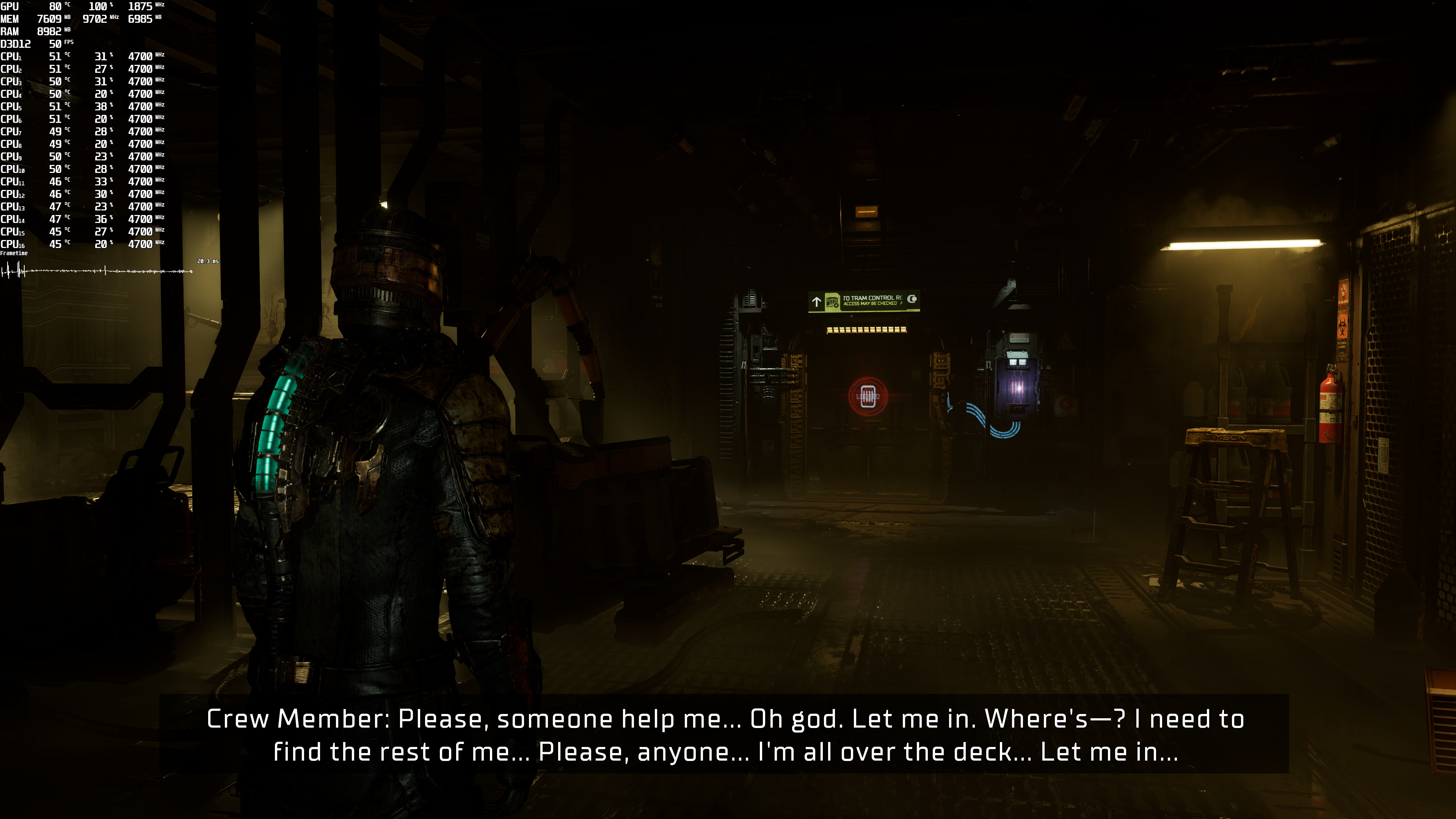
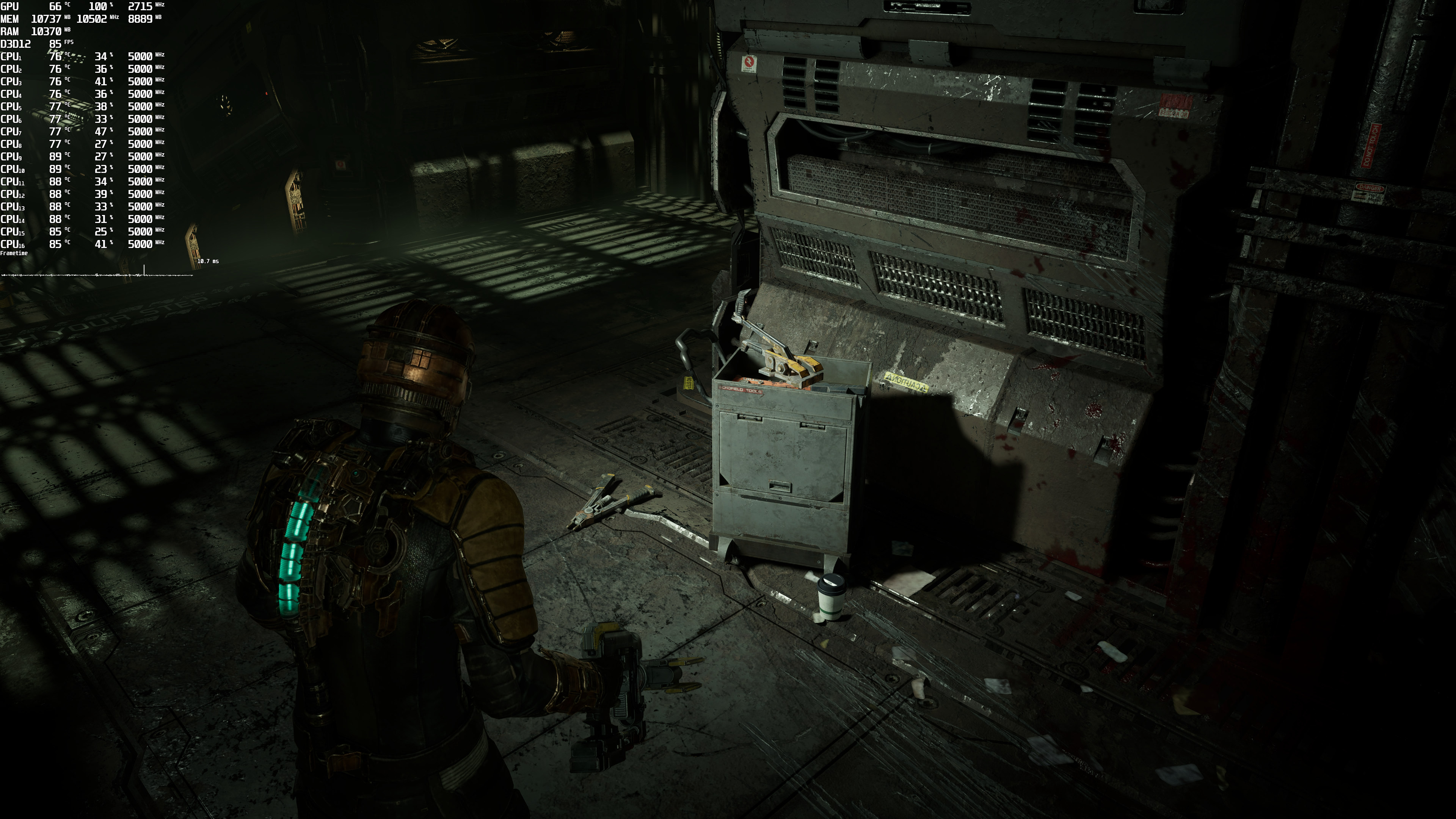
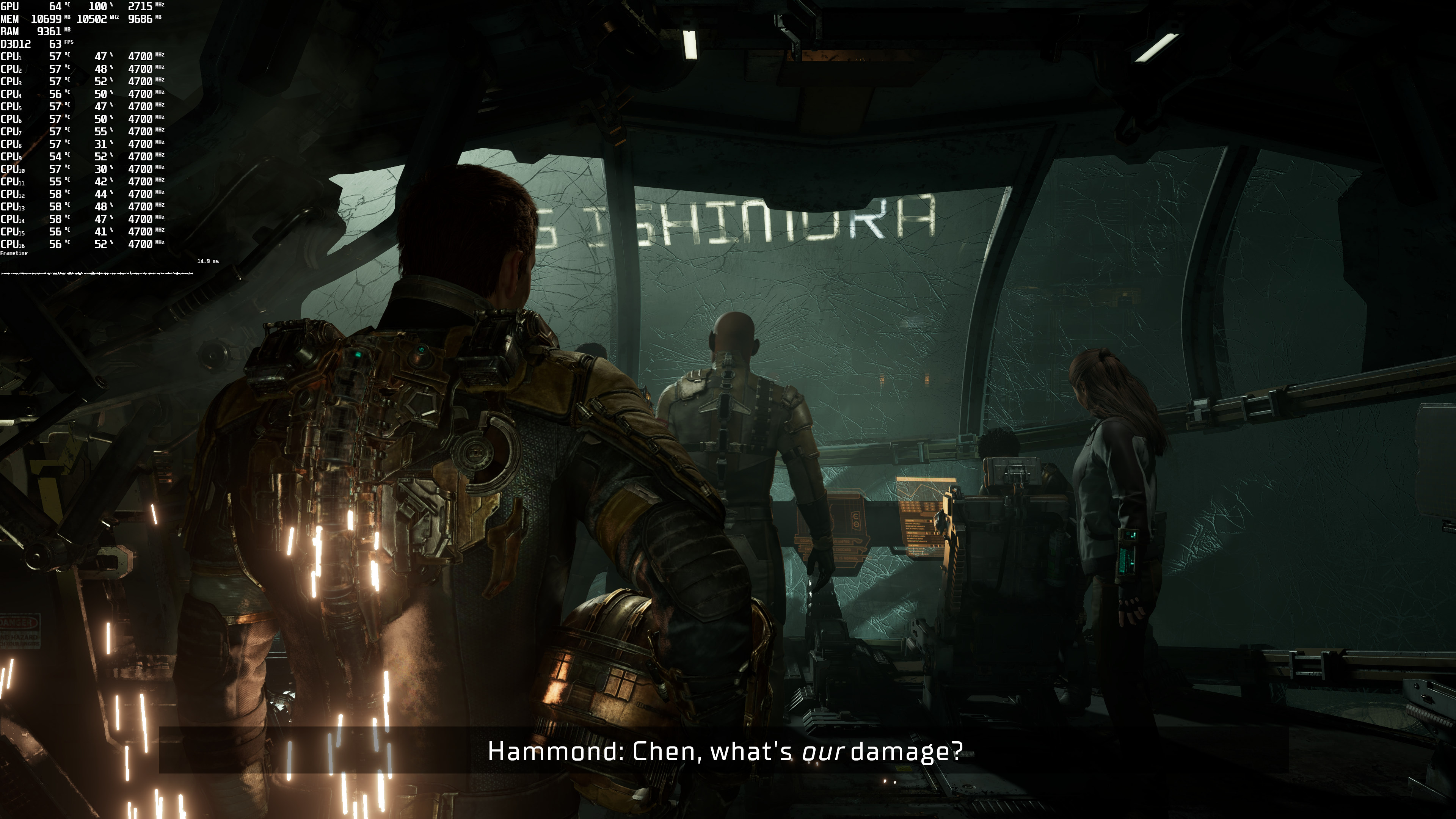
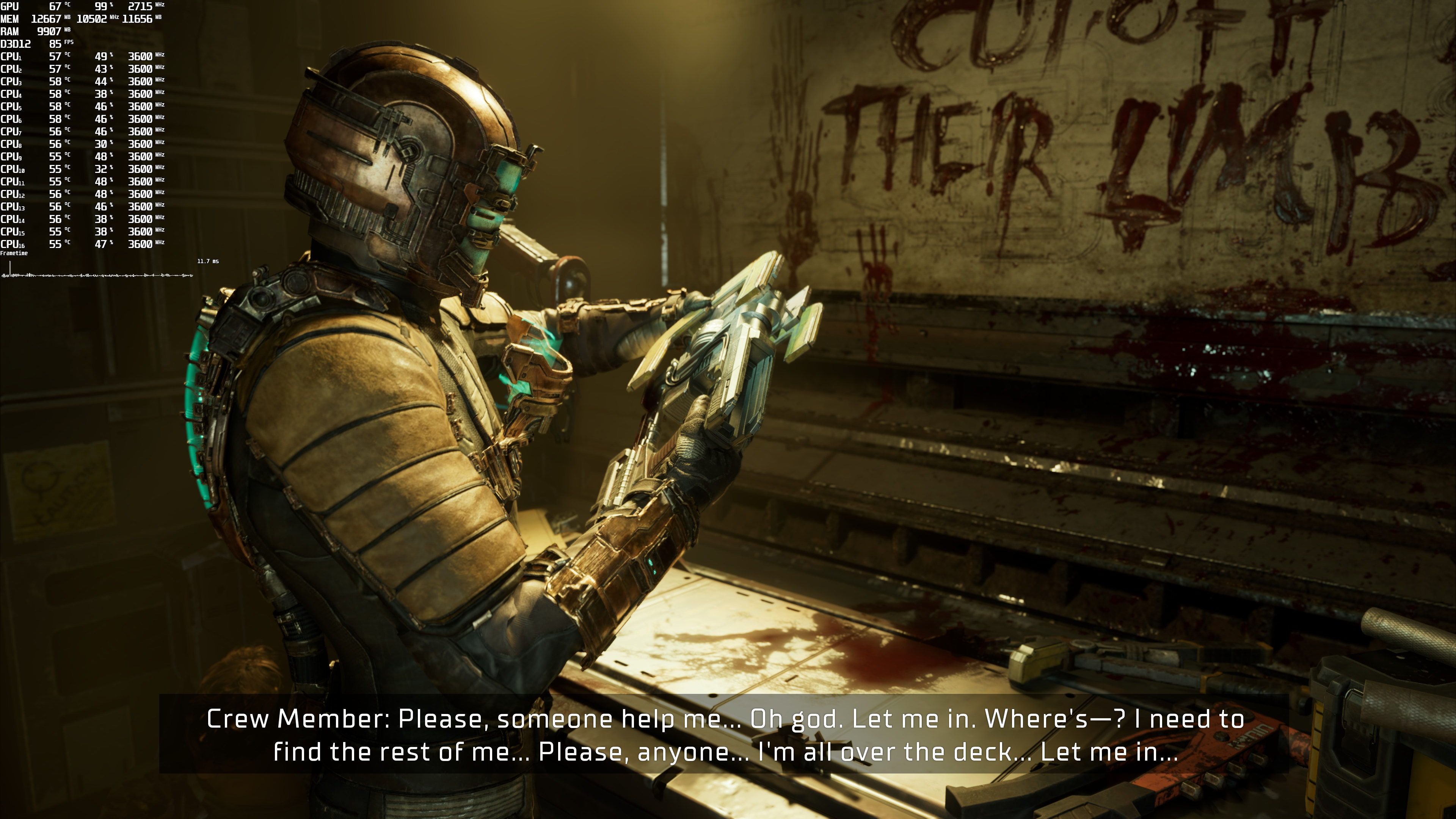
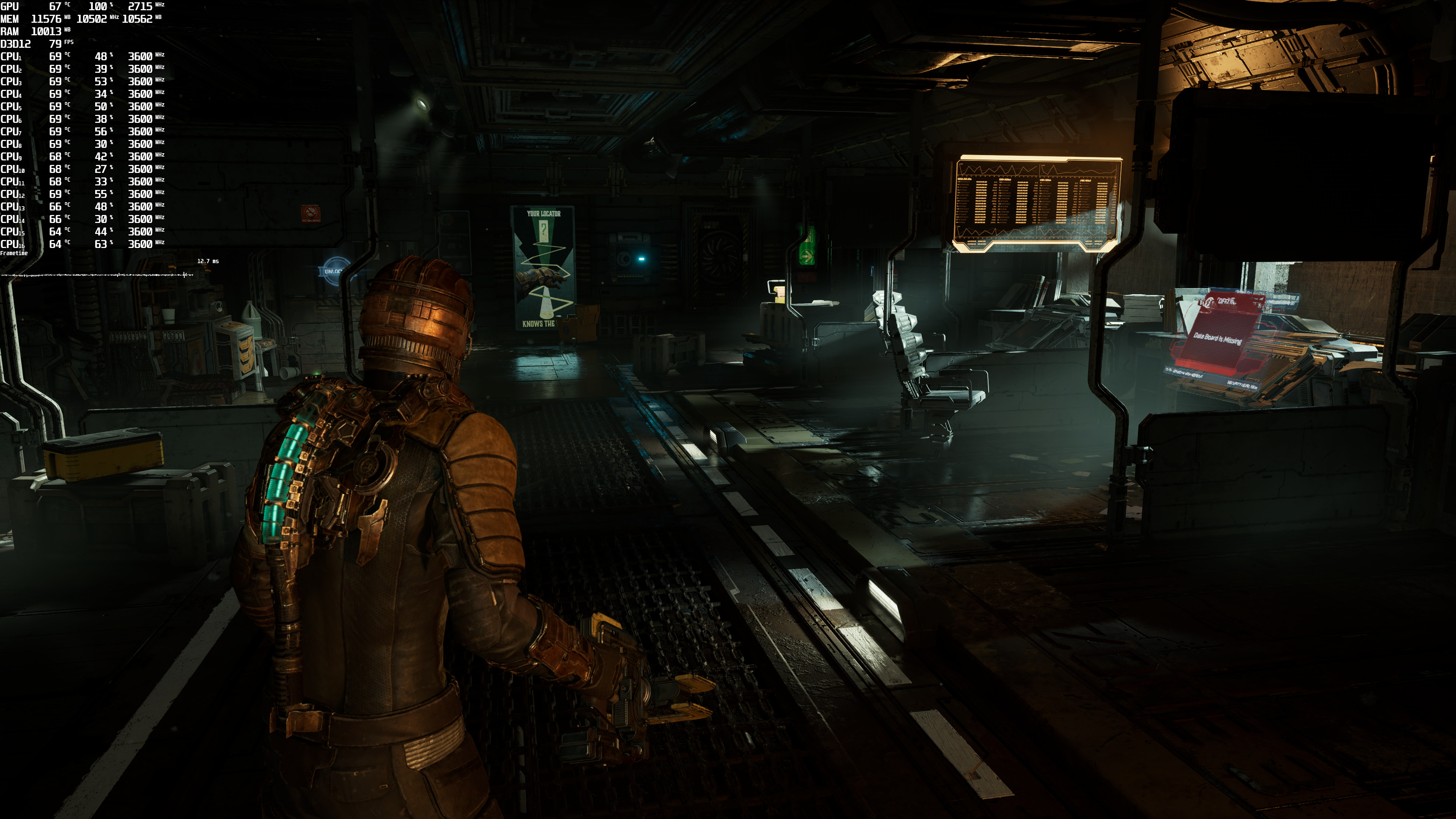
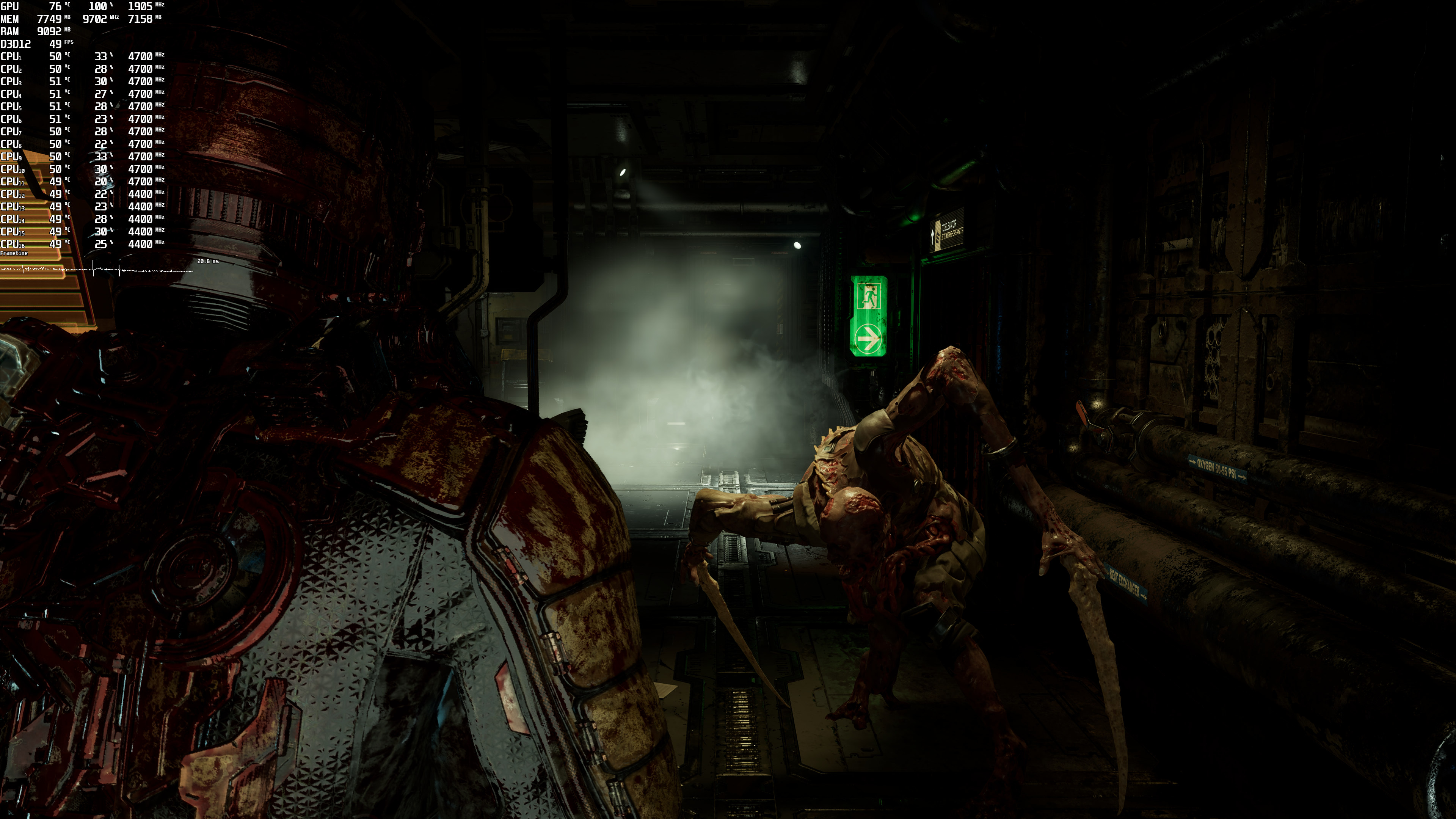
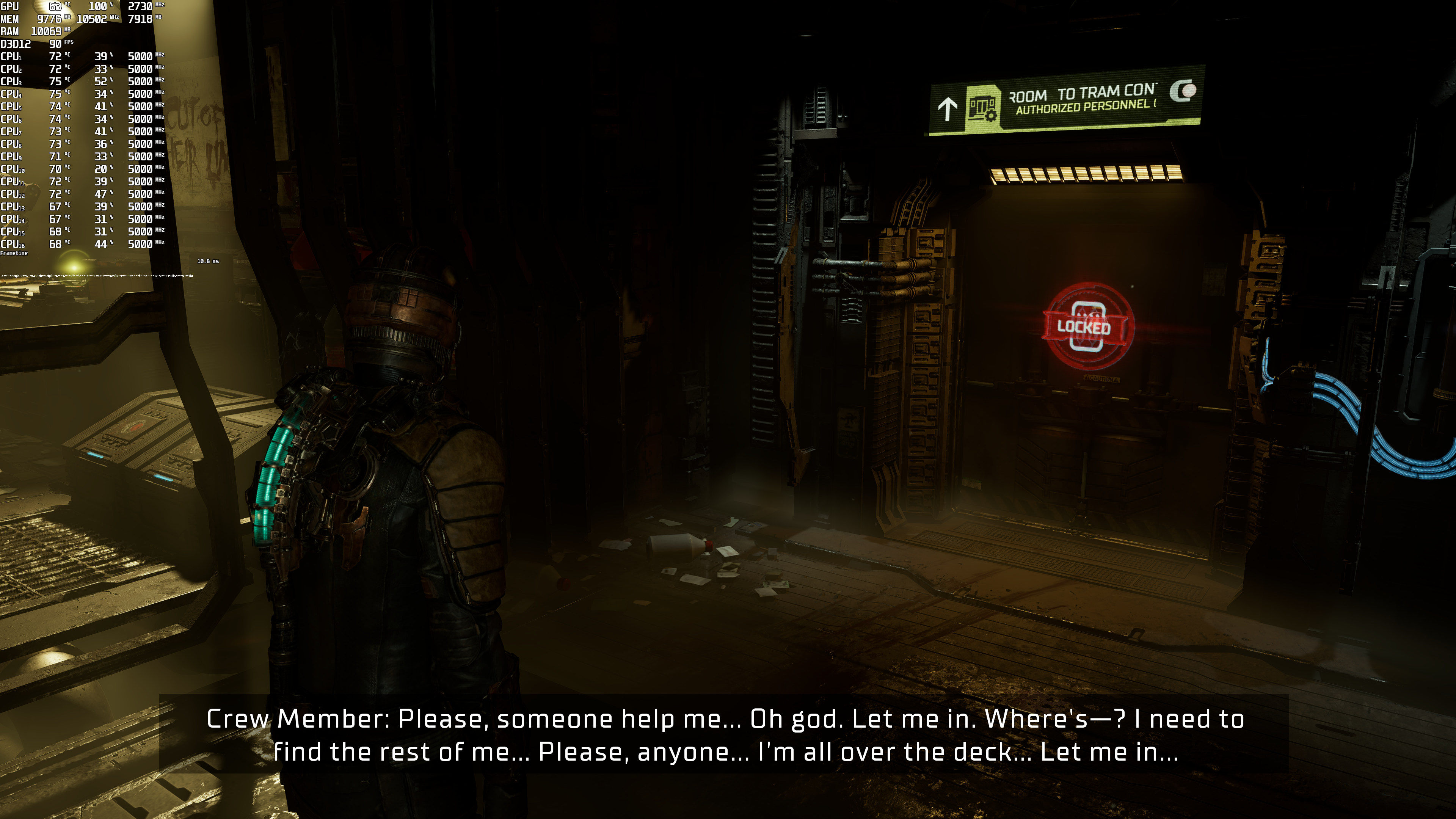
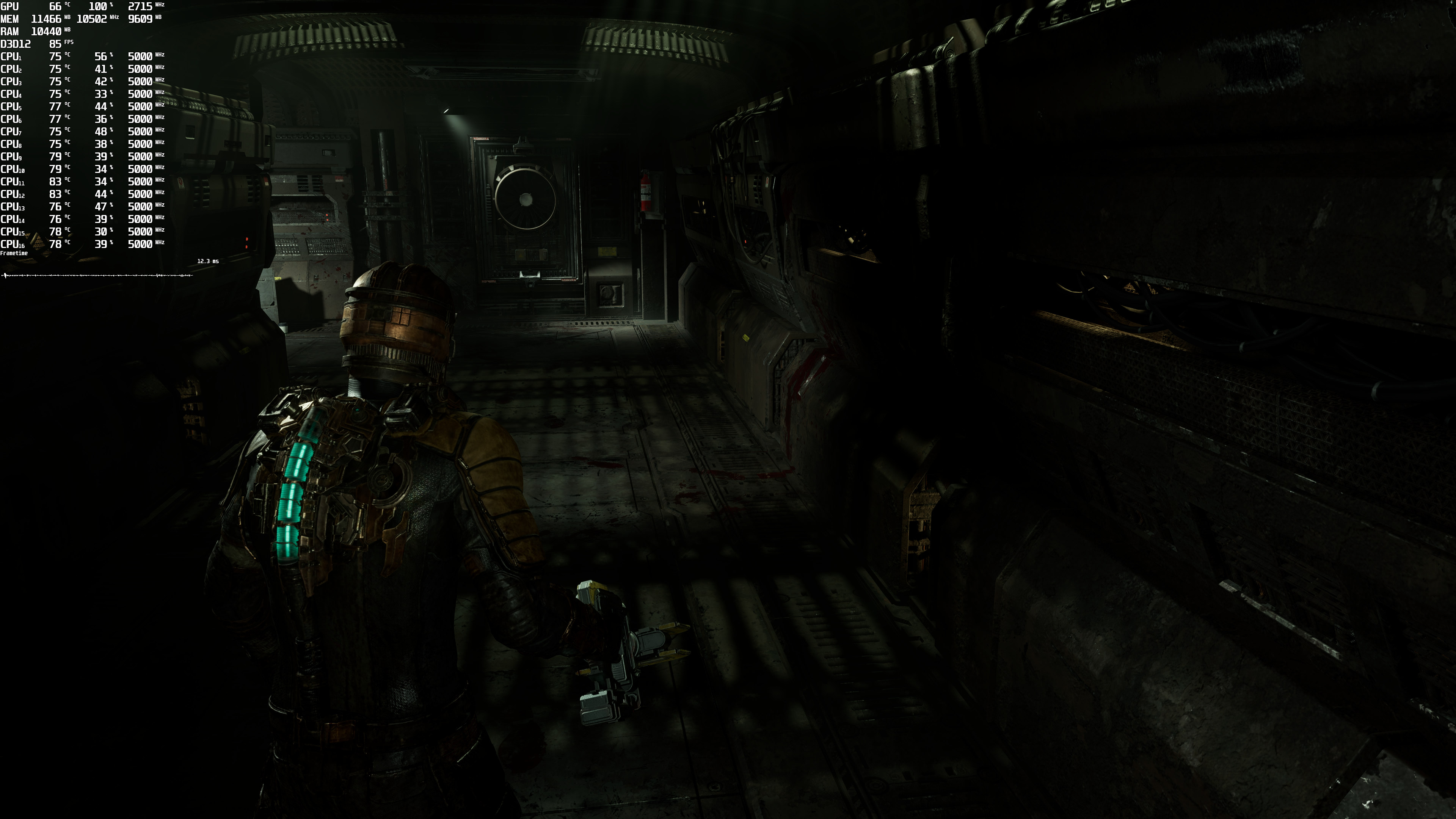
As said, our benchmark is a stress test and a “worst-case scenario” scene. For instance, the RTX3080 can run less taxing areas with 44-50fps as you can see in the following screenshots. Nevertheless, we don’t really know whether there are any similar GPU-heavy scenes in later stages. And, for what is being displayed in the prologue sequence, the game does not justify its enormous GPU requirements. At least during those GPU-heavy scenes.
Graphics-wise, Dead Space Remake looks great. EA Motive has used a lot of high-quality textures, and the environments look absolutely beautiful. Players can also interact with a lot of objects, and your flashlight will cast shadows on all objects. The new 3D models for all characters and the Necromorphs are also highly detailed. However, the game currently has VRS enabled by default, so avoid using DLSS 2 or FSR 2.0 (otherwise you’ll get blurry textures). EA Motive plans to release a patch that will allow PC gamers to disable VRS.
Unfortunately, Dead Space Remake suffers from numerous traversal stutters. PC gamers will encounter small stutters when visiting specific locations. These aren’t shader compilation stutters (the game compiles shaders when you first launch it). So, let’s hope that EA Motive will eliminate (or at least minimize) them via a future update.

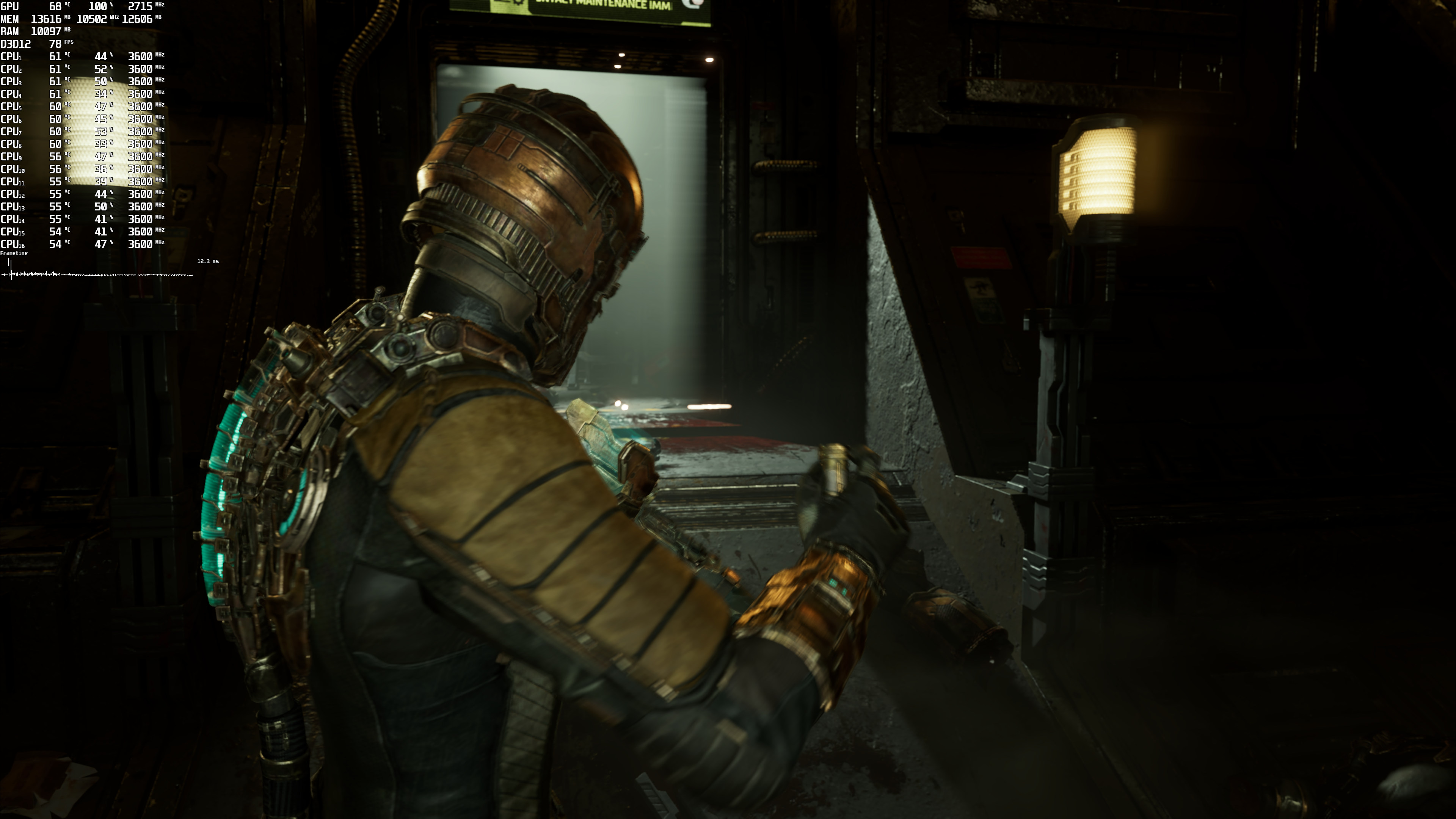
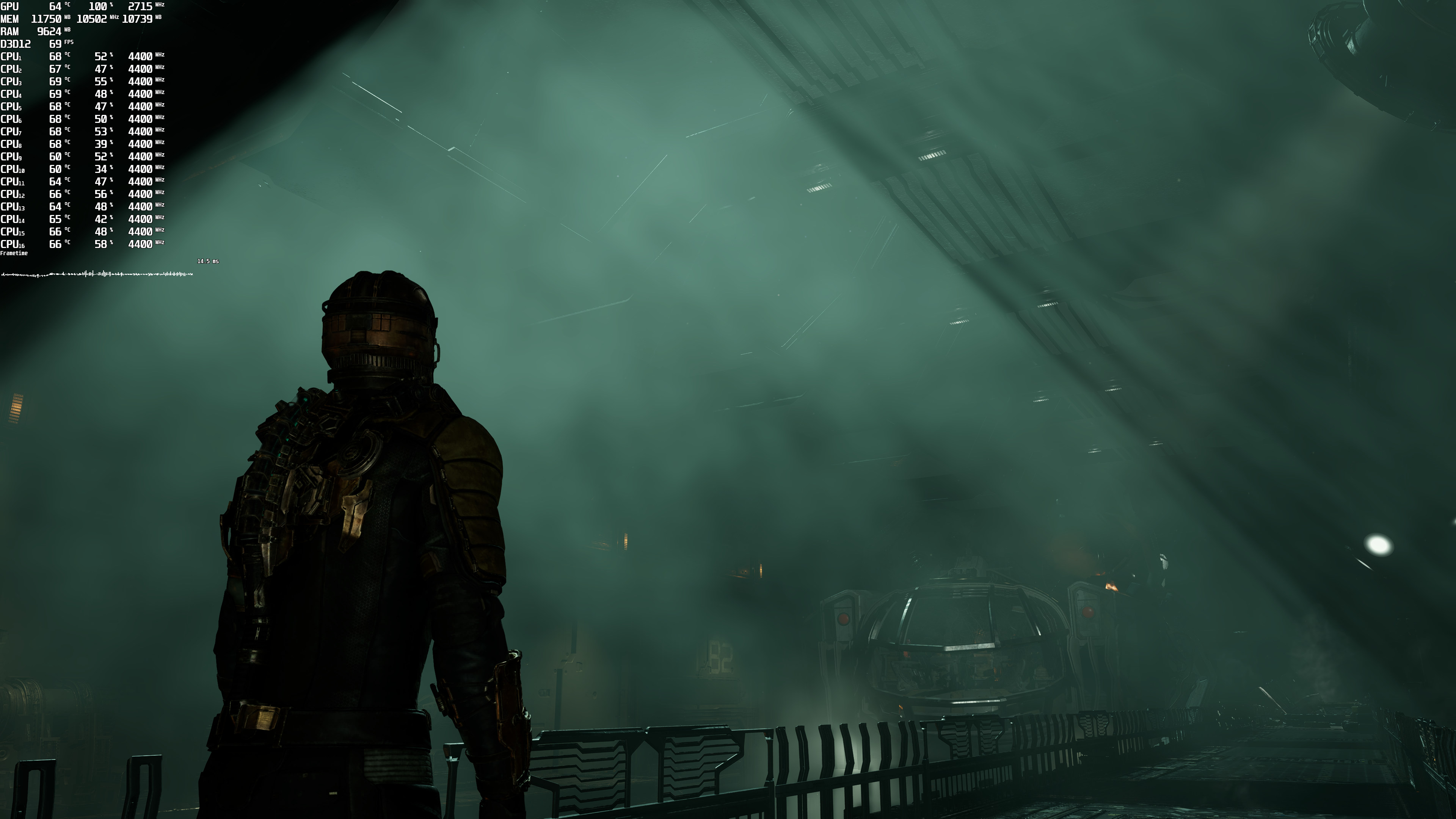
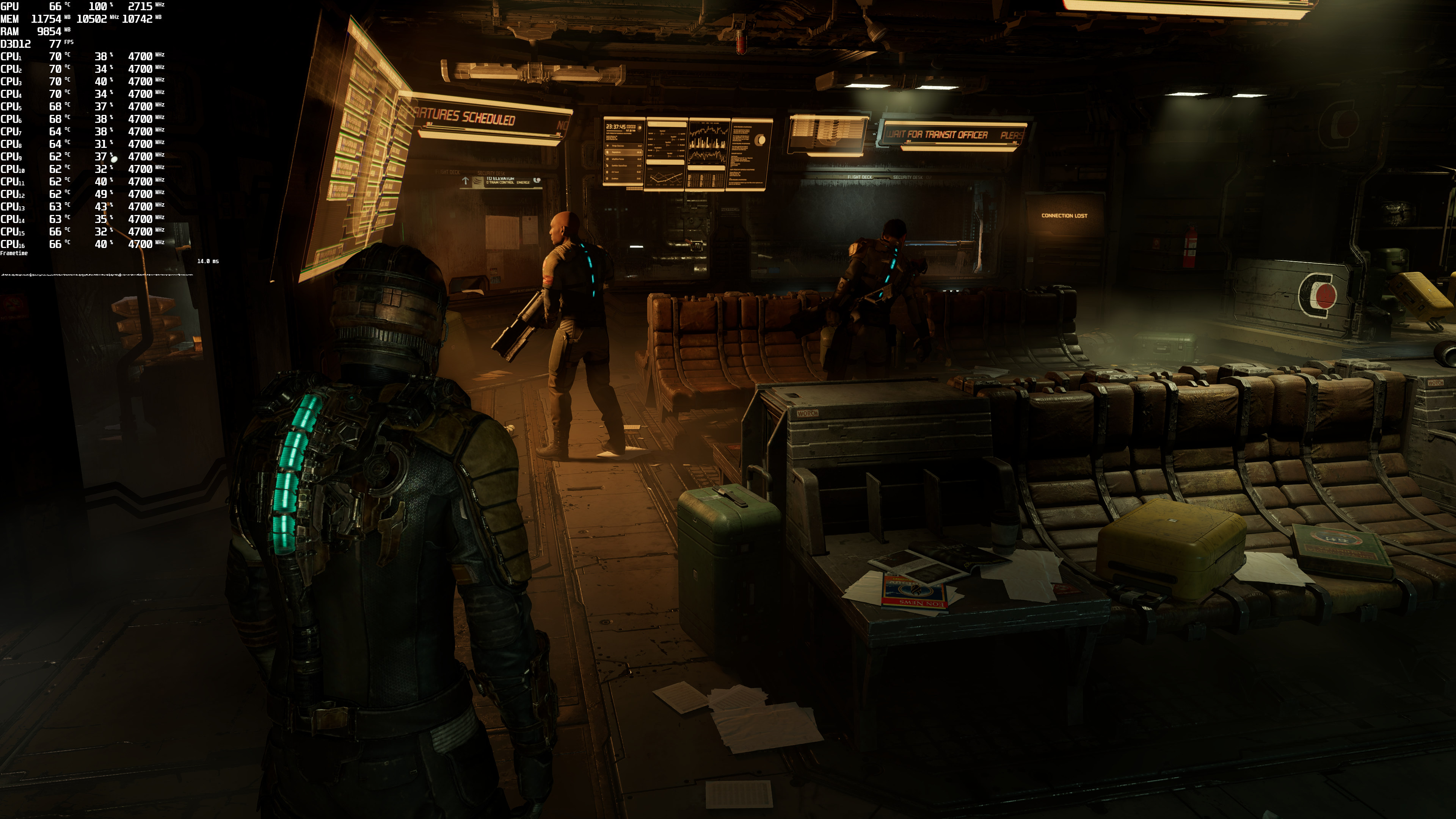
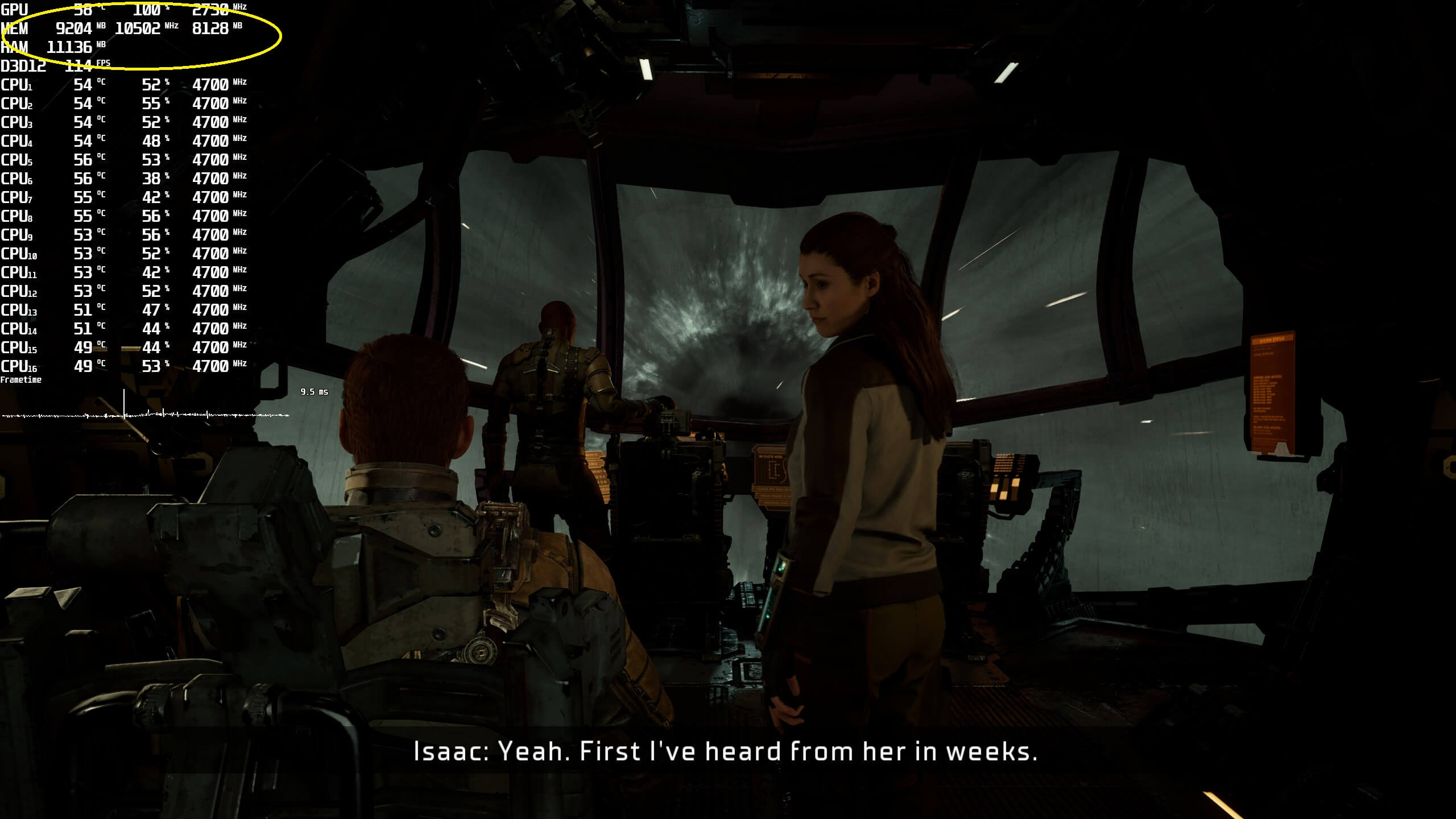
The game does not also feature any setting for adjusting the quality of Textures. As such, some players will encounter VRAM issues, even at 1440p. During our tests, the game can use a bit more than 8GB of VRAM at 1440p and over 12GB at 4K. Below are two screenshots showcasing these extremely high VRAM requirements. Pay attention to the Memory stats. The left number is “total VRAM allocation” and the right number is the “VRAM application usage“.
All in all, the PC version of Dead Space Remake currently suffers a number of issues. The traversal stutters will undoubtedly annoy a lot of PC gamers. DLSS 2 and FSR 2 are also a no-go right now due to the VRS issue. And then we have some really GPU-heavy scenes that will make you wonder why the game performs so poorly. NVIDIA owners will also encounter major VRAM limitations as the game does not have any setting for Textures.
Don’t get us wrong, this isn’t a mess. However, there is no denying that there is room for improvement. Seriously, a setting for Textures will fix a lot of the performance issues that some are currently facing. It’s inexcusable for a 2023 game to not offer such a thing. Thus, we really hope that EA Motive will further optimize the game via future updates.
John is the founder and Editor in Chief at DSOGaming. He is a PC gaming fan and highly supports the modding and indie communities. Before creating DSOGaming, John worked on numerous gaming websites. While he is a die-hard PC gamer, his gaming roots can be found on consoles. John loved – and still does – the 16-bit consoles, and considers SNES to be one of the best consoles. Still, the PC platform won him over consoles. That was mainly due to 3DFX and its iconic dedicated 3D accelerator graphics card, Voodoo 2. John has also written a higher degree thesis on the “The Evolution of PC graphics cards.”
Contact: Email


At least they go their priorities with genders and what not in,optimizations can wait till enough pople beta-test this thing…
More than 12 gb VRAM at 4k? Jesus Christ I just got a 3080 ti
You’ll be enabling dlss regrdless (the vrs patch is live). And I wouldn’t trust vram numbers. Memory management is often quite sophisticated in modern games. Only if real vram stutters are evcident would I put any stock into claims of ‘12 gb vram is insufficient at 4K’.
DLSS doesn’t affect VRAM usage. It remains the VRAM for the output resolution. Don’t ask me why but it’s like that
Nvm I just checked some benchmarks and it seems to vary from game to game but be lower overall
Lower resolution = lower VRAM usage is the rule of thumb.
DLSS runs games at lower resolution, therefore VRAM requirements are also lower. I looked at the gameplay of the remake on the RTX3080 10GB and this game was extremely VRAM limited at 4K (8-10fps), but by enabling DLSS jumped to over 60fps.
Farewell to Vega 64 !!! https://media4.giphy.com/media/BPFDboWuEW46c/giphy.gif
Well, it is over a 5 year old GPU and this game is a resource hog on max settings.
it was an epic GPU !! i think, AMD kill on purpose this gpu by ending the driver support (Unofficially!!)
Both Polaris and Vega are still fully supported in drivers, chill.
Vega 64 can do 1080p60+ maxed out at 1080p and probably 1440p60 native in this game (no RT or VSR of course).
It’s only certain sections that are more heavy than others.
it’s AMDumps fault , crappy drivers !!!
This game is a resource hog. My 2070 Super isn’t going to cut it but it doesn’t matter. I will be waiting a couple of years to play it anyway and by then EA Motive will have it patched and polished and it will be on sale for $15 to $20 and I will have upgraded my video card by then and should have a good experience on my 1440p 144Hz monitor.
I’d assume the VRS issues with FSR2 affects GPUst that support DX12U. Otherwise this part isn’t an issue on non DX12U GPUs.
I just viewed Digital Foundry’s latest video whereby they used the crappy PS3 version of the original game compared to the remake.
It’s not listed as a sponsored video but it might as well be because that’s the kind of underhand move that EA and its ilk like to pull off so to gaslight potential customers into believing their remake games are an even bigger improvement than they actually are.
Dude, the game looks incredible. Even on the lowest settings it looks a million times better than the original on PC. Why do you have to be so paranoid and make a big deal out of nothing ?
Digital Foundry was reviewing the console version of the game, so it only makes sense to compare to the last console version.
Agree. What’s more, in my opinion, this x360 version (720p) is actually a disguise for the age of dead space. This game looks a lot more dated when running on my 1440p monitor, as all the high quality textures and low poly models just stand out, while 720p mask these imperfections.
I noticed that too. Well, I’ll give the fat boy John the benefit of the doubt and say the ps3 version is what he had on hand and it was easier for him to showcase. He also said that Oliver is handling the console comparison vid so we’ll see all 5 console versions, and I’m guessing his butt-buddy Alex will be doing a video dedicated to the PC version.
John @DF is a console sucker, you could expect that from him..
There is a youtube named nick930 that did a proper comparison with both pc versions, i was also surprised DF used the ps3 version for the comparison.
Thanks for the heads-up on that proper comparison video.
As for the other matter then it’s hard to say if DF’s motives are pure or otherwise given that they’ve previously done sponsored videos for other big companies (Nvidia, Microsoft and more) and that Dead Space’s publisher, EA, is a major paying advertiser on Eurogamer and its parent company Gamer Network.
I really feel like newer games are really really terrible at optimization. Red dead redemption 2 is a HUGE open world game that looks better than basically anything releasing today and still it probably runs at least double as fast as this remake or callisto or a plague tale requiem.
The best ports we’ve gotten the past year or two came from Sony…. of all companies
RDR 2 also required NUMEROUS patches and feature additions to get there. When it first launched on PC it was a dog in performance that no available hardware could max. New hardware, additional performance patching, and adding DLSS made it perform how it does today.
I remember buying it a couple of weeks after launch on PC and I played without issues with my rtx 2080 at that time
It COULD run “well” but you really needed to get in there and finesse the settings. Even when I got my 3080 and they rolled out DLSS, maxing the game at 4K was not hitting a stable 60
But you could get it running well without much compromise in visual fidelity, cause they included a LOT of tweakable settings. And that was while being the best looking game ever and WITHOUT DLSS. Now I feel like DLSS/FSR is just a way to bypass lazy optimization rather than truly helping us gamers play at high resolutions
I could say similar for most of these games. If you’re willing to compromise somewhere they all tend to run well unless they’re fundamentally broken. Callisto for example runs fine if you disable RT. This game also runs fine for many people, myself included. Granted I’m on a 4090. But, other than the small single frame stutter I see when entering a different segment of the map, the game runs near or above 100fps at 4K. So for me I think DLSS is definitely helping me achieve that high FPS while still maintaining good IQ. I know there are others out there with more severe performance issues but that must be unique to certain configs
What’s with those busted 3080 numbers? The 4090 is nearly 100% faster here. And the 2080 ti is oddly nipping at the 3080’s heels. Something is afoot.
RTX3080 is extremely vram limited in this game, and 2080ti has 1GB VRAM more. RTX3080 results looks much better with DLSS enabled, because VRAM requirements are lower.
Would love to see 6800 xt vs the 3080 here (or even better 2080 ti vs a 3070). I mean a 1 gb difference is hardly much. And the results are oddly quite close between the cards at 1440p as well which shouldn’t be hampering the 3080’s vram.
I think the RTX3080 was also VRAM limited at 1440p, but not nearly as much compared to 4K, so hybrid data transfer (to system RAM over the PCIe bus) was still fast enough to make up for the “missing” VRAM.
There’s also huge difference between 8GB and 10GBs in some current games. For example in far cry 6 (techpowerup benchmark) RTX3080 10GB has over 2x more fps than RTX3070ti, witch has “only” 2GB VRAM less.
a lot of gay ppl in this game
It’s a AAA gayme from EA in 2023…what do you expect?!!
instagram followers panel
Yet another game release that runs like crap even on modern hardware…
Awesome! Its genuinely remarkable post, I have got much clear idea regarding from this post
” However, the game currently has VRS enabled by default, so avoid using DLSS 2 or FSR 2.0 (otherwise you’ll get blurry textures). EA Motive plans to release a patch that will allow PC gamers to disable VRS.”
So they left the console gimmickry to get fake 4K in there? WTF where they thinking? The stuttering could be coming from it switching resolutions constantly because the VRS is still tuned for consoles and not for a PC. I never found VRS to ever work on a PC decently anyway even if it was tuned for a PC.
As for memory a little trick most people don’t realize, mainly because Nvidia mislabeled the setting is “Texture Filtering” which isn’t really filtering at all, what that actually does is change the level of texture compression and by setting it to High Performance you can gain 5-10% memory space with a minor degradation in texture quality because Nvidia’s texture compression is so good. Back when VRAM was even slower than DDR3 and was still measured in MB that setting could gain you performance because if you take a 100MB texture and compress it to 80MB then it would transfer out of memory 20% faster. However memory became so fast that 20% faster didn’t really mean much because you are talking nanoseconds faster not milliseconds like the older slower memory. So now the difference between quality and high performance is barely 1% but it’s still a useful setting in many cases to gain a little more memory space
instagram followers panel
Is VRAM usage still high when DLSS is used?
For example, are 8GB enough for 4k DLSS Perf?
For whatever reason I can’t get past the intro to the game. I have a i9-9900k, 32GB DDR4 2886, Gigabtyes RTX3080Ti (12GB) and I keep getting kernel and watchdog blue screens and restarts. I did a memory test (RAM) and it passed without any issues, updated to the latest version of Windows 11 and can run pretty much any other game at 4k without any issues. Anyone have a similar experience?
Thanks for the analysis John. I want to get this for my girlfriend since she loves the original but man I just built a 13gen i5 13600K – 32GB w RTX3080 and afraid it’s still not good enough till they patch the game up, which could take a long time. The hardware requirements on these games is depressing.
your cpu limit 9900k limit rtx 4090 performance is time to change with 13900k
The game could run at 10k FPS on a potato and it wouldn’t matter because I don’t have the prerequisite gayness needed to play this pozzed remake.
9900k and ddr4 cause stuttering no problem with 13900k