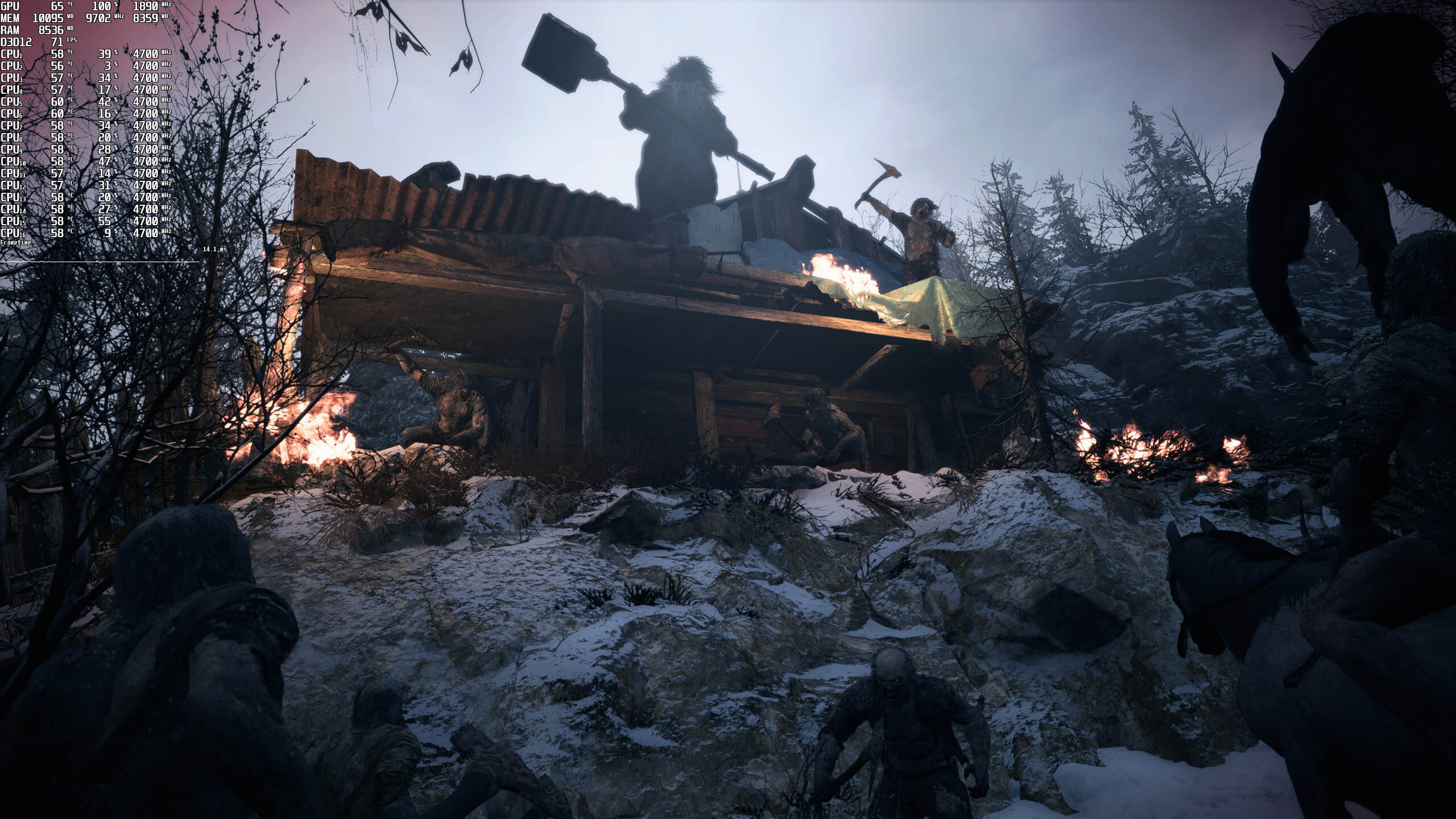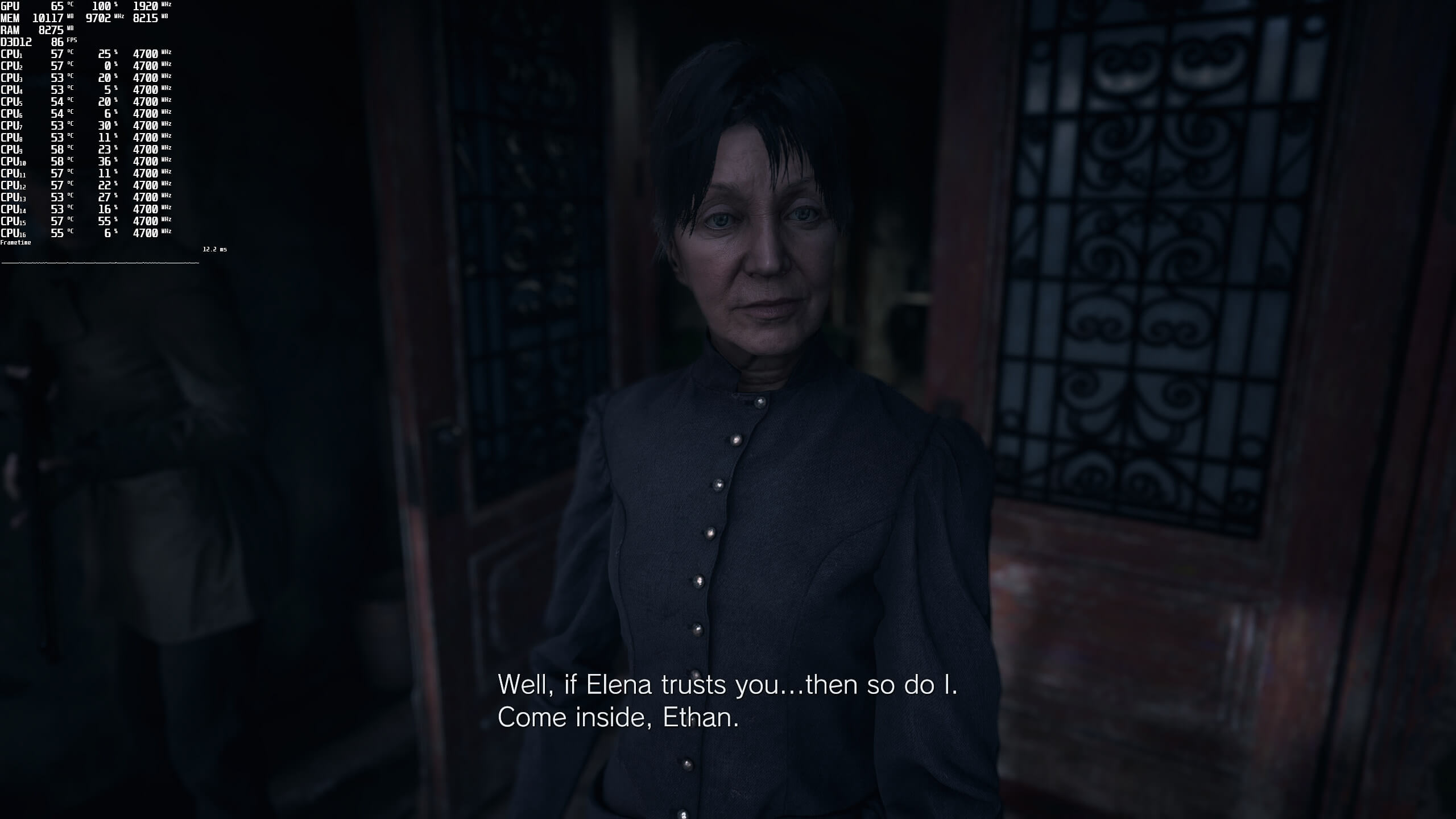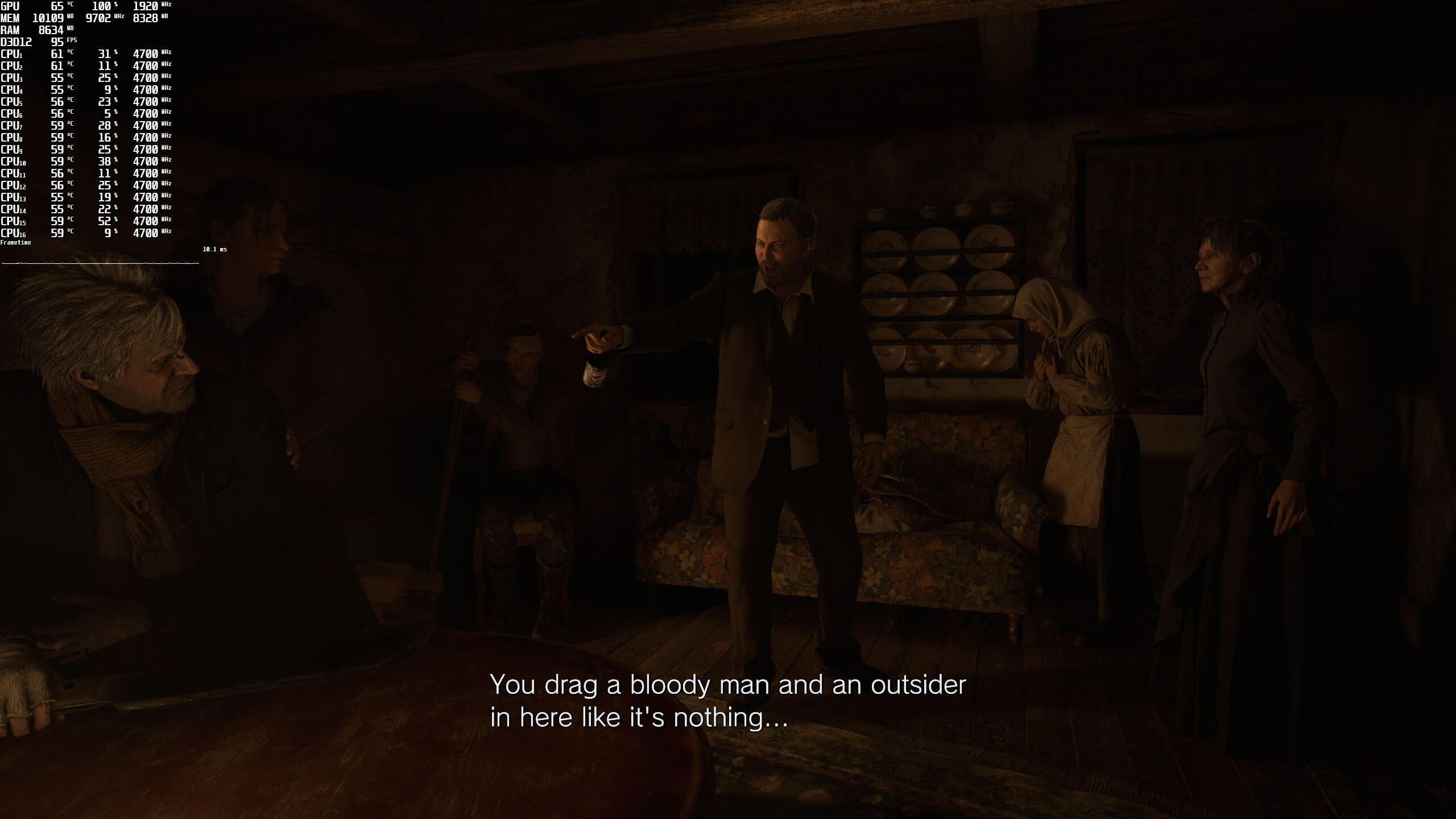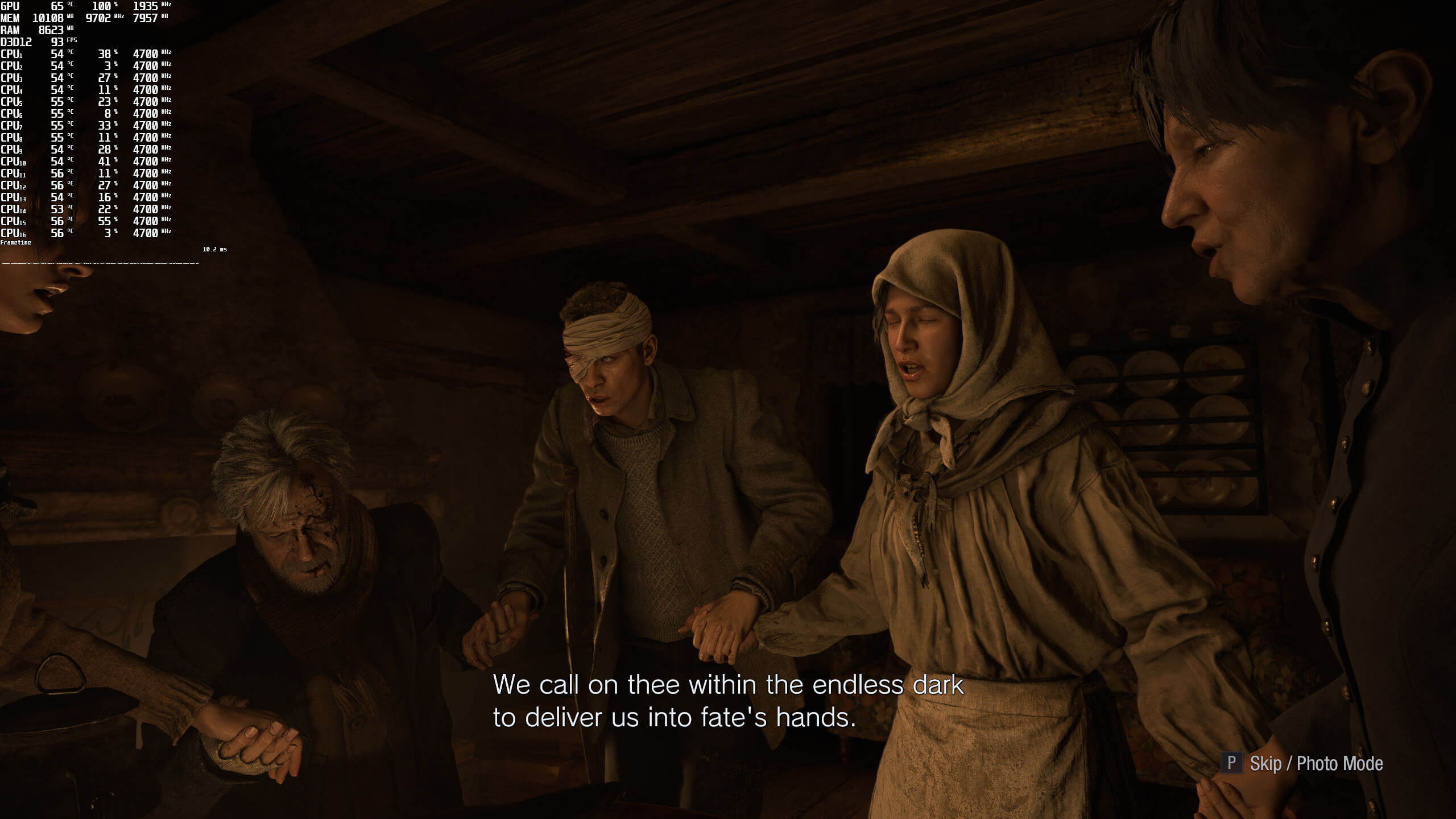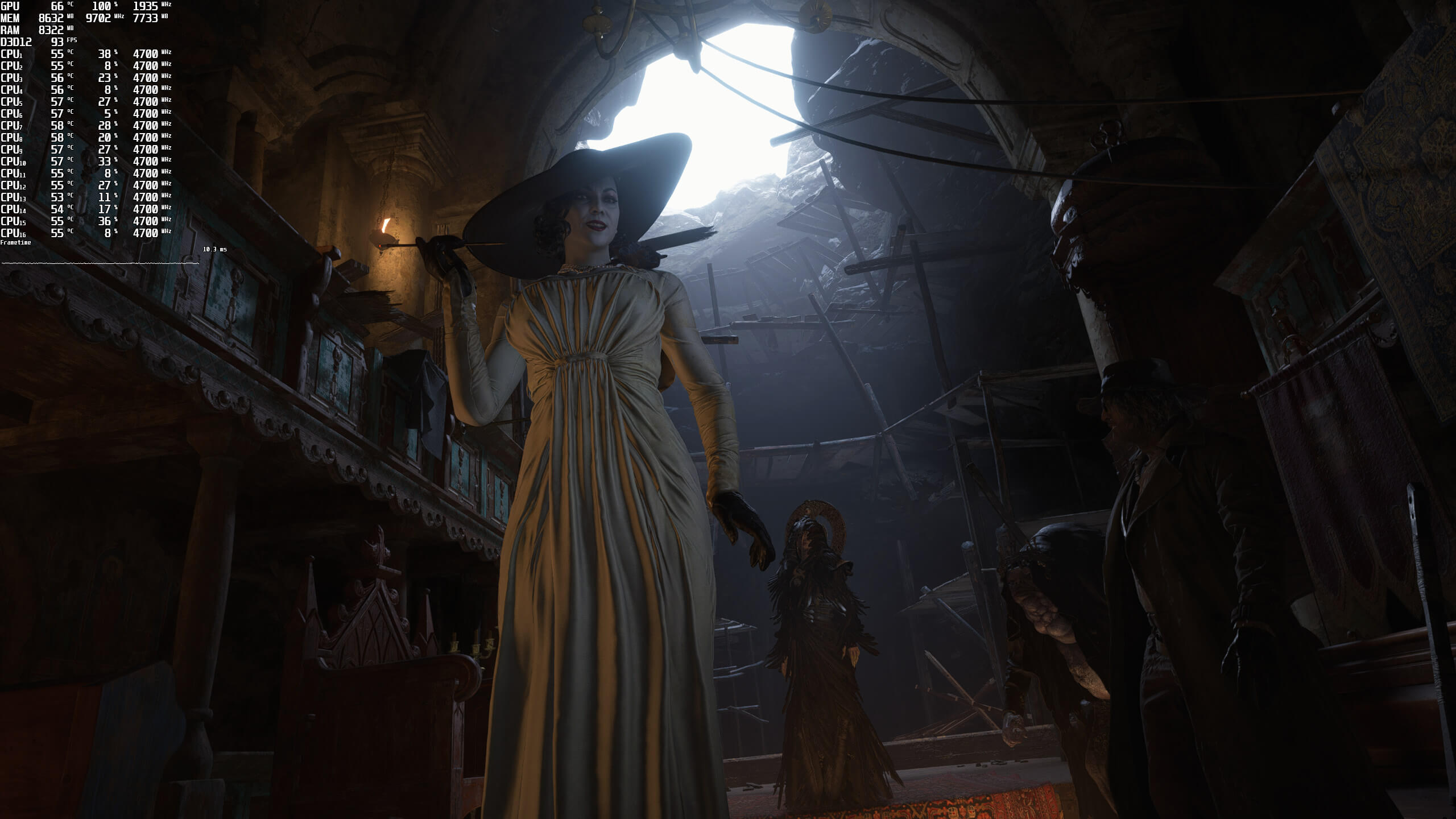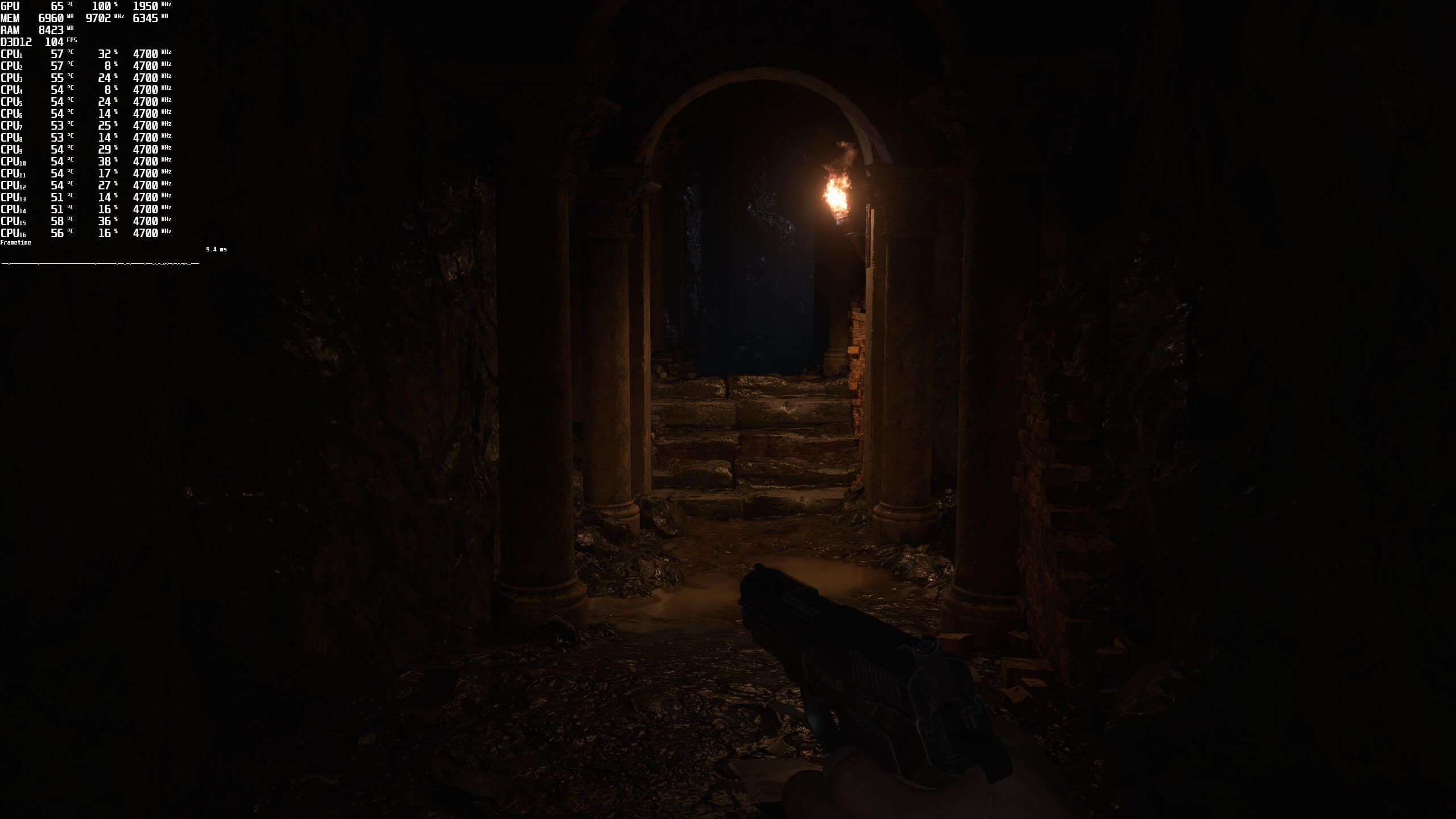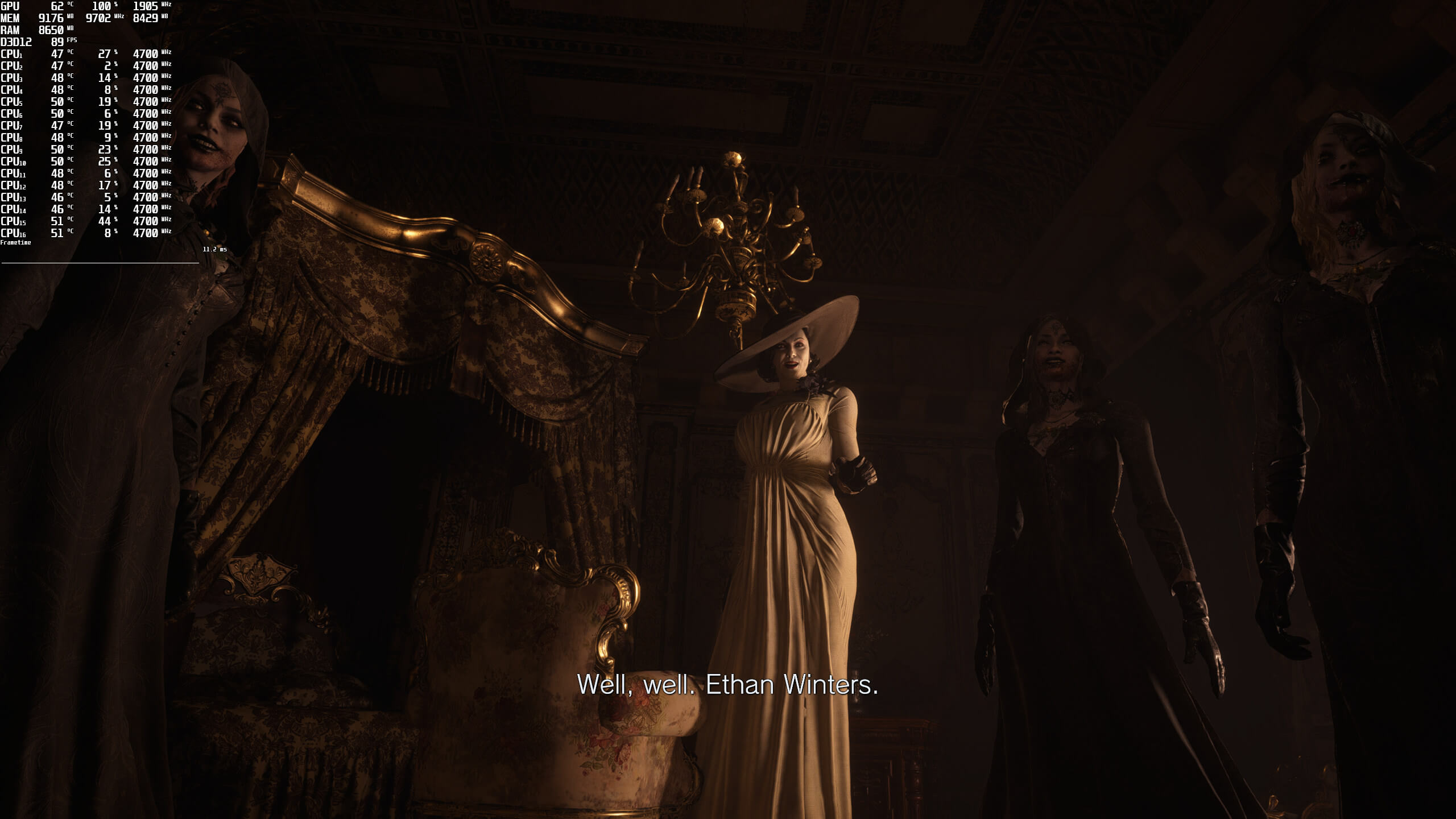
Resident Evil Village has just been released on the PC. Powered by the RE Engine and supporting real-time ray tracing effects, it’s time to benchmark it and see how it performs on the PC platform.
For this PC Performance Analysis, we used an Intel i9 9900K with 16GB of DDR4 at 3600Mhz, AMD’s Radeon RX580 and RX Vega 64, NVIDIA’s GTX690, GTX980Ti, RTX 2080Ti and RTX 3080. We also used Windows 10 64-bit, the GeForce driver 466.27 and the Radeon Software Adrenalin 2020 Edition 21.5.1 drivers. Since the game does not have any SLI profile, our GTX690 behaved similarly to a single GTX680.
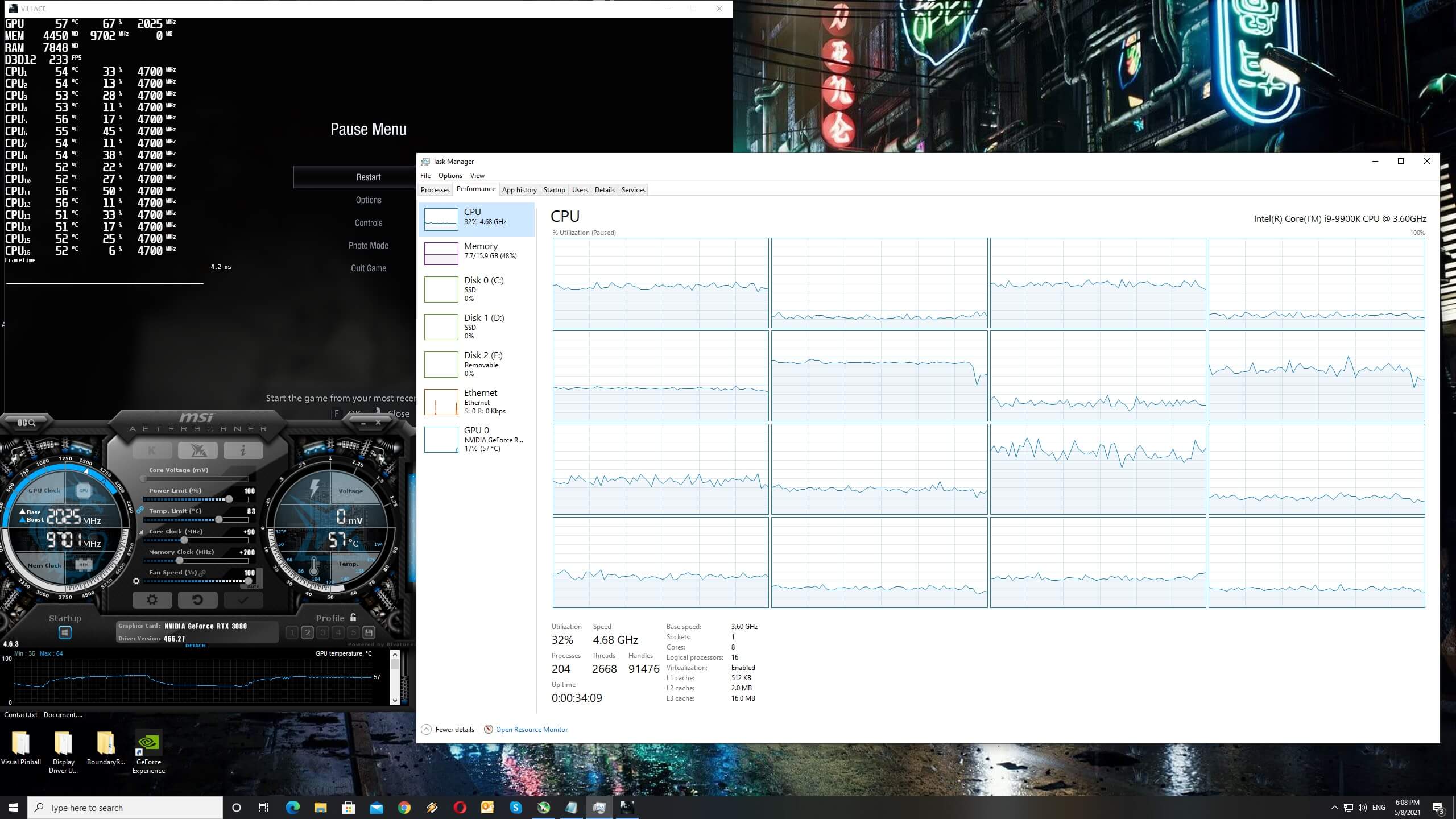
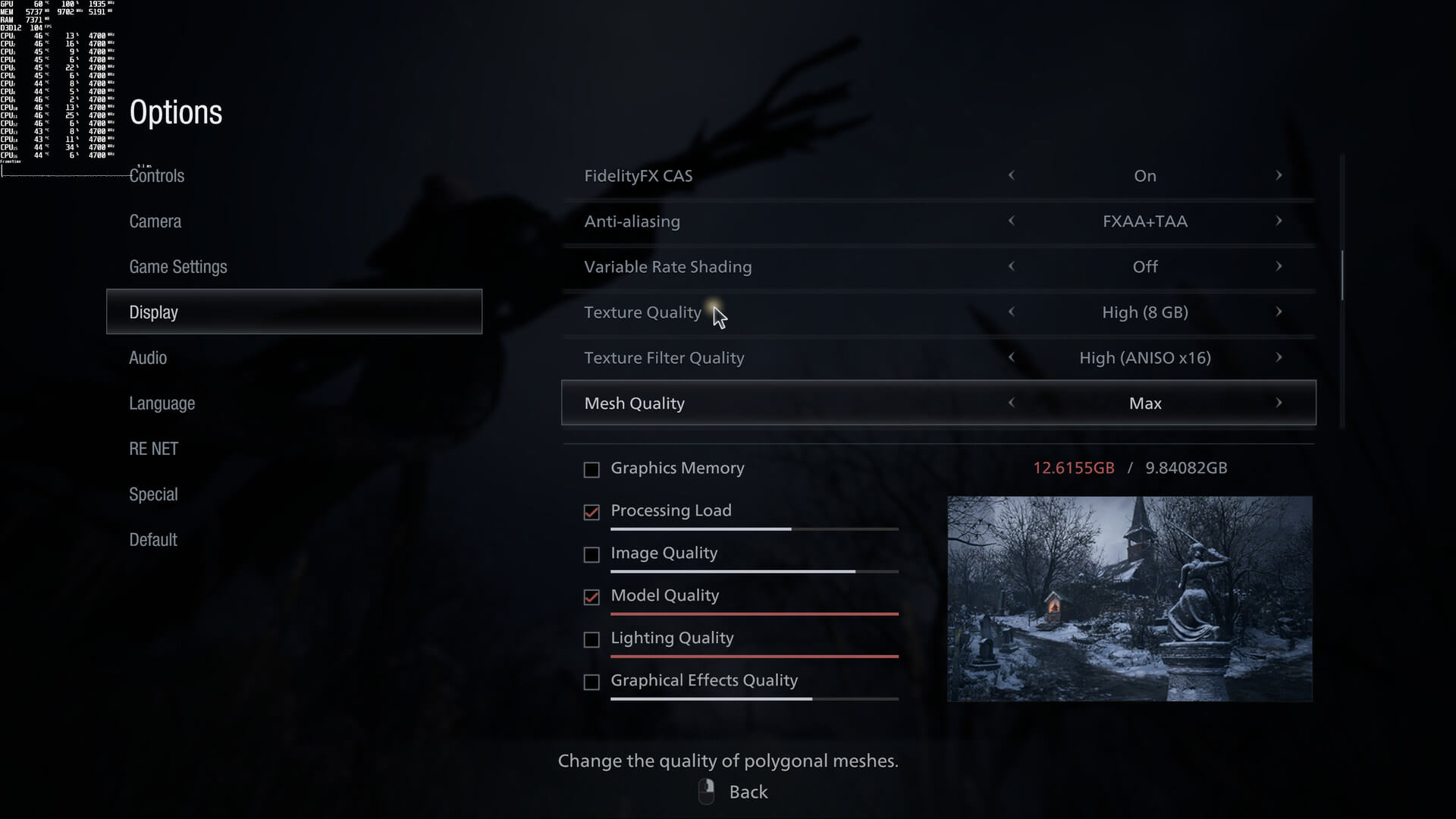
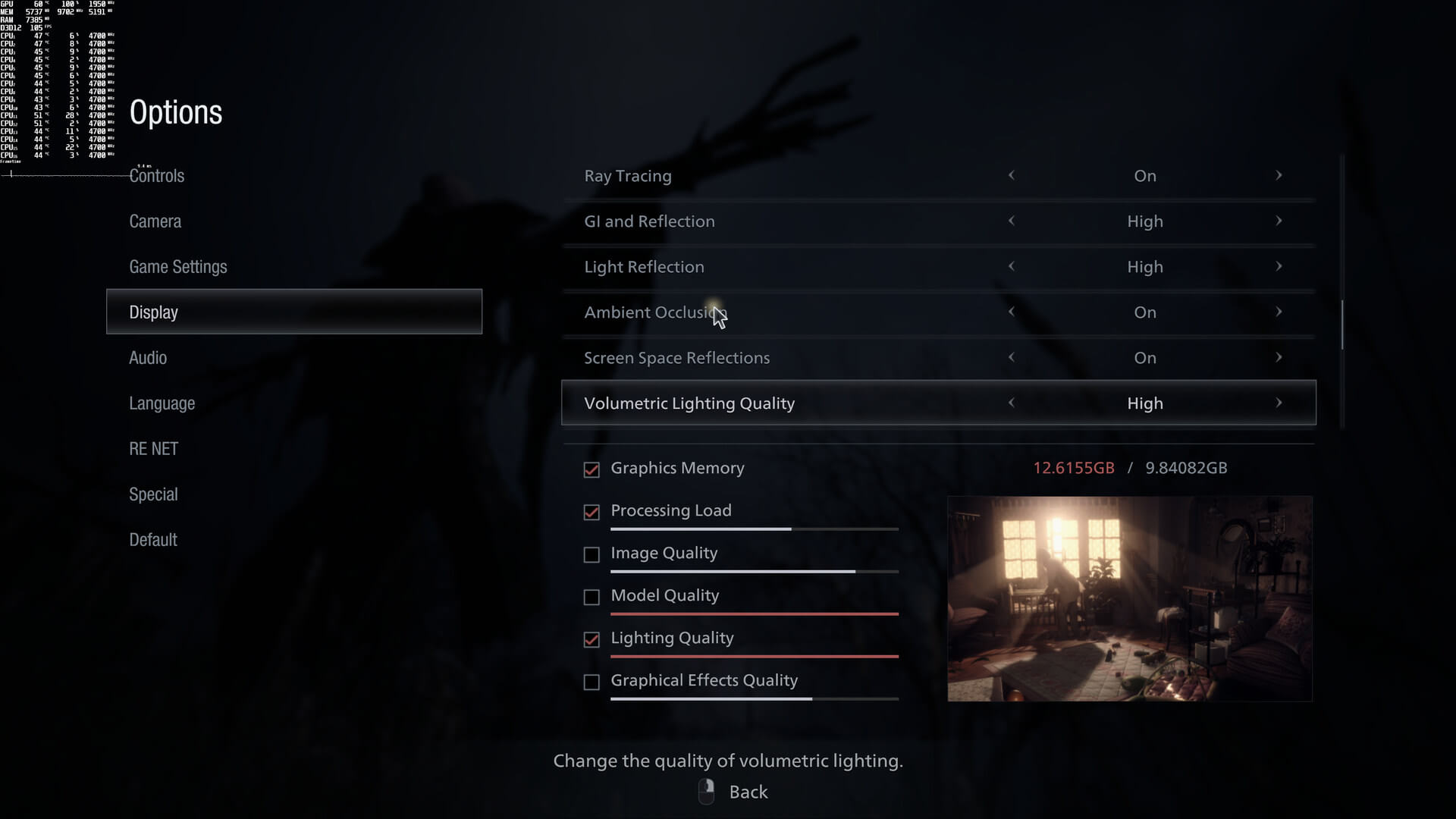
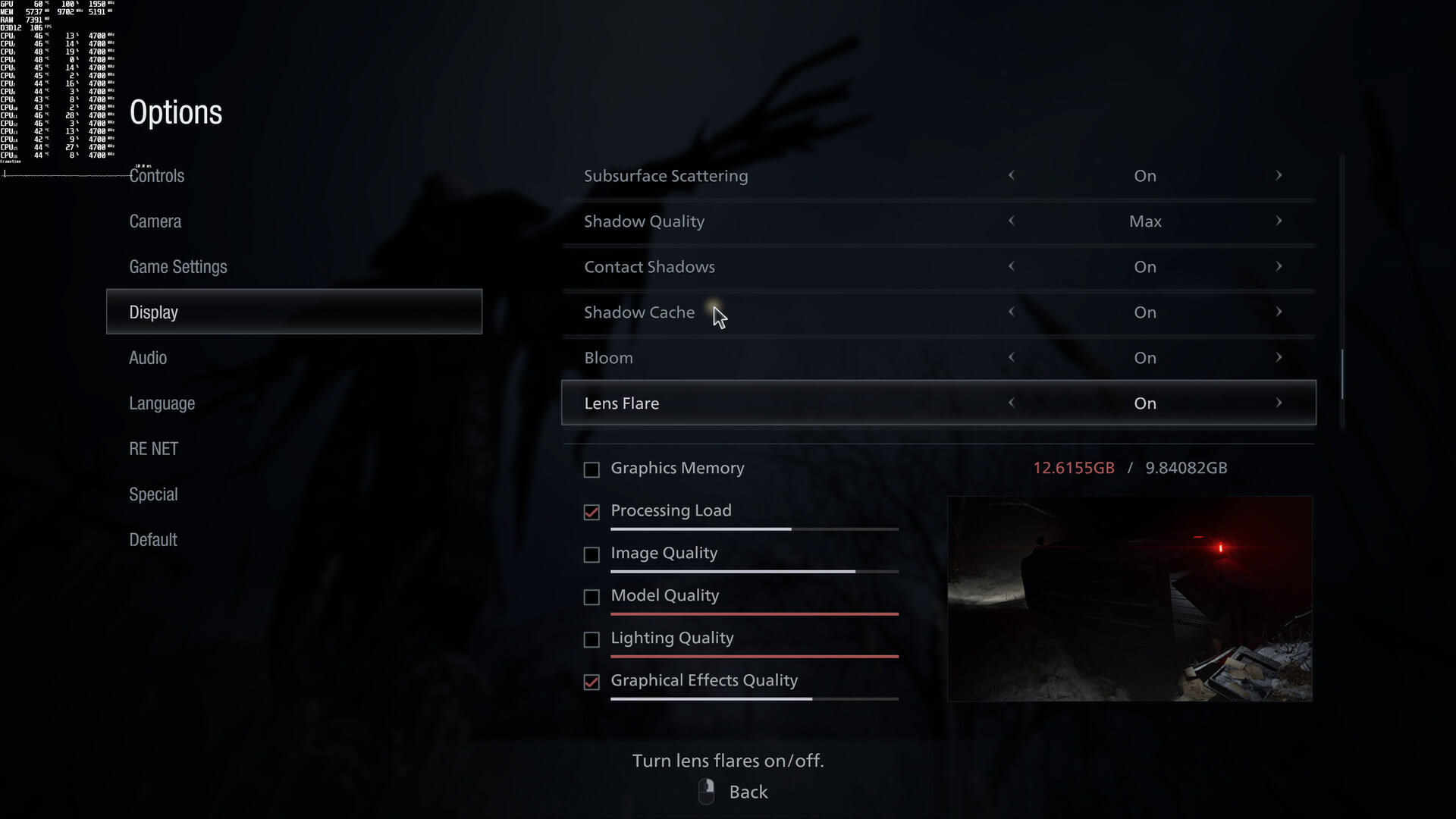
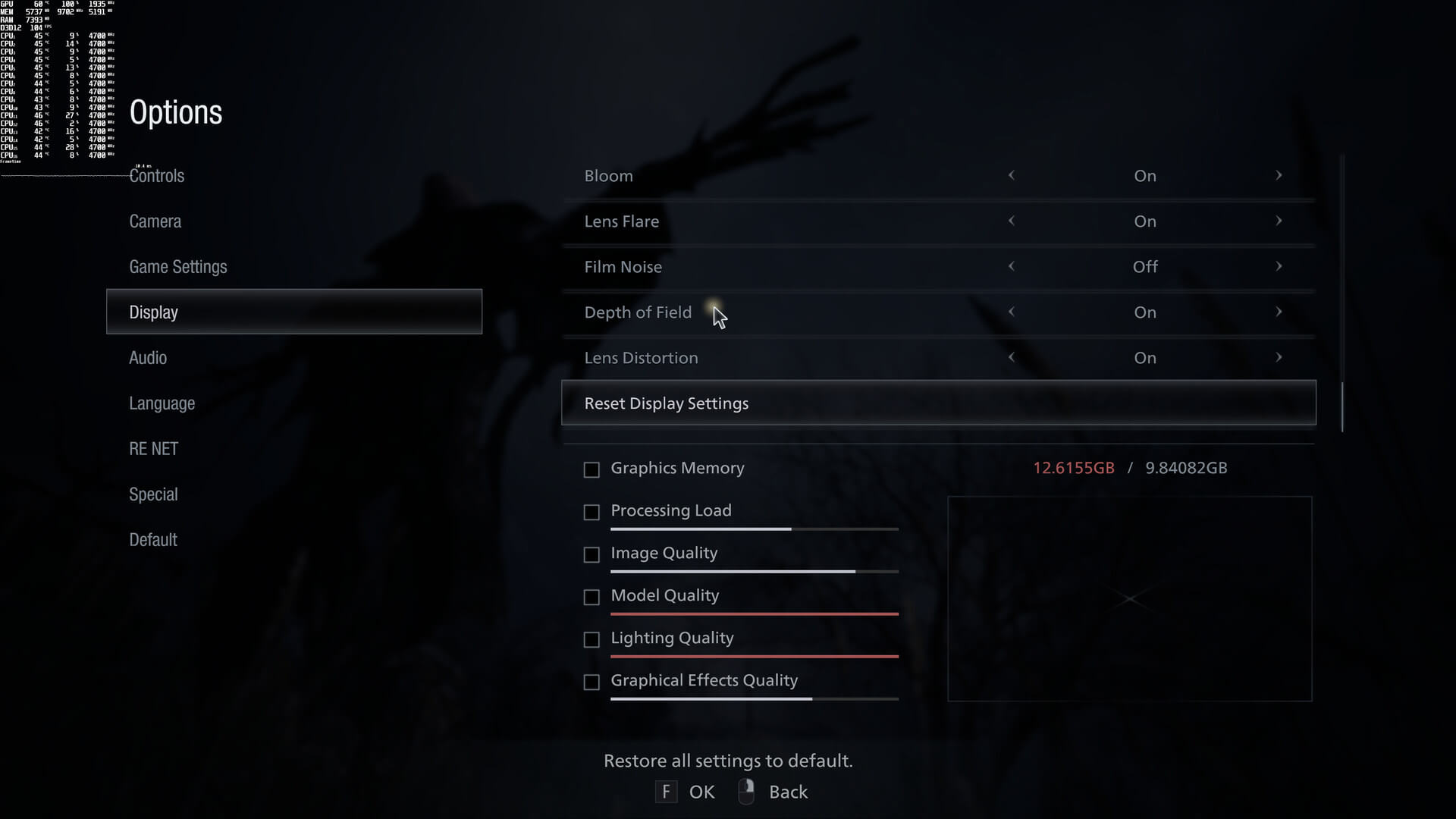
Resident Evil Village comes with lots of graphics settings. PC gamers can adjust the quality of Textures, Meshes, Shadows, Volumetric Lighting and more. The game also supports real-time ray tracing in order to enhance the game’s reflections and ambient occlusion. Unfortunately though, and since this is an AMD-powered title, it does not support NVIDIA’s DLSS tech.
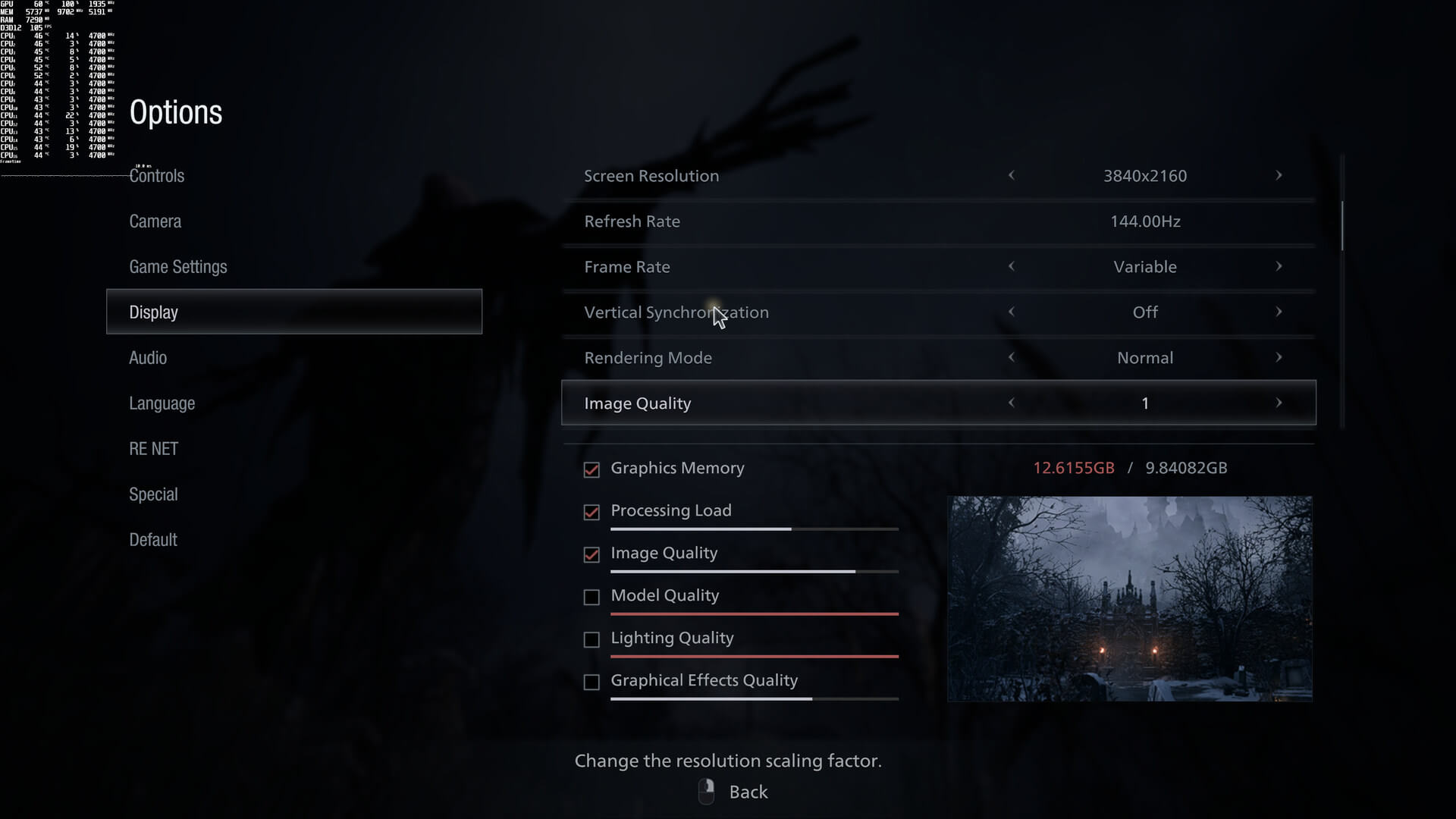
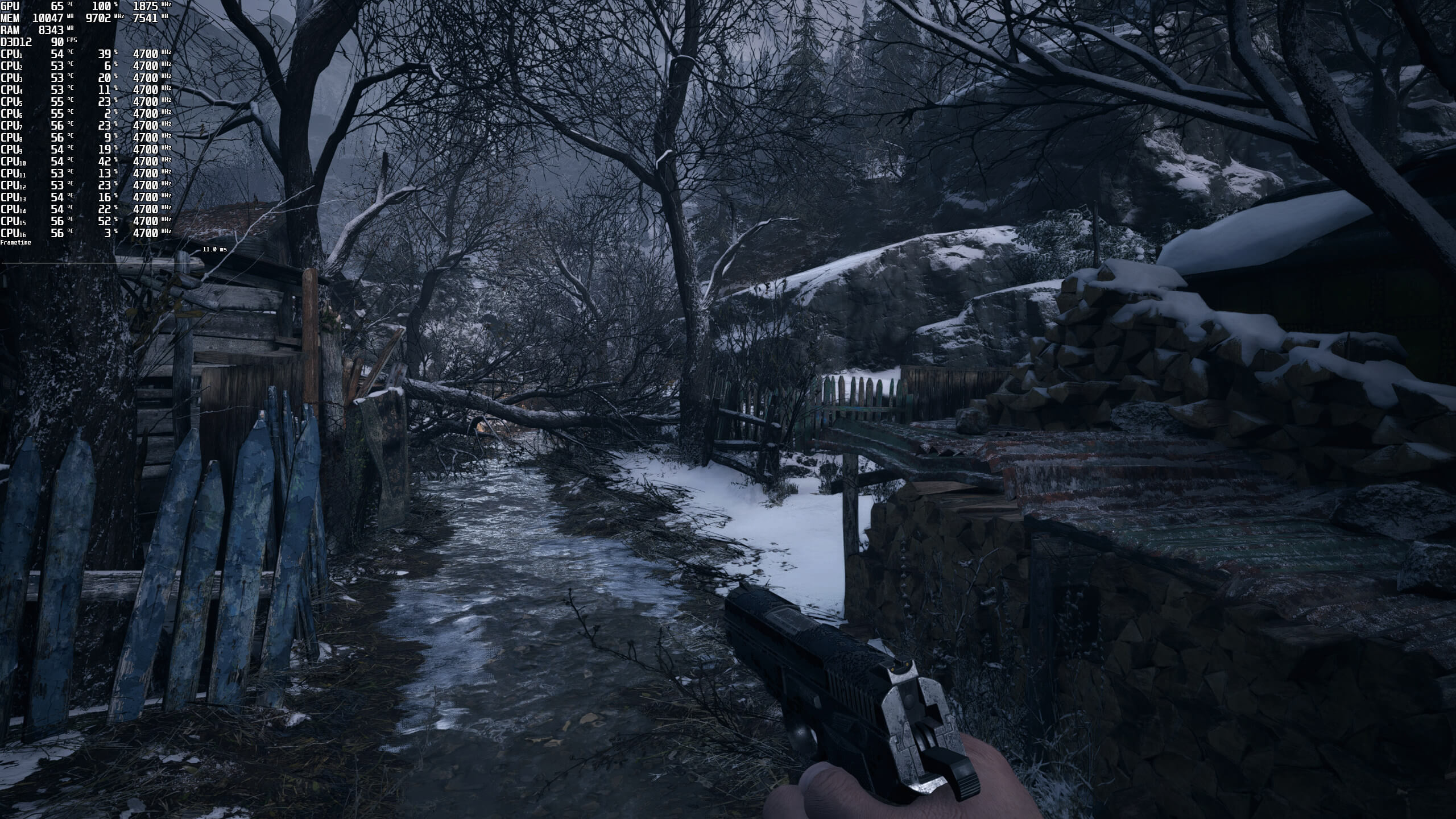
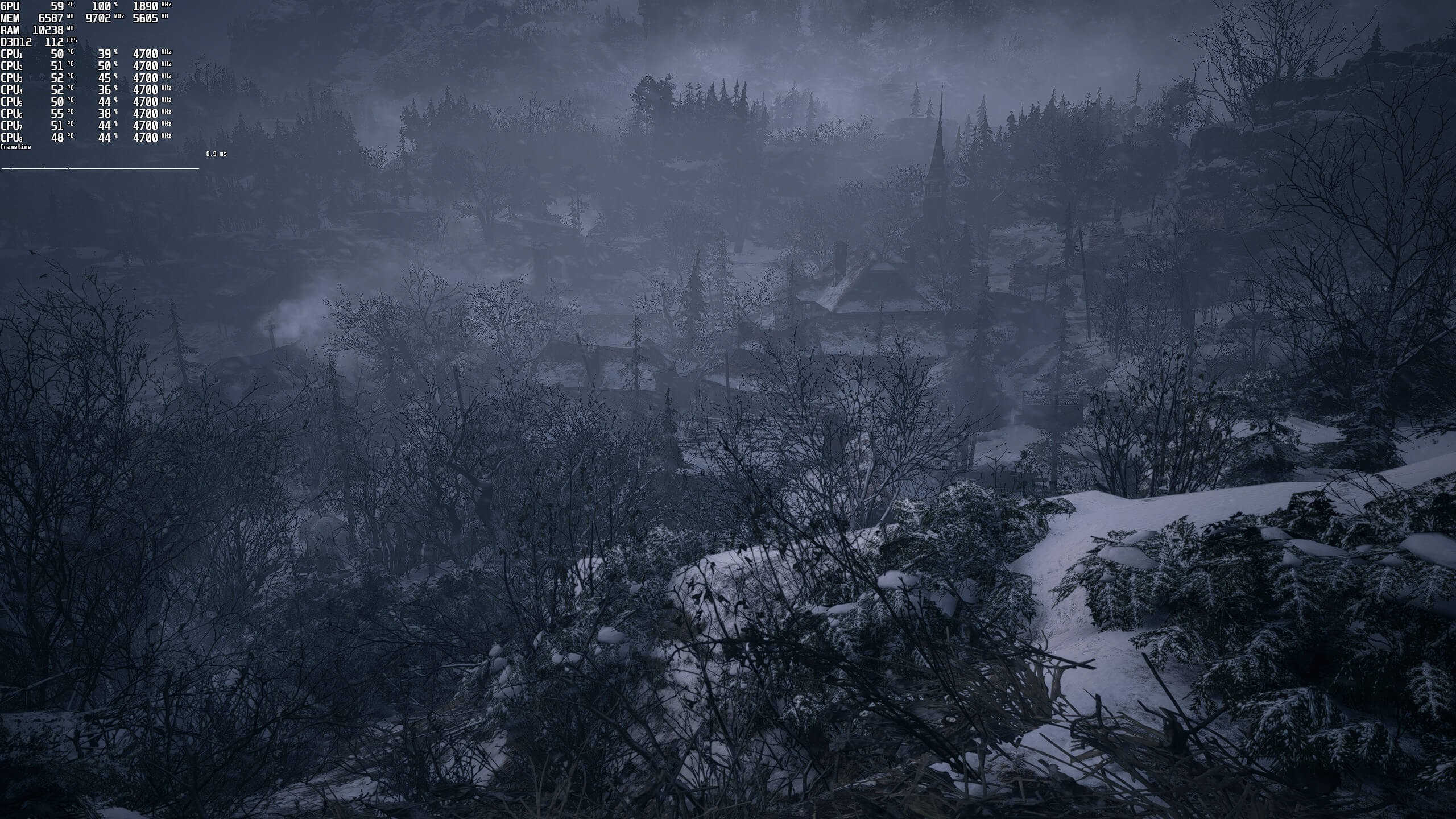
Resident Evil Village does not come with any built-in benchmark tool. As such, we’ve decided to test two completely different scenes for our GPU and CPU benchmarks. For our GPU benchies, we used the snow scene right after meeting Chris Redfield. For our CPU benchmarks, we used the following scene in which you can see the entire village.
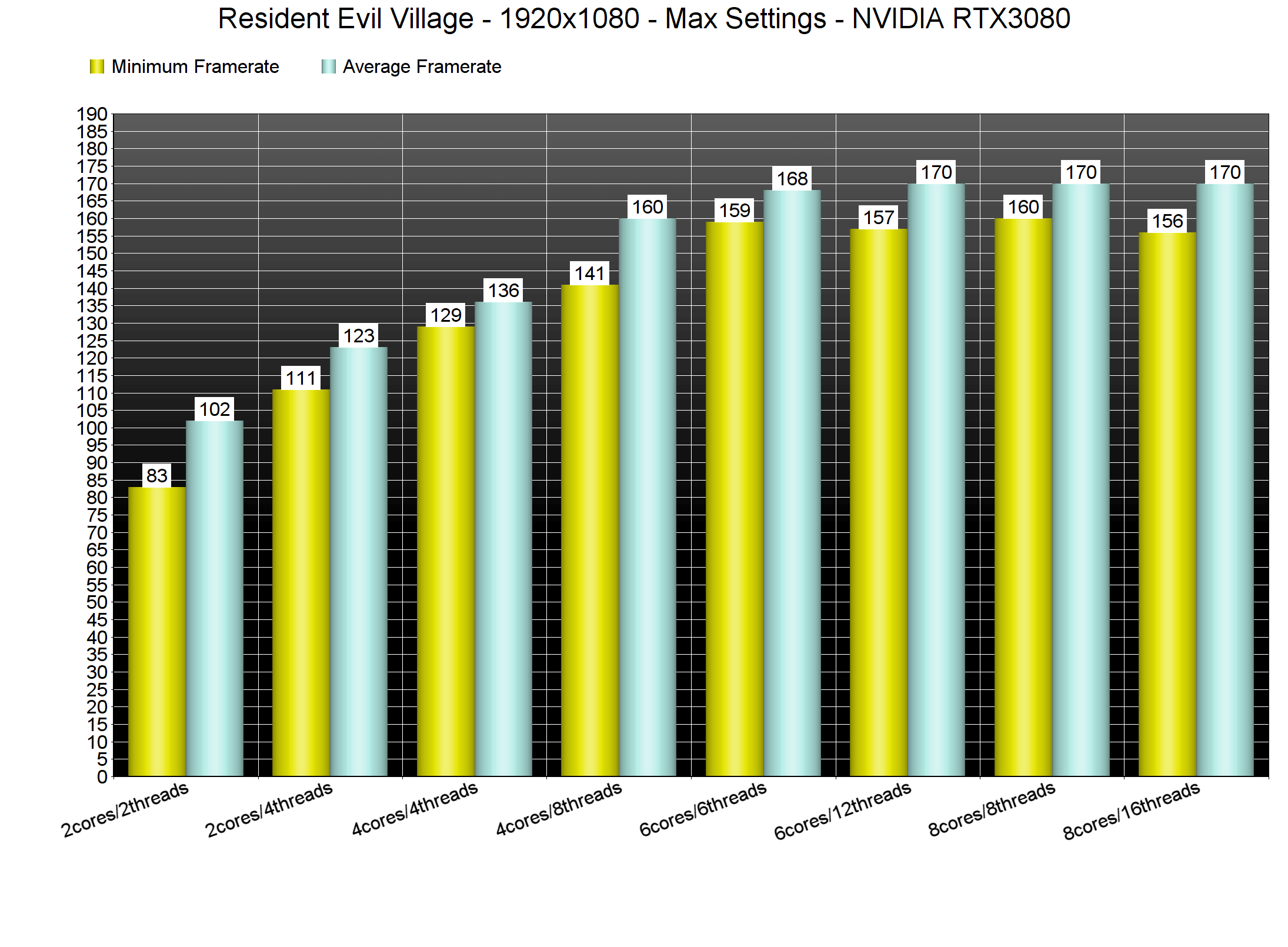
In order to find out how the game scales on multiple CPU threads, we simulated a dual-core, a quad-core and a hexa-core CPU. And, we are happy to report, that Resident Evil Village does not require a high-end CPU. At 1080p/Max Settings, even our dual-core system was able to push a constant 100fps experience. Even without Hyper-Threading, our simulated dual-core system was able to run the game smoothly. We did experience some stutters while exploring the village, but that’s to be expected from a two-core CPU.
Similarly, Resident Evil Village does not require a high-end GPU for its rasterized version. Without Ray Tracing, most of our GPUs were able to run the game smoothly at 1080p/Max Settings. Our AMD Radeon RX580 also came close to a 60fps experience, though there were some drops to 49fps.
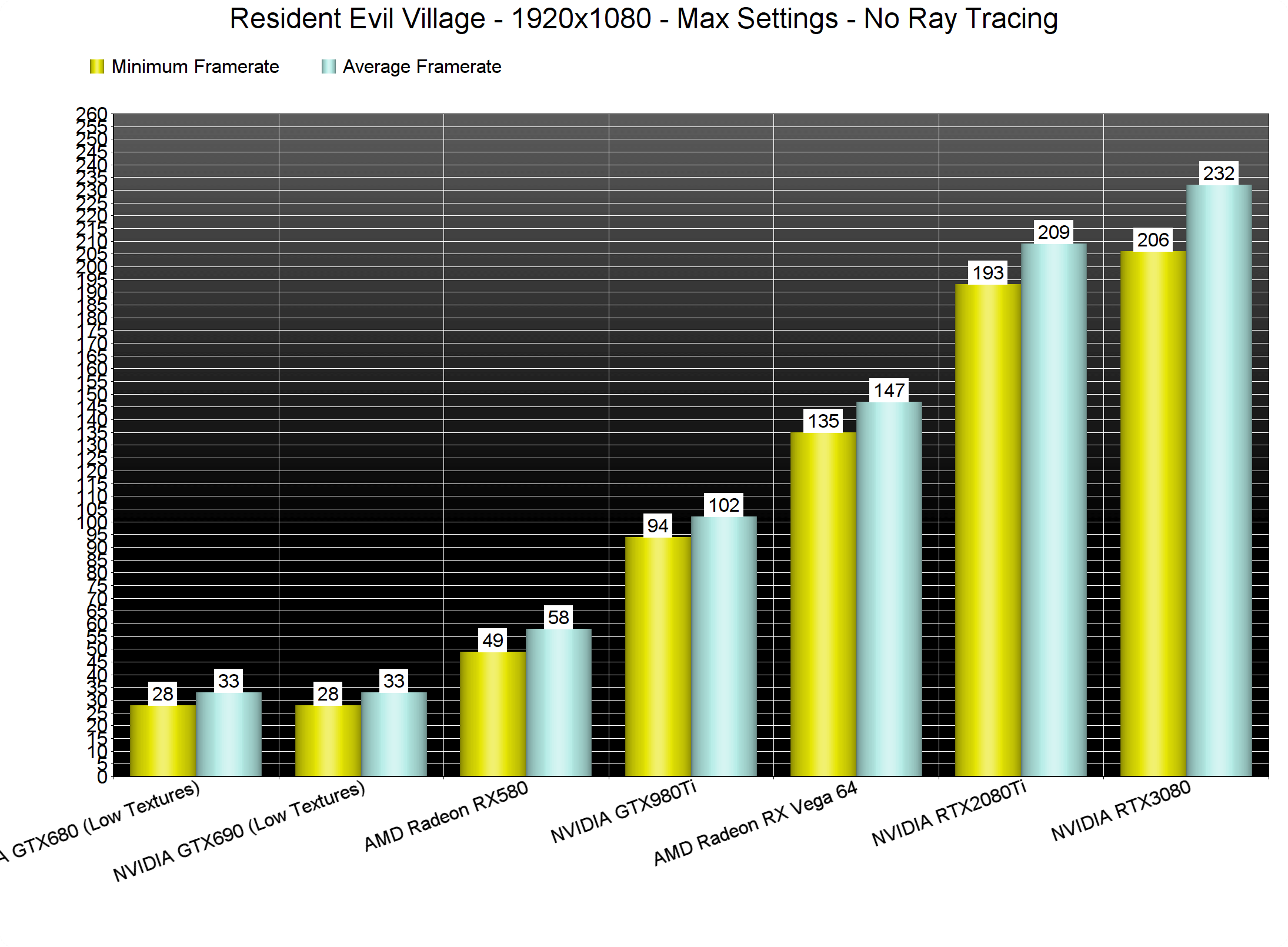
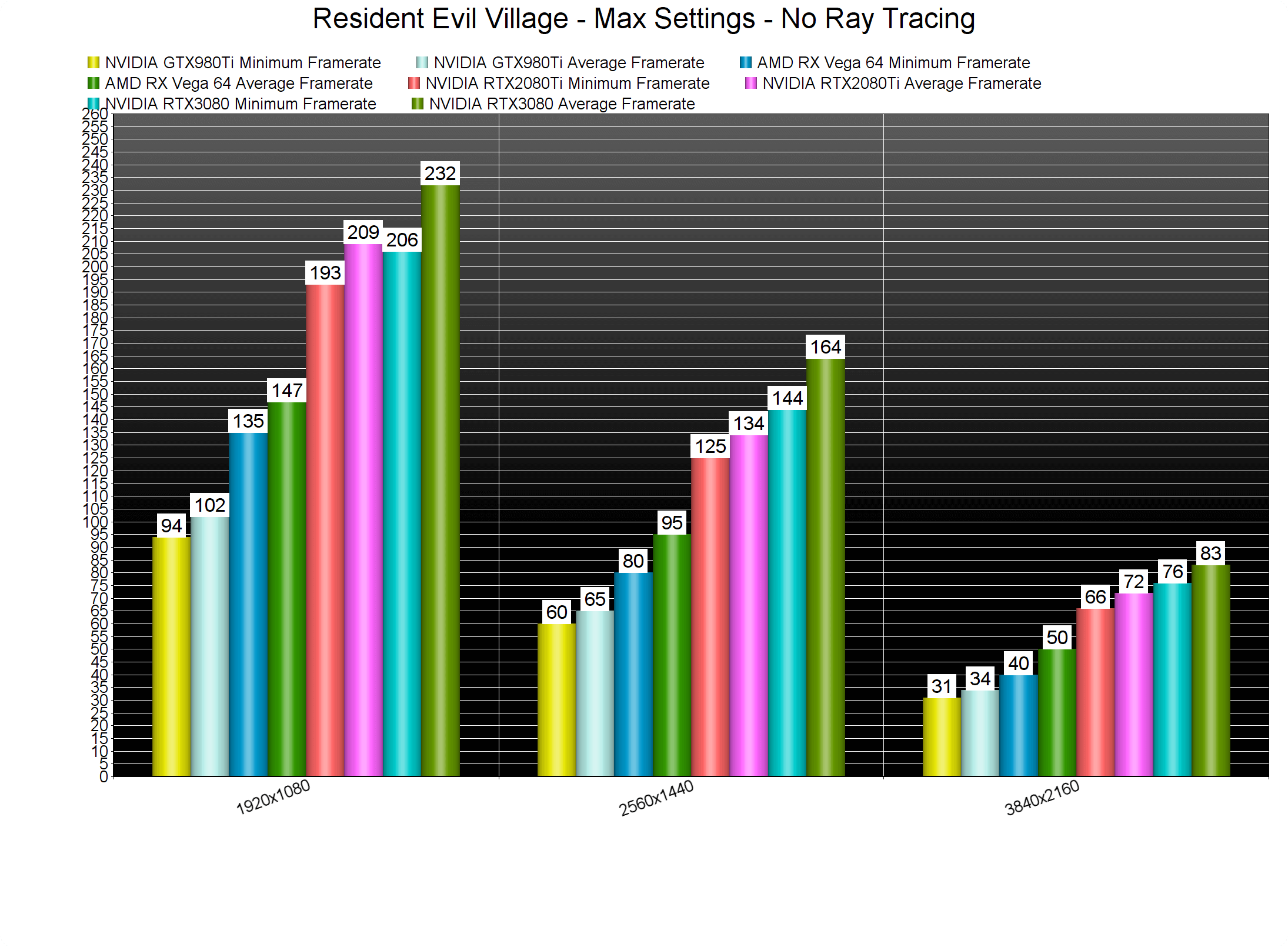
At 2560×1440, all of our top four GPUs were able to run our benchmark scene with more than 60fps. As for 4K, the only GPUs that were able to provide a smooth gaming experience were the RTX3080 and the RTX2080Ti.
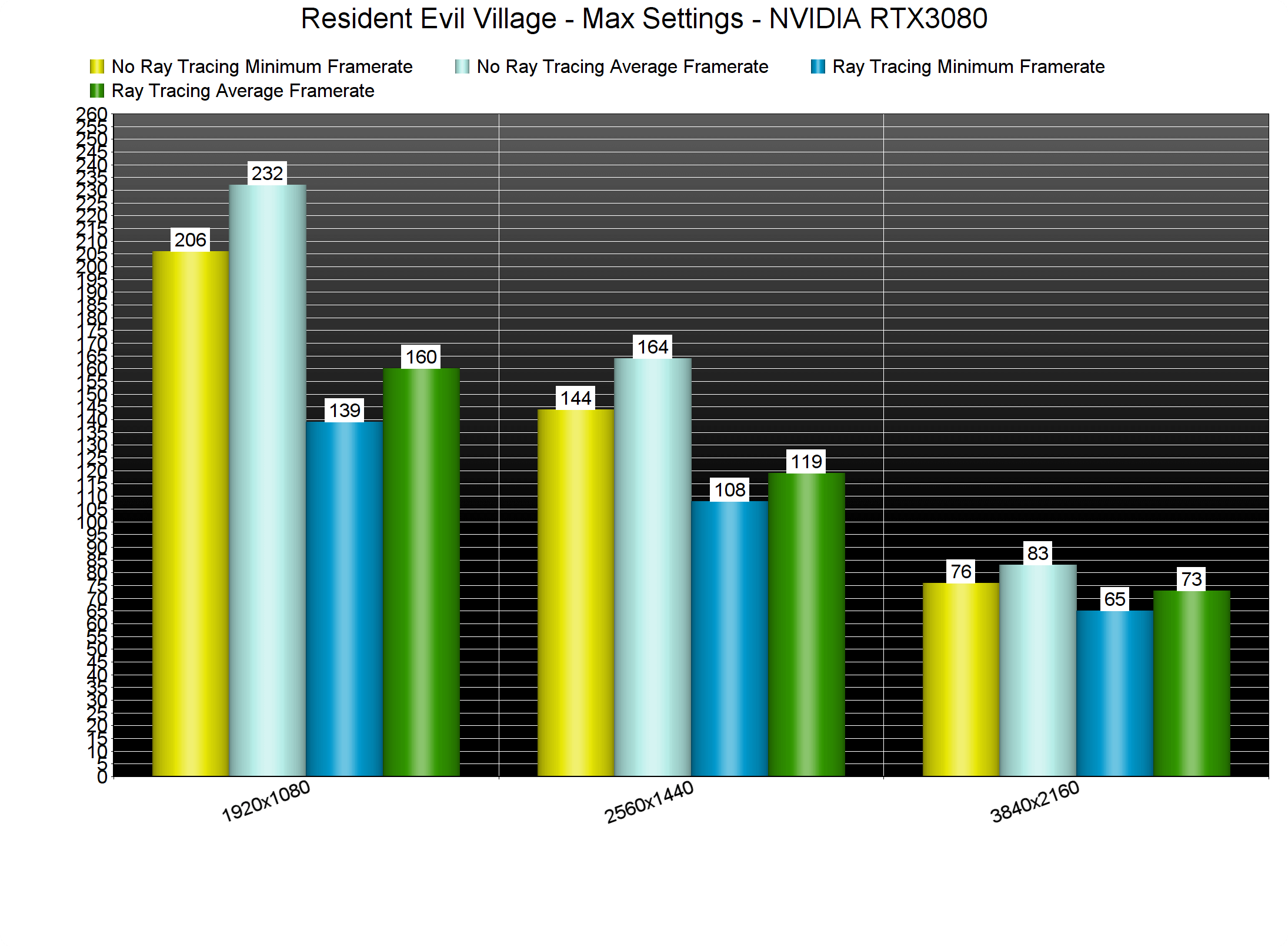
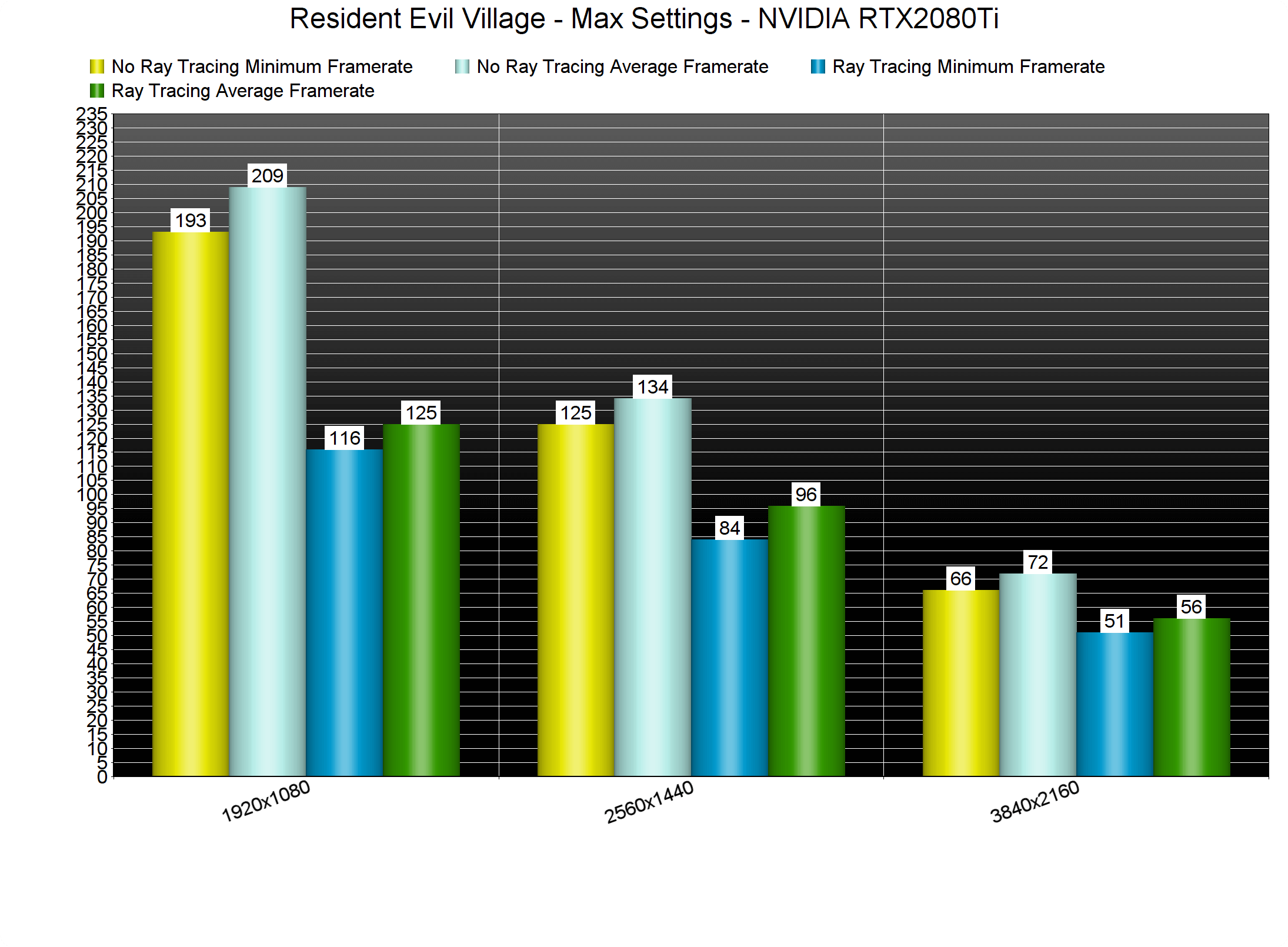
As we’ve already said, Resident Evil Village does not support DLSS. Thankfully, though, a lot of PC gamers will be able to enjoy its Ray Tracing effects. Make no mistake, these Ray Tracing effects bring a huge performance hit. Still, and since the rasterized version runs so smoothly, you will be able to stay above 60fps when you enable the RT effects on high-end GPUs.
At both 1440p/Max Settings and 1080p/Max Settings, both of our RTX3080 and RTX2080Ti were able to run the game with more than 60fps. In 4K, the RTX2080Ti was unable to offer a 60fps experience. On the other hand, the RTX3080 stayed above 60fps at all times.
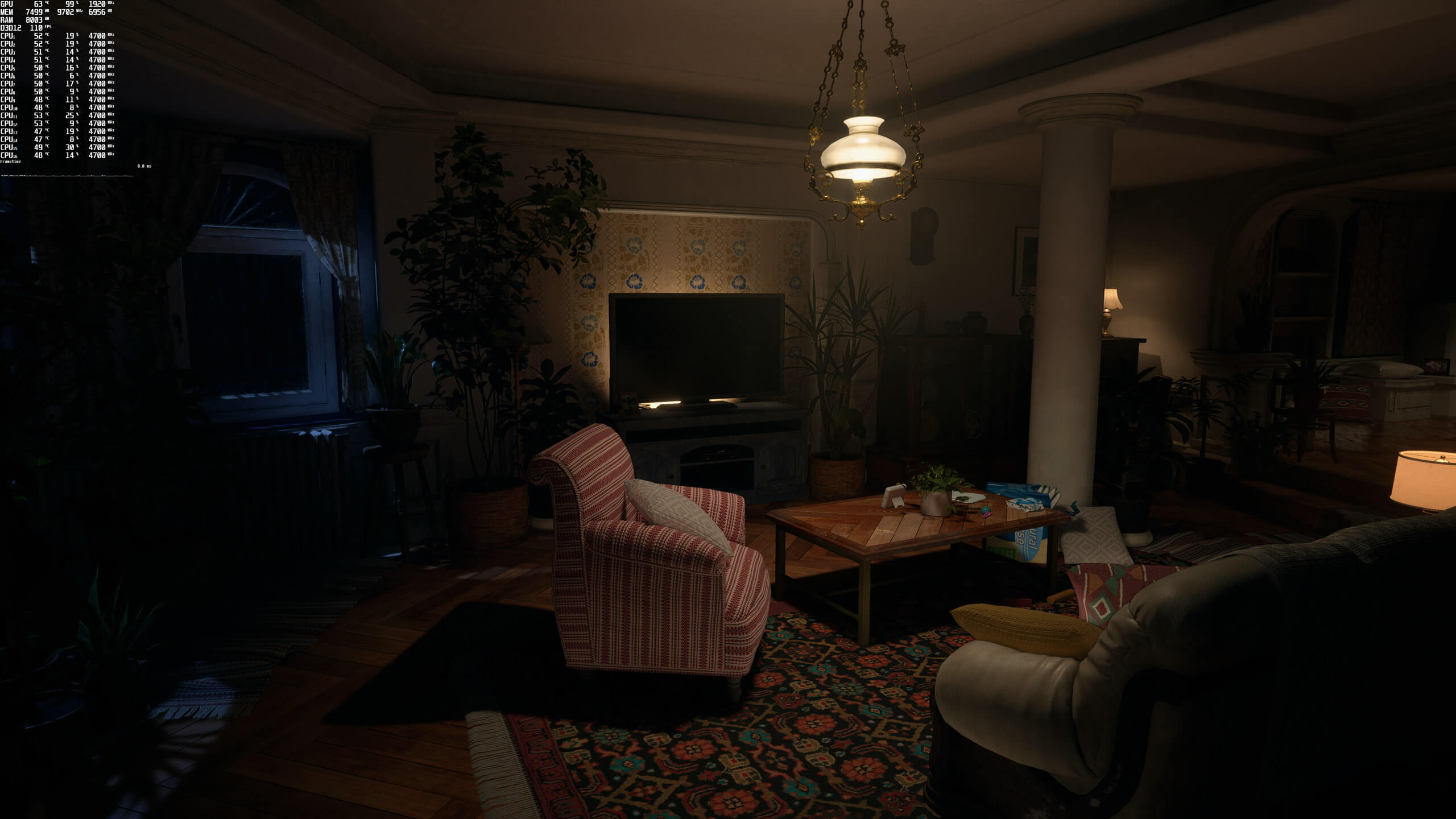
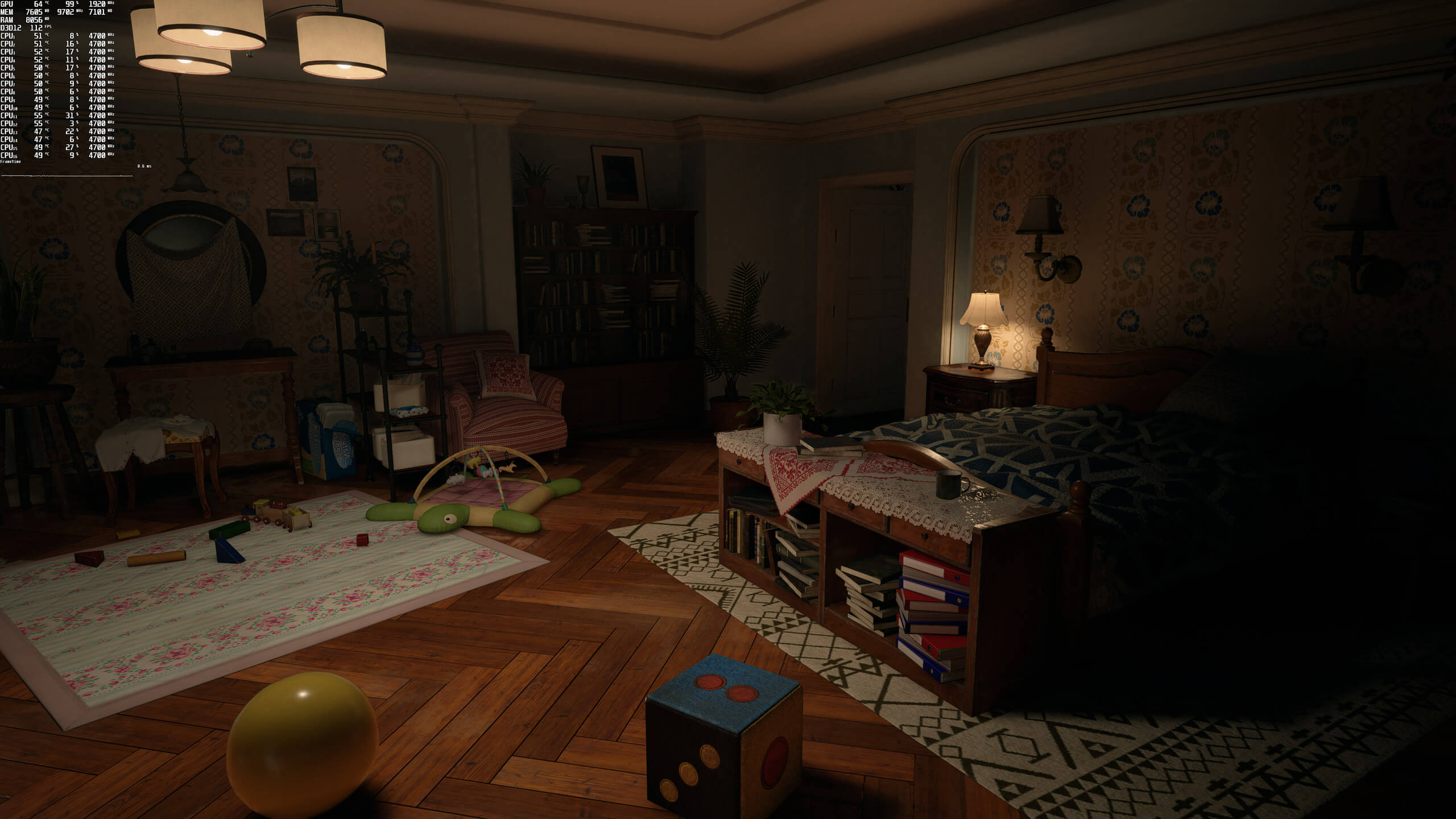
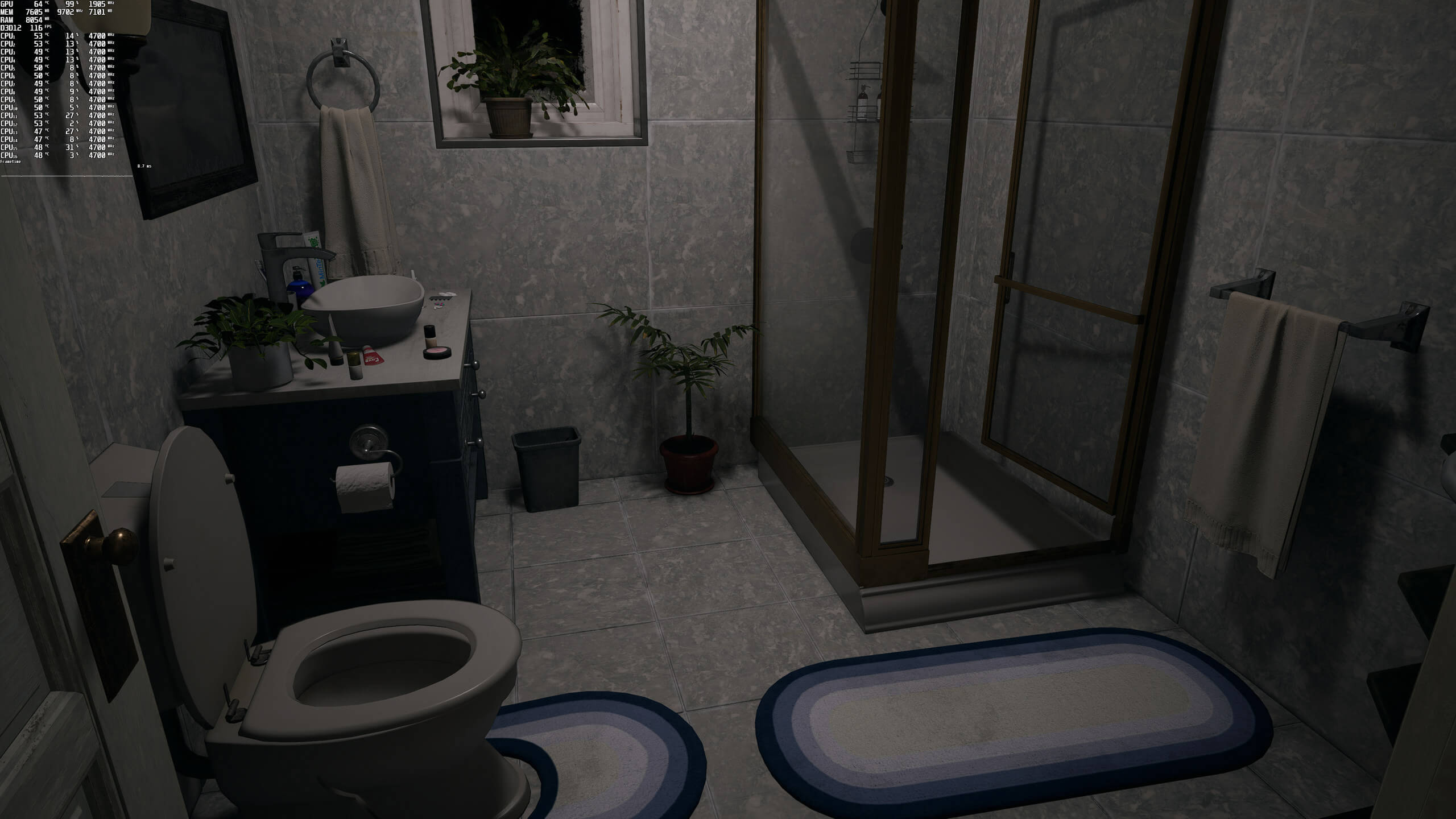
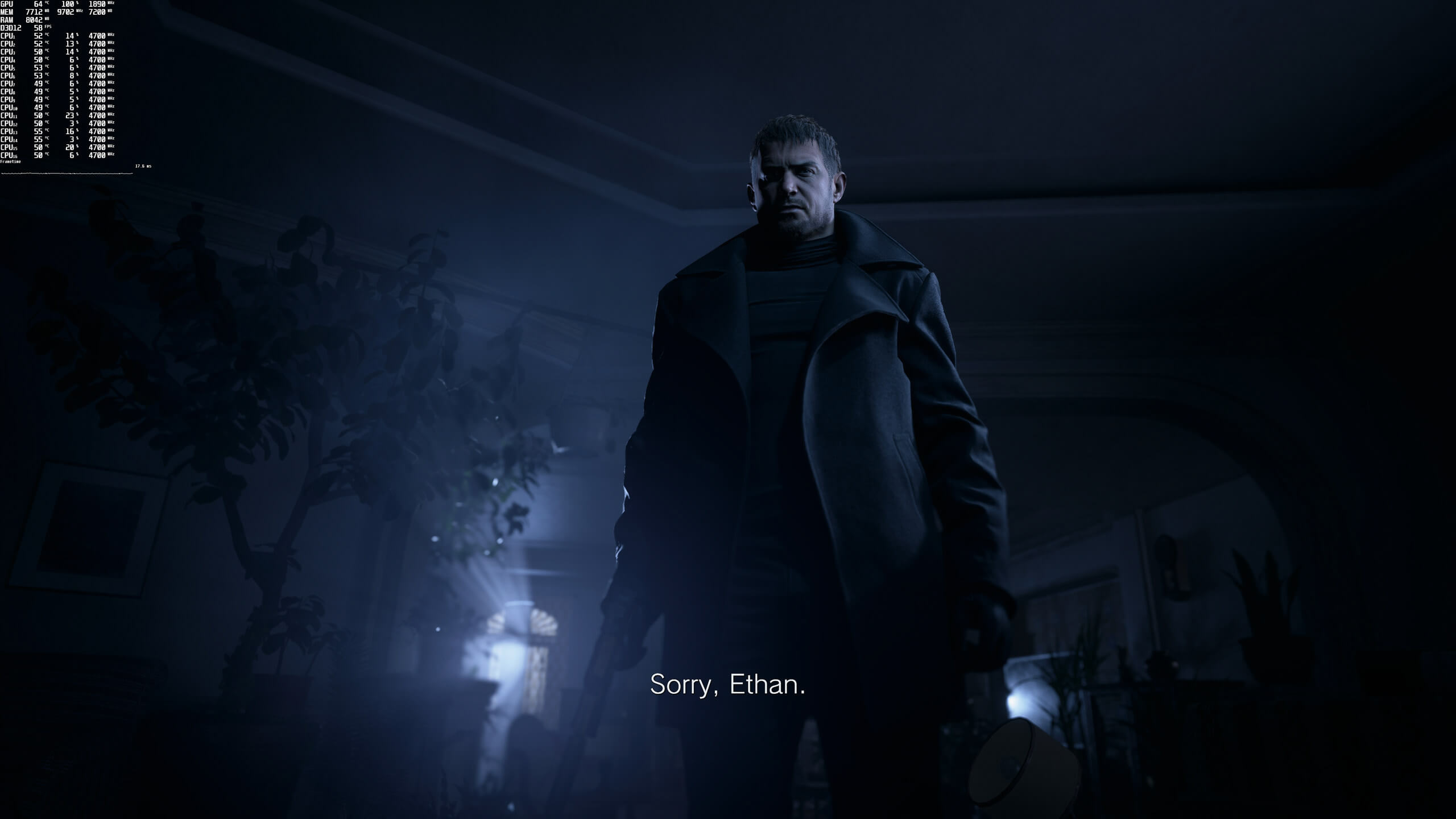
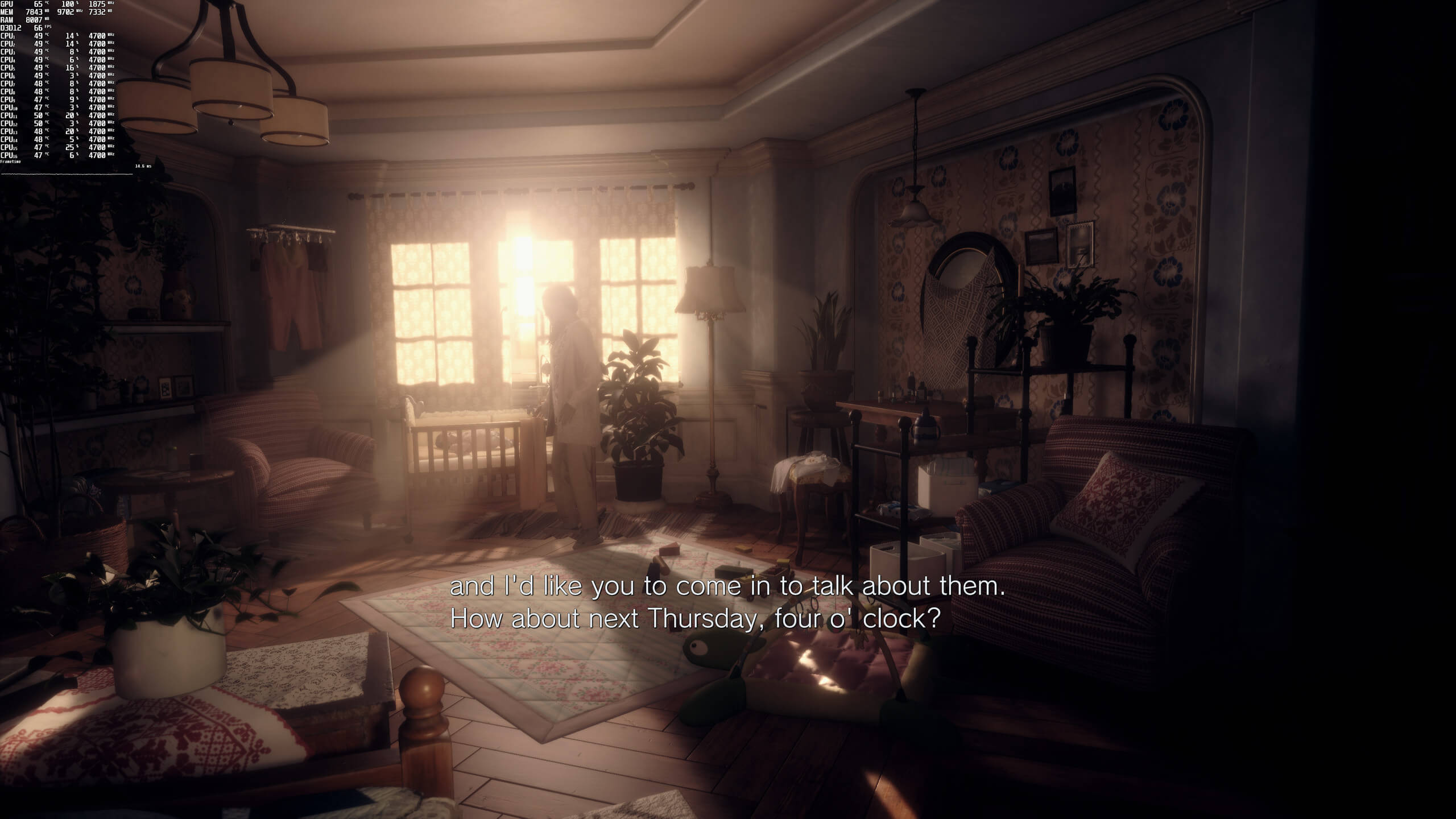
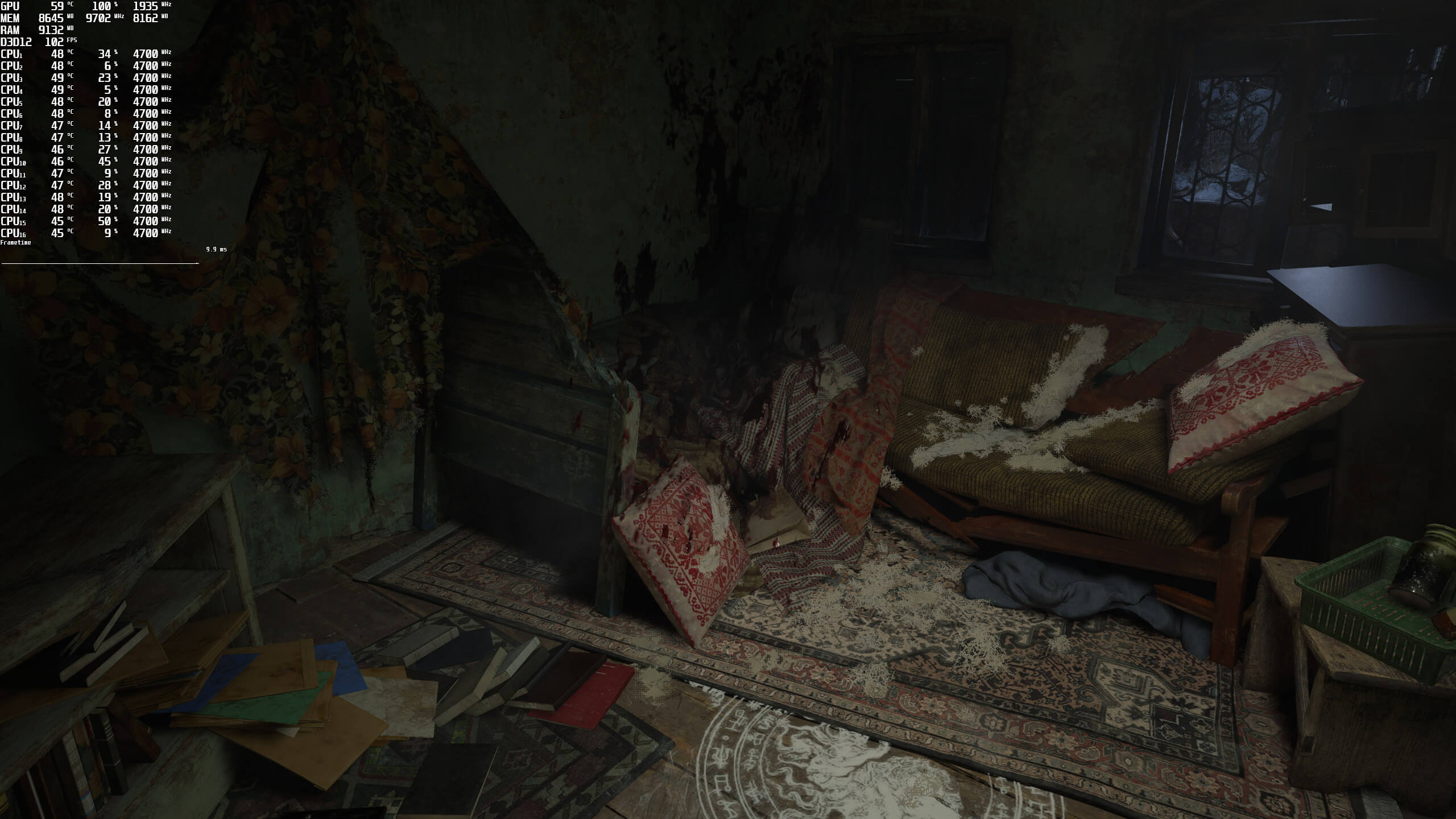
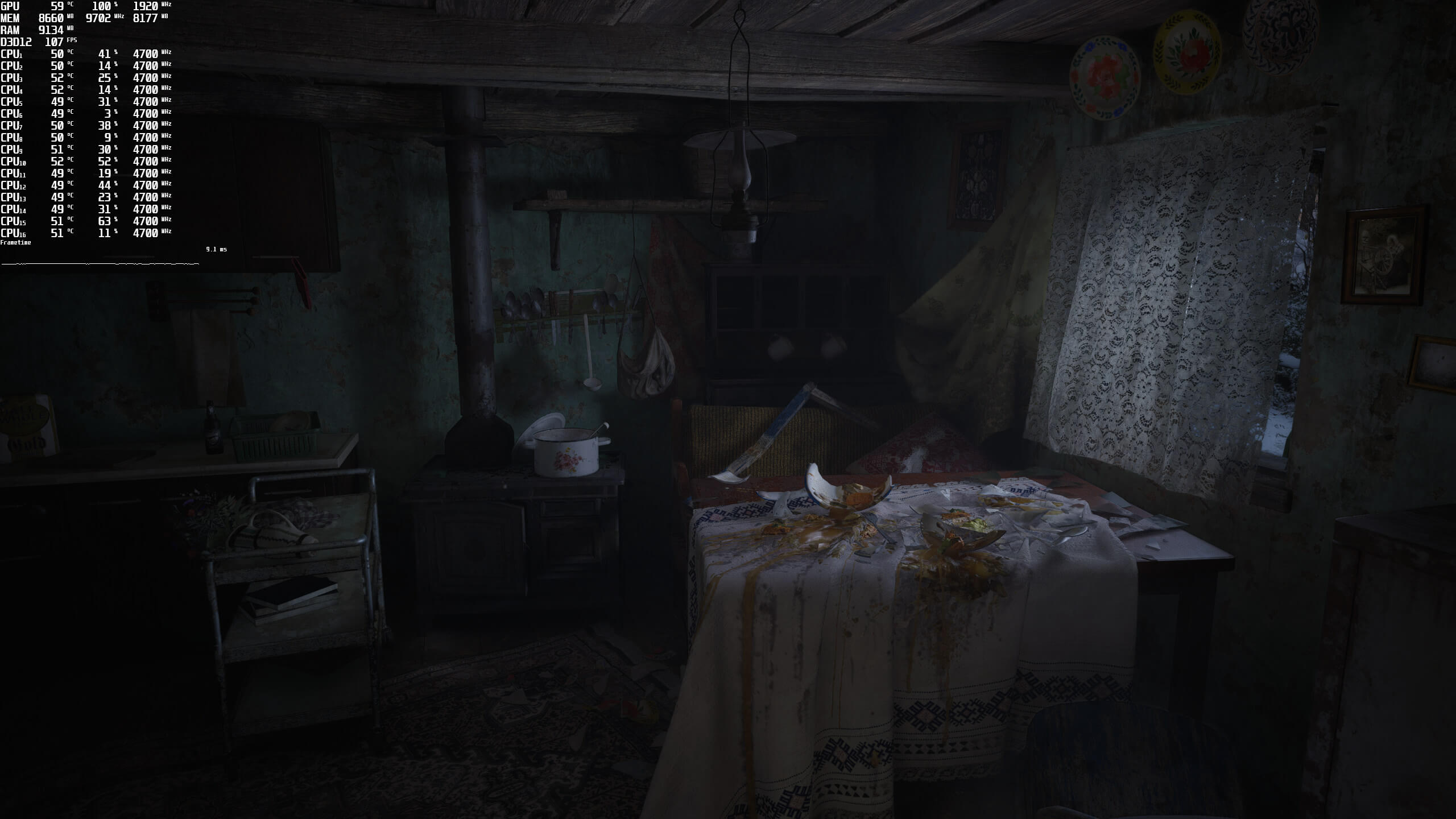
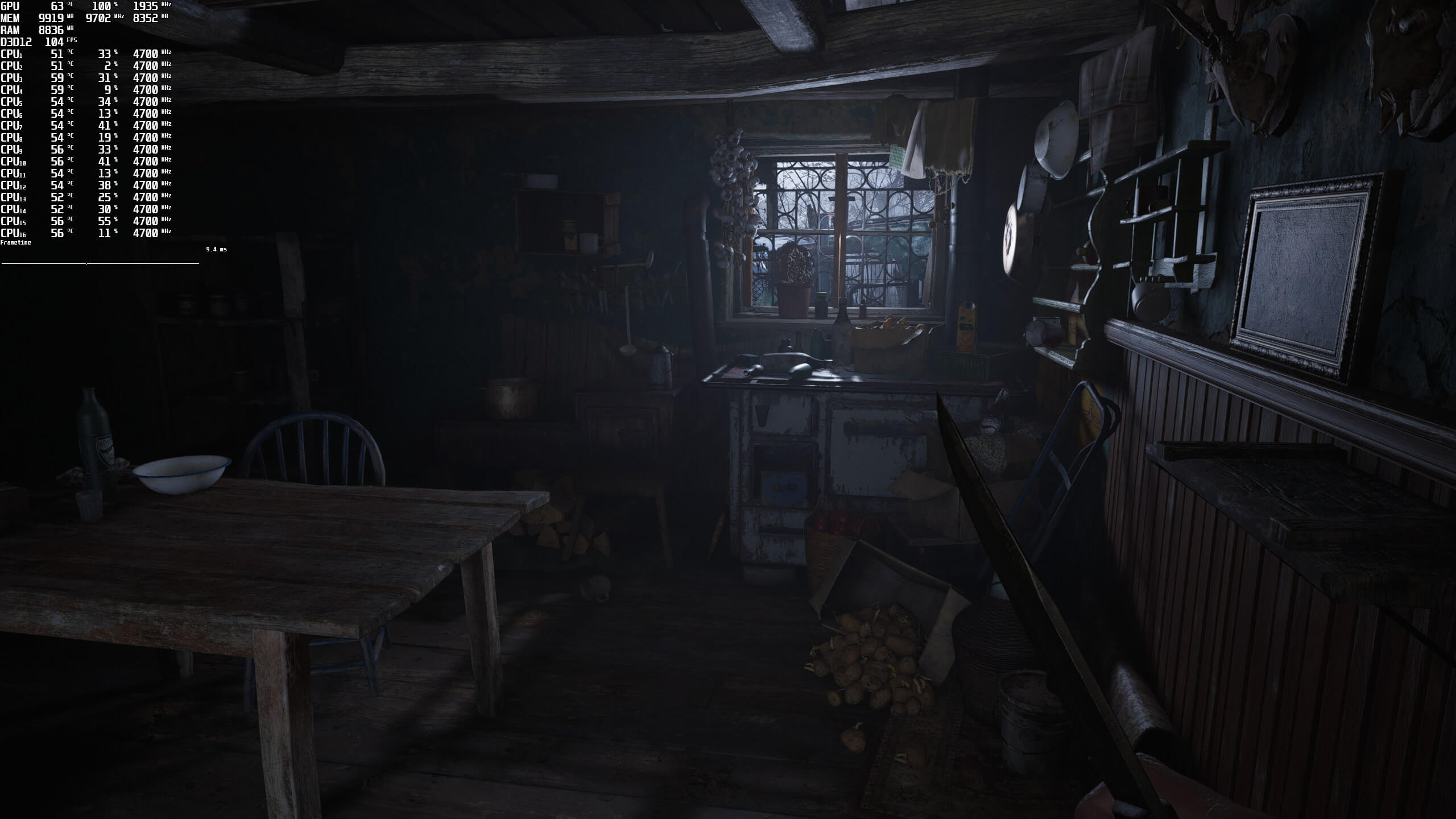
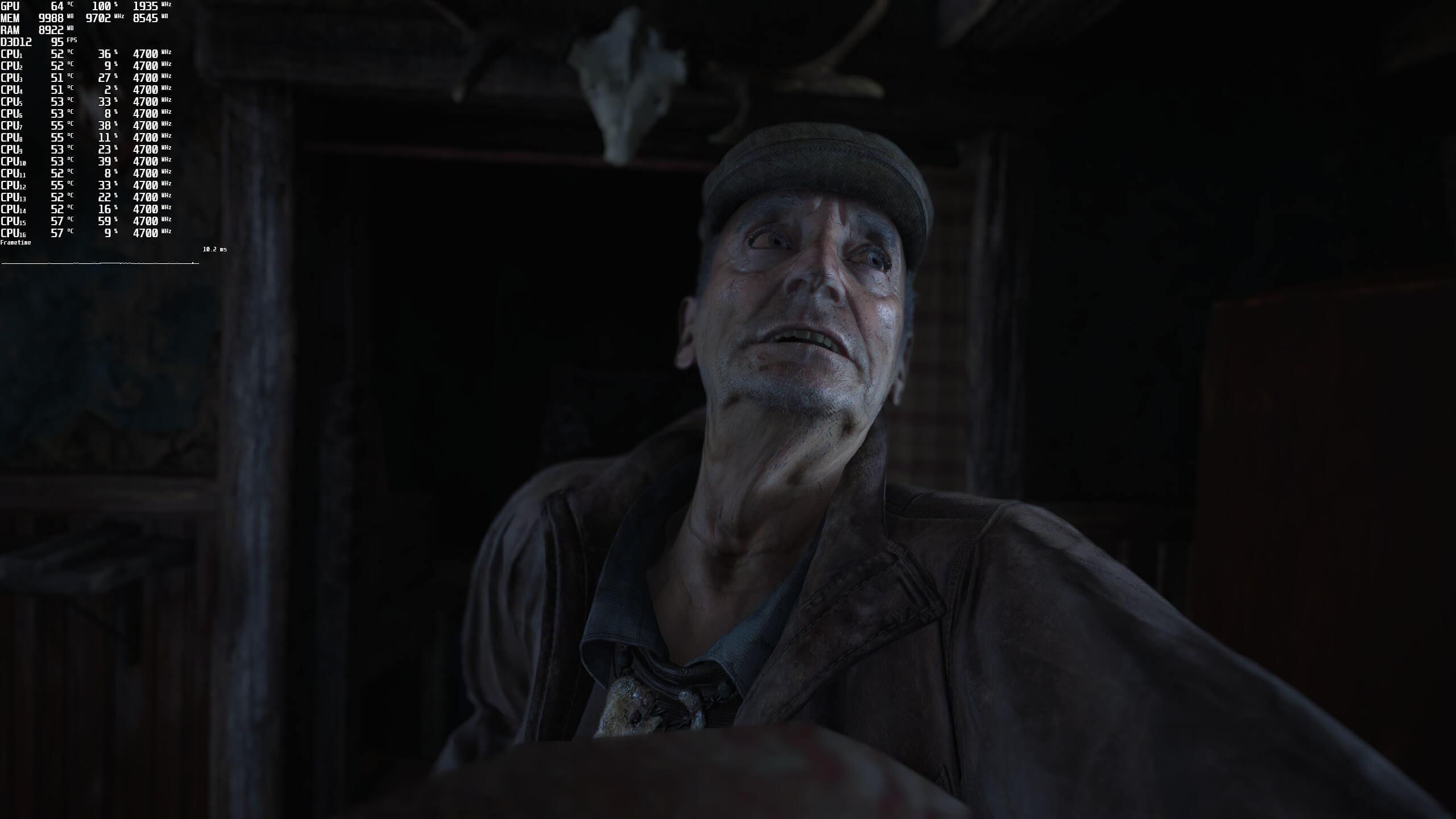
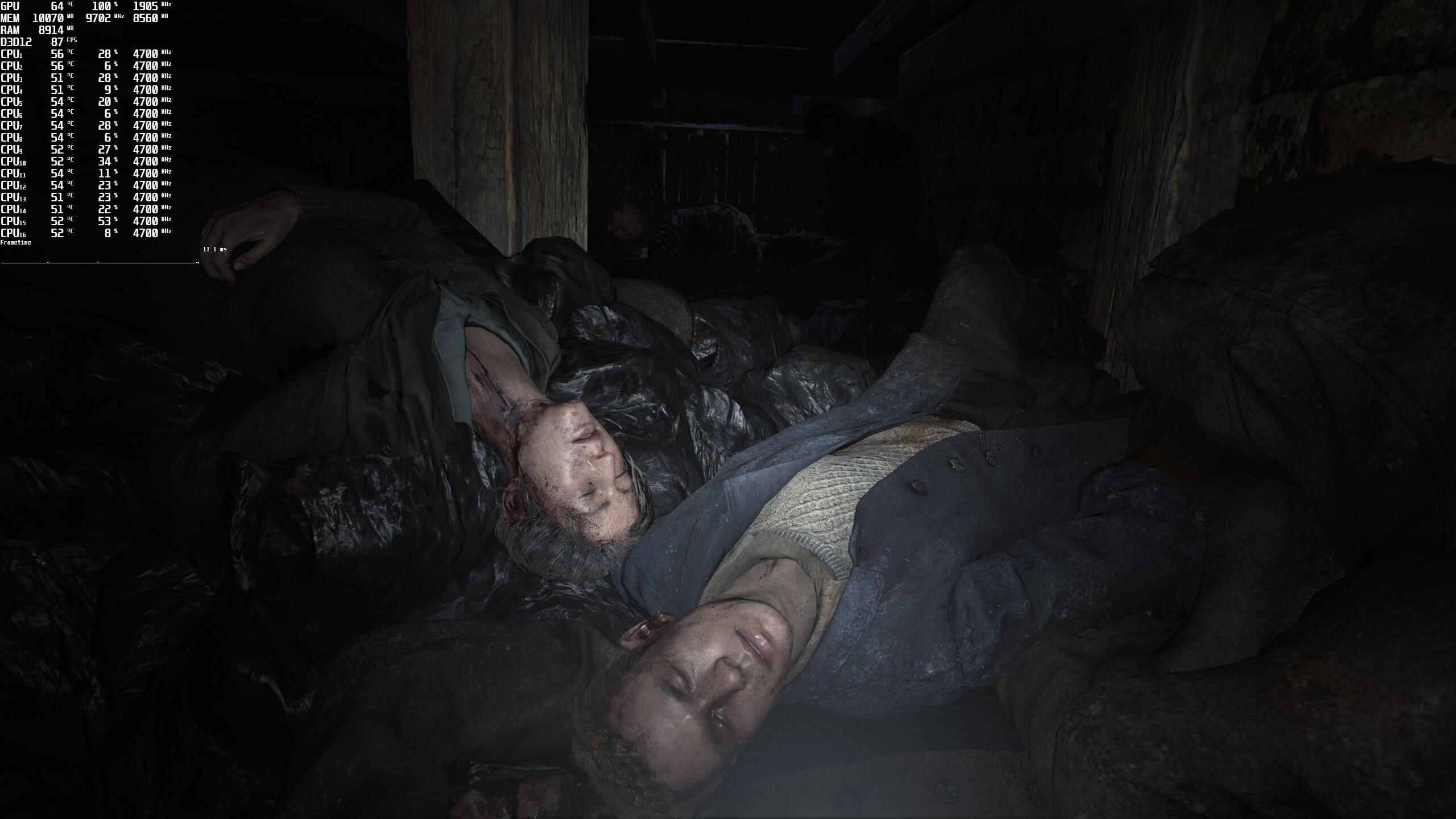
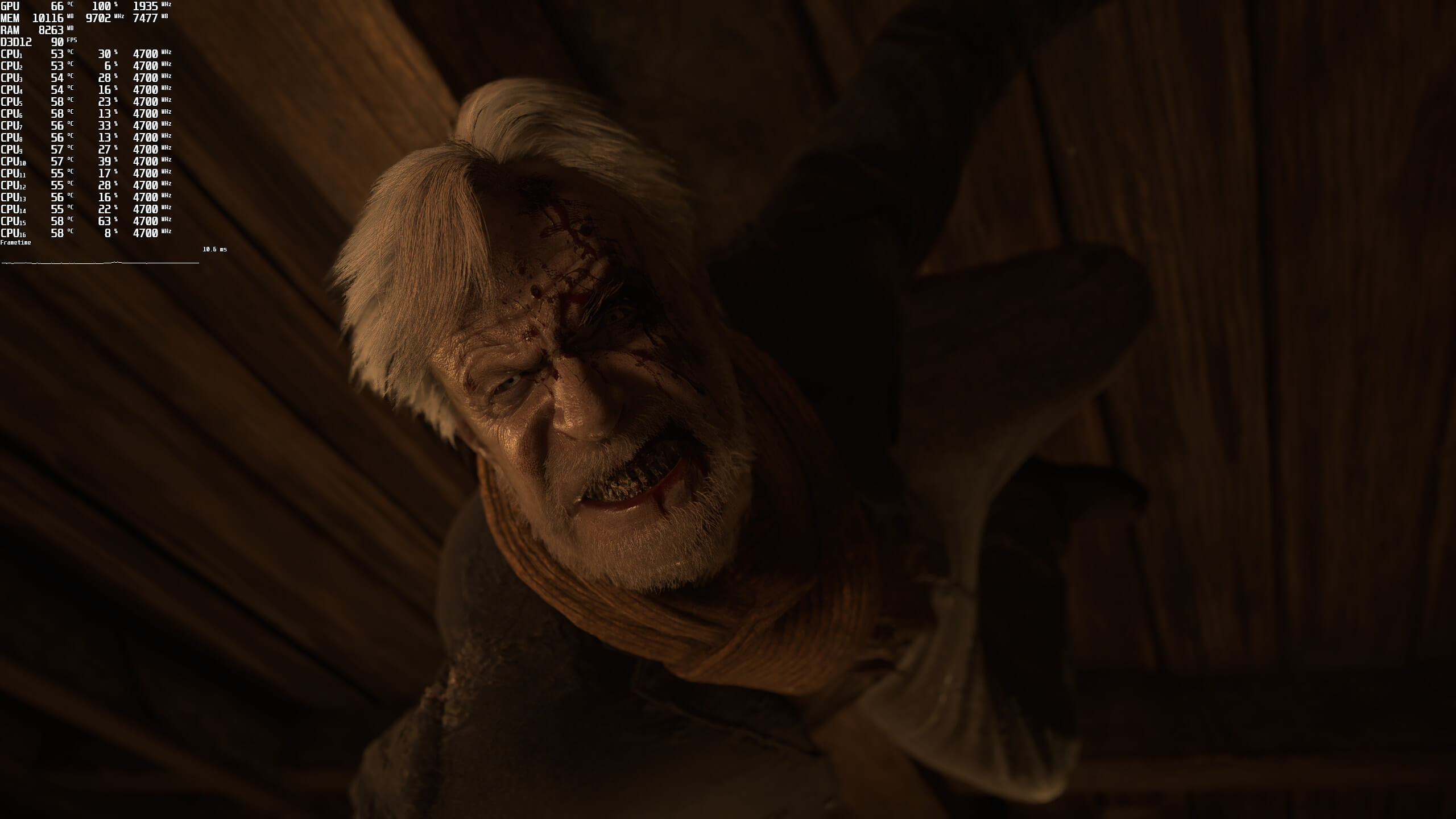
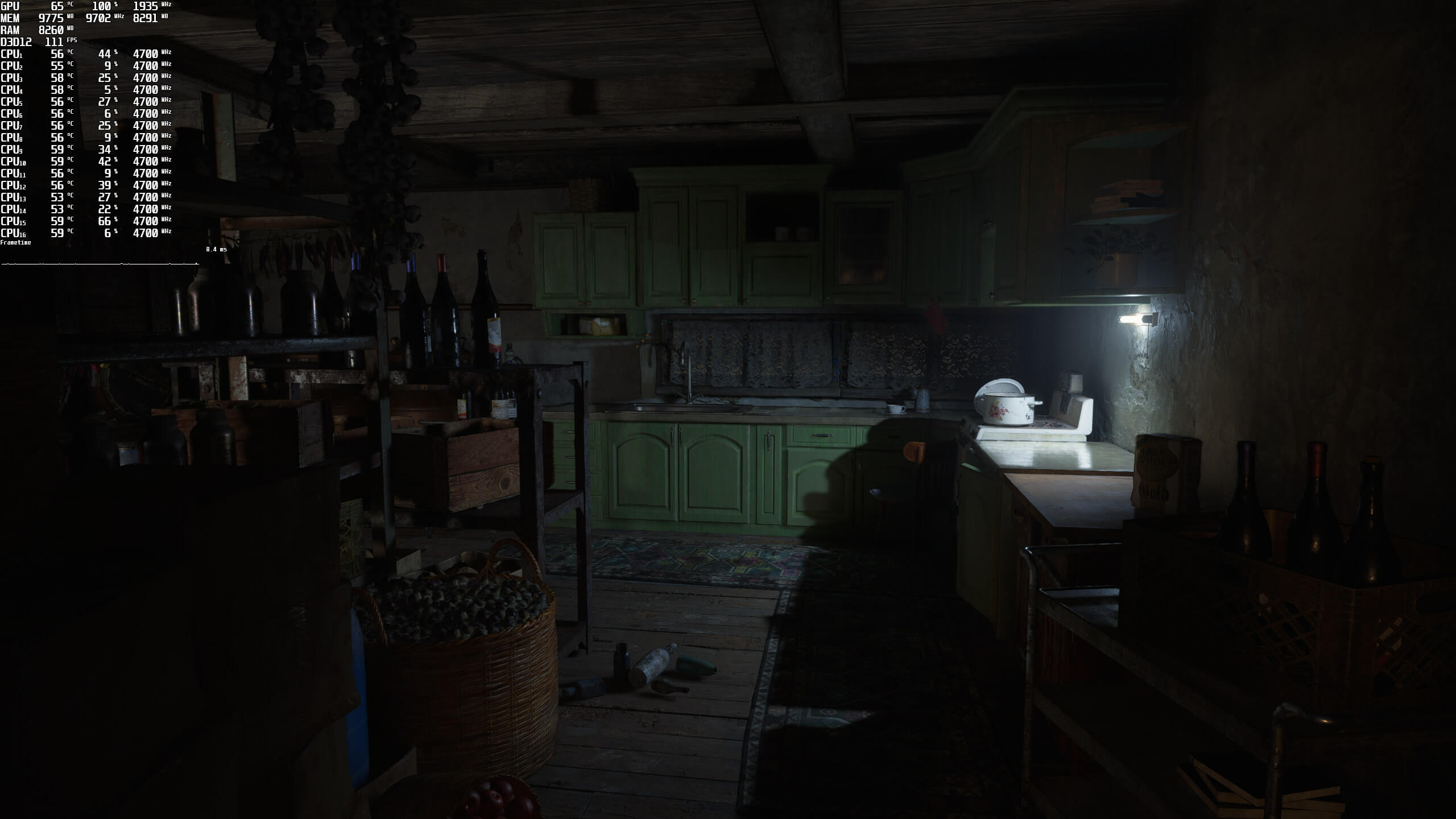
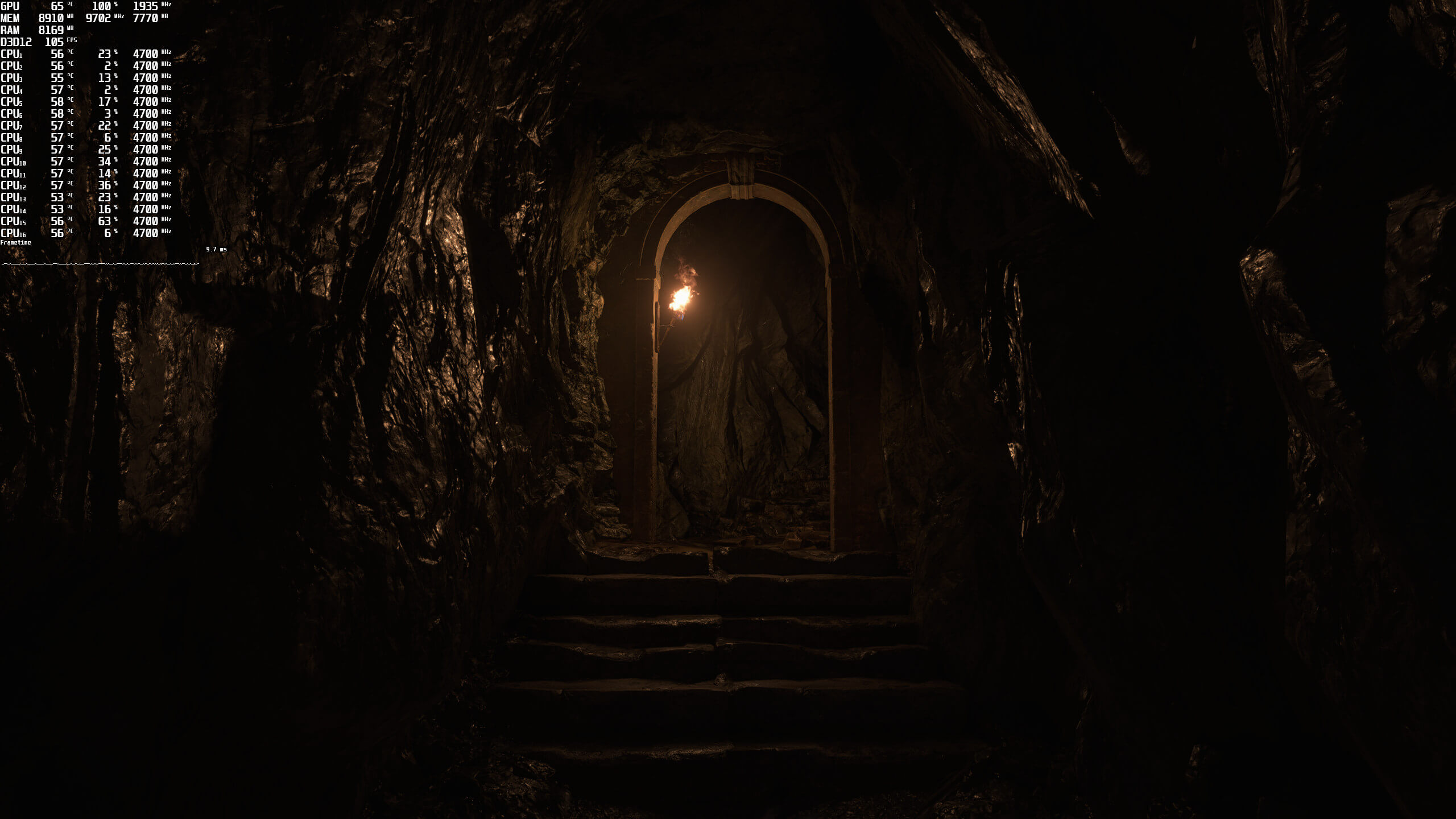
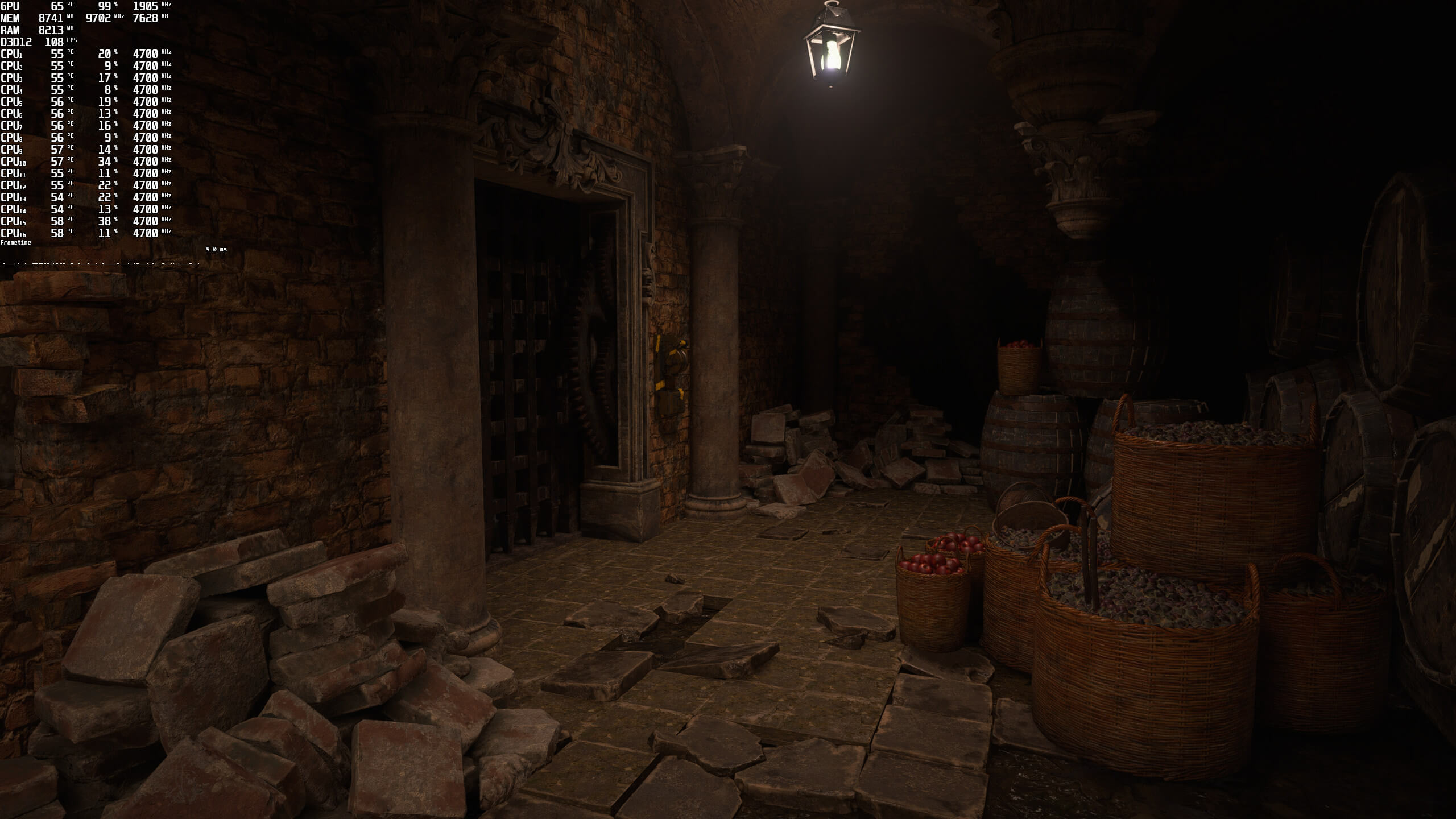
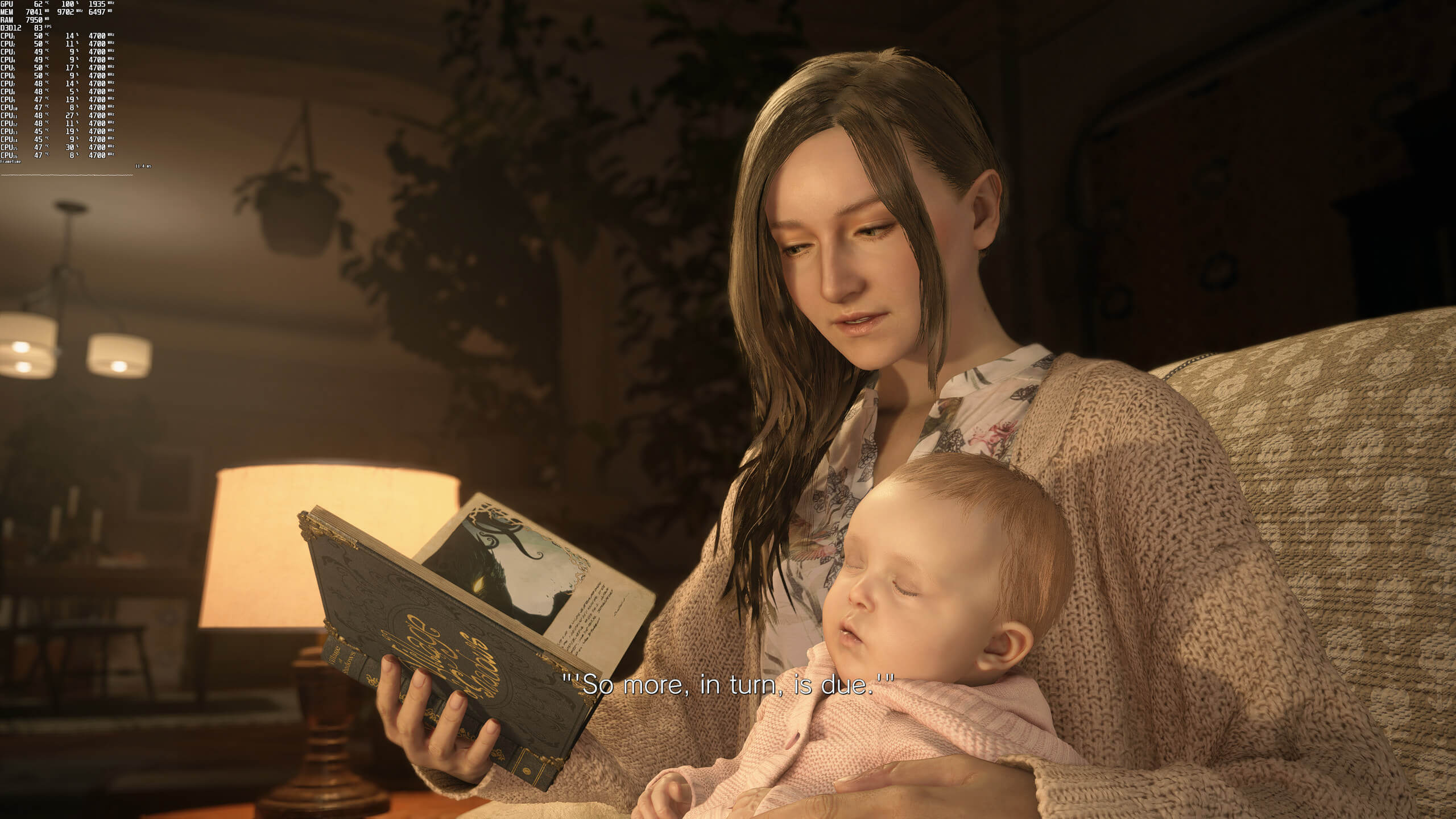
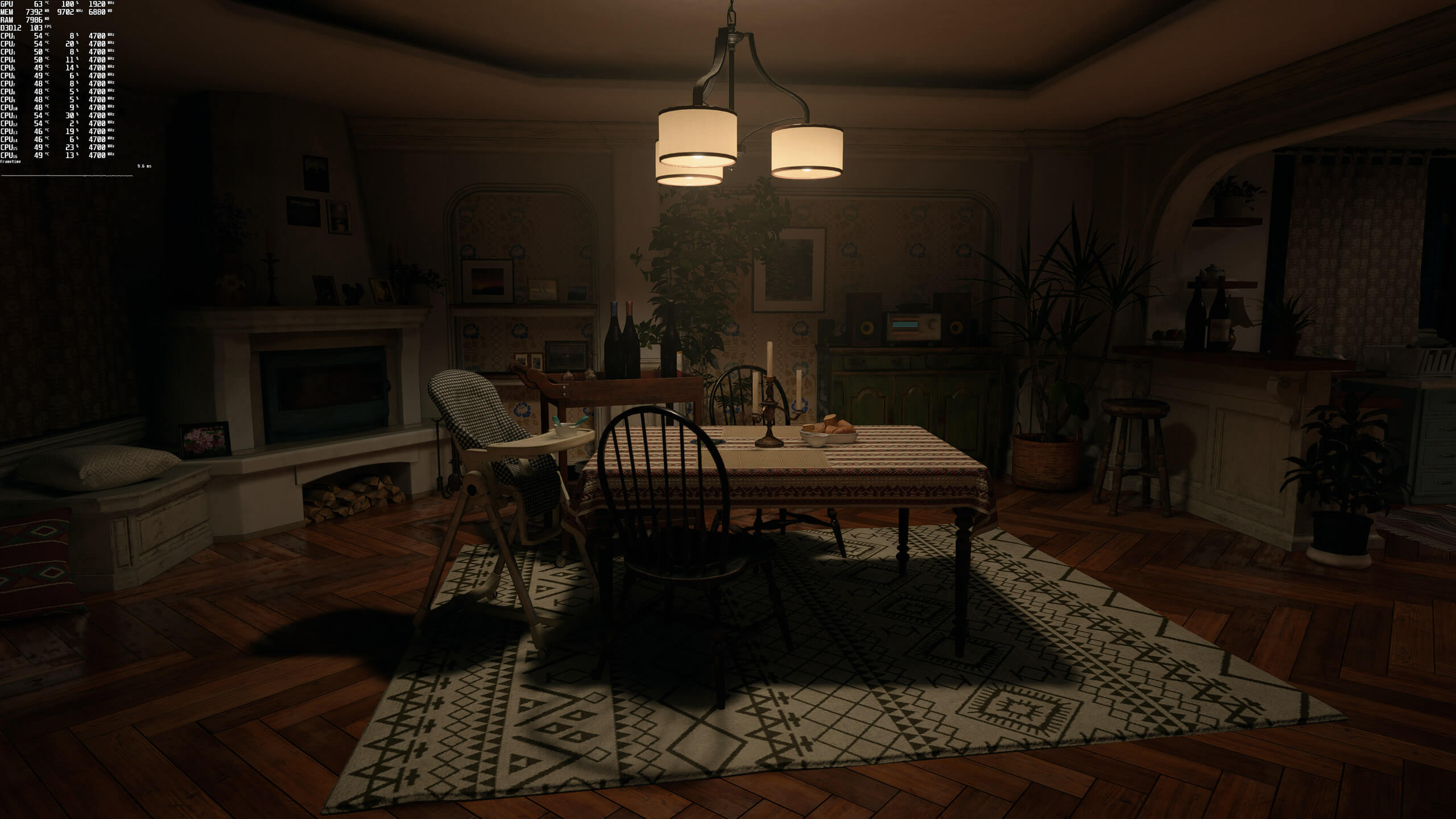
Graphics-wise, Resident Evil Village looks great. All main characters look great, and the environments are carefully crafted. Capcom used Quixel’s Megascans and most of the textures are of high quality. However, and when you get really close to them, some of them can become a bit blurry. Additionally, and thanks to some amazing baking lighting effects, most interiors look amazing.
To be honest, though, the game is “saved” by its artistic style and not by its tech features. For instance, while there are some breakable objects, most of the environments feel static. The game does not also have a dynamic time of day cycle, and there are numerous light sources that do not cast shadows. Perhaps that’s one of the reasons why the game runs so fast in its rasterized version. Still, the game is pleasing to the eye and that’s what really counts at the end of the day.
Do also note that you will have to properly adjust the brightness/gamma in order to achieve the best results. Otherwise, the game will look washed out. You can compare the following screenshots with the ones from the demo (in which we used the default values).
Before closing, we should mention three major optimization issues that currently plague the PC version. First of all, there are some annoying stuttering issues whenever you kill an enemy. Then, there are some major framerate drops and stutters when facing Dimitrescu’s daughters. And finally, we have the ridiculously low FOV (though you can use a mod in order to fix this).
All in all, Resident Evil Village runs smoothly on a variety of GPUs and CPUs, but currently suffers from some annoying PC optimization issues. Capcom really needs to address the game’s stuttering issues. The game uses Denuvo so I don’t know if this anti-tamper tech is causing these issues. Whatever the reason is, Capcom needs to resolve them as those issues are not present in the console versions.
Enjoy!
John is the founder and Editor in Chief at DSOGaming. He is a PC gaming fan and highly supports the modding and indie communities. Before creating DSOGaming, John worked on numerous gaming websites. While he is a die-hard PC gamer, his gaming roots can be found on consoles. John loved – and still does – the 16-bit consoles, and considers SNES to be one of the best consoles. Still, the PC platform won him over consoles. That was mainly due to 3DFX and its iconic dedicated 3D accelerator graphics card, Voodoo 2. John has also written a higher degree thesis on the “The Evolution of PC graphics cards.”
Contact: Email


Raytracing does not look good in this. Feels like a 5yo game.
Bullsh*t…
Well take the starting area with house lamps that have no real caustics, plants shown almost black yet light should be directly hitting them, fake reflections on surfaces appearing infront of and behind objects that would block, reflection quality in general, overall lack of depth to exterior scene’s, lack of shadow when leaving starting house when using flashlight, etc.
DF start to discuss how low quality it looks, console level, while cards like the 3080 are at 30-40% usage. This is the big problem this gen, AMD holding back PC to console levels.
https://youtu.be/SWx8yBHalHM?t=60
RT is better implemented than in BF5 , the most dissapointing thing about RE8 rt isn’t its fundamental implementation, but the resolution of the ray traced , is 25% the native resolution , if it was at least 75% it would look AMAZING.
Not defending BF5, I skipped Turing. RE 8 has light passing through solid objects, light not illuminating some objects, pools of noise, etc. What is nice about RT is when done well it increases the immersion, this game doesn’t benefit from RT at all.
The game looks dated as fuq. Game is also not a very good game but hey it’s new, it’s fresh and it’s all that’s out so they’ll love it no matter what. So don’t you dare criticize this mediocre 3-5 shots to the head to kill everything. This is WTF passes for gaming these days.
“3-5 headshots to kill everything.”
You must be new to Resident Evil / Biohazard.
This Sh*t ain’t Resident Evil & you know it, especially if you claim to be a fan.
Grrrrr….. please don’t utter “and you know it” in my presence; also kindly refrain from or utterly downplay this as gutter tripe just bc you don’t like or agree with it. Down with hyperbole and unwarranted moodiness / bad attitude. (Yikes, that’s a lot of utters).
Nothing is ever as good or as bad as anyone else says it is — nothing is thus as good or as bad as YOU think it is, either.
As for what RE is, the formula changes slightly every now & then, like in a chemistry lab:
(1) Inventory / Saving management is not consistent throughout each game; there are alterations between each generation of game as well.
(2) Enemies: there are unique ones in most–if not all–entries, IIRC.
But there are also recurring staples in most entries. 7 & 8 are considered reboots, and make enemies plausible within the junk science of the RE/Biohazard universe.
(3) Bosses
It’s hard to say which game introduced intelligent ones, but if we’re using weapon-wielding as a sign, then it is 3. “Human” antagonists have always been a part of each game (even if they aren’t the final boss or the obvious main foe), besides Umbrella and its off-shoots / originators / “projects”
(4) Melodrama
That has been increasing w/ each entry or set of entries, overall. CVX really brought the “soap opera-like” writing / voiceovers and every game thereafter introduced their own campiness, until a tonal reboot with Revelations 2 and 7. And then there are the 3 CGI movies. lol.
(5) Perspective
This has changed several times, including in spin-off titles.
(6) Characterization
Personality-wise, all the characters change a little from entry to entry or so, including the CGI movies. The Remakes do a number on Leon & Jill, especially. Village took a risk, and it’s of no consequence – because everything is a matter of f*king taste, and not universal at all.
(7) Visualization
In terms of art styles, overall I can’t really speak to the differences or similarities (besides literal darkness & colour palettes changing from time to time), but a zombie always looks like a zombie, and the BOWs are always gonna be weird.
(8) Action
Ramped up steadily w/ each game, except with the tonally-mixed Rev, the shift w/ Rev 2, and the back-to-basics with the soft reboot in 7.
So what’s the gd problem then? Not much.
2016 and late 2015 games don’t have ray-tracing in them, so….
That was my point, this game does not look as if it has RT, it is that bad.
The point should be to compare it to something that was bad with the first awkward implementations right out of the gate – I assure you that is more meaningful statement than comparing it to something that doesn’t have RT, especially bc it’s noticeable.
Where?
“The game uses Denuvo so I don’t know if this anti-tamper tech is causing these issues. Whatever the reason is, Capcom needs to resolve them as those issues are not present in the console versions.”
Still have any doubt?
So you mean denuvo kills performance if it’s for instance rightly placed in the initialization phase of the game rather than for instance the main loop like some stupid dev’s have done?
It’s all about implementation. Can be between a “huge loss” of about 1 sec load time which isn’t a big issue on proper gaming computers towards unplayable in the case of a bad part of the code that’s protected.
Do you know how its implemented here? I would guess not – Stutters can be of any reason, because it employs denuvo don’t meant its by default the issue but it could very well be the reason if the devs were stupud.
I don’t have a slightest idea of how this is implemented! But I’m pointing the fact that consoles doesn’t have such stutter, so by the logics…
Those stutters ale on every PC, PS4/XB1 even sometimes on PS5
Game runs amazing IMO.
Inside the castle, I was getting 200-240 fps at 1080p on a 5700 XT.
In the village part of the Demo, I was getting 180 fps, also at 1080p.
4K was 45-58 fps in the Village. Probably a locked 60 fps in the castle
the final release is fcked for some reason.
rtx 2080ti and i7 8700k.
I threw the game in the red at 12gb out of my available 11gb and still got 90+ fps most of the game. Was surprised how damn well it ran. Only 1 single area…. some point at the very top of the castle would jump all the way down to 30fps.
Its great that you guys add the min framerate as that’s far more important than the average imo – Then again i’m on a rather powerful game rig so rarely get bad averages
Wonder how well it runs with an r5 1600 and a rx 570 gpu.
it will likely be playable on low @ 720P res….
580 can go max settings and 570 is like 10-15% behind that so I don’t know what the first guy who replied is talking about, maybe its supposed to be a joke.
Anyway 1080p with adjusted settings from high to low depending on the setting should be fine.
Do you also have that weird HDR bug with constant screen diming ?
I hate that crap and without HDR the game looks very gray.
I don’t have any stuttering on GTX 1070 an I7 2600K but i have old Nvidia driver.
1440p all on max but shadows on medium. 55-90 fps all the time.
Performance starts dropping for some reason. Restarting fixes it. Seems like there might be memory leaks somewhere.
To clear up some of the stuttering, input “tree” command in Windows “run” function (type run in the Win10 magnifying glass search function on the start bar), and also use CC cleaner or competitor app to clean up junk files (you can also do this manually by typing %temp% in run, as that’ll let u view the safe-to-delete files in the user’s local appdata directory).
Low FOV shouldn’t make one dizzy. It’s just claustrophobic when really low, and cumbersome for turning more than 90-degrees in a pickle. And when really, really low (60 degrees on PC; which is a standard on console), things look “zoomed in” as if you’re viewing through a scope.
Keep these things in the medium ranges – I’d say 87 – 100 degrees – for these types of games (lower end of those ranges for horror). Anything above 108 is ridiculously high fish-eye effect, and should be universally considered so and not one of those “personal preference / YMMV” things.