
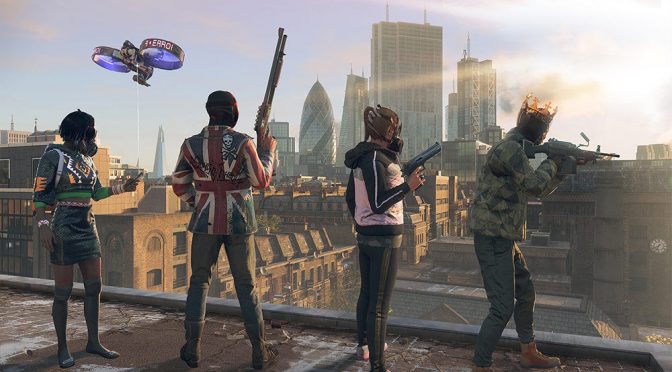
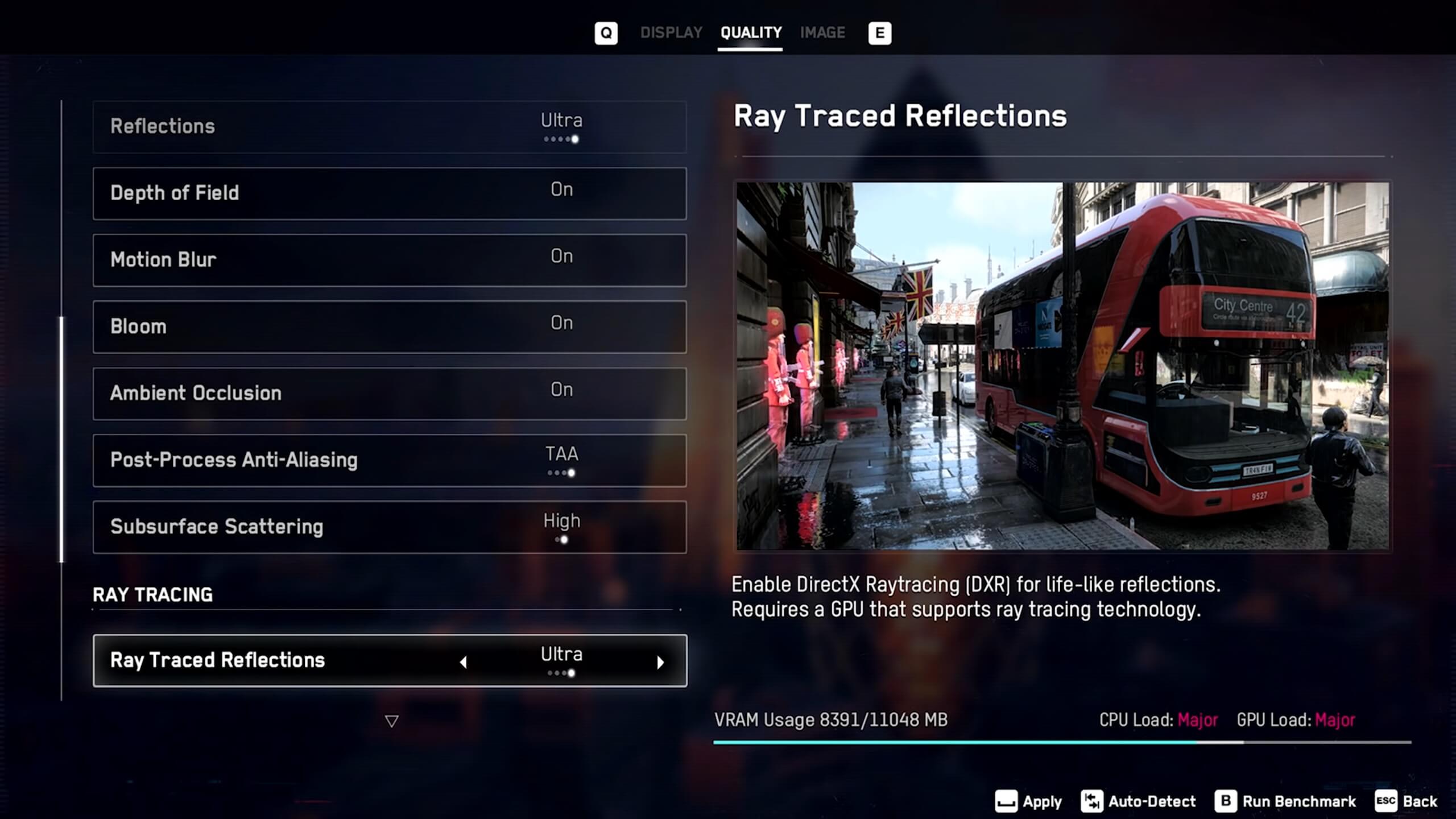
Ubisoft has revealed the PC graphics settings that will be featured in Watch Dogs Legion. The game will also support both Ray Tracing and DLSS 2.0 from the get-go, something that will please all owners of RTX GPUs.
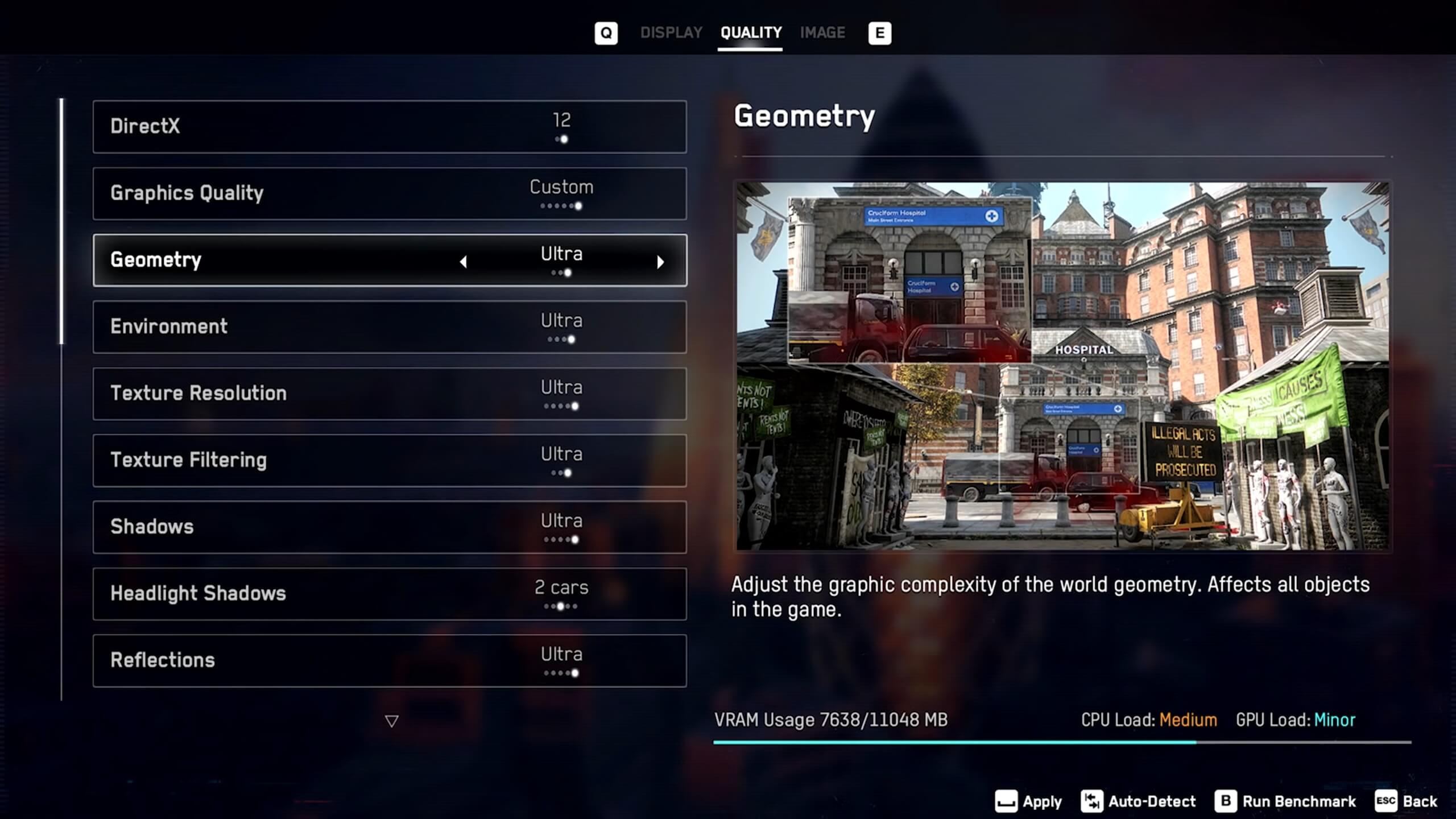
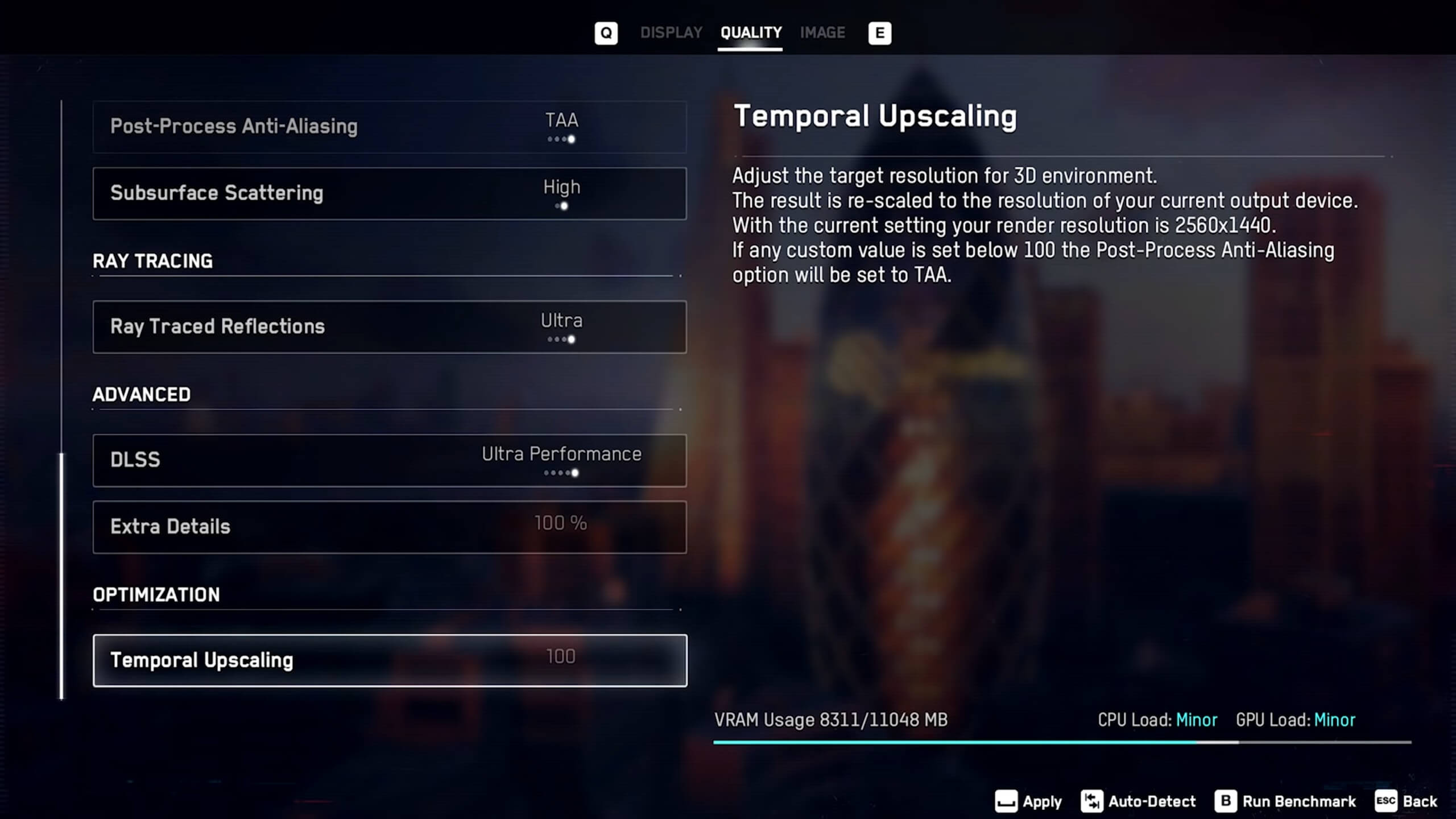
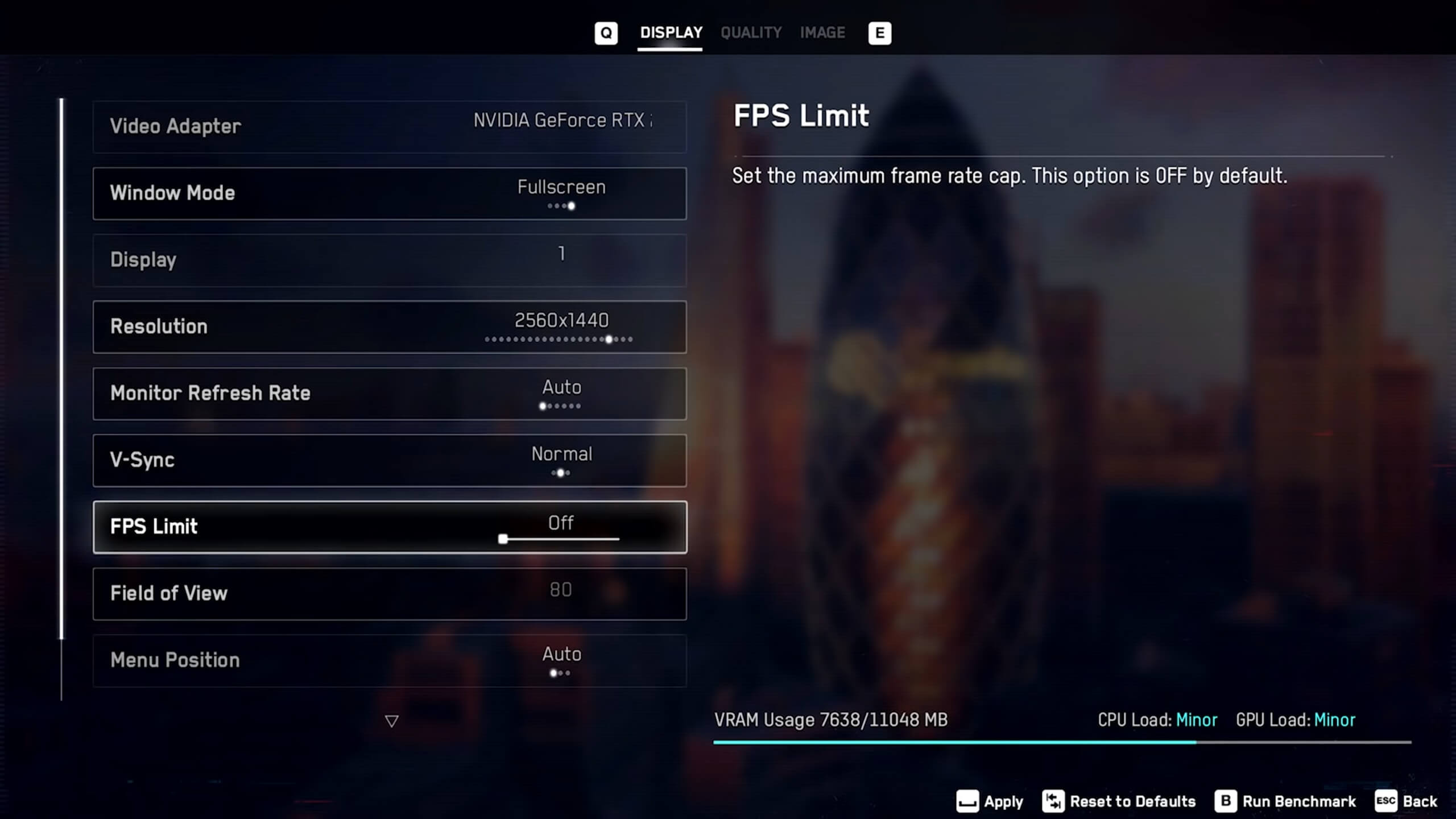
As we can see, PC gamers can adjust the quality of Geometry, Environment, Textures, Shadows and Reflections. There are also options for Depth of Field, Motion Blur, Bloom, Ambient Occlusion, Post-process Anti-aliasing and Subsurface Scattering. The game will support both DX11 and DX12, and will be using Ray Tracing for its reflections. There will also be an “Extra Detail” option that will let you modify the level of detail for geometry of distant objects.
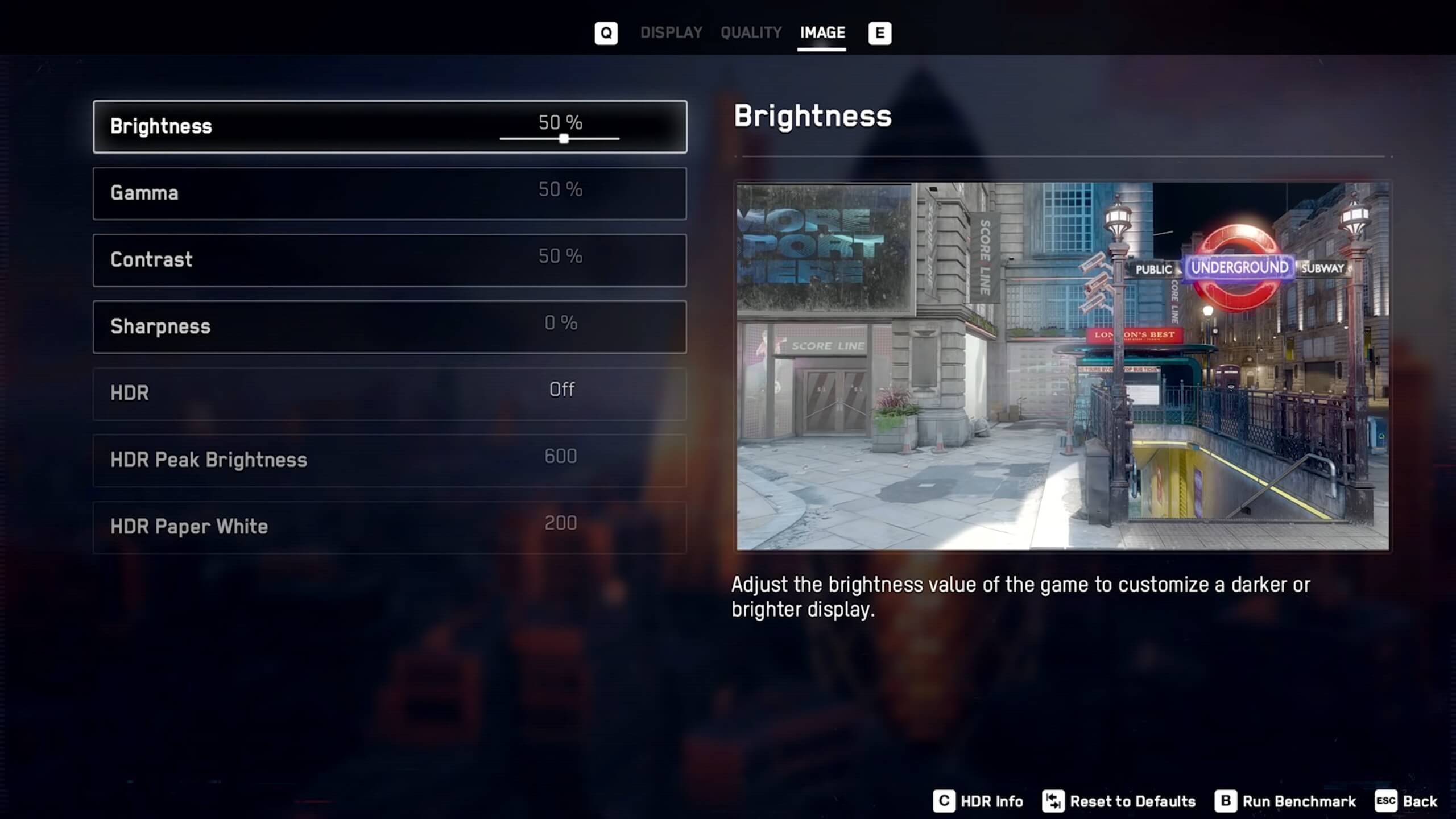
It’s also worth noting that Watch Dogs Legion will feature a built-in benchmark tool. Additionally, Ubisoft has added a Sharpening slider, as well as an FPS Limiter and a Field of View slider. From the looks of it, there isn’t any Chromatic Aberration setting, so let’s hope that the game will not be using it.
Watch Dogs Legion releases on October 29th, and here are also its official PC requirements.

John is the founder and Editor in Chief at DSOGaming. He is a PC gaming fan and highly supports the modding and indie communities. Before creating DSOGaming, John worked on numerous gaming websites. While he is a die-hard PC gamer, his gaming roots can be found on consoles. John loved – and still does – the 16-bit consoles, and considers SNES to be one of the best consoles. Still, the PC platform won him over consoles. That was mainly due to 3DFX and its iconic dedicated 3D accelerator graphics card, Voodoo 2. John has also written a higher degree thesis on the “The Evolution of PC graphics cards.”
Contact: Email