Syberia The World Before new screenshots-6

Syberia: The World Before PC Performance Analysis

Microids has just released the next part of its Syberia series, Syberia: The World Before. Powered by the Unity Engine, it’s time now to benchmark it and see how it performs on the PC platform.

For this PC Performance Analysis, we used an Intel i9 9900K with 16GB of DDR4 at 3800Mhz, AMD’s Radeon RX580, RX Vega 64,  RX 6900XT, NVIDIA’s GTX980Ti, RTX 2080Ti and RTX 3080. We also used Windows 10 64-bit, the GeForce 511.79 and the Radeon Software Adrenalin 2020 Edition 22.3.1 drivers.
Microids has added very few graphics settings to tweak. PC gamers can adjust the quality of Textures, Shadows and Anti-Aliasing. There are also options for Ambient Occlusion, Chromatic Aberration and Dynamic Elements.
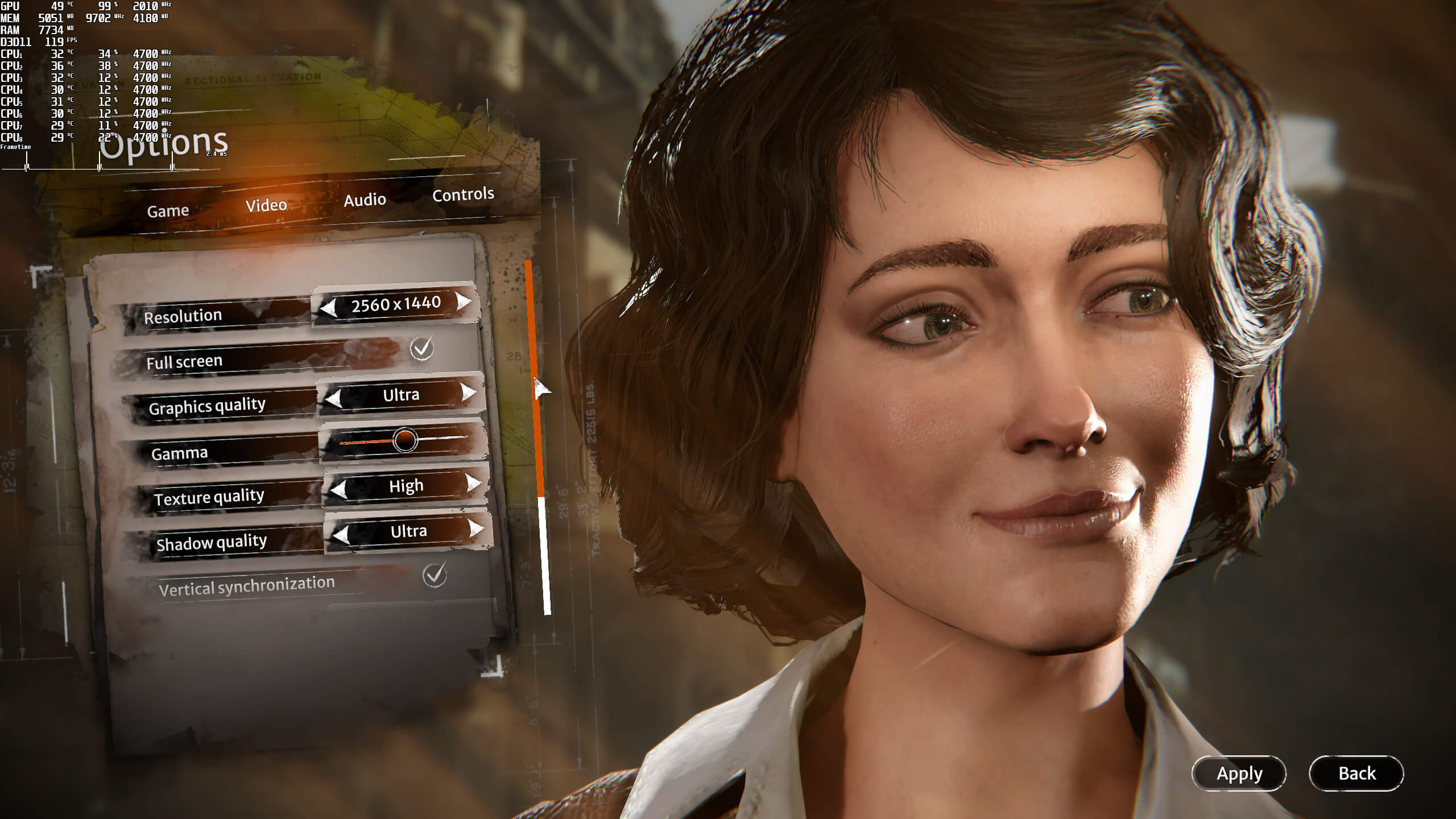
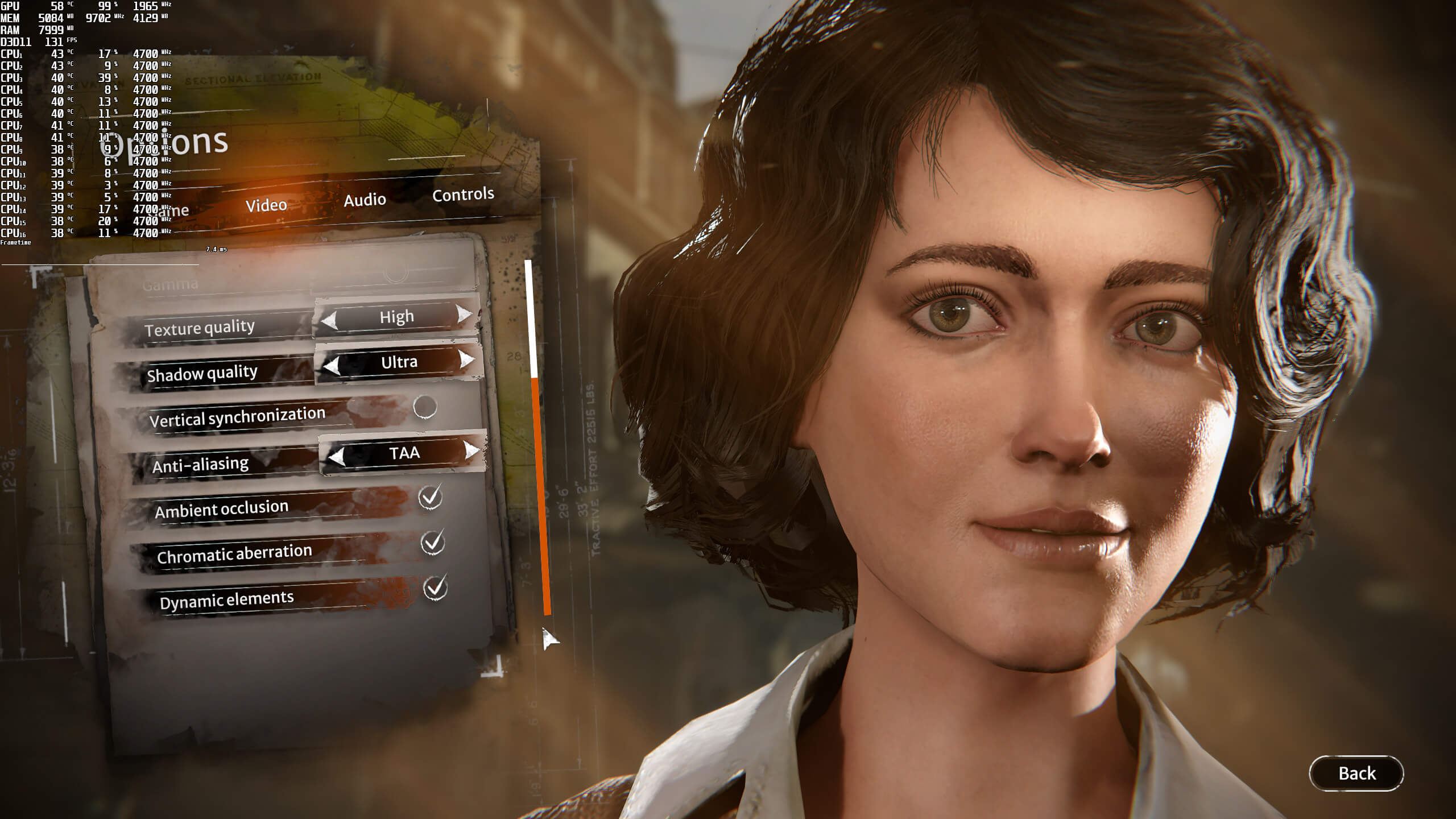
Syberia The World Before graphics settings-1Syberia The World Before graphics settings-2

Syberia: The World Before does not feature any built-in benchmark tool. As such, we’ve decided to benchmark the starting area.

In order to find out how the game scales on multiple CPU threads, we simulated a dual-core, a quad-core and a hexa-core CPU. And, from what we can see, a dual-core system (with Hyper-Threading) can run the game with more than 60fps at 1280×720 with Ultra settings.
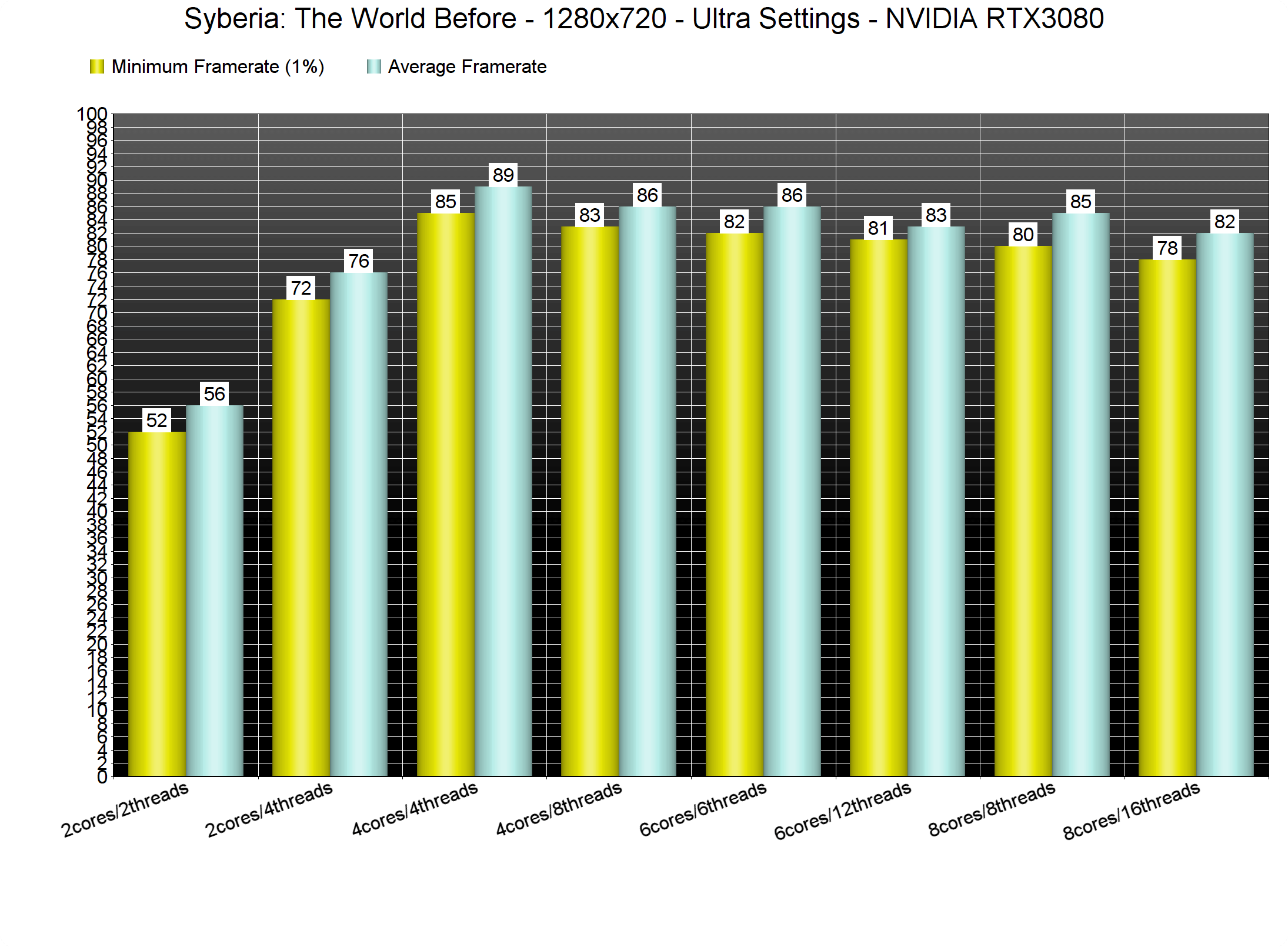
Syberia The World Before CPU benchmarks

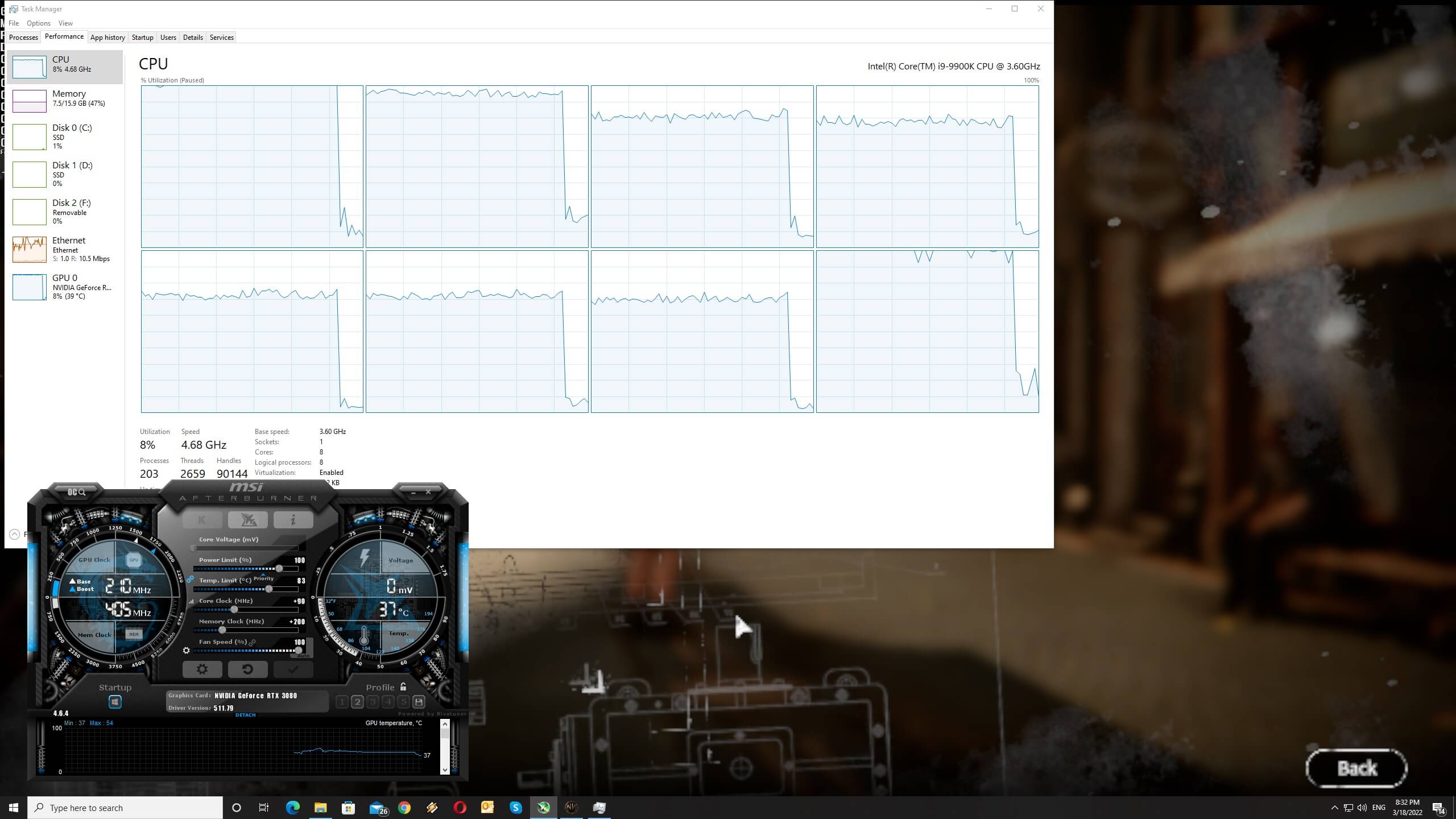
Now as you can see, the game behaves really weird on NVIDIA’s hardware. For instance, and even at 720×480, the RTX 3080 is being used at 98%. Not only that, but the performance difference between 480p and 720p is almost non-existent. Additionally, there is a slight performance boost once you disable some CPU cores/threads. We really don’t know what is going on here. However, these CPU issues are only present on NVIDIA’s hardware. The game, as you will see below, performs fine on AMD’s hardware.

Syberia The World Before - NVIDIA performance issues

At 1080p/Ultra, the AMD Radeon RX580 runs the game as fast as the NVIDIA GeForce GTX980Ti. Not only that, but the AMD Radeon RX Vega 64 can even outperform both the NVIDIA GeForce RTX2080Ti and RTX3080. There is seriously something weird going on with all NVIDIA GPUs, and we’ve already informed NVIDIA about it.
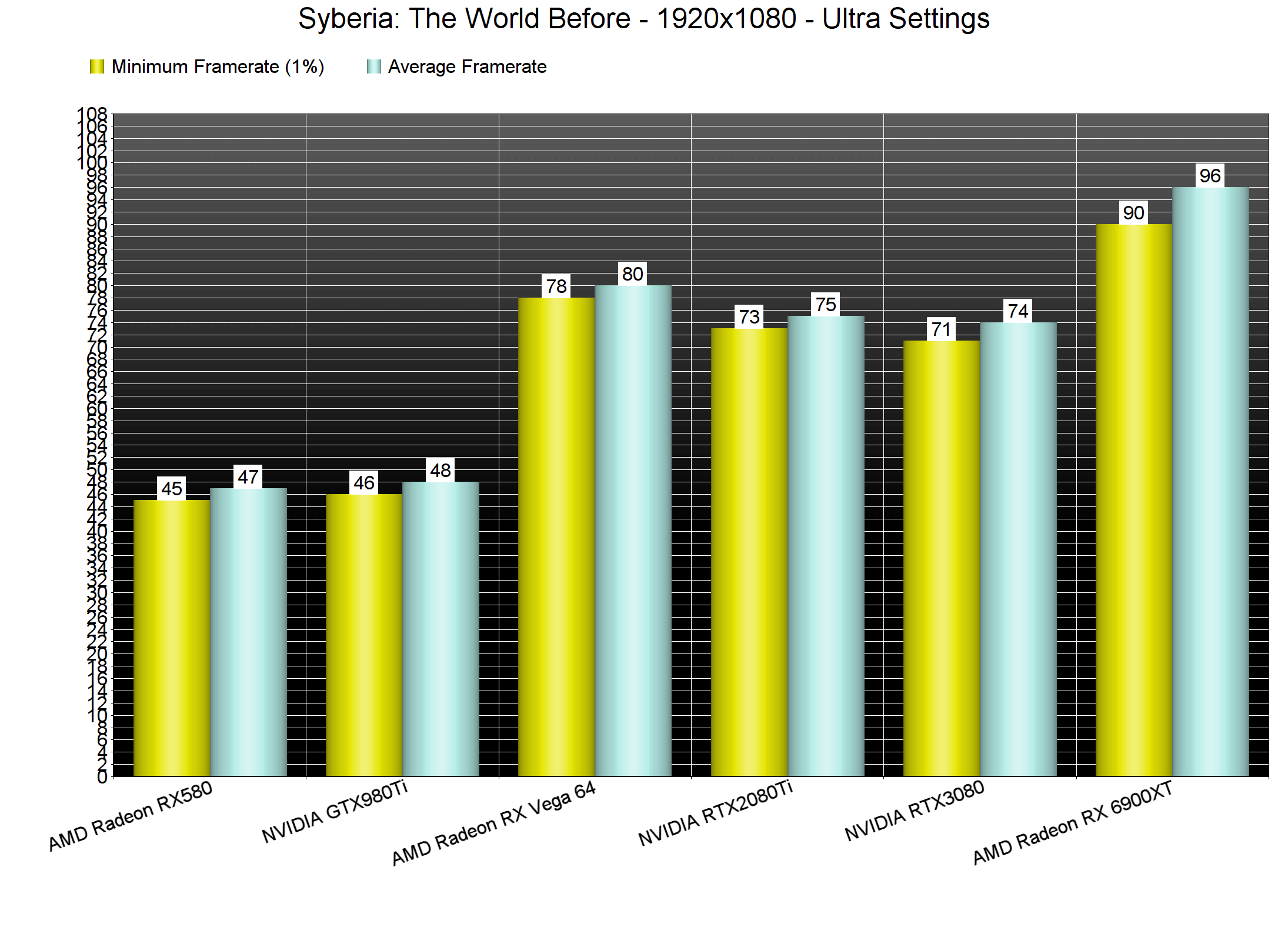
Syberia The World Before GPU benchmarks-1

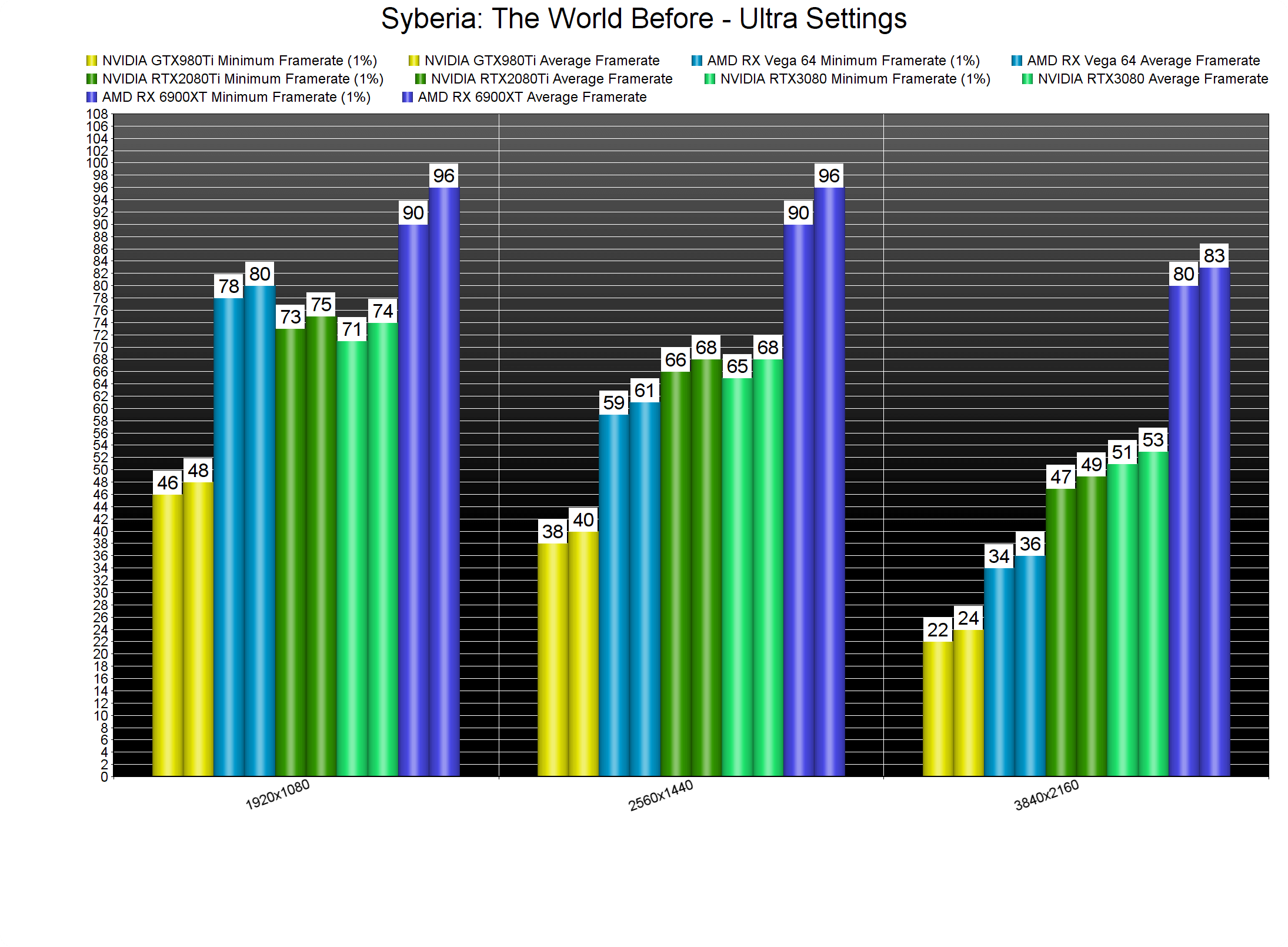
At 1440p/Ultra, the RTX2080Ti and RTX3080 run the game faster than the Vega 64. However, the performance difference between these two NVIDIA GPUs is non-existent (at both 1080p and 1440p). As for 4K/Ultra, the only GPU that could run the game with constant 60fps was the AMD Radeon RX Vega 64. Both the RTX2080Ti and RTX3080 could not run the game smoothly. Moreover, the Vega 64 was 50% faster than the GTX980Ti (which is not what we normally see in other PC games).
Syberia The World Before GPU benchmarks-2

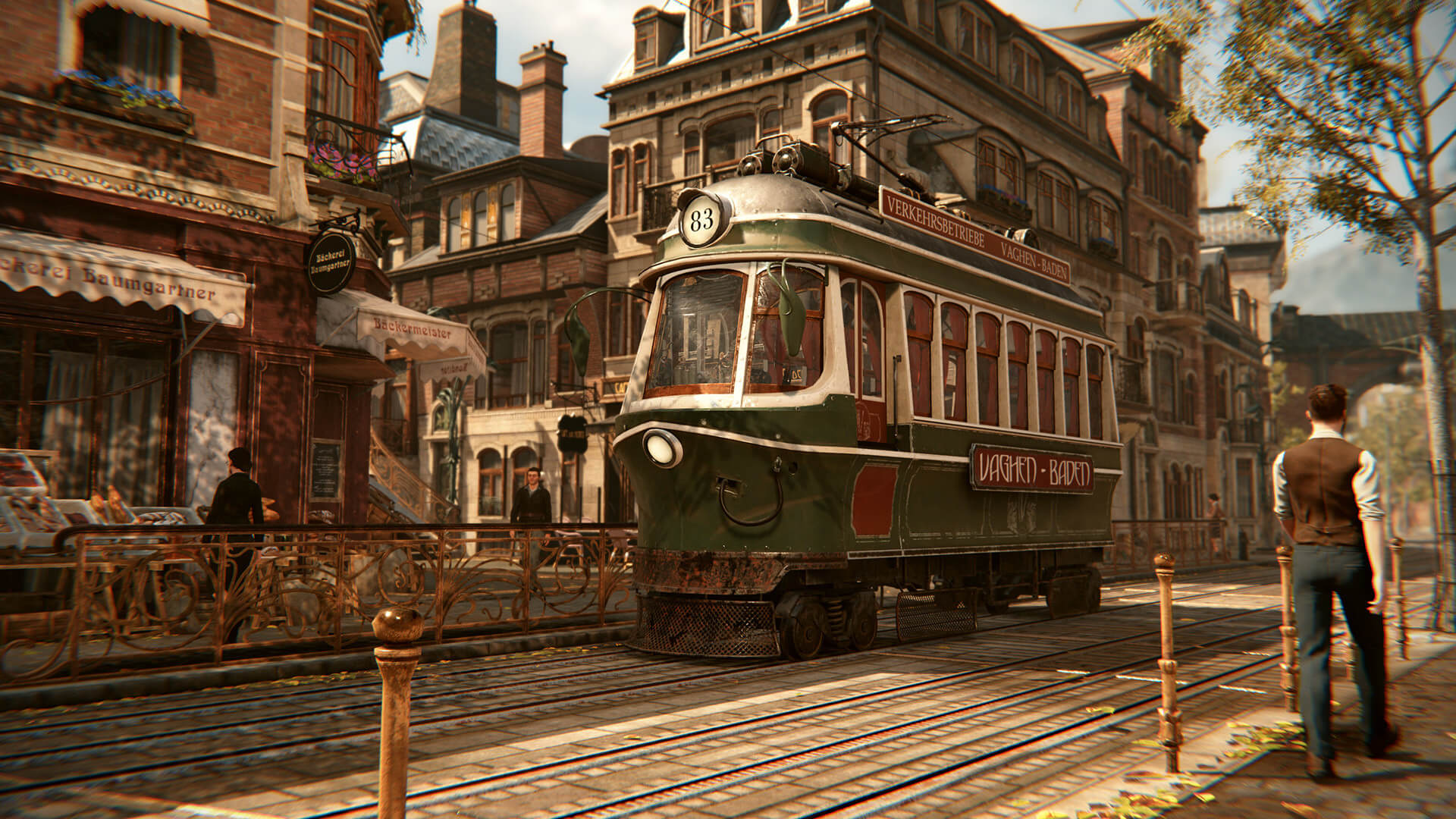
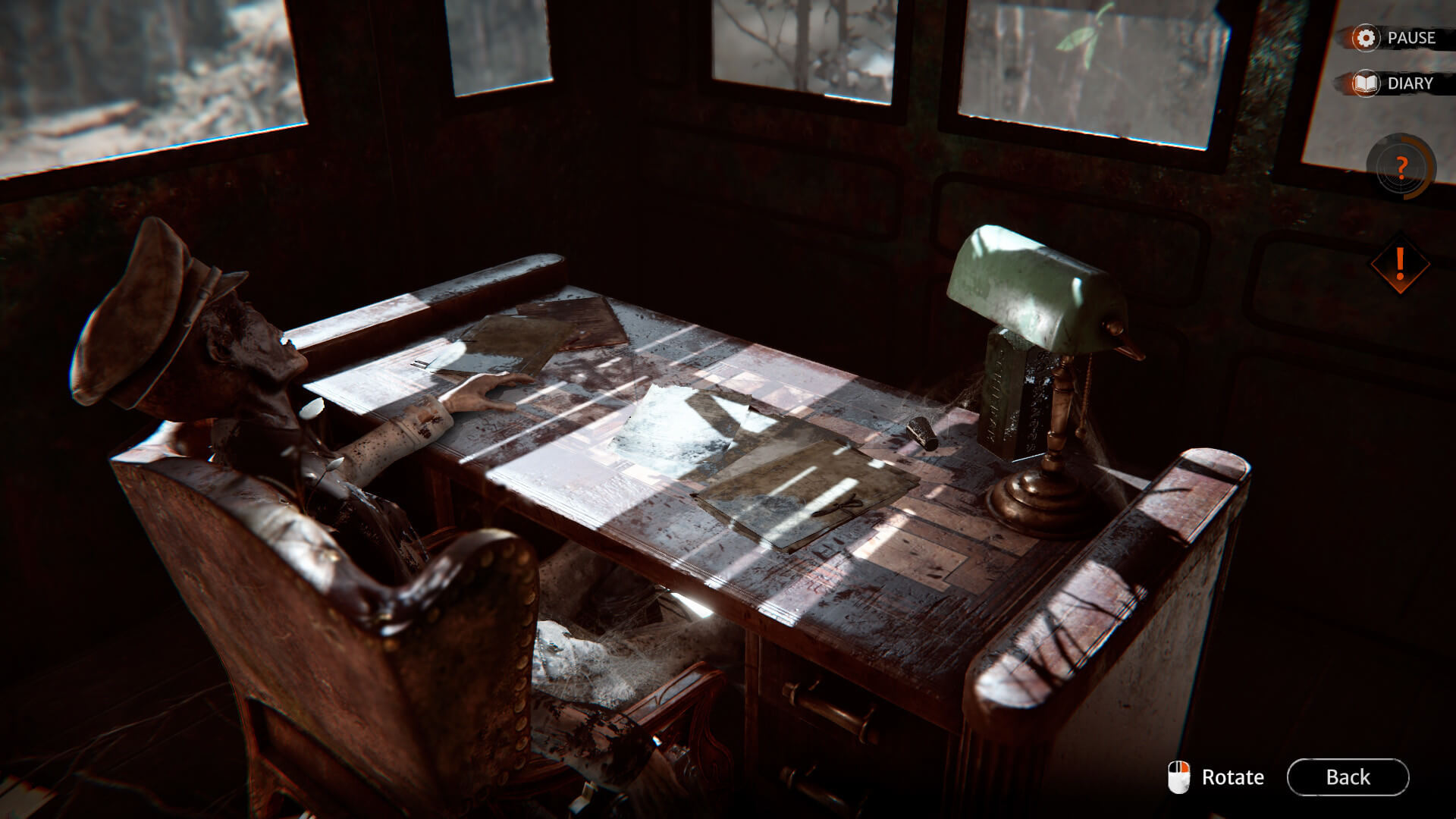
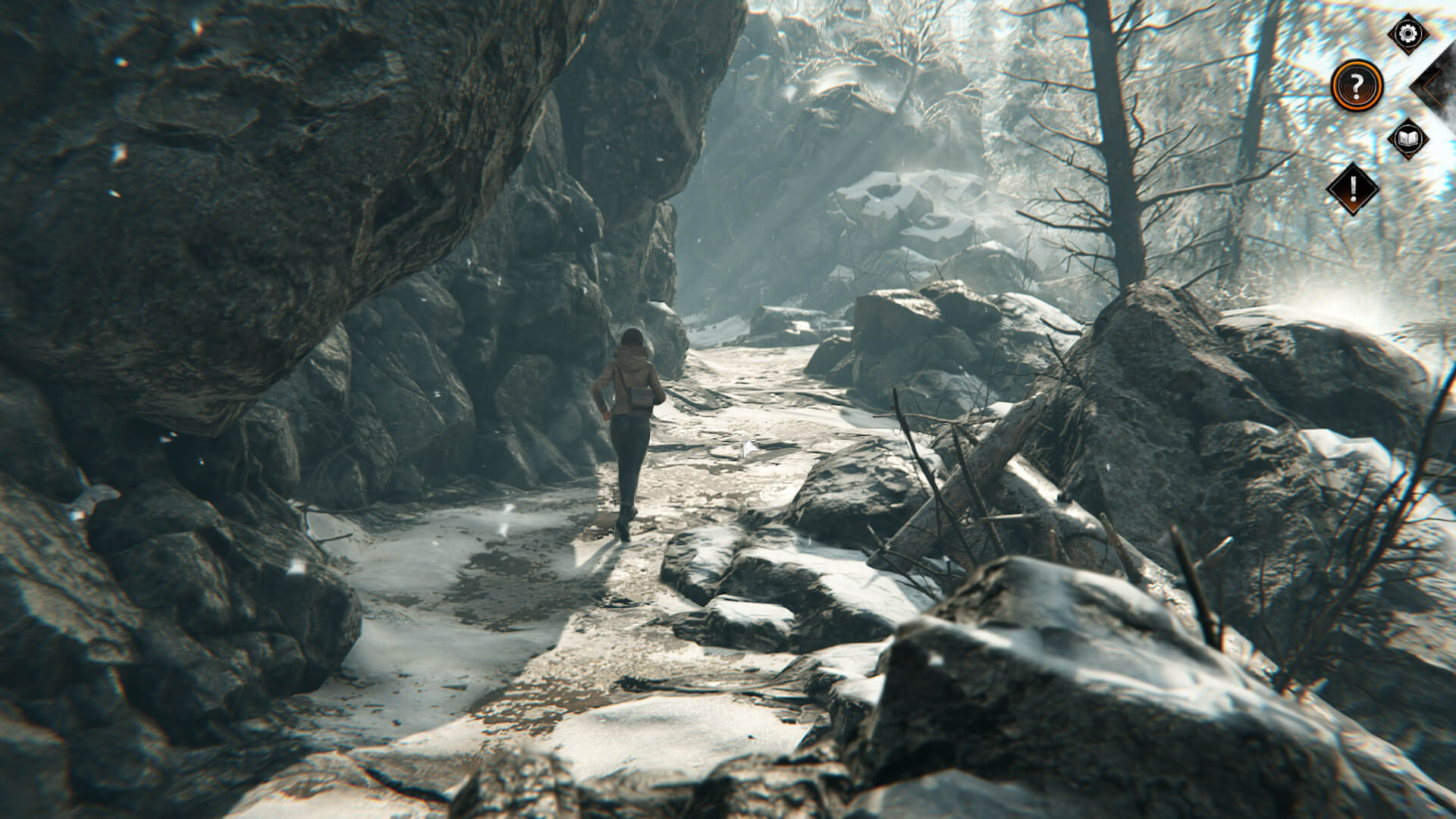
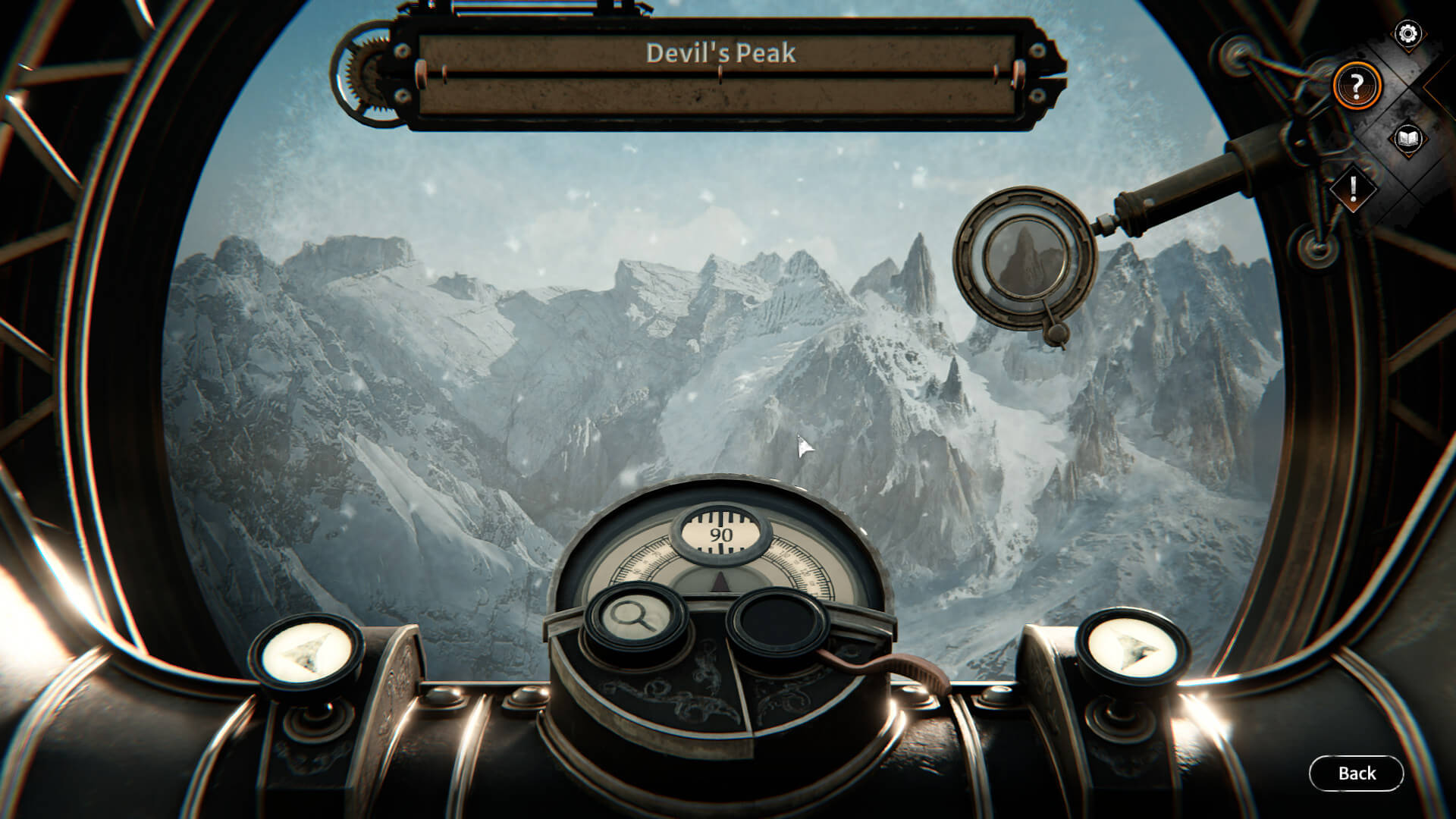
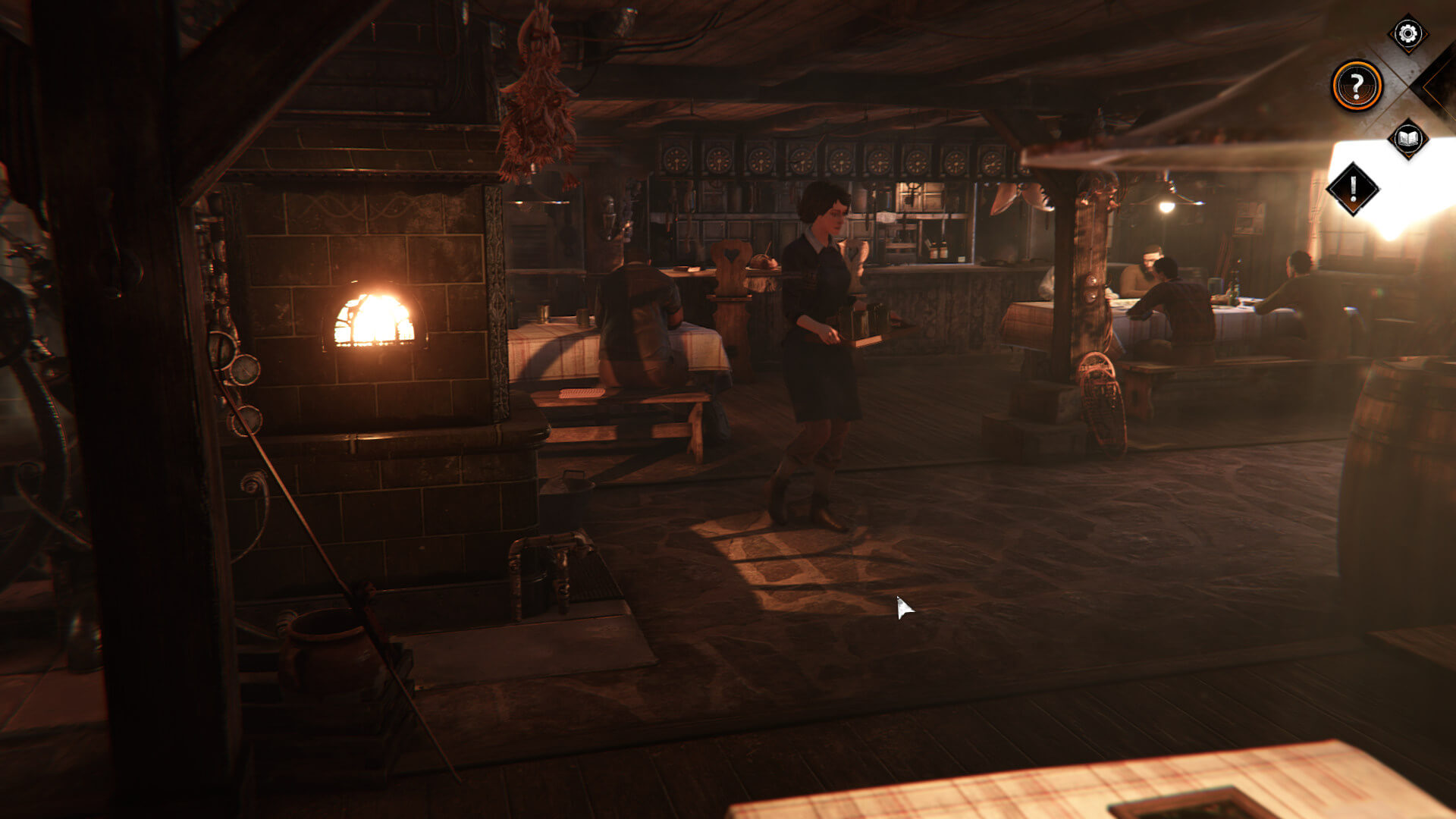
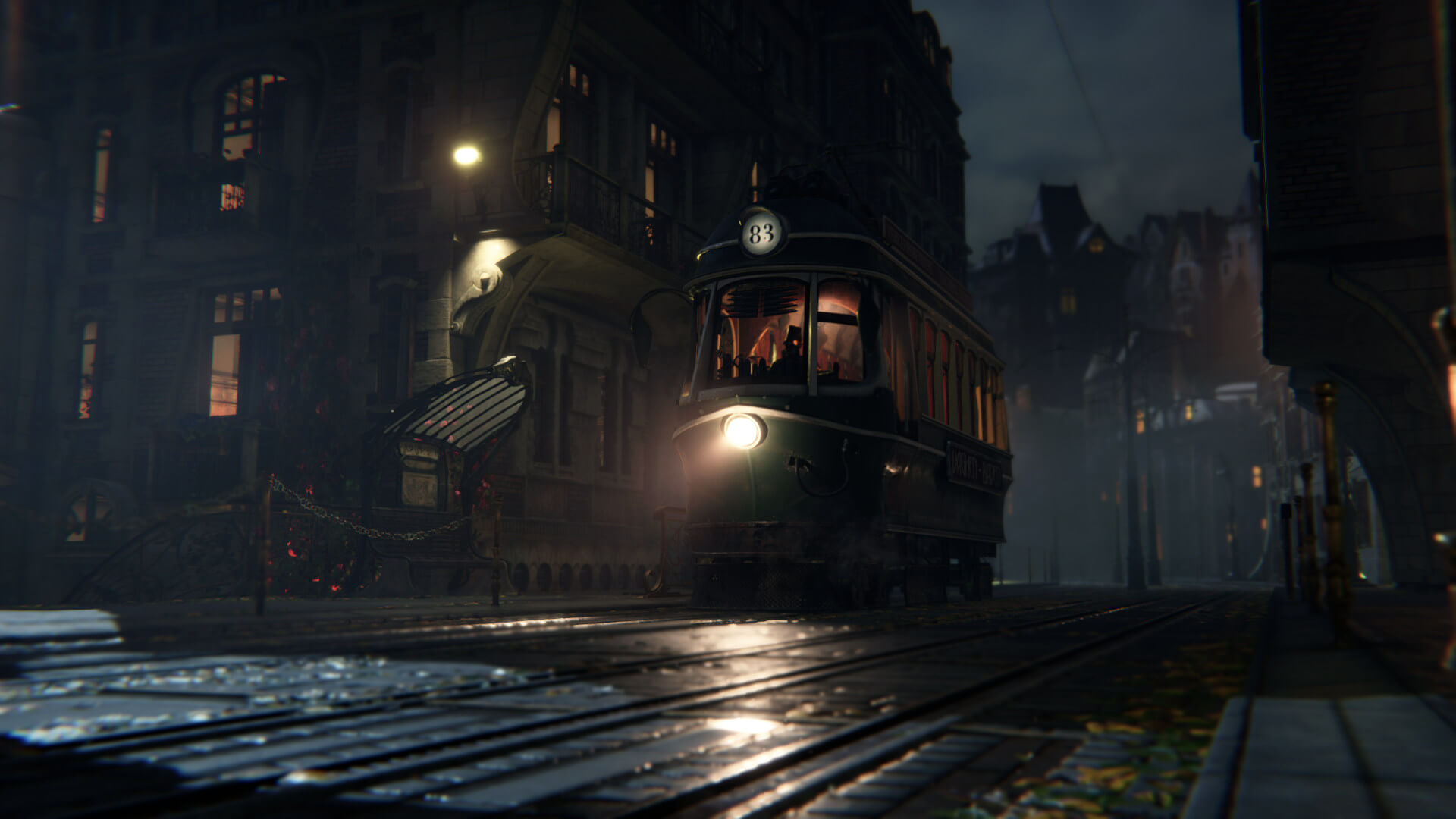
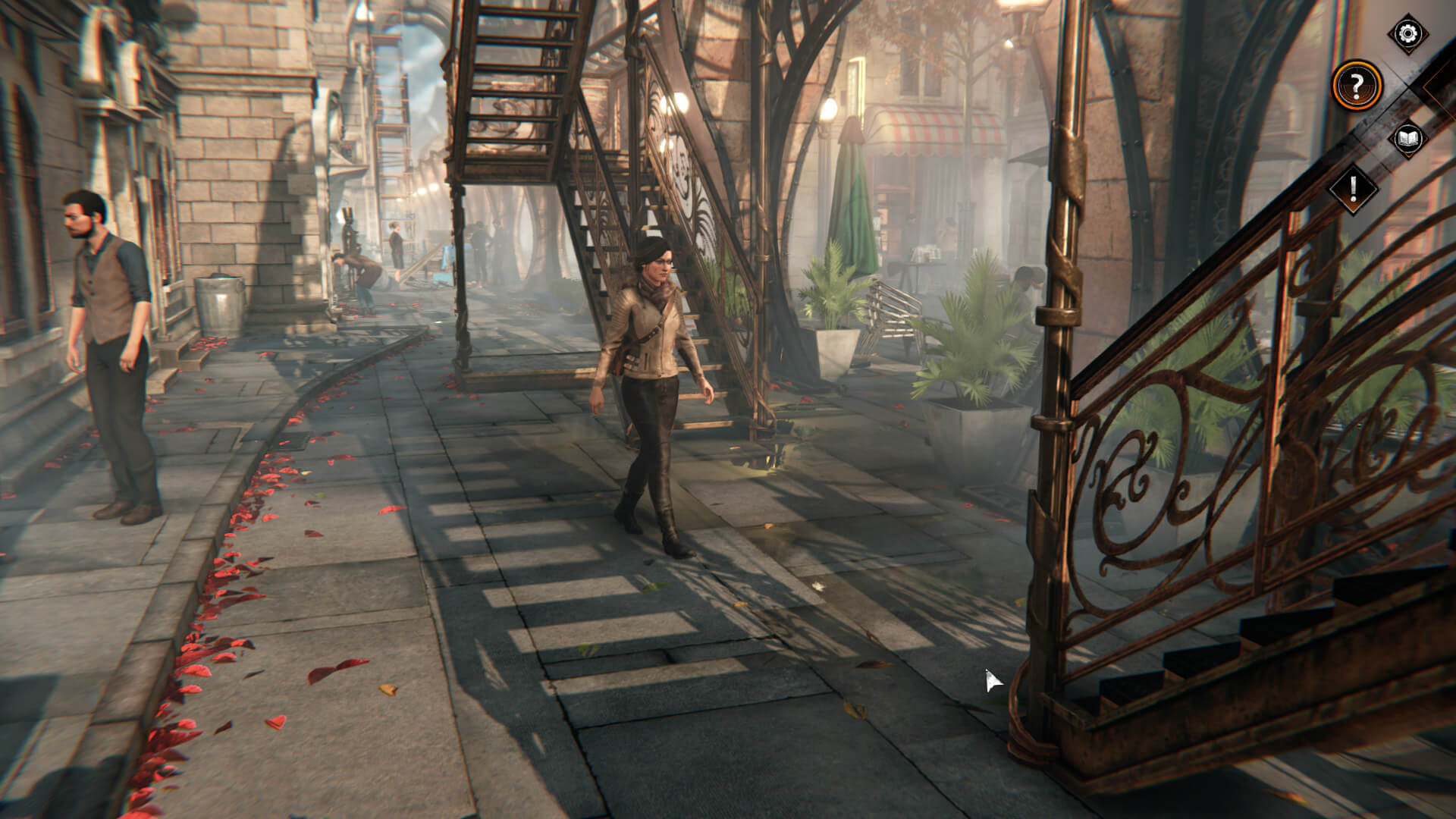
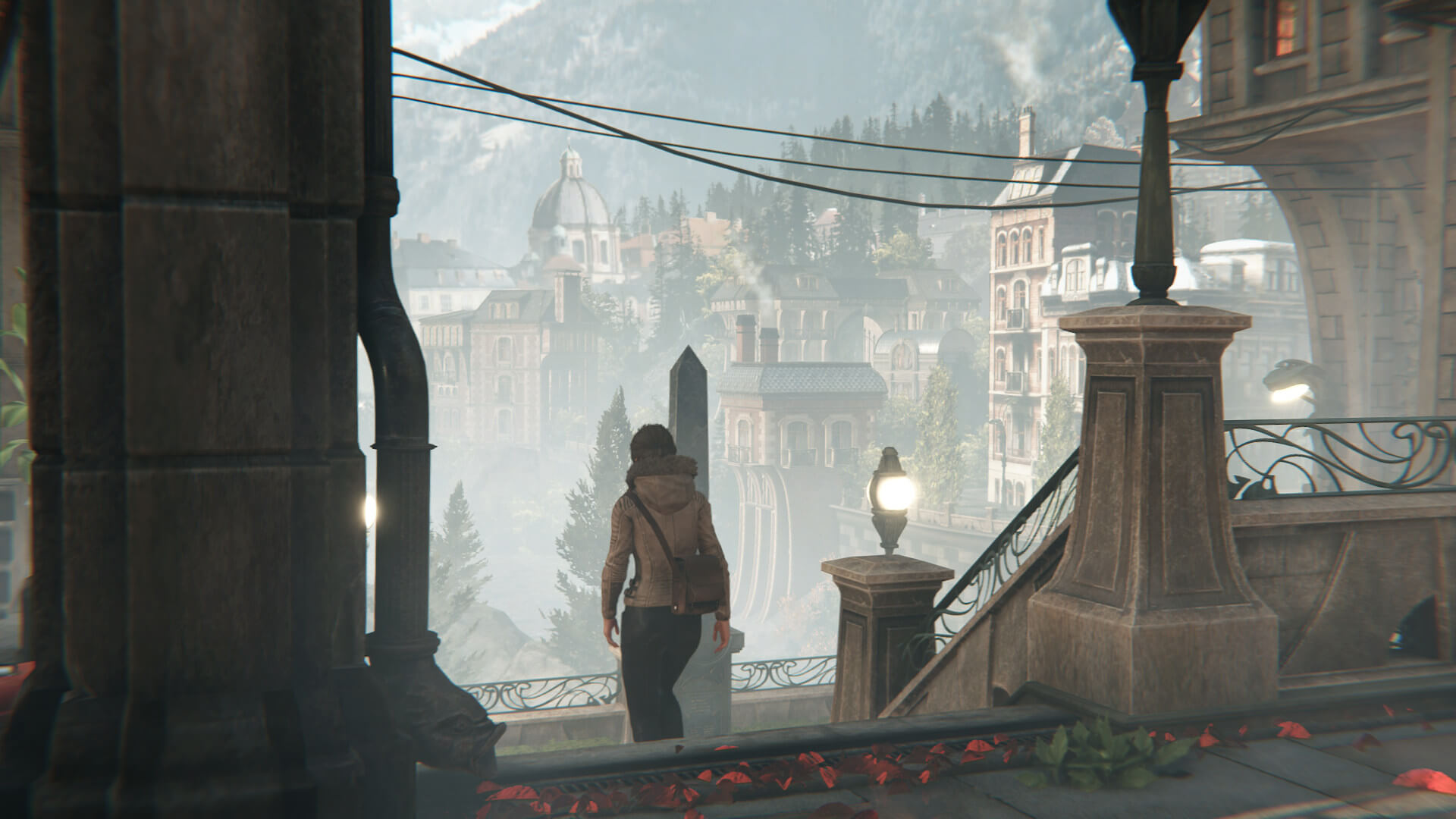
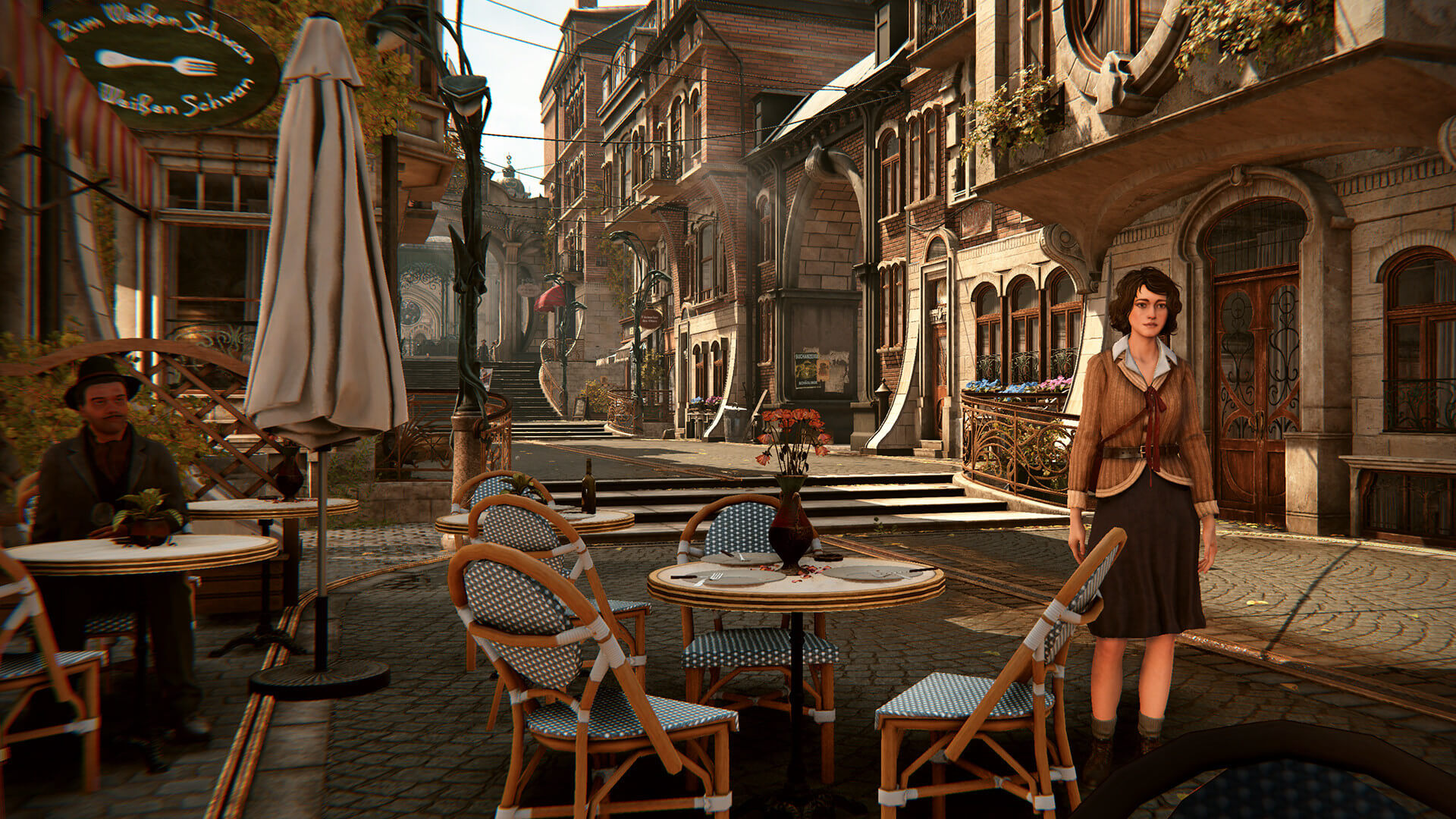
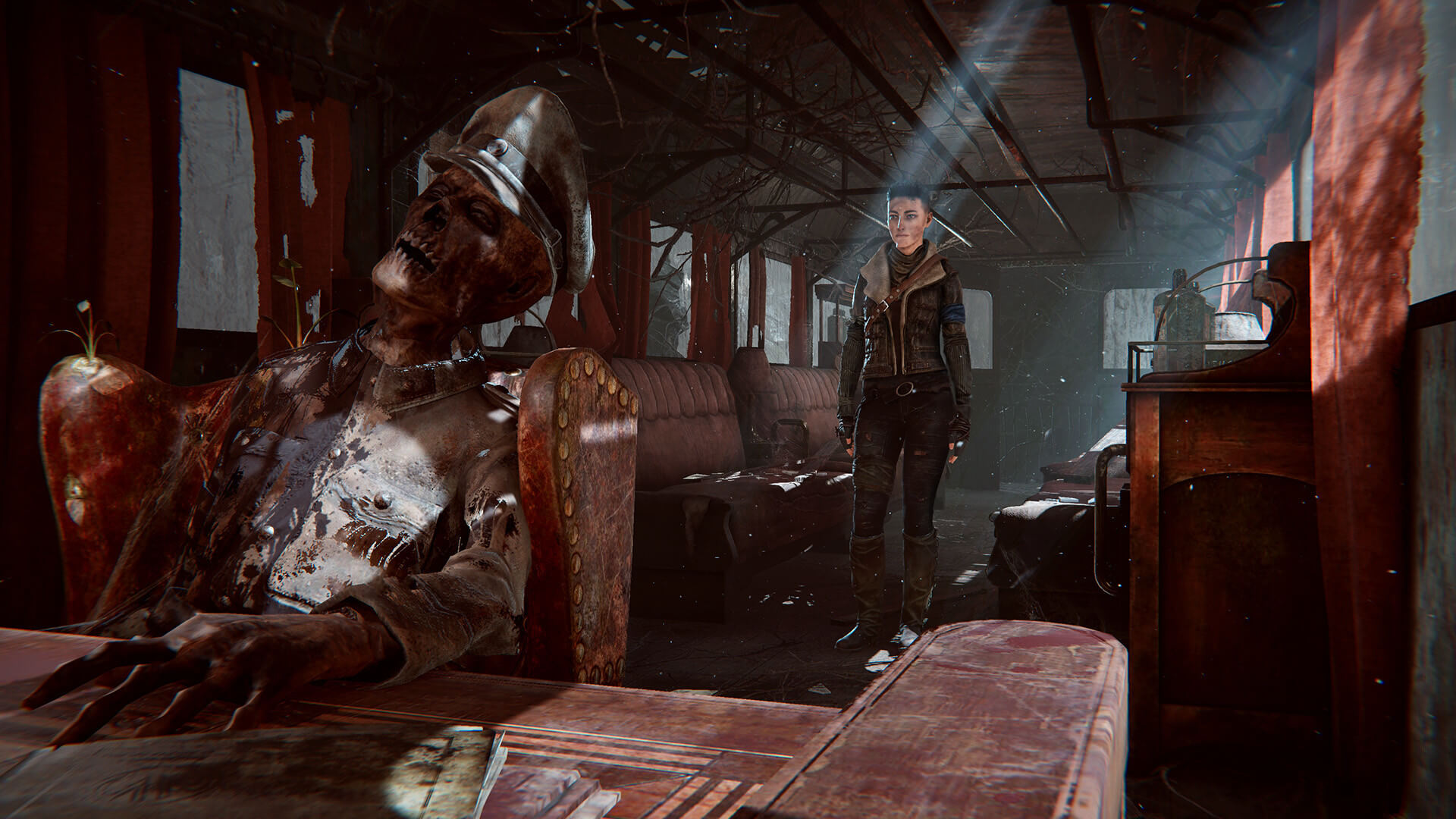
Graphics-wise, Syberia: The World Before looks fine, though it does not look anything impressive. The character models look fine, and the environments are pleasing to the eye. However, overall interactivity is limited. You can interact with various objects (in a true adventure style), however, you can’t move objects like chairs or tables.

All in all, Syberia: The World Before has major performance issues on NVIDIA’s hardware. This isn’t obviously the game’s fault, and we hope that NVIDIA will improve overall performance via new drivers. Unfortunately, there are also some traversal stutters that may annoy numerous gamers. Sadly, the game also doesn’t support any PC-only features (like DLSS, FSR or Ray Tracing). Thankfully, the game can run smoothly on a wide range of CPUs. And lastly, the game runs fine on AMD’s graphics cards.
Syberia The World Before featureSyberia The World Before screenshots-2Syberia The World Before screenshots-3 Syberia The World Before screenshots-4Syberia The World Before screenshots-5Syberia The World Before new screenshots-1 Syberia The World Before new screenshots-2Syberia The World Before new screenshots-3Syberia The World Before new screenshots-4 Syberia The World Before new screenshots-5Syberia The World Before new screenshots-6Syberia The World Before new screenshots-7

21 thoughts on “Syberia: The World Before PC Performance Analysis”

  1. Unfortunately, there are also some traversal stutters that may annoy numerous gamers.

    John, since the game seems to support both DX11 + DX12, did You test with both APIs and noticed the same stutters there?

    Also, any luck with DXVK-Async for DX11-to-Vulkan?
    In theory, that should fix the on-demand shader-compilation & caching stutters but can lead to more noticeable pop-in, however this can vary with each individual game, so testing certainly can’t hurt… 🙂

    1. These are traversal stutters, not shader caching stutters. They happen each and every time you visit specific locations.

      1. Oh, I see!
        I thought the stutters only happened once you visited a new location for the first time.

        Then I wonder if ReBAR would be of any help in such a case.
        At least for VKD3D-Proton (DX12-to-Vulkan), it can provide quite some improvements:

        Resizable BAR can improve GPU performance about 10-15% in the best case, depends a lot on the game.
        Horizon Zero Dawn and Death Stranding in particular improve massively with this change.

        By default, vkd3d-proton will now take advantage of PCI-e BAR memory types through heuristics as D3D12 does not expose direct support for resizable BAR, and native D3D12 drivers are known to use heuristics as well.
        Without resizable BAR enabled in BIOS/vBIOS, we only get 256 MiB which can help performance, but many games will improve performance even more
        when we are allowed to use more than that.

        1. No it won’t. I’ve told you why already so I dont need to paste it here too.

          Stop promoting resizable bar as some amazing feature. It’s not and won’t be until about 90% of PC gamers can use it.

      2. Okay, I just checked, and it looks like Intel only officially started supporting ReBAR starting with 10th-gen CPUs.

        That’s just too bad!

        Looks like it’s time to upgrade from Your measly 9900K, John… 🙂

        1. Rebar… I’ll just paste this since it’s faster.

          Resizable bar on nVidia hardware is disabled in all but like 11 games and this isn’t one of them. Nvidia uses a white list for game support but they apparently don’t test very many. AMD allows it’s use on every game.

          That being said it’s not a magic bullet for performance and it can hurt performance even in nVidia supported games and you can enable it for any game with nvinspector by editing the games profile but don’t expect instant performance.

          Like any other hardware feature a developer has to design the game to properly use it and since most people can’t use it because of their hardware a developer isn’t going to bother because it will destroy performance on systems without it.

    1. So far I only played the game for around two hours and Kate does have butch lesbian vibes in the intro section visually. And her actions in the intro also confirm that she and her female cellmate are very close.
      At least once the intro section is over, Kate visually goes back to how we always knew her.

  2. And you tested with rtx3080 but those who have no money for RTX3080 what do?
    I have rtx3070 and the game runs great in 4k 60fps with all settings high…
    Your analysis its so bad …

    1. And paired with which CPU?

      I just tested it out on my severely underpowered Intel i5-6500 + nVidia 1650, and despite my CPU being listed as even below minimum requirement (i5-6600), my Linux setup could comfortably run it with 60 FPS @ 1080p/medium (DX11-to-Vulkan).

      However, I did experience the very same traversal stutters as John rightfully pointed out.
      I believe they are happening because the Unity game engine allocates a pre-fixed amount of buffer in the GPU’s VRAM, to which it streams new location data in while simultanously erasing the previous one occupying the same area.
      You can see this very easily happening on the first large steps you encounter in the starting area:
      Walk them up –> stutter
      Walk them down –> stutter

      However, I also think that having ReBAR activated can overcome this problem (at least to some extent), because then your CPU has direct access to the entirety of your GPU’s VRAM, unlike John’s or mine’s PC configuration, where the data send to the GPU has to go in chunks of just 256 MB (yes, megabyte) at a time, since that is the maximum amount allowed on non-ReBAR systems.

      So no, John’s analysis is in no way bad, quite the contrary:
      He is one of the few individuals who consistently points out stuttering problems when he sees them.

      1. Resizable bar on nVidia hardware is disabled in all but like 11 games and this isn’t one of them. Nvidia uses a white list for game support but they apparently don’t test very many. AMD allows it’s use on every game.

        That being said it’s not a magic bullet for performance and it can hurt performance even in nVidia supported games (you can enable it for any game with nvinspector by editing the games profile but don’t expect instant performance.

        Like any other hardware feature a developer has to design the game to properly use it and since most people can’t use it because of their hardware a developer isn’t going to bother because it will destroy performance on systems without it.

        OP Azza…why complain about 3080 testing? People own them and even higher end GPU’s. I personally have a 3080ti FTW3 Ultra so I care about performance of games on the 3090 since my GPU has essentially the same performance as one.

        Now back to you LinuxIsntTheFuture walk then stutter doesn’t mean the engine is streaming in and deleting assets. A developer doesn’t even need to use an engines general streaming system. They are free to make their own..

        Game data sent in 256mb chunks isn’t really an issue since pcie3 is still fast enough for current games. Yes it would be better to send larger chunks in some cases the biggest being large open world game with lots of different biomes.

        This game is just extremely poorly optimized. There should be no issue running this on any modern CPU & GPU. Although one issue could be system memory latency.

        If it relies on low latency memory and your CAS timings are too high you can easily lose 20% potential performance.

        1. Instead of writing just very general vague explanations with no substance to them, how about you tell us the actual reason why this game has traversal stutters during the same spots every time?

          After all, you should be knowledgeable enough…

  3. Syberia its the best game adventure created ever, man.From first game released in 1999 till now…The graphics in this 4th game are amazing,detailed and realistically created, giving an almost real in-game atmosphere.
    You don’t know what you’re talking about…

Leave a Reply

Your email address will not be published. Required fields are marked *