STAR WARS Jedi Survivor new feature

Star Wars Jedi: Survivor PC Performance Analysis

Last week, EA released Star Wars Jedi: Survivor on PC. Powered by Unreal Engine 4, it’s time now to benchmark it and see how it performs on the PC platform.

For this PC Performance Analysis, we used an AMD Ryzen 9 7950X3D, 32GB of DDR5 at 6000Mhz, AMD’s Radeon RX580, RX Vega 64,  RX 6900XT, RX 7900XTX, NVIDIA’s GTX980Ti, RTX 2080Ti, RTX 3080 and RTX 4090. We also used Windows 10 64-bit, the GeForce 531.68 and the Radeon Software Adrenalin 2020 Edition 23.4.3 drivers. Moreover, we’ve disabled SMT and the second CCD on our 7950X3D.
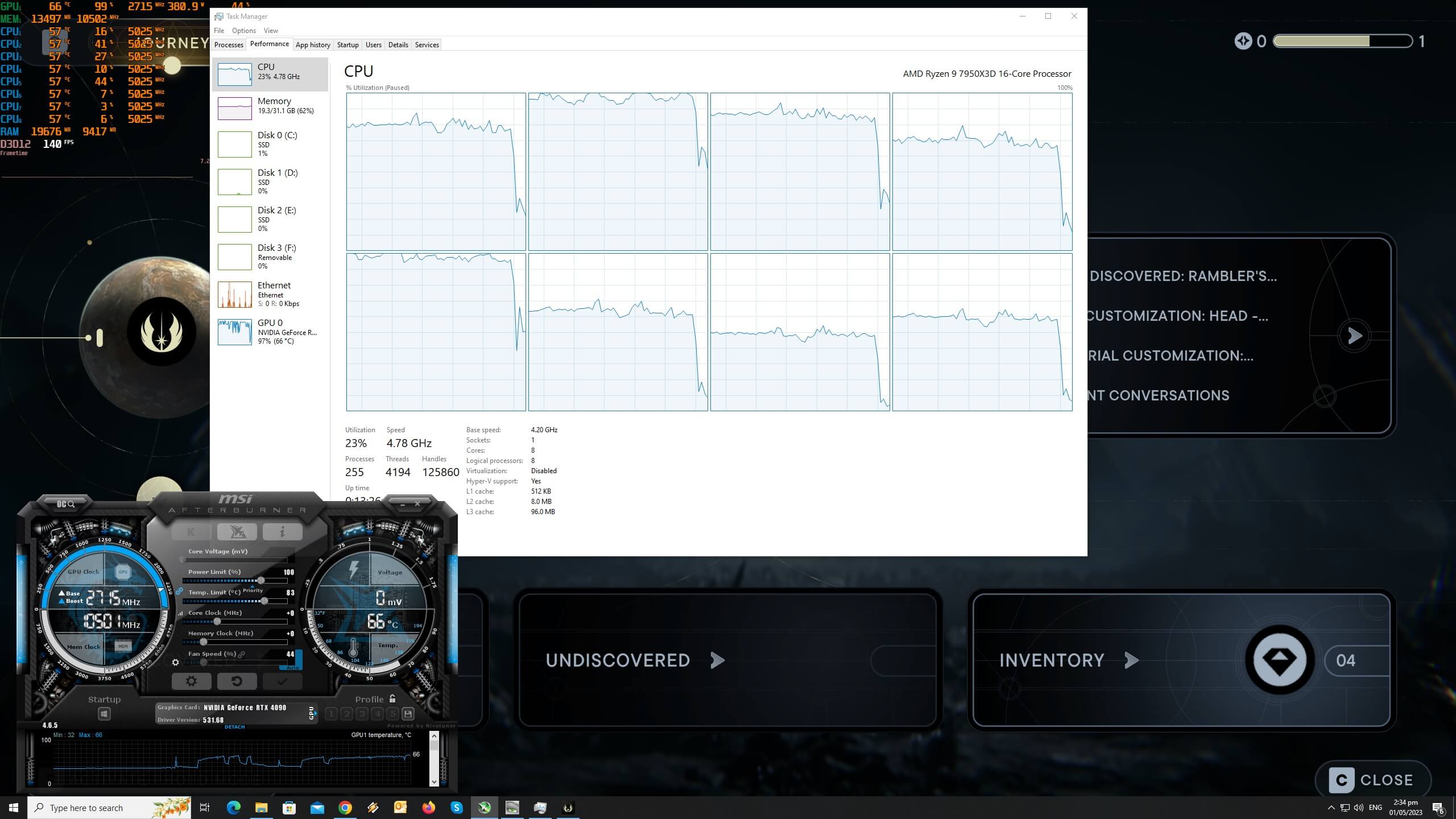
Star Wars Jedi Survivor CPU scaling

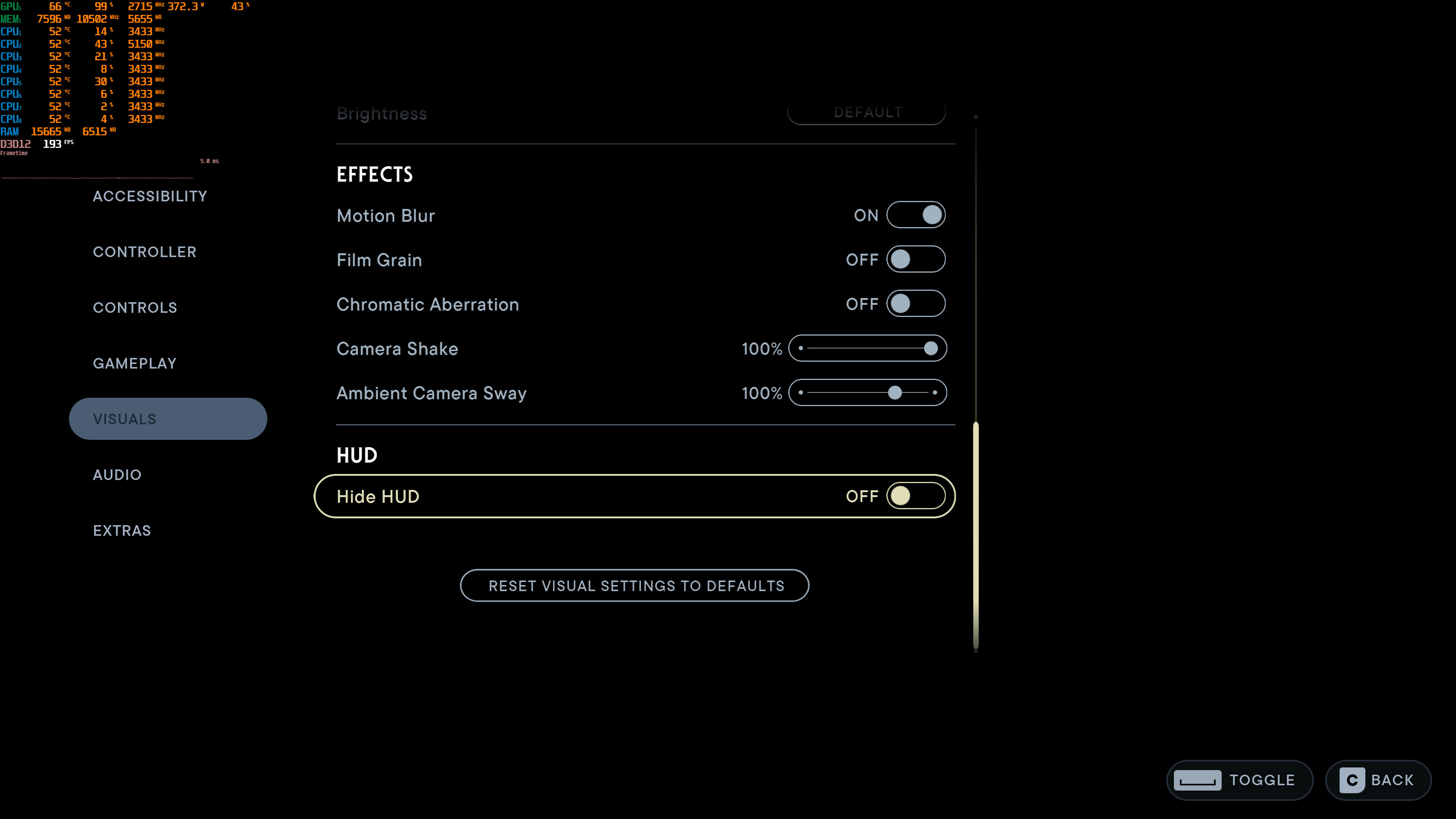
Respawn has added numerous graphics settings to tweak. PC gamers can adjust the quality of Textures, Foliage, Post-Processing, Shadows and more. The game also has a FOV option, and supports Ray Tracing and AMD FSR 2.0. Unfortunately, though, there is no support for NVIDIA’s DLSS 2/DLSS 3, or Intel’s XeSS.
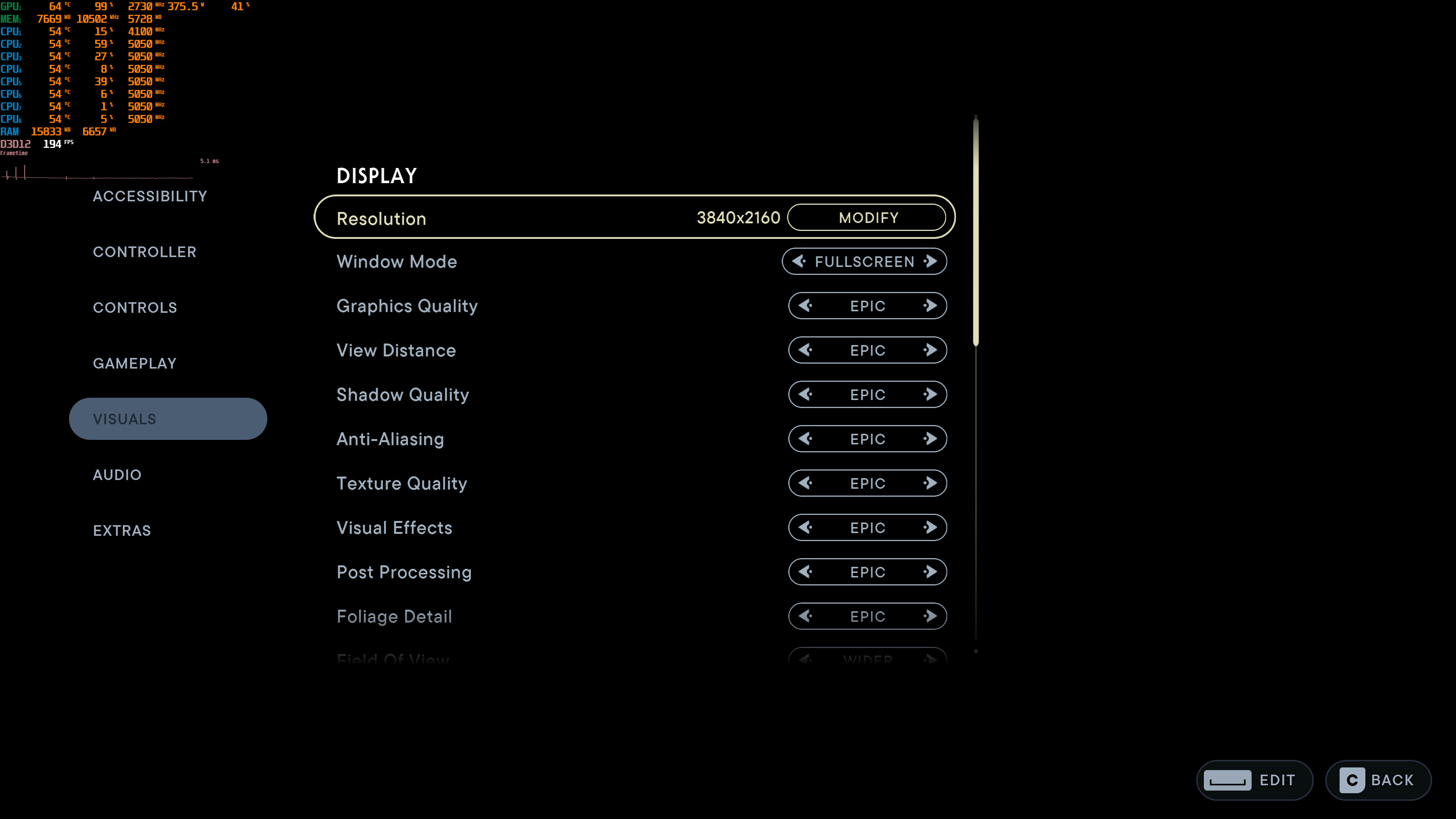
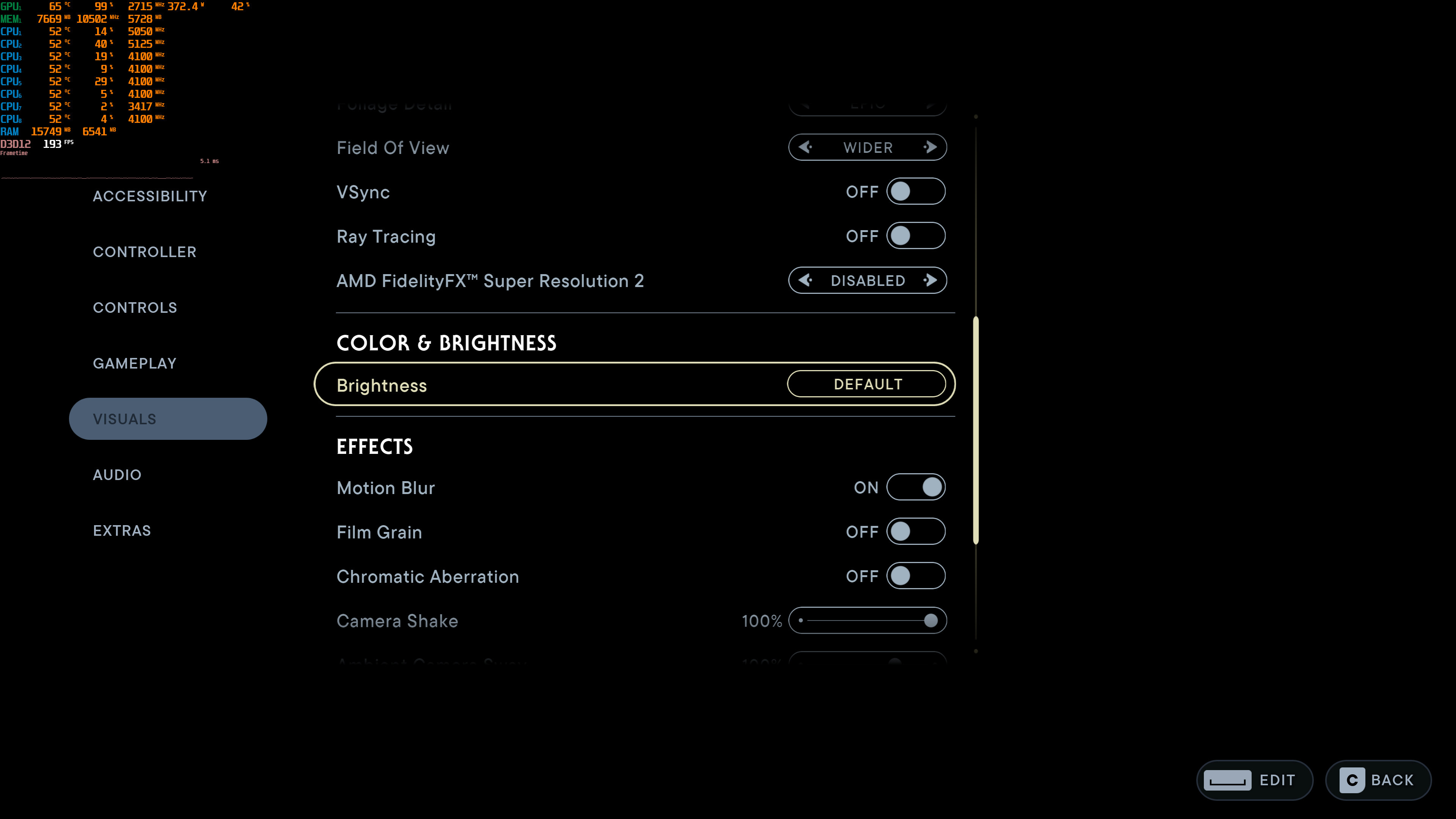
Jedi Survivor graphics settings-1Jedi Survivor graphics settings-2Jedi Survivor graphics settings-3

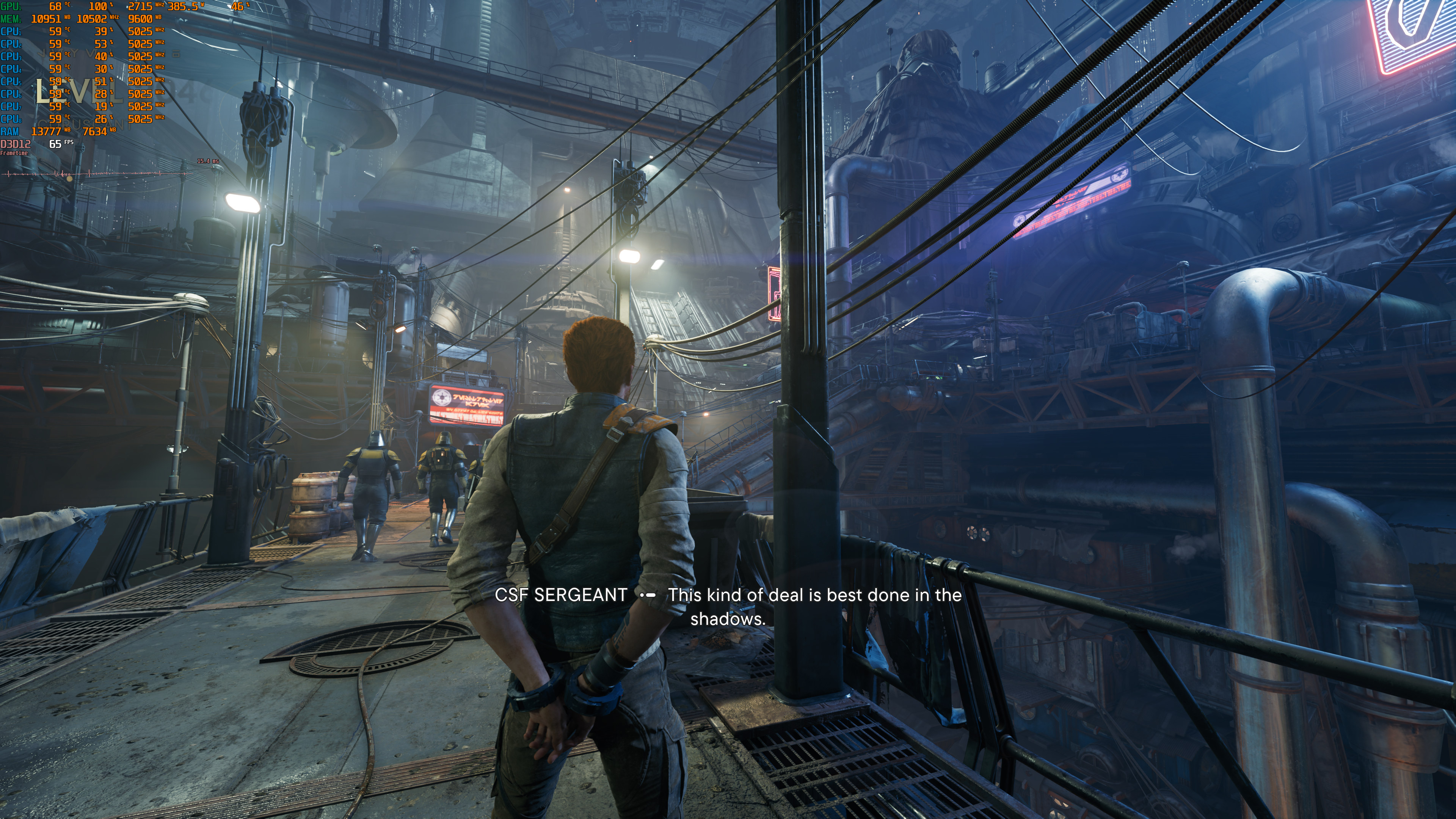
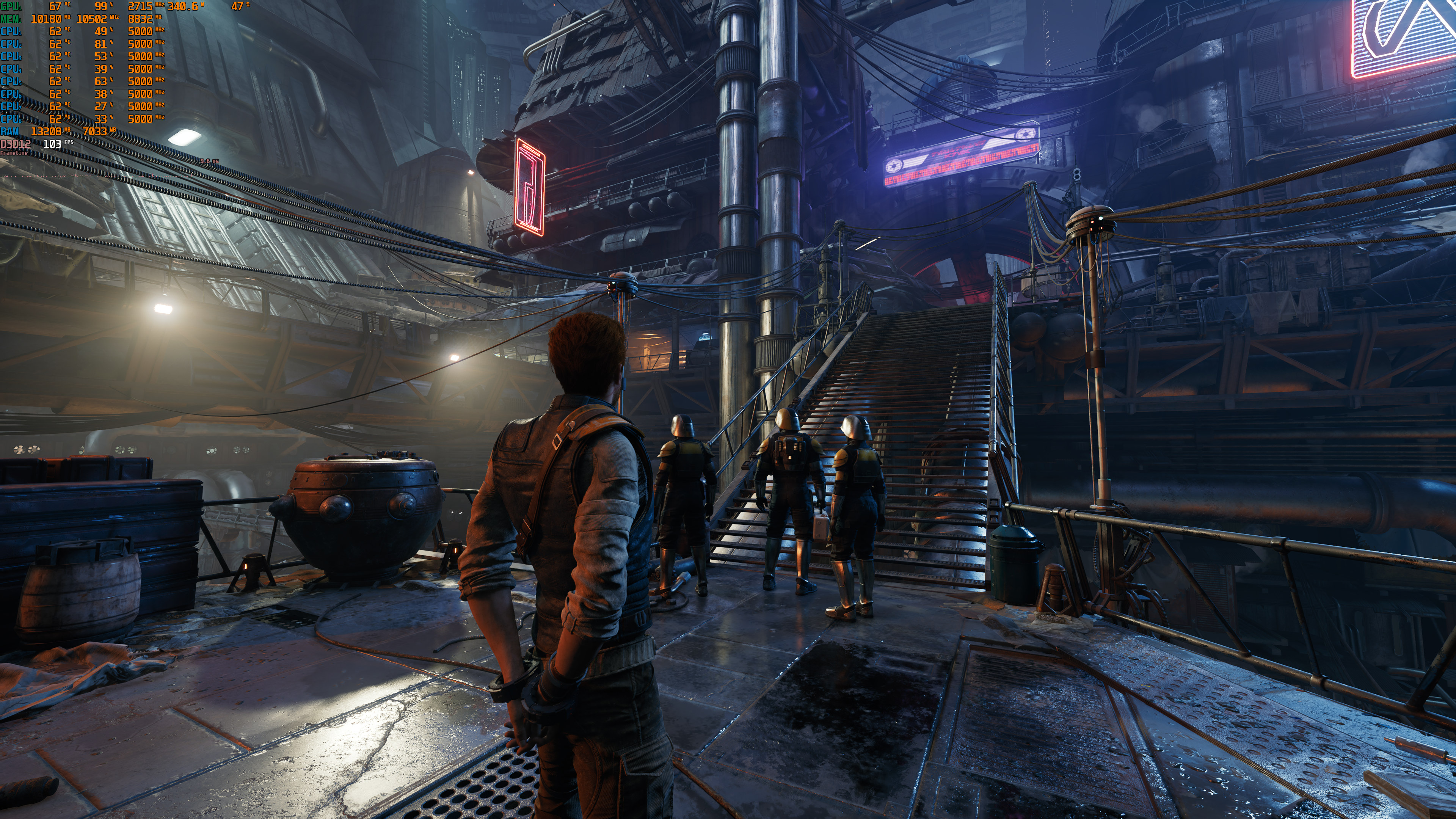
Star Wars Jedi: Survivor does not feature any built-in benchmark tool. So, for our GPU benchmarks, we used the Koboh Outpost. According to reports, this is one of the most demanding areas. Thus, our benchmarks should perfectly reflect how most of the rest of the game will run.

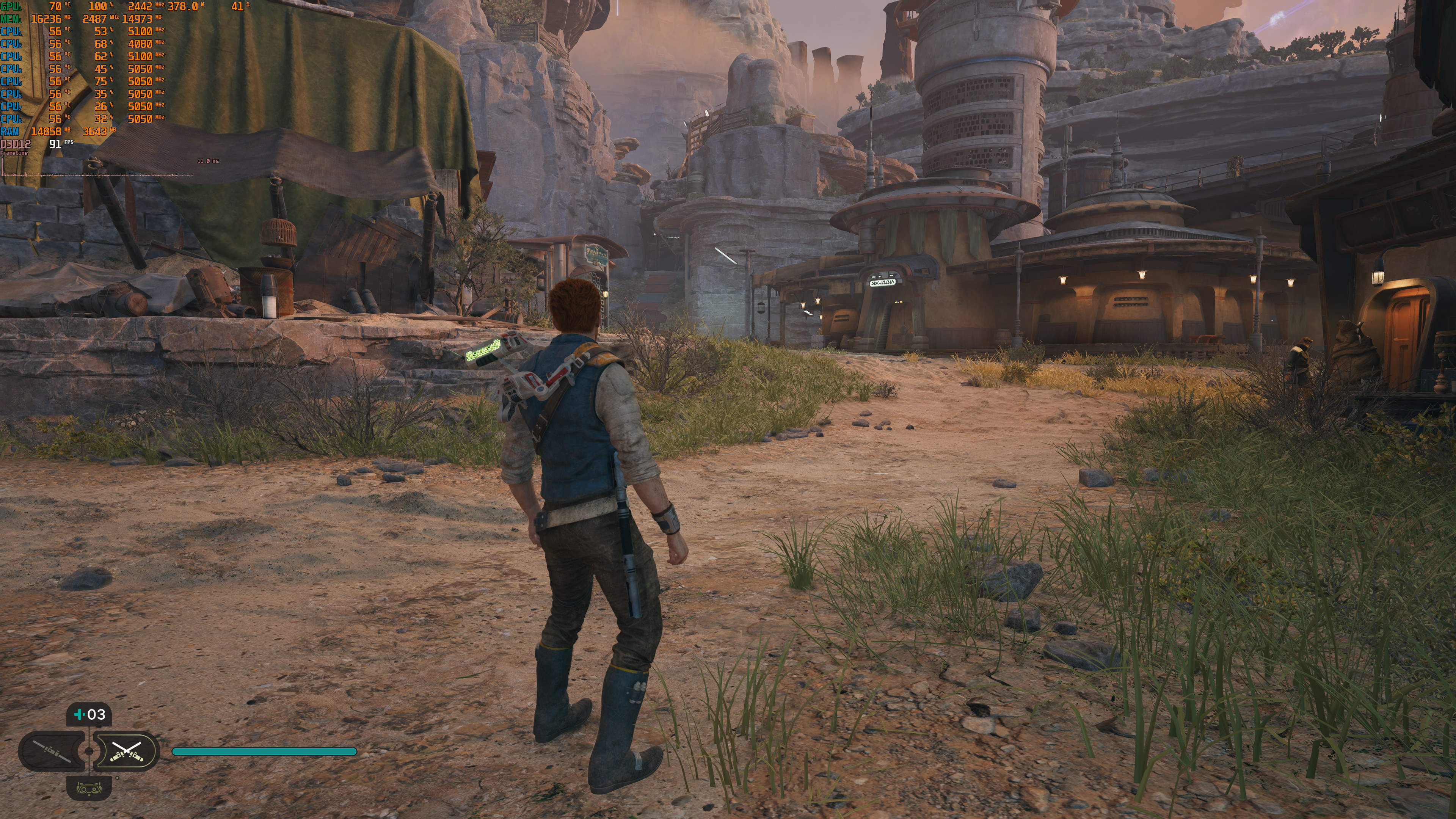
Star Wars Jedi: Survivor - Koboh Outpost running with constant 60fps - Native 4K/Epic Settings/No RT

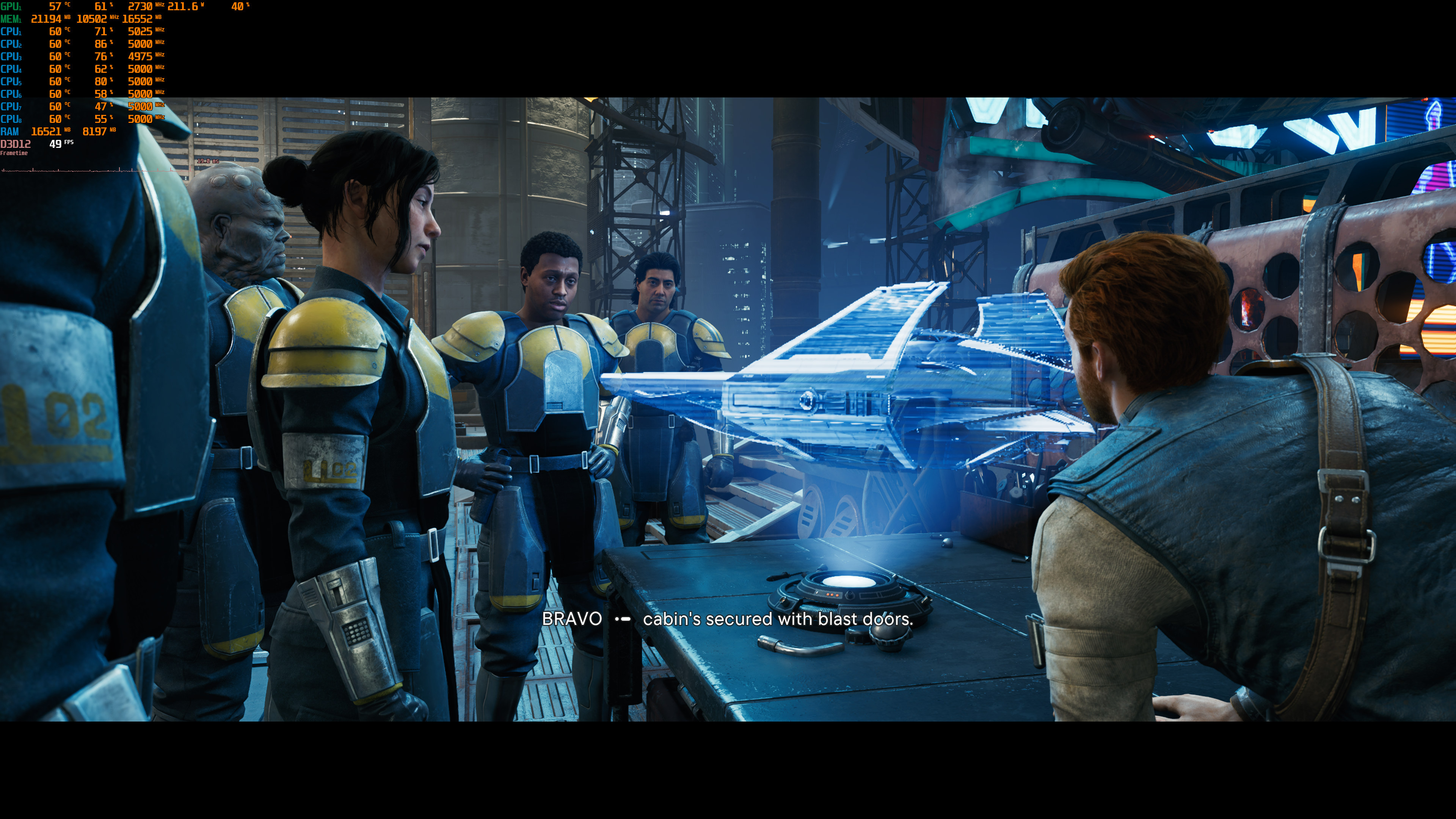
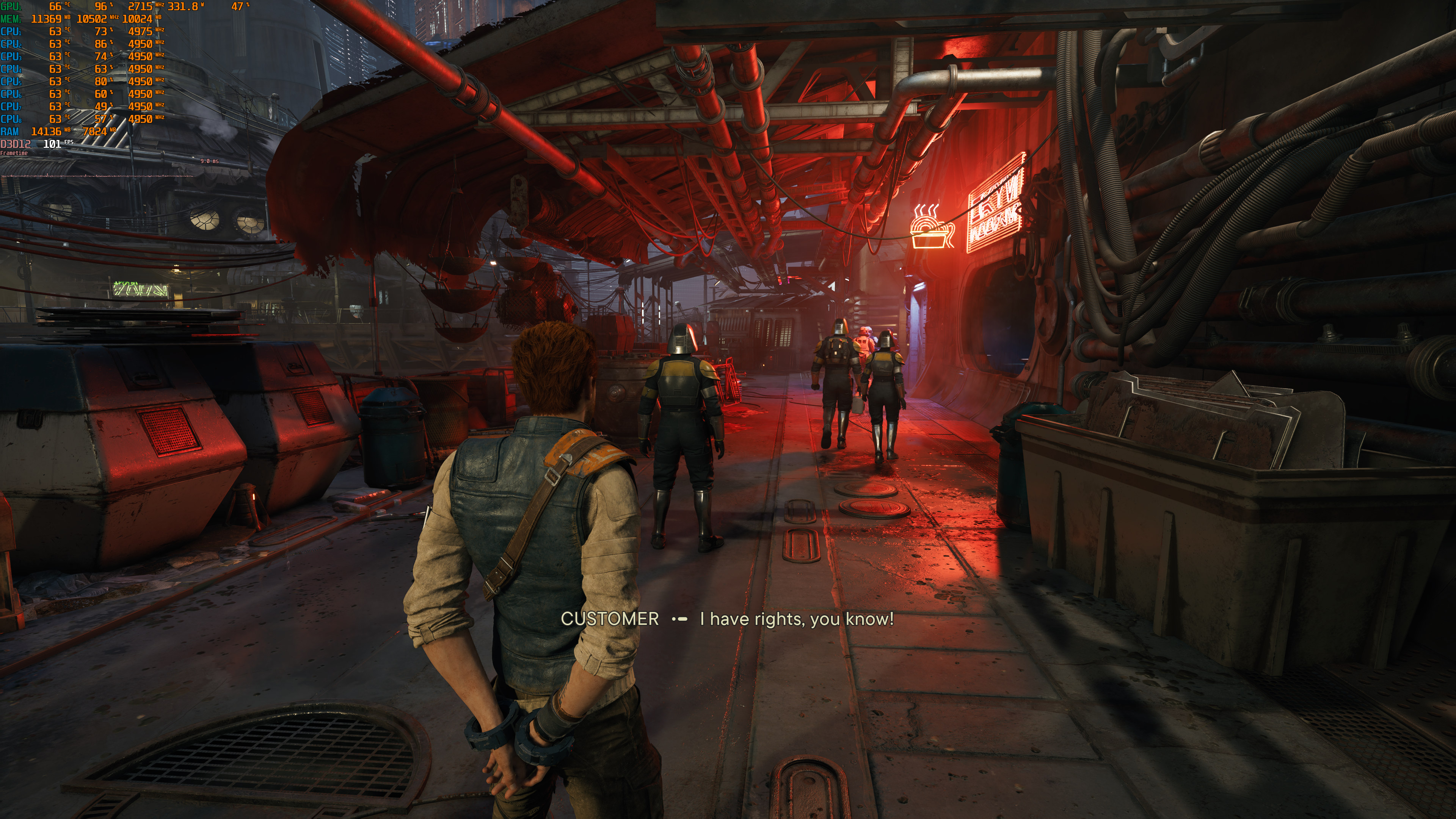
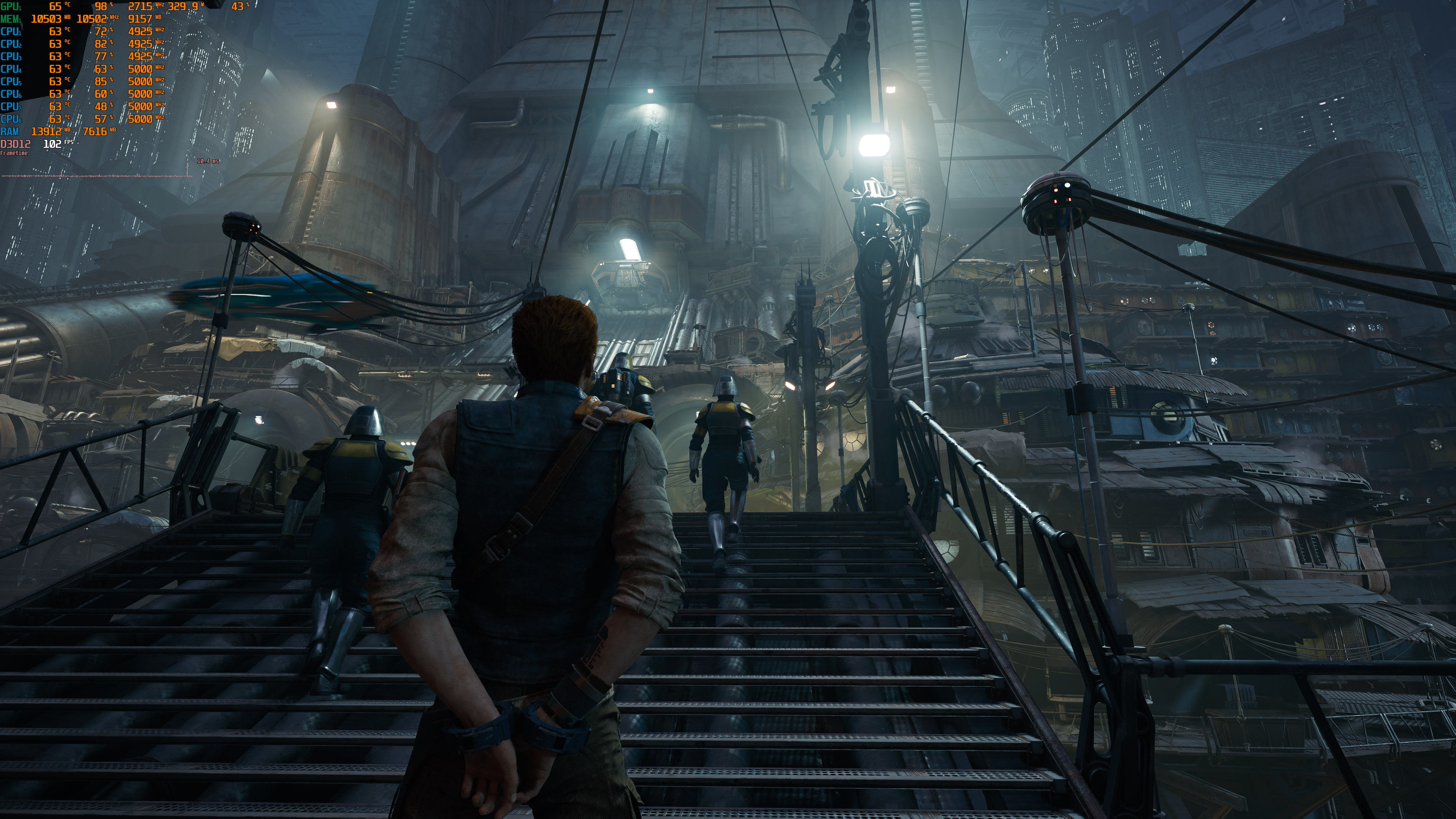
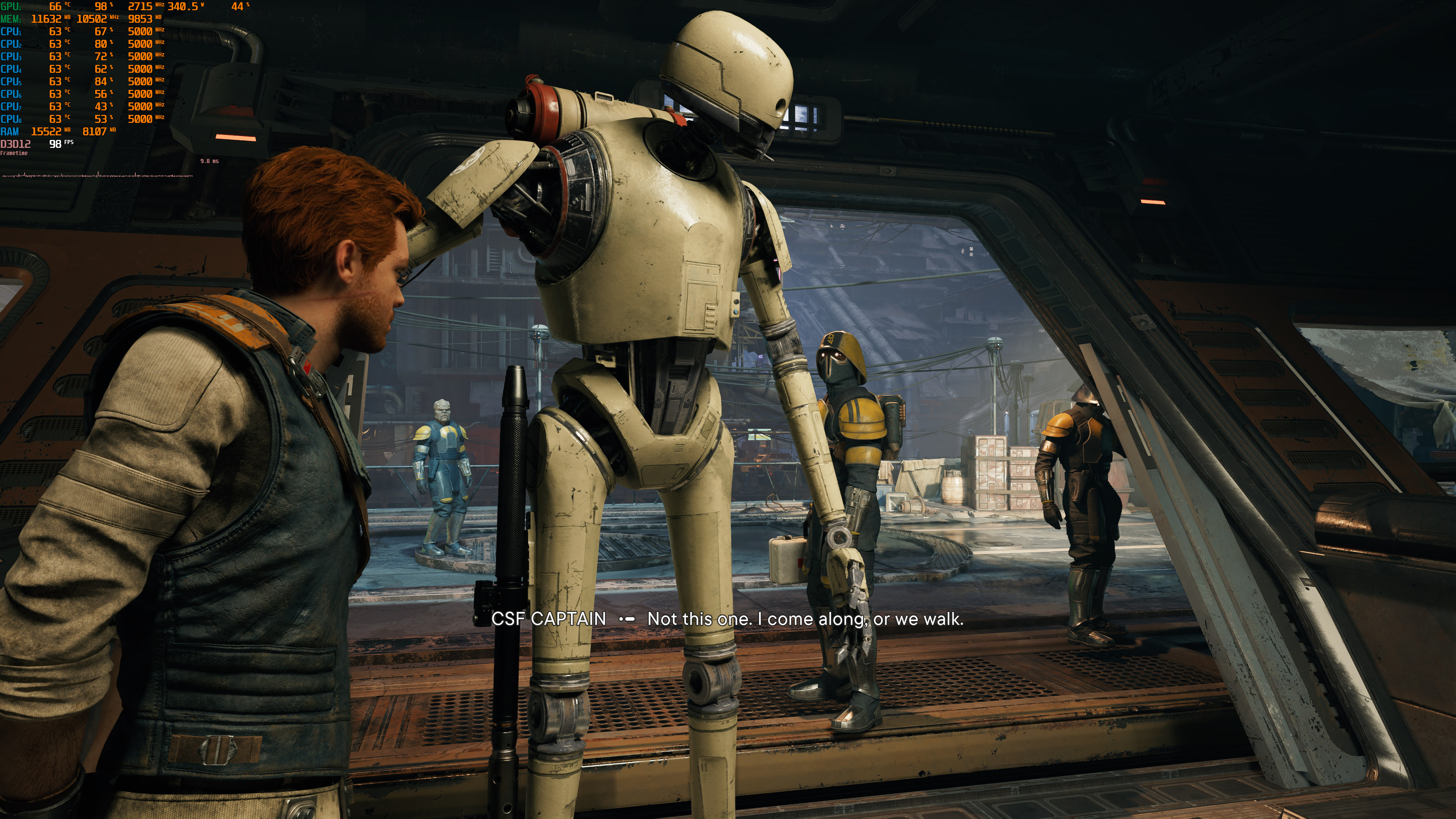
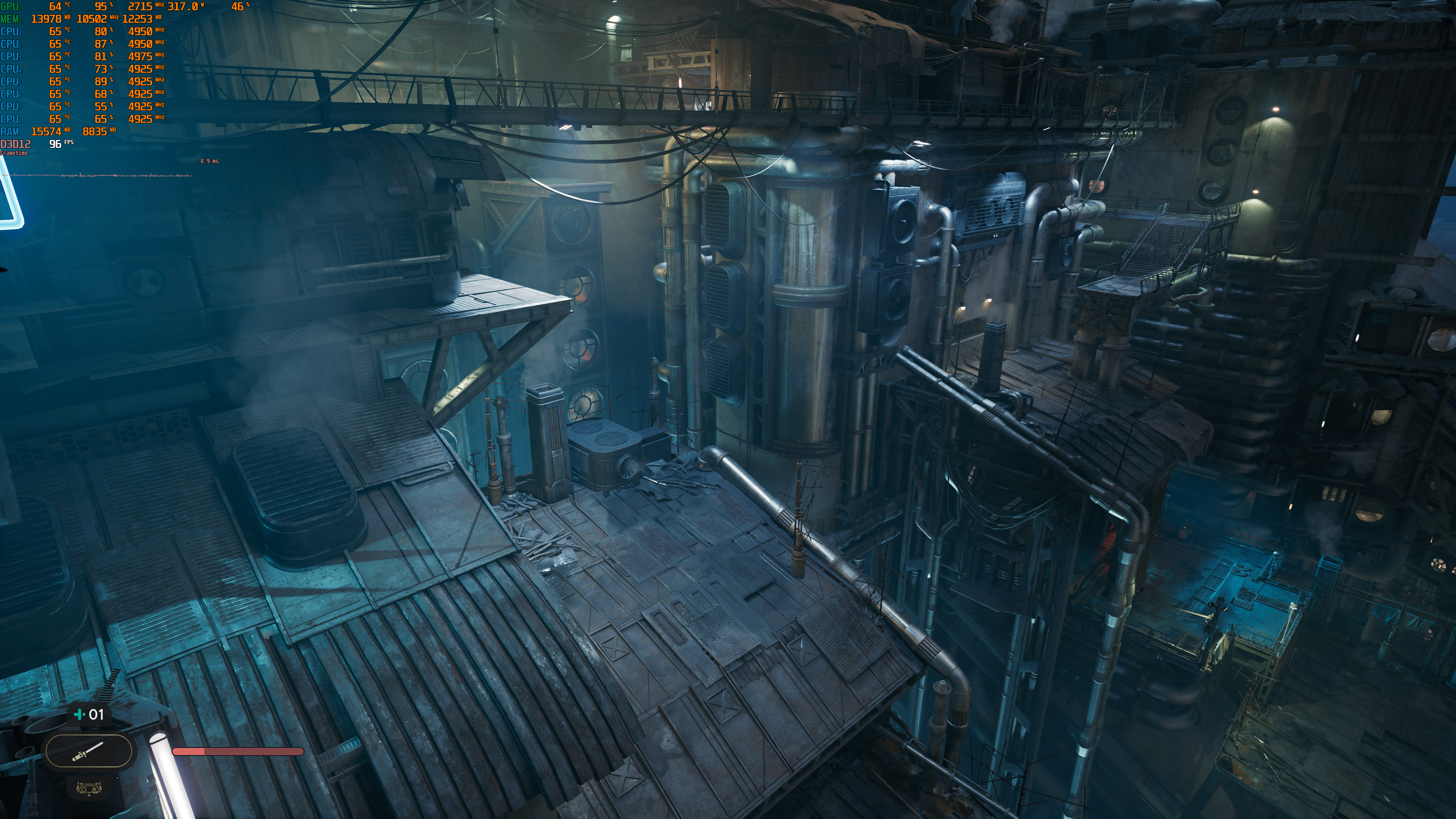
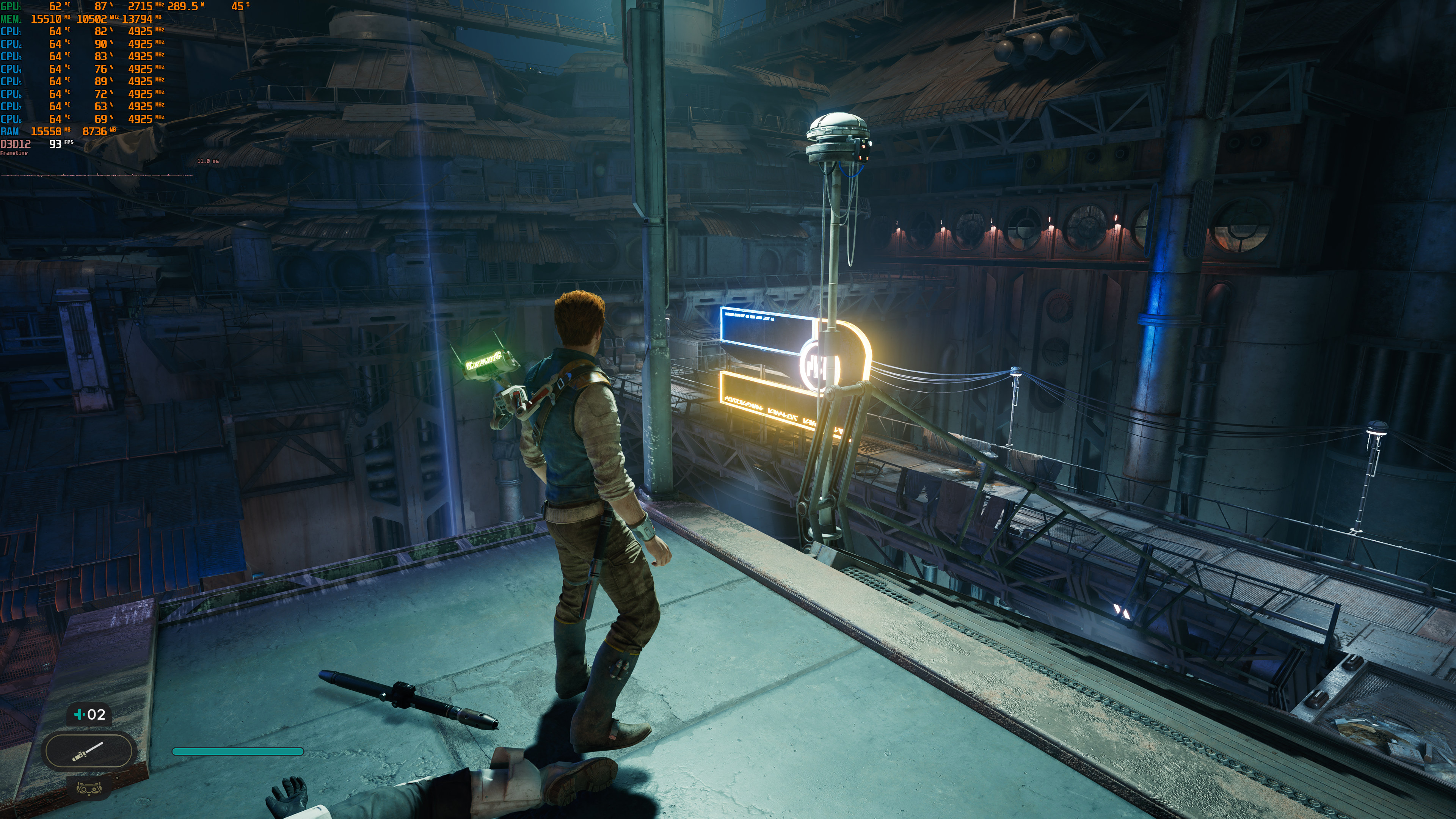
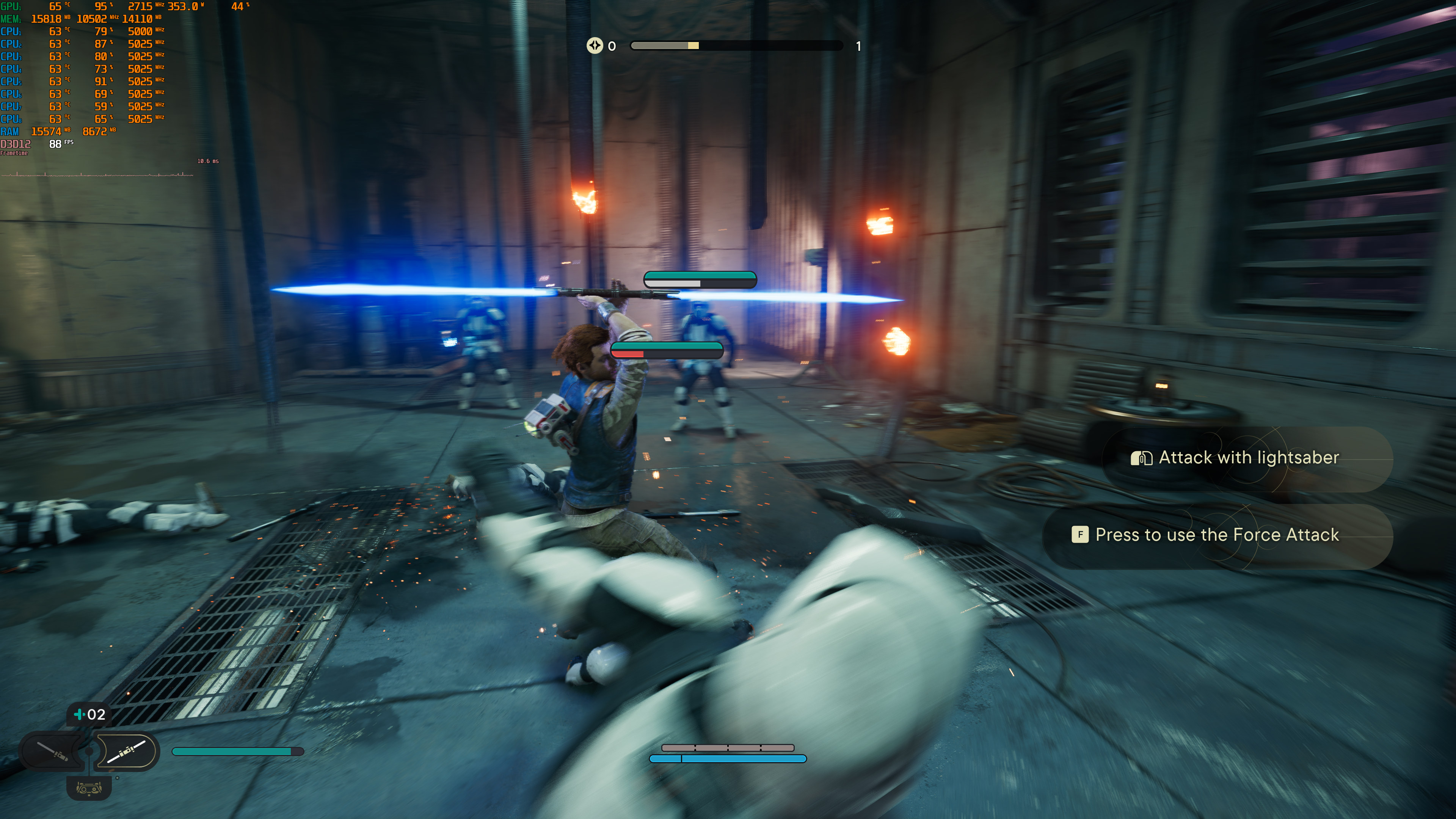
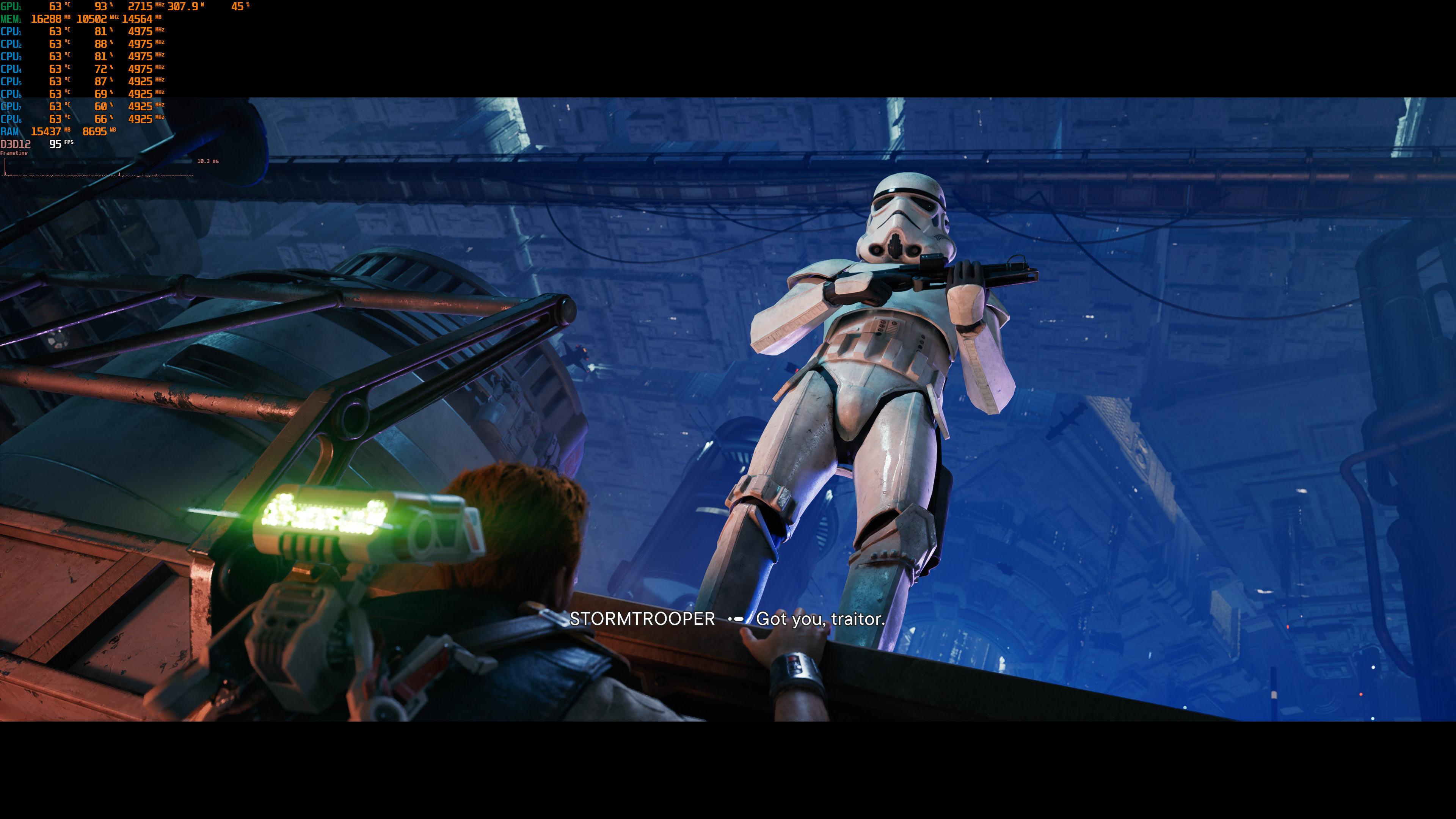
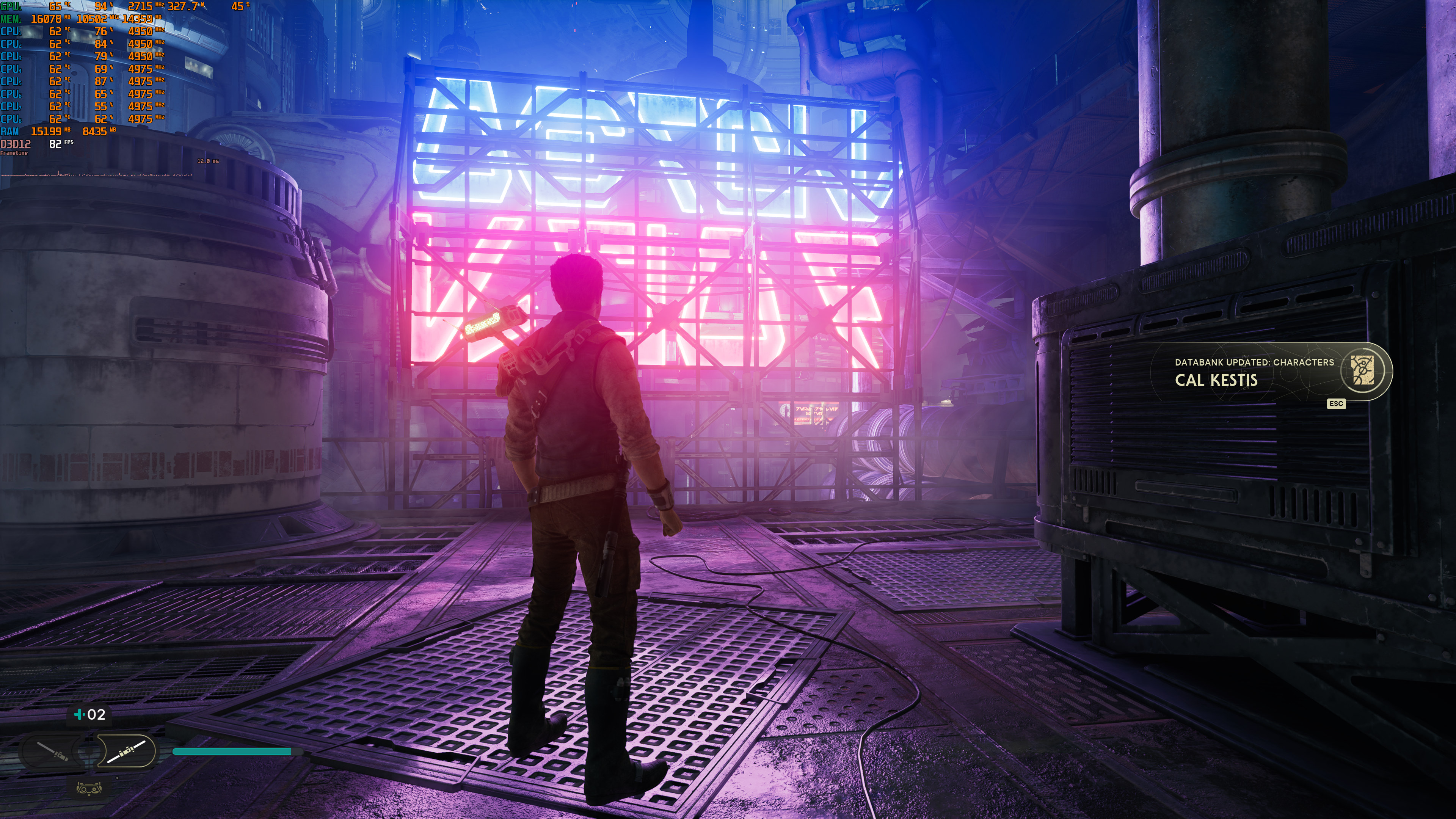
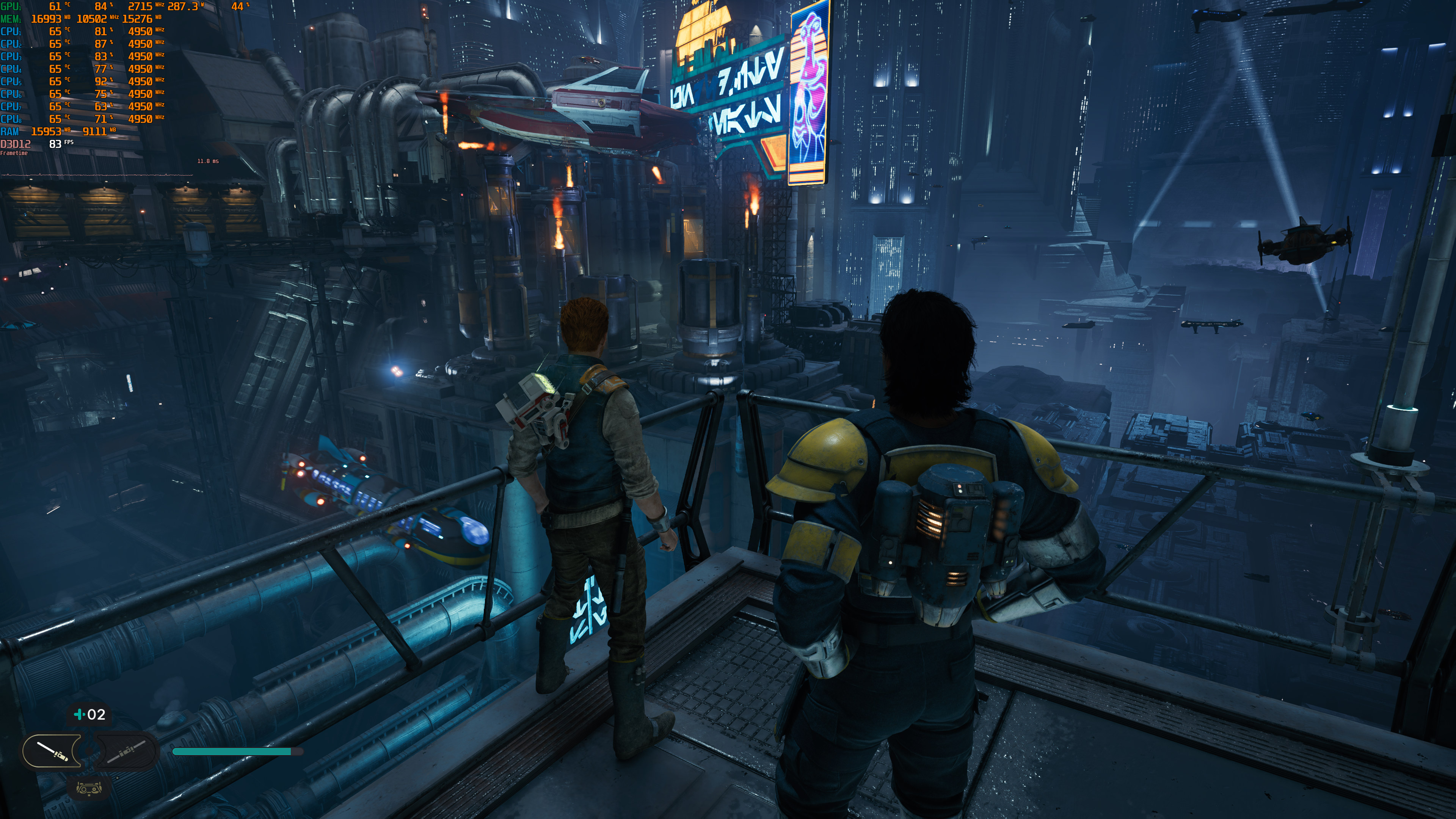
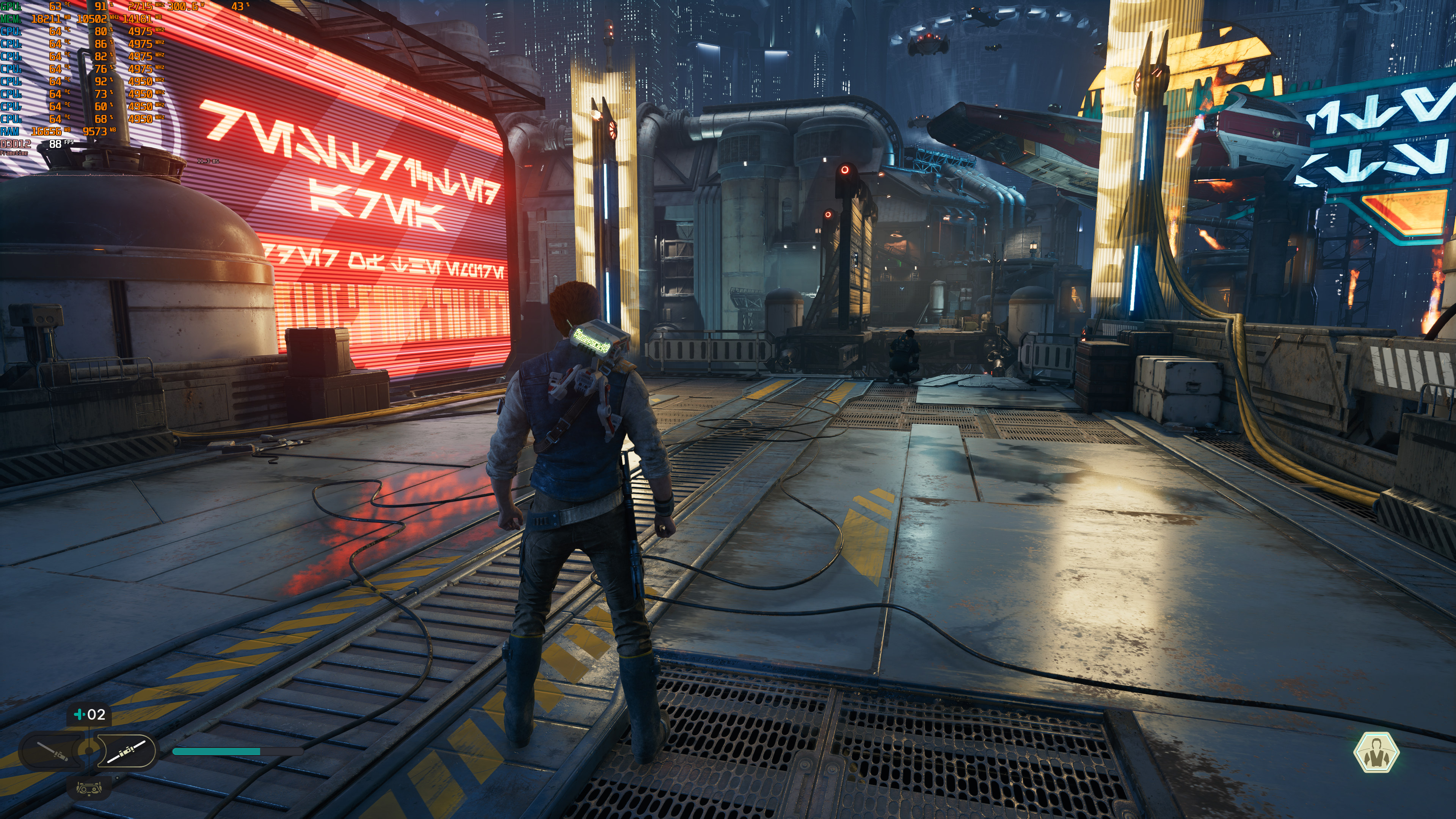
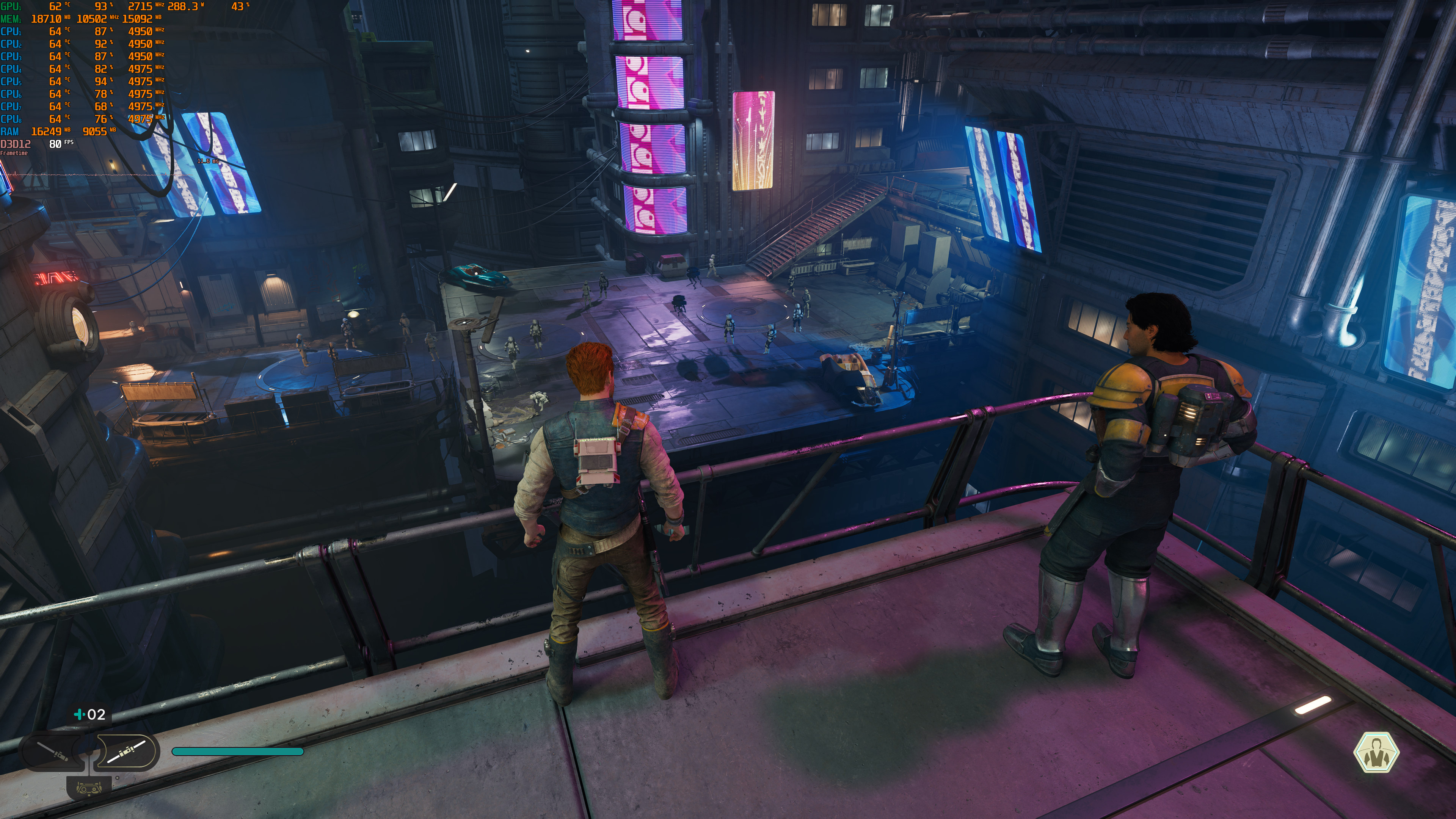
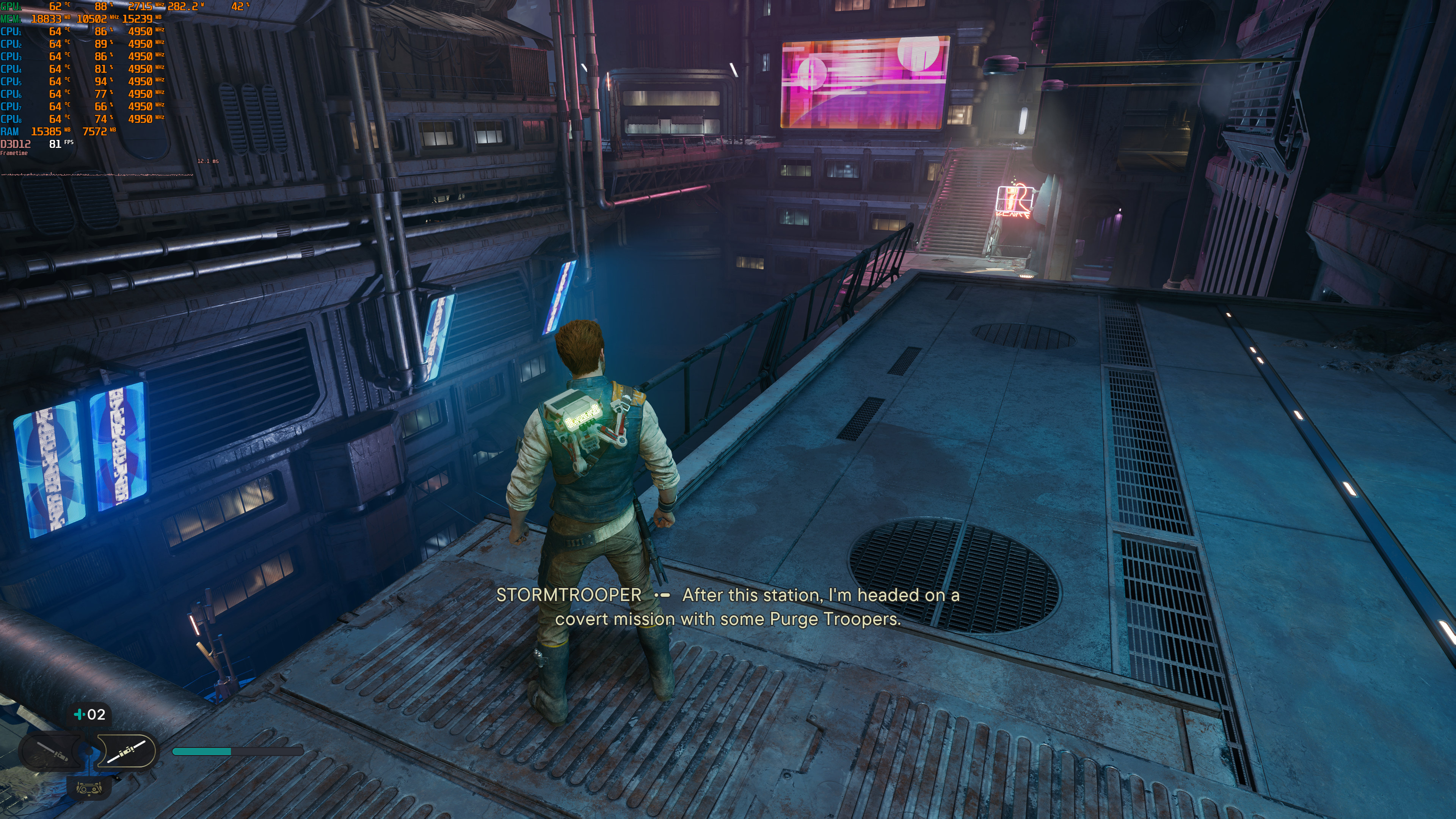
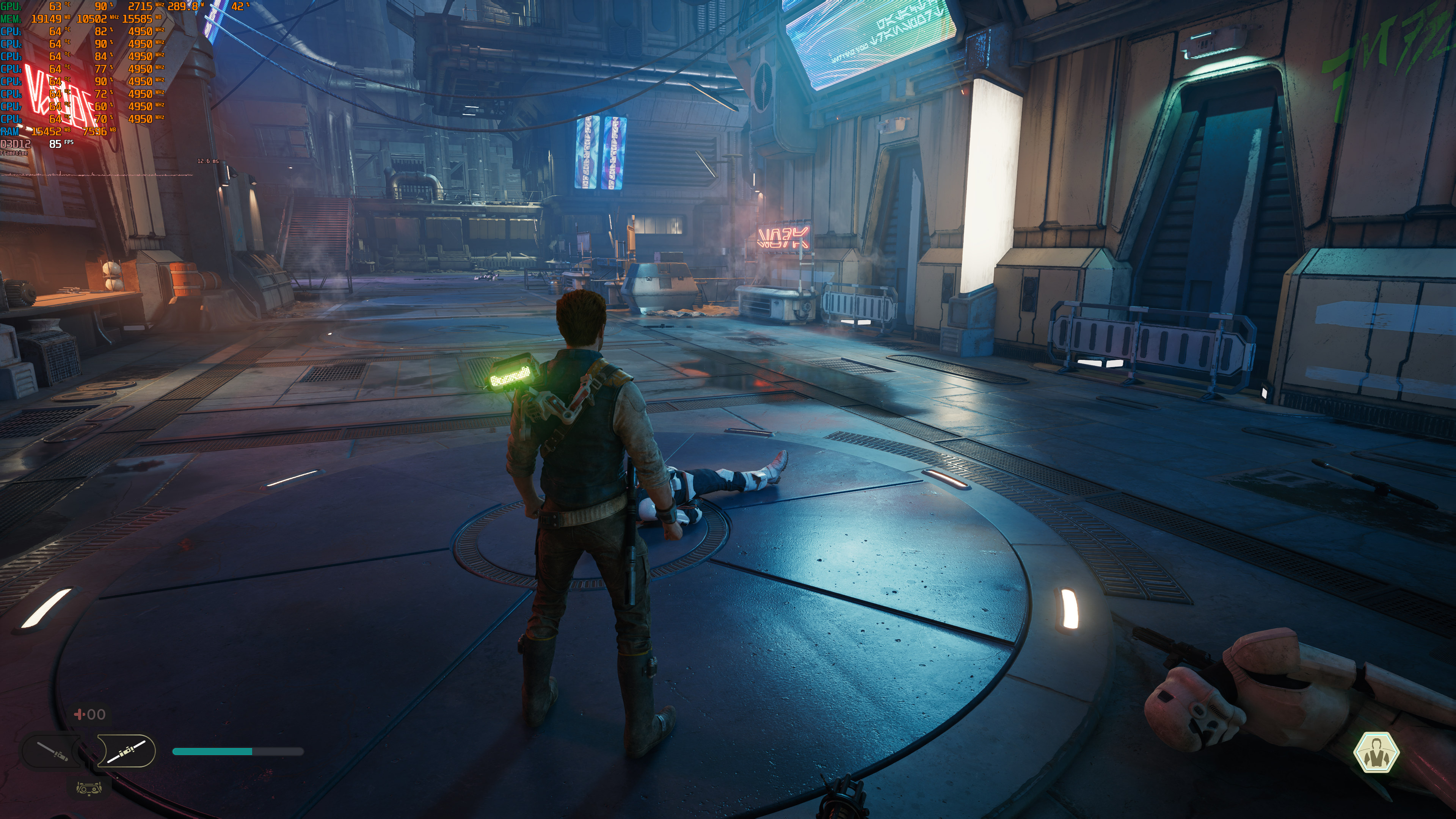
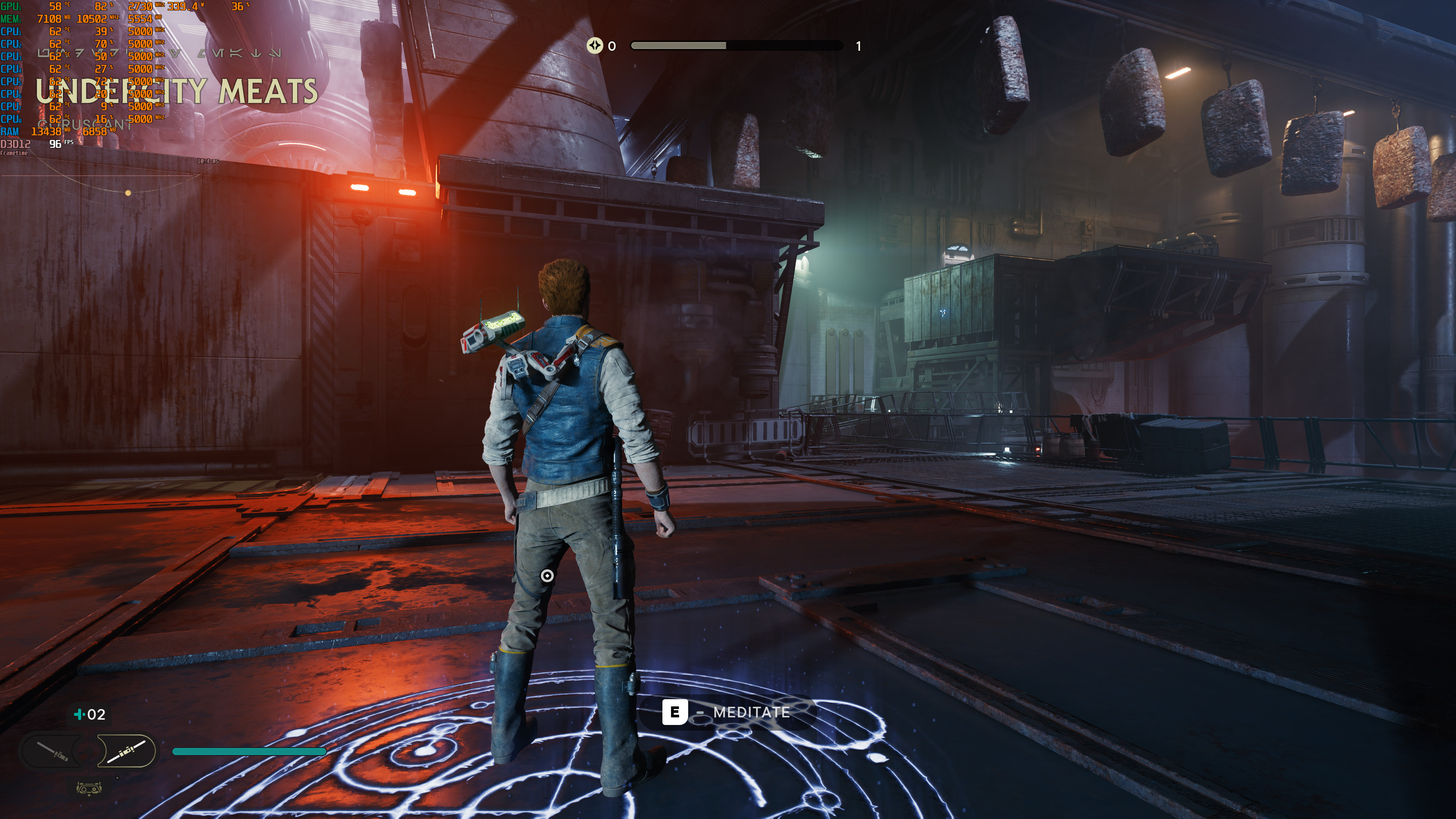
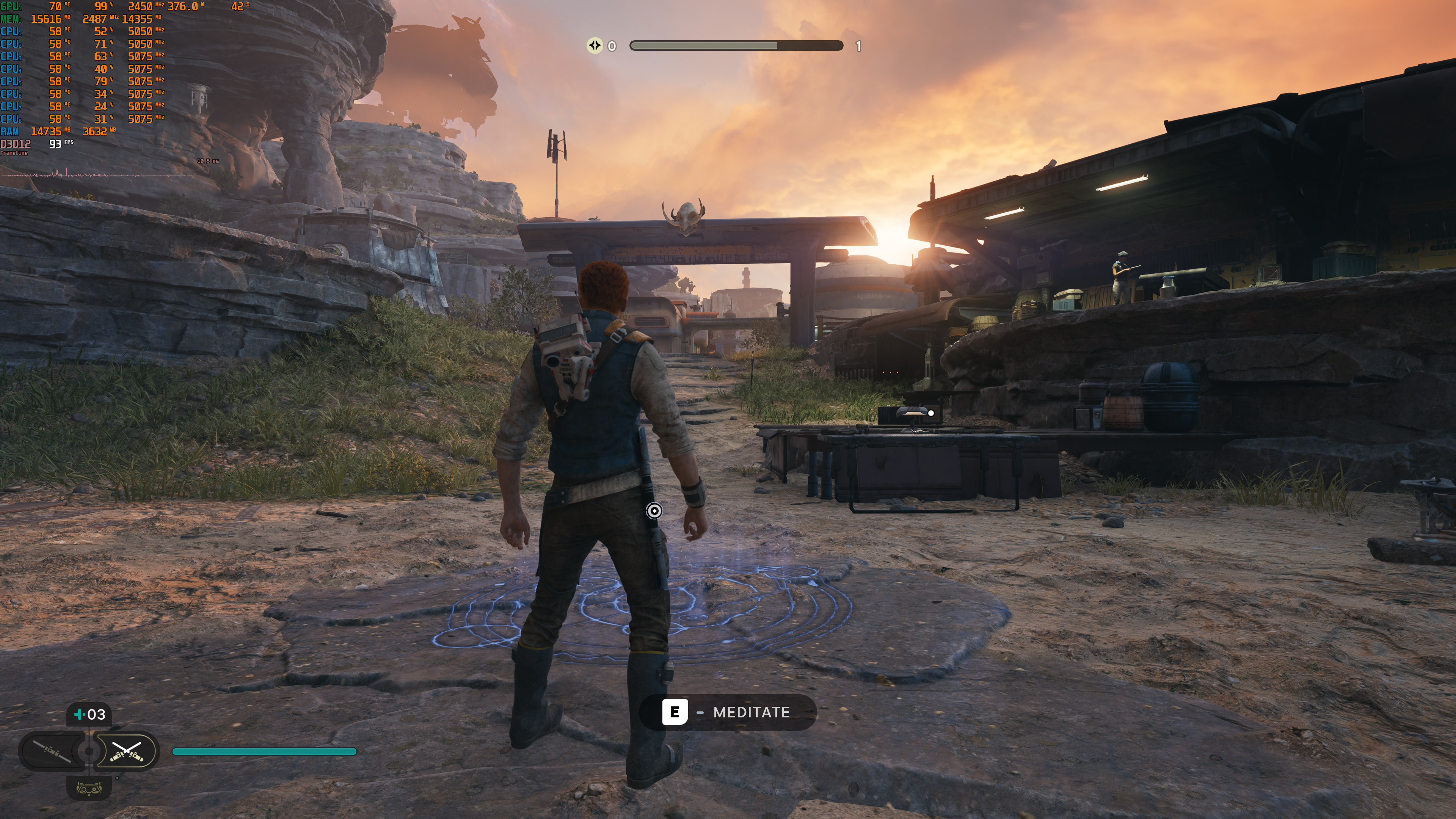
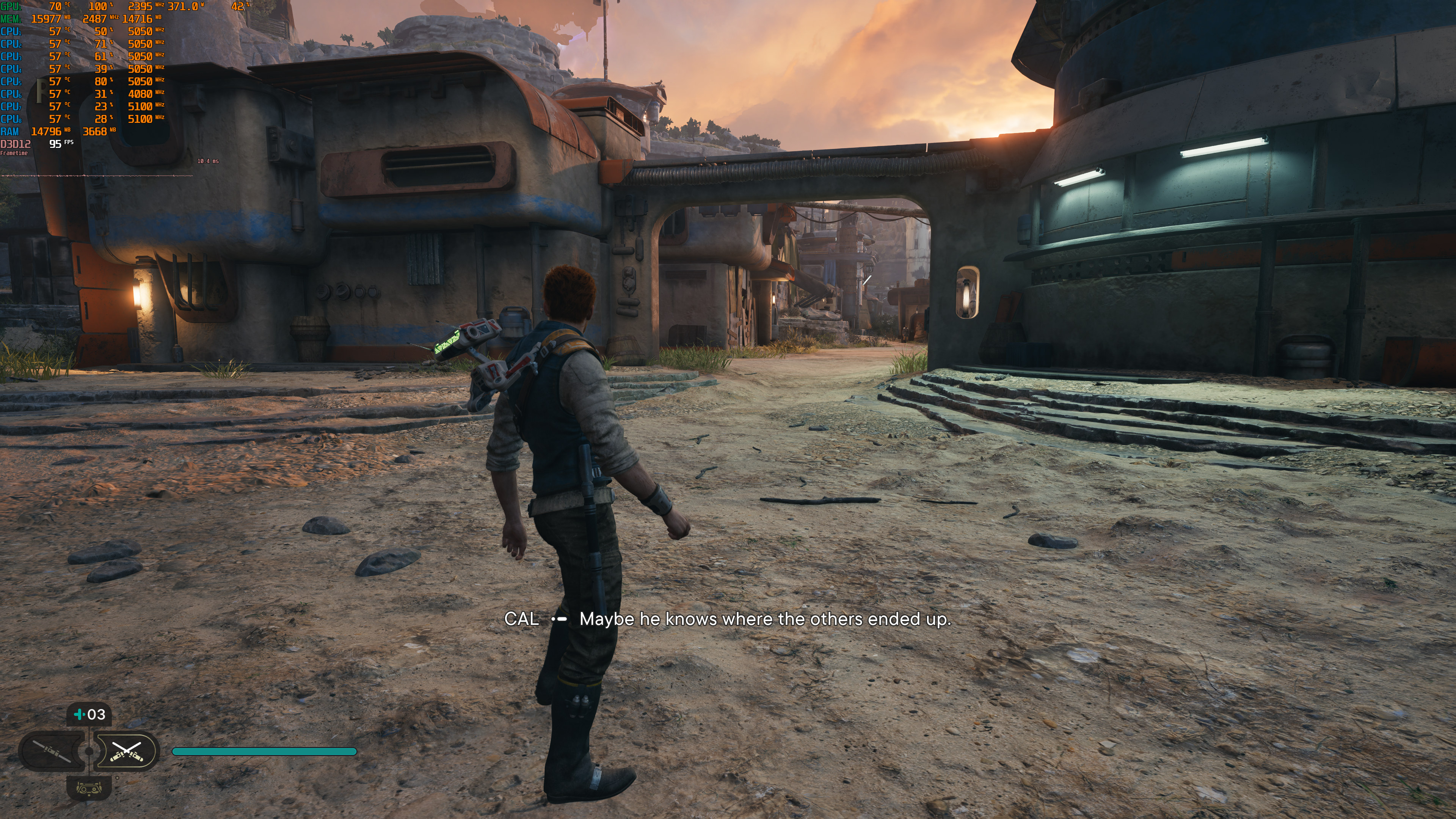
Before continuing, I should note a really strange scene that occurred in Coruscant. When players meet their crew for the first time, our performance took a huge hit on our RTX 4090. This appears to be an unoptimized scene, and it does not reflect how the rest of the game performs. Not only that, but we saw our VRAM skyrocketing to 22GB. Seriously, what the hell is going on here? How this cutscene can use 22GB of VRAM?
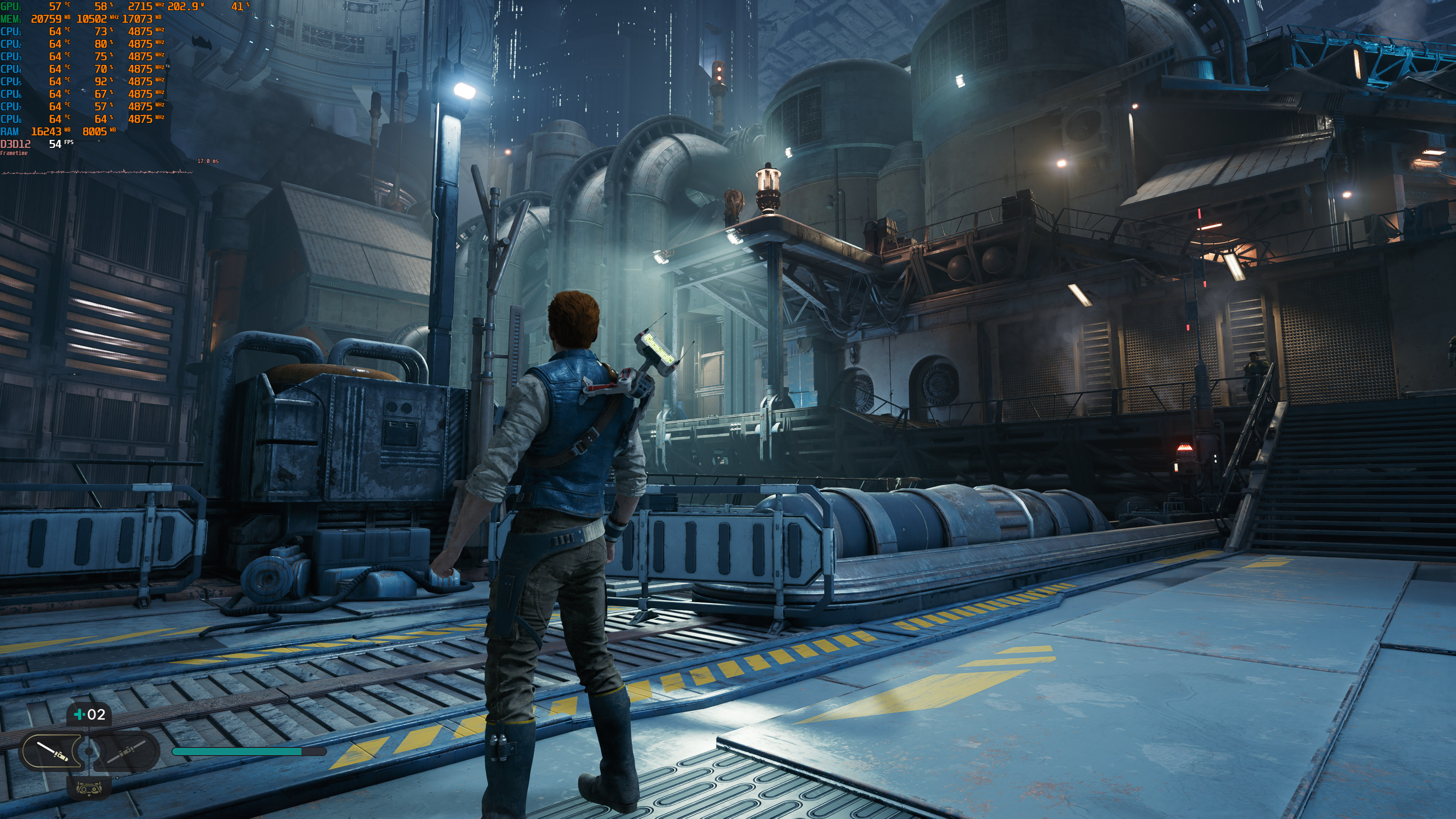

Jedi Survivor unoptimized scene-1Jedi Survivor unoptimized scene-2 Jedi Survivor unoptimized scene-3Jedi Survivor unoptimized scene-4

We should also note that players need to restart their game whenever they make changes to their graphics settings. If you don’t restart your game, it will run worse. We were able to replicate this multiple times on both NVIDIA’s and AMD’s hardware.

There is also a false assumption that Ray Tracing is not working when you launch the game, and you need to turn it Off and then On. As said, that’s a false report. Below you can find a comparison that proves our claims. On the left, we have a screenshot with RT Off, and on the right, we have a screenshot with RT On (after re-launching the game, and without making any further changes). I’ve also circled the points of interest. As you can see, Cal’s hair looks better with RT On, and you can easily notice the better RT AO on the right. Moreover, and similar to A Plague Tale: Requiem, grass shadows look worse when you enable RT (you can easily notice this on the left).
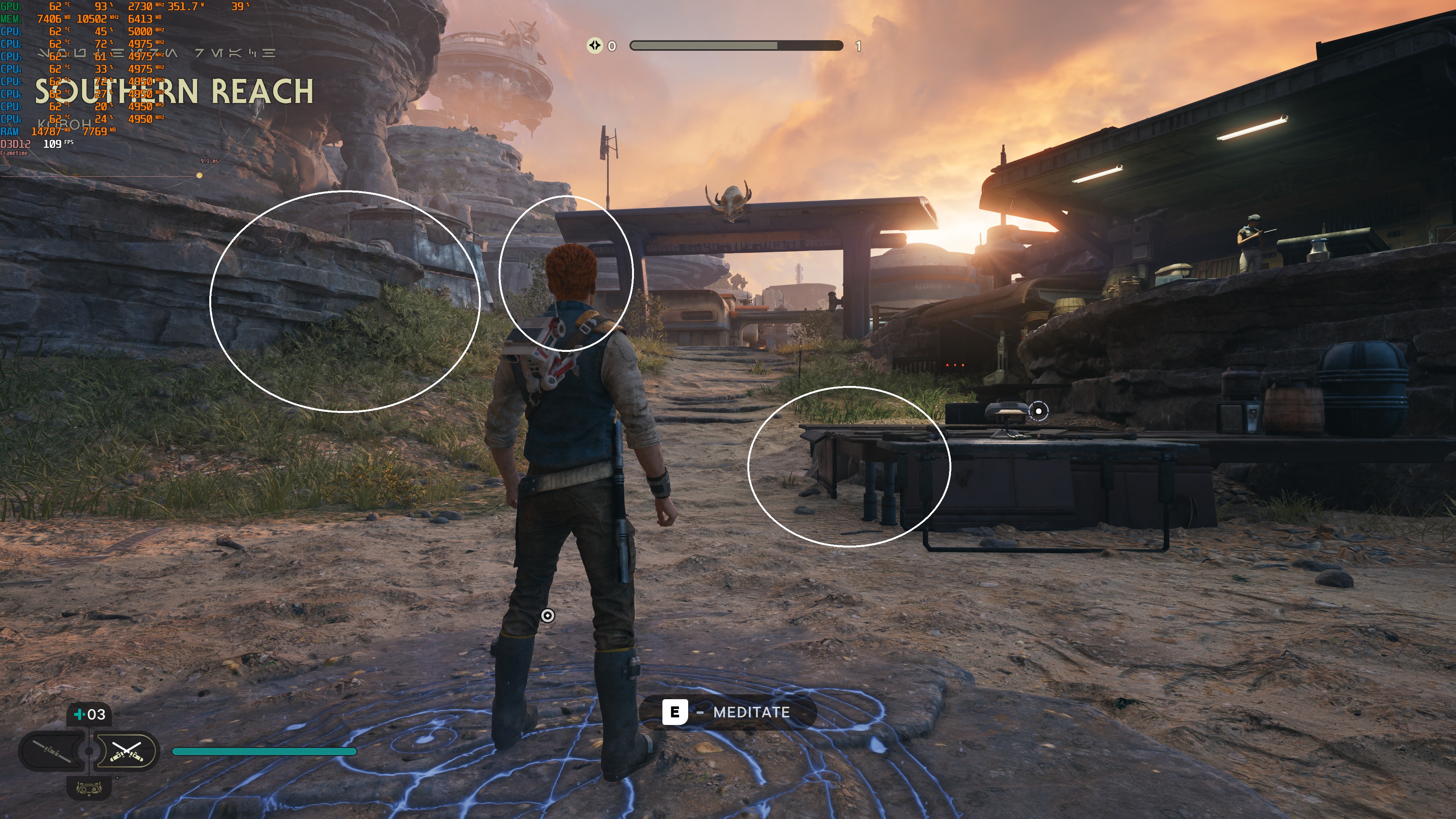
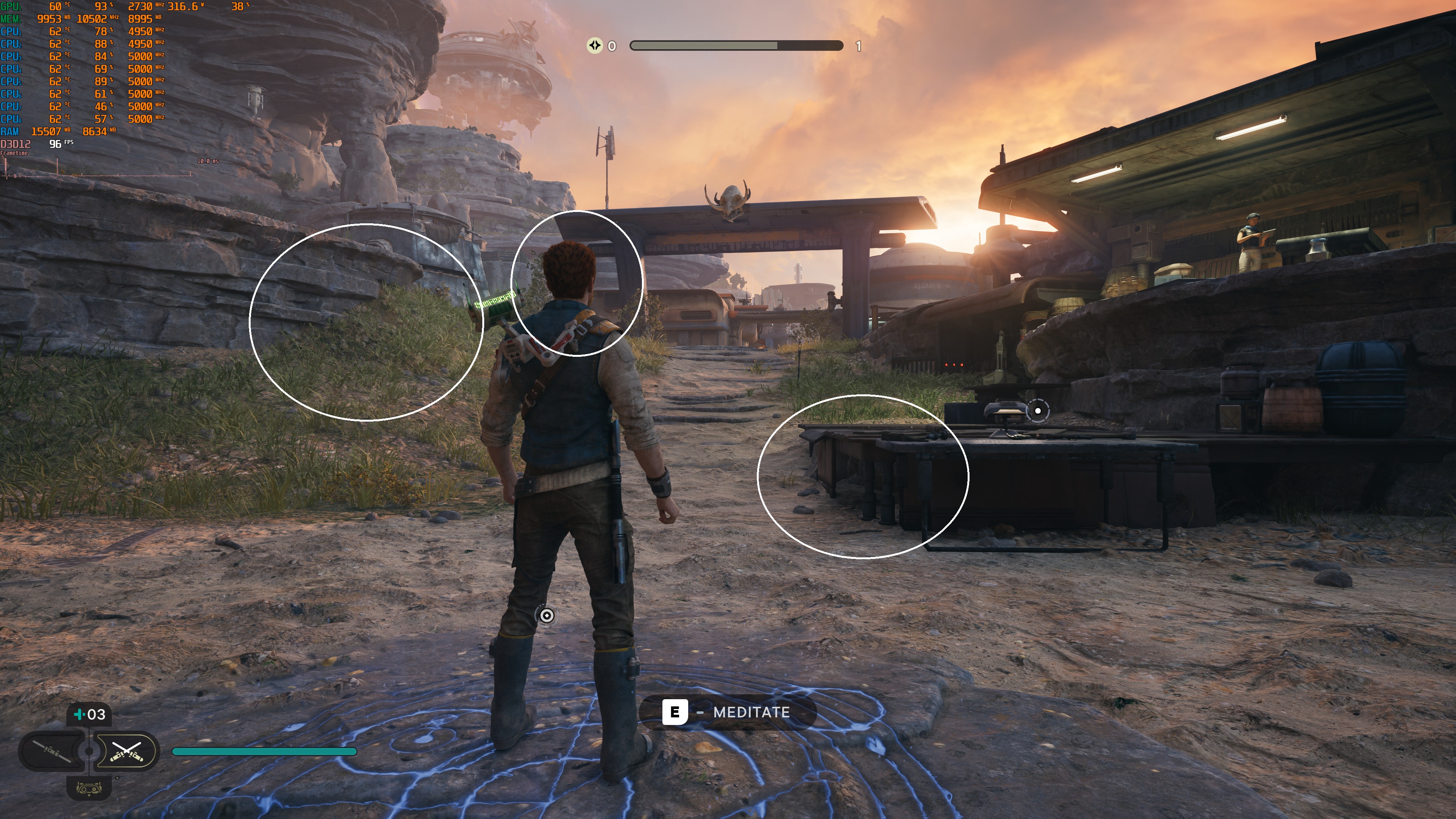
RT OffRT On

Star Wars Jedi: Survivor uses the EA App, even if you’ve purchased it on Steam. And, unfortunately, the EA App only allows you to make five hardware changes in the span of 24 hours. Thus, we were unable to test different CPU configurations. It sucks, we know. However, this DRM can be worse (when it comes to hardware changes) than the Denuvo anti-tamper tech.

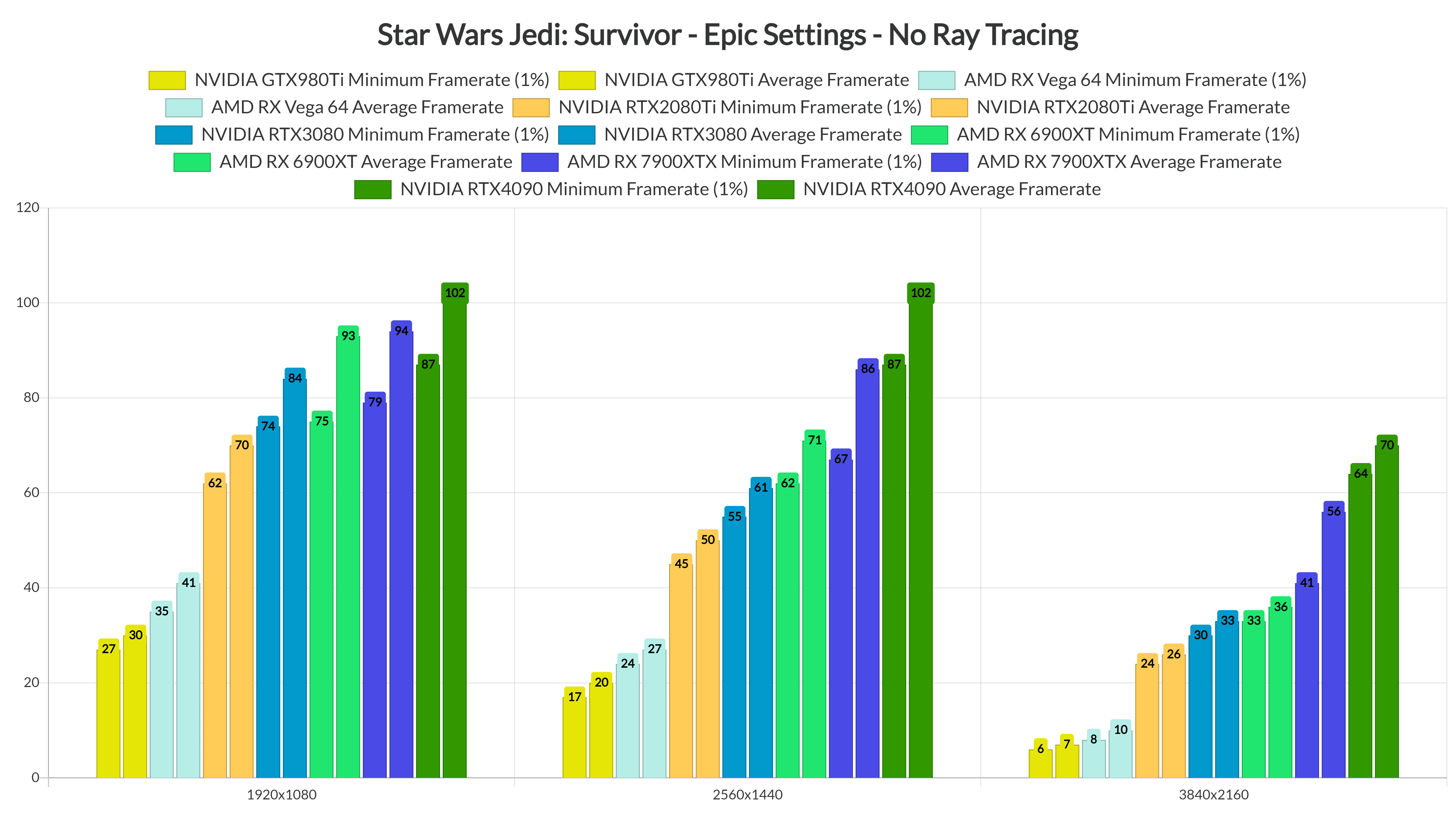
At 1080p/Epic Settings/No RT, our top five GPUs were able to provide a constant 60fps experience. While there are traversal stutters, our RTX2080Ti never dropped below 60fps. As we’ve reported, the AMD Ryzen 9 7950X3D is doing the heavy lifting here. Owners of weaker CPUs may not be able to hit these framerates. However, if you have a 7800X3D or a 7950X3D CPU, you can get similar results to ours.
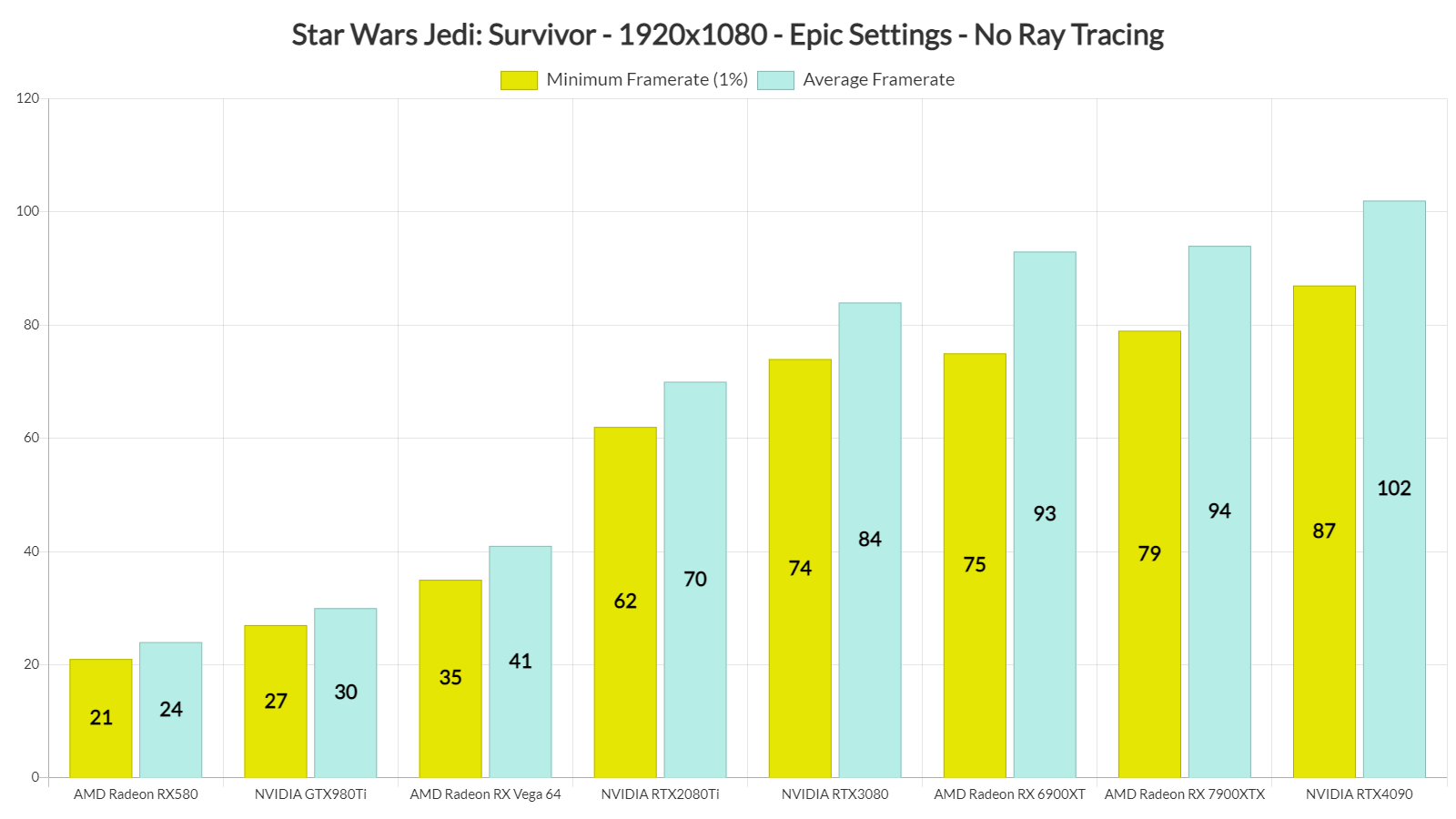
Star Wars Jedi Survivor GPU benchmarks-1

Things get really ugly once we up our resolution to 1440p. At 1440p/Epic Settings/No RT, the only GPUs that were able to provide a constant 60fps experience were the RX 6900XT, the RX 7900XTX, and the RTX4090. The RTX3080 came close to a 60fps experience, though there were some drops to the mid-50s. As for native 4K/Epic Settings/No RT, the only GPU that was able to run the game smoothly was the RTX4090.
Star Wars Jedi Survivor GPU benchmarks-2

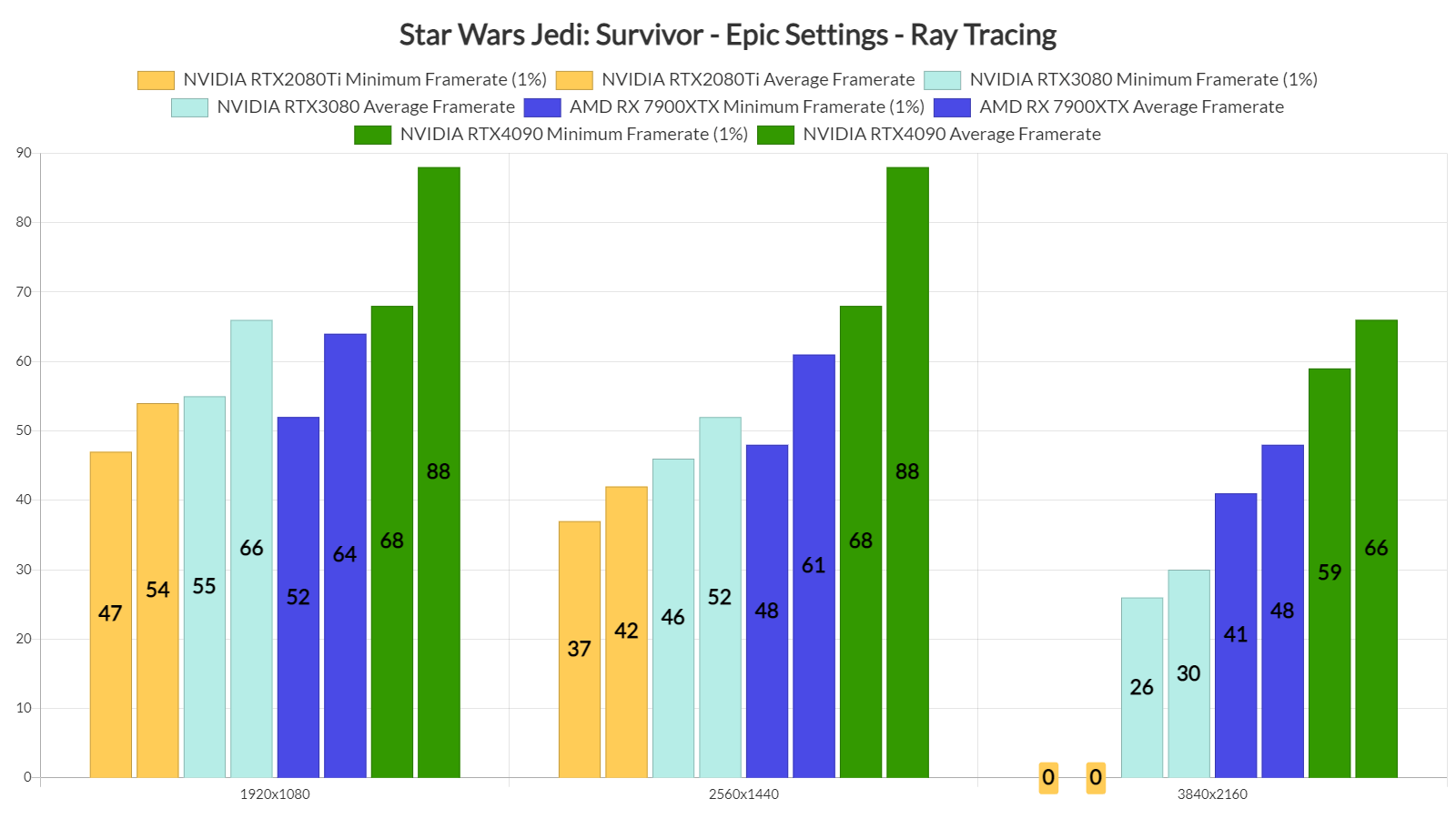
But what about the game’s RT performance? At 1080p/Epic Settings/Ray Tracing, the only GPU that can offer constant 60fps is the RTX4090. The RTX3080 and RX 7900XTX can also offer a smooth experience, provided you have a G-Sync/FreeSync monitor. And as for 1440p and 4K with Epic Settings and RT, the only GPU capable of offering 60fps is the RTX4090. Lastly, our RTX2080Ti was constantly crashing in 4K with RT.
Star Wars Jedi Survivor Ray Tracing benchmarks

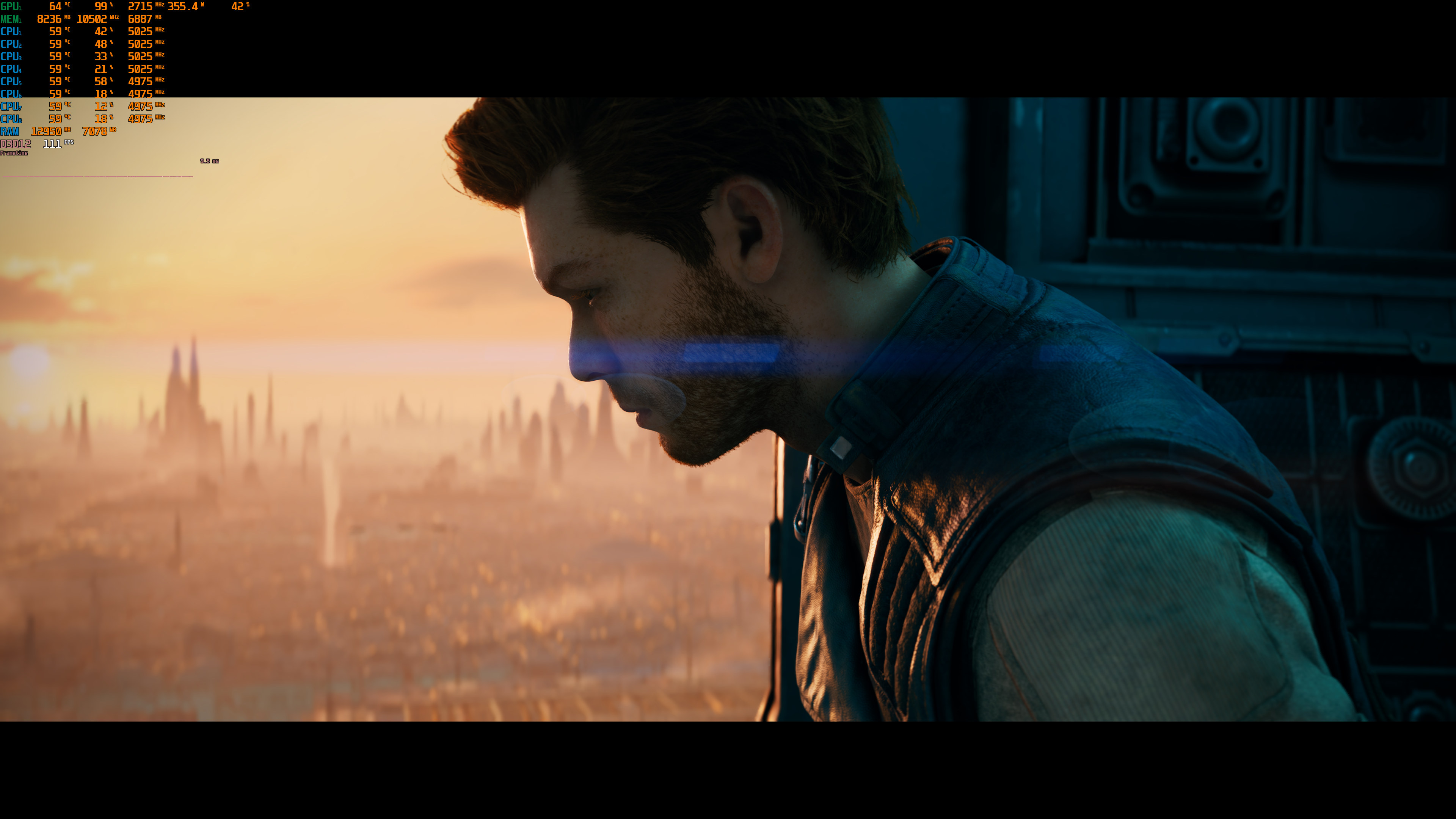
Graphics-wise, Star Wars Jedi: Survivor looks great, for the most part. Since the game uses a dynamic Time of Day, there can be scenes in which the game can look a bit underwhelming. Moreover, the game’s TAA solution is awful and makes the whole image look blurry. So, even though FSR 2.0 Quality brings minor visual artifacts, we highly recommend enabling it. It would have been great if the game supported DLSS 2/3 or XeSS but… well… we all know why it doesn’t.

All in all, Star Wars Jedi: Survivor is a mess. We’ve already listed numerous issues we had with the game in one of our previous articles, so make sure to read it too. The good news is that if you have an AMD Ryzen 9 7950X3D CPU, you can at least brute force your way. Yes, the game will still have traversal stutters (and even more stutters when you enable Ray Tracing), but you can at least enjoy it with over 60fps. That’s more enjoyable than what both PS5 and Xbox Series X currently offer. Because, believe it or not, the game is worse on consoles.

Let’s hope that Respawn will significantly improve performance on all platforms!
Star Wars Jedi Survivor 4K screenshots-1Star Wars Jedi Survivor 4K screenshots-2Star Wars Jedi Survivor 4K screenshots-3 Star Wars Jedi Survivor 4K screenshots-4Star Wars Jedi Survivor 4K screenshots-5Star Wars Jedi Survivor 4K screenshots-6 Star Wars Jedi Survivor 4K screenshots-7Star Wars Jedi Survivor 4K screenshots-8Star Wars Jedi Survivor 4K screenshots-9 Star Wars Jedi Survivor 4K screenshots-10Star Wars Jedi Survivor 4K screenshots-11Star Wars Jedi Survivor 4K screenshots-12 Star Wars Jedi Survivor 4K screenshots-13Star Wars Jedi Survivor 4K screenshots-14Star Wars Jedi Survivor 4K screenshots-15 Star Wars Jedi Survivor 4K screenshots-16Star Wars Jedi Survivor 4K screenshots-17Star Wars Jedi Survivor 4K screenshots-18 Star Wars Jedi Survivor 4K screenshots-19Star Wars Jedi Survivor 4K screenshots-20Star Wars Jedi Survivor 4K screenshots-21 Star Wars Jedi Survivor 4K screenshots-22Star Wars Jedi Survivor 4K screenshots-23

37 thoughts on “Star Wars Jedi: Survivor PC Performance Analysis”

  1. Episode 1 – Pleasantly surprised by the performance
    Episode 2 – Jedi Survivor is the definition of what’s wrong with AAA games
    Episode 3 – Console gamers are to blame
    Episode 4 – Star Wars Jedi: Survivor is a mess
    This season of Dr. John and Mr. Hyde was one hell of a ride
    No offense, i’ve been visiting this site since 2013 and i never seen such inconsistency in your articles

    1. The 7900 xtx would only best the 4090 in 1080p if the 4090 were being cpu limited on top of the nvidia driver overhead. John has a very fast cpu and took the extra step of disabling smt which no other benchmark has done. That may explain the difference here.

      1. It depends on the area people are benchmarking. In the rooftops of Coruscant, the 7900XTX can be 20fps faster at really low resolutions without RT. In the Koboh Outpost, however, there isn’t any performance boost for AMD’s hardware.

    1. It’s called – Dont be an Idiot, and buy a game with Denuvo or such!

      If ppl used their brans, this sh*t would die long ago!

      I have never and will never buy any game with Denuvo. Happy to pirate it later as a F*k You tho these anticonsumer fa**ots, who keeps pushing it on us!

    1. It’s five, not two, and it happens in every game using EA App. We’ve been experiencing this for a while. Jedi Survivor forces EA App even on Steam, which is why you’ve seen other people mentioning it now. If you change four GPUs, that’s five hardware changes. If you change two GPUs and two CPUs, that’s five hardware changes. Once you’ve made five changes, you’ll have to wait for 24 hours.

  2. Ya, maybe in 5 or 6 years, I’ll check this out, when rigs are so overpowered, they can outperform the programming deficiencies, and it’ll cost like $3 on sale.

    Also, there will be mods to smack the “diversity” off this thing. Thanks for helping me save some money, EA. Appreciated.

  3. Mmh i have thz 7950x3d and a 4090 and thz kobo outpost is on average below 60 fps … With a lot of stutters … Of courze not moving makes it better for a few moments but this isnreally a mess and the gpu is almost never loaded above 80%

  4. PC is not going to be able to patch their way out of performance issues.

    PC GPU need more VRAM, consoles have 16GB VRAM, PC need at least 16GB to keep up.

    The data throughput of consoles from SSD straight into a massive pool of 16GB VRAM, directly accessible by the GPU, happens blazingly fast.

    1. Lol then explain why the console version’s performance is as butchered if not worse than the PC version

        1. 40-55fps performance mode using a sub 1080p upscaled res
          30fps with drops to mid low 20’s in quality mode using an upscaled 1440p

          I would not call this good even on consoles and its far from being “much better” than a pc with similar hardware

      1. Not really,PS5 version in resolution mode runs at constant 30fps with raytracing on,with dips only on 1 area.
        When we take in the fact that a 550$ machine is able to maintain 30fps for a bad optimized game,while a PC with I9 12900,32 ddr4 and a RTX4090 is unable to keep 60fps with low settings,i say Consoles run better,550$ vs 5000$.
        I own a PS5,i will never buy a PC for gaming,not because is not more powerfull,PC will always be King,the problem is developers.
        What’s the point in investing 4000$ on a PC that gives you worse performance than a console?

          1. Why the hate,because i have both a PC mid range and a PS5.
            The problem with this game is that it works better on consoles than an expensive PC.
            On an Nvidia GPU paired with Intel CPU is a total mess,on a Amd CPU with and Amd Gpu works better(My PC).
            Why am I a Re**rd? for owning a PS5? I play exclusives on PS5 and the rest on my 2000€ PC build(2019)…and so far i tried this game on both,it runs better on ps5,on my PC i can’t get steady 30fps in medium settings. How can a 550€ console can run the same or better that my PC?

          2. Alright bro, fair enough. Then you are Welcome ??

            Had most consoles since Amiga – before NES days, and the last was ps4 pro, ut that was my last one

            Allways b*tch about the shortcomings of consoles and bust cant stand all force fed crap, aka low fps and that tiny FOV, besides CA abomination etc. So I wont pain myself any more LOL!

            But yeah, lately pc gaming have been crap – over expensive GPU’s and totaly unoptimized games and so!

            Well heres hoping to catch atleast a 4070 down the road – pre owned, as my 2060S, really are obsolete by years IMHO!

            Wont go consoles anymore tho as said, just ride it out on my old system until then.

            Hey atleast, I can play Switch games on my comp, and that is frikking awesome and I cant wait to play the new Zelda on it!

        1. Console owner that didnt have a clue about owning a PC… No real PC Gamer would spent $5000 on PC when they can just build it themselves with cheaper parts available along with utilising existing parts from the build before

          1. I’ve seen people on you tube and across internet complaining that their PC’s,expensive ones,to have gameplay issues.
            Even on my 2000€ PC(2019 build) it runs between 25-35fps.
            I have Amd Cpu paired with Amd GPU.
            A 550€ Console beat my 2000€ PC,at least in recent releases/ports.

          2. Sadly its also didnt work on cheap PC , so dont blame on your setup,
            just another badport, and next time dont buy overprice PC with
            overprice parts, $400 Mainboard wont suddenly give advantage over the
            one priced at $100, just nicer to look and to have (recent ASUS
            mainboard fried 7800X3D may become a lesson for PC enthusiast to wise
            with their purchase).

    2. The ps5 have 16gb ram for both gpu and cpu, and from that 16gb only 13gb are accessible due to 3gb being reserved for the system(same on XSX), so best case scenario ps5 and xbox series x have 8-10gb of vram while the rest are used for cpu depending on the game.

      So yea you are not very bright.

  5. I don’t think you can keep blaming developers for every console port that is now running poorly on PC. This is a trend, it’s not one game, it’s all of them. Console ports are designed for consoles and the PS5 is a very powerful machine. It’s not just specs either, how consoles handle data is very different from PC, it’s more streamlined.

    The average PC on Steam is barely powerful enough to match a PS4, you can thank the high price of PC components for that, especially GPU. And you expect developers to optimize for that, they’re just not going to do that. The PC market is much smaller, it’s just not financially justifiable to rework a whole game for PC.

    Games that are designed for PC like Age of Wonders 4 run just fine on low-end hardware. It’s console ports where the issues start for PC.

  6. is the culprit for locking you out because of hardware changes denuvo or is it some EA proprietary stuff?

    1. It’s the EA App, we’ve explained this multiple times. Denuvo will only lock you out if you change five CPUs. EA App will lock you out after doing five hardware changes (whether it’s RAM, GPU or CPU).

  7. 7900 XTX 55% faster than 6900 XT in raster
    50+% faster than 3080 in RT in 4K, thought this is a VRAM bottleneck most likely.

    Nice.

  8. 7900 XTX 55% faster than 6900 XT in raster
    50+% faster than 3080 in RT in 4K, thought this is a VRAM bottleneck most likely.

    Nice.

Leave a Reply

Your email address will not be published. Required fields are marked *