
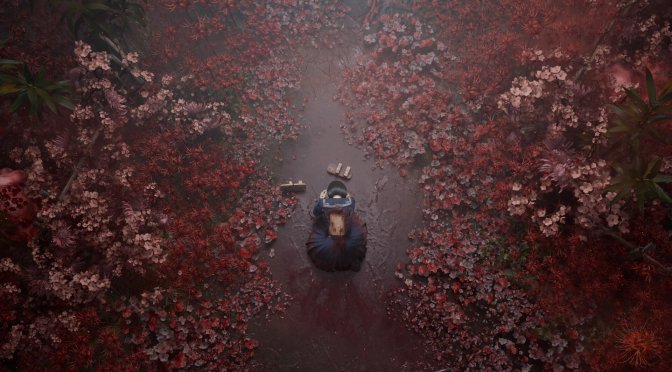
Last week, Konami released its new Silent Hill game, Silent Hill f. Powered by Unreal Engine 5, it’s time now to benchmark it and examine its performance on the PC.
For our benchmarks, I used an AMD Ryzen 9 7950X3D, 32GB of DDR5 at 6000Mhz, AMD’s Radeon RX 6900XT, RX 7900XTX, RX 9070XT, as well as NVIDIA’s RTX 2080Ti, RTX 3080, RTX 4090, RTX 5080, and RTX 5090. I also used Windows 10 64-bit, the GeForce 581.29, and the Radeon Adrenalin Edition 25.9.2 drivers.
NeoBards Entertainment has included a respectable number of graphics settings to tweak. PC gamers can adjust the quality of Global Illumination, Shadows, Textures, Visual Effects, and more. The game supports AMD FSR and NVIDIA DLSS 4. However, there is no support for Intel XeSS. There is also no support for AMD FSR Frame Gen or NVIDIA DLSS 4 Frame Gen.
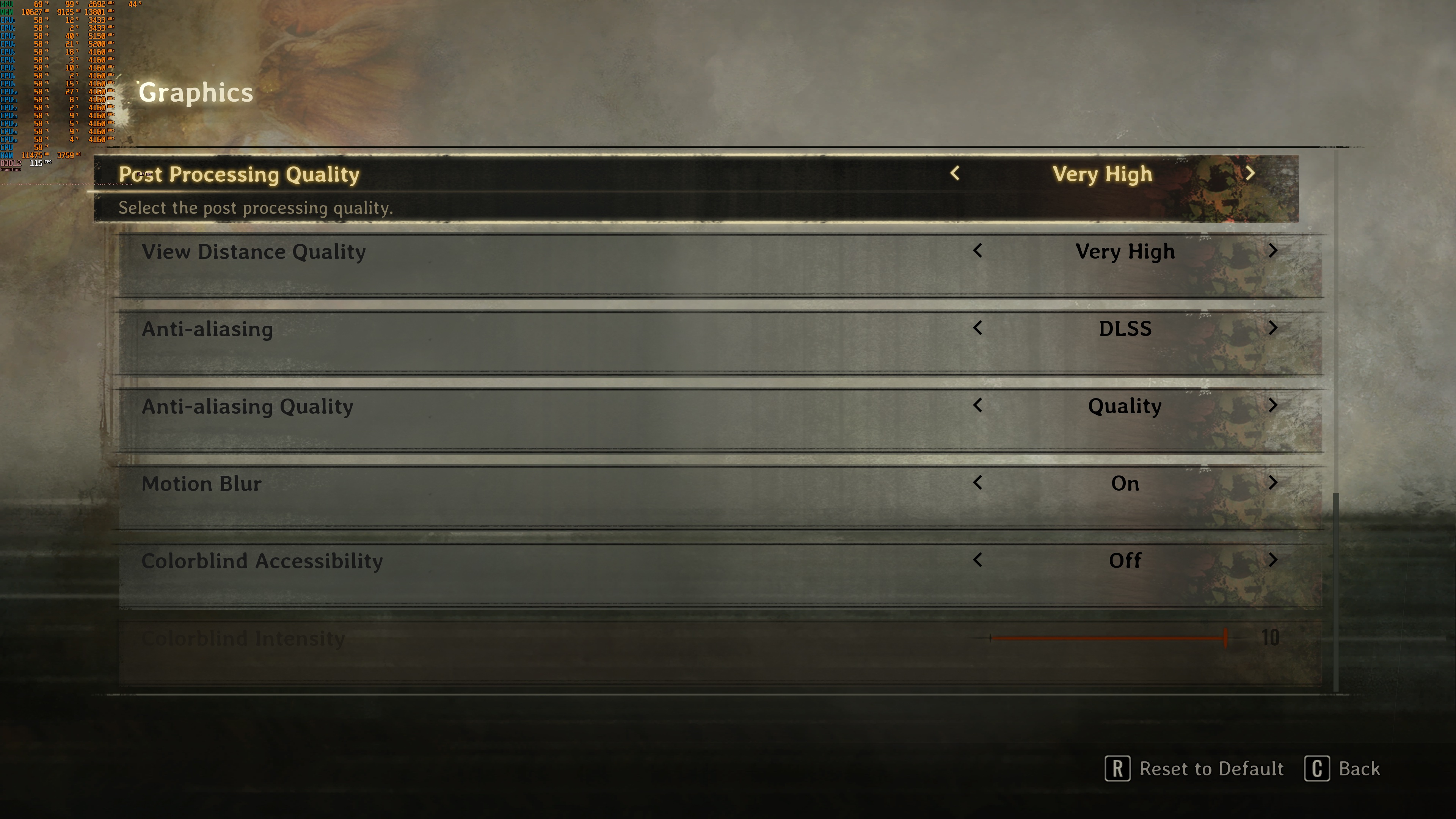
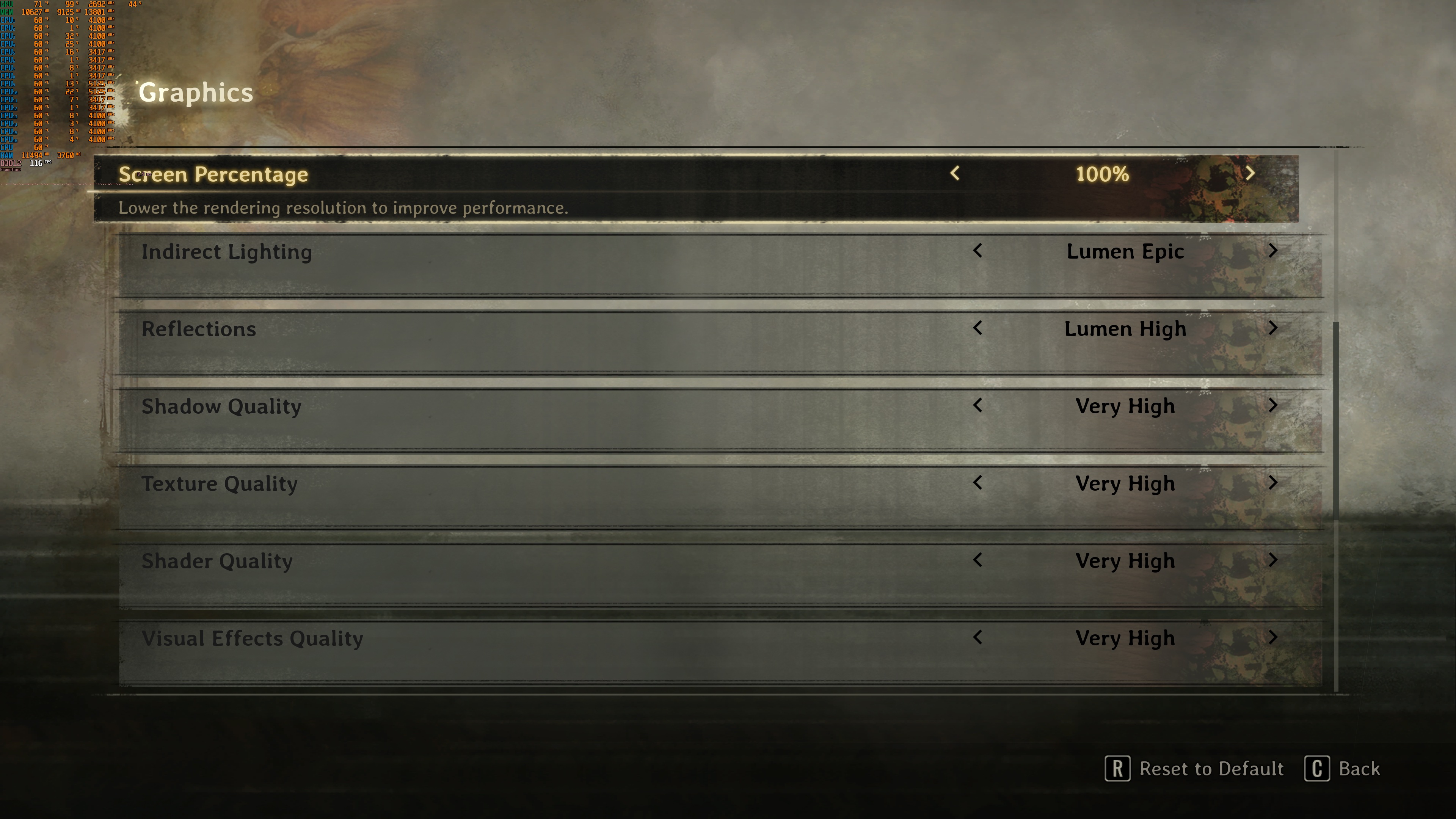
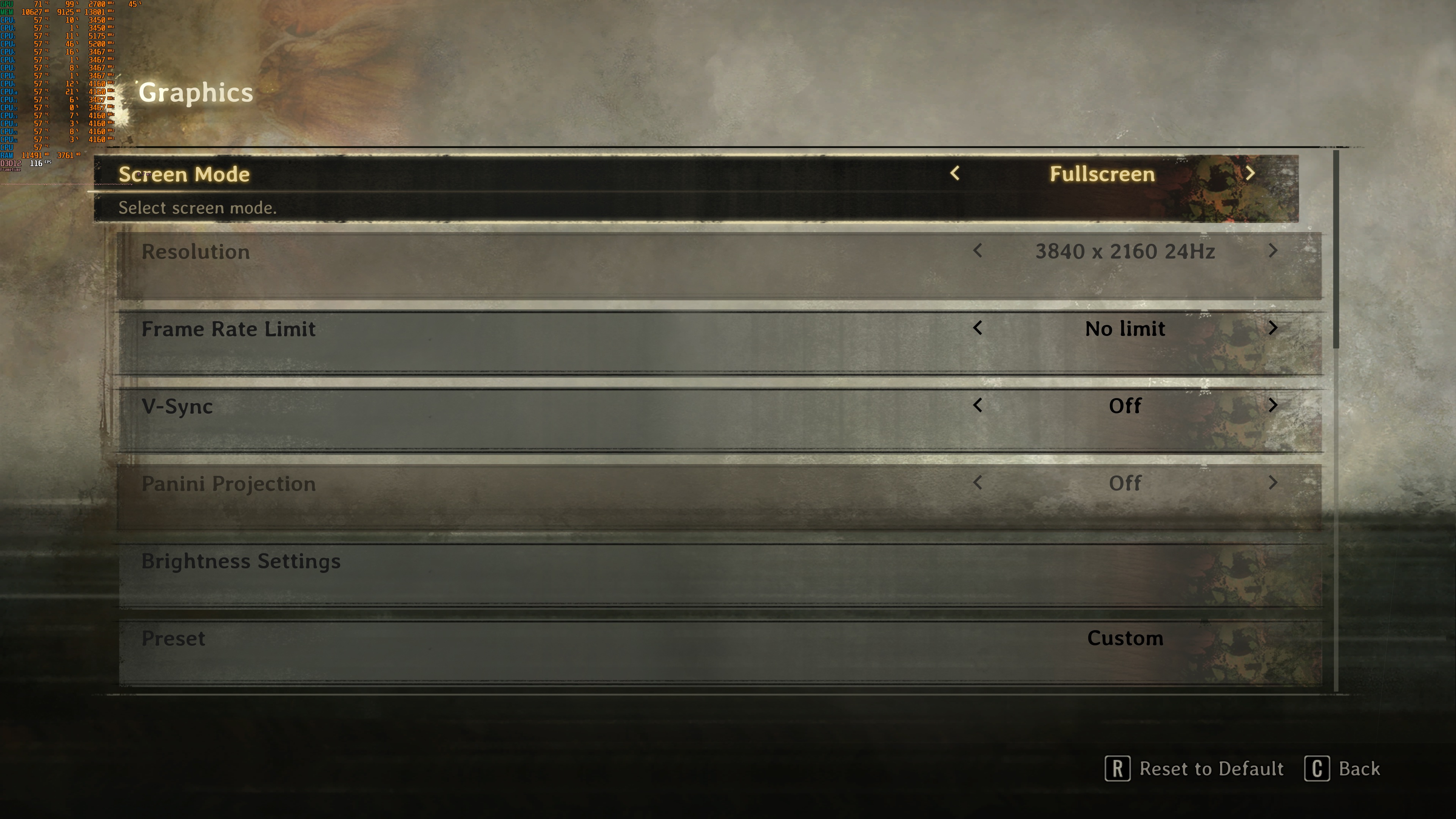
Since I’ve seen some people who thought there is no way to game at Native Resolutions, I should provide a guide via which you can do it. To play at Native resolution, you’ll have to select TSR and then set the scale resolution setting to 100%. The option below TSR is for Anti-Aliasing. It will NOT affect your internal resolution. So, to game at Native 4K, you’ll have to set your resolution to 3840×2160, use TSR, and then set your Screen Percentage to 100%.
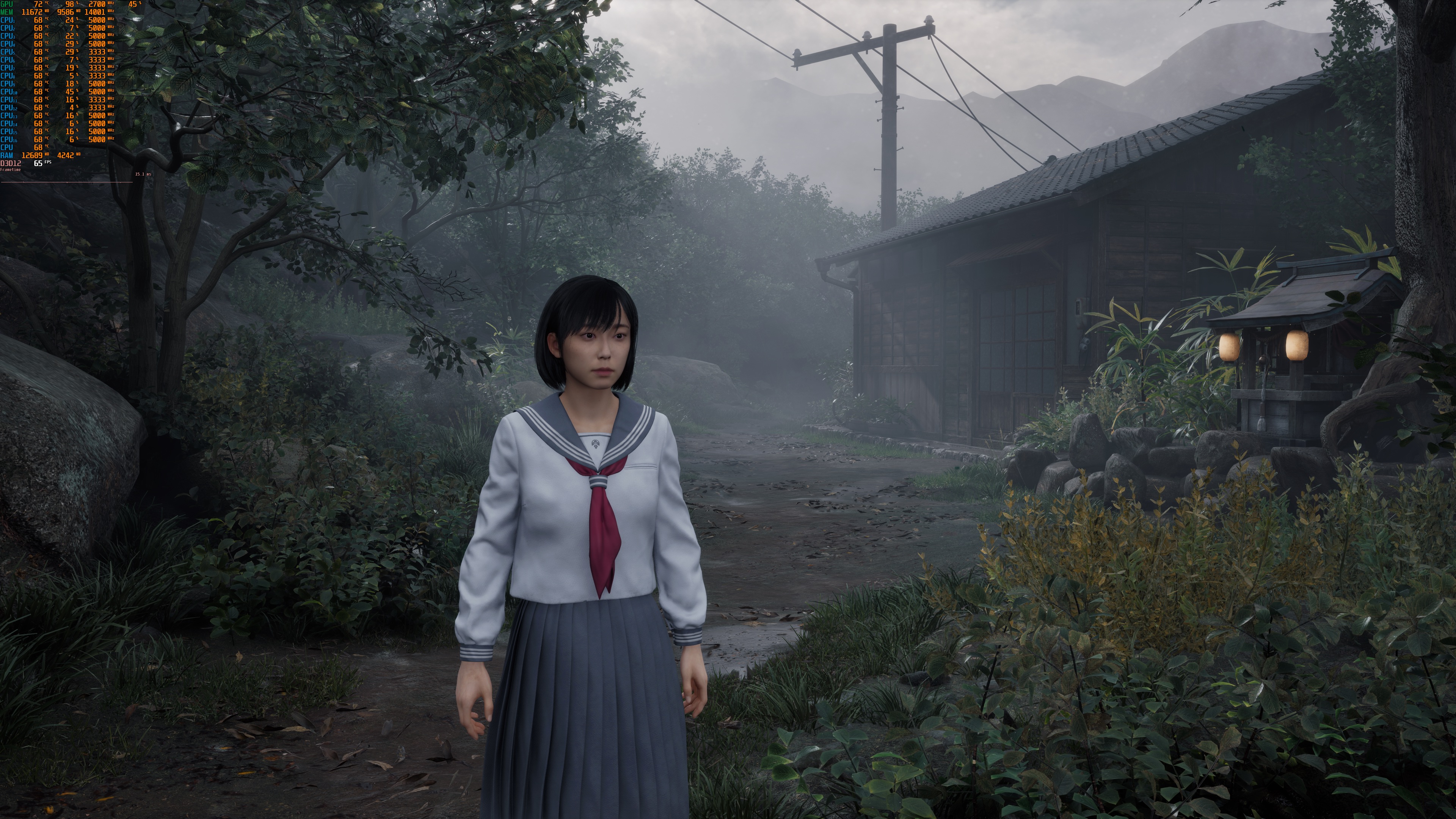
Silent Hill f does not have a built-in benchmark tool. So, for our tests, I used this scene. This appeared to be one of the most demanding areas I could find early in the game. As such, it should give us a pretty good idea of how the rest of it runs.
At 1080p/Max Settings, you’ll need at least an AMD Radeon RX 6900XT to get framerates over 60FPS. The AMD Radeon RX 6900XT seems to be noticeably faster than the NVIDIA RTX 3080. On the other hand, the AMD Radeon RX 9070XT runs way slower than the AMD Radeon RX 7900XTX. This is most likely a driver issue as we’ve seen other UE5 games in which the AMD RX 9070 runs as fast as the AMD RX 7900XTX. In this game, right now, the AMD RX 9070XT is a bit faster than the AMD RX 6900XT. This shouldn’t be the case. Similarly, the performance on our NVIDIA RTX 4090 was not great. The NVIDIA RTX 5080 was almost able to match its performance. So, hopefully, both NVIDIA and AMD will improve performance for their RX 9000 series and RTX 40 series GPUs via new drivers.

At 1440p/Max Settings, our top three NVIDIA GPUs were able to provide framerates over 60FPS at all times. The AMD Radeon RX 7900XTX was also able to provide a smooth gaming experience. As for Native 4K/Max Settings, the only GPU that can run the game smoothly is the NVIDIA RTX 5090.


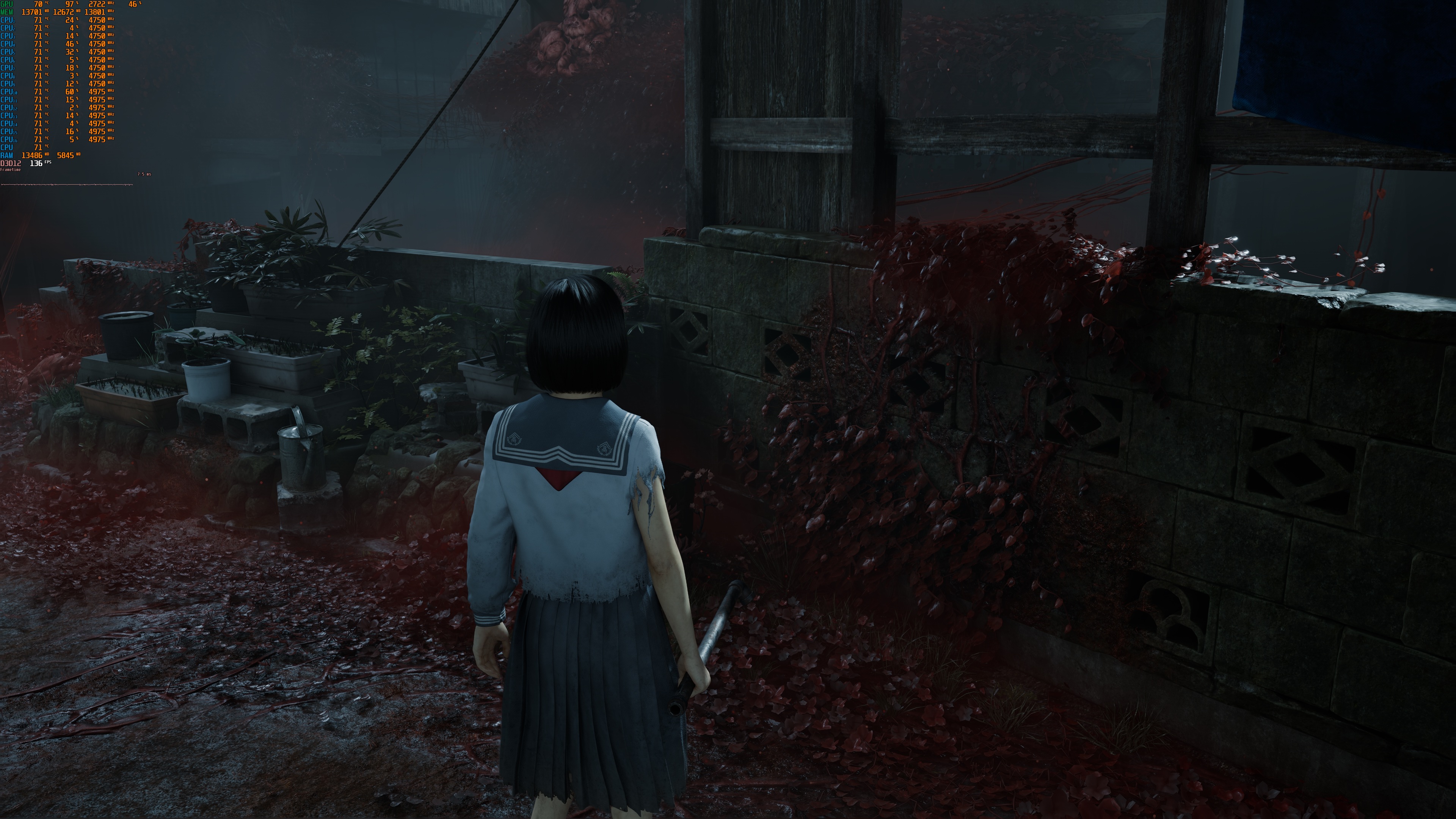
With its default in-game Max Settings, Silent Hill f looks great. However, those who have played a lot of UE5 games will easily find spots in which the devs took some shortcomings. Take, for instance, this screenshot. Look at the plants. They look really flat as they lack shadows.

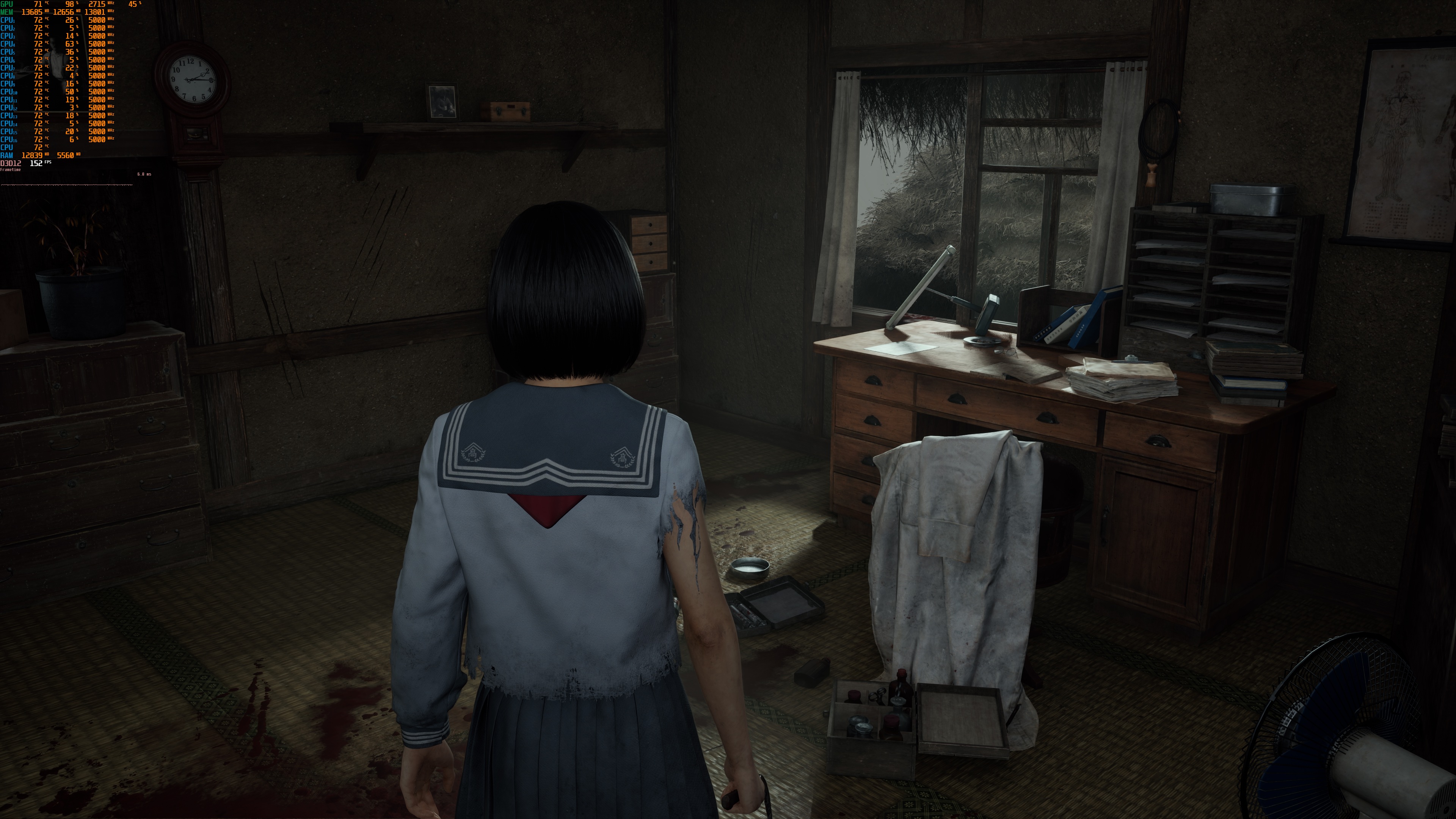
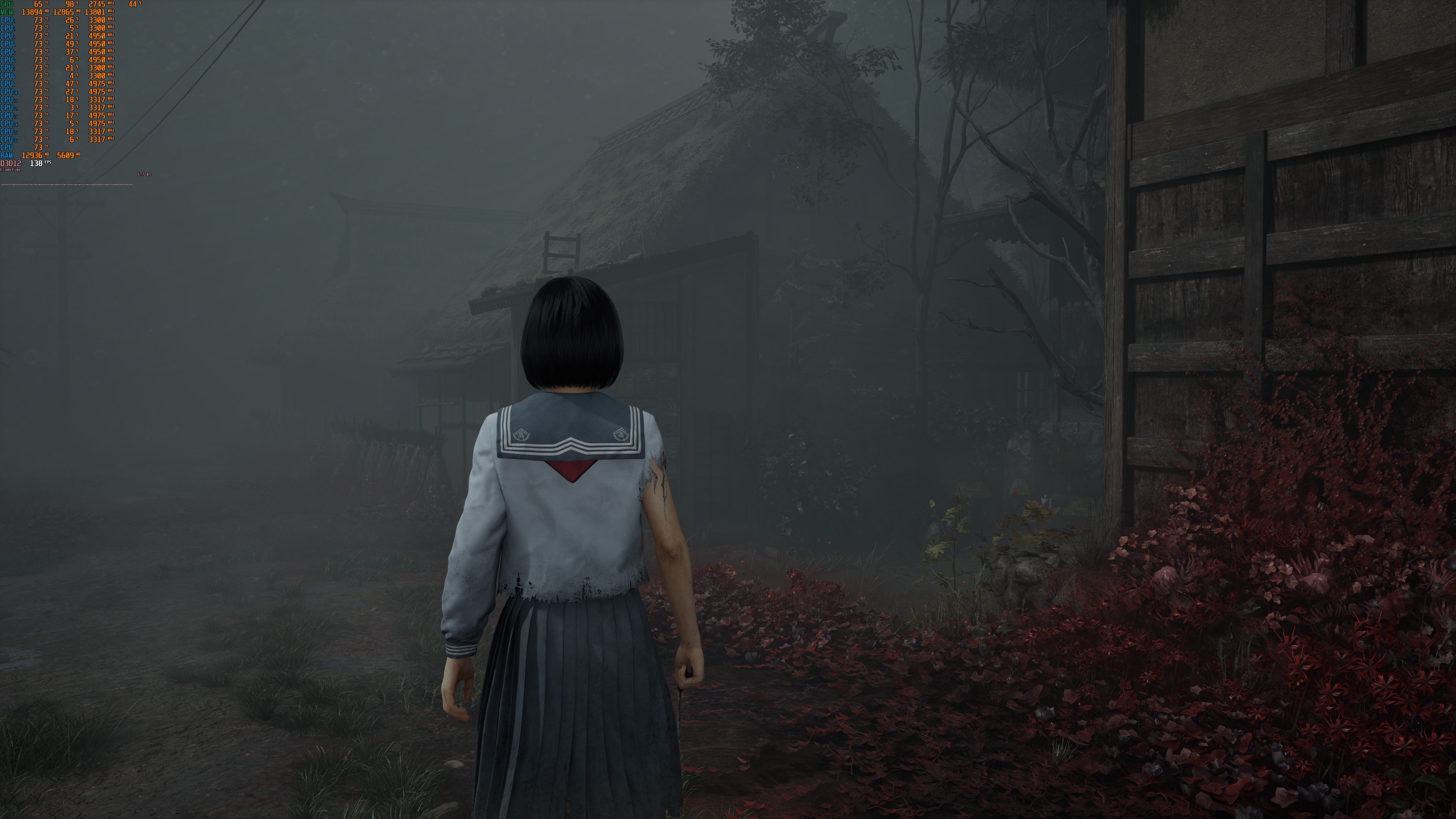
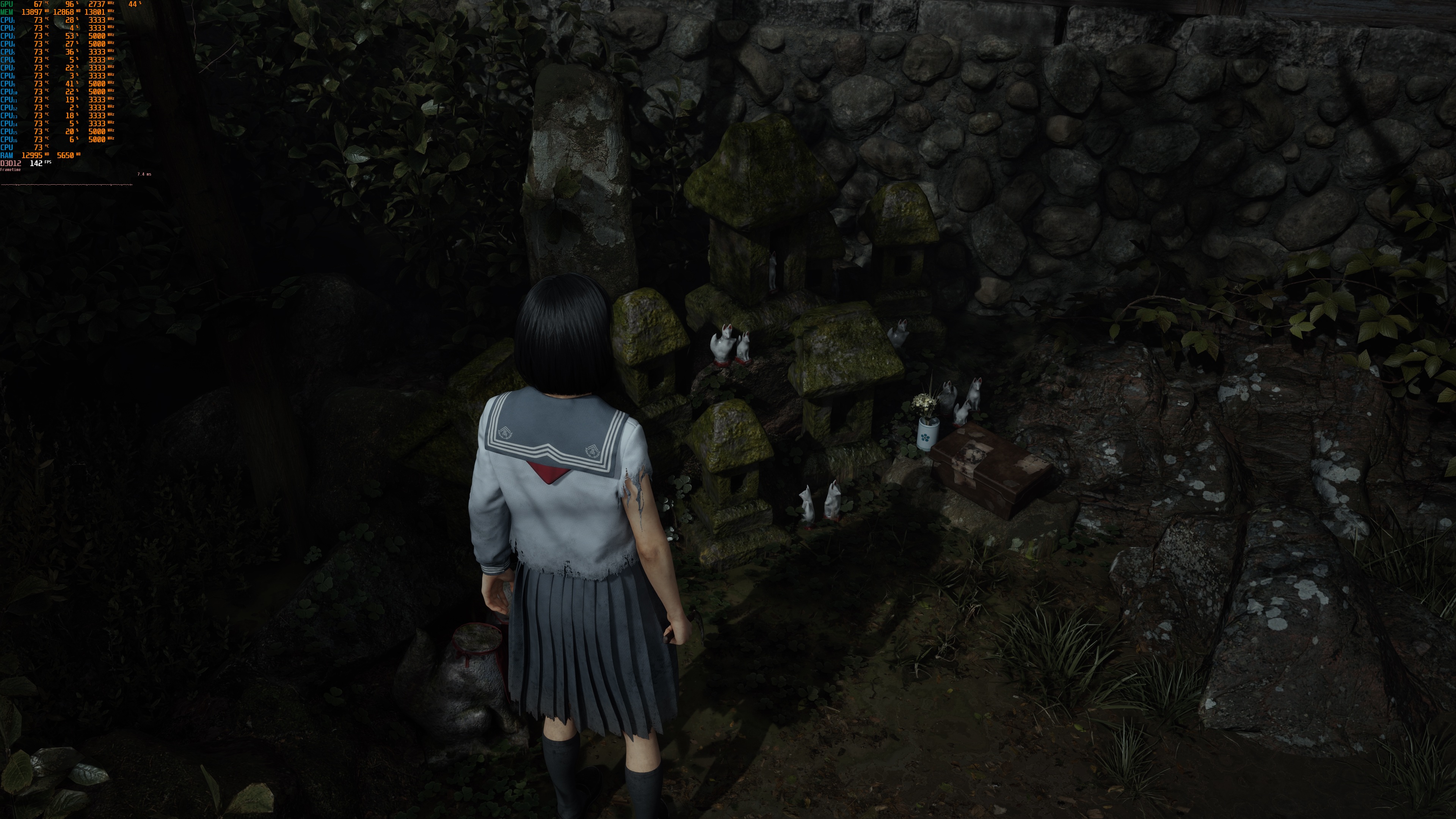
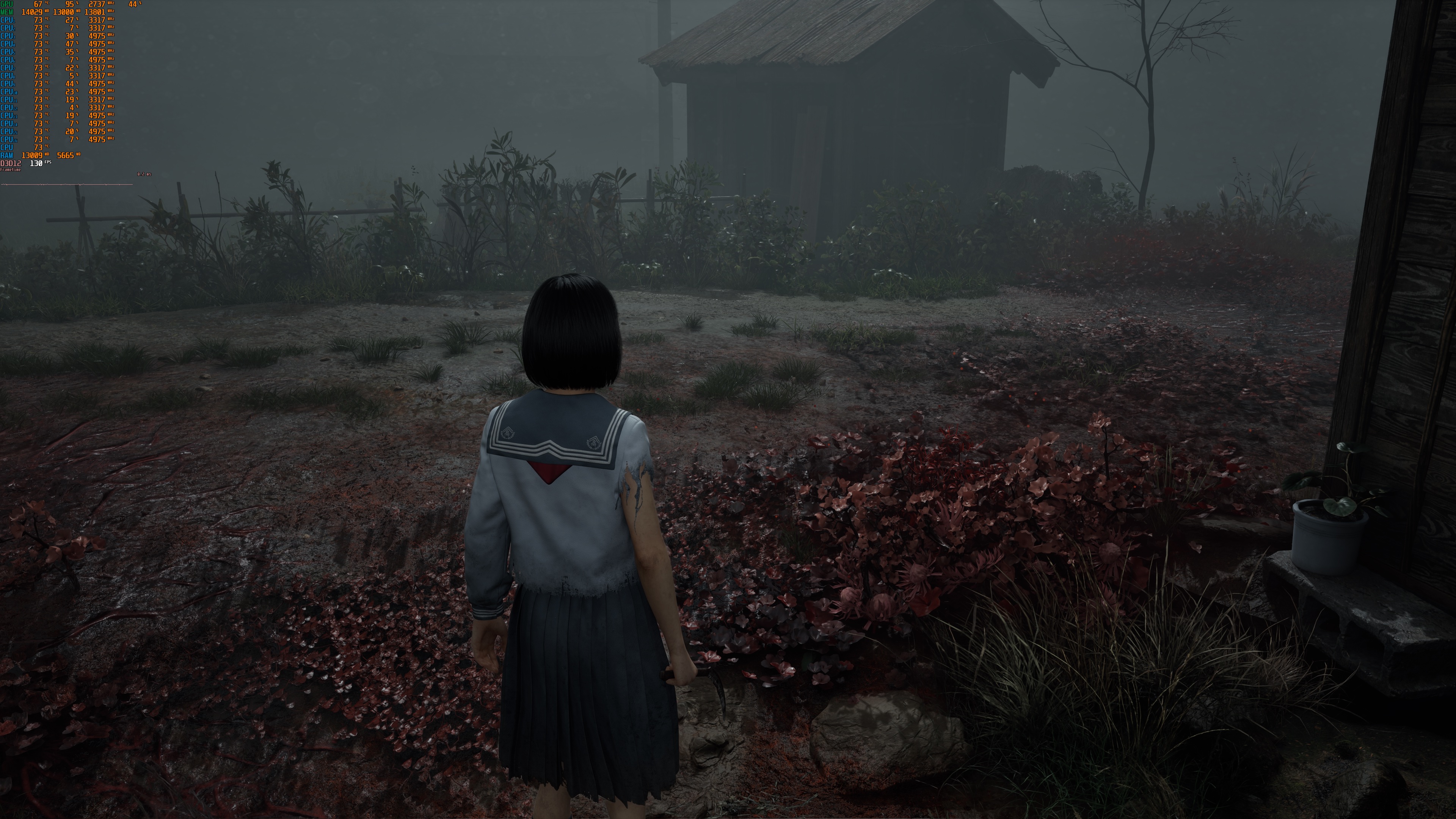
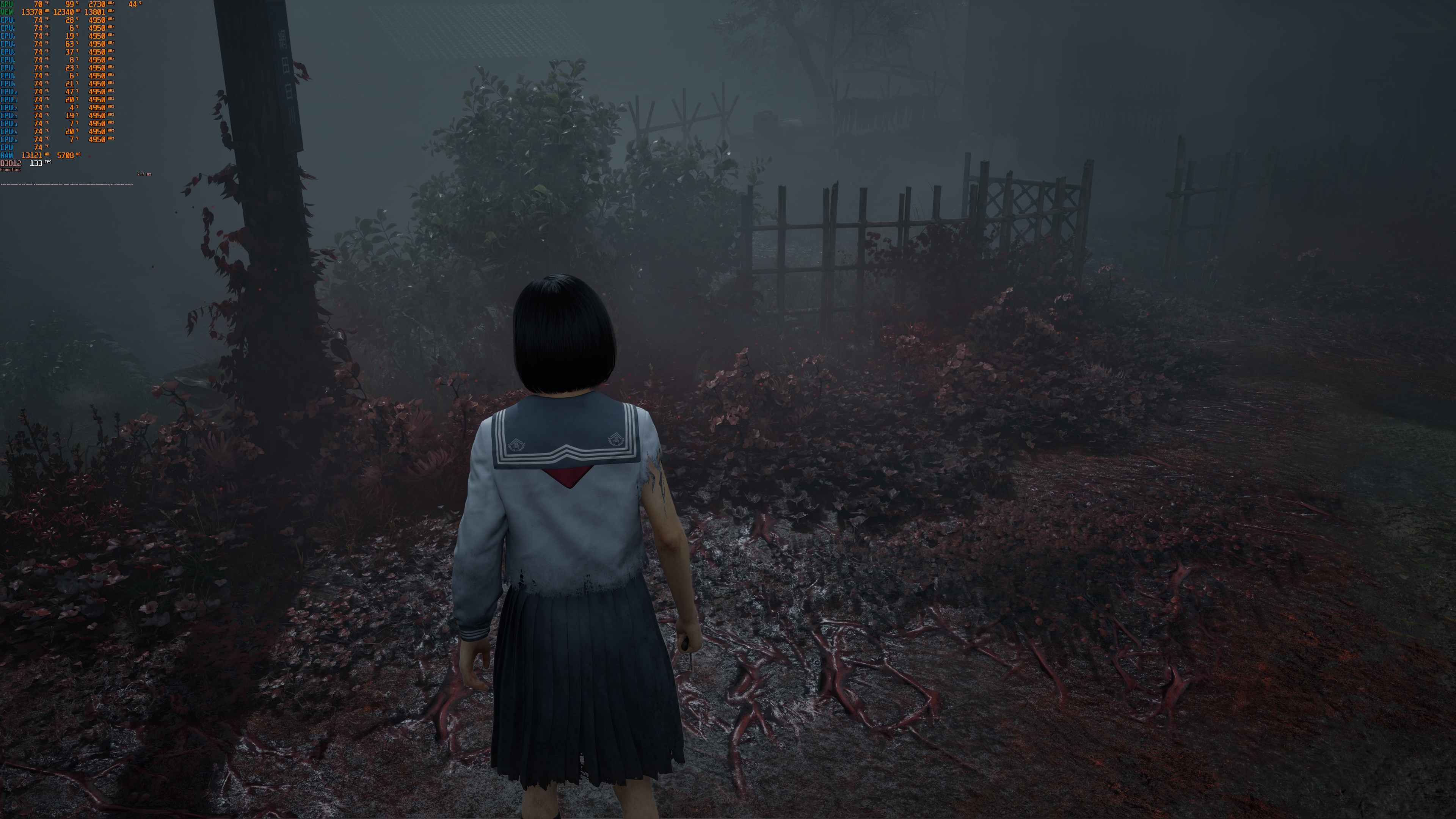
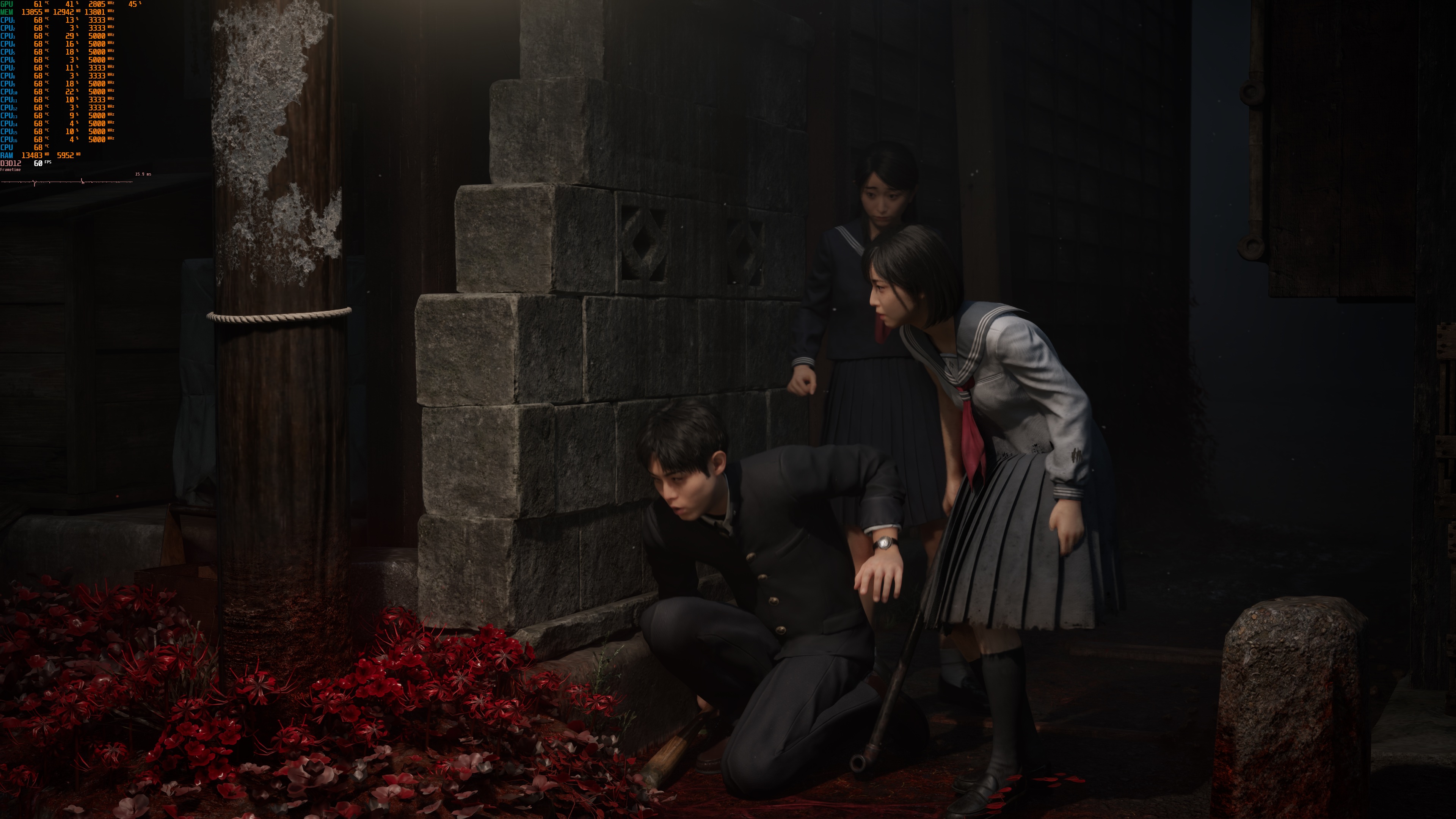
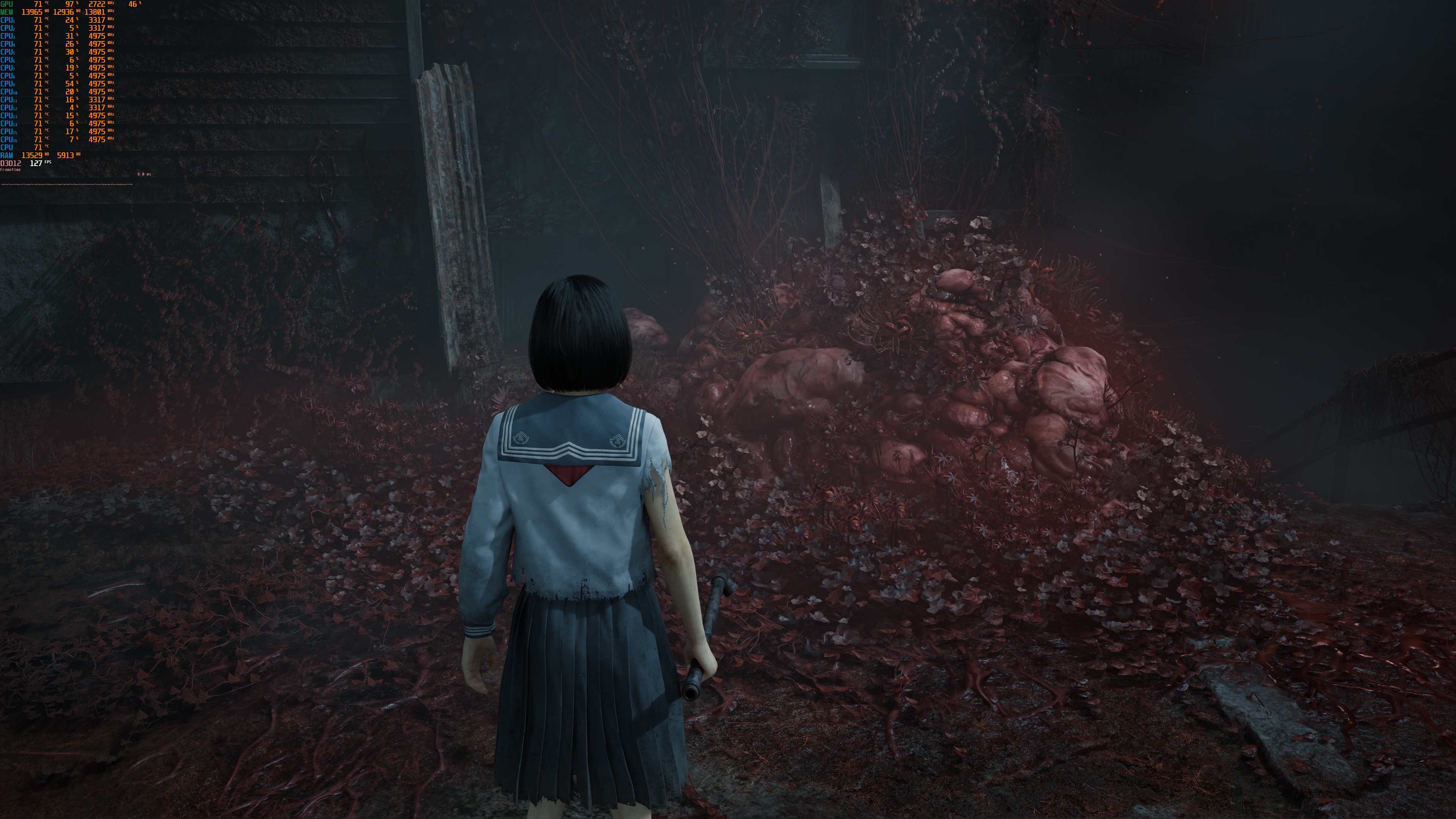
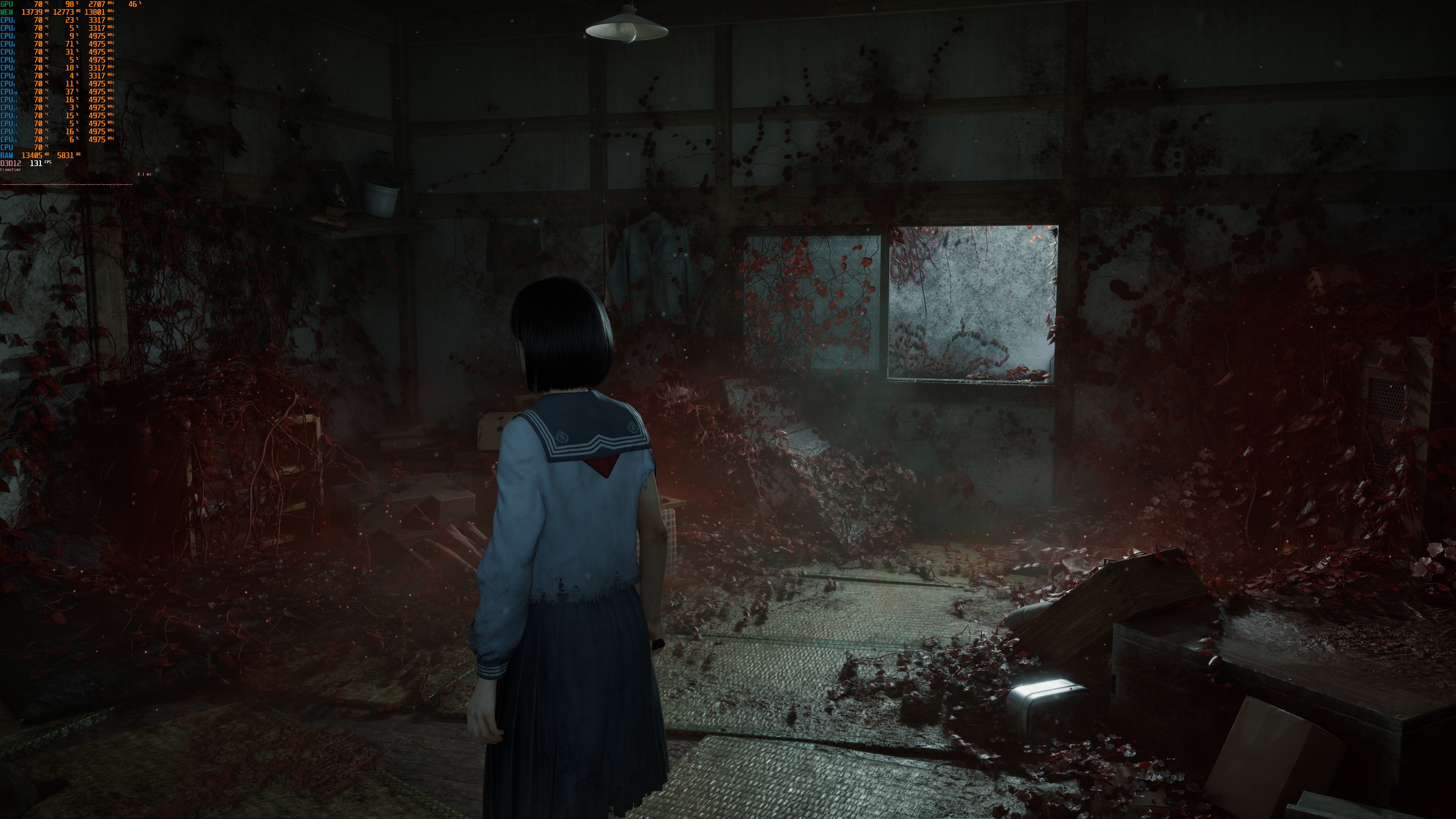
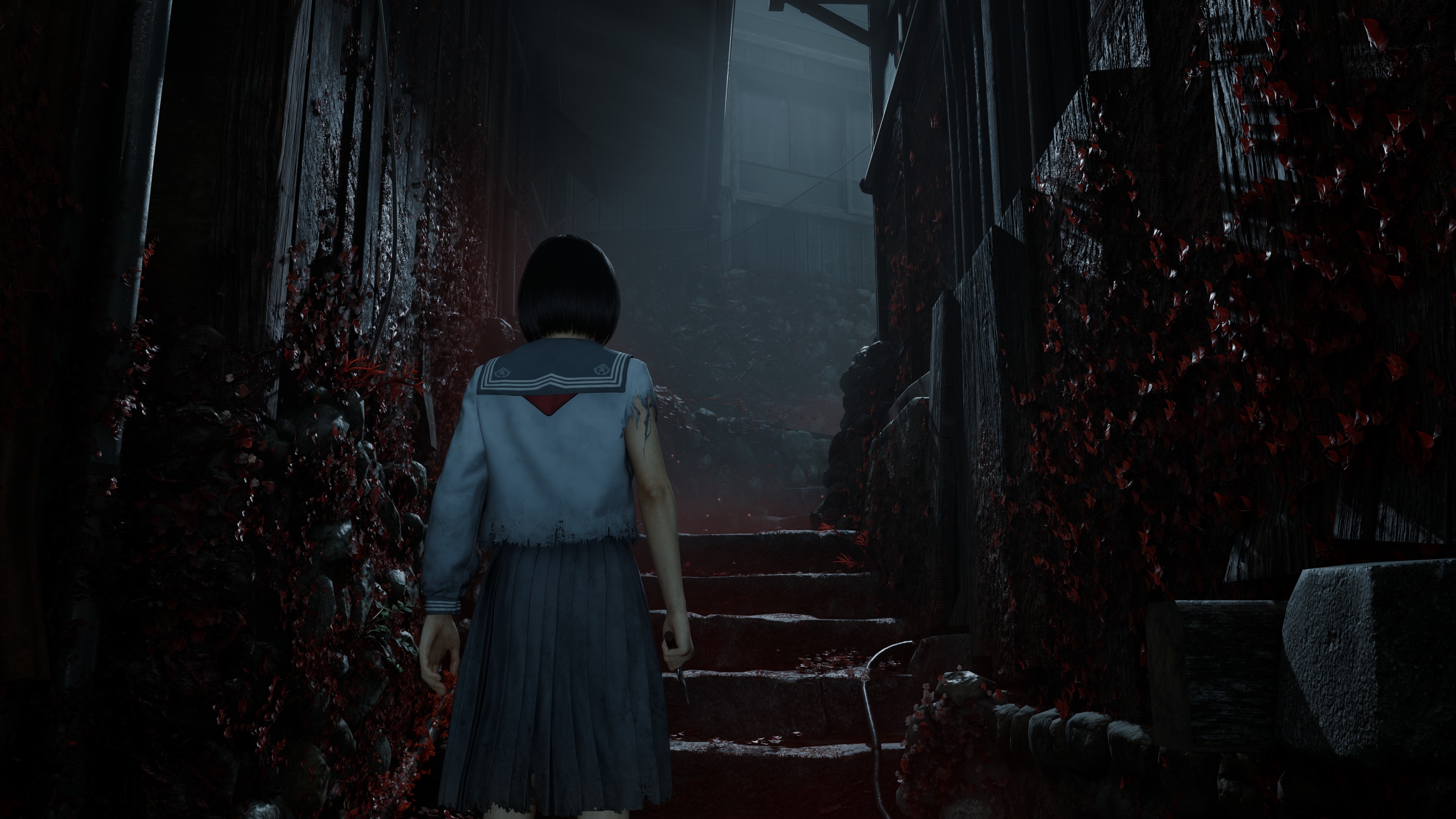
Thankfully, PC gamers can enable the hidden “True Epic” settings. With these settings, Silent Hill f looks absolutely gorgeous. With these hidden settings, Silent Hill f becomes a visual showcase. It becomes one of the best-looking games. Yes, these settings come with a big performance hit. But the visual improvement is huge. So, if you have a high-end GPU, I highly recommend enabling them. The screenshots at the end of the article are with those settings. Just look at them.
You might be wondering why the devs hid these settings. The reason is simple: they are too demanding for most GPUs. Many PC players like to instantly max out all settings, and then complain when the game doesn’t run smoothly. To avoid all that backlash, the devs chose to hide them. It’s just like the old Crysis days, when players complained they couldn’t run the game on Max Settings.
I should also note that the game suffers from some traversal stutters. There are also very few shader compilation stutters. The good news is that they are not as bad as those we saw in Silent Hill 2 Remake. Or in Oblivion Remastered.
Before closing, I should comment on the DLSS 4 Multi-Frame Gen Mod. I’ve tried it, but sadly, this mod introduces major stuttering issues. Thus, you should avoid it. At least for now. I’ve also tried Smooth Motion, and it was actually great. This is most likely because I was already getting over 60FPS at Native 4K. Smooth Motion will also double the framerate of the cut-scenes. So, you won’t have to rely on Lyall’s SHfFix. The only downside of Smooth Motion is that it brings some flickering issues on QLED and OLED monitors during the cutscenes. They are not severe. Still, most of you will notice them.
Overall, Silent Hill f runs and looks great on PC. In fact, it runs better than many other UE5 games. The reason is that the in-game Max Settings are not the real “Epic” settings. Still, this will make a lot of players happy, especially those who want high FPS and don’t notice small visual details. There are some stutters, but they aren’t as bad as those we’ve seen in other UE5 games. Hopefully, the devs will keep working on it and bring more fixes and performance improvements. Also, if you have any crash issues on the NVIDIA GPUs, I suggest using this workaround.
Enjoy!




John is the founder and Editor in Chief at DSOGaming. He is a PC gaming fan and highly supports the modding and indie communities. Before creating DSOGaming, John worked on numerous gaming websites. While he is a die-hard PC gamer, his gaming roots can be found on consoles. John loved – and still does – the 16-bit consoles, and considers SNES to be one of the best consoles. Still, the PC platform won him over consoles. That was mainly due to 3DFX and its iconic dedicated 3D accelerator graphics card, Voodoo 2. John has also written a higher degree thesis on the “The Evolution of PC graphics cards.”
Contact: Email