

Last month, Saber Interactive released the re-imagination of Painkiller. Developed by Anshar Studios and powered by Unreal Engine 4, it’s time to benchmark it and examine its performance on PC.
For our benchmarks, I used an AMD Ryzen 9 7950X3D, 32GB of DDR5 at 6000Mhz, AMD’s Radeon RX 6900XT, RX 7900XTX, RX 9070XT, as well as NVIDIA’s RTX 2080Ti, RTX 3080, RTX 4090, RTX 5080, and RTX 5090. I also used Windows 10 64-bit, the GeForce 581.57, and the Radeon Adrenalin Edition 25.9.2 drivers.
Anshar Studios has added a few graphics settings to tweak.PC gamers can adjust the quality of Distance, Textures, Shadows, and more. There is also a FOV slider. Curiously enough, the game only supports Intel XeSS 2.0. There is no support for NVIDIA DLSS or AMD FSR.
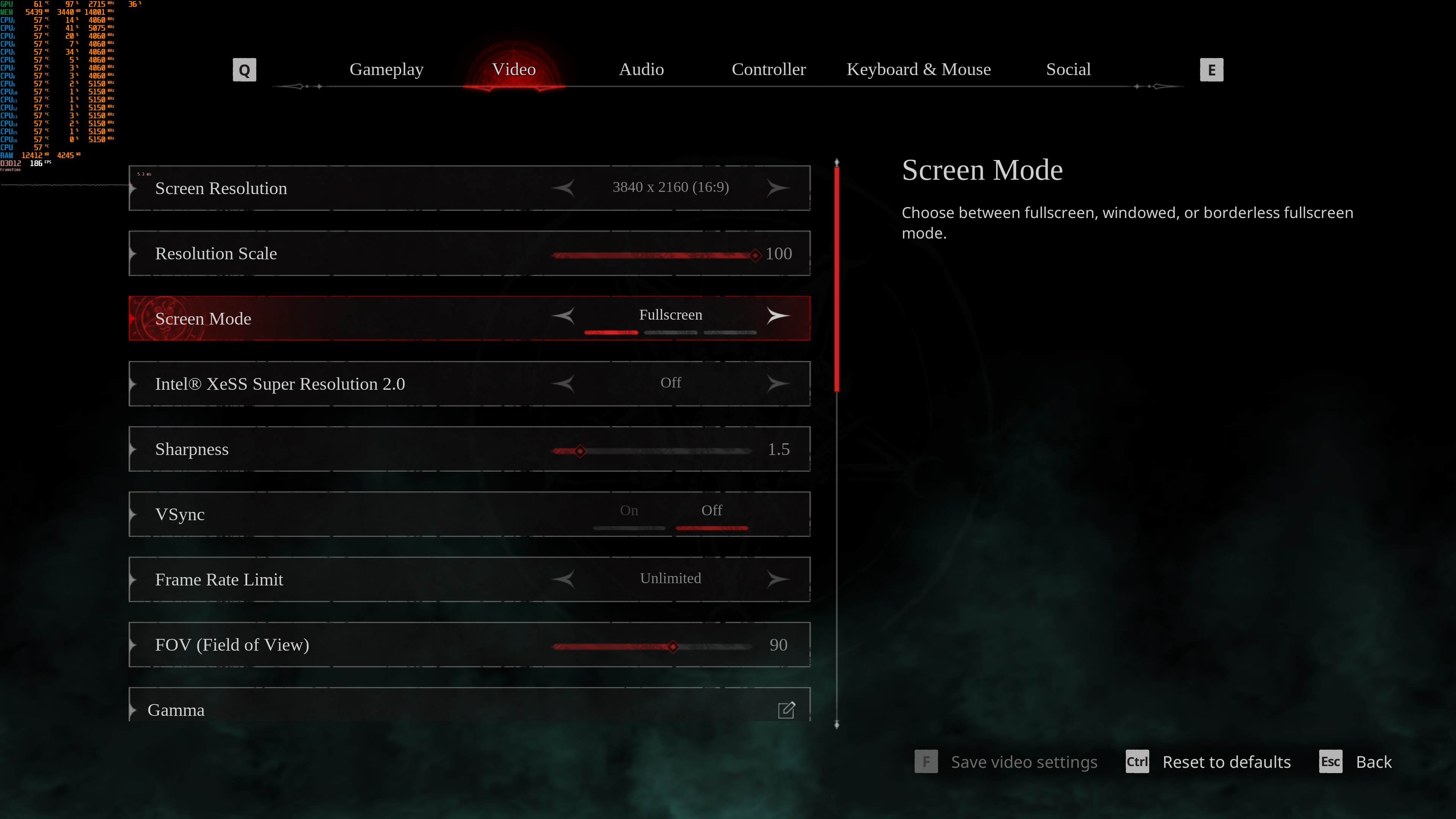
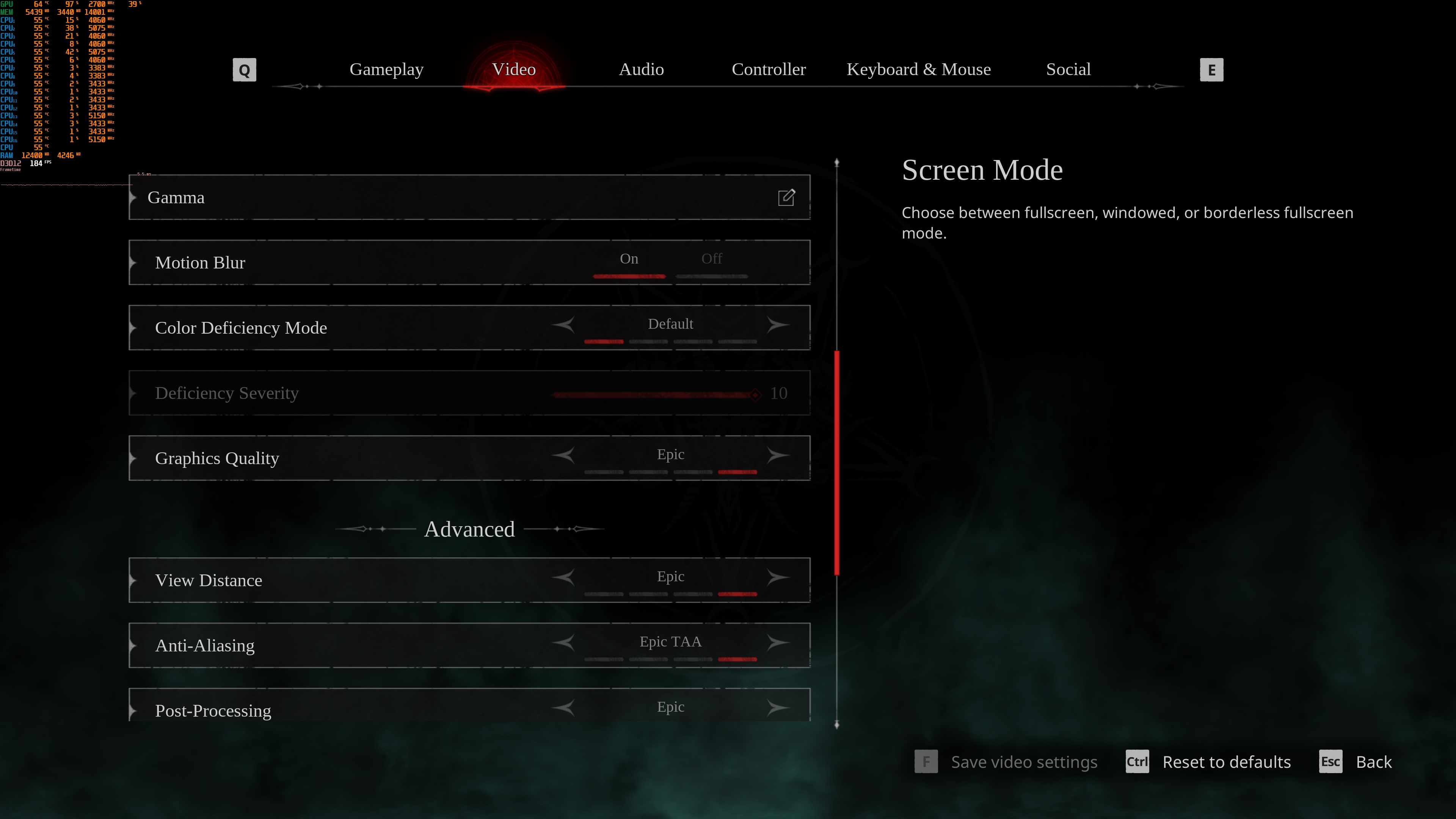
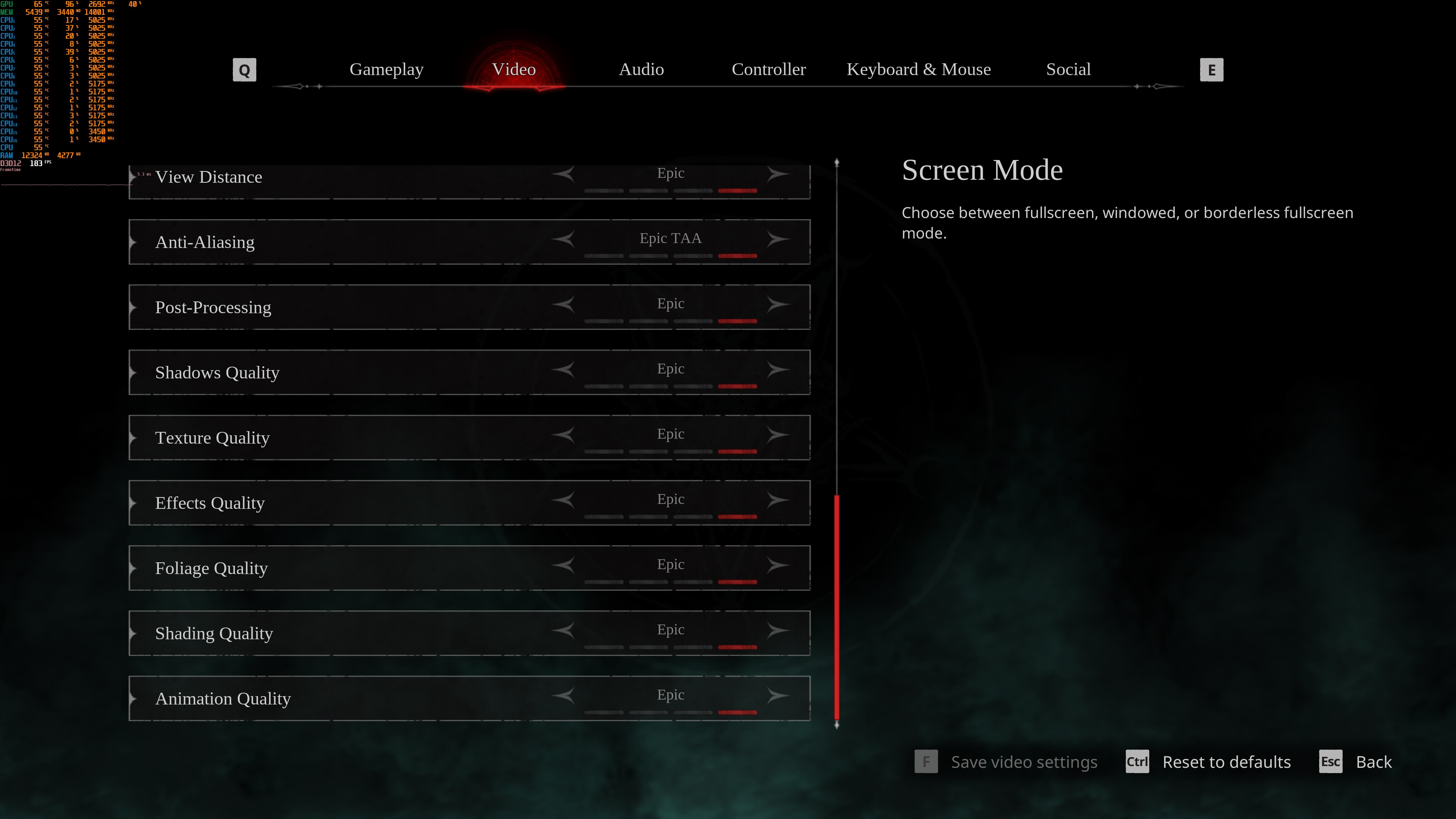
Painkiller does not feature a built-in benchmark tool. So, for our benchmarks, I used the main hub area. There was an area that could be almost as demanding as other areas in which the player is fighting a lot of enemies. So, it should give us a pretty good idea of how the rest of it runs.
Painkiller is mainly a GPU-bound title, and it can run smoothly on a wide range of GPUs. At Native 1080p/Epic Settings, all of our GPUs were able to push framerates over 120FPS. Even our NVIDIA RTX 2080Ti was able to push framerates over 150FPS at all times.

What’s interesting here is the performance of the AMD Radeon RX 9070XT. Right now, this GPU performs horribly in Painkiller. Here are two screenshots. The one on the left is from the AMD Radeon RX 9070XT, and the one on the right is from the AMD Radeon RX 6090XT. Yup, these are the right labels. The RX 6900XT actually runs the game better than the RX 9070XT. This is clearly a driver issue, so hopefully AMD will address it in a new driver.
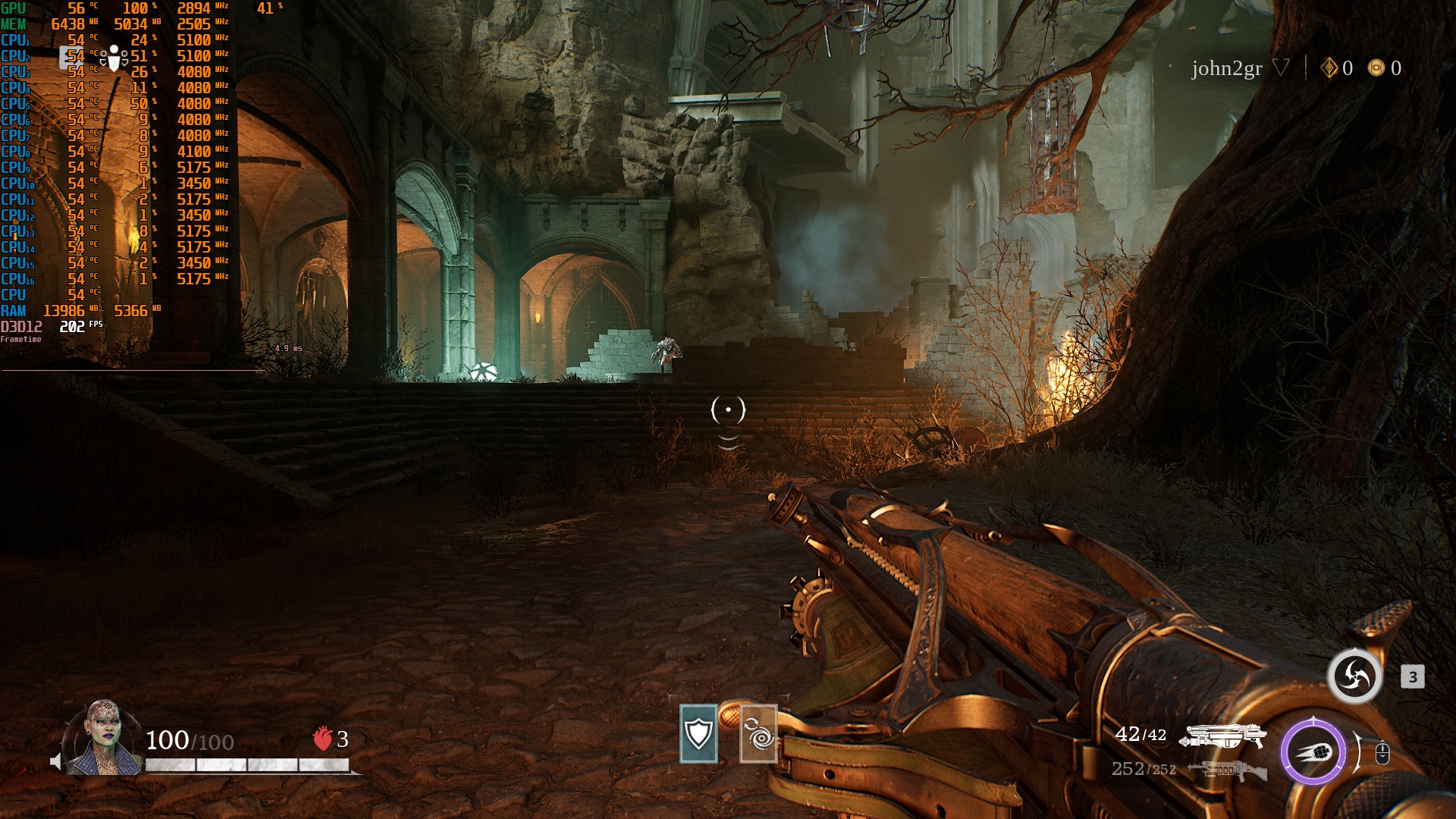
At Native 1440p, all of our GPUs can push framerates over 100FPS. As for Native 4K/Epic, all of our GPUs can provide a 60FPS experience. Yes, even the NVIDIA RTX 2080Ti can run this UE4 game with over 60FPS at all times.


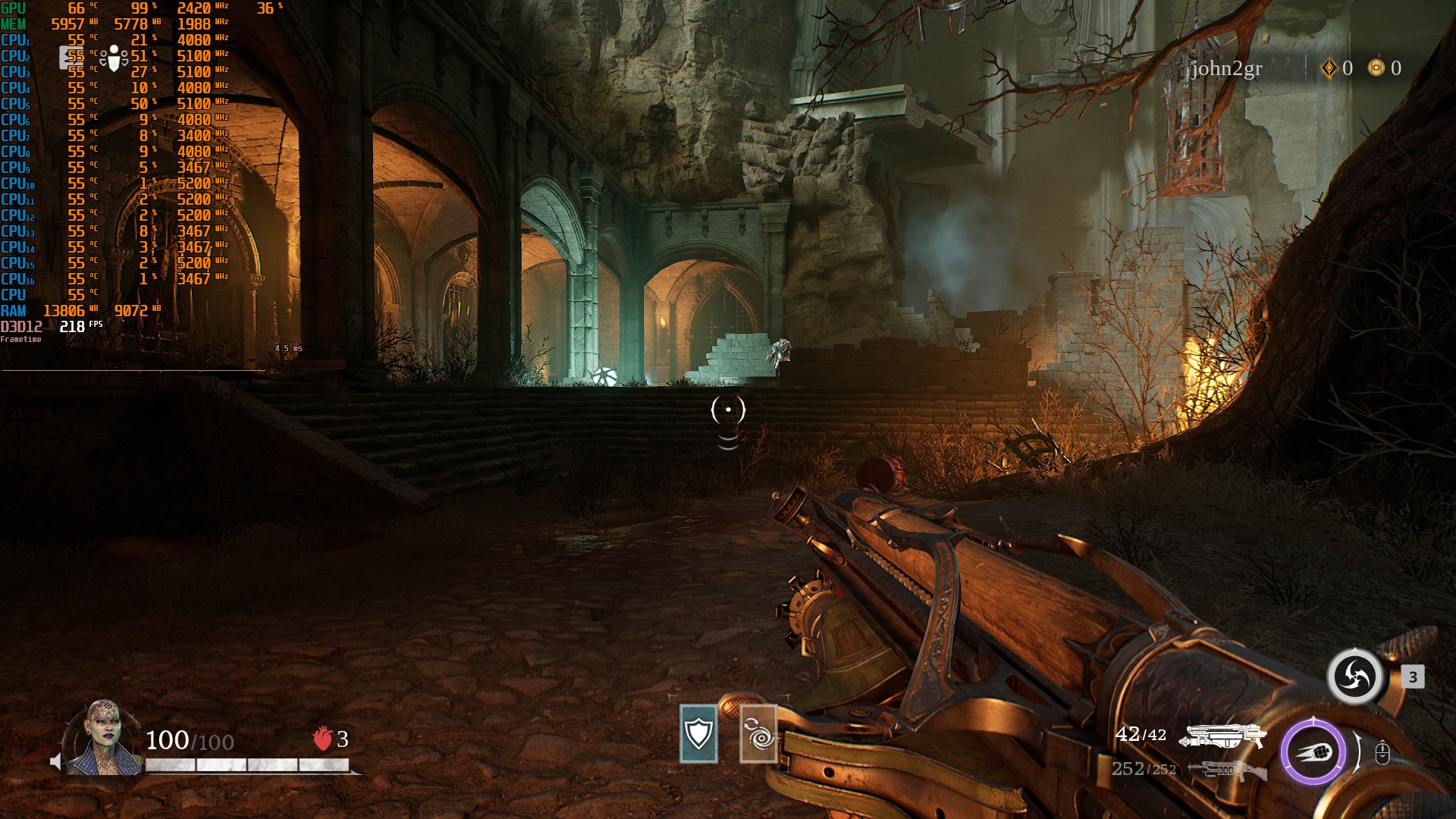
Now, while performance is truly incredible, the game’s visuals are nothing worth writing about. This looks and feels like an old-gen game. There are at least some cool dismemberment and gory effects. The game can also display a lot of enemies on screen. Overall, it looks great, but there is nothing here to “wow” you. But hey, at least it runs with high framerates on a huge range of GPUs.
Sadly, Painkiller suffers from some traversal stutters. They are not as annoying as those we’ve seen in Bloodlines 2 or Oblivion Remastered. Still, most of you will immediately spot them. That’s a bummer, as this is another Unreal Engine game that suffers from traversal stutters. At least we don’t have any shader compilation stutters.
Another weird issue is the momentary performance degradation that sometimes occurs. As you will see in the video, at random times, performance can drop for no apparent reason. Then, after one or two seconds, performance goes up to what it should be. I don’t know what’s causing this, but this is something the devs should fix.
All in all, Painkiller will run with high framerates on a lot of GPUs. This is a game that a lot of PC gamers will be able to enjoy, even those with really dated GPUs. At the same time, its visuals are not that impressive. Still, this is a UE game that can run with over 60FPS, even on an RTX 2080Ti at Native 4K/Epic Settings. So, you see? Unreal Engine is not the problem.
Enjoy and stay tuned for more!


John is the founder and Editor in Chief at DSOGaming. He is a PC gaming fan and highly supports the modding and indie communities. Before creating DSOGaming, John worked on numerous gaming websites. While he is a die-hard PC gamer, his gaming roots can be found on consoles. John loved – and still does – the 16-bit consoles, and considers SNES to be one of the best consoles. Still, the PC platform won him over consoles. That was mainly due to 3DFX and its iconic dedicated 3D accelerator graphics card, Voodoo 2. John has also written a higher degree thesis on the “The Evolution of PC graphics cards.”
Contact: Email