
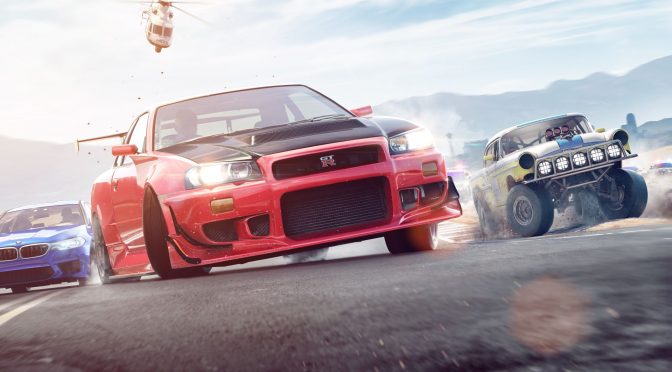
Need For Speed Payback is the latest part in the NFS series. Like its predecessor, Need for Speed Payback is powered by the Frostbite 3 Engine and the PC version comes with an unlocked framerate. As such, it’s time now to benchmark this new NFS game and see how it performs on the PC platform.
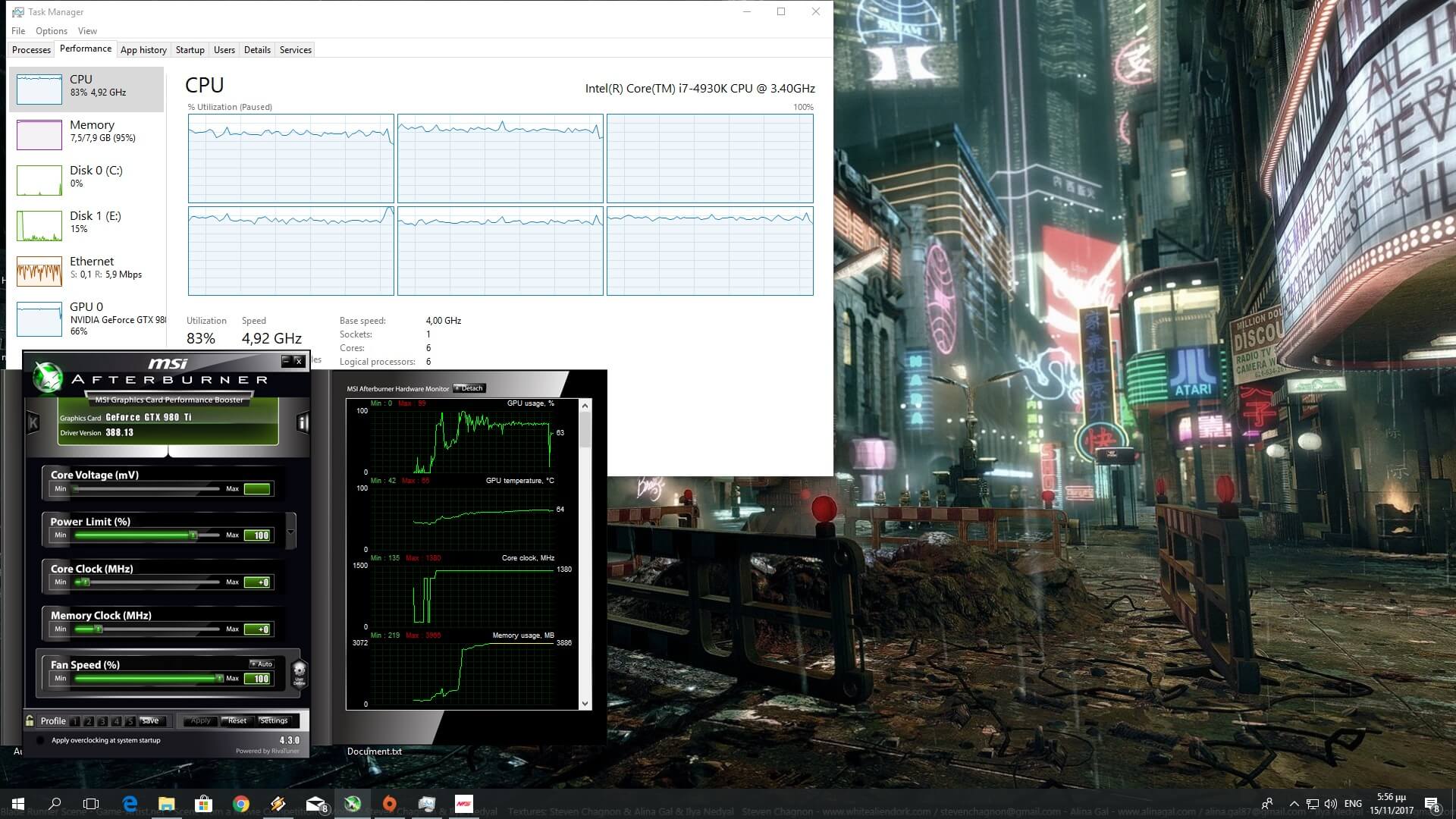
For this PC Performance Analysis, we used an Intel i7 4930K (overclocked at 4.2Ghz) with 8GB RAM, AMD’s Radeon RX580, NVIDIA’s GTX980Ti and GTX690, Windows 10 64-bit and the latest version of the GeForce and Catalyst drivers. Need for Speed Payback does not currently support SLI. While NVIDIA has added a custom SLI profile, its compatibility bits are similar to those for Batman: Arkham Knight and Just Cause 3; games that do not support SLI. As such, the game did not scale on our GTX690.
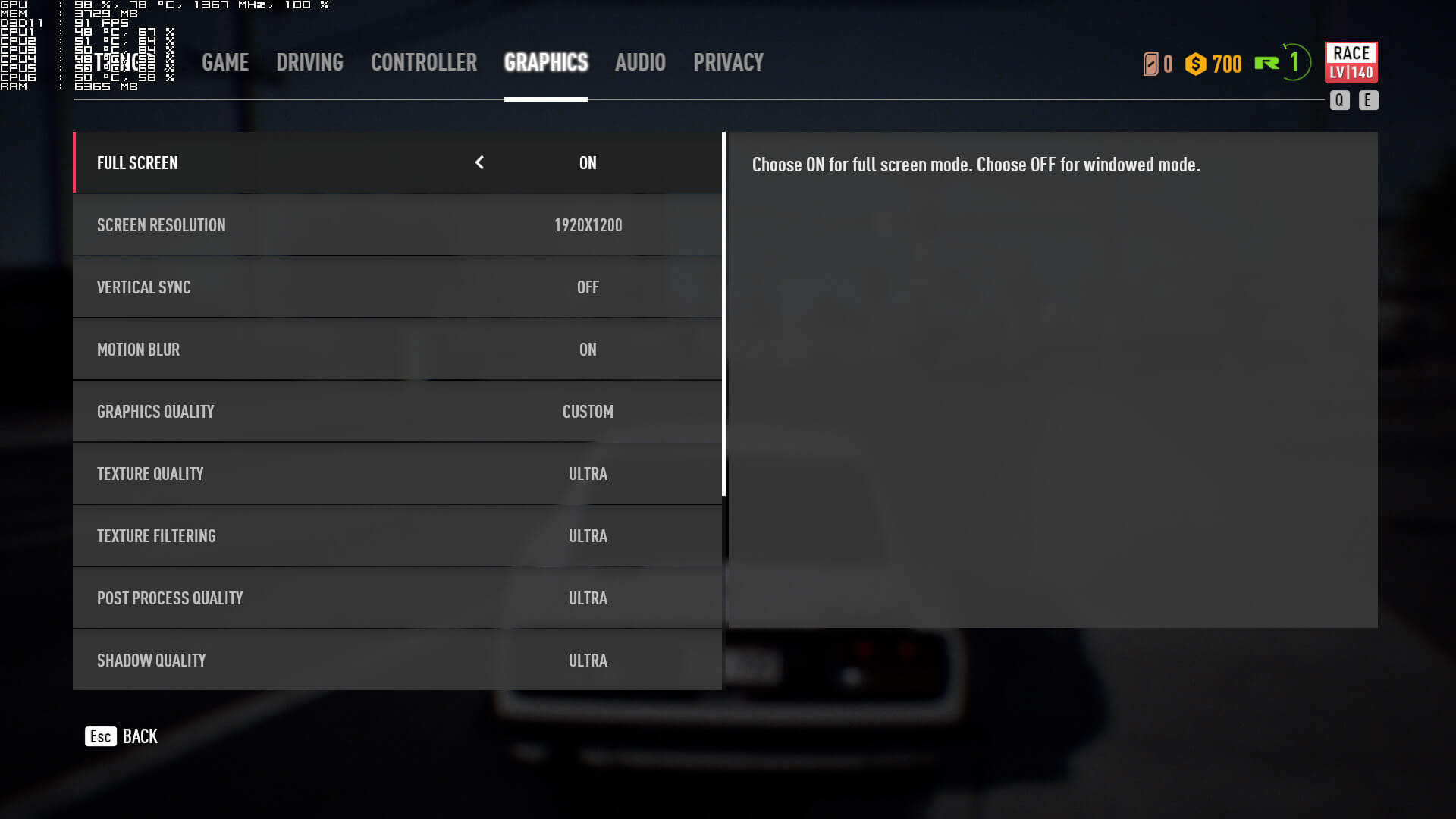
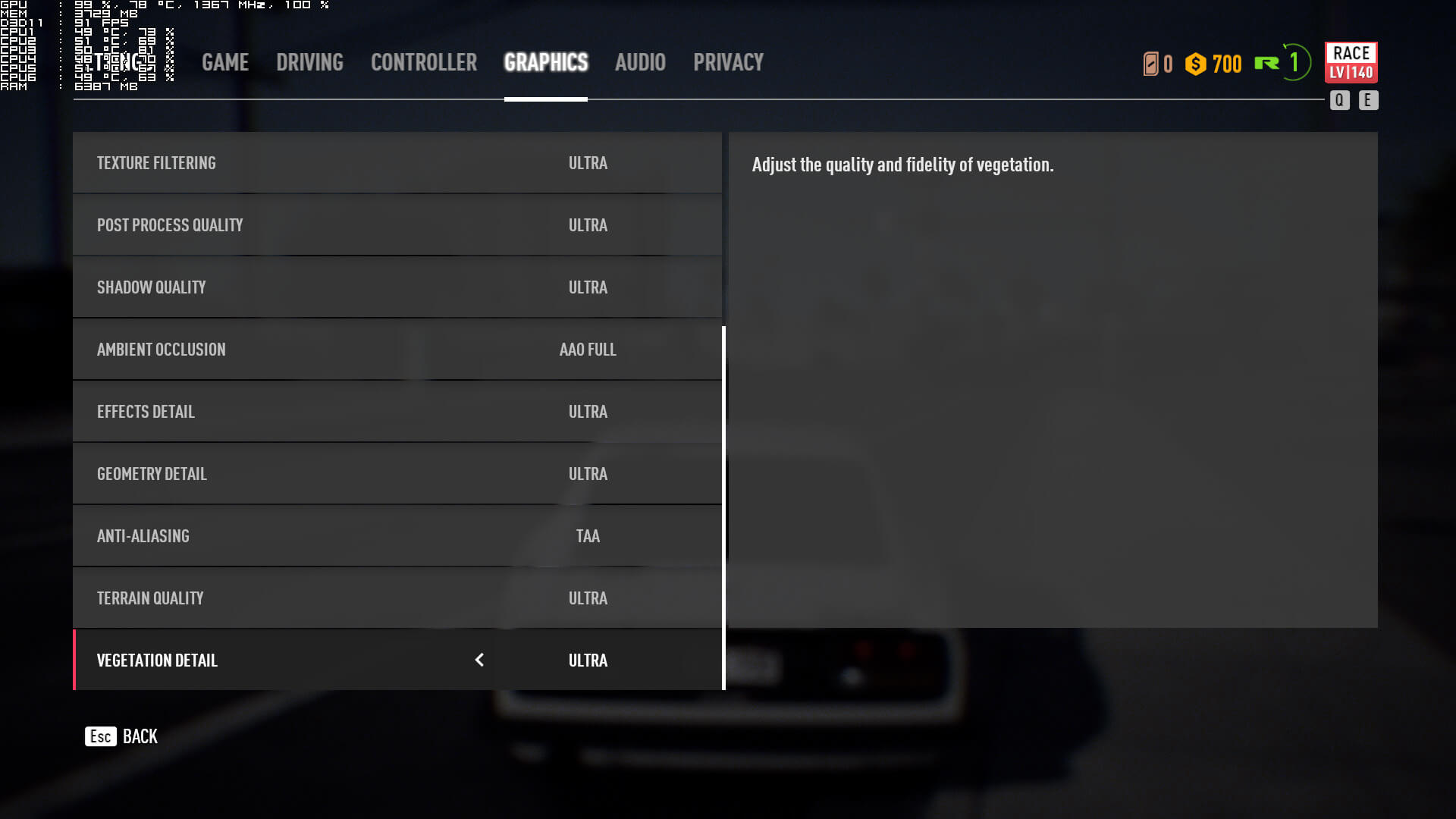
Ghost Games has added a few graphics settings to tweak. PC gamers can adjust the quality of Textures, Texture Filtering, Post-Process, Shadows, Ambient Occlusion, Effects, Geometry, Anti-Aliasing, Terrain and Vegetation. And that’s it. Moreover, and even though this is a Frostbite 3 game, there is no Render Scale option.
[nextpage title=”GPU, CPU metrics, Graphics & Screenshots”]
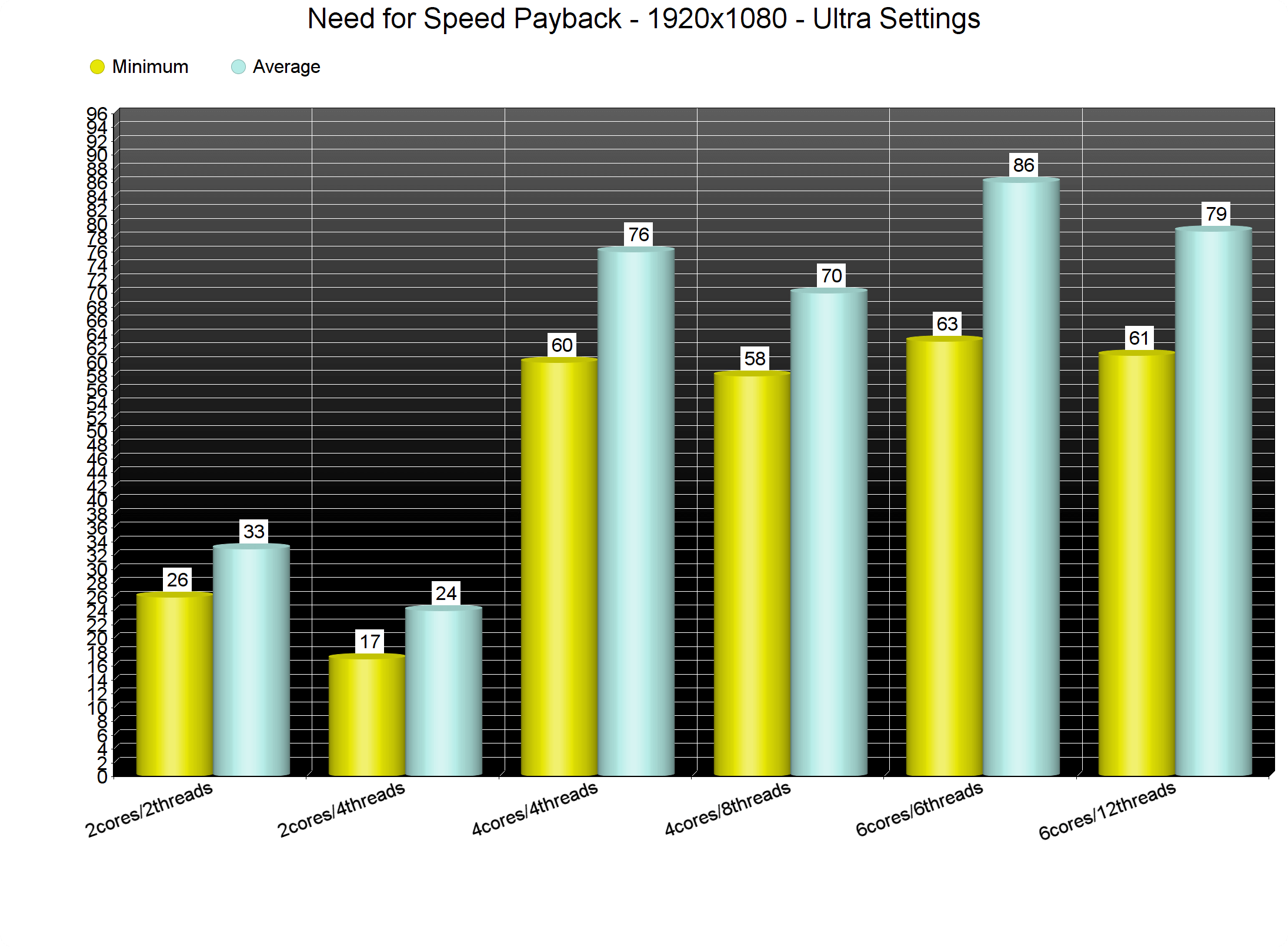
Like its predecessor, Need for Speed: Payback suffers from some CPU optimization issues. In order to find out how the game performs on a variety of CPUs, we simulated a dual-core and a quad-core CPU. And it appears that this new NFS game is one of the few that does not benefit at all from Hyper Threading. Even our simulated dual-core system didn’t see any performance improvements with it. This was a bit unexpected as Frostbite 3 is well known for its CPU multi-threading capabilities.
The good news here is that both our six-core and our simulated quad-core systems were able to offer a constant 60fps experience at 1080p on Ultra settings. That wasn’t possible on the previous NFS game – on our test system – so at least Ghost Games has made some improvements to it. Still, the game seems to rely heavily on the CPU and we seriously don’t know why. After all, we’ve seen other open-world games, featuring more vehicles and pedestrians, running significantly faster than it. It’s worth noting that Need for Speed Payback uses the Denuvo anti-tamper tech. Whether this has anything to do with the increased CPU usage is something that only Ghost Games really knows. In short, we don’t know what is eating all the CPU resources, however we are certain that the game would benefit from further optimizations.
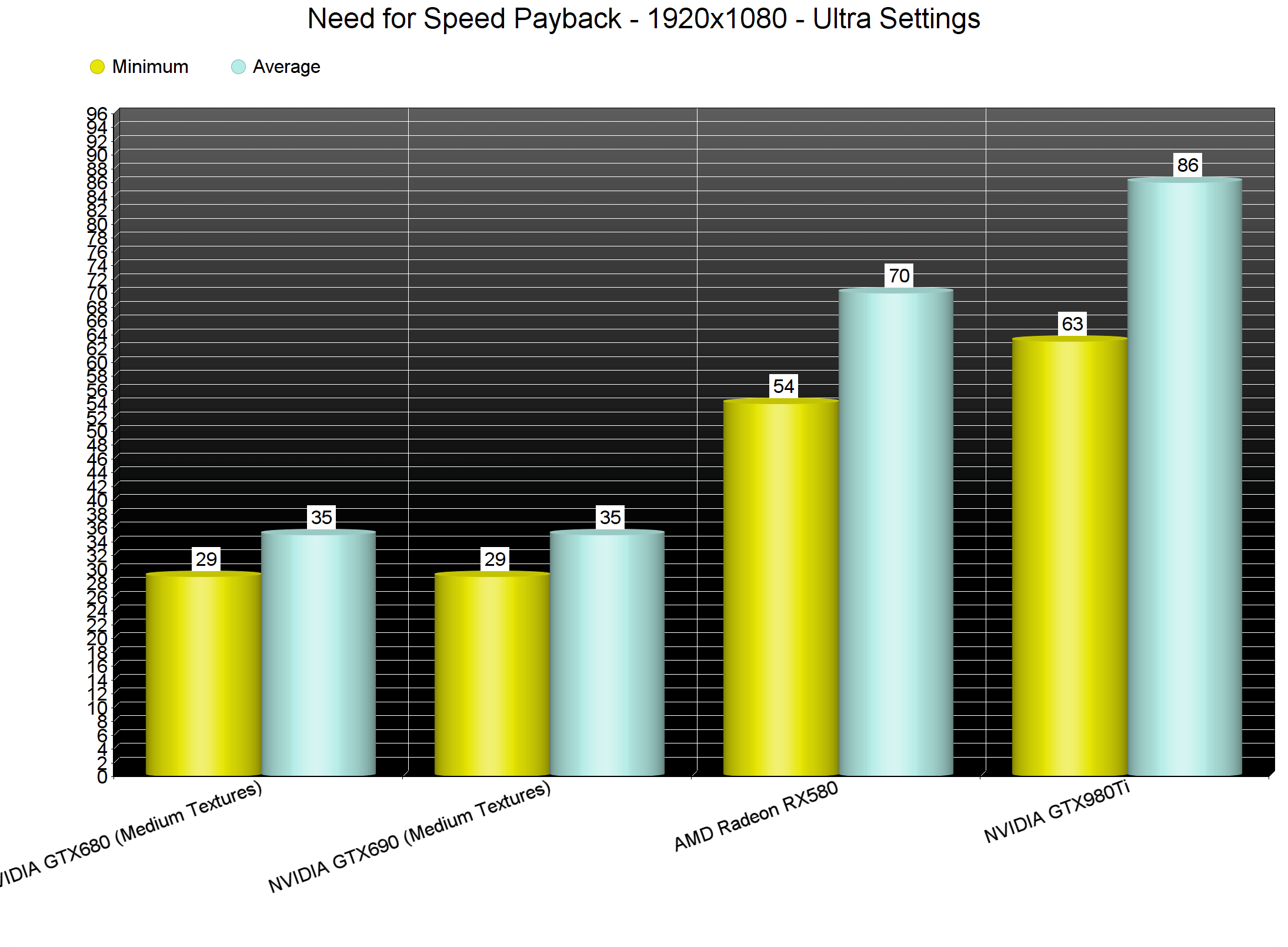
On the other hand, Need for Speed Payback can be enjoyed on a variety of graphics cards. Our GTX980Ti had no trouble running the game with constant 60fps at 1080p on Ultra settings. At 1440p, we did notice some slight drops below 60fps, though for the most part the game ran smoothly. In 4K, our GTX980Ti was able to offer a better gaming experience than current-gen consoles. However, the menus were a bit sluggish due to VRAM limitations. As for the Radeon RX580, AMD’s GPU was able to run the game with a minimum of 52fps and an average of 70fps at 1080p on Ultra settings. Last but not least, our GTX690 ran the game with a minimum of 29fps and an average of 35fps. Do note that we had to lower our Textures to Medium on that particular GPU so we could avoid any VRAM limitations.
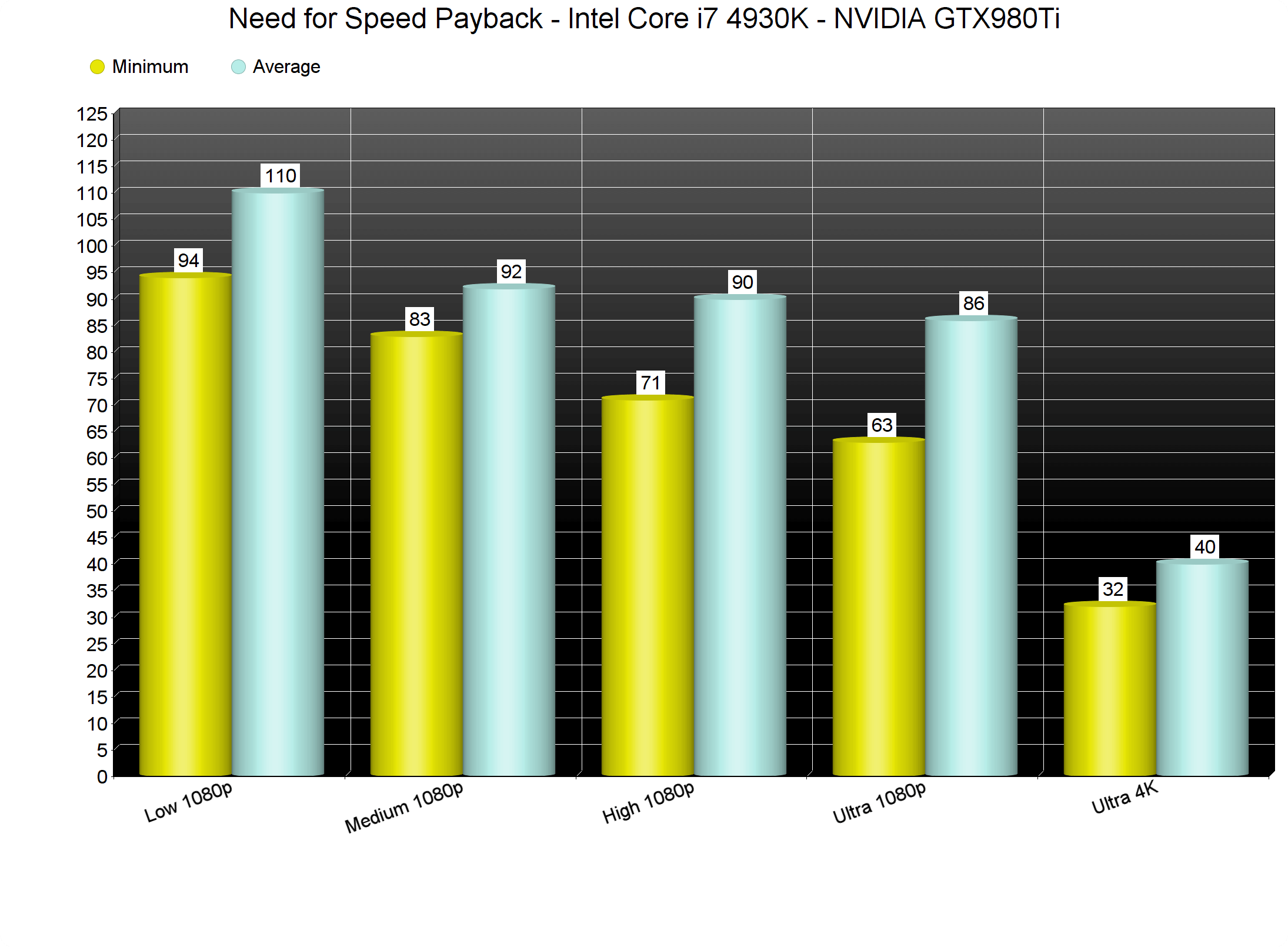
Need for Speed Payback comes with four presets: Low, Medium, High and Ultra. Now while the game is CPU-bound, there are some options that affect both the CPU and the GPU. These are Geometry, Vegetation and Terrain. As such, we strongly suggest lowering these if you are bottlenecked by your CPU. On Low settings, our GTX980Ti was underused and run the game with a minimum of 94fps and an average of 110fps. So while there are some performance differences between Low and Ultra settings, the game does not scale as good as we’d hoped.
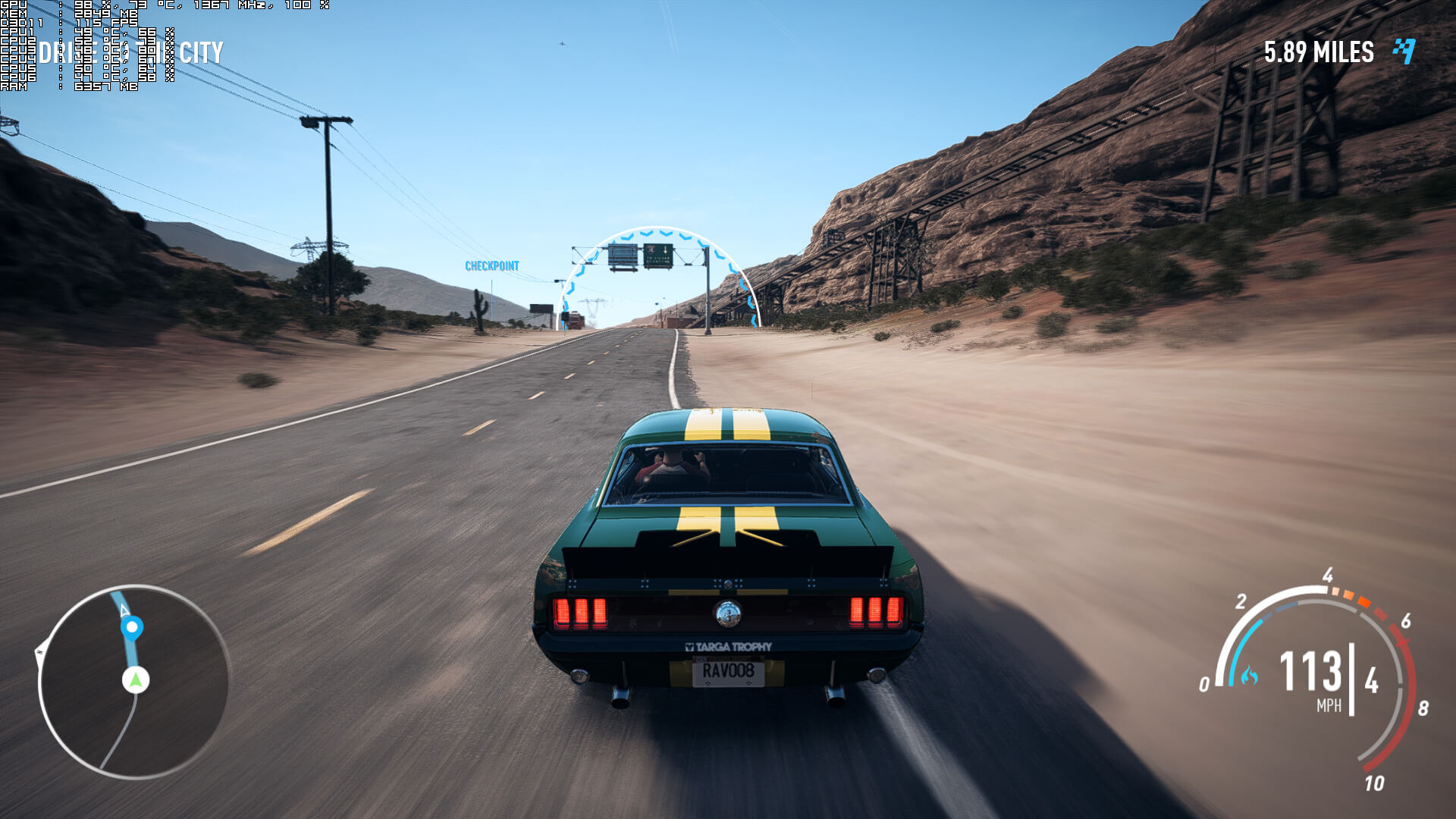
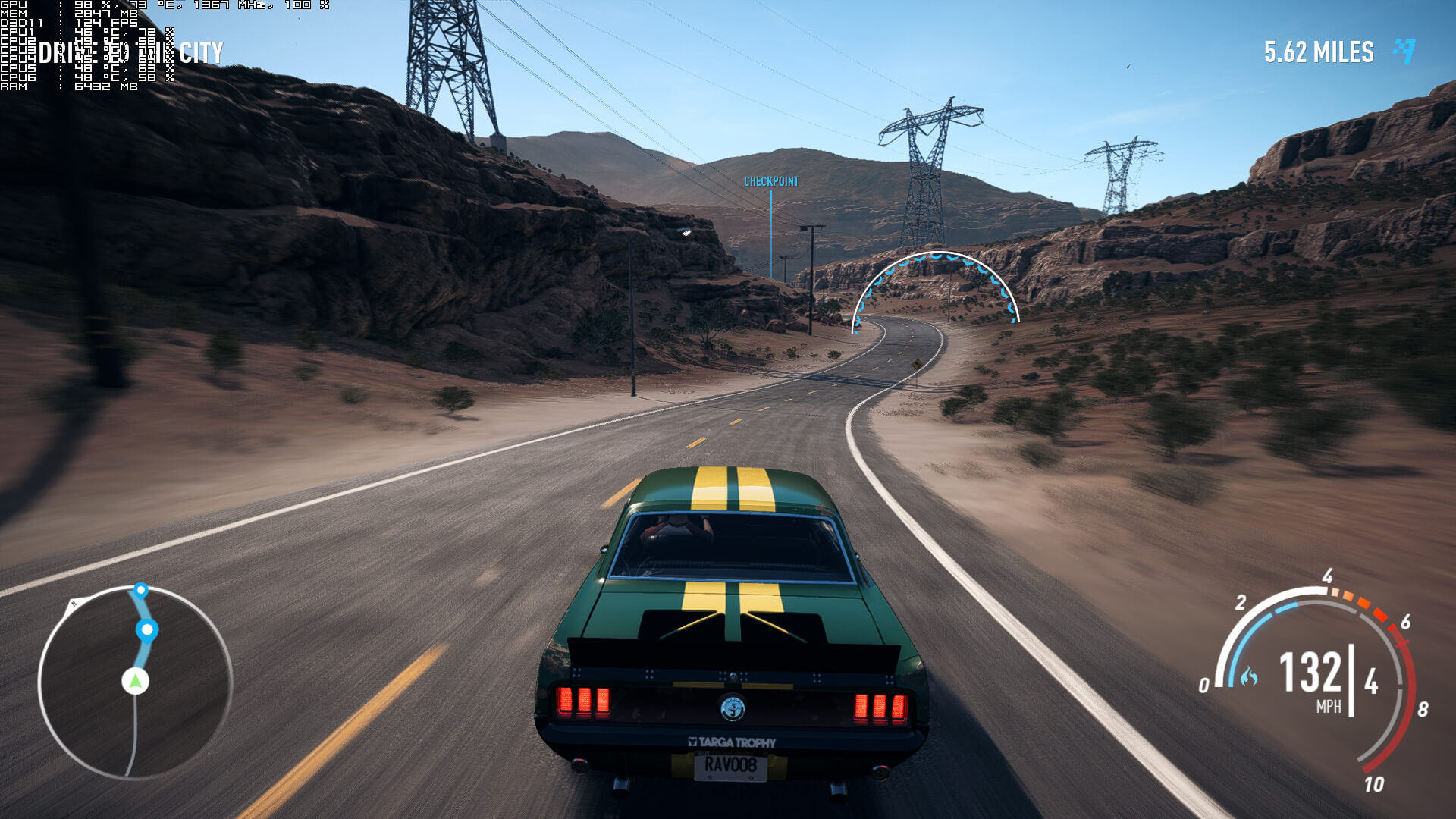
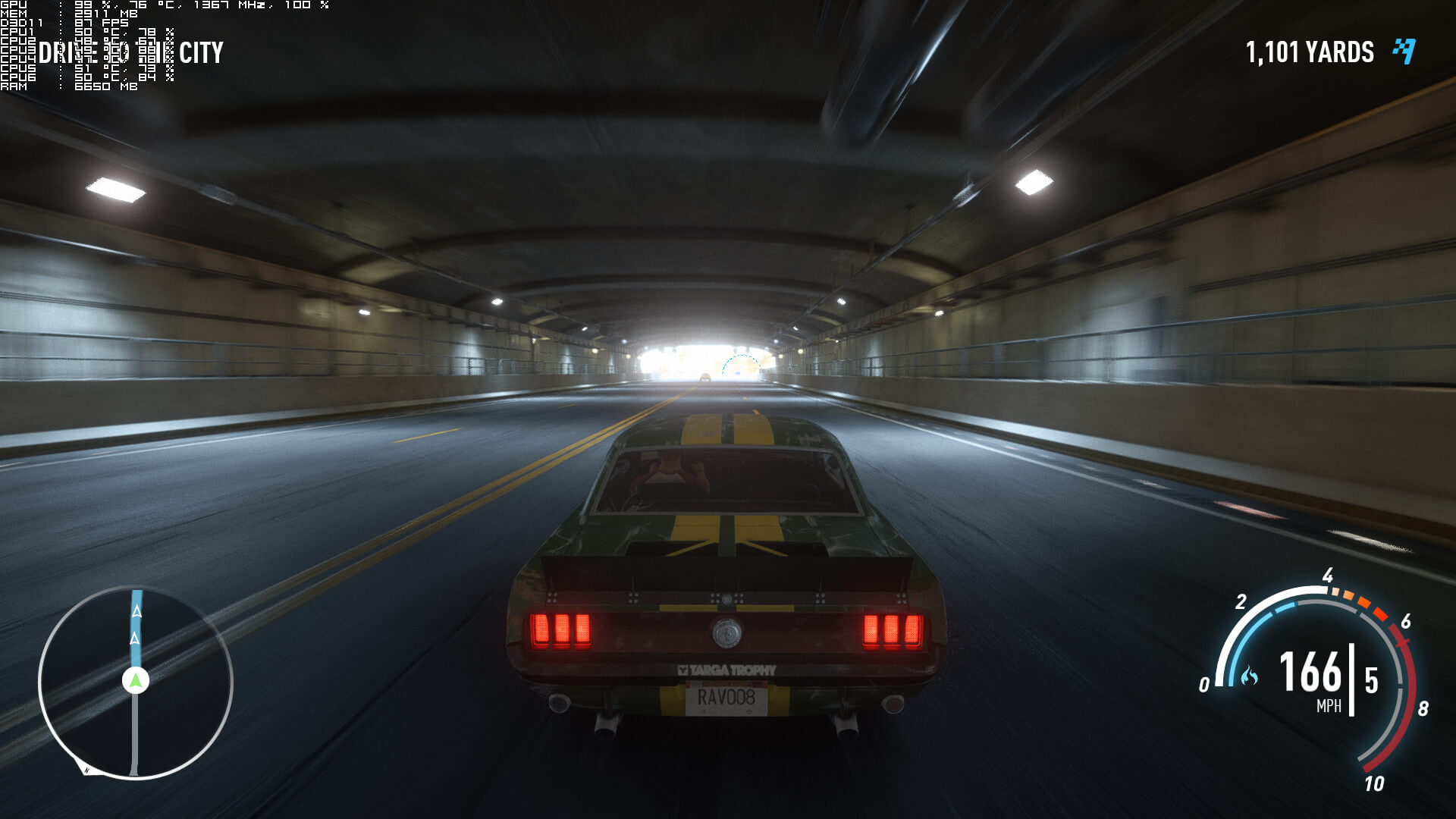
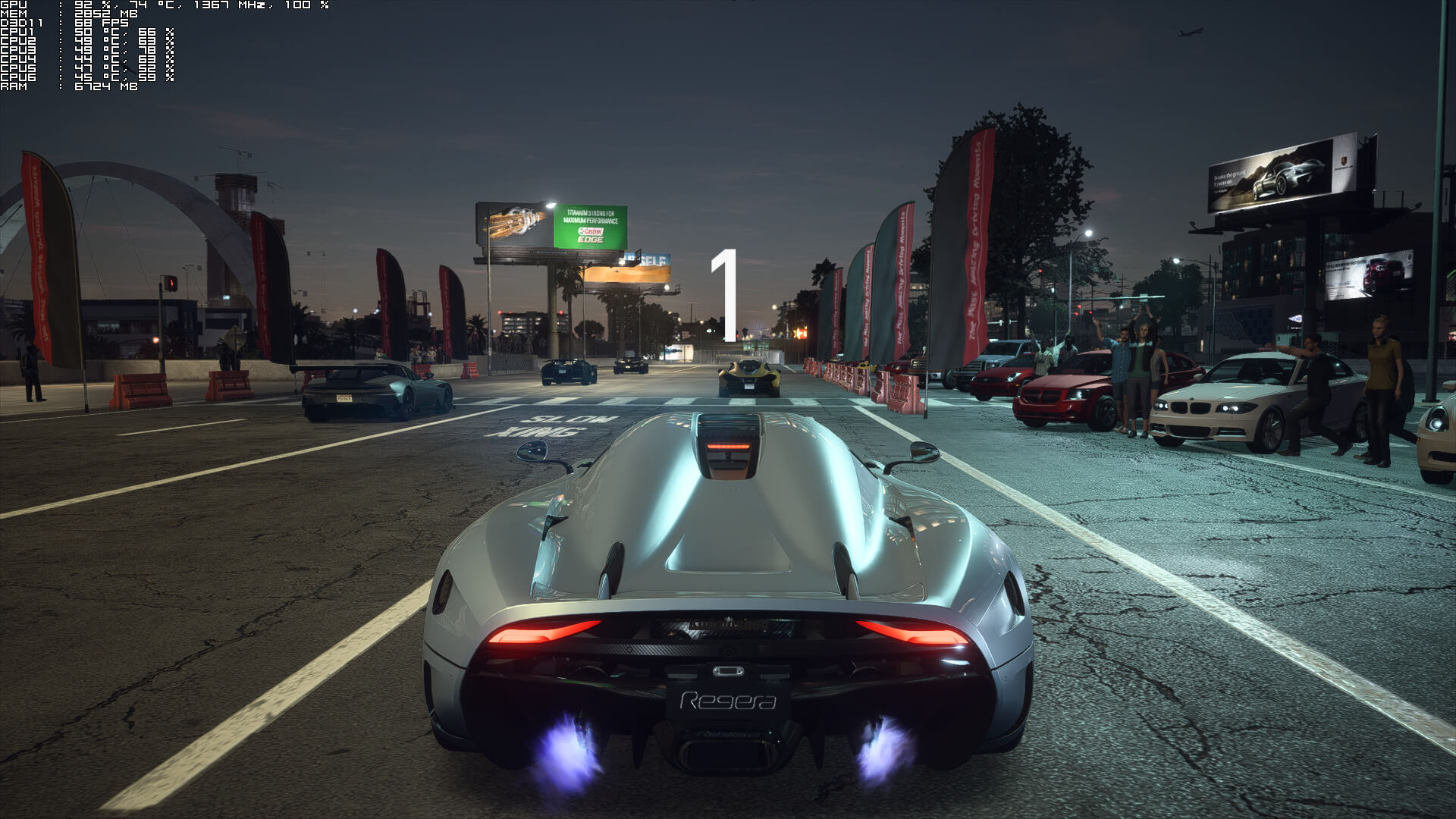
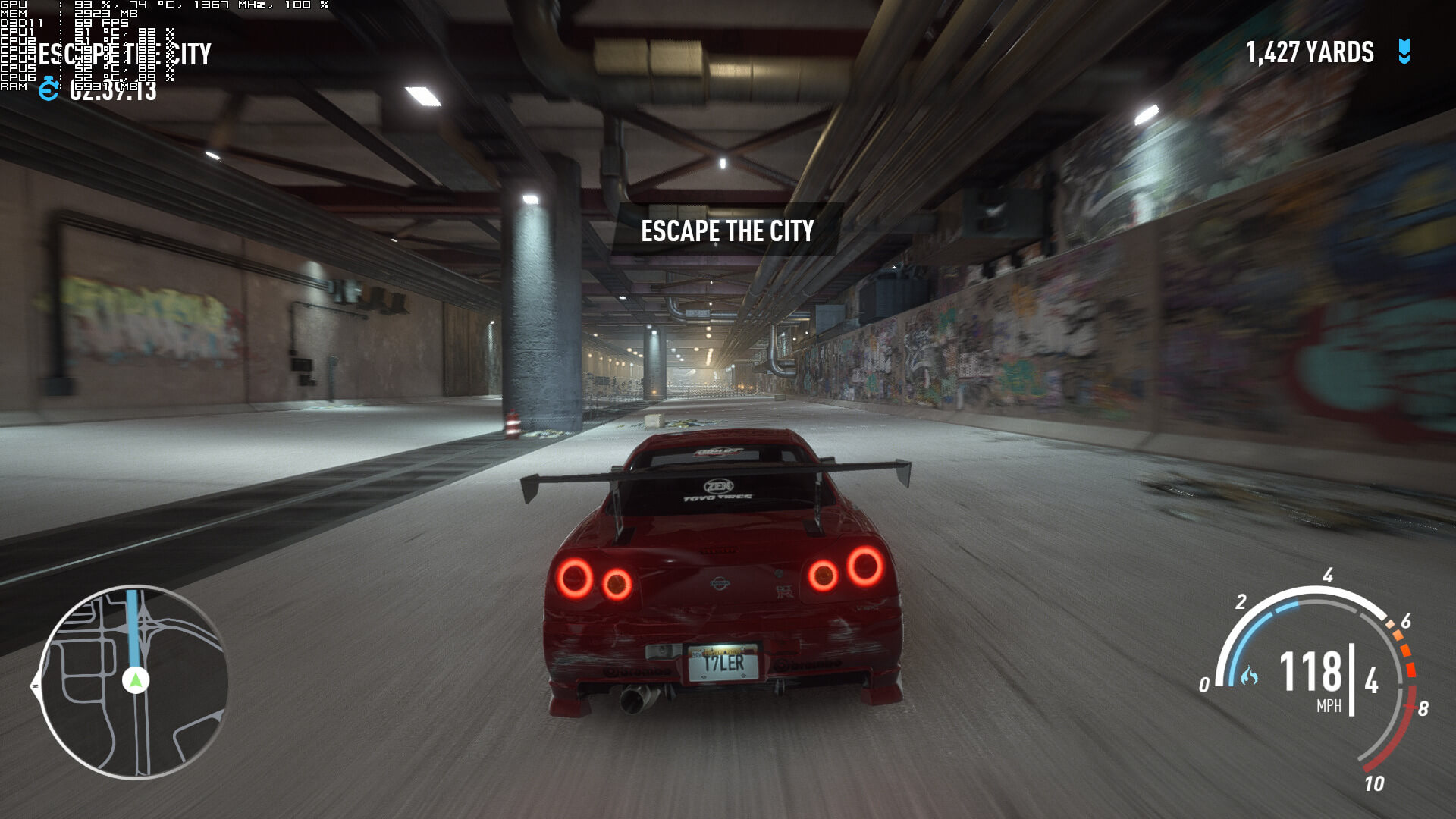
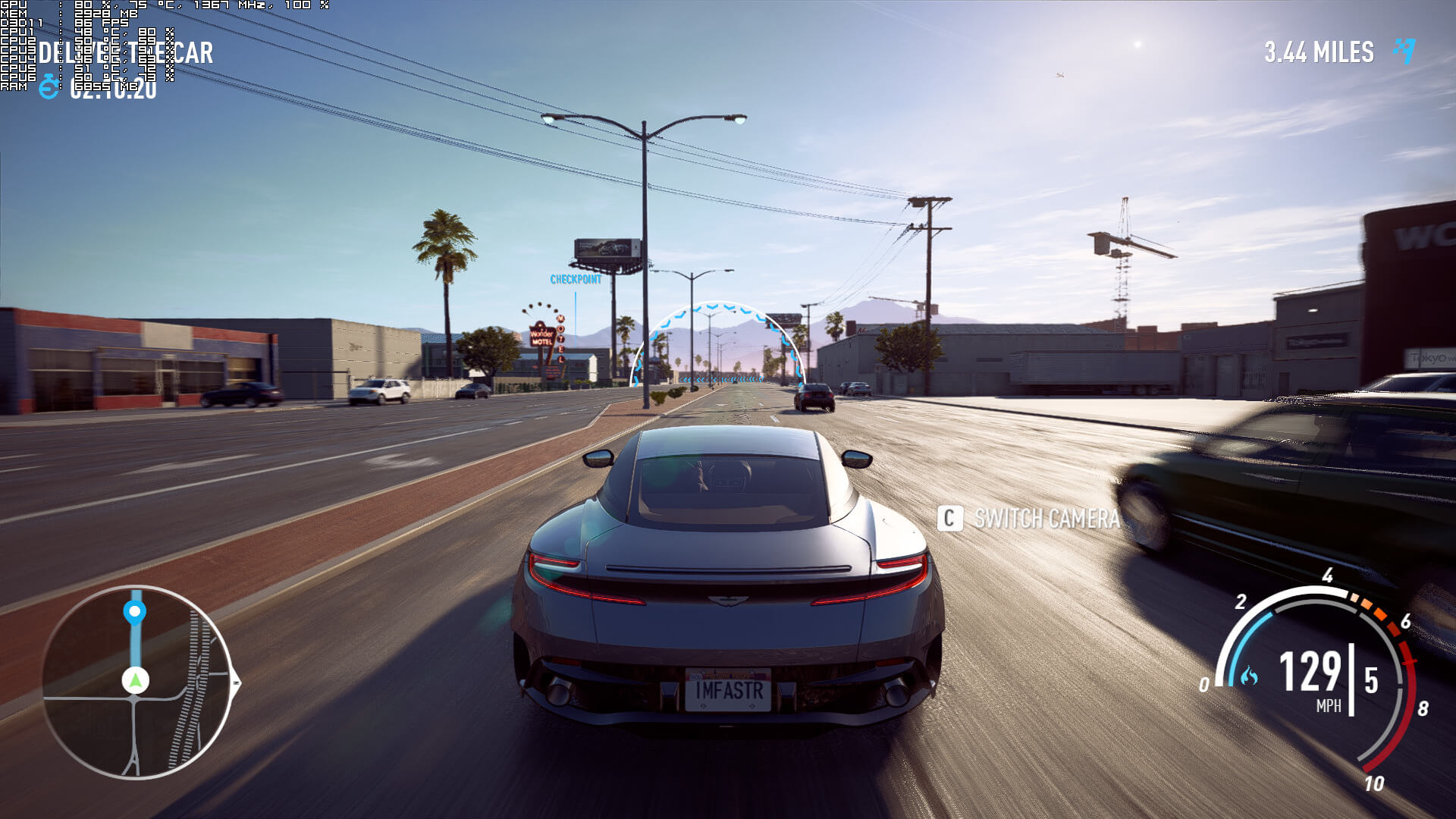
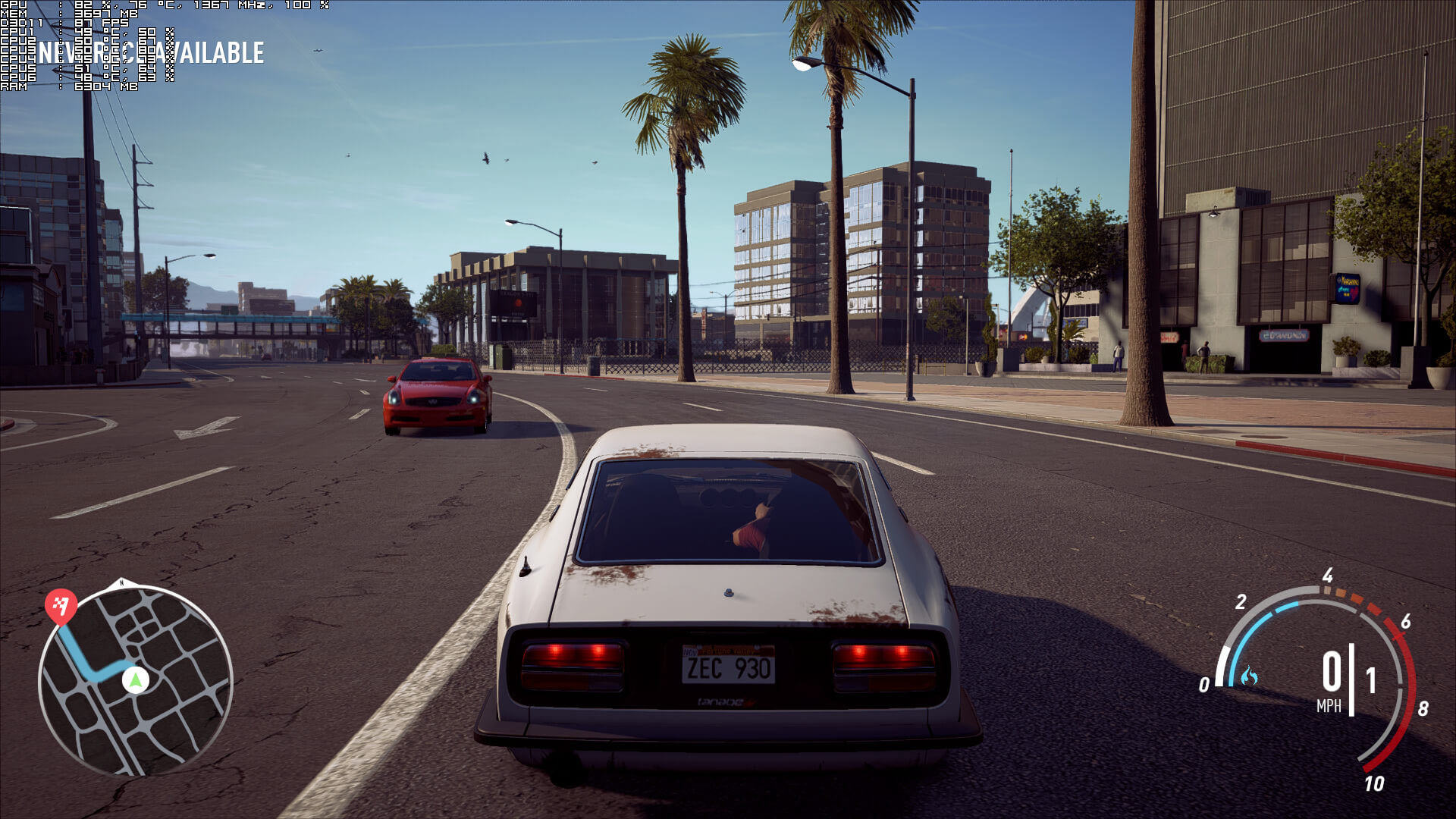
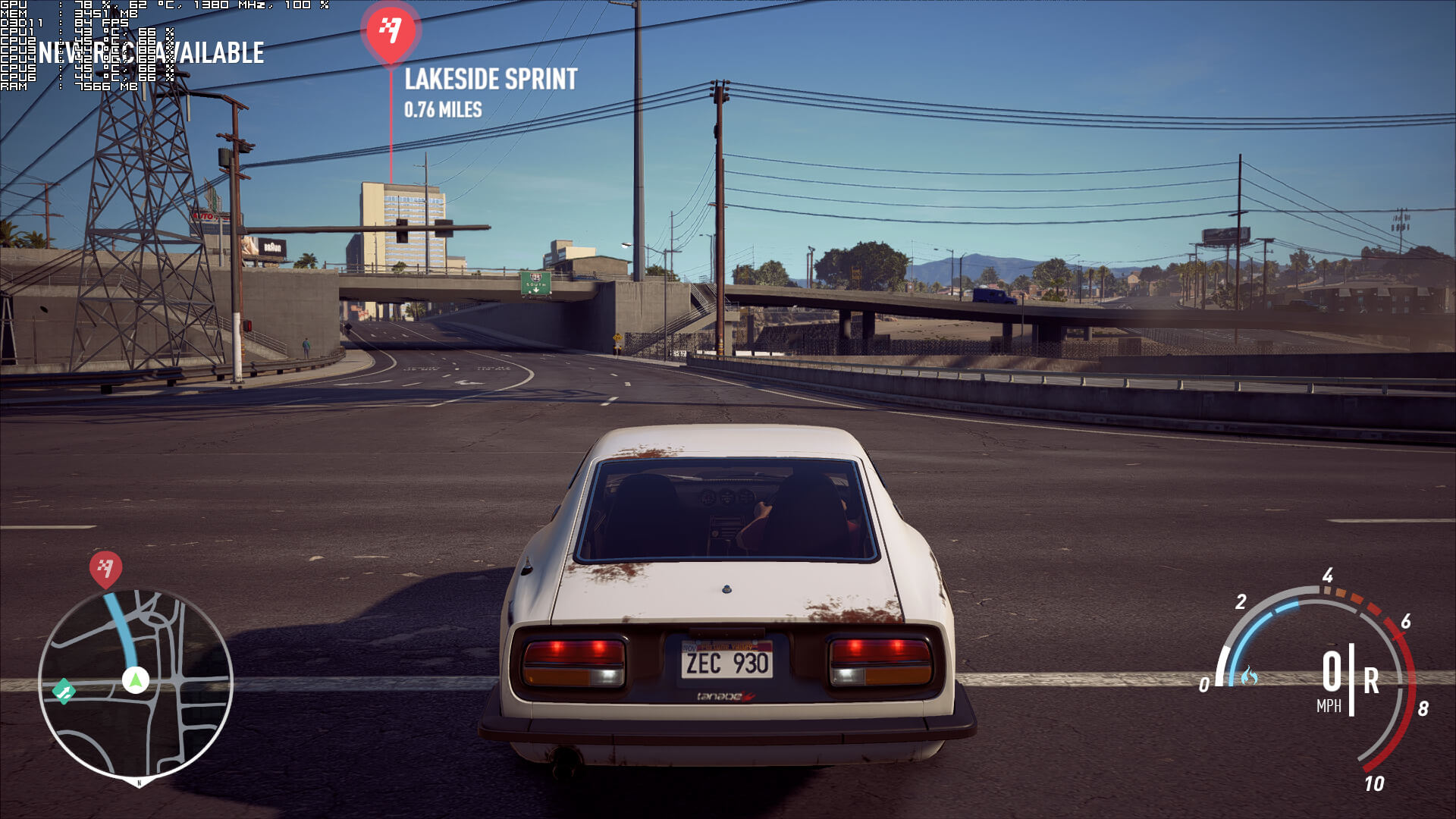
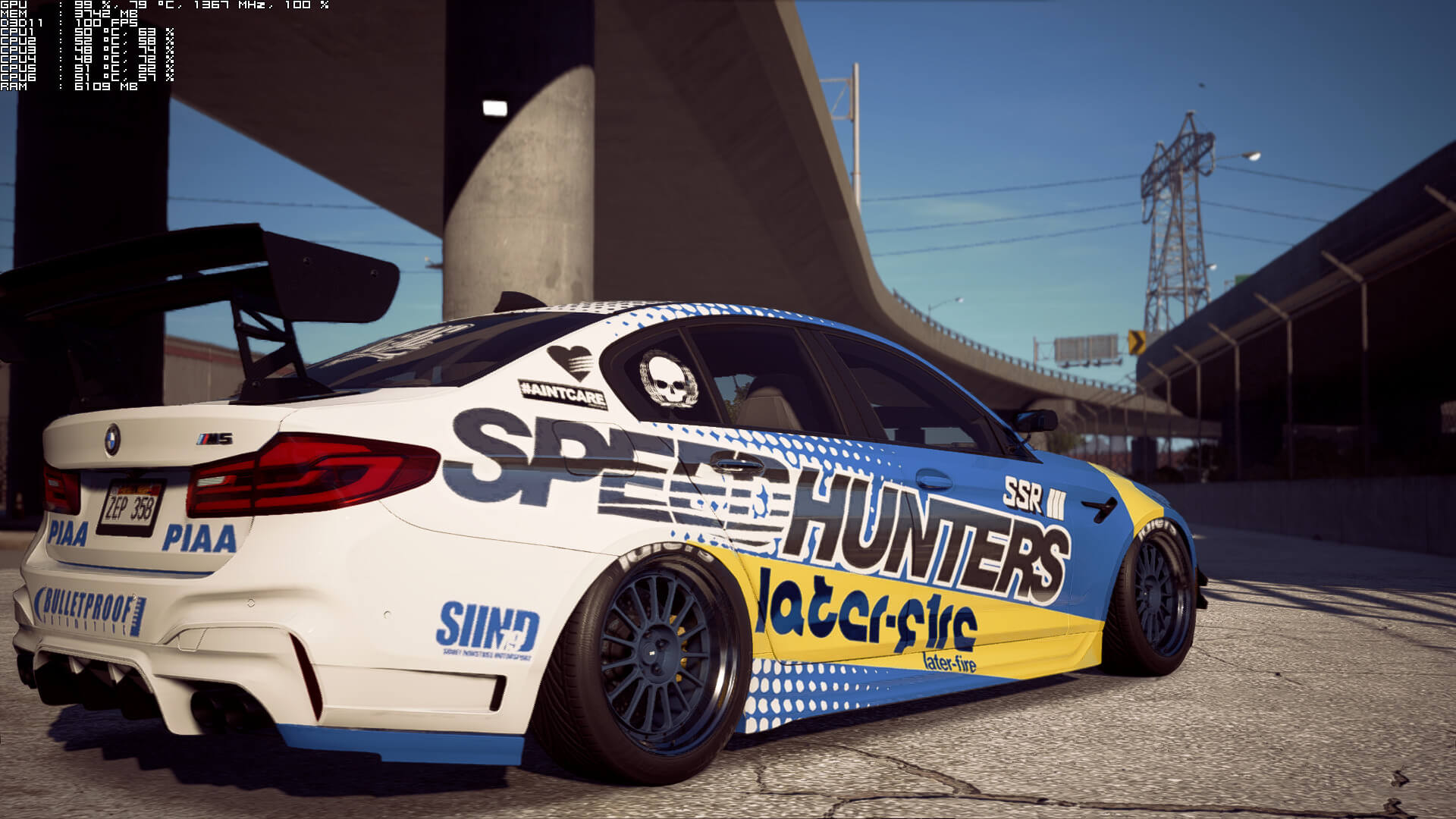
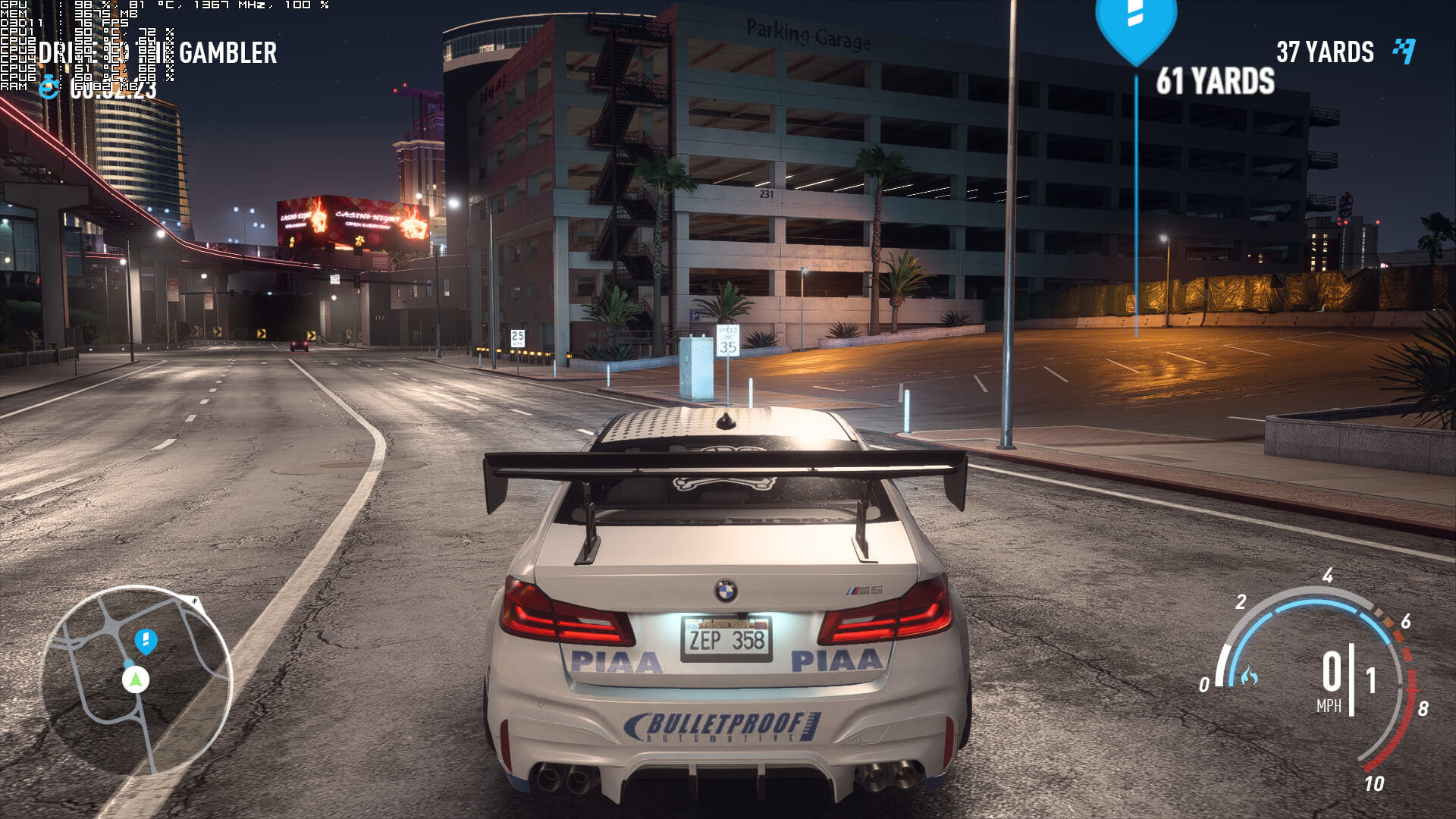
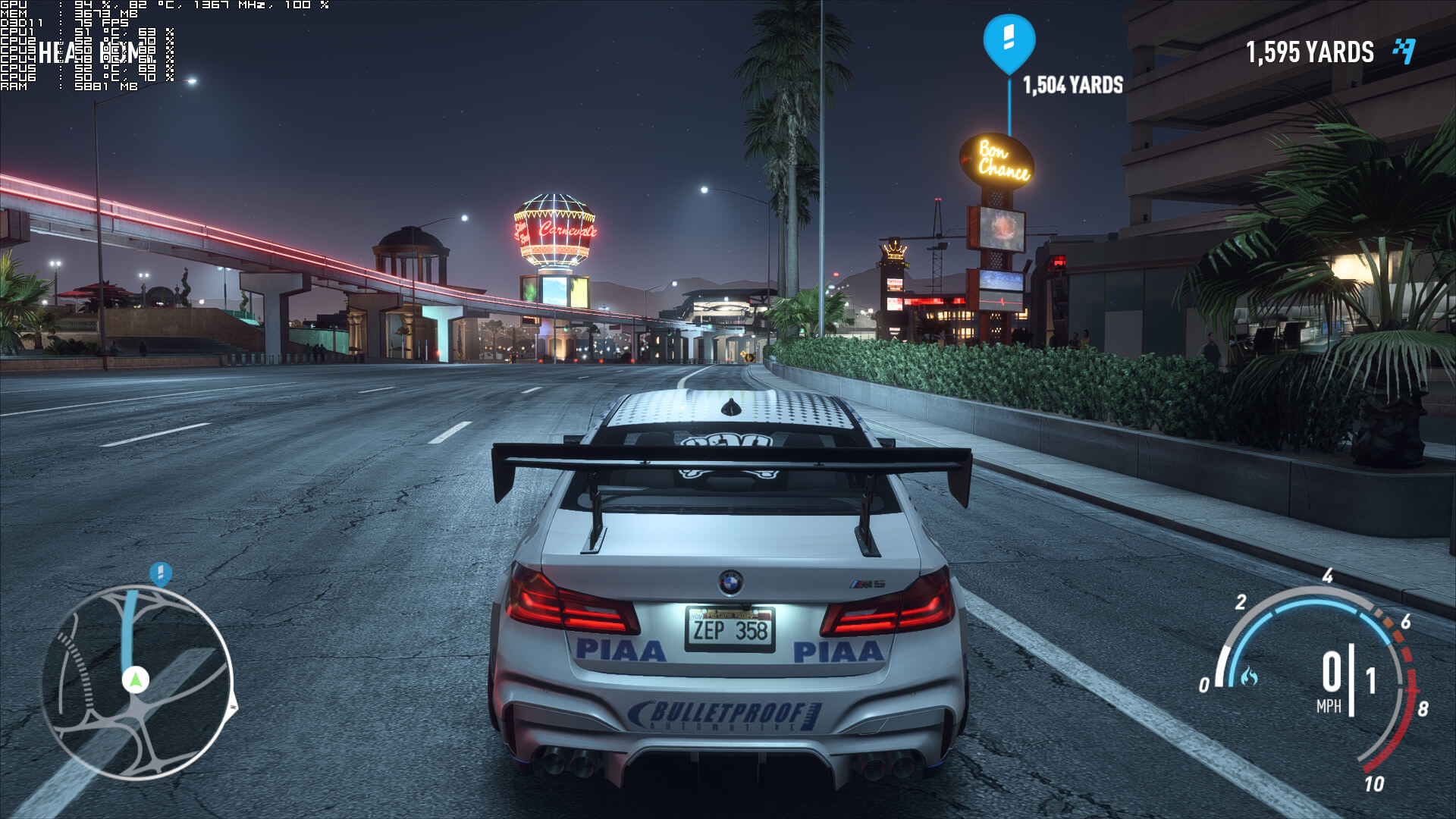
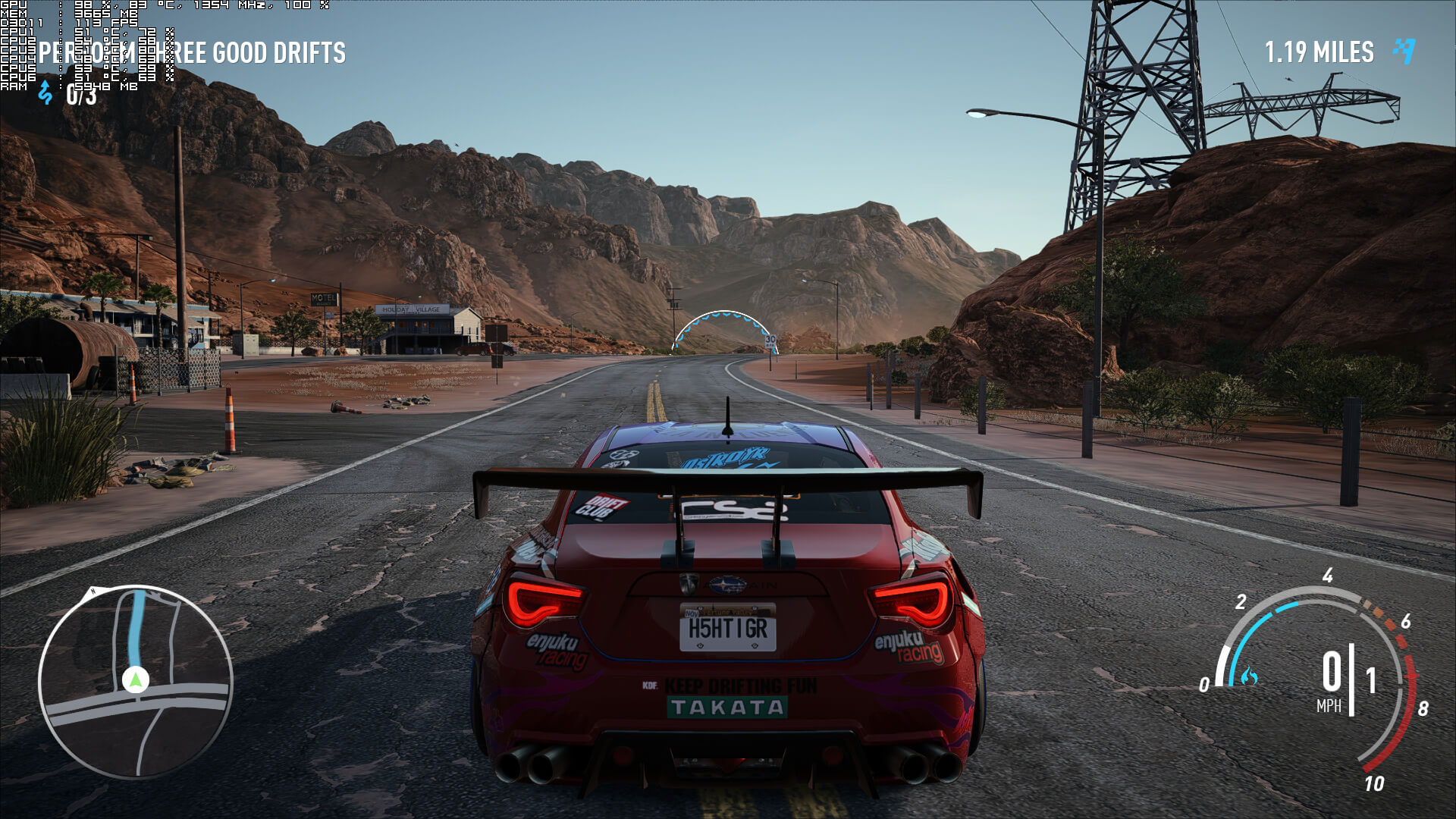
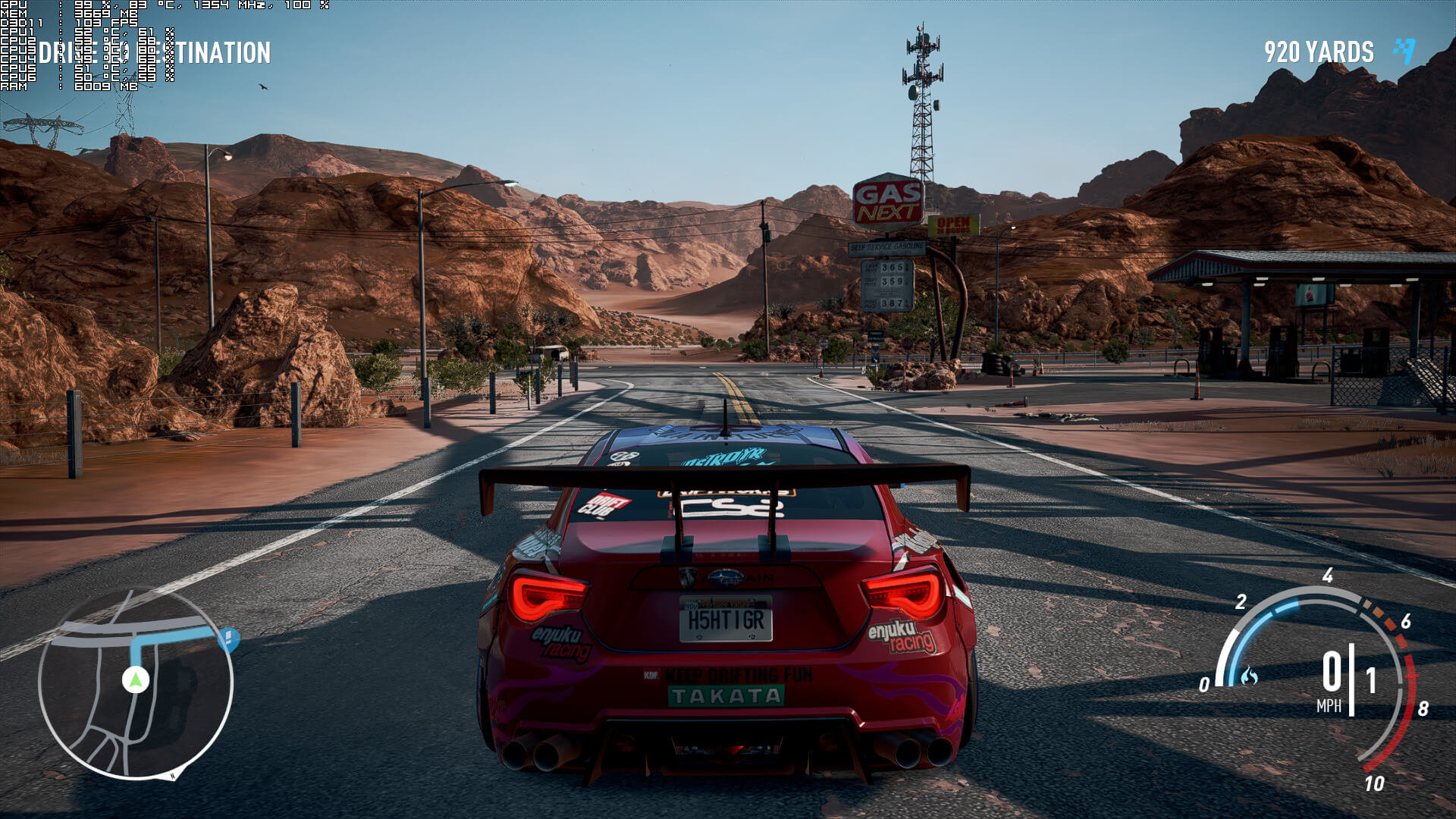
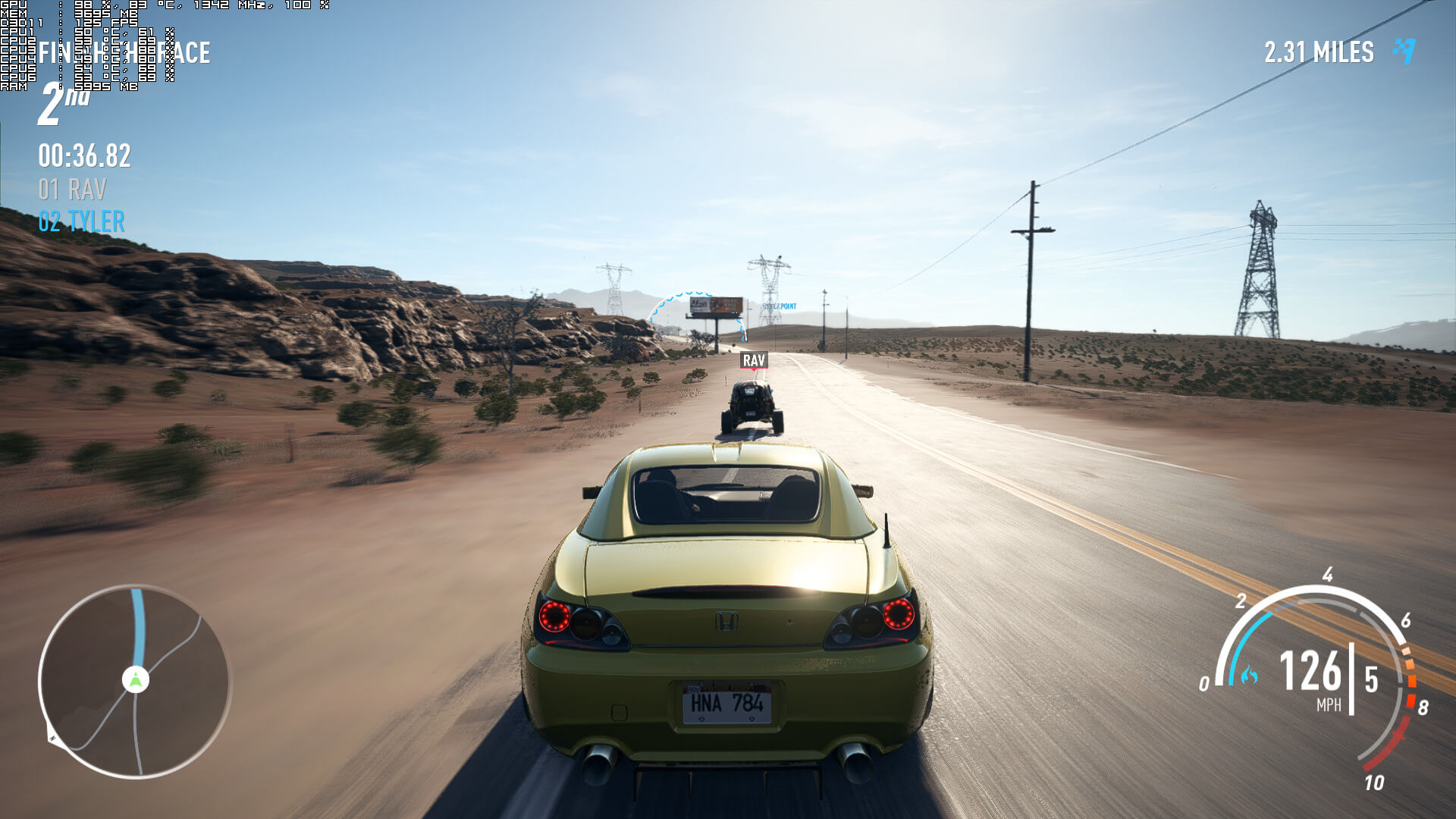
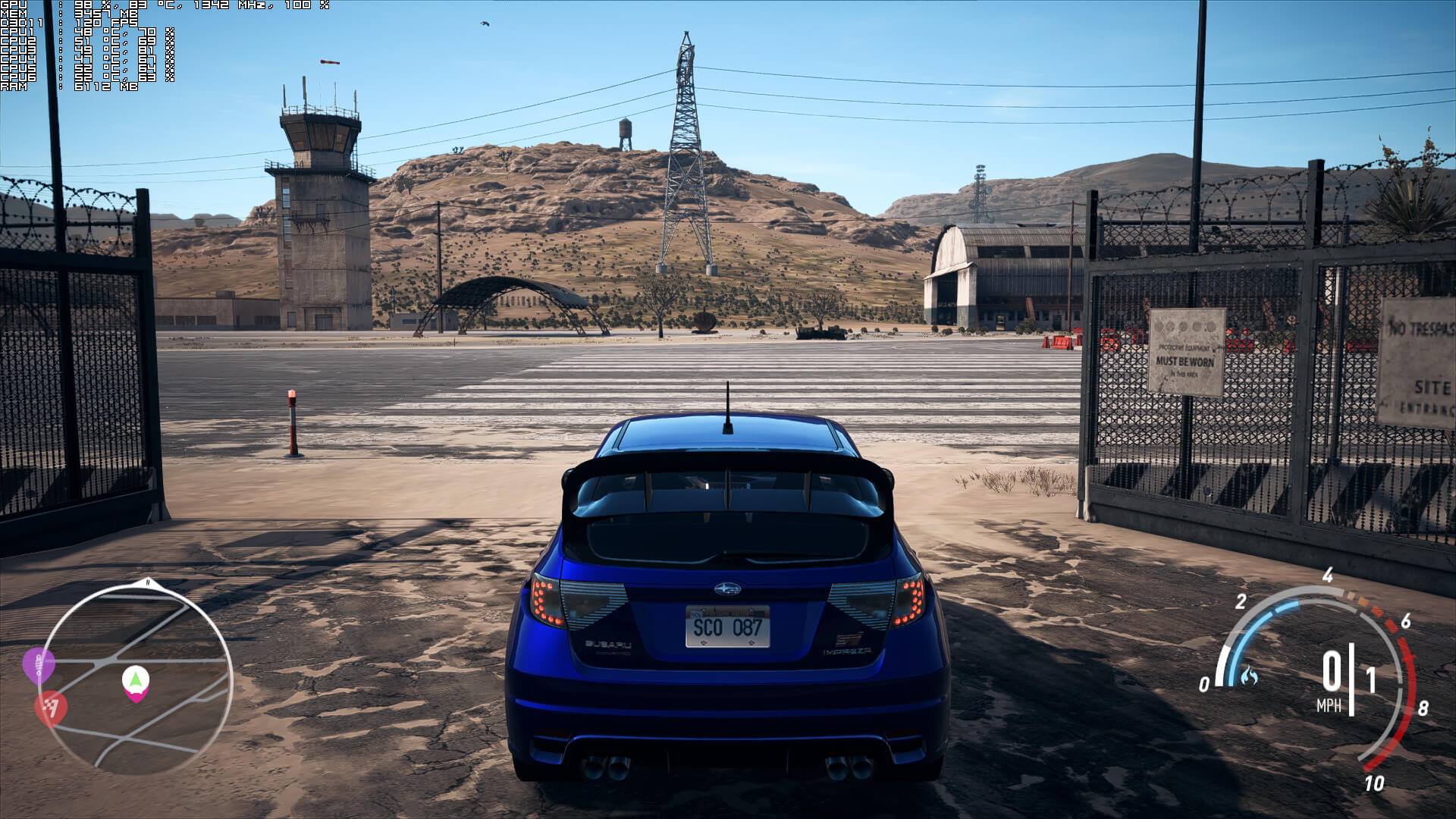
Graphics wise, Need for Speed Payback is great looking racing game. Most of the cars are highly detailed and there are some really cool smoke effects. Players can destroy a number of objects and the game features a dynamic lighting system. Most of the textures are of high quality and resolution, and the reflection effects are great. Unfortunately, though, the game suffers from major pop-in issues, even on Ultra settings. Moreover, it can look a bit unimpressive during specific times of days. Still, Need for Speed Payback packs some truly beautiful visuals.
All in all, Need for Speed Payback looks and runs better than its predecessor. However, the game still suffers from CPU optimization issues. Moreover, the performance increase when lowering its graphics settings is disappointing to say the least, mainly due to its CPU issues. As such, if your CPU is unable to offer an enjoyable experience, there is little you can actually do about it. If we overlook these CPU issues, the game runs fine even on dated graphics cards. After all, a single GTX680 is able to offer a better gaming experience than PS4 or Xbox One, and that says a lot.
Enjoy!


John is the founder and Editor in Chief at DSOGaming. He is a PC gaming fan and highly supports the modding and indie communities. Before creating DSOGaming, John worked on numerous gaming websites. While he is a die-hard PC gamer, his gaming roots can be found on consoles. John loved – and still does – the 16-bit consoles, and considers SNES to be one of the best consoles. Still, the PC platform won him over consoles. That was mainly due to 3DFX and its iconic dedicated 3D accelerator graphics card, Voodoo 2. John has also written a higher degree thesis on the “The Evolution of PC graphics cards.”
Contact: Email