
ELEX is a new action RPG from the makers of the Gothic and Risen series, Piranha Bytes. And since the game uses Piranha Bytes’ in-house engine, we had a rough idea of what we could expect. But anyway, since the game releases today on the PC, it’s time to see how it performs on our platform.
For this PC Performance Analysis, we used an Intel i7 4930K (overclocked at 4.2Ghz) with 8GB RAM, AMD’s Radeon RX580, NVIDIA’s GTX980Ti and GTX690, Windows 10 64-bit and the latest version of the GeForce and Catalyst drivers. NVIDIA has not included any SLI profile for this title. As such, our GTX690 performed similarly to a GTX680.
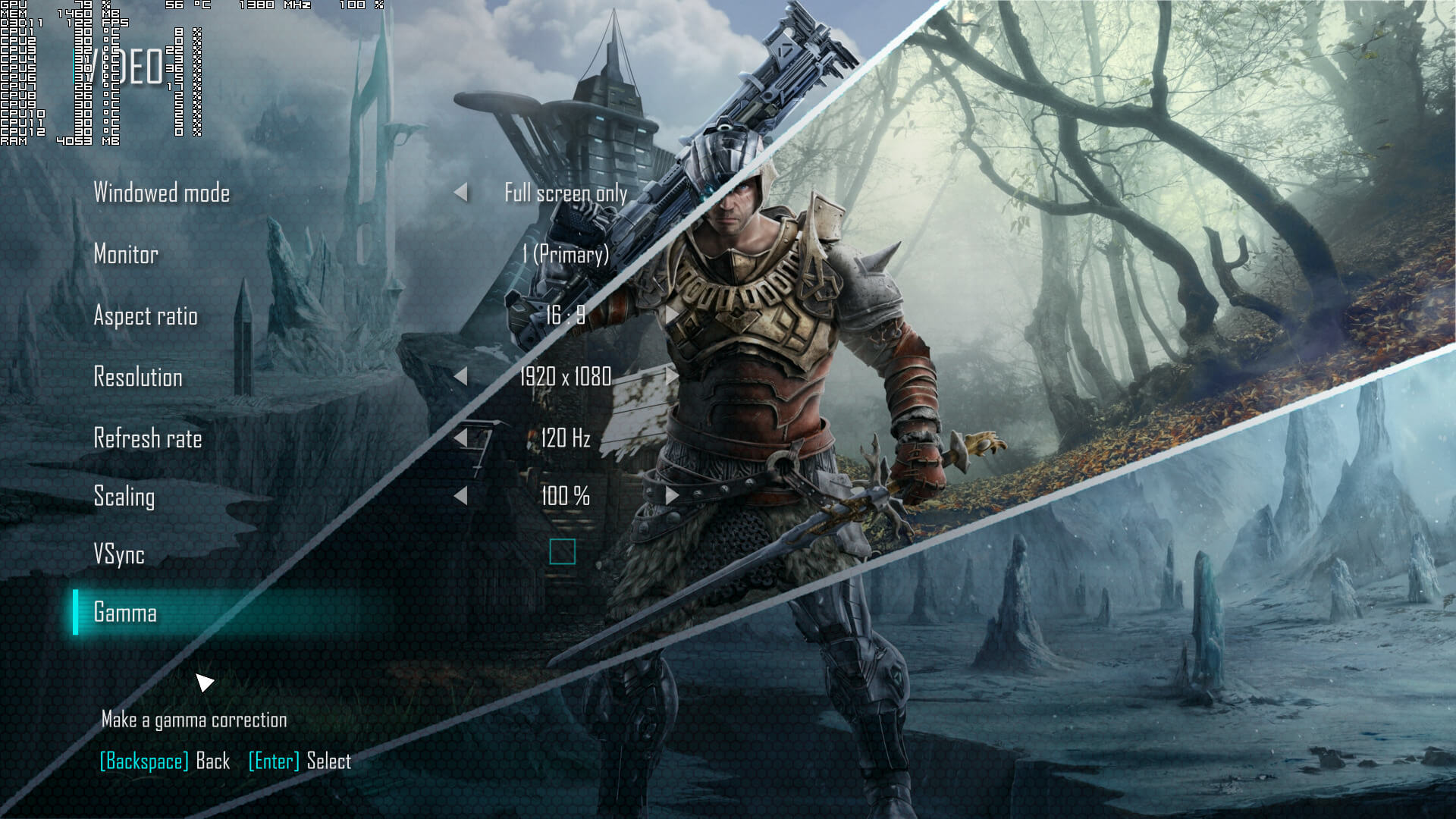
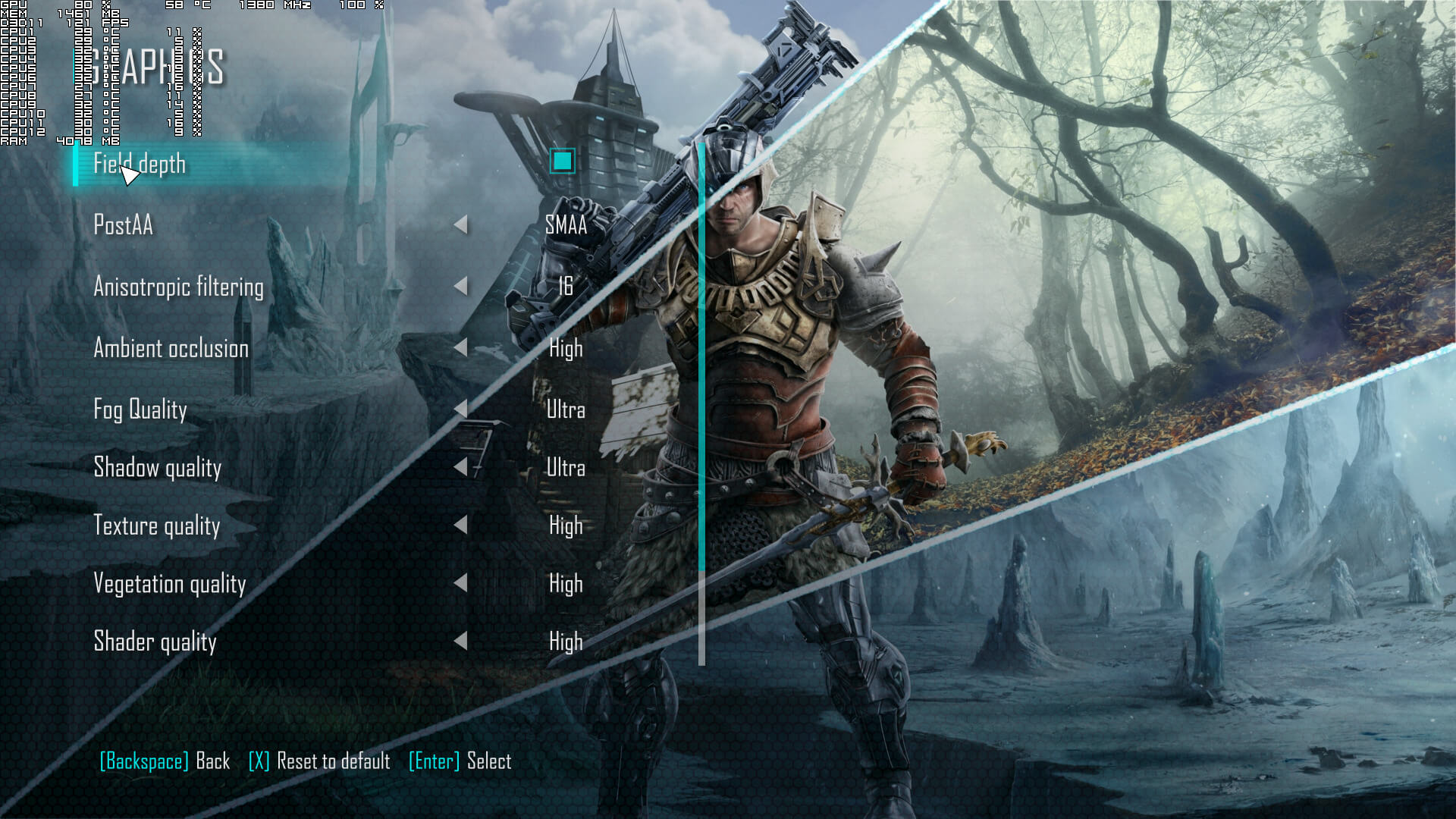
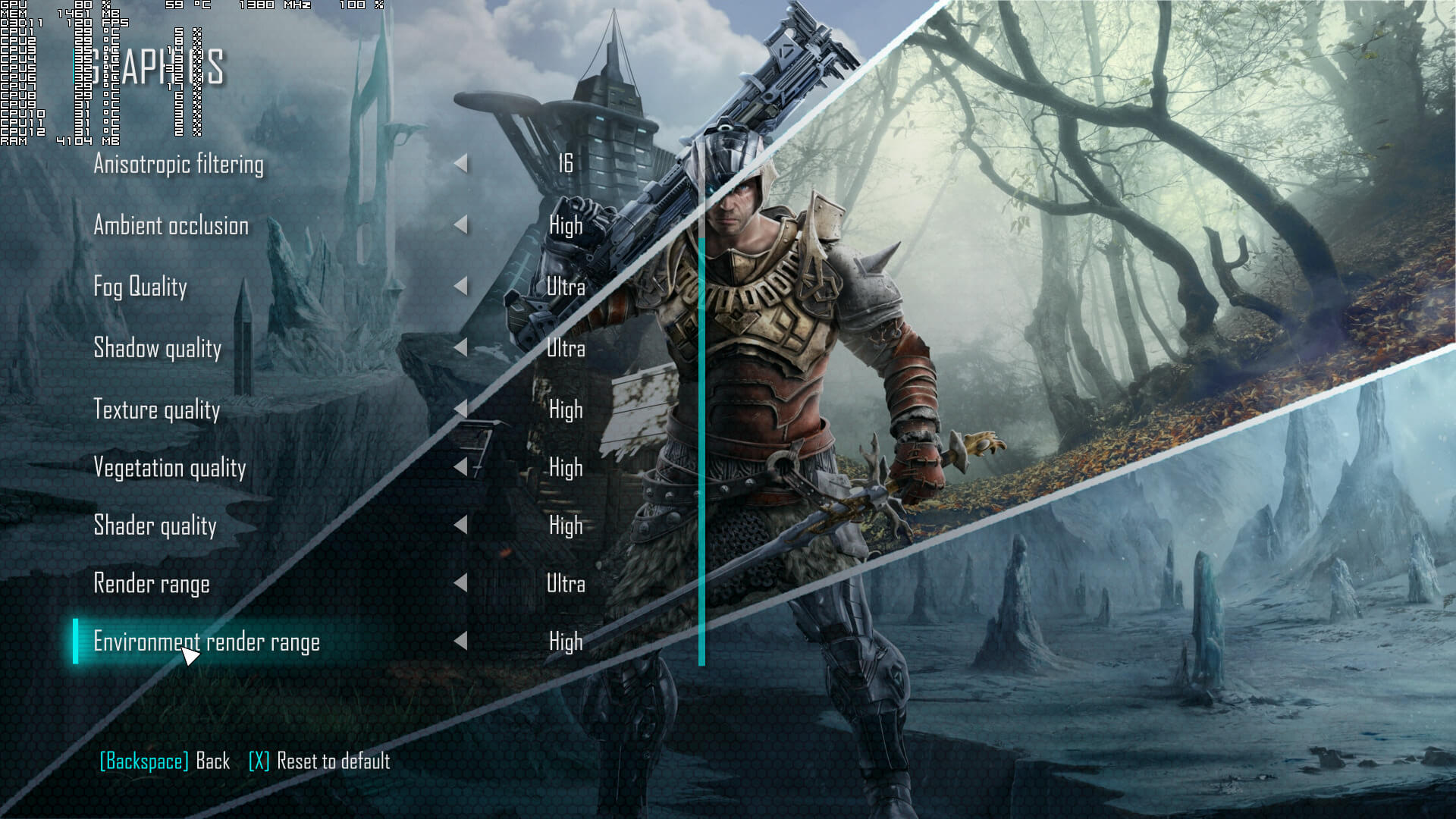
Piranha Bytes has included a few graphics settings to tweak. PC gamers can adjust the quality of Anti-Aliasing, Anisotropic Filtering, Ambient Occlusion, Fog, Shadows, Textures, Vegetation, Shaders, Render Range and Environment Render Range. There are also options to enable/disable Field Depth, and there is also a resolution scale setting.
[nextpage title=”GPU, CPU metrics, Graphics & Screenshots”]
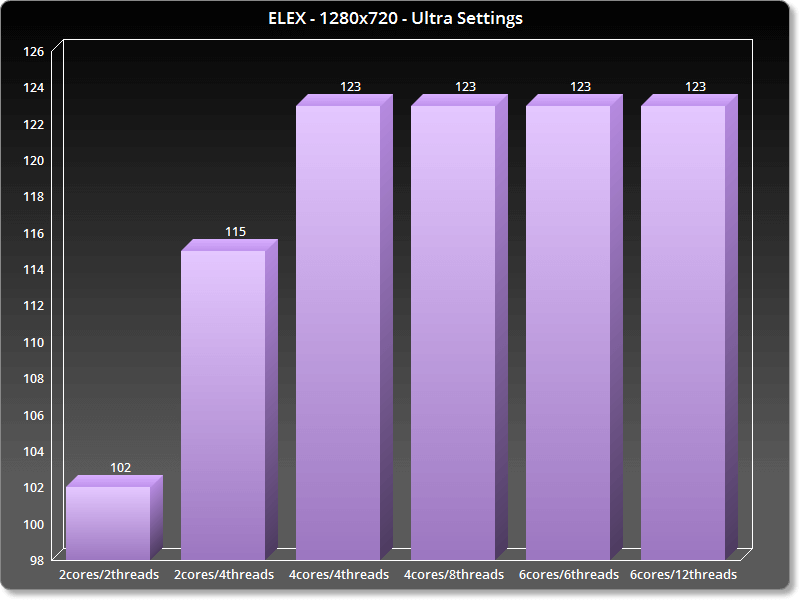
Like its predecessor, ELEX does not require a high-end CPU. In order to find out how the game performs on a variety of CPUs, we simulated a dual-core and a quad-core CPU. For our CPU tests, we used an open-world scene with a large view distance and various characters on-screen. We also lowered our resolution to 720p and the render resolution to 50% (so we could avoid any possible GPU limitations) but kept using the Ultra settings. Also, it appears that there is a framerate lock at 123fps.
ELEX ran with constant 60fps even on our simulated dual-core system. And while at first the game appears to be using only one CPU core/thread, it does use additional cores when the main one is pushed to its limits. With Hyper Threading disabled, our simulated dual-core was able to run our test scene with 102fps. With Hyper Threading enabled, it run the same scene with 115fps. On the other hand, our six-core and our simulated quad-core systems ran the test scene with 123fps.
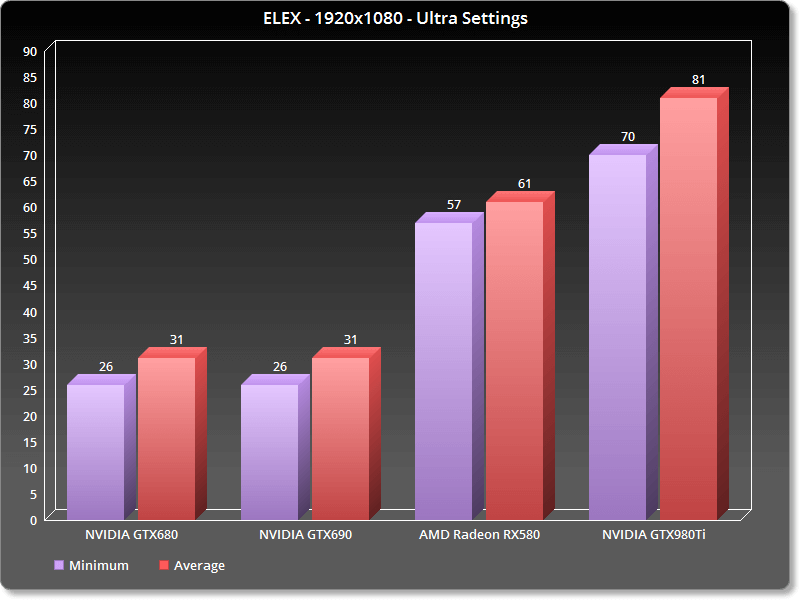
As such, ELEX can be described as a GPU-bound title. At 1080p and on Ultra settings, our GTX980Ti was able to run the first two chapters with an average of 81fps and a minimum of 70fps. The AMD Radeon RX580 was able to push an average of 61fps and a minimum of 57fps. And since the game runs at 30fps on consoles on lower settings, a GTX680 actually provides a better experience than the base PS4 and Xbox One.
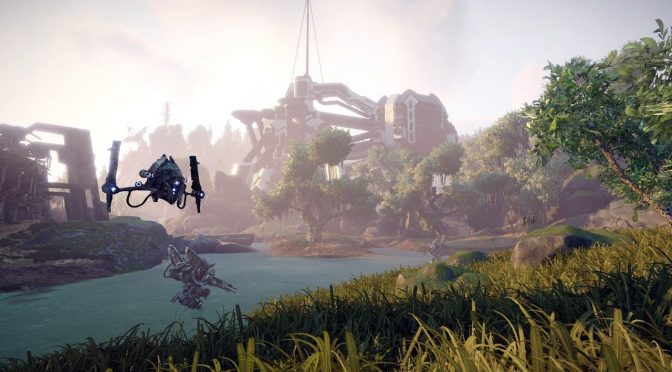
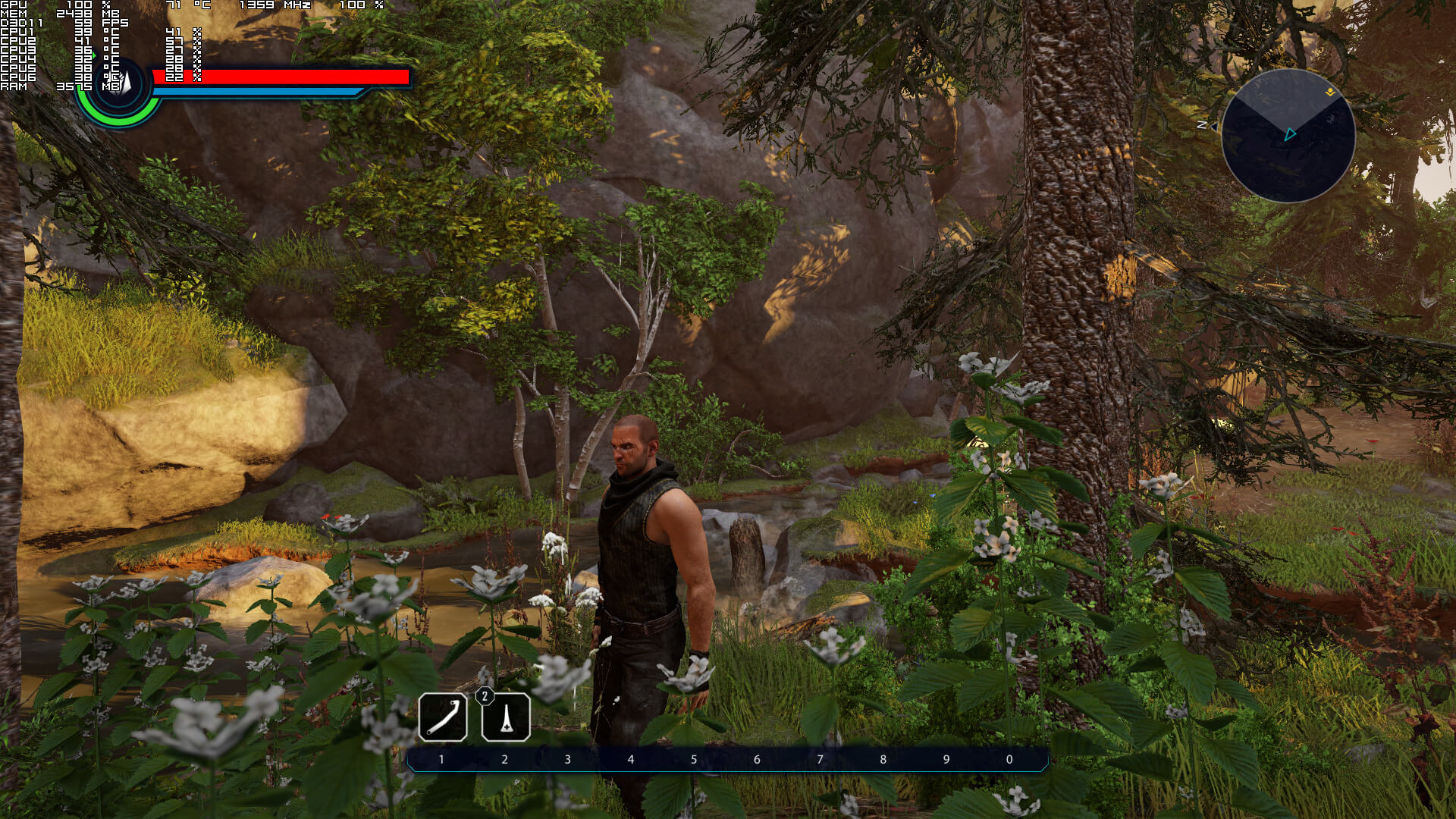
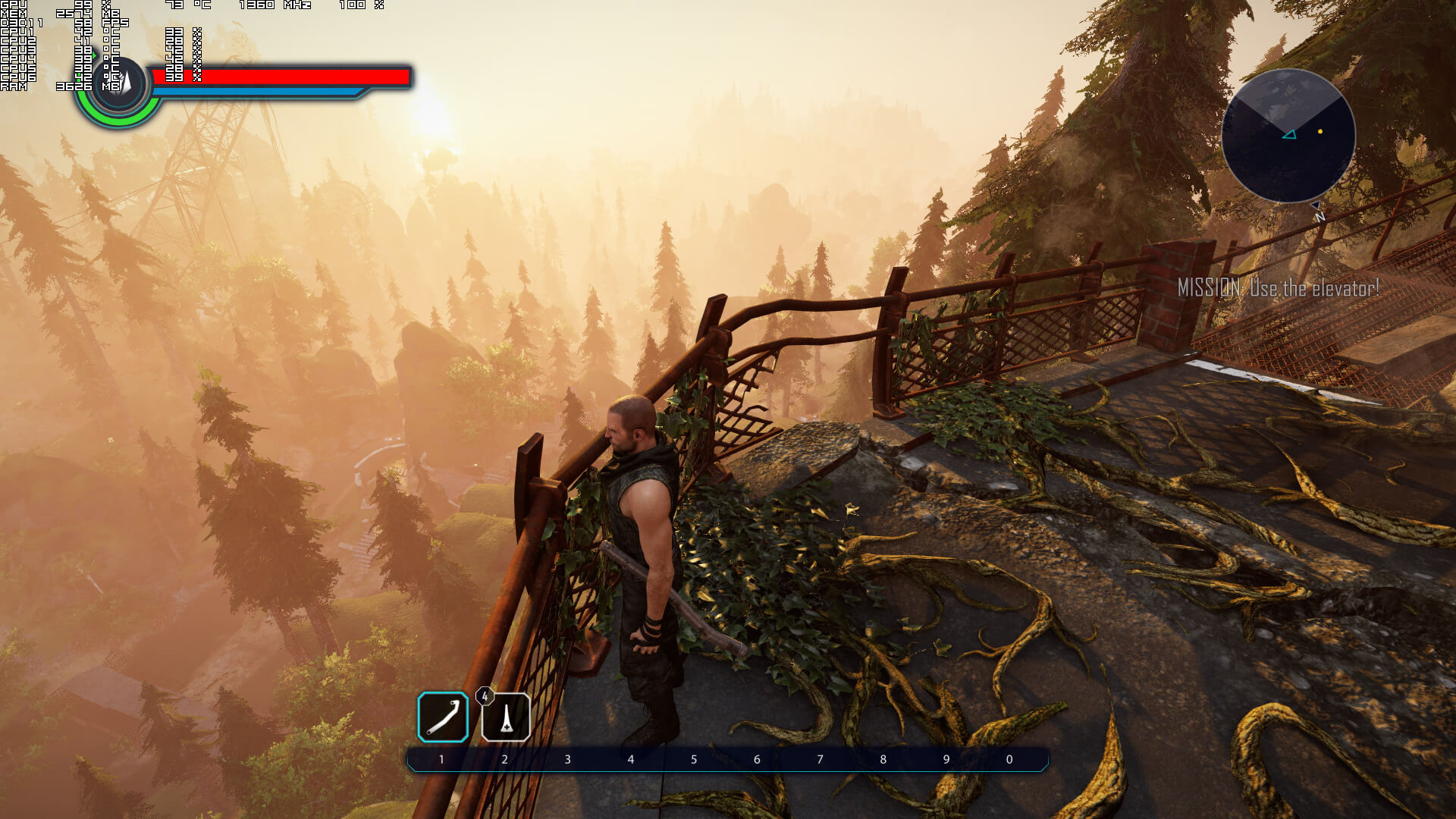
Thankfully, the game’s settings can noticeably improve performance. For our graphics settings test, we used the following scene which was really demanding (due to the extra foliage and its openness).
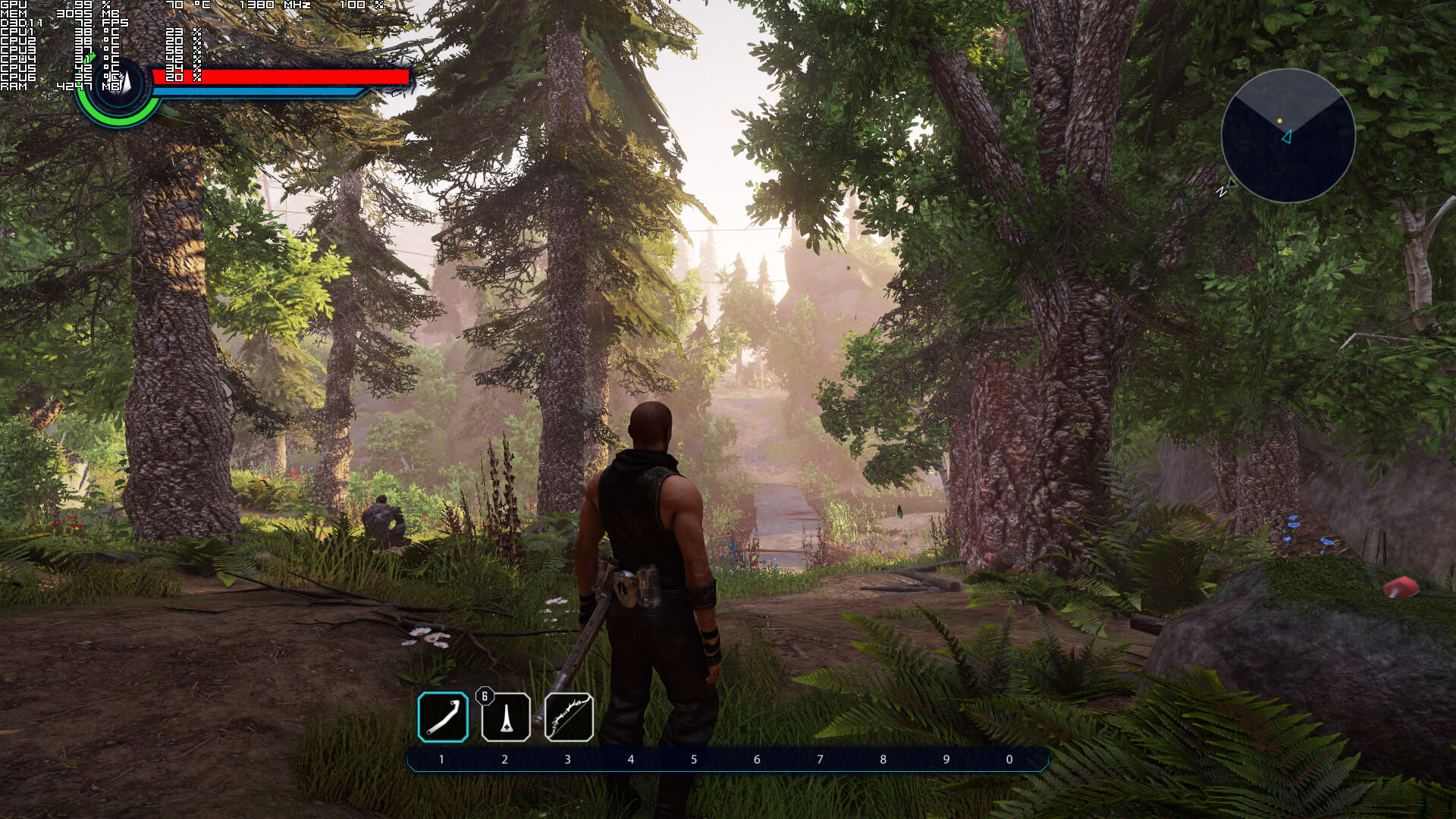
On Ultra settings, our GTX980Ti offered the minimum framerate we’ve witnessed, 70fps. Performance increased to 95fps when we lowered our settings to High. Performance jumped to 112fps when we lowered our settings to Medium. And on Low settings, we hit the 123fps lock (with our GPU being used at 93%).
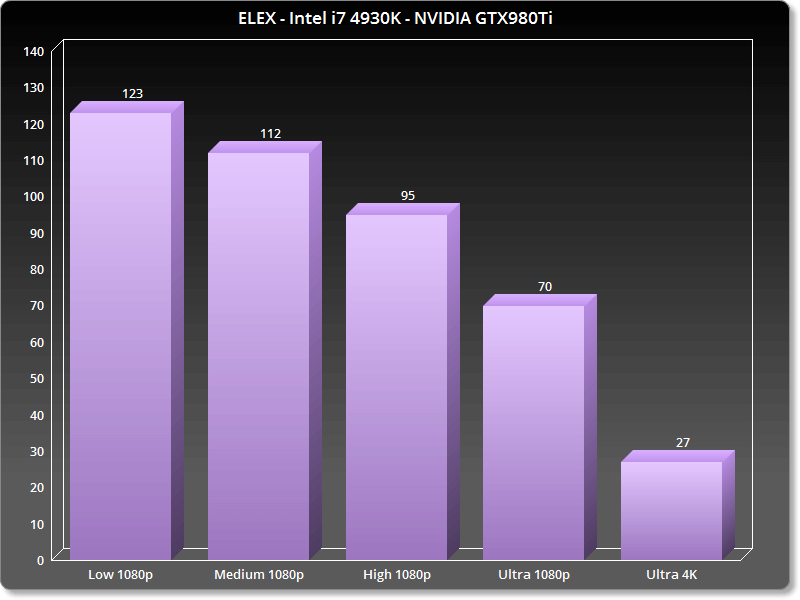
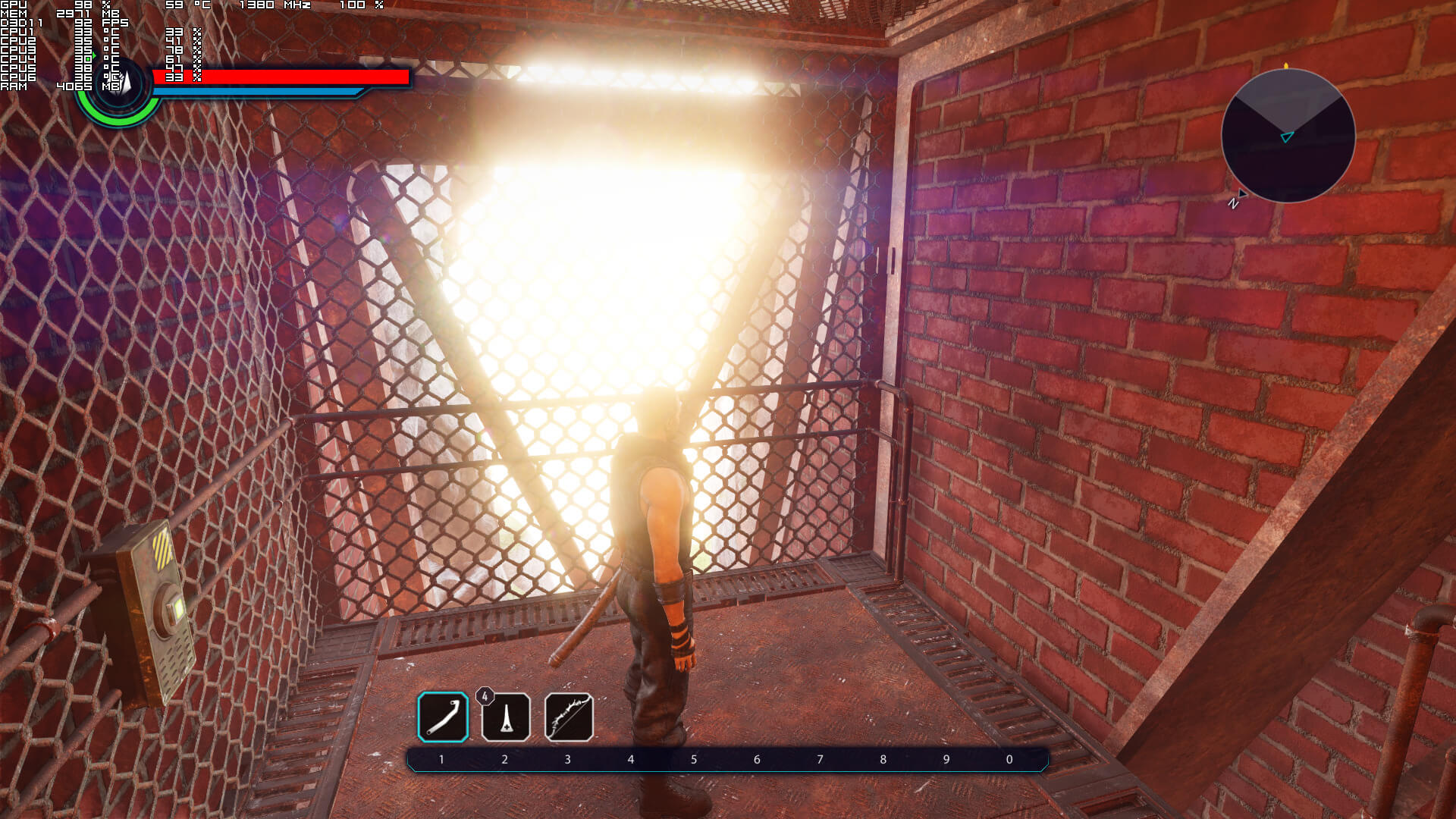
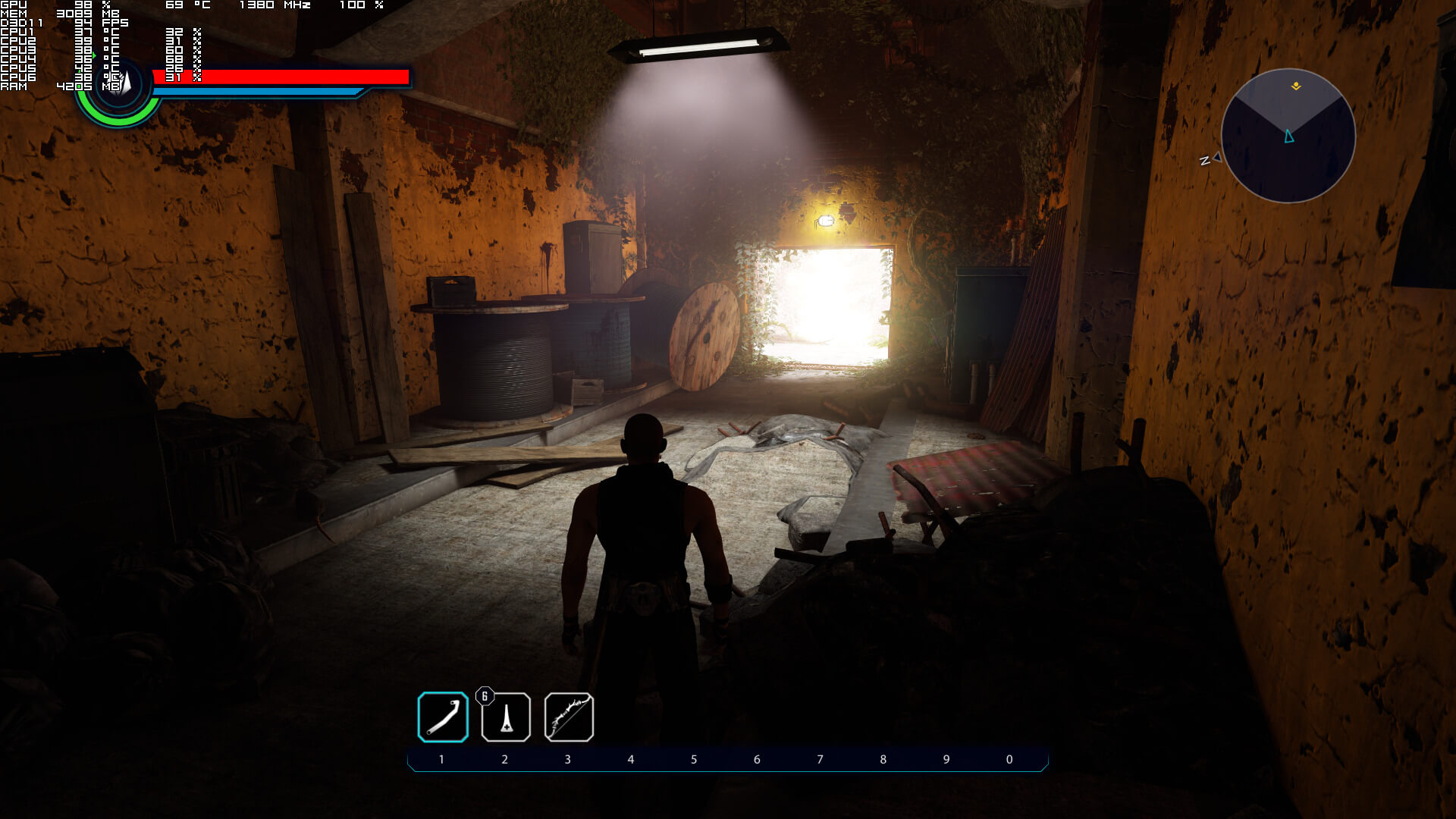
This basically means that ELEX is playable on a variety of PC systems. In today’s day and age that most titles suffer from performance/optimization issues, it’s quite refreshing witnessing one that runs fine. However, the biggest problem of ELEX is its presentation. Like all previous Piranha Bytes games, animations are stiff and unpolished. Characters look blocky, facial shaders are really old-gen-ish, and everything looks outdated. Thankfully, the environments look great and some textures are of high quality (though you will easily notice a lot of low-res textures here and there). And while the game certainly looks better than its 2016 version, it cannot come close to what other RPGs are currently offering in terms of visuals.

Actually, ELEX feels like Risen 3: Titan Lords. As we said back then, Risen 3: Titan Lords packed better visuals than its predecessor, but that’s irrelevant as it does not even come close to the standards set by other – and much older – similar titles. And the same can be said today about ELEX and its rivals. Yes, it looks better than any Piranha Bytes game. However, it’s not up to what you’d expect from a modern action RPG.
All in all, ELEX performs great on the PC, provided you have a mid-tier to high-tier GPU. The game does not require a high-end CPU and offers proper on-screen keyboard indicators (duh). We also did not notice any mouse acceleration issues. Unfortunately, though, the game already looks dated. Therefore, performance could have been better in our opinion. ELEX is basically what all Piranha Bytes fans were expecting. An action RPG that looks good, does not push the graphical boundaries, and is rough around the edges.
Enjoy!


John is the founder and Editor in Chief at DSOGaming. He is a PC gaming fan and highly supports the modding and indie communities. Before creating DSOGaming, John worked on numerous gaming websites. While he is a die-hard PC gamer, his gaming roots can be found on consoles. John loved – and still does – the 16-bit consoles, and considers SNES to be one of the best consoles. Still, the PC platform won him over consoles. That was mainly due to 3DFX and its iconic dedicated 3D accelerator graphics card, Voodoo 2. John has also written a higher degree thesis on the “The Evolution of PC graphics cards.”
Contact: Email