
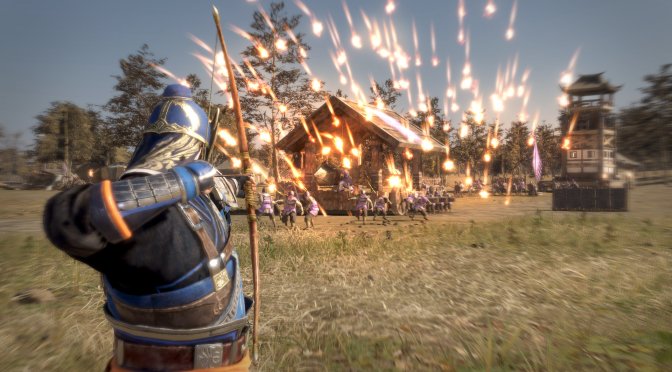
KOEI Tecmo has just released DYNASTY WARRIORS 9 Empires in Europe and US. Powered by the same engine Omega Force used in DYNASTY WARRIORS 9, it’s time to benchmark this new game and see how it performs on the PC platform.
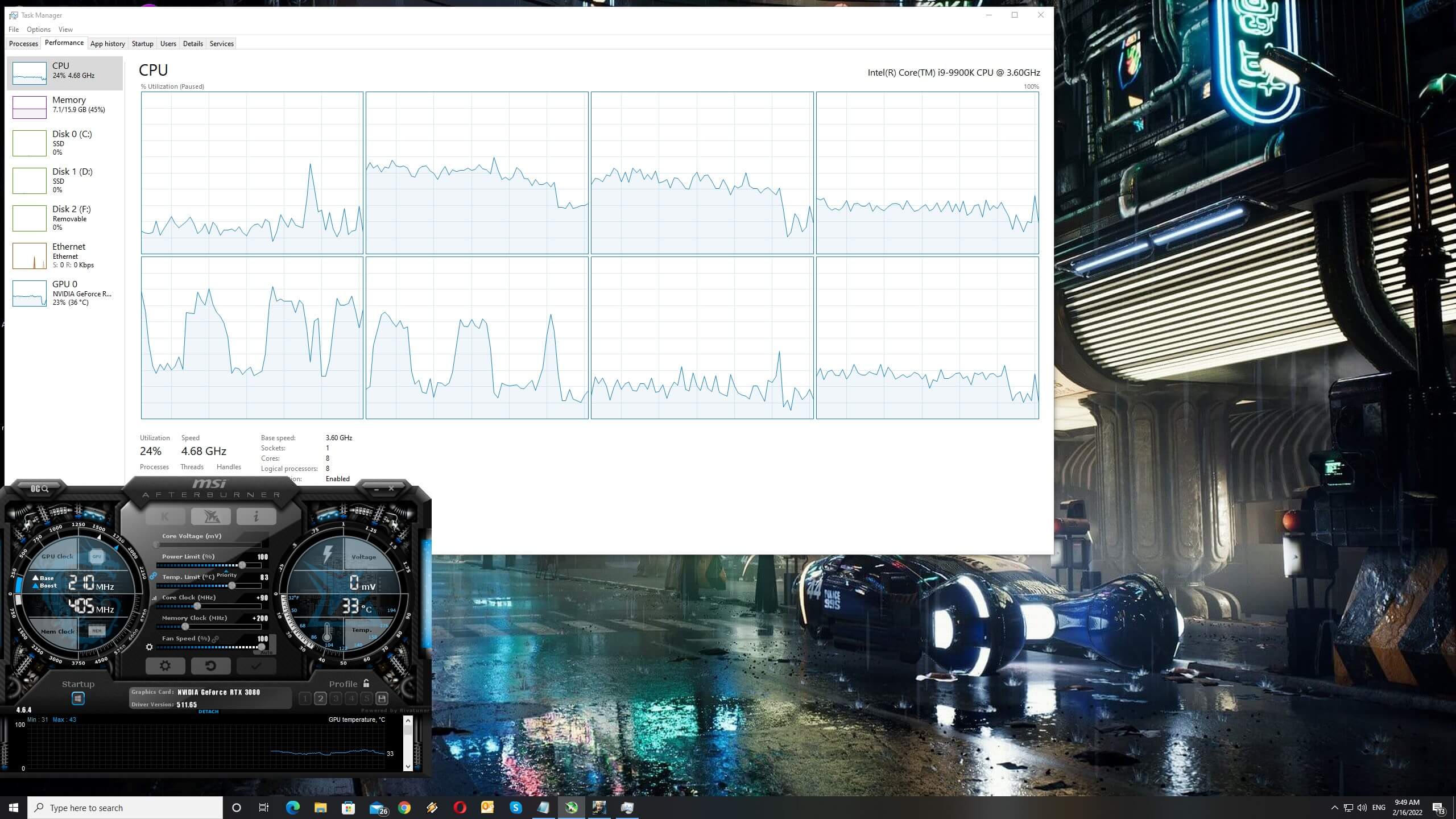
For this PC Performance Analysis, we used an Intel i9 9900K with 16GB of DDR4 at 3800Mhz, AMD’s Radeon RX580, RX Vega 64, RX 6900XT, NVIDIA’s GTX980Ti, RTX 2080Ti and RTX 3080. We also used Windows 10 64-bit, the GeForce 511.65 and the Radeon Software Adrenalin 2020 Edition 22.2.1 drivers.
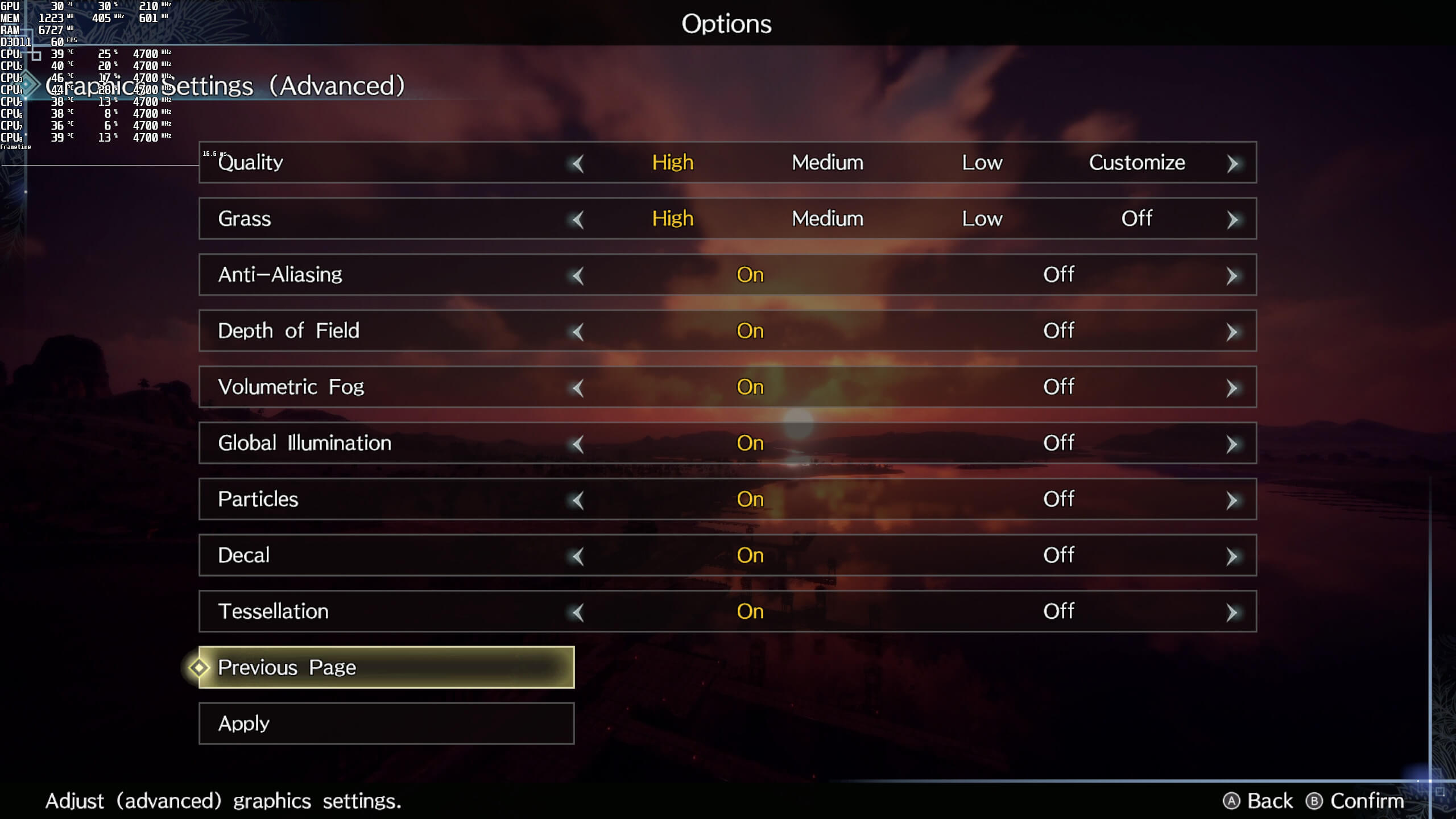
Omega Force has implemented a lot of graphics settings to tweak. PC gamers can adjust the quality of Characters, Fog Distance, Graphics, Textures, Ambient Occlusion and Reflections. There are also options for Global Illumination, Anti-Aliasing, Particles, Decal, Tessellation and more. Unfortunately, though, the PC version is locked at 60fps.
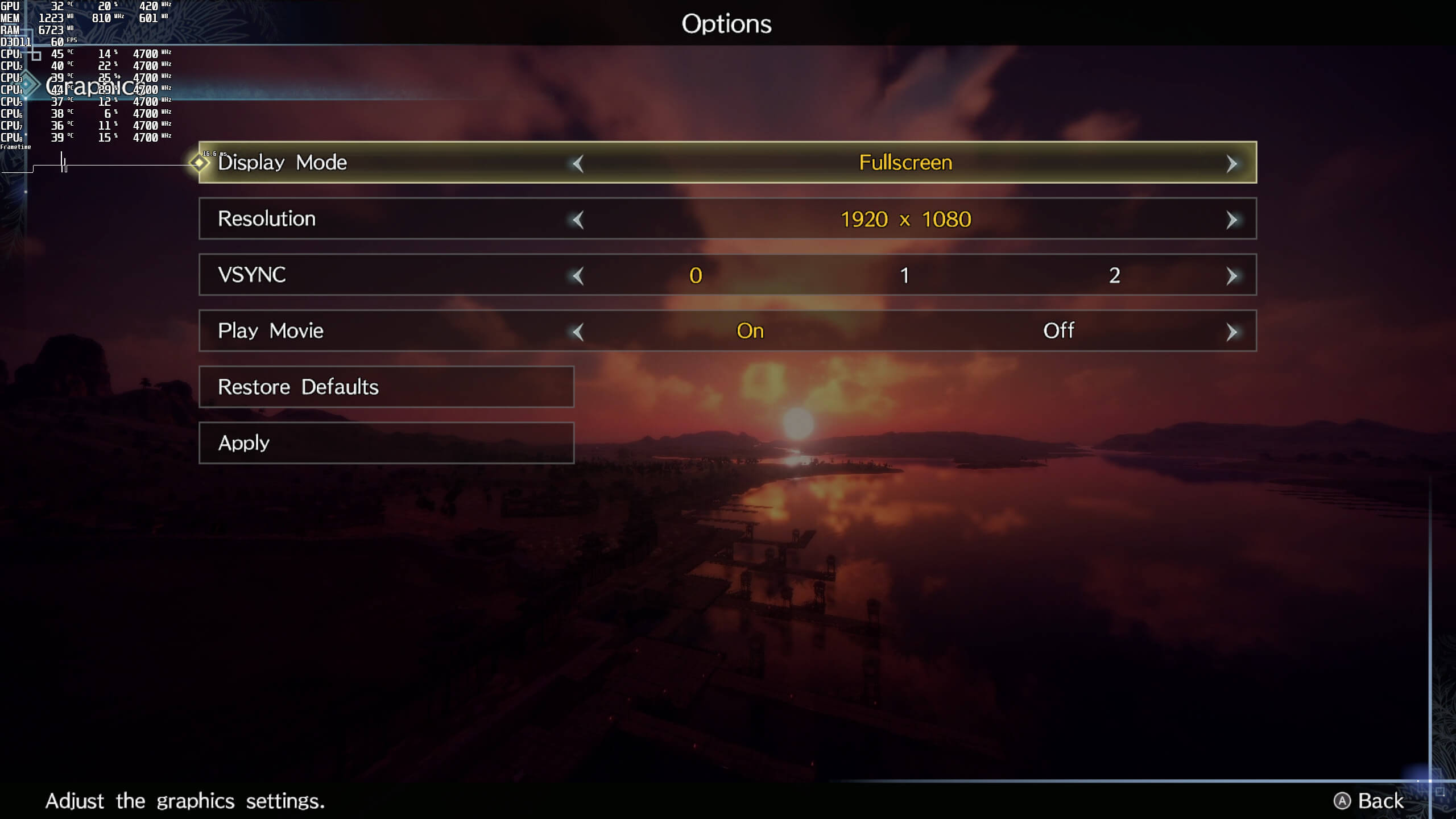
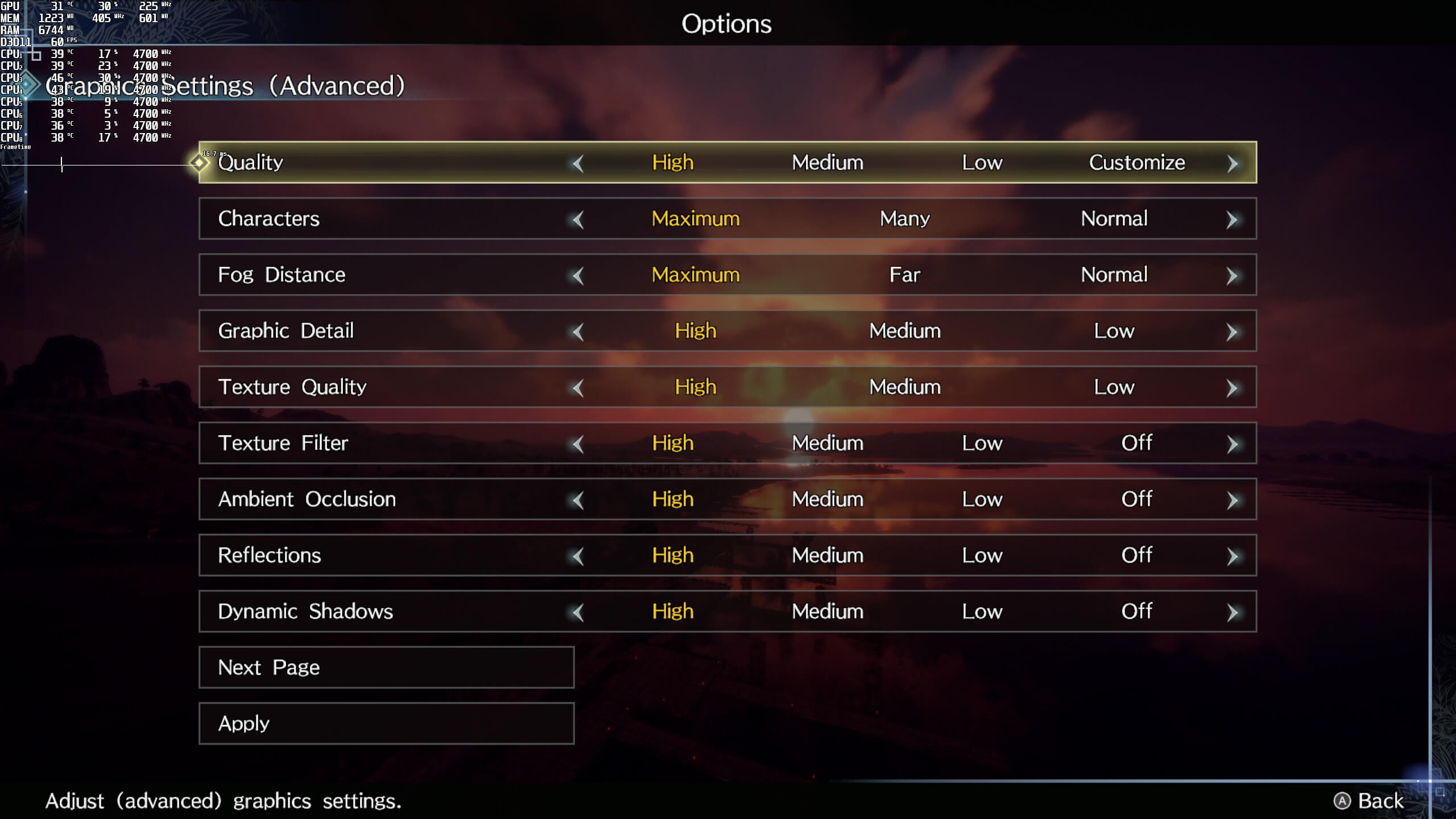
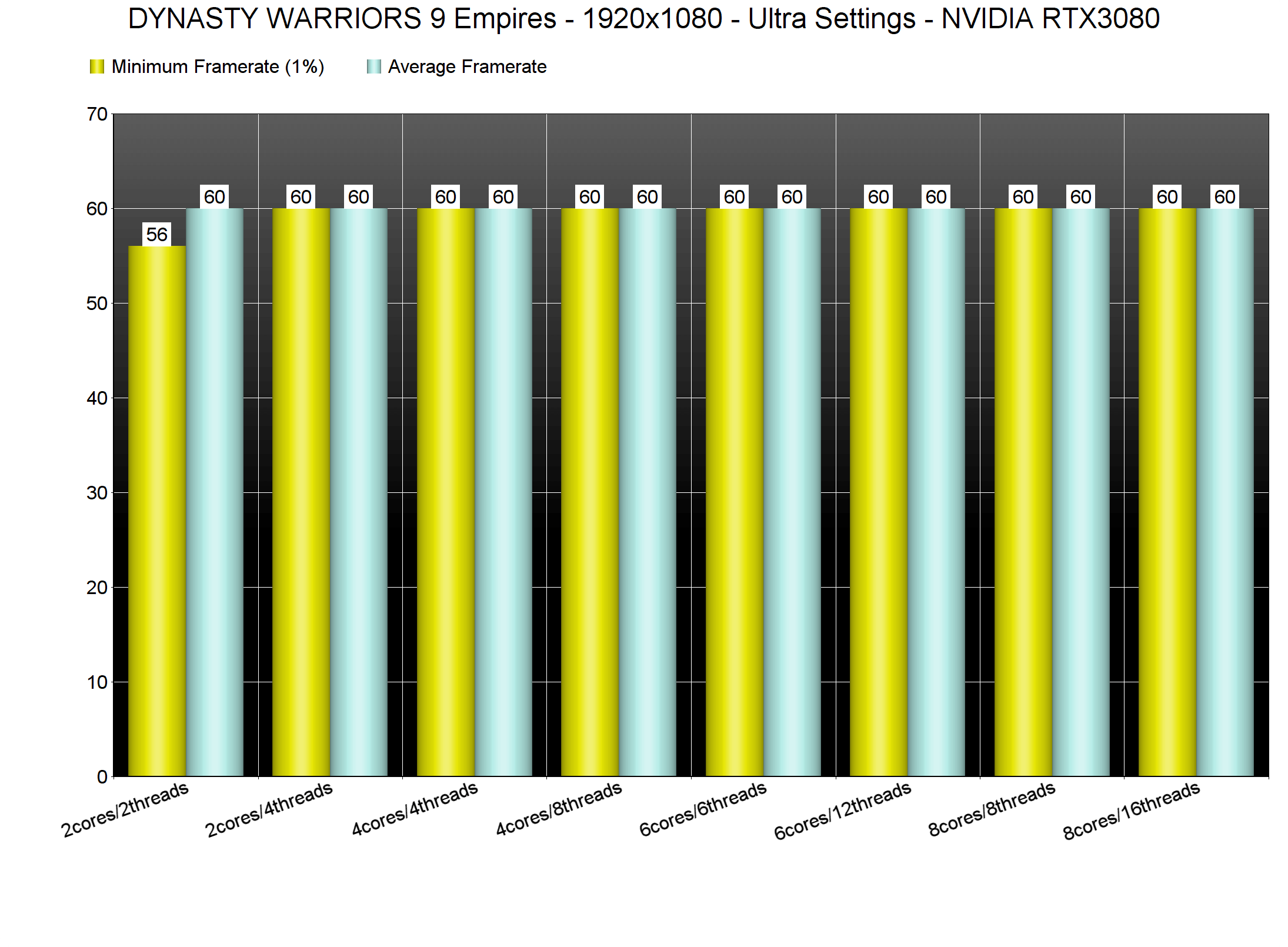
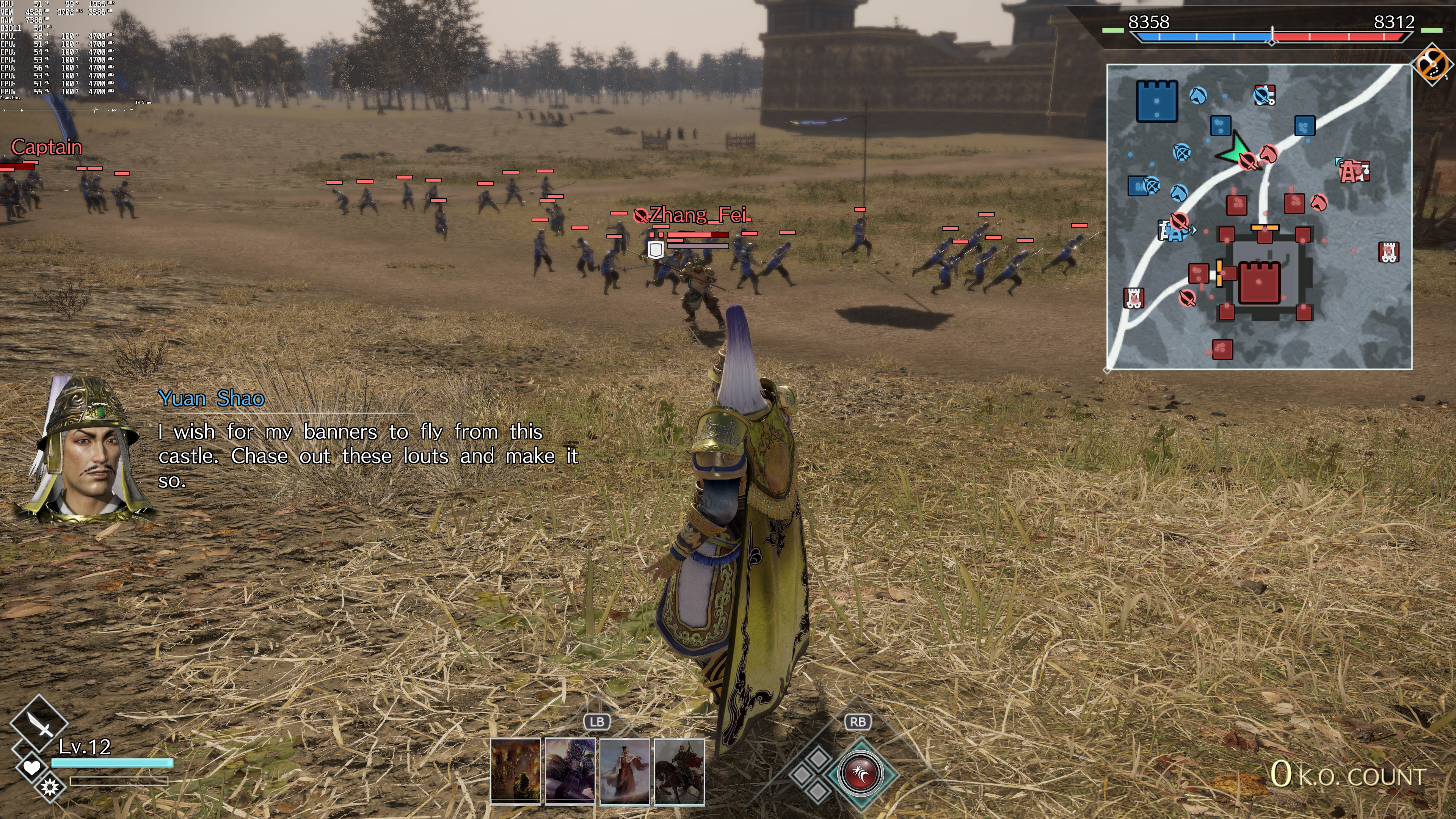
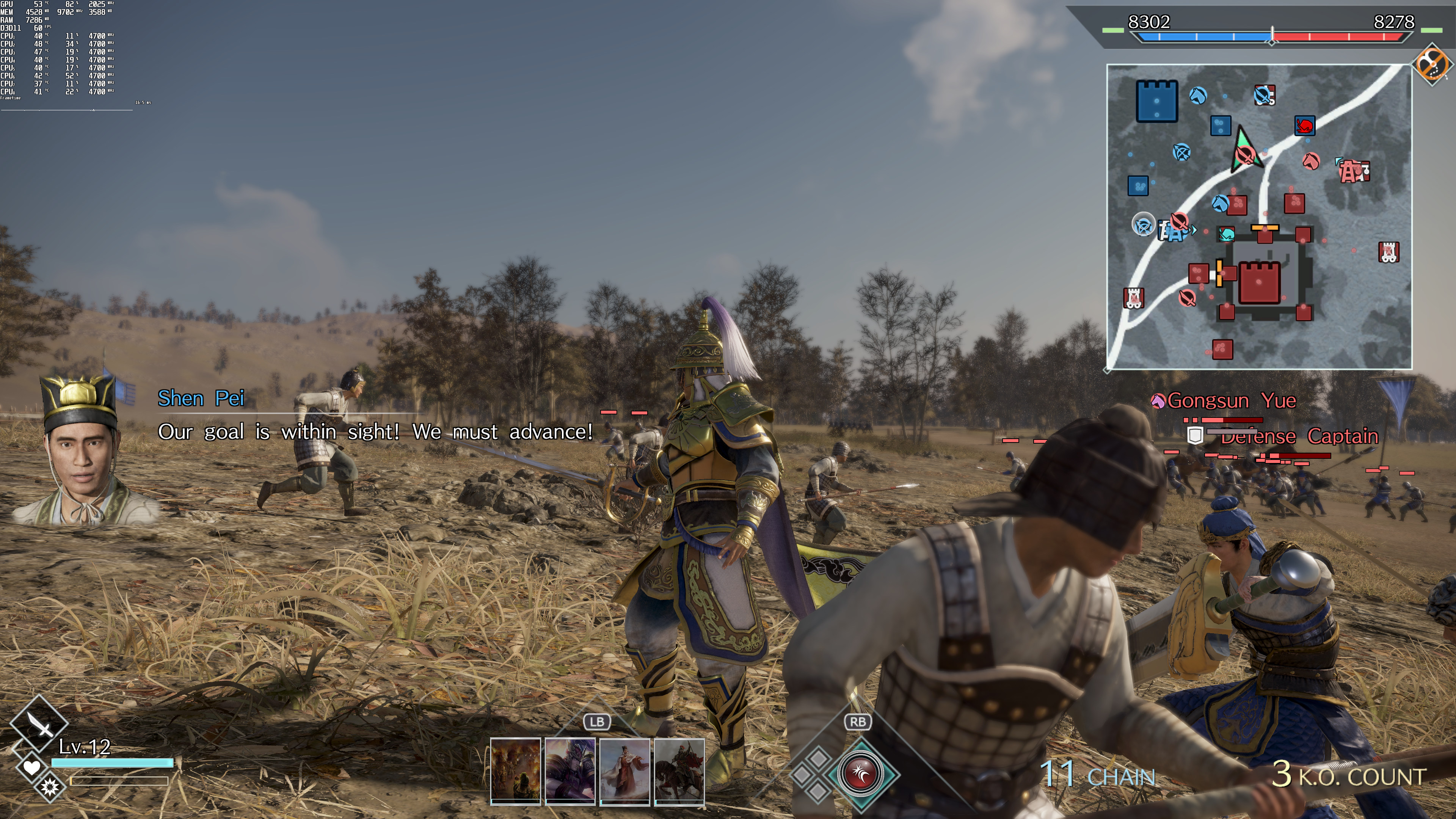
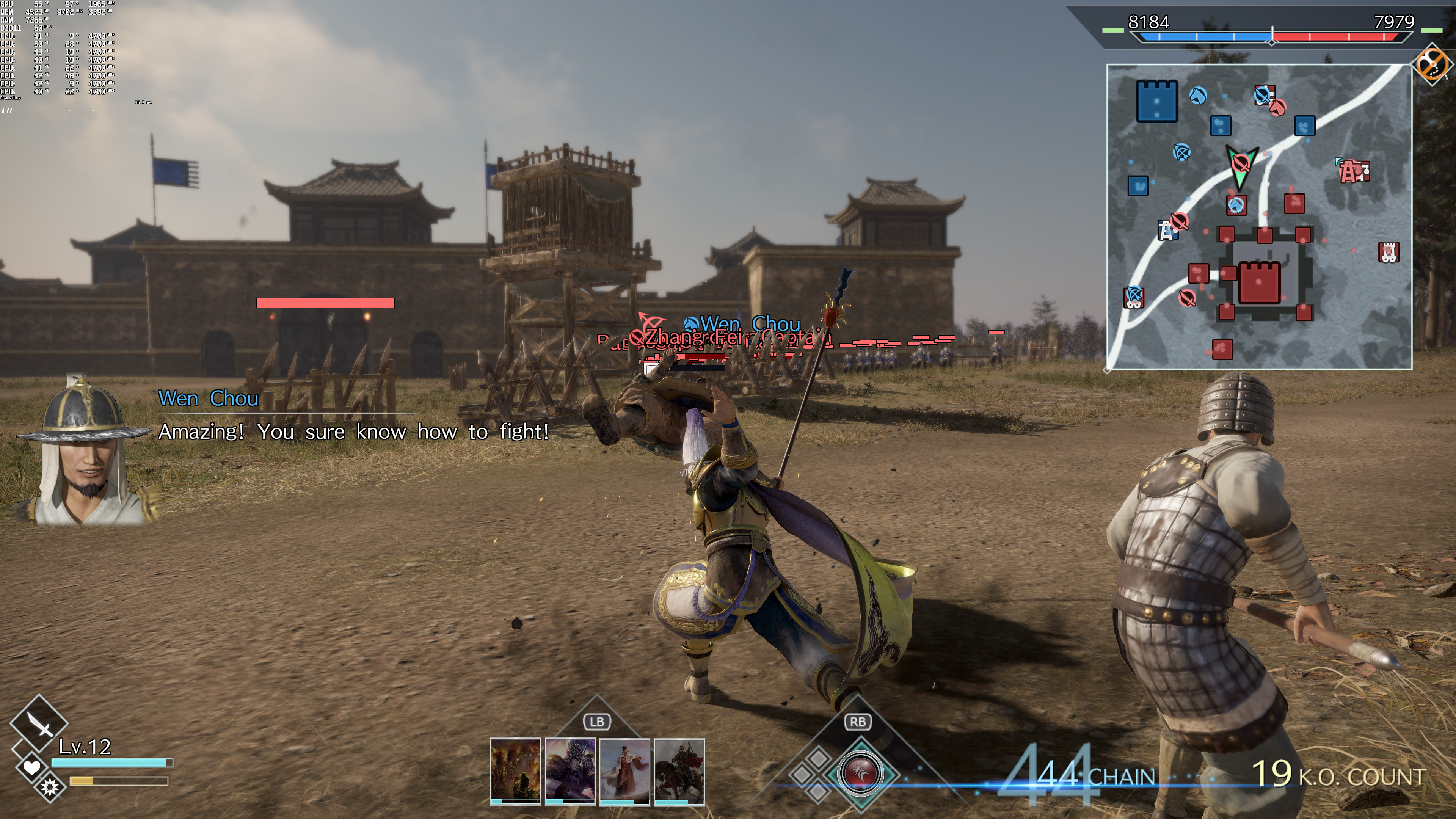
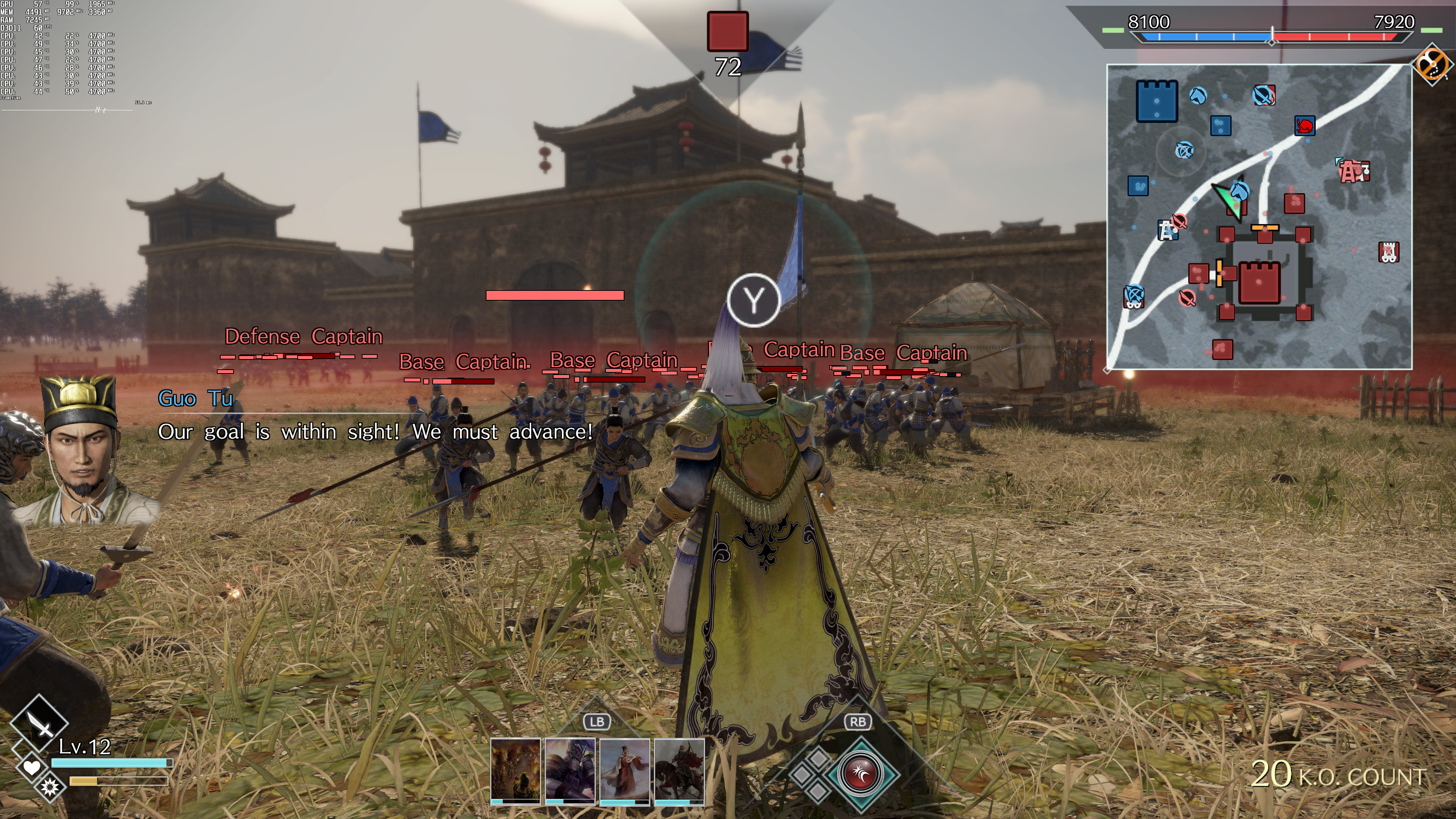
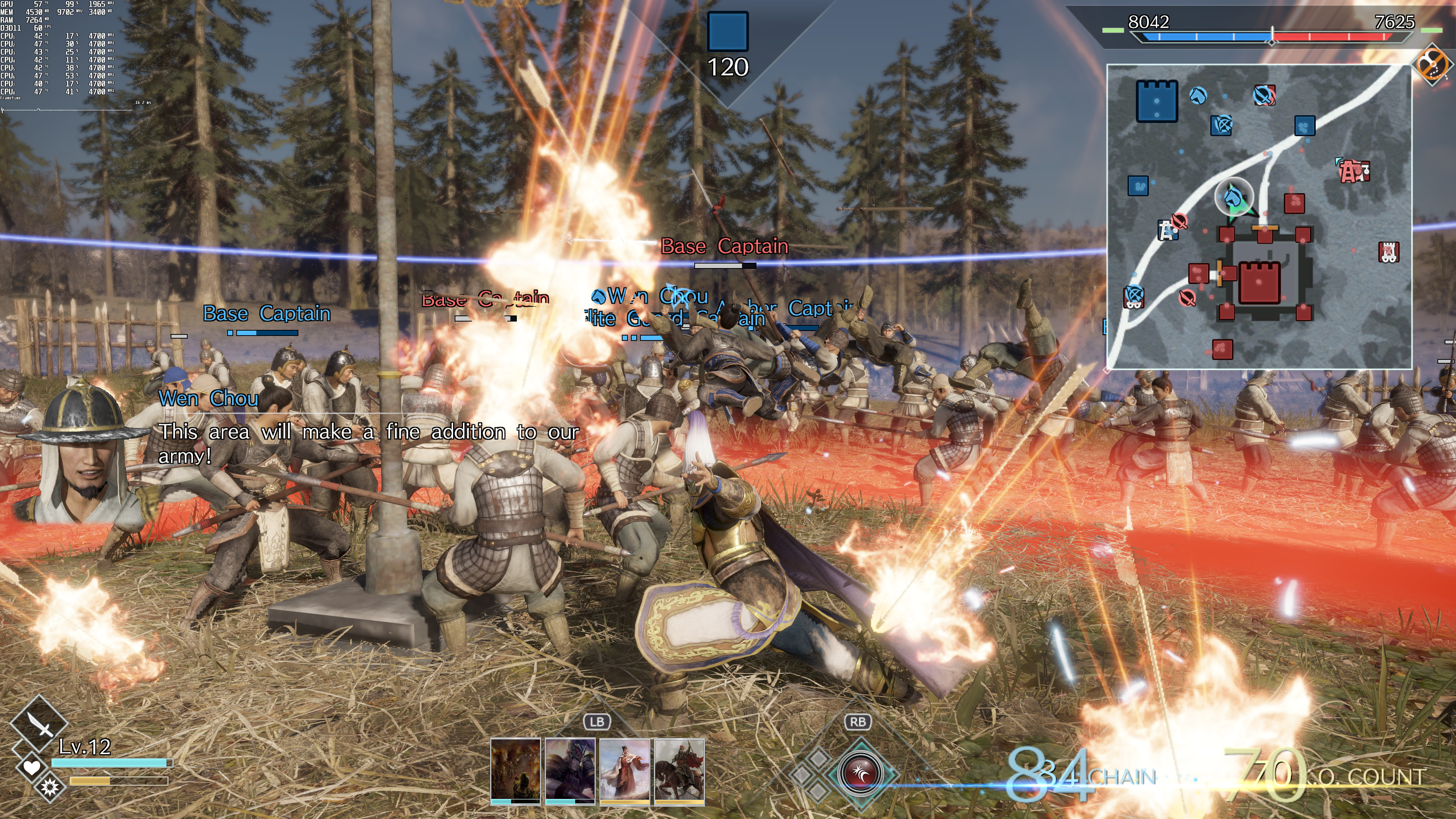
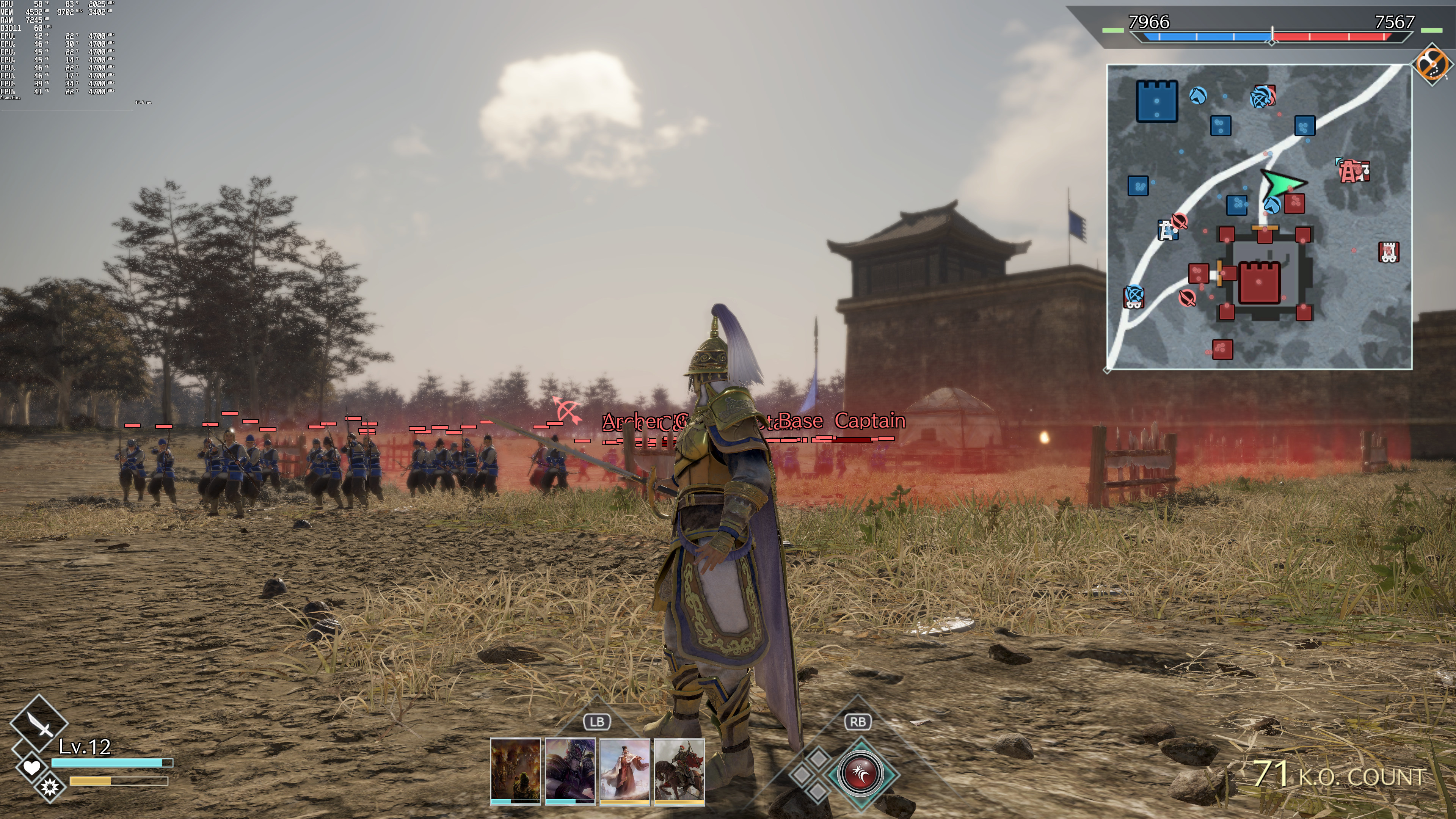
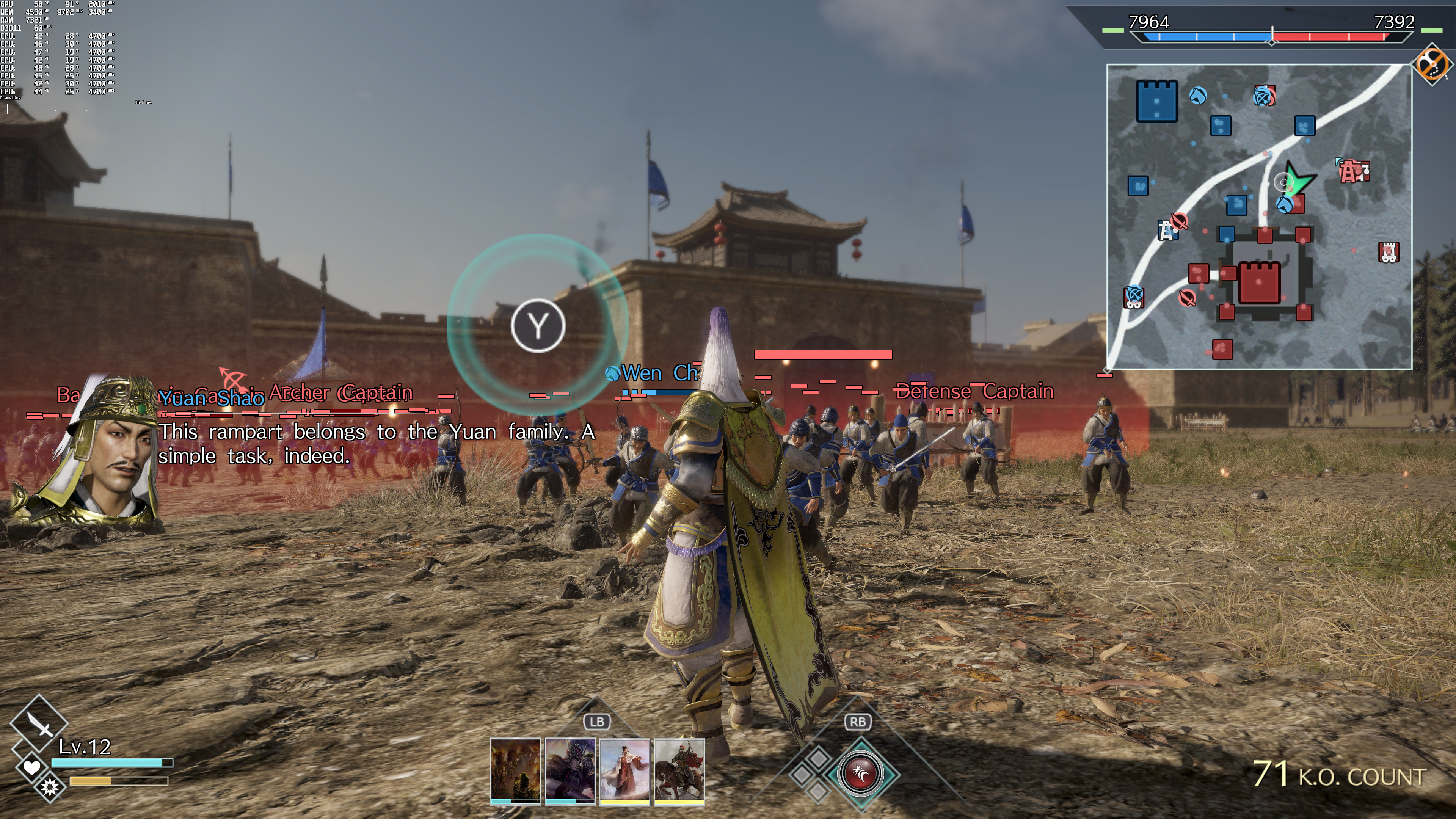
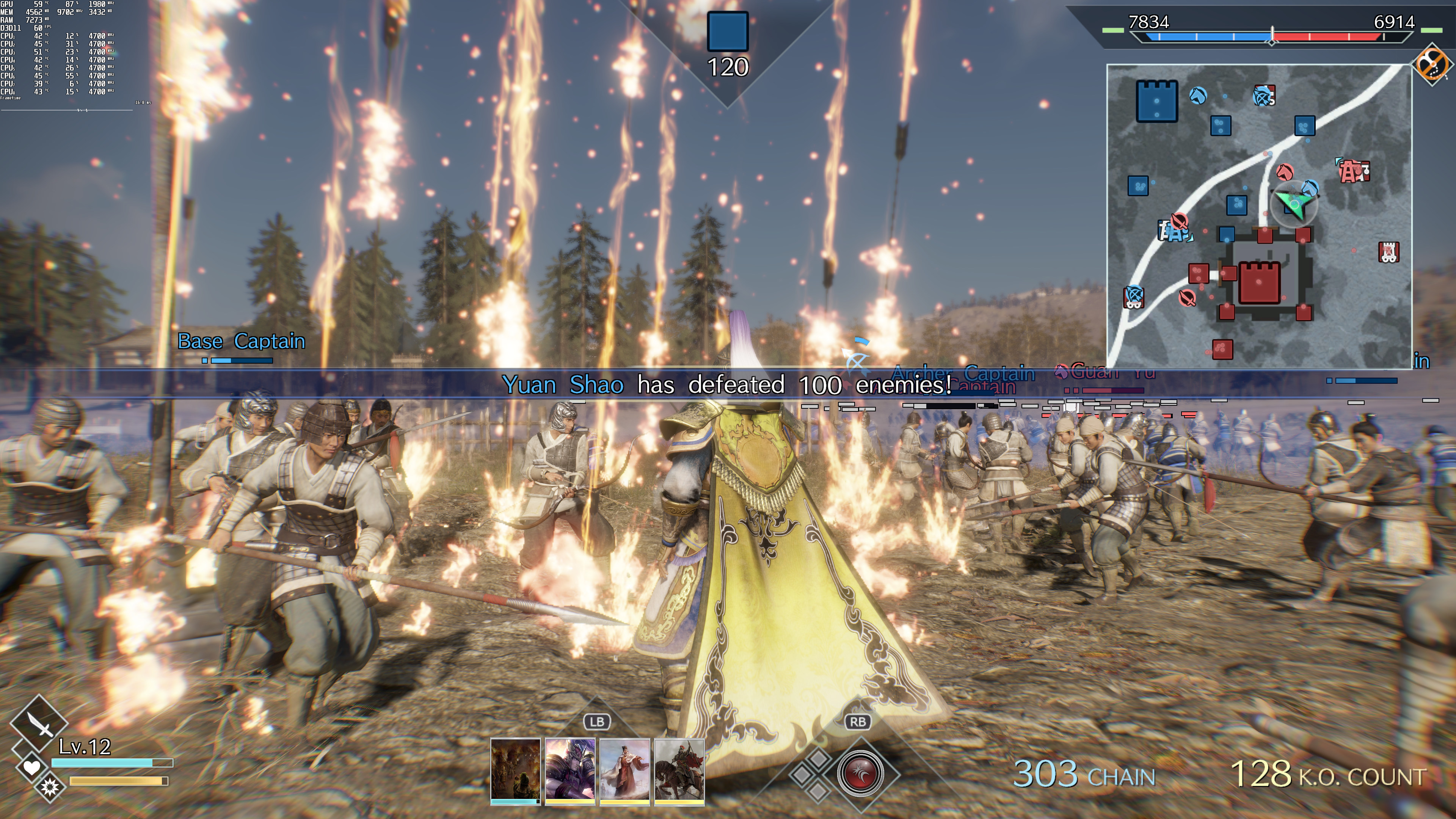
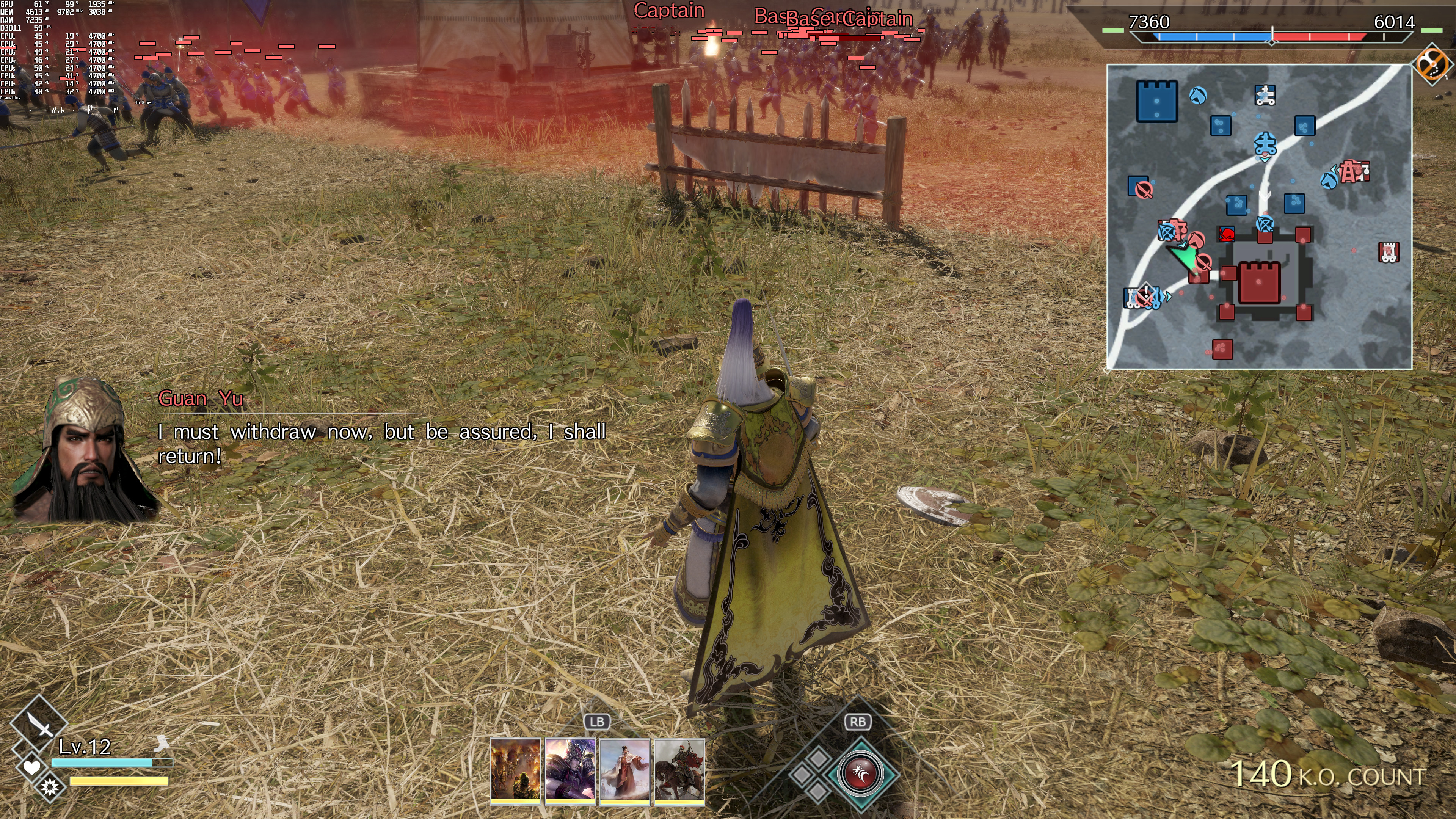
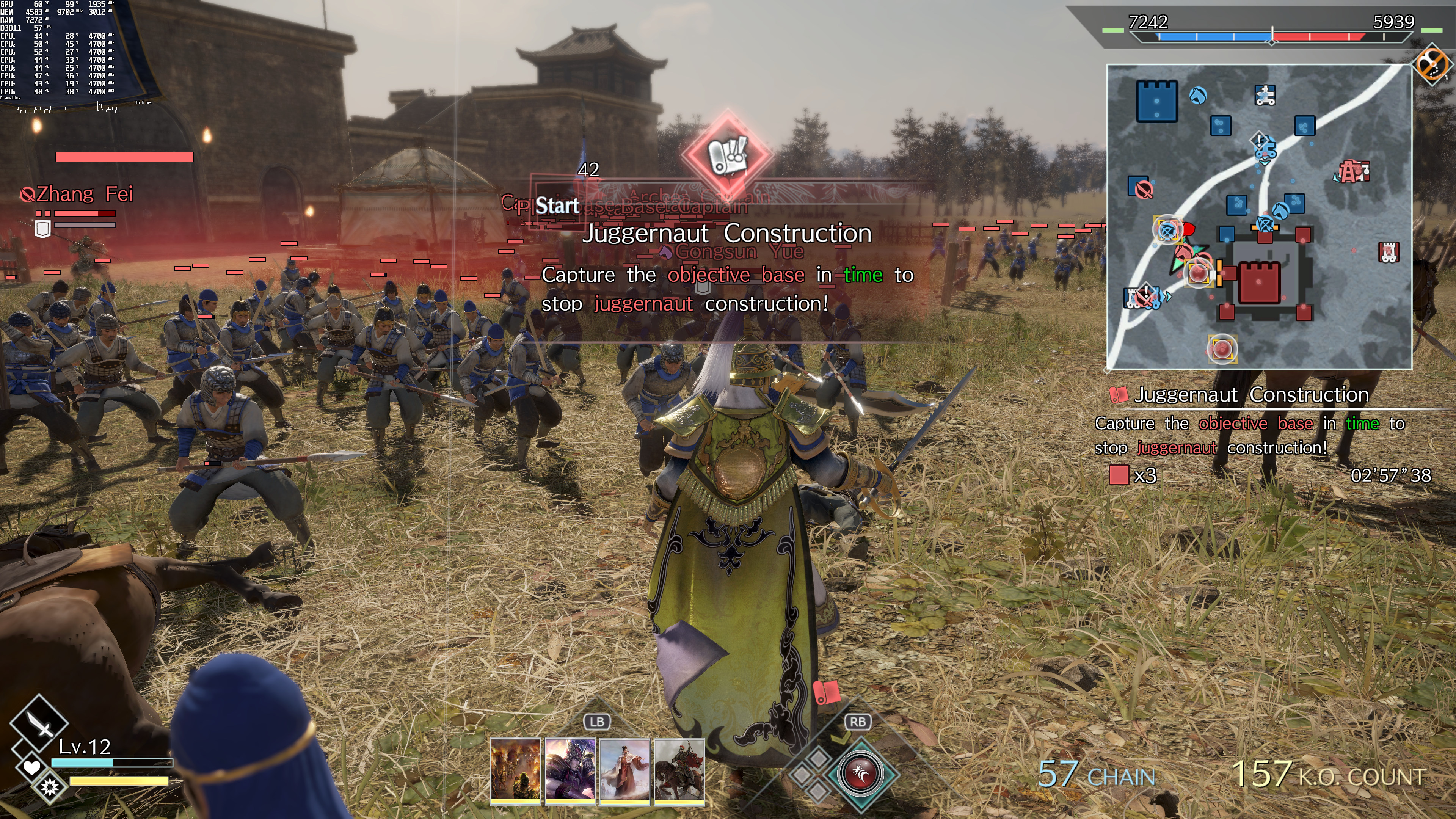
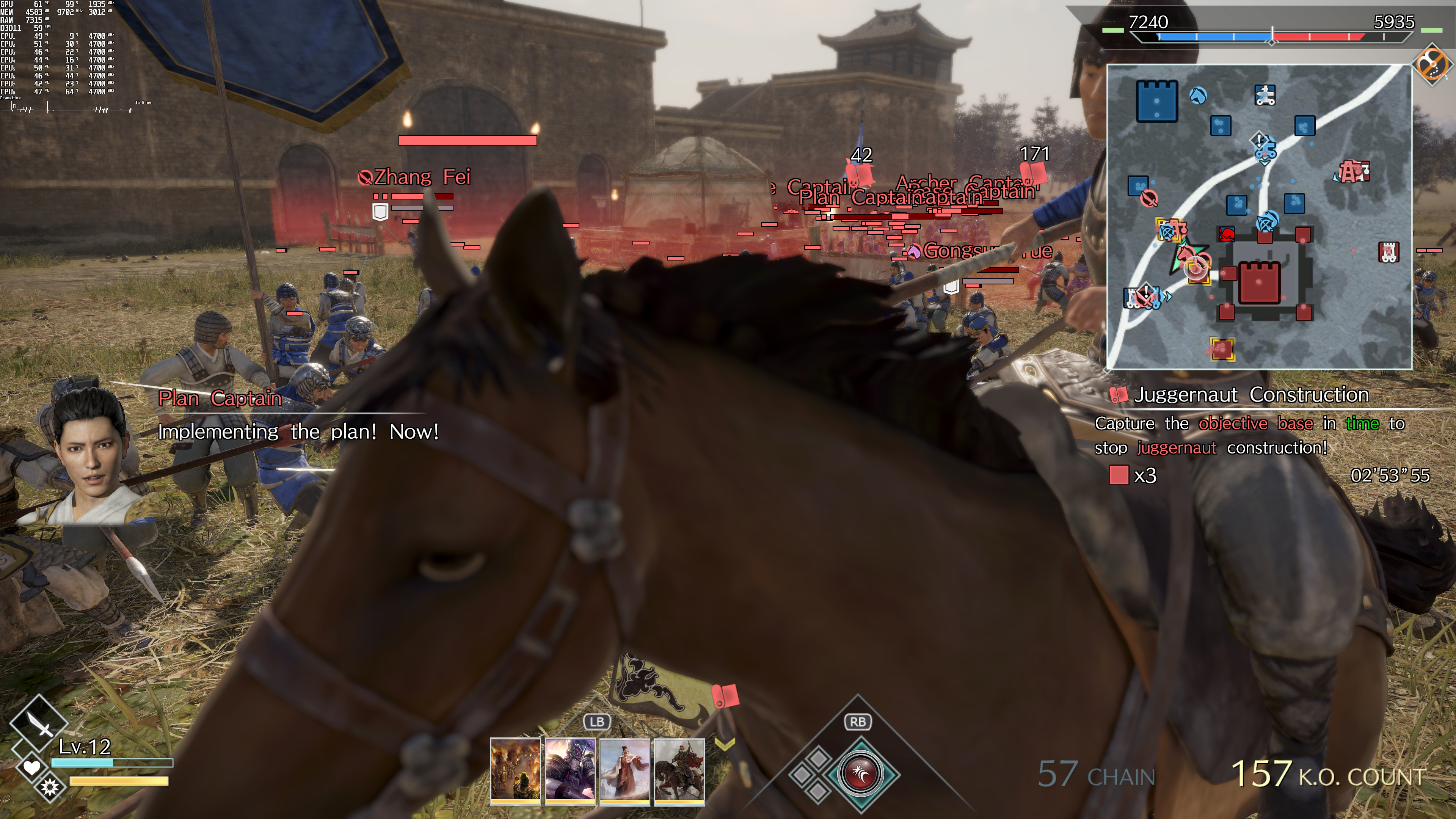
DYNASTY WARRIORS 9 Empires does not feature any built-in benchmark tools. As such, we’ve benchmarked an open area during an Invasion.
In order to find out how the game scales on multiple CPU threads, we simulated a dual-core, a quad-core and a hexa-core CPU. And, thankfully, the game can run smoothly on a huge range of CPU configurations. In fact, our simulated dual-core CPU was able to offer an almost constant 60fps experience at 1080p/Ultra.
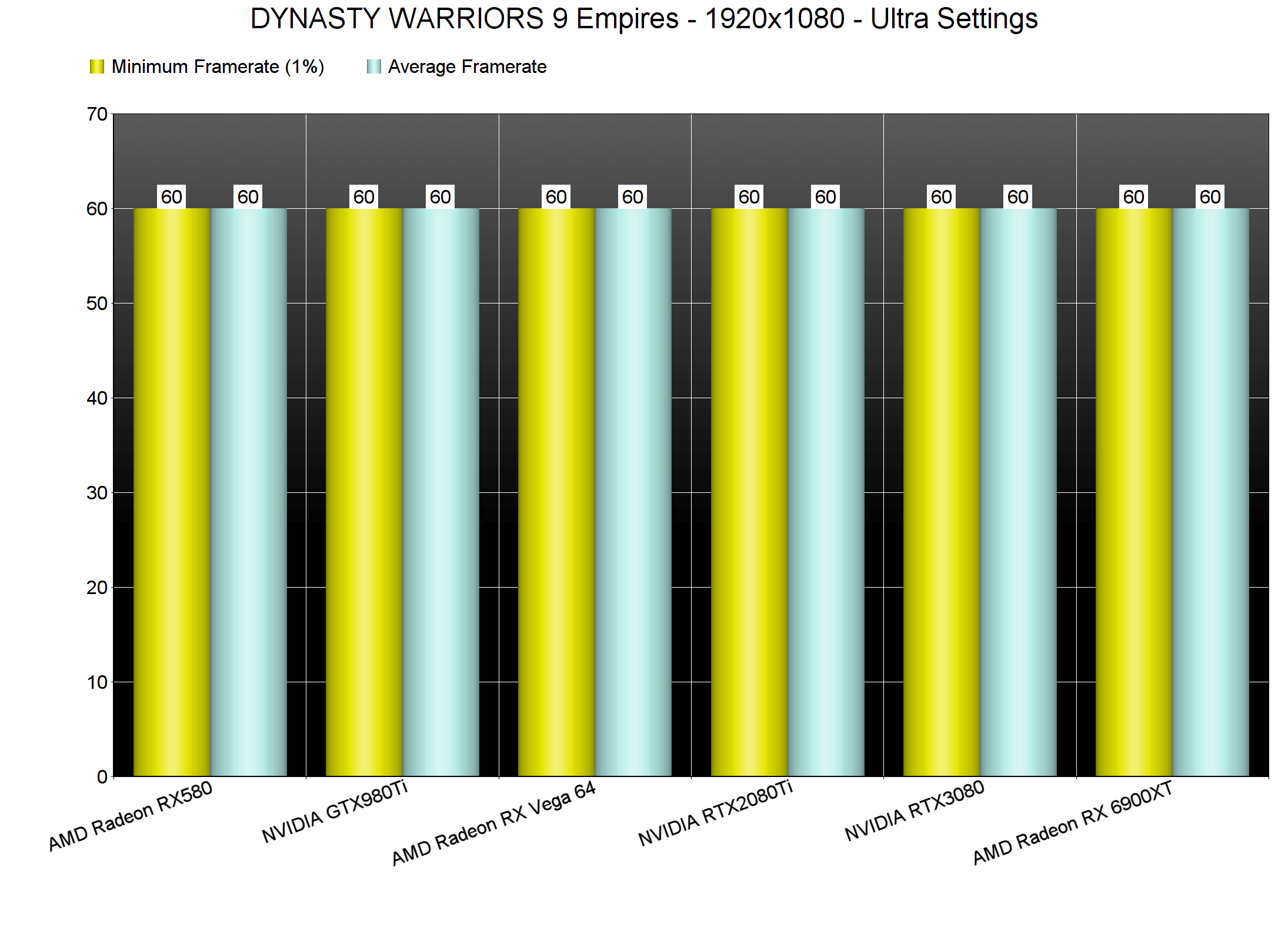
DYNASTY WARRIORS 9 Empires can also run smoothly on a wide range of graphics cards at lower resolutions. All of our GPUs were able to run the game smoothly at 1080p/Ultra. Yes, even an AMD Radeon RX580 has no trouble at all running this new DYNASTY WARRIORS game.
Things get a bit more complicated though once you start increasing the internal resolution. Before continuing, know that the game locks the resolution to your native res. In order to use higher resolutions, you’ll have to set your desktop resolution to the one you wish to use. So for instance, if you have a 1440p monitor, you’ll have to set first your desktop res to 4K and then choose a 4K resolution in the game.
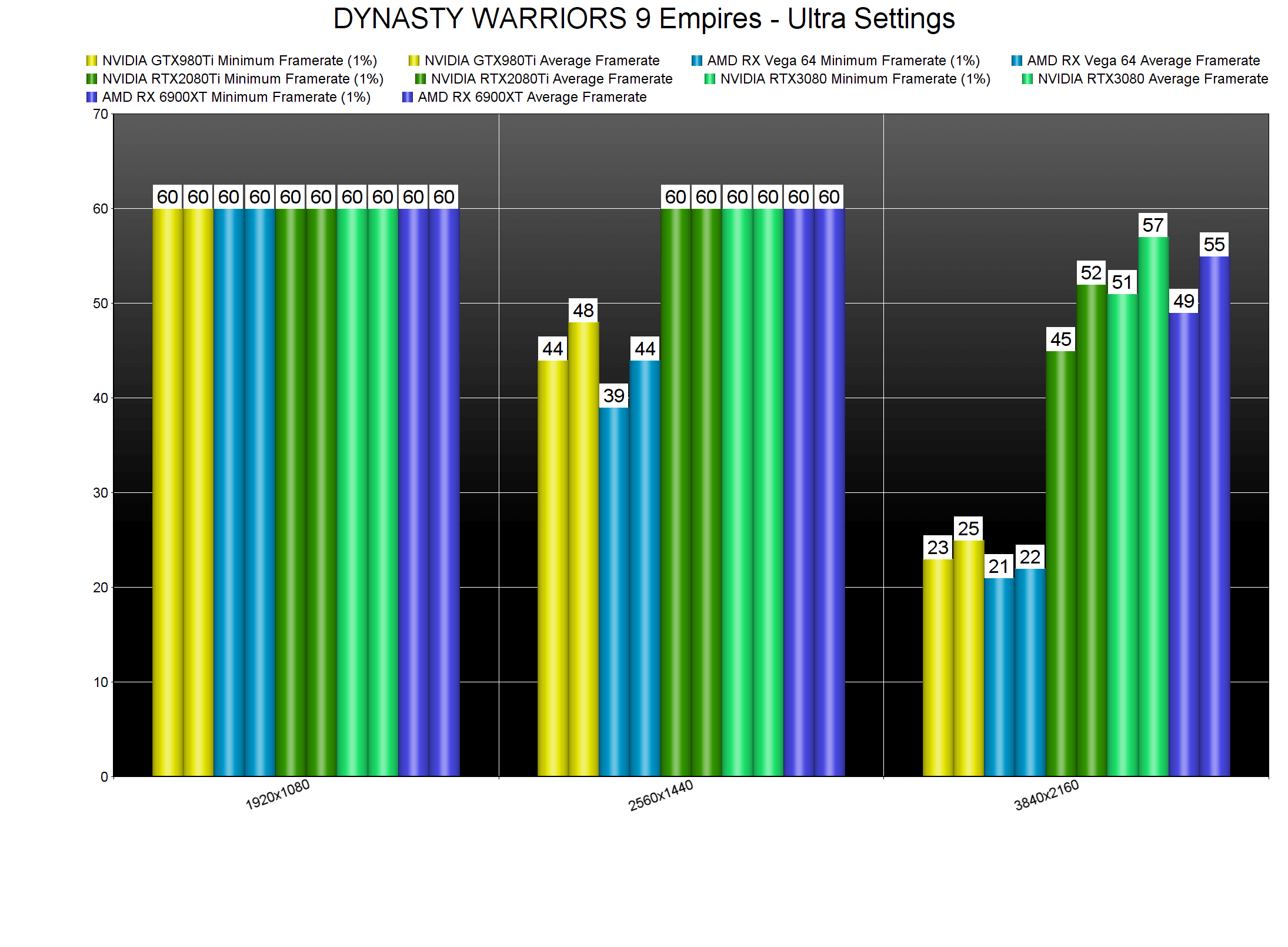
Our three most powerful GPUs had no trouble running DW9E at 1440p/Ultra. At 4K/Ultra, though, there wasn’t any GPU that could run the game with constant 60fps. Furthermore, and due to the DX11 API, the game performed worse on AMD’s hardware. NVIDIA RTX owners (that game at 1080p/1440p monitors) will be able to get closer to a 60fps experience by using DLDSR. And that’s the best way to play this game right now. However, if you use a 4K monitor/TV, you won’t be able to get a smooth gaming experience.
Graphics-wise, there is nothing here to really justify these performance figures in 4K. Distant characters animate at 30fps, there are a lot of pop-in issues, the environments look dated, and everything looks so old-gen-ish. Seriously, this game should be running with 60fps on the RTX2080Ti (for the quality of the visuals it displays).
Now since this is a KOEI Tecmo game, we were expecting an awful PC port. And, we were half-right. As said, the game is locked at 60fps. Unlike other KOEI Tecmo games, DYNASTY WARRIORS 9 Empires does support keyboard and mouse. However, there aren’t any proper mouse or keyboard on-screen prompts. The mouse movement also feels weird and there is no way to disable the auto-centering of the camera when moving left or right.
All in all, DYNASTY WARRIORS 9 Empires will run fine on a wide range of PC configurations at 1080p. Once you start increasing its resolution, though, the game becomes unreasonably demanding. In a way, this new DYNASTY WARRIORS suffers from the same issues that plagued the launch version of Nioh 2. And that is that.

John is the founder and Editor in Chief at DSOGaming. He is a PC gaming fan and highly supports the modding and indie communities. Before creating DSOGaming, John worked on numerous gaming websites. While he is a die-hard PC gamer, his gaming roots can be found on consoles. John loved – and still does – the 16-bit consoles, and considers SNES to be one of the best consoles. Still, the PC platform won him over consoles. That was mainly due to 3DFX and its iconic dedicated 3D accelerator graphics card, Voodoo 2. John has also written a higher degree thesis on the “The Evolution of PC graphics cards.”
Contact: Email