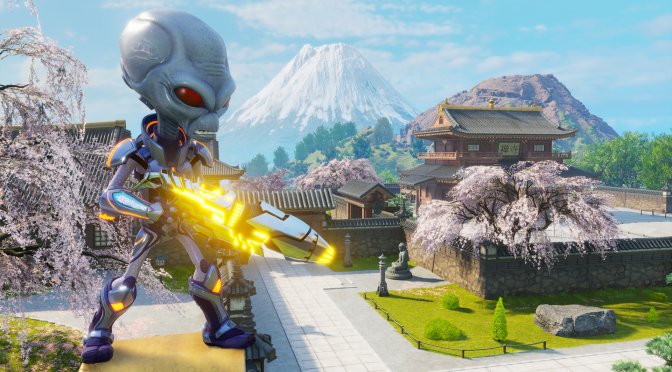
Last month, THQ Nordic released Destroy All Humans! 2 – Reprobed. Powered by Unreal Engine 4, it’s time to benchmark it and see how it performs on the PC platform.
For this PC Performance Analysis, we used an Intel i9 9900K with 16GB of DDR4 at 3800Mhz, AMD’s Radeon RX580, RX Vega 64, RX 6900XT, NVIDIA’s GTX980Ti, RTX 2080Ti and RTX 3080. We also used Windows 10 64-bit, the GeForce 516.94 and the Radeon Software Adrenalin 2020 Edition 22.8.2 drivers.
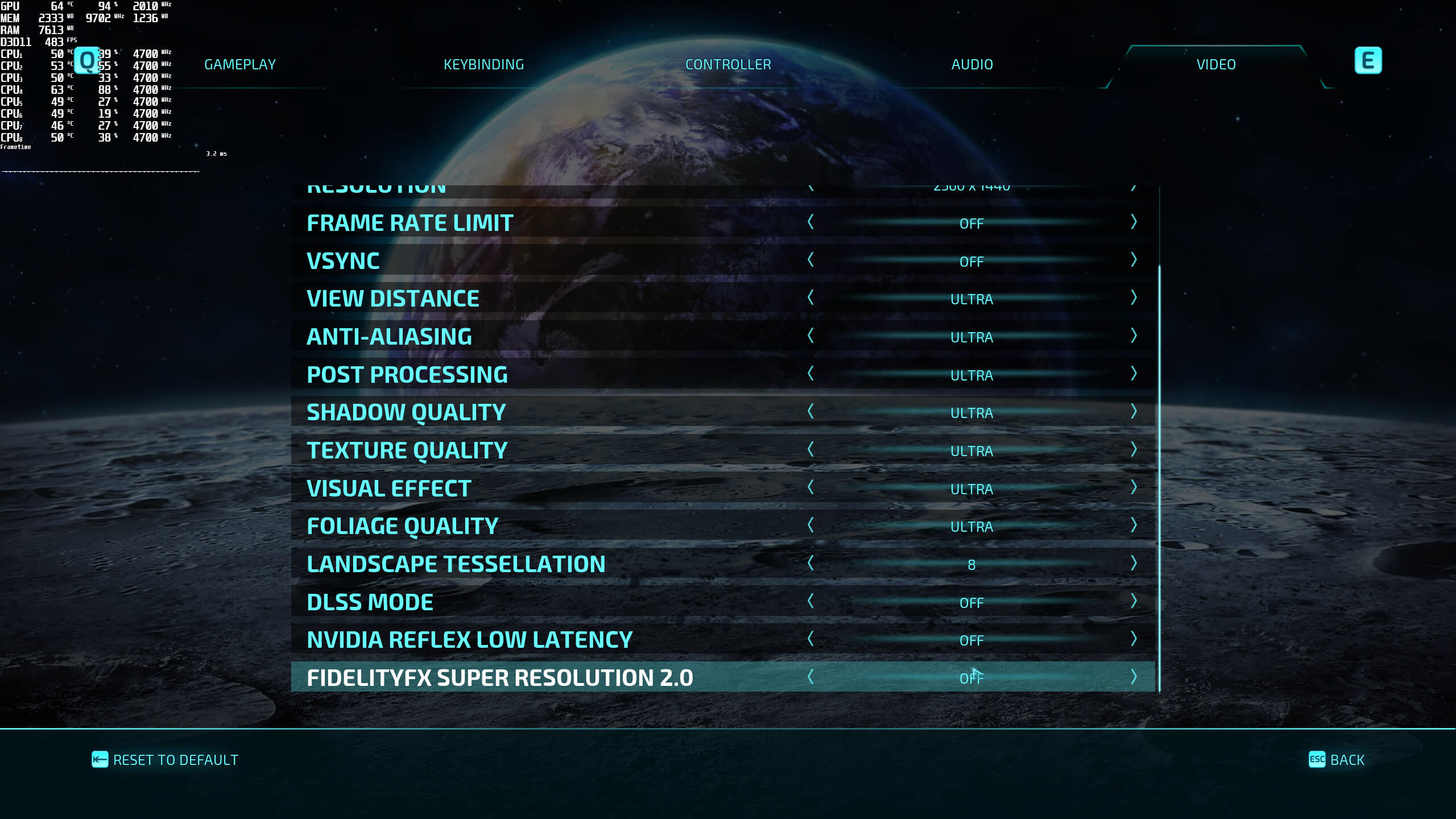
Black Forest Games has included a few graphics settings to tweak. PC gamers can adjust the quality of View Distance, Anti-Aliasing, Textures, Shadows and more. The game also supports both NVIDIA’s DLSS 2.2 and AMD’s FSR 2.0. You can find the benchmarks for these two AI upscaling techniques here.
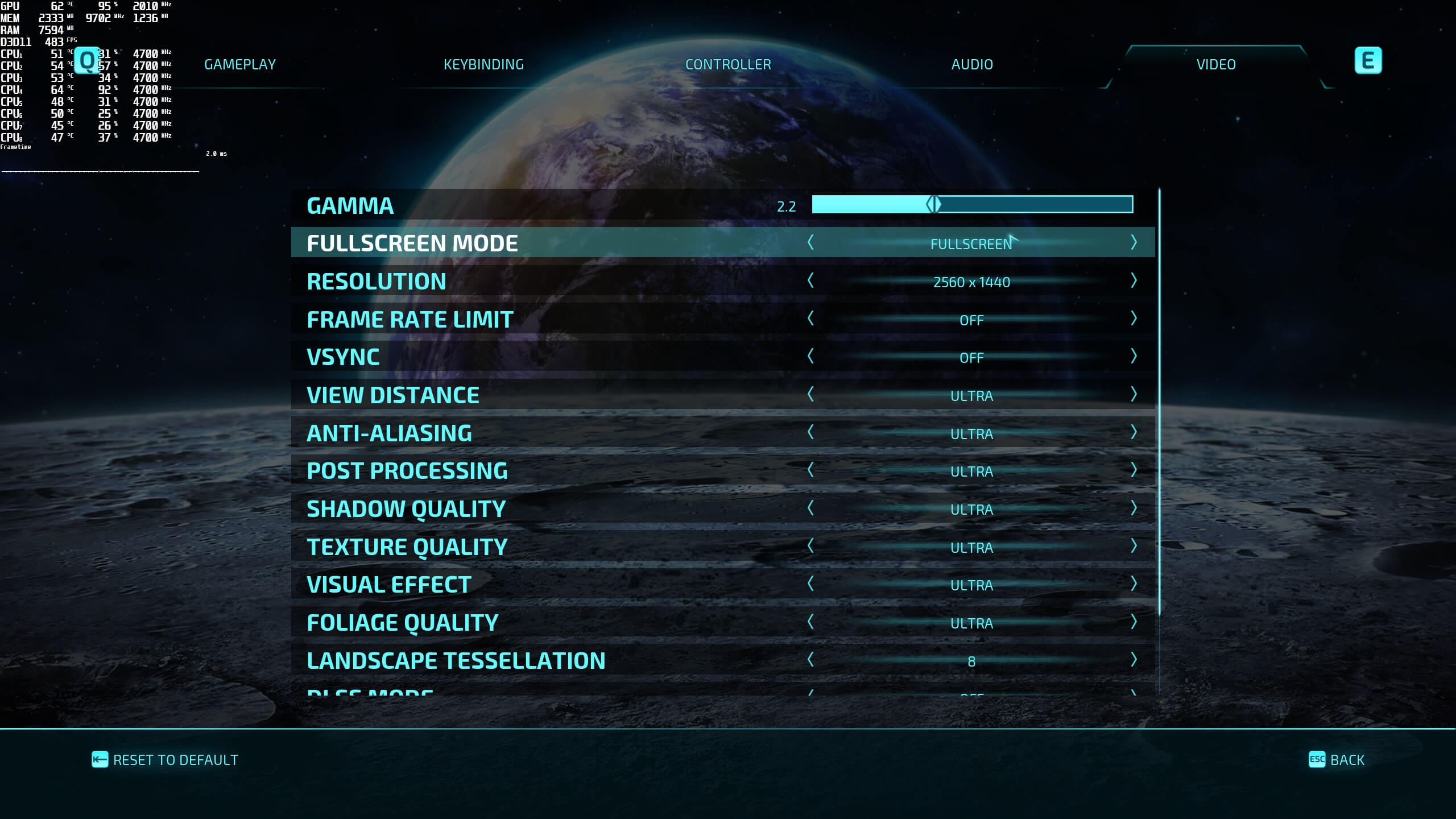
Destroy All Humans! 2 – Reprobed does not feature any built-in benchmark tool. Thus, and for both our CPU and GPU benchmarks, we used the game’s first mission. That particular mission put a lot of stress on our CPU, so you should keep that in mind.
In order to find out how the game scales on multiple CPU threads, we simulated a dual-core, a quad-core and a hexa-core CPU. Our simulated dual-core system was unable to offer a smooth gaming experience at 1080p/Ultra. Even with Hyper-Threading, we had some frame pacing issues that made the game feel jerky (even when it was running with 60fps). As such, we highly recommend using a modern-day quad-core CPU for this game.
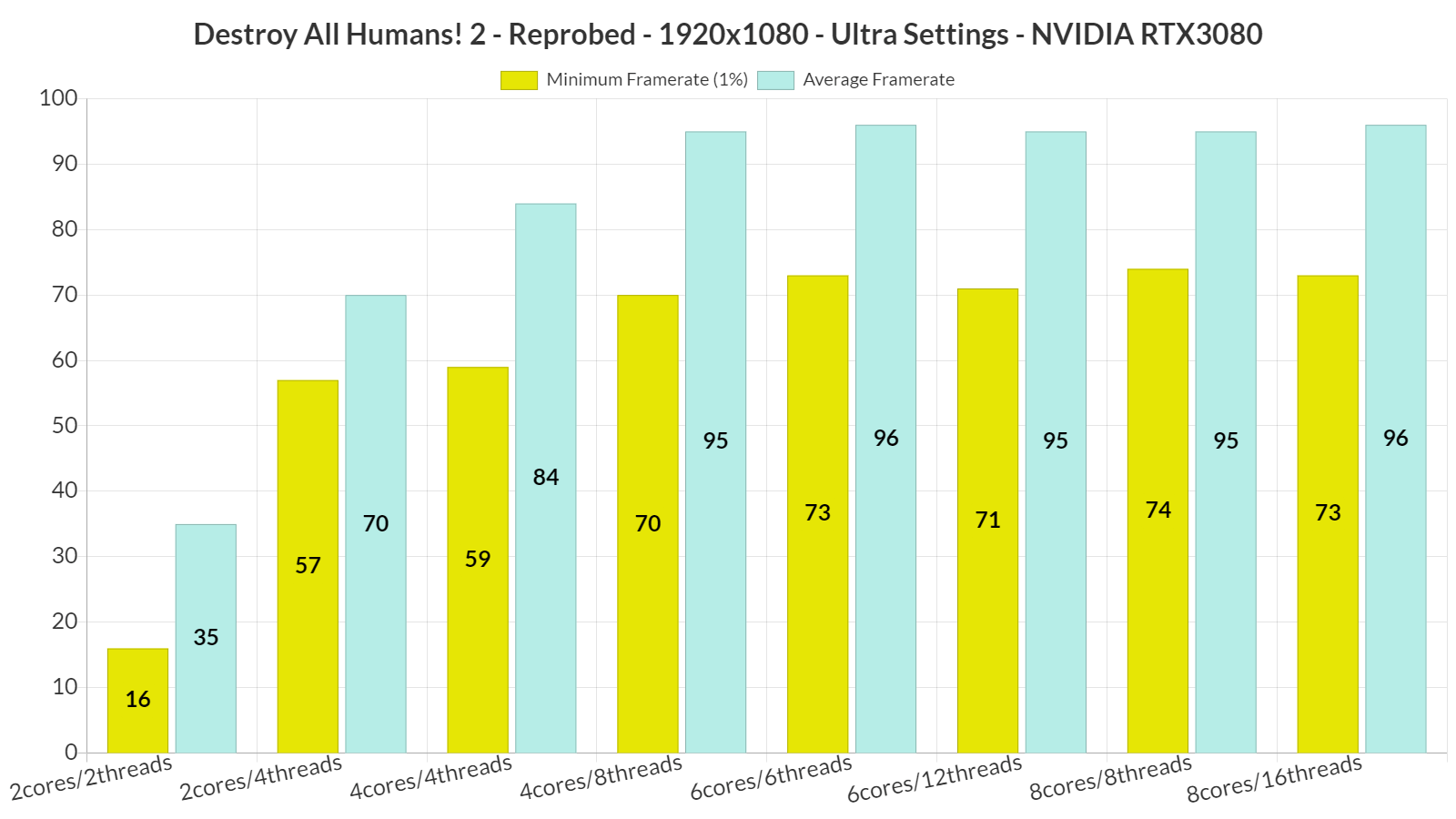
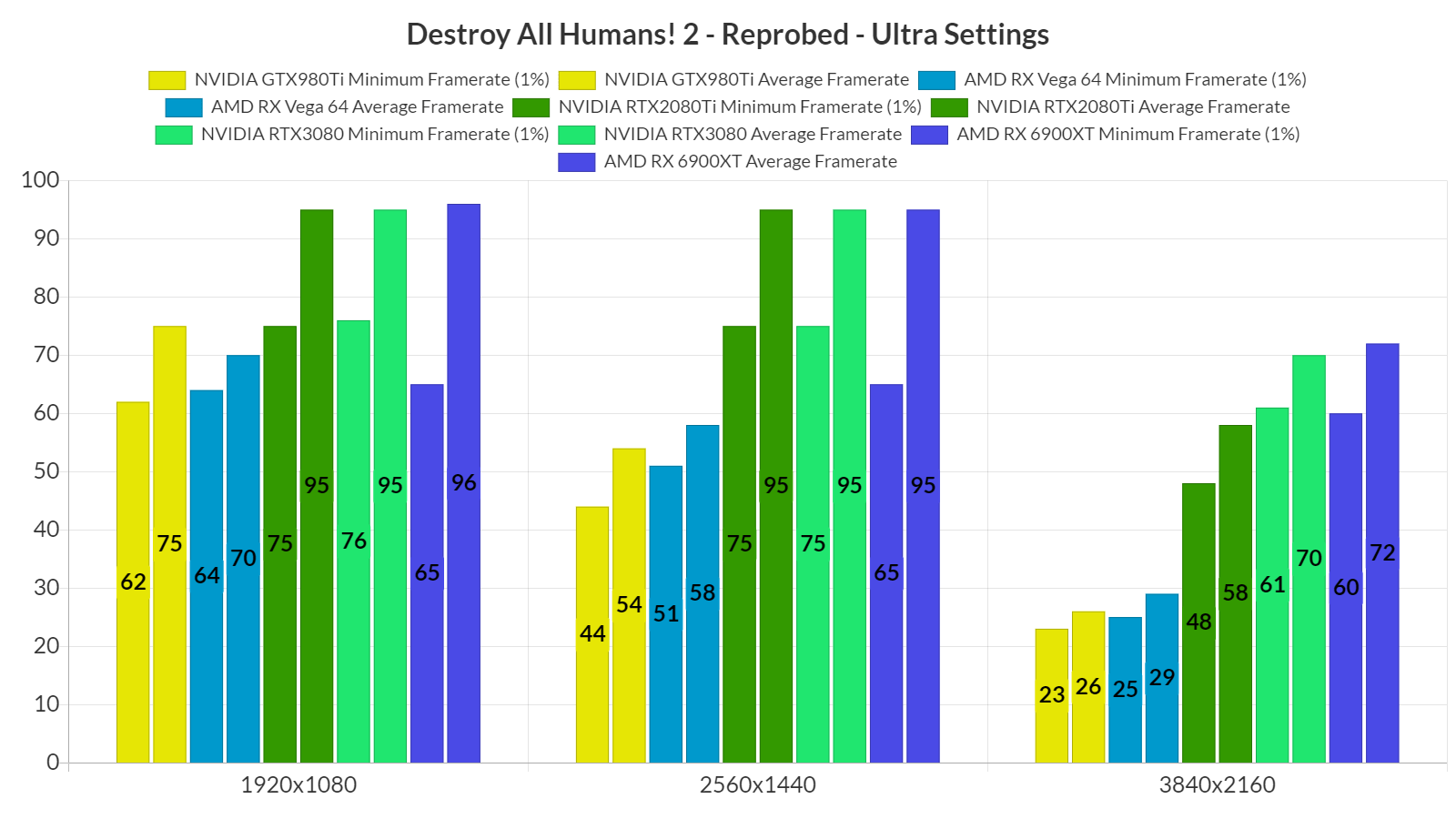
At 1080p/Ultra, most of our GPUs were able to offer a constant 60fps experience. Since this is a DX11 game, it runs better on NVIDIA’s hardware, especially during CPU-heavy scenes. This explains why the GTX980Ti can match the performance of the Vega 64, and why the RTX3080 can compete with the RX 6900XT.
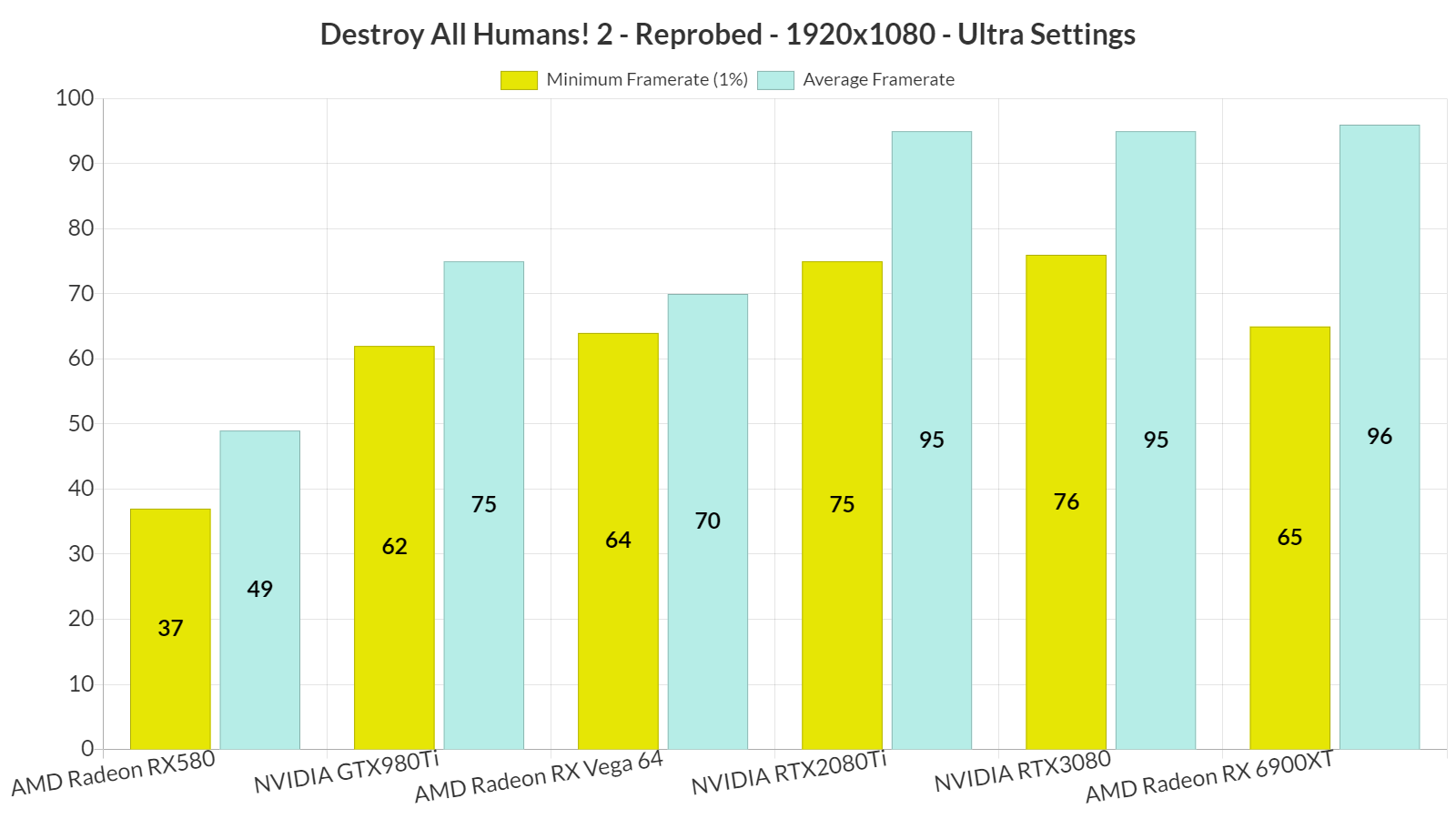
At 1440p/Ultra, the only GPUs that were able to provide a smooth gaming experience were the RTX2080Ti, RTX3080 and RX 6900XT. As for native 4K/Ultra, the only GPUs that could offer a constant 60fps experience were the RTX3080 and the RX 6900XT. However, and since both DLSS 2.2 and FSR 2.0 look great in this game, we highly recommend using them when targeting a 4K resolution.
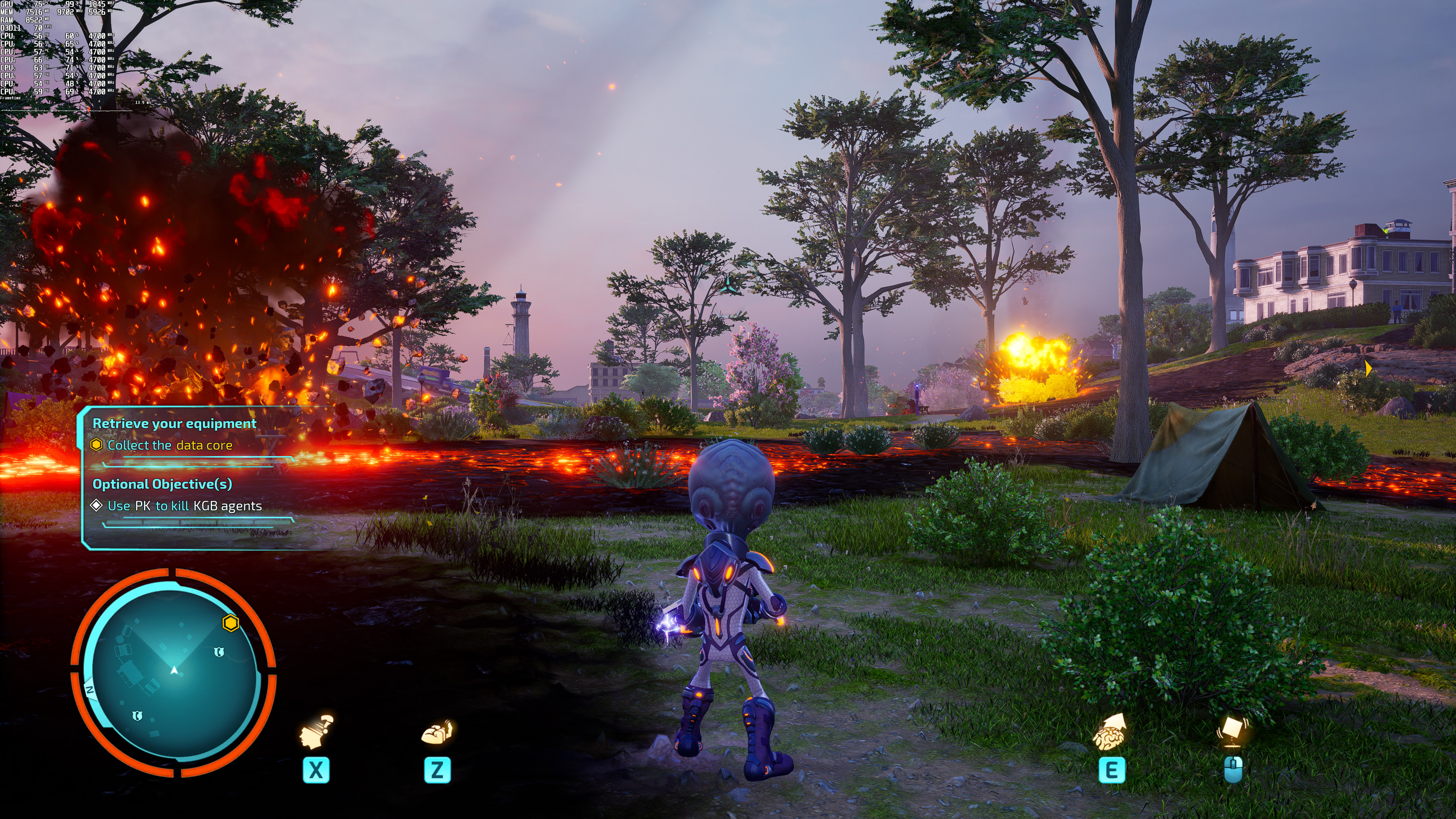
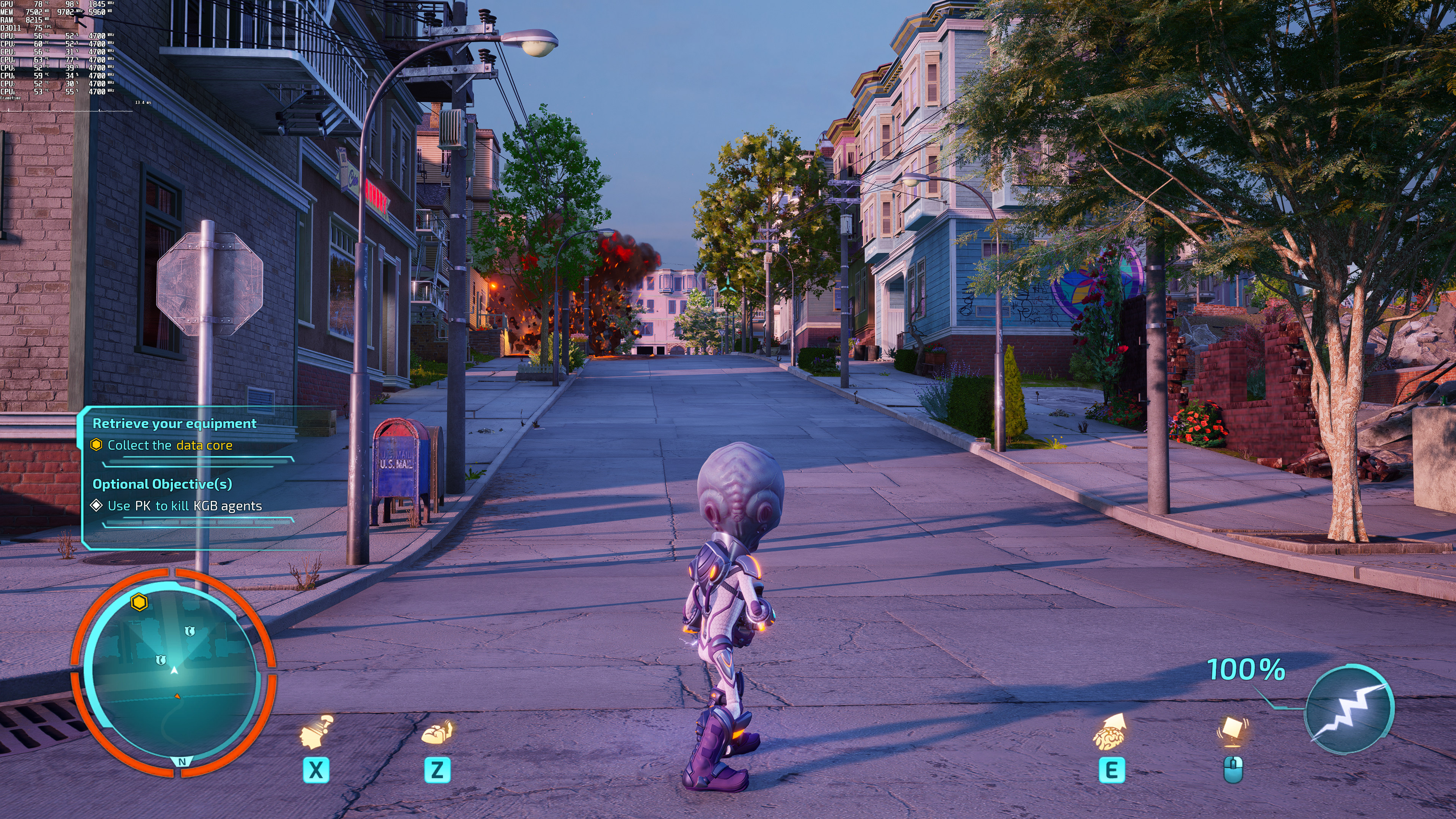
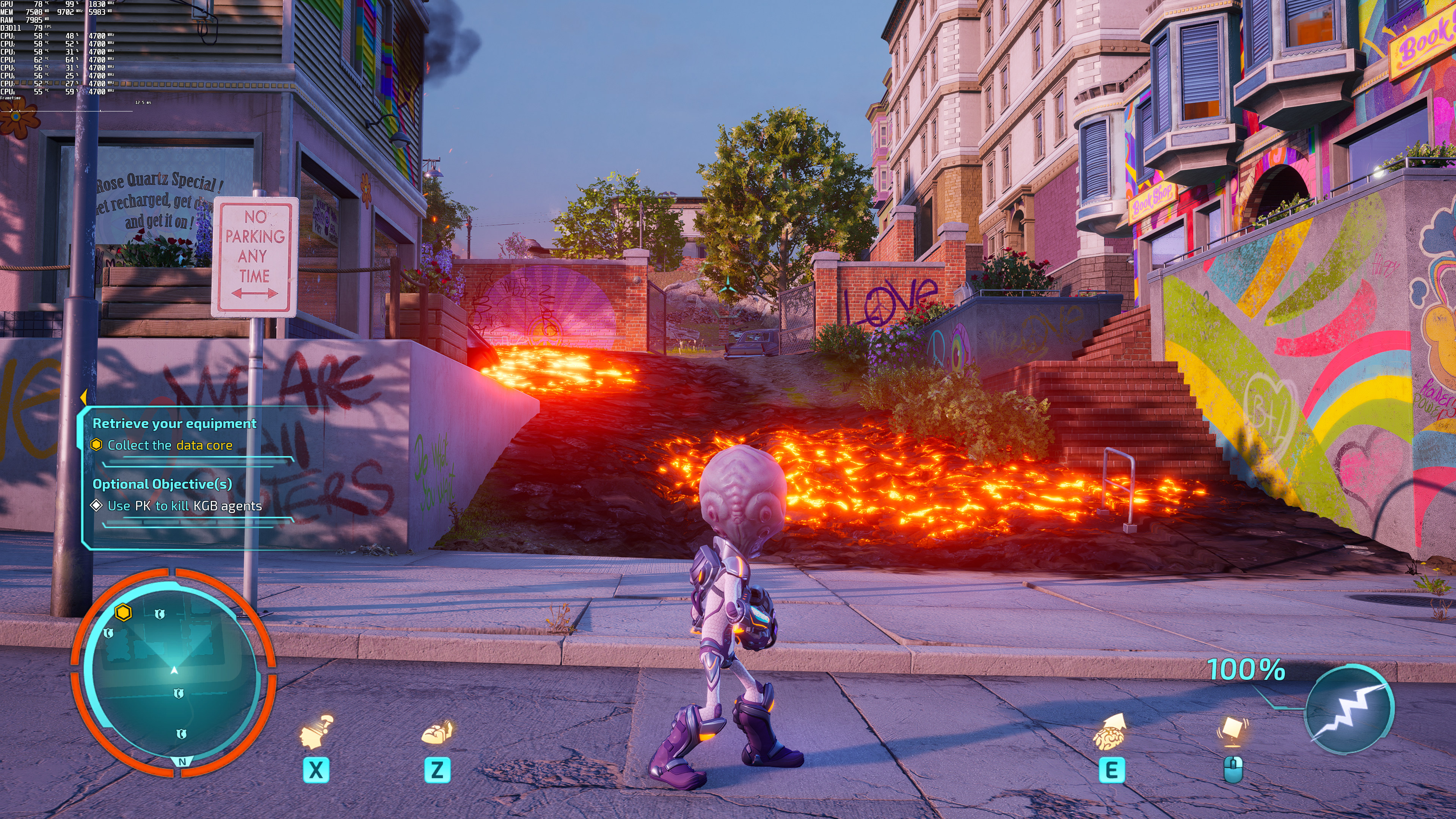
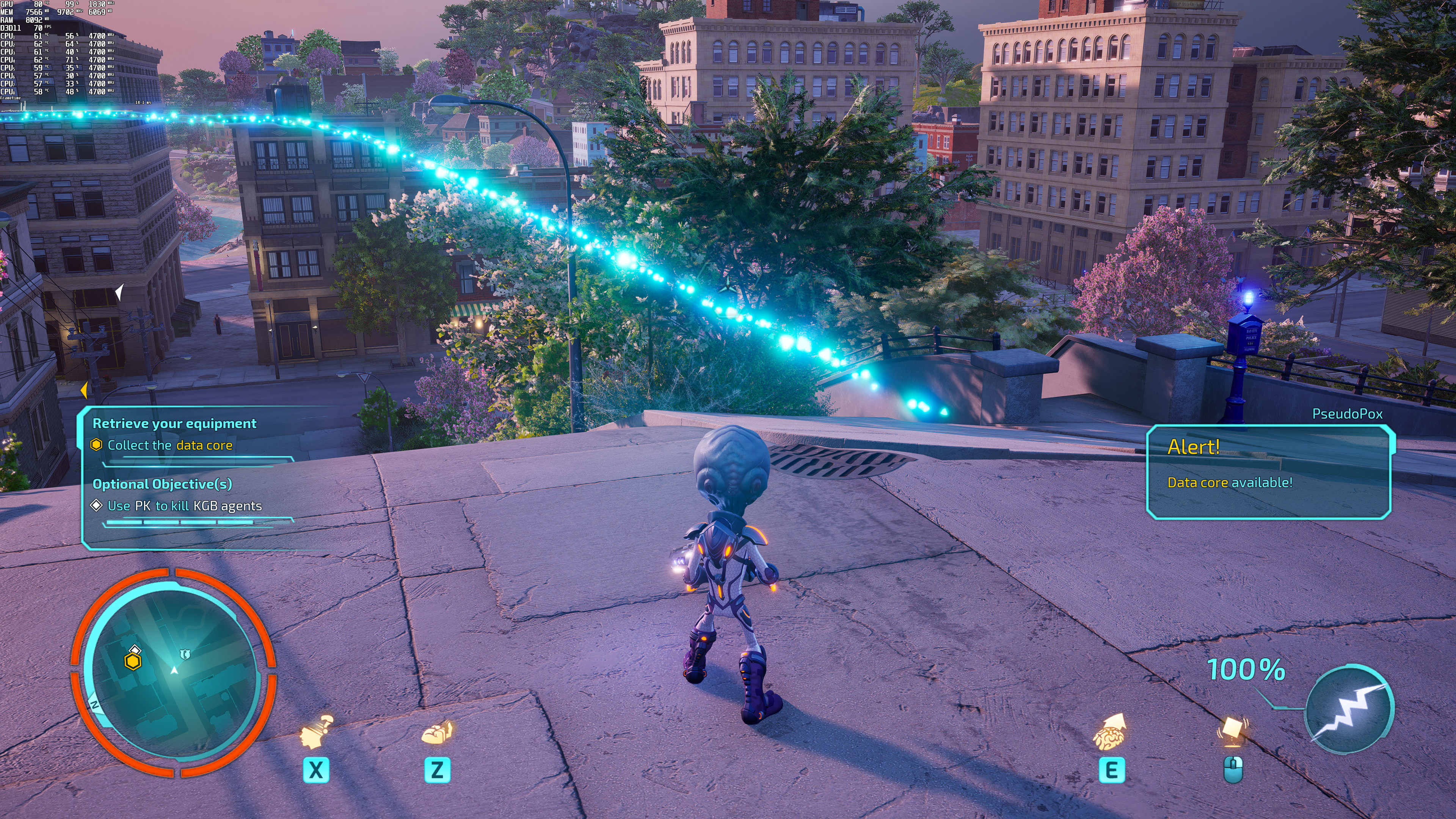
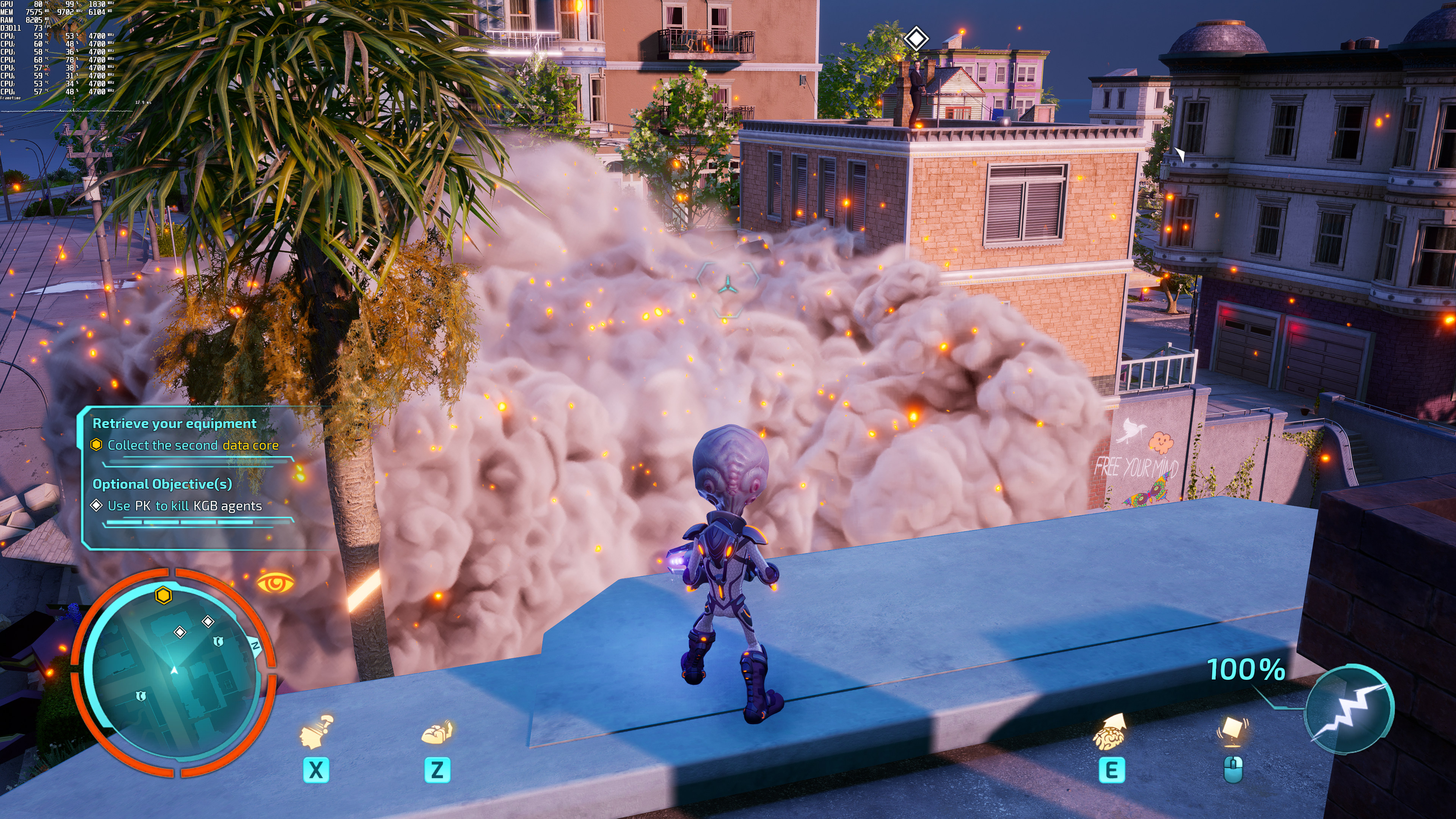
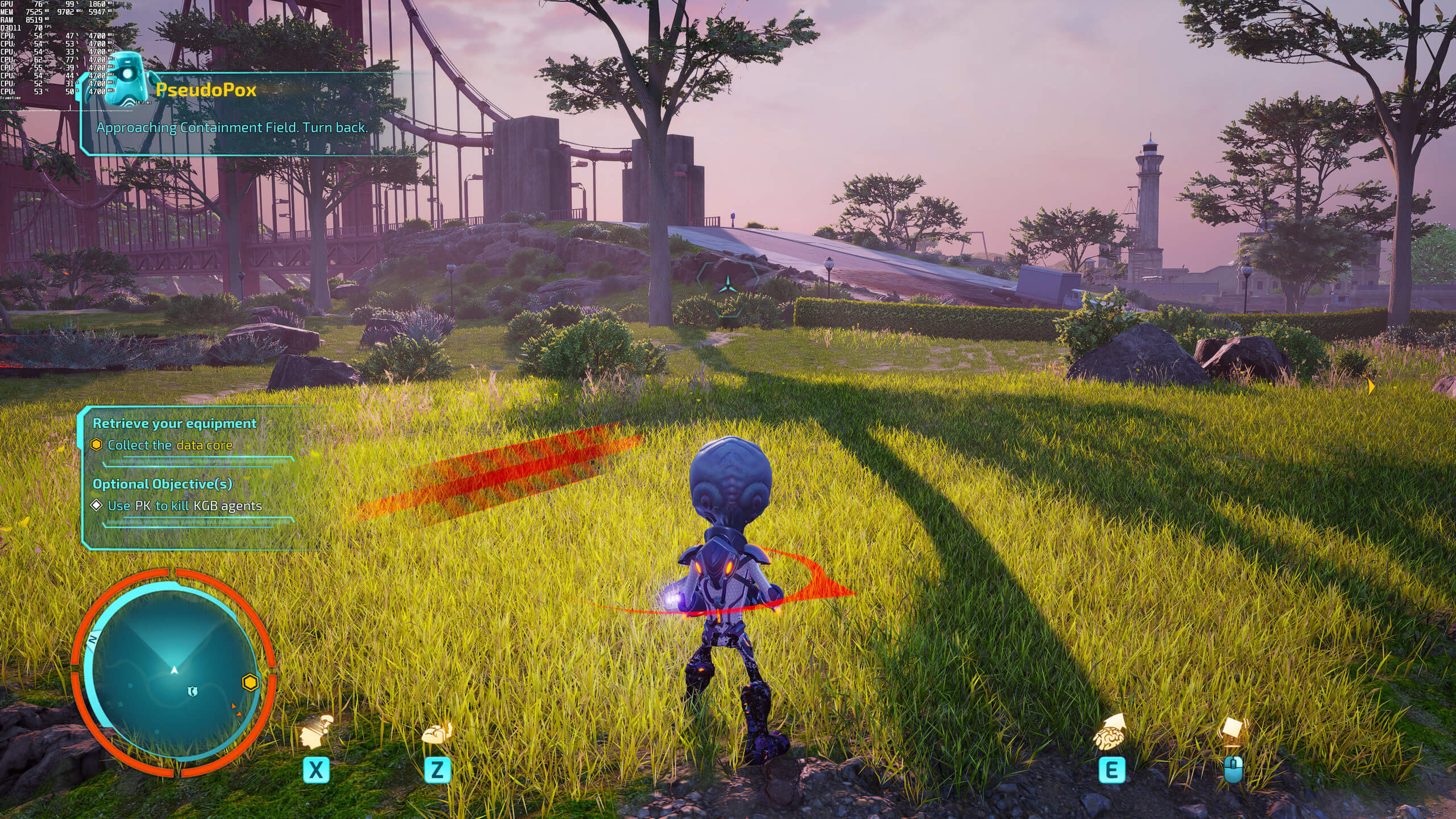
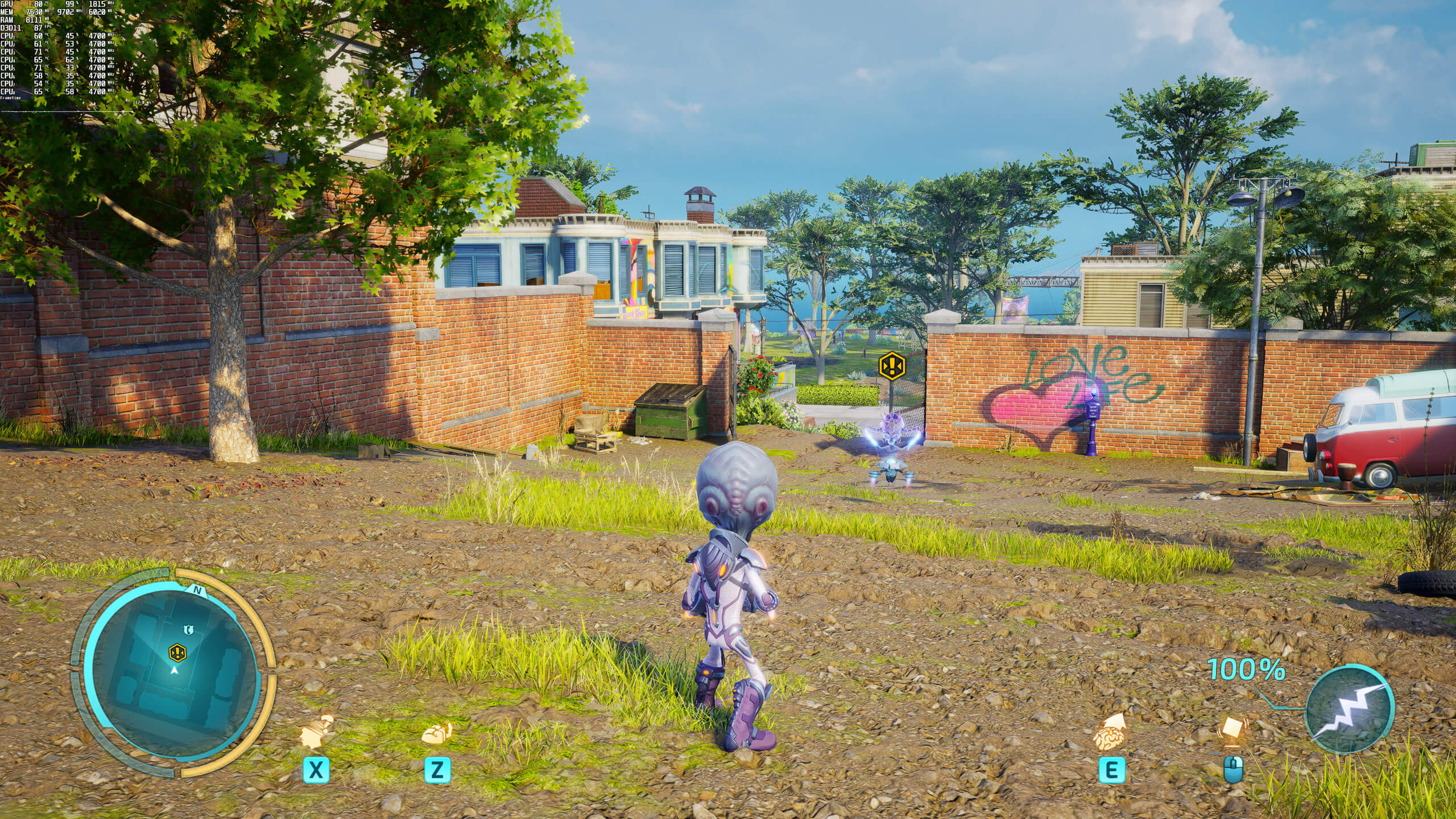
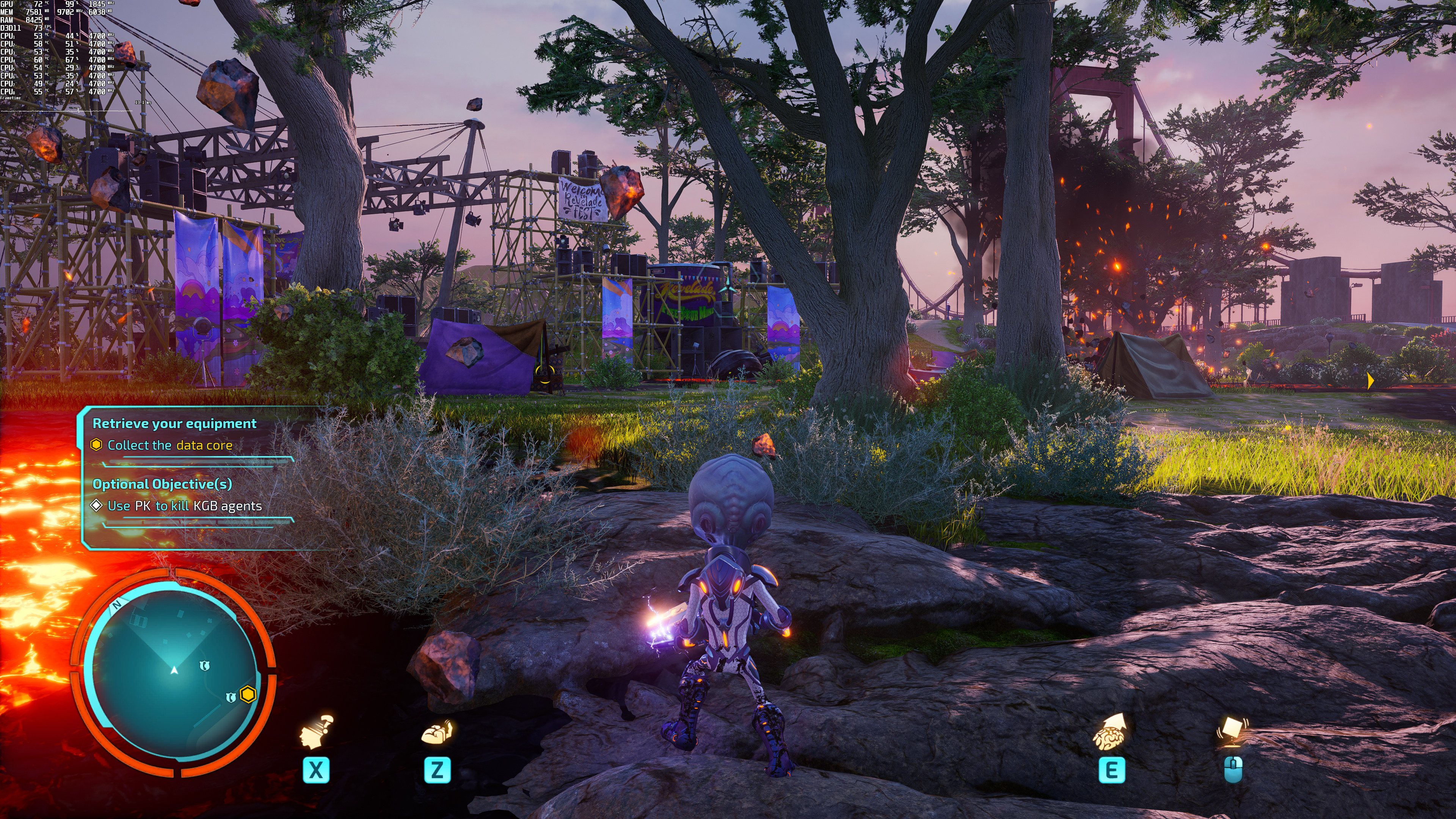
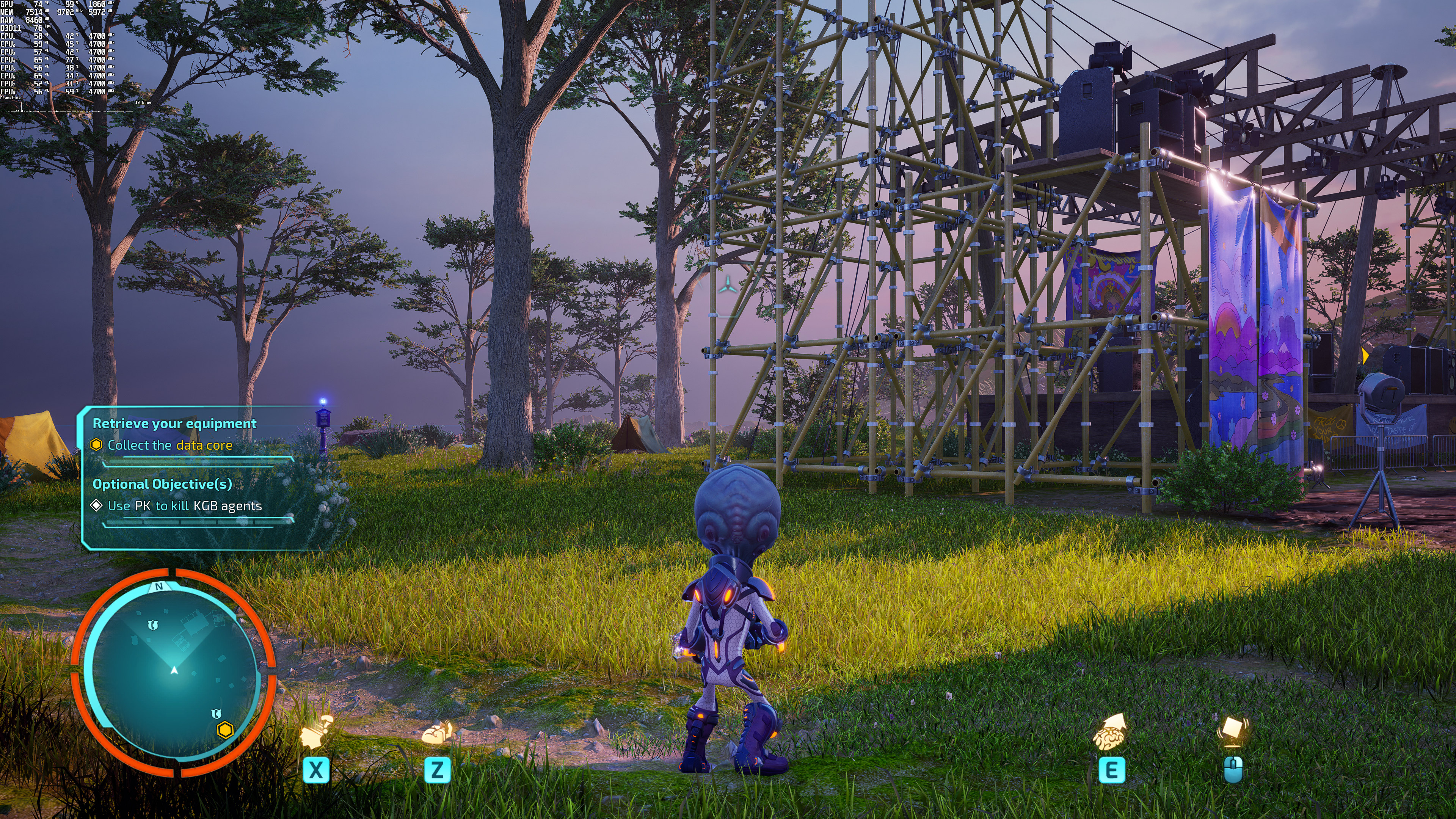
Graphics-wise, Destroy All Humans! 2 – Reprobed looks fine. While it does not push the graphical boundaries of PC games, it’s at least pleasing to the eye. We did notice some pop-in issues, as well as some minor texture streaming issues. In shadowy places, the game can also look a bit flat. However, and mostly due to its art style, the game looks overall great.
Unfortunately, though, Destroy All Humans! 2 – Reprobed suffers from major stuttering issues. In case you’re wondering, no, these aren’t shader compilation stutters. Instead, the game has frequent stutters that occur randomly. And as said, the game uses DX11 so don’t blame DX12 for these stutters. You can force the game to run in DX12 via commands, however, we suggest sticking with DX11.
All in all, Destroy All Humans! 2 – Reprobed feels like a mixed bag. While the game can run smoothly on a variety of GPUs at 1080p, its GPU requirements for gaming at 4K feel a bit too high (at least for what the game display on screen). The good news here is that PC gamers can at least use AMD FSR 2.0 and NVIDIA DLSS 2.2 to boost performance. The game isn’t also particularly impressive graphically. Not only that, but it currently suffers from some truly awful stuttering issues. So while this PC port isn’t a disaster, there is still room for improvement.
Enjoy!
John is the founder and Editor in Chief at DSOGaming. He is a PC gaming fan and highly supports the modding and indie communities. Before creating DSOGaming, John worked on numerous gaming websites. While he is a die-hard PC gamer, his gaming roots can be found on consoles. John loved – and still does – the 16-bit consoles, and considers SNES to be one of the best consoles. Still, the PC platform won him over consoles. That was mainly due to 3DFX and its iconic dedicated 3D accelerator graphics card, Voodoo 2. John has also written a higher degree thesis on the “The Evolution of PC graphics cards.”
Contact: Email


RDNA2 is better at DX11 than Ampere now, after the DXNAVI improvements, so keep that in mind.
Then please explain why the RTX 3080 has higher minimum framerates than the 6900 XT here?
The usual Unreal 4 hate of AMD I guess?
6900 XT should never be slower than a 3080 in pure reasterizarion.
OP is also using a 9900K without ReBar support for the 6900 XT, so that might be a reason.
Yeah, the 9900K is a bit on the old side at this point. Security patches may have also hurt its performance over time (I know there was one that was particularly nasty and required code to be recompiled with updated dev tools to resolve the performance hit). The lack of Resizable BAR would hurt it in some games with some GPU’s as well (especially Intel GPU’s which seem to require it to reach their peak performance).
I should probably point out that I get pretty much the same FPS with AMD FSR 2.0 turned on that I get without it, regardless of which FSR preset I select.
Love the assumption that the 9900K does not support ReBar (hint: it does, we’ve already updated our MB bios, and had enabled it for a couple of months now). AMD’s latest driver is not simply optimized for this game and that’s it (another DX11 game will release next week that also favors NVIDIA’s hardware).
ReBar, as a performance enhancing feature, only works on Zen+ / Intel 10th gen and above, regardless of what the OS/BIOS says otherwise.
ReBar performance boosts is a combination of the ReBar implementation being available and specific driver optimizations.
This can be tested on Linux also. ReBar is a PCIe 2.0 spec. It’s available on vast number of CPUs and GPUs. It still doesn’t do anything for performance on GPU/CPU combinations if it’s not meant to. Same as on Windows really.
AMD’s official spec requires Zen2 and above and Intel 10th gen and above. Individual unofficial testing showed that the best performance numbers are obtained on Zen3 / Intel 11th gen and above. Also Zen+ happened to work as well, beneath the official Zen2 minimum requirement. However Intel 10th gen is set in stone as the minimum for Intel CPUs.
I also never thought my Ryzen 5 2600 could activate rebar after my B450 board BIOS update, but it can be activated in BIOS and detected in Nvidia Control Panel, not so sure about the impact though, many news outlet says its not that important on Nvidia hardware
From what I’ve read online, Zen+ works for AMD, but I’m not 100% sure what uArches Nvidia likes, besides 100% Zen3 and Intel 11th and 12th gen.
Intressting because https://babeltechreviews.com/z390-resizable-bar-performance/ disagrees with your assessmet where some tests were showing results outside the normal margain of error.
Seems very hit and miss thoo but so is it even on the officially supported hardware too, suspect even most todays engines/titles still are coded for the more constrained old ways due to backwards compatiblity, will no doubt change over time thoo
I’ve read the article before. It’s either extremely damaging or in the few cases where there was a boost, it was margin of error, quite possibly not due to ReBar.
So John, have you changed your stance on the matter?
What is there to change? You simply read things online and falsely assumed that it doesn’t work on Intel’s 9th gen. You are wrong so you should simply accept it. Rebar does work on the i9900K and even the NVIDIA control panel shows you the setting to enable it (it’s not greyed as it would have been on a motherboard that doesn’t have the rebar bios version). But hey, since you don’t believe me and want some internet links -> https://www.reddit.com/r/intel/comments/mgxoiy/resizable_bar_support_for_9700k/
Hell, even TechPowerUp has clairified this (in case you want a more professional source https://www.techpowerup.com/275565/amd-ryzen-3000-and-older-zen-chips-dont-support-sam-due-to-hardware-limitation-intel-chips-since-haswell-support-it ):
“Intel processors have been supporting this feature since the company’s 4th Gen Core “Haswell,” which introduced it with its 20-lane PCI-Express gen 3.0 root-complex. This means that every Intel processor dating back to 2014 can technically support Resizable-BAR, and it’s just a matter of motherboard vendors releasing UEFI firmware updates for their products”
My stance isn’t that ReBar isn’t a PCIe spec. I’m not disputing that. My stance is that for performance boosts, you need ReBar AND driver optimizations. Which only exists on specific CPU uArches. And 9900K is not one of them.
Have you personally done any tests on your 3080 / 6900 XT with 9900K, ReBar On vs Off, to check if you see any benefits?
I’m certain ReBar shows as Not available in the AMD driver for example.
Typical Windows shortcoming, because on Linux, even a translation layer like VKD3D-Proton (DX12-to-Vulkan) can take advantage of ReBAR on any system where it is enabled, regardless of CPU ?Arch:
I’ll need concrete examples mate. Preferably on a video
It doesn’t get anymore concrete than the above quote from the Norwegian lead developer of VKD3D-Proton working on behalf of Valve, mate!
If you are doubting Valve’s internal benchmarks, then how about you do some testing of your own?
I’m not 100% doubting you, but I’m not 100% believing it either. I need to see examples.
That doesn’t say that DXVK can benefit from Resizable BAR even on CPU’s that do not support it. All that says is that DXVK has Resizable BAR support, and that it can yield a performance benefit. In fact, it says nothing about CPU’s whatsoever.
Also, how do you know that DXVK is better than what we have on Windows, when you don’t even use Windows?
Please properly read my post before replying:
First of all, this was about VKD3D-Proton, not DXVK (though it does support ReBAR, too).
Secondly, Linux has supported ReBAR ever since HPC/datacenter GPUs became a reality, since all of them are running Linux, not Windows (check the Top500 fastest supercomputers list if you don’t believe me).
And third, I explicitly said that ReBAR has to be enabled for VKD3D-Proton to take advantage of it, which it then can do regardless of CPU ?Arch, unlike Windows, where the GPU driver has to use a heuristic to query for the support, as mentioned in the quote from the Norwegian lead programmer from Valve.
Got it now?
Aside from me getting the name of the API wrapper wrong, where is any of the rest of that said in the quote you posted?
Why isn’t Unreal engine called Stutter engine yet?
I got better fps on average using directx12 instead of 11. So I’ll stick with that and hopefully we get more patches to address the issues.