DEATHLOOP feature 2

Deathloop – NVIDIA DLSS vs AMD FSR Benchmarks & Comparisons

Arkane has released the first major update for Deathloop that adds support for NVIDIA DLSS on PC. As such, Deathloop is one of those games that support both NVIDIA’s DLSS and AMD’s FSR techs. So, we’ve decided to benchmark and compare these two upscaling techniques.

For these benchmarks, we used an Intel i9 9900K with 16GB of DDR4 at 3600Mhz, and NVIDIA’s RTX 3080. We also used Windows 10 64-bit and the GeForce 496.13 driver.

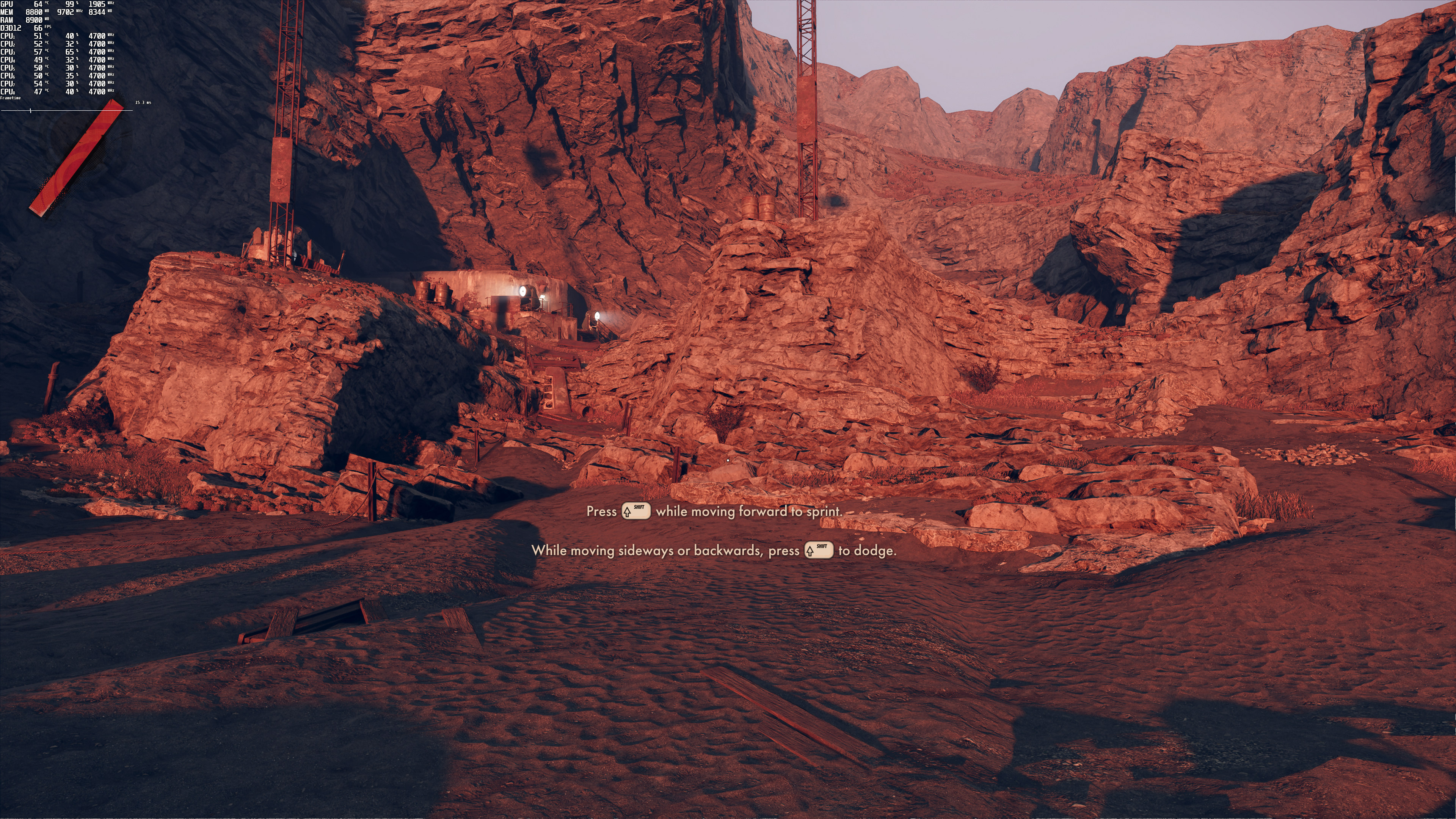
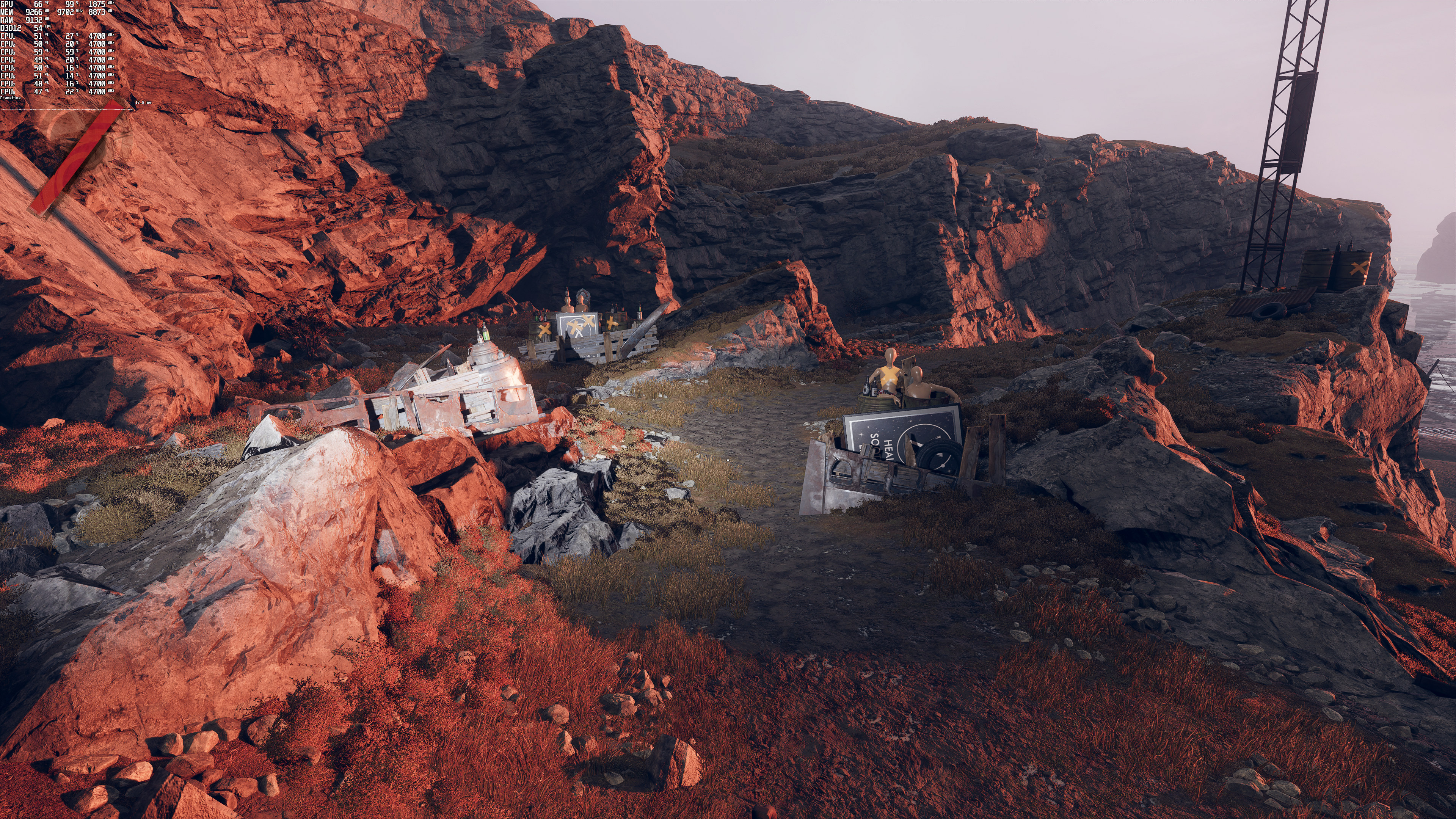
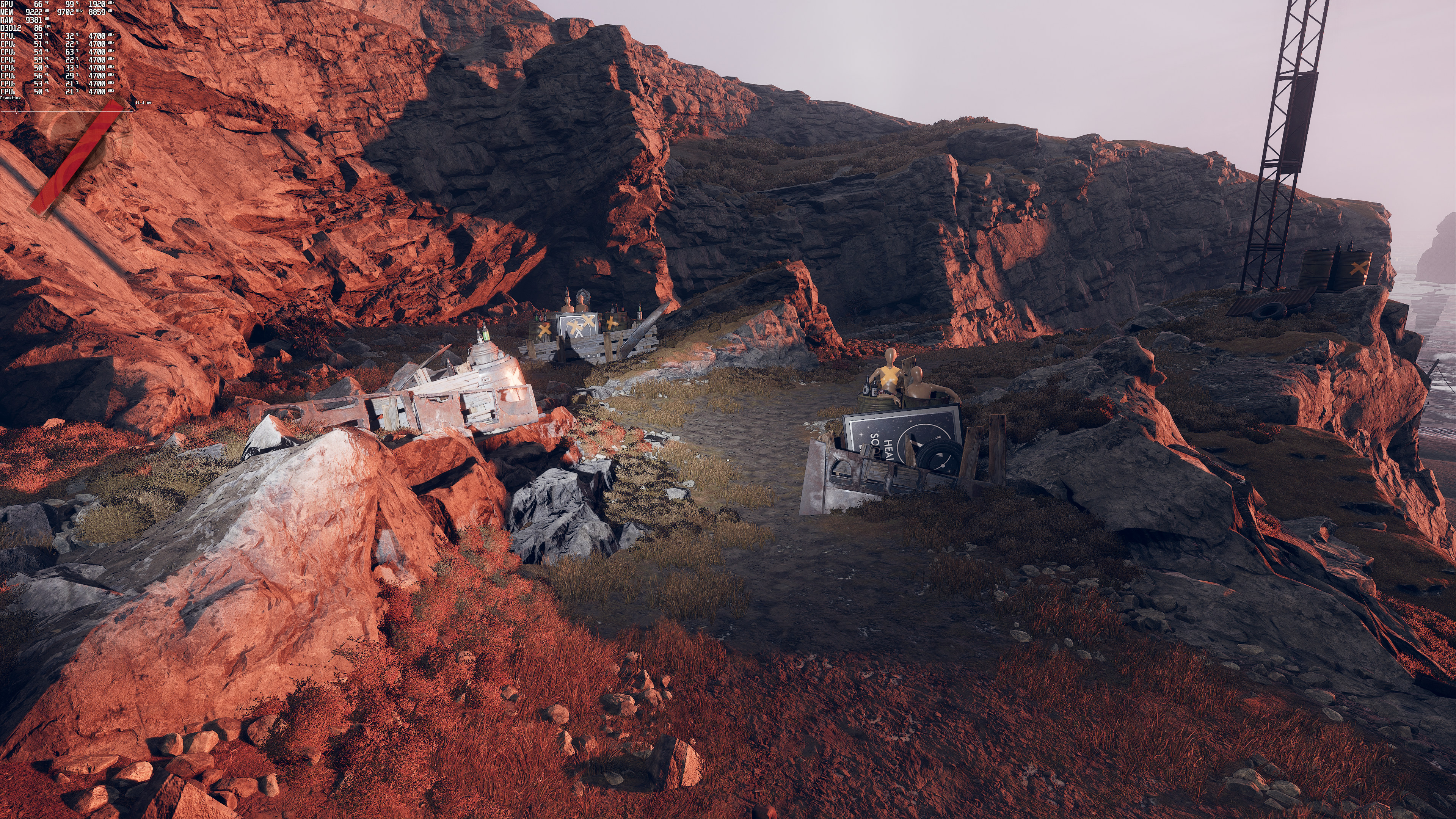
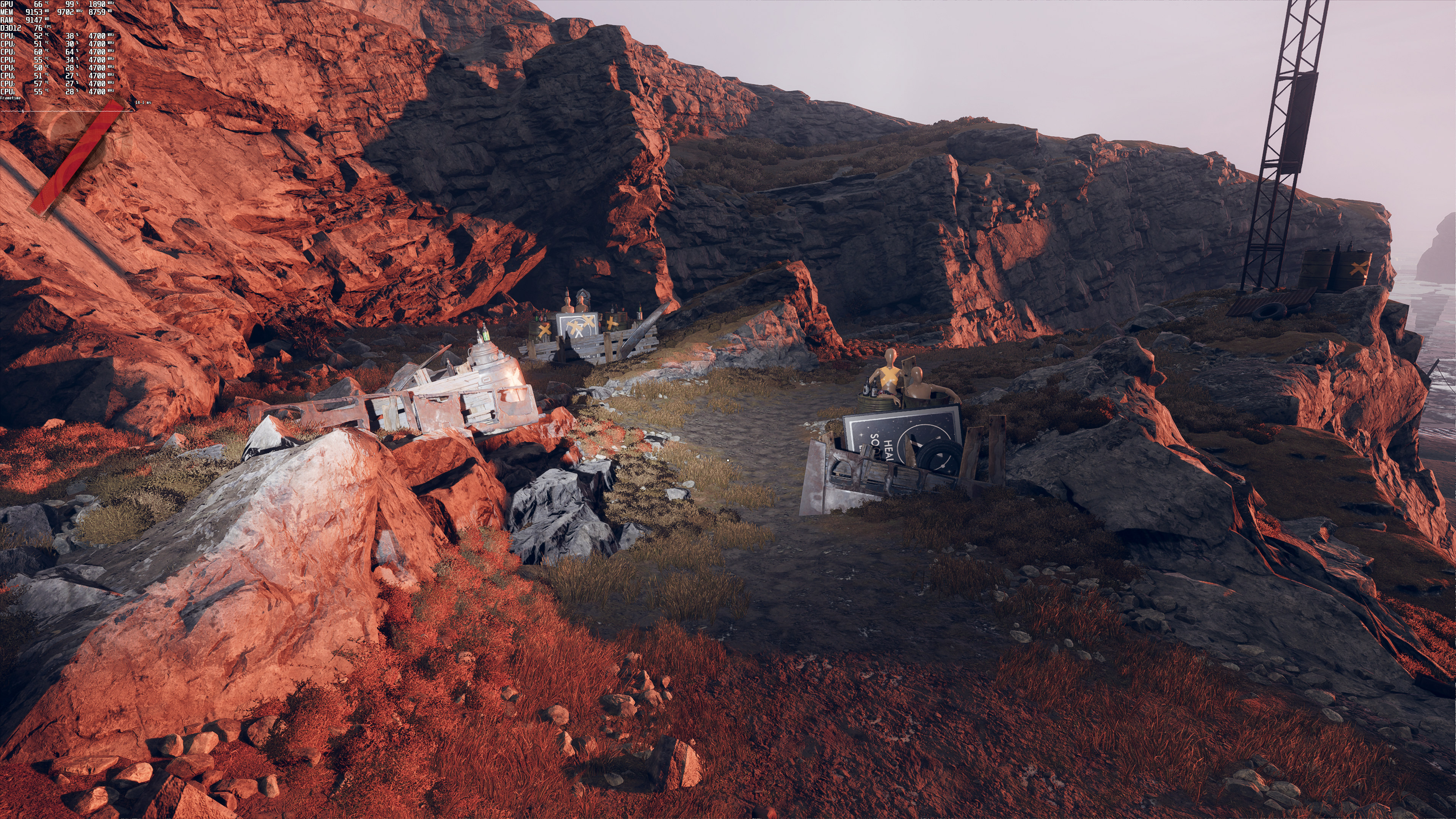
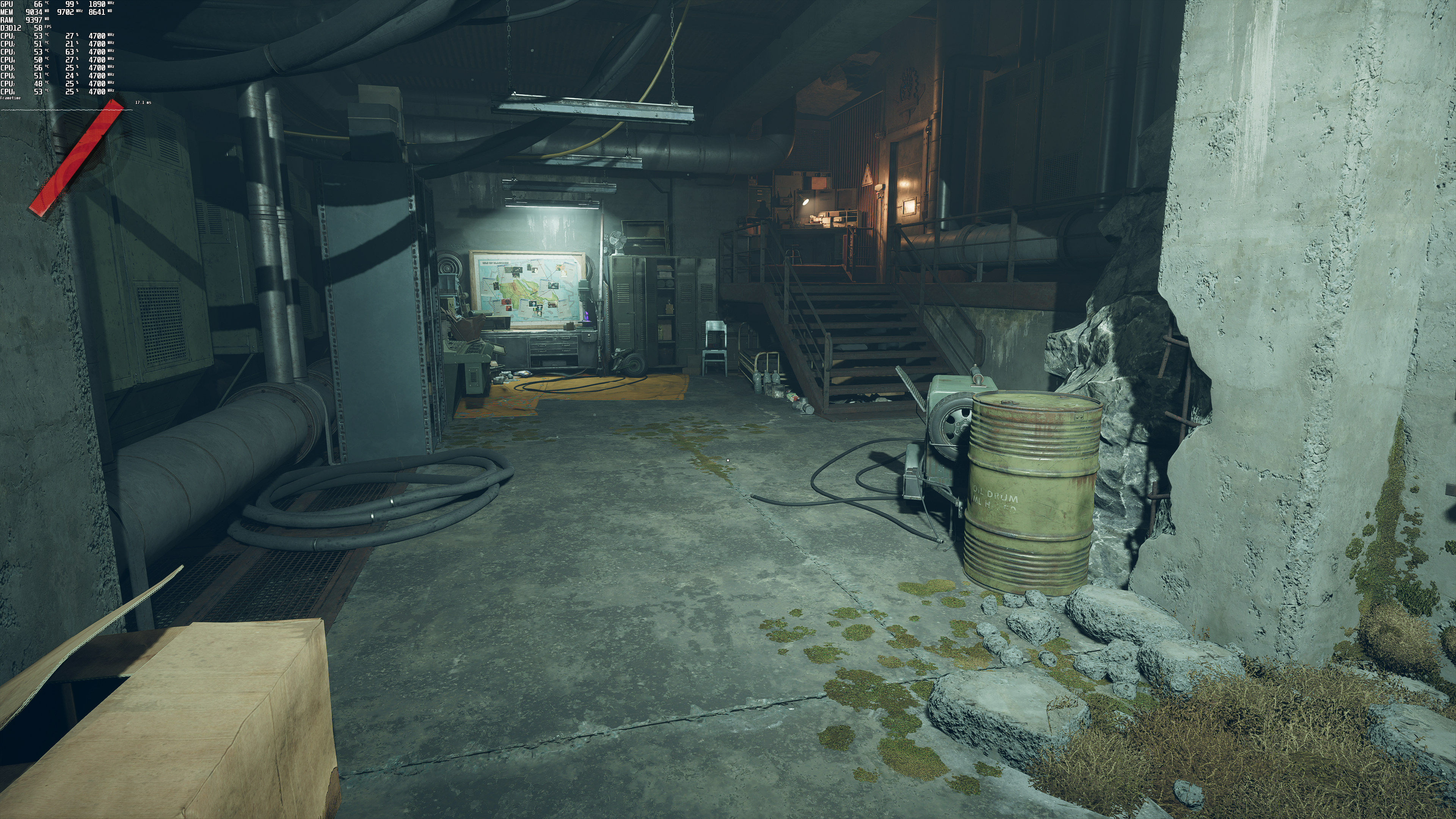
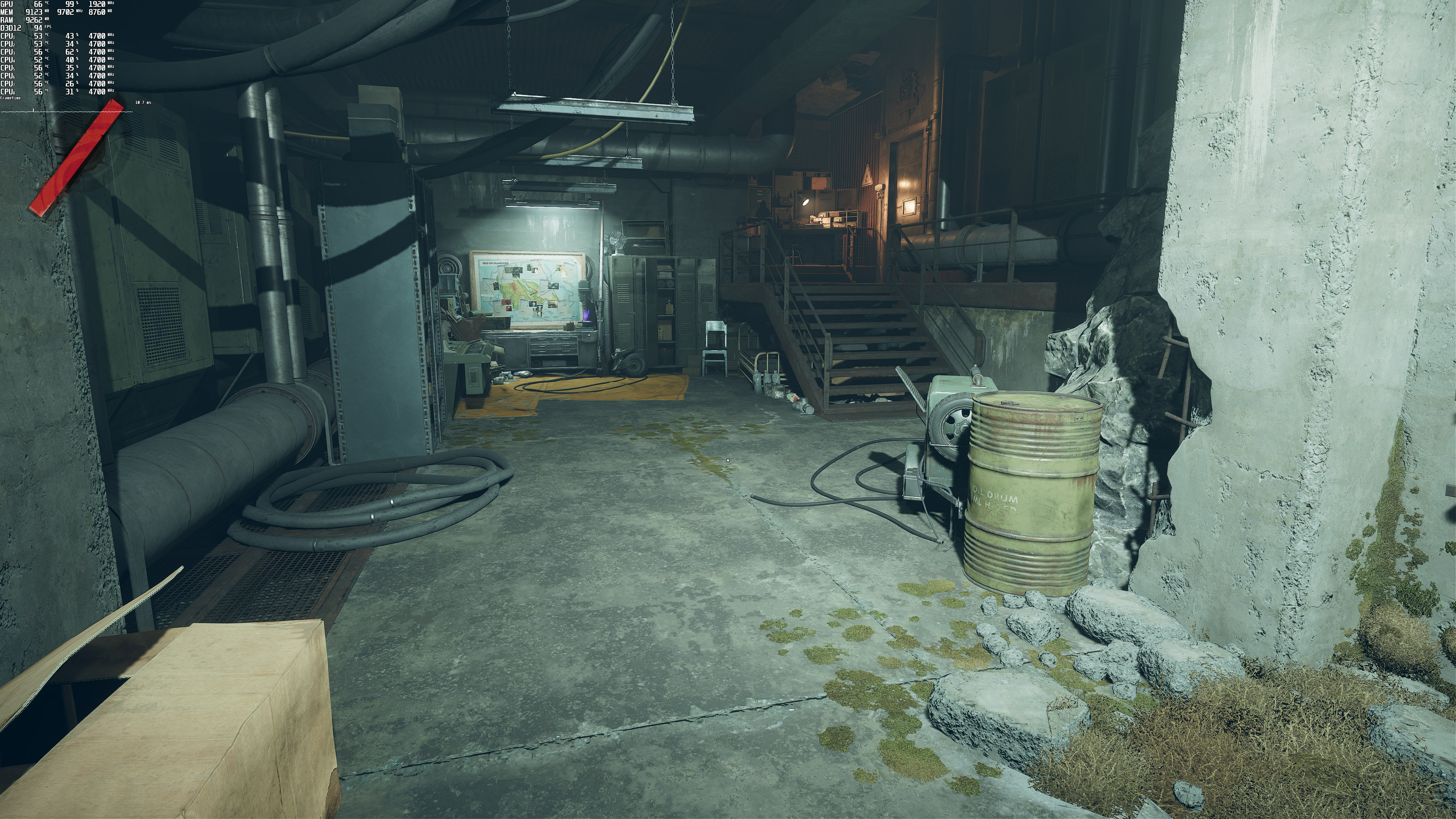
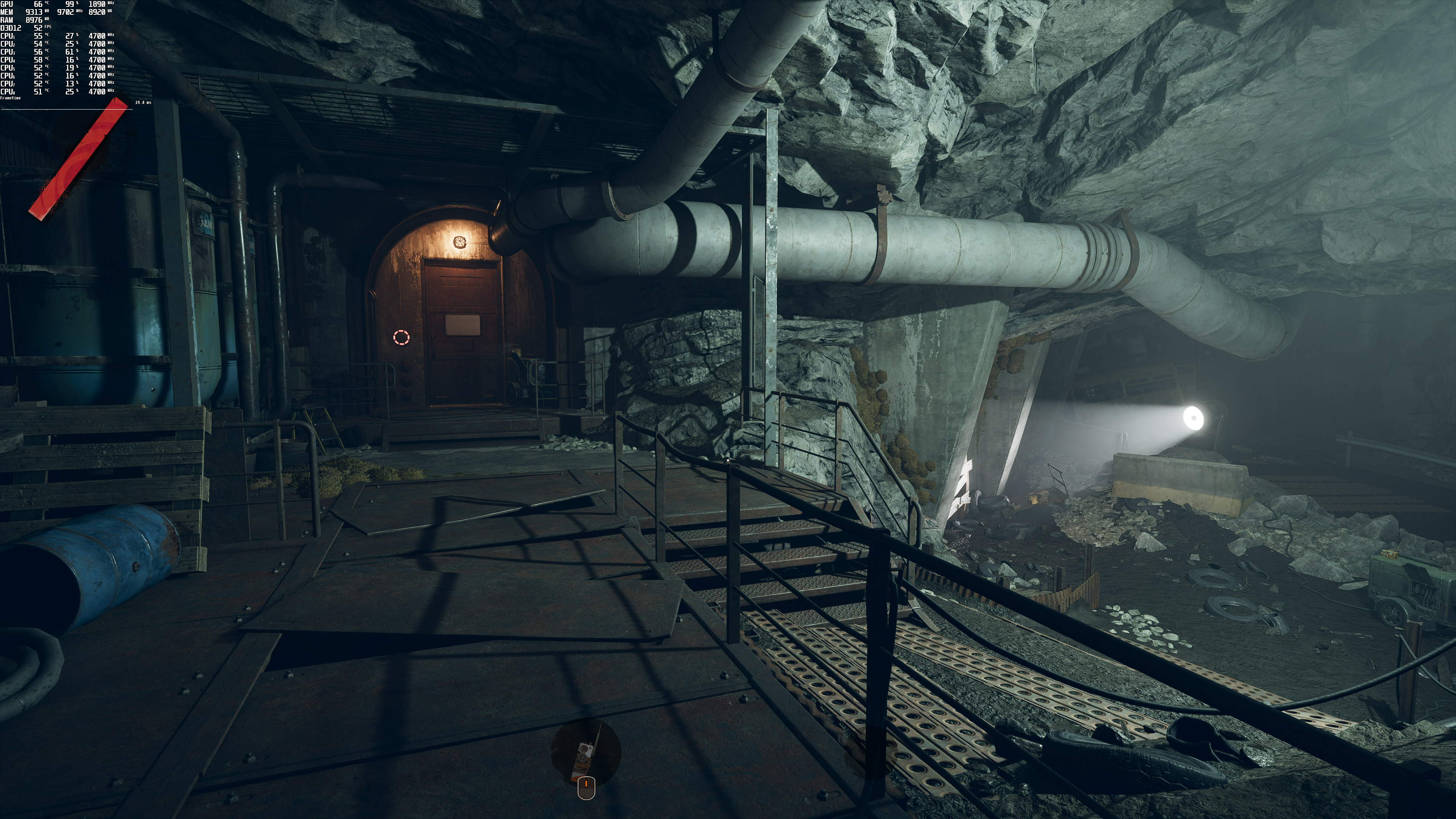
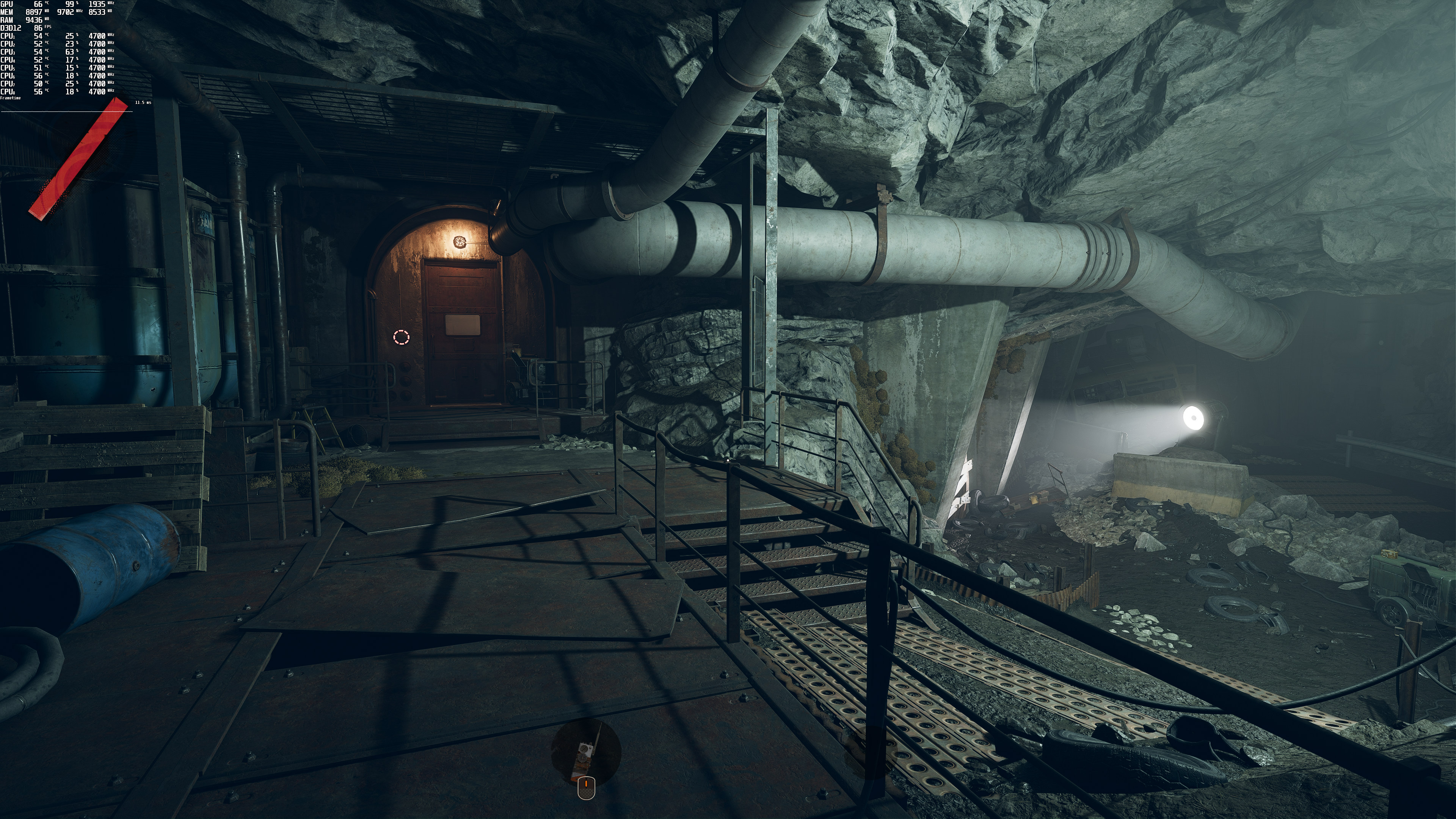
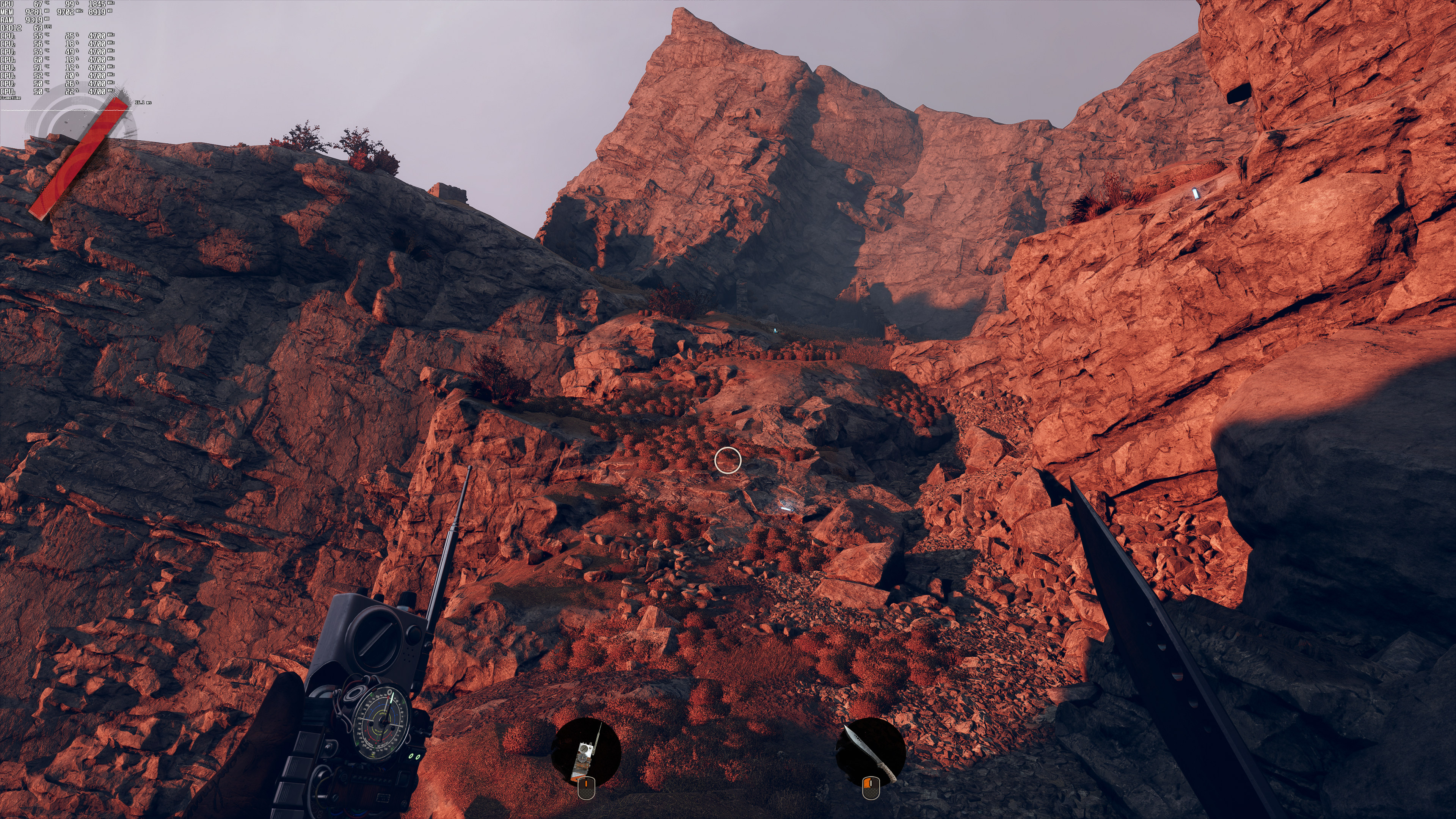
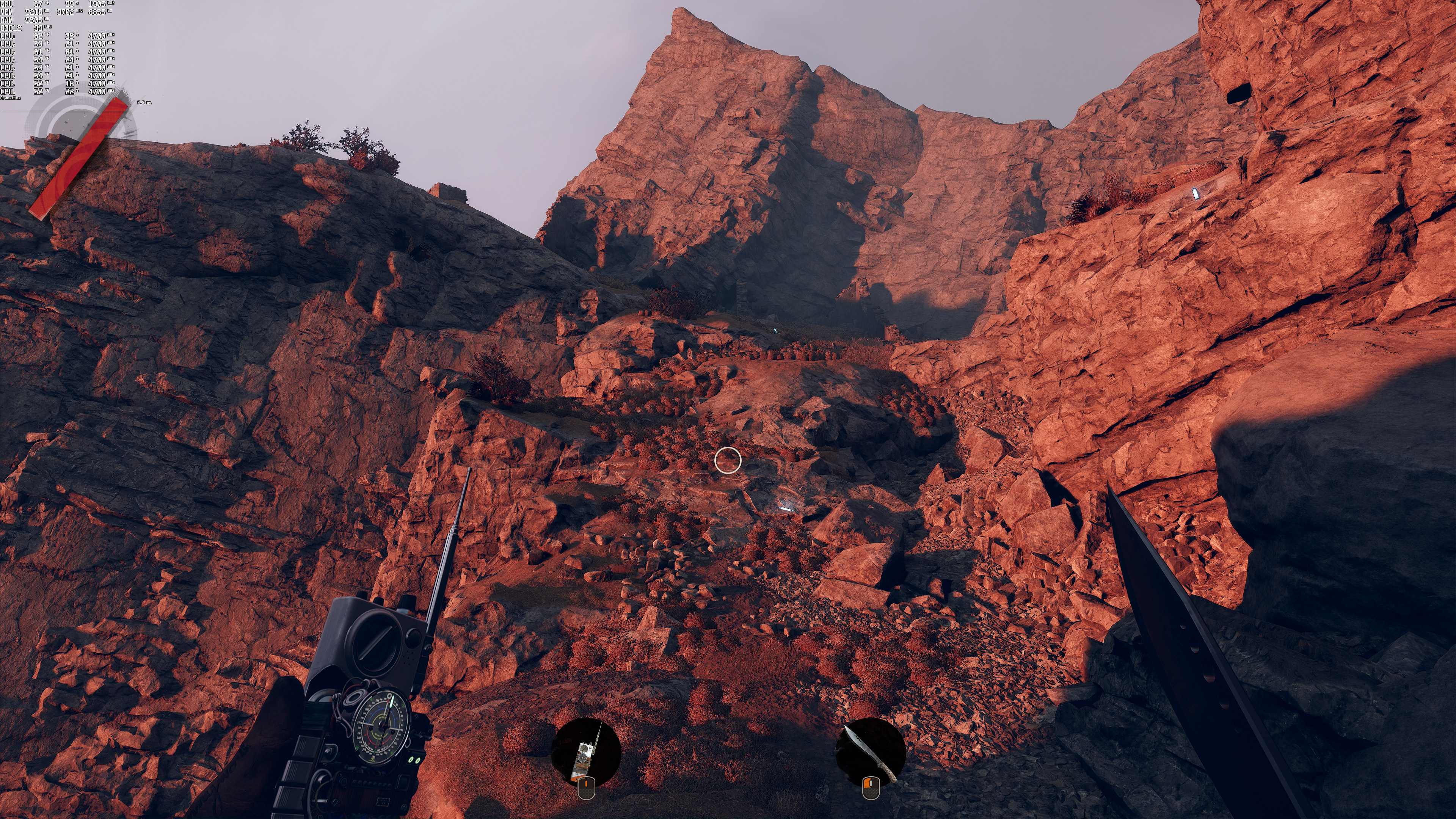
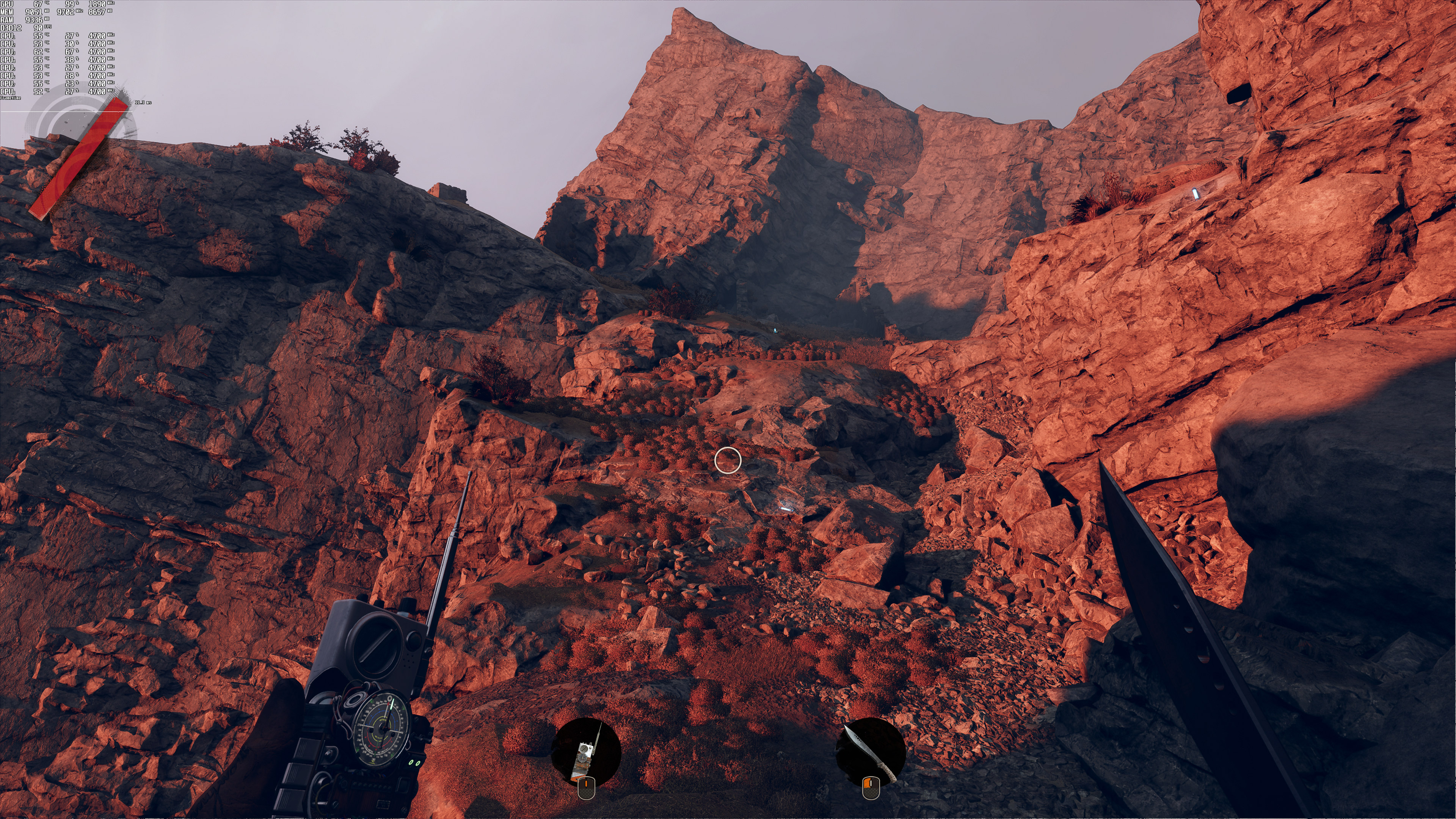
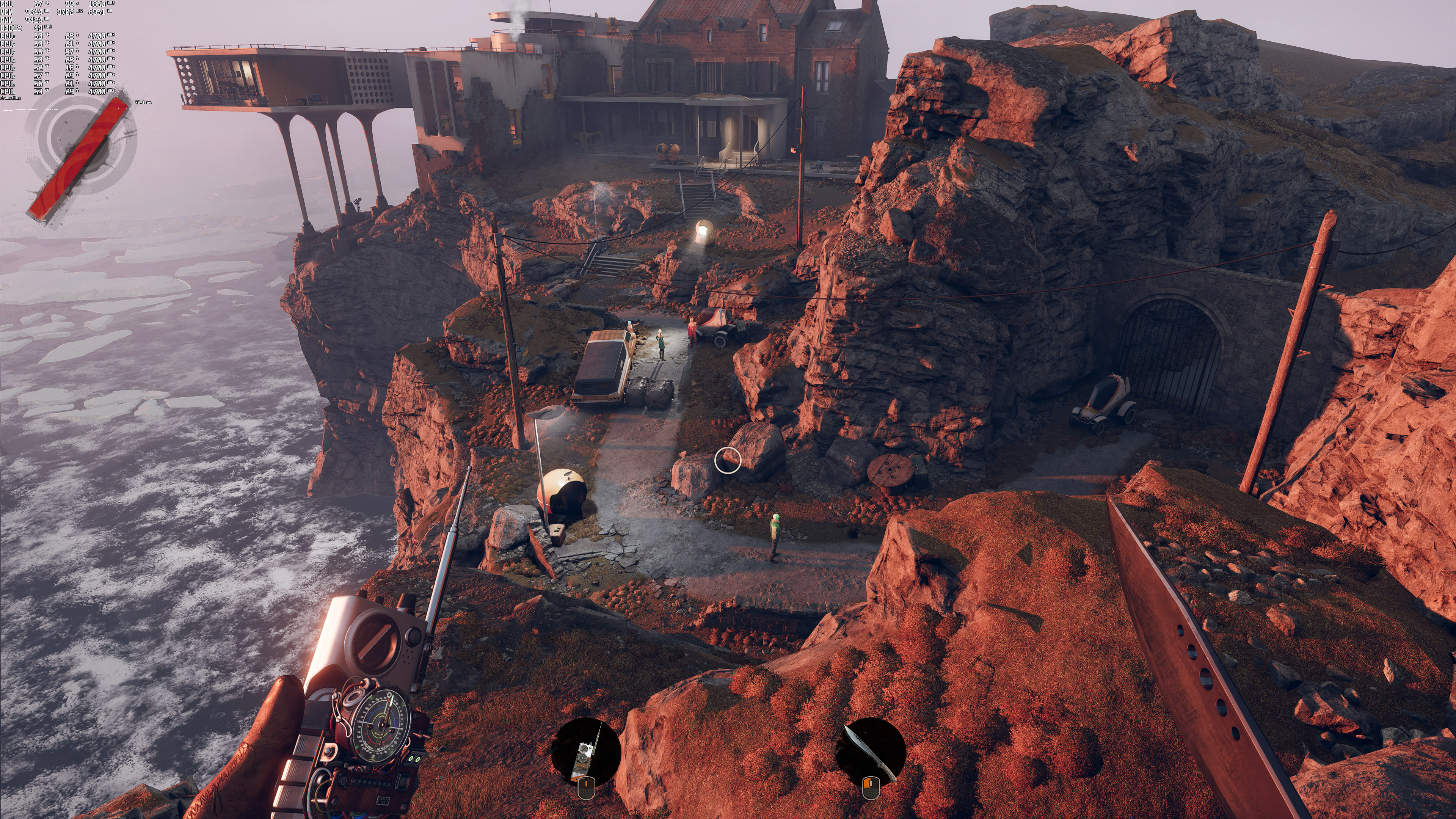
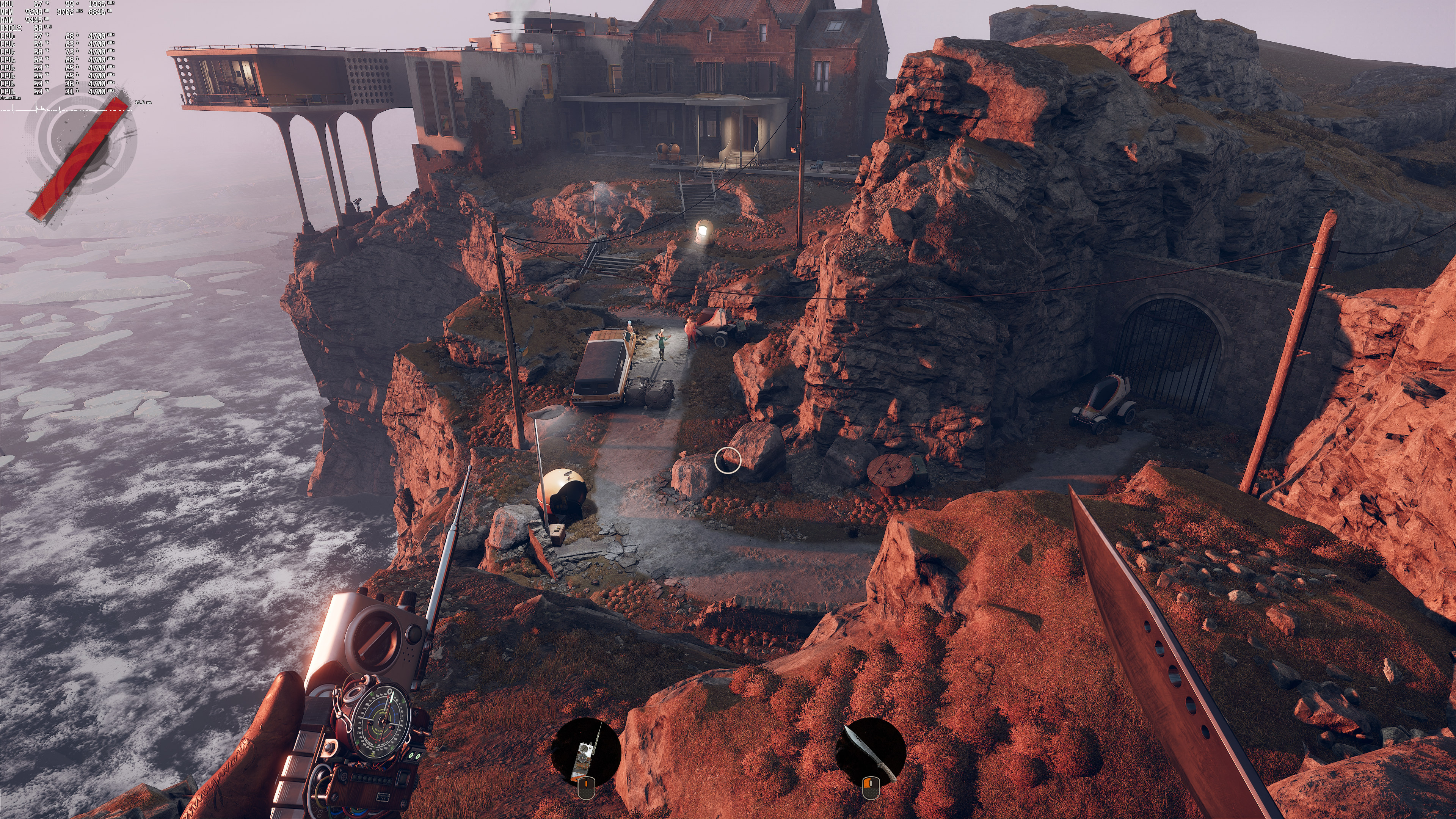
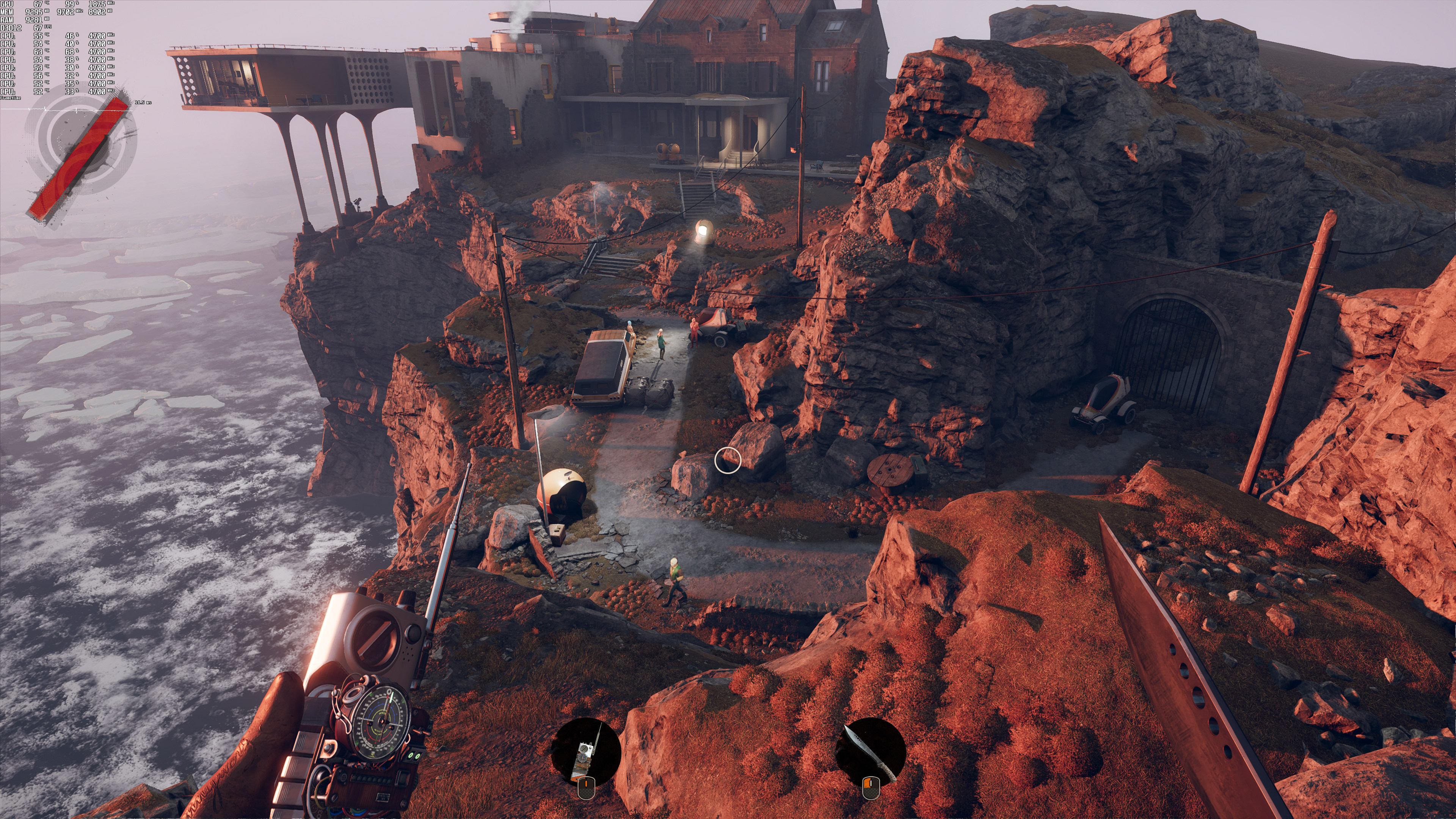
Below you can find some comparison screenshots between native resolution (left), DLSS (middle) and FSR (right).
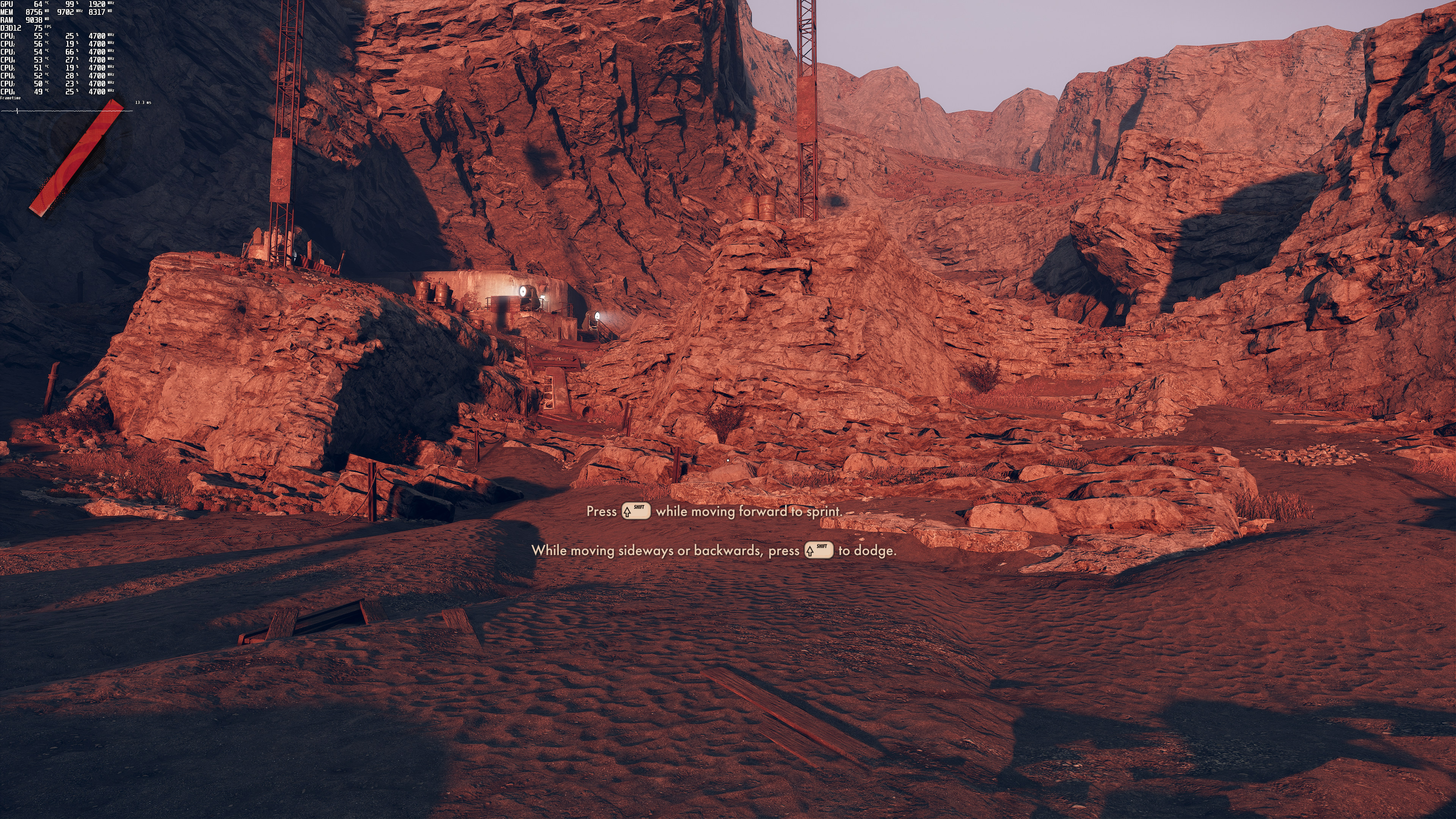
Deathloop 4K native-1Deathloop DLSS-1Deathloop FSR-1 Deathloop 4K native-2Deathloop DLSS-2Deathloop FSR-2 Deathloop 4K native-3Deathloop DLSS-3Deathloop FSR-3 Deathloop 4K native-4Deathloop DLSS-4Deathloop FSR-4 Deathloop 4K native-5Deathloop DLSS-5Deathloop FSR-5 Deathloop 4K native-6Deathloop DLSS-6Deathloop FSR-6

As we can clearly see, NVIDIA DLSS does a better job than AMD FSR. After all, the game looks just as good as native 4K resolution when using NVIDIA DLSS in Quality Mode. On the other hand, and even in Ultra Quality, AMD FSR looks noticeably blurrier.

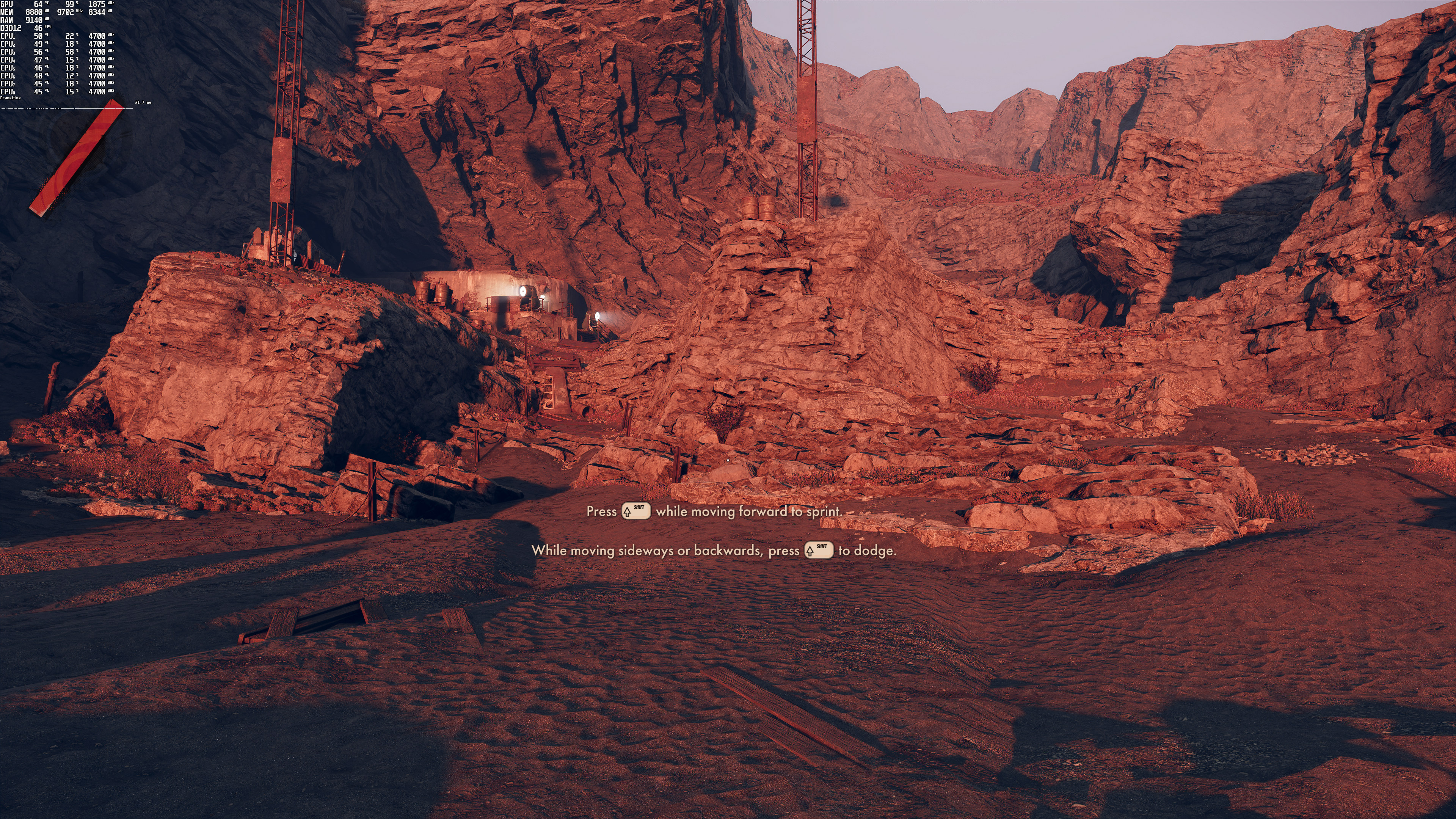
Not only does DLSS looks better, but it also runs faster than FSR.  On our RTX3080, we saw a 10fps performance boost when using DLSS over FSR. This is one of the best implementations of DLSS, and we highly recommend using it.
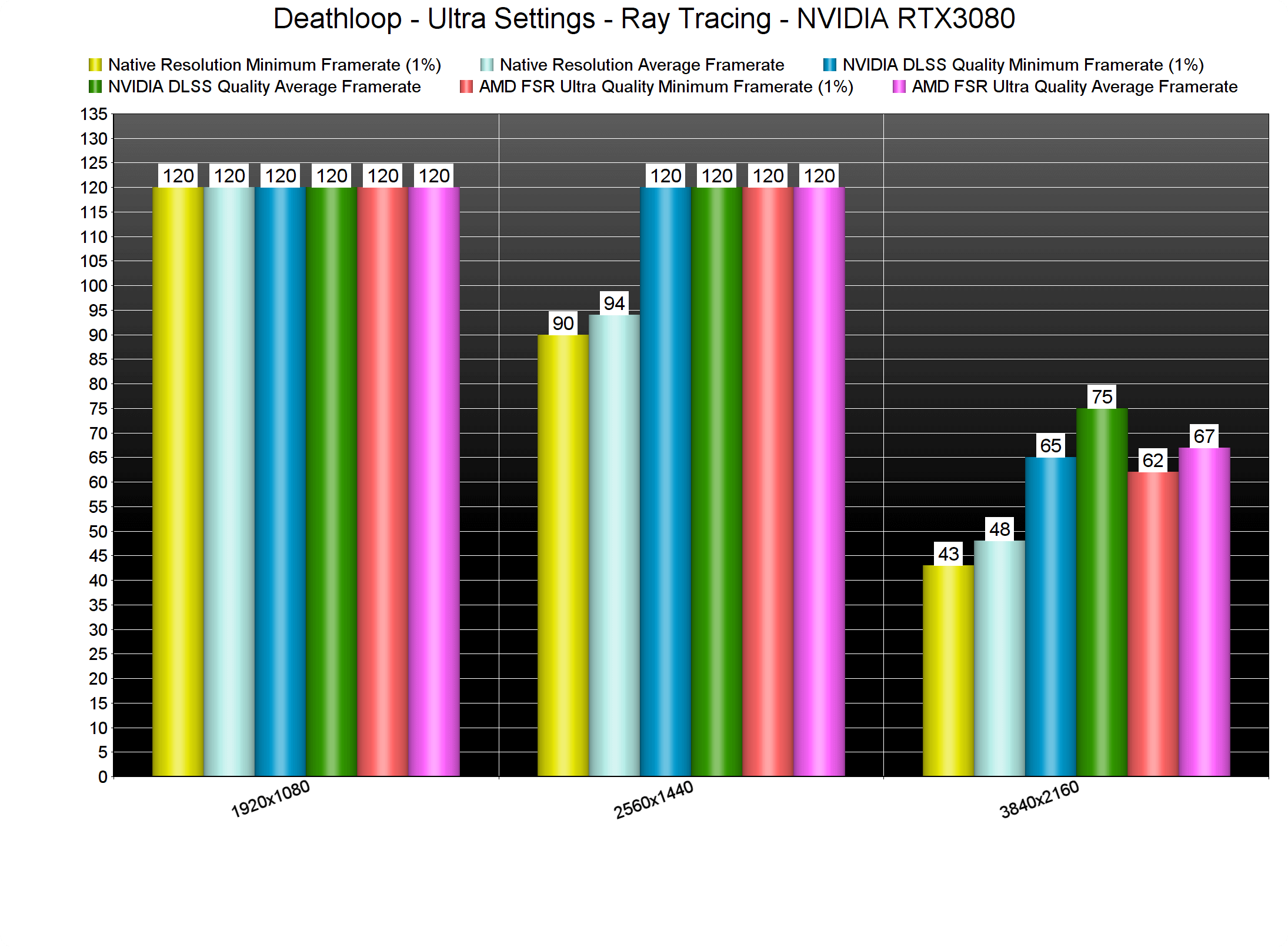
Deathloop DLSS vs FSR benchmarks

All in all, NVIDIA’s DLSS is wonderfully implemented in Deathloop. Thus, and if you own an RTX GPU, we strongly recommend enabling it. By using NVIDIA DLSS Quality Mode, we were able to run the game with constant 60fps in 4K/Ultra/Ray Tracing. And while AMD FSR was also able to provide a constant 60fps experience, the image quality with DLSS is miles better than what FSR is currently offering.

Lastly, It would be really cool if more games supported both DLSS and FSR. I know this is me daydreaming, but all games (whether or not they are AMD/NVIDIA-sponsored) should support both of them. Thus, owners of RTX GPUs can choose the best option, whereas owners of AMD’s GPUs (and older NVIDIA GTX GPUs) can simply use FSR in order to improve their performance (especially in ray-traced games).

22 thoughts on “Deathloop – NVIDIA DLSS vs AMD FSR Benchmarks & Comparisons”

    1. Just remember, a newer dll doesn’t mean it will be the best dll for every game. Technically every DLSS dll is customized for the game it ships with. Some small setting tweaks for optimal image quality.

      Those small tweaks can make the dll great for some games but then some others might look worse. For example I don’t think I’d use this version with F1 2021 but I’d definitely give it a shot with something like Doom.

  1. FSR is just upscaling with a sharpening effect, which you can already do with any game. Hardly worth talking about.

  2. This is probably the best dlss implementation so far. FSR i’d say it has zero use. It destroys the image too much to make any sense over reducing certain heavier details. Not to mention FSR is at best passable only in 4k and at its highest quality setting. So, how is that gonna help people with older hardware who cant even game at 1080p properly ?

    FSR just obliterates every element in the image, it enhances aliasing everywhere, adds noise, ringing artifacts, oversharpening, softens and blurs the image, removes details thanks to that blurriness.

    I’d rather this tech never come out because it serves nobody and if developers have to restle with including either one or the other, we all lose.

    1. I disagree.. I used FSR for the first time ever in this game so I could max it out with RT at 4k.

      I had it set to balanced and image quality wasn’t bad at all and im playing on a 65 inch LG CX. It let me get the game running at roughly 80fps on a 2080ti ftw3 ultra and a Ryzen 5800x with 32 gigs of ddr4.

      Even in performance mode image quality was acceptable and I’m an image quality snob. So FSR definitely has it’s place and it will improve just as DLSS did, especially when RDNA 3 launches with dedicated RT hardware which will also allow for a temporal ai based solution… FSR 2.0. The only reason FSR 1 doesn’t work in a similar way to DLSS is because RDNA 2 doesn’t have the dedicated hardware.

      People basically demanded something so they released FSR and while not as good as DLSS 2.x it’s still something good enough that all games should just support it. Unlike DLSS they don’t need permission to use it. Hell you can inject FSR into older games. They have added it to emulators and it’s been fantastic.

      Plus there is always the also open source solution from Intel that will run on anything. So we will have 2 open source temporal ai based solutions.

      Do you know what that means?

      It means hundreds… Thousands of developers constantly trying to find ways to improve not only image quality but also performance gains. Then those optimizations get rolled into the main code base for all to use and keep tweaking.

      Eventually it will make DLSS 3rd tier. The only possible way nVidia could keep up with quality and performance would be to make. DLSS open source as well… And we know how stubborn nVidia can be.

      Now to wrap this up lol I can’t lie and say after they added DLSS to deathloop I kept using FSR because I didn’t. I switched to DLSS quality mode and as luck would have it I was averaging 80fps again. Image quality was better than FSR and so was anti aliasing but again that doesn’t mean FSR is bad, it’s just not the best… But let’s give it some time and see what happens.

      From my experience open source gaming technology, especially when it comes to graphics, always ends up looking superior and running better.

    2. did you ever use frs? because its hard to tell the difference even with a static image…then its dlss that enhances aliasing with super sampling now be onest with your self did you see adds noise, ringing artifacts, oversharpening, softens and blurs in the image? this is not a fanboy war do you remember dlss 1.0?

  3. This is probably the best dlss implementation so far. FSR i’d say it has zero use. It destroys the image too much to make any sense over reducing certain heavier details. Not to mention FSR is at best passable only in 4k and at its highest quality setting. So, how is that gonna help people with older hardware who cant even game at 1080p properly ?

    FSR just obliterates every element in the image, it enhances aliasing everywhere, adds noise, ringing artifacts, oversharpening, softens and blurs the image, removes details thanks to that blurriness.

    I’d rather this tech never come out because it serves nobody and if developers have to restle with including either one or the other, we all lose.

  4. Somebody show this to that idiot Kyle Bennett. He meatshielding FSR non stop. I don’t use Twitter.

    twitter . com/kylebennett

    1. So now he is an idiot? We are talking about the same guy who exposed Furyx, but back then he was cool? Now he is bad? GTFO

  5. DLSS is great usage of machine learning but is limited to single GPU vendor. Developers need library that will work on any modern PC hardware from Nvidia, AMD, Intel and Xbox consoles. System level solution like for example DX11 Tesselation or DX12 Raytracing that can integrated with any game engine.

    In 2019 MS started own project of cross vendor super resolution using machine learning. It will work on any hardware that support hardware machine learning: Nvidia RTX, AMD RDNA2, Intel XE and Xbox consoles:

    DirectML machine learning super sampling (left) and bilinear upsampling (right)
    https://uploads.disquscdn.com/images/844af8c8107885c18a3170201ff10442f02df990bde7369875938b09b65ff50a.png

    1. Indeed and they have recently hired more people for the project. Also from the presentation it looks like they are actually ahead of nVidia in image quality and can scale from lower resolutions to 4k better than DLSS 2 and with better performance. Everyone should go back and watch that video because I think people forgot about allot of the tricks Microsoft has up their sleeve for the Xbox.

      Since the goal is making it work on the Xbox series consoles it will also likely get rolled into dx12u just like direct storage (velocity architecture) has been rolled into Win11. Once they get the performance bugs in Win11 worked out it should be amazing for gaming.

      I really hope they add game suspend to Win11 at some point.

      Lastly between Intel and AMD we will eventually have 2 open source technologies that work essentially the same way as DLSS except unlike DLSS (because it’s not open source) there will be thousands of developers able to make improvements to FSR 2 and xcess. AMD just needs to launch RDNA 3 which will have dedicated RT hardware unlike RDNA 2 which is why FSR isn’t temporal or ai based.

  6. While this is nice and all, isn’t it a bit too late? I mean it’s a fairly short and linear game, the vast majority of people have finished it and moved on, I’m definitely not going to install it again just to check out dlss for 2 minutes.

    1. I bought it day 1.. well the day before but anyways I decided to wait for the patch that fixed the stutter and that patch just so happened to also come with DLSS.

      So now I can play at max settings and RT at 4k80 using VRR of course but the lowest dip I’ve had was down to 76.

      Also the game isn’t linear at all. It can be.. but it’s up to the player. It’s also something that is worth replaying multiple times to improve your runs.

      Not every game is for everyone, I get that and I can understand why someone might not want to replay this or even someone just straight up disliking it.

  7. DLSS sharpening component is turned up too high. They need to expose that for the user. It resolves the image much better in terms of the ground truth (vs FSR), but the sharpening pass is adding a visually unpleasant amount of high frequency information. (Ringing, dithering that is present that is normally not visible, stippling or interlaced like combing on long edges. Some sharpening of the edges of shadow cascades that make it look more aliased. Etc).
    FSR is as always, mediocre.

  8. did you write dlss its miles better but its really hard tell the difference and to be onest texture look worse with dlss maybe because render at lower resolution

Leave a Reply

Your email address will not be published. Required fields are marked *