

A couple of days ago, CD Projekt RED released the Ray Tracing Overdrive (Path Tracing) Update for Cyberpunk 2077. As such, we’ve decided to benchmark it and compare it to No RT and Ray Tracing Psycho.
For these benchmarks, we used an AMD Ryzen 9 7950X3D, 32GB of DDR5 at 6000Mhz, and NVIDIA’s RTX 4090. We also used Windows 10 64-bit, and the GeForce 531.41 driver.
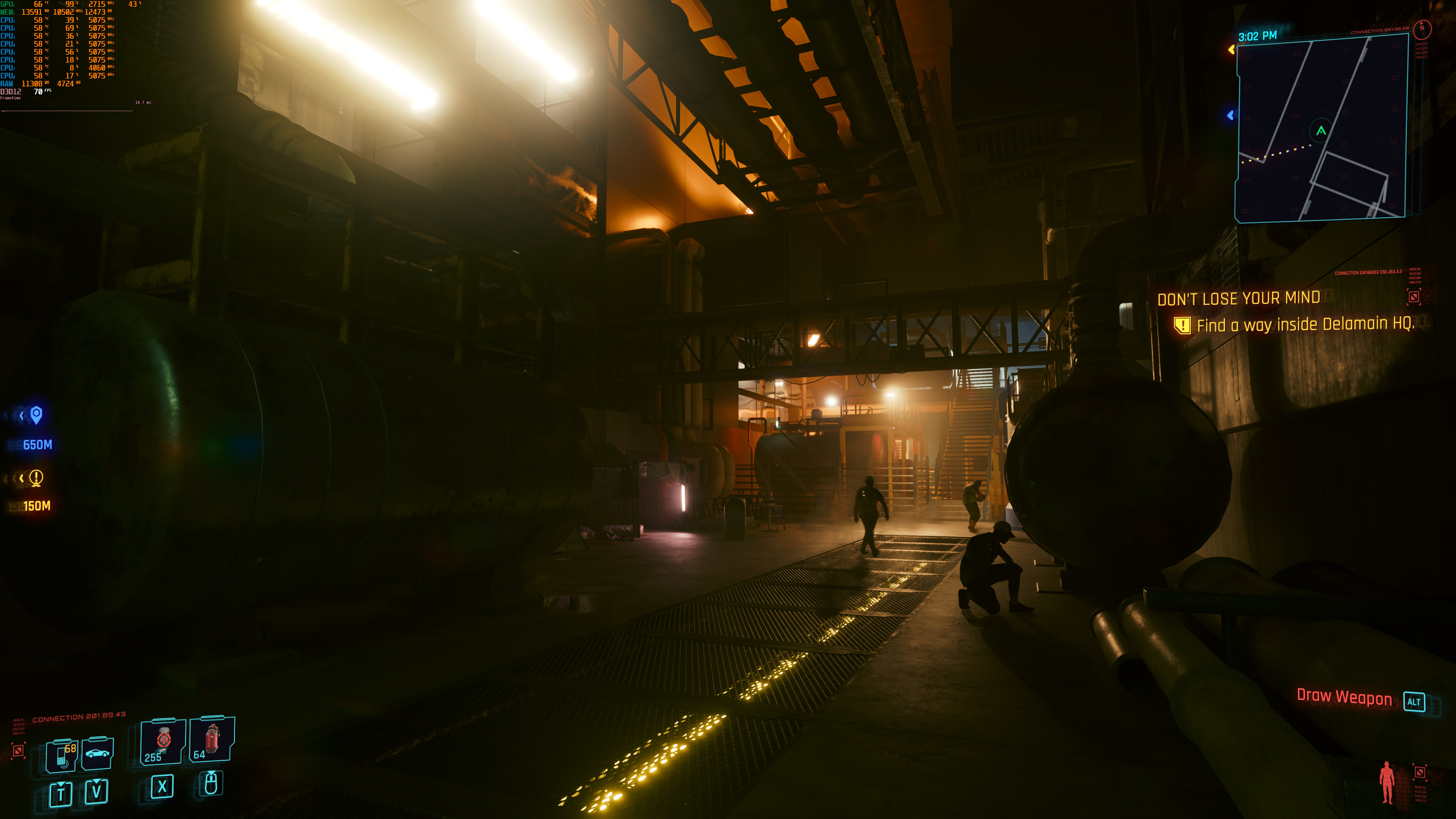
The reason this article got delayed was quite simple. At first, we were benchmarking the non-RT Psycho settings and not the non-RT Ultra settings. When Screen-Space Quality is set to Psycho, performance goes downhill. At native 4K, we were averaging between 35-40fps. And that was without any Ray Tracing effects. Screen-Space Quality at Psycho simply murders the framerate. For comparison purposes, at native 4K/Non-RT Ultra we had 67-77fps. That’s almost double the performance. Funny thing is that it took me the entire day to figure this out. So yeah, stay away from Screen-Space Quality Psycho unless you use DLSS or FSR.
So, let’s start with some comparison screenshots. The No RT Psycho screenshots are on the left, the RT Psycho screenshots are in the middle, and the RT Overdrive screenshots are on the right. These screenshots showcase the improvements that RT Overdrive brings to the table. Pay attention to the extra shadows, as well as the improved lighting and ambient occlusion effects (especially in the last comparison).
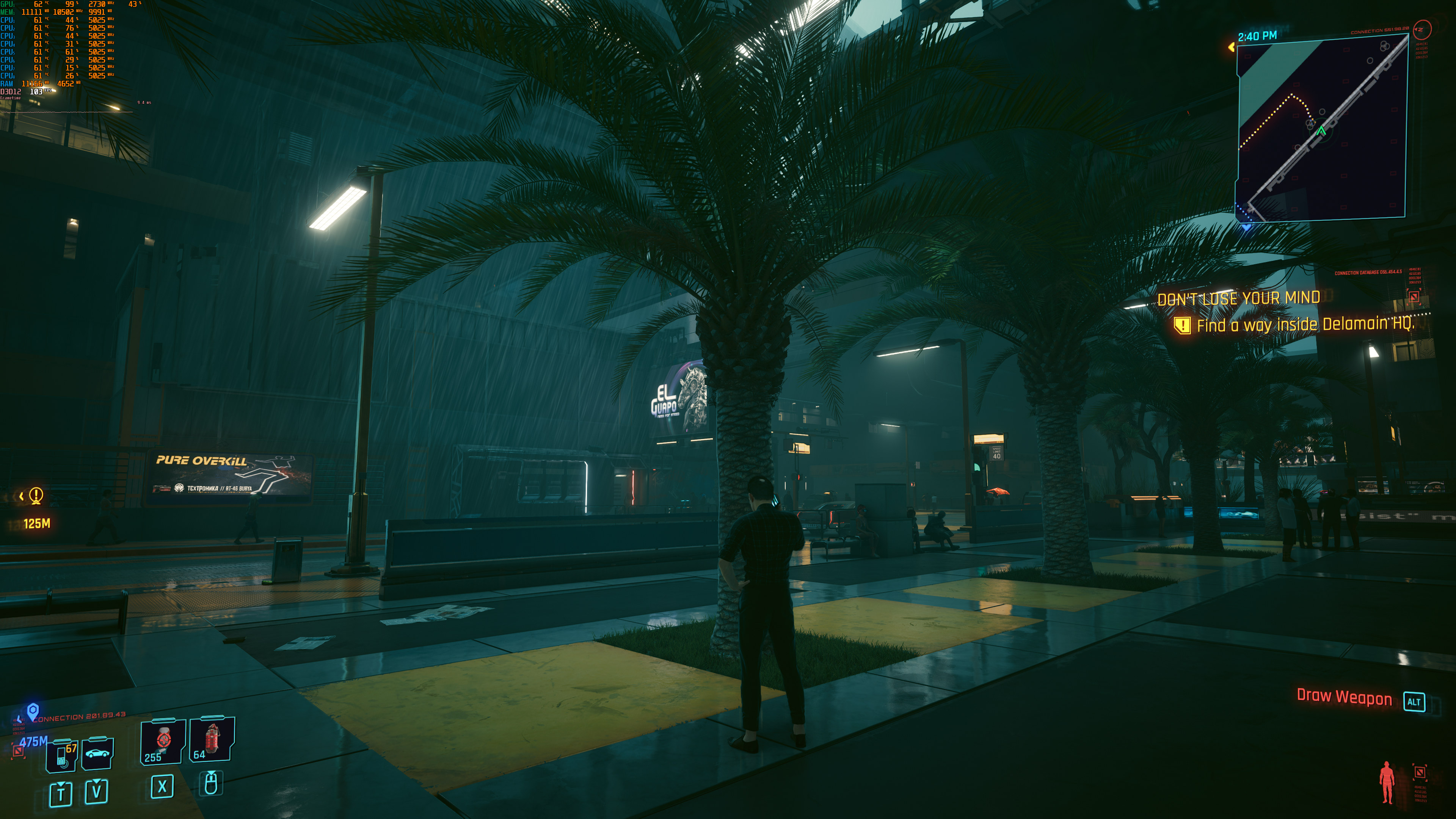
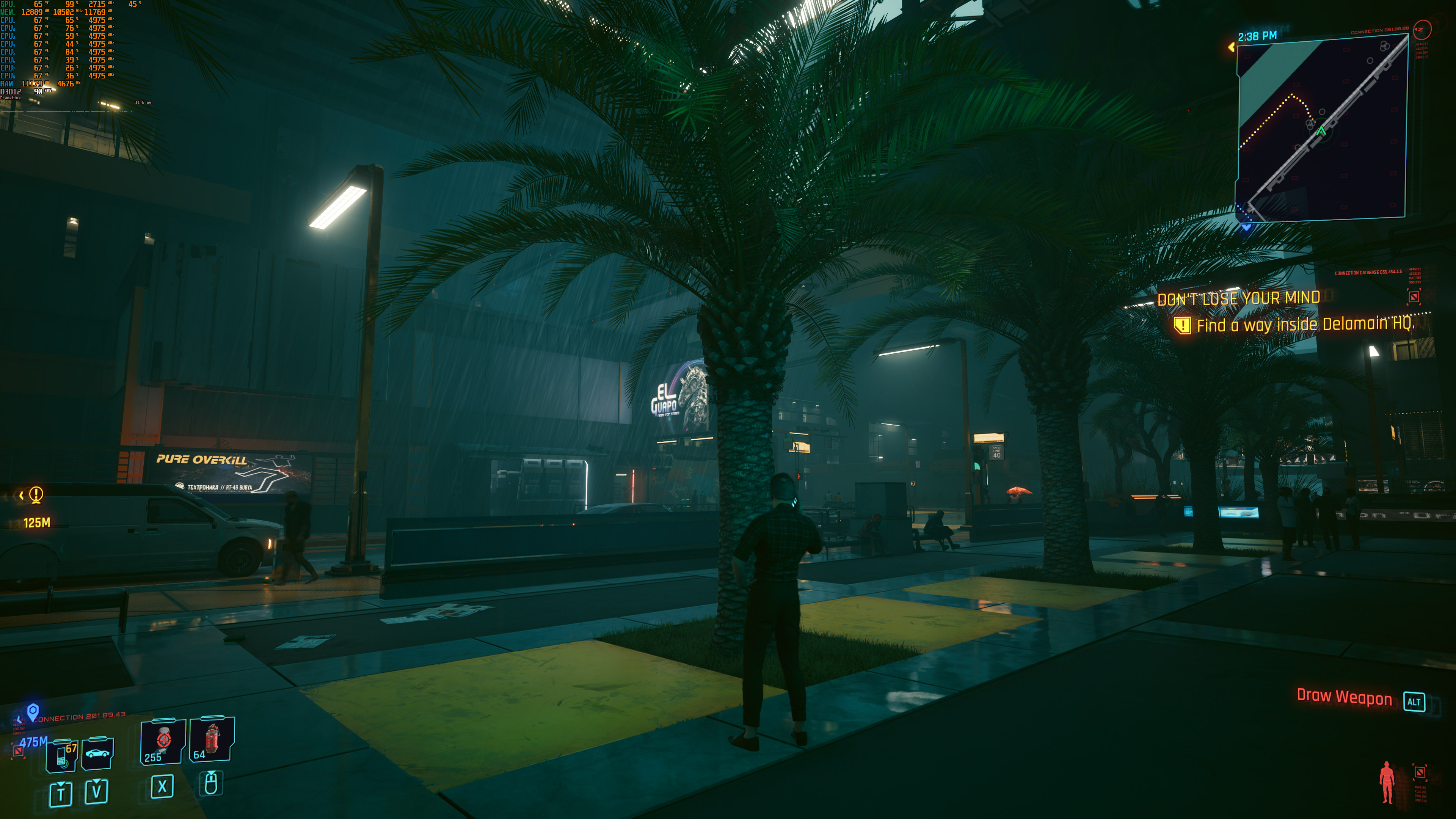
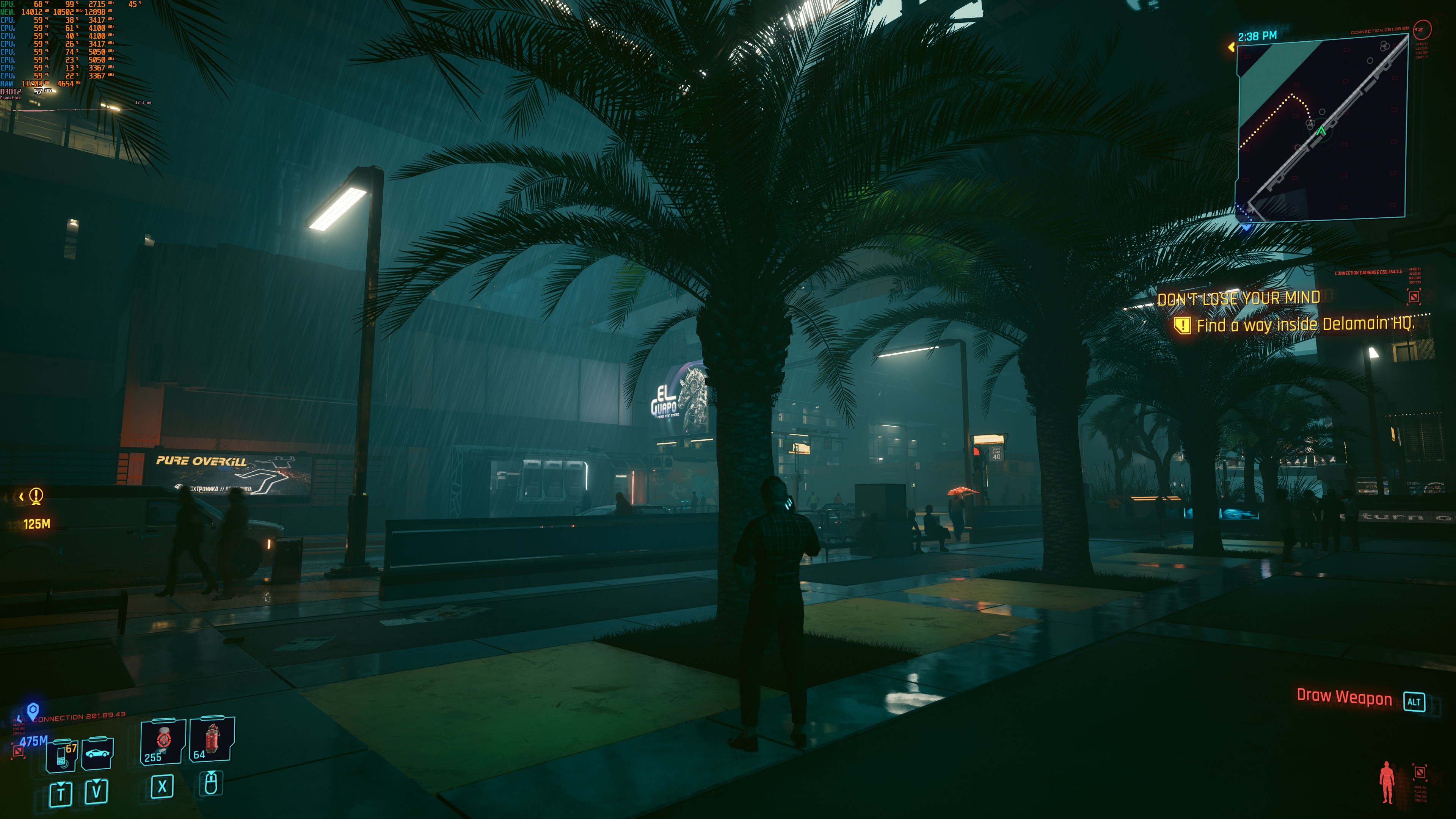
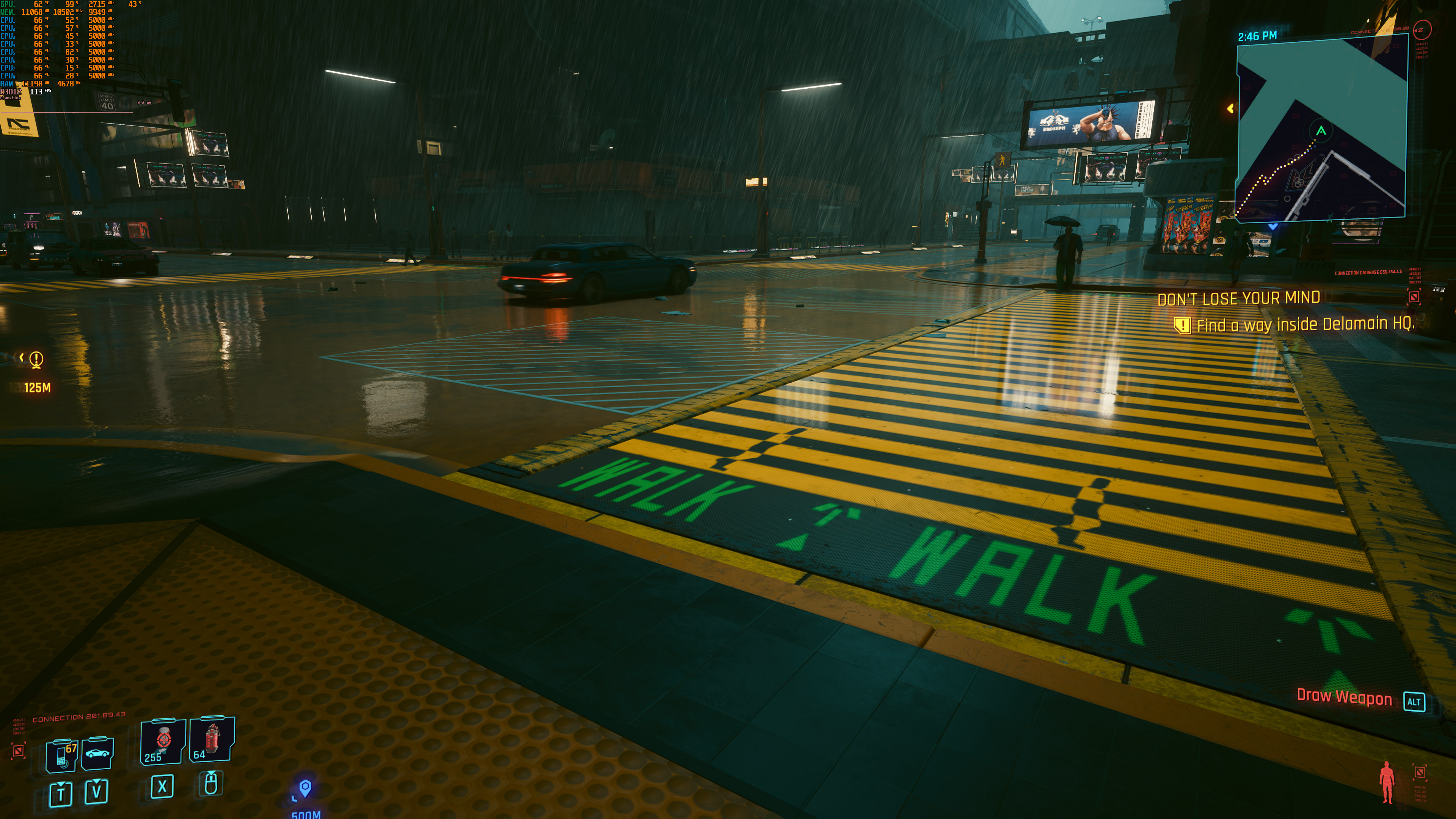
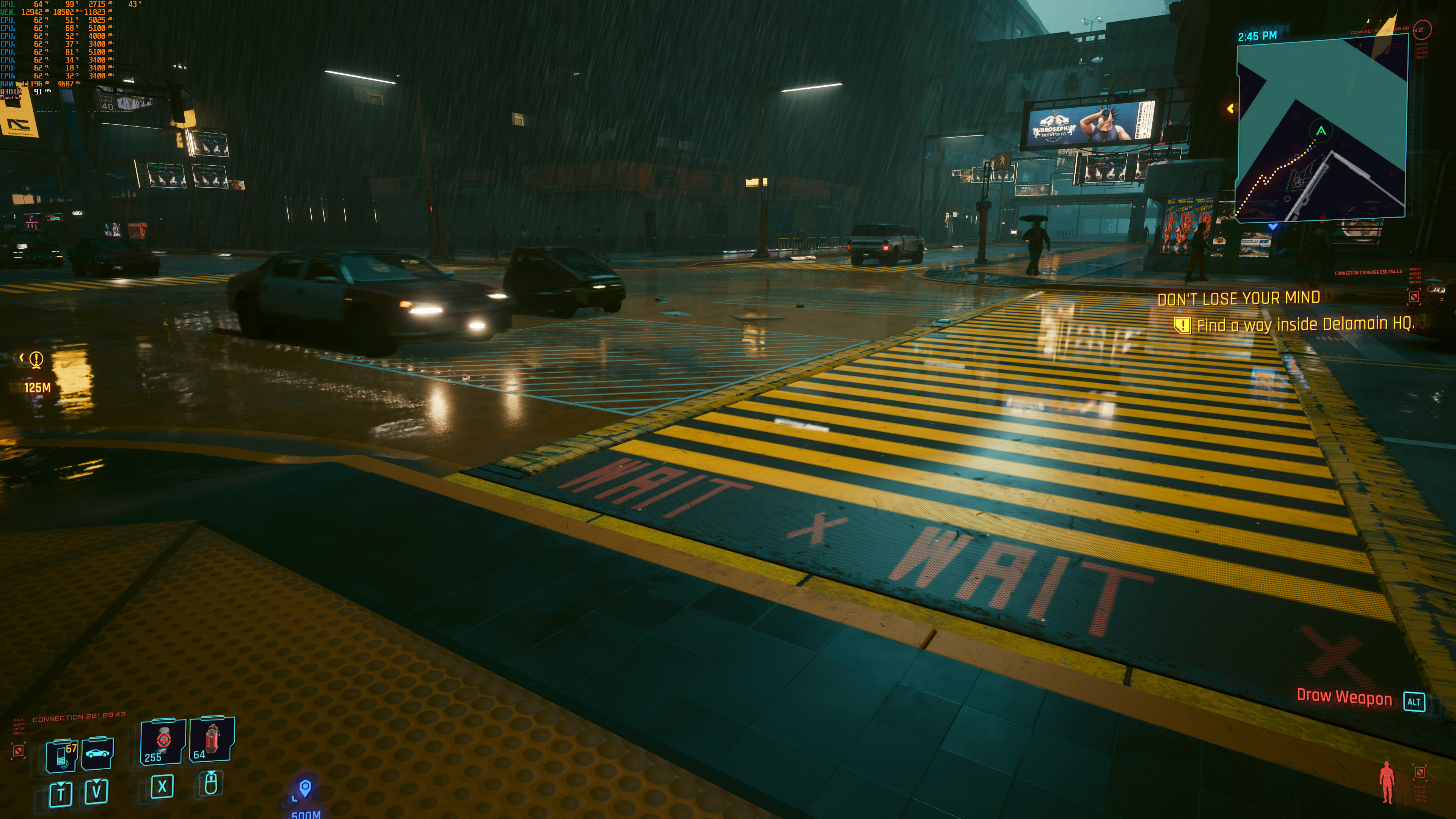
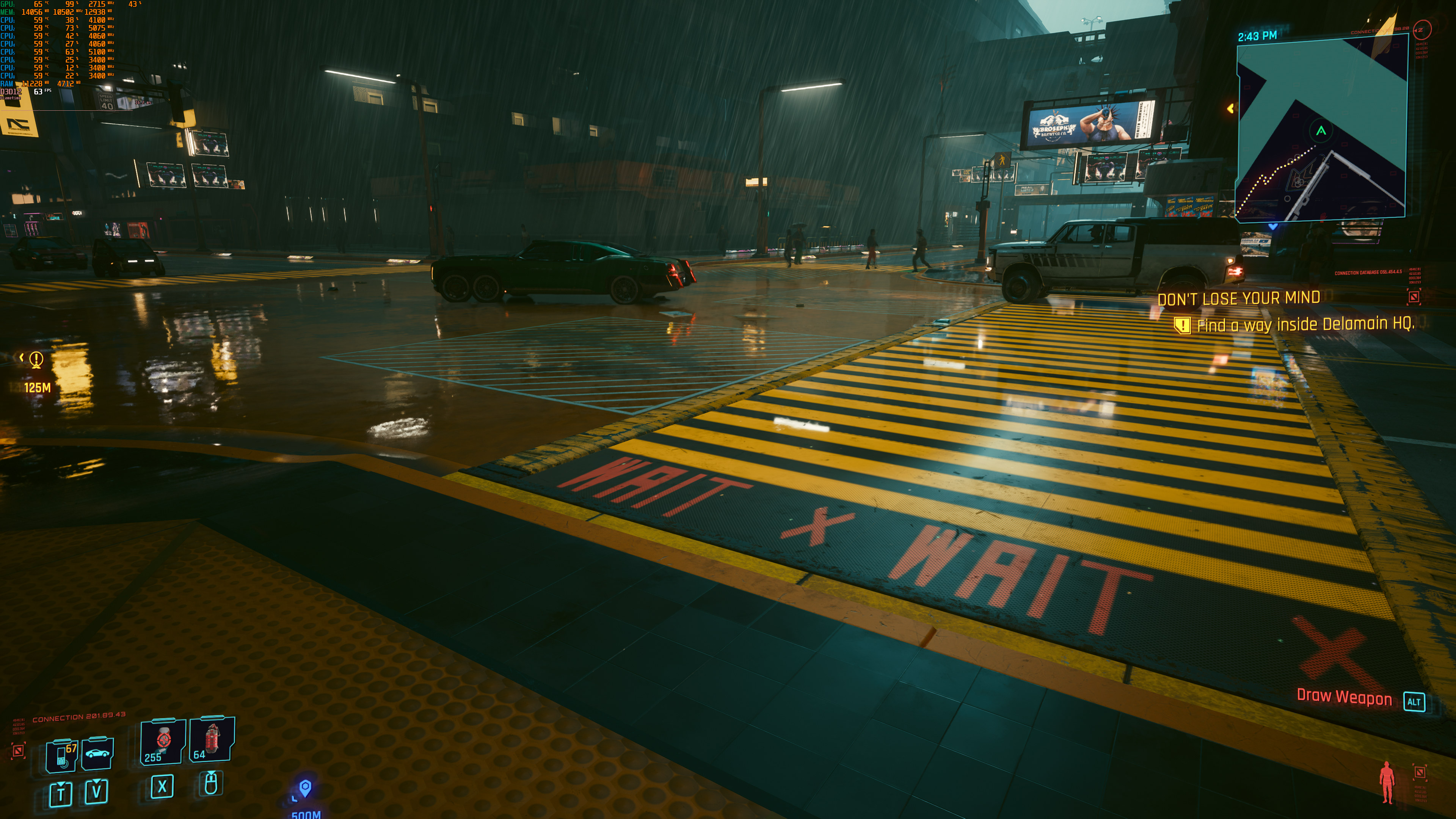
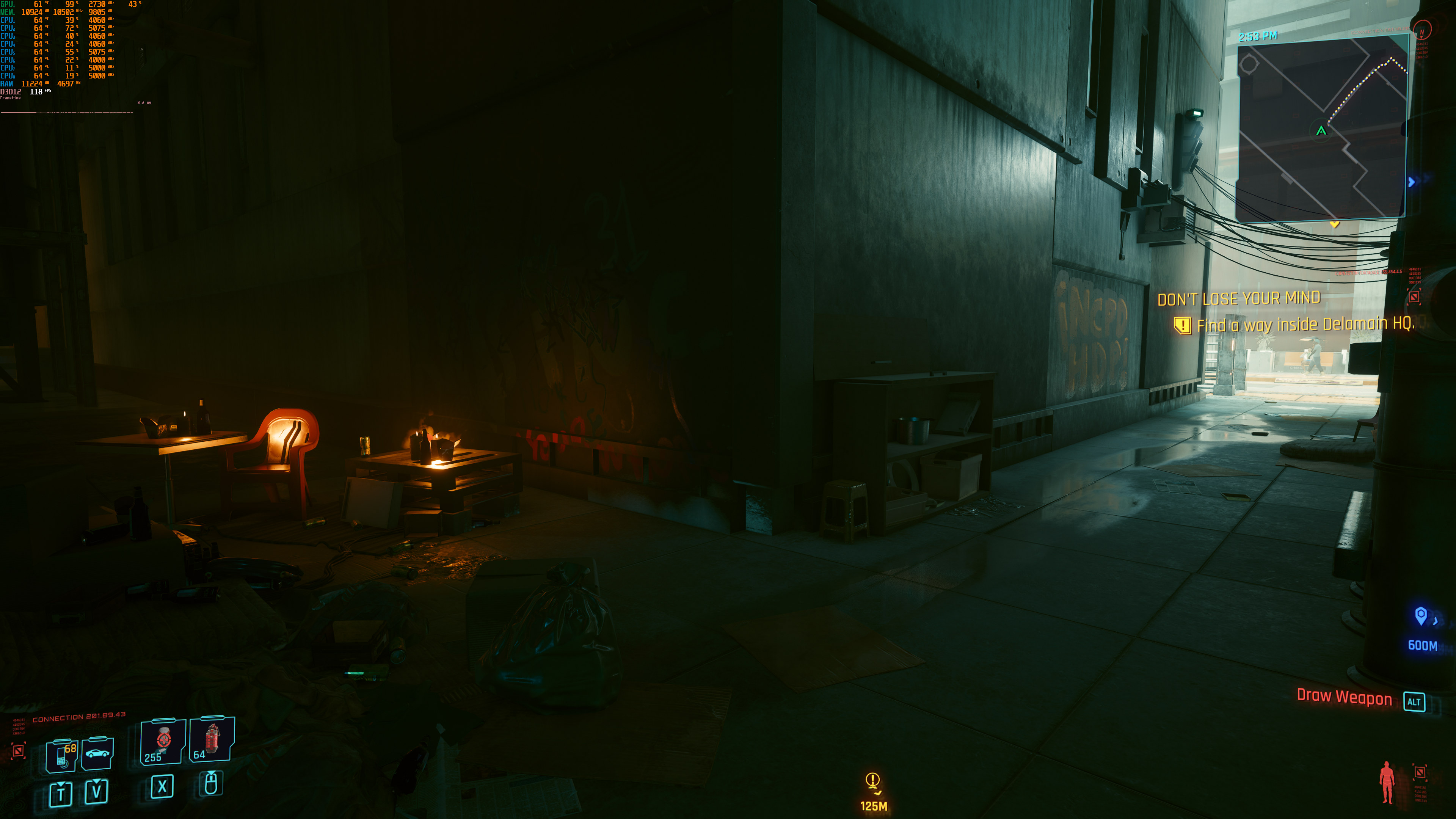

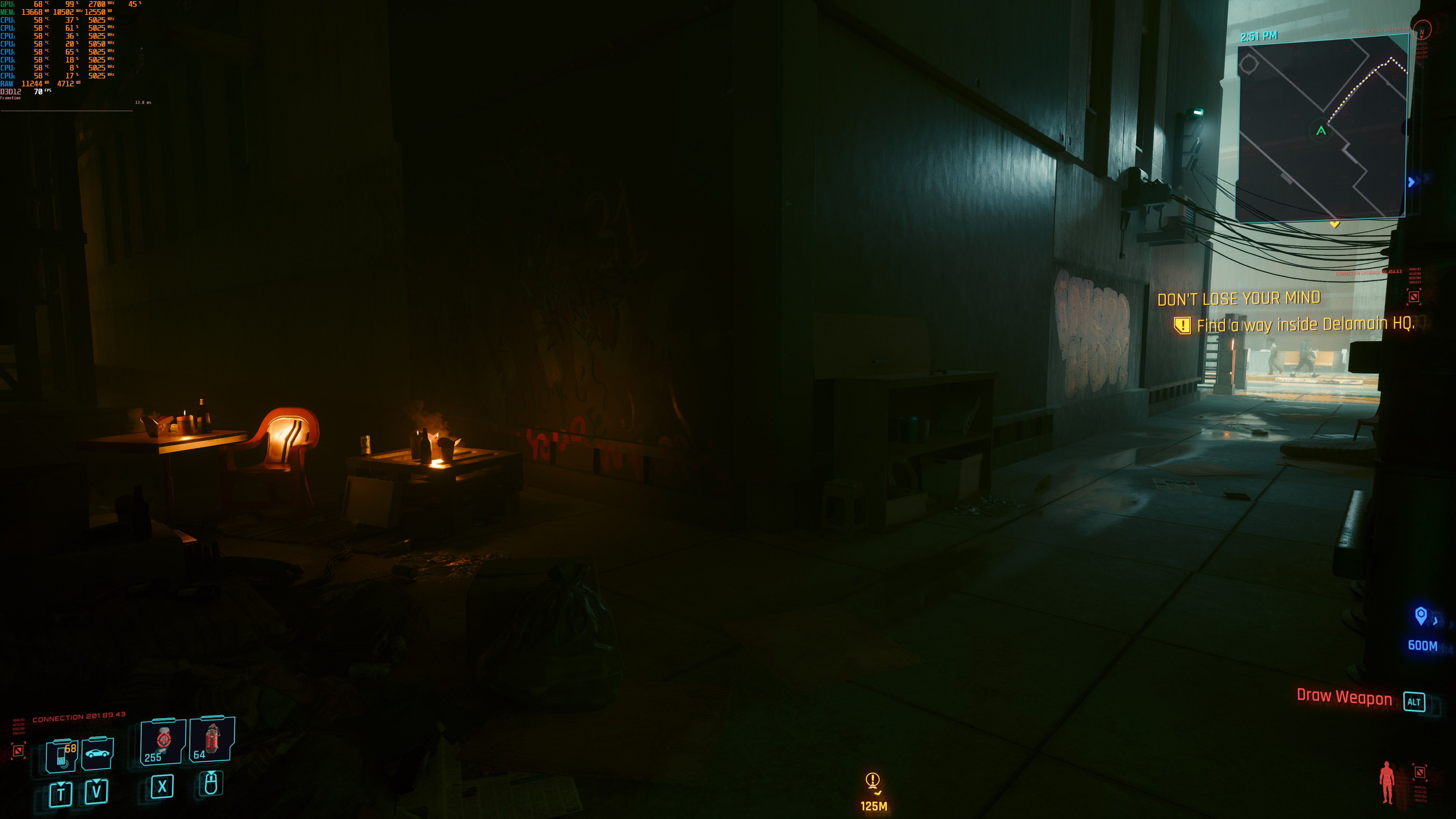
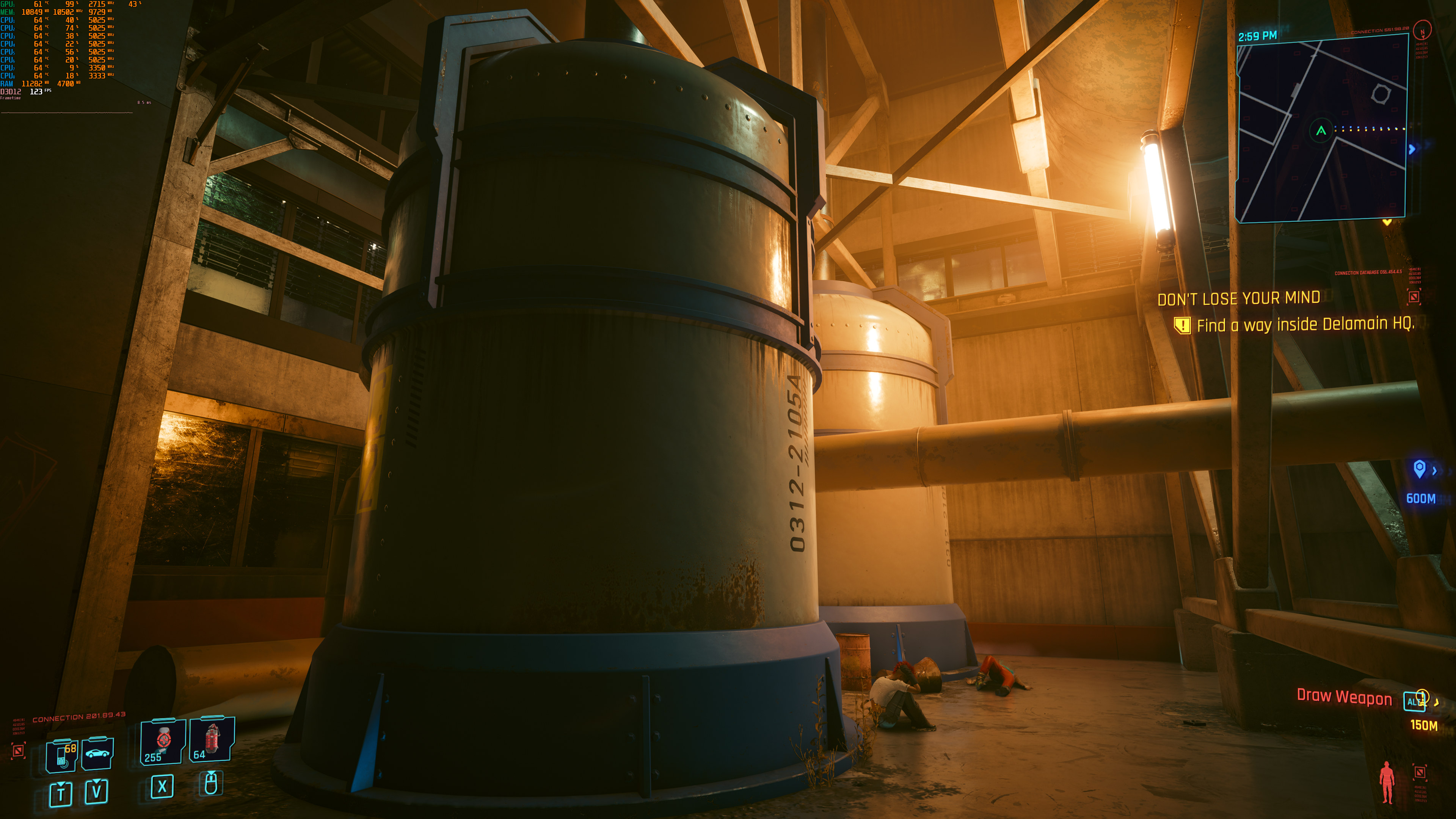
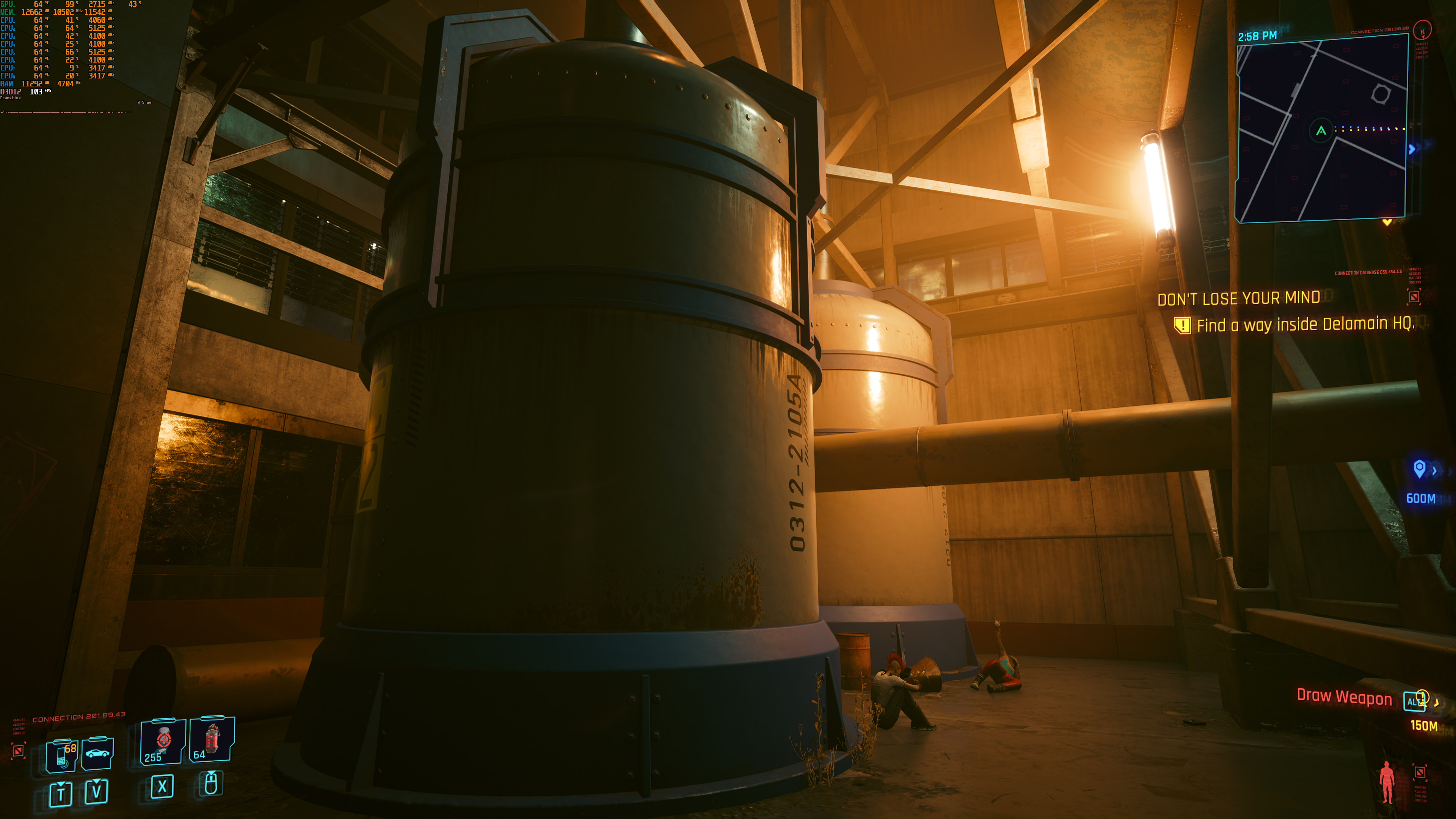
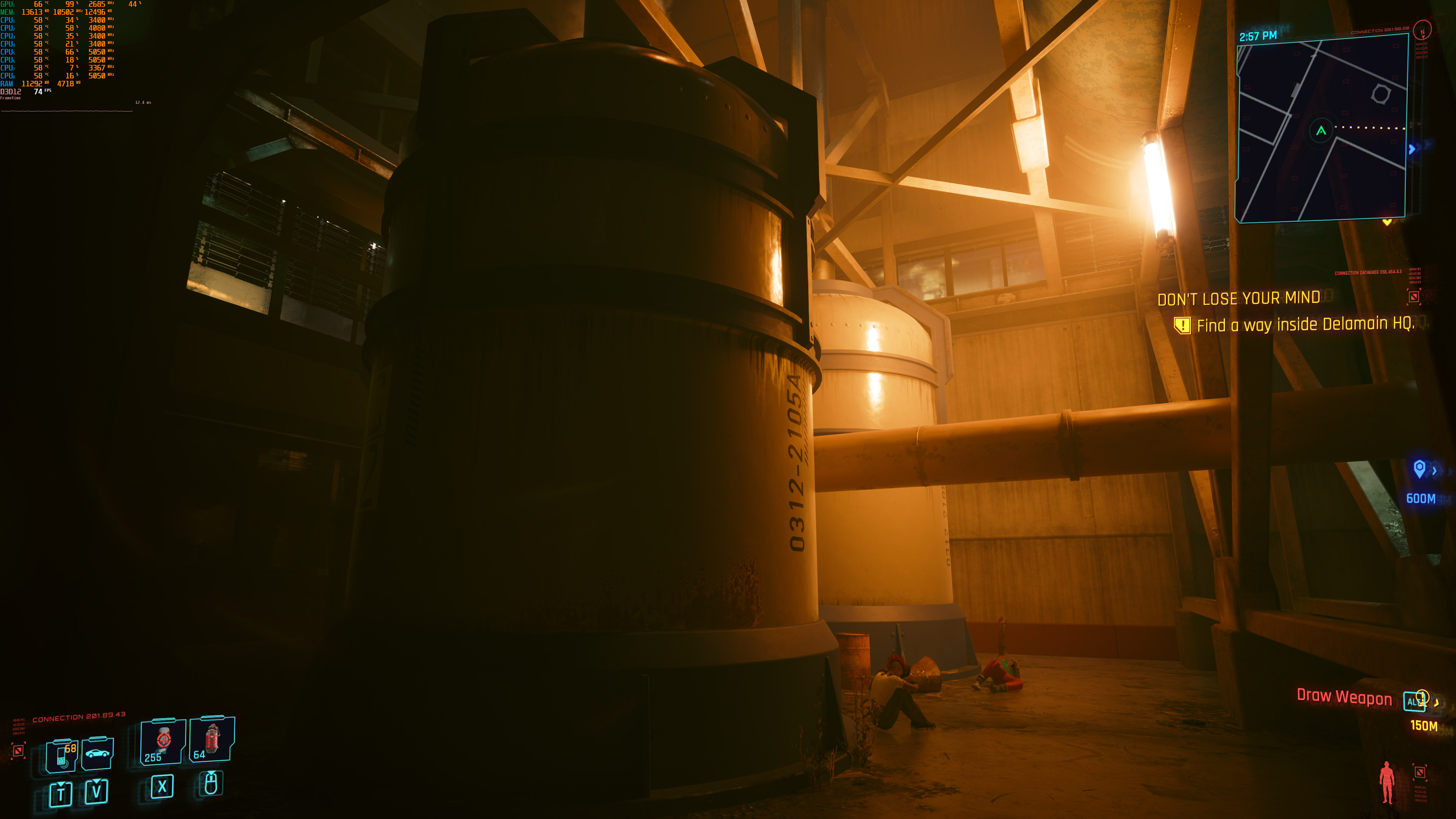
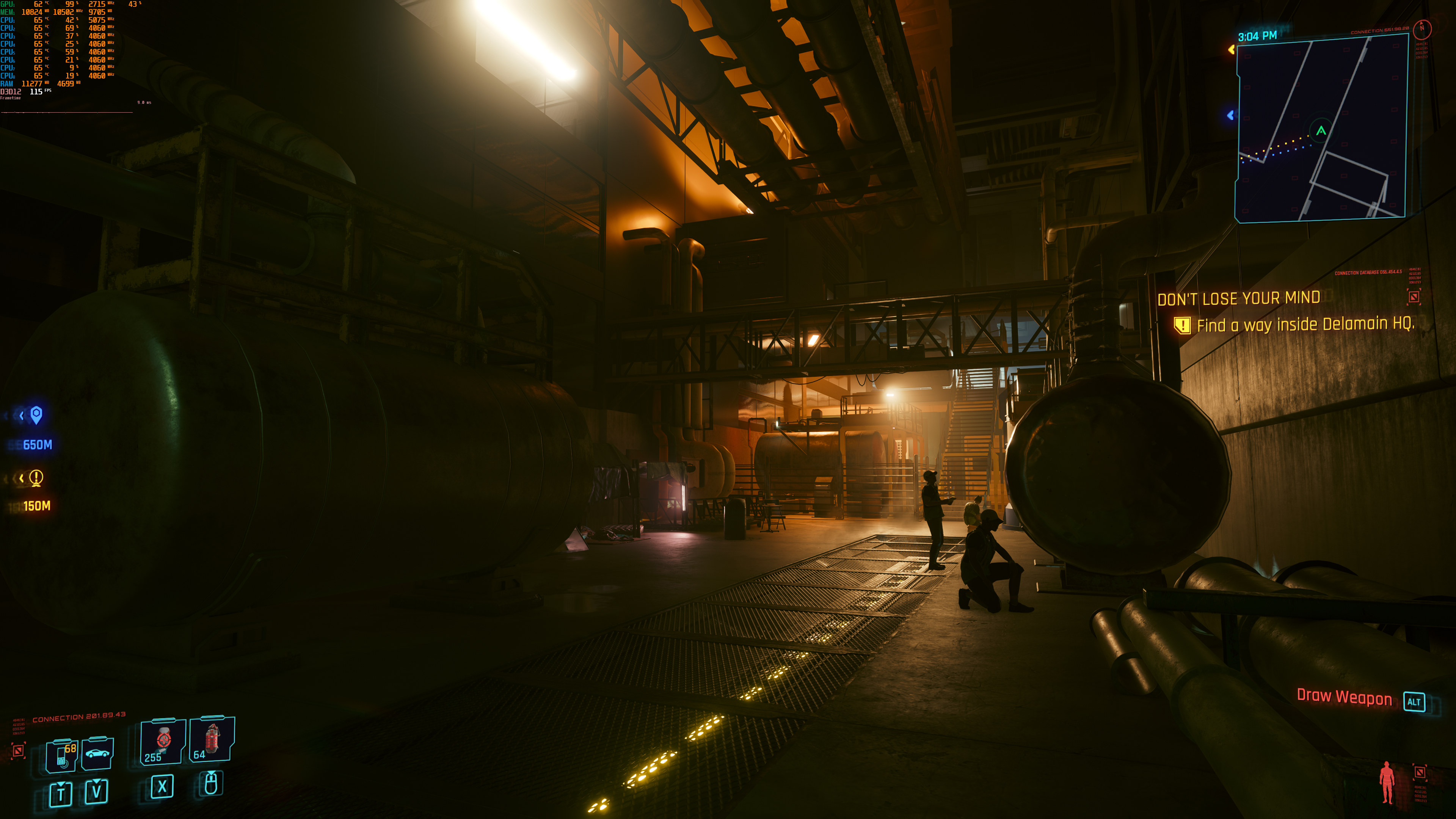




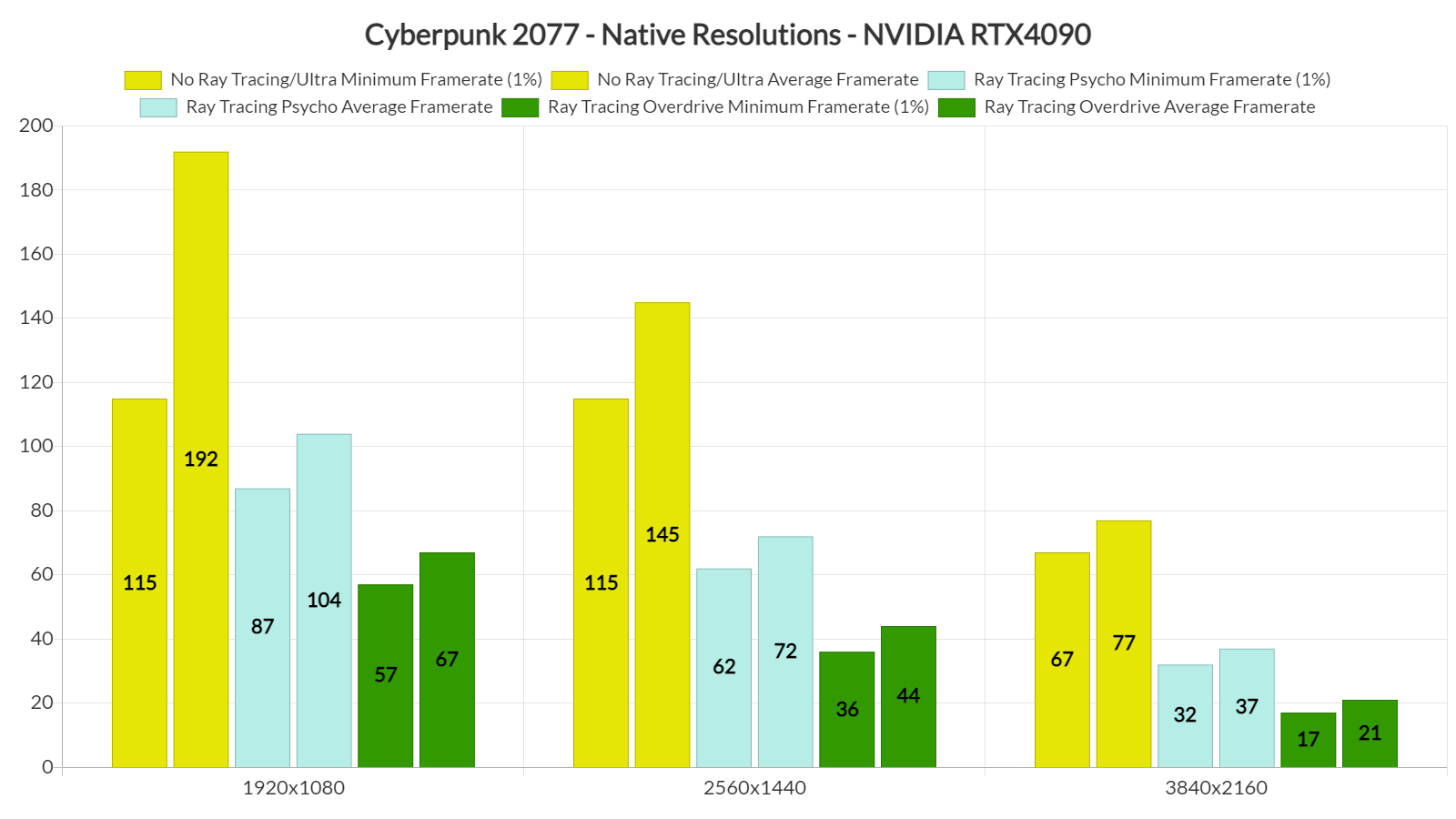
At native resolutions, our NVIDIA RTX 4090 is able to run the non-RT version with constant 60fps at all resolutions. With RT Psycho, we can get a smooth gaming experience at both 1080p and 1440p. And as for Path Tracing, we can only get an acceptable performance at 1080p.
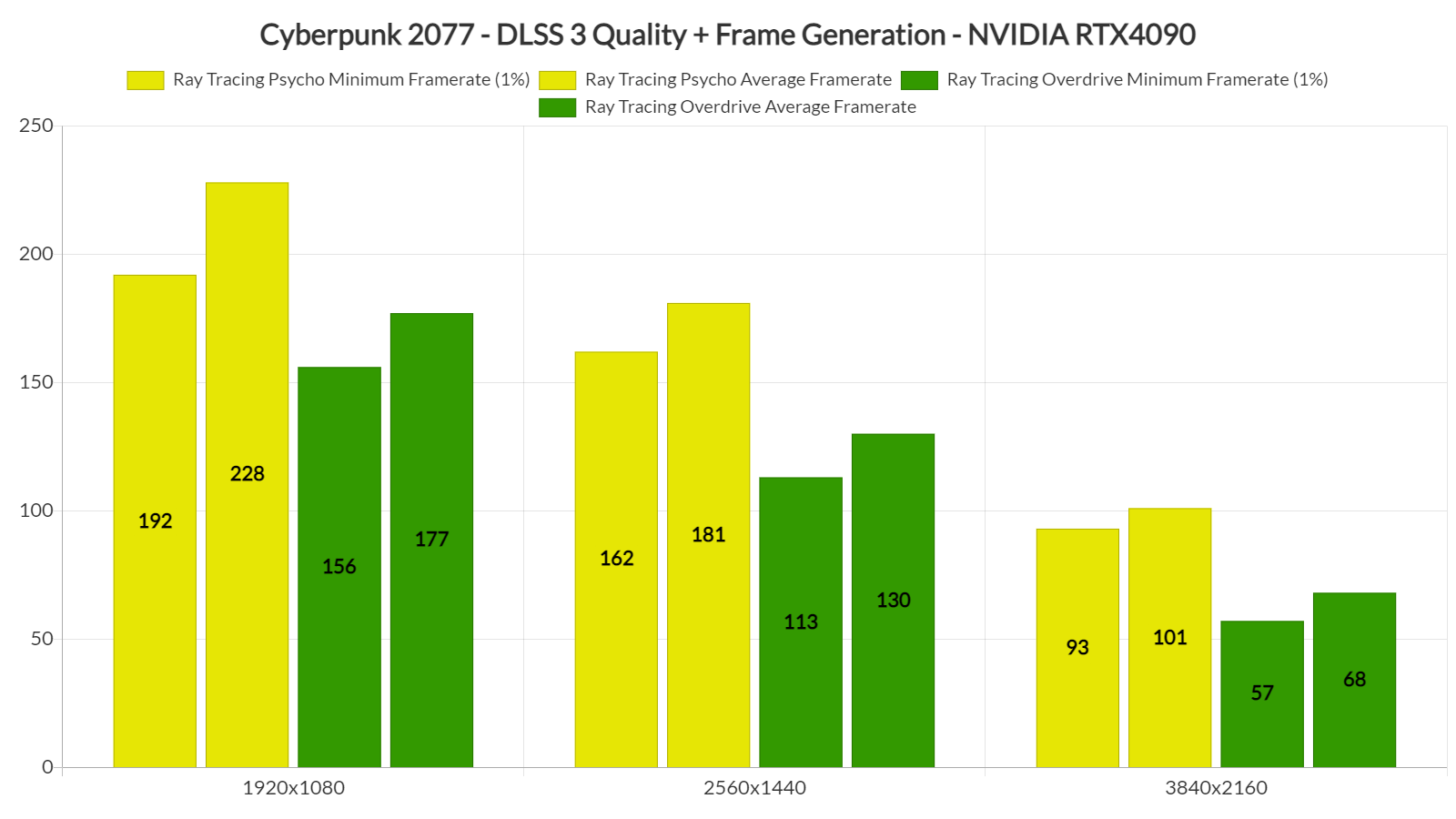
By enabling DLSS 3 Quality (Super Resolution with Frame Generation), we’re able to run RT Psycho with really high framerates, even at 4K. RT Overdrive runs amazing at both 1080p and 1440p, however, there are some drops below 60fps at 4K. Furthermore, the mouse camera feels laggy (due to Frame Generation). If you want to game at 4K, we suggest dropping DLSS Super Resolution to Performance. By doing so, you’ll be getting around 90fps on the RTX4090 with an acceptable latency.
Cyberpunk 2077’s Path Tracing gives us a glimpse at the future of video-game graphics. It’s truly incredible what CDPR and NVIDIA have managed to achieve. CP2077 pushes the graphical boundaries of PC games, and it’s currently the new “Crysis” game!


John is the founder and Editor in Chief at DSOGaming. He is a PC gaming fan and highly supports the modding and indie communities. Before creating DSOGaming, John worked on numerous gaming websites. While he is a die-hard PC gamer, his gaming roots can be found on consoles. John loved – and still does – the 16-bit consoles, and considers SNES to be one of the best consoles. Still, the PC platform won him over consoles. That was mainly due to 3DFX and its iconic dedicated 3D accelerator graphics card, Voodoo 2. John has also written a higher degree thesis on the “The Evolution of PC graphics cards.”
Contact: Email