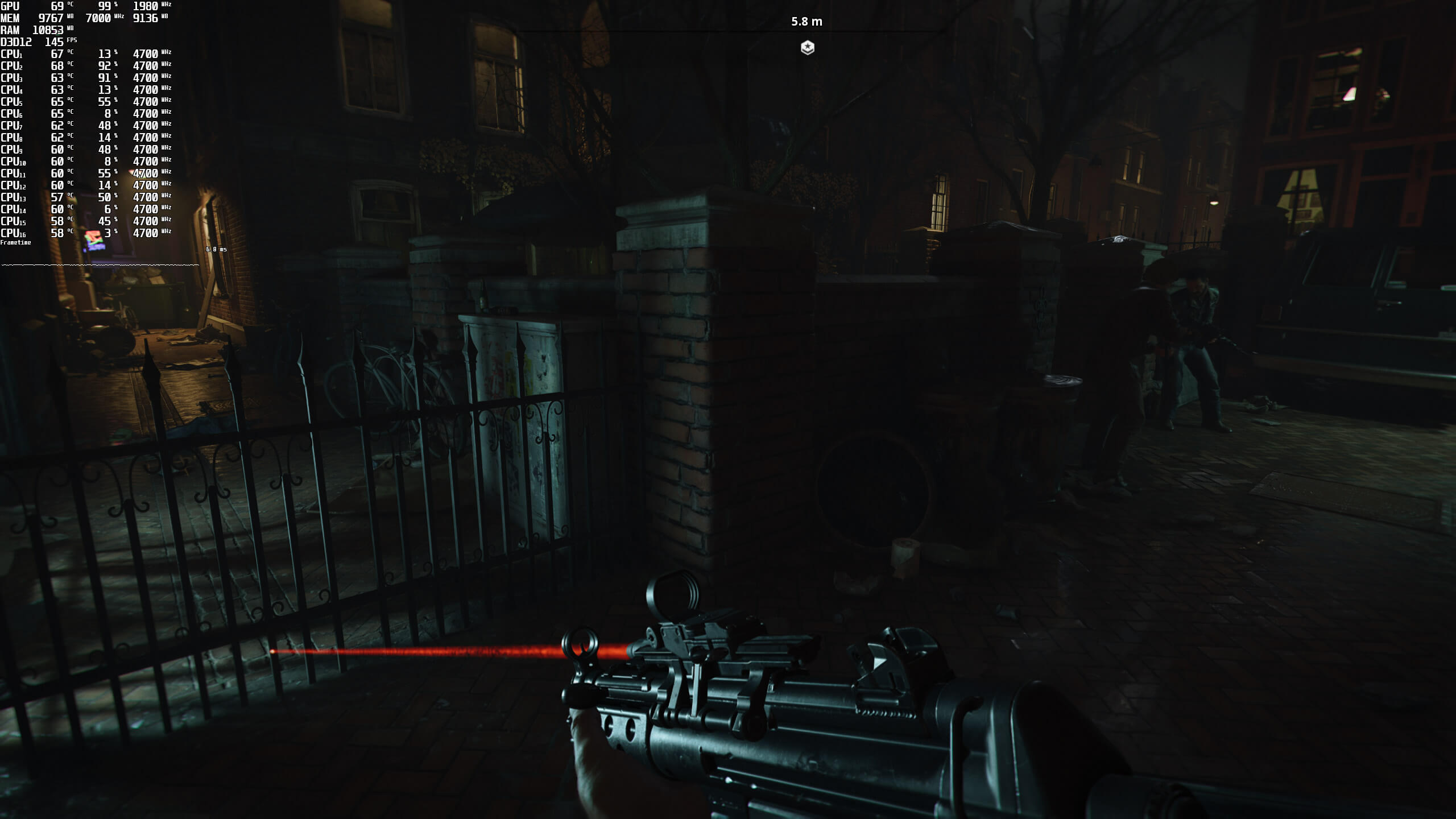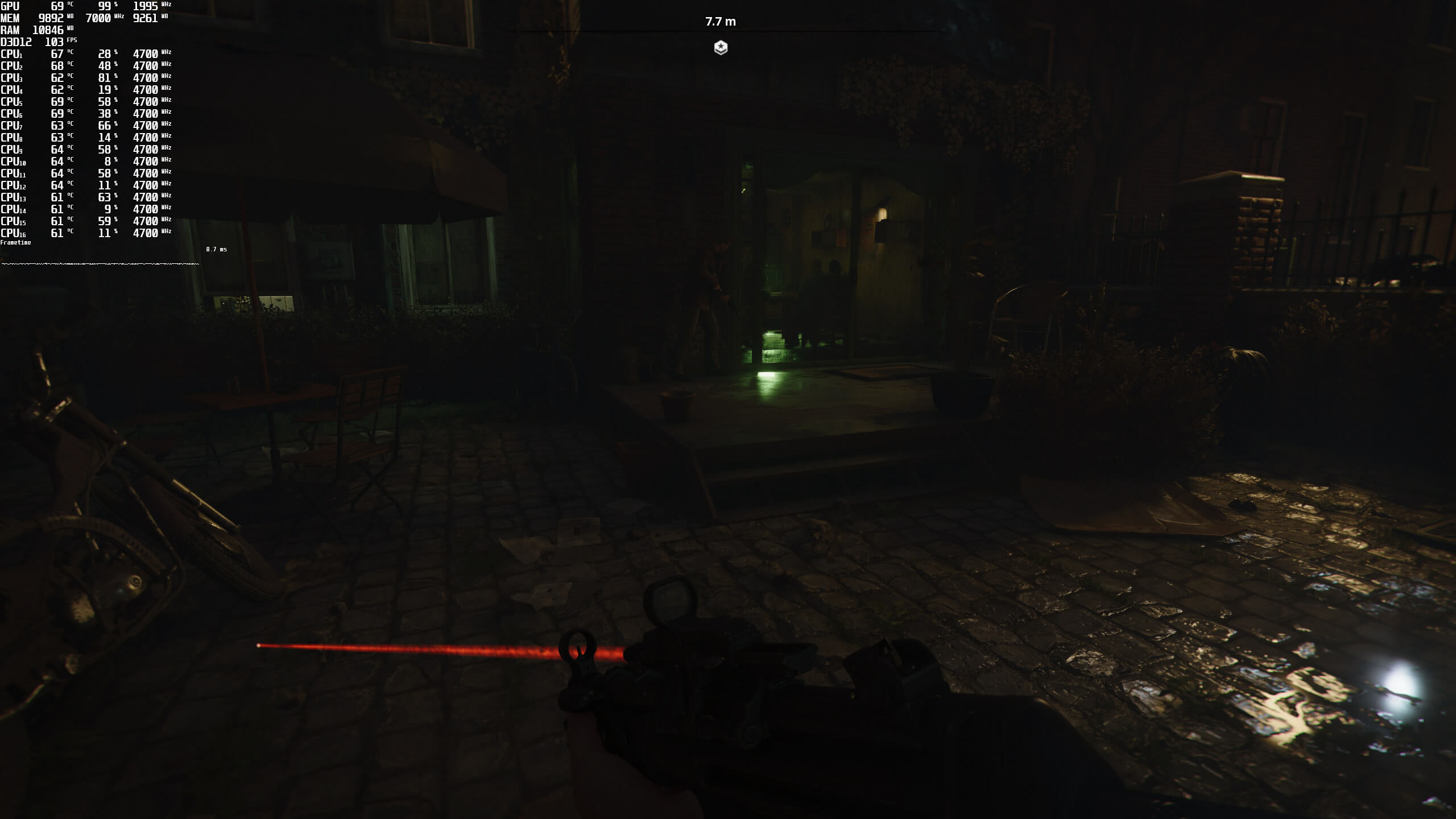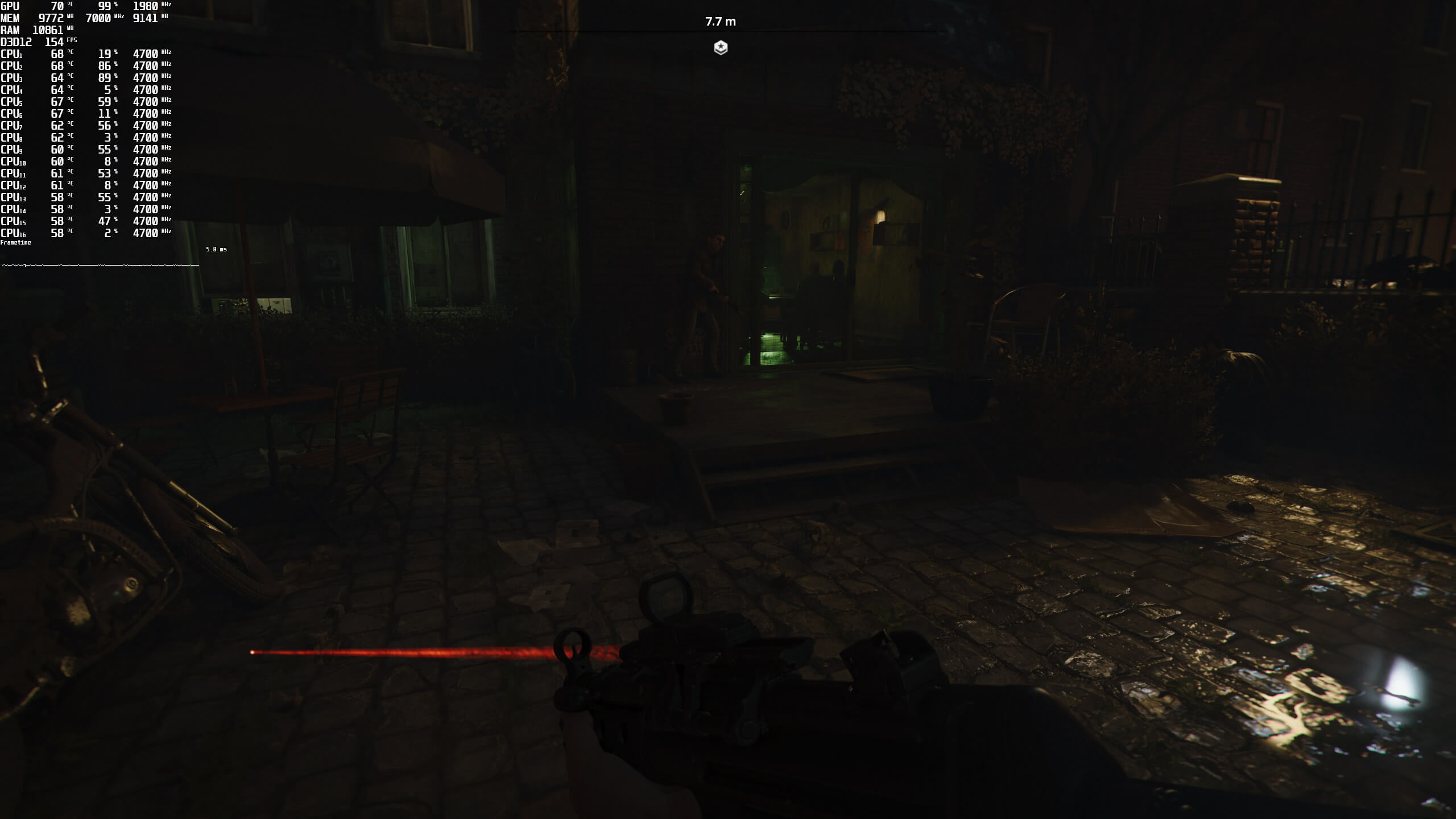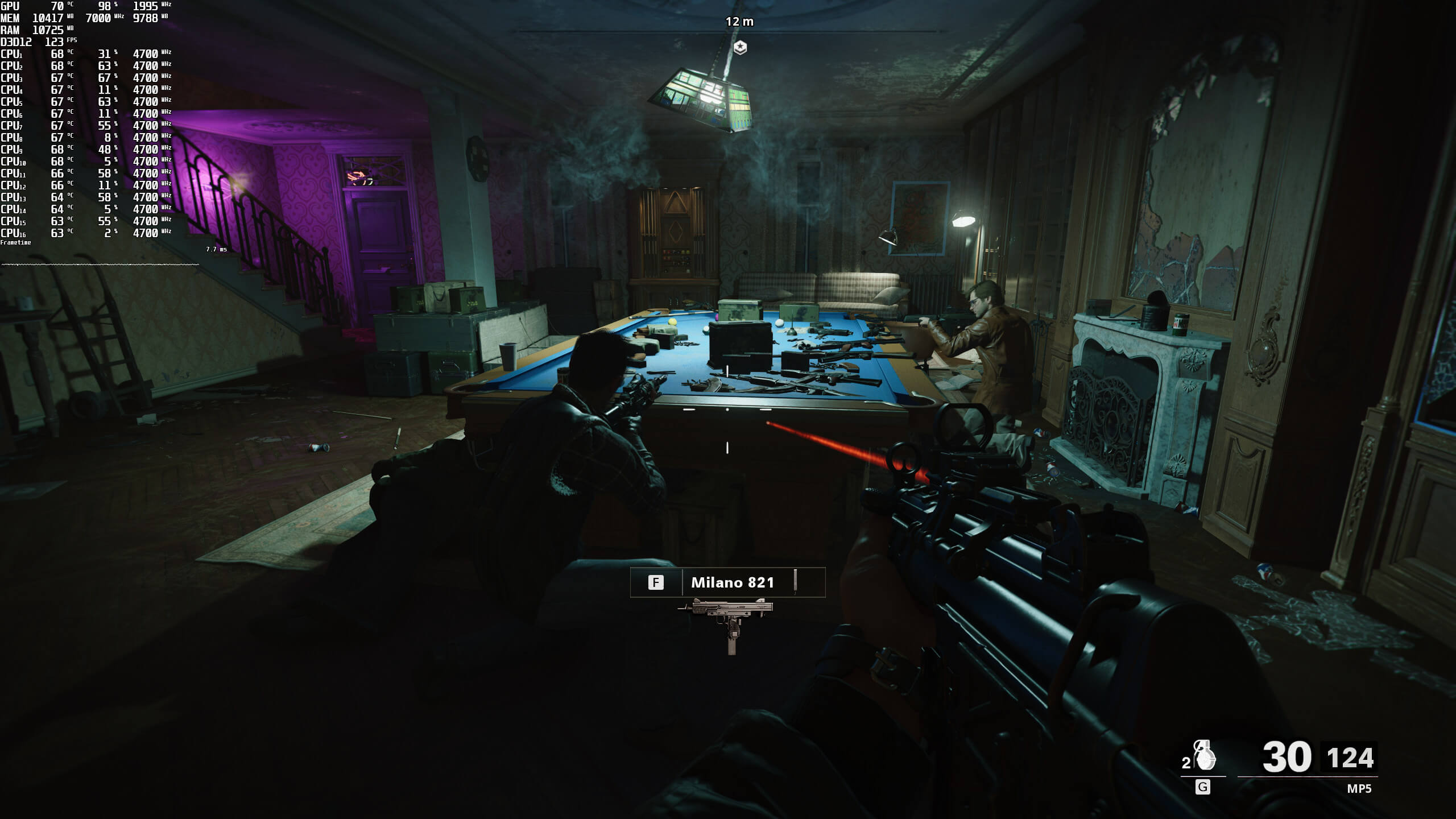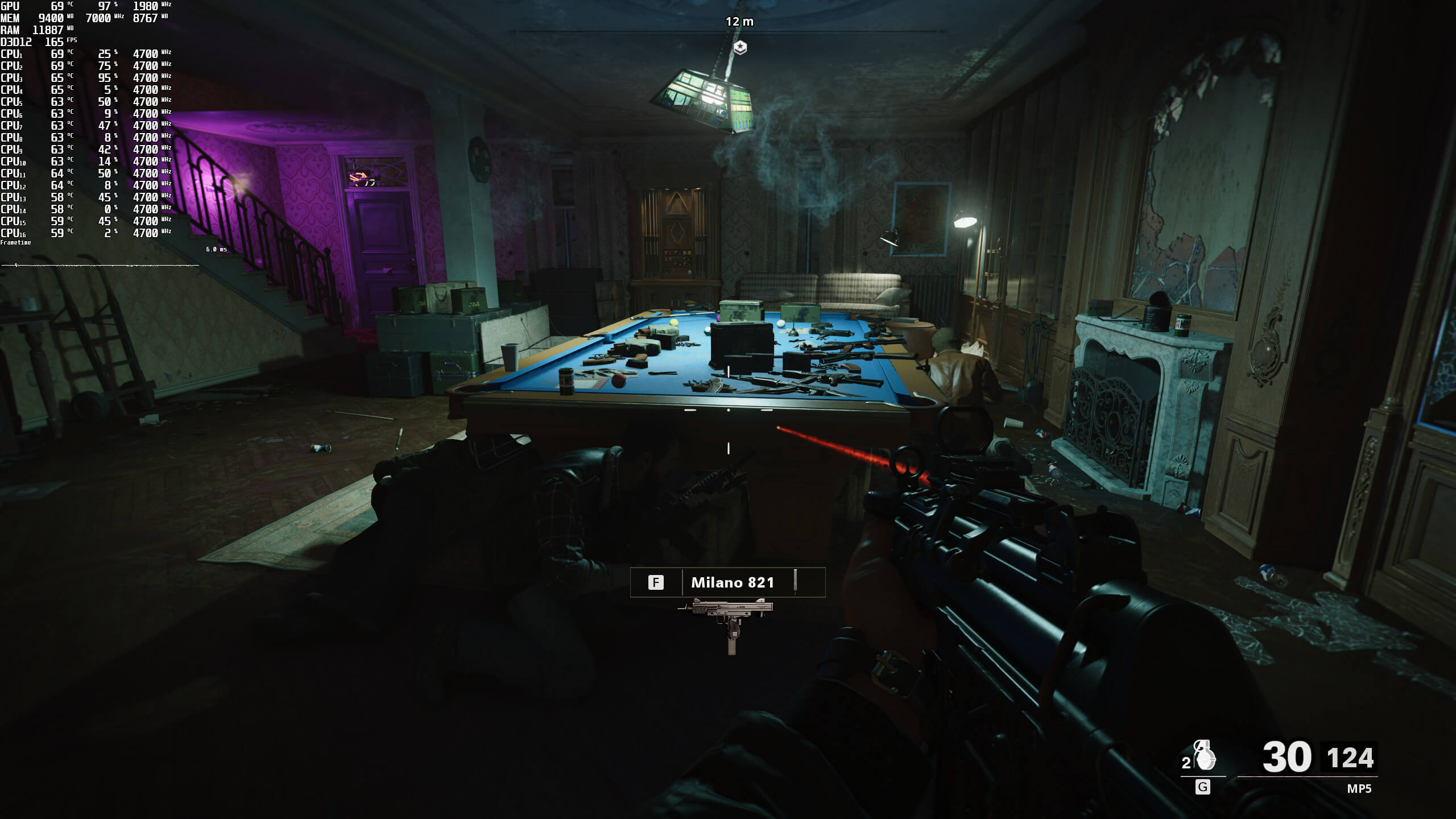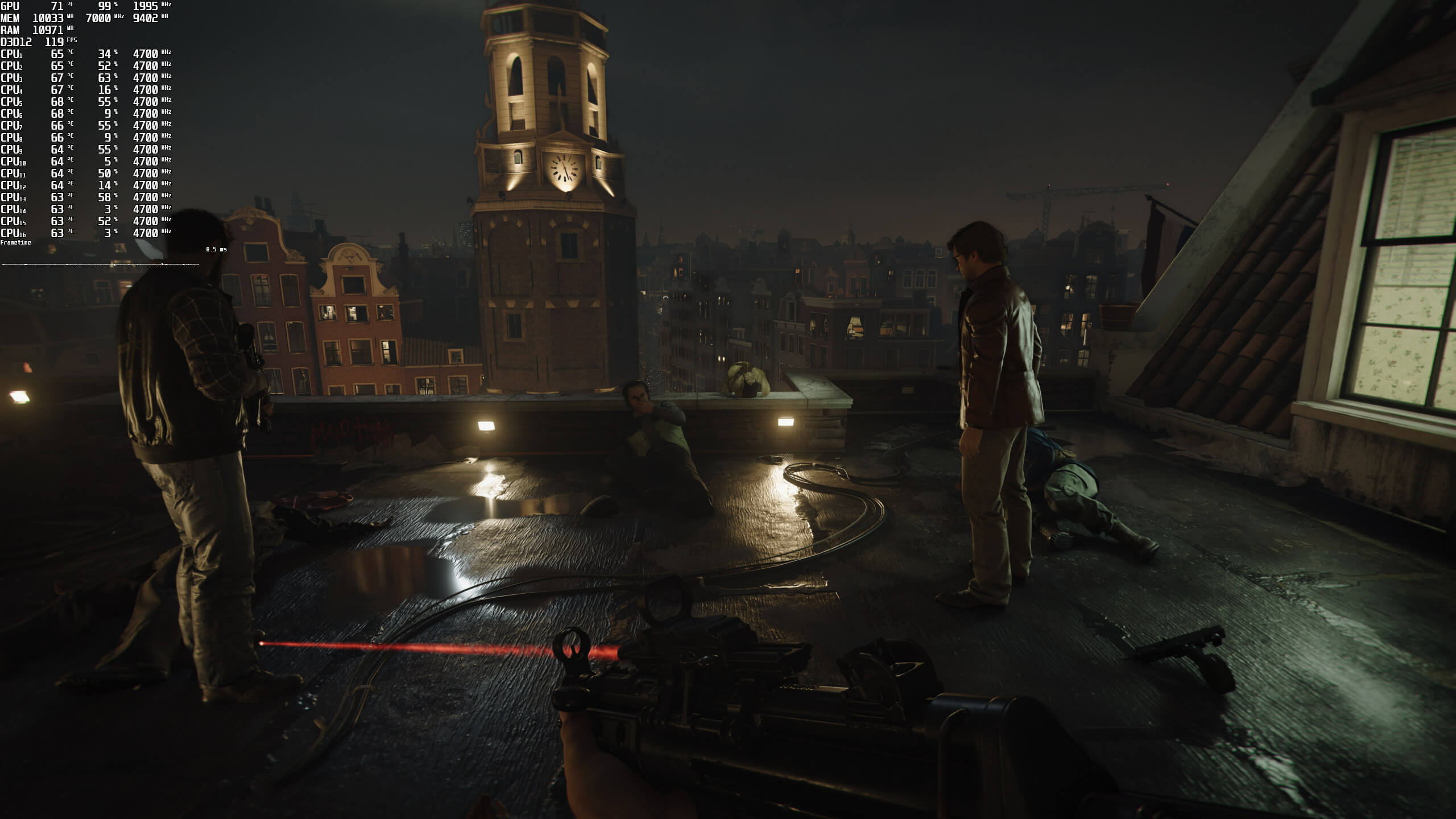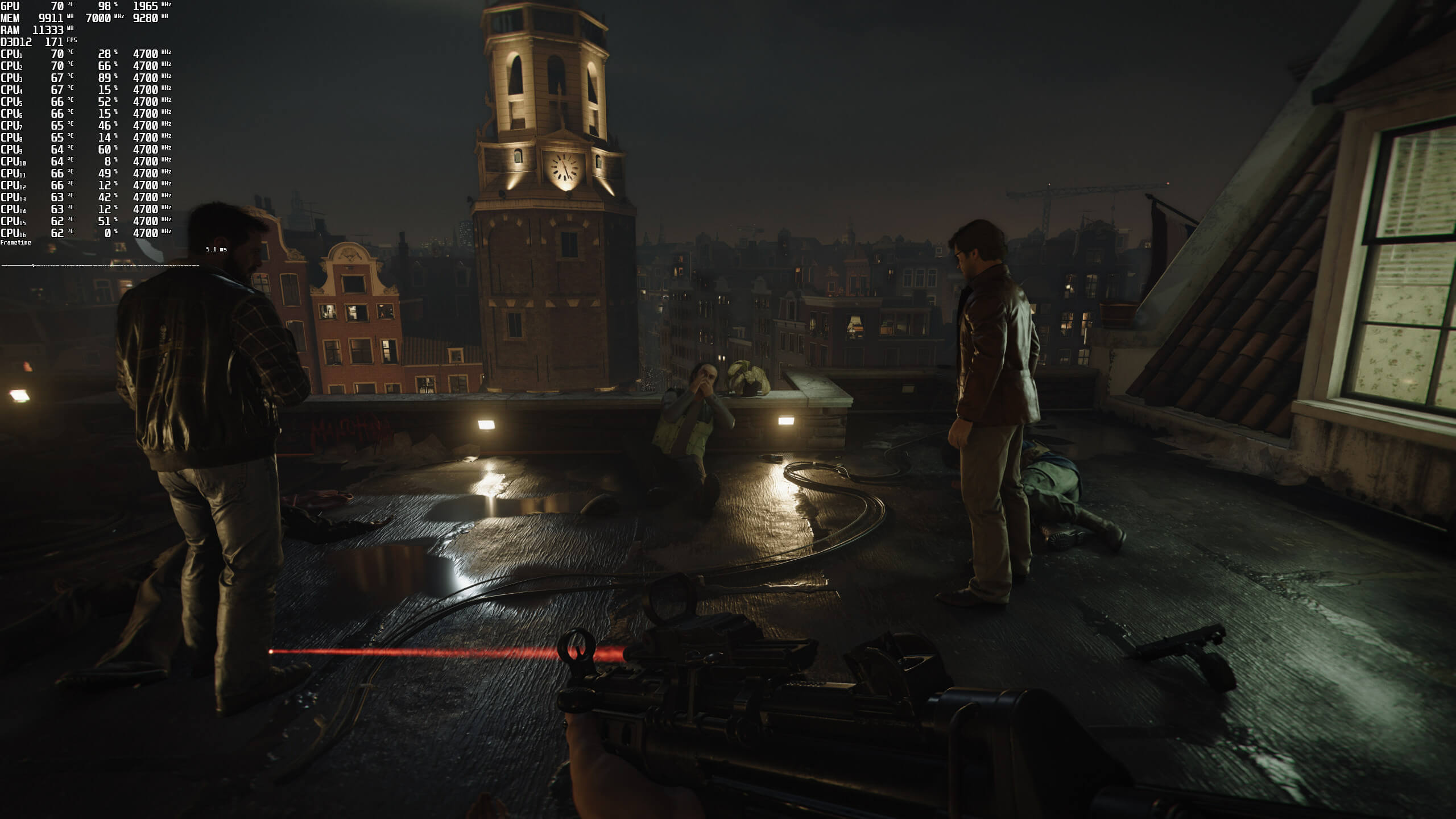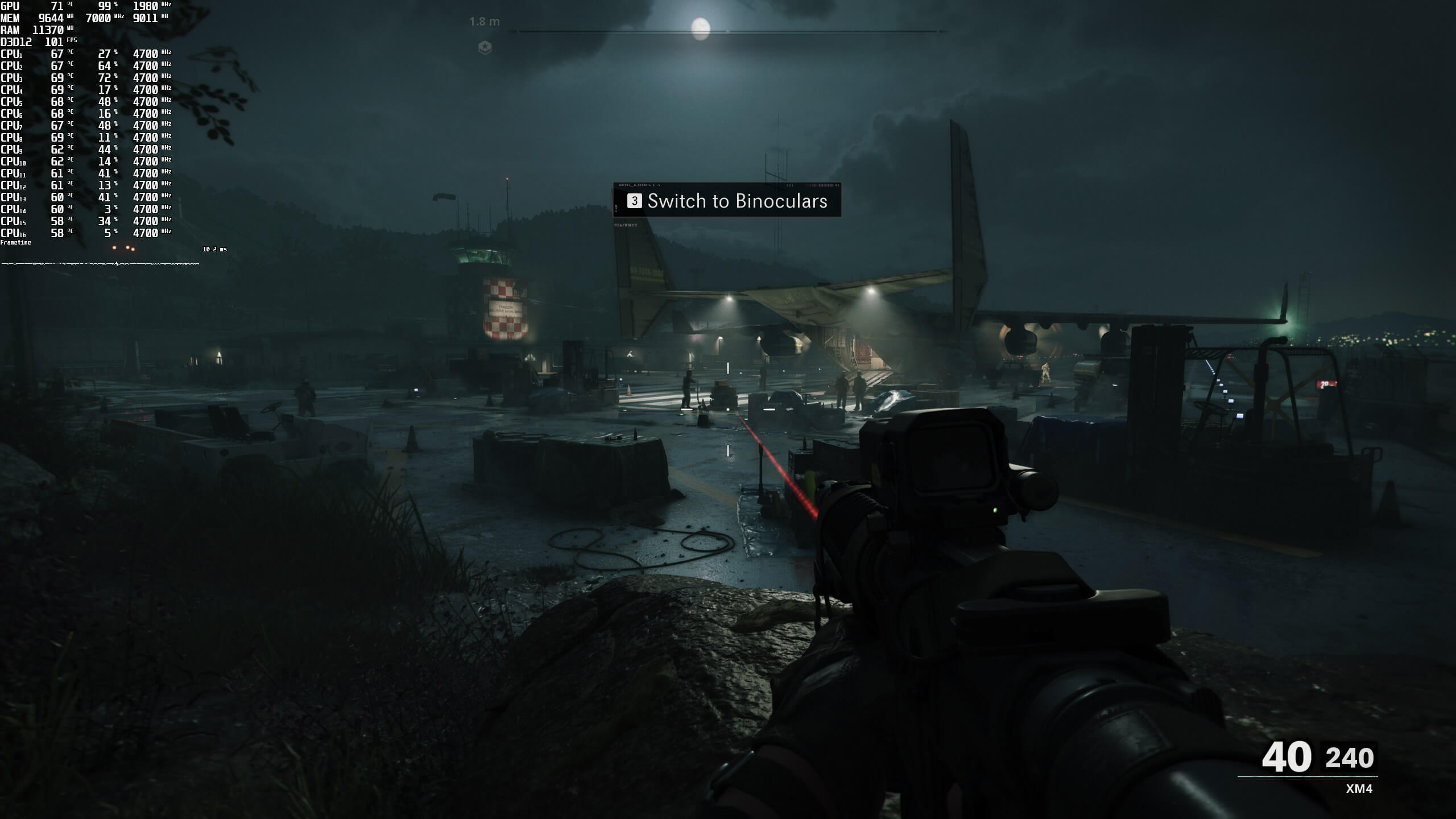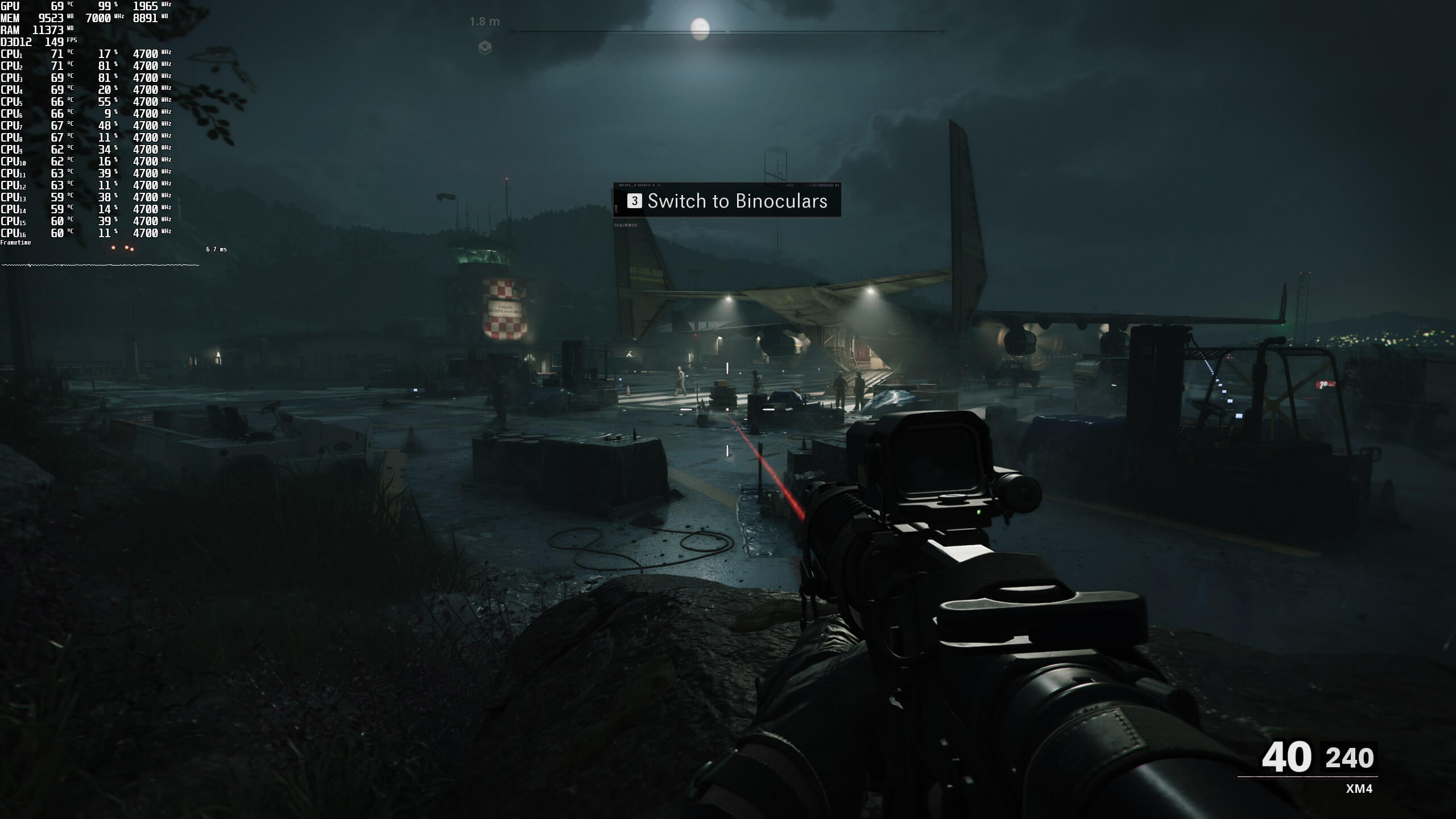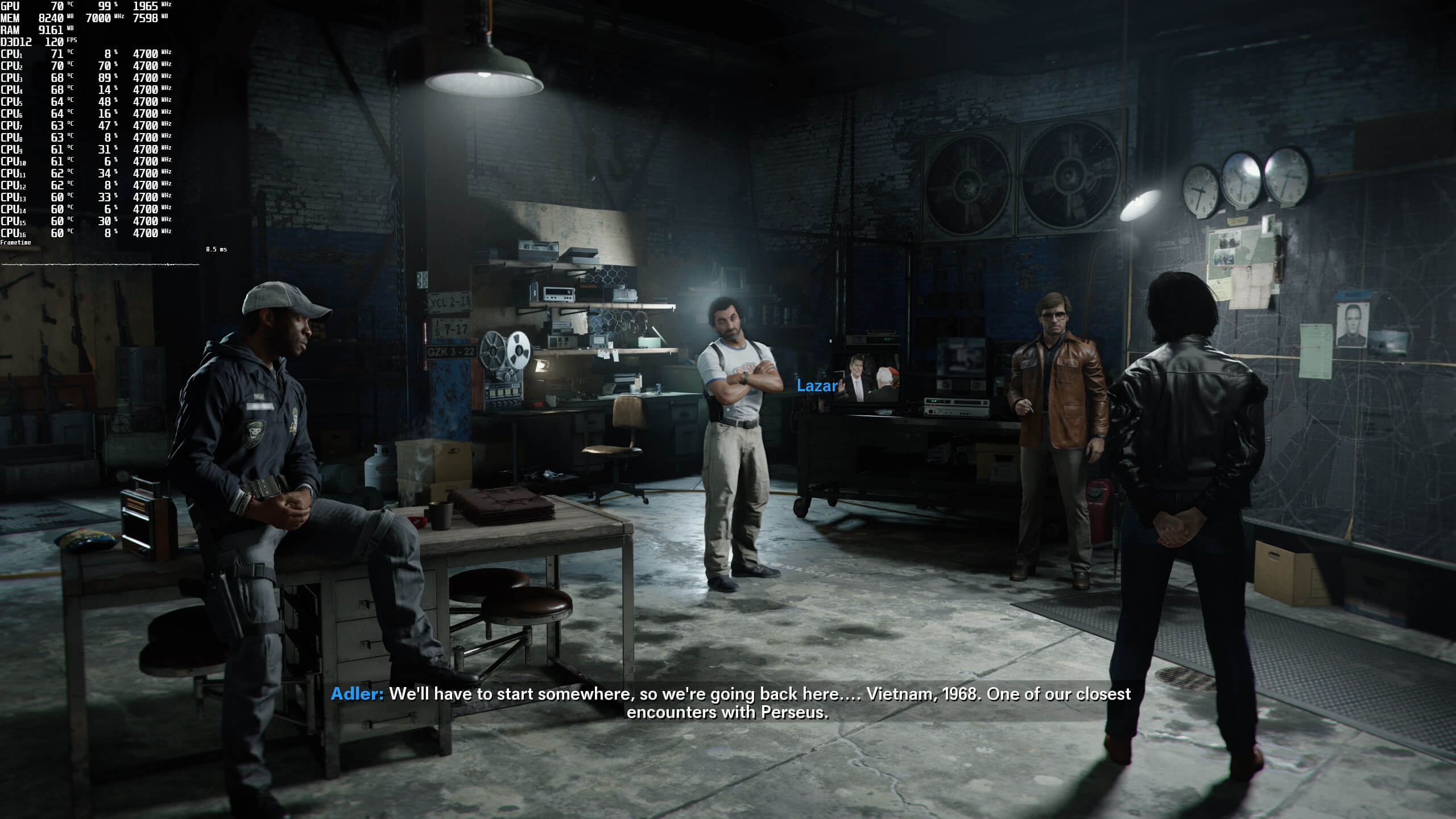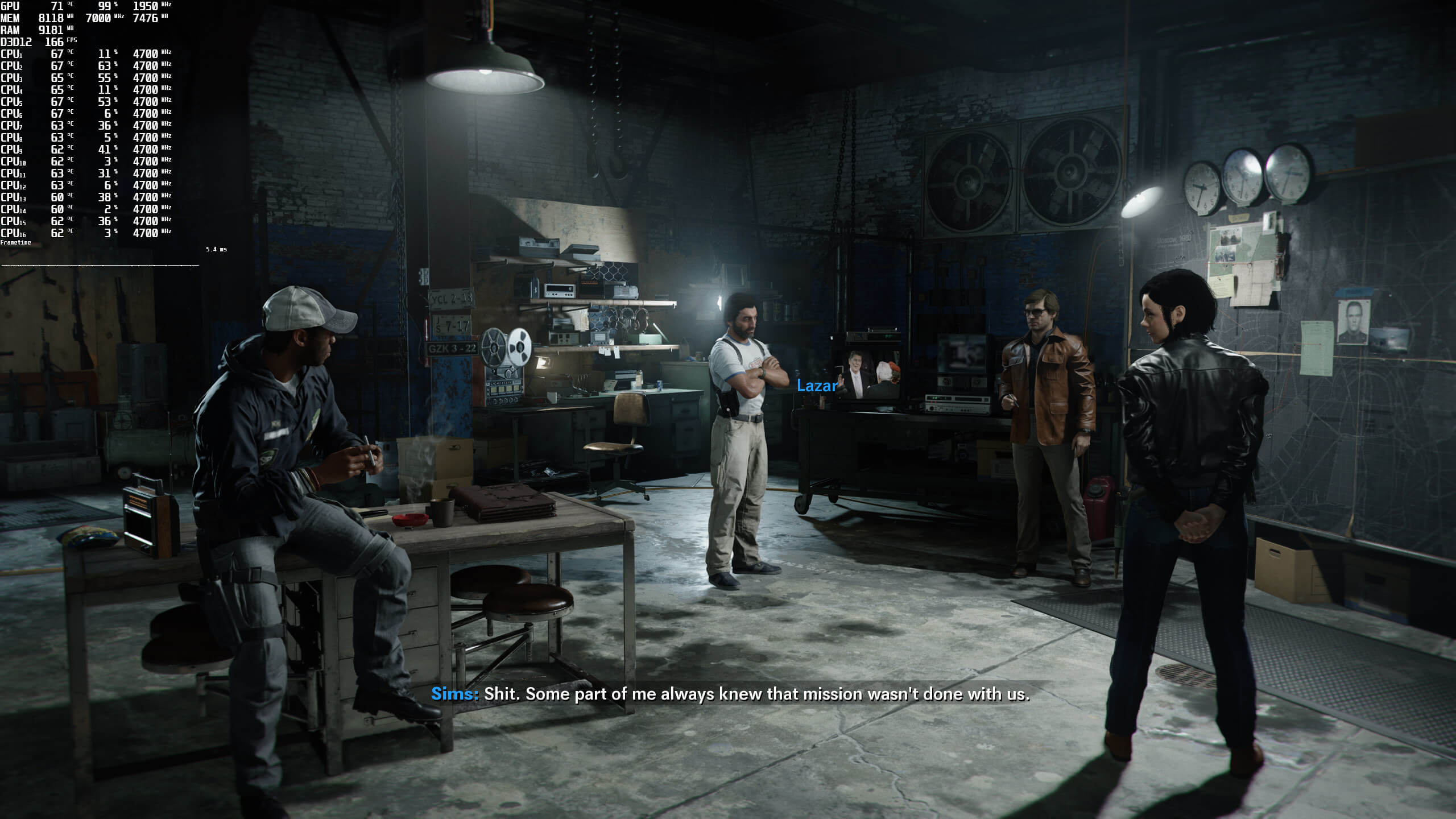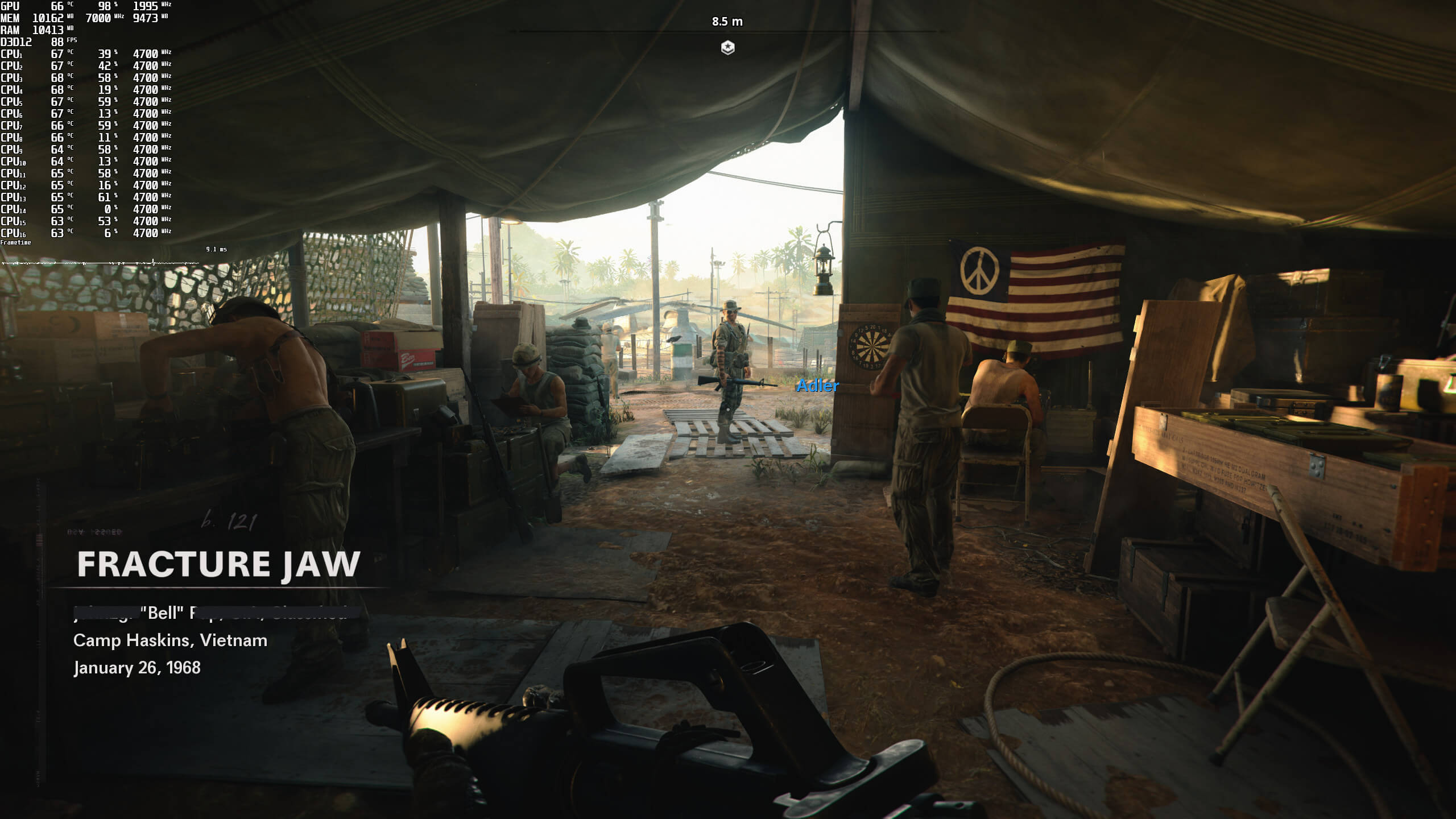
Call of Duty Black Ops Cold War screenshots-1

Call of Duty Black Ops Cold War – DLSS 2.0 & Ray Tracing Benchmarks

Call of Duty: Black Ops Cold War has just been released on the PC. For this game, Activision partnered with NVIDIA, and included both DLSS 2.0 and Ray Tracing support in this new COD game. As such, it’s time to benchmark these features and see how its ray-traced version performs.

For these Ray Tracing benchmarks, we used an Intel i9 9900K with 16GB of DDR4 at 3600Mhz and the NVIDIA GeForce RTX2080Ti. We also used Windows 10 64-bit, and the GeForce driver 457.30.

Call of Duty Black Ops Cold War uses Ray Tracing in order to enhance Sun Shadows, Local Shadows and Ambient Occlusion. The game offers four Ray Tracing quality settings: Low, Medium, High and Ultra. Additionally, it supports four modes of DLSS 2.0. These are: Ultra Performance, Performance, Balanced, and Quality.

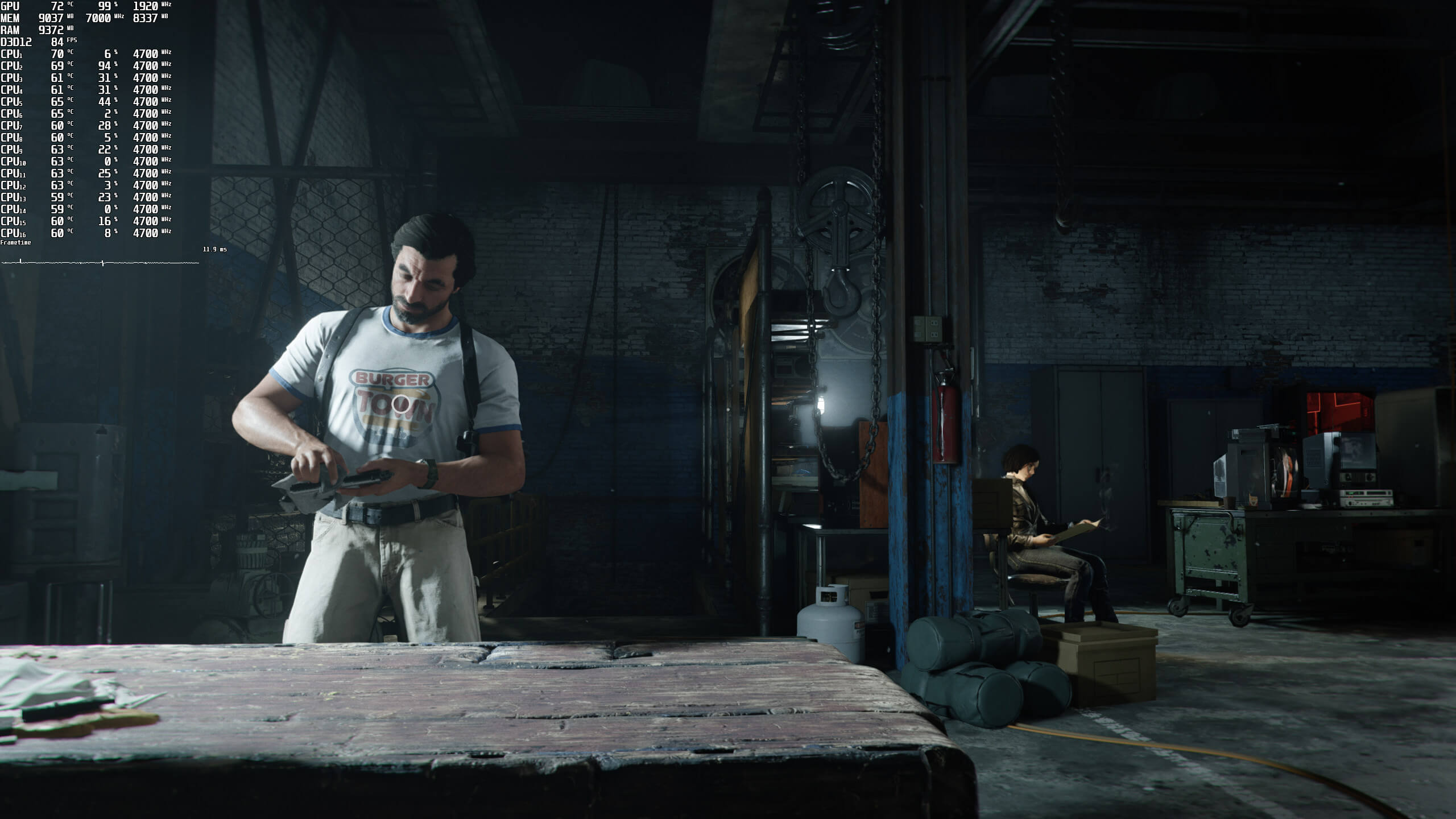
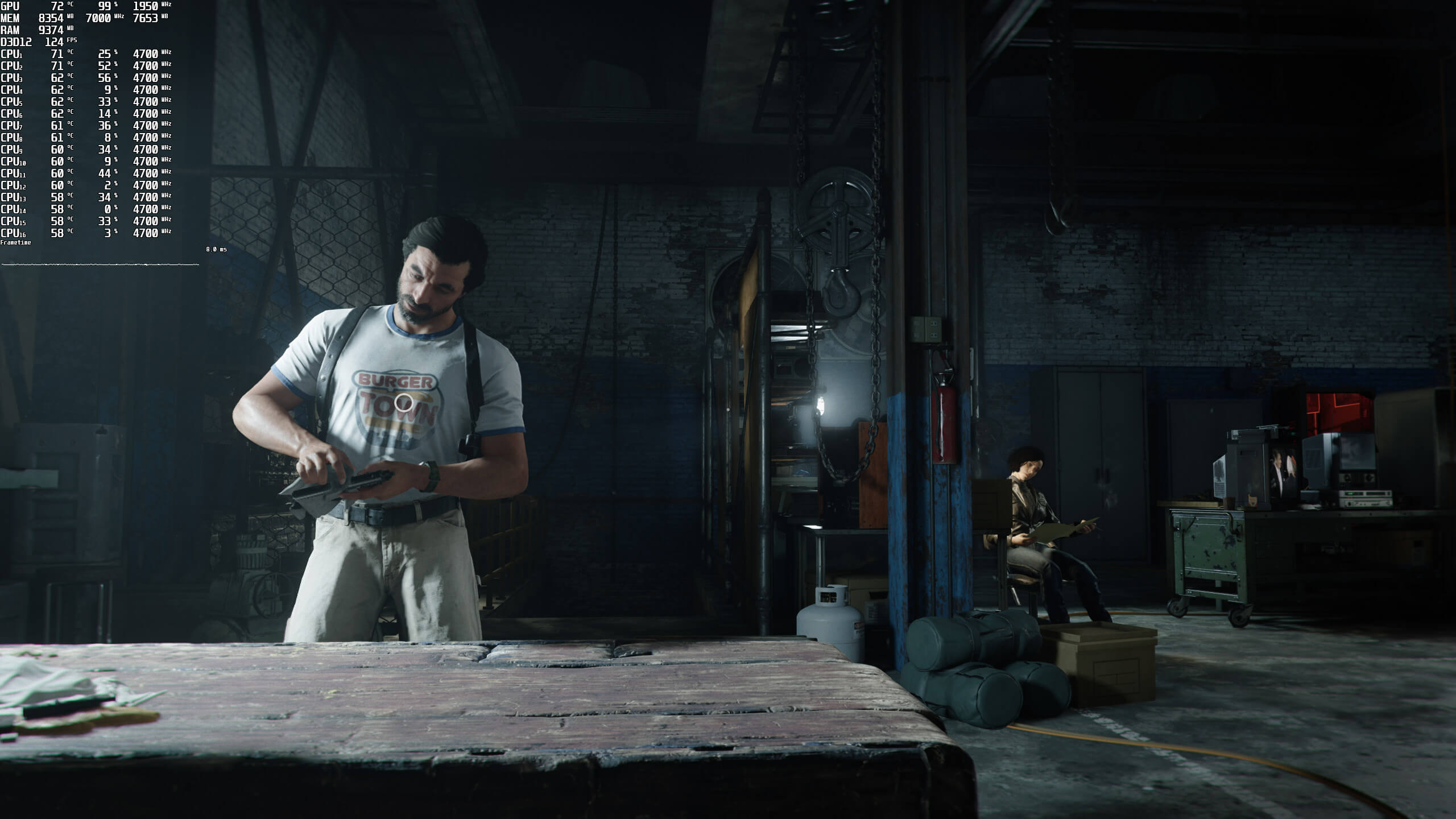
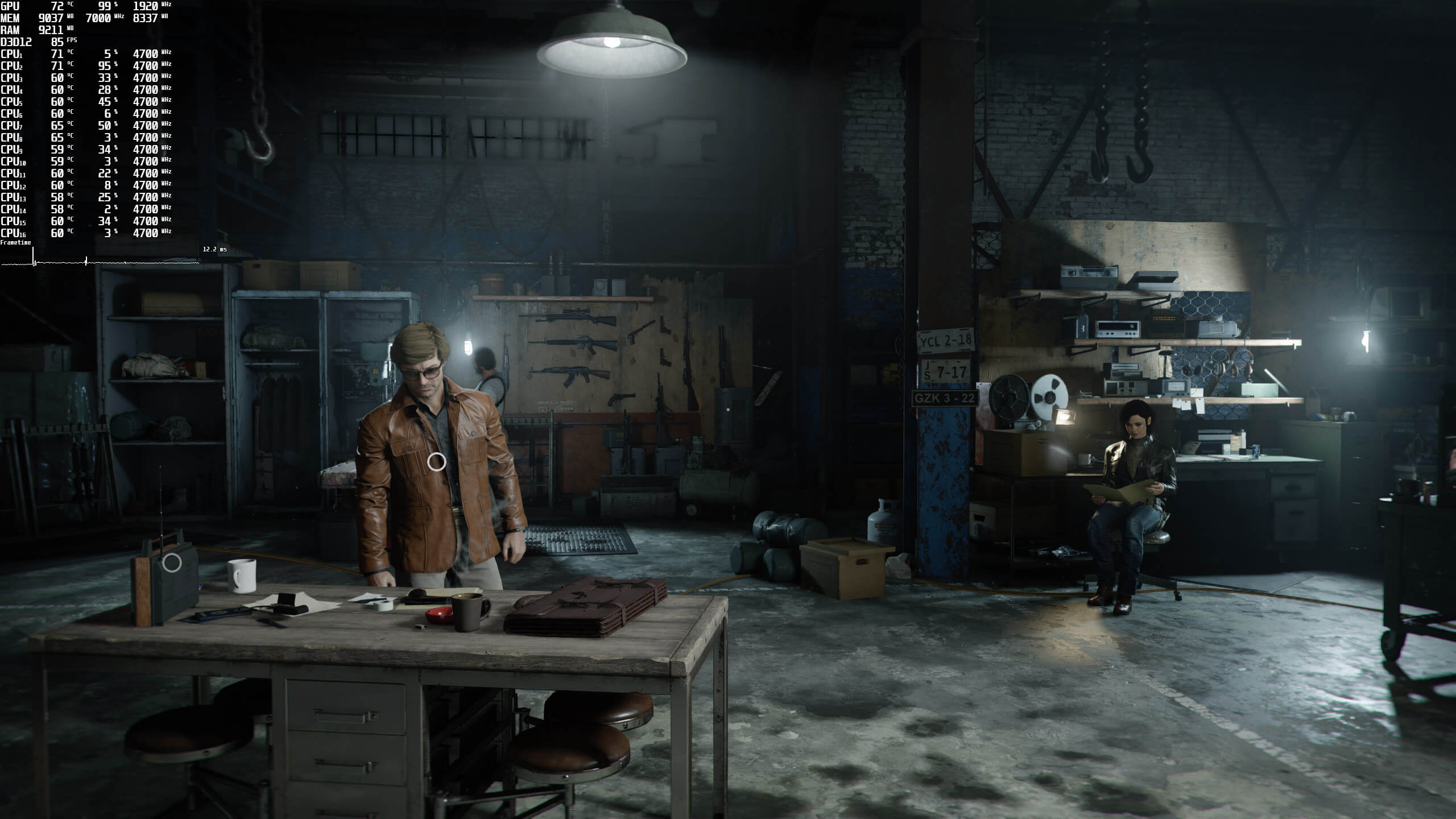
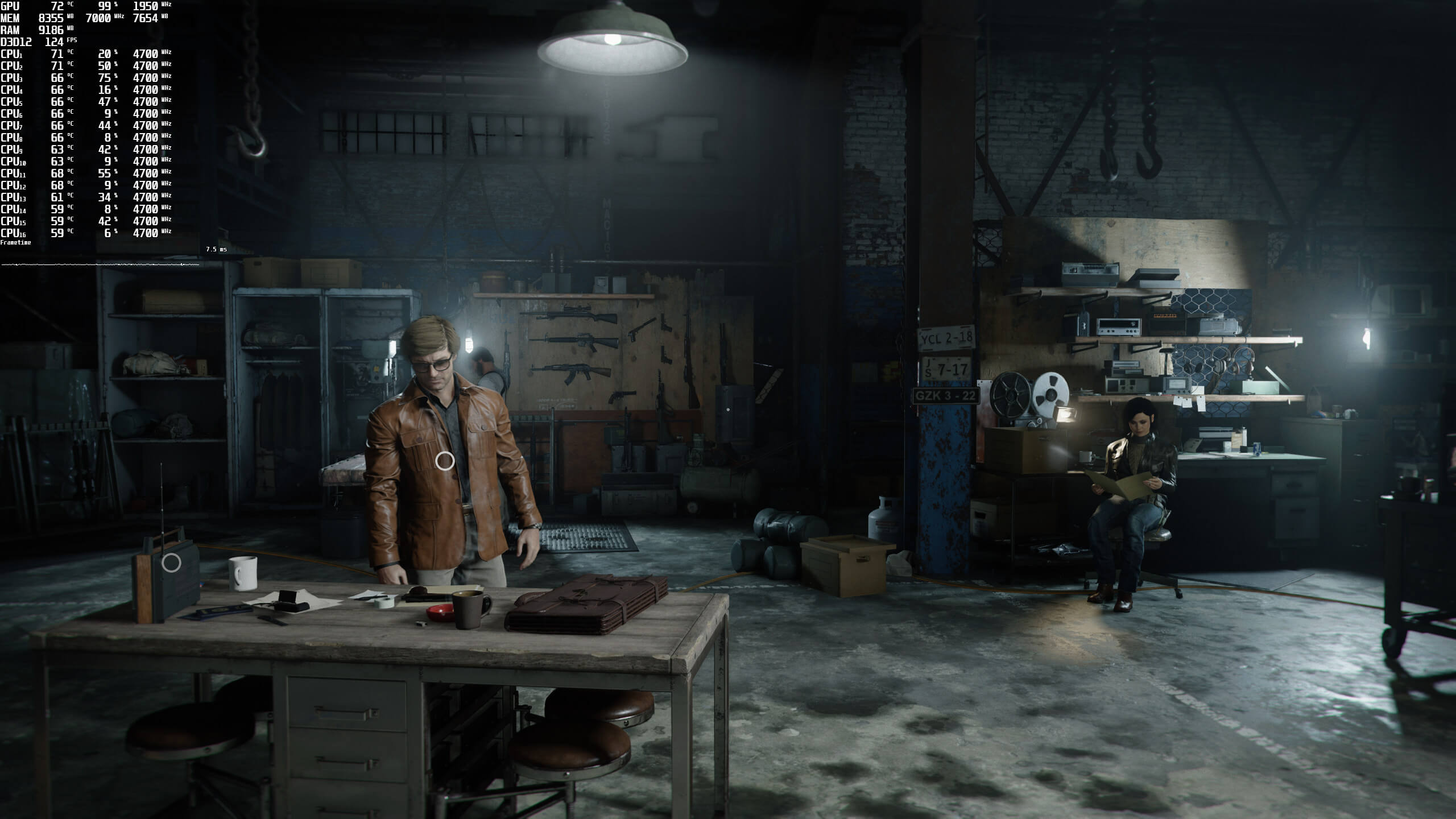
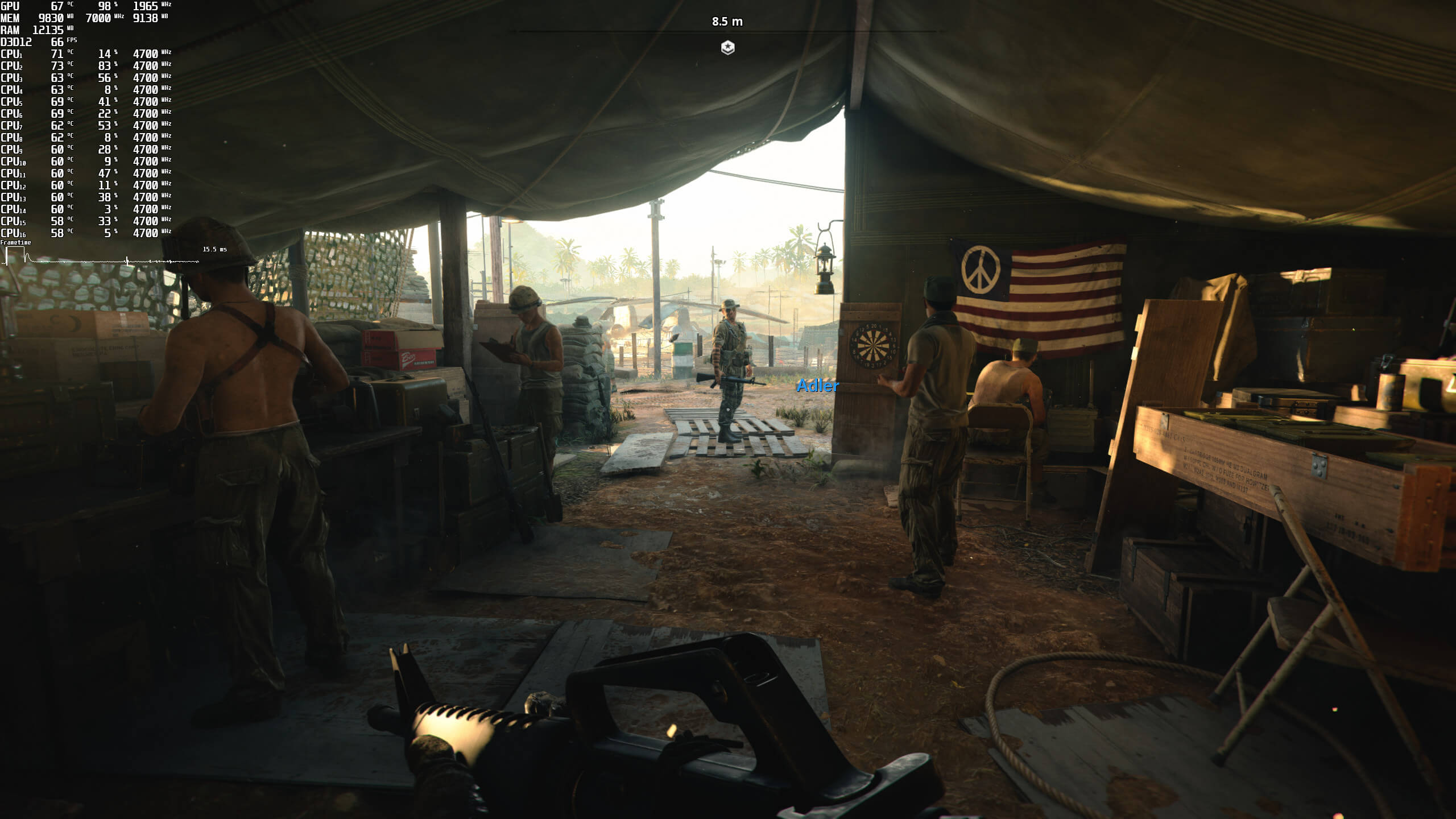
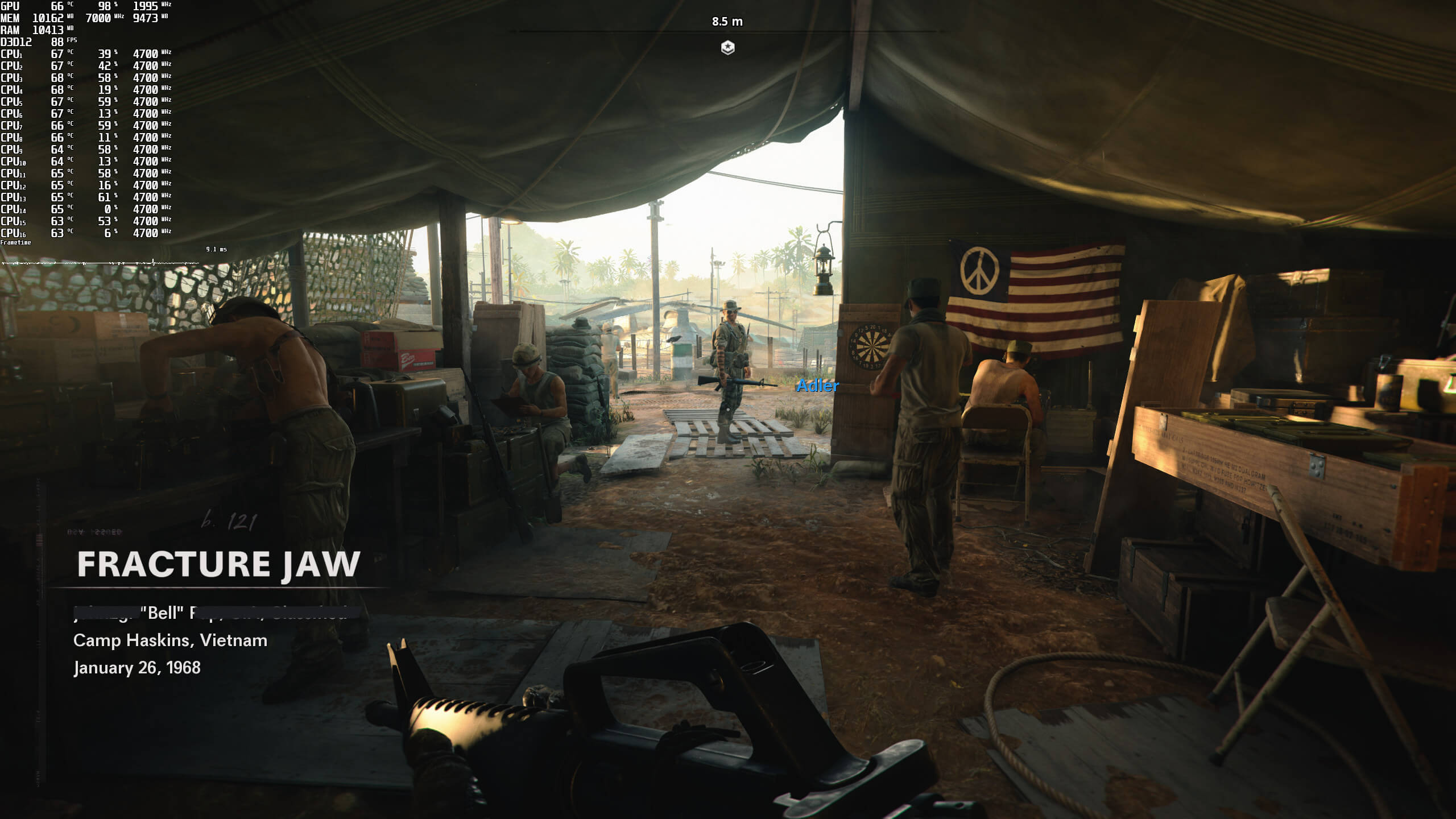
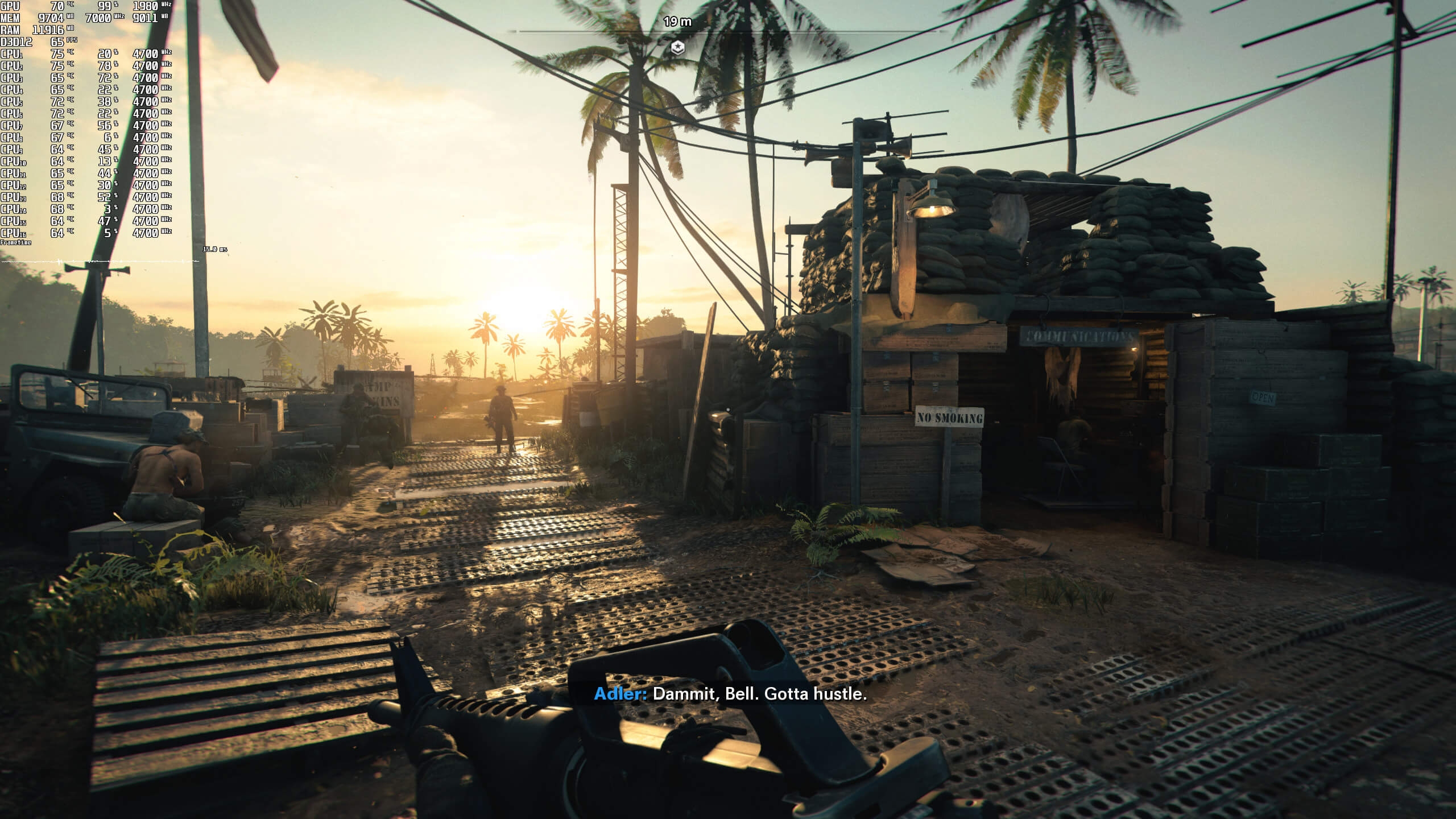
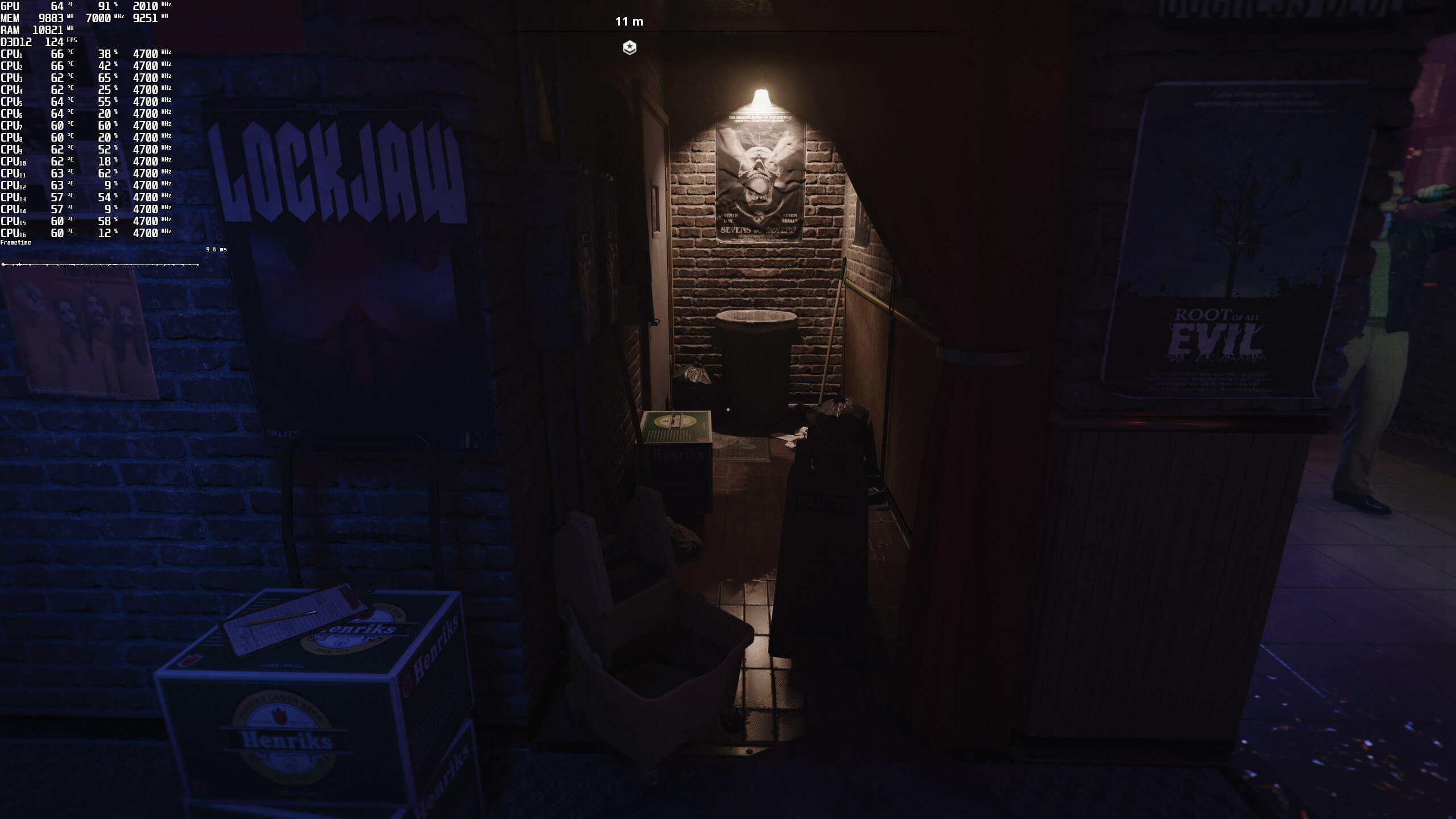
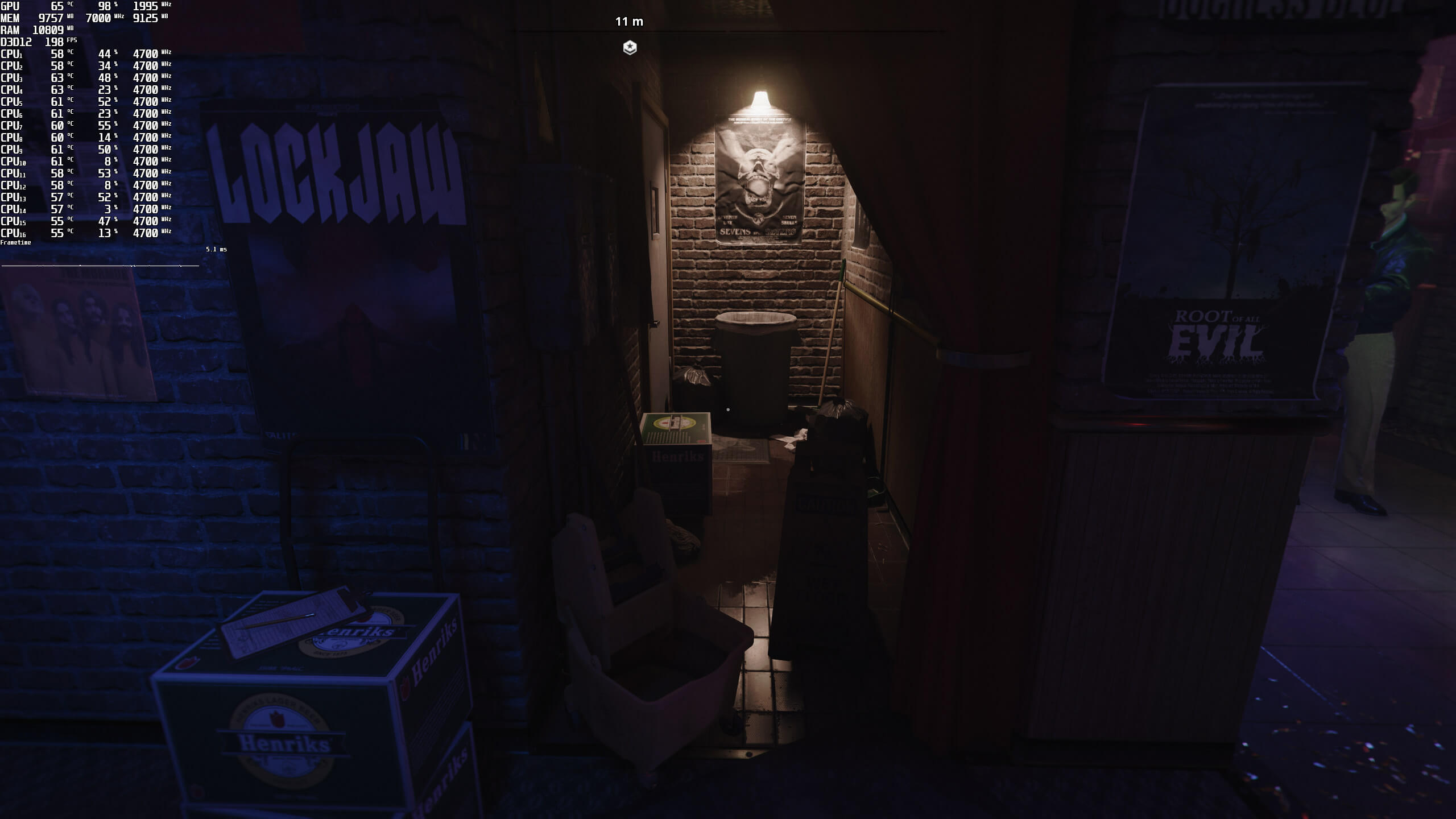
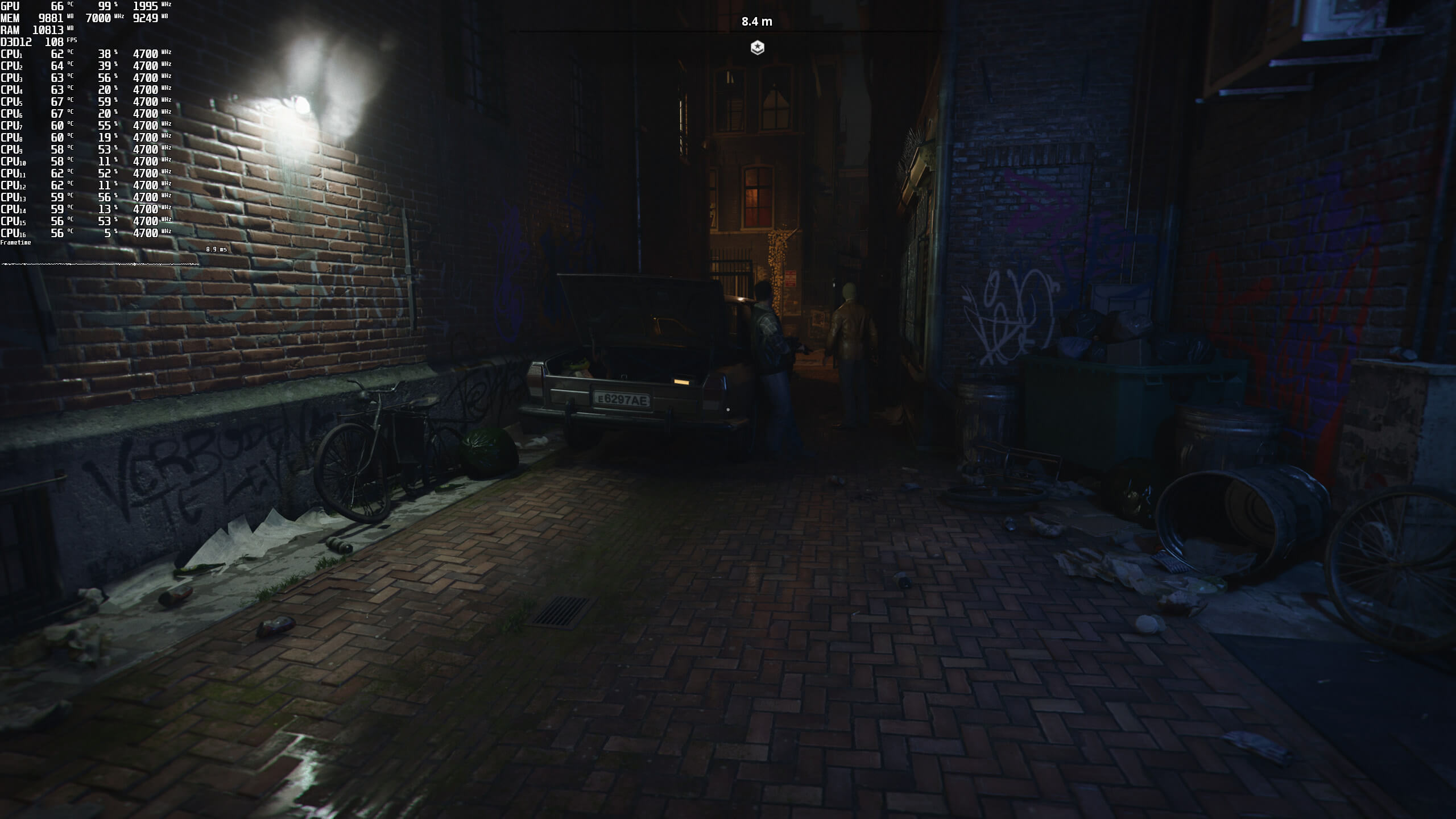
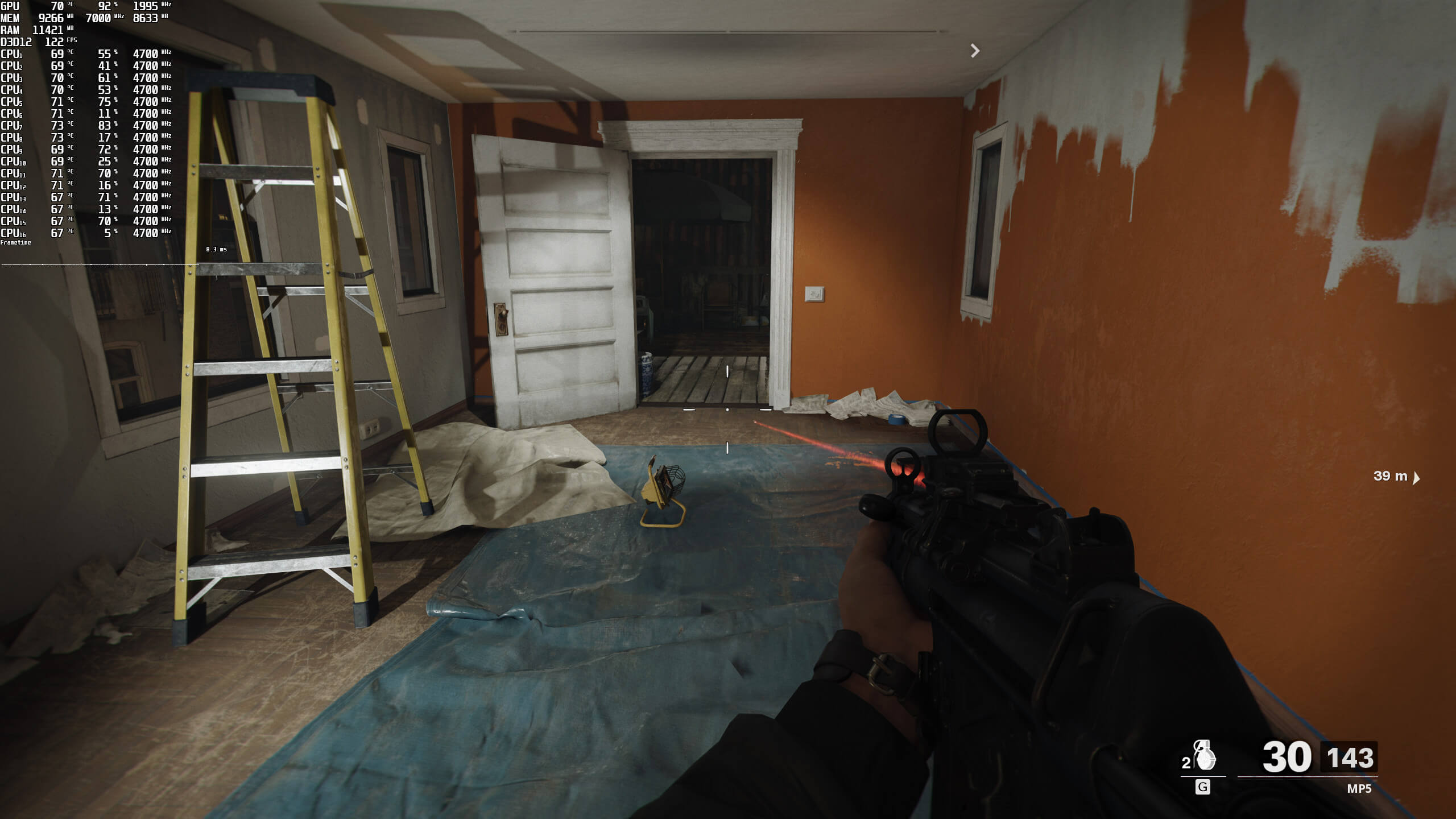
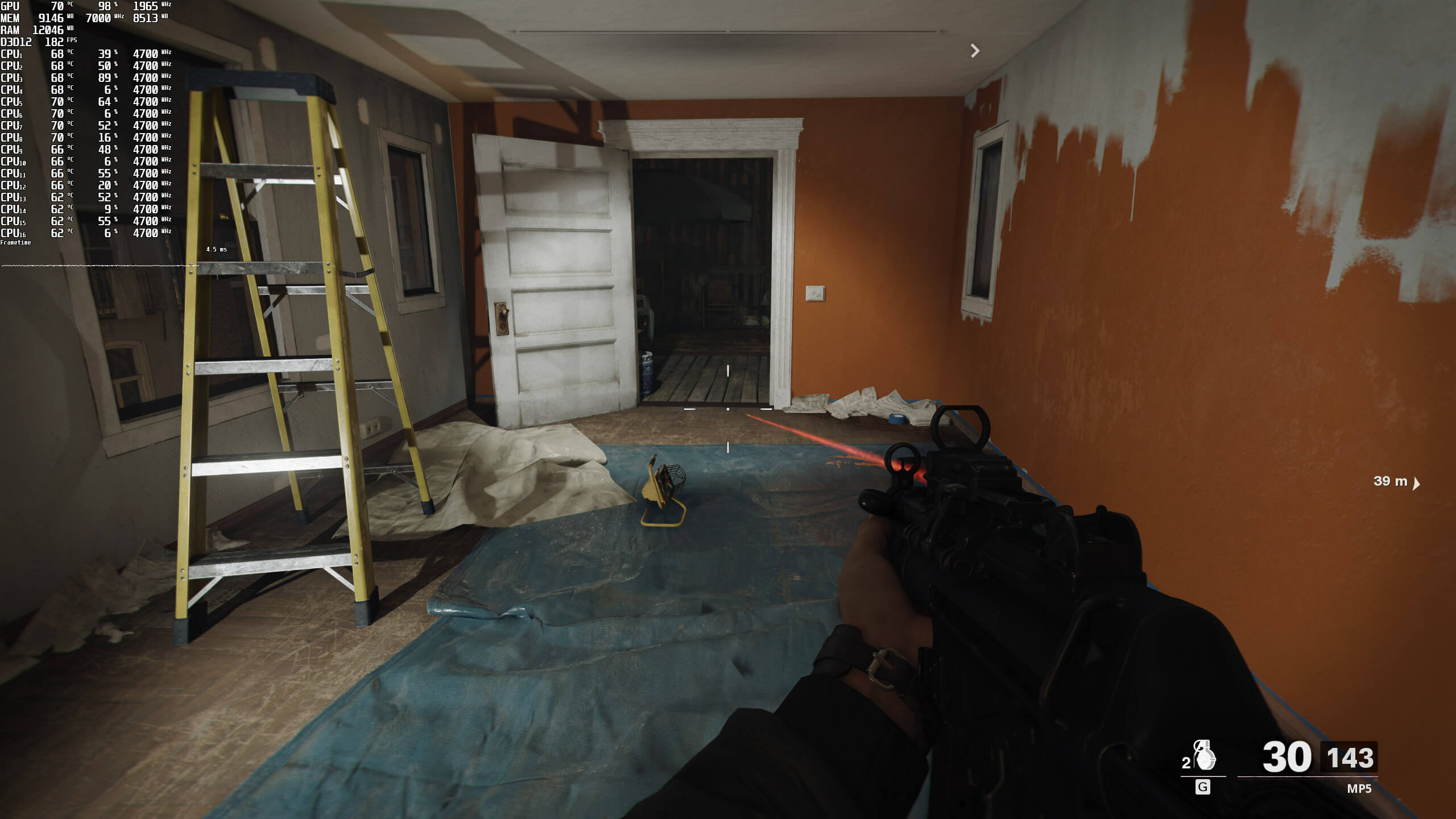
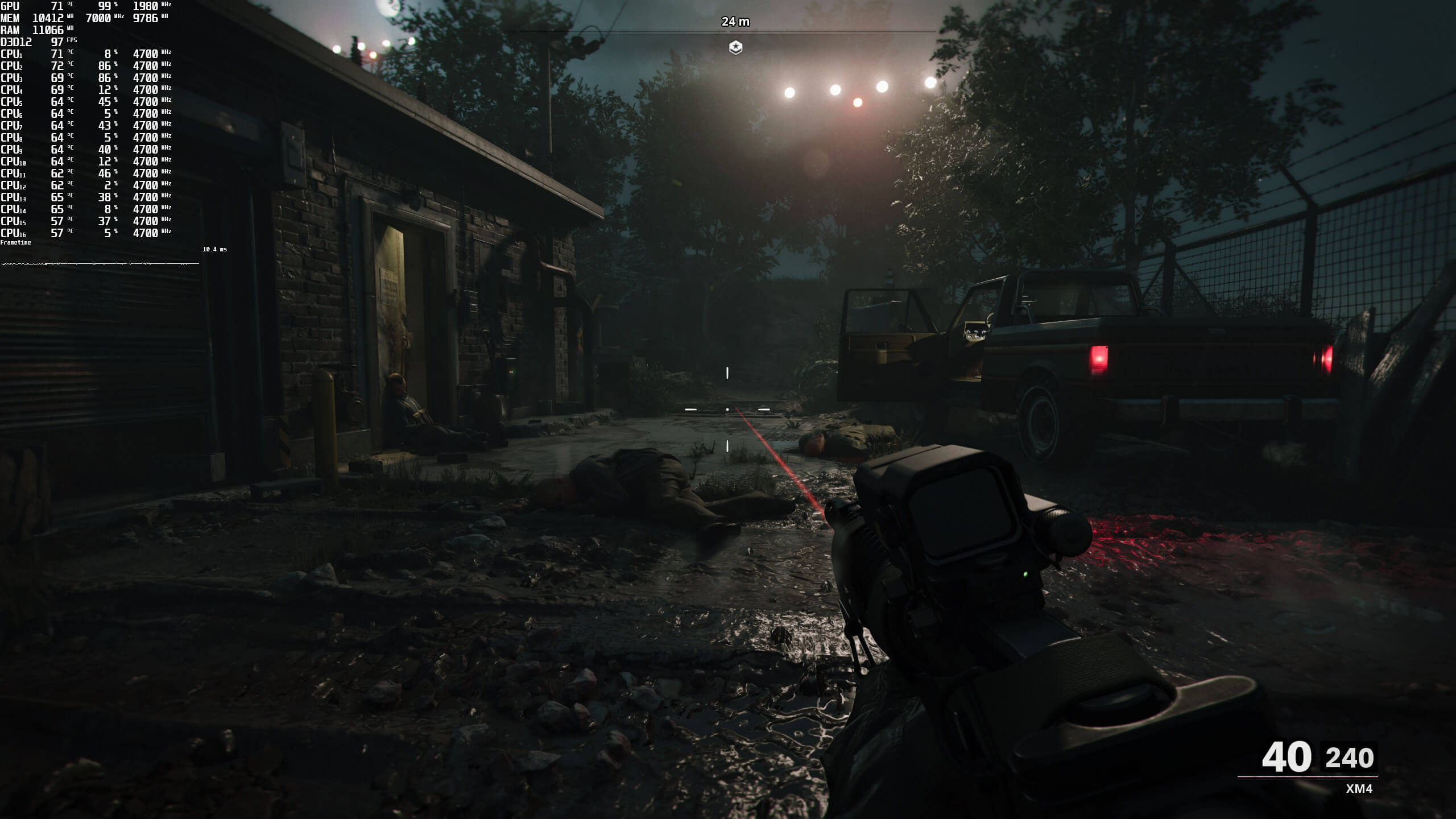
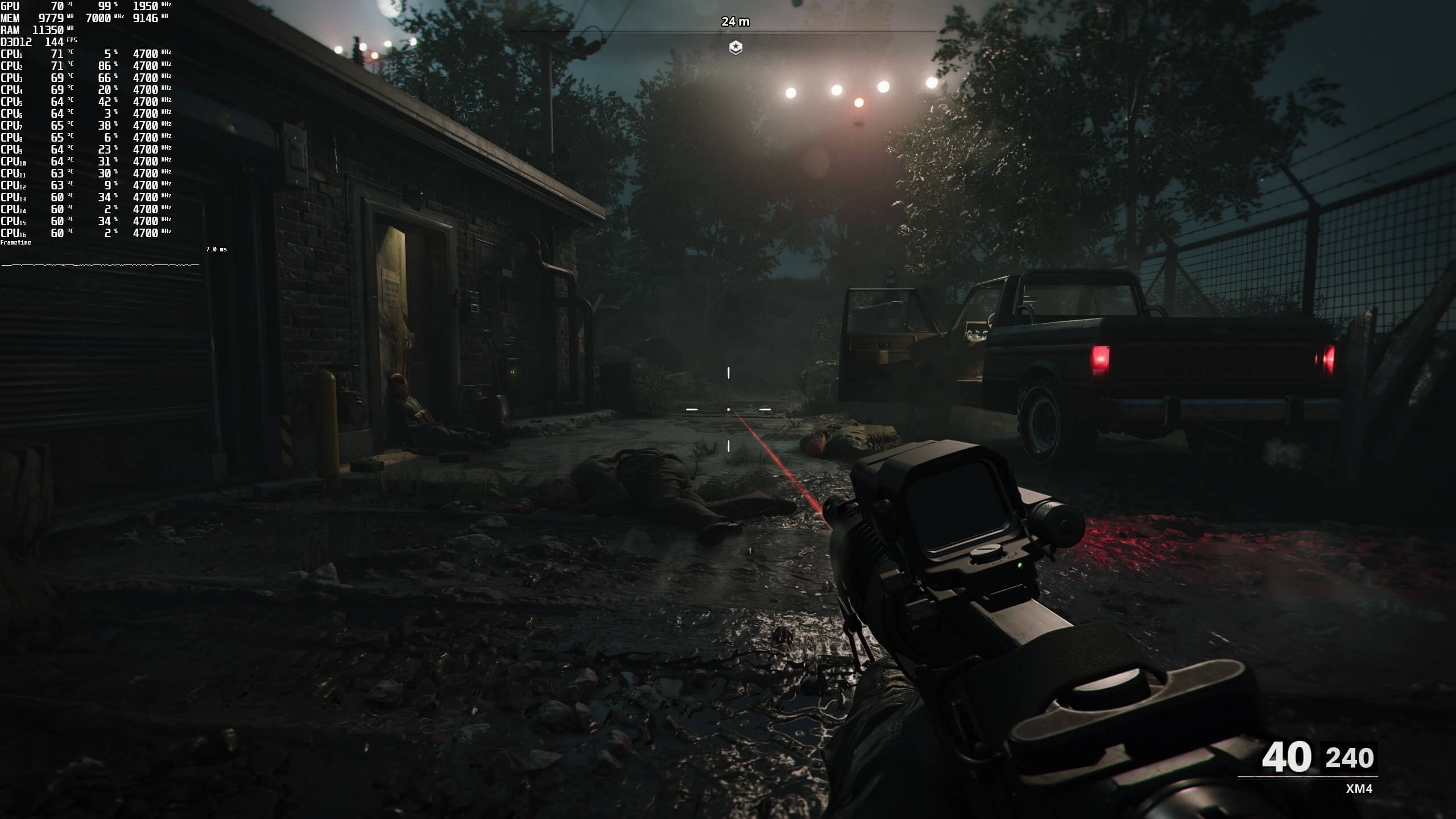
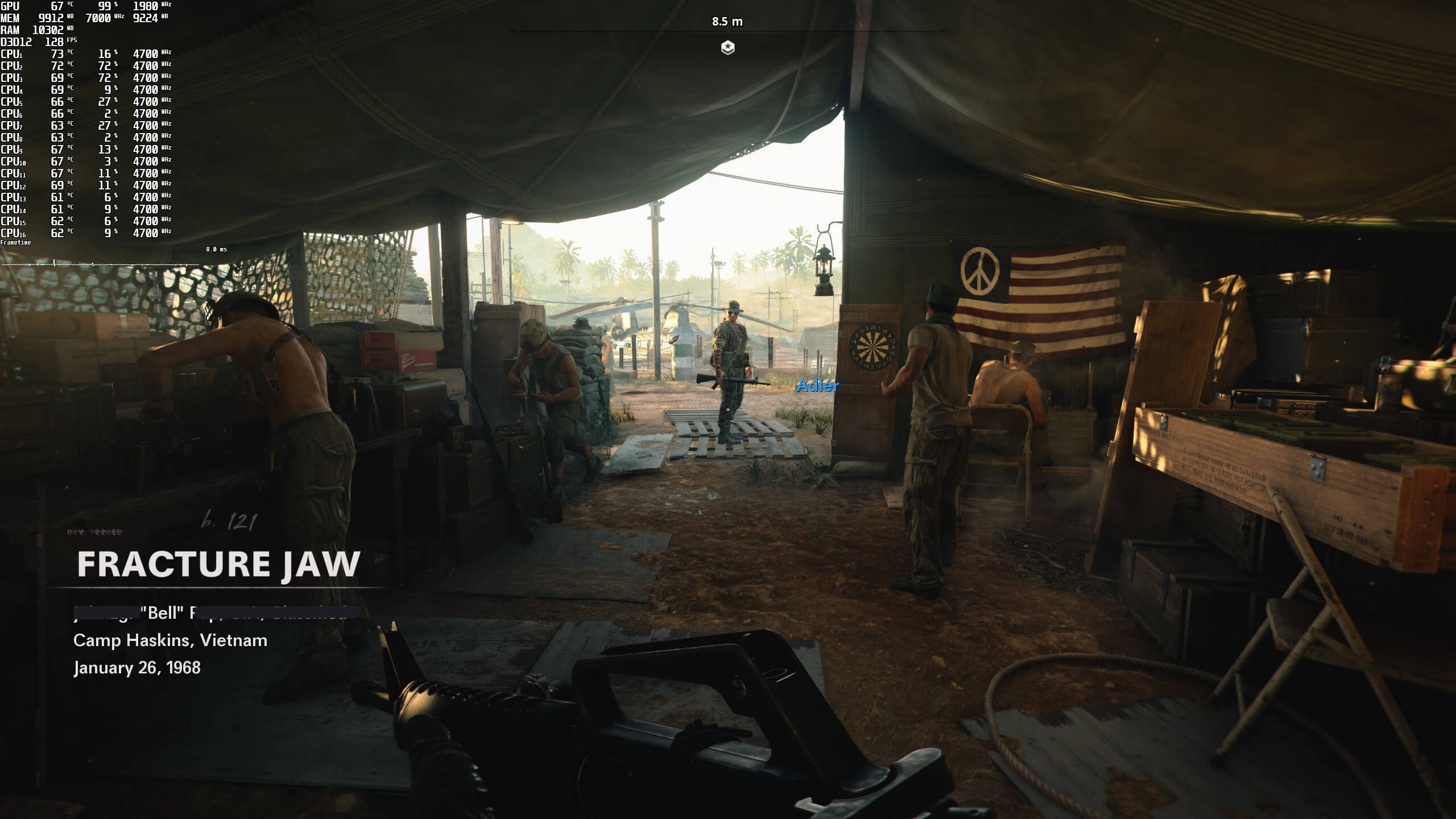
Unfortunately, DLSS noticeably blurs the image, even on Quality Mode. Below you can find some comparison screenshots. As you can clearly see, the native screenshots appear sharper than the DLSS ones. Needless to say that all the other DLSS modes degrade the image quality even further, so we suggest avoiding them (at least for now). The native resolution screenshots are on the left, whereas the DLSS Quality Mode screenshots are on the right.
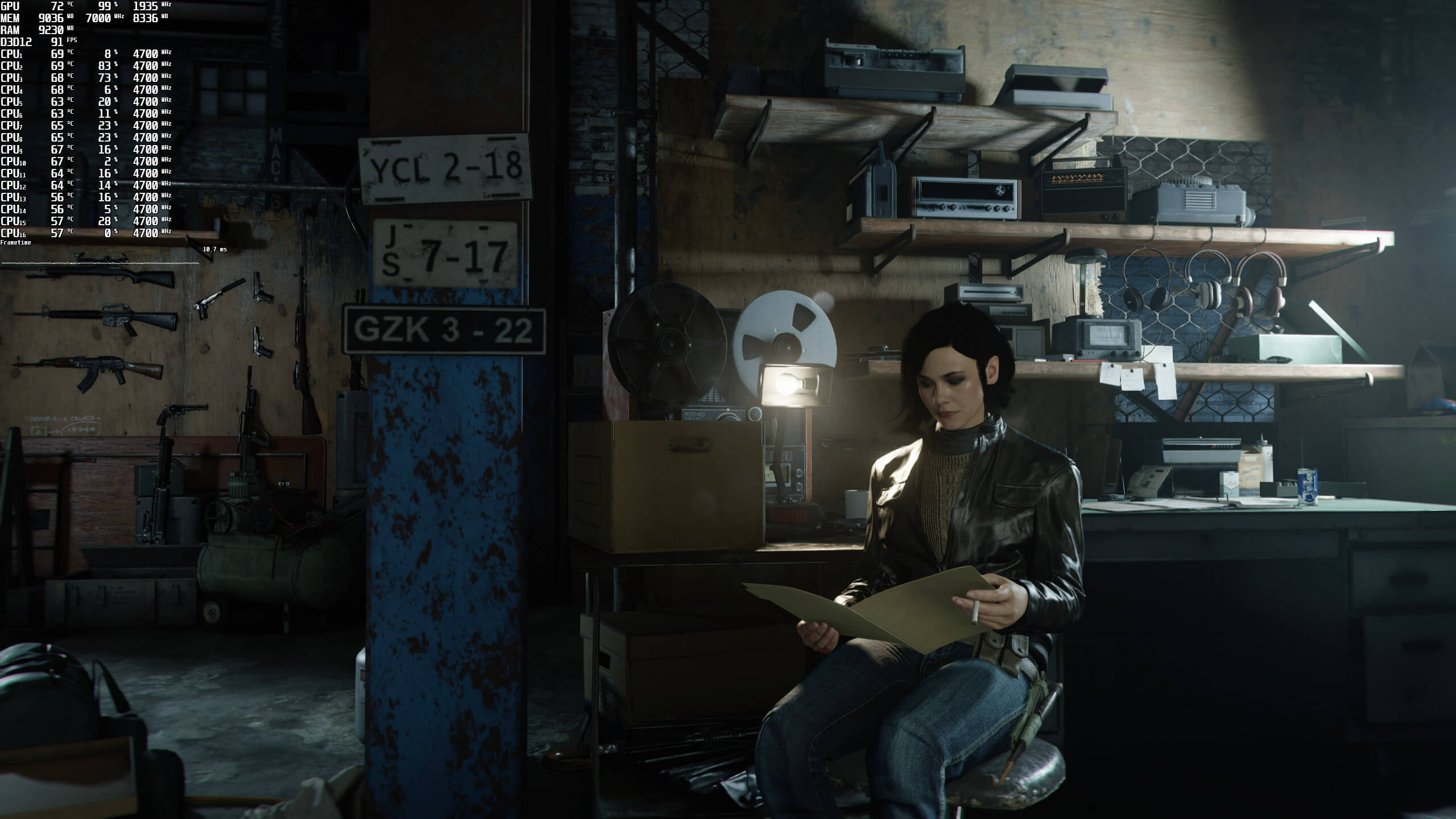
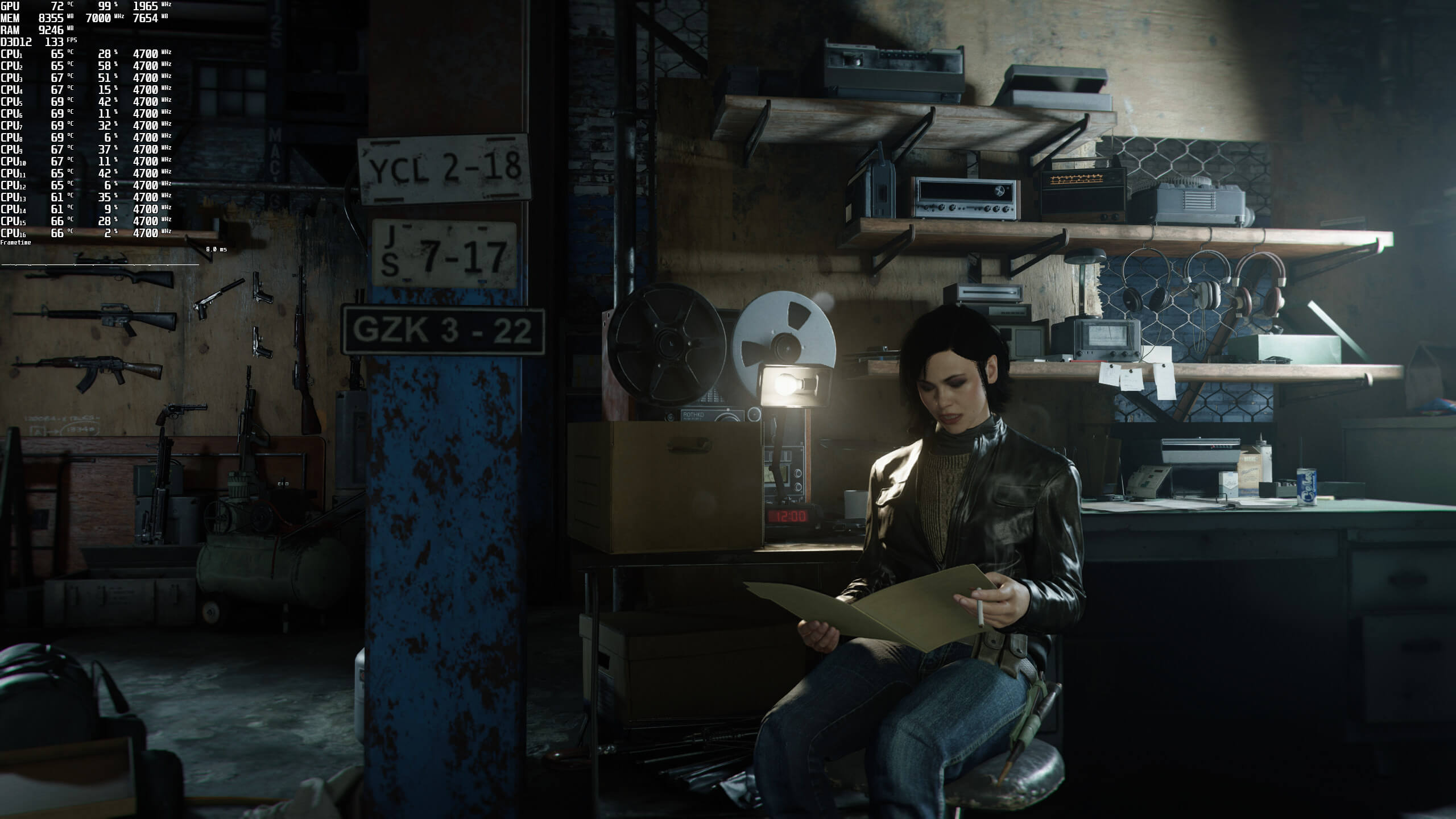
Call of Duty Black Ops Cold War Native Resolution-1Call of Duty Black Ops Cold War DLSS 2.0 Quality Mode-1Call of Duty Black Ops Cold War Native Resolution-2Call of Duty Black Ops Cold War DLSS 2.0 Quality Mode-2Call of Duty Black Ops Cold War Native Resolution-3Call of Duty Black Ops Cold War DLSS 2.0 Quality Mode-3Call of Duty Black Ops Cold War Native Resolution-4Call of Duty Black Ops Cold War DLSS 2.0 Quality Mode-4Call of Duty Black Ops Cold War Native Resolution-5Call of Duty Black Ops Cold War DLSS 2.0 Quality Mode-5

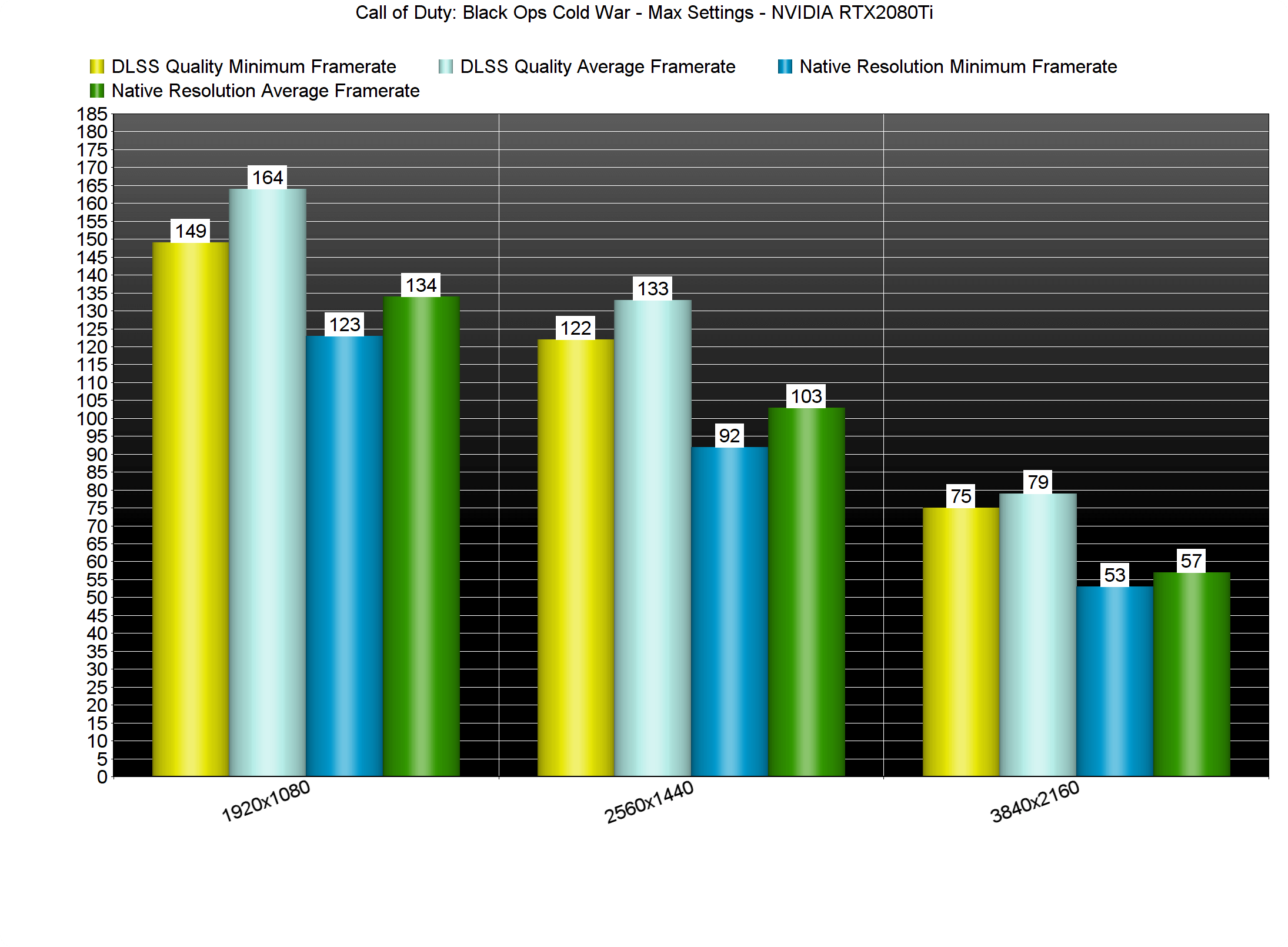
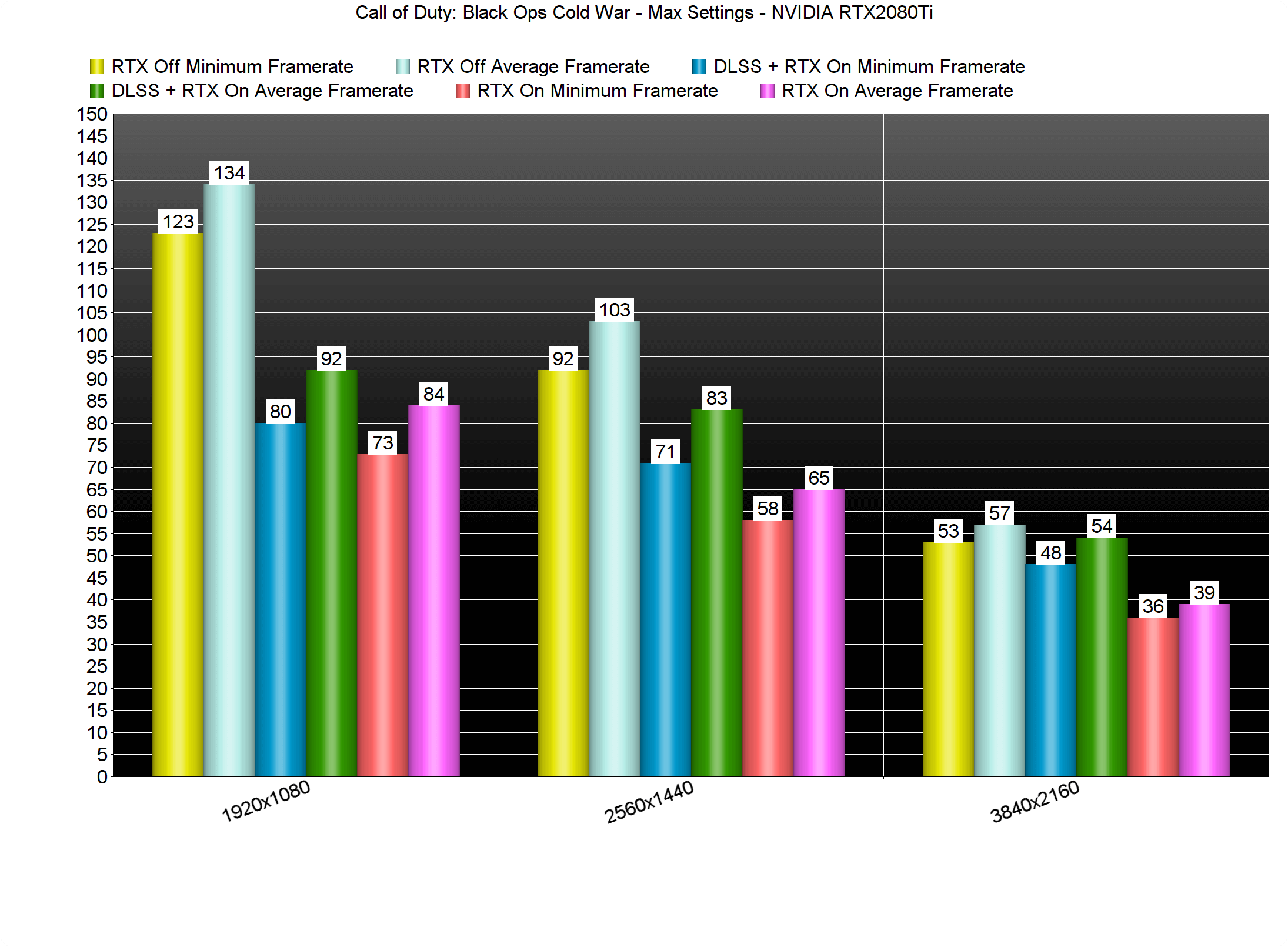
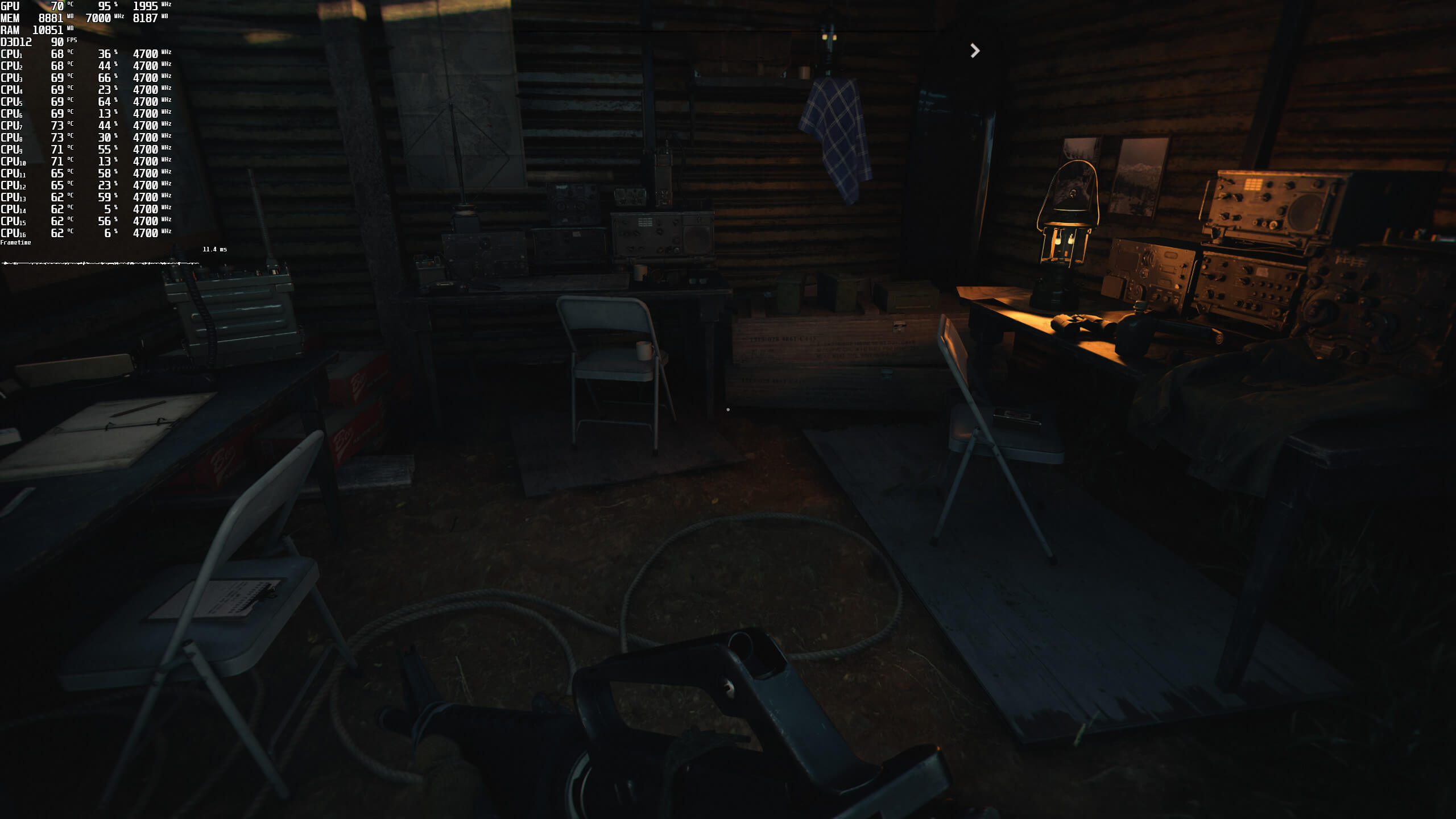
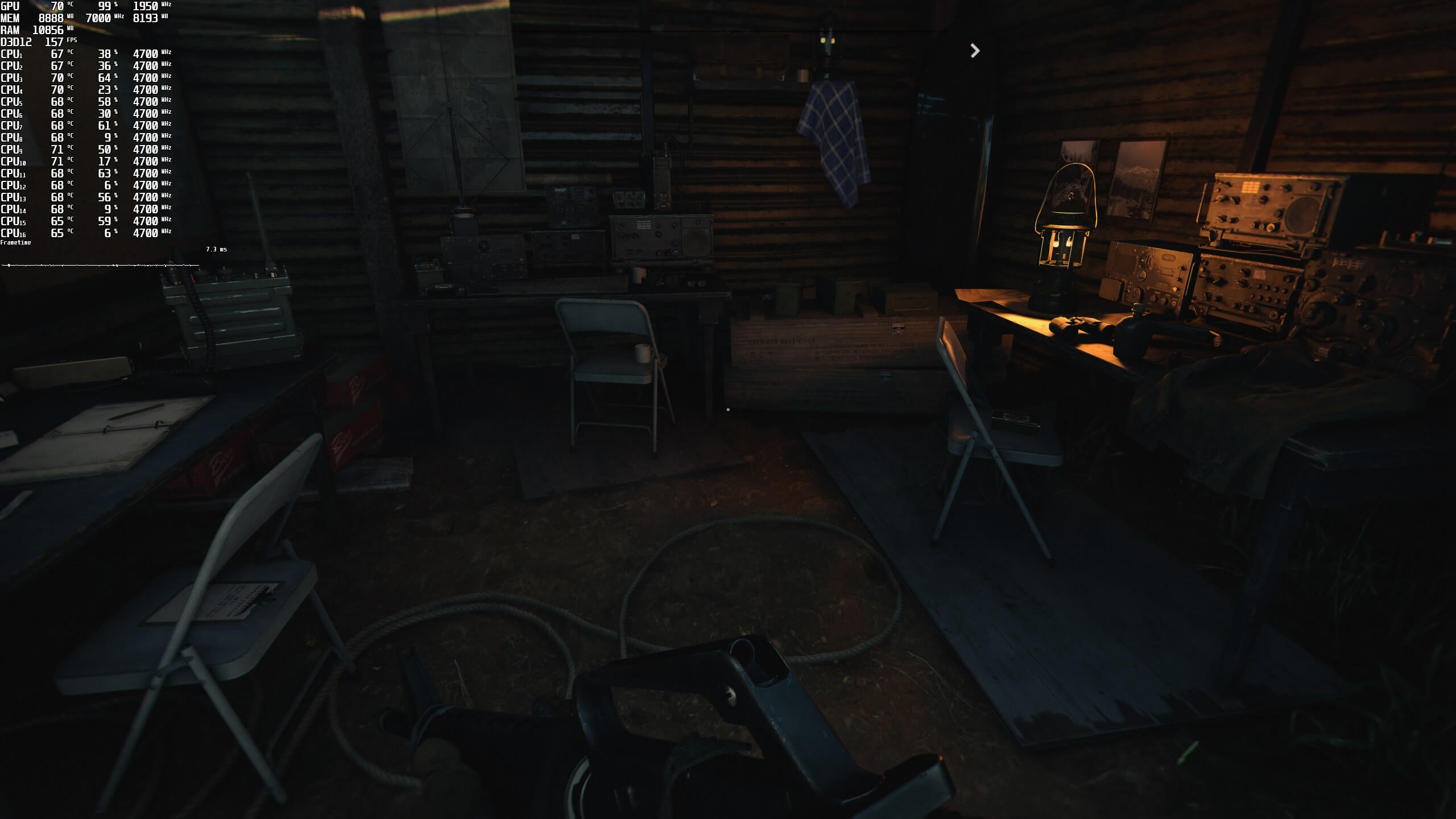
Now the good news is that DLSS 2.0 also brings a noticeable performance improvement. For both our DLSS and Ray Tracing benchmarks, we used the barracks scene (after the second debriefing). This area appears to be more demanding than all the previous areas of the game.

What’s also interesting is that the RTX2080Ti cannot run the game with 60fps in native 4K, even without any Ray Tracing effects. The only way we could get a constant 60fps experience was by enabling DLSS Quality Mode.

Call of Duty Black Ops Cold War DLSS 2.0 benchmarks

In our opinion, more and more games should be using Ray Tracing for Ambient Occlusion and local shadows. In modern-day games, there are a lot of scenes in which there isn’t any direct light. As such, these scenes can look really flat, especially when devs haven’t applied proper AO effects. In these situations, ray-traced Ambient Occlusion can noticeably improve graphics. We’ve seen this in Metro Exodus, and we’re also seeing this in Black Ops Cold War.

Call of Duty Black Ops Cold War Ray Tracing benchmarks

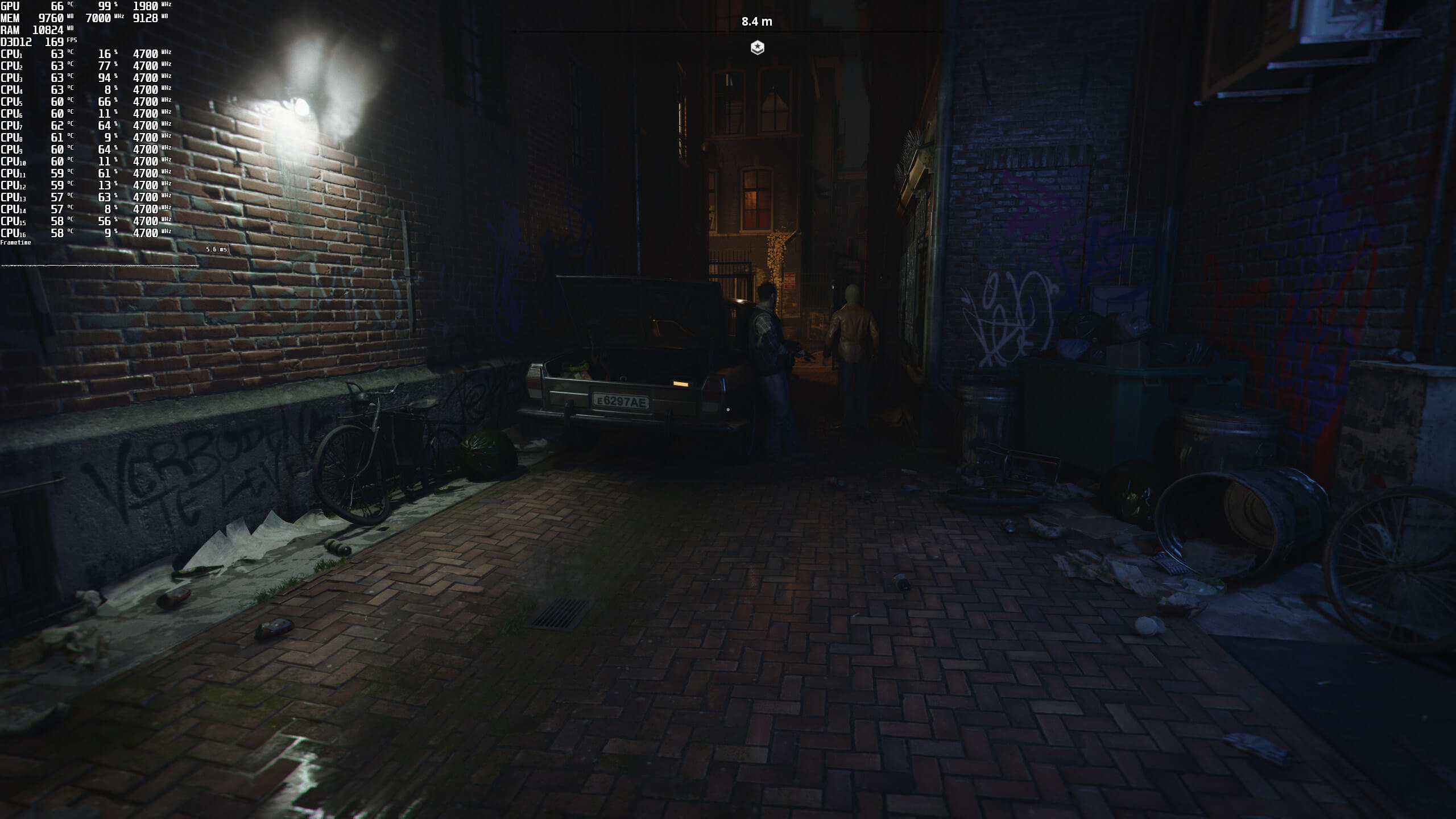
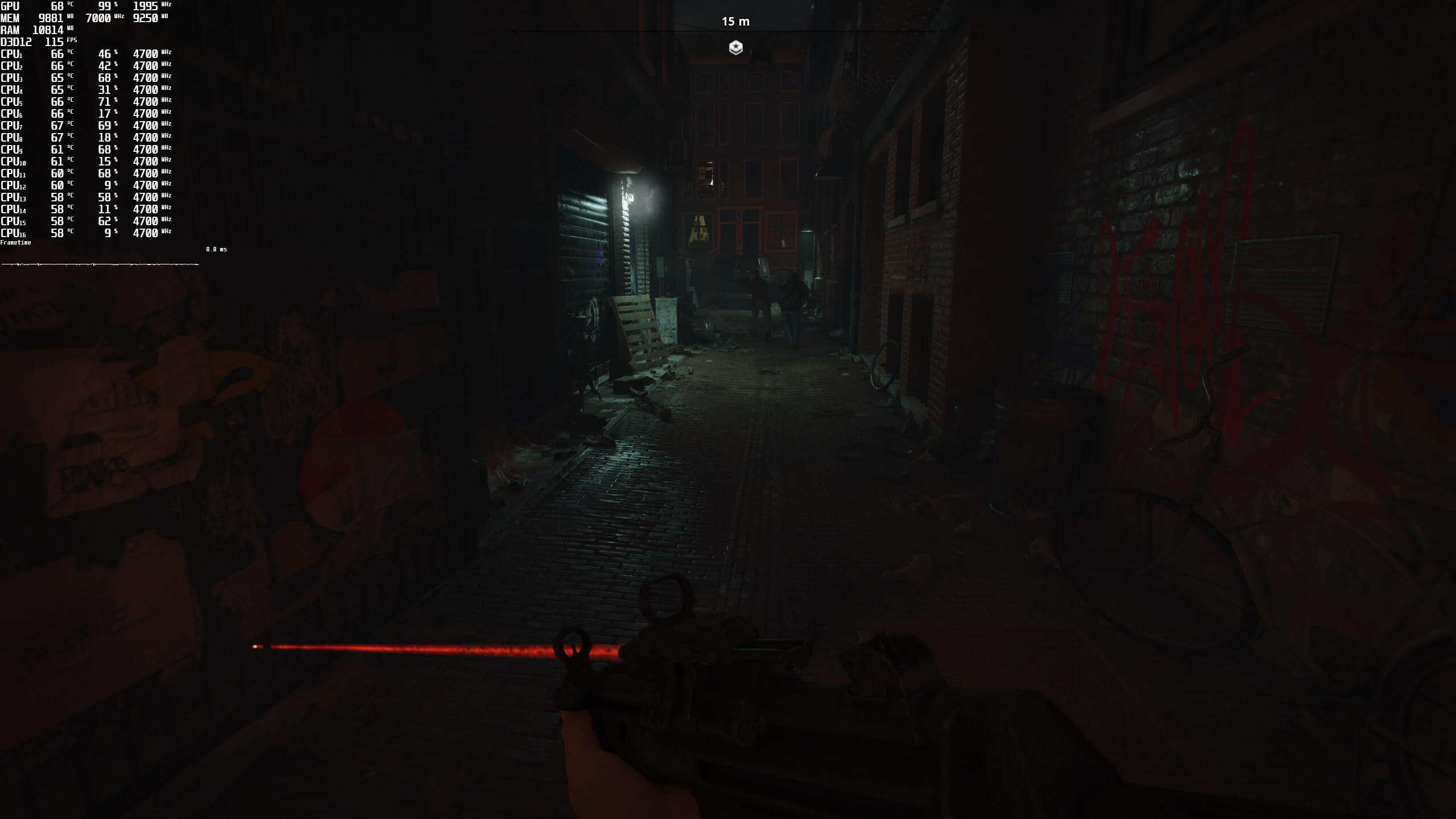
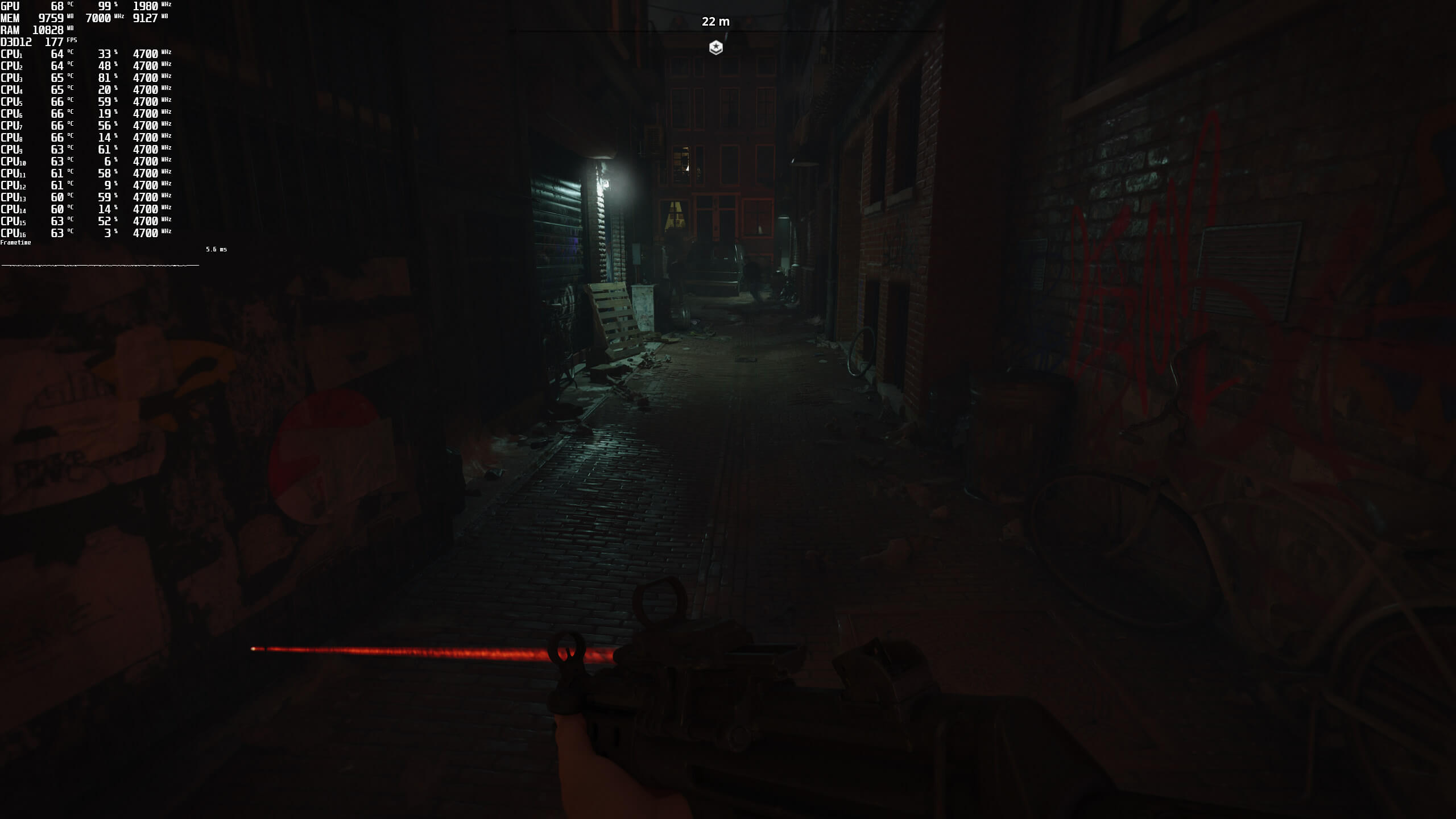
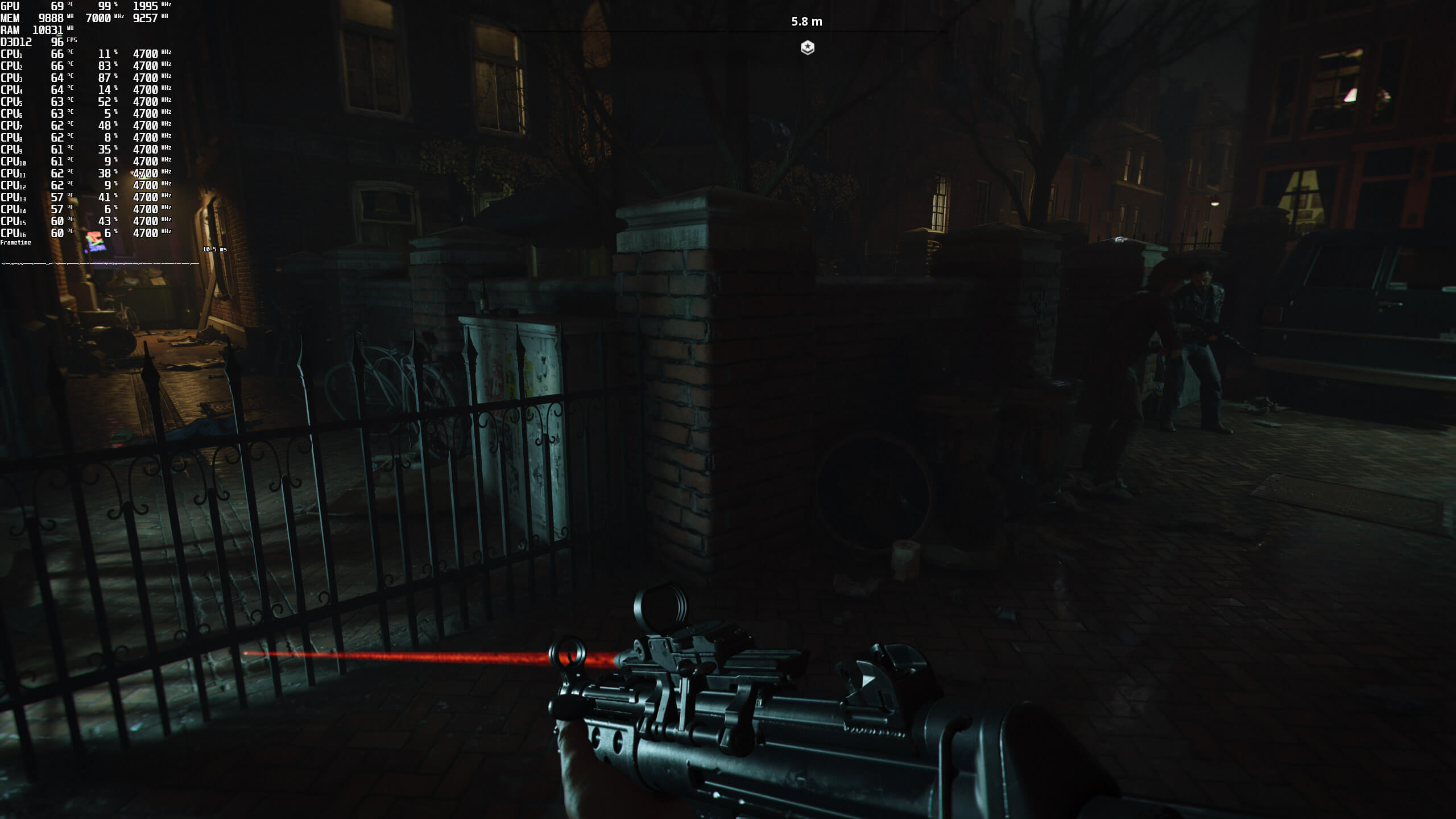
Below you can find some Ray Tracing comparison screenshots. Ray Tracing screenshots are on the left, whereas the non-“Ray Tracing” screenshots are on the right. As you will see, in some scenes the visual difference is easily noticeable. In other scenes, though, it’s really hard to distinguish the differences. Furthermore, Ray Tracing brings a big performance hit, so we also suggest enabling DLSS. This will result in a softer image, but you’ll at least be enjoying smoother framerates.
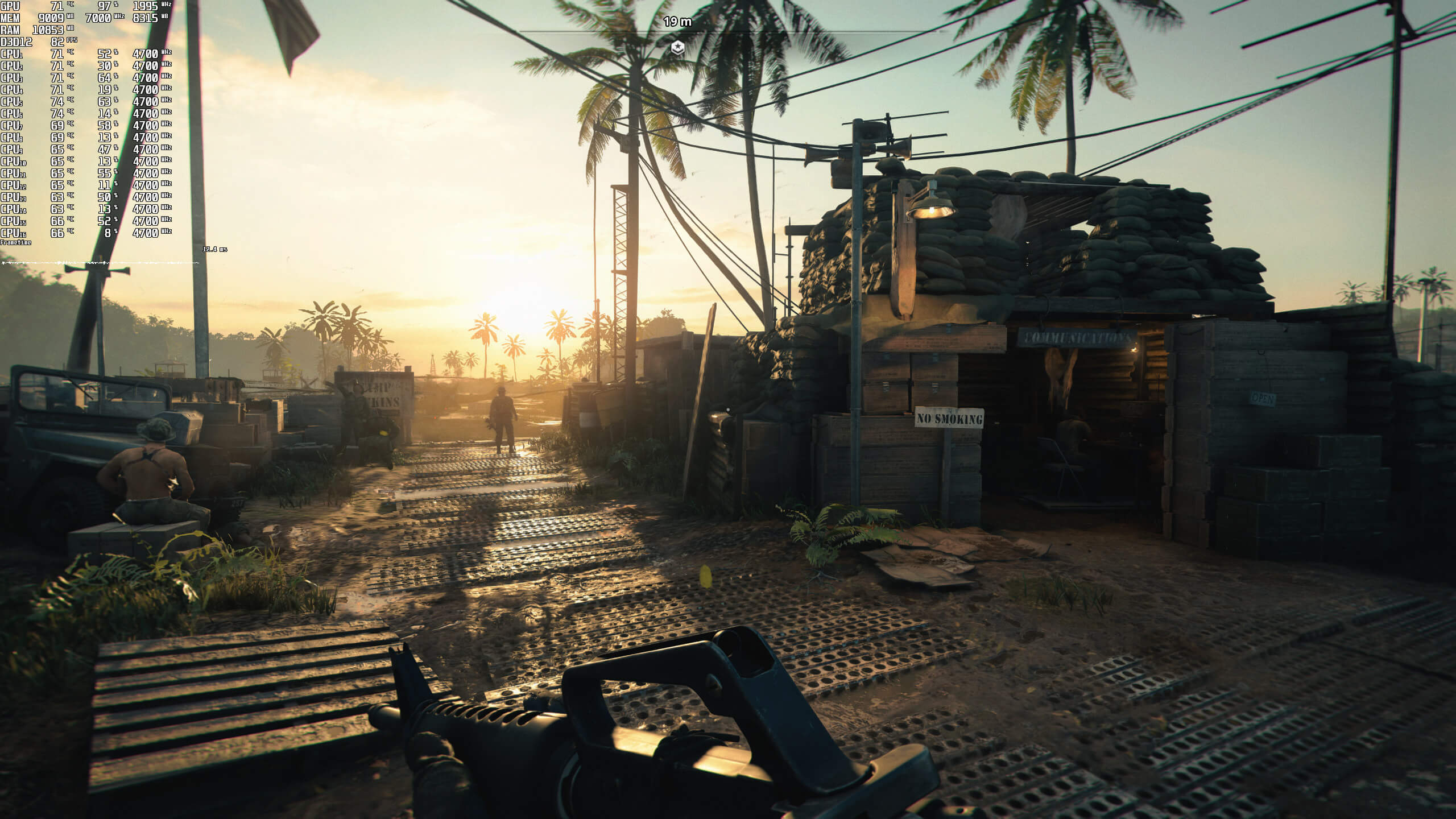
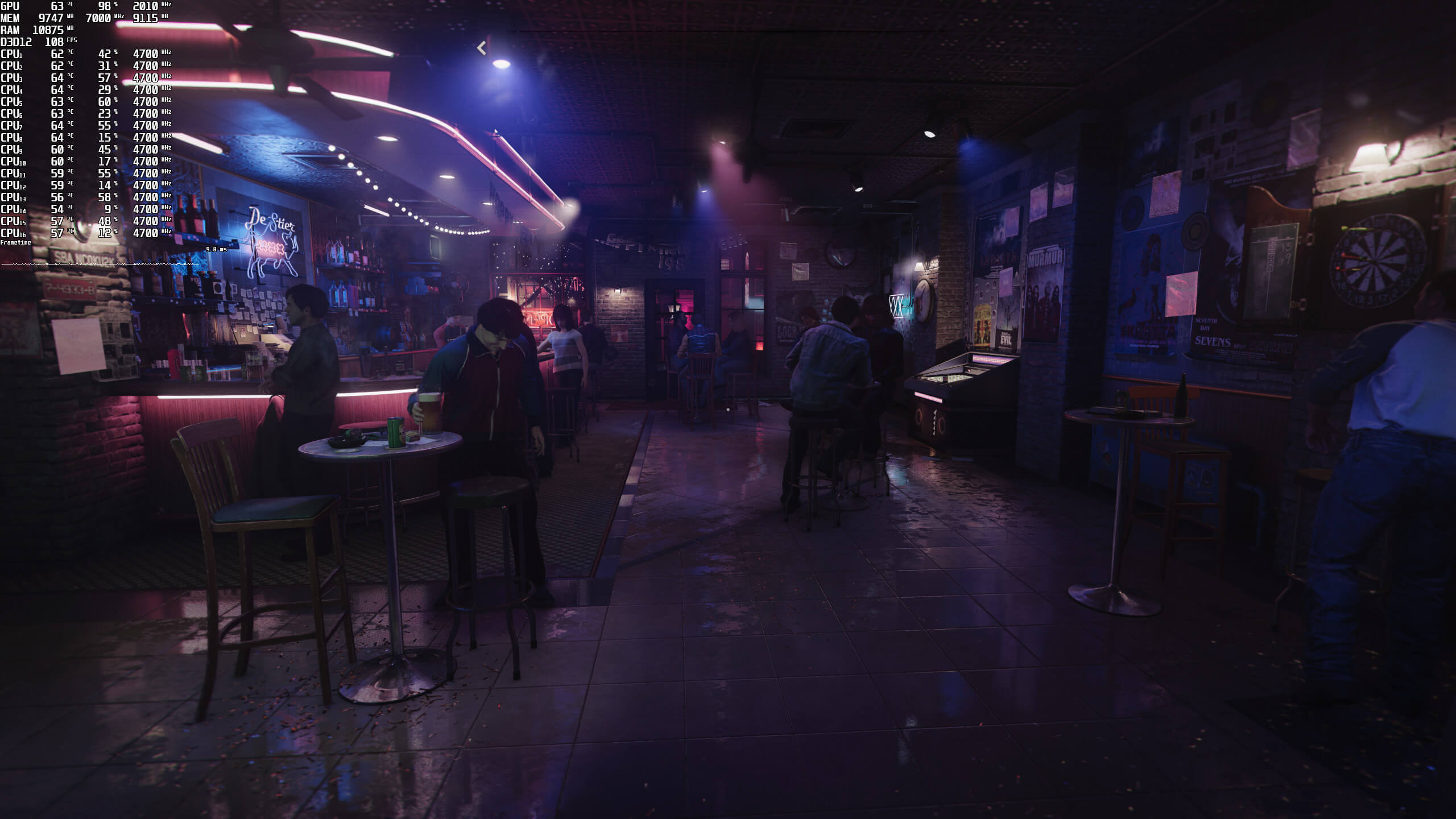
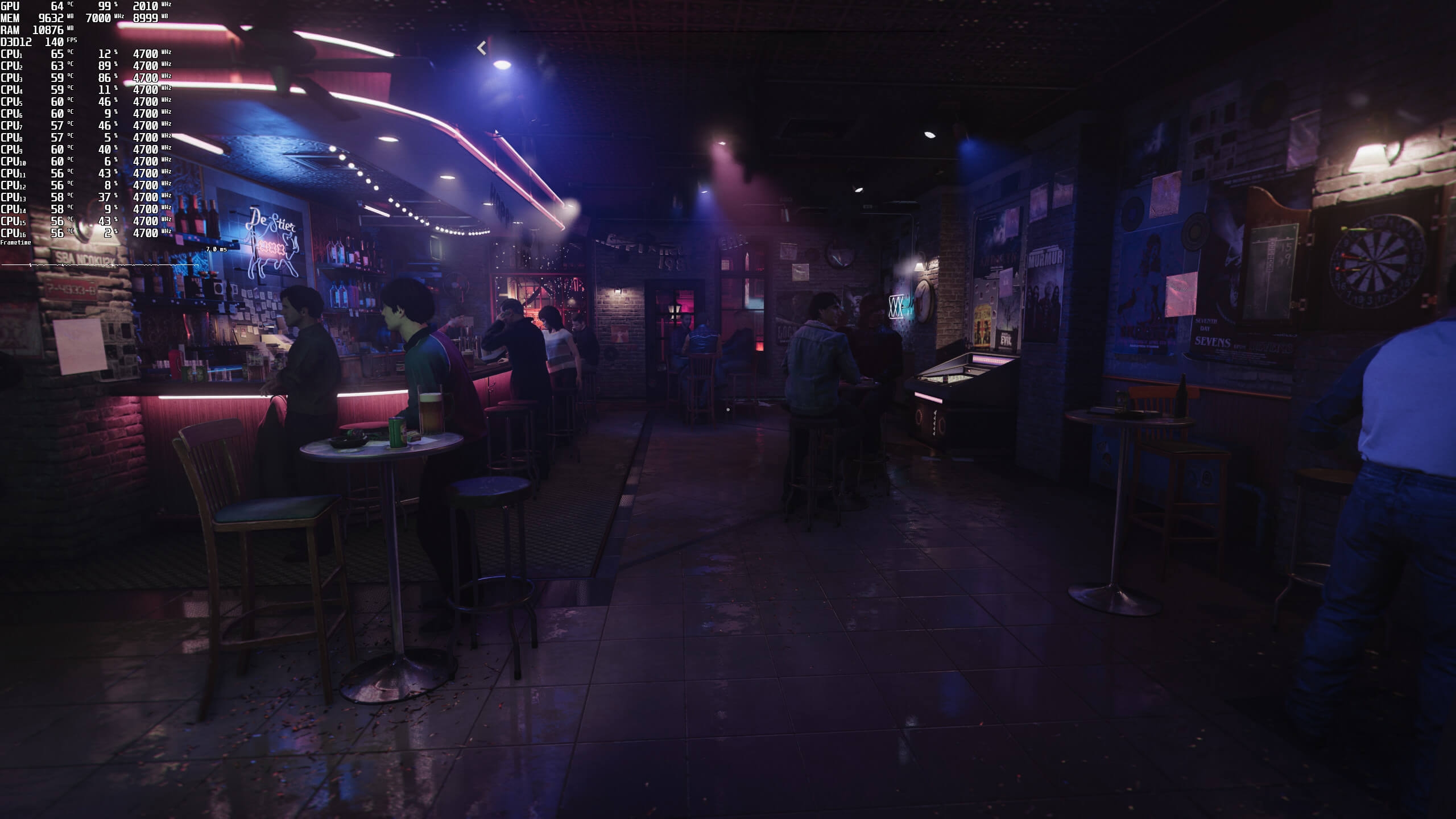
Call of Duty Black Ops Cold War Ray Tracing with DLSS-1Call of Duty Black Ops Cold War without Ray Tracing with DLSS-1Call of Duty Black Ops Cold War Ray Tracing with DLSS-2l of Duty Black Ops Cold War without Ray Tracing with DLSS-2Call of Duty Black Ops Cold War Ray Tracing with DLSS-3l of Duty Black Ops Cold War without Ray Tracing with DLSS-3Call of Duty Black Ops Cold War Ray Tracing with DLSS-4l of Duty Black Ops Cold War without Ray Tracing with DLSS-4Call of Duty Black Ops Cold War Ray Tracing with DLSS-5l of Duty Black Ops Cold War without Ray Tracing with DLSS-5Call of Duty Black Ops Cold War Ray Tracing with DLSS-6l of Duty Black Ops Cold War without Ray Tracing with DLSS-6Call of Duty Black Ops Cold War Ray Tracing with DLSS-7l of Duty Black Ops Cold War without Ray Tracing with DLSS-7Call of Duty Black Ops Cold War Ray Tracing with DLSS-8l of Duty Black Ops Cold War without Ray Tracing with DLSS-8Call of Duty Black Ops Cold War Ray Tracing with DLSS-9l of Duty Black Ops Cold War without Ray Tracing with DLSS-9Call of Duty Black Ops Cold War Ray Tracing with DLSS-10l of Duty Black Ops Cold War without Ray Tracing with DLSS-10Call of Duty Black Ops Cold War Ray Tracing with DLSS-11l of Duty Black Ops Cold War without Ray Tracing with DLSS-11Call of Duty Black Ops Cold War Ray Tracing with DLSS-12l of Duty Black Ops Cold War without Ray Tracing with DLSS-12Call of Duty Black Ops Cold War Ray Tracing with DLSS-13l of Duty Black Ops Cold War without Ray Tracing with DLSS-13Call of Duty Black Ops Cold War Ray Tracing with DLSS-14l of Duty Black Ops Cold War without Ray Tracing with DLSS-14

Stay tuned for our proper PC Performance Analysis in which we’ll be benchmarking both AMD and NVIDIA GPUs.

30 thoughts on “Call of Duty Black Ops Cold War – DLSS 2.0 & Ray Tracing Benchmarks”

  1. I’m seeing these performance numbers and people are wondering why would I get a 6800 XT purely for 1080p120 gameplay with RT on.

  2. Wait, what? Mason is a mute character? I hate that they didn’t get the original actors this time, but i thought all were voiced by new actors. Poor idea to make a sequel to an old game without procuring some of the same big actors.

    1. Mason is not mute.

      Also reality check, most people couldn’t care less about who voices the characters as long as they sound similar.

      But Activision is just being greedy, they don’t employ the old actors because they’d have to pay them more. Cheaper to get new ones.

  3. RTX is not worth it in this title, sadly. I don’t get why these shadows are so expensive they should reduce framerate by 10% at worst. Seems unoptimized.
    DLSS is great however, I see no blur and its super sharp.

    1. The cutscenes look phenomenal given the fact that this is an older upgraded BO engine, I will say that multiplayer graphics wise does feel like a step back from COD MW 2019 (They still use the same Warzone client though)

  4. How are you complaining about blur?

    I’m switching between DLSS screenshots at 100% and it looks virtually identical.

    In fact, DLSS looks better, there is a lot more fine detail since it does a far better job than TAA is able to do. Only issue I saw is that with DLSS the small shadows got reduced.

    Just enable sharpening in NVCP? There’s nothing to complain about. You can make it as sharp as you want, unlike Control where it forces a high amount.

    1. Probably because it’s based upon moving images rather than static and their actual real testing experience. Also maybe you need to get an eye test as there are differences even with those images.

      1. Maybe get yours checked since I never claimed there is no difference.

        I just finished the whole campaign with 4K DLSS Quality mode and the highest graphical settings including RT.

        DLSS worked perfectly and was better at preserving micro detail, and had better temporal stability, as expected…not to mention the massive performance increase.

    1. Is this true? Funny how they kept saying that next gen games will reduce game sizes (not multiple same assets blah blah) and how it would be especially small for next gen consoles (you know, only one system….. some advanced compressions, better optimizations and because the nvme drives are only 1TB… actually about 600 – 700 GB usable).

      And what we see now? one big haha

      1. A friend of mine purchased a PS5 and we both got COD Cold War (him on console, myself on PC) and we compared install sizes earlier today when we were downloading the game and he sent me a screenshot via his phone, let me see if I can upload it as a Separate reply

        1. Damn…. almost 200 GB and its just a beginning and without patches. Whats the size of the “Base + Campaign” alone on PC and “High Resolution Assets” alone on PC without all the other stuff?

          1. On PC without High Resolution Assets install size was about 87Gb if I recall correctly, I did not check the various sizes of the modules themselves unfortunately.

      2. That’s because it’s not a PS5-only game and has to work on PS4, too. Only true next-gen games that run exclusively on a next-gen console can make use of the next-gen tech.

  5. “In our opinion, more and more games should be using Ray Tracing for Ambient Occlusion and local shadows. In modern-day games, there are a lot of scenes in which there isn’t any direct light.”

    What does one thing have to do with the other? It’s ray traced global illumination (such as in Metro Exodus) and ray traced indirect diffuse lighting (such as in Cyberpunk 2077 and Control) that would improve lighting in shadowed areas. Ray traced ambient occlusion might be included in ray traced global illumination but they’re not the same thing and it alone wouldn’t help that much in areas where there’s no direct light.

  6. Switching off DLSS was my first step. There is no way this technique working properly in any game. The next step was to dial up raytracing to ultra. In 2K resolution I got 60-75 FPS, and just 50 in cutscenes which isn’t too bad IMHO.

    1. My personal preference is also DLSS off. A RTX 3080 can do a very solid 4K@60fps with all raytracing set to medium. High and Ultra may visually improve 2-3% of the time and are not worth the extra gpu cost in my opinion and are here for pixel stalker 🙂

    2. 60-70 FPS is pretty bad imo.
      IN this game that isn’t that graphically improving, it should atleast be stable 100.

  7. It’s not game dependent, stop making things up.

    Control DLSS forces a high amount of sharpening which for some reason fools a lot of people into thinking it’s better, guess what you can get the same effect in every other DLSS2 game by using your own sharpening, either via Reshade or the Nvidia driver.

    And no they didn’t “f`ck” it up, did you even bother looking at the comparison images? This article’s own screenshots show how well it’s working.

    I just finished the campaign with 4K DLSS and Ultra settings, and it worked superbly.

      1. It’s obvious you have some kind of Inner Conflict.
        Go somewhere else and hate just because you can’t afford game or GPU.

  8. Maybe for you it’s a placebo, because you dont know where to look, but I can see clear difference on certain objects. For example palm leaves are much better separated on DLSS screenshot, and gun models in the distance are more detailed as well. Maybe in the motion native looks better, but here on screenshots DLSS wins.

  9. Hi, can the game run with Dlss with Ray Tracing off? and about how much fps would you then get at 1440p? Thank you very much.

Leave a Reply

Your email address will not be published. Required fields are marked *